
The jump from a standard 60Hz living room TV to a dedicated 32-inch gaming monitor is the single largest performance upgrade a console or PC gamer can make on a medium-sized screen. It’s the difference between seeing a blurry smear during fast strafing and tracking every single enemy pixel in crisp detail. The best gaming panels in this size class now hit 240Hz refresh rates with sub-1ms response times, completely transforming how responsive and fluid your favorite shooters, racers, and RPGs actually feel.
I’m Min — the co-founder and writer behind Gadgets Feed. Over the past several weeks I’ve pored over hundreds of spec sheets, real user reviews, and technical deep-dives to isolate the concrete metrics that separate a genuinely good 32-inch gaming TV from a disappointing one. This guide isolates the real-world performance numbers that matter most for console and PC play at this specific size.
I’ve structured this guide around the measurable specs that define the best 32 inch TV for gaming: native refresh rate, response time, adaptive sync support, panel type, and connectivity bandwidth.
How To Choose The Best 32 Inch TV For Gaming
Selecting a 32-incher for gaming is different from buying a 55-inch living room set. You are optimizing for response time and frame rate clarity, not cinematic contrast or wide viewing angles for a family. Every spec on this list must serve the single goal of turning your screen into a low-latency window into the game world.
Native Refresh Rate and Variable Refresh Rate (VRR)
This is the single most critical spec for a 32-inch gaming display. A native 120Hz panel is the baseline for modern console play, delivering 120 fps on Xbox Series X and PS5 titles. A native 240Hz panel, which is common among dedicated gaming monitors at this size, gives PC gamers headroom for future GPU upgrades and dramatically reduces motion blur in competitive shooters. Pair this with VRR technology like FreeSync Premium or G-Sync Compatible to eliminate screen tearing entirely when your frame rate dips or spikes. Without VRR, even a 240Hz monitor can look stuttery in demanding scenes.
Panel Technology and Response Time
At 32 inches, VA panel technology dominates because it offers deep native contrast ratios (3000:1 or higher) that make dark game environments—caves, horror sections, space corridors—look truly black rather than washed-out gray. The trade-off is that VA panels can exhibit dark-level smearing at very low refresh rates if the pixel response isn’t fast enough. Look for a 1ms GTG (Gray-to-Gray) response time rating to ensure fast pixel transitions. IPS panels offer slightly better viewing angles but cannot match VA’s contrast for immersive single-player gaming at this size.
Resolution and Pixel Density
For a 32-inch display, Full HD (1920×1080) provides a pixel density of roughly 69 PPI. This is acceptable for competitive gaming where frame rate and response time are paramount, because the GPU has less work to do. You can run shooters at 240 fps on a 1080p 32-inch monitor with a mid-range modern graphics card. QHD (2560×1440) at 32 inches raises the PPI to around 92, offering noticeably sharper text and image detail for RPGs and strategy games. QHD splitting the difference between clarity and GPU demand — it’s the sweet spot for most PC gamers. Avoid 4K (3840×2160) on a 32-inch panel unless you have a top-tier GPU, as the benefits are marginal at this viewing distance.
Connectivity and Bandwidth
To drive a 240Hz refresh rate at 1080p or a 180Hz refresh rate at QHD, you need HDMI 2.0 or DisplayPort 1.4. The vast majority of 32-inch gaming monitors include at least one DisplayPort and two HDMI ports. If you plan to game on a PS5 or Xbox Series X, check that HDMI 2.0 bandwidth supports 1440p at 120Hz VRR. DisplayPort 1.4 is required for 240Hz at 1080p without compression. Also look for a 3.5mm audio output if you use wired gaming headsets.
Quick Comparison
On smaller screens, swipe sideways to see the full table.
| Model | Category | Best For | Key Spec | Amazon |
|---|---|---|---|---|
| ASUS TUF Gaming VG32VQM5AZ | Premium | Competitive PC gaming at 240Hz | 240Hz / 0.5ms / FreeSync Premium | Amazon |
| LG 32GS60QC-B Ultragear | Premium | Immersive QHD 1440p action | 180Hz / 1ms / 1000R curve | Amazon |
| KTC H32S17F | High-Performance | Ultra-fast 240Hz budget entry | 240Hz / 1ms / 1500R VA | Amazon |
| CRUA 32Inch Curved Gaming Monitor | Mid-Range | 200Hz smoothness on a tight budget | 200Hz / 1ms / 120% sRGB | Amazon |
| Acer Nitro EDA320Q PBIIPX | Mid-Range | Curved VA with FreeSync Premium | 180Hz / 1ms VRB / 1500R | Amazon |
| Gawfolk 32-inch Curved Monitor | Entry | Basic 180Hz upgrade from console | 180Hz / 1ms / VA Matte | Amazon |
| Roku Select Series 32-Inch | Value | Casual streaming with occasional play | 1080p / 60Hz / Bluetooth Audio | Amazon |
| Westinghouse 32-Inch Roku TV | Entry | Guest room or kitchen gaming | 720p / 60Hz / 3x HDMI | Amazon |
| ONN 32-inch Roku Smart TV | Budget | Absolute minimum spend for play | 720p / 60Hz / wall mount | Amazon |
In‑Depth Reviews
1. ASUS TUF Gaming VG32VQM5AZ
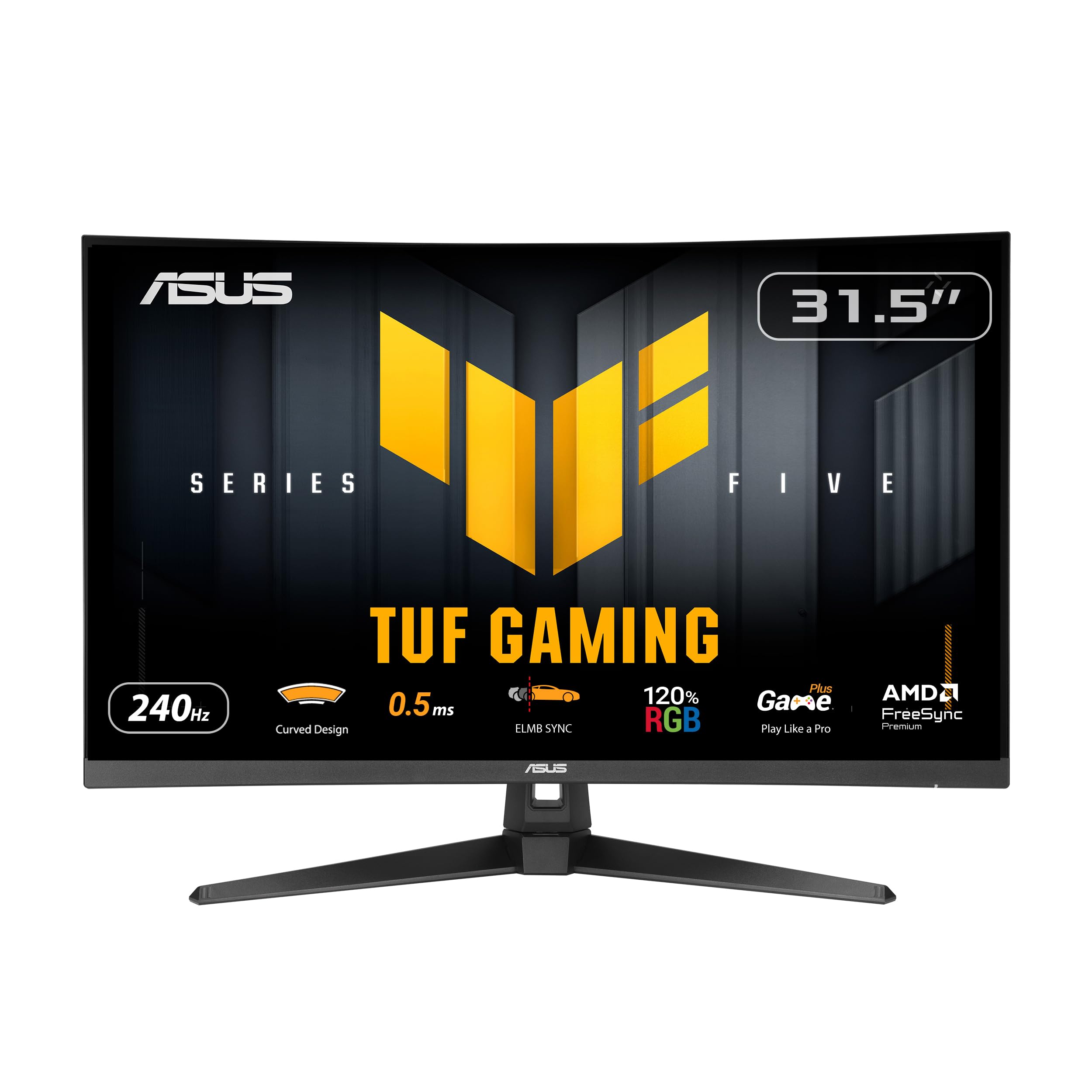
The ASUS TUF Gaming VG32VQM5AZ is the definitive high-performance 32-inch monitor for gamers who refuse to compromise on refresh rate. Its overclockable 240Hz VA panel produces fluid motion that eliminates judder in fast-paced shooters like Valorant and Apex Legends. Combined with a 0.5ms GTG response time, this display handles rapid camera swipes and quick peeks with zero perceivable ghosting, a feat rarely achieved at this price point.
The 1500R curvature wraps the 31.5-inch screen around your peripheral vision, enhancing spatial awareness during competitive sessions without introducing distortion. FreeSync Premium support ensures VRR operation across the full frame rate range, from 48 fps to 240 fps. The built-in DisplayWidget Center software lets you tweak brightness, contrast, and game modes using your mouse, a convenience that bypasses the clunky on-screen joystick entirely. The anti-glare coating works well in moderately lit rooms, preserving black levels on the VA panel.
Connectivity includes HDMI 2.0 and DisplayPort 1.2, which are enough for 1080p at 240Hz on PC. The 120% sRGB color gamut provides vibrant coverage for HDR content, though peak brightness is moderate. The included L-shaped screwdriver and DisplayPort cable make setup straightforward. This monitor occupies the premium tier because of its combination of the fastest refresh rate and the lowest response time among the 32-inch contenders here, making it the most responsive option for the serious PC gamer.
Why it’s great
- 240Hz native refresh and 0.5ms GTG response for elite competitive responsiveness.
- FreeSync Premium VRR eliminates tearing across the entire frame rate range.
- Built-in speakers and DisplayWidget software enhance everyday usability.
Good to know
- 1080p resolution on a 32-inch screen produces lower pixel density than QHD competitors.
- Peak HDR brightness is moderate; not ideal for true HDR gaming.
2. LG 32GS60QC-B Ultragear

The LG 32GS60QC-B Ultragear delivers what most gamers at this size really need: QHD 2560×1440 resolution paired with a 180Hz refresh rate and a steep 1000R curvature. At 32 inches, 1440p raises the pixel density to 92 PPI, making game UI text razor-sharp and textures in Ghost of Tsushima or Cyberpunk 2077 look detailed rather than pixelated. The 1000R curve is immersive enough for desktop viewing distances of 80-100 cm, wrapping the periphery in a way that 1500R panels can’t match.
The VA panel achieves a 3000:1 contrast ratio, which produces deep black levels in shadow-heavy scenes. AMD FreeSync support works across the refresh range, though G-Sync is not officially validated. The 1ms GTG response time handles fast motion without visible smearing in normal use, though some users report minor black-level smearing at very low frame rates with certain response time settings. The matte coating reduces reflections well. The three-side borderless design makes multi-monitor setups clean, though the stand only offers tilt adjustment — you will want a VESA mount for height or swivel.
Inputs include two HDMI 2.0 ports and one DisplayPort, sufficient for 1440p 180Hz on PC. The on-screen joystick is responsive, and Dynamic Action Sync reduces input lag noticeably in FPS mode. This monitor is best for gamers who want a visually sharper and more immersive experience than 1080p can provide, without the GPU demands of 4K. The premium tier price reflects the higher resolution and the steep curvature, which are the standout specs here.
Why it’s great
- QHD 1440p at 180Hz offers the best balance of sharpness and frame rate for PC gamers.
- 3000:1 contrast ratio and deep blacks deliver immersive single-player visuals.
- 1000R curve matches human field of view for intense spatial immersion.
Good to know
- Stand only supports tilt; no height or swivel adjustment out of the box.
- Potential VA black-level smearing at low refresh rates in dark scenes.
3. KTC H32S17F
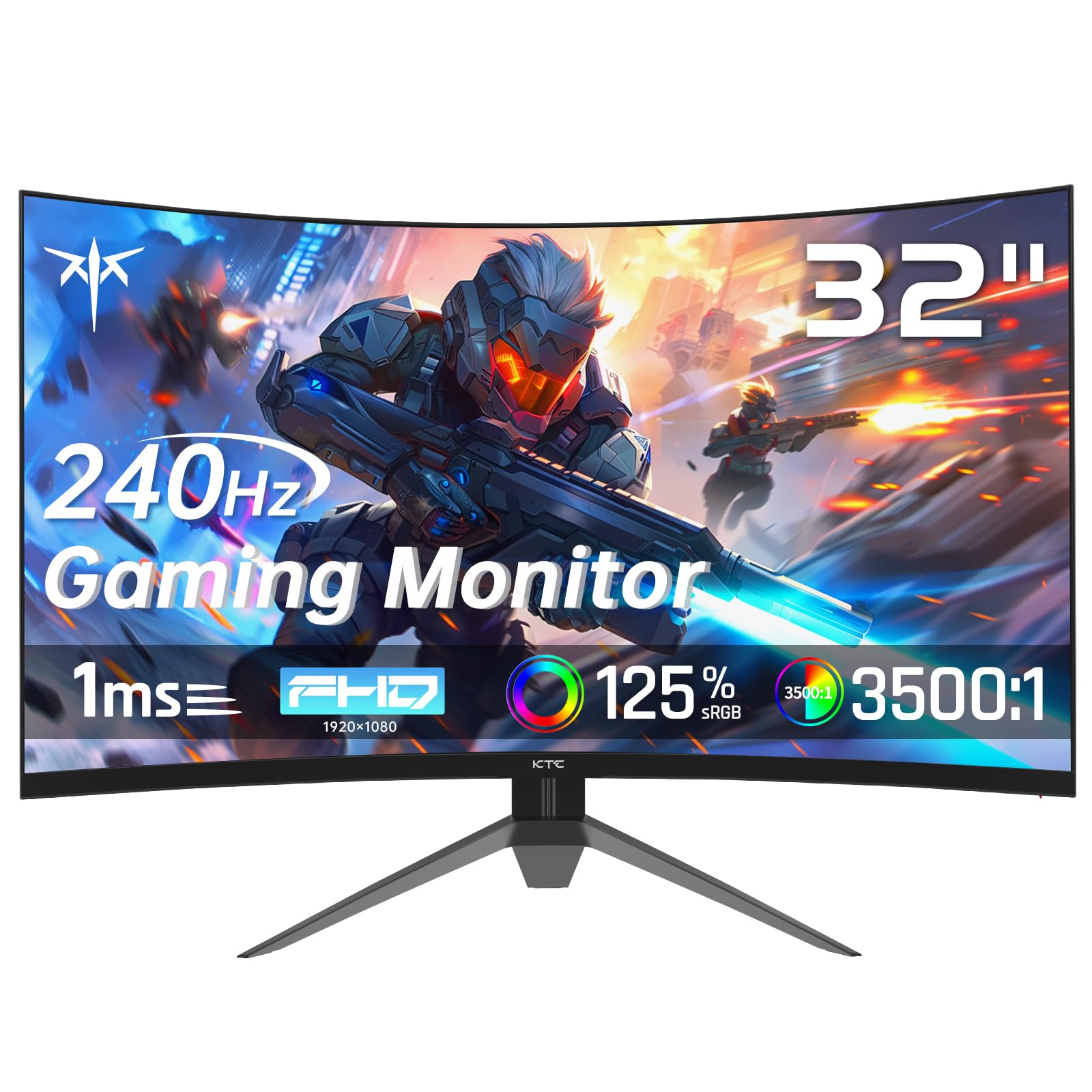
The KTC H32S17F punches above its weight by delivering a native 240Hz refresh rate on a 32-inch HVA panel with both FreeSync and G-Sync Compatibility. At this price, the 240Hz spec alone puts it in direct competition with monitors costing significantly more. The HVA panel — a high-end VA variant — provides a fast pixel response of 1ms GTG that handles fast-paced video without smearing, even during dark scene transitions where standard VA panels can struggle.
The 1500R curvature is moderate, offering some wrap-around feel without being as aggressive as the LG Ultragear. The 125% sRGB color gamut coverage and 3500:1 contrast ratio deliver vibrant, punchy colors in games like Overwatch and Call of Duty. HDR support is present but limited by the 350 cd/m² brightness ceiling, so you won’t get the same impact as a high-nit HDR monitor, but the panel’s contrast compensates. The -5° to 15° tilt adjustment is functional, and VESA 100x100mm mount compatibility makes desk-arm setups easy.
Port selection includes two HDMI 2.0 ports and one DisplayPort 1.4, which is enough bandwidth for 240Hz at 1080p. The included screwdriver and HDMI cable save you a trip to the drawer. The on-screen menu uses a joystick that is intuitive to navigate. For PC gamers who want the highest possible refresh rate on a 32-inch panel without paying premium-tier prices, this monitor represents a strong value. It trades easier setup for raw performance specs.
Why it’s great
- 240Hz native refresh rate at a mid-range price point unlocks elite smoothness.
- G-Sync Compatible support makes it versatile for NVIDIA and AMD GPU owners.
- 3500:1 contrast ratio with 125% sRGB delivers rich, vibrant game visuals.
Good to know
- 350 cd/m² peak brightness limits HDR effectiveness in bright scenes.
- Stand is basic with only tilt adjustment; a VESA arm is recommended for ergonomics.
4. CRUA 32Inch Curved Gaming Monitor

The CRUA 32-inch curved gaming monitor is a strong value proposition for PC gamers who want a high refresh rate without paying a premium. Its native 200Hz refresh rate (with DisplayPort) and 1ms GTG response time on an 1800R VA panel make it a genuine upgrade from any standard 60Hz display. In fast-paced environments like Fortnite or Warzone, the difference between 60Hz and 200Hz is night and day — objects in motion stay clear, and camera flickering disappears.
The 1800R curvature is subtle but helpful on a 32-inch desktop, reducing eye strain by keeping the screen edges equidistant from your eyes. The 120% sRGB color gamut and 4000:1 static contrast ratio provide vibrant color reproduction and deep blacks, especially in darker game scenes. The matte screen finish cuts down on glare from windows and overhead lights. The monitor includes one HDMI port (limited to 120Hz) and one DisplayPort (for the full 200Hz), so PC users must use DP to unlock maximum performance.
Setup is straightforward, though the stand is basic and only allows tilt. VESA mount compatibility is a plus for desk-arm users. The blue light filter and flicker-free backlighting help during long sessions. There are no built-in speakers, so you’ll need separate audio. The CRUA delivers the core gaming performance specs — refresh rate and response time — at an entry-level price, making it the best option for budget-conscious PC gamers who don’t want to compromise on fluidity.
Why it’s great
- 200Hz refresh rate with 1ms GTG response delivers elite smoothness at a budget cost.
- 1800R VA panel with 4000:1 contrast ratio produces deep blacks and rich colors.
- Flicker-free and blue light filter reduce eye strain during long sessions.
Good to know
- HDMI port limited to 120Hz; must use DisplayPort for the full 200Hz.
- No built-in speakers; external audio is required.
5. Acer Nitro EDA320Q PBIIPX

The Acer Nitro EDA320Q brings a 31.5-inch 1500R curved VA panel with a 180Hz refresh rate (overclocked from 165Hz) and 1ms VRB response time. It pairs this with FreeSync Premium, which means it supports low framerate compensation (LFC) to keep VRR operational even when the frame rate dips below 48 fps — a critical advantage for console gaming or demanding PC titles. The 1500R curve is moderate and works well on a standard desk depth of 60-80 cm.
The VA panel’s contrast ratio of 100,000,000:1 (dynamic) means blacks are deep and inky in games like Diablo IV and Resident Evil. The 1080p resolution is serviceable at this size, and the pixel density of 69 PPI is acceptable for gaming where you are focused on action rather than reading fine text. The zero-frame design minimizes bezels, making it suitable for dual-monitor setups. Port selection includes one DisplayPort 1.2 and two HDMI 1.4 ports, which cap the refresh rate depending on the input.
The stand offers tilt adjustment only, but VESA 100x100mm mounting is supported. The on-screen display is controlled via a four-way joystick, which Acer’s implementation handles without frustration. There are no built-in speakers, so plan for external audio. The Acer Nitro is optimized for gamers who want a reliable, curved gaming monitor from a well-known brand with full VRR support and a refresh rate that keeps up with most modern GPUs.
Why it’s great
- 180Hz overclocked refresh rate with FreeSync Premium provides tear-free gameplay and LFC support.
- 1500R VA panel with excellent dynamic contrast for deep blacks in dark games.
- Zero-frame design with VESA mount compatibility for clean multi-monitor setups.
Good to know
- 1080p resolution results in lower pixel density than QHD alternatives at this size.
- No built-in speakers; external audio is necessary.
6. Gawfolk 32-inch Curved Gaming Monitor
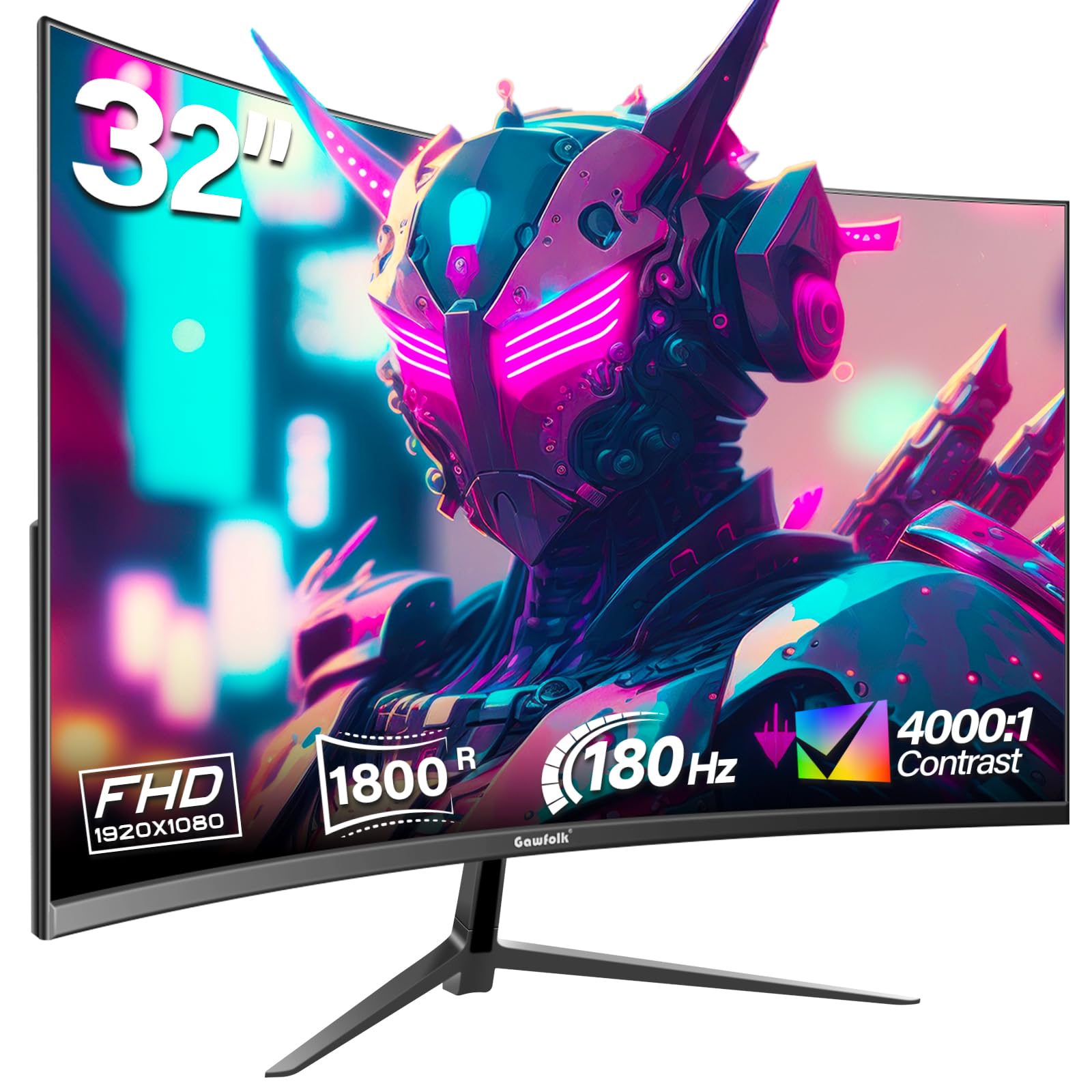
The Gawfolk 32-inch curved monitor is an entry-level gaming display that brings a 180Hz refresh rate and AMD FreeSync to a 1800R VA panel. For PC gamers upgrading from a 60Hz display, the jump to 180Hz is transformative — screen tearing is virtually eliminated during gameplay, and motion clarity improves dramatically in fast-paced titles. The 1920×1080 resolution on a 32-inch panel is the standard at this price, and the VA panel’s 4000:1 contrast ratio gives dark scenes more depth than a similarly priced IPS alternative.
The 1800R curvature is subtle but welcome for desk use, reducing the need for head movement when scanning the screen. Color reproduction covers 99% of the sRGB spectrum with 16.7 million colors, which is adequate for gaming and media consumption. The matte anti-glare surface keeps reflections manageable in typical room lighting. The monitor includes one HDMI port (limited to 144Hz) and one DisplayPort (full 180Hz), so PC users should use DisplayPort.
Some user reviews report screen cutout issues during gaming after several days of use, which suggests panel quality control may vary. The stand only offers tilt and feels basic, but VESA mounting is an option. There are no built-in speakers and no USB ports. The Gawfolk is a valid option for the absolute entry-level gamer who wants the core benefits of a high refresh rate and curved VA panel at the lowest possible cost, but buyers should be aware of the variable reliability reports.
Why it’s great
- 180Hz refresh rate with FreeSync provides smooth, tear-free gameplay at an entry-level cost.
- 4000:1 contrast ratio on the VA panel delivers deep blacks for immersive dark scenes.
- 1800R curvature enhances peripheral awareness without aggressive bend.
Good to know
- Reports of screen cutouts and ghosting issues in some units indicate quality control concerns.
- HDMI limited to 144Hz; DisplayPort required for the full 180Hz refresh rate.
7. Roku Select Series 32-Inch
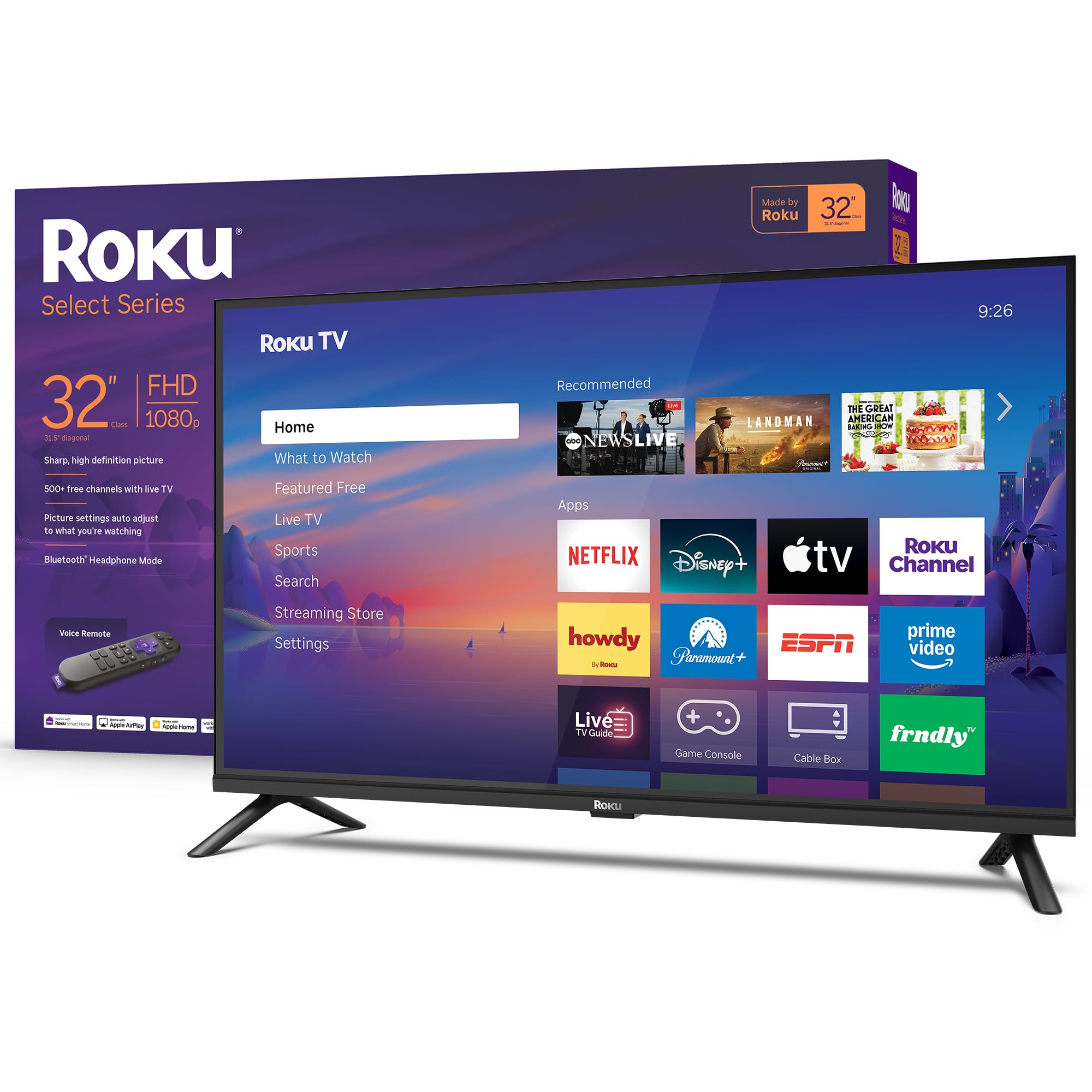
The Roku Select Series 32-Inch is a smart TV first and a gaming display second. Its 1080p Full HD resolution and 60Hz refresh rate make it suitable for casual console gaming — think Nintendo Switch titles, slower-paced RPGs, or streaming-based gaming services like GeForce Now. The Roku operating system is the standout feature here, offering quick access to thousands of streaming channels and automatic software updates that keep the interface modern.
The Bluetooth Headphone Mode is a practical feature for late-night gaming, allowing you to connect wireless headphones without adding latency on the video side. The Roku Voice Remote supports voice search across apps, which is more responsive than most built-in smart TV systems. The Direct LED backlighting is adequate for a well-lit room, and the Roku Smart Picture mode adjusts settings based on the content. The build is lightweight and easy to wall-mount with the included stand or a separate VESA mount.
For input, you get three HDMI ports, one USB port, and an optical audio output. The 60Hz panel is a hard cap for gaming — you will not get the fluid motion of a high-refresh monitor. The speakers are designed for clear speech, but gaming sound effects lack bass. This TV is best for someone who wants a simple, all-in-one device for streaming and occasional casual gaming in a bedroom or dorm room, not for competitive play.
Why it’s great
- Roku OS is the most user-friendly smart TV platform with fast streaming app access.
- Bluetooth Headphone Mode enables private listening without waking others.
- 1080p resolution provides sharp enough visuals for casual gaming and streaming.
Good to know
- 60Hz refresh rate is insufficient for competitive or fast-paced gaming.
- Audio quality is clear but lacks bass; an external soundbar enhances the experience.
8. Westinghouse 32-Inch Roku TV
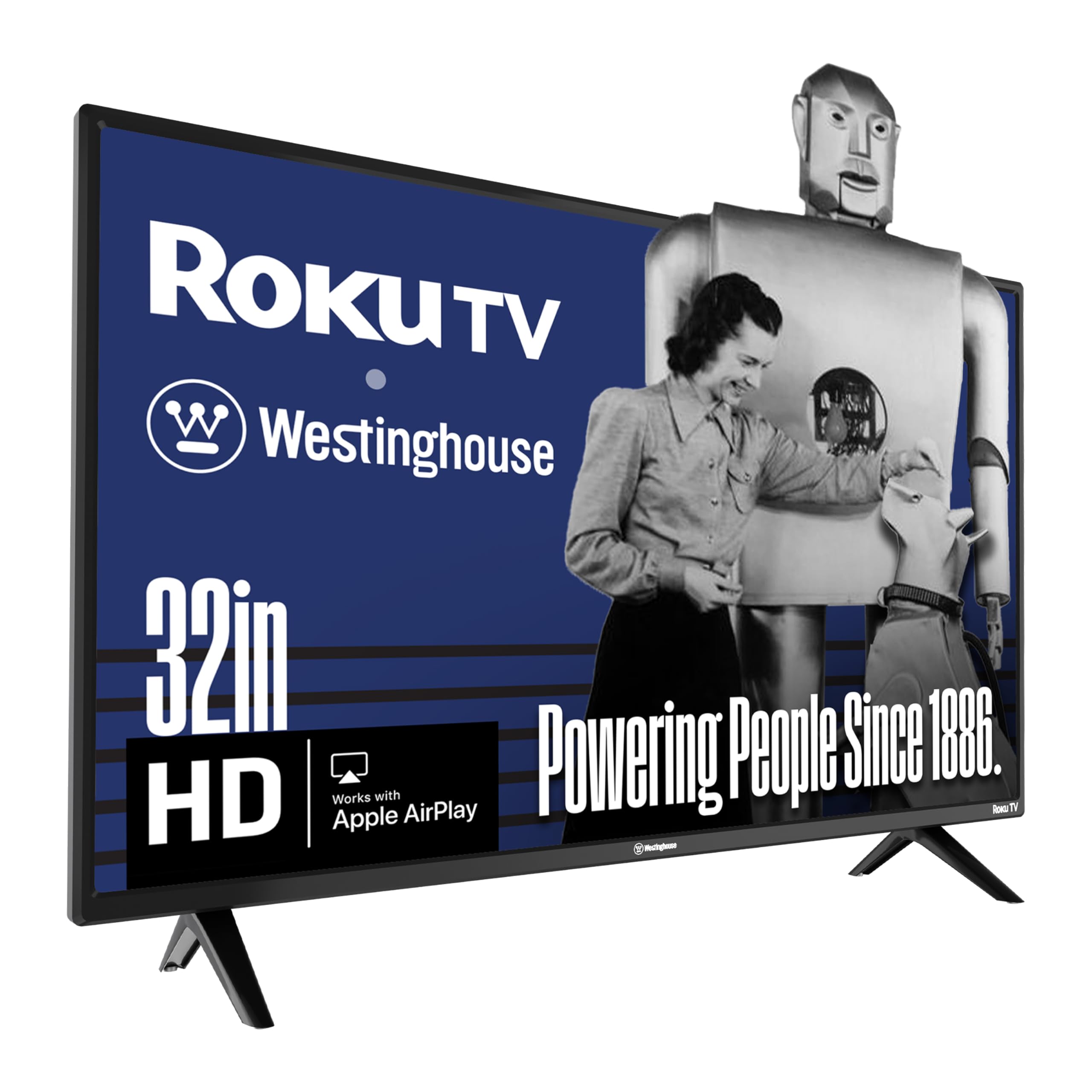
The Westinghouse 32-Inch Roku TV is a budget-conscious 720p HD set with the Roku smart platform built in. It is not a gaming monitor, but it can accept game console inputs via its three HDMI ports. The 720p resolution at 32 inches results in visible pixel structure, which is fine for casual players or retro gaming where visual fidelity is less critical. The 60Hz refresh rate handles standard console output without problems but offers no high-refresh benefit.
The Roku OS integration provides access to the same 350+ free TV channels and thousands of streaming apps as the premium Roku models. Apple AirPlay 2 support is included, so iOS users can cast game clips or streaming content directly to the TV. The smart home compatibility with Alexa, Google Assistant, and Apple HomeKit adds hands-free control for turning the TV on and off. The sound is described by many users as thin at high volume, but acceptable for a secondary room.
The lightweight design and included stand make setup fast. The 2.0-channel stereo speakers handle dialogue well. The 720p resolution and 60Hz refresh rate will not satisfy competitive console gamers, but for a guest room, kitchen counter, or children’s playroom where the primary use is streaming TV with the occasional gaming session, this TV works. It is the most affordable Roku-powered option for casual use.
Why it’s great
- Roku OS provides an easy smart TV experience with AirPlay 2 support for Apple users.
- Three HDMI ports give flexibility for multiple console and soundbar connections.
- Very lightweight design makes wall mounting and setup simple.
Good to know
- 720p resolution on a 32-inch screen results in low pixel density and soft image quality.
- Sound is tinny at high volume; external speakers are recommended for gaming.
9. ONN 32-inch Roku Smart TV
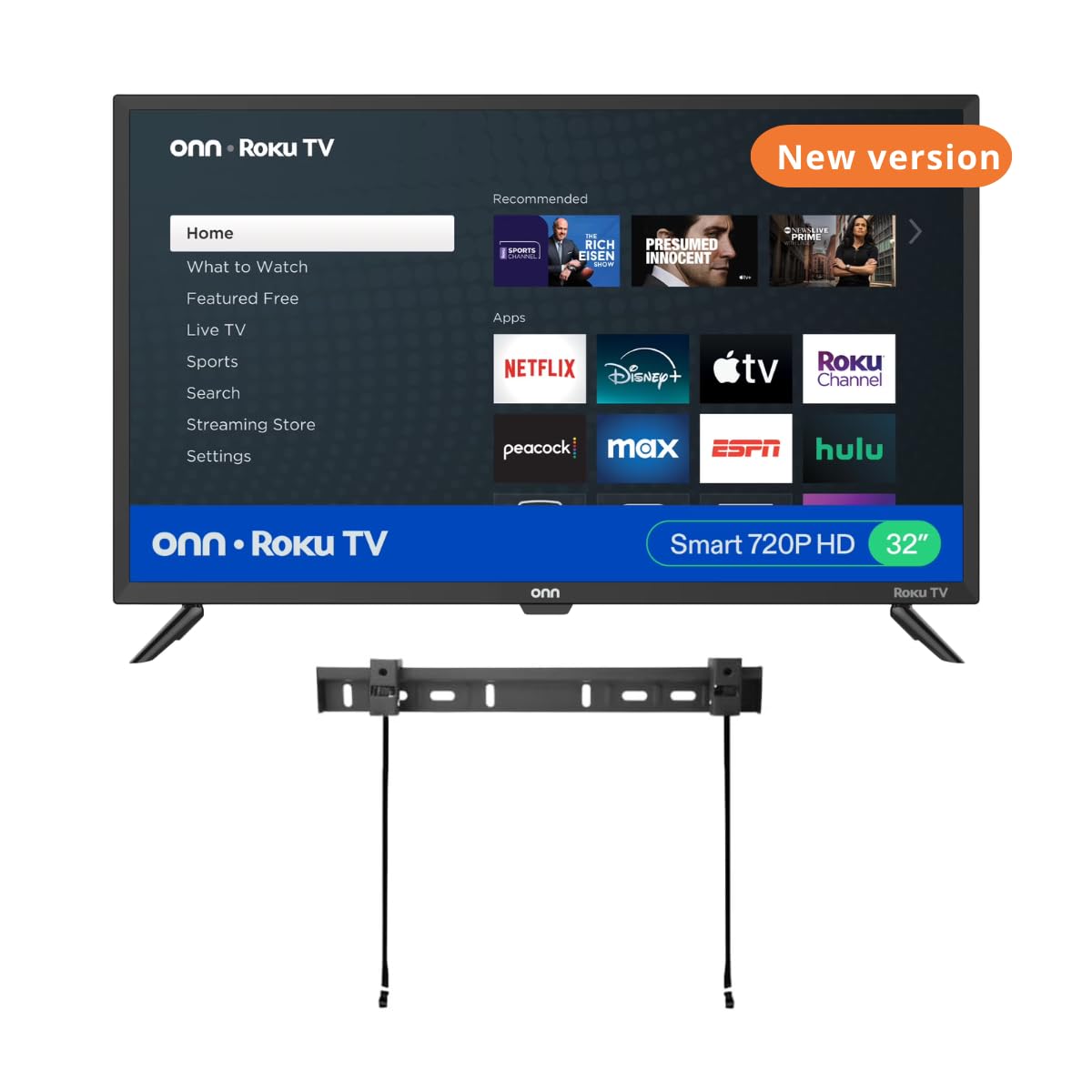
The ONN 32-inch Roku Smart TV is the most cost-sensitive option in this guide, designed for buyers who need a functional TV for light gaming at the absolute minimum spend. It features a 720p HD resolution, a 60Hz refresh rate, and the Roku OS for streaming. This combination is adequate for retro console gaming (NES, SNES, Wii) or cloud gaming via services where latency is not critical. The 60Hz panel lacks the frame rate headroom for modern competitive play but works for slower single-player titles.
The inclusion of a free wall mount in the box is a practical perk for users who want to save space in a bedroom or kitchen. The Roku platform gives access to major streaming apps, and the Dolby Digital audio support is a nice touch for a budget TV. Connectivity includes three HDMI ports, one USB, one optical, and one headphone jack. Smart home compatibility with Alexa and Google Assistant lets you control the TV hands-free.
The picture quality is typical for a budget 720p LED panel — colors are serviceable but lack the vibrancy and contrast of higher-end VA or QLED screens. Some reviews note that the included wall mount hardware has confusing instructions and may not fit all wall types. The sound quality is surprisingly good for the price according to many users, but the panel’s resolution cap is a hard limit for gaming. This TV is best reserved for the secondary room gaming setup where cost is the primary constraint.
Why it’s great
- Rock-bottom cost with a free wall mount included for easy space-saving installation.
- Roku OS with Dolby Digital audio support for streaming and casual gaming.
- Three HDMI ports provide flexibility in a secondary room setup.
Good to know
- 720p resolution is too low for detailed game graphics and readable text in modern titles.
- 60Hz refresh rate and no VRR make it unsuitable for competitive gaming.
FAQ
Is a 32-inch 1080p display good for gaming on PC?
Can I use a 32-inch gaming monitor with a PS5 or Xbox Series X?
Does a higher refresh rate (240Hz) make a difference on a 32-inch monitor?
What is the difference between 1500R and 1000R curvature for gaming?
Should I get a smart TV or a gaming monitor for my 32-inch gaming setup?
Final Thoughts: The Verdict
For most users, the 32 inch tv for gaming winner is the ASUS TUF Gaming VG32VQM5AZ because its 240Hz refresh rate, 0.5ms response time, and FreeSync Premium VRR deliver the most responsive and versatile gaming experience on a 32-inch panel. If you want the sharper visuals of QHD 1440p with immersive 1000R curvature, grab the LG 32GS60QC-B Ultragear. And for the highest frame rate at a mid-range price, nothing beats the KTC H32S17F.