
A 17-inch Chromebook is a rare breed—a device that trades featherlight portability for a massive canvas that lets you see a full spreadsheet, two browser windows side by side, or a 1080p movie without squinting. While most Chromebooks top out at 15.6 inches, the 17-inch segment targets users who value screen real estate above all else: students living in dorms, remote workers with dedicated desks, and media consumers who want an immersive display without the Windows tax. The trade-off is always weight and battery life, so the key is finding a machine that balances a huge panel with enough RAM and processor to handle multitasking without grinding to a halt.
I’m Min — the co-founder and writer behind Gadgets Feed. I’ve spent countless hours dissecting technical specifications and real user feedback to find the Chromebooks that genuinely deliver on their promise of a large, usable display without crippling compromises in performance or durability.
From entry-level models for basic browsing to premium machines with touchscreens and Intel Core processors, this guide covers the most compelling options available for anyone searching for the best 17 inch chromebook to handle their daily computing needs.
How To Choose The Best 17 Inch Chromebook
Selecting the right 17-inch Chromebook means looking beyond the screen size. The largest Chromebooks are often positioned as desktop replacements, so you need to weigh processor power, memory, display quality, and connectivity. Here are three critical factors to consider.
Processor and RAM: Matching Power to Your Workflow
The budget-conscious Celeron N-series processors are fine for light browsing and Google Docs, but they struggle when you push past 8 tabs or open a video call. For a 17-inch screen meant for multitasking, aim for at least an Intel Core i3 or i5. Pair that with 8GB of RAM — 4GB models will freeze under moderate use, and the whole point of the big screen is having multiple windows visible at once. DDR5 RAM, when available, provides faster data transfer and better power efficiency.
Display Quality: Resolution and Panel Type
A 17-inch panel at HD+ (1600×900) or Full HD (1920×1080) makes a huge difference. The extra pixels prevent icons and text from looking blocky at this scale. IPS panels deliver wider viewing angles and better color accuracy than standard TN panels — important if you share the screen or watch video content. Anti-glare coatings are a real asset in bright rooms, reducing reflections that can be distracting on a large glossy screen.
Connectivity and Battery Life
With a larger chassis, there’s room for more ports. Prioritize models with at least one USB-C (for charging and video output), USB-A (for legacy peripherals), and an HDMI port to connect an external monitor. Battery life in the 17-inch class rarely matches smaller Chromebooks because the backlight requires more power. Look for at least 8 hours of real-world mixed use, and treat 10-hour claims with skepticism — the larger the screen, the shorter the endurance.
Quick Comparison
On smaller screens, swipe sideways to see the full table.
| Model | Category | Best For | Key Spec | Amazon |
|---|---|---|---|---|
| Acer Chromebook Plus 515 | Premium | Power Users & AI Features | Intel Core i3-1305U, 8GB LPDDR5X | Amazon |
| HP 15.6 HD Premium Chromebook | Mid-Range | Budget Multitasking | Intel Celeron N, 8GB DDR5 | Amazon |
| Acer Chromebook 15.6″ FHD | Budget | Basic Computing & School | Intel Celeron N4500, 4GB RAM | Amazon |
In-Depth Reviews
1. Acer Chromebook Plus 515 Laptop with Google AI

The Acer Chromebook Plus 515 is the gold standard in this category because it combines a genuine Intel Core i3-1305U processor — a 2x performance leap over the Celeron chips found in cheaper models — with a 15.6-inch Full HD IPS touchscreen. The 8GB of LPDDR5X memory and 256GB PCIe Gen4 SSD ensure that multitasking across a dozen tabs, Google Docs, and a video call remains fluid. This is the only model here that qualifies as a Chromebook Plus device, which unlocks exclusive AI features like Gemini-powered photo editing and handwriting transcription through the onboard Titan C2 security chip.
Users report fast boot times, a sturdy build with a quiet fan, and a battery that reaches the advertised 10 hours under mixed use. The touchscreen adds genuine utility for scrolling through long documents or zooming into maps. A physical camera shutter provides privacy peace of mind that budget Chromebooks often omit. The lack of a backlit keyboard is a minor annoyance, but the overall value proposition — a Core i3, 8GB of RAM, and a responsive touch display at this price point — is unmatched.
If you need a Chromebook that can handle heavier workloads without stuttering, the Chromebook Plus 515 is the only model in this lineup that delivers desktop-class performance in a laptop form factor. The included protective sleeve and 12-month Google AI Pro subscription sweeten the deal further.
Why it’s great
- Intel Core i3 delivers real desktop-level performance
- Full HD IPS touchscreen is bright and responsive
- Chromebook Plus AI features add genuine utility
Good to know
- Not a true 17-inch panel — it’s 15.6 inches
- No backlit keyboard
2. HP 15.6 HD Premium Chromebook

The HP 15.6 HD Premium Chromebook offers a rare combination: a sub- price tag paired with 8GB of DDR5 RAM. This memory capacity is the most critical spec for a Chromebook because Chrome OS eats RAM quickly — 4GB models struggle with more than 6 tabs, while this HP handles QuickBooks Online, a dozen tabs, and a YouTube stream simultaneously without reloading pages. The Intel Celeron N processor with a 3.7GHz turbo speed keeps the system responsive for everyday tasks like document editing and email.
Users praise the lightweight design and the physical 10-key numpad, a feature rarely found on Chromebooks that accountants and data-entry workers will appreciate. The 64GB eMMC storage is modest, but the 13-hour claimed battery life means you can work through a full day of classes or meetings without hunting for an outlet. The 15.6-inch HD display is adequate, though the lower resolution means text isn’t as crisp as a Full HD panel. Some users report the right USB-C port has inconsistent charging behavior.
For budget-conscious buyers who refuse to accept the performance ceiling of 4GB Chromebooks, this HP delivers a genuinely usable multitasking experience. The RAM alone puts it in a different league than similarly priced competitors, making it the smart choice for students and home users who need a big screen without the premium price.
Why it’s great
- 8GB DDR5 RAM at a budget price point
- Full numpad for data entry
- Lightweight for its class
Good to know
- HD display, not Full HD resolution
- Only 64GB eMMC storage
- No Bluetooth support
3. Acer Chromebook 15.6″ FHD

The Acer Chromebook 15.6″ FHD brings a Full HD 1080p IPS display to the entry-level segment, and that screen quality alone justifies its position. The anti-glare coating with a narrow 0.37-inch bezel makes this model genuinely usable in bright coffee shops or near windows — a huge advantage over the glossy panels on many competitors. The Dual-Core Intel Celeron N4500 processor tops out at 2.80 GHz, which is fine for light browsing and Google Classroom, but the 4GB system memory is the bottleneck here; you cannot run more than 6-7 tabs without experiencing slowdowns.
The included 64GB eMMC drive is supplemented by an extra 64GB storage card, bringing total capacity to 128GB out of the box — a thoughtful bundle that saves you the hassle of buying a separate microSD card. The Wi-Fi 6 and Bluetooth 5.1 combo ensures modern wireless connectivity, and the Moonstone Purple color option adds personality that’s rare in this category. Users confirm the battery easily exceeds 10 hours, making it a reliable school companion.
This Acer is a solid choice for students or home users whose workload is limited to Google Docs, webmail, and YouTube. The Full HD screen and bundled accessories (wireless earbuds, mouse, HDMI cable) deliver exceptional value. Just be aware that the 4GB RAM ceiling will frustrate anyone trying to multitask heavily — close your unused tabs proactively.
Why it’s great
- Beautiful Full HD anti-glare IPS display at a low price
- 128GB total storage (64GB eMMC + 64GB card)
- Wi-Fi 6 and Bluetooth 5.1 connectivity
Good to know
- Only 4GB RAM limits heavy multitasking
- No touchscreen
- Some chargers reported failure after a few months
4. 17 Inch Laptop with Ryzen 5
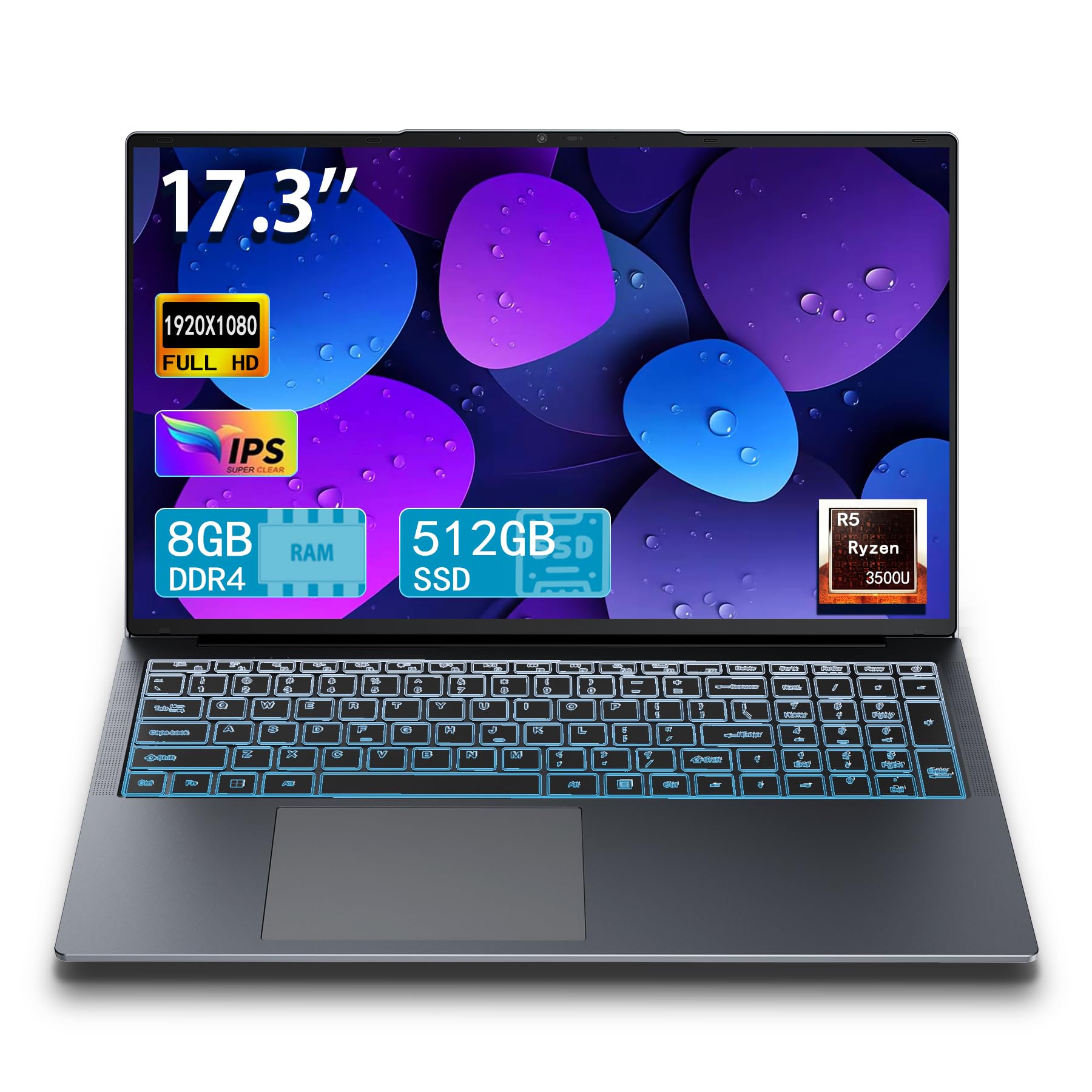
This 17-inch laptop from IJKKJI packs a Ryzen 5 3500U processor — a chip that comfortably beats Intel Celeron and Pentium alternatives in multi-threaded tasks — paired with 8GB RAM and a 512GB SSD. The 17.3-inch Full HD IPS display is the star here, offering wide viewing angles and crisp 1920×1080 resolution that makes spreadsheets and media look excellent at this scale. The backlit keyboard is a welcome addition for low-light typing, and the integrated RJ45 ethernet port provides stable wired internet that’s rare on Chromebooks.
Users who bought this as a budget Windows alternative rave about the speed and reliability for everyday tasks like research, document creation, and streaming. The dual Wi-Fi and Bluetooth 5.0 ensure modern wireless connectivity, while the HDMI port allows easy connection to a secondary monitor for a dual-screen setup. However, this is not a Chrome OS device — it ships with Windows — so if you specifically need Chrome OS, this isn’t the right pick. Some customers expressed concerns about long-term warranty support from an off-brand manufacturer.
If you’re open to Windows 11 and want a massive 17.3-inch screen with a Ryzen processor that outperforms any Chromebook at this price, this machine delivers excellent hardware value. The RJ45 port and backlit keyboard make it a practical choice for students who need reliable wired internet in dorm rooms.
Why it’s great
- Ryzen 5 processor outperforms Celeron chips by a wide margin
- 512GB SSD offers ample local storage
- Full-size 17.3″ FHD IPS display with backlit keyboard
Good to know
- Runs Windows 11, not Chrome OS
- Off-brand manufacturer with limited warranty support
- Battery life around 6 hours
5. HP 17 Laptop, 11th Gen Intel Core i3
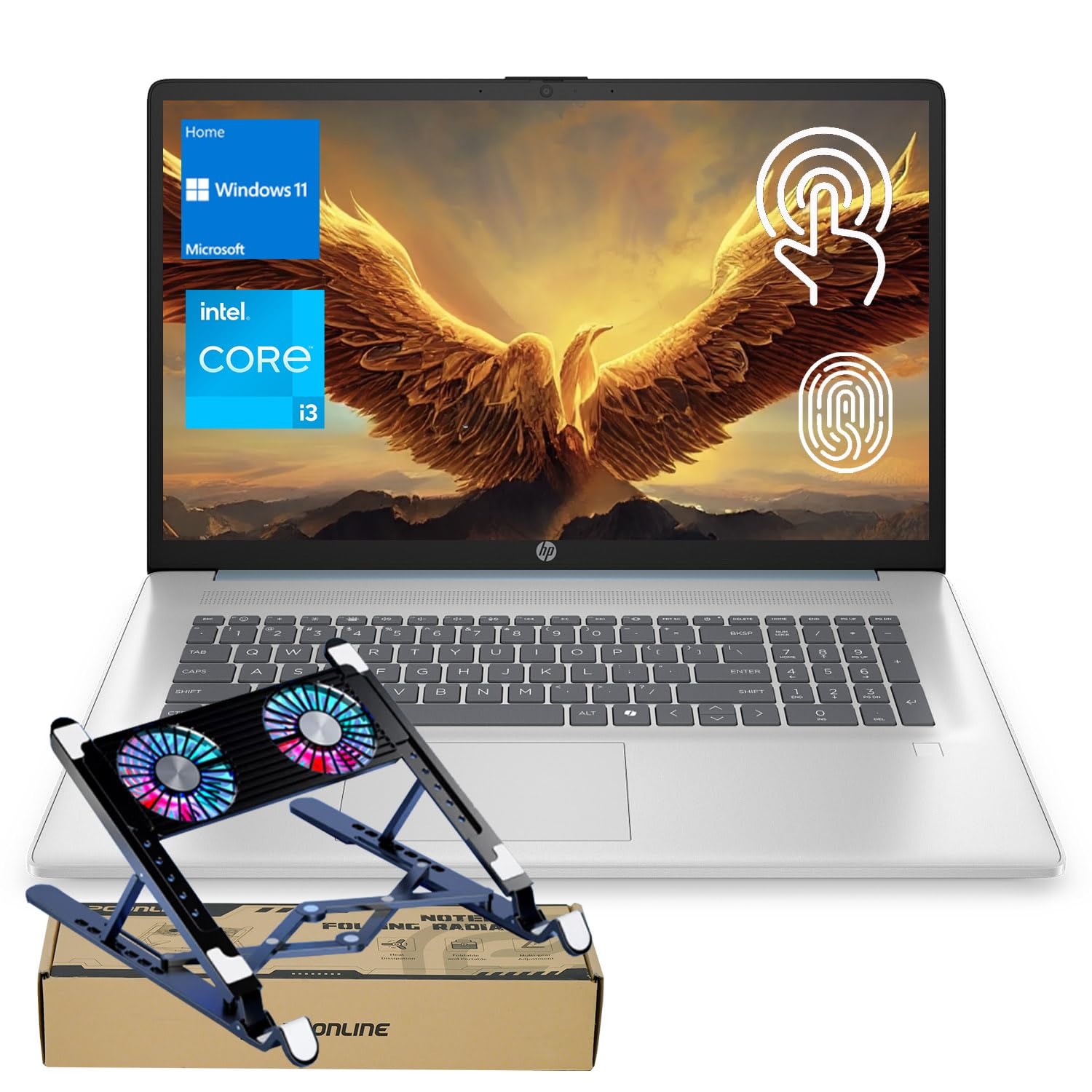
The HP 17 Laptop with an 11th Gen Intel Core i3-1125G4 processor and 16GB of DDR4 RAM is a performance outlier in this group. Most laptops in this price bracket cap RAM at 8GB, but this HP gives you enough memory to run a full office suite, dozens of browser tabs, and background apps without any slowdown. The 512GB PCIe NVMe SSD provides 15x faster data transfer than eMMC storage, making boot times and file access feel instant. The 17.3-inch HD+ (1600×900) anti-glare display, while not Full HD, is bright enough at 250 nits for indoor use.
Users consistently mention the fast startup and responsive feel, with the laptop booting in under 20 seconds. The Bluetooth 5.3 support ensures modern wireless peripheral compatibility, and the USB-C port with 5Gbps signaling provides fast data transfer for external drives. However, some customers report battery failures after about 9 months of use, suggesting the internal battery may have a shorter lifespan than the chassis. The HD+ resolution means text isn’t as sharp as a 1080p screen, which is a compromise at this size.
For anyone who needs a Windows laptop with a massive screen and serious memory for multitasking — without paying premium prices — this HP delivers outstanding RAM capacity and storage speed. Just be aware it’s a Windows machine, not a Chrome OS device.
Why it’s great
- 16GB RAM is exceptional for this price tier
- 512GB PCIe NVMe SSD for fast storage
- Bluetooth 5.3 and USB-C connectivity
Good to know
- HD+ resolution, not Full HD display
- Battery longevity issues reported after 6-9 months
- No bundled productivity software included
6. HP 17.3 inch Laptop, AMD Ryzen 5 7520U

The HP 17-cp2199nr delivers flagship-class specs with its AMD Ryzen 5 7520U processor and 16GB of LPDDR5 RAM. The Ryzen 5 boosts up to 4.9 GHz, offering snappy responsiveness whether you’re editing 1080p video, running multiple Office apps, or streaming. The 17.3-inch HD+ anti-glare display is paired with AMD Radeon Graphics, providing smooth video playback and light photo editing. The lift-hinge design elevates the keyboard for more comfortable typing — a subtle ergonomic benefit for long sessions.
Users highlight the clear speakers, stable Wi-Fi, and the easy setup process. The build uses ocean-bound recycled plastic in the bezel and speaker enclosures, which is a genuine sustainability effort. The laptop includes a physical camera shutter, AI noise reduction for clearer video calls, and a dedicated Copilot button for Microsoft’s AI assistant. Some customers note the plastic chassis feels less premium than metal alternatives, and the battery delivers only around 5.5 hours under heavy use rather than the claimed 7.15 hours.
This is a Windows 11 laptop aimed at users who want a huge screen with top-tier productivity performance. The Ryzen 5 and 16GB of RAM ensure it will remain fast for years, making it a solid investment for students and professionals who need a desktop-replacement machine on the go.
Why it’s great
- Fast AMD Ryzen 5 7520U with 16GB LPDDR5 RAM
- Lift-hinge design for comfortable typing
- Sustainable build materials
Good to know
- Plastic chassis feels less premium
- Battery life shorter than advertised under load
- Not a Chrome OS device
7. HP 17.3 inch Laptop, Intel Core i5-1334U

The HP 17-cn3399nr is powered by a 13th Gen Intel Core i5-1334U processor — a chip designed for advanced multitasking with Intel Iris Xe integrated graphics. The 17.3-inch Full HD IPS display with 178-degree viewing angles is the best screen in this lineup for color accuracy and brightness, making it suitable for photo editing and media consumption. The 16GB of DDR4 RAM and 512GB PCIe NVMe SSD provide fast boot times and smooth operation across heavy workloads like 4K video streaming and large spreadsheet models.
Users report excellent boot speed, good sound quality from the dual speakers, and a bright, vibrant display. The physical camera shutter is a welcome privacy feature. The power button is also positioned oddly among the top-row keys, which can cause accidental presses.
For buyers who prioritize a premium Full HD display and Core i5 processing power over battery life, this HP delivers the best visual experience in a 17-inch Windows laptop. It’s ideal for home offices or dorm rooms where an outlet is always nearby.
Why it’s great
- 13th Gen Intel Core i5 with Iris Xe graphics
- Beautiful Full HD IPS display with wide viewing angles
- Physical camera shutter for privacy
Good to know
- Battery life is notably short (2.5-5 hours)
- No backlit keyboard
- Power button placement is awkward
8. HP 17 Laptop, 32GB RAM, 1TB SSD

This HP 17-inch configuration is built for users who need extreme local storage and memory: 32GB of DDR4 RAM and a 1TB PCIe SSD. This spec is rare in the mid-range laptop space and targets video editors, data analysts, and power users who run multiple virtual machines or edit large 4K files locally. The AMD Ryzen 5 processor (beating an i7-1165G7 in multi-core tasks) ensures the system can feed all that RAM without bottlenecking. The 17.3-inch HD+ display with narrow bezels gives you a spacious visual workspace.
Customers who bought this for video editing and heavy multitasking praise its performance and long battery life. The included numeric keypad is useful for data entry. However, be cautious: there are reports of modified specs from third-party sellers — one customer discovered their unit shipped with 8GB RAM instead of 32GB and a 250GB drive instead of 1TB, which HP confirmed was not their standard configuration. Always verify the manufacturer’s warranty and spec sheet after delivery.
If you genuinely need 32GB of RAM and a 1TB SSD in a 17-inch laptop without paying workstation prices, this HP offers incredible hardware value. Just purchase from an authorized seller and run a full spec verification upon arrival.
Why it’s great
- 32GB RAM and 1TB SSD are workstation-grade specs
- AMD Ryzen 5 offers strong multi-core performance
- Long battery life for heavy tasks
Good to know
- HD+ resolution, not Full HD
- Spec modifications reported from third-party sellers
- Bundled MS Office license quality is inconsistent
9. 2025 LG Gram 17 Touchscreen Laptop
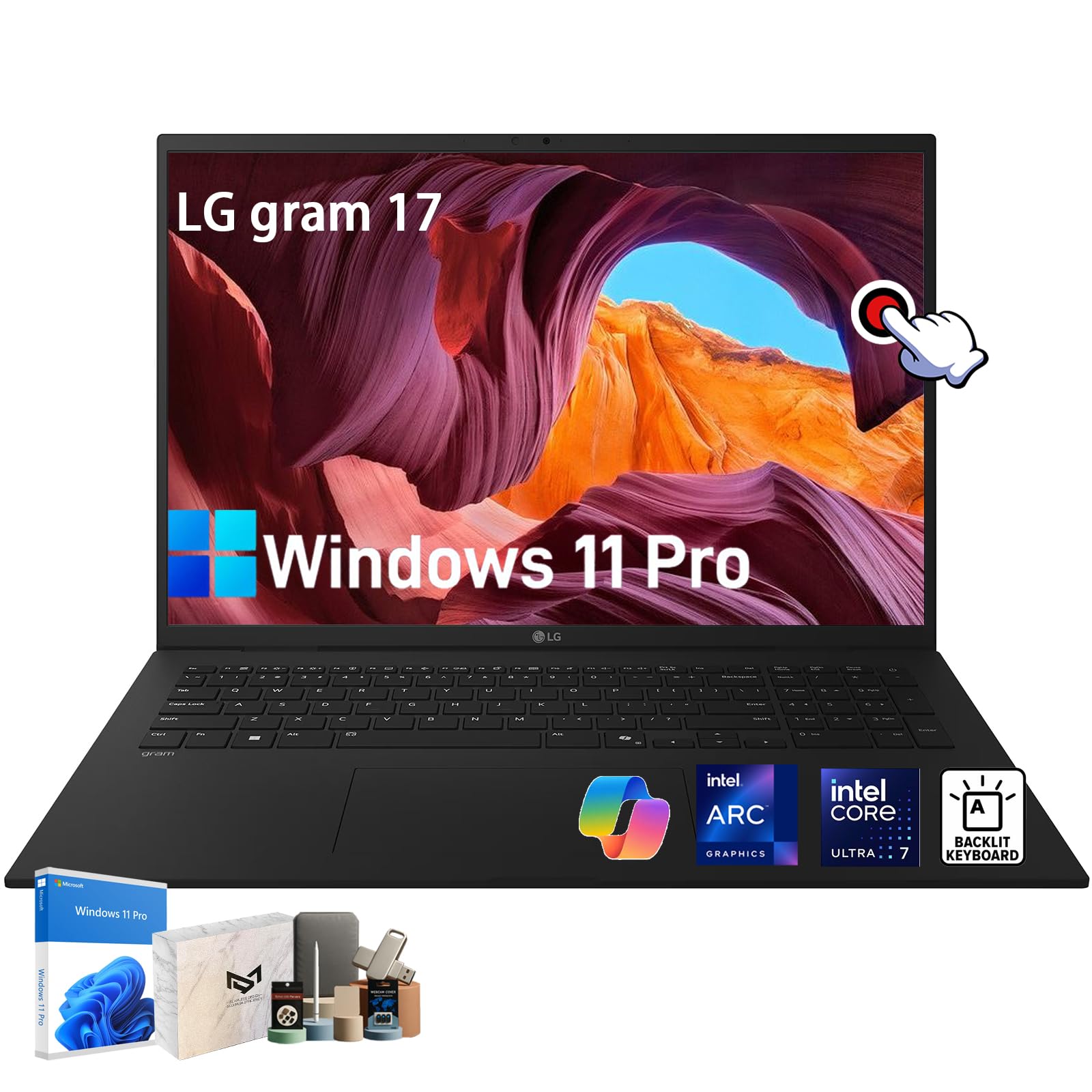
The LG Gram 17 is the lightest 17-inch laptop on the market at just 1,389 grams (3.06 lbs) — a shocking weight for a 17-inch device, made possible by a MIL-STD-810H magnesium alloy chassis. The 17-inch WQXGA (2560×1600) IPS anti-glare touchscreen with 99% DCI-P3 color gamut is the best display in this entire roundup, offering 2.5K resolution that makes Full HD look dated. The Intel Core Ultra 7 258V processor with Intel Arc Graphics provides AI-driven performance boosts and supports Copilot+ features in Windows 11 Pro. With 32GB of LPDDR5X RAM and 1TB SSD, this machine handles creative workflows, multitasking, and even light 1080p video rendering without breaking a sweat.
Owners consistently say the weight is the standout feature — it feels like a 13-inch ultrabook in a 17-inch form factor. The battery delivers 6-8 hours of real-world use, and the 77Wh capacity supports all-day work for most users. The Dolby Atmos speakers, Wi-Fi 7, and Thunderbolt 4 ports round out the premium feature set. The only drawback is the price, which places it firmly in ultra-premium territory. The included SSD is SATA-based (not NVMe), which some upgrade to a faster NVMe drive for even snappier performance.
For professionals who need a massive, gorgeous touchscreen, Intel Ultra 7 performance, and extreme portability, the LG Gram 17 is the definitive choice. It redefines what a 17-inch laptop can be in terms of weight and build quality.
Why it’s great
- Extremely lightweight (3.06 lbs) for a 17-inch laptop
- 2.5K WQXGA touchscreen with 99% DCI-P3 color gamut
- Intel Ultra 7 processor with AI capabilities
Good to know
- Premium pricing places it in ultra-premium tier
- Included SSD is SATA-based, not NVMe
- Glossy screen can be reflective in bright light
FAQ
Can a 17-inch Chromebook run Android apps from the Google Play Store?
Is 4GB of RAM enough for a 17-inch Chromebook?
Can I use a 17-inch Chromebook for photo or video editing?
Final Thoughts: The Verdict
For most users, the best 17 inch chromebook winner is the Acer Chromebook Plus 515 because it delivers the ideal balance of Core i3 performance, a responsive touchscreen, and AI-powered features at a price that undercuts most rivals. If you want the absolute best display and the lightest chassis ever put in a 17-inch laptop, grab the LG Gram 17. And for budget-conscious multitaskers who refuse to compromise on RAM, nothing beats the HP 15.6 HD Premium Chromebook with its 8GB DDR5 memory at an entry-level price.