
Filling a 40 terabyte hard drive isn’t a casual weekend project — it’s a deliberate archiving strategy for video professionals, data hoarders, and server administrators managing years of irreplaceable footage, system backups, or surveillance records. At this capacity tier, every purchase is a multi-year storage investment where drive reliability, sustained transfer rates, and workload ratings matter far more than raw speed.
I’m Min — the co-founder and writer behind Gadgets Feed. I’ve spent hundreds of hours comparing enterprise CMR drives, NAS-optimized spindles, and consumer external enclosures to isolate the models that actually survive 24/7 operation without dropping data, overheating, or failing within the warranty window.
Whether you are building a cold storage archive or a live Plex library, this guide evaluates the top contenders to help you choose the absolute best 40 terabyte hard drive for your specific workload and environment.
How To Choose The Best 40 Terabyte Hard Drive
Choosing a drive at this scale means weighing sustained throughput against cost per terabyte, vibration tolerance against noise output, and plug-and-play convenience against the flexibility of a bare internal drive. Beginners often fixate on the largest single volume they can find, but the smartest builds at 40TB often combine multiple high-reliability drives in a RAID or JBOD configuration rather than chasing a single exotic platter.
Recording Technology: CMR Over SMR, Always
At 40TB aggregate capacity, you are almost certainly building a multi-drive array. Shingled Magnetic Recording (SMR) drives, while cheaper per terabyte, suffer write performance collapse during RAID rebuilds and sustained writes. Every drive in this guide uses Conventional Magnetic Recording (CMR), ensuring predictable write speeds and reliable array reconstruction when a drive inevitably fails.
Workload Rate and MTBF
Consumer desktop hard drives are rated for light daily usage — typically 55TB per year or less. For 24/7 NAS or surveillance applications, look for a workload rating of at least 180TB/year and an MTBF of 1.5 million hours or higher. The Toshiba N300 and Seagate Skyhawk AI series meet this bar; basic external drives like the WD Elements do not. If the drive is always on, pay for the enterprise rating.
Form Factor and Connectivity
Every 40TB-capable build today uses 3.5-inch drives, because 2.5-inch hard drives max out at 5TB per platter and SSDs at this capacity cost a fortune. For external solutions, USB 3.2 Gen 1 (5Gbps) is sufficient for single-drive backup, but USB 3.2 Gen 2 (10Gbps) or direct SATA 6Gb/s connection avoids bottlenecking during large file transfers.
Quick Comparison
On smaller screens, swipe sideways to see the full table.
| Model | Category | Best For | Key Spec | Amazon |
|---|---|---|---|---|
| Seagate Skyhawk AI 32TB | Enterprise Surveillance | NVR / 24/7 recording | 550TB/yr workload rating | Amazon |
| SanDisk Pro G-Drive 22TB | Premium External | Pro video backup | 280MB/s read / USB-C 10Gbps | Amazon |
| WD 24TB Elements | Consumer External | Plug-and-play bulk storage | 24TB capacity / USB 3.2 Gen 1 | Amazon |
| Toshiba N300 20TB | NAS Internal | RAID / Homelab | 180TB/yr / RV sensors | Amazon |
| Toshiba MG09 18TB | Enterprise Internal | FC-MAMR cold storage | 512MB cache / CMR | Amazon |
| Samsung 870 QVO 8TB | Consumer SSD | Silent nearline storage | 2.5″ SATA / 560MB/s seq | Amazon |
| Seagate Expansion 16TB | Consumer External | Entry-level backup | USB 3.0 / 120MB/s | Amazon |
| WD Blue 12TB | Desktop Internal | Everyday PC storage | 7200RPM / 512MB cache | Amazon |
| Crucial X10 6TB | Portable SSD | On-set video capture | 2,100MB/s / IP65 | Amazon |
| SanDisk Extreme 4TB | Portable SSD | Rugged field storage | 1,050MB/s / 3m drop | Amazon |
| WD 20TB Elements | Consumer External | Mass backup on a budget | 20TB / 180MB/s burst | Amazon |
In‑Depth Reviews
1. Seagate Skyhawk AI 32TB
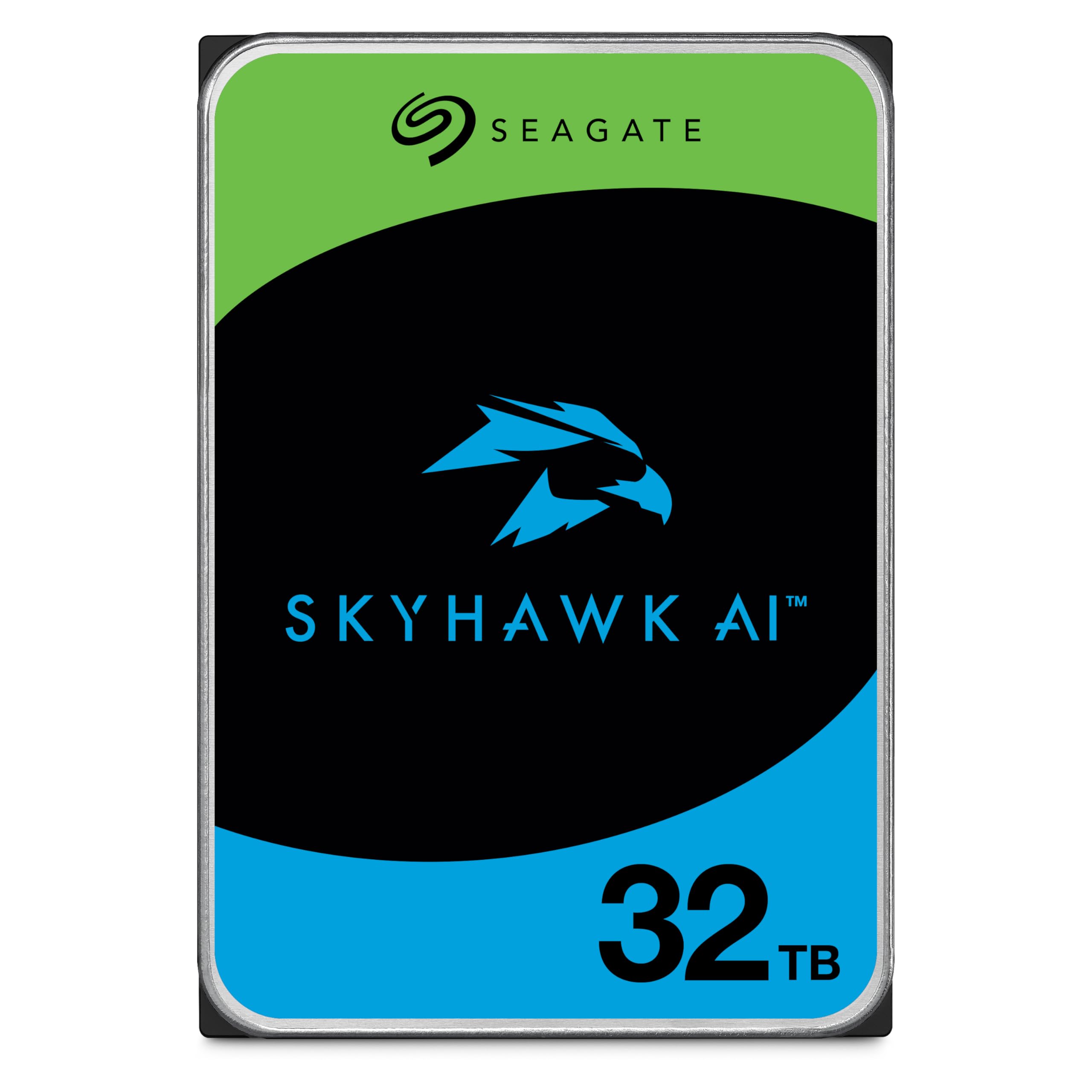
When your goal is a single 40TB volume, the Skyhawk AI 32TB is the most capacity-dense drive available today, purpose-built for 64 HD video streams and 32 AI streams without dropping a single frame thanks to ImagePerfect AI firmware. Its 2.5 million-hour MTBF and 550TB/year workload rating place it squarely in enterprise territory, meaning two of these in RAID 0 deliver 64TB raw — more than enough for a high-end 40TB configuration with room to spare.
The 512MB cache and 7200RPM spindle sustain 285MB/s sequential reads, which is competitive for HDDs and perfectly adequate for 4K surveillance or Plex direct play. User reviews confirm quiet operation even in office environments within 8 feet, with easy 15-minute installation in popular NVR chassis and seamless integration with 6-camera Eufy and Synology systems.
Opinions split slightly on noise floor — some users report it as marginally louder than a 2TB replacement drive during active recording — but the 3-year in-house Rescue Data Recovery Services and 5-year limited warranty provide the peace of mind that justifies the higher per-drive cost. For a 40TB build intended to run 24/7/365, this is the drive to anchor your array.
Why it’s great
- Highest single-drive capacity available (32TB) — only needs two drives for a 40TB target
- Enterprise-rated 550TB/year workload with 2.5M-hour MTBF
- ImagePerfect AI firmware guarantees zero dropped frames even under sustained write load
Good to know
- Premium price per terabyte compared to consumer externals
- Not optimized for gaming or OS boot — built for sequential video workloads
2. SanDisk Professional G-Drive 22TB
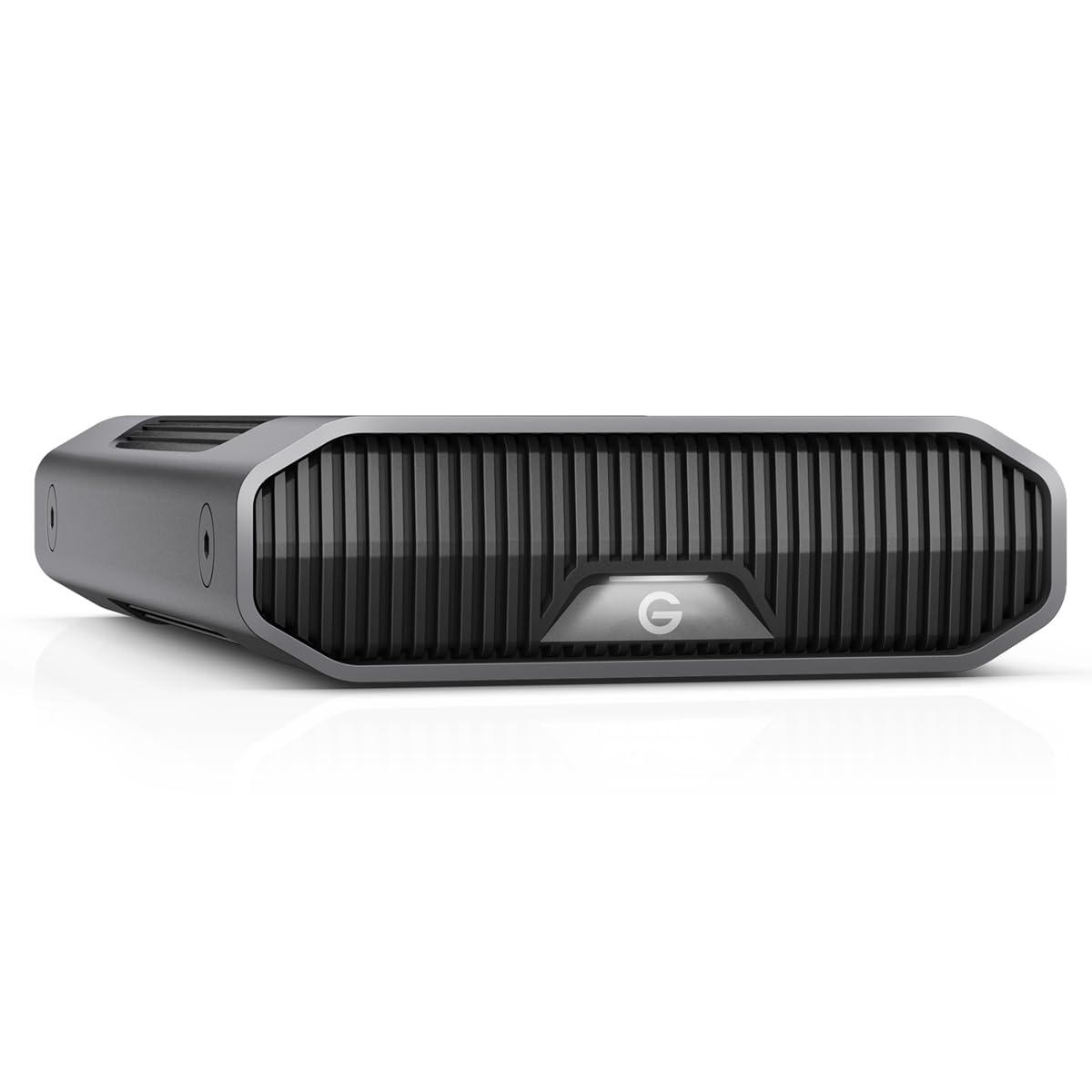
This external drive is a wolf in sheep’s clothing — inside the stackable anodized aluminum enclosure lives a genuine enterprise-class Ultrastar 7200RPM hard drive, delivering consistent 280MB/s reads and writes over USB-C at 10Gbps. For video editors who need to shuttle 4K ProRes files between a Mac Studio and an archive, the G-Drive eliminates the transfer bottleneck that plagues cheaper USB 3.0 externals.
Three adjustable LED brightness modes and Mac-ready Time Machine compatibility out of the box make it an elegant addition to a professional workstation. Reviews highlight that Windows 10 users experience zero random disconnects, and the 22TB capacity is formatted and usable immediately after a quick Disk Management initialization.
Not all experiences are perfect — multiple Mac users report volume corruption within 6 months requiring third-party data recovery, and the drive runs warm enough that vertical mounting with partial side coverage can cause thermal instability. For PC-based creative workflows with active cooling, this remains the premium single-drive external solution in the 22TB class.
Why it’s great
- Enterprise Ultrastar 7200RPM drive in a sleek, stackable enclosure
- USB-C 10Gbps reaches 280MB/s sustained — fast for HDD
- Mac Ready with Time Machine support; three LED brightness modes
Good to know
- Volumes have corrupted on some Mac systems within 6 months
- Runs warm in vertical orientation; may throttle in enclosed spaces
3. WD 24TB Elements Desktop

The 24TB WD Elements delivers the highest plug-and-play capacity of any consumer external hard drive, making it the fastest way to add 24 terabytes of cold storage without opening a PC case or configuring a RAID. Plug in the USB 3.2 Gen 1 cable, and Windows recognizes it instantly as a single 24TB volume — ideal for archiving full system backups, photography libraries, and long-term document retention.
Transfer speeds hover around 180MB/s burst during large sequential writes, which is typical for modern 3.5-inch helium-filled drives and noticeably cooler-running than older air-filled platters. User reviews specifically praise its stable footprint, lack of overheating during extended transfer sessions, and quiet idle operation compared to Seagate equivalents at the same capacity.
The aluminum and glass enclosure feels premium, but as a consumer-grade external, it lacks the workload rating and vibration compensation of NAS or enterprise drives. Multiple reviews note that shucking the drive to use it internally destroys the enclosure — buy it as a permanent external backup device, not a donor drive for your server.
Why it’s great
- 24TB in a single plug-and-play external — no configuration required
- Runs cool and stable; no overheating reported even during multi-hour transfers
- Great cost per terabyte for cold storage and backup-only use
Good to know
- USB 3.2 Gen 1 (5Gbps) caps sequential writes below 200MB/s
- Not rated for 24/7 operation or RAID environments
4. Toshiba N300 20TB

Built specifically for small office and home office NAS enclosures, the Toshiba N300 20TB pairs a 7200RPM spindle with integrated rotational vibration (RV) sensors that compensate for the vibration created by neighboring drives in a multi-bay array. Its 180TB/year workload rating is three times higher than a standard desktop drive, meaning it won’t prematurely fail under the constant read/write demands of a Synology or QNAP system.
User deployments confirm the drive is cool and quiet in 5-bay NAS configurations, with one homelab user replacing five 4TB drives with a single N300 and reporting zero SMART errors after months of Plex streaming. The 512MB cache helps sustain 150MB/s+ reads even when multiple users access the NAS simultaneously.
On the downside, some users report the drive is slightly noisier than WD Red Pro equivalents during active seeks, and one review noted a drive failure after two years in a RAID 1 array — within the failure rate Toshiba’s warranty covers. For a 40TB NAS build, two N300 20TB drives in RAID 0 or RAID 1 is a sensible, enterprise-class foundation.
Why it’s great
- RV sensors for reliable multi-drive NAS performance
- 180TB/year workload rating handles 24/7 NAS access
- CMR recording with 512MB cache for consistent transfer speeds
Good to know
- Slightly louder during seeks than competing WD Red Pro drives
- Higher per-TB cost than shucking a consumer external
5. Toshiba MG09 18TB

The MG09 series uses Toshiba’s proprietary Flux Control Microwave-Assisted Magnetic Recording (FC-MAMR) technology to achieve 18TB per platter using conventional magnetic recording — no SMR, no exotic helium fill required. This is a genuine enterprise-class drive intended for data centers and cold storage arrays, with a sustained transfer rate and power efficiency that improves on previous MG Series generations.
Early users running the drive on Linux and Red Hat systems report flawless operation with fast setup and zero errors after retiring three aging 4TB drives. The 512MB cache and 7200RPM spindle deliver consistent IOPS for sequential archive workloads, and the metal enclosure dissipates heat effectively even in stacked server chassis.
A known issue: the MG09 does not properly resume from Standby on consumer PC motherboards, requiring a hard reboot. This is a non-issue for Linux servers and enterprise storage controllers where spin-down is disabled. For a 40TB build, three MG09 18TB drives in RAID 5 yield 36TB usable — close to the target — with excellent data protection.
Why it’s great
- Industry-leading FC-MAMR technology for 18TB CMR capacity
- Excellent power efficiency for better total cost of ownership
- True enterprise build quality with metal enclosure and 512MB cache
Good to know
- Fails to wake from Standby on consumer PC motherboards — disable spin-down
- Long SMART test takes ~22 hours to complete; no progress reporting
6. Samsung 870 QVO 8TB

While 8TB is a fraction of a 40TB target, five of these QLC SSDs in a RAID 0 array deliver 40TB of silent, 560MB/s sequential storage with near-zero access latency — a configuration that makes sense for video editing workstations where mechanical drive seek times cause timeline stuttering. The Samsung 870 QVO uses second-generation QLC V-NAND with a refined ECC algorithm rated for 2,880 TBW on the 8TB model.
Real-world user reports confirm the drive eliminates the Windows Explorer pauses common with HDD media libraries, with smooth playback of 4K and DVD content. Mac users have successfully cloned Fusion drives into external USB-C enclosures, booting externally with significantly faster VM performance in Parallels.
The catch: QLC drives slow down dramatically when the SLC cache fills during sustained writes — expect speeds to drop from 560MB/s to around 160MB/s when transferring more than roughly 78GB continuously. For archival workflows with large single files (4K video, disk images), consider TLC-based SSDs instead. Samsung Magician software is included for drive optimization and firmware updates.
Why it’s great
- 8TB capacity in a 2.5-inch SATA SSD — five drives make 40TB silent storage
- 560MB/s sequential reads transform media library browsing and app loading
- Samsung reliability and Magician software for ongoing health monitoring
Good to know
- QLC write speeds drop significantly after SLC cache fills (~78GB)
- Cost per terabyte is 4-5x higher than mechanical HDDs
7. WD 20TB Elements Desktop

Two 20TB WD Elements desktop drives can be combined to reach a 40TB target for significantly less total investment than any single enterprise-class drive. Each unit delivers plug-and-play functionality over USB 3.0 with sustained transfer rates up to 180MB/s on PCs and slightly faster on Macs after reformatting. The actual formatted capacity is 18.19 TB per drive due to binary vs decimal reporting.
User reviews consistently highlight the drive’s stability — it doesn’t tip over, runs cooler than many competing externals, and produces minimal noise during idle periods. A long-term user reported that the 20TB Elements has proven more reliable than equivalent Seagate models, with no data corruption incidents over six months of heavy video archiving.
The primary limitation is the USB 3.0 interface, which caps transfer speeds far below what a SATA 6Gb/s internal connection could provide. Additionally, the NTFS format restricts write access on Mac without third-party drivers — you’ll need to reformat to ExFat for cross-platform use, which erases all data on the drive.
Why it’s great
- Two drives give 40TB for less than a single enterprise 24TB drive
- Runs cool and silent during idle; stable footprint won’t tip over
- WD quality and reliability with straightforward plug-and-play setup
Good to know
- NTFS pre-format requires reformatting for Mac compatibility
- USB 3.0 interface limits maximum sequential throughput to ~180MB/s
8. Seagate Expansion 16TB

Three Seagate Expansion 16TB drives in a JBOD or software RAID configuration can deliver 48TB of raw storage, putting you past the 40TB target at the lowest possible entry price. Each drive features USB 3.0 connectivity with drag-and-drop simplicity, automatic recognition by both Windows and Mac, and the inclusion of Rescue Data Recovery Services as a safety net.
User experiences are polarized. Proponents praise the large capacity for the price, with transfers reaching 120MB/s sustained — adequate for overnight backups and photo archiving. Detractors, particularly professional photographers, report the drive is noticeably noisy during active transfers and suffers frequent crashes during long writes, forcing them to restart transfers multiple times.
The plastic enclosure feels less premium than WD’s aluminum-shelled alternatives, and the 16TB model has been cited for being louder than the 14TB version it replaced. For users with high tolerance for background noise and a strict budget, this is a viable path to 40TB, but the reliability complaints warrant a caution flag.
Why it’s great
- Lowest cost per terabyte route to a 40TB aggregate storage pool
- Drag-and-drop simplicity with Rescue Data Recovery Services included
- Three drives in JBOD deliver 48TB — exceeds 40TB target
Good to know
- Multiple user reports of noisy operation and transfer crashes
- Plastic enclosure feels less durable than aluminum alternatives
9. WD Blue 12TB

Four WD Blue 12TB drives in a RAID 0 or RAID 5 array can hit 48TB raw or 36TB protected — a classic approach to building a 40TB-class desktop storage pool. The Blue series is WD’s bread-and-butter 7200RPM CMR line, offering a reliable balance of speed, capacity, and affordability for everyday computing and media storage without NAS-specific price premiums.
The 512MB cache and 7200 RPM spindle yield linear read speeds between 153-178 MB/s, consistent with modern 3.5-inch mechanical drives. Users deploying this drive as an OS volume report 15.7ms random access time and no issues with daily operation. The included Acronis True Image WD Edition cloning software simplifies migration from smaller drives.
Notably, the WD Blue lacks the vibration compensation and workload rating of the WD Red or Gold series, making it unsuitable for 24/7 NAS operation. One user flagged concerning packaging and return policy — Amazon now prohibits returns on 1TB WD Blue drives after use, so larger capacities may carry similar policy risks.
Why it’s great
- Four drives in RAID 0 deliver 48TB for well under the cost of enterprise drives
- 7200RPM with 512MB cache provides solid 150-178 MB/s sequential reads
- Free Acronis True Image WD Edition cloning software included
Good to know
- Not rated for 24/7 operation or multi-user NAS environments
- Amazon’s return policy may restrict returns on high-capacity models
10. Crucial X10 6TB
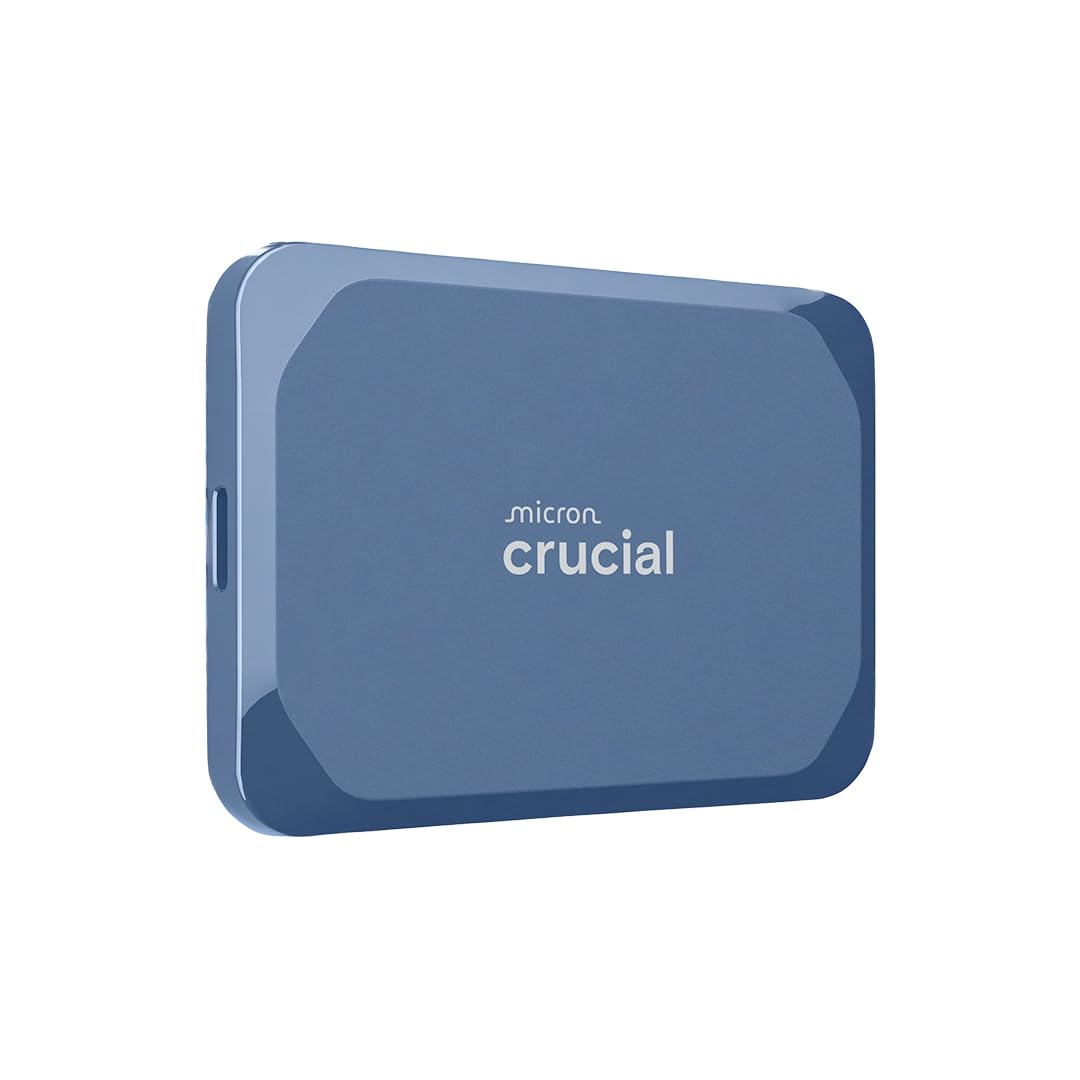
The Crucial X10 6TB is not a 40TB drive itself — but seven of these in a rotating backup rotation on-set can ingest, offload, and store raw footage at speeds that mechanical arrays physically cannot match. With read speeds hitting 2,100MB/s over USB 3.2 Gen 2×2, this portable SSD is faster than most internal SATA SSDs and 10x faster than any 3.5-inch HDD in this guide.
IP65 dust and water resistance combined with 3-meter drop protection make this the drive you take into the field, not just the one that sits on a desk. User reviews confirm the X10 works flawlessly for real-time 4K ProRes editing directly from the drive, with no overheating or throttling even during multi-hour transfers. Mac users report it is tiny enough to fit in a wallet pocket.
The catch is cost per terabyte — the X10 costs 4-5x more per TB than a mechanical HDD. For pure archival storage at 40TB scale, this is not the solution. As a high-speed working cache or field ingest drive that feeds into a 40TB bulk array, it is the fastest and most durable option available.
Why it’s great
- 2,100MB/s read speed enables direct 4K ProRes editing from the drive
- IP65 rated with 3-meter drop protection for truly rugged field use
- Compact pocket-size form factor with broad PS5/Xbox compatibility
Good to know
- Requires USB 3.2 Gen 2×2 host port to reach rated speeds
- Cost per terabyte is far higher than mechanical HDDs
11. SanDisk Extreme 4TB

Ten SanDisk Extreme 4TB portable SSDs in a rotation would give you 40TB of fast, rugged, pocket-sized storage — an impractical but technically valid approach for users who need extreme portability alongside capacity. Each drive delivers NVMe-class speeds at 1,050MB/s read and 1,000MB/s write over USB 3.2 Gen 2, with IP65 water and dust resistance and 3-meter drop protection.
The updated firmware on this model enables the carabiner loop for belt or backpack attachment, and the included 256-bit AES hardware encryption keeps data secure if a drive is lost. User reviews consistently emphasize how much smaller the drive is than expected, with one photographer calling it “a must have for backing up important files” after a year of daily use.
Like the Crucial X10, this is a premium working drive, not a bulk archive solution. The cost per terabyte is roughly 3x higher than a 3.5-inch external HDD, making it impractical for a 40TB static archive. As a daily carry backup for active projects that eventually graduates to a 40TB pool, the SanDisk Extreme is the most portable and rugged option.
Why it’s great
- 1,050MB/s NVMe speed in a pocket-sized, drop-resistant form factor
- IP65 dust/water resistance with carabiner loop for carry-on security
- 256-bit AES hardware encryption keeps data safe if drive is lost
Good to know
- 3x higher cost per terabyte than mechanical external HDDs
- Multiple drives needed to hit 40TB — not a pure archive solution
FAQ
How many drives do I need to reach 40TB?
Should I buy one 40TB drive or multiple smaller drives?
Final Thoughts: The Verdict
For most users building a 40 terabyte hard drive pool, the winner is the Toshiba N300 20TB because two drives in RAID 0 deliver 40TB with enterprise-grade vibration sensors and a 180TB/year workload rating at a reasonable per-terabyte cost. If you want the highest single-drive capacity to minimize enclosure space, grab the Seagate Skyhawk AI 32TB. And for pure plug-and-play simplicity without opening a PC, nothing beats pairing two WD 24TB Elements desktop externals for 48TB of silent, straightforward bulk storage.