
A CNC machine that won’t hold its zero after the first pass isn’t affordable — it’s a paperweight. The difference between a frustrating desktop router and a reliable production-ready tool comes down to frame rigidity, spindle power, and whether you can actually cut aluminum without fighting backlash. The budget-friendly segment has matured fast, and several all-metal machines now deliver sub-0.05 mm repeatability for a fraction of what a Tormach or ShopBot costs.
I’m Min — the co-founder and writer behind Gadgets Feed. I’ve spent hundreds of hours poring over lead-screw vs. ball-screw drive systems, comparing NEMA 17 and NEMA 23 torque curves, and evaluating the real-world support responsiveness that determines whether a good frame turns into a great long-term tool.
This buying guide cuts through the marketing noise to find the best affordable cnc machine that actually holds tolerance on hardwoods and soft metals, with the community and upgrade path to grow with your skills.
How To Choose The Best Affordable CNC Machine
The real entry-level trap isn’t price — it’s buying a frame that flexes the moment your bit touches hard maple. Every machine on this list is all-metal, but the difference between T8 lead screws with dual linear guides and a single v-slot rail determines whether you spend your time making parts or re-squaring your gantry.
Frame Rigidity and Drive System
An aluminum extrusion frame with dual Y-axis rails and 16 mm hardened steel linear tubes resists torsional twist far better than an open-frame 2020 extrusion. Look for machines that list the rail diameter and the number of support bearings per axis — dual MGN-15 guides on the Z-axis are worth a premium because they eliminate tool deflection during plunge cuts.
Spindle Power vs. Real-World Cutting
A 300 W DC spindle might engrave pine, but cutting aluminum 6061 requires at least 400 W sustained, and ideally 500–800 W with adjustable RPM (8000–24000). Machines that include a collet adapter for a Dewalt DWP611 or Makita RT0701C are more valuable than a fixed 775 brushed motor, because you can swap in a proven router when the stock spindle burns out.
Control Board, Firmware, and Community Support
GRBL 1.1 is the baseline, but GRBL 1.3a on a 32-bit ESP32 controller adds WiFi control, macro buttons, and M07/M08 coolant management. More important than the board version is the brand’s responsiveness — FoxAlien, Genmitsu, and LUNYEE have active Facebook groups and quick replacement policies, which saves weeks of downtime compared to generic Alibaba re-brands.
Quick Comparison
On smaller screens, swipe sideways to see the full table.
| Model | Category | Best For | Key Spec | Amazon |
|---|---|---|---|---|
| Twotrees TTC450 Pro | Premium | Large signage / batch production | 460 x 460 mm work area / 0.0025 mm positioning accuracy | Amazon |
| FoxAlien Masuter 3S | Premium | High-speed aluminum / 3D rotary carving | NEMA23 closed-loop / 2.2 Nm torque / 10000 mm/min rapids | Amazon |
| Genmitsu PROVerXL 4030 | Mid-Range | Expandable C-beam platform | 400 x 300 x 110 mm / NEMA23 / dual Y-screw drive | Amazon |
| Genmitsu 4040-PRO | Mid-Range | Hobbyist all-metal with 4-axis support | 400 x 400 mm / 16 mm steel HSS tubes / Toshiba TB6S109 driver | Amazon |
| AnoleX 3030-Evo Max | Mid-Range | Metal cutting with WiFi control | 800W trim router / dual MGN-15 guides / GRBL 1.3a ESP32 | Amazon |
| FoxAlien Masuter Pro | Mid-Range | Beginner wood / plastics routing | 400 x 400 x 60 mm / all-aluminum / dual spindle clamps | Amazon |
| SainSmart 4040-PRO MAX | Mid-Range | Tall-material pass-through | 710W trimmer / XZ linear guides / 100 mm pass height | Amazon |
| LUNYEE 3018 Pro Max | Budget | Desktop prototyping / beginners | 500W spindle / 6 limit switches / 80 mm Z-travel | Amazon |
| SainSmart 4040 PRO (new) | Budget | Value-focused expandable platform | 48.8 lbs / steel HSS frame / 4-axis & WiFi ready | Amazon |
In‑Depth Reviews
1. Twotrees TTC450 Pro
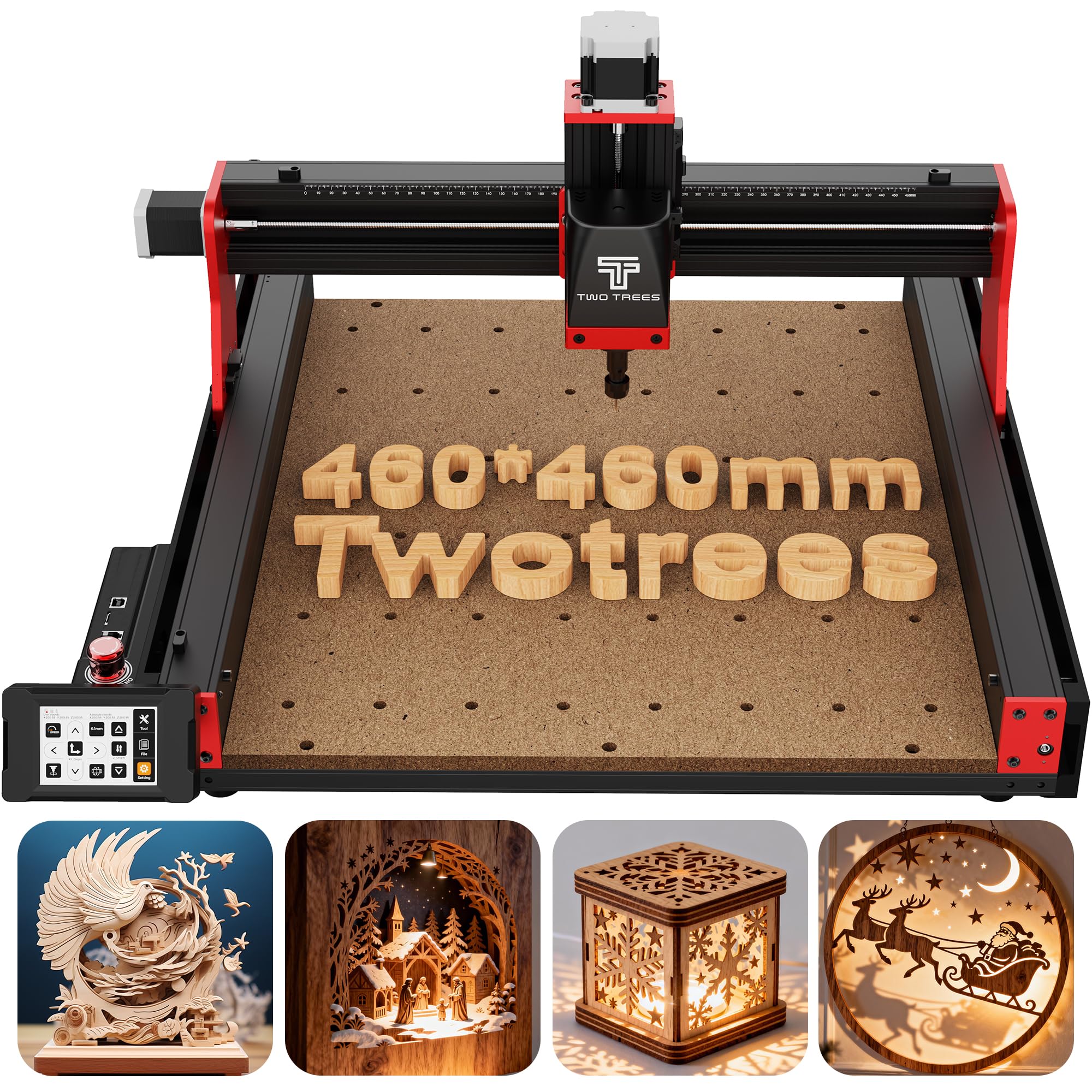
The TTC450 Pro is the rare machine that delivers a 460 mm square work area — large enough for furniture panels and signage — without inflating the price into four figures. Its NEMA 57 stepper motor on the Z-axis achieves a positioning accuracy of 0.0025 mm, which is genuinely class-leading at this tier. The 3.5-inch IPS capacitive touch screen makes quick datum setting and jogging feel like a modern mill, not a repurposed printer mechanism.
The control box integrates ports for a fourth rotational axis, a laser module, and a 500W spindle speed control, meaning you can add a rotary carver or fiber laser without buying a separate controller. Dual TM-1618D microswitches on every axis provide redundant limit sensing, a safety feature usually reserved for industrial machines. Users report the aluminum-and-stainless frame suppresses vibration even during 8-hour high-load passes on acrylic and carbon fiber.
The only real gotcha is the bundled 775 brushed spindle — it works well for wood and soft metals, but users upgrading to a trim router will need to fabricate a mount. The open-source GRBL firmware works with Easel, Fusion 360, and Carveco Maker, and post-processing for VCarve requires slight g-code tweaks that the active community documents thoroughly.
Why it’s great
- Square 460 mm work area accepts large stock without repositioning
- Capacitive touch screen eliminates need for PC tether during setup
- Integrated 4th-axis and laser ports future-proof the control box
Good to know
- 775 spindle struggles with 1/4-inch bits in dense hardwoods
- USB cord can cause intermittent disconnects — a shielded replacement solves it
- Post-processor tweaks required for some VCarve toolpaths
2. FoxAlien Masuter 3S
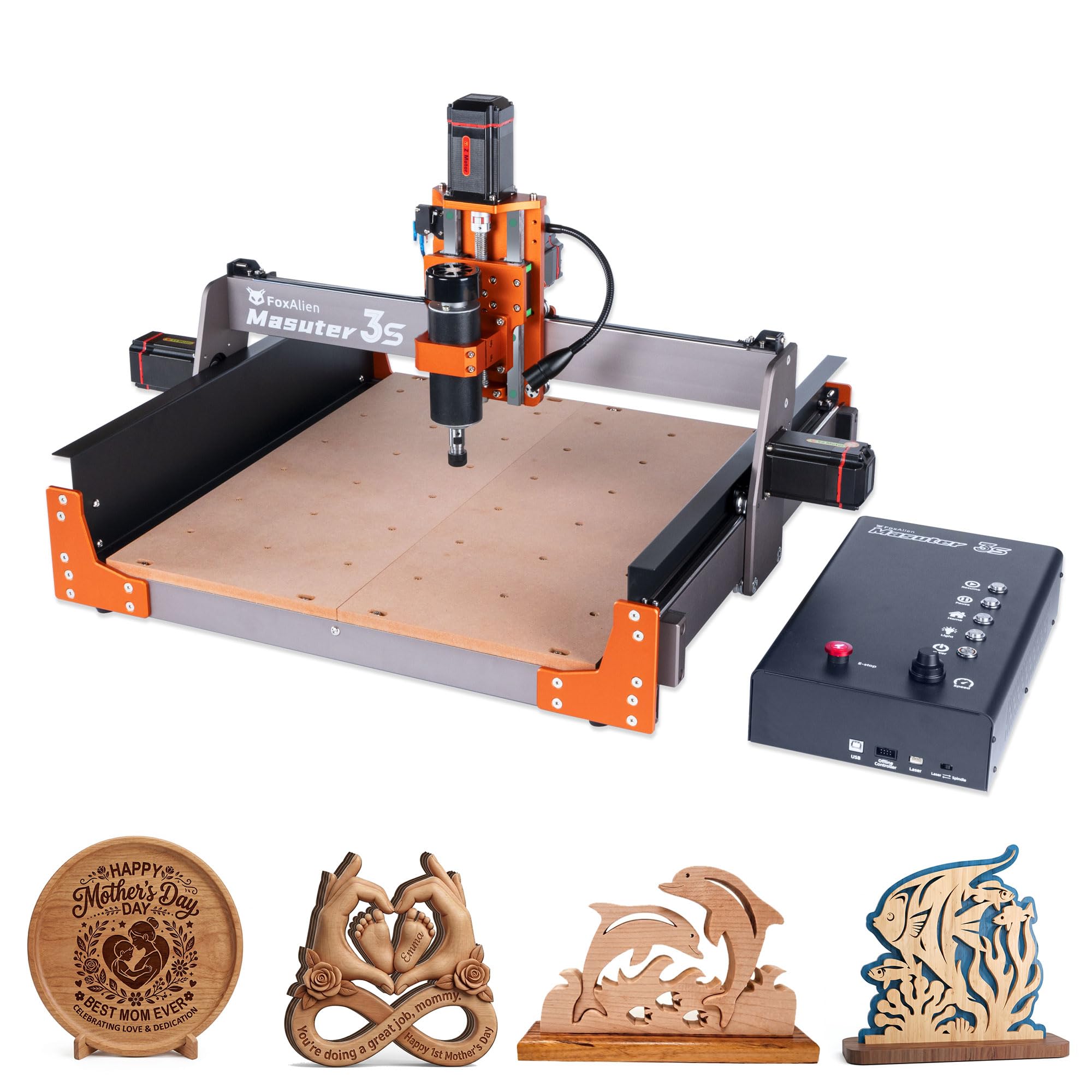
The Masuter 3S is the first budget-tier machine to ship standard with NEMA 23 closed-loop stepper motors, effectively eliminating the step-loss problem that ruins multi-hour carves on open-loop systems. The 2.2 Nm of holding torque lets it push a 1/4-inch end mill through 6061 aluminum at 8000 mm/min rapids without losing position. Dual HG-15 linear rails on the Z-axis keep the spindle rigid during plunge cuts, and the T12 lead screw minimizes the wobble you often see on cheaper T8 nuts.
FoxAlien designed the controller box with tactile shortcut buttons and a dust-resistant housing, and the 400W spindle includes a 65 mm clamp that accepts a trim router upgrade without adapter plates. The 15.75 x 15.75 x 3.74-inch work area suits both hobbyist projects and small-batch commercial work. Built-in support for the 4th-axis rotary module lets you engrave cylindrical surfaces — mugs, chess pieces — without jury-rigging a separate rotisserie.
Owners consistently report 30-minute assembly times and excellent after-sale support, with FoxAlien responding to hardware defect claims within 24 hours. The one caveat: the included collet is ER11-1/8-inch, so you’ll need to buy a 1/4-inch collet separately if you plan to use standard router bits. The software ecosystem (Easel, LightBurn, UGS) is frictionless for beginners, though the machine benefits from a paid VCarve subscription for advanced 3D toolpaths.
Why it’s great
- Closed-loop NEMA23 motors guarantee no skipped steps on long jobs
- Dual HG-15 linear Z-rails eliminate tool deflection
- Active Facebook community and responsive US-based support
Good to know
- 400W spindle is marginal for heavy 1/2-inch cuts in aluminum
- Only ER11-1/8 inch collet included — 1/4-inch collet sold separately
- Reports of unresolved controller defects in isolated units
3. Genmitsu PROVerXL 4030

The PROVerXL 4030 uses a beefy C-beam frame instead of tubular rails, which makes it noticeably stiffer under heavy passes than machines with 16 mm HSS rods. The dual Y-axis lead-screw drive and Z-axis optical axis drive deliver 400 x 300 x 110 mm of travel, and the 4.3 inches of Z clearance means you can carve taller stock like small trophies or sign blanks. NEMA 23 stepper motors provide the torque needed for aluminum, though most users upgrade the stock 300W spindle to a Dewalt DWP611 using the included adapter.
SainSmart includes a 3-month Carveco Maker subscription right in the box, which drops the initial software learning curve significantly. The machine ships with XYZ limit switches, an emergency stop, a Z-probe, and a speed controller — nothing is stripped out to hit a lower entry price. Owners report that the frame, spoil board, and wiring harness are all upgradeable to 24 x 24-inch or even 40 x 40-inch sizes, letting you scale without buying a whole new gantry.
The main pain points are the manual documentation (which several users found vague for Mac driver installation) and a known issue where the main power wire drag chain can chafe the insulation, leading to arcing. Replacing the wire with 14-gauge flexible silicone cable is a one-time fix. Support from SainSmart (agent Joey) is fast — typically three-hour turnaround on replacement parts.
Why it’s great
- C-beam frame resists torsional flex better than any tubular-rail machine
- Includes 3-month Carveco Maker subscription for immediate software access
- Scalable to 24×24 or 40×40 with official extension kits
Good to know
- Stock 300W spindle requires upgrade for any serious cutting
- Mac driver compatibility issues with the bundled USB interface
- Power wire in drag chain needs early replacement to prevent arcing
4. Genmitsu 4040-PRO
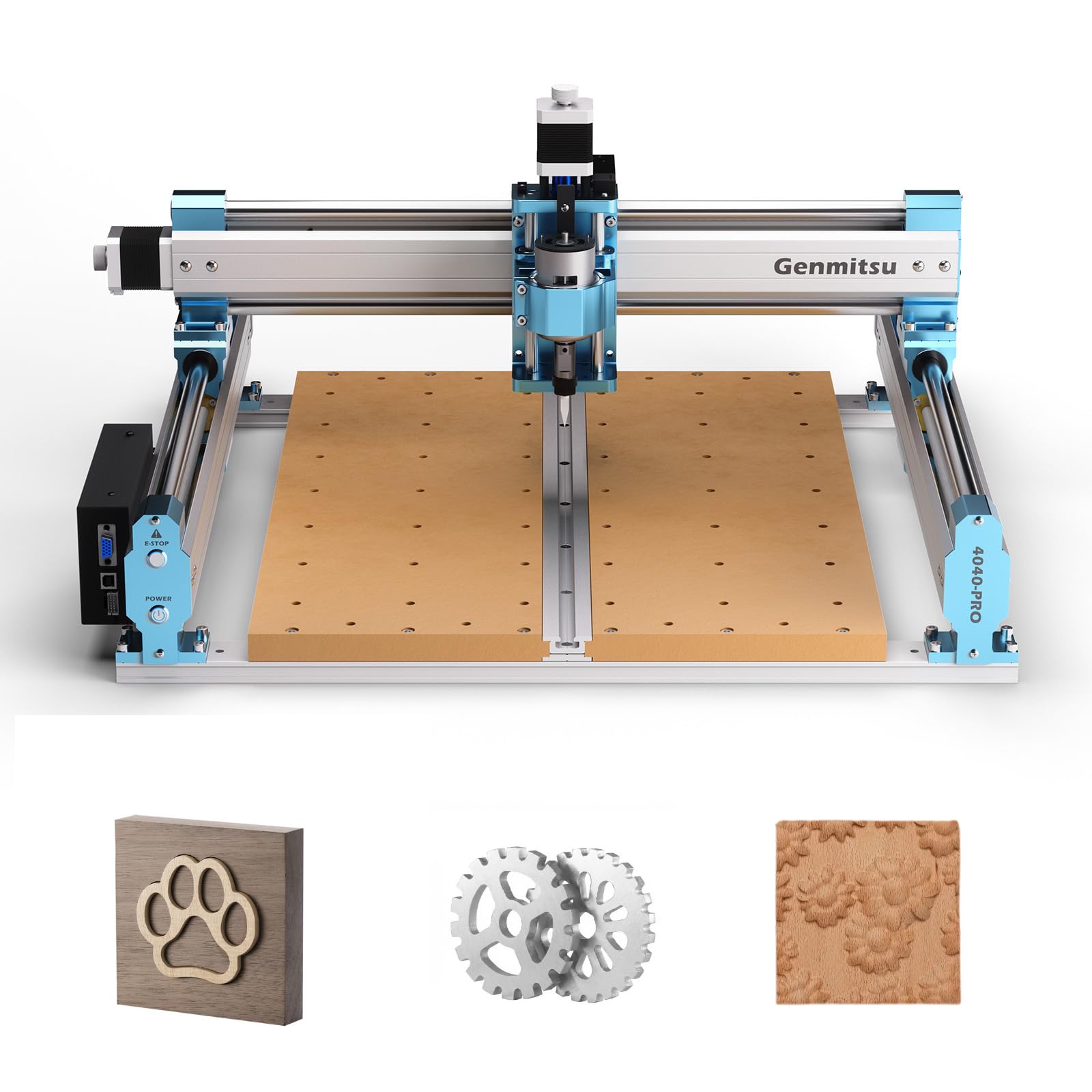
The 4040-PRO delivers a spacious 15.7-inch square work envelope on an all-metal HSS frame with 16 mm hardened steel linear tubes on every axis. Lead-screw drive and dual Y-axis rails ensure repeatability within 0.01–0.05 mm, and the Toshiba TB6S109 driver with a 32-bit chip runs quieter and cooler than the generic A4988 drivers found on most entry-level machines. Setup takes roughly 15 minutes because the main gantry and wiring are pre-assembled — a genuine advantage for first-time CNC owners.
The control box includes an emergency stop, a home button, and ports for an air-assist pump and an MPG pendant, giving you the same connectivity as machines costing twice as much. The spoilboard uses two replaceable MDF boards, so you only swap the damaged half instead of re-facing the entire table. Genmitsu supports a 4th-axis rotary module and a WiFi module for mobile control, making this a legitimate platform you can grow into.
Where it falls short: the included 300W spindle is underpowered — at 9000 RPM max, it struggles with 1/4-inch bits and thick materials. Owners who upgrade to a Makita or Dewalt router report excellent results, but that adds another cost. There are also scattered reports of limit-switch wiring issues that cause the machine to lose vector orientation mid-project. For pure wood engraving and light acrylic work, it’s fantastic; for heavy aluminum cuts, budget for a spindle upgrade.
Why it’s great
- 15-minute assembly for first-time users
- 32-bit Toshiba driver for quiet, reliable motion
- Two-piece replaceable spoilboard saves maintenance time
Good to know
- 300W spindle is too weak for serious metal cutting
- Occasional limit-switch wiring faults cause orientation loss
- Spindle upgrade parts are expensive and sold separately
5. AnoleX 3030-Evo Max
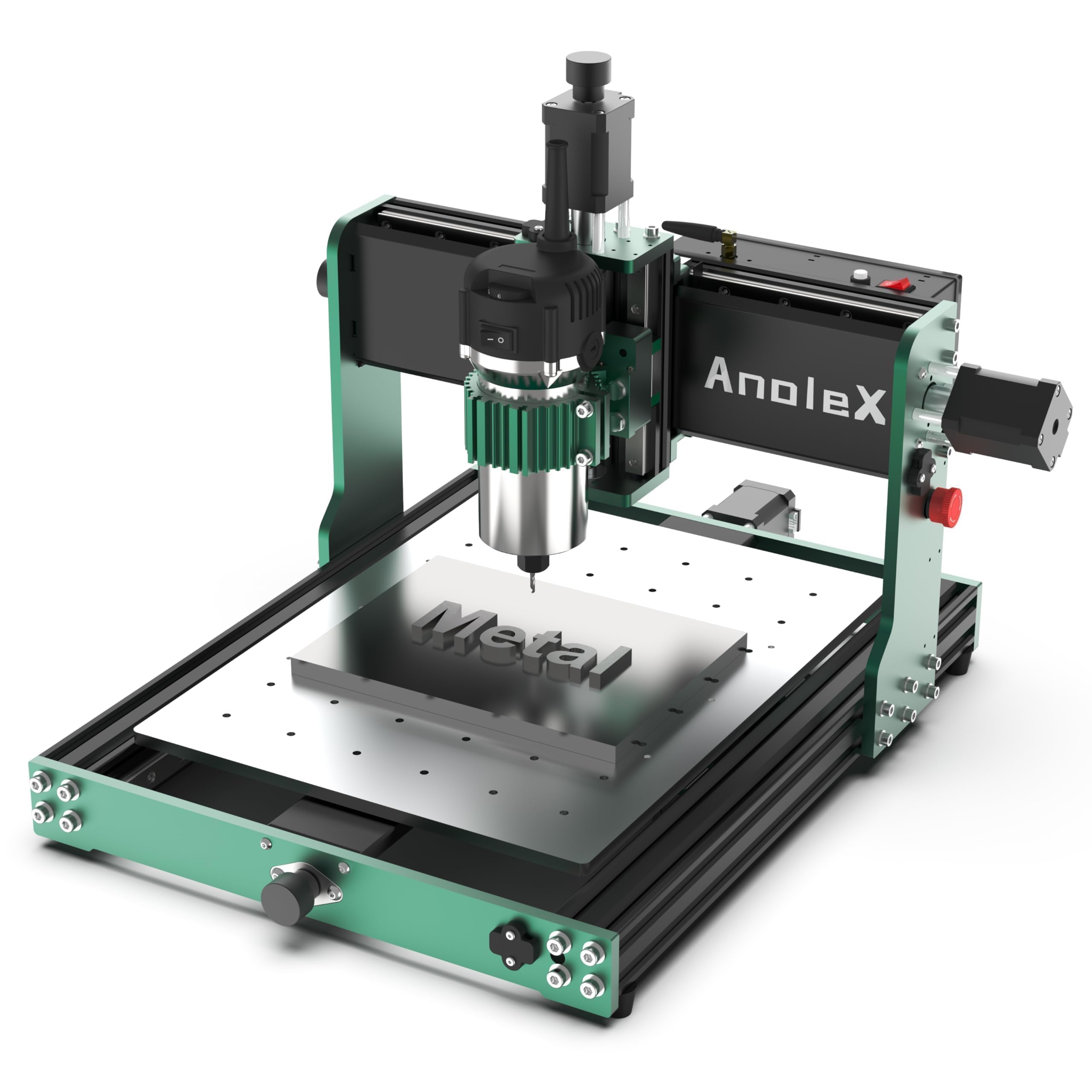
The 3030-Evo Max ships with an 800W trim router and six speed settings from 8000 to 24000 RPM, which means it can actually cut 6061 aluminum, brass, and even mild steel (with proper feeds and speeds) out of the box. Each axis uses dual MGN-15 linear guides — not budget v-slot wheels — giving you the rigidity to hold ±0.01 mm repeatability on production runs. The GRBL 1.3a firmware on a 32-bit ESP32 controller adds WiFi control via ESP3D Web UI, reprogrammable macro buttons, and support for closed-loop stepper and coolant control.
NEMA 17 steppers rated at 650 mN·m (versus the typical 420 mN·m) provide noticeably higher torque for metal without needing the physical size of NEMA23 motors. The machine is designed to accept an upgrade to 1204 ball screws and a 1.5 kW spindle, and the 3060 expansion table is a simple base swap. Owners consistently praise the build quality — thread protection plates, full-length guide rail covers, and clear cable management that looks nothing like the dangling wires on cheap 3018 kits.
The downsides: assembly takes about two hours because the pre-assembled modules still require careful cable routing, and the T8 lead screws have small dead zones that affect multi-pass pocketing repeatability. A few users report software bugs where the machine homes randomly after program end — the emergency stop is mandatory when leaving the machine unattended. Customer support is responsive, but the learning curve for GRBL 1.3a settings is steeper than basic GRBL 1.1.
Why it’s great
- 800W trim router cuts aluminum and steel without immediate upgrade
- Dual MGN-15 linear guides on every axis for high rigidity
- WiFi control via ESP3D Web UI eliminates USB tether
Good to know
- T8 lead screws have small dead spots affecting multi-setup repeatability
- Assembly takes ~2 hours for proper cable management
- Random homing bug requires manual E-stop when unattended
6. FoxAlien Masuter Pro
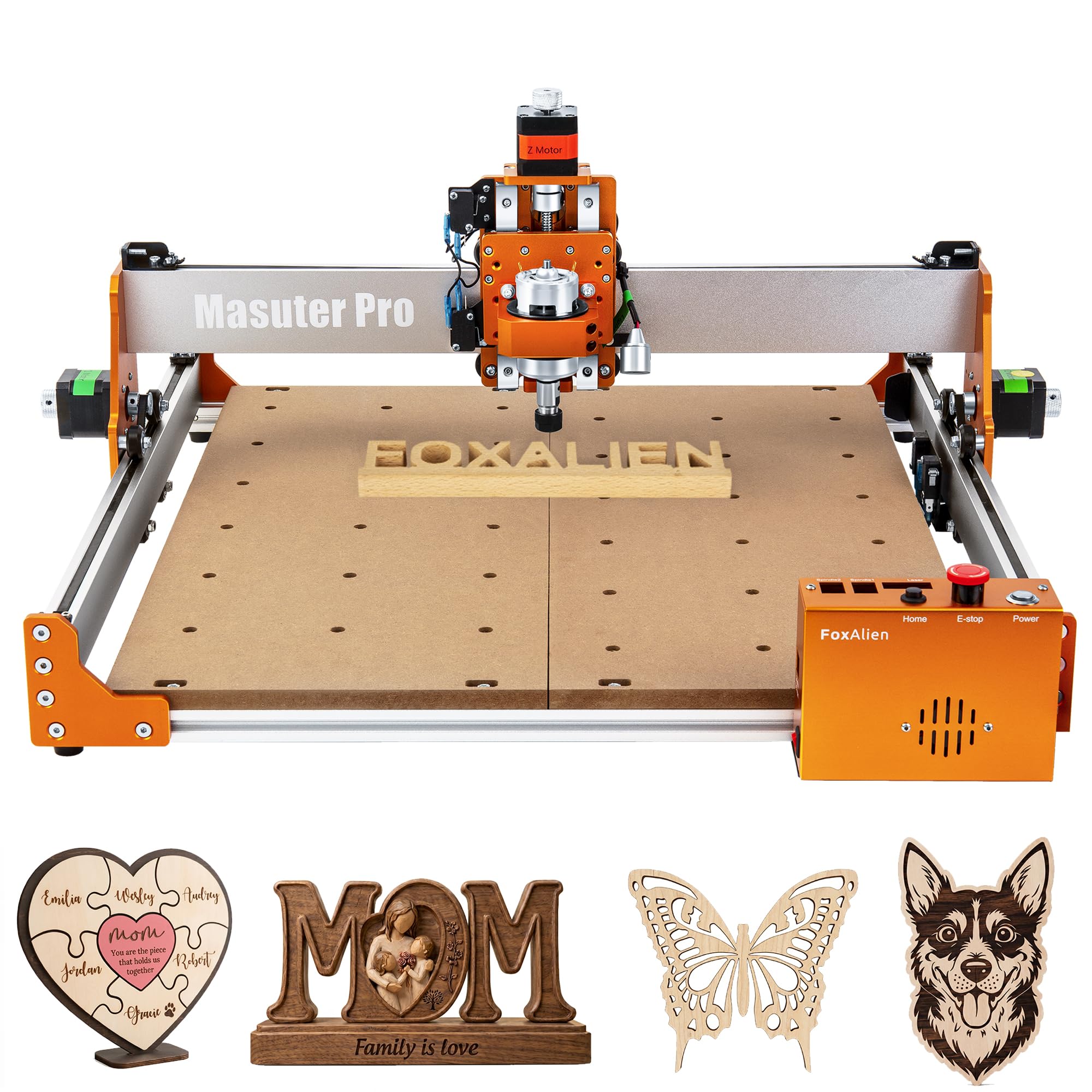
The Masuter Pro is the machine that gets beginners cutting in 10–15 minutes. FoxAlien pre-wires every component to the controller and provides a step-by-step paper manual that actually corresponds to the hardware in the box — a rarity in this segment. The all-aluminum frame with a linear rail Z-axis delivers better stability than the plastic gantry plates found on earlier FoxAlien models, and the dust-resistant controller box with accessible E-stop and home buttons keeps the learning curve shallow.
The 15.75-inch square work area (400 x 400 x 60 mm) is generous for a hobbyist bench, and dual spindle clamps (52 mm and 65 mm) let you swap between the included 300W spindle and a trim router without buying adapters. FoxAlien offers a Y-axis extension kit that expands the working area to 4080 dimensions, making this a platform you can grow into rather than outgrow in six months. Owners cite excellent customer support as the deciding factor — FoxAlien replaces defective hardware quickly, often cross-shipping parts.
The compromises: the 300W spindle is really only good for wood, MDF, acrylic, and light nylon routing — it will stall on 1/8-inch deep passes in aluminum. A few users experienced spindle failure within weeks, and support required voltage testing before authorizing a motherboard replacement. The supplied Easel subscription is fine for 2D carving, but you’ll need VCarve or Fusion 360 for 3D work. For pure wood engraving and DIY furniture making, it’s the least frustrating starting point.
Why it’s great
- 10–15 minute setup with pre-wired components and clear manual
- Dust-resistant controller with easy-access E-stop and home buttons
- FoxAlien support is fast and cross-ships replacement hardware
Good to know
- 300W spindle stalls on aluminum without very light passes
- Some units have motherboard failures requiring voltage test diagnosis
- Easel subscription only covers basic 2D carving
7. SainSmart 4040-PRO MAX
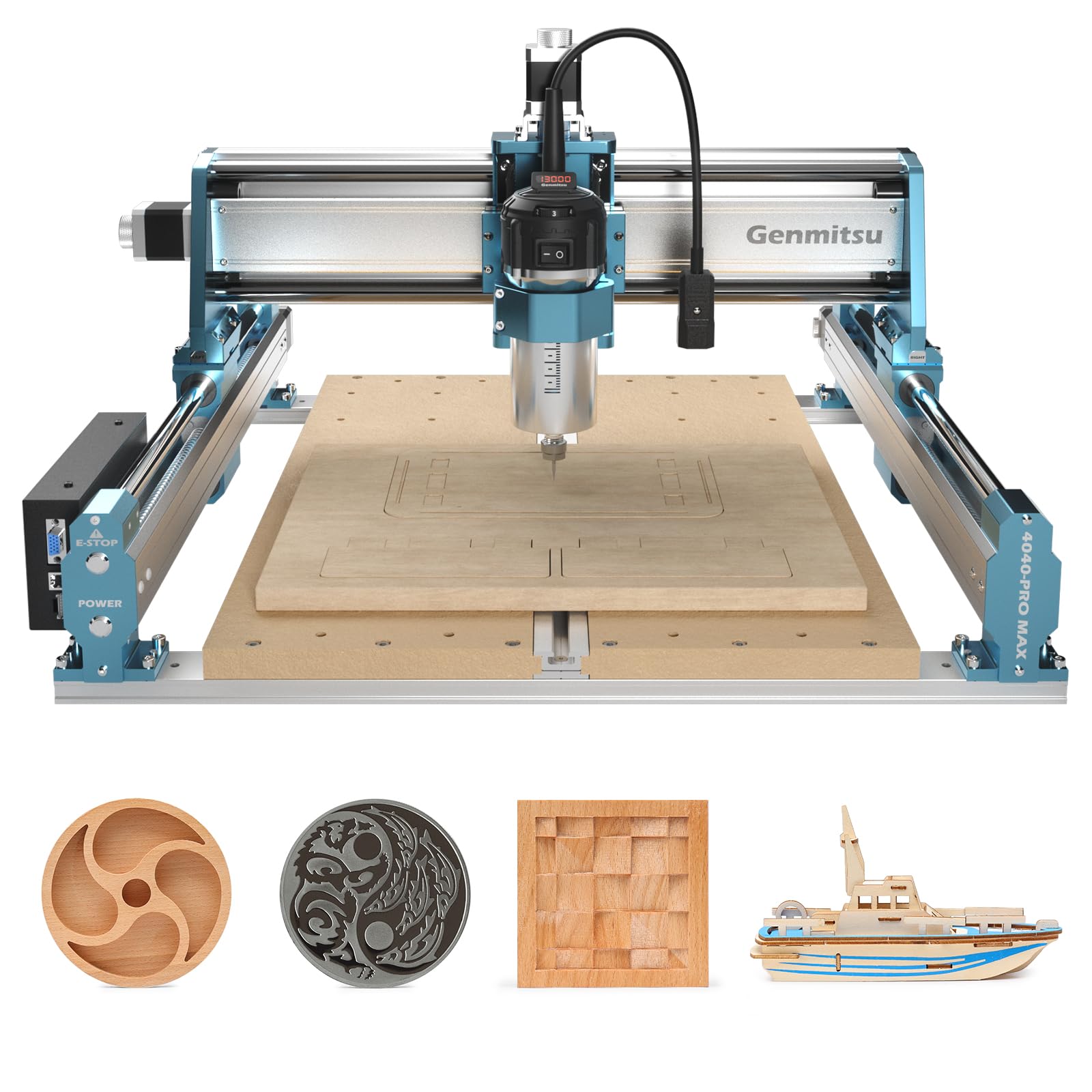
The X and Z axes use genuine linear guide rails instead of rod-and-bushing systems, reducing play and improving surface finish on tall sidewalls. The included 710W digital-display compact router has enough grunt to push a 1/4-inch bit through oak in a single pass, and the integrated T-track in the aluminum-reinforced spoilboard makes clamping faster than MDF-only tables.
The metal control box houses a 32-bit controller with silent drivers, and the machine ships with a two-piece bed that SainSmart split to reduce shipping damage — a pragmatic decision that owners either appreciate or find mildly annoying. The router accepts a standard relay switch for software-controlled on/off, which is a major safety upgrade over manual plugging. Beginners report that the included Easel compatibility makes first projects dead simple, while advanced users appreciate the 4th-axis and WiFi module upgrade paths.
The significant safety caveat: because the Z-axis is shorter than the pass height at the very bottom of the travel, cutting through stock completely can drive the bit into the metal bed, causing tool shattering. You absolutely need a disposable spoil board under every through-cut job. The WiFi module sold separately is reportedly unstable, frequently dropping connection and losing zero calibration. Wired USB remains the reliable option, though the dust shoe needs frequent cleaning to prevent chip buildup.
Why it’s great
- 100 mm pass height handles taller stock than most 4040 competitors
- XZ linear rails reduce chatter on deep sidewall carves
- 710W router cuts oak in single passes without stalling
Good to know
- Through-cuts risk hitting the metal bed — mandatory spoil board
- WiFi module is unstable and often drops zero calibration
- Two-piece bed design is a compromise for shipping damage prevention
8. LUNYEE 3018 Pro Max
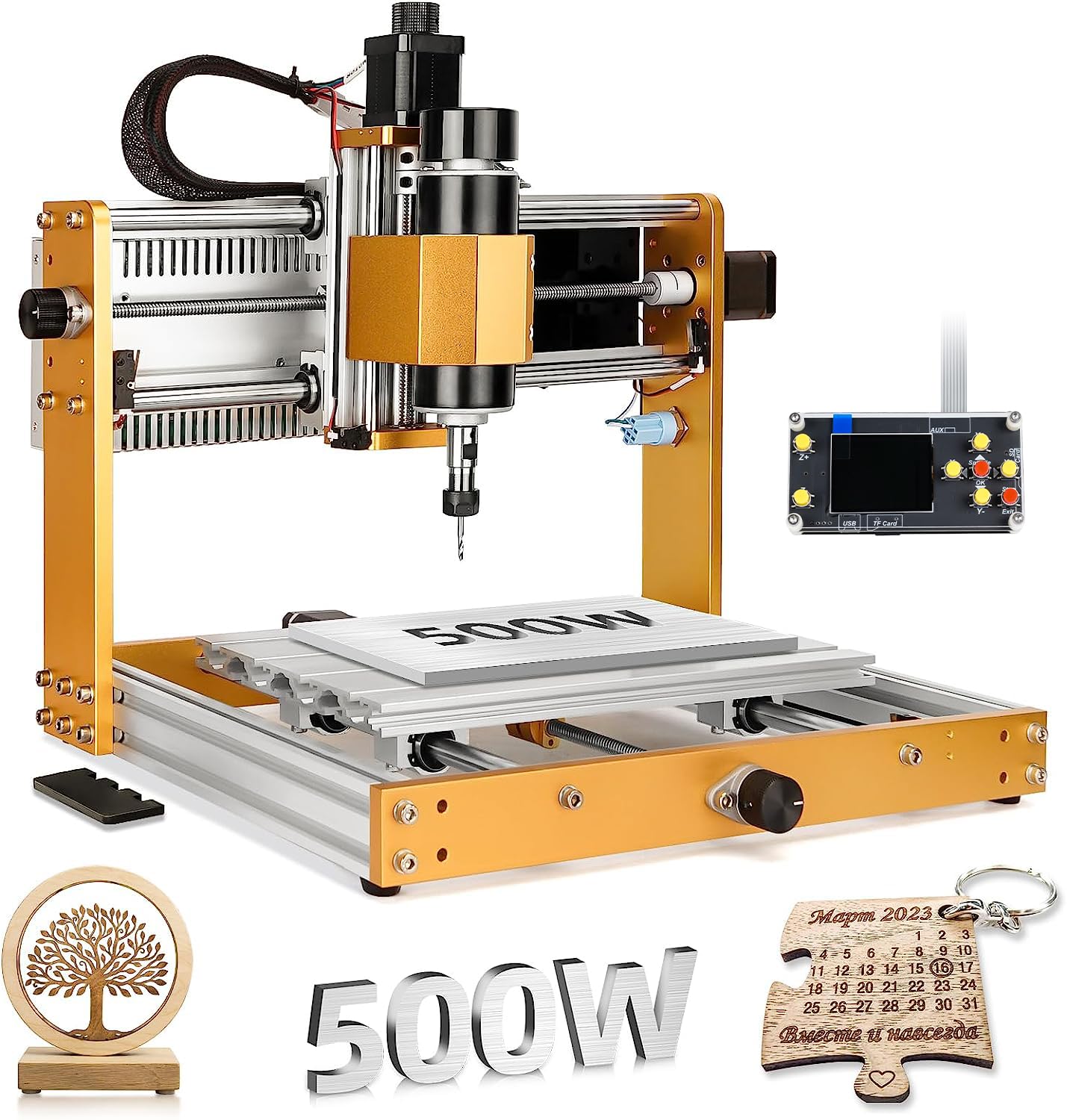
The 3018 Pro Max punches well above its weight class by fitting a 500W (0.67 HP) spindle — normally found on mid-range 4040 machines — into a compact 300 x 180 mm work envelope. The 80 mm Z-axis travel is the longest among standard 3018-class machines, giving you enough clearance to engrave pre-assembled boxes or slightly taller stock. Six limit switches and an actual emergency-stop button provide safety coverage that most budget machines skip entirely, and manual handwheels on all three axes make jogging to zero intuitive without software.
LUNYEE uses all-metal construction throughout the frame — no plastic brackets except the electrical enclosure — and the 12 mm optical axis on the Z improves linear motion smoothness over the typical 8 mm rods. The machine ships with a 4 GB USB drive containing pre-loaded software and wiring videos, which simplifies the setup process for first-time CNC buyers. Customer reports consistently mention the ease of assembly, and LUNYEE support is notably responsive (often replying within hours for missing hardware issues).
The 500W spindle is a 775 brushed motor, meaning it’s louder and has less low-end torque than a brushless spindle. It can cut aluminum and copper at shallow depths, but sustained use generates heat that can degrade the collet nut over time. The included 10W laser module — if your kit includes it — is underpowered for anything beyond thin marking. For desktop prototyping, jewelry wax, and small wood signs, this machine delivers remarkable value; just budget for a better collet and a dedicated dust shoe early on.
Why it’s great
- 500W spindle at this size class is rare — cuts aluminum with light passes
- 80 mm Z-travel clears taller stock than any other 3018
- Six limit switches and manual handwheels for safe, easy datum setting
Good to know
- 775 brushed spindle is loud and lacks low-end torque
- Included 10W laser is too weak for practical laser engraving
- Small 300 x 180 mm work area limits project size
9. SainSmart 4040 PRO (new model)
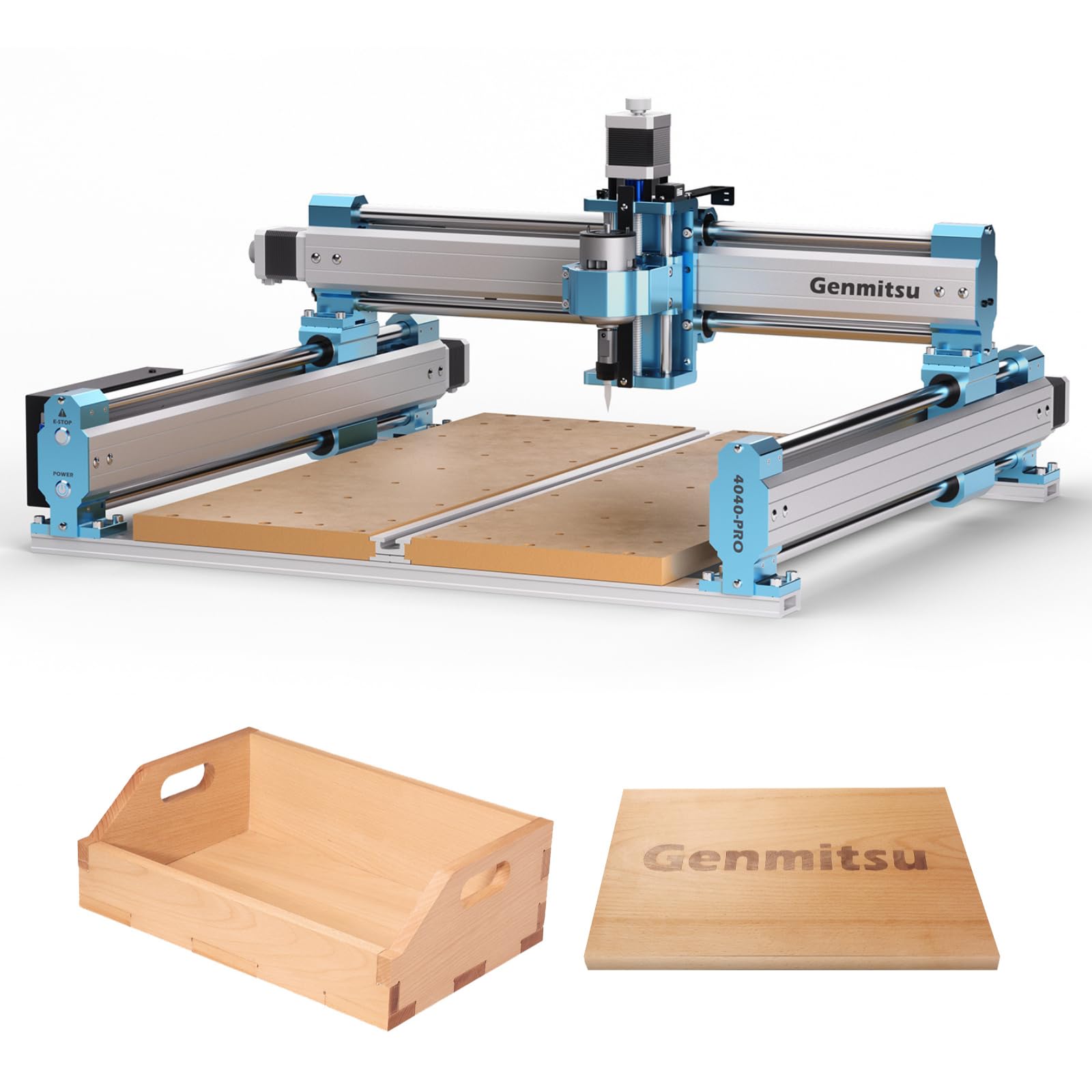
SainSmart’s latest 4040 PRO iteration keeps the proven steel HSS frame (16 mm tubes, dual Y rails, lead-screw drive) and adds a reinforced spoilboard with a central aluminum T-track bar that prevents MDF sag under heavy clamping. The controller uses silent Toshiba TB6S109 drivers with 32-bit chips, and the board includes dedicated ports for an air-assist pump and an MPG pendant — features normally reserved for the + tier. At 48.8 pounds, this is a heavy, rigid machine that resists vibration far better than lighter 3018-style kits.
The machine supports the same 4th-axis rotary module and WiFi module as the 4040-PRO, and the dual spindle mounts (42 mm and 52 mm) give you flexibility to start with the stock spindle and upgrade later. The two-piece spoil board design is carried over — practical for replacing only the damaged half. Owners who have used both this and the PROVerXL report that the 4040 PRO is better suited for flat work and sign making, while the C-beam PROVerXL edges ahead on 3D contouring.
The stock spindle is the limiting factor: it’s fine for wood, acrylic, and light MDF, but any serious aluminum work demands an upgrade. The manual is sparse on setup nuances (like spoil board orientation), and the bundled USB flash drive may not format correctly for Mac users. Customer support quality varies — some owners praise the quick replacement of defective parts, while others report multiple emails before a response. For the price, you’re buying a solid mechanical platform that needs a spindle investment to reach its full potential.
Why it’s great
- Heavy 48.8 lb frame absorbs vibration for cleaner cuts
- Reinforced T-track spoil board prevents MDF sag
- Silent Toshiba drivers and expansion ports for air assist & MPG
Good to know
- Stock spindle is inadequate for heavy aluminum work
- Manual is vague on spoil board and spindle mount orientation
- Customer support response time can be inconsistent
FAQ
Can an affordable CNC machine actually cut aluminum reliably?
What is the difference between GRBL 1.1 and GRBL 1.3a?
How important are limit switches on a budget CNC?
Should I buy a machine with a built-in touch screen?
How much assembly should I expect with a sub- CNC?
Final Thoughts: The Verdict
For most users, the best affordable cnc machine winner is the Twotrees TTC450 Pro because it delivers a 460 mm square work area, a responsive touch screen, and future-proof expansion ports at a mid-range price point that doesn’t force compromise on frame rigidity. If you want closed-loop motor reliability for unattended multi-hour cuts on metal, grab the FoxAlien Masuter 3S. And for purely desktop wood prototyping on the smallest budget, nothing beats the LUNYEE 3018 Pro Max with its 500W spindle and extra Z-travel.