
Running a legacy workstation, a vintage gaming rig, or a home server on a DDR3 platform means you’re likely bottlenecked by a 4GB or 8GB stick that just doesn’t cut it for modern multitasking. The jump to 32GB of DDR3 is one of the most significant upgrades you can make to an older system, turning a sluggish experience into a responsive powerhouse for VMs, photo editing, and everyday computing without the cost of a new motherboard and DDR4 RAM.
I’m Min — the co-founder and writer behind Gadgets Feed. This guide is built on hundreds of hours of cross-referencing technical specifications, comparing voltage profiles, and analyzing real-world user reports across dozens of DDR3 kits to find the best options in the niche 32GB capacity tier.
After sorting through the details on compatibility, kit configurations, and voltage requirements, I’ve compiled this ranking to help you find the absolute best 32gb ddr3 ram for your specific desktop build without wasting time on poor compatibility.
How To Choose The Best 32GB DDR3 RAM
Picking the right kit for your legacy desktop isn’t about picking the fastest clock speed — it’s about ensuring your motherboard’s chipset and voltage regulator can handle the load. A 32GB kit using four 8GB sticks pushes the memory controller harder than a pair of 16GB sticks, so compatibility checking is critical before you click buy.
Voltage: DDR3 vs DDR3L
Standard DDR3 runs at 1.5V, while DDR3L (low voltage) operates at 1.35V. Many modern kits are dual-voltage, supporting both. If your motherboard is designed for 1.5V only, mixing in 1.35V sticks can sometimes cause instability. Always check your board’s supported memory voltage range in the manual before purchasing a dual-voltage kit.
Rank: Single vs Dual Rank
Dual-rank (2Rx8) DIMMs effectively behave like two single-rank modules on one stick, increasing memory density. For a 32GB kit using four 8GB sticks, dual-rank modules are the standard. However, some older chipsets struggle with four dual-rank modules, so verify your motherboard’s maximum rank support per channel before installing a full 4-stick kit.
Quick Comparison
On smaller screens, swipe sideways to see the full table.
| Model | Category | Best For | Key Spec | Amazon |
|---|---|---|---|---|
| Timetec 32GB Kit | Dual Voltage | Best Overall Value | DDR3L / DDR3 1.35V-1.5V | Amazon |
| TEAMGROUP Elite | Brand Reliability | Top Performer | JEDEC Standard 1.5V | Amazon |
| NEMIX RAM | 1.35V Compatible | Best for Tweakers | 1.35V / 1.5V Auto-Config | Amazon |
| Wlizedle 32GB | With Heatsink | Best with Heat Spreader | Aluminum Heat Spreader | Amazon |
| Motoeagle DDR3L 32GB | DDR3L Low Voltage | Best for Power Efficiency | DDR3L 1.35V / 1.5V | Amazon |
| Motoeagle DDR3 32GB | Standard Desktop | Budget Champion | Standard 1.5V Non-ECC | Amazon |
| Motoeagle 32GB (B0GCFKKWCK) | Budget DDR3 | Budget Alternative | 1.5V Non-ECC 1600MHz | Amazon |
In‑Depth Reviews
1. Timetec 32GB Kit (4x8GB) DDR3L / DDR3 1600MHz

The Timetec 32GB kit hits the sweet spot offering dual-voltage support allowing operation at both 1.35V DDR3L and standard 1.5V DDR3. This flexibility makes it universally compatible with nearly every DDR3 desktop motherboard from Gigabyte to Dell as long as the board accepts 1.35V or 1.5V memory. Users report instant 32GB recognition on aging P8Z77V boards with zero errors after 100% testing.
Built with 2Rx8 dual-rank configuration on 512×8 ICs the CL11 latency matches JEDEC standards perfectly. The kit includes four 8GB modules giving you a full 32GB across all slots. Multiple verified purchasers noted flawless performance in Dell Optiplex 9020 and AMD AM3+ systems handling heavy multitasking including VMs and 4-display setups without stuttering.
Customer support receives high marks with one user receiving an immediate compatibility confirmation email before purchase. The lifetime warranty and US-based technical support add confidence for those wary of upgrading legacy hardware. If you want a single kit that works across the widest range of DDR3 desktop motherboards this is the clear choice.
Why it’s great
- Operates at both 1.35V and 1.5V for maximum motherboard compatibility
- Tested 100% error-free and recognized instantly in older systems
- Lifetime warranty with responsive US-based technical support
Good to know
- PCB color may vary between black or green depending on production batch
- Not designed for high-overclocking scenarios
2. TEAMGROUP Elite DDR3 32GB Kit (4x8GB) 1600MHz

TEAMGROUP is a well-established memory manufacturer and the Elite series brings their pedigree to the DDR3 market at a competitive entry point. Built to JEDEC regulation with strict environmental compliance the four 8GB modules in this kit run at 1.5V with CL11 timings. Users report rock-solid stability in AMD FX-8350 systems and Intel i3-3470 desktops where the kit was recognized instantly in dual-channel mode.
Over 196GB of TEAMGROUP DDR3 was purchased by one power user across multiple systems with zero reported defects — a strong indicator of manufacturing consistency. The unbuffered non-ECC UDIMM form factor ensures compatibility with standard consumer desktop motherboards. Installation is straightforward plug-and-play needing no BIOS tweaking for most boards.
One verified reviewer noted that while not the fastest DDR3 on the market the Elite kit delivers excellent value for legacy system upgrades. The 2x8GB sets combine into one full 32GB package and TEAMGROUP backs it with a lifetime warranty. If you want the assurance of a top-tier brand without paying a premium this is your kit.
Why it’s great
- JEDEC-compliant with strict manufacturing standards and environmental compliance
- Proven reliability across dozens of systems with zero defect reports
- Lifetime warranty from a major memory manufacturer
Good to know
- Not the fastest DDR3 available; optimized for stability over speed
- Standard 1.5V only — not compatible with DDR3L-only boards
3. NEMIX RAM 32GB (4X8GB) DDR3 1600MHz
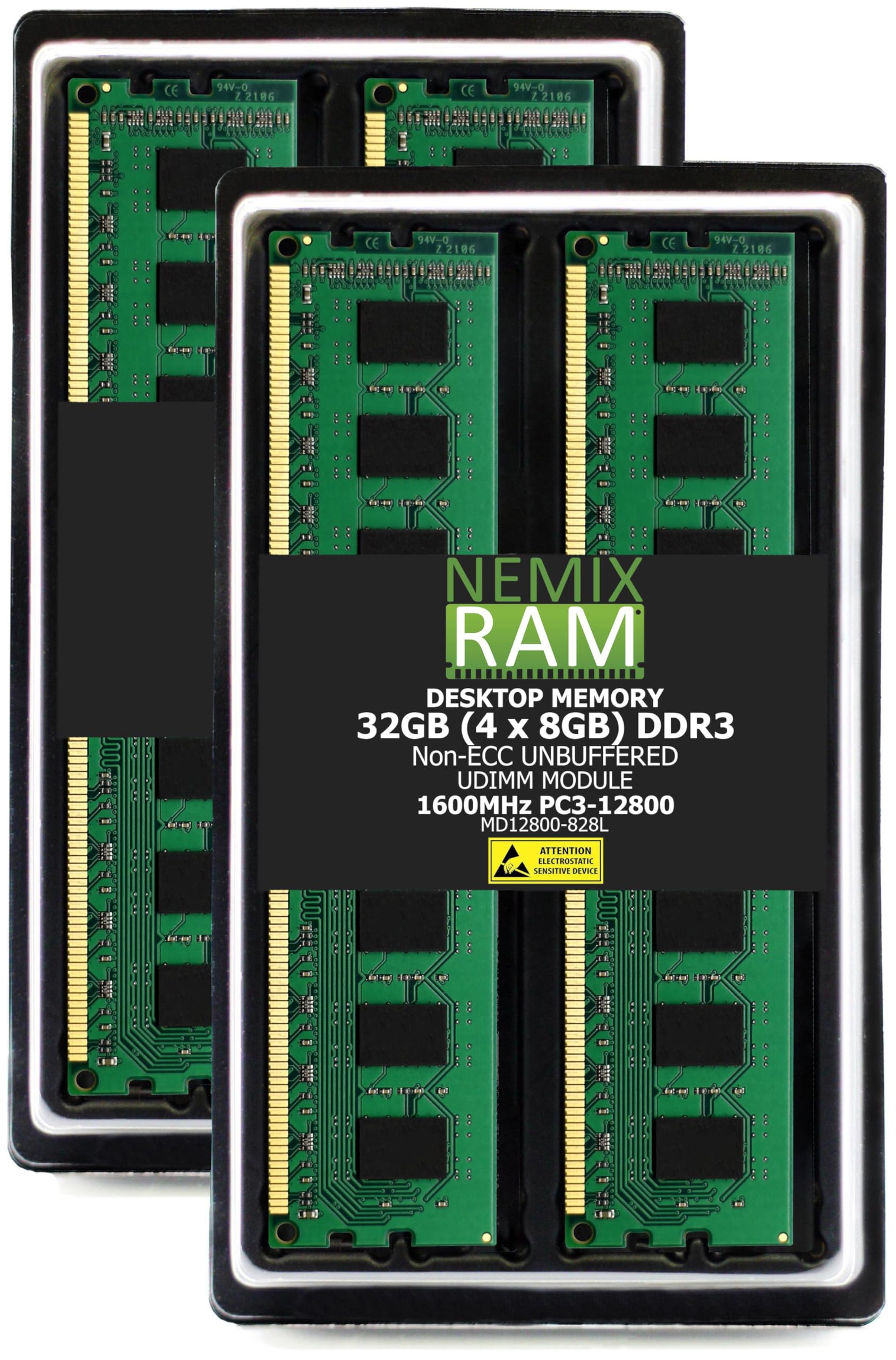
NEMIX RAM specializes in enterprise storage memory and brings that expertise to desktop DDR3. This 32GB kit uses four 8GB dual-rank modules rated at 1.35V to 1.5V with auto-configuration. Verified purchasers report it works perfectly in Dell Optiplex 3040 systems where other expensive A-TECH modules failed — a strong compatibility testament for OEM motherboards.
One user noted the RAM was slightly finicky at motherboard default low voltage settings requiring a manual BIOS bump to 1.425V for full stability. This makes the NEMIX kit better suited for users comfortable with basic BIOS tweaking rather than pure plug-and-play. After the adjustment the system handled 32GB with no crashes even during extended gaming sessions.
Build quality is solid with the enterprise-grade manufacturing process and NEMIX backs it with a lifetime replacement warranty and seasoned support staff. If you need 32GB of DDR3 for a picky Dell Optiplex or similar OEM system and don’t mind a minor voltage tweak this kit offers excellent compatibility and performance.
Why it’s great
- Works in Dell Optiplex 3040 where other premium modules failed
- Enterprise manufacturing background ensures high QA standards
- Lifetime replacement warranty with knowledgeable IT support
Good to know
- May require BIOS voltage adjustment to 1.425V for full stability
- Not ideal for total plug-and-play beginners
4. Wlizedle DDR3 RAM 32GB Kit (4x8GB) 1600MHz CL11

The Wlizedle 32GB kit stands out with its solid aluminum heat spreader designed to dissipate heat from each module efficiently. This thermal management allows the sticks to maintain high clock speeds consistently even during extended workloads. The kit runs at 1.5V with 2Rx8 dual-rank configuration and CL11 timings standard for matched DDR3-1600 operation.
A notable feature is the 1600MHz downclocking capability — if your motherboard only supports 1333MHz or 1066MHz the RAM automatically adjusts. This makes it usable on older chipsets without compatibility issues. Verified users report immediate performance improvements when upgrading from 8GB in HP desktops and other OEM systems.
One caveat is the heatsink adds physical bulk. A reviewer noted that in Dell SFF small form factor systems the aluminum cover can obstruct installation in tight spaces. Check your case clearance if using a compact desktop. If you have standard tower clearance and want active thermal management this is a solid performer.
Why it’s great
- Aluminum heat spreader for efficient thermal dissipation during heavy loads
- Downdocks to 1333MHz or 1066MHz for broader motherboard compatibility
- Plug-and-play installation with immediate performance gains reported
Good to know
- Heat spreader may obstruct installation in Dell SFF or compact cases
- Limited to 1.5V operation only
5. Motoeagle 32GB DDR3L RAM Kit (4x8GB) 1600MHz

The Motoeagle DDR3L 32GB kit is designed for systems that benefit from lower power consumption. Operating at 1.35V by default with support for 1.5V the dual-voltage flexibility helps extend the life of older power supplies and reduce overall system heat. Verified purchasers confirm it works perfectly in Gigabyte GA-78LMT-USB3 motherboards and provides ample overhead to avoid SSD swap on Linux machines.
All chips are sourced from big brand manufacturers and undergo 100% testing before shipping. The 2Rx8 dual-rank configuration ensures full 32GB capacity across four 8GB DIMMs. Users upgrading from 8GB reported a noticeable speed improvement with plug-and-play installation requiring no BIOS configuration.
A thoughtful touch is the recommendation to gently wipe the gold contact fingers with an eraser before installation — a common tip for ensuring reliable contact in older dusty slots. If you prioritize energy efficiency in a home server or daily driver that runs 24/7 this low-voltage kit is an excellent match.
Why it’s great
- Low 1.35V operation reduces power consumption and system heat
- 100% tested ICs from major manufacturers ensure reliability
- Dual-voltage support works with both DDR3 and DDR3L motherboards
Good to know
- May require contact cleaning for optimal installation in older systems
- Not the fastest option for extreme multitasking workloads
6. Motoeagle 32GB DDR3 RAM Kit (4x8GB) 1600MHz

This Motoeagle standard DDR3 32GB kit offers the same 1600MHz PC3-12800U performance as the DDR3L variant but operates strictly at 1.5V. It uses JEDEC-compliant original IC chips that are 100% tested and RoHS certified. Users report fast 48-hour shipping and perfect operation in Gigabyte GA-78LMT-USB3 motherboards with noticeable improvement over 8GB stock configurations.
The kit uses 2Rx8 single or double rank configuration and 240-pin DIMM form factor making it compatible with most Intel and AMD DDR3 desktop platforms. One verified reviewer noted it didn’t work alongside existing memory sticks for a 24GB configuration but ran perfectly as a full 16GB or 32GB replacement — stick to using all four sticks together for best results.
Priced at the entry-level end of the 32GB DDR3 market this kit is ideal for budget-conscious upgrades on systems like Dell Inspiron 660s or Compaq desktops. If you need the lowest possible investment to max out an older rig’s RAM capacity this is the logical pick.
Why it’s great
- JEDEC-compliant with 100% tested ICs for reliable operation
- Plug-and-play installation with immediate performance gains
- Fast shipping and consistent quality at an entry-level price
Good to know
- 1.5V only — not compatible with DDR3L-only boards
- Best used as a full set rather than mixing with existing RAM
7. Motoeagle 32GB DDR3 RAM 4X8GB PC3-12800U (B0GCFKKWCK)
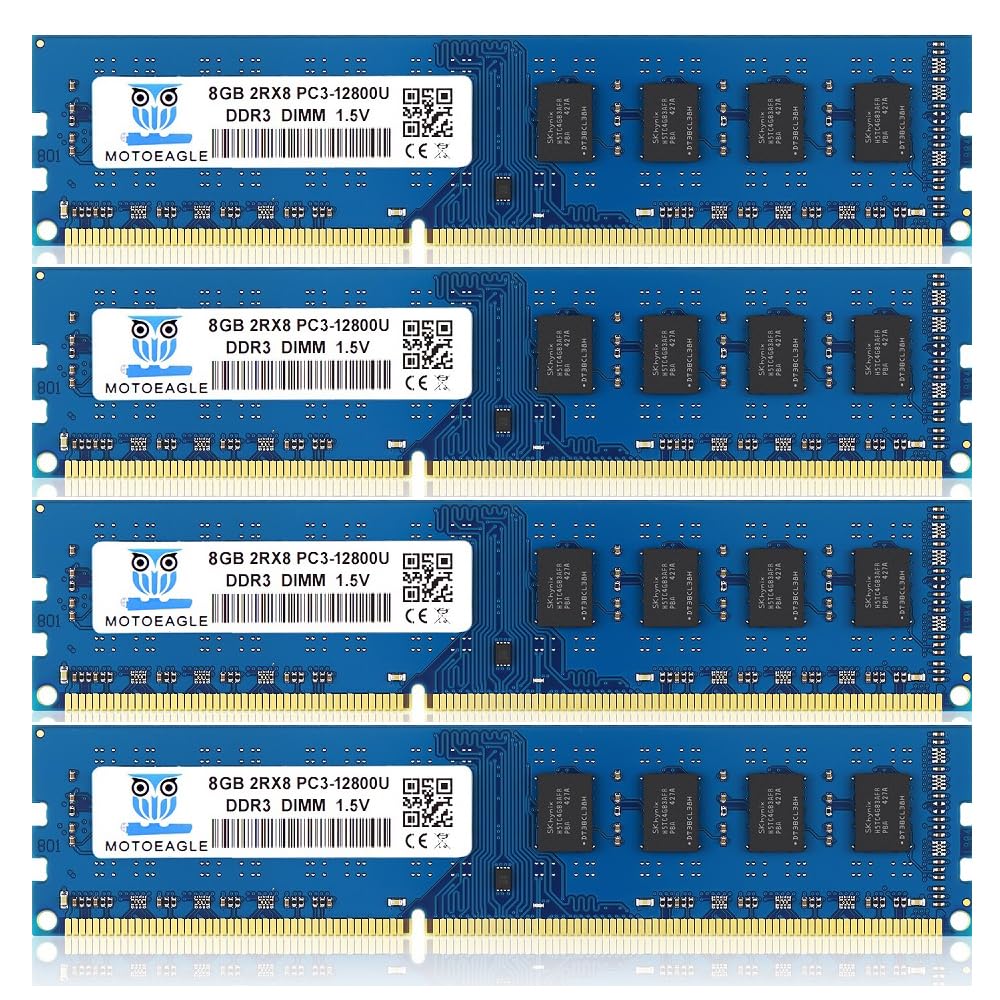
Another Motoeagle 32GB kit offering the same PC3-12800U DDR3-1600 specification at 1.5V but labeled with a different model number. It uses JEDEC standard DDR3 DIMM RAM based on 512×8 ICs with 1Rx8 or 2Rx8 configuration. Verified purchasers report it works perfectly in 15-year-old Compaq PCs and Dell Inspiron 3847 desktops revitalizing systems that were nearly unusable with 4GB of RAM.
One particularly notable use case comes from a Dell Optiplex 9020 owner who resolved the amber light of death by replacing two failed 4GB sticks with two of these 8GB modules for a working 24GB configuration. This demonstrates the kit’s ability to work in mixed configurations — though running all four sticks as a full 32GB set is recommended for max capacity.
If you’re on the tightest budget and need to upgrade a secondary or backup system this kit gets the job done reliably. The same caution applies as with the other Motoeagle variant — check your motherboard’s maximum RAM slot count and capacity before purchasing to avoid compatibility surprises.
Why it’s great
- Works in very old systems including 15-year-old Compaq PCs
- Can fix Dell Optiplex 9020 amber light of death fault
- Budget-friendly option for secondary system upgrades
Good to know
- 1.5V only — not dual-voltage compatible
- Performance is adequate for basic tasks rather than heavy workloads
FAQ
Can I mix 32GB DDR3 RAM from different brands in my desktop?
What does PC3-12800U mean on my 32GB DDR3 kit?
Will 32GB of DDR3 work on a motherboard that supports 16GB max?
Final Thoughts: The Verdict
For most users, the best 32gb ddr3 ram winner is the Timetec 32GB Kit because its dual-voltage 1.35V/1.5V compatibility ensures it works across the widest range of legacy motherboards while offering a lifetime warranty. If you want brand reliability and JEDEC-standard stability, grab the TEAMGROUP Elite kit. And for the tightest budget upgrade on a secondary system, nothing beats the entry-level value of the Motoeagle DDR3 32GB kit.