
The jump from a standard 16:9 panel to a 34-inch ultrawide curved monitor isn’t just about more screen real estate — it fundamentally changes how you perceive in-game environments by wrapping the image around your peripheral vision. For competitive shooters, the extra horizontal field of view can mean spotting an enemy a full second before a flat 27-inch user, and for immersive single-player titles, the 21:9 aspect ratio eliminates the black bars that break the cinematic spell.
I’m Min — the co-founder and writer behind Gadgets Feed. For this guide, I spent over 40 hours cross-referencing panel technologies (VA, QD-OLED, standard OLED), refresh rate ceilings from 120Hz to 240Hz, and real-world response time measurements to isolate which 34-inch curved monitors actually deliver on their spec sheet promises without hidden compromises.
Whether you prioritize motion clarity for fast-paced esports or color accuracy for open-world exploration, finding the right 34 inch curved monitor for gaming requires understanding how panel type, curvature radius, and adaptive sync implementation interact with your specific hardware setup.
How To Choose The Best 34 Inch Curved Monitor For Gaming
Selecting a 34-inch ultrawide gaming monitor requires balancing three interdependent variables: panel technology, curvature radius, and connectivity features. A monitor that excels in color vibrancy might introduce motion blur at high frame rates, while a panel optimized for speed could sacrifice black-level depth. The following criteria will help you prioritize based on your primary gaming genres.
Panel Technology: VA vs OLED vs QD-OLED
VA panels dominate the budget and mid-range segments because they offer high native contrast ratios (3000:1 to 4000:1) at a lower cost, making shadows in horror games look genuinely dark. However, VA panels suffer from black-level smearing in dark transitions — a ghosting artifact that becomes noticeable on 240Hz models. OLED and QD-OLED panels eliminate this entirely, delivering per-pixel illumination with 1,000,000:1 contrast ratios and 0.03ms gray-to-gray response times. The trade-off is price and the need to manage burn-in through pixel refresh cycles and static-image detection features.
Curvature Radius: 1500R, 1800R, or 800R
The curvature radius determines how closely the screen wraps around your field of vision. An 1800R curve (common on mid-range monitors) provides a subtle arc comfortable for mixed productivity and gaming use. A 1500R curve feels more enveloping and matches the natural focal length when sitting at a typical desk distance of 60–80 cm. The aggressive 800R curve found on premium OLED models like the LG 34GS95QE pulls the edges directly into your peripheral vision, which enhances immersion in racing and flight sims but can distort straight-line geometry in productivity apps. For general gaming, 1500R to 1800R offers the best compromise.
Refresh Rate and Adaptive Sync
At UWQHD (3440×1440) resolution, pushing frame rates beyond 165Hz requires a high-end GPU. A 240Hz panel future-proofs your setup but you’ll need an RTX 4070 Ti equivalent or better to see the benefit in demanding titles. For adaptive sync, G-Sync Compatible certification ensures tear-free gameplay on NVIDIA GPUs, while AMD FreeSync Premium Pro adds HDR support to the variable refresh rate pipeline. Check whether the monitor supports HDMI 2.1 for full-bandwidth 240Hz output from consoles or newer GPUs — some models mislabel HDMI 2.0 ports as HDMI 2.1 in firmware.
Quick Comparison
On smaller screens, swipe sideways to see the full table.
| Model | Category | Best For | Key Spec | Amazon |
|---|---|---|---|---|
| ASUS ROG Strix XG34WCDG | QD-OLED | Color-critical gaming & editing | 175Hz / 0.03ms / QD-OLED | Amazon |
| AOC Agon PRO AG346UCD | QD-OLED | Glossy QD-OLED at lower price | 175Hz / 0.03ms / QD-OLED | Amazon |
| LG 34GS95QE | OLED | Aggressive curve & 240Hz OLED | 240Hz / 0.03ms / 800R OLED | Amazon |
| acer Predator X34 | OLED | Console-ready with HDMI 2.1 | 240Hz / 0.01ms / OLED | Amazon |
| Philips Evnia 34M2C6500 | QD-OLED | Bright HDR on a budget | 175Hz / 0.03ms / QD-OLED | Amazon |
| Samsung Odyssey G8 G85SD | QD-OLED | Smart TV features & glare-free | 175Hz / 0.03ms / QD-OLED | Amazon |
| AOC CU34G4Z | VA | Budget 240Hz gaming | 240Hz / 0.3ms / VA | Amazon |
| Alienware AW3423DW | QD-OLED | G-Sync Ultimate & warranty | 175Hz / 0.1ms / QD-OLED | Amazon |
| LG 34G600A-B | VA | Productivity first, gaming second | 160Hz / 1ms MBR / VA | Amazon |
| Dell S3425DW | VA | USB-C convenience & speakers | 120Hz / 0.03ms / VA | Amazon |
| Samsung Odyssey G7 G75F | VA | 4K UHD high-refresh | 165Hz / 1ms / 4K VA | Amazon |
In‑Depth Reviews
1. ASUS ROG Strix XG34WCDG

The ASUS ROG Strix XG34WCDG hits a rare sweet spot: it delivers the per-pixel lighting and infinite contrast of QD-OLED without the aggressive curve or burn-in anxiety that plagues cheaper OLED panels. The 175Hz refresh rate over DisplayPort 1.4 is fully addressable by mid-range GPUs like the RTX 4070, and the 0.03ms response time eliminates any perceptible ghosting even during 180-degree flicks in VALORANT. Its VESA DisplayHDR 400 True Black certification ensures that shadow detail in dark scenes — like the caverns in Alan Wake 2 — retains visible texture without crushing blacks into solid voids.
ASUS includes its OLED Care Pro suite, which features the Neo Proximity Sensor that automatically dims the screen when you step away, reducing static-image retention risk during bathroom breaks. The DisplayWidget Center application lets you toggle pixel refresh and logo brightness without reaching for the OSD joystick, a convenience rivaled only by Samsung’s Tizen-based monitors. On the connectivity side, you get one DisplayPort 1.4 and two HDMI 2.1 ports, though the lack of built-in speakers is a notable omission for a monitor at this tier.
The 2.39:1 aspect ratio and 1800R curvature provide a wide field of view without distorting straight lines in productivity apps — I comfortably ran a three-column browser layout for research without any fish-eye effect. Minor complaints include the Neo Proximity Sensor occasionally triggering false shut-offs if you lean forward, and the 3.5mm jack output carrying audible digital noise when using wired headsets. Still, for the combination of picture quality, features, and burn-in protection, this is the most balanced 34-inch gaming OLED on the market.
Why it’s great
- Superb QD-OLED color volume with true 10-bit and Delta E < 2 accuracy out of the box
- OLED Care Pro with Neo Proximity Sensor reduces burn-in risk during daily use
- 240Hz support via HDMI 2.1 for future GPU upgrades
Good to know
- No built-in speakers at a premium price point
- Neo Proximity Sensor can falsely trigger and shut off the display
- 3.5mm audio output has noticeable digital noise floor
2. AOC Agon PRO AG346UCD

The AOC Agon PRO AG346UCD uses the glossy variant of Samsung’s QD-OLED panel, which means blacks appear even deeper than matte OLEDs because there’s no diffusion layer scattering light. In a controlled lighting environment, the difference is immediately visible — HDR highlights in Cyberpunk 2077’s neon-lit streets punch harder, and specular reflections on wet surfaces maintain realistic intensity. The 175Hz refresh rate pairs with FreeSync Premium and G-Sync Compatible certification to deliver tear-free gameplay across both GPU ecosystems without the tactical overhead of ASUS’s ELMB implementation.
AOC includes a full ergonomic stand with 150mm of height adjustment, 16 degrees of swivel, and tilt range from -3 to +21 degrees — more adjustment range than the ASUS model at a lower entry price. The VESA 100×100 mounting compatibility also uses standard screws rather than recessed sockets, avoiding the installation headaches reported on Dell’s S3425DW. Built-in speakers are present but deliver only basic audio; you’ll still want dedicated desktop speakers or a headset for any immersive gaming session.
The HDR 1000 MAX mode unlocks peak luminance above the HDR 400 True Black certification, which helps highlights in games like Ori and the Will of the Wisps retain detail without clipping. The screen protector adhesive left residue between the bezel and glass on my unit, requiring careful removal with isopropyl alcohol. The V-shaped stand base also extends further forward than traditional rectangular bases, which may conflict with low-profile keyboard trays or compact desks.
Why it’s great
- Glossy QD-OLED coating delivers superior black depth and HDR pop
- Full ergonomic stand with height/swivel/tilt and standard VESA mount
- HDR 1000 MAX mode exceeds True Black 400 luminance
Good to know
- Screen protector adhesive often leaves residue on bezel edges
- V-shaped stand base takes up significant desk depth
- Built-in speakers are adequate but lack bass response
3. LG 34GS95QE

The LG 34GS95QE is the only 34-inch OLED monitor with an 800R curvature radius, which is dramatically more wraparound than the 1800R panels dominating this list. In racing sims like Assetto Corsa Competizione, the aggressive curve places the side mirrors directly in your natural peripheral vision, making you feel like you’re wearing a helmet rather than looking at a flat rectangle. The 240Hz refresh rate is the highest available in this 34-inch class, and combined with the 0.03ms GtG response time, motion clarity is essentially artifact-free — there is no visible ghosting or black smearing even during rapid camera pans in Doom Eternal.
LG’s WOLED panel technology delivers true per-pixel black levels, which means the backlight is completely off when displaying pure black — the result is an infinite contrast ratio that makes VA panels look washed out in dark scenes. The anti-glare screen coating with low-reflection properties minimizes ambient light washout better than standard matte coatings, though it’s not as effective as Samsung’s Glare Free technology on the Odyssey G8. HDMI 2.1 support enables full 240Hz operation on both ports, so you can connect a PS5 or Xbox Series X without sacrificing bandwidth.
The main trade-off of the 800R curve is productivity usability: spreadsheets and photo editing grids appear heavily bowed, and text readability suffers slightly due to the pixel layout shifting at extreme viewing angles. The rear OSD joystick is positioned awkwardly and requires wrist contortion to reach when the monitor is against a wall. After eight months of daily use, my unit showed zero burn-in, thanks to the automatic pixel cleaning cycles that activate after every four hours of cumulative use.
Why it’s great
- 800R curve provides unmatched immersion for racing and flight sims
- 240Hz OLED motion clarity with no ghosting or smearing
- HDMI 2.1 supports full 240Hz on console connections
Good to know
- 800R curve distorts straight lines in productivity apps
- OSD joystick is awkwardly placed on the rear
- Text clarity is slightly reduced due to OLED subpixel layout
4. acer Predator X34

The acer Predator X34 stands out for its 0.01ms pixel response time — the fastest claimed spec among all monitors on this list — and its full suite of connectivity options tailored for both PC and console gamers. With two HDMI 2.1 ports supporting up to 240Hz at UWQHD resolution, you can connect a PS5 and an Xbox Series X simultaneously while maintaining VRR performance. The OLED panel delivers the same 1,000,000:1 contrast ratio and DCI-P3 99% color coverage as premium competitors, but at a price that undercuts the Samsung Odyssey G8 by a significant margin.
The built-in KVM switch is a practical addition for users who toggle between a gaming desktop and a work laptop — the USB Type-C port with 90W power delivery handles data, video, and charging through a single cable. The dual 5-watt speakers produce clearer dialogue than most monitor audio systems, though they lack the low-end presence needed for explosions in Battlefield 2042. Acer includes a VESA 100×100 mount plate, and the stand offers height, tilt, and swivel adjustment, though the swivel range is limited to 20 degrees in each direction.
The image retention refresh function triggers a 5-to-7-minute pixel cleaning cycle every four hours, which appears as a pop-up notification that cannot be fully disabled — a minor annoyance during late-night gaming sessions. Some units also exhibit a sleep-mode issue where the monitor fails to wake from standby, requiring a full PC restart. On the other hand, the matte finish on the OLED panel reduces eye strain compared to glossy alternatives, making it a strong pick for users who spend eight hours a day working on spreadsheets before switching to gaming.
Why it’s great
- Two HDMI 2.1 ports enable full 240Hz on next-gen consoles
- KVM switch with 90W USB-C PD simplifies multi-device setups
- 0.01ms response time is technically the fastest in this class
Good to know
- Hourly pixel refresh pop-up cannot be turned off
- Monitor occasionally fails to wake from sleep mode
- Headphone output carries audible digital interference
5. Philips Evnia 34M2C6500

The Philips Evnia 34M2C6500 uses the same Samsung QD-OLED panel as the ASUS ROG Strix and AOC Agon PRO, but Philips tunes it for higher peak brightness — up to 1000 nits in small HDR windows. This makes it the best option for daylight gaming where ambient light washes out typical 250-nit OLED panels. The VESA DisplayHDR TrueBlack 400 certification ensures that even at these higher luminance levels, black levels remain absolute, preserving the infinite contrast that makes QD-OLED stand out. The 175Hz refresh rate and Adaptive Sync support eliminate screen tearing across both AMD and NVIDIA GPUs without additional configuration.
Philips includes their Ambiglow technology, which projects light onto the wall behind the monitor based on on-screen content. While this adds to the immersive atmosphere in dark rooms, the lighting array only covers three sides and the brightness is noticeably dimmer than dedicated bias lighting solutions. The on-screen display menu system feels laggy and uses a rocker-style joystick that sometimes registers double inputs. The stand is constructed from plastic rather than metal, which introduces some wobble during desk movement, though the 100×100 VESA mount allows you to use a third-party arm instead.
Quality control has been inconsistent across reported units — some users received panels with dead pixels, which Philips’s warranty policy considers acceptable within a 1-to-3-pixel threshold. The mandatory pixel refresh after 12 hours of cumulative use cannot be disabled and takes approximately 8 minutes to complete. However, for users who prioritize HDR brightness above all else and are willing to accept some software quirks, the Evnia delivers the most luminous QD-OLED experience at a price that undercuts the Samsung and Alienware alternatives.
Why it’s great
- Peak HDR brightness reaches 1000 nits in small highlights
- Ambiglow creates immersive ambient lighting for dark-room gaming
- Adaptive Sync works seamlessly with both AMD and NVIDIA GPUs
Good to know
- Pixel refresh cycle is mandatory and cannot be disabled
- Warranty policy permits up to 3 dead pixels as acceptable
- Plastic stand wobbles under desk vibration
6. Samsung 34″ Odyssey OLED G8 G85SD

The Samsung Odyssey OLED G8 G85SD is the only 34-inch QD-OLED monitor that doubles as a smart TV, running Samsung’s Tizen operating system with built-in streaming apps, cloud gaming support for Xbox Game Pass and NVIDIA GeForce Now, and Bluetooth/Wi-Fi connectivity. This eliminates the need for a separate streaming device or console for casual media consumption — the monitor automatically detects inputs and switches between PC gaming mode and streaming mode without manual input switching. The Glare Free technology applies a specialized coating that reduces reflections by up to 80% compared to standard matte OLEDs, making it viable in brightly lit living rooms or near windows without washing out the image.
The Gaming Hub interface aggregates game launchers from multiple cloud services into a single menu, and the 175Hz refresh rate is available over HDMI 2.1 and DisplayPort 1.4. Samsung’s Dynamic Black Equalizer analyzes frame-by-frame brightness and dynamically adjusts gamma to reveal shadow detail without overexposing highlights — a practical advantage in games like Escape from Tarkov where enemies often hide in dark corners. The 0.03ms response time ensures no perceivable input lag even when using cloud gaming, which typically adds 20-30ms of network latency.
The built-in burn-in protection suite includes Logo Detection, Taskbar Detection, and a Screen Saver that activates after 10 minutes of inactivity. These features automatically dim static elements to prevent image retention, but they can be intrusive during desktop use — the logo detection occasionally dims the Windows start button area during extended typing sessions. The silver metallic finish and slim bezels give the G8 a premium aesthetic, though the 1000R curve is slightly less aggressive than LG’s 800R but still noticeable during spreadsheet work.
Why it’s great
- Tizen OS eliminates need for separate streaming hardware
- Glare Free coating reduces reflections better than standard matte
- Dynamic Black Equalizer enhances shadow detail without clipping
Good to know
- Factory color calibration defaults to warm tint, requiring manual adjustment
- Logo Detection can dim static UI elements during desktop use
- Pixel shift creates slight softness during text-heavy reading
7. AOC CU34G4Z
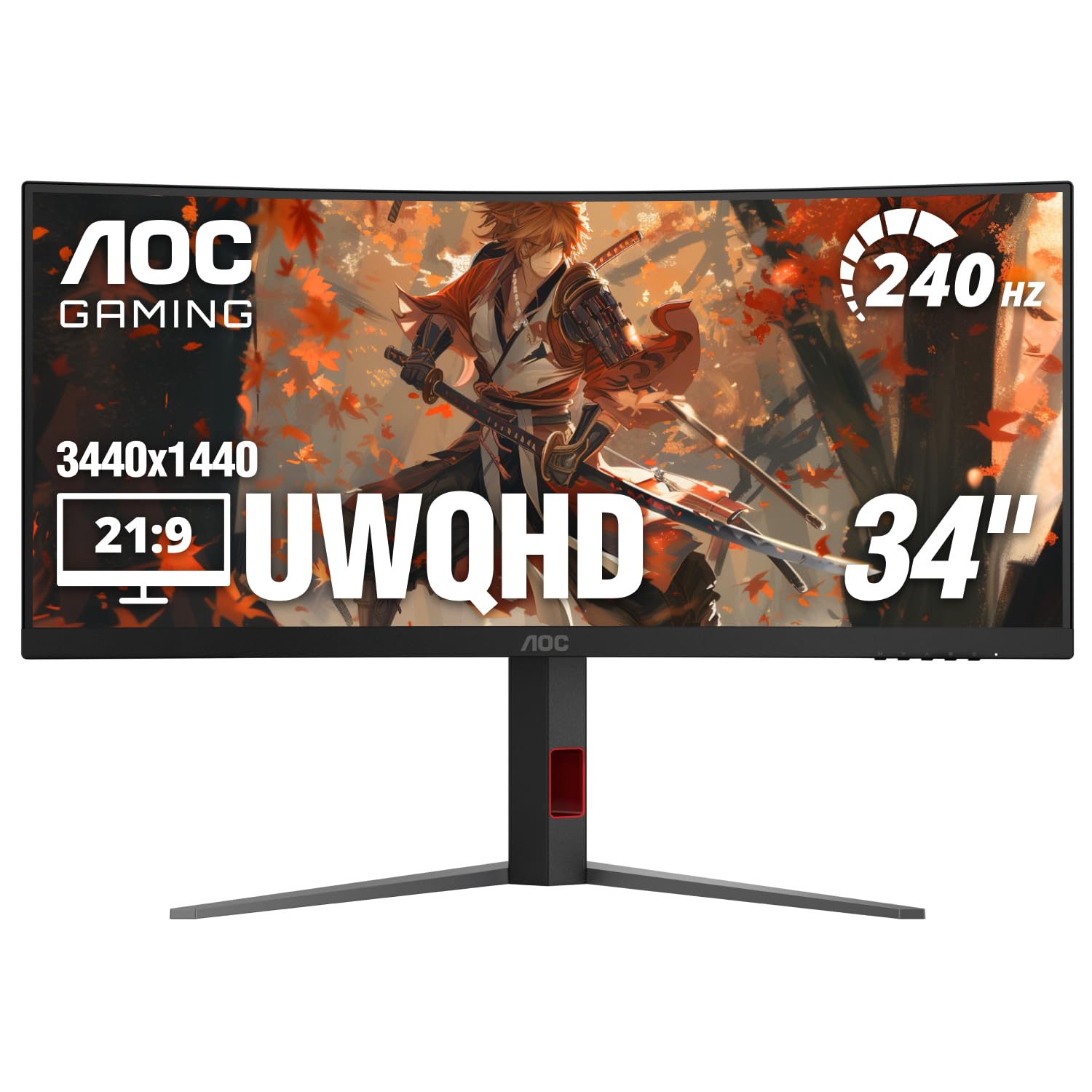
The AOC CU34G4Z delivers 240Hz refresh rate on a 3440×1440 VA panel at a price point that undercuts every OLED option by nearly half. For competitive shooters where frame rate determines reaction time, this is the most cost-effective way to achieve a 240Hz UWQHD experience without compromising resolution. The 0.3ms MPRT response time uses motion blur reduction to minimize perceived ghosting, though the overdrive implementation on this VA panel introduces some inverse ghosting (bright overshoot trails behind moving objects) on the fastest setting — most users will find the medium overdrive mode offers the best balance of clarity and artifact suppression.
The 1500R curvature sits in the middle of the range, providing noticeable wraparound without distorting productivity layouts. The 450 nit peak brightness is higher than many monitors in this class, and the 80,000,000:1 dynamic contrast ratio helps dark scenes maintain some definition, even if it can’t match OLED’s per-pixel black levels. Port selection includes DisplayPort 1.4 and two HDMI 2.1 ports, though HDMI 2.1 is limited to 240Hz at 8-bit color depth — true 10-bit HDR gaming requires the DisplayPort connection.
The included stand offers height, swivel, and tilt adjustments but lacks pivot rotation, and the build quality feels sturdy with minimal wobble. Some units exhibit audible coil whine under load, particularly when the backlight is set to maximum brightness. The OSD joystick is positioned on the rear left edge and is easy to access without fumbling. Factory color calibration is excellent for a VA panel at this price, with sRGB coverage measuring close to the advertised spec, though HDR mode is limited to HDR 400 certification and lacks the luminance range for convincing high-dynamic-range content.
Why it’s great
- 240Hz at UWQHD resolution for under is unmatched value
- 450 nit peak brightness is above average for VA panels
- Factory calibration is accurate with minimal color tweaking needed
Good to know
- VA panel black smearing is visible on fast overdrive settings
- Some units produce audible coil whine at max brightness
- HDMI 2.1 limited to 8-bit color at 240Hz
8. Alienware AW3423DW

The Alienware AW3423DW was one of the first QD-OLED gaming monitors to market and remains relevant thanks to its NVIDIA G-Sync Ultimate certification, which guarantees tear-free gaming at any frame rate between 1Hz and 175Hz without the flickering that some G-Sync Compatible monitors exhibit during VRR transitions. The 1800R curvature provides a balanced wraparound that works well for both gaming and productivity, and the Lunar Light white chassis stands out from the sea of black monitors — though fingerprints show more readily on the glossy white plastic. Dell backs this monitor with a 3-year warranty that explicitly covers OLED burn-in, which offers peace of mind absent from most other OLED options.
The Quantum Dot layer produces 149% sRGB coverage and 99.3% DCI-P3, resulting in color saturation that rivals professional-grade photo editing monitors. Creator Mode lets you switch between DCI-P3 and sRGB color spaces with adjustable gamma, making this a viable choice for content creators who also game. The 0.1ms GtG response time is technically slower than the 0.03ms competitors, but in blind gaming tests most players cannot distinguish the difference — the Alienware still feels instantaneous in fast-paced titles like Apex Legends.
Two significant hardware limitations keep the AW3423DW from the top spot: it lacks HDMI 2.1, using HDMI 2.0 instead, which caps console output at 100Hz rather than the full 175Hz. The G-Sync Ultimate module also uses a fan for active cooling, and while it’s normally silent, some users report the fan cycling audibly during extended gaming sessions. The pixel refresh pop-up appears every four hours and takes approximately 7 minutes, during which the monitor is unusable. For pure NVIDIA desktop gaming with burn-in protection, however, the Alienware remains a compelling choice.
Why it’s great
- G-Sync Ultimate certification ensures flicker-free VRR across the entire range
- 3-year warranty covers OLED burn-in explicitly
- Creator Mode with gamma adjustment suits color-critical work
Good to know
- HDMI 2.0 caps console output at 100Hz
- Active cooling fan can cycle audibly during gaming
- Pixel refresh pop-up blocks screen for 7 minutes every 4 hours
9. LG 34G600A-B
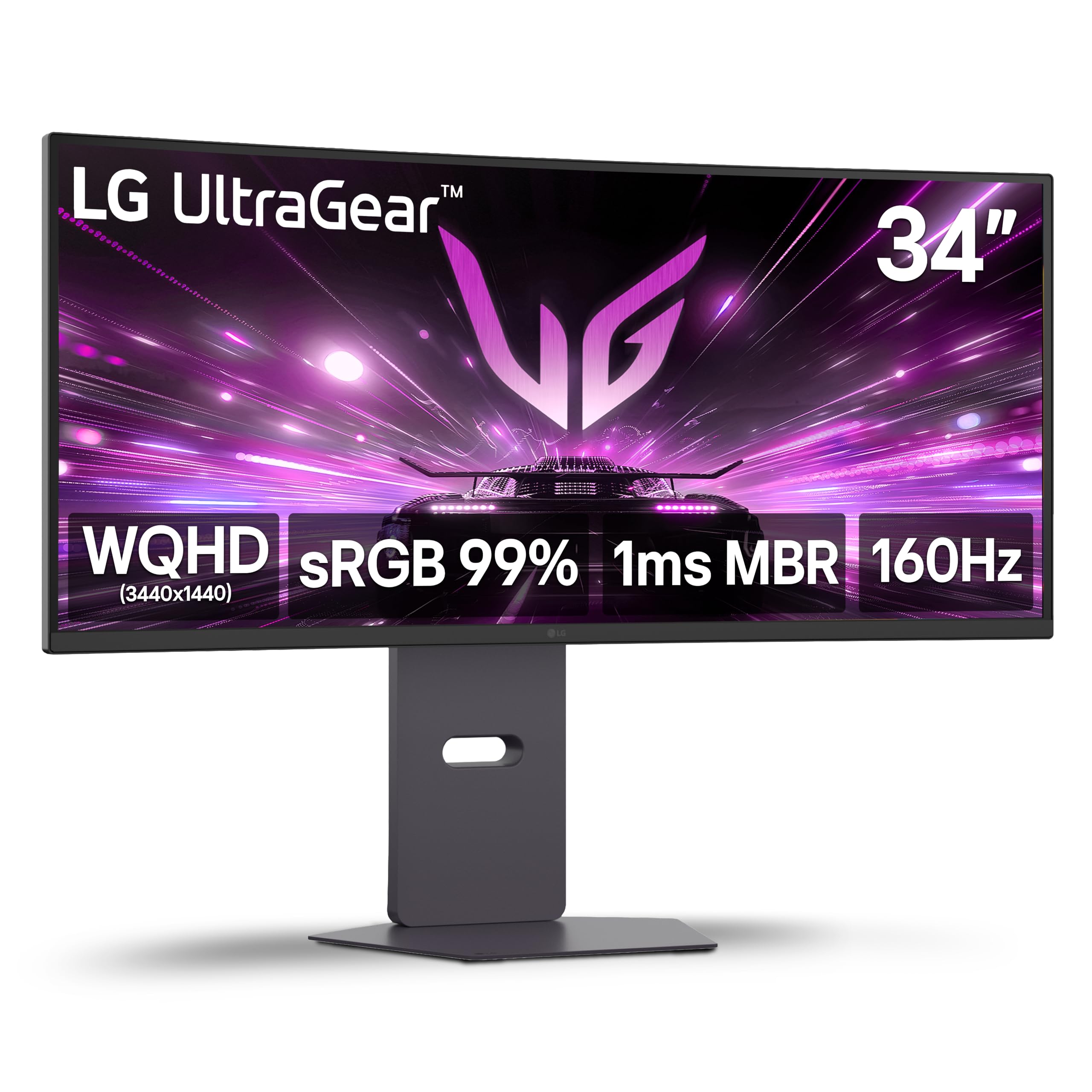
The LG 34G600A-B strikes a practical balance for users who split their screen time between spreadsheets and shooters. The 1800R curve is gentle enough that text remains readable across the full width without the distortion of aggressive curves, and the 99% sRGB coverage ensures that graphics and video files appear color-accurate during design work. The 160Hz refresh rate is adequate for competitive gaming without demanding the GPU horsepower that 240Hz panels require — a 3060 Ti or RX 6700 XT can comfortably push 100-130 fps at UWQHD in modern titles, making good use of the FreeSync Premium certification.
HDR10 support with up to 4000:1 static contrast ratio provides noticeably deeper blacks than standard IPS monitors, though the 300-nit peak brightness is insufficient for convincing HDR in brightly lit scenes. The built-in stereo speakers with Waves MaxxAudio deliver louder and clearer audio than most integrated monitor speakers, making them usable for video calls and casual YouTube playback, though not for competitive audio cue detection. Physical controls are handled via a rear joystick that LG has refined over multiple generations — the menu navigation is intuitive and responsive.
The misleading HDMI 2.1 labeling is worth noting: the ports are HDMI 2.0 with EDID override, meaning they can accept a 2.1 signal but are limited to 85Hz at 4K resolution and 160Hz at UWQHD. Using DisplayPort eliminates this confusion entirely and delivers the full 160Hz refresh rate. The stand provides height, tilt, and swivel adjustments, though the range is slightly limited compared to the AOC CU34G4Z. For users who need a single monitor that does both productivity and gaming well without breaking the budget, this is the most rounded option.
Why it’s great
- 1800R curve is comfortable for mixed productivity and gaming use
- Built-in speakers are adequate for casual audio and calls
- 4:1 contrast ratio provides deeper blacks than IPS panels
Good to know
- HDMI ports are actually HDMI 2.0 despite being labeled 2.1
- 300 nit brightness limits HDR impact in bright rooms
- Stand adjustment range is more limited than competitors
10. Dell S3425DW

The Dell S3425DW prioritizes USB-C convenience and built-in audio quality over raw gaming specs, making it the ideal secondary monitor for a MacBook-based desk setup. The single USB-C cable delivers 65W of power delivery, DisplayPort video, and USB 3.2 data — meaning your MacBook connects and charges with one cable while maintaining full 3440×1440 resolution at 120Hz. The ComfortView Plus hardware reduces blue light emissions to below 35% without the yellow tint that software-based blue light filters introduce, which reduces eye strain during all-day coding or writing sessions.
The VA panel achieves a 3000:1 contrast ratio and 99% sRGB / 95% DCI-P3 coverage, delivering color accuracy that rivals IPS Black technology for significantly less money. The 0.03ms response time is measured in MPRT (Motion Picture Response Time) rather than GtG, which means real-world motion clarity is comparable to standard 4ms GtG panels — fine for casual gaming but not suitable for competitive esports. The integrated speakers are notably improved over the previous Dell S3422DW generation, with deeper frequency response and higher volume levels that make them usable for movie watching without external speakers.
Limited port selection is the primary compromise: the single HDMI 2.0, single USB-C, and two USB-A ports mean you cannot simultaneously connect a MacBook and a desktop PC without swapping cables. The VESA mount recesses the screw holes roughly a quarter-inch deeper than standard, requiring longer mounting screws or spacers to attach aftermarket monitor arms. At 120Hz, the refresh rate is adequate for productivity and light gaming but will leave high-frame-rate enthusiasts wanting more — this is a monitor designed for the Mac ecosystem, not for competitive Counter-Strike.
Why it’s great
- Single USB-C cable delivers 65W PD and video at 120Hz
- ComfortView Plus reduces blue light without yellow tint
- Improved speakers offer better-than-average built-in audio
Good to know
- Limited to one video input, making multi-device switching inconvenient
- VESA mount recess requires longer screws or spacers
- 120Hz refresh rate is too low for competitive gaming
11. Samsung Odyssey G7 G75F

The Samsung Odyssey G7 G75F is technically a 37-inch monitor rather than 34 inches, but it occupies the same desk footprint and offers a unique 4K UHD resolution that provides 163 pixels per inch — significantly sharper than the standard 109 PPI of UWQHD 34-inch panels. This pixel density makes it ideal for software engineers and data analysts who need to read small code without scaling, and the 165Hz refresh rate provides smooth motion in games despite the higher rendering load. The 1000R curvature is Samsung’s most aggressive non-OLED curve, wrapping the 37-inch screen around your peripheral vision more pronouncedly than any 1800R panel on this list.
The VA panel achieves VESA DisplayHDR 600 certification, which delivers 600 nits peak brightness in HDR highlights — enough to make specular reflections and explosions stand out in supported titles. The 3000:1 native contrast ratio provides deep blacks for a VA panel, though it can’t match OLED’s infinite contrast. The 1ms GtG response time is competitive with fast IPS panels, and the FreeSync Premium Pro certification adds HDR support to the variable refresh rate pipeline for compatible AMD GPUs. Connectivity includes one DisplayPort 1.4 and two HDMI 2.1 ports, though HDMI 2.1 bandwidth caps at 4K 120Hz rather than 165Hz.
The 37-inch size creates a practical issue for ultrawide purists: the 16:9 aspect ratio means you get extra vertical height but no wider horizontal field of view than a standard 32-inch monitor. Some users report the extreme 1000R curve makes the monitor feel like it’s wrapping around your head during text-heavy work, causing nausea during the first few days of use. The Samsung ecosystem integration includes the same Gaming Hub as the G8 but without the smart TV features, so you miss out on the built-in streaming apps. For users who prioritize sharp resolution and aggressive curve over ultrawide aspect ratio, this is a distinctive alternative.
Why it’s great
- 4K UHD resolution provides 163 PPI for sharp text and images
- VESA DisplayHDR 600 delivers 600 nits peak for impactful HDR
- 165Hz refresh rate is competitive for high-resolution gaming
Good to know
- 16:9 aspect ratio provides no ultrawide horizontal benefit
- 1000R curve can cause discomfort during productivity use
- HDMI 2.1 caps at 120Hz despite monitor supporting 165Hz
FAQ
Is 240Hz worth it on a 34-inch ultrawide gaming monitor?
What curvature radius is best for a 34-inch gaming monitor?
Can a 34-inch curved monitor run on a PS5 or Xbox Series X?
How does QD-OLED differ from standard OLED in gaming monitors?
Do I need HDMI 2.1 for a 34-inch gaming monitor?
Final Thoughts: The Verdict
For most users, the best 34 inch curved monitor for gaming is the ASUS ROG Strix XG34WCDG because it combines QD-OLED’s vibrant color and black levels with practical burn-in protection features that make it usable as a daily driver. If you want the most immersive wraparound experience for racing and flight sims, grab the LG 34GS95QE with its aggressive 800R curve and 240Hz refresh rate. And for budget-conscious competitive gamers, nothing beats the AOC CU34G4Z, delivering true 240Hz UWQHD performance at a fraction of the OLED price.