
That fine layer of dust settling inside your PC case, on your monitor, and across your keyboard isn’t just an eyesore — it’s a thermal insulator silently raising your CPU and GPU temperatures while clogging your fans and forcing your system to work harder. A dedicated desktop air cleaner positioned near your computer traps airborne particles before they can settle on your hardware, protecting your investment and maintaining peak performance.
I’m Min — the co-founder and writer behind Gadgets Feed. After analyzing dozens of small-form-factor air purification units with a focus on decibel output, HEPA filtration grades, and USB versus AC power delivery, this guide zeroes in on the models that actually belong next to a computer without adding noise interference or bulky footprints.
Whether you are fighting pet dander, construction dust, or simply the everyday airborne debris that chokes your rig, this guide helps you find the perfect air cleaner for computer that balances quiet operation with genuine particulate capture for your workspace.
How To Choose The Best Air Cleaner For Computer
Not every small purifier is suitable for a computer desk. You need a unit that runs quietly enough to avoid microphone pickup during calls, moves enough air to actually reduce particle concentration around your tower, and fits in the tight real estate between your monitor and peripherals. Three factors separate the desk-worthy models from the living room refugees.
Filtration Grade: HEPA H13 or Nothing
A unit marketed as “HEPA-type” or “HEPA-like” often lacks the particle retention standards that actually trap microscopic dust. Look for True H13 HEPA filters that capture 99.97% of particles down to 0.3 microns — the size range where airborne dust, smoke, and dander that settle into your PC’s fans and heatsinks live. A pre-filter layer that catches larger hair and lint extends the main HEPA filter’s life considerably, which matters in a compact form factor.
Noise Floor: Under 25 dB for Workspace Peace
Your computer’s own fans already produce a baseline hum. Stacking a loud purifier on top ruins the acoustics for recordings, calls, or deep focus. The best desktop units operate around 22 dB to 25 dB on low or sleep mode, which is quieter than a library whisper at 30 dB. If a unit hits 35 dB or higher on its lowest setting, it will compete with your PC’s exhaust noise rather than blending into it.
Power Delivery: USB for Direct Desktop Integration
A purifier that plugs directly into your computer’s USB port or monitor’s pass-through keeps your desk clutter-free and eliminates the need for a separate wall outlet. USB-C powered units draw minimal wattage (typically 5-15 watts), making them safe for continuous operation without straining your PC’s power supply. AC-powered units offer more airflow but add a power brick that must sit somewhere on your desk or floor.
Quick Comparison
On smaller screens, swipe sideways to see the full table.
| Model | Category | Best For | Key Spec | Amazon |
|---|---|---|---|---|
| MOOKA M01 | HEPA Desktop | USB-C quiet operation | 15 dB sleep mode | Amazon |
| LEVOIT Core Mini-P | AHAM Verified | Verified performance | 25 dB / 7 watts | Amazon |
| GoveeLife H7126 | Smart Desktop | App & Alexa control | 24 dB sleep mode | Amazon |
| AROEVE MK01 | HEPA Compact | Budget-friendly HEPA | 22 dB / 17 watts | Amazon |
| PuroAir 100i | Smart HEPA | Larger room coverage | 550 sq ft / 16 watts | Amazon |
| Shark NeverChange Pro | Long-Life HEPA | Zero filter replacements | HEPA-exceeding / 250 sq ft | Amazon |
| Aucleia KQ-20 | Portable USB | Car & desk versatility | 22 dB / 9.12 oz | Amazon |
In‑Depth Reviews
1. MOOKA M01
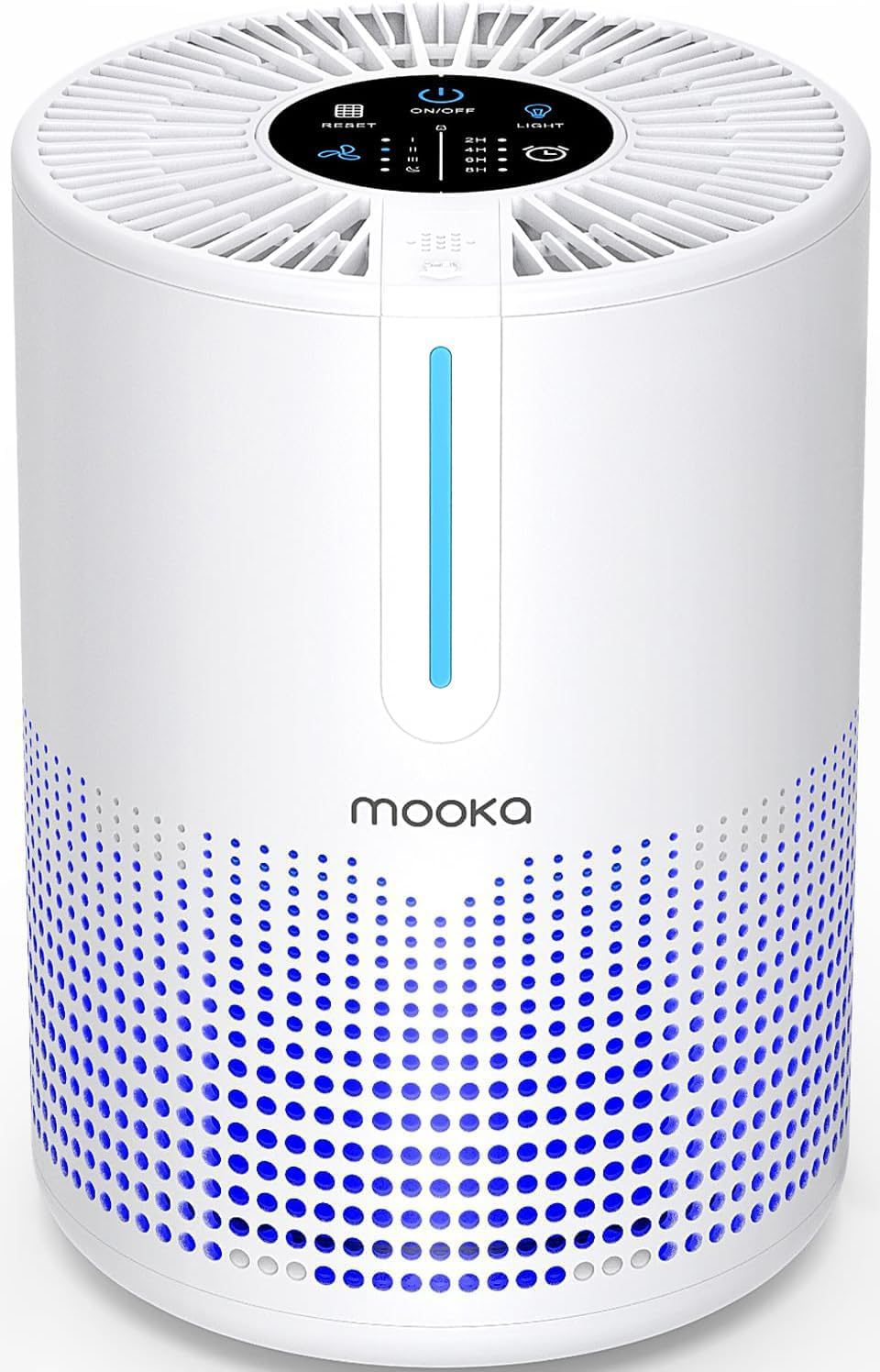
The MOOKA M01 is the definitive USB-C-powered desktop purifier for computer users who want genuine H13 HEPA filtration without sacrificing desk real estate. Its 5.91 x 5.91 x 7.87-inch footprint sits neatly beside a monitor, and the 7.87-inch height is low enough to stay under most monitor bottoms. The 360-degree air intake pulls dust and particles from all directions, while the 15 dB sleep mode is virtually silent — quieter than most PC case fans at idle.
Being USB-C powered means you can run it directly from your computer, monitor, or a power bank. The 110-240V universal voltage compatibility makes it a no-brainer for international setups. Four fan speeds (L/M/H/Sleep) let you dial in noise versus airflow, and the 2/4/6/8-hour timers prevent overnight waste. The child lock and no-ozone certification are thoughtful extras for a device that will live inches from your face all day.
The integrated fragrance sponge is a bonus — add a few drops of essential oil and the purifier doubles as a subtle desktop diffuser. Customer reviews consistently highlight its effectiveness against smoke and pet odors, with multiple users confirming it noticeably reduces dust accumulation on nearby surfaces. For a computer desk air cleaner that costs less than dinner out, the MOOKA M01 delivers exceptional value.
Why it’s great
- Ultra-quiet 15 dB sleep mode
- USB-C powered direct from PC
- H13 HEPA with 360° intake
Good to know
- Wall plug not included
- Not rechargeable — must stay plugged in
2. LEVOIT Core Mini-P

LEVOIT has earned its reputation as a top-selling air purifier brand, and the Core Mini-P brings that reliability to a desktop-friendly package. Standing 10.4 inches tall with a 6.5-inch square base, it sits taller than the MOOKA but still fits comfortably next to a tower or under a monitor arm. The AHAM VERIFIDE seal independently confirms its clean air delivery rate, giving you documented proof that it actually works — not just marketing claims.
The 3-in-1 filter system combines a pre-filter for large particles like dust bunnies and pet hair with a main HEPA-type filter that captures fine particles down to 0.1 microns. At 7 watts power consumption, it draws negligible energy even running 24/7. The noise level at 25 dB is whisper-quiet — barely audible over a standard PC’s idle fan noise. An auto-off display and sleep mode make it ideal for overnight operation in a bedroom or office.
The included aroma pad lets you add essential oils, and the 255 square feet coverage rating means it can handle an entire home office, not just the immediate desktop area. Customer reviews praise its effectiveness at reducing dust and improving air quality in small bedrooms and offices. If you want a brand with a proven track record and third-party verification, the LEVOIT Core Mini-P is the smart mid-range choice.
Why it’s great
- AHAM VERIFIDE certification
- Ultra-low 7 watt power draw
- 3-in-1 filter with 0.1 micron capture
Good to know
- AC powered — adds power brick
- Filter replacement required every 6-8 months
3. GoveeLife H7126

The GoveeLife H7126 brings smart home integration to your desktop air purification. At 6.2 x 6.2 x 10.7 inches, it has a slightly taller profile than the MOOKA but still fits a typical desk surface. The 360-degree dual-channel intake maximizes airflow through the compact chassis, and the Energy Star certification confirms its efficiency. The 24 dB sleep mode keeps it quiet enough for overnight use while still moving meaningful air volume.
The killer feature here is the Govee Home app. You can remote-control the purifier from your phone — start it before you walk into the office, set custom schedules, and receive filter change reminders. Alexa and IFTTT integration adds voice control for hands-free operation while you’re typing or gaming. The custom mode lets you pre-set three different fan speeds at different times of day, so it can run low during work hours and boost when you leave the room.
Aromatherapy is supported through a built-in fragrance pad, and the optional GoveeLife Air Quality Monitor (sold separately) enables auto-mode that adjusts fan speed based on real-time PM2.5 readings. Customer reviews highlight its effectiveness at removing pet odors and dander, with multiple users noting improved allergy symptoms. For a desktop air cleaner that talks to your smart home ecosystem, the GoveeLife H7126 is the most connected option.
Why it’s great
- Full Wi-Fi app and Alexa control
- Custom scheduling for workday automation
- 360° dual-channel intake
Good to know
- 5 GHz Wi-Fi not supported
- Auto mode requires separate air quality sensor
4. AROEVE MK01
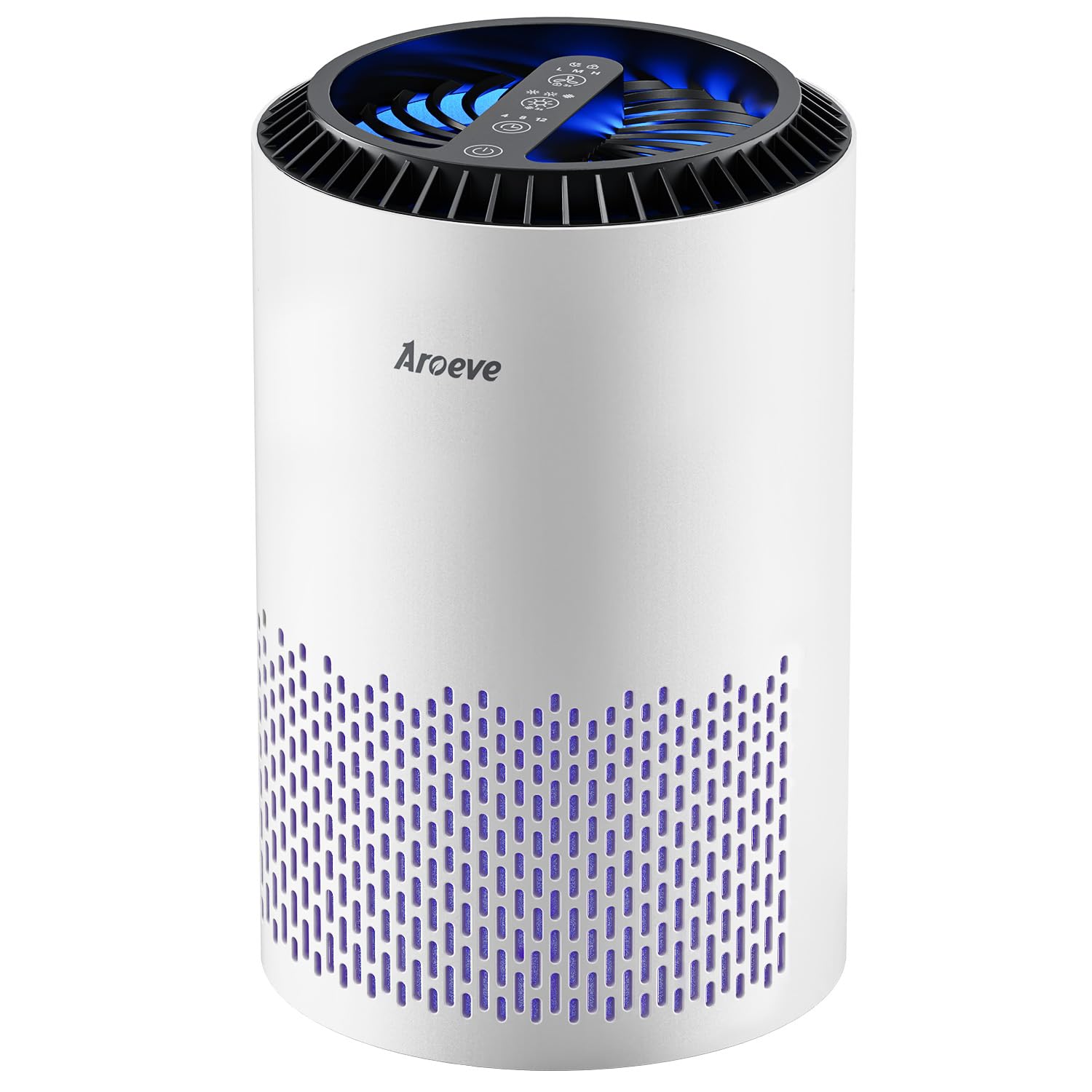
The AROEVE MK01 proves you don’t need to spend much to get genuine HEPA filtration on your desktop. With a 6.1 x 6.1 x 9.7-inch frame and 2.9-pound weight, it’s compact enough to fit in tight desk spaces. The 22 dB sleep mode makes it among the quietest units in this price bracket — ideal for late-night work sessions where any background noise would be distracting. The dual-channel 360-degree air intake covers rooms up to 287 square feet per hour.
Control is refreshingly simple: touch buttons for fan speed and sleep mode, with no app complexity. The filter replacement indicator lights red after 3-6 months, taking the guesswork out of maintenance. The aroma pad adds pleasant essential oil diffusion, though the unit itself runs at 17 watts — slightly higher draw than the LEVOIT but still well within safe USB power bank range. The replacement filters are affordable and available via Subscribe & Save.
Customer reviews consistently mention its effectiveness at reducing dust and allergy symptoms, with one user noting it “reduces dust accumulation on furniture.” For the price, you get genuine particle filtration that makes a tangible difference in your workspace air quality. If you want a no-frills HEPA purifier that just works without smart features or complex setup, the AROEVE MK01 is your budget-friendly winner.
Why it’s great
- Very quiet 22 dB sleep mode
- Simple touch controls, no app needed
- Affordable replacement filters
Good to know
- 120V AC only — not USB powered
- No timer or smart features
5. PuroAir 100i
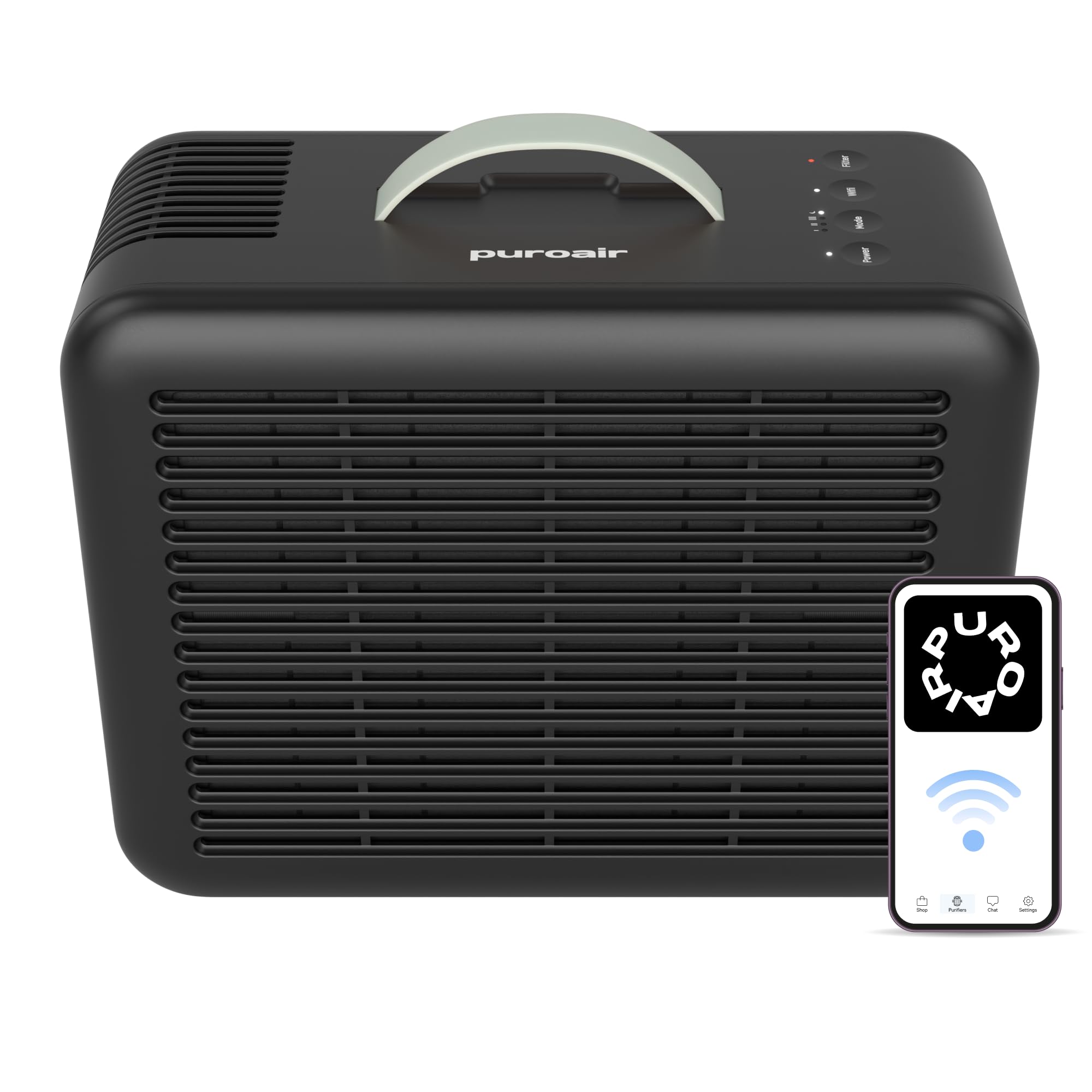
The PuroAir 100i is the smallest purifier in this lineup that can genuinely handle an entire home office or gaming room. At 12.2 x 5.1 x 8.7 inches, it has a slender profile that fits beside a desk or on a side table, yet its 550 square feet coverage rating is more than double most desktop units. The three-layer filtration system with a pre-filter, True HEPA filter, and activated carbon captures 99.9% of pollutants including smoke, VOCs, and odors.
Wi-Fi connectivity links to the PuroAir app for remote control, and the automatic air quality sensor adjusts fan speed based on real-time particle concentration — a feature typically reserved for larger, more expensive purifiers. The 24 dB noise level on sleep mode is impressively quiet for a unit with this much airflow capacity. The child safety lock and filter replacement indicator add practical daily usability for a desktop environment where reliability matters.
Customer reviews highlight its “powerful small HEPA 13 purification” and note it “effectively relieves allergy-triggered asthma.” Multiple users confirm it “noticeably removes stale odors within minutes.” The partnership with the American Lung Association adds credibility. If your computer setup sits in a larger room and you want room-scale coverage from a compact unit, the PuroAir 100i delivers premium performance without dominating your desk.
Why it’s great
- 550 sq ft coverage — handles whole rooms
- Auto air quality sensor with smart adjustment
- Three-stage HEPA + activated carbon
Good to know
- Larger footprint than desktop-only units
- App setup required for smart features
6. Shark NeverChange Compact Pro HP071BRN
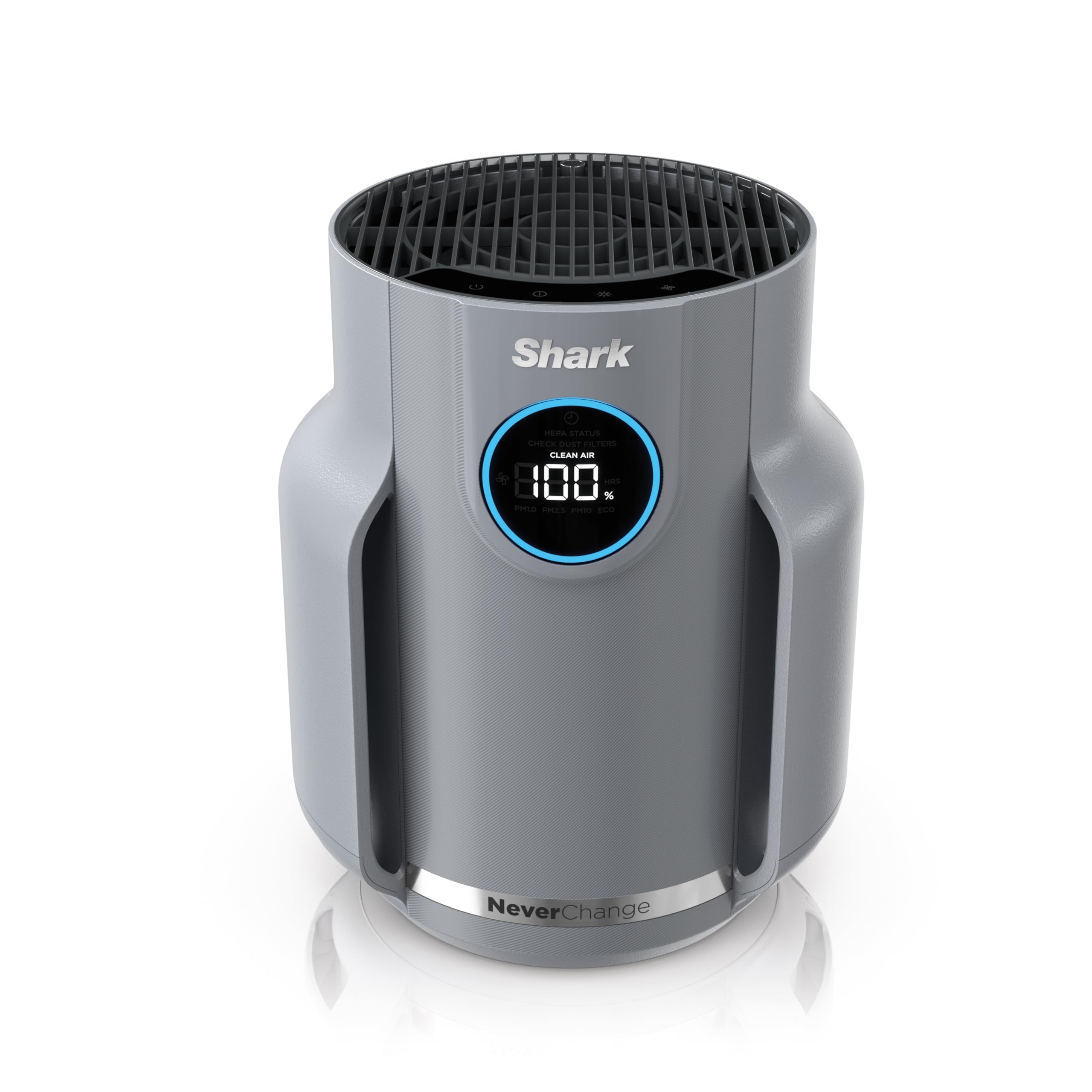
Shark’s NeverChange Compact Pro HP071BRN eliminates the single biggest recurring cost of air purification: replacement filters. The NanoSeal HEPA-exceeding media captures 99.98% of particles down to 0.1-0.2 microns — actually exceeding standard HEPA requirements. Shark claims up to five years of filter life compared to competitor units, saving you roughly over that period. For a computer room that runs 24/7, that’s a massive long-term value.
The CleanSense IQ display shows real-time air quality as a percentage, so you see your purifier working. The 9.21 x 9.21 x 11.3-inch footprint is slightly wider than average but still fits on a substantial desk. The auto mode adjusts fan speed to maintain clean air, and the ultra-quiet operation makes it suitable for bedroom or nursery setups. The Debris Defense washable pre-filter catches large particles before they reach the main filter, extending its life further.
Customer reviews are overwhelmingly positive, with one user noting it’s the “cleanest air our home has ever had” and another confirming “definitely see less dust on furniture and floors.” The odor neutralizer cartridge adds a pleasant scent without overpowering. For computer users who want to set it and forget it for years without worrying about filter subscriptions or replacement schedules, the Shark NeverChange Compact Pro is the most cost-effective long-term choice.
Why it’s great
- No filter replacements for 5 years
- HEPA-exceeding 99.98% capture
- Real-time air quality percentage display
Good to know
- Wider footprint (9.21 inches)
- 250 sq ft — best for dedicated rooms
7. Aucleia KQ-20
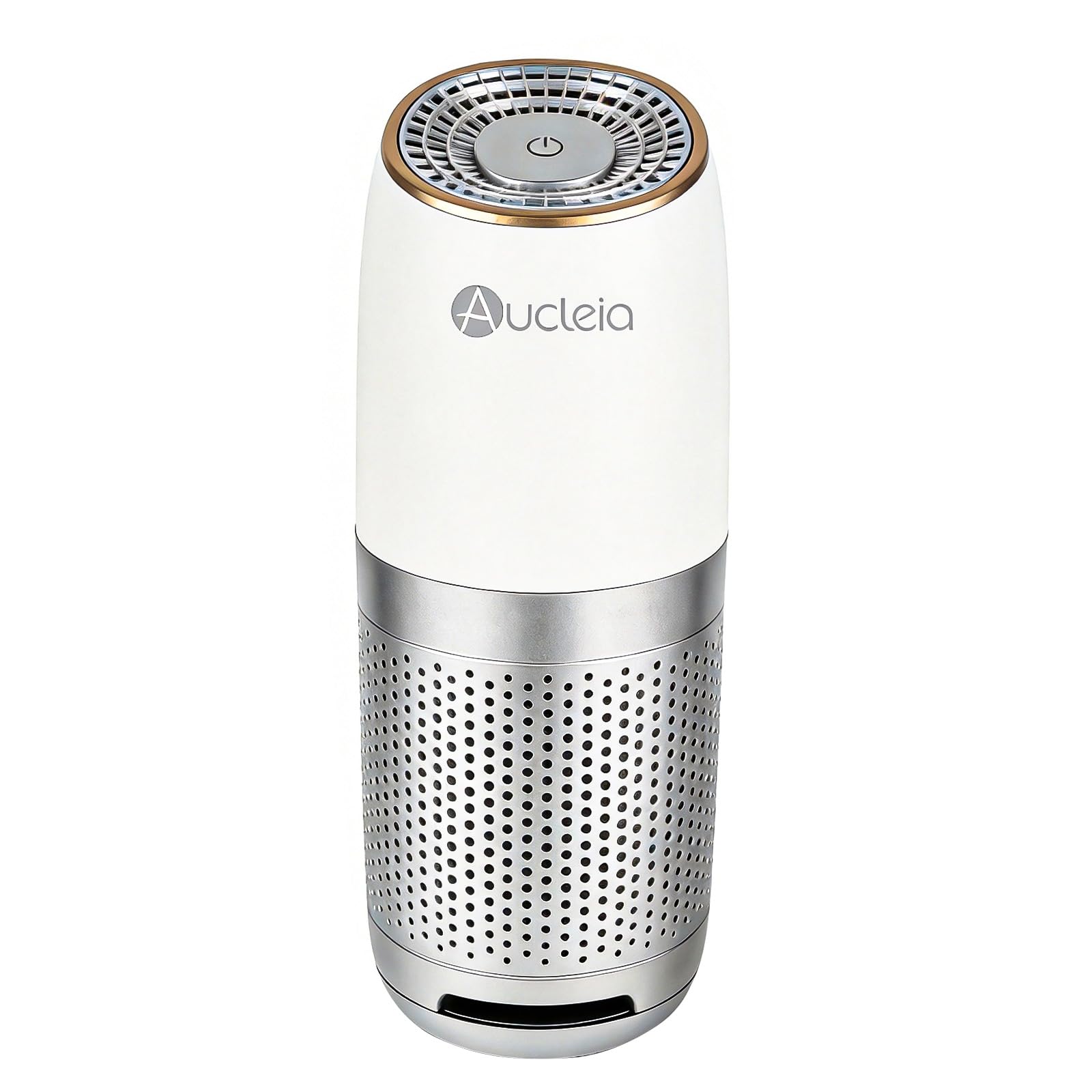
The Aucleia KQ-20 is built for portability. At just 9.12 ounces and 9.84 inches tall with a slim profile, it’s the lightest and most travel-friendly purifier in this lineup. The True H13 HEPA filter captures 99.97% of airborne particles, and the 22 dB noise level keeps it practically silent. The filter replacement indicator beeps and flashes red after 360 hours of use, taking the guesswork out of maintenance.
Three adjustable modes — Blue (standard), Yellow (fast), and Red (boost) — let you match performance to the environment. The touch-sensitive top control is intuitive and responsive. The aromatherapy pad allows essential oil diffusion, and the universal cup-holder fit makes it equally useful in a car, dorm room, or office desk. The high-density ionic feature provides silent air refreshment between filter passes.
Customer reviews note it’s “quiet and efficient” for car use and “surprisingly capable” for its size, though several users mention the airflow is best suited for close-range purification. For computer users who split their time between home, office, and car, or who need a secondary unit for a small desk where every inch counts, the Aucleia KQ-20 offers HEPA-grade filtration in the most portable form factor available.
Why it’s great
- Ultra-light 9.12 oz design
- True H13 HEPA in portable size
- Car cup-holder compatible
Good to know
- Limited airflow — best for close range
- Filter replacement availability unclear
FAQ
Will an air cleaner for my computer reduce dust inside my PC case?
Is a USB-powered purifier strong enough for a gaming PC setup?
Can I put an air purifier directly on top of my computer case?
How often should I replace the filter in a desktop air purifier?
Will the fan noise from a desktop purifier interfere with my microphone?
Final Thoughts: The Verdict
For most users, the air cleaner for computer winner is the MOOKA M01 because its whisper-quiet 15 dB sleep mode, genuine H13 HEPA filtration, and USB-C power delivery make it the perfect desktop companion that integrates seamlessly with your computer setup. If you want verified performance from a top brand, grab the LEVOIT Core Mini-P. And for a zero-filter-replacement solution that saves money over years, nothing beats the Shark NeverChange Compact Pro.