
Finding a truly portable e-reader that doesn’t strain the eyes or the wallet is harder than it sounds. Most budget options cut corners on screen clarity, battery life, or the simple joy of a distraction-free page turn. I’ve researched the current market to separate the real pocketable gems from the underpowered disappointments.
I’m Min — the co-founder and writer behind Gadgets Feed. After analyzing hundreds of customer reviews and comparing display resolutions, battery capacities, and firmware ecosystems, I’ve pinpointed the models that deliver a genuine reading experience without the premium price tag.
Whether you need a bare-bones device for short commutes or a versatile unit that handles audiobooks and night reading, this guide covers the best cheap e-reader options that actually deliver on their specs.
How To Choose The Best Cheap E-Reader
An affordable e-reader shouldn’t mean sacrificing the essentials—good screen visibility, comfortable handling, and week-long battery stamina. The cheapest models strip away expensive features like warm lighting or waterproofing, but the core reading hardware must remain solid. Here’s what separates a worthwhile bargain from a frustrating one.
Screen Quality: Resolution and Frontlight
The two specs that define your daily reading experience are pixels per inch (PPI) and frontlight availability. A 212ppi display renders text acceptably for most novels, but 300ppi (found on the Kindle basic and some premium units) looks noticeably sharper, especially at smaller font sizes. A built-in frontlight is non-negotiable if you read in dim rooms or on public transit—without it, you’ll need a clip-on lamp, which defeats portability.
Ecosystem vs. Open Format
Amazon’s Kindle locks you into the proprietary Kindle Store and MOBI/KFX format, while PocketBook and XTEINK support EPUB, PDF, and even CBZ for comics. If you borrow library books via Libby or OverDrive, an open-format device (with Adobe DRM support) will save you from converting files every week. Budget buyers should think about where their books come from before choosing a platform.
Physical Buttons and Portability
Touchscreen-only navigation is fine for reading in stationary positions, but physical page-turn buttons let you read one-handed without shifting your grip. For a truly pocketable cheap e-reader, look for a unit under 6 ounces—anything heavier starts to feel cumbersome in a jacket pocket. The 4.3-inch segment is the sweet spot for maximum portability, while 6-inch screens are better for bedside reading.
Quick Comparison
On smaller screens, swipe sideways to see the full table.
| Model | Category | Best For | Key Spec | Amazon |
|---|---|---|---|---|
| Amazon Kindle 16GB | Premium | Lightest all-rounder with 300ppi screen | 6″ 300ppi glare-free display, 6-week battery | Amazon |
| PocketBook Verse | Premium | Open-format flexibility with SMARTlight | 6″ E-Ink Carta HD with adjustable color temp | Amazon |
| PocketBook Verse Lite | Mid-Range | Simple frontlit reader with library support | 6″ E-Ink Carta touchscreen, 2-month battery | Amazon |
| OBOOK5 | Mid-Range | Pocket reader with built-in frontlight | 4.26″ 219ppi frontlit display, 32GB storage | Amazon |
| Amazon Kindle Kids 16GB | Mid-Range | Kid-proof with 2-year replacement warranty | 6″ 25% brighter frontlight, 6-week battery | Amazon |
| XTEINK X4 | Budget | Most portable pocket e-reader for tinkerers | 4.3″ 650mAh battery, 14-day life, 16GB | Amazon |
| NOOK GlowLight 4 Plus | Mid-Range | Large 7.8″ screen with waterproof design | 7.8″ 1280×720 waterproof, 32GB, Bluetooth | Amazon |
In‑Depth Reviews
1. Amazon Kindle 16 GB

The latest basic Kindle is the lightest and most compact model Amazon has ever made—it genuinely disappears into a jacket pocket or a small purse. The 6-inch glare-free display now reaches 300ppi, matching the Paperwhite’s sharpness, and the frontlight is 25% brighter at maximum setting than the previous generation. Dark mode is included, making it practical for bedtime reading without eye strain.
Battery life stretches to a full six weeks on a single charge via USB-C, and the 16GB of internal storage holds thousands of books. It’s completely ad-free out of the box, and distraction-free by design (no apps, no browser). The only trade-offs are the lack of warm light adjustment and an IP rating for waterproofing—features reserved for the more expensive Paperwhite.
For the price, you get a premium screen experience in the lightest possible chassis. It’s the most well-rounded cheap e-reader for anyone who prefers convenience over tinkering, and it will satisfy both heavy readers and casual commuters.
Why it’s great
- Weighs just under 6 oz; extremely portable
- 300ppi screen delivers crisp, paper-like text
- Up to 6 weeks of battery life
Good to know
- No adjustable color temperature for warm light
- Not waterproof; lacks an IP rating
2. PocketBook Verse
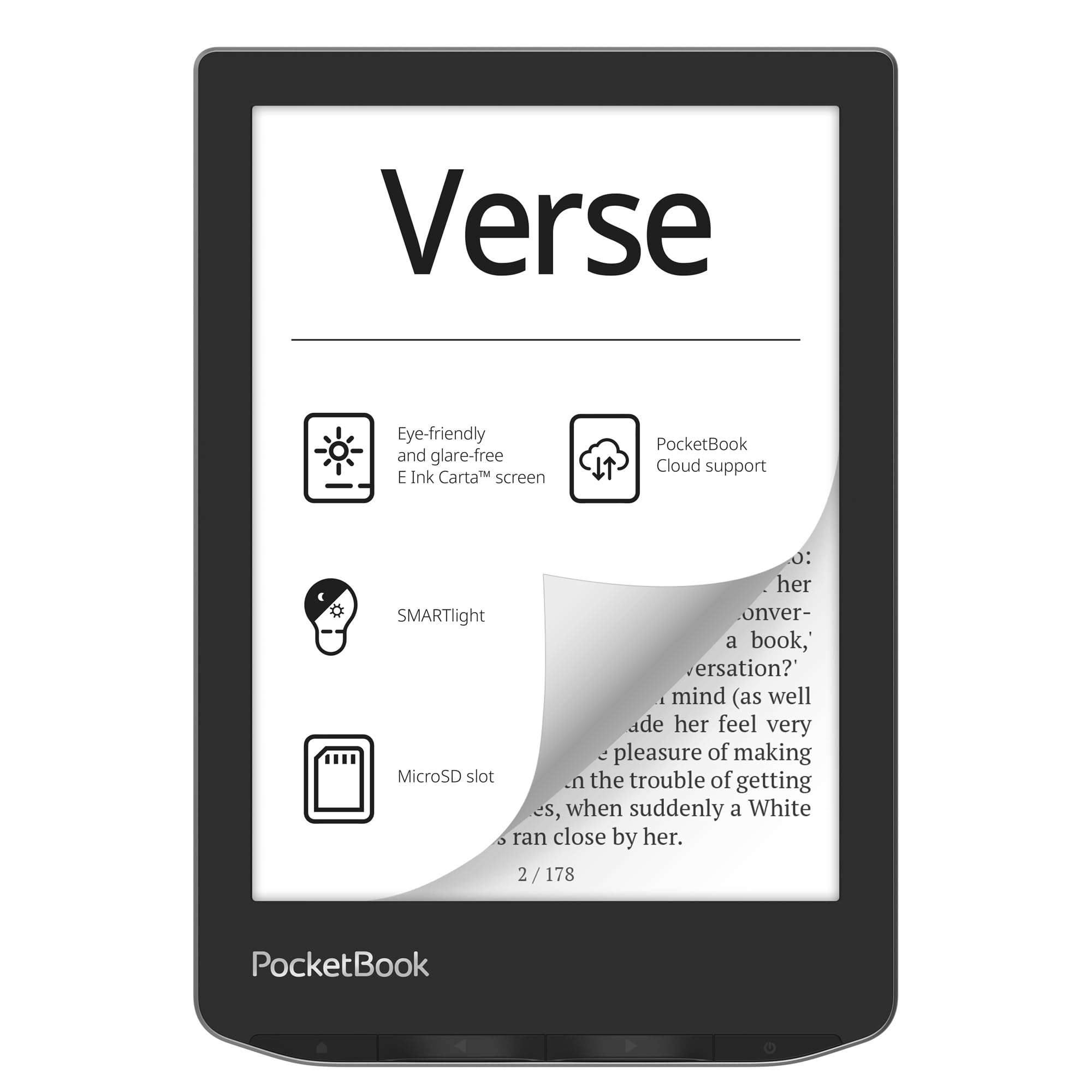
The PocketBook Verse is a clear winner for anyone who refuses to be locked into a single bookstore ecosystem. Its 6-inch E-Ink Carta HD touchscreen supports a massive 25 file formats including EPUB, FB2, CBR, and CBZ without requiring conversion. The standout feature is the SMARTlight system, which lets you independently adjust both brightness and color temperature—going from cool daylight to a warm amber for night reading.
With 8GB of onboard storage expandable via microSD up to 128GB, you can carry an enormous library. Battery life is rated at roughly one month under typical usage, though many users report well over that with Wi-Fi off. Physical page-turn buttons sit on the edge, making one-handed reading effortless. It also syncs with PocketBook Cloud and supports Adobe DRM for library books.
This is the best choice for readers who borrow from public libraries, read in multiple languages, or have a collection of sideloaded EPUBs. It’s a rare budget-friendly device that doesn’t force compromises on file compatibility or lighting versatility.
Why it’s great
- Adjustable color temperature (SMARTlight) for any environment
- Expandable storage via up to 128GB microSD
- Supports 25+ file formats natively, including CBR/CBZ
Good to know
- Cloud sync service discontinued in some regions
- No built-in Libby or OverDrive support
3. PocketBook Verse Lite
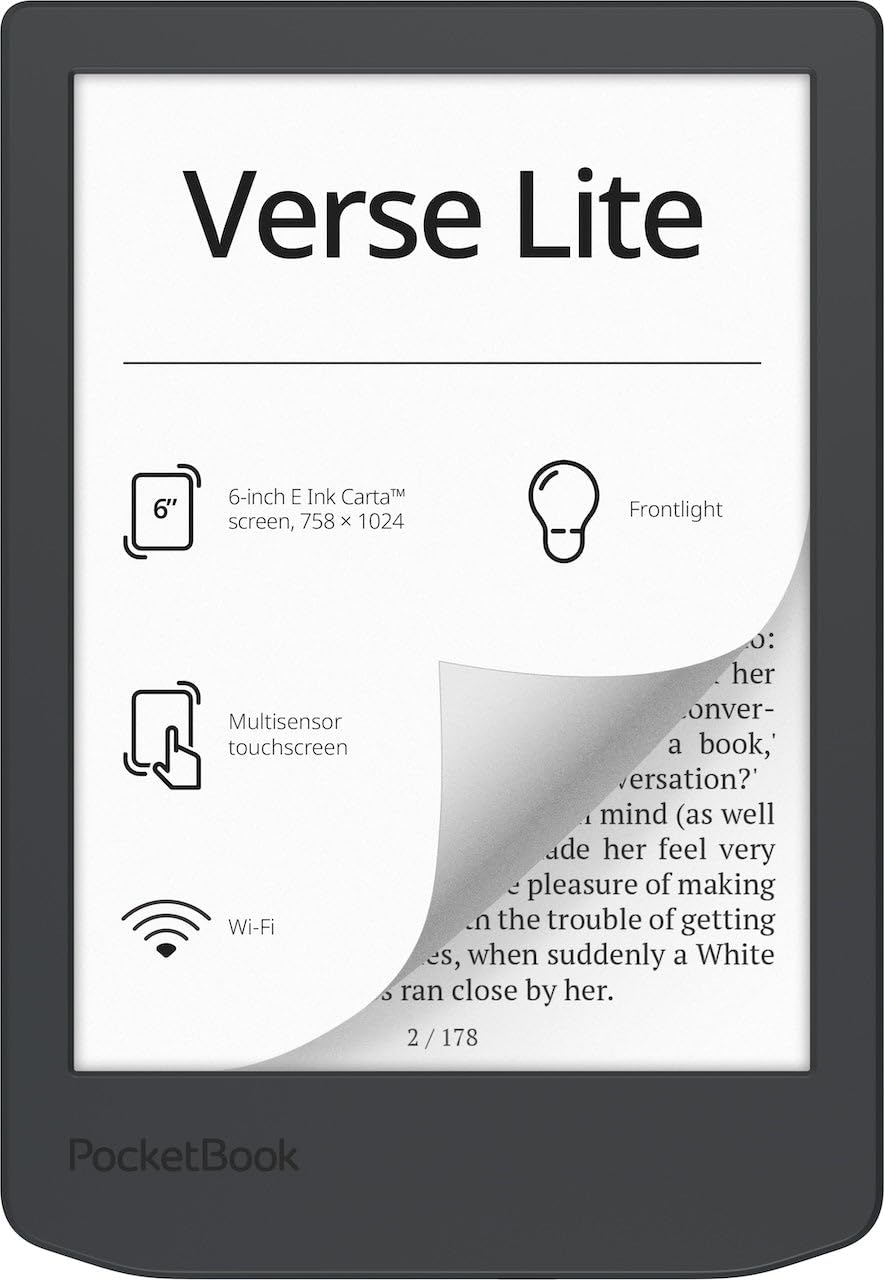
The Verse Lite strips away the SMARTlight color temperature adjustment but keeps the core reading essentials: a 6-inch Carta touchscreen, built-in frontlight, and open-format support for over 25 file types including EPUB, MOBI, and PDF. Adobe DRM support is built right in, meaning you can borrow from public libraries using Libby without jumping through hoops. It’s a streamlined version of the standard Verse at a noticeably lower entry point.
Battery life is the real star here—up to two months on a single charge, thanks to the power-efficient Carta panel and the absence of a color temperature layer. The device weighs roughly the same as the Kindle Basic and feels similarly light in the hand. It charges via USB-C and connects via Wi-Fi for syncing, though you don’t get Bluetooth for audiobooks.
For readers on a tight budget who want library compatibility and a frontlight, the Verse Lite hits the sweet spot. You lose the warm light option and physical page-turn buttons, but the software experience is clean and ad-free.
Why it’s great
- Exceptional battery life—up to 2 months
- Built-in Adobe DRM for library books
- Supports 25+ formats without conversion
Good to know
- No SMARTlight (fixed color temperature)
- No physical page-turn buttons
4. OBOOK5
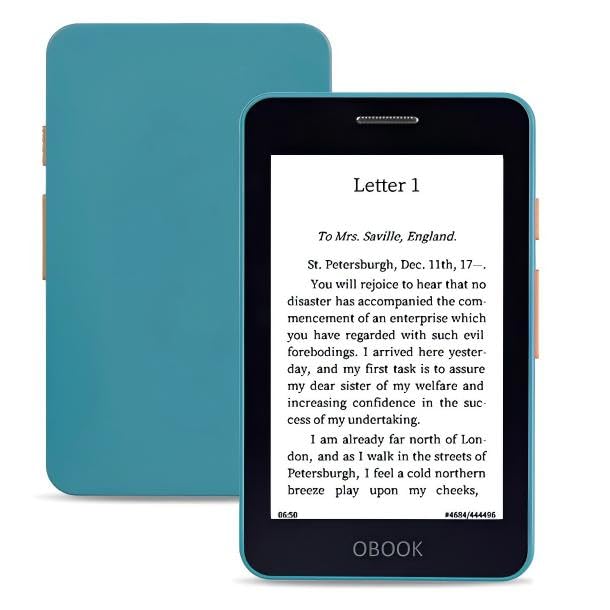
The OBOOK5 is one of the few pocket-sized e-readers that includes a built-in frontlight and an audiobook speaker. Its 4.26-inch E-Ink display runs at 219ppi, which is adequate for standard text but can look pixelated on complex fonts or small text sizes. What it lacks in screen sharpness, it makes up for in versatility: 32GB of internal storage, Bluetooth for wireless headphones, and a simple, ad-free interface.
Physical page-turn buttons flank the narrow bezel, making one-handed operation easy, and the overall weight is low enough to carry in any pocket. Battery life is quoted at two weeks—less than larger e-readers but reasonable given the inclusion of a frontlight and Bluetooth chip. The USB-C port handles charging quickly.
This is a solid pick for commuters who want both reading and audiobook playback in one ultra-portable device. Just be aware that the screen won’t match the sharpness of a 300ppi unit, and some users report sluggish file transfers via the included software.
Why it’s great
- Built-in frontlight for low-light reading
- 32GB of storage plus Bluetooth for audiobooks
- Compact design with physical page-turn buttons
Good to know
- Screen resolution (219ppi) appears jagged on small text
- File transfer software can be problematic
5. Amazon Kindle Kids 16GB

The Kindle Kids edition is essentially the standard Kindle 2024 model bundled with a protective cover, a 6-month Amazon Kids+ subscription, and a 2-year worry-free replacement guarantee. The hardware itself is identical to the basic Kindle: a 6-inch 300ppi display with a 25% brighter frontlight than the previous generation, dark mode support, and up to 6 weeks of battery life.
The big difference is the software—the Parent Dashboard lets you set age filters, view reading progress, and assign a bedtime curfew that dims the screen at a set time. Kids read an average of over an hour a day with the device, and the lack of apps or games keeps it focused purely on books. If the device breaks, Amazon replaces it for free for two years, no questions asked.
This is an easy recommendation for parents who want a durable, distraction-free e-reader with strong parental controls. The included cover and replacement plan add genuine value beyond the hardware alone.
Why it’s great
- 2-year worry-free replacement guarantee included
- Parent Dashboard with bedtime and age controls
- Same 300ppi screen and battery as standard Kindle
Good to know
- Kids+ subscription auto-renews after 6 months
- Parental controls can be clunky to navigate
6. XTEINK X4
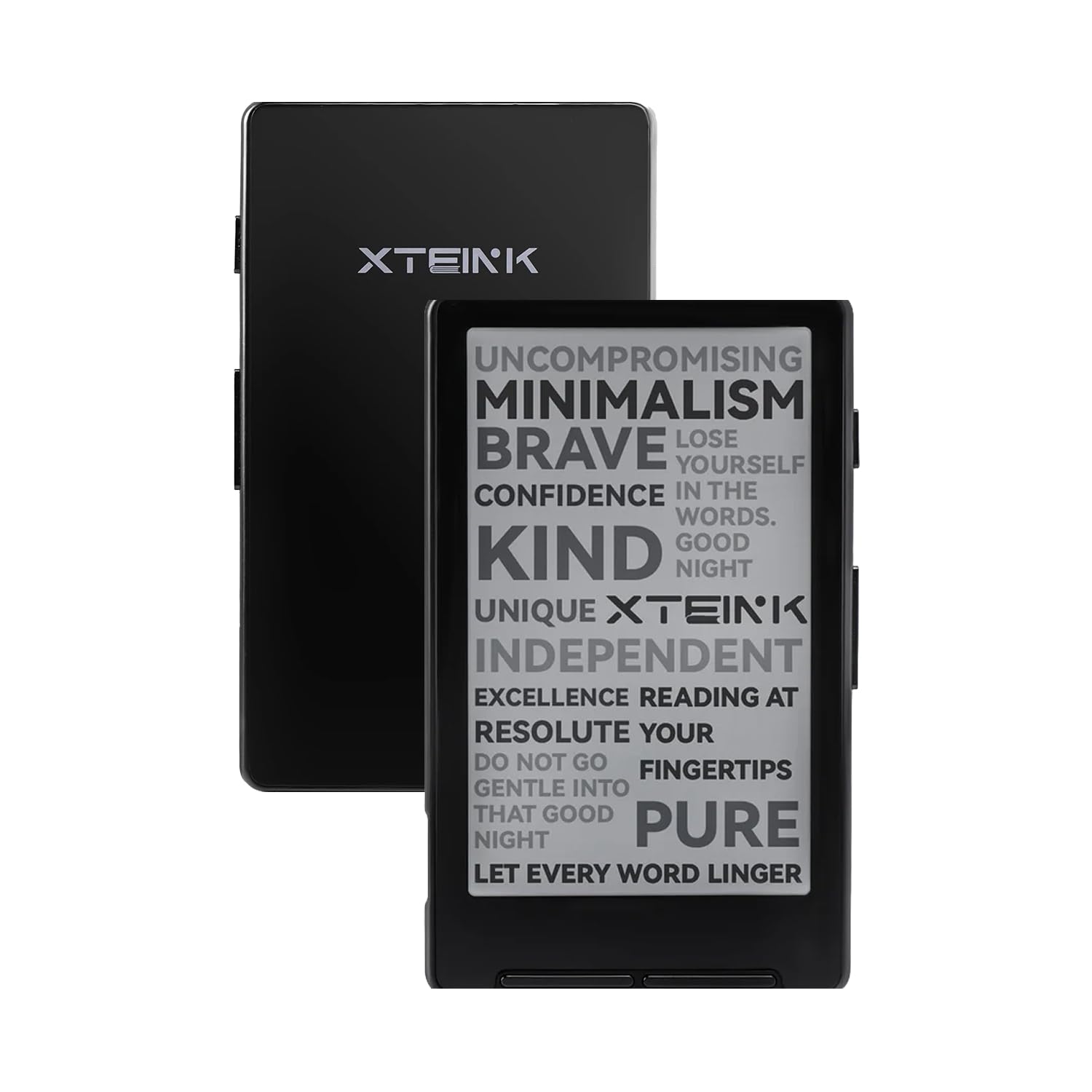
The XTEINK X4 is the smallest and lightest e-reader in this roundup at just 2.72 ounces and 0.24 inches thin. Its 4.3-inch E-Ink screen offers a paper-like reading experience with no glare, and the physical rocker buttons make page turns satisfyingly tactile. The device ships with 16GB of internal storage and a microSD card slot, so storage isn’t a concern even for larger collections.
The 650mAh battery provides up to 14 days of reading time on a single charge, and the USB-C port makes topping up convenient. This is explicitly a Developer Edition, meaning the official channel encourages tinkering—many users flash Crosspoint firmware for a more polished interface, wireless transfer, and better file organization. However, it has no frontlight and no touchscreen, so you’ll need a reading light for dark environments and patience for menu navigation.
The X4 is perfect for the minimalist who wants the lightest possible device and doesn’t mind some initial setup. The magnetic stick-on rings let you attach it to a phone or metal surface for easy access, and the distraction-free design is unmatched.
Why it’s great
- Incredibly lightweight at 2.72 ounces
- Developer-friendly with third-party firmware options
- Physical page-turn buttons and long battery life
Good to know
- No frontlight—requires external lighting
- No touchscreen; stock firmware is barebones
7. NOOK GlowLight 4 Plus

The NOOK GlowLight 4 Plus stands out with its 7.8-inch screen—a full 1.8 inches larger than the standard 6-inch readers—making it the best option for reading PDFs, comics, or large-print books. The display resolution is 1280×720, which is adequate for text but not as crisp as a 300ppi panel. It’s also waterproof, so you can read by the pool or in the bath without paranoia.
It runs Android underneath, which advanced users can tap into for custom launchers or alternate reading apps. The device comes with 32GB of internal storage, Bluetooth for audiobooks via headphones, and both physical page-turn buttons and a recessed touchscreen. The soft-touch finish on the front and back makes it comfortable to grip for extended sessions.
The trade-offs are the higher price tier and the potential for software instability—some users report random lockups or crashes requiring restarts. Barnes & Noble’s bookstore is the native storefront, which has a narrower selection than Amazon, though EPUB and PDF sideloading works well. This is a solid budget-friendly pick for those who prioritize screen real estate over ecosystem depth.
Why it’s great
- Large 7.8-inch screen is great for PDFs and comics
- Waterproof design for worry-free reading
- 32GB storage and Bluetooth for audiobooks
Good to know
- Software can be unstable; occasional lockups reported
- Barnes & Noble store has limited content selection
FAQ
What is the minimum screen size I should look for in a cheap e-reader?
Can I borrow library books on a cheap e-reader?
Why do some cheap e-readers not have a frontlight?
Can I install third-party apps on a budget e-reader?
Final Thoughts: The Verdict
For most users, the cheap e-reader winner is the Amazon Kindle 16GB because it combines the sharpest 300ppi screen with the lightest body and zero distractions. If you want open-format flexibility and a warm light for night reading, grab the PocketBook Verse. And for the most portable possible pocket reader that you can customize with firmware XTEINK X4 is the most pocketable option.