
A true 60-inch class computer monitor isn’t a single display — it’s a landscape-sized canvas that replaces two or even three traditional screens with one seamless, curved pane of high-resolution glass. Whether you’re a day trader tracking ten charts at once, a video editor scrubbing an 8K timeline in full view, or a sim racer chasing every apex, the jump from a standard 27-inch or 32-inch monitor to a 49-inch, 57-inch, or 40-inch ultrawide fundamentally changes how you work and play. The challenge is navigating the sea of resolutions — Dual QHD, 5K2K, Dual 4K UHD — and matching them to the GPU you own and the desk space you have.
I’m Min — the co-founder and writer behind Gadgets Feed. For this guide, I’ve spent dozens of hours cross-referencing panel types, refresh rate behaviors, pixel densities, and real-world customer feedback across eleven competing monitors that sit within or closely adjacent to the 60-inch monitor class, breaking down the specific trade-offs that matter when you’re spending anywhere from budget-friendly to premium-tier pricing.
Every model below was evaluated for its real-world pixel count, connectivity depth, and ergonomic practicality so you can confidently settle on the best 60 inch computer monitor that matches your workflow and desk footprint.
How To Choose The Best 60 Inch Computer Monitor
The size bracket that spans 40 to 57 inches encompasses wildly different resolutions and panel technologies. Knowing where to focus your attention prevents a costly mismatch between your monitor and your hardware.
Resolution vs. GPU Power
The single biggest mistake buyers make is picking a 57-inch Dual 4K UHD monitor (7680×2160) without verifying their GPU can drive that many pixels at a usable frame rate. A 5120×1440 monitor needs roughly the same graphics horsepower as a 1440p gaming monitor, while 5120×2160 (5K2K) sits between 4K and 5K in demand. 7680×2160 essentially demands an RTX 4080-class or better card, especially if you want more than 60 Hz.
Panel Type: VA, IPS, OLED, or Mini-LED
VA panels deliver excellent native contrast (3000:1) at budget-friendly prices but suffer from slower pixel response in dark transitions. IPS panels offer wide viewing angles and color accuracy, though contrast remains modest (1000–1200:1). QD-OLED provides near-infinite contrast and 0.03ms response times but introduces burn-in risk over years of static UI work. Mini-LED VA panels, like Samsung’s Quantum Matrix, combine high brightness (up to 1000 nits) with thousands of local dimming zones to approximate OLED contrast without the organic wear.
Connectivity: USB-C PD, KVM, and DisplayPort 2.1
A single USB-C cable that delivers 65W to 90W of power while carrying video and data turns a massive ultrawide into a true laptop docking station. A built-in KVM switch lets you share a single keyboard and mouse between two connected computers. DisplayPort 2.1 is mandatory for reaching 240 Hz at Dual 4K UHD resolution — HDMI 2.1 caps out earlier in this resolution class.
Desk Depth and Stand Footprint
A 49-inch curved monitor with a 1500R or 1800R curve needs at least 28 inches of desk depth for comfortable viewing. Flat panels or shallow curves (800R) can feel overwhelming on a standard 24-inch desk. VESA compatibility (75x75mm or 100x100mm) is essential if you plan to mount the monitor on an arm — stand footprints for monitors this wide often exceed 12 inches front-to-back.
Quick Comparison
On smaller screens, swipe sideways to see the full table.
| Model | Category | Best For | Key Spec | Amazon |
|---|---|---|---|---|
| LG 45GX950A-B | Premium OLED | High-end gaming & productivity | 5K2K WUHD, 165Hz, OLED, 800R | Amazon |
| Samsung Odyssey Neo G9 57″ | Premium Mini-LED | Ultra-wide immersion & dual UHD | 7680×2160, 240Hz, Mini-LED, HDR1000 | Amazon |
| Dell UltraSharp U4025QW | Professional IPS | Creative professionals & coding | 5K2K, 120Hz, IPS Black, Thunderbolt 4 | Amazon |
| ASUS ProArt PA32QCV | Professional 6K | Color-critical design & Mac workflow | 6016×3384, 60Hz, IPS, DCI-P3 98% | Amazon |
| ASUS ROG Swift PG32UCDM | Premium OLED | Competitive gaming & HDR media | 4K UHD, 240Hz, QD-OLED, 0.03ms | Amazon |
| INNOCN 49″ OLED | Mid-Range OLED | Laptop docking & multitasking | 5120×1440, 144Hz, OLED, 90W USB-C | Amazon |
| INNOCN 40″ 5K2K | Value Ultrawide | Design work & productivity | 5120×2160, 100Hz, IPS, ΔE<2 | Amazon |
| BenQ MA320U | Mac-Optimized 4K | MacBook users & crisp text | 4K UHD, 60Hz, IPS, 90W USB-C | Amazon |
| Amzfast 49″ Curved | Budget Ultrawide | Gaming & budget multitasking | 5120×1440, 120Hz, VA, 120% sRGB | Amazon |
| Deco Gear 49″ Curved | Budget Ultrawide | Productivity & dual-pc setups | 5120×1440, 120Hz, VA, 65W USB-C | Amazon |
| Gawfolk 49″ Curved | Budget Gaming | High-refresh budget gaming | 5120×1440, 240Hz, VA, FreeSync | Amazon |
In‑Depth Reviews
1. LG 45GX950A-B 45-inch Ultragear 5K2K WUHD OLED

The LG 45GX950A-B sets the high-water mark for an all-in-one monitor that truly excels at both productivity and gaming. Its 45-inch WUHD (5120×2160) OLED panel delivers 125 PPI — noticeably sharper than a standard 1440p ultrawide — which makes text rendering crisp enough for coding and spreadsheets, while the near-infinite contrast and 0.03ms response time transform any game into a visceral experience. The 800R curve is aggressive but natural at normal viewing distance, wrapping the image around your periphery for genuine immersion.
The connectivity suite is forward-looking: DisplayPort 2.1 unlocks the full 165 Hz at native resolution, plus two HDMI 2.1 ports and a USB-C port delivering 90W power delivery to a laptop. The Dual Mode feature lets you switch to Wide Full HD at 330 Hz for competitive shooters, giving you two monitors in one panel without losing image quality. Build quality is premium, and the anti-glare coating is UL-certified for low reflections.
OLED burn-in remains a consideration for users who keep static toolbars on screen 10 hours a day, but LG includes pixel shift and refresh utilities. The monitor’s weight and 800R curve require a deep desk — at least 30 inches — and the input switching joystick takes some getting used to. For anyone who wants the best possible image quality and a true do-everything monitor, this is the one to beat.
Why it’s great
- Excellent 125 PPI text clarity with reduced color fringing
- Dual Mode (5K2K 165Hz / WFHD 330Hz) adds versatility
- Deep connectivity including DP 2.1, dual HDMI 2.1, and 90W USB-C
Good to know
- Requires a deep desk (30+ inches) for comfortable viewing
- OLED burn-in risk with heavy static content over years
- Input switching joystick menu can be awkward to navigate
2. Samsung 57″ Odyssey Neo G9 G95NC

If raw screen real estate and sheer pixel count are your priorities, the Samsung 57″ Odyssey Neo G9 is the undisputed king. Its 7680×2160 resolution — effectively two 4K monitors side by side — gives you an 8K-wide workspace that’s unparalleled for day trading, video editing with multiple panels, or immersive sim racing. The 1000R curve matches the natural curvature of the human eye, and the Quantum Mini-LED backlight with 2,392 local dimming zones delivers HDR brightness peaks of 1,000 nits alongside deep blacks that approach OLED territory.
Driving this monitor at its native 240 Hz requires a top-tier GPU and DisplayPort 2.1. Owners with RTX 4090 or RTX 5080 cards report smooth 120 Hz performance in demanding titles and full 240 Hz in lighter esports. The PBP mode lets you run two separate 4K inputs side by side at full resolution, making it a genuine dual-monitor replacement. The 32:9 aspect ratio is wide enough that you may need to turn your head to see the edges — that’s the trade-off for this much horizontal space.
The downsides are real. The monitor is extremely heavy at roughly 40 pounds, and the stand footprint is enormous. Many users replace it with a heavy-duty monitor arm immediately. The built-in Auto Source Switch+ can be buggy, and the short included DisplayPort cable (3 feet) complicates routing. For the buyer who wants the absolute widest, brightest, highest-resolution monitor available, the Neo G9 delivers — just budget for a desk that can handle its physical presence.
Why it’s great
- Unrivaled 7680×2160 resolution for maximum workspace
- Excellent HDR with 2,392 local dimming zones and 1,000 nits
- True dual 4K PBP with two separate inputs
Good to know
- Extremely heavy (40 lb) — needs a strong arm or deep desk
- Requires a high-end GPU with DP 2.1 to reach full 240Hz
- Short included cables and finicky Auto Source Switch+ reported
3. Dell UltraSharp U4025QW 40″ 5K2K

The Dell UltraSharp U4025QW is purpose-built for the professional who prizes text clarity, color accuracy, and build quality over gaming bells and whistles. Its 40-inch IPS Black panel delivers a 2000:1 contrast ratio — double that of standard IPS — making blacks look deeper and text pop on complex coding backgrounds or dense Excel grids. The 5120×2160 5K2K resolution at 120 Hz feels buttery smooth for productivity scrolling, and the factory-calibrated Delta E < 2 ensures Adobe Creative Cloud users see accurate colors straight out of the box.
Connectivity is a standout. Dual Thunderbolt 4 ports (one with 140W power delivery) daisy-chain MacBooks with a single cable, while the built-in Ethernet port and KVM switch let you toggle between a work PC and a personal Mac without touching cables. The 2000:1 IPS Black panel is a genuine improvement over older IPS monitors, though it still can’t match OLED in pure black levels. The stand is sturdy and has a small footprint for a 40-inch monitor, and VESA 100x100mm compatibility is standard for arm mounting.
The main drawback is price — this is a premium professional tool, not a gaming display. The 5ms response time and lack of high refresh rate modes mean competitive gamers should look elsewhere. Also, the downward-facing ports can be annoying to access if the monitor is wall-mounted. For the creative professional or power user who wants a single-cable docking solution with stunning clarity and solid motion, the U4025QW is arguably the best-in-class.
Why it’s great
- Excellent 2000:1 IPS Black contrast with accurate colors
- Dual Thunderbolt 4 with 140W PD for single-cable Mac setups
- Built-in KVM and Ethernet hub streamline multi-pc workflows
Good to know
- Premium price point — a professional investment
- 5ms response time and 120Hz limit for gaming
- Downward-facing ports can be awkward to reach
4. ASUS ProArt Display PA32QCV 32″ 6K

The ASUS ProArt PA32QCV is a specialized tool for creative professionals who demand the highest pixel density and color fidelity from a single screen. Its 31.5-inch 6K (6016×3384) IPS panel delivers a pixel density roughly on par with Apple’s Retina displays, rendering text and fine details with a sharpness that reduces eye strain during all-day editing sessions. Factory-calibrated to Delta E < 2 and Calman Verified, it covers 98% DCI-P3 and 100% sRGB out of the box — no external calibrator needed.
The connectivity is future-leaning: dual Thunderbolt 4 ports support daisy-chaining and deliver up to 96W of power to a connected laptop, while the built-in KVM lets you share peripherals between two source computers. The new M Model-P3 preset mode matches the color performance of a MacBook display, making it a natural companion for Mac Studio or MacBook Pro users. The 600-nit brightness and DisplayHDR 600 certification give it real HDR headroom for video work, though the 60 Hz refresh rate means gamers should keep their old panel for competitive titles.
The 6K resolution is demanding on GPU scaling in some Windows applications, and macOS users occasionally report waking issues from sleep. The integrated speakers are weak, so desktop speakers or headphones are expected. For the photographer, video editor, or graphic designer who needs a high-density, color-accurate reference monitor at a reasonable price versus industry standards, the PA32QCV is a very strong contender.
Why it’s great
- Excellent 6K (6016×3384) resolution for sharp text and detail
- Factory-calibrated Delta E < 2 and Thunderbolt 4 connectivity
- M Model-P3 preset matches MacBook color for seamless workflow
Good to know
- 60 Hz refresh rate limits gaming use
- Weak built-in speakers require external audio
- Some macOS waking and GPU scaling quirks reported
5. ASUS ROG Swift PG32UCDM 32″ 4K QD-OLED

The ASUS ROG Swift PG32UCDM is the current gold standard for a premium 32-inch gaming monitor that doubles as a stunning entertainment display. Its QD-OLED panel delivers infinite contrast, 1,000-nit peak brightness, and a 0.03ms response time that makes every movement look instant. The 4K UHD resolution (3840×2160) at 240 Hz is a sweet spot for high-end GPUs from the RTX 4080 class upward, and compatibility with both G-Sync and FreeSync Premium Pro means no tearing across any GPU brand.
ASUS has addressed OLED burn-in concerns with a custom heatsink, graphene film, and air-vented backplane to keep the panel cool during long gaming sessions. The monitor passes VESA DisplayHDR 400 True Black certification, and real-world HDR performance with Dolby Vision content is genuinely jaw-dropping. A 3-year warranty that includes burn-in coverage provides peace of mind. The glossy screen finish enhances perceived contrast and clarity, and reflections are handled well in dim to moderate lighting.
The 32-inch 16:9 form factor is more compact than the ultrawides in this guide, which makes it a better fit for standard-depth desks. The main trade-off is screen real estate — 4K on 32 inches is not the multi-monitor replacement that a 49-inch ultrawide provides. For the dedicated gamer or HDR movie enthusiast who values image quality above all else, the PG32UCDM is a masterpiece.
Why it’s great
- Stunning QD-OLED image quality with 1,000-nit HDR peaks
- 240Hz refresh rate with 0.03ms response for elite gaming
- 3-year warranty with burn-in coverage and active cooling
Good to know
- 16:9 format offers less workspace than ultrawide alternatives
- Glossy finish may reflect in very bright rooms
- Requires a powerful GPU to drive 4K at high refresh rates
6. INNOCN 49″ OLED Ultrawide 5K2K

The INNOCN 49″ OLED is the most accessible entry point into OLED ultrawide territory without sacrificing the core OLED advantages — infinite contrast, vibrant colors, and a 0.03ms response that eliminates motion blur. Its 5120×1440 resolution across a 49-inch 32:9 panel effectively replaces two 27-inch QHD monitors with one seamless canvas, and the 144 Hz refresh rate covers both productivity and moderate gaming well. The 1800R curve is gentle enough for office work but still adds a sense of wrap-around presence.
A single USB-C cable delivers 90W of power to your laptop while handling video and data, effectively turning the monitor into a dock. The KVM feature supports two connected computers, and the inclusion of HDMI 2.1, DisplayPort, a USB hub, and an RJ45 Ethernet port covers most connectivity needs. The built-in speakers are functional for system sounds but won’t replace a dedicated audio setup.
Some users report occasional screen blinking and a clunky menu system for switching inputs. The 5120×1440 resolution means PPI is lower than 5K2K alternatives, so text isn’t as sharp as the LG 45GX950A-B or Dell U4025QW — you’ll notice it in 8-point font code editors. For the buyer who wants the OLED look and feel at a friendlier price point, the INNOCN delivers strong performance.
Why it’s great
- Affordable OLED entry with infinite contrast and 0.03ms response
- 90W USB-C with KVM simplifies laptop docking
- 144Hz refresh rate suits both work and gaming
Good to know
- Lower PPI (1440 vertical) than 5K2K panels — text less sharp
- Occasional screen blinking and clunky input switching reported
- Built-in speakers are weak for media consumption
7. INNOCN 40″ 5K2K Ultrawide 40C1U

The INNOCN 40C1U bridges the gap between a massive ultrawide and a manageable desk footprint. Its 40-inch, 21:9 IPS panel offers 5120×2160 resolution — a true 5K2K canvas that gives you 40% more vertical pixels than a standard 1440p ultrawide, making it excellent for long code files, tall spreadsheets, or scrolling design projects. The 100 Hz refresh rate adds fluidity to cursor movement and video preview without the power draw of 165 Hz+ panels.
Color accuracy is a highlight: factory-calibrated to Delta E < 2 with 135% sRGB and 106% DCI-P3 coverage, this monitor is ready for photo editing and video color grading without additional tools. The IPS panel offers wide 178-degree viewing angles, and the anti-glare coating reduces reflections in brightly lit offices. Connectivity includes two HDMI 2.1 ports, DisplayPort 1.4, and a USB-C port with 65W power delivery — enough to charge a MacBook Pro during use.
The stand is height-swivel-tilt adjustable, though cable management is poorly designed and some units ship with scratched stands. The flat panel lacks the wrap-around feel of a curved ultrawide, and maximum brightness is sufficient but not HDR-class. For the designer or developer who wants high pixel density in a 21:9 form factor without spending Dell or ASUS money, the 40C1U is a compelling buy.
Why it’s great
- Excellent 5K2K PPI and Delta E < 2 color accuracy out of the box
- Manageable 40-inch size fits deeper desks without overwhelming
- USB-C 65W PD and dual HDMI 2.1 cover most connectivity needs
Good to know
- Flat panel — no curvature for immersive feel
- 100Hz refresh rate limits high-refresh gaming
- Poor cable management and occasional stand quality issues
8. BenQ MA320U 32″ 4K for MacBook

The BenQ MA320U is laser-focused on one user: the MacBook owner who wants a large external display that feels like an extension of the built-in screen. Its 32-inch 4K IPS panel is factory-calibrated to match the P3 wide color gamut of the MacBook Pro and Air, and the M-Book mode automatically adjusts the monitor’s color to match the laptop’s output. The brightness and volume controls on the Mac keyboard work natively — no separate remotes or OSD menus needed for daily use.
Dual USB-C ports deliver 90W to a MacBook Pro and 15W to an iPhone or iPad simultaneously, making it a true one-cable docking solution for creatives who swap between laptop and tablet. The stand offers height, tilt, swivel, and pivot adjustment — a rarity at this price point — and the thin bezels make dual-monitor setups feel seamless. For reading, coding, and office work, the 4K resolution at 32 inches offers comfortable text scaling without requiring GPU-intensive 5K/6K rendering.
The MA320U is limited to 60 Hz, so gaming and high-refresh video feel less fluid than the competition. The built-in speakers are adequate for podcasts but lack bass and volume for movies. There’s also no built-in camera or microphone, unlike the LG UltraFine series. For the Mac user who prioritizes color fidelity and ease of use over raw specs, the MA320U is a thoughtfully designed monitor that integrates excellently with macOS.
Why it’s great
- Seamless Mac integration with native brightness/volume control
- Factory-calibrated P3 color gamut matches MacBook display
- Dual USB-C with 90W PD and 15W charging for iPhone/iPad
Good to know
- 60 Hz refresh rate — not suitable for competitive gaming
- No built-in camera or microphone
- Speakers are adequate but not room-filling
9. Amzfast 49″ Curved 120Hz DQHD

The Amzfast 49″ Curved Monitor is a budget-conscious entry into the ultrawide space that doesn’t skimp on the fundamentals. Its 49-inch VA panel delivers a native 5120×1440 DQHD resolution at 120 Hz with a 1500R curve, making it a genuine dual-monitor replacement for under mid-range pricing. The 350-nit brightness and 120% sRGB color gamut produce punchy visuals for media consumption and productivity, and the HDR support is functional if not spectacular — it adds life to streaming content without the local dimming of premium panels.
Adaptive Sync compatibility with both FreeSync and G-Sync reduces tearing across a wide range of frame rates, and the 1ms MPRT response time is adequate for casual to moderate gaming in titles like Forza Horizon 5 or Call of Duty. The PIP/PBP functionality works well for connecting a laptop and a desktop to the same screen, and the height-adjustable stand offers 110mm of lift plus tilt and swivel adjustments. The port selection — 2x HDMI 2.0 and 2x DP 1.4 — is abundant for the price tier.
The VA panel’s native 3000:1 contrast ratio delivers decent blacks in a dark room, but viewing angles are narrower than IPS — colors wash out if you sit off-center. The stand’s pivot base has been described as a bit loose, with some units exhibiting a slight lean. For the budget-focused user who wants a big curved screen for split-screen work and occasional gaming, the Amzfast delivers strong value.
Why it’s great
- Affordable entry to 49-inch DQHD with 1500R curve
- 120Hz refresh with Adaptive Sync (FreeSync + G-Sync)
- PIP/PBP support and generous port selection
Good to know
- VA panel has limited off-axis viewing angles
- Stand build quality reported as slightly wobbly by some users
- HDR is entry-level without local dimming zones
10. Deco Gear 49″ Curved 5K2K Ultrawide
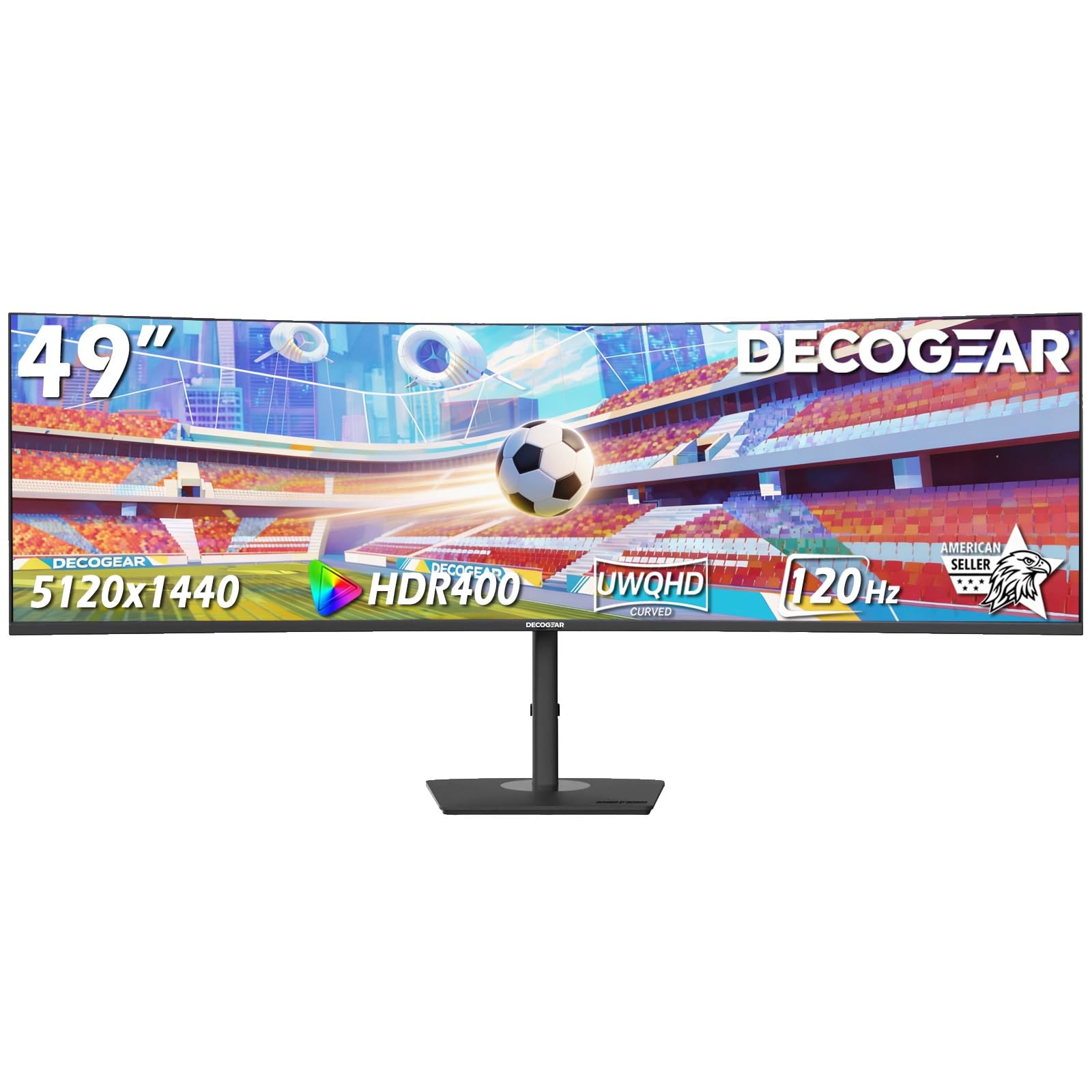
The Deco Gear 49″ Curved Monitor targets the productivity user who wants a two-monitor replacement with a wired KVM and USB-C docking all in one package. Its 5120×1440 DQHD VA panel covers 100% sRGB with a 3000:1 contrast ratio, and the R1500 curve keeps all that screen real estate comfortably within your peripheral vision. The 120 Hz refresh rate and 1ms MPRT response time make it competent for light gaming, though the VA panel’s pixel response in dark scenes produces some smearing.
The standout feature is the built-in KVM paired with a USB-C port delivering 65W of power delivery. You can connect a work laptop and a personal desktop to the monitor and control both with a single keyboard and mouse — a genuine workflow upgrade for dual-computer setups. The PIP/PBP functionality works well across HDMI, DisplayPort, and USB-C inputs, and the ergonomic stand provides height, tilt, and swivel adjustments. Deco Gear’s U.S.-based customer support has received strong praise from several owners.
Quality control appears mixed. While many reviews praise the picture quality and customer support, there are reports of complete monitor failure after a month, with Deco Gear unable to offer repairs due to internal part availability. The 250-nit brightness is modest — this is not a monitor for a bright, sunlit room. For the productivity-first buyer who values the KVM and USB-C features at a budget-friendly price, the Deco Gear is worth considering with caution around long-term reliability.
Why it’s great
- Built-in KVM and 65W USB-C for streamlined dual-pc setups
- 100% sRGB coverage and 3000:1 VA contrast
- U.S.-based customer support team praised by multiple owners
Good to know
- Mixed reliability reports — some units fail within weeks
- 250-nit brightness is underwhelming for bright rooms
- VA dark transitions show visible smearing in games
11. Gawfolk 49″ Curved 240Hz DQHD
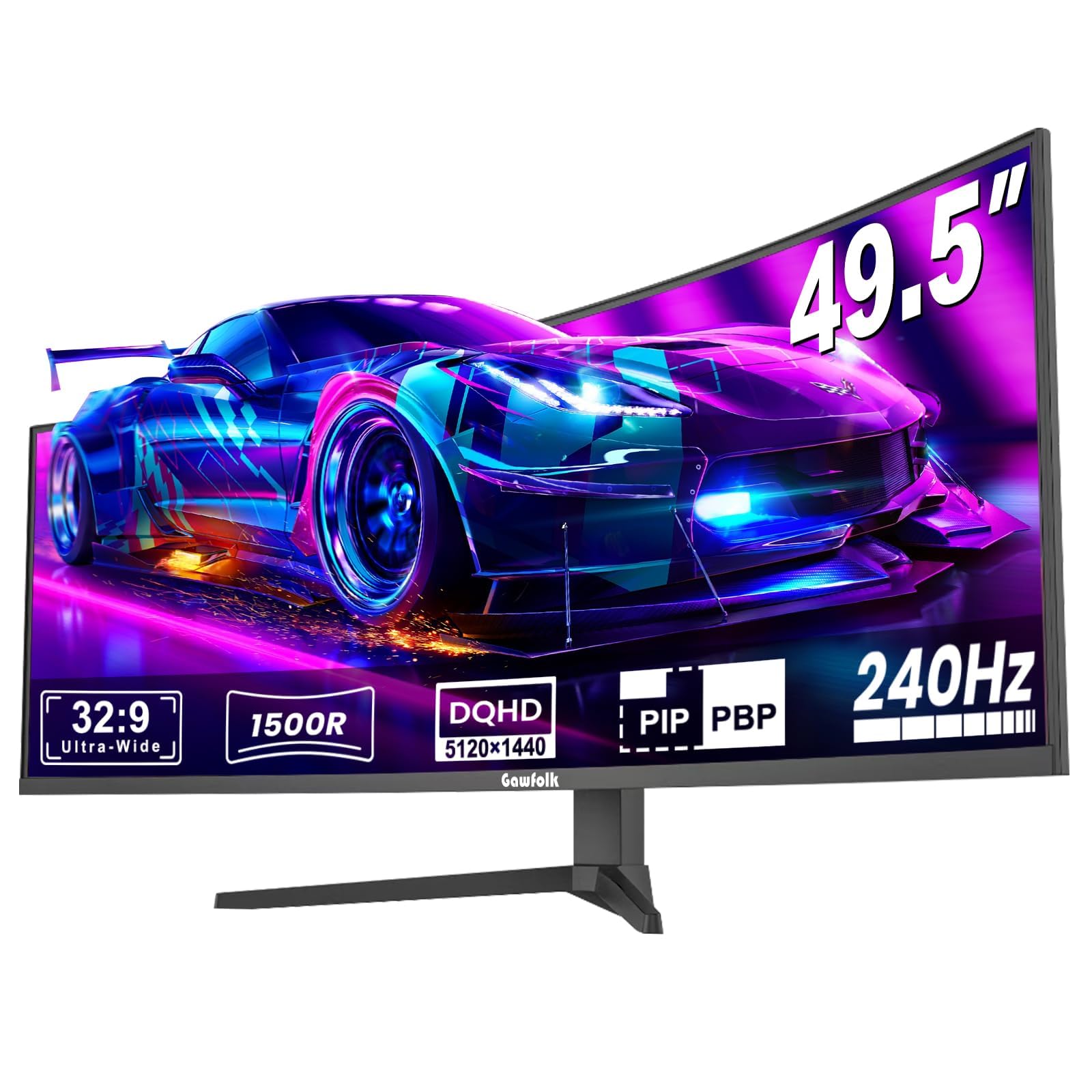
The Gawfolk 49″ Curved Gaming Monitor prioritizes refresh rate above all else, offering a 240 Hz panel at a price point where 120 Hz is the norm. Its 5120×1440 DQHD VA panel with 1500R curvature is aimed squarely at competitive gamers who want the widest possible field of view without sacrificing motion clarity. The 1ms MPRT response time and FreeSync support reduce tearing and ghosting to acceptable levels for fast-paced shooters like Valorant or Overwatch.
The color performance is respectable for the price: 85% NTSC color gamut coverage and a 3000:1 contrast ratio deliver punchy, saturated visuals in games and media. The built-in Game Crosshair feature is a nice extra for players who want a custom reticle without third-party software. The monitor is VESA-compatible (75x75mm) for arm mounting, and the slim bezels look clean in a multi-monitor array.
Reliability and build quality are concerns at this price tier. Some users report the screen randomly cutting to black for several seconds during use, followed by ghosting on return — a behavior that persists across different cables. The built-in speakers are described as lacking bass, and the white balance skews warm out of the box. For the budget gamer who absolutely needs 240 Hz on a 49-inch screen and is willing to roll the dice on long-term reliability, the Gawfolk may still pay off.
Why it’s great
- 240Hz refresh rate at DQHD resolution is rare at this price
- Competitive feature set includes Game Crosshair and FreeSync
- 3000:1 VA contrast delivers good blacks for gaming
Good to know
- Some units experience random black screen and ghosting issues
- Warm white balance and weak built-in speakers
- Long-term reliability is unproven; mixed customer feedback
FAQ
Can my GPU run a 60-inch class monitor at full resolution?
What desk depth do I need for a 49-inch or 57-inch monitor?
Is OLED or Mini-LED better for a mixed use of work and gaming?
Final Thoughts: The Verdict
For most users, the best 60 inch computer monitor winner is the LG 45GX950A-B because it combines a beautiful 5K2K OLED panel with high pixel density, a useful Dual Mode for gaming flexibility, and a full connectivity suite that powers and switches between multiple devices. If you want the absolute widest canvas with the highest brightness and resolution, grab the Samsung 57″ Odyssey Neo G9. And for the professional who prizes text clarity and color accuracy over gaming features, nothing beats the Dell UltraSharp U4025QW.