
The affordable business laptop market is a minefield of trade-offs: cramming a full workday’s worth of processing power, memory, and durability into a chassis that doesn’t creak under the weight of twenty browser tabs. The real challenge isn’t finding a cheap laptop—it’s identifying the one that won’t choke on a spreadsheet or die by lunchtime, all while keeping the budget intact.
I’m Min — the co-founder and writer behind Gadgets Feed. I’ve spent hundreds of hours analyzing processor benchmarks, real-world RAM usage patterns, and battery life tests across the latest budget-friendly and mid-range business notebooks to separate the genuine workhorses from the marketing fluff.
For professionals who need reliable performance without the premium price tag, this guide breaks down the specs that actually matter, the hidden value traps, and the true standouts to help you find the affordable laptops for business that deliver real productivity.
How To Choose The Best Affordable Laptops For Business
Choosing a business laptop on a budget means prioritizing components that directly impact your workflow without paying for unnecessary flash. Focus on the processor generation, RAM capacity, storage type, and battery endurance—these specs define whether your machine feels responsive or sluggish by month two.
Processor: Core Count and Generation Are Key
A 13th Gen Intel Core i5 or an AMD Ryzen 5 offers a strong balance of performance and efficiency for multitasking across office apps, video calls, and data analysis. Avoid older dual-core Celeron or Pentium processors that struggle with modern web apps. Look for at least 6 cores to handle multiple browser tabs and background tasks without lag.
Memory and Storage: 16GB RAM Is the New Minimum
Business workflows involving spreadsheets, CRM software, and virtual meetings consume more RAM than casual use. 16GB DDR4 or DDR5 is the baseline for smooth operation, while 32GB benefits power users running VMs or heavy data sets. Pair this with a 512GB or larger NVMe SSD for fast boot times and file access—avoid eMMC storage entirely.
Display and Portability
A 15.6-inch Full HD display provides enough screen real estate for split-window work without being too bulky. Consider anti-glare coatings for bright offices and a 16:10 aspect ratio for extra vertical space in documents. A weight under 4 pounds and a thin profile under 0.8 inches make daily commuting manageable.
Quick Comparison
On smaller screens, swipe sideways to see the full table.
| Model | Category | Best For | Key Spec | Amazon |
|---|---|---|---|---|
| Samsung Galaxy Book4 | Business Ultraportable | All-day mobility & security | Intel Core 7-150U / 10 cores | Amazon |
| Lenovo V15 Gen 4 | Business Laptop | Durable daily driver | Intel Core i5-13420H / 8 cores | Amazon |
| HP 17-cn3399nr | Large Display | Stationary productivity | Intel Core i5-1334U / 10 cores | Amazon |
| Dell Latitude 5520 | Renewed Business | Max RAM on budget | Intel i7-1165G7 / 32GB RAM | Amazon |
| Lenovo (Ryzen 5) | Performance Value | Video editing & coding | AMD Ryzen 5 7535HS / Radeon 660M | Amazon |
| Dell 16 DC16251 | 2K Touchscreen | Visual clarity & touch input | 2K / 16:10 IPS Touch / 16GB DDR5 | Amazon |
| Lenovo V15 (i7-240H) | High-Performance | Heavy multitasking & VMs | Intel Core 7-240H / 32GB DDR5 | Amazon |
| ASUS Vivobook 14 | Value Bundle | All-in-one office package | Intel i3-1315U / 24GB RAM | Amazon |
| HP 255 G10 | AMD Workhorse | Touchscreen & 1TB storage | Ryzen 3 7330U / 1TB SSD | Amazon |
| HP 14 Business | Entry-Level | Basic office tasks | AMD Athlon 7120U / 256GB SSD | Amazon |
| HP 17.3 (N4500) | Budget Large Screen | Basic home office & media | Intel Celeron N4500 / 16GB RAM | Amazon |
In‑Depth Reviews
1. Samsung Galaxy Book4 Business Laptop

The Samsung Galaxy Book4 strikes the ideal balance for business users who need mobility without compromising performance. Its 10-core Intel Core 7-150U processor delivers responsive multitasking across spreadsheets, video conferencing, and cloud apps, while the 16GB of LPDDR4X RAM ensures smooth session switching without stuttering.
The 15.6-inch Full HD display offers 300 nits of brightness, making it usable in well-lit offices or coffee shops. At just 3.42 pounds, it’s light enough for daily commuting, and the backlit keyboard plus fingerprint reader add the security and convenience that remote workers and on-site professionals alike demand.
Battery life is a standout here—up to 15 hours on a single charge means you can leave the charger at home for a full workday. The included Redragon accessory bundle adds a wired mouse and pad, but the real value lies in the Samsung’s robust build and Thunderbolt connectivity, making it a true business-ready machine.
Why it’s great
- Exceptional 15-hour battery life for all-day use
- Lightweight design under 3.5 pounds with backlit keyboard
- Fingerprint reader and Windows Copilot for enhanced security and productivity
Good to know
- Display is LED, not OLED, so color vibrancy is standard
- RAM is soldered; no future upgrade possible
2. Lenovo V15 Gen 4 Business Laptop

The Lenovo V15 Gen 4 delivers a rock-solid foundation for daily business operations at an entry price that’s hard to ignore. Powered by an 8-core Intel Core i5-13420H processor, it easily handles office suites, video calls, and data entry without the performance dips seen in lower-tier i3 or Celeron machines.
Its 15.6-inch Full HD LCD display is adequate for document work and presentations, while the inclusion of both HDMI and RJ45 Ethernet ports makes it a practical choice for users who need wired network reliability. The numeric keypad is a welcome addition for finance or spreadsheet-heavy roles.
Build quality feels sturdy despite the plastic chassis, and the battery life holds up for a full shift under mixed usage. Windows 11 Pro is pre-installed, giving small business owners the management and security features they need without the premium markup of a ThinkPad.
Why it’s great
- Strong 8-core i5 processor for responsive multitasking
- Includes Ethernet port and numeric keypad for office convenience
- Windows 11 Pro offers better security and management features
Good to know
- Plastic build may feel less premium than metal-chassis alternatives
- Display brightness could be higher for brightly lit rooms
3. HP 17.3 inch Laptop (17-cn3399nr)

The HP 17-cn3399nr is built for professionals who prioritize screen real estate over portability. Its 17.3-inch Full HD IPS display delivers wide 178-degree viewing angles, making it ideal for reviewing large spreadsheets, editing documents side by side, or presenting to a small group without external monitors.
Under the hood, a 13th Gen Intel Core i5-1334U processor with Intel Iris Xe Graphics handles all standard business applications and even light photo editing with ease. The 16GB DDR4 RAM and 512GB NVMe SSD provide snappy boot times and smooth multitasking, though upgrading the SSD is possible if you need more space.
The physical camera shutter adds a layer of privacy for remote workers, and the dual speakers deliver clear audio for video conferences. However, the 4.6-pound weight and lack of a backlit keyboard are trade-offs to consider if you travel frequently between meeting rooms.
Why it’s great
- Large 17.3-inch FHD IPS screen with wide viewing angles
- Physical camera shutter for privacy during calls
- SSD and RAM are upgradable for future-proofing
Good to know
- Heavier (4.6 lbs) and bulkier than 14- or 15-inch competitors
- Keyboard is not backlit; battery life is around 2.5 hours under load
4. Dell Latitude 5520 Business Laptop (Renewed)

The Dell Latitude 5520 in renewed condition offers a rare combination: an Intel Core i7-1165G7 processor paired with a massive 32GB of DDR4 RAM and a 1TB NVMe SSD at a mid-range price point. This configuration is overkill for standard office tasks but excels for power users running multiple virtual machines, heavy data analysis, or large code compilations.
Its 15.6-inch Full HD IPS non-touch display delivers sharp visuals, while the backlit keyboard makes late-night work comfortable. The port selection is a highlight: two USB-C Thunderbolt 4 ports, HDMI, a full SD card reader, and RJ45 Ethernet mean you can dock to any workstation without adapters.
Being a renewed unit, cosmetic condition can vary—some users report scratches or signs of use. But the internal components are high-grade, and Windows 11 Pro comes pre-installed, making this a cost-effective way to get business-class performance without paying new prices.
Why it’s great
- 32GB RAM and 1TB SSD for demanding business workloads
- Thunderbolt 4, HDMI, and Ethernet for versatile connectivity
- Backlit keyboard and HD webcam for professional use
Good to know
- Renewed condition; cosmetic wear and tear possible
- 11th Gen i7 is older architecture, not as efficient as newer chips
5. Lenovo 2026 Premium Business Laptop (Ryzen 5)
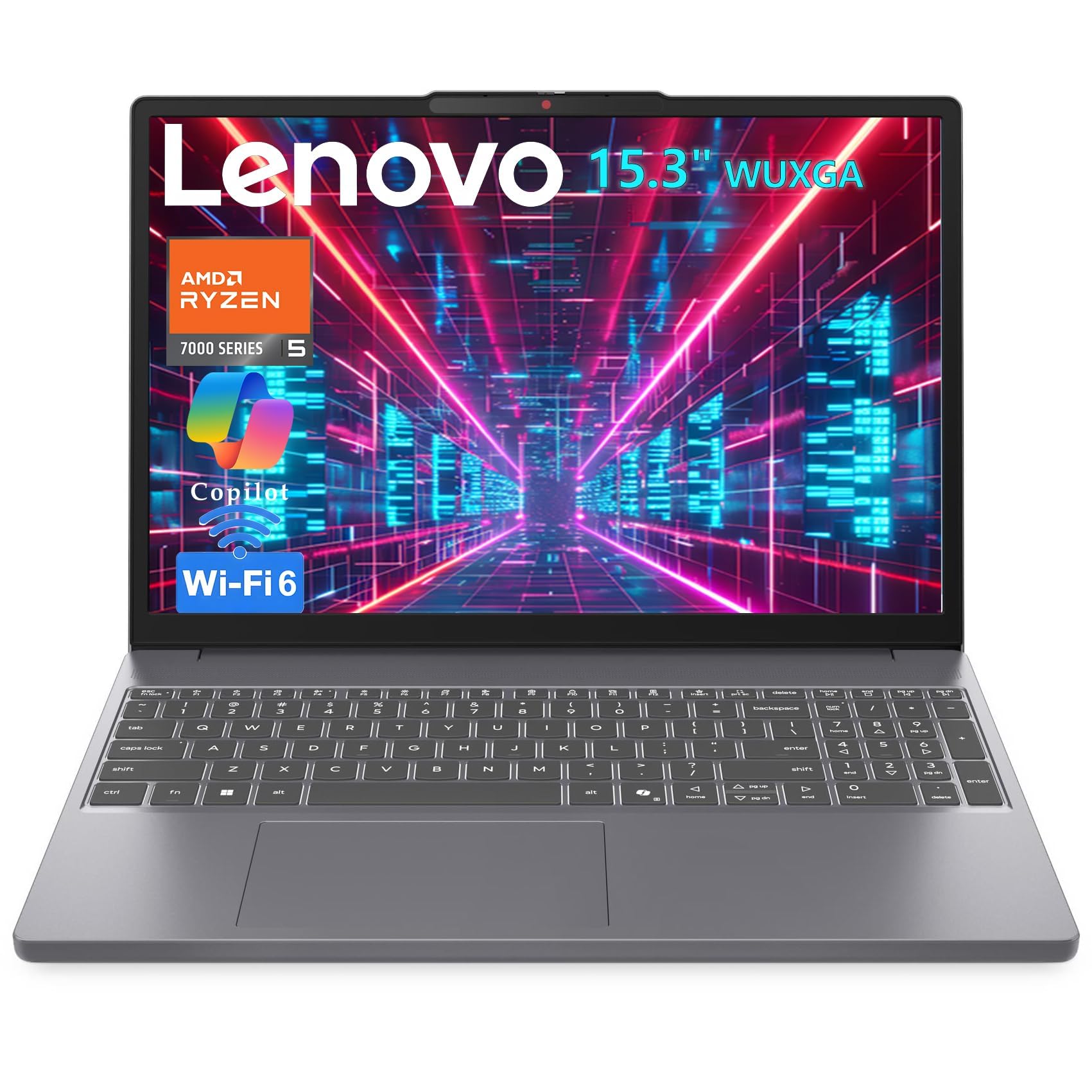
This Lenovo model breaks the mold by pairing an AMD Ryzen 5 7535HS processor—a chip usually found in premium Yoga and ThinkBook laptops—with a budget-friendly chassis. The result is CPU and GPU performance that rivals machines costing twice as much, making it ideal for data analysts, developers, and creatives who need to compile code or edit 1080p video.
The 15.3-inch WUXGA IPS display in a 16:10 aspect ratio provides 11% more vertical screen space than standard 16:9 panels, letting you see more rows in a spreadsheet or lines of code without scrolling. The 16GB DDR5 RAM and 512GB PCIe SSD ensure snappy responsiveness across heavy applications.
At 3.51 pounds with a slim 0.67-inch profile, it’s portable enough for commuting. The inclusion of Wi-Fi 6, Bluetooth 5.3, and a USB-C port with Power Delivery means you can charge with a phone charger on the go. Just note that the plastic build lacks the premium feel of metal rivals.
Why it’s great
- HS-series Ryzen 5 delivers gaming-grade CPU/GPU performance
- 16:10 display offers more vertical workspace for productivity
- DDR5 RAM and USB-C PD for future-ready performance
Good to know
- Plastic chassis feels less premium than metal options
- Battery life is average; heavy use may require midday charge
6. Dell 16 Laptop DC16251

The Dell 16 DC16251 is a standout for professionals who value visual clarity above all else. Its 16-inch 2K touchscreen display with a 16:10 aspect ratio offers crisp, expansive visuals that make spreadsheets, presentations, and design work feel immersive. Dell’s ComfortView Plus reduces blue light without washing out colors, so long work sessions are easier on the eyes.
Powered by an Intel Core 7 150U processor (10 cores, up to 5.4 GHz) and 16GB of DDR5 RAM, this machine handles heavy multitasking with ease. The 1TB SSD provides ample storage for large files, and the integrated Intel Graphics can drive an external 4K monitor without hiccups. The adaptive thermal system adjusts fan speeds based on surface contact, keeping it quiet on desks.
The FHD webcam with temporal noise reduction ensures you look professional on video calls, even in dim lighting. However, the keyboard layout includes a shifted right-Shift key that some users find awkward, and Windows 11 Home lacks the advanced security policies of Pro. Overall, it’s a premium-feeling machine for creative and analytical roles.
Why it’s great
- Stunning 2K 16:10 touchscreen with excellent color and blue-light reduction
- Fast DDR5 RAM and large 1TB SSD for storage-intensive tasks
- Adaptive thermals and high-quality webcam for professional calls
Good to know
- Keyboard has a non-standard layout that may take adjustment
- Runs Windows 11 Home; Pro not pre-installed
7. Lenovo V15 (Intel Core 7-240H, 32GB)
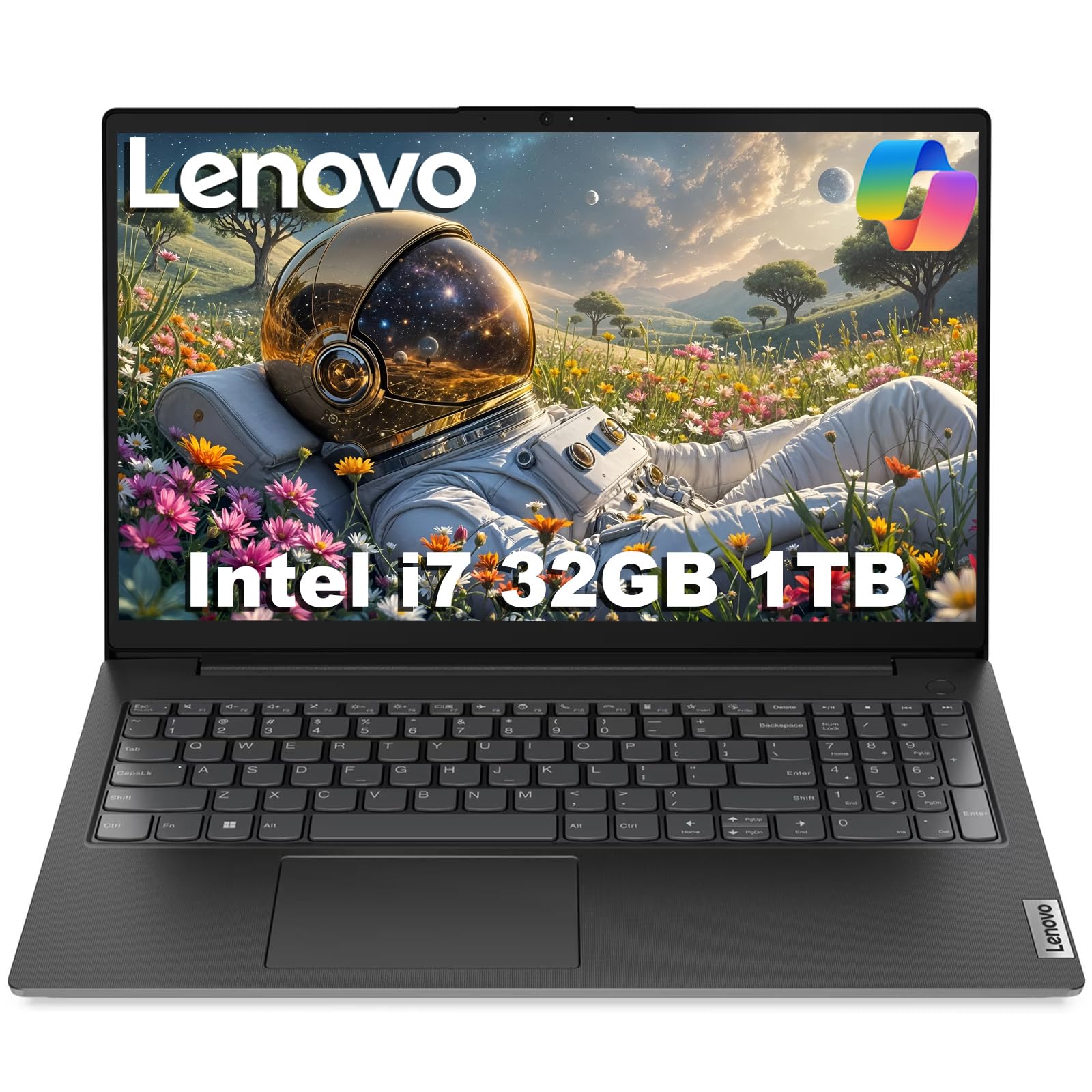
This Lenovo V15 variant packs serious firepower for the price: an Intel Core 7-240H processor (10 cores, up to 5.2 GHz), 32GB of DDR5 RAM, and a 1TB NVMe SSD. It’s a genuine productivity powerhouse designed for users who juggle heavy virtualization, large datasets, or multiple development environments without compromise.
The 15.6-inch Full HD display is paired with integrated Intel Graphics, and the port selection is business-focused with USB-C (Power Delivery and DisplayPort), HDMI 1.4, and Ethernet—so you can hook up to dual 4K monitors at 60Hz without any docking station. The MIL-SPEC 810H certification means it can handle drops and shocks better than typical budget options.
Windows 11 Home with Copilot AI is pre-installed, and the three-year warranty on upgraded memory from Issaquah Highlands Tech adds peace of mind. The trade-off is a heavier build and a design that prioritizes function over aesthetics, but for raw computational throughput, it’s a top-tier value.
Why it’s great
- 32GB DDR5 RAM and 1TB SSD for demanding professional workloads
- MIL-SPEC 810H certified for durability and reliability
- Supports dual 4K monitors via USB-C and HDMI without a dock
Good to know
- Heavier and bulkier than ultraportable competitors
- Display is standard FHD, not high-resolution or touch
8. ASUS Vivobook 14 (24GB RAM, 1TB)
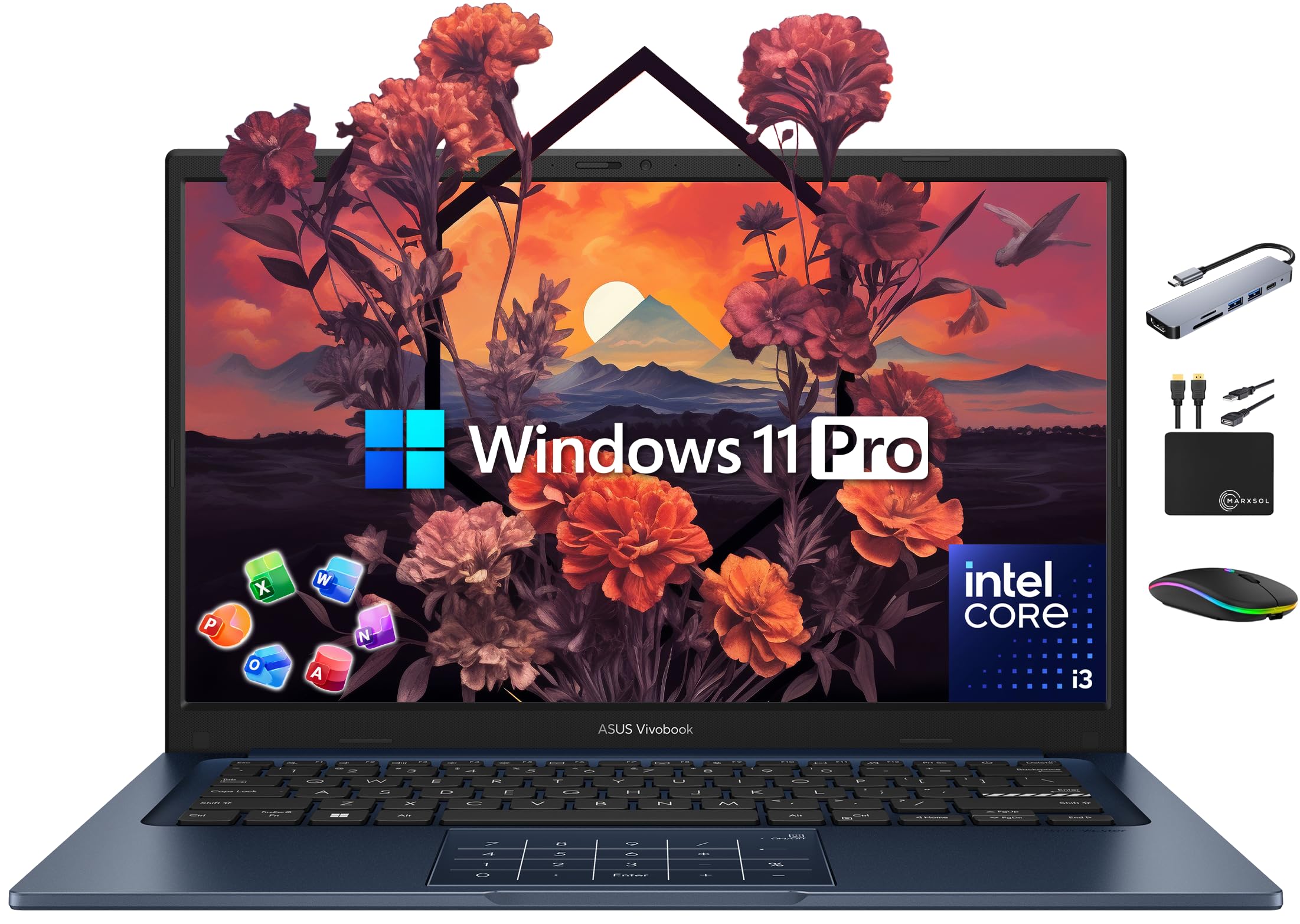
The ASUS Vivobook 14 redefines value by bundling a 14-inch ultraportable laptop with 24GB of DDR4 RAM, a 512GB NVMe SSD, plus a 500GB external drive, all at a price that stays firmly in the mid-range. The 6-core Intel Core i3-1315U processor handles office apps, browsing, and media consumption competently, though it won’t win any performance awards against i5 or Ryzen 5 chips.
The 14-inch Full HD NanoEdge display offers slim bezels and a clean look, while the included accessories—wireless mouse, USB-C hub, HDMI cable, and a lifetime license for Microsoft Office Professional 2024—make this a true all-in-one solution for small business owners or students. Windows 11 Pro is pre-installed, adding business-grade security and management features.
At this price, the build quality is plastic but feels sturdy enough for daily use. The keyboard lacks backlighting, and the i3 processor may show its limits under heavy multitasking, but the included extras and generous RAM more than compensate for these compromises.
Why it’s great
- Includes lifetime Office 2024, external drive, and USB-C hub
- 24GB RAM ensures smooth multitasking for most business apps
- Windows 11 Pro for enhanced security and manageability
Good to know
- i3-1315U processor is entry-level; heavy tasks may lag
- Keyboard is not backlit; display is standard LED, not IPS
9. HP 255 G10 (Ryzen 3, 1TB)

The HP 255 G10 is a no-nonsense workhorse that offers ample storage and a responsive AMD Ryzen 3 7330U processor. With 16GB of RAM and a 1TB PCIe SSD, it provides enough space and speed for daily business tasks, file storage, and light data analysis without breaking the bank.
The 15.6-inch Full HD display delivers crisp visuals, and the AMD Radeon integrated graphics handle video playback and presentations smoothly. The lightweight design and compact profile make it decent for travel, though some users report the fan can get audible under sustained load and the battery life is moderate rather than exceptional.
Pre-installed bloatware is a minor annoyance, and the lack of a backlit keyboard may disappoint some, but the combination of a Ryzen 3 processor that beats older Intel i5 chips, plus the generous 1TB storage, makes this a reliable choice for cost-conscious businesses.
Why it’s great
- 1TB SSD offers ample storage for large business files
- Ryzen 3 processor outperforms older Intel i5 chips
- Lightweight and portable for a 15.6-inch laptop
Good to know
- Fan can be noticeable under heavy load
- Keyboard lacks backlight and no fingerprint reader
10. HP 14 Business Laptop (Athlon 7120U)
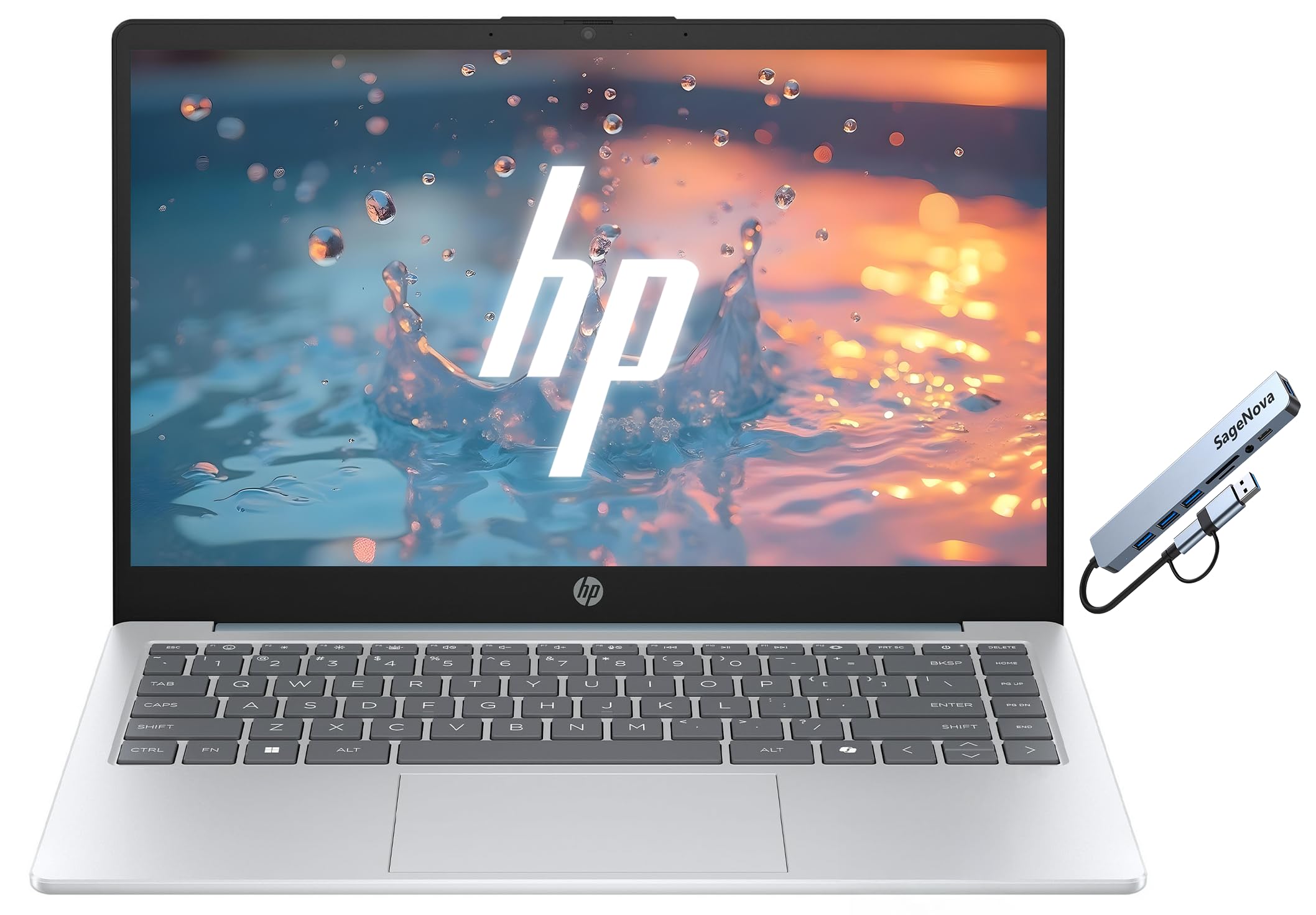
The HP 14 Business Laptop is a budget-friendly entry point for light office tasks. Its AMD Athlon 7120U processor handles web browsing, email, and basic document editing adequately, but it will show strain with multiple heavy applications or large spreadsheets. The 256GB SSD provides fast boot times and decent storage for essential files.
The 14-inch Full HD display is sharp enough for its size, and the inclusion of a physical camera shutter and a dedicated Copilot key adds a modern touch for AI-assisted productivity. Port selection is decent with USB-C 3.0, USB-A, and HDMI 1.4, though you’ll want more USB ports for peripherals.
A one-year subscription to Microsoft Office 365 is bundled, which adds immediate value for professionals who need Word and Excel without extra cost. However, the limited RAM (likely 8GB, though not fully specified in technicals) and the modest processor mean this machine is best for users with very basic computing needs.
Why it’s great
- Includes 1-year Microsoft Office 365 subscription
- Physical camera shutter and dedicated Copilot key
- Full HD display at a very accessible price point
Good to know
- Athlon processor is entry-level; struggles with multitasking
- Limited to 256GB storage and likely only 8GB RAM
11. HP 17.3″ Laptop (N4500, 16GB RAM)
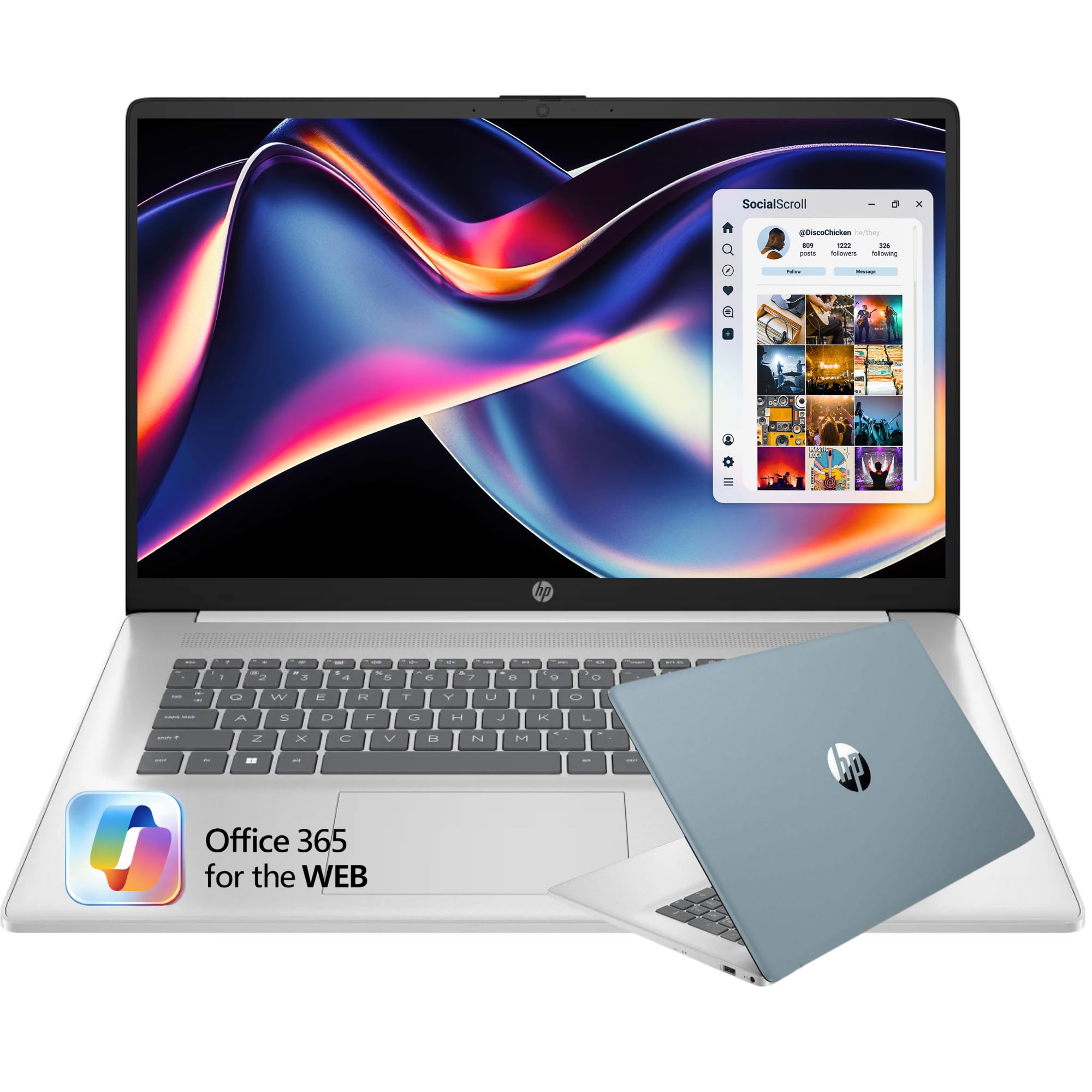
The HP 17.3-inch laptop is a budget giant built for users who need a large screen for basic tasks like email, web browsing, and media playback. The Intel Celeron N4500 dual-core processor is the weakest in this lineup, so demanding business applications like large Excel models or video conferencing with background effects will feel sluggish.
On the positive side, 16GB of RAM is generous for this price tier and helps keep multiple tabs running, while the 512GB NVMe SSD provides quick boot times. The 17.3-inch HD+ display (1600×900) is spacious but lacks the sharpness of Full HD, making small text less crisp. The full-size keyboard with a numeric keypad is comfortable for data entry.
Battery life is rated at 6 hours, which is adequate for short work sessions, and the inclusion of a fingerprint reader adds a layer of security usually absent at this price. For a secondary workstation or a strictly basic office machine, it gets the job done, but it’s not suited for power users.
Why it’s great
- Large 17.3-inch screen with numeric keypad for data entry
- 16GB RAM and 512GB SSD offer decent speed and capacity
- Fingerprint reader for basic security
Good to know
- Celeron N4500 processor is very weak; struggles with multitasking
- HD+ resolution (1600×900) is less sharp than Full HD
FAQ
Is a Celeron or Pentium processor enough for business use?
Should I buy a renewed business laptop over a new budget model?
Final Thoughts: The Verdict
For most users, the affordable laptops for business winner is the Samsung Galaxy Book4 because it combines a powerful 10-core processor, excellent 15-hour battery life, and a lightweight design with essential business security features like a fingerprint reader and backlit keyboard. If you want the best raw performance per dollar, grab the Lenovo with the Ryzen 5 7535HS for its gaming-grade CPU and future-proof DDR5 RAM. And for heavy multitaskers needing maximum memory, nothing beats the Dell Latitude 5520 with 32GB RAM—even in renewed condition, it’s a powerhouse for complex workflows.