
Choosing a 47 inch monitor means deciding between a vast productivity canvas and a deeply immersive gaming cockpit. The real challenge isn’t the size—it’s matching the resolution, curvature, and refresh rate to your specific hardware and daily workflow. A poorly matched panel will leave you with stretched desktop icons, a GPU struggling to keep up, or a screen that feels more like a TV than a tool.
I’m Min — the co-founder and writer behind Gadgets Feed. I’ve spent countless hours analyzing panel technologies, refresh rate curves, and connectivity standards across dozens of super-ultrawide monitors to separate genuine performance from marketing claims.
Whether you need dual-monitor replacement for spreadsheets or a high-Hz playground for sim racing, this guide breaks down the critical specs that define a great 47 inch monitor. You will learn exactly which resolution, curve, and refresh rate make sense for your setup.
How To Choose The Best 47 Inch Monitor
A 47-inch monitor is a serious desk investment. The difference between a great experience and a frustrating one comes down to three core decisions: resolution, curvature, and connectivity. Ignoring any one of these will leave you with a screen that underperforms for your specific use case.
Resolution: DQHD vs. DFHD vs. 5K2K
The panel’s resolution determines how much you can fit on screen and how sharp text appears. Dual Full HD (3840×1080) is less demanding on your GPU but shows individual pixels at arm’s length. Dual QHD (5120×1440) provides significantly more vertical workspace and sharper image quality, ideal for productivity and high-fidelity gaming. The newer 5K2K (5120×2160) offers the highest pixel density for serious creative professionals, but requires top-tier graphics hardware to drive at high frame rates.
Curvature and Immersion
A flat 47-inch screen would force your eyes to work too hard to see the edges. The curvature, measured in millimeters (1800R, 1500R, 1000R), determines how well the screen wraps around your field of view. A tighter curve like 1000R matches the natural human field of vision more closely, offering deeper immersion in games and reducing eye movement during multitasking. A gentler 1800R curve is easier to use for color-critical work where geometric accuracy matters.
Connectivity and Desk Integration
USB-C with power delivery (65W or 90W) can turn a 47-inch monitor into a single-cable docking station for your laptop. A built-in KVM switch lets you control two different computers with a single keyboard and mouse, eliminating desk clutter. Check for enough HDMI 2.1 or DisplayPort 1.4 ports to match your console and PC setup—bandwidth matters for higher resolutions and refresh rates.
Quick Comparison
On smaller screens, swipe sideways to see the full table.
| Model | Category | Best For | Key Spec | Amazon |
|---|---|---|---|---|
| Samsung 43-Inch M7 (M70D) | Smart Monitor | All-in-one TV/Monitor combo | 4K UHD, HDR10, USB-C, Smart Hub | Amazon |
| Deco Gear 49″ Ultrawide | Gaming Ultrawide | Budget 144Hz gaming and work | 3840×1080, 144Hz, 1800R, FreeSync | Amazon |
| INNOCN 49C1G | Productivity Ultrawide | Multitasking and creative work | 3840×1080, 144Hz, USB-C 65W, HDR400 | Amazon |
| Deco Gear 49″ 5K2K | High-Res Ultrawide | High-res gaming and dual-PC workflows | 5120×1440, 120Hz, USB-C 65W, KVM | Amazon |
| Westinghouse 49″ UWDQHD | Mid-Range Gaming | Multitasking and panoramic photo editing | 5120×1440, 120Hz, USB-C 65W, HDR | Amazon |
| Samsung Odyssey G9 G95C | Premium Gaming | Competitive sim racing and FPS | 5120×1440, 240Hz, 1000R, HDR1000 | Amazon |
| LG 39GX90SA-W | OLED Gaming | Ultimate OLED immersion and streaming | 3440×1440, 240Hz, 800R, OLED, webOS | Amazon |
| ASUS ROG Strix XG49VQ | Gaming Ultrawide | Mid-range GPU gaming with FreeSync | 3840×1080, 144Hz, 1800R, HDR400 | Amazon |
| Dell UltraSharp U4919DW | Business Productivity | Professional multi-window workflows | 5120×1440, 60Hz, USB-C KVM | Amazon |
| LG 45GX950A-B | Premium OLED Gaming | Enthusiast 5K2K gaming and dual-mode | 5120×2160, 165Hz, 800R, OLED, DP2.1 | Amazon |
| Dell UltraSharp U4025QW | Pro Creative | Color-accurate creative professional use | 5120×2160, 120Hz, IPS Black, TB4 | Amazon |
In‑Depth Reviews
1. Samsung Odyssey G9 G95C

The Samsung Odyssey G9 G95C delivers a 49-inch DQHD (5120×1440) VA panel with an aggressive 1000R curvature that wraps around your peripheral vision. The 240Hz refresh rate and 1ms GtG response time make this one of the fastest super-ultrawides available, ideal for competitive sim racing and fast-paced FPS titles. DisplayHDR 1000 certification and a 1,000,000:1 contrast ratio provide deep blacks and bright highlights that bring games to life.
AMD FreeSync Premium Pro ensures tear-free, stutter-free gameplay even during frame rate dips, while CoreSync lighting adds ambient immersion. The stand offers full ergonomic adjustability—swivel, tilt, and height—and VESA compatibility allows for monitor arm mounting. The built-in Auto Source Switch+ detects connected devices and switches inputs automatically, reducing cable hassle.
Some users report initial eye strain from the tight 1000R curve, which typically subsides after a few days of use. The screen is large and heavy, so a sturdy desk or monitor arm is recommended. This monitor pairs best with a high-end GPU to push 240Hz at DQHD resolution.
Why it’s great
- 240Hz refresh rate with 1ms response for ultra-smooth gaming
- 1000R curvature provides maximum peripheral immersion
- HDR1000 and high contrast ratio deliver stunning visuals
Good to know
- Tight 1000R curve can cause initial eye strain for some users
- Large and heavy; requires sturdy desk or monitor arm
- Best performance requires a powerful GPU
2. LG 45GX950A-B

The LG 45GX950A-B is a groundbreaking 45-inch 5K2K (5120×2160) OLED gaming monitor with a steep 800R curve. It is the world’s first OLED panel at this resolution, offering 125 PPI for sharp text clarity with reduced color fringing. The 165Hz refresh rate with a 0.03ms GtG response time provides instant pixel transitions, and the Dual-Mode feature lets you switch to 330Hz at Wide Full HD for competitive gaming.
DisplayPort 2.1 connectivity ensures enough bandwidth for full-resolution, high-refresh-rate output without compression. The OLED panel delivers 1.5M:1 contrast ratio with DisplayHDR True Black 400, offering deep blacks and vibrant colors. USB-C with 90W power delivery and two HDMI 2.1 ports make it a versatile hub for both PC and console gaming.
The Dual-Mode scaling can appear stretched at lower resolutions, and the steep 800R curve requires a dedicated desk space. This monitor demands a top-tier GPU like an RTX 5080 to fully leverage its 5K2K resolution. It excels for both immersive single-player titles and high-refresh-rate competitive play.
Why it’s great
- World-first 5K2K OLED with exceptional sharpness and contrast
- Dual-Mode feature offers 330Hz for competitive gaming
- DisplayPort 2.1 and USB-C 90W for future-proof connectivity
Good to know
- Dual-Mode scaling can appear stretched at lower resolutions
- Requires very powerful GPU for native 5K2K performance
- Steep 800R curve needs dedicated desk space
3. LG 39GX90SA-W

The LG 39GX90SA-W combines a 39-inch WQHD (3440×1440) OLED panel with a steep 800R curve and a 240Hz refresh rate. With a 0.03ms GtG response time, this monitor delivers near-instant pixel transitions, completely eliminating ghosting in fast-moving scenes. The OLED panel offers a 1.5M:1 contrast ratio and DisplayHDR True Black 400, producing deep inky blacks and vibrant colors that HDR content benefits from immensely.
Integrated webOS23 provides built-in access to Netflix, Prime Video, and cloud gaming services like NVIDIA GeForce NOW without needing a connected PC. The anti-glare surface minimizes reflections, keeping focus on the game. AMD FreeSync Premium and NVIDIA G-Sync compatibility ensure tear-free gameplay across both PC and console.
The 800R curve is immersive but may take some adjustment for productivity work. Text clarity is better than older OLED panels thanks to improved subpixel layout. The built-in speakers are adequate for casual use but a dedicated sound setup is recommended for a full experience.
Why it’s great
- 240Hz OLED with 0.03ms response for ultimate smoothness
- webOS provides streaming and cloud gaming without a PC
- Anti-glare surface and G-Sync/FreeSync support
Good to know
- Steep 800R curve may not suit all productivity tasks
- Built-in speakers are functional but not high-fidelity
- Requires powerful GPU for full 240Hz at WQHD
4. Dell UltraSharp U4919DW

The Dell UltraSharp U4919DW is a 49-inch IPS panel with 5120×1440 resolution, designed for productivity rather than gaming. It replaces dual 27-inch QHD monitors with a single seamless curved display, eliminating the bezel gap. The built-in KVM switch allows control of up to three different computers with a single keyboard and mouse, making it a powerhouse for multi-system workflows.
USB-C connectivity with 90W power delivery charges a connected laptop while driving the 5K video signal over a single cable. The factory-calibrated color accuracy and 350-nit brightness deliver consistent, reliable visuals for design and editing work. The stand offers full ergonomic adjustment including swivel, tilt, and height.
The 60Hz refresh rate and lack of adaptive sync make it unsuitable for competitive gaming. The large stand base takes up significant desk depth, and VESA mounting requires specific spacers and M4 screws. The on-screen display is functional but somewhat slow to navigate.
Why it’s great
- 5120×1440 resolution replaces dual 27-inch monitors seamlessly
- Built-in KVM switch for controlling multiple computers
- USB-C 90W power delivery simplifies desk setup
Good to know
- 60Hz refresh rate is limiting for any gaming
- Large stand footprint requires deep desk space
- VESA mounting requires specific hardware for proper fit
5. Dell UltraSharp U4025QW

The Dell UltraSharp U4025QW is a 40-inch 5K2K (5120×2160) IPS Black panel with a 2000:1 contrast ratio and 120Hz refresh rate. This monitor targets creative professionals who need high pixel density for detailed work and smooth motion for video review. The IPS Black technology delivers deeper blacks and better contrast than standard IPS, while maintaining wide viewing angles.
Connectivity is comprehensive: Thunderbolt 4, HDMI, DisplayPort, and Ethernet are all built in, along with a full USB hub. The 600-nit peak brightness ensures visibility in well-lit environments. Factory calibration covers 99% DCI-P3 for accurate color reproduction in photo and video editing workflows.
This monitor is not designed for gaming. The high price tag reflects its professional-grade feature set. The downward-facing ports can be inconvenient for wall or arm mounting. Some users report needing to adjust sharpness settings to eliminate text blurriness at native resolution.
Why it’s great
- 5K2K IPS Black panel with 2000:1 contrast for professional color work
- 120Hz refresh rate for smooth UI and video playback
- Thunderbolt 4 and built-in KVM for multi-device workflows
Good to know
- Very expensive, aimed at professional users only
- Not suitable for gaming due to lack of adaptive sync
- Downward-facing ports complicate cable management
6. Deco Gear 49″ 5K2K Ultrawide
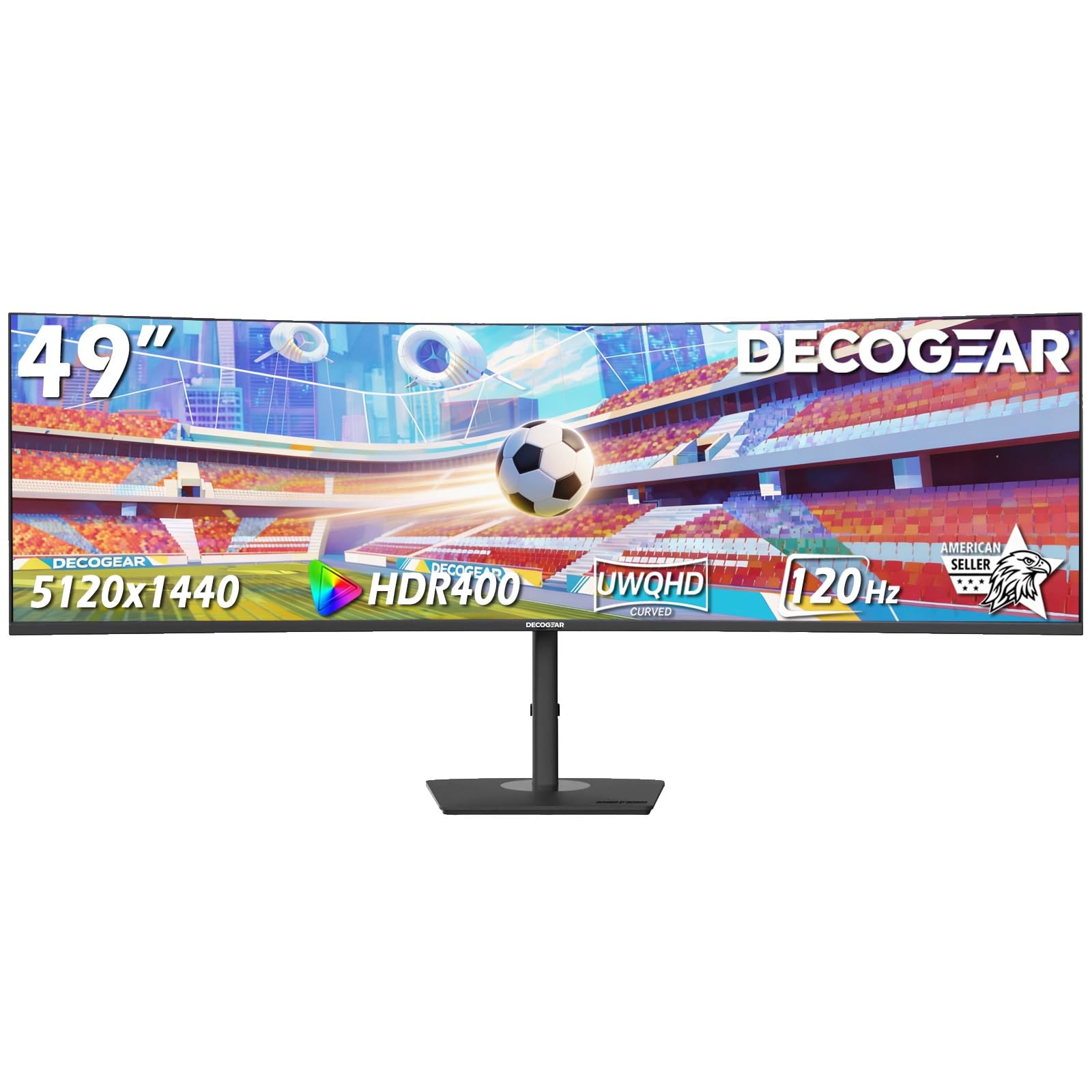
The Deco Gear 49-inch 5K2K monitor bridges the gap between budget ultrawides and premium options with its 5120×1440 DQHD resolution and 120Hz refresh rate. The 1500R curvature and VA panel deliver a 3000:1 contrast ratio for deep blacks in dark gaming scenes and productivity work. The built-in KVM switch and USB-C with 65W power delivery allow for a clean dual-computer setup with a single cable.
Picture-by-Picture and Picture-in-Picture modes let you view two inputs simultaneously, making it easy to run a work laptop beside a gaming PC. The 1ms MPRT response time and FreeSync support ensure smooth visuals for moderate gaming. The stand offers height, tilt, and swivel adjustment, and VESA mounting is compatible.
Customer support experiences have been mixed, with some users reporting issues with defective units and limited warranty support. The 250-nit brightness is adequate for indoor use but can struggle in brightly lit rooms. The built-in speakers are basic and best replaced with external audio.
Why it’s great
- 5120×1440 DQHD resolution with 120Hz for a good price
- Built-in KVM and USB-C 65W for multi-device setups
- PIP/PBP modes for dual-PC workflows
Good to know
- Customer support quality has received mixed feedback
- 250-nit brightness is lower than premium competitors
- Built-in speakers are basic and not suitable for immersive audio
7. Westinghouse 49″ UWDQHD
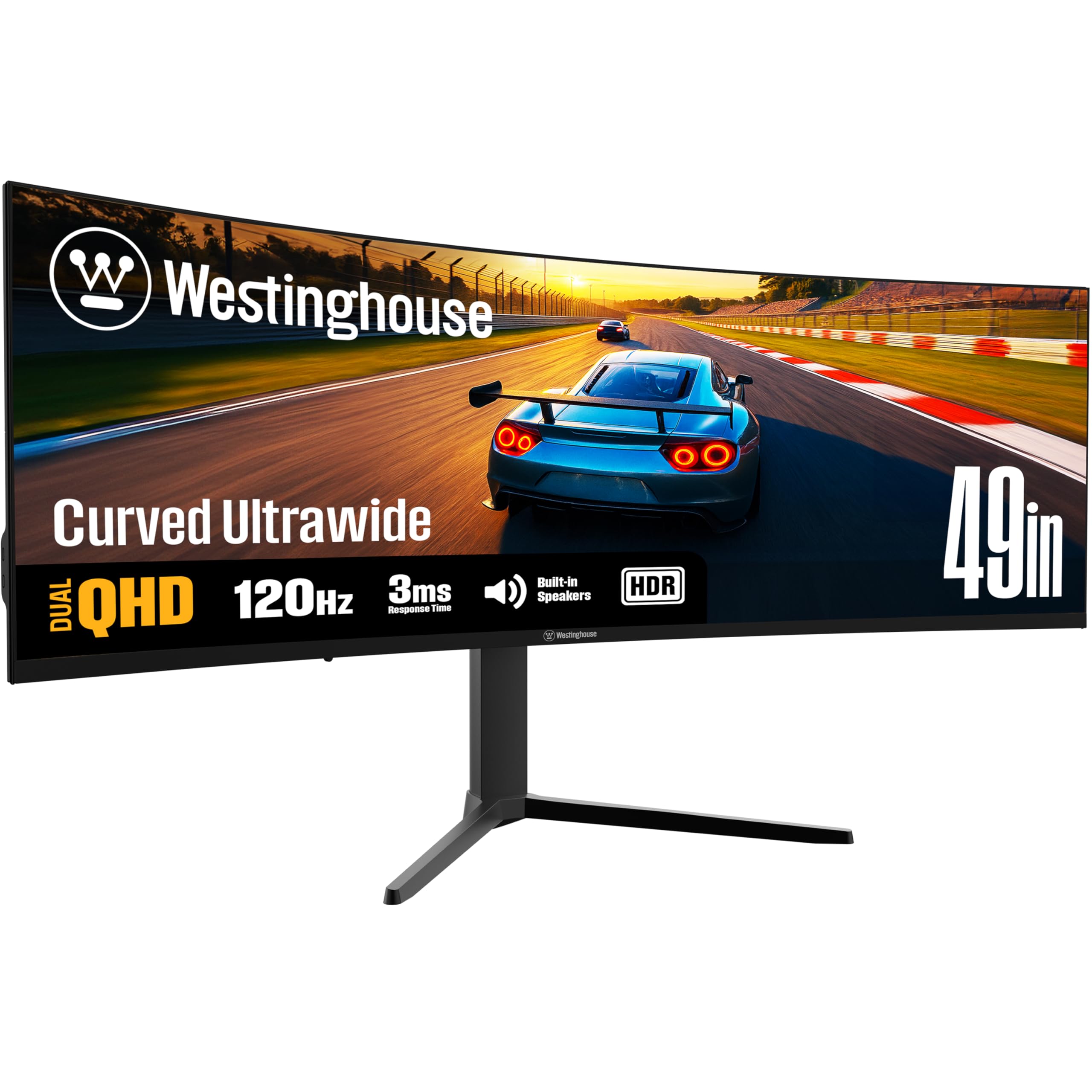
The Westinghouse 49-inch UWDQHD monitor offers a 5120×1440 VA panel with 120Hz refresh rate and 3000:1 contrast ratio at a mid-range price. The 1800R curve provides a comfortable panoramic field of view for both gaming and productivity. With 124% sRGB color gamut coverage, colors appear vibrant and accurate out of the box, making it suitable for light creative work.
Connectivity includes USB-C with 65W power delivery, HDMI, DisplayPort, and multiple USB-A ports for peripherals. AMD FreeSync support reduces screen tearing during gameplay. The stand offers height, tilt, and swivel adjustment for ergonomic comfort. EyeCare technology with flicker-free backlighting helps reduce fatigue during long sessions.
Some units have arrived with defects such as flickering or random shutdowns, and customer support has been slow to respond. The built-in speakers are notably quiet and considered nearly unusable. Color calibration out of the box may require adjustment for professional color-accurate work.
Why it’s great
- 5120×1440 resolution and 120Hz for a reasonable price
- 124% sRGB coverage for vibrant colors
- USB-C 65W and ergonomic stand included
Good to know
- Quality control issues reported with some units
- Built-in speakers are very quiet and nearly worthless
- Customer support response times have been slow
8. Samsung 43-Inch M7 (M70D)

The Samsung M7 M70D is a 43-inch 4K UHD smart monitor that combines a full-featured TV with a computer display. It streams OTT content from Netflix, Prime Video, and YouTube directly without needing a PC, thanks to the built-in Tizen operating system and Samsung Gaming Hub for cloud gaming. The 16:9 aspect ratio and 5000:1 VA contrast ratio deliver excellent contrast for both movies and work.
USB-C connectivity supports laptop charging, data transfer, and video over a single cable. The SolarCell remote charges from ambient light, eliminating disposable batteries. Built-in accessibility tools include screen magnification and color switching for low-vision users. The monitor can also control smart home devices through a 3D Map View interface.
This is a 60Hz monitor, so it is not suitable for high-refresh-rate gaming. Some users report its smart TV interface can feel intrusive when used purely as a PC monitor. The glossy screen is prone to reflections in rooms with windows or bright overhead lighting. No DisplayPort input is available.
Why it’s great
- 4K UHD VA panel with 5000:1 contrast for excellent movies and work
- Built-in smart TV apps and Gaming Hub for streaming without a PC
- USB-C with laptop charging and SolarCell remote
Good to know
- 60Hz refresh rate is not suitable for competitive gaming
- Smart TV interface can feel intrusive for PC-only use
- Glossy screen has noticeable glare in bright rooms
9. Deco Gear 49″ Curved Ultrawide
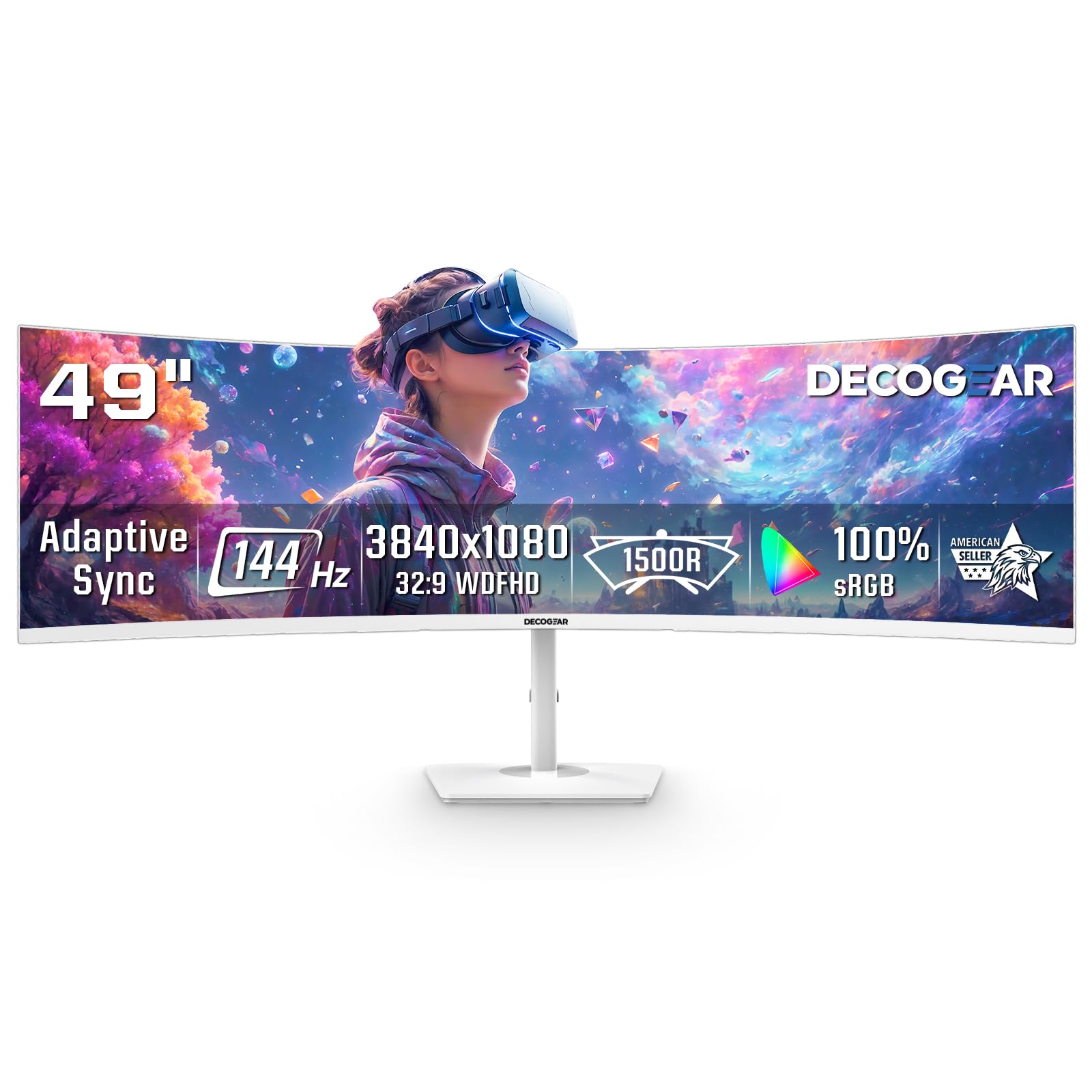
The Deco Gear 49-inch curved ultrawide monitor offers a 3840×1080 resolution at 144Hz, making it an accessible entry point into the super-ultrawide market. The 32:9 aspect ratio with 1800R curvature replaces dual monitors with a single seamless display for gaming and productivity. The 1ms MPRT response time and Adaptive Sync support reduce ghosting and tearing in fast-paced games.
The white finish stands out in bright gaming setups, and connectivity includes 2 HDMI and 2 DisplayPort inputs for multiple devices. Picture-by-Picture and Picture-in-Picture modes allow viewing two inputs simultaneously. The stand is functional but lacks height adjustment, making VESA mounting a better option for ergonomic setups.
The 250-nit brightness is adequate for indoor use but can feel dim compared to pricier models. Some units have reported power button failures after extended use, though customer support has been responsive for replacements. The 1080p vertical resolution means text is less sharp than higher-resolution alternatives.
Why it’s great
- 144Hz refresh rate and 1ms response for smooth gaming
- 32:9 ultrawide replaces dual monitors at a budget price
- White color option fits unique desk aesthetics
Good to know
- 3840×1080 resolution means less vertical workspace than DQHD
- Stand lacks height adjustment; VESA mounting recommended
- Build quality concerns with power button durability
10. INNOCN 49C1G

The INNOCN 49C1G offers a 49-inch 3840×1080 VA panel with 144Hz refresh rate and HDR400 certification. The 1800R curvature and 3000:1 contrast ratio deliver solid immersion for gaming and clear separation for productivity. The real highlight is connectivity: USB-C with 65W power delivery, HDMI 2.1, DisplayPort 1.4, USB-A hub, and an RJ45 Ethernet port for a complete single-cable workstation.
The stand provides height, tilt, and swivel adjustment for ergonomic comfort, and VESA 75×75 compatibility allows for monitor arm mounting. PIP/PBP modes enable viewing two input sources simultaneously, ideal for dual-PC workflows. The 99% sRGB coverage ensures decent color accuracy for non-critical creative work.
The 1080p vertical resolution means less desktop space than DQHD panels, which may be limiting for heavy spreadsheet users. As noted by reviewers, this monitor is not fully compatible with PlayStation 5 for ultrawide support. The built-in speakers are passable but not suitable for immersive audio.
Why it’s great
- Extensive connectivity including USB-C 65W, HDMI 2.1, and RJ45
- 144Hz refresh rate and HDR400 for smooth gaming
- Fully ergonomic stand with height, tilt, and swivel
Good to know
- 1080p vertical resolution limits desktop space
- Not fully compatible with PlayStation 5 ultrawide support
- Built-in speakers are functional but not high-quality
11. ASUS ROG Strix XG49VQ

The ASUS ROG Strix XG49VQ is a 49-inch DFHD (3840×1080) VA monitor with 144Hz and FreeSync 2 HDR support. The 1800R curvature and DisplayHDR 400 certification provide solid color performance for gaming. The 3840×1080 resolution is less demanding on GPUs, enabling higher frame rates on mid-range hardware.
Connectivity includes DisplayPort and HDMI inputs, a USB hub, and a headphone jack. The stand offers full ergonomic adjustment (height, tilt, swivel) and VESA compatibility. ASUS Eye Care technology reduces flicker and blue light for extended gaming sessions. GamePlus and GameVisual overlays provide crosshair overlays and color mode presets for different game genres.
G-Sync compatibility can cause ghosting and tearing in some configurations—FreeSync works more reliably with AMD GPUs. The 1080p vertical resolution shows visible pixel structure at arm’s length, and text can appear aliased. The HDR400 implementation is considered entry-level, with limited dynamic range compared to higher-tier HDR displays.
Why it’s great
- 144Hz and FreeSync 2 HDR for smooth gameplay
- Full ergonomic stand with height, tilt, and swivel
- Less demanding on GPU compared to DQHD panels
Good to know
- G-Sync compatibility can cause ghosting on some setups
- 1080p vertical resolution appears pixelated at close range
- HDR400 offers limited dynamic range compared to higher standards
FAQ
What graphics card do I need for a 47-inch 5120×1440 120Hz monitor?
Can I use a 47-inch ultrawide monitor for work and gaming?
What is the difference between 1000R and 1800R curvature?
Does a 47-inch monitor require a special desk or mount?
Final Thoughts: The Verdict
For most users, the best 47 inch monitor winner is the Samsung Odyssey G9 G95C because it delivers the best balance of fast 240Hz refresh rate, immersive 1000R curvature, and DQHD resolution for both gaming and productivity. If you want OLED contrast and the highest resolution, grab the LG 45GX950A-B. And for professional color-accurate work with seamless multi-PC control, nothing beats the Dell UltraSharp U4025QW.