
A dual curved monitor setup transforms a flat, segmented workflow into a single immersive arc, but finding two identical curved panels that match in color, curvature, and refresh rate without breaking the bank takes careful planning. Most buyers grab the first sale they see, then deal with mismatched bezels, inconsistent white balance, and a distracting seam where two different display technologies collide. You want a seamless pair that feels like one massive screen, not two awkwardly docked rectangles.
I’m Min — the co-founder and writer behind Gadgets Feed. I’ve spent hundreds of hours mapping the technical specifications, panel types, and connectivity trade-offs of every curved monitor in this price tier to find the pairs that actually work together.
After evaluating resolution parity, curvature consistency, refresh rate synergy, and ergonomic alignment across the 34-inch and 49-inch segments, these are the models that form the most coherent 2 curved monitors setup for gaming, productivity, and hybrid workflows.
How To Choose The Best 2 Curved Monitors
Building a dual curved monitor setup is different from buying two random curved screens. You need resolution parity, curvature consistency, matching refresh rates, and a stand or arms that can handle the combined weight and footprint. Here’s what to check before you click buy.
Match the Curvature and Panel Type
Mixing a 1500R curve with a 1000R curve creates a noticeable warp when your eyes scan from one screen to the next. Stick to the same curvature across both panels. VA panels offer deeper blacks and higher contrast for gaming, while IPS panels provide wider viewing angles and more consistent color — ideal for photo or video work. If you’re pairing two monitors, choose the same panel technology so whites and grays stay uniform.
Keep Resolution and Refresh Rate Identical
A 3440 x 1440 monitor next to a 2560 x 1440 panel creates mismatched cursor behavior and window scaling headaches. Both monitors should share the same native resolution. For refresh rate, running a 180Hz panel beside a 60Hz panel causes visual stutter when dragging windows across the seam. Match the refresh rate to at least 120Hz for smooth transitions, even if you don’t game.
Consider the Stand and Desk Space
Two 34-inch curved monitors side by side span roughly 60 inches of desk space. A dual monitor arm with VESA 100x100mm compatibility saves surface area and lets you align the top bezels perfectly. If you keep the stock stands, measure the depth — curved monitor bases often exceed 10 inches deep, which pushes your keyboard uncomfortably close.
Check Connectivity for Dual Input
If you’re connecting two monitors to a single laptop or desktop, make sure your GPU has two matching video outputs (both DisplayPort or both HDMI 2.0). Budget monitors sometimes include only one DisplayPort and one HDMI, which limits your ability to daisy-chain or use adaptive sync on both screens at full refresh rate.
Quick Comparison
On smaller screens, swipe sideways to see the full table.
| Model | Category | Best For | Key Spec | Amazon |
|---|---|---|---|---|
| AOC CU34G4V | Mid-Range | Value-driven dual gaming setup | 3440×1440, 180Hz, 1500R, 0.5ms MPRT | Amazon |
| KOORUI 34E6UC | Mid-Range | Immersive twin-screen workstation | 3440×1440, 180Hz, 1000R, HDR400 | Amazon |
| LG 34G600A-B | Mid-Range | Multi-tasking with built-in speakers | 3440×1440, 160Hz, 1800R, 1ms MBR | Amazon |
| Alienware AW3425DWM | Premium | Premium dual-screen immersion | 3440×1440, 180Hz, 1500R, DCI-P3 95% | Amazon |
| LG 34WQ73A-B | Premium | Color-accurate dual productivity | 3440×1440, 60Hz, IPS, USB-C 90W | Amazon |
| Dell S3425DW | Premium | Office dual setup with USB-C hub | 3440×1440, 120Hz, VA, USB-C 65W | Amazon |
| ZZA 49 Curved | Premium | Single-screen replacement with two inputs | 5120×1440, 165Hz, 1500R, 32:9 | Amazon |
| Samsung Odyssey OLED G9 | High-End | Flagship dual-PC creative station | 5120×1440, 144Hz, QD-OLED, 0.03ms | Amazon |
| Samsung Odyssey Neo G9 | High-End | Ultimate dual 4K cockpit | 7680×2160, 240Hz, Mini-LED, 1000R | Amazon |
In‑Depth Reviews
1. AOC CU34G4V
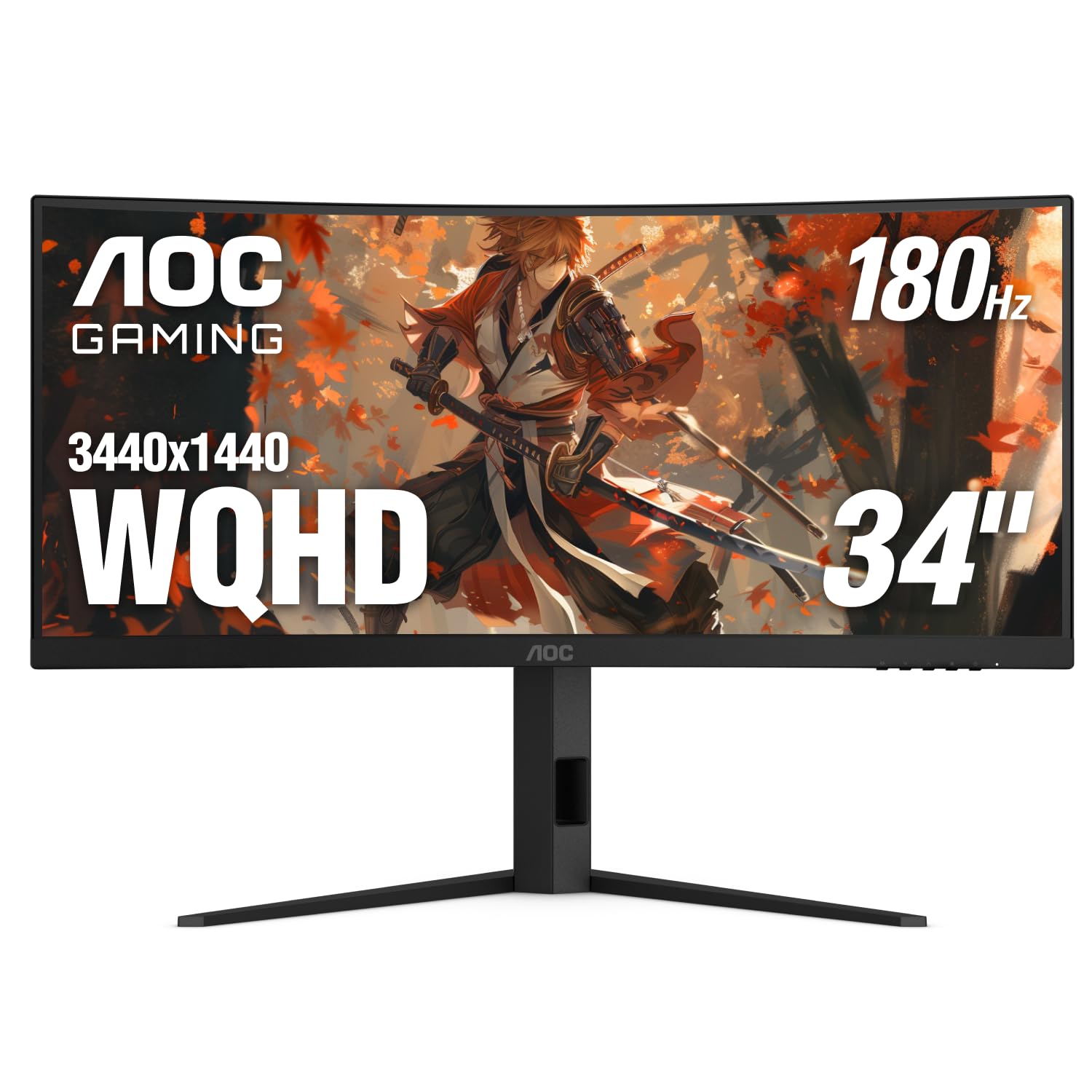
The AOC CU34G4V delivers a 3440 x 1440 VA panel with a 1500R curve and 180Hz refresh rate via DisplayPort, making it the most balanced choice for buyers assembling a dual curved monitor setup without overspending. The 0.5ms MPRT response time eliminates ghosting during fast-paced matches, and the AMD FreeSync Premium support keeps both screens in sync when paired with an AMD or NVIDIA GPU. The 80M:1 dynamic contrast ratio provides deep blacks that match well with a second identical unit.
The ergonomic stand offers -3.5° to 21.5° tilt, ±20° swivel, and 130mm height adjustment, which allows you to align the top bezels perfectly with a matching AOC. The three-sided frameless design minimizes the bezel gap between dual monitors, reducing the visual seam. Connectivity includes one DisplayPort 1.4 and two HDMI 2.0 ports, so you can run both units from a single GPU without adapters.
Customer reviews consistently highlight the value proposition — buyers report using this monitor for six months in a dual setup alongside another 34-inch panel, praising the color consistency and lack of motion blur. The 300 cd/m² brightness is adequate for indoor use, though HDR performance is modest without local dimming. The black and red textured finish leans gamer-centric, which may clash with minimalist office decor.
Why it’s great
- 180Hz and 0.5ms MPRT for tear-free dual gaming
- Fully adjustable stand aligns easily with a twin unit
- Frameless design minimizes visual seam between two screens
Good to know
- 300 cd/m² brightness is modest for bright rooms
- HDMI limited to 100Hz; needs DisplayPort for full 180Hz
2. KOORUI 34E6UC
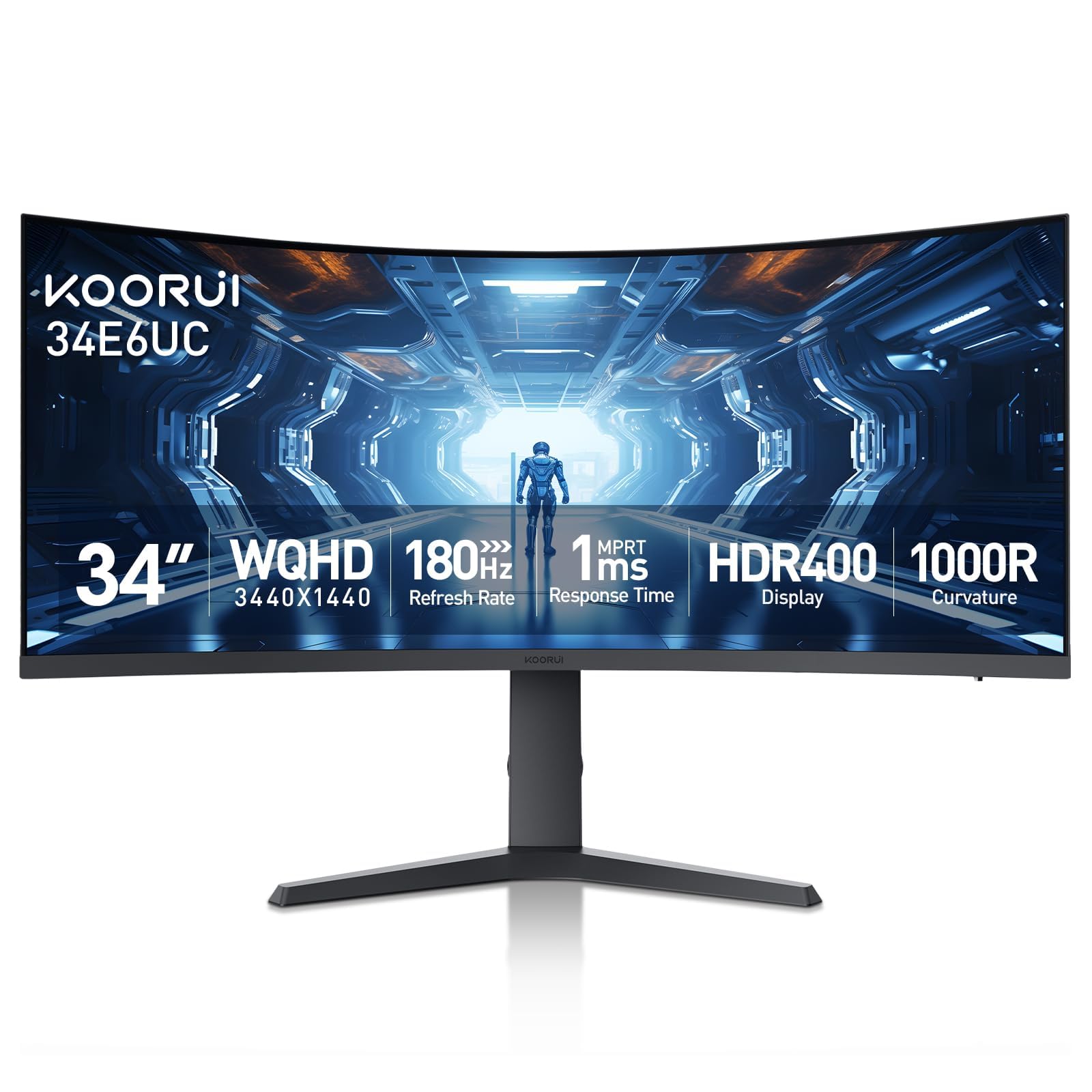
The KOORUI 34E6UC uses an aggressive 1000R curvature that wraps around your peripheral vision more tightly than the standard 1500R panels, making this a strong candidate if you want maximum immersion from each display in a dual setup. The 3440 x 1440 VA panel delivers a 4000:1 contrast ratio and HDR400 certification, producing richer blacks and brighter highlights than many monitors in the same segment. The 180Hz refresh rate via DisplayPort 1.4 matches the AOC for fluid cross-screen cursor movement.
Uniquely for a mid-range monitor, the KOORUI supports Picture-in-Picture and Picture-by-Picture modes, which let you display two input sources on a single screen — useful if you want to run a secondary laptop feed alongside your main PC on one monitor. The stand offers -5° to 20° tilt, ±15° swivel, and 110mm height adjustment, giving you enough range to match a twin unit. The 5-way joystick OSD makes calibration fast, and the DCI-P3 95% color gamut ensures consistent skin tones across both screens.
Some early units had flickering issues that were resolved by switching to HDMI or updating the firmware, and the long-term reliability is still unproven compared to established brands like LG or Dell. The stand is functional but feels less premium than the AOC’s. For buyers on a strict budget who want two identical curved monitors, the KOORUI offers the best raw specs per dollar.
Why it’s great
- 1000R curve provides deeper immersion in a dual setup
- DCI-P3 95% color gamut for consistent colors across pairs
- PIP/PBP modes add versatility for multi-source workflows
Good to know
- Some units exhibit flickering via DisplayPort
- Build quality of the stand is average
3. LG 34G600A-B
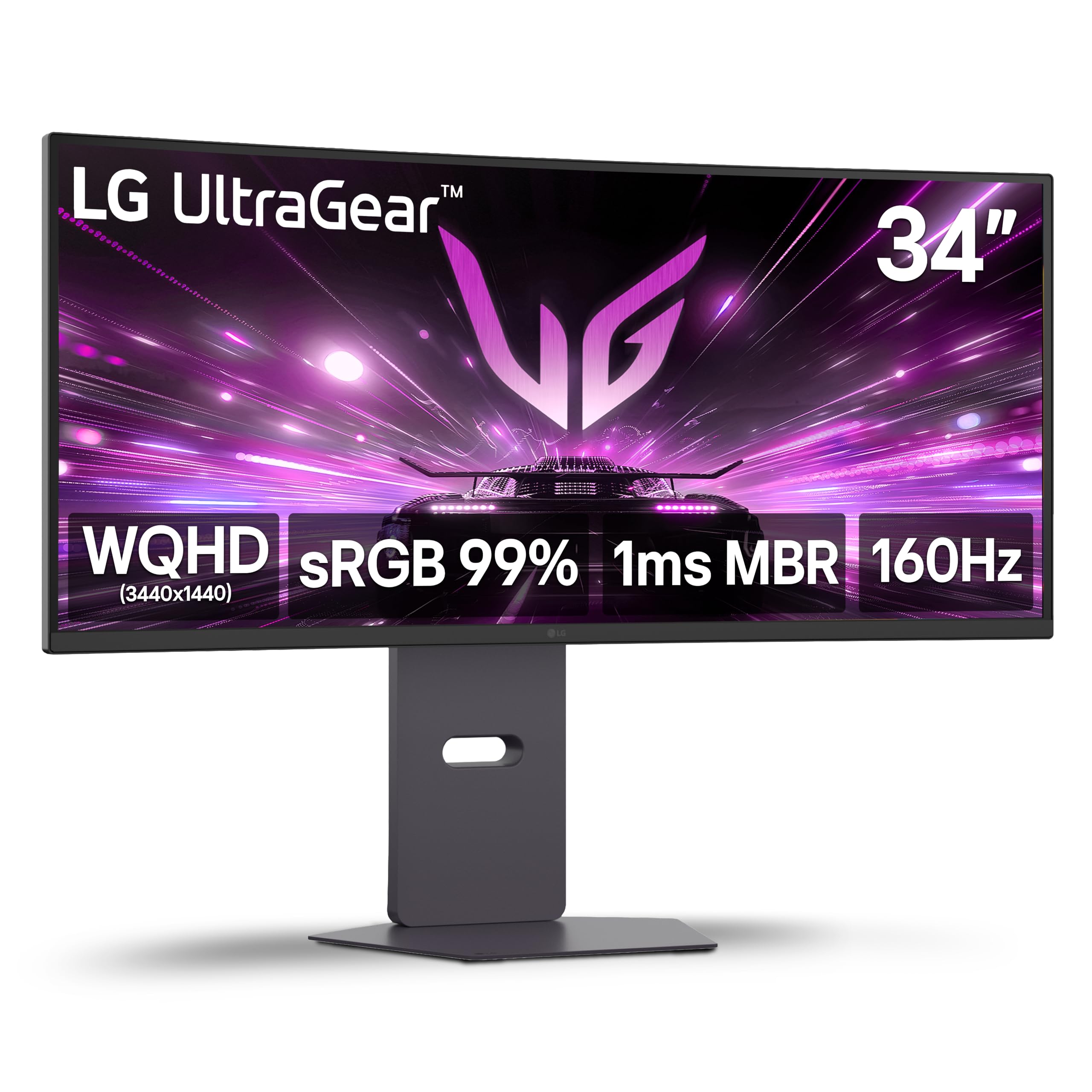
The LG 34G600A-B combines a 34-inch 3440 x 1440 VA panel with a gentle 1800R curve, making it less aggressive than the KOORUI or AOC but more comfortable for productivity tasks like spreadsheets and code editors where you want minimal distortion at the edges. The 160Hz refresh rate and 1ms Motion Blur Reduction keep fast-paced games crisp, and the AMD FreeSync Premium support works with both AMD and G-Sync-compatible NVIDIA cards for tear-free dual monitor gaming.
This monitor includes built-in stereo speakers with Waves MaxxAudio, which is rare in this category — you can skip external speakers in a compact dual setup. The ergonomic stand provides tilt, height, and swivel adjustment, allowing easy alignment with a twin LG. The Black Stabilizer feature brightens dark scenes uniformly across both panels, which is useful for competitive shooters where an enemy hides in shadows.
The 300 cd/m² brightness and 99% sRGB coverage deliver accurate colors out of the box, though some users note that the claimed HDMI 2.1 support is actually HDMI 2.0 bandwidth, capping refresh rate at 85Hz over HDMI. You’ll need a USB-C to DisplayPort cable to hit 160Hz. The 1800R curve is less immersive than 1500R or 1000R panels, but for mixed-use dual setups, the LG strikes a solid compromise between gaming and office work.
Why it’s great
- Built-in speakers with Waves MaxxAudio save desk space
- 1800R curve is comfortable for long productivity sessions
- Black Stabilizer enhances visibility in dark game scenes
Good to know
- HDMI 2.0 limits refresh rate to 85Hz
- 1800R curve feels less wrapped than competitors
4. Alienware AW3425DWM

The Alienware AW3425DWM brings a 34-inch 3440 x 1440 VA panel with a 1500R curve, 180Hz refresh rate, and 1ms gray-to-gray response time, offering the smoothest dual monitor experience in the mid-premium tier. The DCI-P3 95% color coverage and VESA DisplayHDR 400 certification produce vibrant, high-contrast images that look consistent across a pair of these monitors. The hardware-based low blue light solution reduces eye fatigue without washing out colors, which matters during long coding or design sessions on two screens.
Alienware’s industrial design features a minimal stand footprint that saves desk space, and the monitor includes both HDMI 2.1 and DisplayPort 1.4 cables in the box. The OSD menu is widely praised as the most intuitive in this category, with dedicated console mode for PlayStation or Xbox. The 1500R curve matches the AOC, making it easy to mix if you already own one — but for a true dual setup, buying two identical Alienware units ensures the same color profile and response time.
There are no built-in speakers, so you’ll need external audio. The USB ports on the rear are Type-A only, which limits compatibility with USB-C peripherals. Some users report that the monitor’s 3000:1 contrast ratio falls short of OLED black levels, but for a non-OLED curved monitor in this price bracket, the AW3425DWM offers an excellent balance of speed, color accuracy, and build quality.
Why it’s great
- HDMI 2.1 and DP 1.4 included in the box
- Hardware low blue light preserves color accuracy
- Best-in-class OSD with console mode
Good to know
- No built-in speakers
- USB ports are Type-A only
5. LG 34WQ73A-B

The LG 34WQ73A-B uses an IPS panel instead of VA, which makes it the best choice for a dual curved monitor setup where color-critical work — photo editing, graphic design, video grading — is the priority. The 3440 x 1440 resolution at 60Hz may seem modest next to 180Hz gaming panels, but the 99% sRGB coverage and factory calibration ensure that both monitors display identical color values without fiddling with profiles. The 1800R curvature is subtle enough that two side-by-side panels create a smooth continuous arc without distorting straight lines.
The built-in KVM switch and USB-C connectivity with 90 Watts power delivery are the standout features for dual monitor users. You can control two computers with one keyboard and mouse, and charge a laptop from the monitor’s USB-C port while displaying video — reducing cable clutter significantly. The Reader Mode and Flicker Safe settings reduce blue light and eliminate flicker, making this pair comfortable for 10-hour workdays.
The 60Hz refresh rate is a hard ceiling for gamers looking to run 144Hz+ on both screens. The IPS contrast ratio of 1000:1 produces grayish blacks compared to VA panels, so dark scenes in movies or games will look washed out. The stand is sturdy with height and tilt adjustment, but the mounting points sit low on the back, which can interfere with VESA arm clearance. For pure dual productivity, however, the LG 34WQ73A-B is unmatched in this list.
Why it’s great
- IPS panel with 99% sRGB for color-accurate pairing
- Built-in KVM and 90W USB-C power delivery
- Flicker Safe and Reader Mode for long work sessions
Good to know
- 60Hz refresh rate is too low for gaming
- IPS contrast ratio produces grayish blacks
6. Dell S3425DW

The Dell S3425DW uses a VA panel with a 3000:1 contrast ratio and a 1500R curve, delivering deeper blacks and richer contrast than the LG IPS panel, while offering a 120Hz refresh rate that bridges the gap between work and casual gaming. The 3440 x 1440 resolution at 120Hz feels smooth for desktop navigation and light gaming, and the AMD FreeSync Premium support prevents tearing when using a compatible GPU. The USB-C port with 65W power delivery keeps your desk tidy — one cable handles video, data, and laptop charging.
Dell’s ComfortView Plus reduces harmful blue light to ≤35% without muting colors, which is a genuine advantage for professionals who stare at dual curved monitors for eight hours a day. The built-in speakers are noticeably better than the LG 34G600A-B’s, with deeper frequency response and more volume — adequate for background music or conference calls. The drop-down USB ports on the bottom edge of the screen are a clever touch for plugging in a wireless mouse dongle or charging a phone.
The VESA mount compatibility has a design quirk — the recessed mounting points sit about a quarter-inch behind the bracket, which may require longer screws or spacers for some monitor arms. The port selection is lean, offering only HDMI, USB-C, and USB-A with no dedicated DisplayPort input. For a dual setup focused on office productivity with occasional gaming, the Dell S3425DW is a polished, user-friendly choice.
Why it’s great
- ComfortView Plus reduces blue light without color shift
- 120Hz refresh rate with USB-C 65W power delivery
- Built-in speakers with improved frequency response
Good to know
- Limited ports — no DisplayPort input
- VESA mount recess complicates aftermarket arm installation
7. ZZA 49 Curved
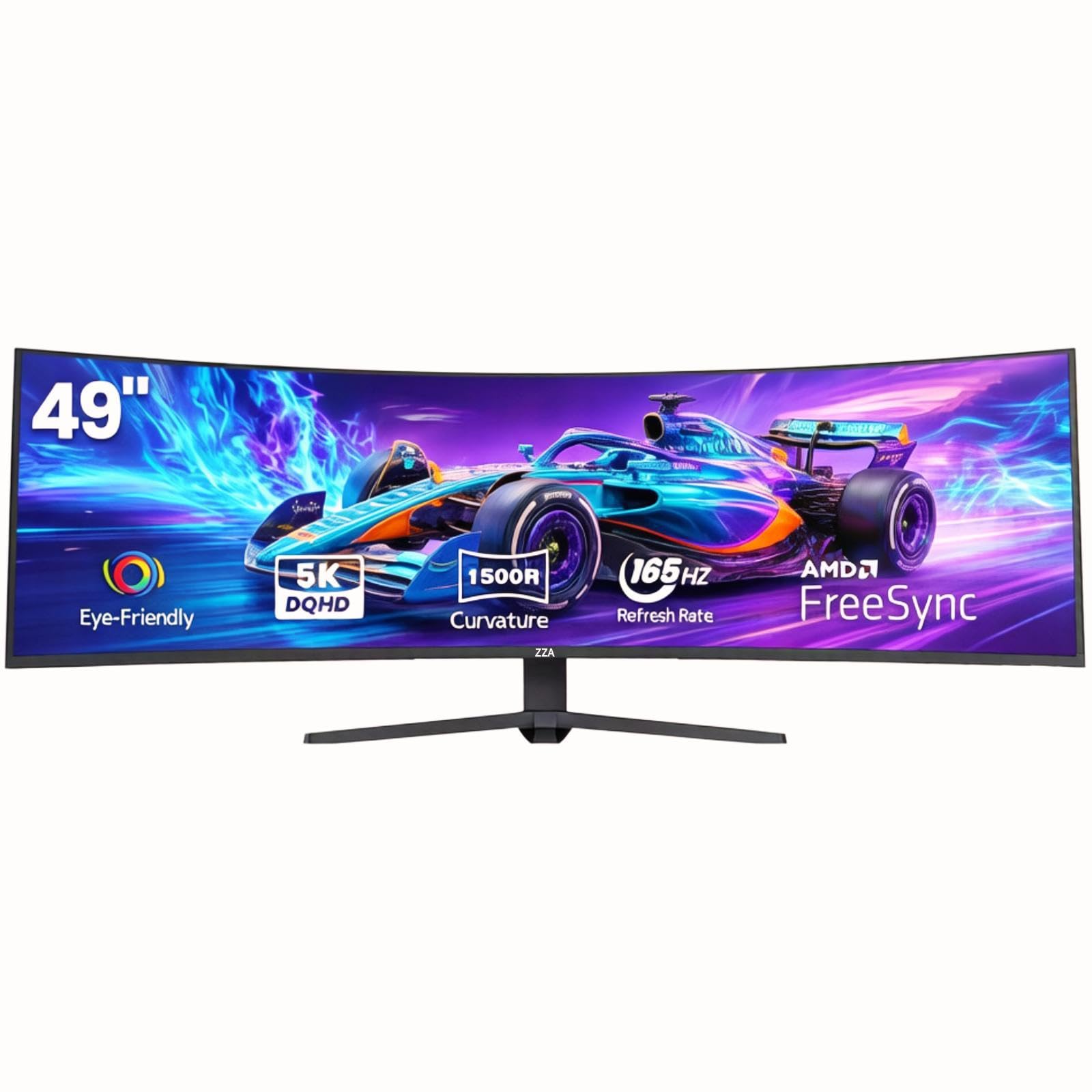
The ZZA 49 Curved monitor rethinks the dual monitor concept entirely — a single 49-inch 5120 x 1440 panel at 32:9 aspect ratio that effectively replaces two 27-inch monitors side by side, with no bezel gap and a seamless 1500R curve. The VA panel delivers a 3000:1 contrast ratio and 120% sRGB coverage, providing rich colors and decent blacks for both productivity and gaming. The 165Hz refresh rate via DisplayPort 1.4 matches the smoothest dual monitors in this list.
Connectivity includes HDMI 2.1 and DisplayPort 1.4, and the monitor supports AMD FreeSync for tear-free gameplay. The fully adjustable stand allows height, tilt, and swivel adjustments, and the 75x75mm VESA compatibility lets you mount the massive panel on a heavy-duty arm. The built-in Picture-by-Picture mode lets you split the screen into two virtual monitors, each displaying a separate input source — effectively giving you a dual monitor setup from one panel.
The build quality and customer support from ZZA are less established than Samsung or Dell. Some units have been reported defective, and the lack of a dedicated website or responsive support is a risk. There are no built-in speakers, and the 330 cd/m² brightness is adequate but not HDR-capable. For adventurous buyers who want the widest possible view without managing two separate monitors, the ZZA 49 offers a strong value proposition.
Why it’s great
- Single 49-inch panel replaces two monitors with no bezel
- 165Hz refresh rate with AMD FreeSync support
- PBP mode allows two input sources on one screen
Good to know
- Customer support and reliability are unproven
- No built-in speakers
8. Samsung Odyssey OLED G9

The Samsung Odyssey OLED G9 (G91SD) is the flagship single-panel alternative to a dual monitor setup, using QD-OLED technology on a 49-inch 5120 x 1440 panel at 32:9 with a 1800R curve. The infinite contrast ratio produces perfect blacks, and the 0.03ms response time is virtually instant — no ghosting, no halo, no motion blur. The 144Hz refresh rate, combined with AMD FreeSync Premium Pro and G-Sync compatibility, delivers the smoothest visual experience on this list.
Samsung’s thermal modulation system prevents OLED burn-in by predicting temperature and adjusting brightness, while the Logo & Taskbar Detection automatically dims static UI elements. The Picture-in-Picture mode lets you view two inputs simultaneously, and the ergonomic stand offers tilt and height adjustment. The 1,000,000:1 contrast ratio makes HDR content look spectacular, and the DCI-P3 99% color gamut ensures accurate hues.
The 250 cd/m² typical brightness is lower than traditional LED panels, which can make HDR highlights feel less punchy despite the OLED’s inherent contrast advantage. Some users report a slight brightness mismatch down the center seam where two 27-inch panels are fused, and the Samsung warranty service has drawn criticism for inconsistent handling of OLED defects. For buyers who want the best possible image quality from a single ultra-wide, the Odyssey OLED G9 is the benchmark, but careful warranty consideration is essential.
Why it’s great
- Infinite contrast ratio with perfect black levels
- 0.03ms response time eliminates all motion blur
- Burn-in prevention with thermal and static-image detection
Good to know
- 250 cd/m² typical brightness is lower than LED panels
- Customer service reputation is inconsistent
9. Samsung Odyssey Neo G9

The Samsung Odyssey Neo G9 (G95NC) is the most extreme monitor on this list — a 57-inch 7680 x 2160 panel at 32:9 aspect ratio with a 1000R curvature that wraps around your entire field of view. It’s the world’s first dual UHD monitor, offering the pixel count of two 4K monitors side by side without any bezel gap. The Quantum Mini-LED backlight with 2,392 local dimming zones produces a 1,000,000:1 contrast ratio and peaks at 1,000 nits for stunning HDR performance. The 240Hz refresh rate with DisplayPort 2.1 input is the highest in this comparison.
The panel uses VA technology with Quantum Matrix LED, delivering deep blacks with minimal blooming thanks to the dense local dimming array. The 1000R curve is aggressive — it wraps around you like a cockpit, which is immersive for driving and flight sims but may take adjustment for productivity work. The monitor includes CoreSync lighting that projects on-screen colors onto your desk, and the PBP mode lets you feed two separate PC inputs at full native resolution.
The stand is massive and heavy — the monitor weighs roughly 40 pounds, so you need a sturdy desk and a heavy-duty monitor arm rated for 57-inch ultrawides. The firmware has known issues with wake-from-sleep and input switching reliability, and the short 3-foot DisplayPort cable bundled in the box forces you to buy a longer cable for most desk arrangements. For the buyer who wants the absolute widest, highest-resolution curved monitor that replaces three 27-inch screens, the Odyssey Neo G9 is unmatched.
Why it’s great
- Dual 4K resolution (7680 x 2160) with 240Hz refresh
- 2,392 local dimming zones for high-contrast HDR
- 1000R curve delivers the most immersive field of view
Good to know
- Very heavy (~40 lbs) — requires strong desk and arm
- Firmware has known wake-from-sleep and input issues
FAQ
Can I mix a 1500R and 1000R curved monitor in a dual setup?
Do I need a dual monitor arm for two curved monitors?
Will my GPU support two curved 3440×1440 monitors at 180Hz?
Final Thoughts: The Verdict
For most users, the 2 curved monitors winner is the AOC CU34G4V because it delivers a 180Hz refresh rate, 1500R curve, and fully adjustable stand at the price point where buying two units is financially reasonable. If you want maximum immersion from a single panel, grab the Samsung Odyssey OLED G9. And for color-critical dual productivity, nothing beats the LG 34WQ73A-B with its IPS panel, built-in KVM, and 90W USB-C power delivery.