
A dual-monitor desk mount isn’t an accessory — it’s a structural upgrade to how you work. The wrong mount introduces wobble, sag, and constant micro-adjustments that drain your focus. The right one disappears into your workflow so completely that you forget the hardware exists. Every gas spring, every pivot joint, and every clamp design either serves your ergonomics or undermines them. This guide breaks down seven of the best options based on real-world engineering specs, not marketing claims.
I’m Min — the co-founder and writer behind Gadgets Feed. I’ve spent hundreds of hours analyzing gas spring durability, VESA compatibility matrices, and user stress-test reports across the dual-monitor mounting category to identify which designs genuinely solve the sag and stability issues that plague budget-tier options.
Whether you’re taming a pair of ultrawide 49-inch panels or stacking a laptop beside a single monitor, the best 2 monitor desk mount comes down to weight capacity per arm, extension reach, and tilt-lock precision — specs that determine whether your setup stays exactly where you left it.
How To Choose The Best 2 Monitor Desk Mount
A dual monitor mount is a one-time purchase that sets the foundation for years of posture and productivity. Choosing poorly means fighting gravity every time you type. The decision breaks down into three non-negotiable checks.
Weight Capacity Per Arm
Each monitor arm has a minimum and maximum weight range. A 19.8-pound limit is fine for standard 27-inch office screens, but a 34-inch ultrawide requires at least 22 pounds per arm. Mounts like the ARES WING offer 44-pound per-arm capacity specifically for the heavy 49-inch panels. Undershooting weight capacity causes the gas spring to fail to hold position, resulting in the monitor slowly sinking throughout the day.
Screen Size and Stacking Flexibility
Most mounts accept 17–32 inch screens, but the premium tier supports up to 49 inches. Max arm extension matters: a 20.87-inch reach is sufficient for side-by-side alignment, while a 23.6-inch extension allows more aggressive positioning. If you plan to stack monitors vertically, look for a mount with a pole and vertical height adjustment of at least 18 inches.
Mounting Hardware and Desk Thickness
Nearly every dual mount includes a C-clamp and a grommet option. The clamp must fit your desk thickness — typical ranges span 0.39 to 3.15 inches. For glass desks, a reinforcement plate is mandatory to avoid cracking the surface. Premium mounts with quick-release VESA plates simplify installation and future monitor swaps.
Quick Comparison
On smaller screens, swipe sideways to see the full table.
| Model | Category | Best For | Key Spec | Amazon |
|---|---|---|---|---|
| ARES WING Dual Arm with USB | Premium | Heavy 49″ ultrawide stacking | 44 lbs per arm / 27.9″ vertical | Amazon |
| ARES WING Heavy Duty (No USB) | Premium | Ultrawide 49″ curved monitors | 44 lbs per arm / +50° tilt | Amazon |
| MOUNTUP Premium Dual Stand | High-End | 43″ screens with anti-sag lock | 33 lbs per arm / 23.6″ extension | Amazon |
| Fellowes Everyday Plus | Mid-Range | Office ergonomics and stability | 19.84 lbs per arm / 9.84″ lift | Amazon |
| ErgoFocus Heavy Duty Ultrawide | Mid-Range | Large 34–43″ ultrawide setups | 33.1 lbs per arm / 20.87″ reach | Amazon |
| MOUNTUP 3-in-1 with Laptop Tray | Mid-Range | Dual monitors + laptop hybrid | 17.6 lbs per arm / 13–27″ screens | Amazon |
| Mount-It! Dual Spring Arms | Budget-Friendly | Value dual 32″ monitor setup | 19.8 lbs per arm / ±90° tilt | Amazon |
In‑Depth Reviews
1. ARES WING Dual Monitor Arm with USB

The ARES WING with USB is the most capable dual monitor mount for anyone running ultrawide panels up to 49 inches and 44 pounds per arm. Its industrial-grade gas spring has been fatigue-tested over 20,000 times, eliminating the rebound sag common in cheaper spring arms. With 27.9 inches of vertical height adjustment and 22.4 inches of arm extension, this mount accommodates vertical stacking or wide side-by-side configurations without compromising stability.
The integrated USB-C (5V/2A) and USB-A (5V/2A) ports sit conveniently on the base, letting you charge a phone or tablet without reaching behind the desk. The aluminum enclosure and tool-less cable management keep the build premium and the desk clean. Quick-release VESA plates simplify monitor installation, though disconnecting screws to reposition the entire arm is required.
Users report wobble-free performance with dual 34-inch Dells and Samsung Odyssey G9 panels. The tilt mechanism offers -50° to +20° range, which handles portrait-to-landscape transitions smoothly. The only compromise is that the USB ports are extension cables — not a powered hub — so you lose two pass-through ports on your computer.
Why it’s great
- 44-pound per-arm capacity handles the heaviest 49-inch ultrawides
- Integrated USB ports keep charging accessible at arm’s reach
- Aluminum construction delivers premium rigidity without excessive weight
Good to know
- USB ports are pass-through extensions, not a true hub
- Repositioning requires removing the entire arm from the pole
2. ARES WING Dual Monitor Arm (Heavy Duty)
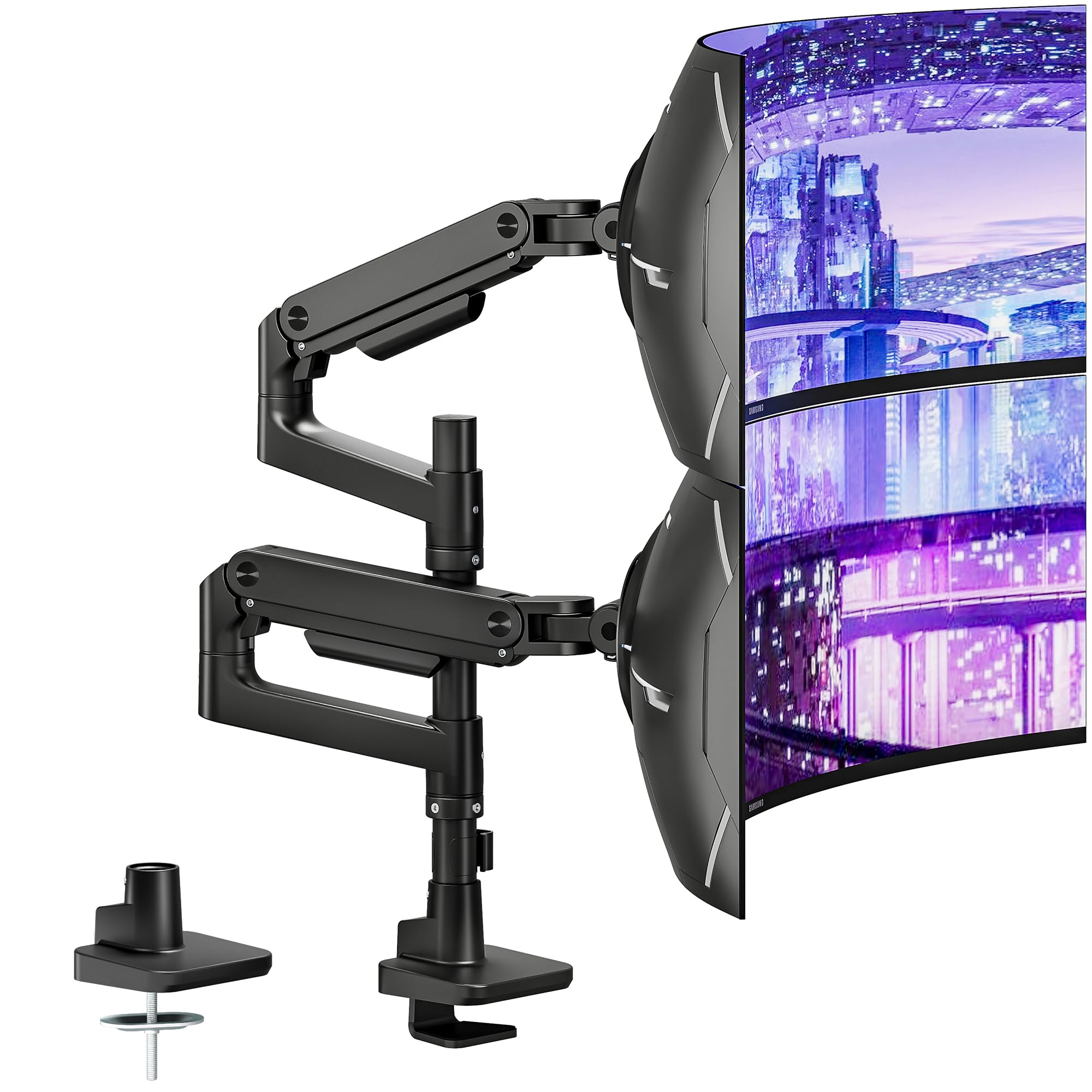
This non-USB sibling of the ARES WING retains the identical 44-pound per-arm capacity and premium-grade steel-and-aluminum build but drops the USB pass-through to offer a cleaner price point. The gas spring delivers a +50° to -20° tilt range, making it one of the most aggressive tilt angles available for positioning screens above or below eye level without sag.
Maximum arm extension sits at 22.4 inches with 27.9 inches of height adjustment, matching the flagship model in all structural respects. The clamp fits desks 0.5–1.8 inches thick, while the grommet mount accommodates 0.5–2 inches. Quick-release VESA panels make monitor attachment quick, and the tool-less cable management channels keep wires organized. Users note the stability rivals Ergotron at this price, with far better value.
Customer feedback highlights that the cable management clips feel slightly fragile compared to the rest of the solid aluminum build. Several users broke clips during installation, though the mount’s articulation and stability received unanimous praise. If you don’t need the USB base, this is the highest-value heavy-duty option on the list.
Why it’s great
- Exceptional +50° tilt handles advanced ergonomic positioning
- Premium-grade steel and aluminum construction with 20,000-cycle gas springs
- Quick-release VESA plates simplify monitor swaps
Good to know
- Cable management clips are fragile and break during installation
- No USB ports — base is purely structural
3. MOUNTUP Premium Dual Monitor Stand
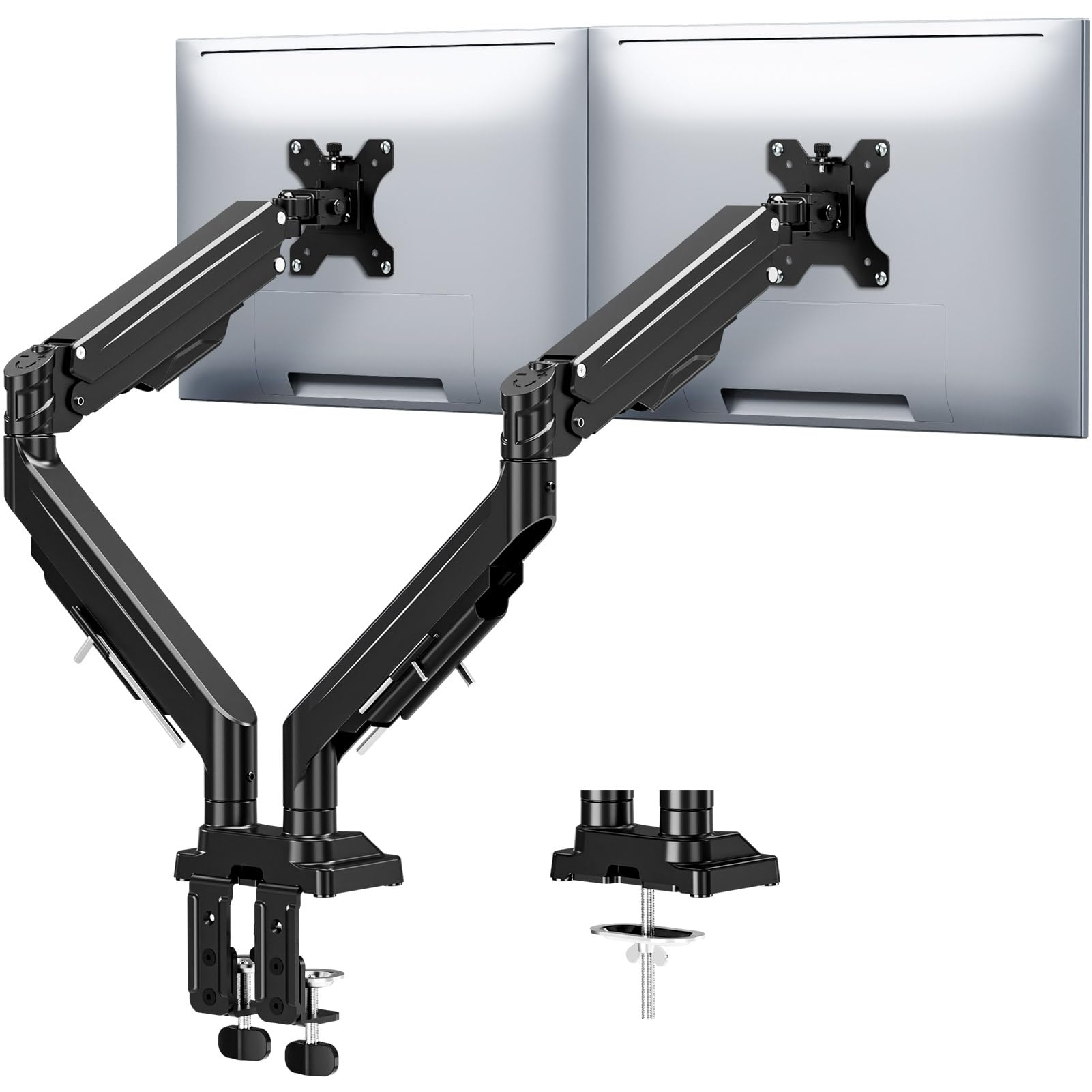
MOUNTUP’s premium dual stand tackles the most common complaint in the dual-mount category — monitor drooping — with an upgraded anti-sag design featuring dual locking limit screws. Each arm supports screens up to 43 inches weighing 2.2 to 33 pounds, with a 23.6-inch extension range that out-reaches most competitors in this tier. The full-motion articulation includes 360° rotation, 180° swivel, and ±30° tilt for portrait-to-landscape versatility.
The gas spring has undergone 20,000-cycle fatigue testing, ensuring buttery-smooth height adjustment up to 22.4 inches. Both C-clamp (0.39–3.15 inch) and grommet mount (0.39–3.15 inch) options are included, with labeled parts for a claimed tool-free installation in minutes. The built-in cable channels run along the lower arm to hide wires, and an Allen key storage slot keeps adjustment tools accessible.
Users report that the mount holds large 34-inch gaming monitors in place precisely without sinking. The dual locking screws effectively prevent forward tilt on heavier panels, a persistent issue in mid-range mounts. On the downside, the tilt range is limited to ±30°, which may be insufficient for users who need extreme vertical angling.
Why it’s great
- Dual locking screws eliminate forward tilt on heavy panels
- 23.6-inch arm extension is the longest in this tier
- Tool-free installation with labeled parts and Allen key storage
Good to know
- Tilt range limited to ±30 degrees
- Requires two hands to adjust monitor position
4. Fellowes Everyday Plus Dual Gas Spring Arm
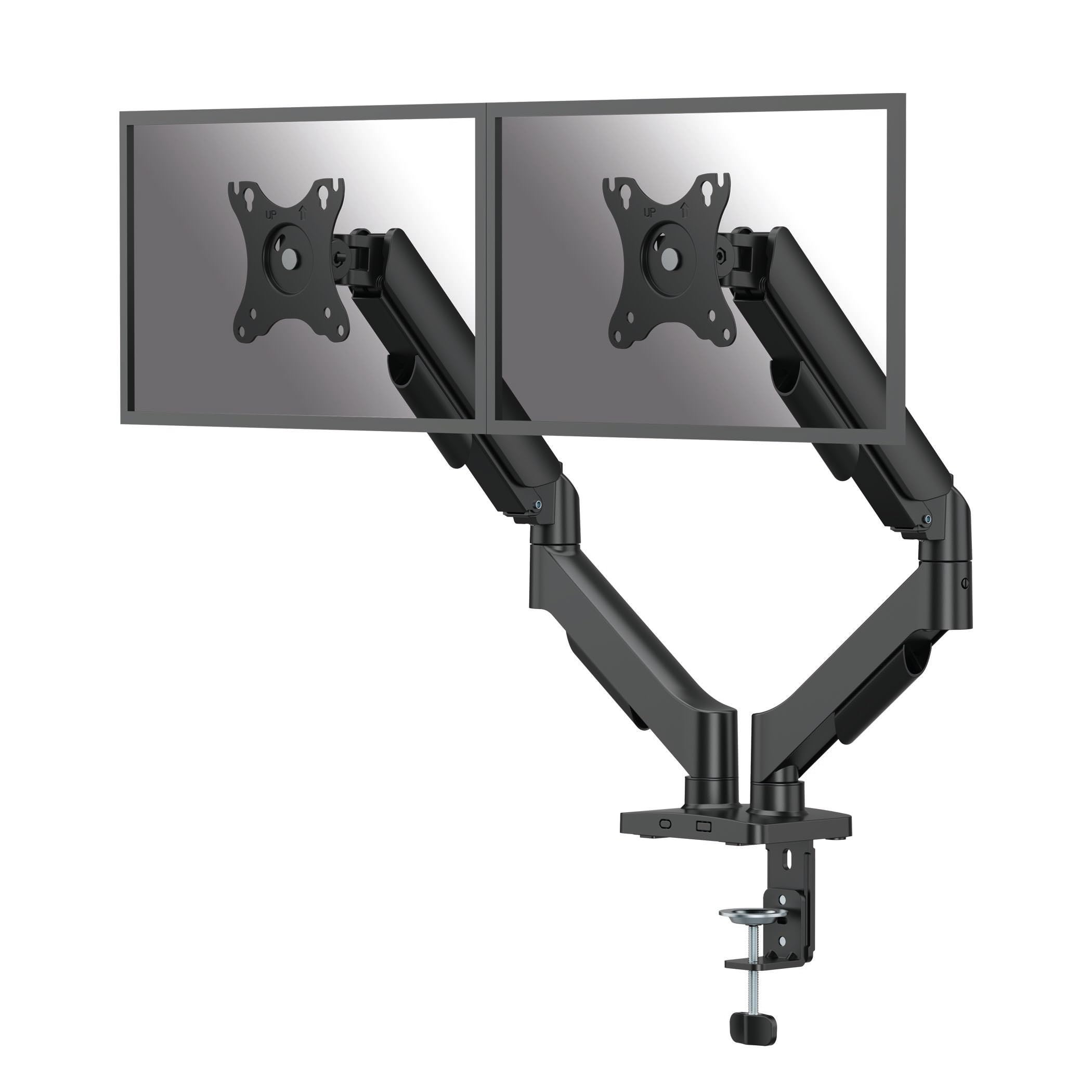
Fellowes brings a reliable 9.84-inch gas spring lift to a dual mount that holds two screens up to 32 inches and 19.84 pounds each. The fixed-height arm design avoids the gas spring leak issues common in full-motion telescoping arms, trading some height range for long-term durability. Each arm provides 16.34 inches of vertical clearance from desk to VESA plate midpoint, with a maximum extension of 19.92 inches.
The tilt range offers ±90 degrees for glare reduction, while screen rotation hits a full 360 degrees for landscape-to-portrait switching. Arm swivel is 180 degrees, with ±90 degrees of screen pan left to right. Installation supports C-clamp for desks 0.39–3.15 inches thick or grommet mount for desks 0.39–1.89 inches thick. The cable management clips are included but are separate from the arm structure.
User feedback emphasizes the solid feel and lack of sag even after months of daily use. The single-screw VESA removal system makes monitor detach easy. Some users note the tilt knobs require firm tightening to prevent drift on heavier 27-inch panels. The cardboard-and-paper packaging is a welcome eco-friendly touch.
Why it’s great
- Fixed-height gas spring avoids leak and sag failure modes
- Full 360° screen rotation for portrait mode
- Eco-friendly packaging with minimal plastic
Good to know
- Height adjustment limited to 9.84 inches
- Tilt knobs need firm tightening to prevent drift on heavier monitors
5. ErgoFocus Heavy Duty Ultrawide Dual Mount

ErgoFocus targets the ultrawide and super-ultrawide segment with a mount that supports screens from 13 to 43 inches and 2.2 to 33.1 pounds per arm. The upgraded tilting head design uses two limit screws specifically engineered to prevent monitor sagging, a persistent issue with heavy 34-inch and 42-inch curved panels. The internal gas spring has passed 20,000 fatigue tests, and the arm raises up to 22.4 inches with a 20.87-inch maximum extension.
Full-motion articulation includes tilt, swivel, and 360-degree rotation, letting you switch between landscape and portrait viewing without tools. The lower arm conceals an Allen key storage slot, and the integrated cable management system routes wires internally through the arm channels. Both C-clamp and grommet mounting options are included for desk thicknesses up to 3.15 inches.
Customers confirm the mount securely holds dual 34-inch curved monitors without drooping. One reviewer noted that the tilt mechanism doesn’t hold top-bottom angle perfectly on an ultrawide paired with a vertical 24-inch monitor, but the issue was minor. The alloy steel build provides a reassuring heft at a mid-range price point.
Why it’s great
- Dual limit screws lock tilt and prevent monitor sagging
- 22.4-inch height adjustment and 20.87-inch extension
- Alloy steel construction with 20,000-cycle gas spring testing
Good to know
- Tilt may not hold perfectly on asymmetric monitor stacking
- Assembly can require rubber mallet to free stiff joints
6. MOUNTUP 3-in-1 with Laptop Tray
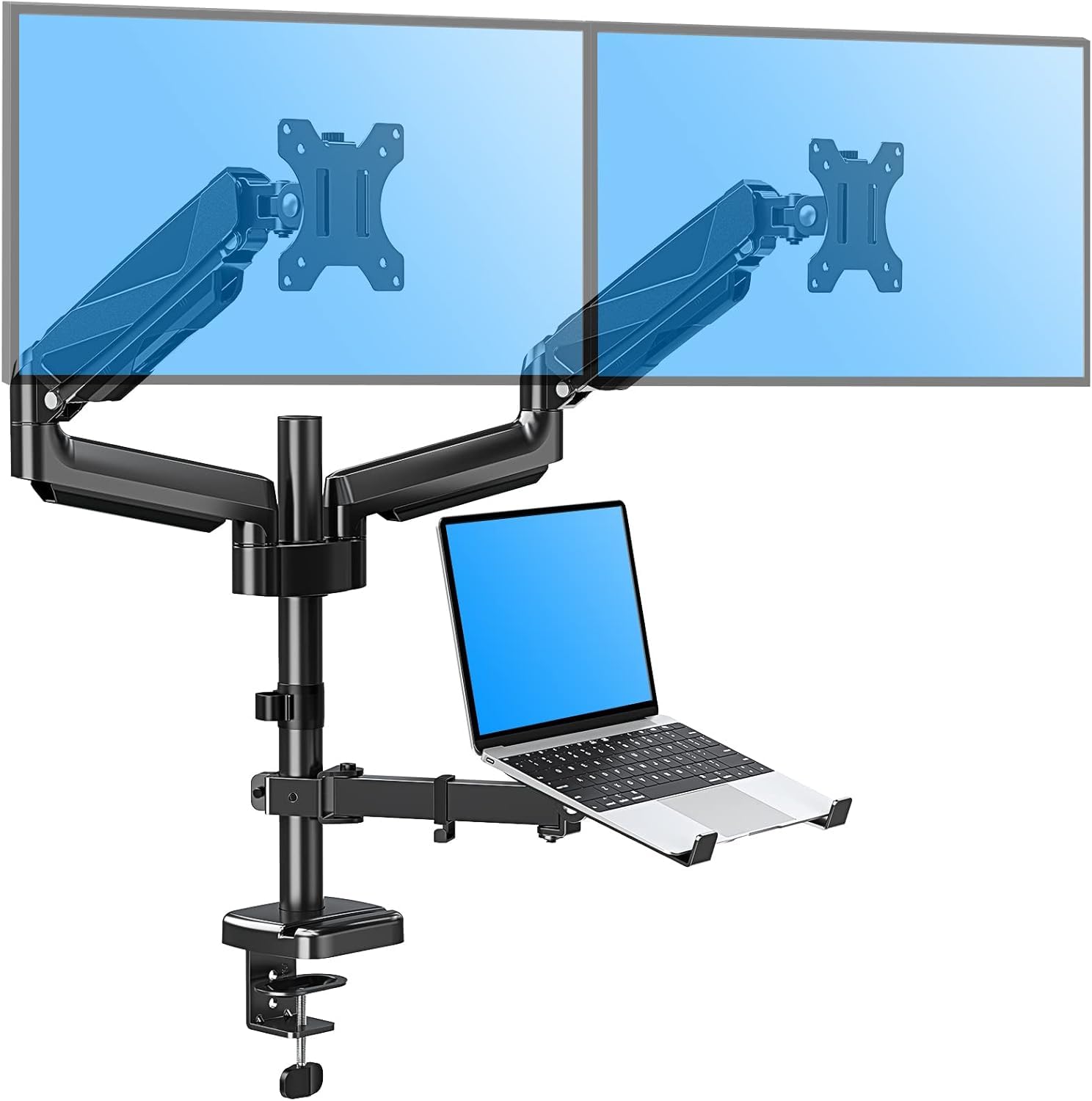
MOUNTUP’s 3-in-1 design integrates a laptop tray alongside two monitor arms, supporting screens from 13 to 27 inches at up to 17.6 pounds each and a 10–17 inch laptop. The tray holds the notebook parallel to the monitors, creating a unified eye-level workspace that eliminates the neck strain of looking down at a built-in laptop screen. Each monitor arm extends up to 20.7 inches and rises 18.5 inches from the work surface.
Full-motion capability includes 90-degree tilt, 90-degree swivel, and 360-degree rotation for all three screens. The tray tension adjusts independently so the laptop stays in place. Installation uses a C-clamp for desks 0.39–1.97 inches thick or a grommet mount for holes 0.39–2.36 inches in diameter. Labeled parts and step-by-step instructions streamline the assembly process.
Users praise the space savings on small desks where a dedicated laptop stand would add clutter. The laptop tray feels stable with standard 13–15 inch notebooks. Some users report that the laptop tray gets in the way if not needed, and removed it for a cleaner dual-monitor-only setup. Build quality is solid, but the arms don’t handle ultrawide monitors beyond 27 inches.
Why it’s great
- Integrated laptop tray creates a true three-screen eye-level workspace
- 20.7-inch arm extension and 18.5-inch height adjustment
- Frees significant desk space on compact surfaces
Good to know
- Laptop tray can obstruct secondary monitor positioning
- 17.6-pound per-arm limit prevents use with larger ultrawides
7. Mount-It! Dual Monitor Mount
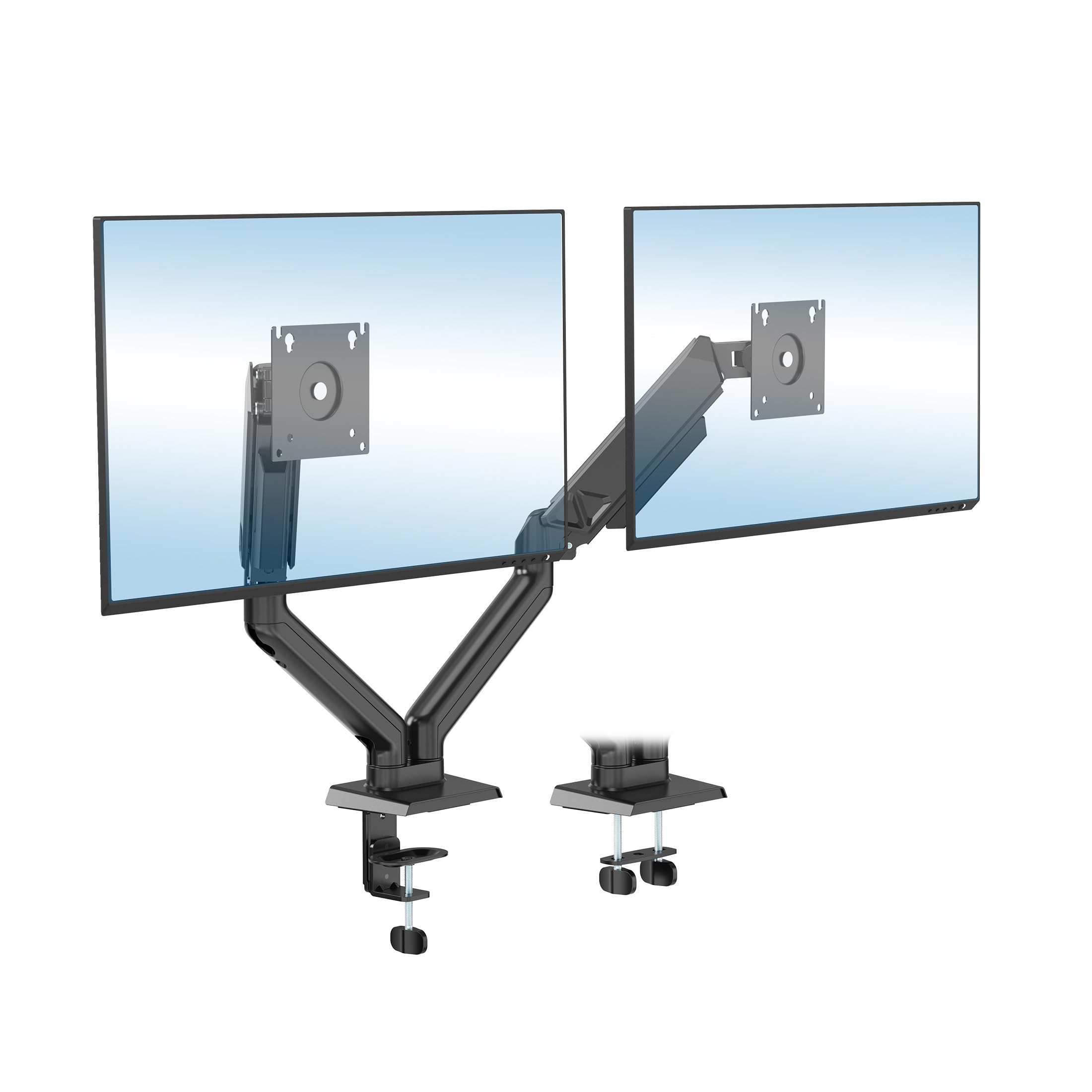
Mount-It! offers the most accessible entry point into dual-monitor mounting without sacrificing core functionality. The spring-loaded arms support screens from 21 to 32 inches weighing 4.4–19.8 pounds each, with tilt rated at ±90 degrees, swivel at ±90 degrees, and rotation at ±180 degrees. The alloy steel construction includes a full cable management system that routes cords through the arm channels, keeping the desk surface clean.
Installation offers both C-clamp (0.39–3.1 inch desk thickness) and grommet mount (0.39–1.8 inch) options. The quick-release VESA plates and spring tension adjustment let you fine-tune arm balance after mounting. A lifetime warranty backs the build, which is unusually good for this tier. Despite the budget positioning, the matte finish and integrated cable management give it a clean, professional appearance.
Customers confirm it holds two 24-inch monitors securely and adjusts smoothly with the spring tension knob. One assembly caveat: a user reported needing a rubber mallet to seat one arm’s joint even after loosening all screws. Once set up, the mount stays in position without drift. The clamp can leave marks if the desk surface is soft, so a protective pad is recommended.
Why it’s great
- Lifetime warranty at a budget-tier price point
- Full cable management with a clean matte finish
- Quick-release VESA plates simplify monitor changes
Good to know
- Some arm joints arrive stiff and require extra force to install
- Clamp may dent or mark soft wooden desk surfaces
FAQ
Can a dual monitor mount hold two ultrawide 49-inch screens side by side?
What desk thickness is required for a C-clamp monitor mount?
Why does my monitor arm keep sagging forward after adjustment?
Final Thoughts: The Verdict
For most users, the best 2 monitor desk mount winner is the ARES WING Dual Monitor Arm with USB because it combines 44-pound per-arm capacity, integrated USB charging, and premium aluminum construction in a package that handles ultrawide panels up to 49 inches without sag. If you want a cleaner build without the USB ports, grab the ARES WING Heavy Duty for the same structural performance at a lower price. And for the budget-conscious buyer who needs a reliable dual 32-inch setup with a lifetime warranty, nothing beats the Mount-It! Dual Monitor Mount.