
Finding a 32-inch 4K TV that fits a bedroom desk, dorm room, or secondary viewing spot without compromising on image sharpness or smart features is a specific challenge. The 32-inch segment walks a fine line between monitor-grade precision and the convenience of a standalone TV platform, so you need a display that delivers true UHD detail without making you squint.
I’m Min — the co-founder and writer behind Gadgets Feed. I’ve spent dozens of hours analyzing panel technologies, refresh rate specs, color gamut coverage, and smart platform performance across the current 32-inch 4K landscape to build a guide that cuts through the noise.
Whether you want a dedicated smart TV with streaming apps built in or a versatile 4K monitor that pulls double duty as a desktop display, this guide to the best 32 inch 4k tv options available today will help you pinpoint the perfect screen for your space and budget.
How To Choose The Best 32 Inch 4K TV
Selecting the right 32-inch 4K display means looking beyond just the resolution number. You need to match panel type, refresh rate, connectivity, and smart features to your specific use case — whether that’s console gaming, PC productivity, or streaming in a small room.
Panel Technology: VA vs. IPS
The panel type dictates contrast, viewing angles, and color consistency. VA panels deliver deeper blacks and higher contrast ratios (often 3000:1 or 4000:1), making them better for dark room movie watching. IPS panels offer wider viewing angles and more consistent color across the screen, which is preferable for desktop use where you sit closer and shift position.
Refresh Rate and Gaming Support
Most 32-inch 4K displays cap out at 60Hz, which is perfectly fine for streaming and office work. If you plan to connect a PS5, Xbox Series X, or gaming PC, look for models that support 120Hz or 144Hz refresh rates via HDMI 2.1. Also check for Adaptive Sync (FreeSync or G-Sync) to eliminate screen tearing during fast-paced scenes.
Smart Platform vs. Dumb Monitor
TV buyers need a built-in operating system with apps like Netflix, Prime Video, and Disney+. Monitors may have speakers or a few apps, but they lack a full smart TV interface. Decide upfront whether you need a standalone TV or a monitor that can also accept a streaming stick — this choice directly impacts your connectivity and remote control options.
Quick Comparison
On smaller screens, swipe sideways to see the full table.
| Model | Category | Best For | Key Spec | Amazon |
|---|---|---|---|---|
| Samsung QLED Q8F | Smart TV | Streaming & Console Gaming | 4K 144Hz, Quantum Dot | Amazon |
| Dell S3225QS | Monitor | Productivity & Media | 120Hz, 95% DCI-P3 | Amazon |
| Samsung M8 (M80F) | Smart Monitor | All-in-One Desk Hub | 400 cd/m², USB-C | Amazon |
| Samsung M7 (M70F) | Smart Monitor | Budget Smart Display | 3000:1 Contrast, USB-C | Amazon |
| Gawfolk 32″ 4K 144Hz | Gaming Monitor | High-FPS Gaming | 144Hz, 1ms, FreeSync | Amazon |
| LG 32UR500K-B | Monitor | Home Office | 90% DCI-P3, MaxxAudio | Amazon |
| Sceptre U325W-UPT | Monitor | Value Desktop 4K | 70Hz, 99% sRGB | Amazon |
| ZZA 32″ 4K | Budget Monitor | Everyday Computing | 120% sRGB, FreeSync | Amazon |
In‑Depth Reviews
1. Samsung 32-Inch Class QLED Q8F 4K UHD Smart TV (2025 Model)

This is the most complete 32-inch 4K package you can buy right now. The QLED panel delivers over a billion colors with 100% Color Volume using Quantum Dot technology, meaning the image stays vibrant and accurate even in bright room lighting. The Q4 AI Processor upscales lower-resolution content to near-4K quality, so your cable or streamed content looks crisp without artifacts.
Gamers will appreciate the 144Hz variable refresh rate support combined with HDMI 2.1 bandwidth, which allows smooth 4K gaming on PS5, Xbox Series X, or a high-end PC. The AirSlim design keeps the TV flush against the wall, and the built-in Samsung TV Plus platform gives you over 2,700 free channels with no subscription required. The solar-powered remote is a thoughtful touch.
Some users find the remote’s sensitivity overly high, occasionally causing accidental channel changes. But for a dedicated 32-inch smart TV that excels at both streaming and console gaming, the Q8F sets the bar with its combination of panel quality, refresh rate headroom, and standalone smart features.
Why it’s great
- Quantum Dot panel with 100% Color Volume
- 144Hz VRR for tear-free 4K gaming
- Full smart TV platform with free streaming channels
- Slim, wall-friendly chassis
Good to know
- Remote sensor can be overly sensitive
- No USB-C input for modern laptops
2. Dell 32 Plus 4K Monitor – S3225QS

Dell has engineered a 31.5-inch VA panel that hits a sweet spot for mixed-use buyers. The 1500:1 native contrast ratio provides deep blacks, while the 99% sRGB and 95% DCI-P3 coverage ensures color-accurate work for photo editing and design. ComfortView Plus reduces harmful blue light to ≤35% without washing out the image, making all-day sessions easier on the eyes.
The 120Hz refresh rate with AMD FreeSync Premium keeps motion smooth during video playback and moderate gaming. The built-in speakers have been redesigned with greater output power and deeper frequency response than previous Dell monitors, so they’re usable for casual viewing. The ash white finish and ultra-thin bezels give it a clean, modern look on any desk.
This is a monitor first — there is no smart TV platform or remote control. The included HDMI cable is only 6 feet, so you may need a longer one for some setups. For pure desktop productivity with excellent color accuracy and smooth motion, the S3225QS is a top-tier choice.
Why it’s great
- 1500:1 contrast ratio with deep blacks
- 120Hz refresh rate plus FreeSync Premium
- Improved built-in speakers with bass
- ComfortView Plus low blue light certification
Good to know
- No smart TV platform or remote
- Short included HDMI cable
3. Samsung 32” Smart Monitor M8 (M80F)

The Samsung M8 blurs the line between monitor and TV better than any other display in this size class. It packs a full Tizen smart TV platform with Netflix, Prime Video, Disney+, and Samsung TV Plus built right in. The 32-inch 4K VA panel reaches 400 cd/m² peak brightness, which is noticeably brighter than most sub- monitors, and the 3000:1 contrast ratio delivers rich blacks for movie nights.
Connectivity is where the M8 truly flexes — USB-C with 96W power delivery means you can charge a MacBook or Windows laptop while transmitting video and data through a single cable. The Active Voice Amplifier analyzes background noise and adjusts volume automatically, a feature genuinely useful in shared spaces. The adjustable stand with height and tilt makes ergonomic positioning easy.
The single HDMI input can be limiting if you need to connect multiple source devices simultaneously. Some early units had camera glitch issues during Zoom calls, though firmware updates have largely resolved this. For users who want one clean cable to power a laptop while accessing a full smart TV interface, the M8 is unmatched.
Why it’s great
- Full smart TV platform onboard
- USB-C with 96W laptop charging
- High 400 cd/m² peak brightness
- Adjustable ergonomic stand
Good to know
- Only one HDMI input
- Early camera issues (fixed with updates)
4. Samsung 32” Smart Monitor M7 (M70F)

The M7 delivers nearly all the smart monitor functionality of the M8 at a more accessible price point. You still get the Tizen smart platform with Samsung TV Plus, Netflix, and Gaming Hub, plus USB-C connectivity for single-cable laptop setups. The VA panel achieves a 3000:1 contrast ratio, so blacks appear deep and cinematic in dimmer rooms.
Samsung Knox security keeps your data and IoT connections protected, which is relevant if you use the monitor in a shared workspace. The AI Picture Optimizer automatically adjusts picture mode based on whether you’re working on a document or watching a movie. The remote control is included, and the 60Hz refresh rate is fine for streaming and office productivity.
Sound quality tends toward treble-heavy, so an external Bluetooth speaker or soundbar is recommended for immersive viewing. Some units have exhibited blurry focus after the return window, though this appears to be a quality control variance rather than a universal flaw. For a budget-friendly entry into the smart monitor category, the M7 covers the essentials.
Why it’s great
- Built-in smart TV platform and apps
- USB-C with power delivery for laptops
- High 3000:1 VA contrast ratio
- Samsung Knox security layer
Good to know
- Sound is treble-heavy out of the box
- 60Hz only, not ideal for fast gaming
5. Gawfolk 32-inch 4K Ultra HD Computer Monitor, 144Hz
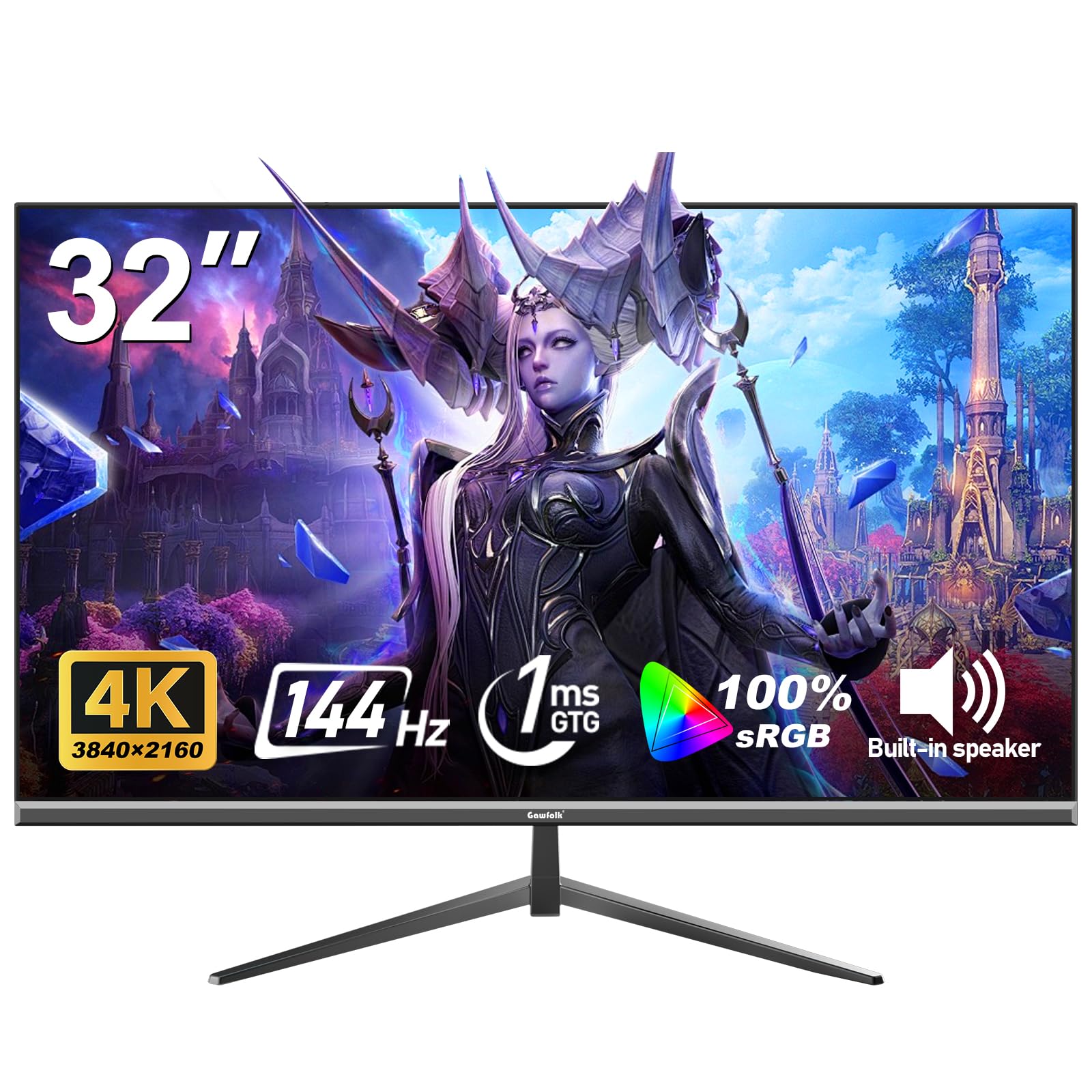
For gamers on a tighter budget who refuse to settle for 60Hz, the Gawfolk 32-inch 4K monitor delivers genuine 144Hz refresh rate and 1ms response time. The VA panel provides a 1000:1 static contrast ratio with 320 cd/m² brightness, and 100% sRGB coverage ensures colors are punchy out of the box. Adaptive Sync supports both FreeSync and G-Sync, so tearing is eliminated regardless of your GPU brand.
The build quality feels solid for its price tier, and the three-sided frameless design maximizes screen real estate. HDMI 2.1 connectivity allows full 4K bandwidth at high refresh rates, which is critical for PS5 and Xbox Series X owners who want 120Hz support. The Eye-Care technology with low blue light and flicker-free backlight helps during marathon sessions.
Customer reports indicate that reliability can be hit-or-miss — some units have failed within three months. The 12-month warranty covers defects, but you should factor in potential return hassle. If you need high-refresh 4K gaming on a budget and are comfortable playing the quality control lottery, this is the most feature-dense option in its price bracket.
Why it’s great
- True 144Hz with 1ms response time
- FreeSync and G-Sync compatible
- HDMI 2.1 supports console 120Hz
- Frameless design and eye-care tech
Good to know
- Quality control can be inconsistent
- Some units reported early failure
6. LG 32UR500K-B Ultrafine 32-inch 4K UHD Computer Monitor

LG’s Ultrafine lineup is known for delivering strong out-of-box color performance, and the 32UR500K-B continues that tradition with 90% DCI-P3 coverage. The VA panel offers 1000:1 contrast ratio with 250 cd/m² brightness — sufficient for indoor use. The built-in speakers feature Waves MaxxAudio, providing noticeably fuller sound than basic monitor speakers.
The OnScreen Control software lets you split the display into multiple workspaces and adjust monitor settings with mouse clicks rather than buttons. Dynamic Action Sync reduces input lag for casual gaming, and the Black Stabilizer brightens dark areas to help spot enemies in shadowy scenes. The borderless design keeps the bezel thin for multi-monitor setups.
Brightness peaks at 250 cd/m², which can feel dim in bright rooms. The 60Hz refresh rate limits viability for competitive gaming. For home office use, photo viewing, and streaming, this LG offers reliable build quality, good color, and easy software customization from a trusted brand.
Why it’s great
- 90% DCI-P3 color accuracy
- MaxxAudio speakers for solid sound
- OnScreen Control for workspace splits
- Borderless design and reliable brand
Good to know
- 250 cd/m² brightness is modest
- 60Hz only, limited gaming performance
7. Sceptre 32-inch 4K UHD 3840 x 2160 Monitor (U325W-UPT)

Sceptre packs genuine 4K resolution into a 32-inch IPS panel at a price that undercuts most competitors. The 99% sRGB color gamut and 350 cd/m² brightness punch above the price bracket, delivering vibrant and clear imagery for Photoshop work, video editing, and day trading. The 70Hz refresh rate is a small but meaningful bump over standard 60Hz, reducing perceptible motion blur.
Connectivity includes two DisplayPorts and two HDMI ports, making it easy to switch between multiple devices. The built-in speakers are adequate for system sounds and video calls, saving desk space. The frameless design and VESA mount compatibility (100x100mm) allow for flexible positioning on arms or wall mounts.
Quality control is the main concern — multiple reviews mention dead pixels or power supply failures after 12–18 months. The company offers free replacement parts outside warranty, but you’ll pay for shipping. If you are willing to accept some QC risk in exchange for the best bang-for-buck 4K IPS panel at this size, the Sceptre delivers on image quality.
Why it’s great
- IPS panel with 99% sRGB coverage
- 350 cd/m² brightness for vivid image
- Dual DisplayPort and HDMI inputs
- 70Hz refresh rate above standard
Good to know
- Frequent reported dead pixel issues
- Power supply failures past the first year
8. ZZA 32 Inch 4K UHD Monitor (3840×2160)
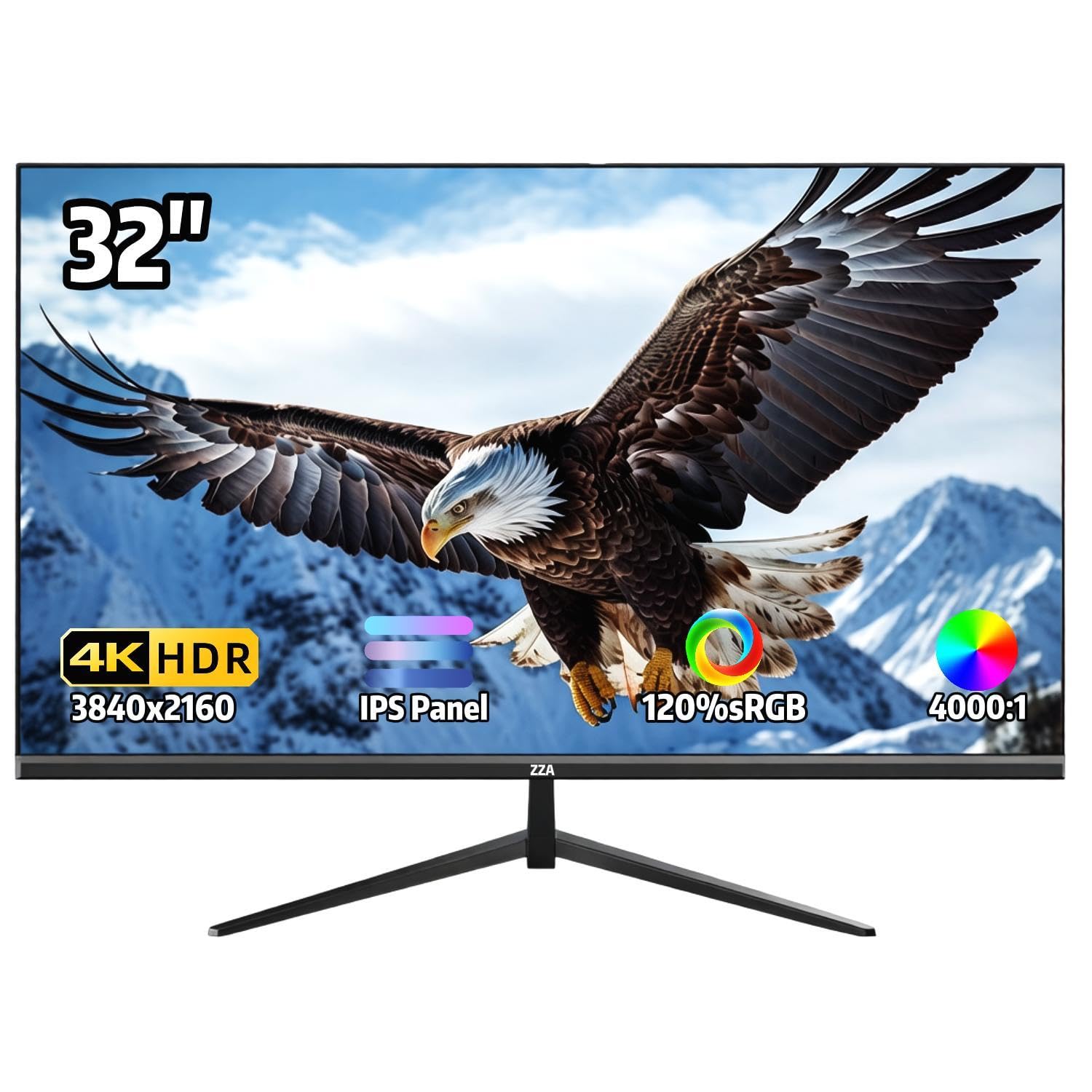
The ZZA 32-inch 4K monitor offers the lowest barrier to entry for anyone wanting to experience UHD desktop computing. The IPS panel covers 120% sRGB for wide color gamut, and the 4000:1 static contrast ratio (unusually high for an IPS) helps text pop on screen. AMD FreeSync support reduces tearing for casual gaming at 60Hz.
The three-sided ultra-thin bezel maximizes visible screen area, and the 178-degree viewing angle keeps color consistent from side positions. The tilt-adjustable stand allows -15° to 15° range, though the stand base is wide and requires significant desk depth. VESA 100x100mm mount compatibility solves this if you use a monitor arm.
This monitor lacks built-in speakers entirely, so you will need external audio. Some users report blurry or grainy video quality when connected to PS5, likely due to the monitor’s HDMI bandwidth limits. For a pure work-from-home setup focused on spreadsheets, code, and documents, ZZA provides passable 4K clarity at the lowest possible spend.
Why it’s great
- 120% sRGB with wide color coverage
- 4000:1 contrast for crisp text
- FreeSync support for tear reduction
- Ultra-thin bezel for multi-monitor
Good to know
- No built-in speakers at all
- Stand is wide and not height adjustable
- HDMI bandwidth may cause video quality issues
FAQ
Can I use a 32-inch 4K monitor as a TV?
Is 60Hz enough for a 32-inch 4K TV?
What HDMI version do I need for 4K at 32 inches?
Final Thoughts: The Verdict
For most users, the best 32 inch 4k tv winner is the Samsung QLED Q8F because it combines Quantum Dot color brilliance with a full smart TV platform and 144Hz gaming support — all in a size that fits smaller spaces. If you want a premium monitor with exceptional color accuracy and a 120Hz desktop experience, grab the Dell S3225QS. And for an all-in-one smart monitor that charges your laptop over USB-C while streaming shows, nothing beats the Samsung M8.