
Moving from a standard 16:9 display to a 5120 x 1440 monitor means leaving behind the physical bezel that splits your workflow and the letterboxing that shrinks your game world. This resolution — also called Dual Quad HD or DQHD — gives you the equivalent of two 27-inch 1440p monitors fused into a single seamless 32:9 panel, pushing your horizontal field of view to the point where peripheral vision becomes part of the interface.
I’m Min — the co-founder and writer behind Gadgets Feed. I’ve traced the technical lineage from the early VA-based 49-inchers to the latest QD-OLED panels, cross-referencing refresh rate governors, HDR certification tiers, and color volume measurements to separate genuinely capable monitors from specs-sheet traps.
The best 5120 x 1440 monitor must earn its place by delivering high pixel density, a fast enough refresh rate for the intended use, and panel technology that matches the brightness and contrast expectations of a premium segment now spanning from under a thousand dollars to well over two thousand.
How To Choose The Best 5120 X 1440 Monitor
The 5120 x 1440 space spans multiple panel technologies and drastically different feature sets. You do not need the most expensive OLED on the market to have an excellent experience, but you do need to match the panel type and connectivity to your specific workload — whether that is competitive gaming, sim racing, creative production, or coding across a dozen windows.
Panel Technology: VA vs. IPS vs. OLED vs. QD-OLED
VA panels in this category deliver the highest static contrast ratios — often north of 2500:1 — making them excellent for dark-room gaming and media consumption, but they suffer from narrower viewing angles and slower pixel response in dark transitions. Nano IPS panels, like those from LG, offer superior color accuracy and wider viewing angles at the cost of lower contrast, typically landing around 1000:1. OLED and QD-OLED panels are the current top tier, achieving per-pixel black levels with contrast ratios exceeding 1,000,000:1, blistering 0.03ms response times, and wide color gamuts covering 99% DCI-P3, though they require careful management of static UI elements to prevent burn-in over the long term.
Refresh Rate and Adaptive Sync
Driving a 5120 x 1440 panel at high frame rates demands significant GPU bandwidth, so the refresh rate you choose should reflect the hardware you own or plan to buy. A 120Hz or 144Hz ceiling is achievable with mid-range to high-end GPUs and offers a smooth experience for most single-player and sim titles. A 240Hz panel, typically paired with OLED technology, targets competitive gamers willing to run demanding games at lower settings or equip a top-tier card like an RTX 4090. G-Sync Compatible and FreeSync Premium Pro both eliminate tearing — ensure your monitor explicitly supports your GPU brand’s adaptive sync standard to avoid flickering or compatibility headaches.
Connectivity and Built-in KVM
At this resolution and size, a monitor often serves as the centerpiece of a multi-device desk. HDMI 2.1 delivers full bandwidth for 5120 x 1440 at 144Hz, while DisplayPort 1.4 is standard on nearly every DQHD model. USB-C with 90W Power Delivery is a critical feature if you plug a laptop into the monitor — it handles video, data, and charging through a single cable. A built-in KVM switch lets you control two computers with one keyboard and mouse, but the implementation quality varies; some models switch in under a second, while others take five seconds or require manual input selection.
Quick Comparison
On smaller screens, swipe sideways to see the full table.
| Model | Category | Best For | Key Spec | Amazon |
|---|---|---|---|---|
| Deco Gear 49″ QD-OLED | Premium | Gaming & Productivity | 240Hz, 0.03ms, 90W USB-C | Amazon |
| Samsung Odyssey G9 G95SD | Premium | Immersive Gaming | 240Hz, QD-OLED, Glare Free | Amazon |
| LG 49WQ95C-W | Mid-Range | Professional Color Work | Nano IPS, 98% DCI-P3, 90W PD | Amazon |
| Dell UltraSharp U4924DW | Premium | Productivity | 2000:1 Contrast, 5ms GTG | Amazon |
| INNOCN 49Q1S | Premium | High-FPS Gaming | 240Hz, OLED, RJ45 Hub | Amazon |
| Acer EI491CUR | Mid-Range | Budget DQHD Entry | 120Hz, 94% DCI-P3, HDR 400 | Amazon |
| ASUS ROG Strix XG49VQ | Value | Ultrawide on a Budget | 144Hz, 1800R, FreeSync 2 | Amazon |
| GIGABYTE AORUS CO49DQ | Premium | Sim Racing | 144Hz, 0.03ms, OLED | Amazon |
| Samsung Odyssey G9 G97T | Premium | High Brightness Gaming | 240Hz, QLED, 1000R Curve | Amazon |
| LG 39GX950B-B | Premium | High Pixel Density | 5K2K, 165Hz, 143 PPI | Amazon |
| Dell UltraSharp U4025QW | Premium | Professional Workstation | 5K2K, 120Hz, IPS Black | Amazon |
In‑Depth Reviews
1. Deco Gear 49″ QD-OLED Curved Ultrawide Gaming Monitor
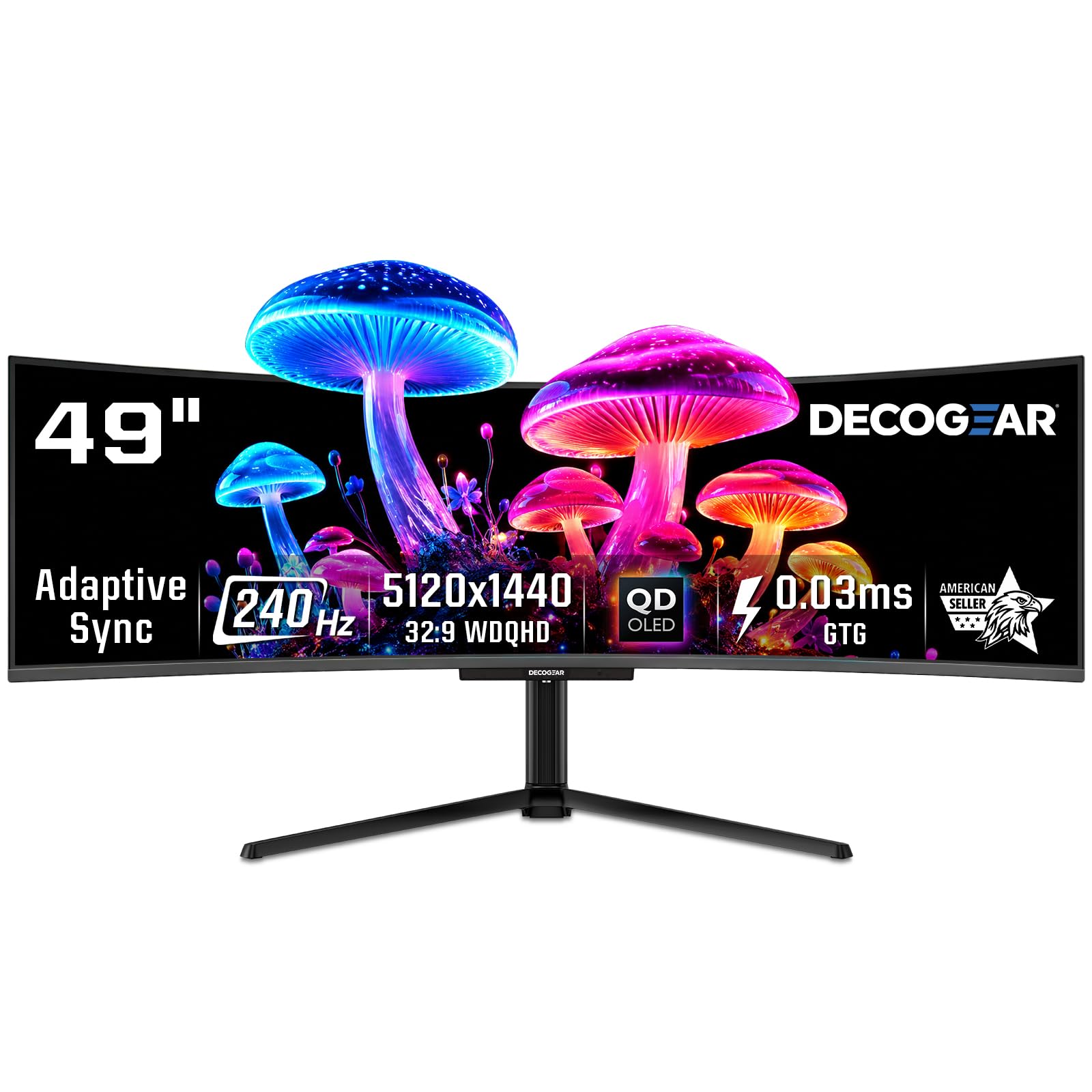
This 49-inch QD-OLED panel hits the full 5120 x 1440 resolution at a 240Hz refresh rate with a 0.03ms response time, placing it among the fastest DQHD monitors at its price point. The QD-OLED technology delivers a 1,500,000:1 contrast ratio and a 131% DCI-P3 color gamut, giving you per-pixel black levels and vivid color saturation that VA and IPS panels in this class cannot match.
The USB-C port provides 90W Power Delivery, enabling a single-cable connection that charges a laptop while pushing the full 240Hz signal. A built-in KVM switch and PIP/PBP support mean you can control two computers from one keyboard and mouse setup — a practical advantage for users who split work and gaming machines. The included anti-burn-in protection program adds long-term peace of mind for the OLED panel.
Users consistently note that the picture quality rivals monitors costing significantly more, and the curvature is immersive without distorting text for productivity. The primary drawback reported is that the power cable can arrive with internal damage if folded too tightly during packaging, so inspect the cable before first use. For the combination of speed, color volume, and connectivity, this is the most balanced performer in the category.
Why it’s great
- QD-OLED panel delivers true blacks and wide color gamut at 240Hz
- USB-C with 90W Power Delivery simplifies laptop docking
- Built-in KVM and PIP/PBP for multi-device workflows
Good to know
- Power cable quality control has been inconsistent in some units
- Refurbished models carry a higher risk of failure based on user reports
2. Samsung 49-Inch Odyssey G9 (G95SD) QD-OLED Gaming Monitor

The Samsung Odyssey G9 G95SD is a 49-inch QD-OLED monitor that pairs a 5120 x 1440 resolution with a 240Hz refresh rate and 0.03ms Gray-to-Gray response time. Samsung’s proprietary Glare Free technology minimizes reflections from ambient light sources, preserving the deep black levels that define OLED performance even in a brightly lit room.
This monitor includes both G-Sync Compatibility and AMD FreeSync Premium Pro, so it eliminates tearing regardless of your GPU brand. The SmartThings hub and built-in Gaming Hub give you instant access to streaming platforms without requiring a connected PC, though some users find the smart TV overlay intrusive when used as a traditional monitor. The included remote control simplifies input switching and settings navigation.
A significant concern with this model is a known defect affecting the DisplayPort 1.4 input, which can fail to deliver a signal entirely — multiple buyers report having to rely on HDMI 2.1, which still supports 120Hz but caps the top end. The OLED panel itself is stunning, with vibrant colors and excellent motion clarity, but the input reliability issue makes it a riskier buy than the Deco Gear or INNOCN alternatives in the same panel class.
Why it’s great
- QD-OLED with Glare Free coating maintains blacks in bright rooms
- Dual adaptive sync support works with both Nvidia and AMD GPUs
- Smart TV platform adds streaming without a separate PC
Good to know
- DisplayPort input may stop working — a widespread factory defect
- Smart monitor menu system can interfere with standard desktop use
3. LG 49WQ95C-W 49 Inch Nano IPS DQHD Monitor

The LG 49WQ95C-W uses a Nano IPS panel, which delivers 98% DCI-P3 color coverage and a wider viewing angle than VA-based DQHD monitors. At 5120 x 1440 with a 144Hz refresh rate, this monitor hits the sweet spot for professionals who need accurate color reproduction for photo and video work without sacrificing smooth motion for light gaming.
Connectivity is this monitor’s strong suit: it includes HDMI 2.1, DisplayPort, and a USB-C port with 90W Power Delivery, along with a built-in KVM that lets you toggle between two connected computers using one keyboard and mouse. The Picture-by-Picture mode is particularly effective here because the Nano IPS panel maintains consistent color and brightness across both halves of the display, which VA panels often struggle with.
The trade-off is contrast — at 1000:1, blacks appear grayish in a dark room compared to OLED or even high-end VA panels. The 3800R curvature is also relatively shallow, meaning the outer edges of the screen are further from your line of sight than on 1800R or 1000R panels. For color-sensitive productivity work, this is a reliable tool; for deep immersion in dark games, an OLED alternative serves better.
Why it’s great
- Nano IPS panel provides wide viewing angles and 98% DCI-P3 coverage
- USB-C with 90W Power Delivery and reliable KVM simplifies desk setup
- Consistent color and brightness across PBP split-screen modes
Good to know
- 1000:1 contrast ratio means blacks appear washed out in dark rooms
- Shallow 3800R curve may not provide enough wrap-around immersion
4. Dell UltraSharp U4924DW 49″ DQHD Curved Monitor
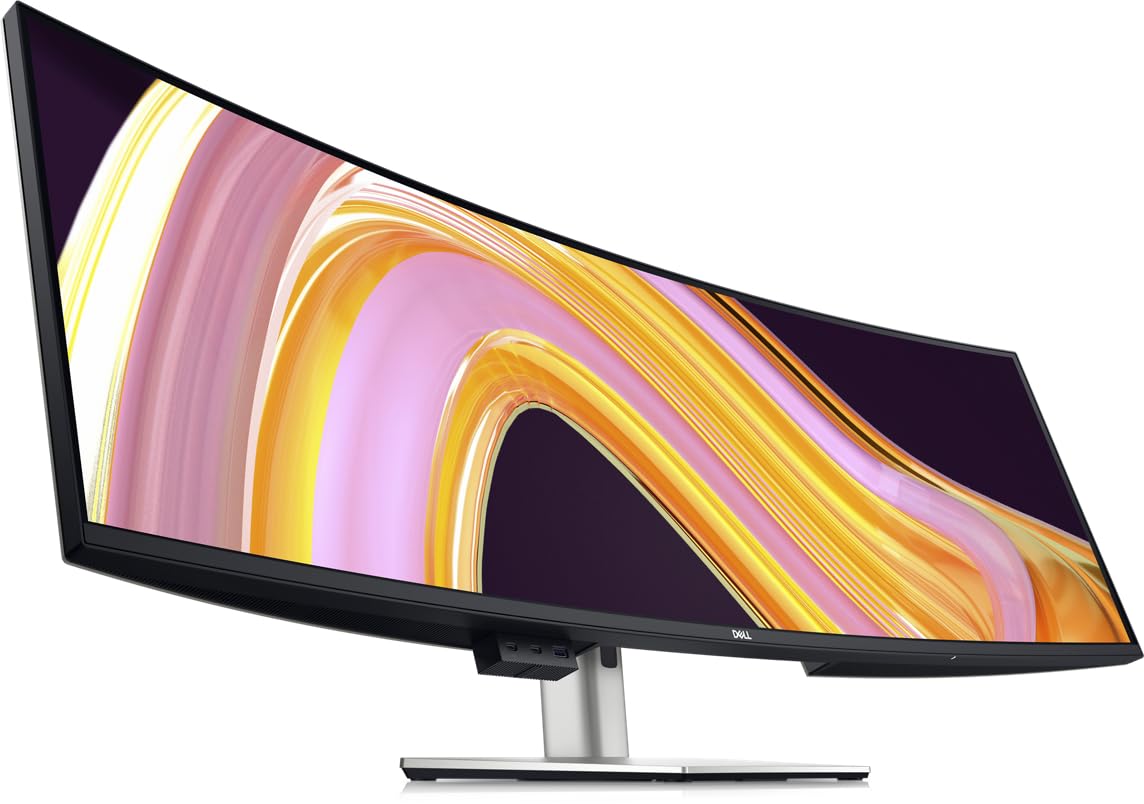
The Dell UltraSharp U4924DW is built for desktop productivity, not gaming. Its 49-inch IPS Black panel achieves a 2000:1 contrast ratio — double that of standard IPS monitors — giving you deeper blacks while keeping the wide viewing angles and color consistency that Dell’s UltraSharp line is known for.
The integrated KVM switch is more thoughtfully implemented than many competitors, with a dedicated button on the front bezel and consistent switching behavior across USB and video inputs. The monitor includes a USB-C upstream port with 90W Power Delivery, an RJ45 Ethernet port for wired network access, and drop-down USB-A ports on the bottom edge for easy dongle access. The 3800R curve is subtle, designed to reduce eye-strain across a wide desk rather than envelope the user.
Users report that the KVM switch takes roughly five seconds to transition between computers, which is slower than some desktop switches but reliable once connected. The 60Hz refresh rate is adequate for office work but noticeably stuttery for gaming. For spreadsheet-heavy workflows, full-screen blueprint viewing, or managing multiple virtual desktops, this monitor eliminates the bezel gap that makes dual-monitor setups frustrating.
Why it’s great
- IPS Black panel delivers 2000:1 contrast with wide viewing angles
- Reliable KVM switch with front-panel button and RJ45 Ethernet
- Drop-down USB ports on the bottom edge for easy peripheral access
Good to know
- 60Hz refresh rate makes it unsuitable for competitive gaming
- Shallow 3800R curve may not provide enough wrap-around immersion
5. INNOCN 49″ 49Q1S OLED Curved Gaming Monitor

The INNOCN 49Q1S uses a standard OLED panel rather than QD-OLED, reaching 5120 x 1440 at 240Hz with a 0.03ms response time. The panel achieves a 1,000,000:1 contrast ratio with HDR 400 certification, and the wide color gamut covers 99% sRGB, making this a strong performer for both high-frame-rate gaming and content creation.
Connectivity is comprehensive: the monitor includes two DisplayPort 1.4 inputs, one HDMI 2.1 port, a USB-C port with 90W Power Delivery, a USB hub with Type-B upstream, an RJ45 Ethernet port, and a 3.5mm audio jack. The built-in KVM lets you toggle between two computers, and the PIP/PBP modes give you flexibility to display two input sources simultaneously. The 1800R curvature is more aggressive than the Dell or LG options, wrapping the image around your field of view in a way that benefits immersive sim titles.
Several users praise the clarity and responsiveness for racing games, and the customer service response — one reviewer reported that Enzo from INNOCN quickly replaced a defective unit. However, a small but notable number of buyers report the monitor stopping working after three months, which raises concerns about long-term reliability compared to established brands like Dell or LG.
Why it’s great
- OLED panel with 240Hz delivers excellent motion clarity and contrast
- Comprehensive port selection including RJ45 and 90W USB-C
- Aggressive 1800R curve enhances immersion for gaming
Good to know
- Reliability concerns — a few users report failure within months
- Rear LED lighting cannot be customized through the on-screen menu
6. Acer EI491CUR Sbmiipphx 49″ DQHD Gaming Monitor

The Acer EI491CUR brings genuine 5120 x 1440 resolution — not the lower 3840 x 1080 found on budget ultrawides — at a 120Hz refresh rate. This VA panel offers a 100,000,000:1 dynamic contrast ratio with HDR 400 certification and 94% DCI-P3 color coverage, making it the most affordable true DQHD option that still delivers respectable image quality for both work and play.
The 1800R curve is well-matched to the 49-inch diagonal, creating an immersive wrap-around effect without distorting straight lines in productivity apps. The zero-frame design keeps the bezels thin, and the ergonomic stand provides tilt, swivel, and 3.7 inches of height adjustment. Two 3-watt speakers are built in for basic audio, though they lack the volume and clarity for anything beyond system sounds and conference calls.
Customer feedback is split — the majority praise the true color accuracy and the immersive size, but a meaningful number report dead pixels or units that arrive non-functional. Given the price, buyers should inspect the panel immediately and be prepared to request a replacement if defects appear. For the resolution-to-cost ratio, this is the gateway monitor into the DQHD class.
Why it’s great
- True 5120 x 1440 resolution at a lower price than OLED competitors
- VA panel with 94% DCI-P3 and 1800R curve for immersive color
- Full ergonomic stand with height, tilt, and swivel adjustment
Good to know
- Quality control issues — dead pixels and DOA units are reported
- 120Hz ceiling may feel limiting for competitive gamers with high-end GPUs
7. ASUS ROG Strix XG49VQ 49″ Curved Gaming Monitor

The ASUS ROG Strix XG49VQ is a 49-inch VA panel with a 3840 x 1080 resolution — a lower pixel count than true DQHD — but it deserves mention because it offers the widest 32:9 aspect ratio at the lowest entry cost. The 144Hz refresh rate with FreeSync 2 HDR support makes this monitor accessible to players with mid-range GPUs that cannot drive a full 5120 x 1440 canvas at high frame rates.
DisplayHDR 400 certification and 90% DCI-P3 coverage provide better color performance than older ultrawide VA panels, and the 1800R curvature matches the Acer and INNOCN offerings. ASUS includes GamePlus overlays and blue light filters, and the stand offers swivel, tilt, and height adjustment. The Virtual Crosshair and FPS counter features are genuinely useful for competitive shooters without requiring third-party software.
The lower 1080p vertical resolution means text appears noticeably less sharp than on true DQHD panels — individual pixels are visible up close, and running two full browser windows side by side feels cramped vertically. Users with high-end GPUs may find the 3840 x 1080 limit frustrating. For budget-conscious buyers who prioritize an ultrawide gaming experience over pixel density, this remains a functional and well-supported option.
Why it’s great
- 144Hz with FreeSync 2 HDR supports smooth gaming on mid-range GPUs
- 1800R curve and 90% DCI-P3 provide respectable color and immersion
- Useful GamePlus features like crosshair overlays and FPS counter
Good to know
- 3840 x 1080 resolution noticeably softer than true 5120 x 1440 panels
- HDR 400 performance is underwhelming with dull highlights and bleed
8. GIGABYTE AORUS CO49DQ OLED Curved Monitor

The GIGABYTE AORUS CO49DQ uses a 49-inch OLED panel at 5120 x 1440 with a 144Hz refresh rate and 0.03ms response time. While the refresh rate is lower than the 240Hz OLED competitors, the panel itself delivers the same per-pixel black levels and infinite contrast that OLED is known for, and the 144Hz ceiling is easier to maintain consistently across AAA titles with a high-end GPU.
Sim racing users are the primary audience here — the 32:9 aspect ratio frames the cockpit view perfectly, letting you see both side mirrors and the track ahead without any bezel interruption. The GIGABYTE Control Center software allows for granular adjustment of color profiles, and the built-in FreeSync Premium Pro ensures tear-free motion. The 1000R curvature is not available on this model, but the 1800R curve still provides sufficient wrap-around for most desk setups.
One notable omission is that the monitor does not include a 100×100 VESA mounting plate in the box — it must be purchased separately, which is an oversight for a premium model. Users also note that the height is slightly lower than expected from the base stand. For dedicated sim racers who want OLED color without paying for the 240Hz tax, this monitor delivers where it counts.
Why it’s great
- OLED panel delivers true blacks and infinite contrast for immersive sim racing
- 32:9 ratio frames cockpit views without bezel gaps
- FreeSync Premium Pro and 0.03ms response provide smooth, tear-free motion
Good to know
- VESA mounting plate not included — must be purchased separately
- 144Hz refresh rate lower than the 240Hz found on comparable models
9. Samsung Odyssey G9 49″ QLED Gaming Monitor (G97T)

The Samsung Odyssey G9 G97T is a 49-inch QLED panel at 5120 x 1440 with a 240Hz refresh rate and a 1000R curve — the most aggressive curvature available in this segment. The QLED technology delivers 2500:1 native contrast and a peak brightness of 420 nits, making this one of the brightest DQHD monitors and a strong option for HDR gaming in rooms with ambient light.
G-Sync Compatibility and FreeSync Premium Pro both work here, and the 1000R curve matches the natural focal range of the human eye, creating an unusually immersive effect for a VA-based panel. The Infinity Core Lighting on the back adds ambient bias lighting that can sync with on-screen colors, and the Super Arena Gaming UX provides a game-specific overlay system for quick settings adjustment.
Quality control is the recurring issue with this generation of the G9 — users report units failing within weeks, firmware update processes that require a legacy FAT32 USB drive and risk bricking the monitor, and HDR performance that feels broken out of the box. When it works, the image is excellent; the failure rate, however, is high enough that a warranty extension or purchasing from a retailer with a generous return policy is strongly advised.
Why it’s great
- 1000R curve matches natural eye curvature for deep immersion
- 240Hz with dual adaptive sync support and 2500:1 native contrast
- 420 nits peak brightness outperforms most VA and OLED competitors
Good to know
- High failure rate — multiple reports of units dying within weeks
- Firmware updates are risky and may brick the monitor
10. LG 39GX950B-B Ultragear evo 5K2K OLED Monitor
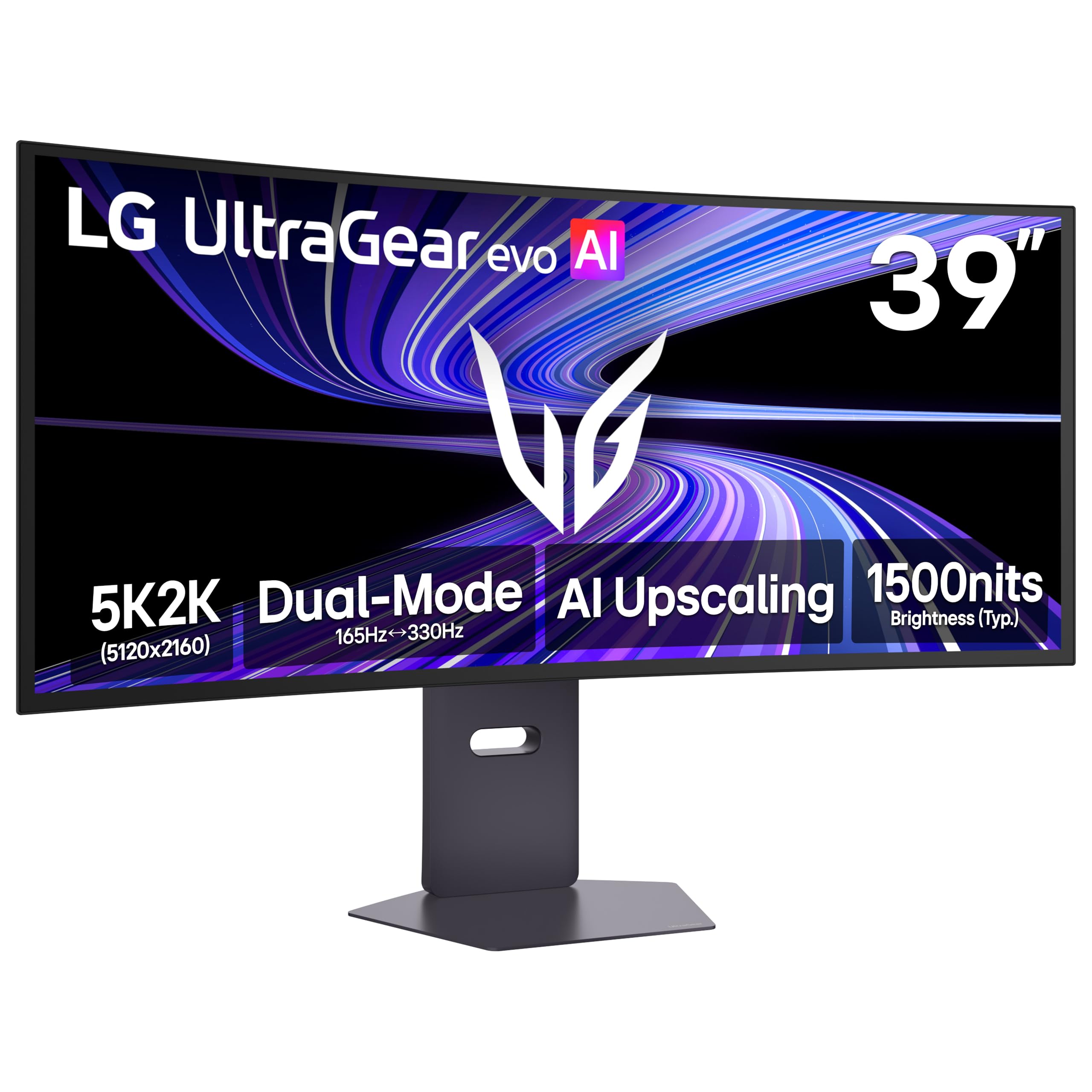
The LG 39GX950B-B shifts from the standard 32:9 DQHD format to a 21:9 5K2K resolution (5120 x 2160) on a 39-inch OLED panel, offering a pixel density of 143 PPI that surpasses every 49-inch DQHD monitor. This means text rendering is substantially sharper, making it the better choice if coding, document editing, or detailed design work is a primary use case.
The 165Hz refresh rate with a 0.03ms response time is paired with VESA DisplayHDR True Black 500 certification, and the panel uses LG’s 4th Gen Primary RGB Tandem OLED for improved brightness efficiency — reaching 335 nits typical with better heat management. AI Upscaling is built in to enhance lower-resolution content toward the native 5K2K resolution, which helps when gaming without a top-tier GPU.
The visible text refinement over 49-inch DQHD panels is immediately noticeable in productivity work. The 1500R curve is gentle enough to keep straight lines straight while still providing a slight wrap. Users note that the matte coating has a subtle speckle grain that some find distracting, and the 21:9 aspect ratio means you lose the wide horizontal real estate of 32:9 — you cannot fit four full browser windows side by side as easily.
Why it’s great
- 143 PPI pixel density delivers significantly sharper text than 49″ DQHD panels
- 4th Gen RGB Tandem OLED with DisplayHDR True Black 500 certification
- Dual Mode supports 5K2K 165Hz or WFHD 330Hz for flexible gaming
Good to know
- 21:9 aspect ratio has less horizontal space than 32:9 DQHD options
- Matte coating has a subtle grain that may bother users sensitive to screen texture
11. Dell UltraSharp U4025QW 40″ 5K2K Curved Monitor

The Dell UltraSharp U4025QW is a 40-inch 5K2K (5120 x 2160) IPS Black panel with a 120Hz refresh rate and an extraordinary 600 nits peak brightness. The IPS Black technology delivers a 2000:1 contrast ratio while maintaining the wide viewing angles and color consistency that professionals in photography, video production, and CAD rely on.
Connectivity is future-proof: Thunderbolt 4 ports, DisplayPort, HDMI, USB-A and USB-C hubs, and an RJ45 Ethernet port are all built in. The built-in KVM is clearly designed with IT professionals in mind — it supports network switching and can be configured to disable automatic switching between networks. The 2500R curve provides a comfortable viewing arc without distorting straight lines in spreadsheets or design software.
Users universally praise the color fidelity and brightness, noting that the monitor can handle HDR content credibly despite not being an OLED panel. The premium price reflects the build quality and Dell’s warranty support, but several reviewers mention the plastic housing feels cheaper than expected at this price point. For professionals who spend eight hours a day in front of a screen and need reliable, color-accurate performance, this monitor is a long-term investment that outclasses gaming-focused alternatives for desktop productivity.
Why it’s great
- IPS Black panel achieves 2000:1 contrast with 600 nits peak brightness
- Thunderbolt 4 and RJ45 Ethernet provide workstation-grade connectivity
- 120Hz refresh rate combines productivity with smooth motion for light gaming
Good to know
- Premium price reflects productivity features, not maximum gaming performance
- Plastic housing feels less premium than the price suggests
FAQ
Can a mid-range GPU like an RTX 3060 or RX 6700 XT drive a 5120 x 1440 monitor?
Is a 1000R or 1800R curve better for a 49-inch 5120 x 1440 monitor?
What is the difference between 5120 x 1440 DQHD and 5120 x 2160 5K2K?
Final Thoughts: The Verdict
For most users, the best 5120 x 1440 monitor winner is the Deco Gear 49″ QD-OLED because it delivers a 240Hz QD-OLED panel, USB-C with 90W Power Delivery, and a built-in KVM at a price that undercuts the Samsung and LG OLED alternatives. If you want the highest pixel density and sharpest text, grab the LG 39GX950B-B 5K2K. And for professional productivity users who prioritize color accuracy and connectivity over raw gaming performance, nothing beats the Dell UltraSharp U4025QW.