
You plug in your phone every time you drive because the car’s infotainment system demands a wired connection for Android Auto. Over time, that USB port wears out, the cable frays, and the simple act of getting in and out of the car becomes a two-step chore that breaks your flow. A wireless adapter eliminates that ritual entirely by converting the factory-fitted wired Android Auto port into a Bluetooth and Wi-Fi bridge that connects your phone the moment you sit down.
I’m Min — the co-founder and writer behind Gadgets Feed. I have spent hundreds of hours combing through real customer experiences and technical specifications for this narrow accessory category to find the adapter that balances connection speed, latency, and long-term reliability.
After cross-referencing benchmark boot times, audio delay reports, and compatibility databases across seven top contenders, this guide separates the true performers from the frustrating dongles to help you find the best android auto wireless adapter for your daily commute or long road trip.
How To Choose The Best Android Auto Wireless Adapter
Not every adapter will work reliably with your specific car and phone combination. The hardware inside the dongle, the wireless radio generation it uses, and the quality of its firmware updates all directly affect whether you experience a seamless handshake or frustrating connection drops. Focus on these three criteria before buying.
Wireless Standard: Wi-Fi 5 vs. Wi-Fi 6
The adapter uses a local Wi-Fi network to stream your phone’s screen and audio to the car’s display. Wi-Fi 5 (802.11ac) adapters work acceptably in most environments, but Wi-Fi 6 (802.11ax) offers lower latency under interference from dashcams, parking sensors, and nearby Wi-Fi hotspots. If you drive in dense urban areas or use a dashcam, a Wi-Fi 6 adapter provides a much smoother experience with fewer audio hiccups.
Auto-Reconnect Reliability
The entire point of a wireless adapter is that you never touch it again after initial setup. Some low-cost units lose their pairing memory after a phone reboot or a long parking session, forcing you to re-pair manually. Look for adapters with dedicated companion apps that allow firmware updates and maintain persistent Bluetooth bonding, so the connection restores within 5 to 30 seconds of starting the engine.
Thermal Management and Build Quality
Plastic adapters trap heat inside a sealed chamber, especially during summer months when the car cabin exceeds 120°F. Once the chipset overheats, the Wi-Fi radio throttles or drops entirely, ruining your navigation mid-drive. Metal-housing adapters dissipate heat much more effectively and maintain stable throughput even during hours-long road trips in direct sunlight.
Quick Comparison
On smaller screens, swipe sideways to see the full table.
| Model | Category | Best For | Key Spec | Amazon |
|---|---|---|---|---|
| AAWireless TWO+ | Premium | Dual-platform stability | 2-in-1 Android Auto & CarPlay | Amazon |
| Ploucey Metal Adapter | Premium | Heat management | Metal housing + Wi-Fi 6 | Amazon |
| Motorola Sound MA1 | Premium | Android-only simplicity | Google-licensed bridge tech | Amazon |
| Carlinkit Mini Ultra 3 | Mid-Range | Ultra-compact footprint | 7 grams, 0.98×0.87×0.98 in | Amazon |
| AAWireless Two | Mid-Range | Customizable app controls | 18 grams, companion app | Amazon |
| Visoud K2 | Mid-Range | One-touch phone switching | A9 Pro quad-core chip | Amazon |
| OTTOCAST Mini Tube | Mid-Range | Next-gen wireless standard | Wi-Fi 6 + Bluetooth 5.4 | Amazon |
In‑Depth Reviews
1. AAWireless TWO+
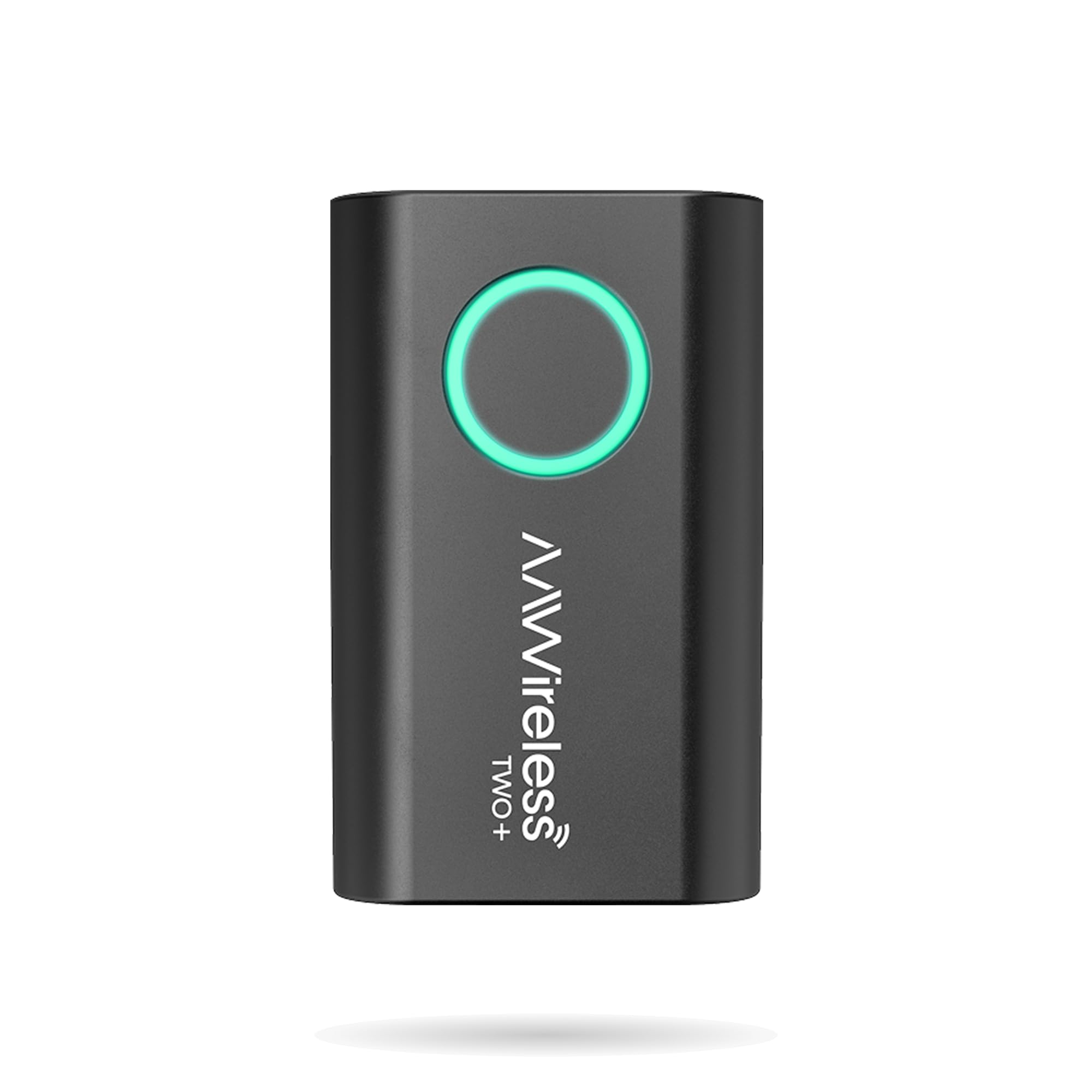
The AAWireless TWO+ combines wireless Android Auto and Apple CarPlay in a single compact dongle that weighs only 18 grams. Powered by a Rockchip RV1103G1 processor and a Realtek RTL8733BS combo chip for Bluetooth 5.2 and 5.8 GHz Wi-Fi, this adapter boots into a fully functional Android Auto interface in roughly 10 seconds on the latest firmware — a significant improvement over earlier revisions that took nearly twice as long. The companion app provides granular control over Wi-Fi channels to mitigate interference from dashcams or nearby hotspots.
Customer reviews across Hyundai Veloster, Toyota Tacoma, and aftermarket head units consistently report near-zero audio lag and zero track-change latency compared to wired operation. The multifunction button lets you swap between paired phones without digging through settings, making it a strong choice for households sharing one vehicle. The enclosure is plastic, but the 2-year warranty and European manufacturing offer reassurance against premature failure.
Some users note that USB ports on certain vehicles remain powered after the ignition is off, causing the adapter to stay active and attempt reconnections. You may need to plug the TWO+ into a switched port or use a USB kill switch. The single-phone recommendation from AAWireless also means multi-device households should plan a quick pairing workflow rather than leaving two phones in range simultaneously.
Why it’s great
- Both Android Auto and CarPlay in one adapter
- Fast firmware updates and Wi-Fi channel tuning via companion app
- 2-year warranty and EU production
Good to know
- Plastic enclosure traps heat on long summer drives
- USB stays powered on some vehicles
- Boot time improvement still trails some Wi-Fi 6 rivals
2. Ploucey 2-in-1 Metal Adapter
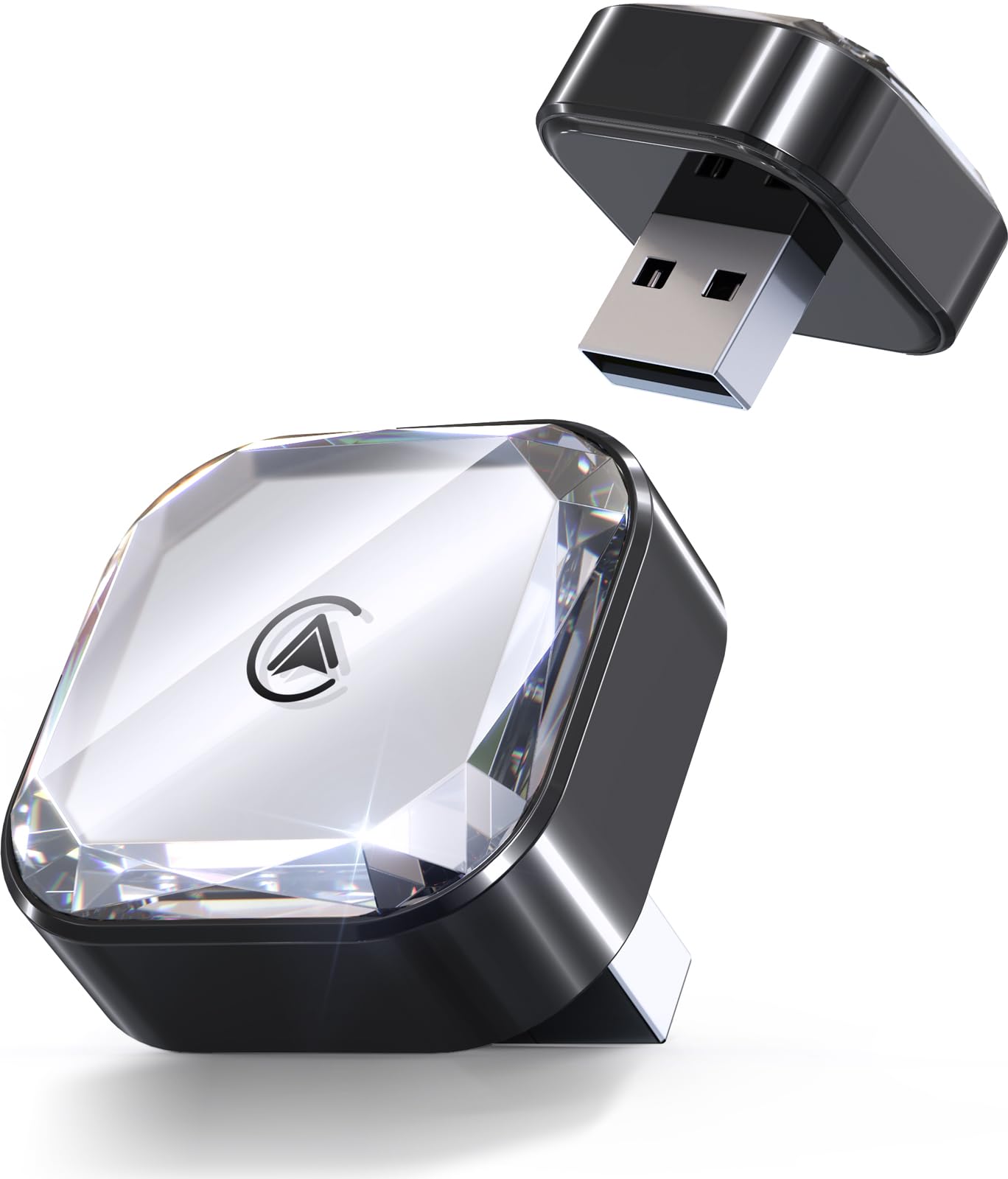
This adapter from Ploucey differentiates itself through a diamond-patterned metal housing that doubles as a heat sink. While plastic competitors throttle or drop the Wi-Fi connection after 30 minutes of direct sun exposure, the metal shell keeps internal temperatures in check, maintaining the full throughput of Wi-Fi 6 and Bluetooth 5.4. The result is near-lag-free audio streaming and navigation that stays responsive even during multi-hour road trips through hot climates.
The auto-connect time clocks in at roughly 3 seconds — among the fastest in this category — and the included USB-A and USB-C extension cables make it compatible with the latest vehicles that omit traditional USB-A ports. The adapter supports full steering-wheel control, Siri and Google Assistant, and OEM joystick navigation without any workarounds.
The adapter lacks a standalone companion app for advanced customization or firmware rollback, which means you rely entirely on the manufacturer’s OTA update schedule for long-term improvements. A small number of users report that the metal housing can be slightly warm to the touch during active use, though this confirms the thermal transfer is working as designed.
Why it’s great
- Metal housing prevents thermal throttling
- 3-second auto-reconnect with USB-A and USB-C cables
- Wi-Fi 6 and Bluetooth 5.4 for low latency
Good to know
- No companion app for customization
- Housing gets warm to the touch
- Firmware updates are OTA only, no manual rollback
3. Motorola Sound MA1

The Motorola MA1 holds a unique position as the only adapter on the market using Google-licensed bridge technology, a certification that guarantees compliance with Android Auto’s wireless protocol standards. This means it passes Google’s own validation for latency, security, and connection stability — a level of assurance that third-party dongles cannot claim. The adapter focuses exclusively on Android Auto, so iPhone users should look elsewhere.
Real-world performance in Ford F-150, Mercedes Metris, and Chevy Silverado (with BOSS head units) shows a consistent 15-to-30-second handshake time and zero control lag once connected. The included gel pad secures the unit to the dashboard, preventing the weight of the permanently attached 4-inch USB cord from pulling the adapter loose over bumps.
Long-term reliability reports are mixed: some units fail after roughly 18 months due to Bluetooth module degradation, and the bright green LED can be distracting during night driving. The MA1 also lacks support for Apple CarPlay and does not offer a companion app for firmware updates or Wi-Fi channel tuning, limiting its appeal for households with mixed-phone ecosystems.
Why it’s great
- Google-licensed for guaranteed Android Auto compliance
- Reliable auto-connect in F-150, Mercedes, and aftermarket radios
- Gel pad keeps unit secure on dash
Good to know
- Apple CarPlay not supported
- Bright LED can’t be dimmed
- Some units fail after 18 months
4. Carlinkit Mini Ultra 3
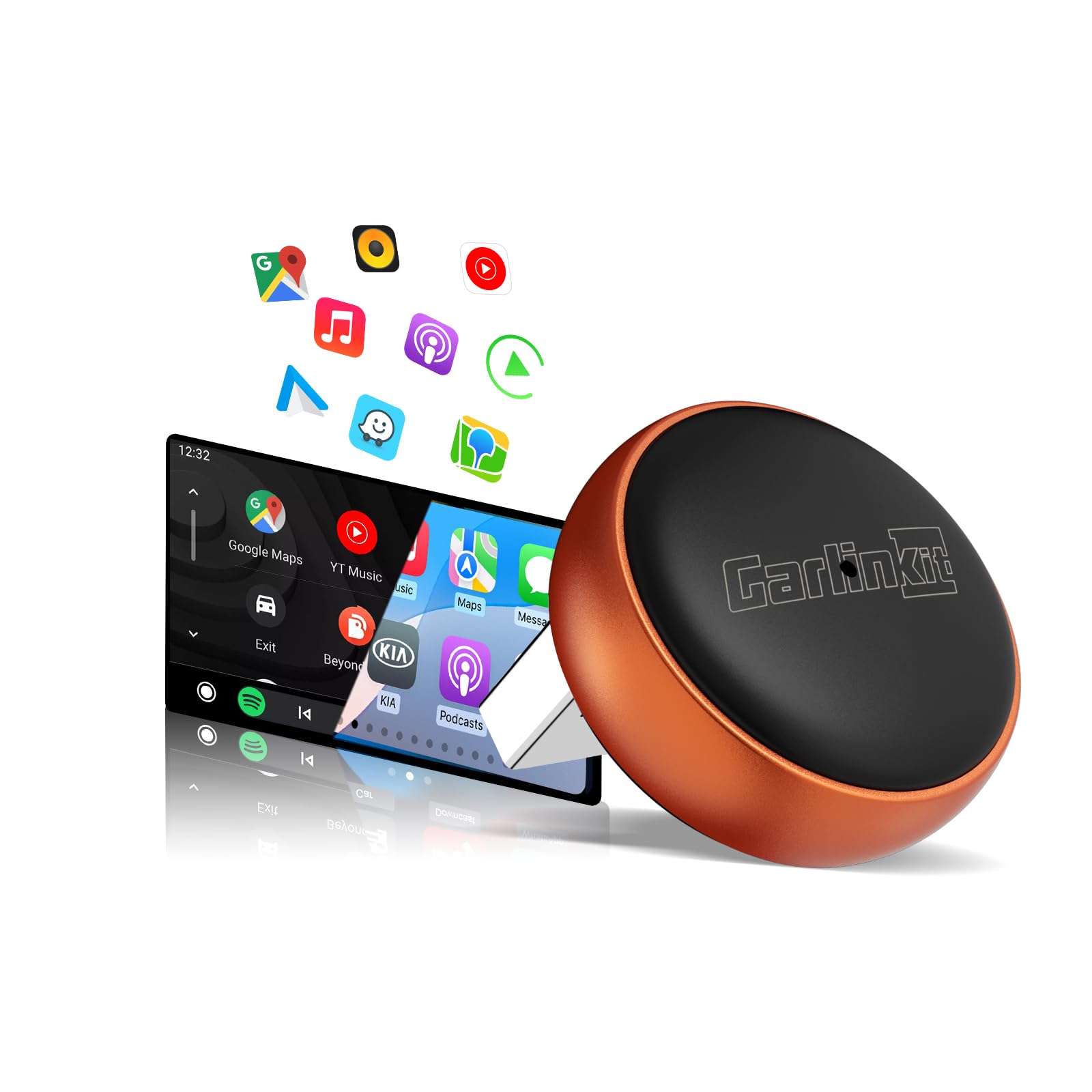
Despite its tiny footprint, it supports both wireless CarPlay and Android Auto, drawing just 0.75 watts of power — low enough to avoid draining the car battery even if the USB port stays live. The operating temperature range spans -4°F to 140°F, giving it winter and summer tolerance that some larger plastic adapters lack.
User feedback highlights reliable audio sync during music playback and navigation, with the adapter maintaining a consistent connection across repeated ignition cycles. The one-time pairing process eliminates the need to re-pair after phone updates, and the included USB-C adapter covers modern vehicles that have phased out USB-A.
A subset of customers report noticeable audio delays of several seconds when skipping tracks, and one user documented a 5-second gap between pressing skip and hearing the next song. Another review flagged long-term reliability concerns, specifically that the hardware appears unchanged across multiple product revisions while the listing is renamed. If you prioritize absolute audio sync over physical size, a larger adapter with a stronger processor may be a safer bet.
Why it’s great
- Extremely compact at 7 grams
- Low power draw of 0.75W
- Wide operating temperature range
Good to know
- Audio delay on track changes reported by some users
- Hardware may be unchanged across revisions
- Long-term reliability is inconsistent
5. AAWireless Two
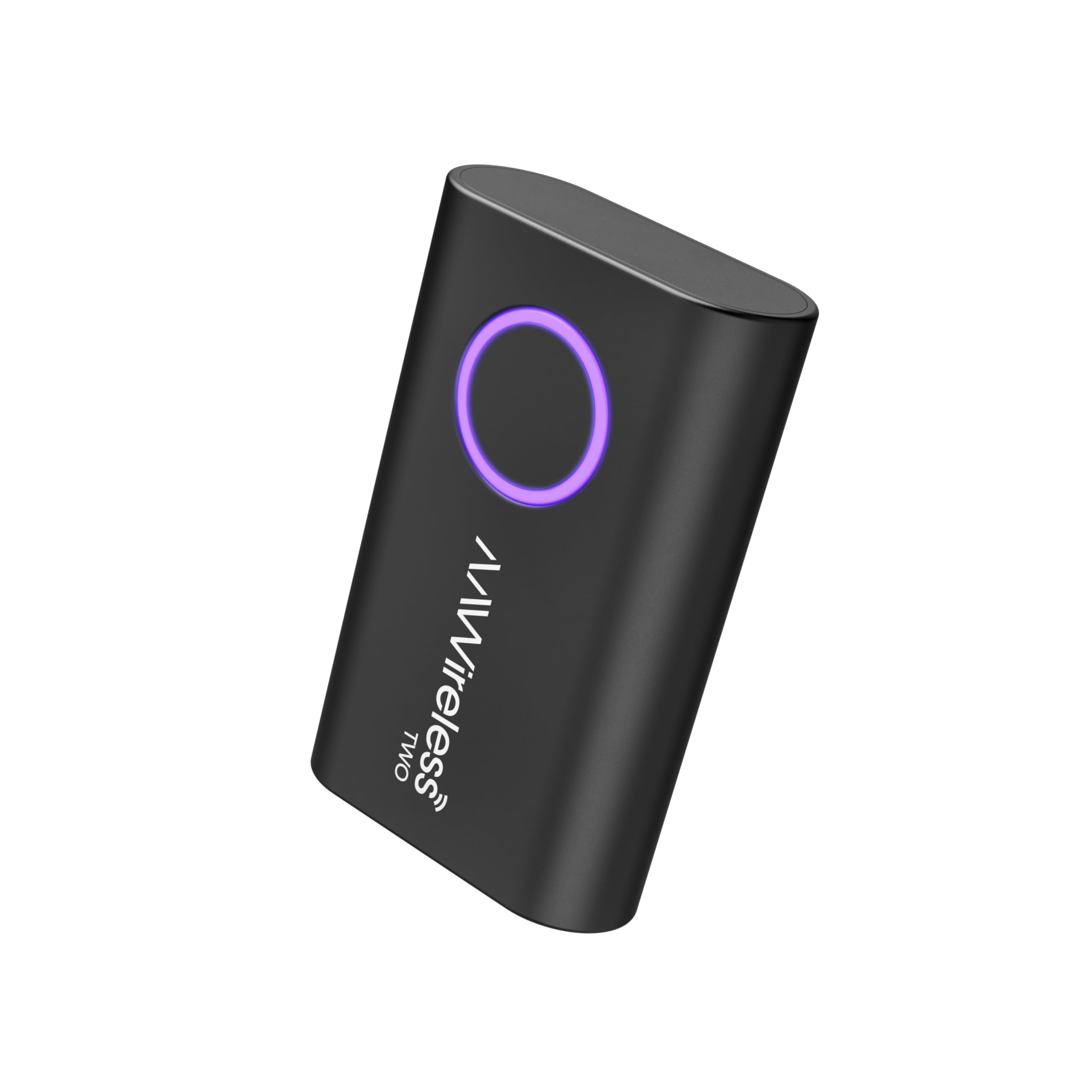
The AAWireless Two is the Android-only sibling of the TWO+, shedding CarPlay support to focus entirely on refining the Android Auto experience. The companion app remains its strongest feature, allowing you to manually select a Wi-Fi channel from a list of available frequencies to avoid interference from dashcams, toll transponders, or nearby Wi-Fi networks. This level of control is rare in the category and makes the Two a powerful tool for troubleshooting connection drops in urban environments.
Setup is genuinely plug-and-play: customers reviewing it on a 2016 Ford Focus ST and a 2022 Toyota Tacoma report that the adapter connected within 20-30 seconds and stayed locked without requiring Bluetooth toggling. The multifunction button supports easy phone switching for households with multiple drivers, and the compact 18-gram design tucks neatly behind the infotainment screen.
Because the Two lacks CarPlay support, iPhone users are automatically excluded. The boot time is also slower than some competitors at 20-30 seconds versus the 3-15 seconds seen on Wi-Fi 6 adapters. Additionally, if your vehicle’s USB port stays energized after shutdown, the adapter may cycle its connection repeatedly until the battery saver kicks in.
Why it’s great
- Manual Wi-Fi channel selection via companion app
- Easy phone switching with multifunction button
- Lightweight and compact
Good to know
- No CarPlay support
- Boot time slower than Wi-Fi 6 rivals
- USB power-on issue in some vehicles
6. Visoud K2
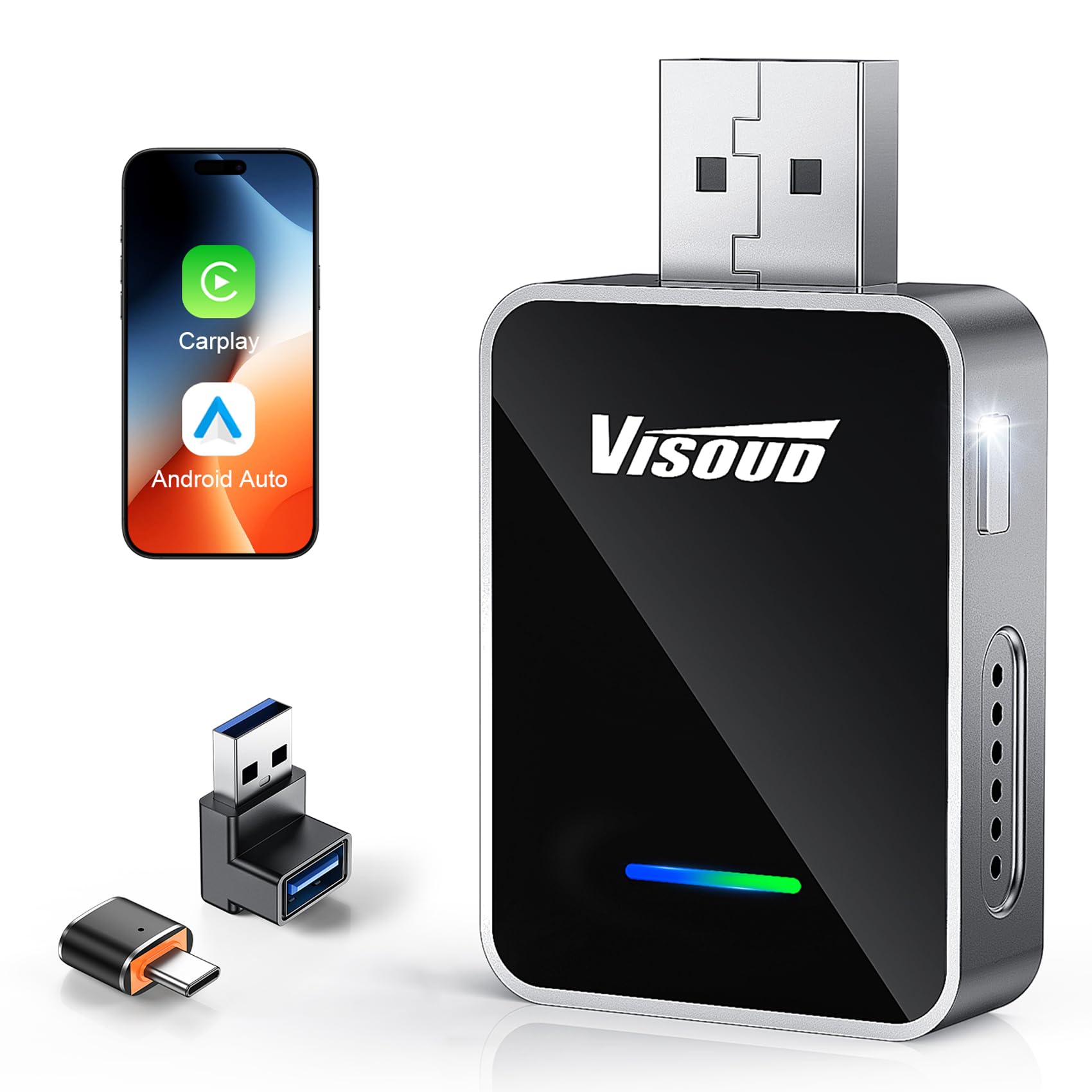
The Visoud K2 targets multi-driver households with a one-touch user-switching button that toggles between paired smartphones without requiring a re-pairing process. This feature is especially valuable for families sharing one vehicle or rideshare drivers who swap between a personal and work phone throughout the day. The adapter uses an A9 Pro quad-core processor paired with Wi-Fi 6 dual-band (2.4 GHz and 5.8 GHz) to deliver sub-10-second auto-connect times and stable throughput.
The physical design is over 60 percent smaller than standard adapters, plugging nearly flush with the USB port to eliminate dangling bulk. Customers with a 2022 Honda Civic and Samsung Galaxy S25 report fluid screen rendering with zero freezing during navigation and music playback. The 24-month warranty provides a safety net that many budget dongles lack.
Some reviewers encountered issues with Samsung S21 pairing and experienced 20-second map refresh latency during initial connection. The USB-C adapter is not the most robust physically, and the unit may struggle with persistent instability if the vehicle’s USB port provides inconsistent power. Visoud’s customer support response times vary based on region.
Why it’s great
- One-touch phone switching for multi-driver use
- Very compact, nearly flush USB design
- A9 Pro quad-core chip for responsiveness
Good to know
- Inconsistent pairing with some Samsung phones
- USB-C adapter feels less durable
- Customer support varies by region
7. OTTOCAST Mini Tube
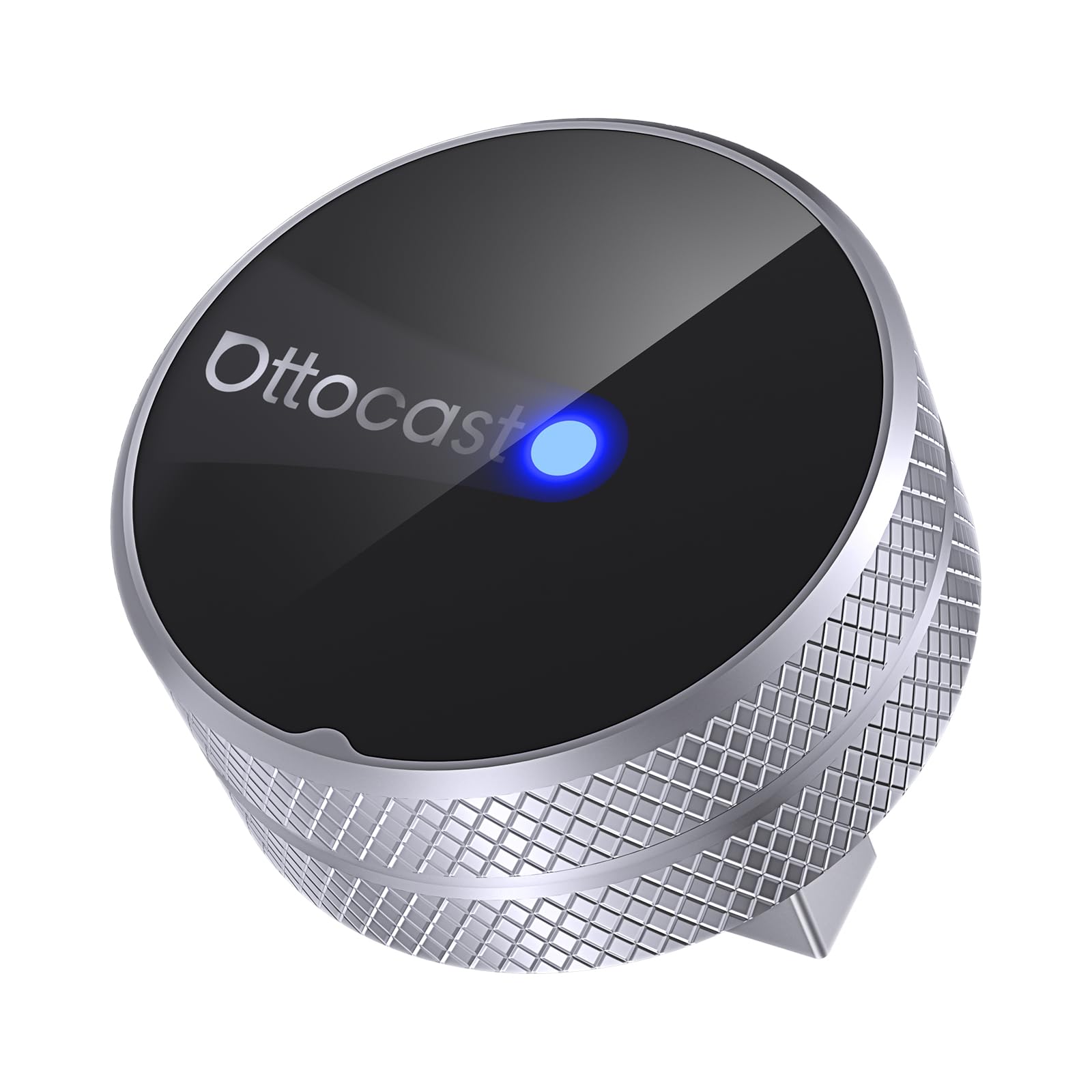
The OTTOCAST Mini Tube delivers Wi-Fi 6 and Bluetooth 5.4 in a slim cylindrical package that stays discreet behind the dashboard. The upgrade to Bluetooth 5.4 over the previous generation improves initial pairing speed and range, while Wi-Fi 6 provides the bandwidth headroom for lag-free music and navigation streaming. The adapter supports both CarPlay and Android Auto and works with most vehicles from 2016 onward that have factory wired Android Auto.
Once paired, the Mini Tube reconnects within seconds of starting the engine, and no companion app is required — the setup is entirely built into the car’s infotainment interface. Customers report immediate connection upon entering the vehicle, with the interface loading before they finish backing out of the driveway. The unit is lightweight at just 0.28 ounces, reducing mechanical stress on the USB port.
The instruction manual is unclear in several places, making the initial pairing process more trial-and-error than it should be. Switching to a different phone after the initial setup can be difficult, as the adapter tends to stick to the first paired device even when that phone is not in the car. OTTOCAST does not provide a reliable method to verify whether OTA updates are actually being applied, which undermines long-term feature promises.
Why it’s great
- Wi-Fi 6 and Bluetooth 5.4 hardware
- Reconnects within seconds of ignition
- Slim design stays hidden behind the screen
Good to know
- Manual is unclear during initial setup
- Switching to a new phone is difficult
- No clear OTA update verification
FAQ
Why does my adapter disconnect in the same location every day?
Can I use any wireless adapter with a 2015 car that has Android Auto?
Does a wireless adapter drain the car battery overnight?
Why does my phone battery drain faster with a wireless adapter?
Final Thoughts: The Verdict
For most users, the best android auto wireless adapter winner is the AAWireless TWO+ because it delivers the widest compatibility (both Android Auto and CarPlay), a customizable companion app for interference management, and a 2-year warranty that protects against early failure. If you prioritize thermal stability and a 3-second auto-connect over dual-platform support, grab the Ploucey Metal Adapter. And for pure Android-only simplicity backed by Google’s own license, nothing beats the Motorola Sound MA1.