
A budget 15.6-inch laptop is the most heavily compromised category in consumer electronics—manufacturers cut corners on processors, RAM, and displays to hit a low price point. The difference between a machine that feels sluggish after six months and one that stays responsive for years isn’t the brand name; it’s specific silicon choices and a minimum of 8GB of RAM. This guide maps every tradeoff so you know exactly where to spend and where to save.
I’m Min — the co-founder and writer behind Gadgets Feed. After analyzing processor benchmarks, battery capacities, and real-world performance across eleven models in this price tier, I have ranked them by the specs that directly affect daily usability, not marketing fluff.
Whether you need a homework machine, a remote-work companion, or a lightweight streaming device, these picks represent the most honest value in the budget windows 11 laptop category today.
How To Choose The Best Budget Windows 11 Laptop
Entry-level laptops are a minefield of cleverly marketed old hardware. The single most important decision you will make is picking the right processor generation because you cannot upgrade it later. Skimping on RAM or storage is fixable; buying a laptop with a CPU from three generations ago is not.
Processor Generation Trumps Core Count
A 12th-gen Intel N100 or an AMD Ryzen 5 7520U will outperform a 10th-gen Core i5 in everyday tasks despite having fewer cores. Always check the CPU model number against Intel’s or AMD’s generation naming scheme. A recent low-end chip is better than an old mid-range chip for battery life, thermals, and security updates.
RAM Floor: 8GB Minimum, 16GB Preferred
Windows 11 itself uses about 4GB of RAM at idle. With a browser, a few Office tabs, and a messaging app open, you will hit 8GB quickly. Many budget laptops have soldered RAM, so choosing a model with 16GB (like the GEEKOM) or an available expansion slot (like the AKCHART) gives you breathing room for years.
Display: Always Look for FHD IPS
A 1366×768 TN panel is still common at this price point, and it is unacceptably dim with poor viewing angles. Filter for 1920×1080 IPS displays. The difference in text clarity and color accuracy is night and day, and it directly affects eye strain during long study or work sessions.
Quick Comparison
On smaller screens, swipe sideways to see the full table.
In‑Depth Reviews
1. GEEKOM GeekBook X16 Pro

The GeekBook X16 Pro is a category outlier — a 2.8-pound magnesium-alloy chassis with a 16-inch 2560×1600 IPS display at 120Hz, powered by an Intel Core Ultra 9 185H and 32GB of LPDDR5x RAM at 7500MHz. The 16:10 aspect ratio gives you 11% more vertical space than a standard 16:9 screen, which directly reduces scrolling in documents and code editors. The 2TB PCIe Gen4 SSD and Wi-Fi 6E support complete a spec sheet that competes with machines costing double.
Real-world performance is exceptional for this price tier. The IceBlade 2.0 dual-fan cooling system keeps the Ultra 9 from throttling during prolonged sessions, and the 77Wh battery delivers up to 17 hours of runtime — enough for a full workday plus commute. I would note that the RAM is soldered and non-upgradable, but 32GB is sufficient for 99% of users. Some reviewers reported fan noise during heavy loads, but it is quieter than most gaming laptops.
This is the premium recommendation for anyone who needs a desktop replacement that can handle photo editing, light 4K video work, and heavy multitasking without compromises. The GEEKOM is the only laptop on this list that genuinely feels like a premium machine at a mid-range price.
Why it’s great
- Ultra 9 185H with dedicated NPU for AI
- Bright 400-nit 2.5K display with 100% sRGB
- 17-hour battery life from 77Wh cell
Good to know
- RAM is soldered and not upgradeable
- Fans can be audible under sustained load
2. Lenovo Premium Business Laptop
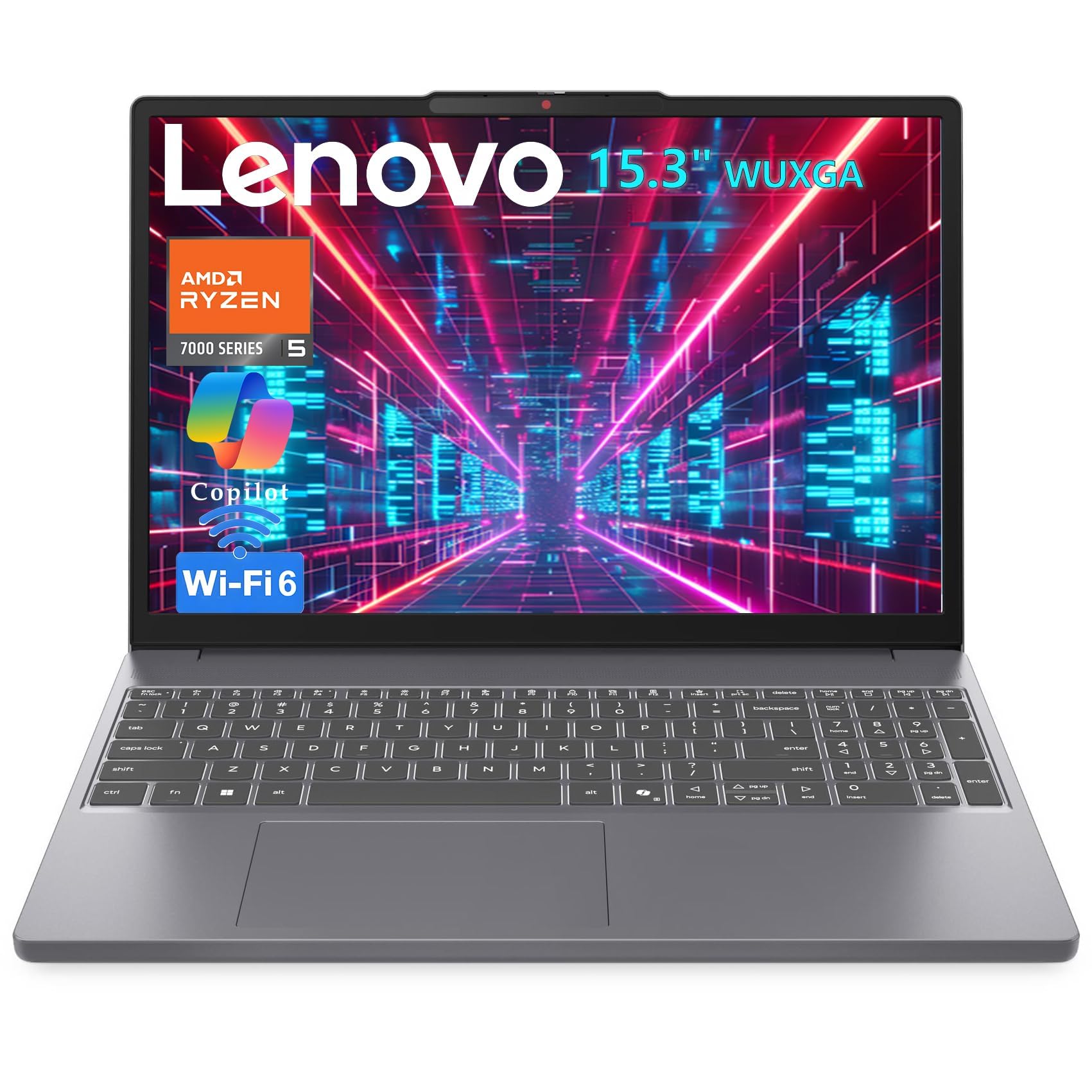
The Lenovo packs an AMD Ryzen 5 7535HS — a 6-core, 12-thread chip that beats 12th-gen Intel i7s in multi-threaded workloads — paired with 8GB of DDR5 RAM and a 512GB PCIe SSD. The 15.3-inch WUXGA (1920×1200) IPS display offers 11% more vertical pixels than standard 1080p, which is a tangible benefit for reading documents and writing code. The integrated Radeon 660M graphics can push 40-60fps in League of Legends and DOTA 2 at 1080p.
Connectivity is generous: USB-C with Power Delivery and DisplayPort, HDMI, an SD card reader, and Wi-Fi 6 plus Bluetooth 5.3. The 3.51-pound weight and 0.67-inch profile make it genuinely portable. The single 8GB DDR5 stick is upgradeable to 16GB or 32GB via an accessible SODIMM slot, which is rare at this price. Some users noted that the plastic chassis does not feel as premium as the ASUS or Dell options, but the raw CPU and GPU performance more than compensates.
This machine is for anyone who needs serious processing power for coding, data analysis, or light gaming without stepping up to a dedicated graphics card. The Lenovo is the best-value productivity laptop on this list.
Why it’s great
- Ryzen 5 7535HS matches premium thin-and-light performance
- 15.3″ WUXGA display with anti-glare coating
- Upgradeable DDR5 RAM via SODIMM
Good to know
- Plastic build feels less sturdy than metal competitors
- 8GB base RAM may need immediate upgrade for heavy users
3. Apple MacBook Neo 13

The MacBook Neo is a Windows 11 buyer’s curiosity — it technically runs macOS, but its build quality, display, and battery life are so exceptional that it forces budget Windows laptops to raise their game. The A18 Pro chip delivers performance that rivals Intel Core i7 processors from two years ago, all while staying fanless and silent. The 13-inch Liquid Retina display at 2408×1506 resolution with 500 nits of brightness is sharper and brighter than any Windows laptop in this price range.
The 16-hour battery life is the standout metric. Most budget Windows machines struggle to reach 8 hours, so the MacBook Neo effectively doubles that endurance. The base model lacks a backlit keyboard and Touch ID, which are genuine drawbacks for some users. The 8GB of unified memory is also soldered and non-upgradeable — fine for light use, but a concern for heavy multitaskers.
Choose this machine if you value battery life, display quality, and build quality above everything else, and you are comfortable switching to macOS. The MacBook Neo is the strongest value proposition Apple has ever released in this price bracket.
Why it’s great
- Fanless A18 Pro chip is silent and fast
- 500-nit Liquid Retina display is class-leading
- 16-hour battery life is best-in-class
Good to know
- macOS, not Windows 11 — incompatible with some business software
- No backlit keyboard or Touch ID on base config
4. Acer Aspire Go 15 (Ryzen 7)

The Acer Aspire Go 15 with the Ryzen 7 7730U is a rare beast in the budget tier: 16GB of DDR4 RAM and a 512GB PCIe Gen4 SSD paired with an 8-core, 16-thread processor. This combination handles dozens of browser tabs, office applications, and even some light video editing without slowdown. The 15.6-inch FHD IPS display has Acer’s BluelightShield, which reduces eye strain during long sessions.
The 16GB RAM is the biggest difference here from the cheaper Ryzen 3 version. Windows 11 and typical productivity workloads use 8-10GB, so 16GB gives you genuine headroom for years. The Copilot key provides one-tap AI assistance, and Wi-Fi 6 plus HDMI 2.1 ensure modern connectivity. A few reviewers mentioned that the sound was quiet at maximum volume, though this is common at this price point.
This is the right pick for students or professionals who keep many applications open simultaneously and want to avoid the RAM ceiling. The Aspire Go 15 offers the best memory-to-price ratio in this guide.
Why it’s great
- 16GB DDR4 RAM is future-proof for productivity
- Ryzen 7 7730U provides desktop-class multi-core performance
- Copilot key and Wi-Fi 6 included
Good to know
- RAM is soldered and cannot be upgraded further
- Speakers are quiet at maximum volume
5. Dell 15 DC15250

The Dell 15 DC15250 stands out for one reason: a 120Hz 15.6-inch FHD display. At this price point, almost every laptop uses a standard 60Hz panel, so the Dell’s smooth scrolling and reduced motion blur are immediately noticeable when browsing or working with documents. The Intel Core 3 100U (12th-gen architecture) and 8GB DDR4 RAM handle everyday tasks capably, and the 512GB SSD provides generous storage.
The lifted hinge design provides an ergonomic typing angle, and the numeric keypad with a calculator hotkey is a practical addition for spreadsheet work. Dell includes 1-year onsite service, which adds peace of mind. On the downside, the battery life is average — around 6-7 hours under mixed use — and the webcam quality is merely adequate. Some users also noted that the machine comes with pre-installed third-party software that needs uninstalling.
If you spend hours reading documents, writing code, or browsing the web, the 120Hz display will noticeably reduce eye strain. This is the best screen experience available under the premium tier.
Why it’s great
- 120Hz FHD display is unique in this price range
- 512GB SSD with fast PCIe interface
- ComfortView reduces blue light emissions
Good to know
- Battery life is mediocre at 6-7 hours
- Includes unwanted pre-installed software
6. Acer Aspire Go 15 (Ryzen 3)

The Acer Aspire Go 15 with the Ryzen 3 7320U is the baseline recommendation for students on the tightest budget. The 15.6-inch FHD IPS display is sharp and color-accurate for the price, and the AMD Radeon 610M integrated graphics handle 1080p video playback without stutter. The 8GB of LPDDR5 memory is faster than the DDR4 found on many competitors, and the 128GB PCIe SSD is adequate for boot times and essential applications — though you will need a microSD card or external drive for media storage.
Wi-Fi 6 and dual USB-C ports with full functionality are welcome inclusions at this price. The AcerSense software gives you control over battery management and system performance. The Copilot key is present for AI assistance. The main limitation is storage: 128GB fills up quickly after Windows updates and a few apps. If you can manage cloud storage, this is the most balanced entry-level machine available.
This laptop is for students or casual users who need a reliable FHD display and modern connectivity without paying for storage they will not use. Pair it with a cloud drive and it will serve well for years.
Why it’s great
- FHD IPS display with narrow bezels
- Wi-Fi 6 and dual USB-C ports
- Fast LPDDR5 memory and Copilot support
Good to know
- 128GB SSD is very limited — plan for external storage
- No backlit keyboard
7. ASUS Vivobook Go 15

The ASUS Vivobook Go 15 uses the AMD Ryzen 5 7520U — a 4-core, 8-thread processor built on a 6nm process that balances performance and battery life. The 15.6-inch NanoEdge display has a 60Hz refresh rate and 45% NTSC color gamut, which is adequate for productivity but not for photo editing. The 512GB SSD is double the storage of many competitors, and the 8GB of soldered RAM handles basic multitasking without issue.
The build quality is notably better than the HP and Acer options in this tier — the keyboard has solid key travel, and the chassis feels sturdier than its weight suggests. SonicMaster audio produces clearer sound than typical budget laptop speakers. The main drawback is that the RAM is soldered and cannot be expanded, so 8GB is the ceiling. A reviewer also noted that ASUS support required a paid subscription for some assistance.
Choose the Vivobook Go if you want a well-built machine with ample storage and a processor that sips power. It is ideal for students who carry their laptop to class and need reliable battery life.
Why it’s great
- 512GB SSD provides generous local storage
- Ryzen 5 7520U offers excellent efficiency
- Sturdy build quality with good keyboard feel
Good to know
- 8GB RAM is soldered and non-upgradeable
- Display covers only 45% NTSC gamut
8. HP Essential 15.6
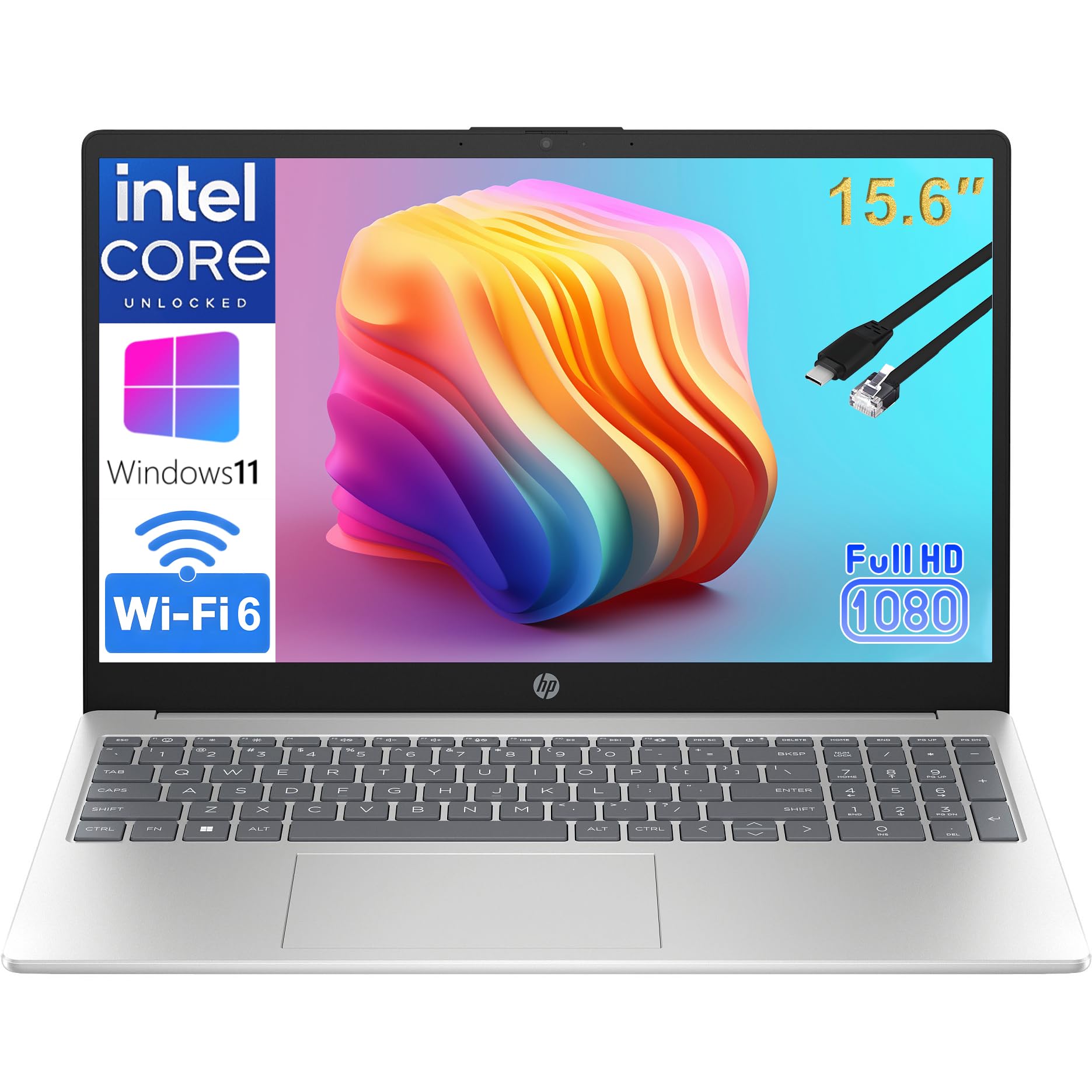
The HP Essential 15.6 is built around the Intel N100 — a quad-core Alder Lake-N processor with 8GB of RAM and a 256GB SSD. What elevates this machine is its connectivity: Wi-Fi 6, Bluetooth 5.3, and USB-C with fast charging are rarely bundled together at this price. The 15.6-inch FHD anti-glare display is suitable for spreadsheets and documents, and the full-size numeric keypad is essential for accounting or data entry work.
The battery lasts through a typical school or workday, and the lightweight design (under 4 pounds) makes it easy to carry. HP includes lifetime Office 365 web access, which is a cost-saving benefit for students. The N100 processor is slower than the Ryzen chips in the ASUS and Acer models, but it handles web browsing, video calls, and Office applications without noticeable lag. Several reviewers praised its ease of setup and sturdy feel.
This is the best pick for home office users or students who need reliable connectivity and a numeric keypad. The Wi-Fi 6 + Bluetooth 5.3 combo ensures fast, stable connections for years.
Why it’s great
- Wi-Fi 6 and Bluetooth 5.3 for modern connectivity
- FHD anti-glare display with numeric keypad
- Lifetime Office 365 for web included
Good to know
- Intel N100 is slower than AMD Ryzen 3 alternatives
- Battery life is average at around 6 hours
9. HP 14 Laptop (i3-N305)
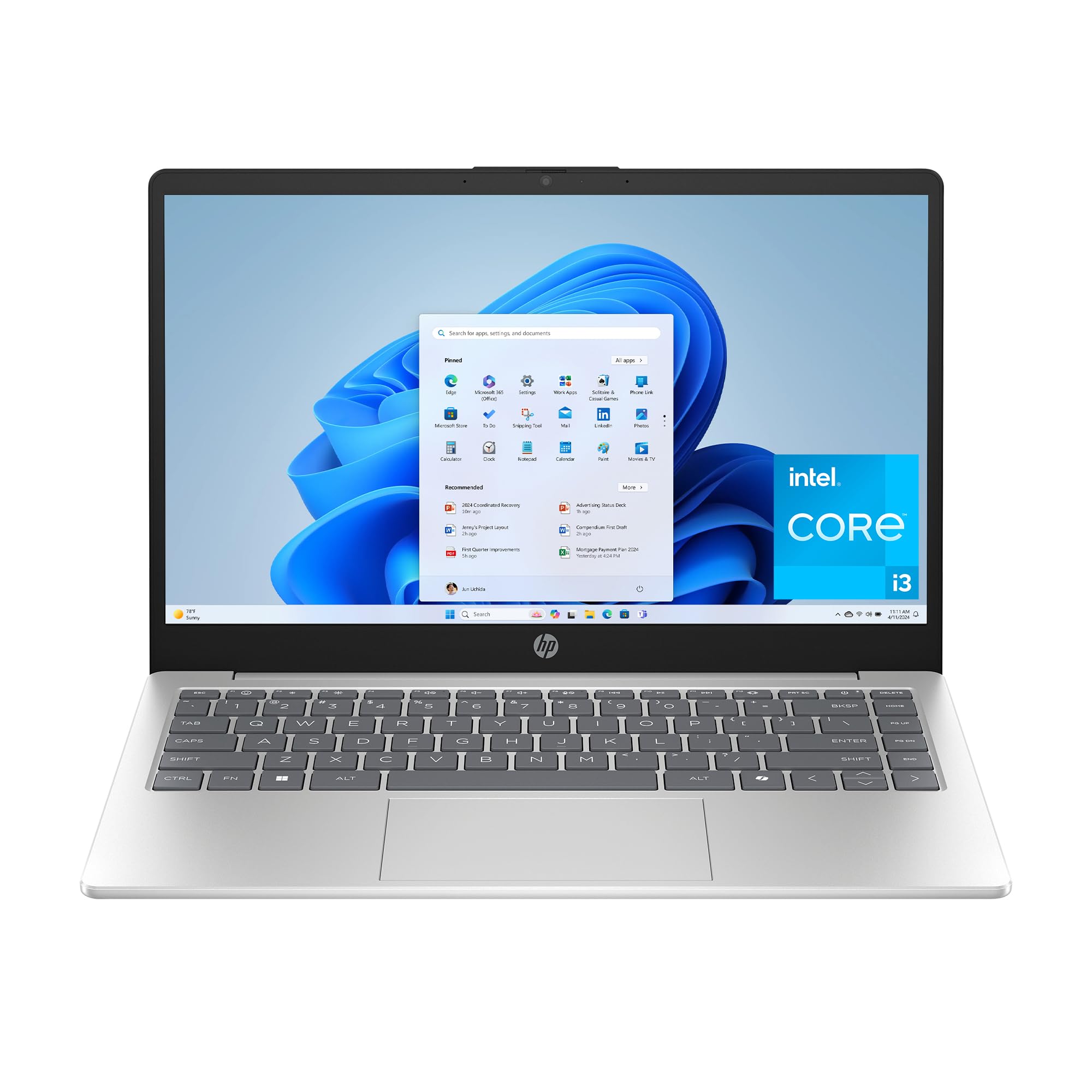
This HP 14-inch laptop uses the Intel Core i3-N305 — an 8-core Alder Lake-N processor with 8GB of DDR4 RAM and a 256GB PCIe SSD. The 14-inch HD (1366×768) anti-glare display is the major compromise here: lower resolution means less screen real estate and softer text compared to FHD panels. The trade-off is that HP includes a physical camera shutter, a dedicated microphone mute button, and HP Fast Charge that reaches 50% in 45 minutes.
The i3-N305 has eight efficiency cores but no performance cores, so single-threaded tasks like browsing feel slower than a traditional Core i3. HP True Vision HD camera with AI noise reduction works well for video calls, and the all-day battery life (rated at 8.45 hours) is solid. The build includes ocean-bound recycled plastic, which may appeal to eco-conscious buyers. A few users noted the cramped arrow keys and accidental Copilot key presses.
This is a budget pick for users who prioritize video call quality, fast charging, and privacy features over display resolution. If you connect to an external monitor, the HD screen becomes a minor inconvenience.
Why it’s great
- Physical camera shutter and microphone mute button
- HP Fast Charge: 0 to 50% in ~45 minutes
- 8-hour battery life with efficient Alder Lake-N chip
Good to know
- 1366×768 HD display is noticeably less sharp than FHD
- 8 efficiency cores with no performance cores limit burst speed
10. AKCHART 15.6 Laptop
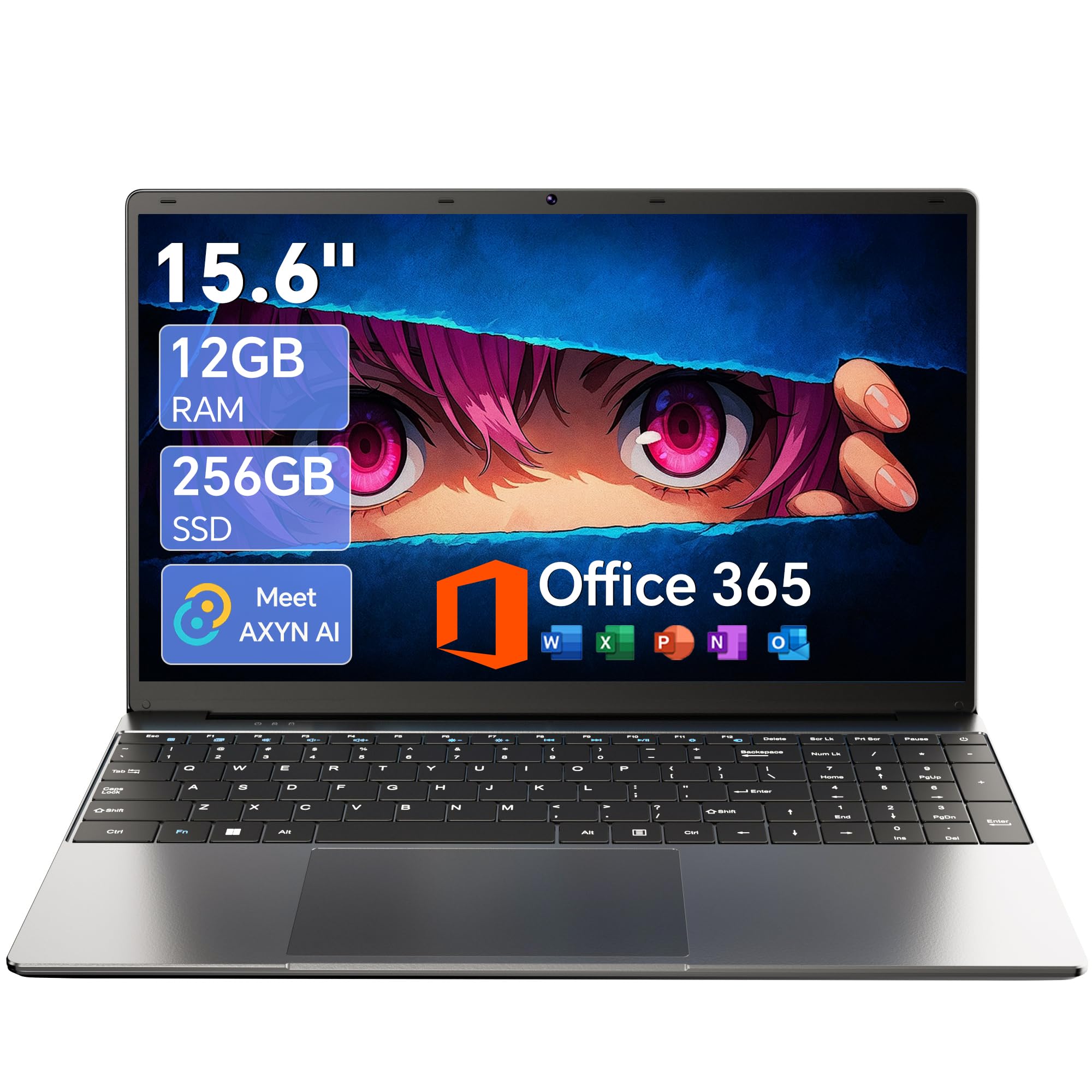
The AKCHART laptop proves that entry-level pricing does not have to mean a terrible display. It features a 15.6-inch FHD IPS panel — rare at this price point — with a 180-degree lay-flat hinge and a 7000mAh battery that reviewers consistently praise for its endurance. The Celeron J4105 is a quad-core processor from 2018 that is slow by modern standards, but the 12GB of DDR4 RAM helps mask its limitations during basic multitasking.
The included Office 365 subscription and AI-powered Windows 11 features add genuine value. The storage setup is flexible: a 256GB M.2 SSD with expansion up to 2TB, plus a TF card slot that supports up to 1TB. Connectivity includes USB 3.2, Type-C, Mini HDMI, and dual-band Wi-Fi 5 with Bluetooth 4.2. The 12GB of RAM is the highest in the entry tier and makes a real difference when keeping multiple browser tabs and Office apps open.
This is the pick for users who need a large, sharp screen and long battery life on a minimal budget. The Celeron processor limits it to browsing, document editing, and streaming — do not expect it to handle video editing or gaming.
Why it’s great
- 15.6-inch FHD IPS display at entry-level price
- 12GB RAM and expandable storage (up to 3TB)
- 7000mAh battery lasts through full school day
Good to know
- Celeron J4105 is slow for anything beyond basic tasks
- Only Wi-Fi 5 and Bluetooth 4.2 — dated wireless
11. NAIKLULU 15.6 Laptop
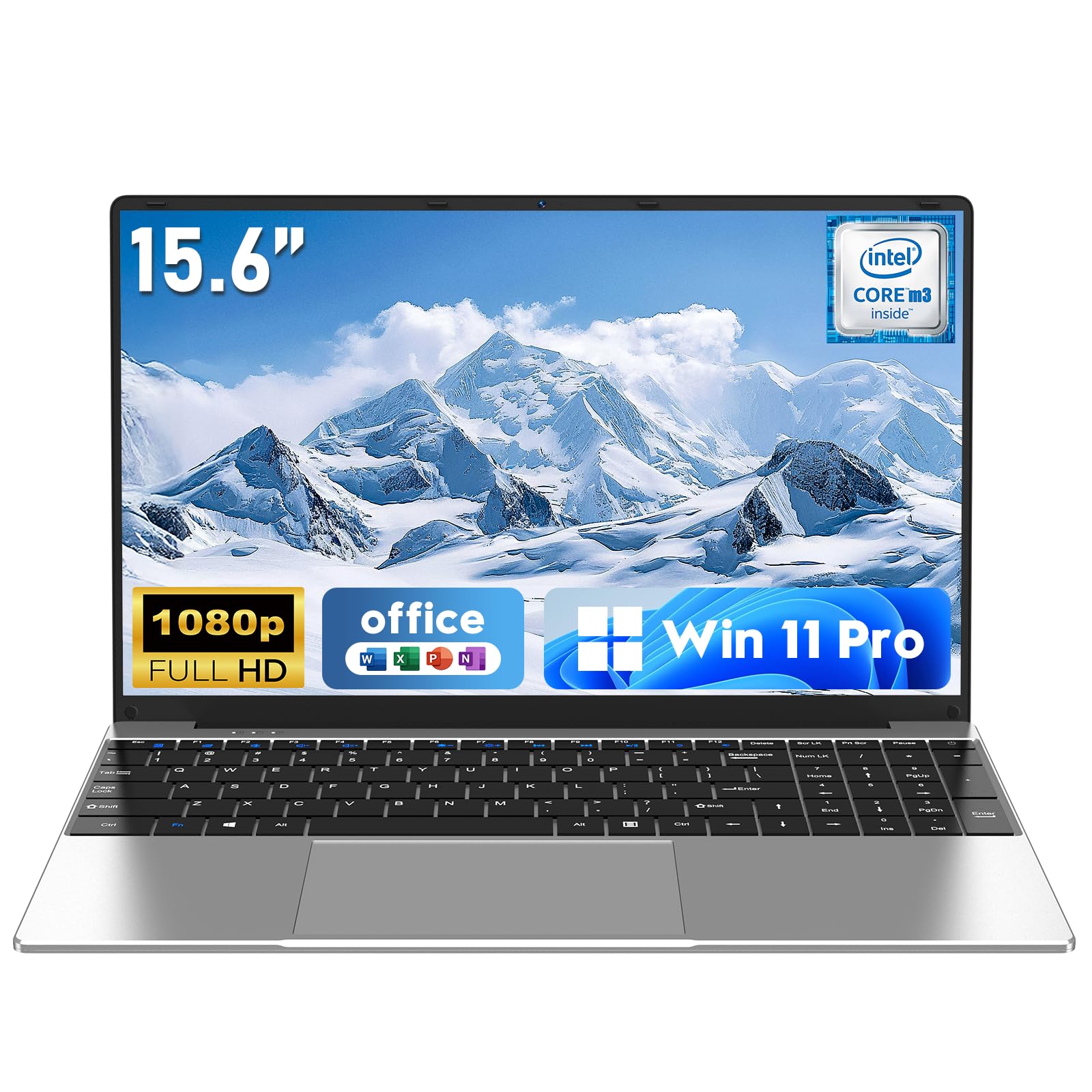
The NAIKLULU laptop is a curious proposition: 16GB of RAM with a Windows 11 Pro license at a price where most competitors offer 8GB and Windows 11 Home. The M3-6Y30 processor, however, is a 2015-era Core M chip with a maximum frequency of 2.2GHz. In real-world use, this combination leads to a system that has enough memory to keep many tabs open but lacks the CPU horsepower to render them quickly. Multiple reviewers noted that the cursor drags and commands lag compared to even a budget desktop.
The 15.6-inch FHD display is bright and color-accurate, and the silver metallic finish looks more premium than the price suggests. The 5000mAh battery delivers around 4 hours of runtime at full brightness — below average for the category. The laptop runs warm under load due to the low-power fanless design. Connectivity includes dual USB 3.0 ports and Mini HDMI, but Wi-Fi 5 and Bluetooth 4.2 are dated standards.
This machine is best suited as an emergency backup or for a user who needs Windows 11 Pro compatibility on a minimal budget and can tolerate slower performance. The 16GB RAM is the sole standout feature, but the aging CPU undermines its usefulness.
Why it’s great
- 16GB RAM and Windows 11 Pro at entry-level price
- FHD display with good color reproduction
- Slim and lightweight at 3.53 pounds
Good to know
- M3-6Y30 processor is extremely slow by modern standards
- Runs hot under load with short 4-hour battery life
FAQ
Is 4GB of RAM enough for Windows 11 on a budget laptop?
Can I upgrade the RAM or storage on a budget Windows 11 laptop?
Is an Intel Celeron processor fine for everyday use on a budget laptop?
Final Thoughts: The Verdict
For most users, the budget windows 11 laptop winner is the ASUS Vivobook Go 15 because it offers the best balance of build quality, processor efficiency, and storage capacity without any glaring compromises. If you want the rawest processing power for coding or light gaming, grab the Lenovo Premium Business Laptop. And for a premium screen and battery endurance that rivals laptops costing three times as much, nothing beats the Apple MacBook Neo 13, if you are open to macOS.