
The 50-inch TV sweet spot is a battlefield of compromises. You want 4K resolution and a smart platform that actually works, but the budget ceiling means you are constantly fighting motion blur, washed-out blacks, and a frustrating remote that feels ten years old. Finding the panel that delivers a sharp, colorful picture without the premium price tag is the real challenge in this category.
I’m Min — the co-founder and writer behind Gadgets Feed. I spend my days analyzing the technical specifications of consumer electronics, comparing processor speeds, HDR formats, and refresh rates across dozens of models to identify the few that actually deliver on their promises at their price tier.
After cross-referencing native refresh rates, panel types, and real-world user feedback over several weeks, I’ve separated the true contenders from the shimmering disappointments to help you find the very best budget 50 inch tv that won’t let you down after the return window closes.
How To Choose The Best Budget 50 Inch TV
At this screen size, the difference between a decent panel and a frustrating one comes down to specific hardware choices manufacturers make to hit a price point. You need to know which corners they cut and which ones you cannot afford to let them cut.
Panel Type and Backlight Technology
Standard LED-backlit LCD panels are the baseline for budget 50-inch TVs, but you will see significant image quality improvements with QLED (Quantum Dot) technology, which boosts color volume and brightness. Mini-LED backlighting takes this further by using smaller, more numerous LEDs for better local dimming control, resulting in deeper blacks and higher contrast. In this price range, a Mini-LED model is the golden ticket.
Native Refresh Rate and Motion Handling
Most budget 50-inch TVs are locked to a 60Hz native refresh rate, which is fine for watching movies, but will introduce noticeable motion blur during fast-paced sports or gaming. A native 120Hz or 144Hz panel is rare at this price point, but it dramatically improves clarity for fast-moving content and offers a smoother experience with modern consoles and PC gaming. Do not confuse “effective refresh rate” marketing claims with the native panel specification.
Smart TV Operating System
The operating system controls your entire viewing experience. Roku TV is the gold standard for simplicity and app availability. Fire TV offers deep Alexa integration and a vast app library. Google TV provides strong voice control and Cast functionality. Tizen (Samsung) and webOS (LG) are polished but can feel bloated over time. A laggy or buggy OS will ruin even the best panel, so prioritize a platform with a proven record of long-term software support.
Quick Comparison
On smaller screens, swipe sideways to see the full table.
| Model | Category | Best For | Key Spec | Amazon |
|---|---|---|---|---|
| Hisense 50″ E7 Cinema Series | Mini-LED | Gaming & Sports | Native 144Hz Refresh Rate | Amazon |
| Samsung 50″ M70H Mini LED | Mini-LED | Color Accuracy | Mini LED Processor 4K | Amazon |
| Amazon Ember 50″ QLED | QLED | Voice Control Integration | Dolby Vision & HDR10+ Adaptive | Amazon |
| Sony BRAVIA 2 II 50″ | LED | PS5 Gaming | 4K Processor X1 | Amazon |
| LG 50″ UP8000 | LED | Brand Familiarity | Quad Core Processor 4K | Amazon |
| FPD 50″ Google TV | LED | Feature Value | HDMI 2.1 with eARC | Amazon |
| Samsung 50″ U8000H Crystal UHD | LED | Reliable Brand, Entry Price | Crystal Processor 4K | Amazon |
| VIZIO 50″ V-Series | LED | Basic Cord Cutting | IQ Active 4K HDR Processor | Amazon |
| Roku Select Series 50″ QLED | QLED | Ease of Use | Roku Smart Picture | Amazon |
In‑Depth Reviews
1. Hisense 50″ E7 Cinema Series Hi-QLED Mini-LED 4K UHD Smart Fire TV
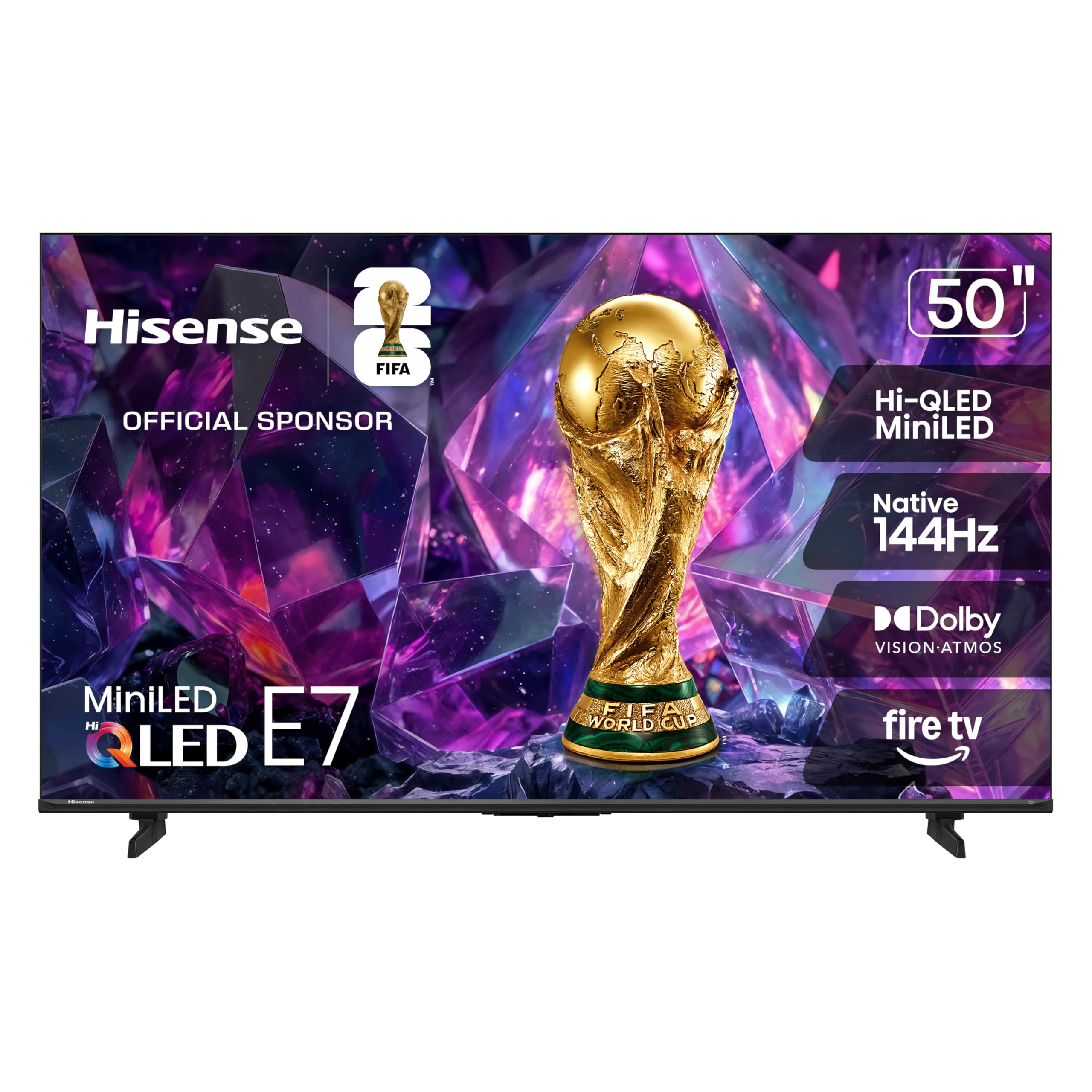
The Hisense E7 Cinema Series is a disruptor in this segment. It brings a native 144Hz refresh rate and a Mini-LED backlight to a table where most competitors are still serving 60Hz standard LED panels. The Hi-QLED technology boosts color volume significantly, and the Full Array Local Dimming (FALD) delivers black levels that are simply leagues above the competition at this price. For gaming, the combination of 144Hz and a quick response time makes fast-paced shooters and racing games feel genuinely responsive.
Dolby Vision IQ and Dolby Atmos support provide a cinematic experience that translates well into your living room. The AI Picture processing analyzes content scene-by-scene to adjust brightness and contrast, which is a rarity at this tier. The Fire TV interface is snappy, and Alexa integration is a welcome bonus for smart home users. Users consistently report that the picture quality punches significantly higher than the price tag suggests.
The main trade-off is the plastic stand, which feels a bit cheap compared to the premium image quality. There have been isolated reports of software bugs like Wi-Fi disconnection, but these appear to be less frequent than on competing platforms. If your budget allows, this is the panel that future-proofs your setup for next-gen consoles and high-frame-rate content without demanding a premium flagship price.
Why it’s great
- Native 144Hz panel is unmatched for gaming and sports
- Mini-LED backlight provides excellent contrast and black levels
- Dolby Vision IQ and Atmos deliver a true cinema experience
Good to know
- Plastic stand feels less premium than the picture quality
- Occasional software glitches reported by some users
2. Samsung 50″ M70H Mini LED

Samsung’s M70H Mini LED is a serious contender for anyone prioritizing color accuracy and brightness over raw refresh rates. The Mini LED Processor 4K drives the Pure Color Spectrum technology, which delivers over a billion lifelike colors. HDR content looks vibrant with bright highlights and deep blacks thanks to the Supreme Mini LED Dimming. This is the kind of panel where nature documentaries and animated films look jaw-droppingly good.
Motion handling is handled by Motion Xcelerator with DLG 120Hz capability, which is a clever software-driven boost for fast-moving content. The Gaming Hub is a useful centralized menu for accessing cloud gaming services and console inputs. Samsung TV Plus provides over 2,700 free channels, which is a solid value-add for cord-cutters. The Titan Black finish is sleek and minimalist.
Where the M70H loses points is its user interface. The remote control is a common point of frustration, with users complaining about the lack of dedicated input buttons and a confusing settings menu. The Soap Opera Effect (motion smoothing) is aggressive by default and requires diving into the menu to switch to Movie Mode for accurate film reproduction. It is a phenomenal panel wrapped in a frustrating software experience.
Why it’s great
- Stunning color volume and brightness from Mini-LED technology
- Excellent upscaling of 1080p content to near-4K quality
- Massive library of free content via Samsung TV Plus
Good to know
- Remote control lacks HDMI input switching and volume buttons
- Default motion settings create an unnatural “soap opera” effect
3. Amazon Ember 50″ QLED Series with Fire TV

The Amazon Ember QLED series is built around the Fire TV ecosystem, and it nails the smart TV experience better than almost any competitor. The quad-core processor and Wi-Fi 6 support mean apps load instantly and 4K streaming is butter-smooth. The QLED panel combined with Dolby Vision and HDR10+ Adaptive produces vibrant colors and handles varying room lighting conditions with ease, making it a fantastic living room TV for families.
The new Omnisense technology is a clever touch—the TV wakes from sleep when it detects you entering the room, showing artwork or your home screen. Hands-free Alexa voice control is deeply integrated, allowing you to search, control smart home devices, and even play games without a console using Amazon Luna. The remote is well-designed with a lost remote finder, a genuine lifesaver.
The biggest complaint from users is software stability. Repeated reports of black screen crashes, audio desync, and apps disappearing after a power cycle are concerning. While many units work flawlessly, the failure rate seems higher than on Roku or Google TV platforms. The built-in speakers are also weak and heavily favor a soundbar upgrade for anything beyond casual news watching.
Why it’s great
- Deep Alexa integration with hands-free and Omnisense wake feature
- Fast quad-core processor with Wi-Fi 6 for smooth streaming
- Vibrant QLED panel with Dolby Vision and HDR10+ support
Good to know
- Software bugs like black screen crashes are reported by multiple users
- Built-in speaker quality is poor; a soundbar is strongly recommended
4. Sony BRAVIA 2 II 50 Inch 4K Ultra HD LED Smart TV

Sony brings its renowned image processing expertise to the budget segment with the BRAVIA 2 II. The 4K Processor X1 does heavy lifting—upscaling 1080p content to near-4K with impressive texture and detail, while Motionflow XR keeps fast-paced action smooth. The standard LED panel doesn’t match the black levels of Mini-LED rivals, but Sony’s color science and dynamic contrast algorithms make the picture look natural and refined out of the box.
The killer feature here is the exclusive integration with PlayStation 5. Auto HDR Tone Mapping and Auto Genre Picture Mode mean that when you plug in a PS5, the TV automatically optimizes its picture settings for gaming or streaming without any manual tweaking. The dedicated Game Menu puts all gaming picture settings in one place, including motion blur reduction and crosshair overlays. For PS5 owners, this is the most seamless experience you can get at this price point.
The main downsides are the standard 60Hz panel and the lack of Mini-LED backlighting, which means blacks will look grayish in a dark room. Some users have reported freezing issues that require unplugging the TV, though this seems less common than on the Fire TV platforms. The remote is thin and small, which larger hands may find fiddly.
Why it’s great
- Exclusive PS5 features for optimized gaming picture quality
- Excellent 4K upscaling from the Processor X1
- Natural, refined color science out of the box
Good to know
- 60Hz native panel limits motion clarity for competitive gaming
- LED backlight means black levels are not deep in dark rooms
5. Samsung 50″ Class Crystal UHD U8000H Series

The Samsung U8000H is the entry-level gateway to the Samsung ecosystem, and it offers remarkable value for the price. The Crystal Processor 4K upscales lower-resolution content effectively, and the Color Booster technology makes standard SDR content look punchier than you would expect from a base-model LED panel. Motion Xcelerator helps smooth out 60Hz content, reducing judder in panning shots and sports.
Samsung TV Plus is a genuine asset here, providing over 2,700 free channels without any subscription or login. This makes it an excellent pick for someone cutting the cord or setting up a secondary TV for a guest room or kids’ play area. The Tizen OS is responsive and familiar, though it requires an internet connection and Samsung account during initial setup, which can be a hurdle for less tech-savvy users.
Where the U8000H shows its budget roots is in the standard LED backlight, which produces typical edge-lit blooming and grayish blacks in dark scenes. The 60Hz native panel is fine for casual viewing but will feel sluggish during fast gaming. The remote is small and the buttons are unclear, which older users may find frustrating.
Why it’s great
- Great 4K upscaling for lower-resolution content
- 2,700+ free channels via Samsung TV Plus with no subscription
- Smooth motion handling for 60Hz content
Good to know
- Standard LED backlight produces grayish blacks in dark scenes
- Initial setup requires internet and a Samsung account
6. LG 50″ 4K UHD TM120 Smart LED TV with Quad Core Processor

The LG UP8000 is a solid, no-surprises TV that leverages LG’s excellent webOS platform and a reliable Quad Core Processor 4K. The Active HDR support (HDR10, HLG) does a decent job of bringing out detail in bright and dark scenes, and the 4K upscaling is competent for a TV in this tier. The ultra-slim design and sturdy stand make it a physically appealing package for any living room.
The standout feature here is the Magic Remote. It uses a point-and-click cursor system that makes navigating webOS menus incredibly intuitive, even for users who struggle with traditional directional remotes. ThinQ AI integrates with Google Assistant and Amazon Alexa for voice control, and Apple HomeKit support is a nice touch for ecosystem flexibility. The home screen is well-organized and provides personalized content suggestions.
The panel itself is nothing special—it’s a standard 60Hz LED panel with typical edge-lit contrast. The built-in speakers are poor, with thin sound that lacks bass and clarity. The webOS interface, while polished, can feel overwhelming with too many features and settings for users who just want to plug in and watch. It is a competent all-rounder, but it does not excel in any one area.
Why it’s great
- Excellent Magic Remote with point-and-click cursor navigation
- Polished webOS interface with personalized content suggestions
- Works with Google Assistant, Alexa, and Apple HomeKit
Good to know
- Standard LED panel with average contrast and black levels
- Poor built-in speaker quality; a soundbar is recommended
7. FPD 50 Inch Smart TV, 4K LED Google TV
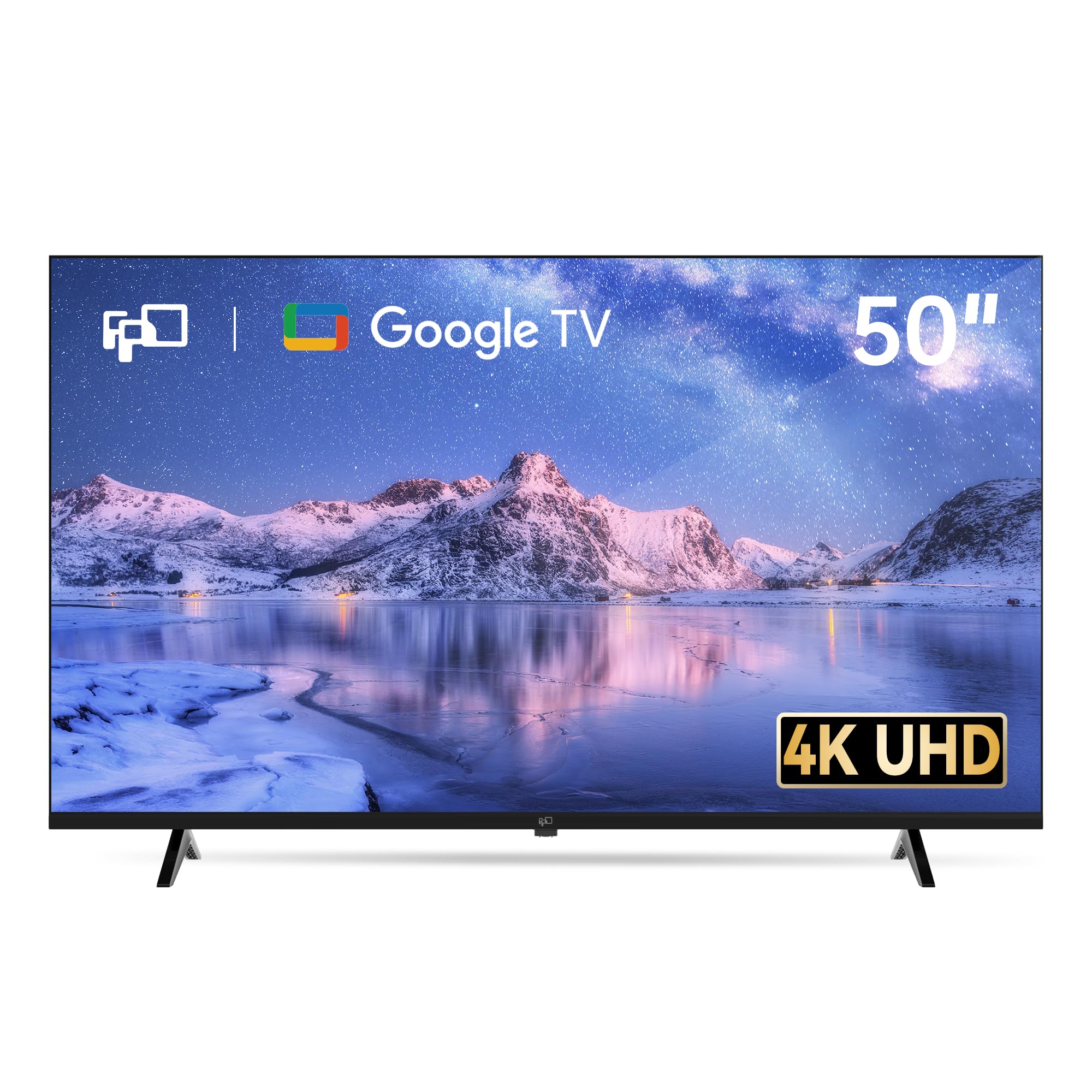
The FPD 50-inch Google TV is a dark horse that packs an impressive feature set for its price tier. The inclusion of three HDMI 2.1 ports (with one eARC) is rare at this level, and MEMC technology helps reduce motion blur during fast action scenes. Google TV is one of the most fluid and comprehensive smart platforms available, with automatic Google Cast support and the Google Assistant built into the voice remote.
HDR10 support and Dolby Audio provide a noticeable step up in color and sound quality compared to basic LED panels. Users report that the 4K picture is sharp with vibrant colors and deep contrast after proper setup. The MEMC and ALLM modes make it a surprisingly capable gaming TV for the price, with low input lag that responsive gamers will appreciate.
The reputation of a lesser-known brand like FPD comes with risk. Some users have reported poor build quality, including uneven back panels and frustrating setup experiences with the Google voice remote. The sound is average at best, and the customer service experience can be inconsistent. For the feature set, it is a strong value play, but it lacks the quality assurance of major brands.
Why it’s great
- Rare HDMI 2.1 ports with eARC support at this price point
- MEMC and ALLM for smooth, responsive gaming performance
- Smooth Google TV interface with built-in Google Cast
Good to know
- Build quality concerns, including uneven back panels reported
- Customer service and brand reliability are not established
8. VIZIO 50 Inch 4K Smart TV, V-Series UHD LED HDR

The VIZIO V-Series is a staple of the budget TV market, and it remains a solid choice for cord-cutters who want a reliable 4K experience without breaking the bank. The IQ Active 4K HDR Processor handles 4K upscaling from HD sources effectively, and Active Pixel Tuning provides decent contrast through local brightness adjustments. The V-Gaming Engine automatically enables Auto Game Mode for lower input lag when a console is connected.
SmartCast provides access to all the major streaming apps and includes a large selection of free, ad-supported channels. Apple AirPlay and Chromecast built-in offer flexibility for mobile device streaming. The V-Series is lightweight and easy to mount, making it a good choice for wall installations.
The biggest drawback is reliability. Multiple verified reviews report the TV dying after just over a year with a “black screen of death” that VIZIO’s 12-month warranty does not cover. This is a significant long-term risk for a product that is intended to last several years. The 60Hz panel is also strictly average for motion handling, and Dolby sound is present but not impressive.
Why it’s great
- Excellent bundled free streaming channels for cord-cutters
- Lightweight design makes for easy wall mounting
- Apple AirPlay and Chromecast support for mobile streaming
Good to know
- Reports of the TV failing shortly after the 12-month warranty expires
- Standard 60Hz panel with average motion handling
9. Roku Smart TV 2026 – 50-Inch Select Series, 4K QLED
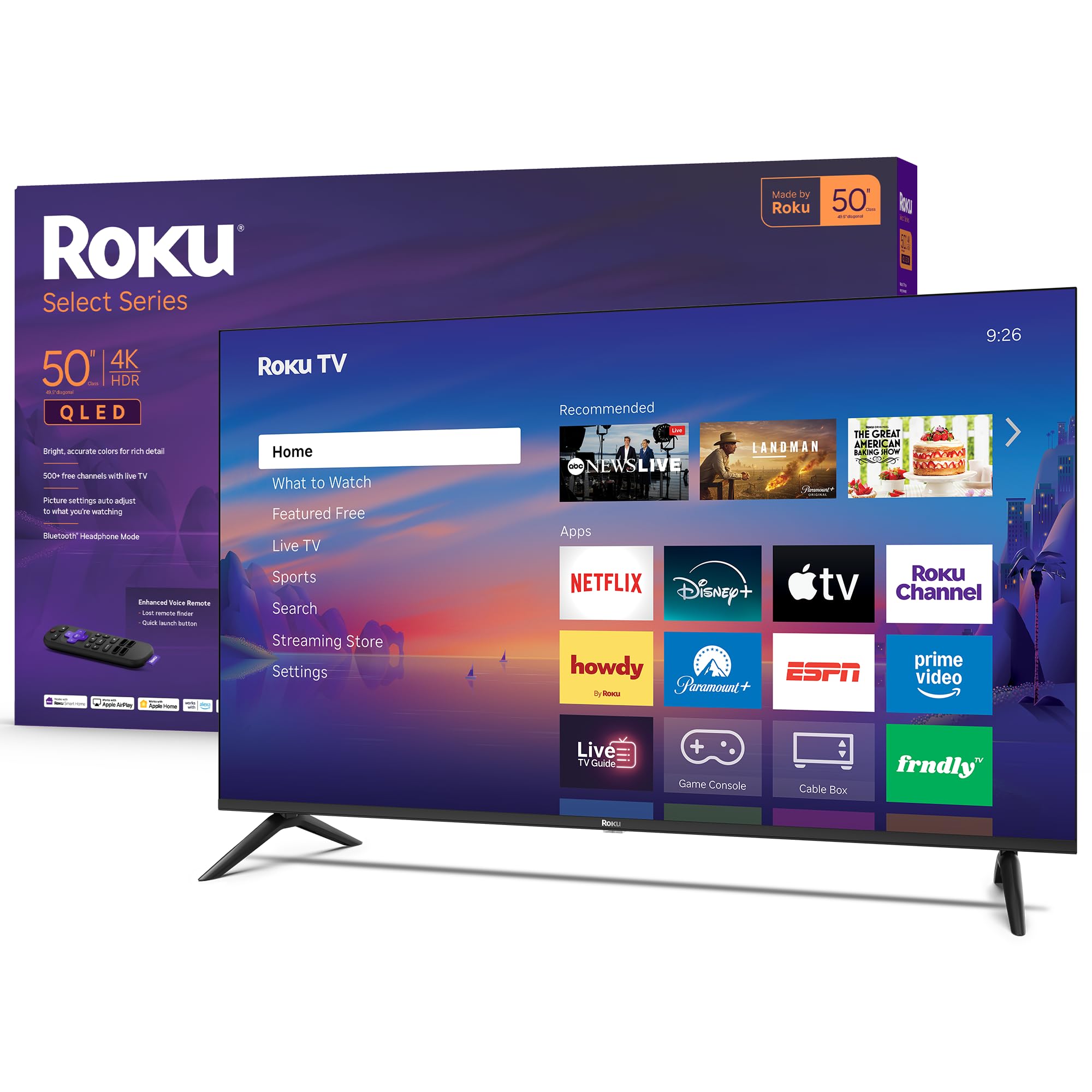
The Roku Select Series is the most user-friendly TV you can buy at this price point. Roku TV OS is legendary for its simplicity, speed, and massive app library. The interface is clean, responsive, and regularly updated with new features. The Enhanced Voice Remote includes a lost remote finder and personal shortcut buttons, solving two of the most common smart TV frustrations.
The QLED panel combined with HDR10 support produces bright, accurate colors that are a significant step above standard LED panels. Roku Smart Picture uses proprietary processing to clean up incoming signals and automatically selects the correct picture mode for the content, so you do not have to fiddle with settings. Bluetooth Headphone Mode is a genuinely useful feature for late-night viewing without disturbing others.
While the QLED panel is good, it is not Mini-LED—blacks are not as deep, and contrast is merely average. The 60Hz native panel is fine for movies and TV shows but will show motion blur during fast gaming. The Roku platform also lacks some premium streaming apps (like certain sports services) and does not support Dolby Vision, which is a notable omission for a QLED TV.
Why it’s great
- Best-in-class user experience with the simple and fast Roku OS
- QLED panel offers bright, accurate colors for the price
- Bluetooth Headphone Mode for private listening is very convenient
Good to know
- No Dolby Vision HDR support limits peak picture quality
- 60Hz panel shows motion blur during fast-paced gaming
FAQ
Is a 60Hz refresh rate enough for a budget 50-inch TV?
What is the difference between QLED and Mini-LED on a budget TV?
Do I need to worry about input lag on a budget 50-inch TV?
Which smart TV OS is best for a budget-friendly 50-inch model?
Is a soundbar required for a budget 50-inch TV?
Final Thoughts: The Verdict
For most users, the budget 50 inch tv winner is the Hisense 50″ E7 Cinema Series because it delivers a native 144Hz refresh rate, Mini-LED backlighting, and Dolby Vision IQ—features normally reserved for flagships—at a price that undercuts the competition. If you want a dead-simple interface and a QLED panel without the complexity, grab the Roku Select Series 50″ QLED. And for the best raw color volume and brightness, nothing beats the Samsung 50″ M70H Mini LED.