
The 15.6-inch notebook remains the most versatile screen size for balancing productivity with portability. A full-sized keyboard with a numeric keypad, a spacious display for multitasking, and enough chassis room for decent cooling make this form factor the default choice for students, remote workers, and business users who need a primary machine that can handle spreadsheets, video calls, and streaming without forcing them into a cramped 13-inch layout.
I’m Min — the co-founder and writer behind Gadgets Feed. I’ve spent hundreds of hours analyzing technical specifications across dozens of models in this category, comparing processor generations, RAM configurations, storage speeds, battery capacities, display quality, and port selection to separate genuinely capable machines from overpriced also-rans. This guide cuts through the marketing noise to help you buy exactly the right notebook for your workload and budget.
Whether you need a budget-friendly machine for basic tasks or a premium workhorse for demanding applications, I have identified the top contenders to help you choose the perfect 15.6-inch notebook for your specific needs.
How To Choose The Best 15.6-Inch Notebook
Selecting the right 15.6-inch notebook requires matching the internal hardware to your actual daily workload, not the marketing hype. A machine that excels as a document editor may struggle with multitasking across dozens of browser tabs, while a model with a premium processor paired with insufficient RAM will leave you frustrated. Focus on four key decision points before considering any specific model.
Processor Generation and Core Count
The CPU generation matters more than the brand name. A 13th Gen Intel Core i3-1315U with six cores and eight threads will outperform a decade-old Core i5-6200U in single-threaded tasks despite the lower model number. For office work, web browsing, and streaming, a modern Core i3 or AMD Ryzen 3 from the last three generations delivers sufficient performance. Users running virtual machines, compiling code, or editing photos should target Core i5 or Ryzen 5 processors with at least eight cores. Avoid any processor older than Intel 12th Gen or AMD Ryzen 5000 series unless the price is dramatically lower and the use case is strictly email and word processing.
RAM and Storage Configuration
8GB of RAM is the absolute minimum for Windows 11 in 2024, and it will feel constrained with more than fifteen browser tabs open alongside Office applications. 16GB is the sweet spot for multitasking and future-proofing, while 12GB occupies an awkward middle ground that works but lacks upgrade potential on many models. For storage, a PCIe NVMe SSD is non-negotiable — avoid any notebook still shipping with a mechanical hard drive or eMMC flash. Aim for 256GB as the baseline, 512GB for comfortable storage of applications and media, and confirm whether the model has an additional slot for future expansion.
Display Quality and Ergonomics
All 15.6-inch notebooks claim Full HD resolution, but not all panels are equal. IPS technology provides superior viewing angles and color consistency compared to TN panels, which appear washed out when viewed off-center. Brightness should be at least 250 nits for indoor use, with 300 nits or higher being preferable for working near windows. Touchscreen capability adds convenience for scrolling and navigation but increases cost and power consumption, so assess whether you genuinely need it. An anti-glare coating significantly reduces eye strain during long sessions, particularly under harsh overhead lighting.
Ports and Connectivity
A 15.6-inch chassis offers room for full-size ports, and you should not accept a dongle-dependent design. At minimum, look for two USB-A ports, one HDMI output, a headphone jack, and a USB-C port that supports display output or charging. Wi-Fi 6 provides noticeably faster and more stable wireless connections in congested environments compared to Wi-Fi 5. Bluetooth 5.2 or 5.3 ensures reliable pairing with modern peripherals. A dedicated numeric keypad is a major productivity advantage for anyone working with spreadsheets or financial data, and a backlit keyboard is essential for typing in dim environments.
Quick Comparison
On smaller screens, swipe sideways to see the full table.
| Model | Category | Best For | Key Spec | Amazon |
|---|---|---|---|---|
| Samsung Galaxy Book4 | Premium | Power Users & Professionals | Intel Core 7 150U (10-core, up to 5.4GHz) | Amazon |
| ASUS Vivobook Go 15 | Mid-Range | Students & Daily Drivers | AMD Ryzen 3 7320U (4-core, 8-thread) | Amazon |
| Acer Chromebook Plus 515 | Mid-Range | Cloud-Based Workflows | Intel Core i3-1305U + Chrome OS | Amazon |
| KAIGERR i5 Laptop | Premium | Multitaskers & Light Creators | Intel i5-12600H (12-core, up to 4.5GHz) | Amazon |
| HP Touchscreen Laptop | Mid-Range | Students & Touch Users | Intel Core i3-1315U (6-core, 8-thread) | Amazon |
| Lenovo IdeaPad i5 | Premium | Business & Productivity | Intel Core i5-13420H (8-core, up to 4.6GHz) | Amazon |
| Dell 16 Laptop | Premium | Large Display & Portability | Intel Core 7 150U + 2K Touchscreen | Amazon |
| Acer Aspire 5 Slim | Budget | Basic Tasks & Upgraders | Intel Core i3-10110U + upgradable RAM | Amazon |
| SAGAWHALE i5 Laptop | Budget | Entry-Level Windows Pro | Intel i5-6200U + 16GB RAM | Amazon |
| jumper S7Hi | Budget | Students & Office Basics | Intel Celeron 5205U + 12GB RAM | Amazon |
| Microsoft Surface Laptop | High-End | Travel & AI Workflows | Snapdragon X Elite + 16GB RAM | Amazon |
In‑Depth Reviews
1. Samsung Galaxy Book4
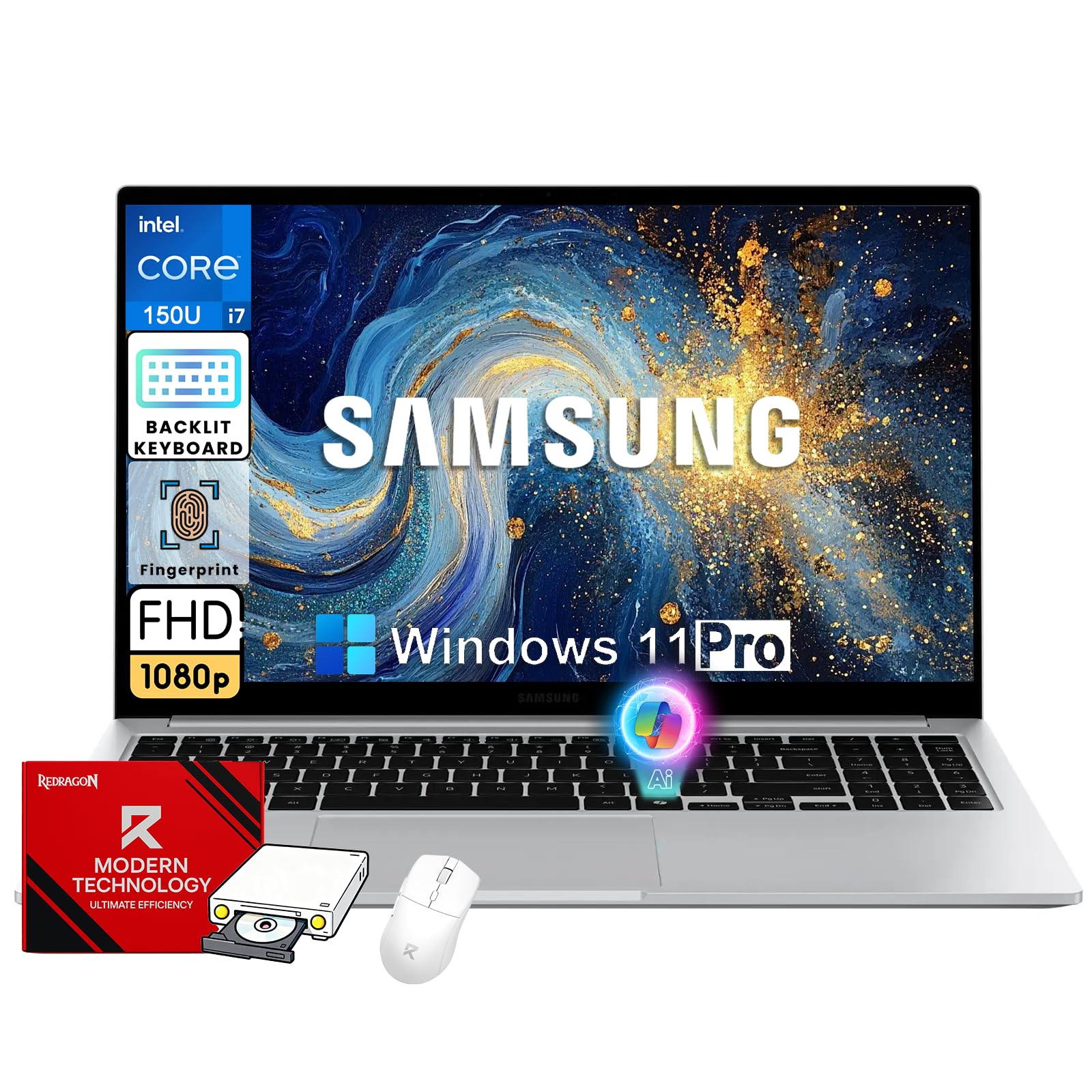
The Samsung Galaxy Book4 pairs a 10-core Intel Core 7-150U processor capable of turbo boosting to 5.4 GHz with 16GB of RAM and a 512GB NVMe SSD, delivering responsive performance for demanding multitasking. The 15.6-inch Full HD IPS display includes an anti-glare finish that reduces reflections during long work sessions, and the chassis remains slim and lightweight enough for daily commuting. Wi-Fi 6 and Bluetooth 5.2 provide modern wireless connectivity without requiring dongles.
The inclusion of a backlit keyboard and a fingerprint reader adds convenience for late-night work and instant login, while the port selection covers USB-C, HDMI, and a full-size SD card slot. Dolby Atmos-tuned speakers offer above-average audio for a laptop in this class, making video calls and casual media consumption more immersive. The battery life comfortably lasts through a full workday of mixed productivity tasks.
Where this machine stands out is its ability to handle heavier workloads like spreadsheet analysis with large datasets, programming IDEs, and photo editing without thermal throttling or fan noise becoming intrusive. The Core 7-150U bridges the gap between mid-range and premium performance, making this notebook a compelling choice for professionals who need speed without moving to a workstation-class chassis.
Why it’s great
- 10-core processor handles intensive multitasking with ease
- Anti-glare FHD display is easy on the eyes for all-day use
- Backlit keyboard and fingerprint reader add real daily convenience
Good to know
- Not a touchscreen, which some users may expect at this price tier
- RAM is soldered and not user-upgradable after purchase
2. Dell 16 Laptop DC16251

The Dell 16 Laptop pushes beyond the standard 15.6-inch frame with a 16-inch 2K touchscreen display in a 16:10 aspect ratio, providing noticeably more vertical screen space for documents and web browsing. The Intel Core 7 150U processor paired with 16GB of DDR5 RAM and a 1TB NVMe SSD delivers exceptional speed for productivity tasks, with the generous storage eliminating the need for external drives in the short term. The 2K resolution significantly improves text clarity compared to standard Full HD panels.
Dell’s ComfortView Plus certification reduces blue light emission without applying a harsh yellow tint, preserving color accuracy during extended use. The up-to-FHD webcam with wide dynamic range and temporal noise reduction produces clearer video call images in mixed lighting than the typical 720p sensor found on most competitors. The 1-year basic onsite service provides peace of mind that most consumer laptops lack.
The keyboard layout, however, makes some unconventional choices that may frustrate touch typists transitioning from other brands, and the base configuration runs Windows 11 Home rather than Pro, which limits certain enterprise features. For anyone prioritizing screen quality, storage capacity, and build reliability over absolute portability, this Dell delivers a noticeably better daily experience than similarly priced 15.6-inch models.
Why it’s great
- 2K 16:10 touchscreen offers superior resolution and vertical space
- 1TB SSD provides generous storage out of the box
- Onsite service adds valuable support coverage
Good to know
- Keyboard layout may take time to adjust to
- Runs Windows 11 Home instead of Pro
3. KAIGERR Laptop with Intel i5
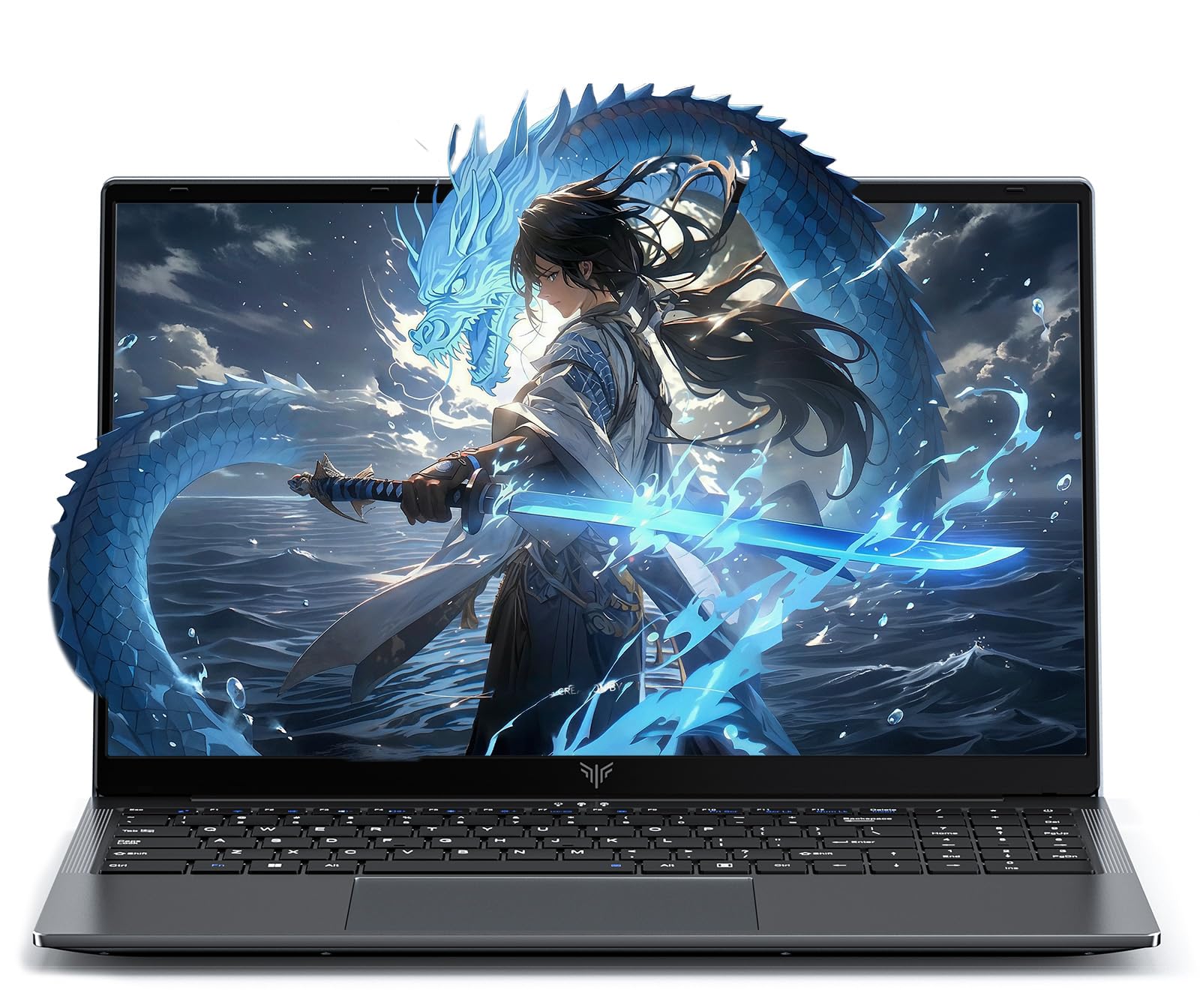
The KAIGERR Laptop packs a 12th Gen Intel Core i5-12600H with 12 cores and 16 threads, a configuration typically found in gaming and workstation laptops, into a slim 15.6-inch chassis. The 16GB of DDR4 RAM is user-upgradable to 64GB across two slots, and the dual M.2 SSD slots support up to 4TB total storage, giving this machine expansion headroom that most ultraportables lack. Intel Iris Xe graphics handle photo editing and casual gaming at playable frame rates without a dedicated GPU.
The 54.72Wh lithium-polymer battery provides all-day endurance for mixed productivity, and the 180-degree hinge allows the screen to lie flat for easy content sharing in collaborative settings. The physical webcam privacy shutter addresses security concerns directly, while Wi-Fi 6 and Bluetooth 5.2 ensure fast, stable connections to networks and peripherals. The 15.6-inch Full HD IPS display runs at 60Hz with decent color reproduction for the price segment.
Build quality feels solid for the price, though the plastic chassis lacks the premium aluminum finish of more expensive competitors. The primary concern is reliability — some users have reported drive failures and audio issues within the first month, so purchasing with a credit card that extends warranty coverage is advisable. For users who prioritize raw processing power and upgradeability over build polish, this machine offers exceptional performance per dollar.
Why it’s great
- 12-core processor delivers workstation-class multitasking performance
- User-upgradable RAM and dual SSD slots provide future expansion
- 180-degree hinge and physical privacy shutter add utility and security
Good to know
- Build quality uses plastic rather than aluminum
- Reliability reports are mixed, consider extended protection
4. Lenovo 2026 Premium Business Laptop

The Lenovo IdeaPad with a 13th Gen Intel Core i5-13420H (8 cores) and 8GB of DDR5 RAM in a 15.3-inch WUXGA (1920×1200) IPS chassis offers 11 percent more vertical screen real estate than standard 15.6-inch FHD panels. The 300-nit brightness and anti-glare coating make it comfortable for coding, spreadsheet work, and reading documents in brightly lit environments. The MIL-STD-810H certification indicates it has passed durability testing for temperature, shock, and vibration.
Port selection is comprehensive, with USB-C supporting Power Delivery and DisplayPort, a full-size HDMI port, and an SD card reader, eliminating the need for dongles for most workflows. The full keyboard with a dedicated numeric keypad streamlines data entry, and the 720p webcam includes a privacy shutter. At 3.51 pounds and 0.67 inches thin, this is genuinely portable for a 15-inch-class machine, easily fitting into a backpack without adding noticeable heft.
The 8GB of DDR5 RAM is the limiting factor here — heavy multitaskers will want to confirm whether they can upgrade to 16GB, as DDR5 modules offer better bandwidth but the capacity ceiling may still constrain demanding users. The all-day battery life claim holds up well in real-world testing for document work and web browsing, though video streaming drains it faster. For professionals who need a durable, portable machine with a superior screen aspect ratio, this Lenovo is a strong contender.
Why it’s great
- WUXGA 16:10 display provides extra vertical workspace
- MIL-STD-810H rated for durability in demanding environments
- Lightweight chassis at 3.51 pounds with full port selection
Good to know
- 8GB RAM may feel limiting for heavy multitaskers
- Speakers are on the weaker side for media consumption
5. HP Touchscreen Laptop (2026 Edition)
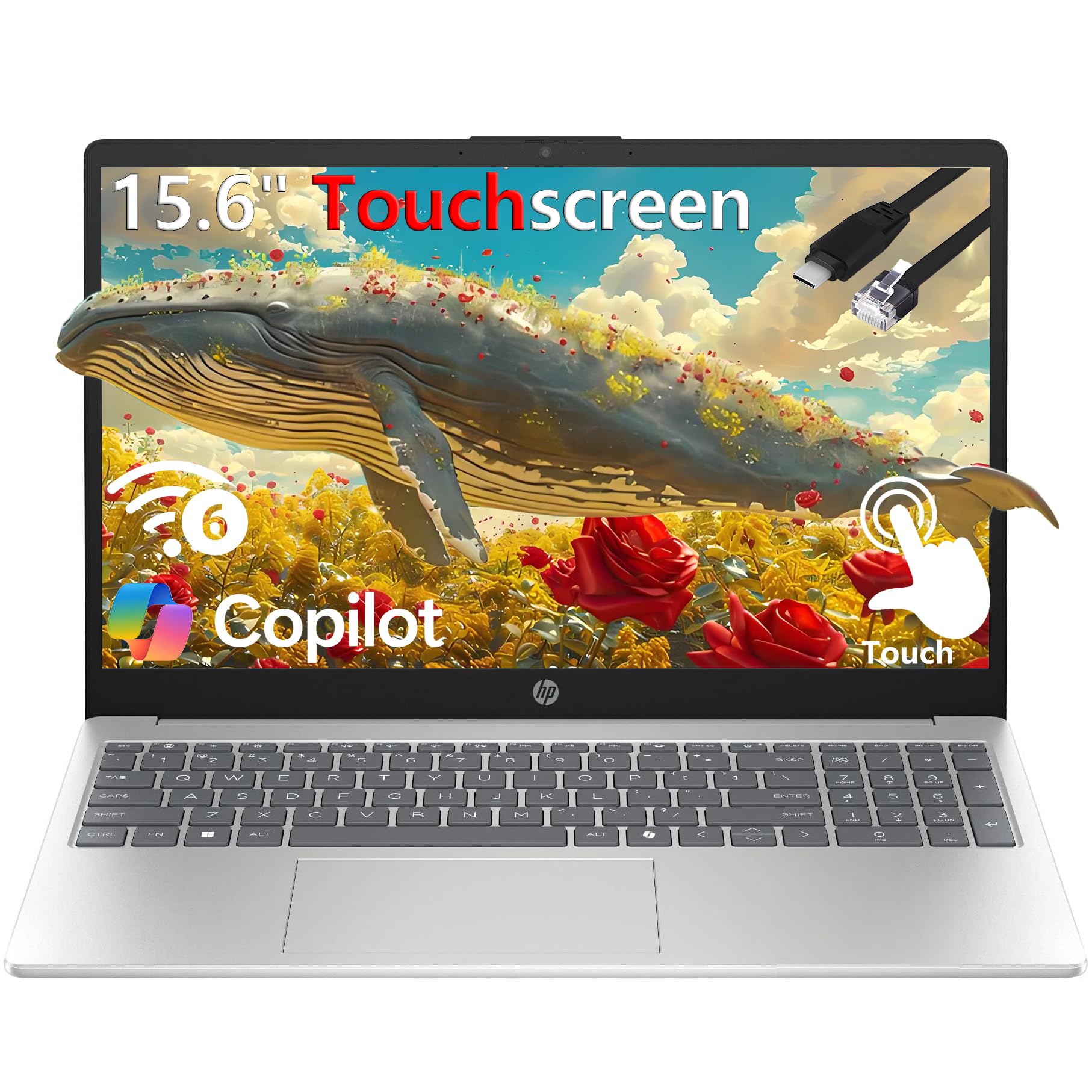
The HP 15.6-inch Touchscreen Laptop equips a 13th Gen Intel Core i3-1315U with six cores and eight threads, a significant step up in multitasking capability from previous-generation i3 chips. The 16GB of DDR4 RAM and 256GB PCIe NVMe SSD provide responsive performance for web browsing, Office applications, and video streaming, with enough memory to keep dozens of browser tabs active without slowdowns. The touchscreen adds a layer of navigation convenience for scrolling, zooming, and interacting with apps.
The micro-edge design minimizes bezels, giving the 15.6-inch HD display a modern look, and the numeric keypad on the full-size keyboard is a genuine productivity booster for anyone entering data. At 3.52 pounds and 0.73 inches thin, it is easy to carry between classrooms or offices. The bundled Type-C to RJ45 cable ensures wired network connectivity when Wi-Fi is unreliable, a thoughtful inclusion often overlooked by other manufacturers.
Customer support experiences have been mixed, with some users reporting significant delays in warranty service for hardware failures like keypad malfunction. The HD display, while adequate for basic tasks, lacks the sharpness and color saturation of Full HD IPS panels found on competitors at similar price points. For students who specifically want a touchscreen and value the included Office 365 license, this HP offers a solid balance of specs and price, but verifying warranty terms before purchase is essential.
Why it’s great
- Touchscreen interface adds useful navigation flexibility
- 16GB RAM and 6-core i3 provide smooth multitasking
- Includes numeric keypad and Type-C to RJ45 cable
Good to know
- Display is HD resolution rather than Full HD
- Customer support and warranty service quality is inconsistent
6. Acer Chromebook Plus 515

The Acer Chromebook Plus 515 runs Chrome OS with Google AI integration, including Gemini for tasks like handwriting conversion, photo editing, and answering questions. Powered by a 13th Gen Intel Core i3-1305U processor and 8GB of LPDDR5X RAM, this Chromebook delivers performance that easily handles web apps, Microsoft 365 online, and Android applications. The 15.6-inch Full HD IPS touchscreen display is bright and responsive, and the 256GB PCIe Gen4 SSD provides fast local storage for offline files.
Connectivity is a strong point, with Wi-Fi 6E supporting the 6GHz band for faster, less congested wireless performance, alongside dual USB-C ports with DisplayPort and charging, HDMI 1.4, and a USB-A port. The Titan C2 security chip and Chrome OS’s inherent sandboxing provide robust protection against malware without requiring third-party antivirus software. Battery life reaches up to 10 hours of mixed use, and the included protective sleeve is a nice value-add.
Chrome OS is the defining factor here — it excels for users whose workflow lives in a browser but frustrates those reliant on Windows-specific desktop applications or complex software installations. The lack of a backlit keyboard is a notable omission for a model in this price range, and some users report intermittent freezing that may stem from Chrome OS’s memory management. For anyone committed to the Google ecosystem, this machine offers premium hardware at a mid-range price.
Why it’s great
- Wi-Fi 6E provides excellent wireless speed and stability
- Bright touchscreen with good resolution and viewing angles
- Includes Google AI Pro for 12 months at no extra cost
Good to know
- Chrome OS limits desktop software compatibility
- Keyboard lacks backlighting
7. ASUS Vivobook Go 15

The ASUS Vivobook Go 15 is powered by an AMD Ryzen 3 7320U quad-core processor with eight threads and integrated Radeon graphics, providing sufficient horsepower for web browsing, Office applications, and light photo editing. The 8GB of DDR5 RAM and 256GB SSD handle basic multitasking adequately, though power users will feel the memory ceiling. The 42Wh battery delivers up to 11 hours of runtime in real-world mixed usage, making it suitable for a full day of classes without recharging.
The 15.6-inch Full HD IPS display offers decent color accuracy for the price, and the chiclet keyboard with a dedicated numeric keypad provides a comfortable typing experience. ASUS includes a 720p HD camera with a physical privacy shutter, addressing a security concern that many budget models ignore. The machine meets MIL-STD-810H standards for temperature, shock, and vibration, suggesting above-average durability for a budget-friendly chassis.
The most significant drawback is that this laptop ships in Windows 11 S Mode, which restricts software installation to the Microsoft Store. Some users have reported being unable to deactivate S Mode, meaning standard applications like Chrome or Steam cannot be installed without a workaround. Additionally, the RAM is soldered and not upgradable, so the 8GB capacity is a permanent ceiling. For users who confirm they can exit S Mode and whose workload fits within 8GB, this ASUS offers impressive battery life and build quality for the price.
Why it’s great
- Excellent battery life reaching 11 hours in testing
- MIL-STD-810H certified for improved durability
- SonicMaster audio delivers decent sound for a budget laptop
Good to know
- Ships in S Mode that some users struggle to disable
- 8GB RAM is soldered and cannot be upgraded
8. Acer Aspire 5 Slim

The Acer Aspire 5 Slim runs a 10th Gen Intel Core i3-10110U processor with the ability to turbo up to 4.1GHz, supported by 4GB of DDR4 RAM and a 128GB PCIe NVMe SSD. The stock configuration is underpowered by modern standards — 4GB of RAM will struggle with Windows 11 and multitasking — but this machine has one crucial advantage: a single user-accessible RAM slot that allows upgrading to 16GB for under . The 15.6-inch Full HD IPS display is genuinely excellent for the price, with sharp text and wide viewing angles that outperform many budget competitors.
The backlit keyboard is a welcome inclusion at this price point, and Intel Wi-Fi 6 AX201 provides modern wireless performance that older budget laptops lack. The chassis is thin and lightweight for a 15.6-inch model, and the 1080p display at this size is a major upgrade over the 1366×768 panels still found on many sub- machines. Battery life reaches approximately 5 hours under load, with up to 9.5 hours of standby.
The main trade-offs are the mediocre trackpad, an awkward keyboard layout that crowds the Home/End/PgUp keys into unusual positions, and a vulnerable charging plug design that feels less durable than the rest of the chassis. Users comfortable with a screwdriver and a RAM stick will transform this from a barely adequate machine into a genuinely capable daily driver. For anyone willing to invest a small amount of time and money into upgrading, the Aspire 5 Slim offers the best display and wireless hardware available at its entry-level price.
Why it’s great
- Excellent Full HD IPS display at an entry-level price
- User-upgradable RAM slot allows easy performance boost
- Intel Wi-Fi 6 provides modern wireless connectivity
Good to know
- Stock 4GB RAM is insufficient for smooth Windows 11 use
- Trackpad quality and keyboard layout are below average
9. SAGAWHALE 2026 Laptop
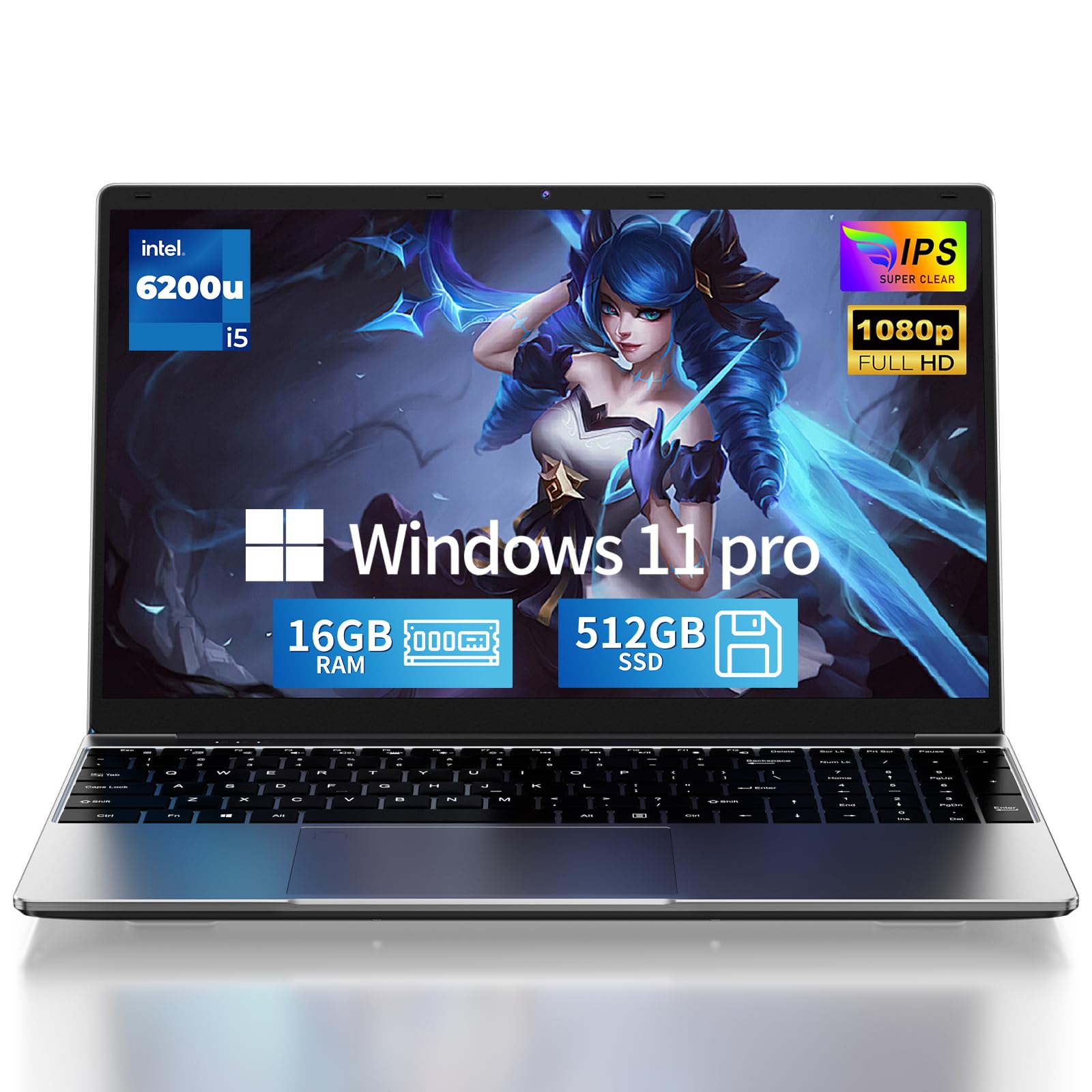
The SAGAWHALE laptop combines a 6th Gen Intel Core i5-6200U processor with 16GB of RAM and a 512GB SSD, running Windows 11 Pro. The generous 16GB of memory compensates for the dated CPU architecture, allowing the machine to keep many applications and browser tabs open simultaneously without running out of memory. The 512GB SSD provides ample storage for documents, media, and applications, and the Full HD IPS display delivers acceptable clarity for productivity work.
Windows 11 Pro includes features like BitLocker encryption, Remote Desktop, and Group Policy management that are absent from the Home edition, making this machine suitable for users who need enterprise-level security or remote access capabilities. The backlit keyboard allows comfortable typing in low-light environments, and the port selection covers USB 3.0, Mini HDMI, and a TF card slot. The 3.5-pound weight makes it reasonably portable for a 15.6-inch chassis.
The i5-6200U processor was released in 2015 and shows its age in benchmark performance and integrated graphics capability. It will handle office tasks and web browsing, but video conferencing effects, advanced spreadsheet calculations, or modern web applications will cause noticeable slowdown. Battery life is also limited to around 3.5 hours, which is well below modern standards. This machine makes sense only for users who specifically need Windows 11 Pro on a budget and can tolerate reduced performance in exchange for the expanded feature set.
Why it’s great
- 16GB RAM and 512GB SSD provide solid multitasking capacity
- Windows 11 Pro includes enterprise security features
- Backlit keyboard and Full HD IPS display at budget pricing
Good to know
- 6th Gen processor benchmarks well below modern entry-level chips
- Battery life is roughly 3.5 hours, significantly below average
10. jumper 15.6″ FHD Laptop S7Hi

The jumper S7Hi runs an Intel Celeron 5205U processor with 12GB of RAM and a combined 640GB of storage split between a 128GB eMMC drive and a 512GB SSD. The 12GB of RAM is unusually generous for the entry-level segment, providing enough memory to keep multiple applications and browser tabs open simultaneously without hitting the swap file. The dual-storage approach offers SSD speed for the operating system and frequently used applications alongside eMMC capacity for files and archives.
The 15.6-inch Full HD IPS display with narrow bezels and an anti-glare coating delivers a surprisingly good viewing experience for the price, with sharp text and decent color reproduction for web browsing and document work. The included one-year Office 365 license adds genuine value for students and home users who would otherwise need to purchase a subscription separately. Port selection covers USB 3.0, HDMI, Type-C, and a micro TF card slot, providing reasonable connectivity flexibility.
The Celeron 5205U is a low-power, dual-core processor that will struggle with anything beyond basic tasks — think email, web browsing, word processing, and video streaming at 1080p. It is not suitable for heavy multitasking, photo editing, or running modern business applications with complex calculations. The Bluetooth 4.2 is a generation behind the current standard, and the 38Wh battery provides only modest endurance. This machine is best suited for a student or home user whose computing needs are limited to the basics and who prioritizes RAM and storage capacity over processing speed.
Why it’s great
- 12GB RAM handles basic multitasking effectively
- Full HD IPS display with anti-glare coating at an entry-level price
- Includes one-year Office 365 license
Good to know
- Celeron processor is limited to basic computing tasks
- Bluetooth 4.2 and 38Wh battery are below modern standards
11. Microsoft Surface Laptop (2024)

The Microsoft Surface Laptop (2024) represents a fundamental shift in Windows laptop architecture, powered by the Snapdragon X Elite ARM processor with a dedicated NPU for AI acceleration. The 13.8-inch PixelSense touchscreen display at 2304×1536 resolution delivers exceptionally sharp text and vibrant colors in a 3:2 aspect ratio that provides significantly more vertical screen space than standard 16:9 panels. The 16GB of DDR5 RAM and 256GB SSD are configured for the ARM architecture, delivering snappy performance for native ARM64 applications and surprisingly good emulation for x86 software.
Battery life is the standout feature here, reaching up to 20 hours of video playback and easily lasting through two full days of mixed productivity work. The haptic trackpad provides a premium, click-free experience that rivals the best Windows laptops on the market, and Windows Hello facial recognition via the IR camera enables instant, secure login. The aluminum chassis with hidden speakers and vents creates a clean, minimalist design that weighs only 2.96 pounds.
The ARM architecture limitation is real — some legacy Windows applications do not run at all, and others may exhibit reduced performance or compatibility issues under emulation. The 256GB base storage fills quickly, though the SSD is user-replaceable. The 13.8-inch screen, while excellent in quality, is smaller than the 15.6-inch focus of this guide, which may disappoint users seeking a full-sized display. For early adopters who want the best battery life and AI capabilities in a Windows laptop and can verify their software compatibility, the Surface Laptop sets a new standard for ultraportable computing.
Why it’s great
- Industry-leading battery life reaching 20 hours
- Brilliant 3:2 touchscreen with high resolution and 120Hz refresh
- Premium build with haptic trackpad and instant Windows Hello
Good to know
- ARM architecture limits legacy software compatibility
- 13.8-inch screen is smaller than the 15.6-inch category
- 256GB base storage fills quickly for many users
FAQ
Is 8GB of RAM enough for a 15.6-inch notebook running Windows 11?
What is the real-world difference between a 15.6-inch Full HD display and a 1366×768 display?
Does a numeric keypad on a 15.6-inch notebook matter for productivity?
Final Thoughts: The Verdict
For most users, the 15.6-inch notebook winner is the Samsung Galaxy Book4 because its 10-core processor, 16GB of RAM, and anti-glare FHD display deliver a genuinely premium experience without crossing into workstation pricing. If you want the best battery life and AI-ready performance in a portable form, grab the Microsoft Surface Laptop. And for a student or home user focused on budget, nothing beats the ASUS Vivobook Go 15 for its exceptional battery life and MIL-STD-810H durability rating.