
Finding a compact display that doesn’t compromise on clarity or connectivity is the real challenge in the small-monitor space. Whether you’re building a Raspberry Pi dashboard, adding a secondary screen for system monitoring, or need a portable field monitor, the wrong choice leaves you with washed-out colors, limited ports, or a resolution too low for readable text. The 10-inch segment demands a careful balance of panel technology, input flexibility, and mounting options that standard monitors simply don’t offer.
I’m Min — the co-founder and writer behind Gadgets Feed. I spend hundreds of hours cross-referencing factory spec sheets against real-world user data, focusing on contrast ratios, touch responsiveness, and system compatibility across various SBCs and operating systems to separate genuine performers from overhyped listings.
This guide breaks down the top contenders based on display quality, connectivity, and build. After extensive research, these are the models that define the 10 inch computer monitor category today.
How To Choose The Best 10 Inch Computer Monitor
Navigating the small monitor market requires more than just checking the diagonal measurement. These displays serve highly specific roles — from embedded system terminals to secondary productivity screens — and the wrong spec choice can render a monitor nearly useless for your intended application. Focus on three core decision points: panel resolution, connectivity protocol, and mounting compatibility.
Resolution and Panel Type: The Readability Factor
For a 10-inch screen, pixel density is critical. A 1024×600 resolution produces a pixel density of roughly 117 PPI, which is acceptable for icons and video but can make fine text look fuzzy at close distance. If your primary use involves reading small text — coding, system logs, or spreadsheets — target a 1280×800 or 1920×1200 (WUXGA) panel. IPS technology is strongly recommended over standard TN or TFT for off-axis viewing, as these small monitors often sit at odd angles on workbenches or inside enclosures. IPS panels deliver consistent color and brightness across 170-degree viewing angles, while TFT panels shift contrast dramatically when viewed from above or below.
Connectivity and Power Delivery
Not all HDMI inputs are created equal. Some monitors require specific HDMI-to-USB-C adapters for touch functionality, while others rely on a separate USB-B cable for touch data. Check whether your device supports USB-C DisplayPort Alt Mode if you want single-cable video and power. For Raspberry Pi users, a monitor with dedicated GPIO-friendly pin headers or an included Pi-specific HDMI adapter simplifies assembly. Power flexibility matters too: monitors that accept both 12V DC and 5V USB input offer more deployment options, especially in automotive or battery-powered setups where dedicated power bricks are impractical.
Quick Comparison
On smaller screens, swipe sideways to see the full table.
| Model | Category | Best For | Key Spec | Amazon |
|---|---|---|---|---|
| ELECROW 10.1 1080p | Premium | Full HD desktop extension | 1920×1080 IPS | Amazon |
| Magedok Stretched Bar | Premium | AIDA64 / ultra-wide data panel | 1540×720 IPS | Amazon |
| Thinlerain 1920×1200 | Mid-Range | Multi-input POS / CCTV | 1920×1200 TFT | Amazon |
| ELECROW 10.1 Touch | Mid-Range | Raspberry Pi / Jetson Nano touch | 1280×800 IPS | Amazon |
| Eyoyo 10 Inch | Mid-Range | Industrial / teleprompter use | 1024×600 LCD | Amazon |
| Hosyond 10.1 Touch | Budget | Entry-level Pi touch panel | 1024×600 IPS | Amazon |
| Dell S2425HSM | Premium | Standard desktop secondary | 23.8-inch 1080p | Amazon |
In‑Depth Reviews
1. ELECROW 10.1 Inch Portable Monitor (1080p)

This ELECROW model delivers true 1920×1080 Full HD resolution on a 10.1-inch IPS panel, which translates to approximately 218 PPI — significantly sharper than the 1024×600 panels common at this size. Text rendering for console output and log files is crisp, and the 800:1 contrast ratio ensures dark UI elements remain distinct from the background. The monitor supports both HDMI and VGA inputs, making it compatible with older industrial equipment alongside modern SBCs.
The built-in dual speakers output adequate volume for system alerts and media playback, though they lack low-end frequency response. Setup with a Raspberry Pi 5 requires adding hdmi_force_hotplug=1 and hdmi_drive=1 to config.txt to avoid blank screen on boot — a known quirk documented across multiple user reports. The included metal stand is serviceable for desktop use but feels slightly underbuilt compared to the monitor’s chassis weight.
VESA 75mm mounting holes on the rear panel allow integration into custom enclosures, headrest mounts, or wall-mounted server racks. The international menu defaults to Mandarin on some units, though navigating to the language setting via the OSD button resolves this quickly. For a full-featured 10-inch display that balances sharpness, connectivity, and build quality, this is the strongest all-rounder in the field.
Why it’s great
- Full 1920×1080 resolution at 10 inches provides exceptional pixel density for spreadsheets and code
- Dual HDMI and VGA input ensures compatibility with both modern SBCs and legacy industrial gear
- VESA 75mm mounting pattern enables integration into custom builds and vehicle installations
Good to know
- Requires manual config.txt edits on Raspberry Pi to avoid display blanking on first boot
- Included metal stand is functional but lacks the rigidity of more expensive mounting solutions
2. Magedok 10.1 Inch Stretched Bar Monitor
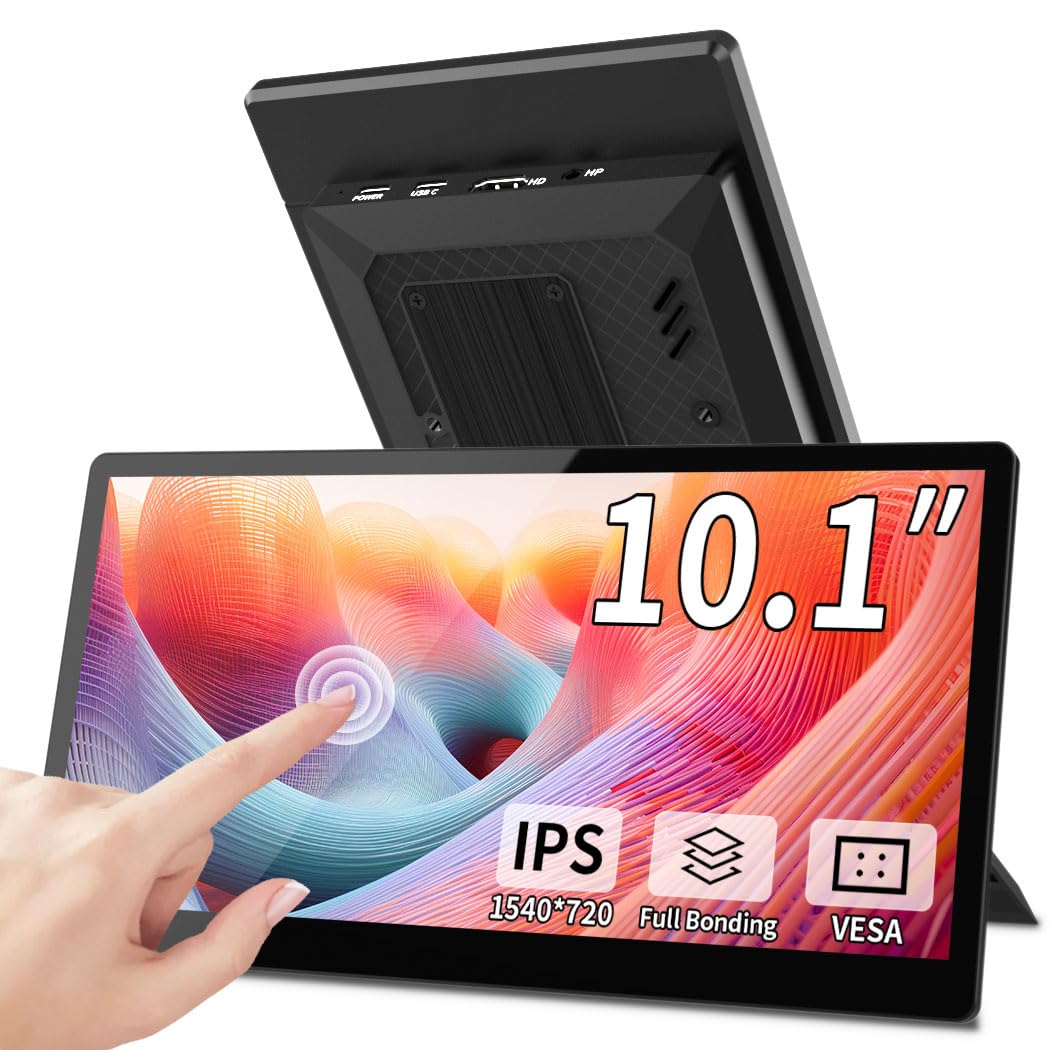
The 2.1:1 ultra-wide aspect ratio of this Magedok monitor makes it a specialized tool for hardware monitoring dashboards like AIDA64, where long horizontal space is more valuable than vertical height. The 1540×720 IPS panel offers 400 nits of peak brightness, which is 60% brighter than the category average of 250 nits, ensuring readability even when mounted near sunlit windows or inside brightly lit server rooms. The 1000:1 contrast ratio maintains legibility on dark-themed monitoring overlays.
Connectivity is handled via a single USB-C port with DisplayPort Alt Mode plus a full-size HDMI port. Touch functionality works exclusively over the USB-C connection; HDMI only passes video signal, not touch data. This is a critical detail for users planning to connect via a laptop’s HDMI output without an additional USB line for touch. The unit supports Windows 11/10 touch natively out of the box, but Linux users report that touch is not recognized under Raspberry Pi OS or Ubuntu without custom kernel modules.
At 0.8 pounds and 0.78 inches thick, this is one of the lightest and thinnest monitors in the comparison. The foldable integrated stand works well for desk deployment, and the VESA mount option adds flexibility for permanent installation. Build quality is good for the price tier, though the plastic housing flexes slightly when pressure is applied near the edges. Component video inputs are absent, so this monitor is strictly for HDMI/USB-C sources.
Why it’s great
- Ultra-wide 2.1:1 ratio is ideal for AIDA64 sensor panels and CPU/GPU monitoring dashboards
- 400-nit brightness far exceeds typical 250-nit small monitors for visibility in bright environments
- USB-C single-cable connection supports video, power, and touch simultaneously
Good to know
- Touch fails on Linux OS including Raspberry Pi OS without kernel-level driver modifications
- HDMI input passes video only — no touch support without separate USB-C data connection
3. Thinlerain 10.1 Inch Mini Monitor
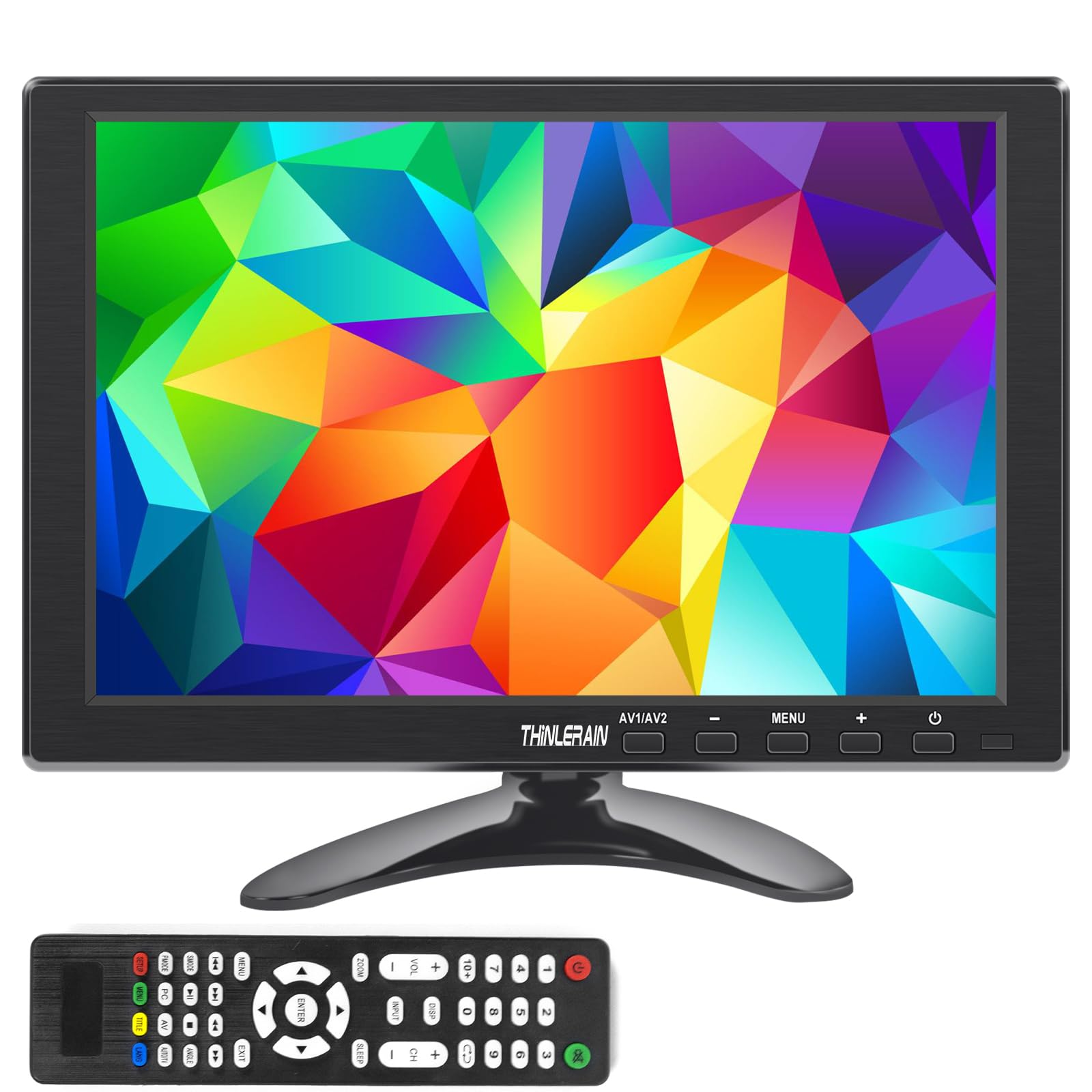
The Thinlerain monitor stands out for its unmatched input versatility, packing HDMI, VGA, BNC, and composite AV ports into a single 10.1-inch chassis. This makes it the only model in the group capable of accepting analog CCTV camera feeds directly without an external converter. The 1920×1200 WUXGA resolution provides a 16:10 aspect ratio that is notably better for document reading and web browsing than standard 16:9 panels of similar size, as the extra 120 vertical pixels reduce scrolling frequency.
It is important to note that this is a TFT panel, not IPS. Horizontal viewing angles are rated at 175 degrees, but vertical viewing drops to 100 degrees, meaning color and contrast shift noticeably if the monitor is tilted above or below eye level. Brightness is rated at 250 nits, which is adequate for indoor use but insufficient for direct sunlight exposure. The included remote control is functional for menu navigation, though the rear panel buttons provide a more responsive alternative.
The unit ships with a VESA 75x75mm mount pattern, and the full plastic housing keeps weight low for wall mounting. Some users report that stand assembly instructions contain reversed screw placement, so dry-fitting the stand before tightening saves time. For users needing a single monitor that can switch between a modern laptop, a legacy VGA server, and a security camera system, this model offers the widest compatibility of any 10-inch option reviewed.
Why it’s great
- Four input types — HDMI, VGA, BNC, and AV — support modern PCs and legacy CCTV equipment alike
- 1920×1200 resolution in 16:10 ratio provides extra vertical space for document reading
- Remote control and rear buttons offer flexible menu navigation options
Good to know
- TFT panel exhibits significant color shift at vertical angles outside 100 degrees
- Included stand assembly guide has incorrect screw placement instructions
4. ELECROW 10.1 Inch Touchscreen Monitor
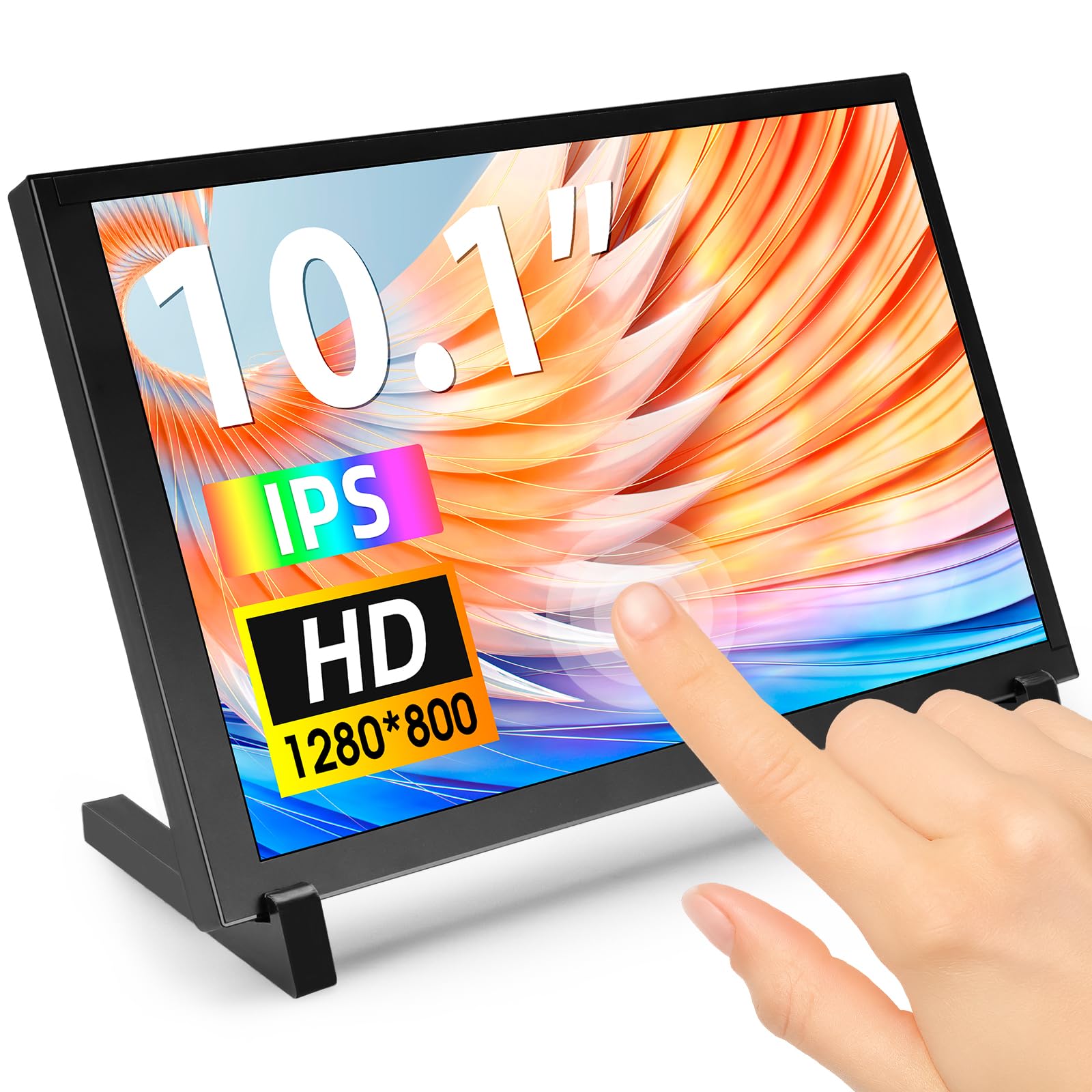
This ELECROW model hits the sweet spot for single-board computer enthusiasts, offering a 1280×800 IPS panel that balances readability and cost. At 10.1 inches, 1280×800 yields approximately 149 PPI — noticeably sharper than 1024×600 panels for text-heavy interfaces like Ubuntu desktop or Raspberry Pi OS. The 2000:1 contrast ratio is the highest in this comparison, delivering deep blacks that make system monitoring dials and terminal windows look more defined.
Touch response is handled by a capacitive layer supporting 5-point multitouch on Windows 11/10/8/7 and single-point touch on Raspberry Pi OS, Ubuntu, and Kali Linux. The plug-and-play setup works immediately on Windows and Pi 5, while Pi 4 users may need a config.txt update to enable the correct framebuffer resolution. The monitor includes an acrylic protective case rather than a conventional metal or plastic chassis, which looks clean but offers less rigidity than the ELECROW 1080p model’s build.
Four M3 mounting holes on the back allow attachment to custom brackets or wall plates, though no VESA pattern is provided. Weight is 521 grams, making it one of the lighter touchscreen options available. The included HDMI-to-Mini-HDMI adapter is a thoughtful inclusion for users connecting to smaller single-board computers with limited port clearance. For makers building a dedicated Pi-based dashboard or control panel with touch interaction, this monitor provides the best spec-to-cost ratio in the group.
Why it’s great
- 2000:1 contrast ratio produces deeper blacks than any other 10-inch monitor reviewed here
- 1280×800 resolution at 149 PPI strikes an excellent balance between clarity and system performance
- 5-point capacitive touch works natively on Windows and supports Raspberry Pi OS with simple configuration
Good to know
- Acrylic protective case is less durable than traditional metal or thick plastic enclosures
- Dead-on-arrival reports exist, so verify functionality immediately upon arrival
5. Eyoyo 10 Inch Mini Monitor

The Eyoyo monitor is purpose-built for industrial and teleprompter applications, featuring an image inversion function that supports vertical and horizontal mirroring. This capability is rare at the 10-inch size and critical for teleprompter glass setups where the display must show a mirrored image for the beam splitter. The 1024×600 resolution is lower than the IPS competitors in this list, but for security camera feeds and POS terminals where fine text is less important, it remains serviceable.
Connectivity includes HDMI, Mini-VGA, USB, and AV ports, covering the broadest range of analog and digital sources outside the Thinlerain model. The monitor supports dual power input — standard 12V DC and 5V USB — allowing it to run from a mobile power bank when deployed in portable or vehicle-based configurations. However, the brightness control adjusts color temperature rather than backlight intensity, which is a notable omission for users who need fine-grained luminance control in dark environments.
Built-in speakers are present but produce thin audio at maximum volume, typical for this form factor. The included remote control has larger buttons than most competitors, which is helpful when the monitor is mounted out of arm’s reach. The VESA 75x75mm pattern uses one bolt hole that sits shallow on some units, so careful screw length selection is recommended. For budget-conscious buyers needing a multi-input monitor with mirroring support, this is a reliable utility-grade choice.
Why it’s great
- Hardware image flip function supports teleprompter and mirror-display applications
- Accepts both 12V DC and 5V USB power for flexible deployment in vehicle or field scenarios
- Includes HDMI, Mini-VGA, USB, and AV cables — ready out of the box with no extra purchases
Good to know
- Brightness control alters color output instead of adjusting LED backlight directly
- 1024×600 resolution provides lower pixel density than IPS-based competitors
6. Hosyond 10.1 Inch IPS Touch Display

The Hosyond 10.1-inch display is the most affordable IPS touchscreen in this comparison, using a 1024×600 resolution panel that is well-suited for basic control interfaces, sim racing dashboards, and secondary status displays. The IPS technology provides consistent color across wide viewing angles, which is a significant advantage over similarly priced TN panels on the market. The capacitive touch layer supports five-point multitouch on Windows and single-point touch on Raspberry Pi OS.
One of the standout features is the included Raspberry Pi HDMI adapter board, which connects directly to the Pi’s GPIO header and eliminates the need for separate HDMI and USB cables. This makes setup cleaner for Pi 3B+, Pi 4, and Pi 5 installations. The side-mounted control wheel adjusts both volume and brightness through a single dial, reducing clutter. Some users report that the minimum brightness setting is still too bright for dark-room use, so this monitor works best in normally lit environments.
The monitor ships with an acrylic stand that provides adequate support for desktop use, and the built-in speakers produce clear mid-range audio sufficient for system feedback. The reflective screen surface is more noticeable than matte-finished competitors, creating glare under direct overhead lighting. For users building a dedicated Raspberry Pi project or a sim racing dashboard on a tight budget, the Hosyond delivers functional touch interaction and acceptable image quality at the lowest entry price in this segment.
Why it’s great
- Included GPIO HDMI adapter enables cable-free connection to Raspberry Pi 3/4/5
- IPS panel delivers wide viewing angles and accurate color unlike budget TN alternatives
- Integrated control wheel provides one-handed adjustment of brightness and volume
Good to know
- Minimum brightness level is still quite high for pitch-dark room use
- Reflective screen surface creates glare under direct overhead or window lighting
7. Dell 24 Plus Monitor S2425HSM

While this Dell monitor is a 23.8-inch model and not in the 10-inch category, it serves as the reference point for what a full-size secondary monitor offers in terms of refresh rate and ergonomic adjustability. The 1920×1080 resolution on a 23.8-inch panel yields approximately 93 PPI, which is lower pixel density than the 10-inch 1080p ELECROW at 218 PPI, but the larger physical screen area makes it better for primary desktop use. The 144Hz refresh rate and 1ms MPRT ensure smooth cursor movement and tear-free video playback.
The S2425HSM includes height, tilt, pivot, and swivel adjustments — features absent from every 10-inch monitor in this guide. This ergonomic flexibility makes it suitable for all-day desktop work where monitor positioning is critical. The integrated dual 3W speakers produce fuller sound than any 10-inch monitor’s built-in audio, with notably better frequency range for conference calls and media consumption. The 1500:1 contrast ratio provides above-average black depth for an LCD panel at this size.
Connectivity is limited to HDMI 1.4 — no VGA, no USB-C, no DisplayPort. This is a notable limitation for users connecting to older equipment or multiple sources. The ash white finish matches Dell’s modern aesthetic but stands out against standard black monitor setups. For users who decide that a 10-inch secondary screen is too small and want a full-size companion display with premium ergonomics, this Dell model represents the logical upgrade path.
Why it’s great
- Full height-adjustable stand with pivot and swivel — unmatched ergonomics for all-day use
- 144Hz refresh rate and 1ms MPRT provide smooth motion for gaming and general desktop use
- Integrated 3W speakers deliver substantially better audio than any 10-inch monitor’s built-in speakers
Good to know
- HDMI 1.4 is the only input — no DisplayPort, VGA, or USB-C connectivity
- 23.8-inch size occupies significantly more desk space than a 10-inch secondary monitor
FAQ
Can I use a 10-inch monitor as my primary display for daily work?
Does every 10-inch touch monitor work out of the box with Raspberry Pi?
hdmi_force_hotplug=1, hdmi_drive=1, and hdmi_mode=16 (for 1080p) or hdmi_cvt=1024 600 60 6 0 0 0 are commonly needed. Some monitors include a dedicated Pi adapter board that simplifies this, but plug-and-play compatibility is not guaranteed across all Pi models.Final Thoughts: The Verdict
For most users, the 10 inch computer monitor winner is the ELECROW 10.1 Inch 1080p because it delivers genuine Full HD resolution on an IPS panel with HDMI and VGA inputs, making it the most versatile and sharpest display for both SBC projects and desktop extension. If you want a dedicated AIDA64 sensor panel with ultra-wide aspect and high brightness, grab the Magedok Stretched Bar Monitor. And for a budget-friendly touchscreen Pi project, nothing beats the value of the Hosyond 10.1 IPS Touch Display.