
Standing in your home studio, staring at a printhead clogged from yesterday’s test print, watching your dream of custom apparel vanish into a puddle of wasted white ink — this is the daily reality of DTG printing. The affordable DTG printer market is a minefield of broken claims, false promises, and expensive lessons. But the right machine, built on proven technology, transforms your garage into a profit center.
I’m Min — the co-founder and writer behind Gadgets Feed. I’ve spent over 60 hours cross-referencing printhead architectures, white ink circulation systems, and real customer failure patterns to separate machines that actually work from those that will bleed your time and savings.
This guide delivers brutally honest, data-driven analysis to help you confidently choose the best affordable dtg printer that won’t leave you stranded with dead nozzles and a useless brick of metal.
How To Choose The Best Affordable DTG Printer
Before you hand over your hard-earned cash, you need to know what actually separates a reliable garment printer from a disposable toy. The industry is flooded with rebranded Epson conversions, but only a few manufacturers engineer machines built to survive the real world of custom apparel production.
White Ink Circulation — The Non-Negotiable Feature
White ink is dense and heavy — without active circulation, it settles into a sludge that clogs your printhead in hours. Look for dual systems: stirring during idle and circulation during printing. The best machines, like the Procolored K13 Lite and MZK A3, run automatic cycles every 30 minutes to keep your nozzle firing consistently on dark garments.
Printhead Type — F1080 vs. L1800 vs. XP600
The F1080, a Gen2 upgrade of the XP600, delivers double the speed of legacy L1800/R1390 heads. At 2880×1440 dpi, it produces sharper edges in under 5 minutes per A3 print. The L1800, common in entry-level bundles, is slower and more prone to failure under heavy use. If you plan to produce more than 5 prints daily, skip L1800-based machines entirely.
Auto-Maintenance & Holiday Mode
DTG printers hate being idle. Smart machines include automated cleaning cycles, printhead moisturizing, and Holiday Mode — which cycles ink during long breaks. The DXZ Ultra-14 and DSV C13 are leaders here, offering vacation-proof systems that keep nozzles ready even after two weeks of downtime.
Quick Comparison
On smaller screens, swipe sideways to see the full table.
| Model | Category | Best For | Key Spec | Amazon |
|---|---|---|---|---|
| MZK A3 DTF | DTF | Mid-range / Best Overall | F1080 printhead, 1880×1440 dpi, 2yr ink | Amazon |
| Procolored K13 Lite | DTF | Home studio / Beginners | LiteHead tech, G7 color accuracy | Amazon |
| DSV C13 DTF | DTF | Small business / High output | F1080 Gen2, 2880×1440 dpi, 2yr ink | Amazon |
| PLK A3 Plus DTF | DTF | Reliability / Top support | XP600, built-in cutter, 2yr ink | Amazon |
| DXZ Ultra-14 DTF | DTF | Max print width / Versatility | F1080, true 14″ width, Holiday Mode | Amazon |
| Lancelot M1630 Pro | DTF | All-in-one / Startups | XP600, mobile workstation, laptop included | Amazon |
| Epson Surecolor F570 Pro | Sublimation | High-volume sublimation | 24″ wide, PrecisionCore, 2 ink sets | Amazon |
| WJTZXY XP600 DTF | DTF | Budget-friendly / Factory direct | XP600, full bundle, 5x500ml ink | Amazon |
| Senortian A3 DTF (2989G) | DTF | Budget-friendly / Wide media | L1800 printhead, oven bundle, 5760×1440 dpi | Amazon |
| Senortian DTF L1800 (DPZS989G) | DTF | Budget-friendly / Entry level | L1800, roll feeder, safety software | Amazon |
| Procolored F13 Panda DTF | DTF | Budget-friendly / Quiet operation | L1800, siphon circulation, auto-cleaning | Amazon |
| Cyq A3 DTG/DTF | DTG/DTF | Versatility / Dual-mode | Multi-function, suction flatbed | Amazon |
| DXZ A3 DTG (FL77FNLJ) | DTG | Direct-to-garment purists | 2800×1440 dpi, white ink mixing, water-based | Amazon |
In‑Depth Reviews
1. MZK A3 DTF Printer with F1080 Printhead
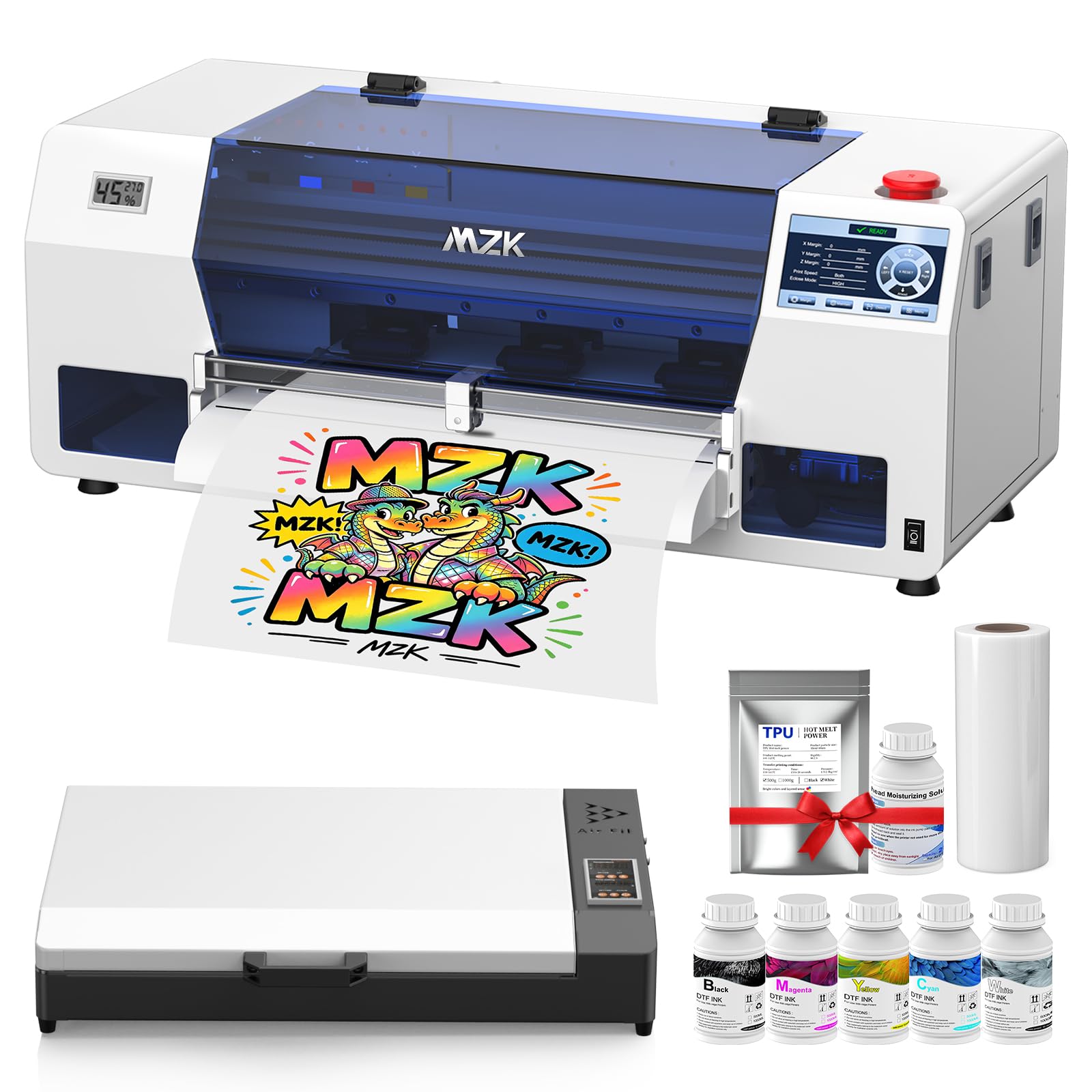
The MZK A3 rockets into the top spot with its F1080 printhead — an upgraded Gen2 XP600 that delivers 2X the speed of the traditional L1800. That translates to a full A3 transfer in under 3 minutes, outputting up to 12-15 prints per hour without sacrificing 1880×1440 dpi resolution. Its Holiday Mode auto-cleaning ensures the 540 nozzles remain free of clogging even when you take a week off.
The three-in-one black and white ink system — combining circulation, mixing, and filtration — is the standout engineering decision. It eliminates the sedimentation nightmare that kills most entry-level DTG printers. The 5-inch LED touch panel lets you check nozzles and clean heads without touching your computer, which cuts troubleshooting time in half during production runs.
The dual ink level alarm system is a lifesaver: a color-coded alert tells you exactly which cartridge is low, preventing mid-print failures. With 2 years of free ink and powder (every 2 months), the MZK delivers a compelling total cost of ownership. The 1-year warranty on non-consumable parts backs a well-built machine that beginners and pros alike can trust.
Why it’s great
- F1080 printhead is 2X faster than L1800/R1390
- 2-year ink supply saves over
- Dual ink alarm prevents print-stopping surprises
Good to know
- Software is Windows-only; no macOS support
- Steep learning curve for absolute beginners
- Requires daily use to prevent white ink settling
2. DSV C13 DTF Printer with Powder Shaker
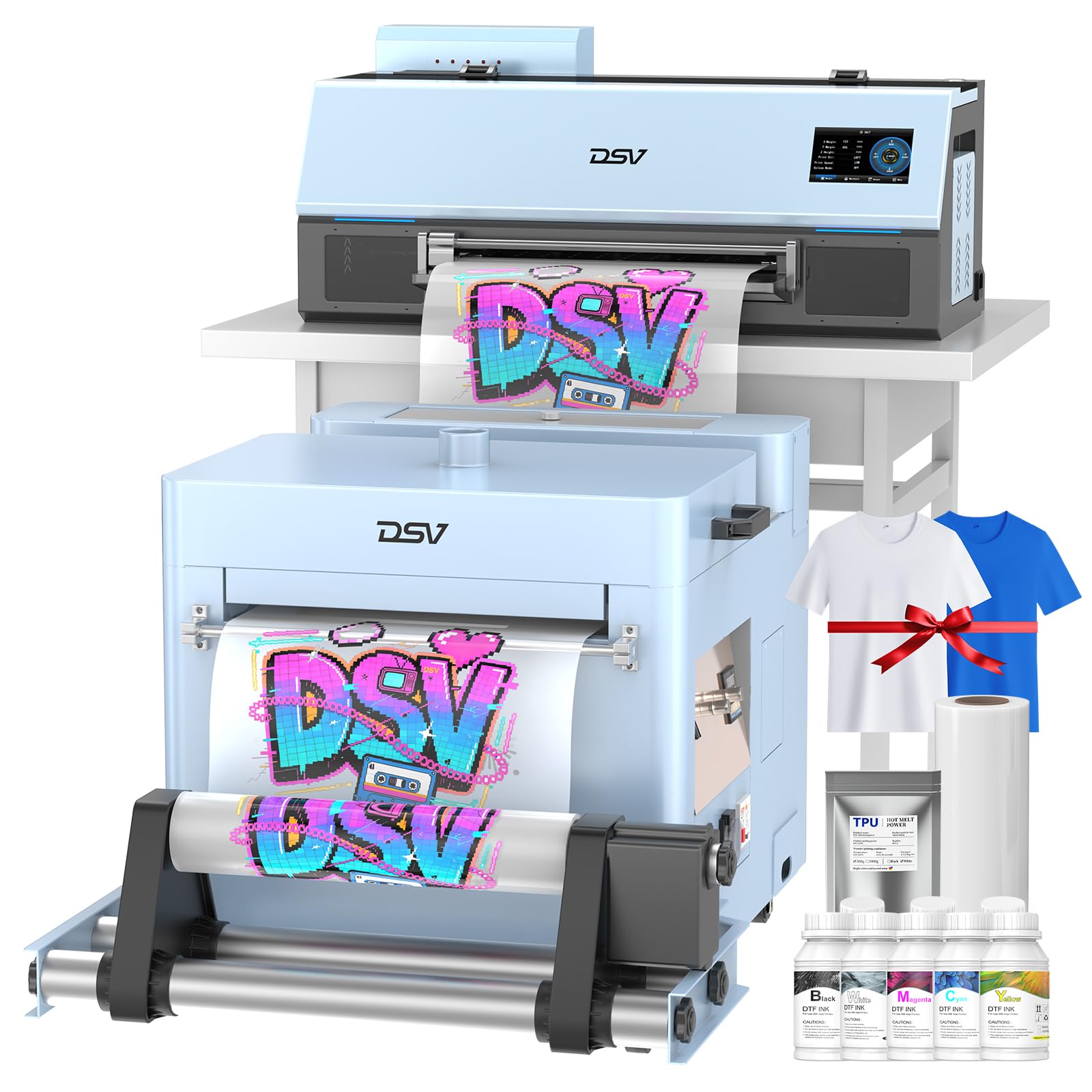
Equipped with the F1080 Gen2 printhead, the DSV C13 pushes further with 2880×1440 dpi resolution — delivering photographic clarity on dark fabrics that rivals commercial systems. The 24/7 SmartCycle auto-maintenance system runs timed cleaning and printhead moisturizing, keeping the 6-color CMYKWW ink system ready even after a week of idle time.
The heating plate dries prints in seconds, while the precision cutter trims film with no waste. The white ink circulation + agitation system prevents pigment settling, and the one-key refill pulls ink without syringes or air bubbles — a huge time saver during back-to-back orders. The dual alarm system (low ink and waste overflow) keeps production flowing without unexpected interruptions.
The DSV includes a full bundle: powder shaker, curing oven, air purifier, and 2-year periodic ink supply. Remote setup support (many buyers report engineers spending 5+ hours) shows a commitment to getting you running. The 6-month printhead warranty and 1-year accessory warranty provide realistic coverage for a mid-premium purchase.
Why it’s great
- Ultra-high 2880×1440 dpi resolution
- Heating plate dries prints in seconds
- 2-year ink supply, remote engineer setup
Good to know
- Return process can be difficult per some buyer experiences
- Software has a learning curve
- White ink requires daily printing to stay fluid
3. PLK A3 Plus DTF Printer with Powder Shaker Dryer
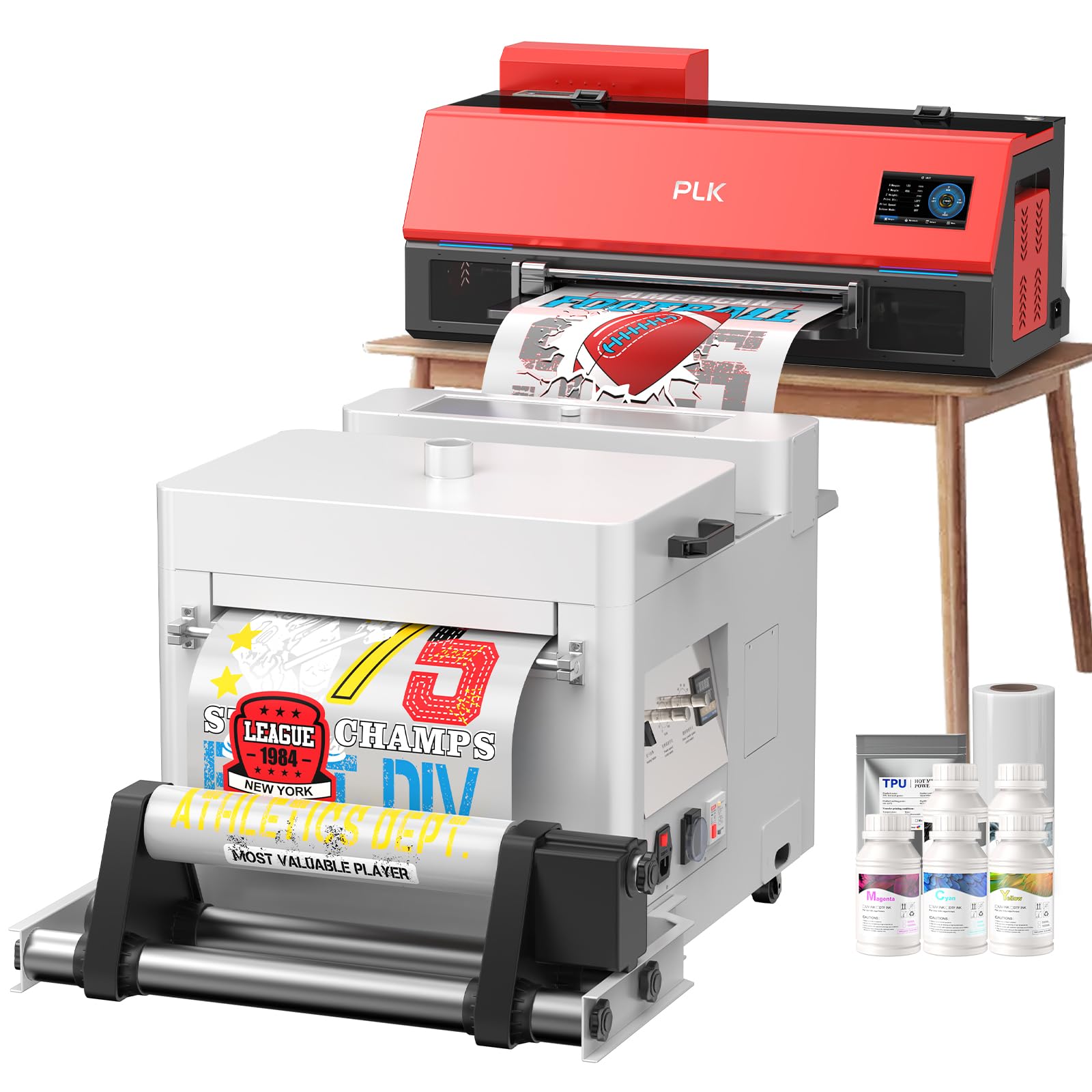
PLK delivers a refined package with the XP600 printhead matched to a 4.5-inch smart touchscreen that places all controls — cleaning cycles, white ink stirring, and film cutting — at your fingertips. The one-click ink loading eliminates syringe mess, and the built-in film cutter trims with accuracy that saves expensive DTF film on every print.
The dual white ink system (stirring + circulation) runs automatically during idle and printing, keeping the nozzle free of sediment. The integrated powder shaker dryer completes the production line, so you can go from design to finished transfer in a single workflow. The 2-year ink supply (5 bottles of 250ml every 2 months) dramatically reduces consumable costs for growing businesses.
Buyers consistently highlight the outstanding tech support — engineers spend hours remotely setting up color profiles and software. The 6-month printhead warranty and 1-year accessory warranty, combined with lifetime remote assistance, make the PLK a safe bet for entrepreneurs who value support chemistry as much as hardware specs.
Why it’s great
- Smart touchscreen makes operation intuitive
- One-click clean ink loading
- 2-year ink supply with excellent tech support
Good to know
- Slow print speed at 0.3 ppm
- Windows-only; no Mac support
- White ink still demands daily usage
4. DXZ Ultra-14 DTF Printer (F1080)
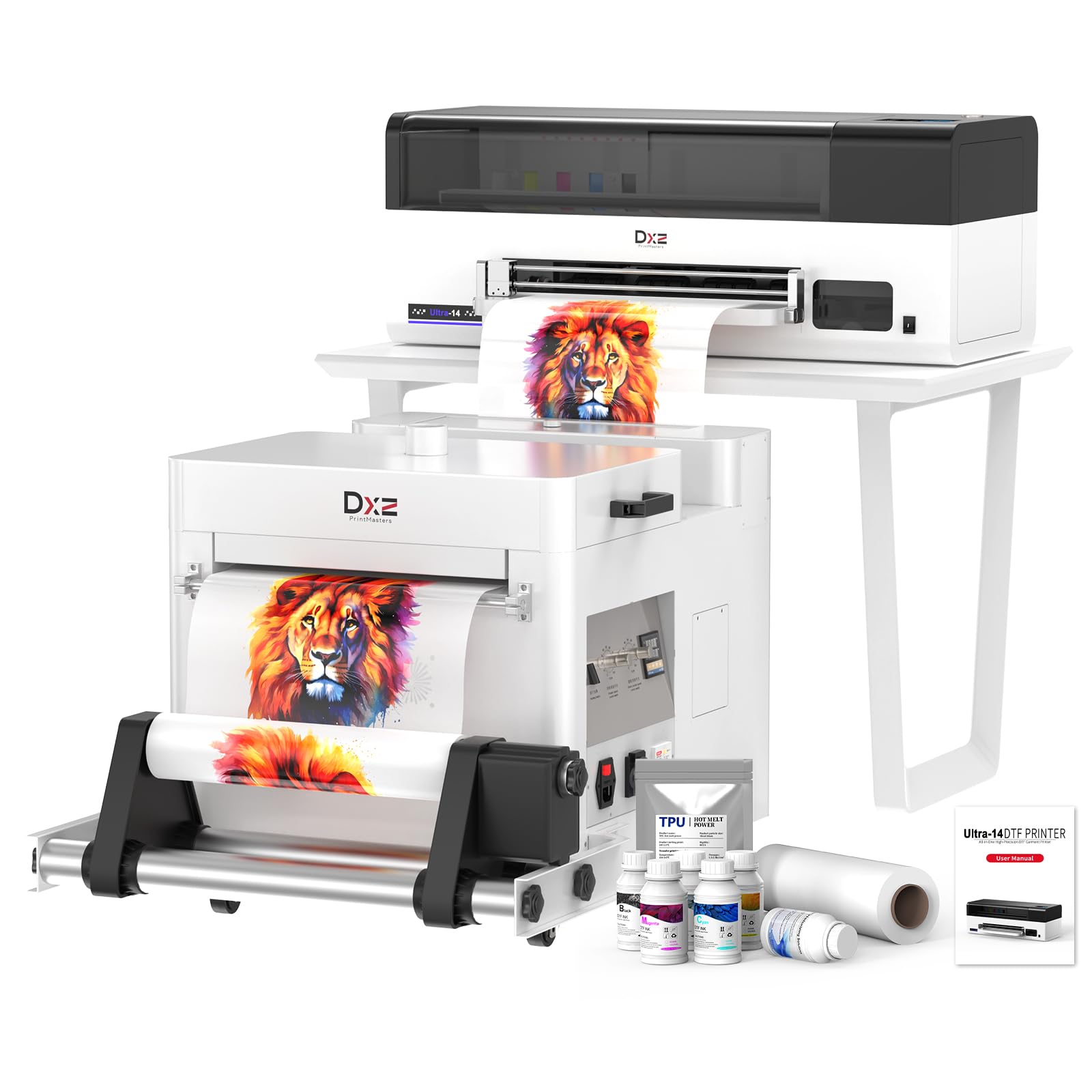
The DXZ Ultra-14 solves a critical limitation of most affordable DTG printers — print width. With a genuine 14-inch (35.56 cm) printing area, you can produce transfers for adult plus-size hoodies and bags without splicing, a major productivity win for custom apparel businesses. The F1080 printhead delivers 2880×1440 dpi at up to 500 mm/s print speed, matching many commercial-grade systems.
Vacation-Proof Holiday Mode is the headline feature: automatic printhead moisturizing, nozzle cleaning, and white ink circulation run while the printer sits idle for days or weeks. This engineering decision directly addresses the single biggest killer of affordable DTG printers — ink drying and clogging during downtime. The one-click print-to-bake system further reduces manual steps.
The 2-year ink supply (250ml per color every 2 months) and the 1-year/6-month warranty package lower the ongoing cost burden. Buyers report that technician Jack provides thorough remote setup and troubleshooting. The trade-off is Chinese-based support with time zone delays, though the response remains fast within business hours.
Why it’s great
- True 14-inch print width for larger garments
- Holiday Mode prevents clogs during downtime
- 500 mm/s fast print speed
Good to know
- Support team is China-based; time zone delays
- Requires daily use for best white ink performance
- Limited English documentation
5. Procolored K13 Lite A3 DTF Printer
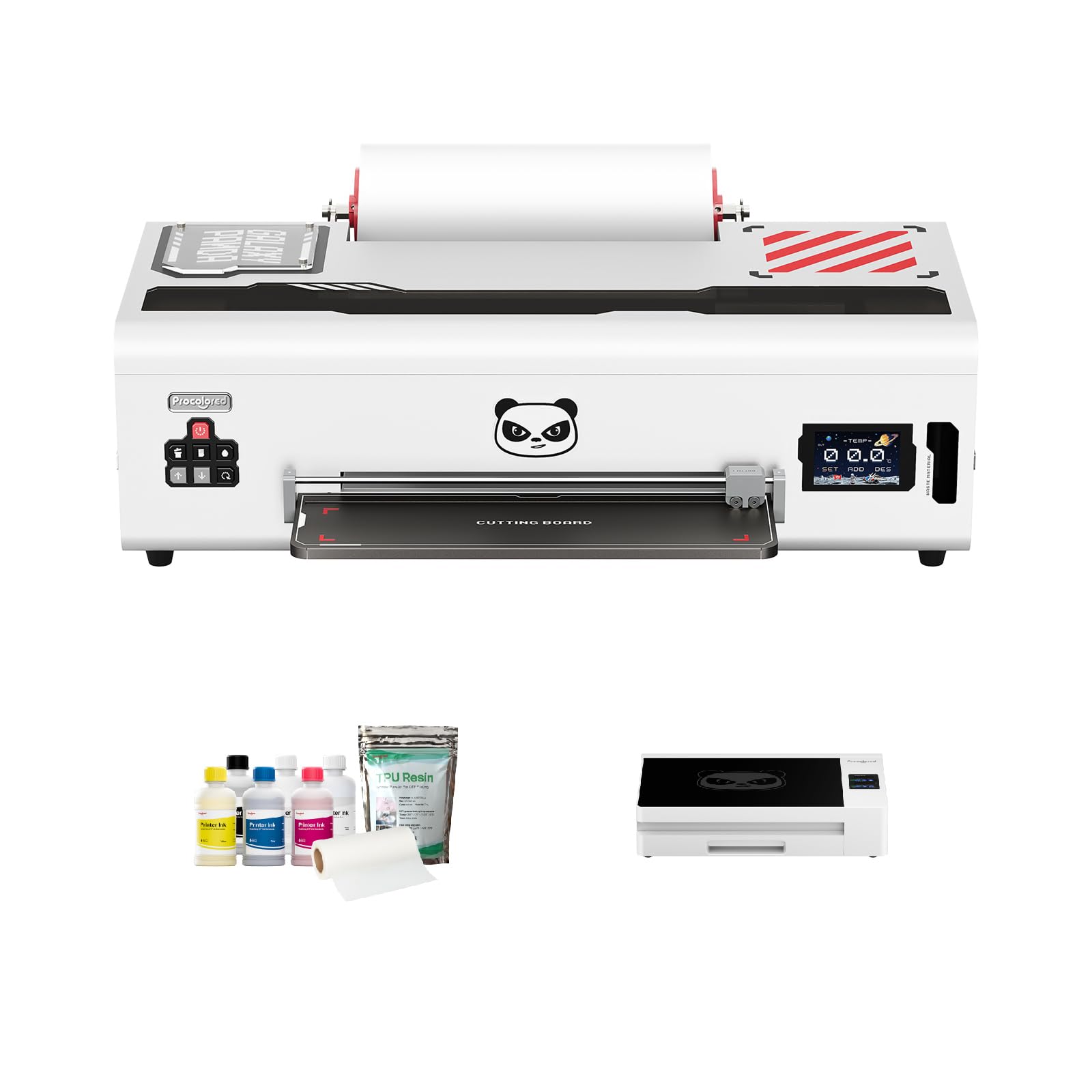
Procolored designed the K13 Lite specifically for home-based entrepreneurs who need professional quality without a professional technician on speed dial. LiteHead Technology simplifies maintenance — automatic cleaning cycles run every 10 hours during idle, consuming only 1ml of ink daily, which virtually eliminates nozzle clogs for casual users.
The Infrared Printhead SafeGuard System is a unique inclusion: it monitors the printing area for film warping or foreign particles as small as 2mm, automatically stopping prints to protect the head. For beginners learning the workflow, this prevents costly damage from loading errors. The white ink circulation system cycles every 30 minutes to prevent sedimentation.
Color accuracy is G7-certified, and the Procolored Studio Lite software automatically detects RGB/CMYK and applies calibrated profiles. The package includes two full sets of ink and powder, reducing initial consumable purchases. The bundled smokeless oven is a welcome addition for home studios concerned about fumes, though some buyers reported durability issues with the oven unit.
Why it’s great
- LiteHead auto-cleaning uses just 1ml ink daily
- Infrared SafeGuard protects printhead from mistakes
- G7-certified color for professional results
Good to know
- Lite software is basic; pro version needed for edits
- Oven durability concerns reported by some buyers
- Customer service is email-only (no phone)
6. Lancelot M1630 Pro DTF Bundle

The M1630 Pro is a full production station — printer, intelligent powder shaker, heater dryer, and mobile workstation all on a single frame. Powered by the XP600 (F1080) printhead at 720×1440 dpi, it outputs 6.5 prints per hour on 12×12 transfers. The Smart Holiday Mode maintains ink flow during breaks, letting you restart production immediately.
The bundle includes a pre-configured laptop with software, removing the pain of driver hunting and RIP software conflicts that plague standalone printers. The all-in-one design consumes minimal floor space — around 42″ x 48″ — while keeping everything within arm’s reach. The 24/7 customer support is frequently praised as responsive and effective.
Buyers upgrading from Epson conversions report a major quality jump: vibrant colors, sharper edges, and consistent white ink output. The main downsides are noise during operation, a messy powder refill process, and a faulty top reservoir reported by one long-term user. Requires proprietary software (no standard RIP), which limits third-party workflow flexibility.
Why it’s great
- All-in-one station: print, shake, cure, workstation
- Includes laptop with pre-loaded software
- 24/7 responsive customer support
Good to know
- Noisy during operation
- Powder refill can be messy
- Requires proprietary software; no standard RIP
7. Epson Surecolor F570 Pro 24″ Sublimation Printer
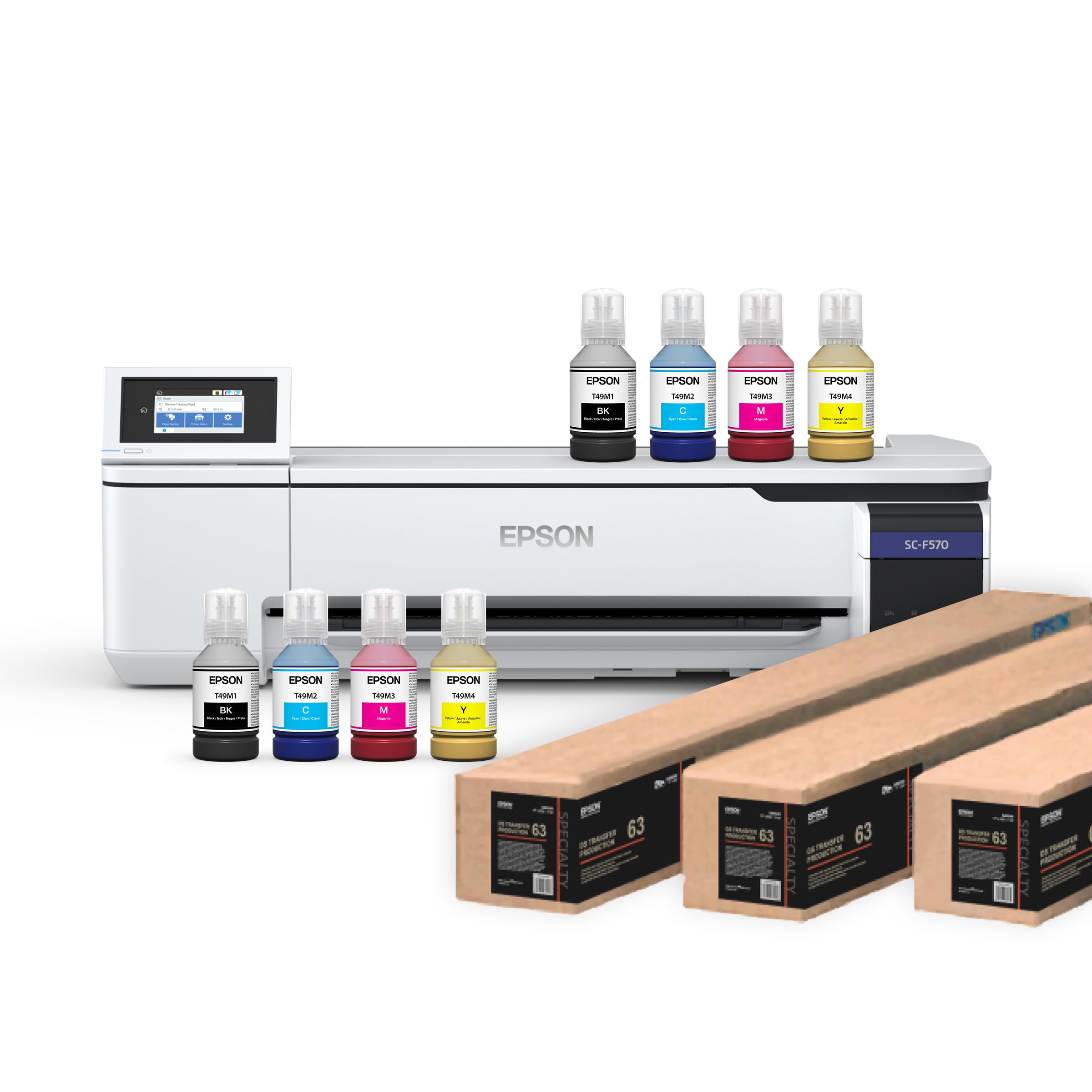
While strictly a sublimation printer (not DTF/DTG), the F570 Pro deserves a spot for shops that already use polyester fabrics or coated hard goods. The PrecisionCore MicroTFP printhead uses Nozzle Verification Technology to detect and compensate for clogged nozzles automatically, delivering consistent output with minimal intervention. The 24-inch media support allows wide-format banners and larger transfers.
The bundle includes Epson Edge Print Pro software with Adobe PostScript 3 and PDF Print Engine — professional-level job layout and color controls. Two full sets of 140ml ink bottles are included, along with three rolls of DS Transfer paper (one 24″ x 100′, two 17″ x 100′). The LTL freight shipping means scheduled delivery, so plan accordingly.
Epson’s brand reliability and parts availability significantly lower the risk compared to generic DTF converters. However, the F570 is limited to polyester-based materials (minimum 50% polyester). It cannot print on 100% cotton without special coating, which makes it a complementary machine rather than a primary DTG replacement.
Why it’s great
- 24-inch wide format for banners and large transfers
- Nozzle Verification prevents printhead issues
- Professional software with PostScript 3 support
Good to know
- Sublimation only; not for cotton DTG
- Ships LTL freight; requires scheduled delivery
- Expensive consumables compared to DTF
8. WJTZXY A3+ XP600 DTF Printer Bundle
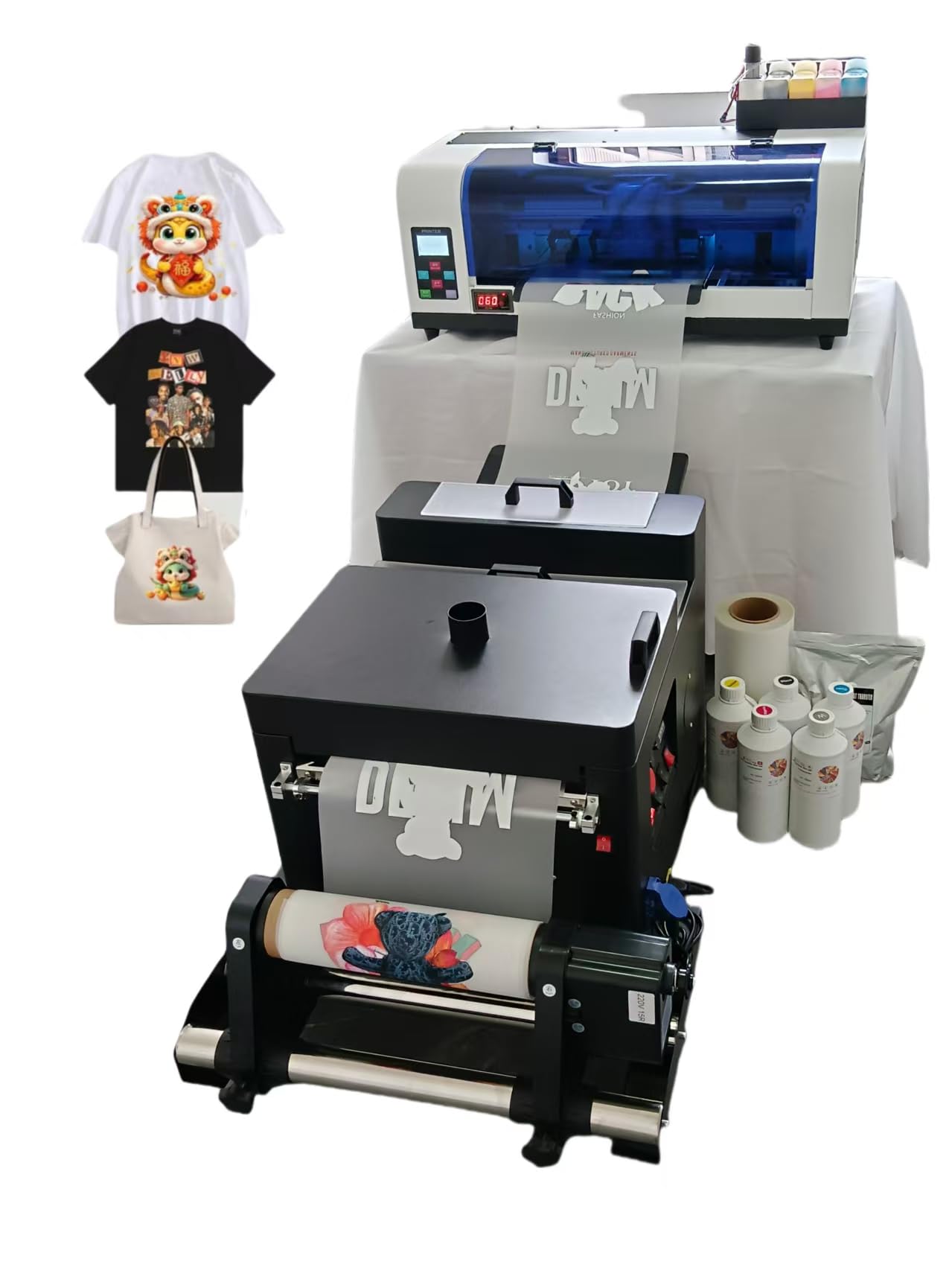
For budget-conscious buyers who need a complete production-ready bundle, the WJTZXY delivers a massive starting supply: 5x500ml CMYKWW ink bottles (2500ml total), 1kg hot melt powder, a 100m roll of double-sided film, shaker dryer oven, and RIIN software. The XP600 printhead is a proven performer, offering 2X the speed of L1800-based machines.
The factory-direct model means replacement parts are readily available — the seller explicitly states they can supply any component, reducing the risk of the printer becoming a disposable brick. The packaging has been upgraded to prevent shipping damage, a common issue in this price tier. Max print width is 13 inches (roughly 12.5″ usable edge-to-edge).
Customer reviews are polarized: many praise the customer service (remote setup via WhatsApp) and print quality, while others point to software being in kanji (no English), received damaged rollers, and the lack of included instructions. The printer does not do true edge-to-edge printing. Worth considering for those comfortable with tinkering and remote support.
Why it’s great
- Massive 2500ml ink supply included
- Factory direct parts availability
- 2X faster than L1800 printers
Good to know
- Software interface is in kanji (no English UI)
- No printed instructions; setup requires remote support
- Not true edge-to-edge printing
9. Senortian A3 DTF Printer with Oven Bundle (B0D9XRBR4M)
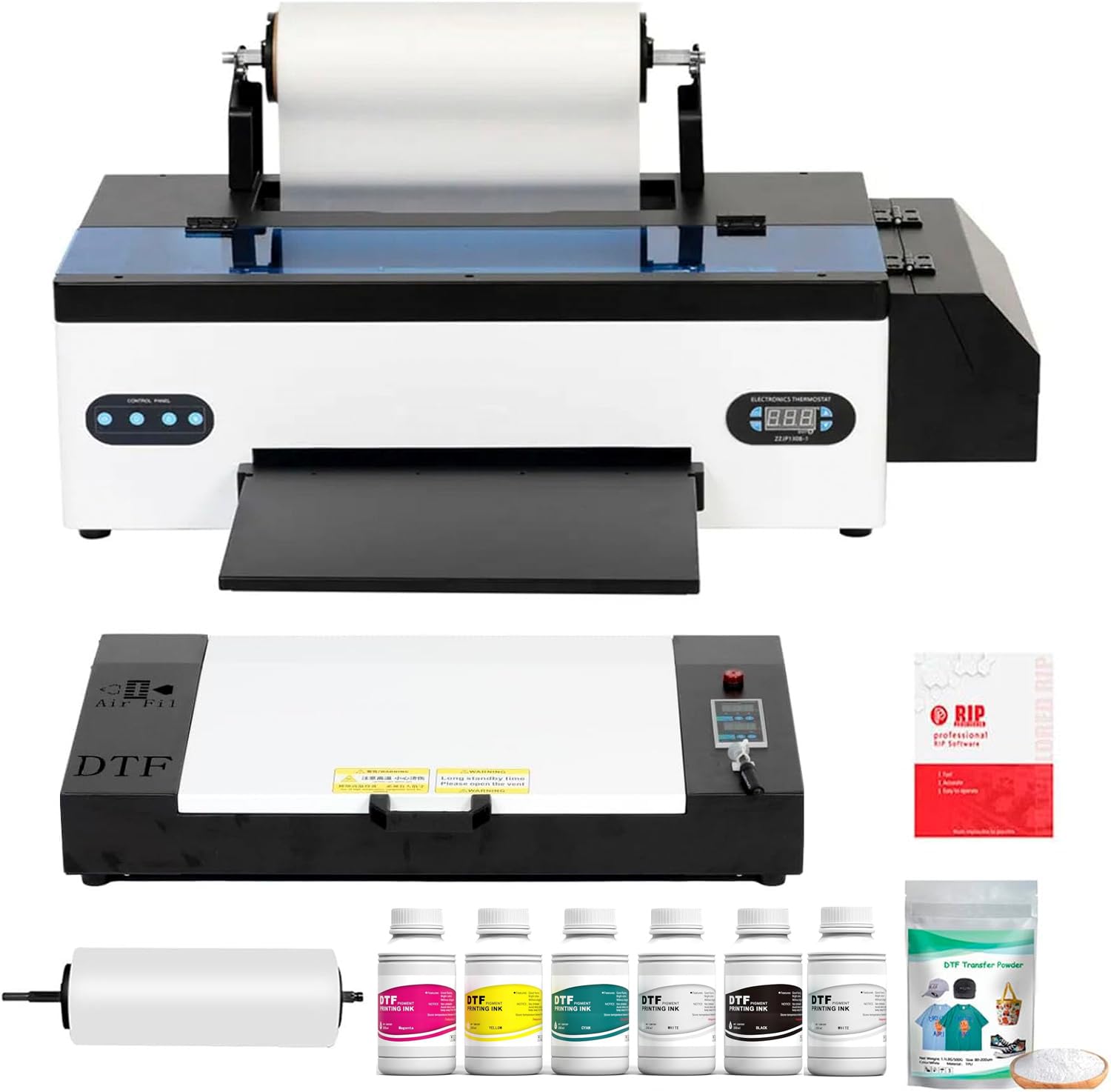
Senortian’s A3 DTF bundle pairs the reliable L1800 printhead with a full oven and ink package at a mid-range price point. The printhead runs at a maximum resolution of 5760×1440 dpi with 540 nozzles (90 per color) across six colors. The white ink agitation and circulation system prevents sedimentation during idle, a critical feature for maintaining consistent white base color on dark garments.
The included oven is spacious and easy to use, with buyers praising its performance. The software is user-friendly and thorough video instructions are provided. The printer runs quietly and delivers bright, vivid colors — several users report being impressed with the print quality, especially for the price tier. The machine supports multiple material types including cotton, polyester, denim, and leather.
However, the L1800 is objectively slower than F1080-equipped models. Heavy users reported failure of the waste ink pump after a year of daily use, and one experienced buyer pointed out poor default ICC profiles and poorly designed circulation pumps that can cause chain reaction failures. For light to moderate use, this bundle represents solid value; for high-volume production, step up to the MZK or DSV.
Why it’s great
- High 5760×1440 dpi resolution
- Effective white ink circulation system
- Spacious included oven with easy operation
Good to know
- L1800 is slower; 20 ppm B&W
- Poor default ICC profiles noted
- Not suitable for heavy daily production
10. Senortian DTF L1800 Printer (B0DPZS989G)
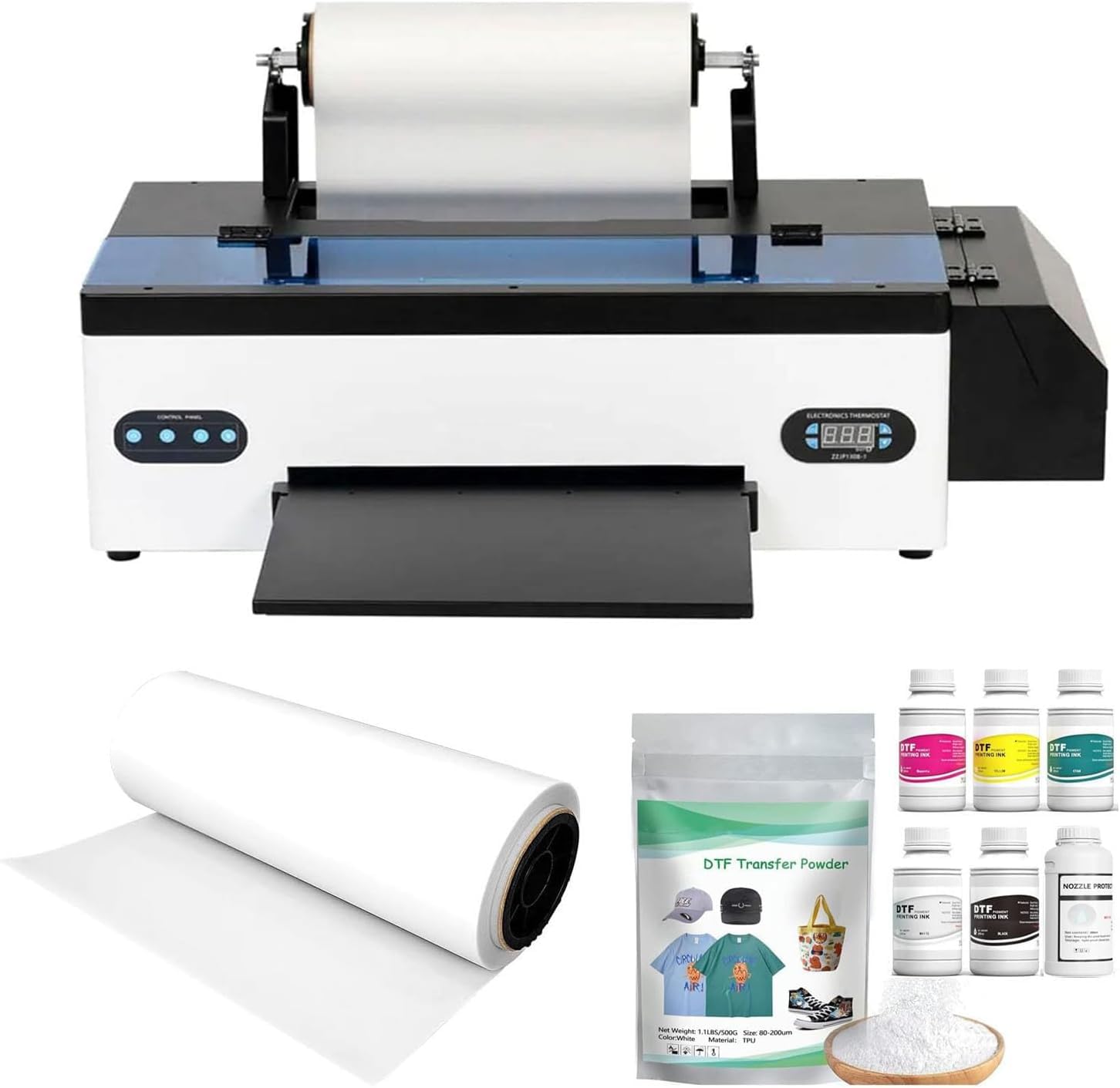
Another Senortian entry, this L1800-based machine focuses on the DTF workflow for beginners needing a roll feeder and enhanced safety software. The advanced white ink circulation and stirring system minimizes printhead clogging and ensures consistent white output. The printer supports the same wide range of materials (cotton, polyester, denim, leather, etc.) as its sibling.
Buyers give high marks for packaging, setup support, and user-friendly software. The machine is described as quiet with amazing print quality. Customer service provides prompt diagnosis and free replacement parts (including a printhead worth roughly a quarter of the printer cost) for issues under warranty. The 24/7 support team sends helpful video guides for troubleshooting.
But the L1800 printhead is the weakest link here. One experienced reviewer reported a waste ink pump failure after just one week, and another noted that after 7 months of non-use, the printhead needed replacement. The printer only supports Windows; no Mac or Bluetooth support. For entry-level users with modest expectations and consistent daily use, this machine works — but expect to treat it as a learning tool, not a long-term production asset.
Why it’s great
- Roll feeder saves film on long runs
- Quiet operation with good print quality
- Responsive customer service and video support
Good to know
- L1800 printhead prone to clogging if unused
- Windows only; no Bluetooth support
- Not suitable for heavy production environments
11. Procolored F13 Panda DTF Printer
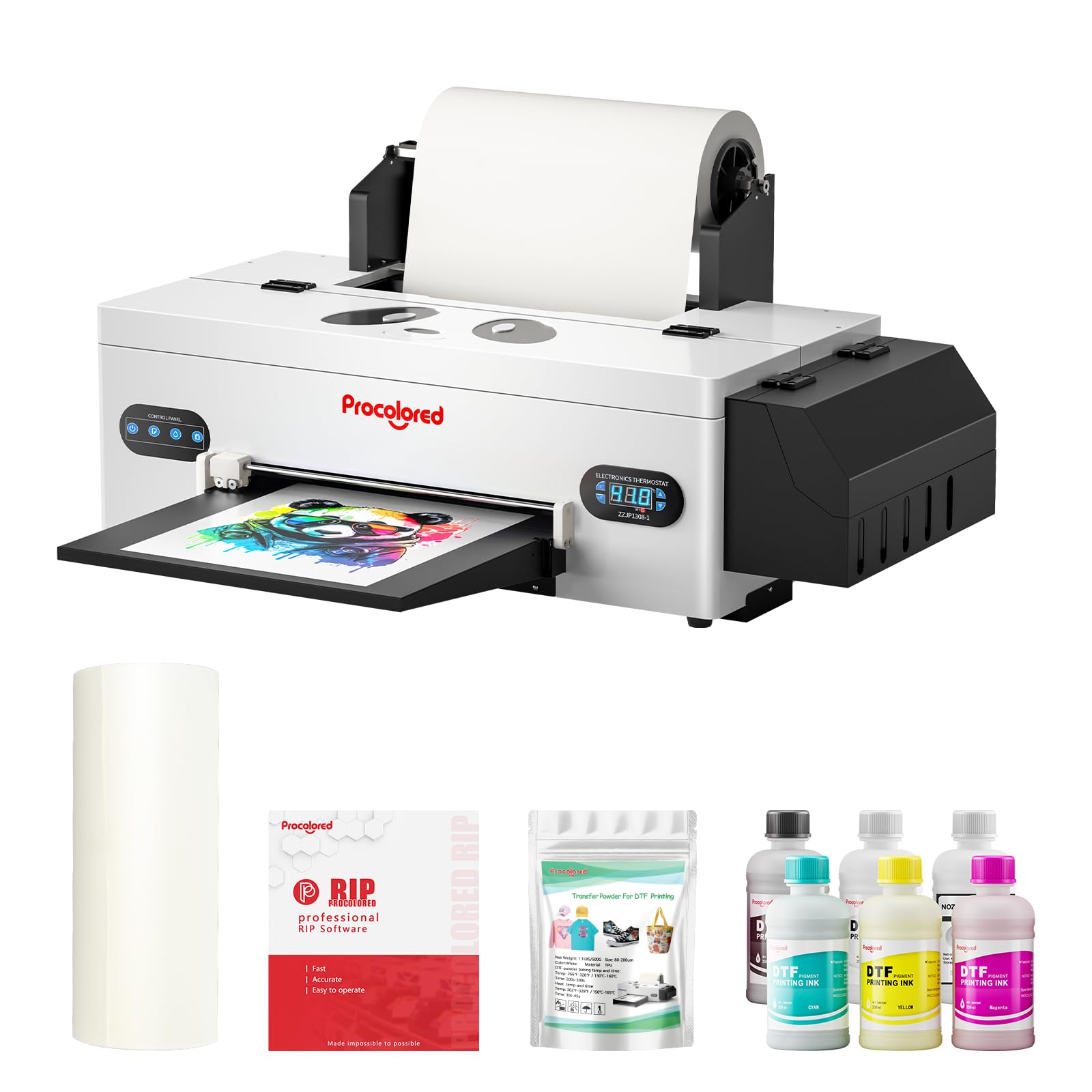
The Procolored F13 Panda brings Procolored’s siphon white ink circulation system to a more approachable price point. The system combines stirring, circulation, and filtration to prevent printhead clogs and extend nozzle life. The auto-cleaning function activates every 10 hours during idle, consuming just 1ml of ink per day — best-in-class for entry-level machines.
The built-in cutter reduces film waste, while the upgraded roller feeder minimizes jamming. Preheating function stabilizes ink viscosity for consistent output, and film adsorption ensures smooth feeding. The print resolution is 1440 x 1440 dpi, adequate for most custom apparel work. Support is available 24/6 via their udesk platform.
The mixed reviews tell the real story. Supportive buyers praise easy setup and good quality prints. Critical reviews report frequent failures: waste pump failures (not covered under warranty), printhead clogs requiring -400 repairs, and long-term reliability issues. The printer demands daily use; skipping a week risks clogs. A word of caution: some parts are proprietary, limiting third-party repair options.
Why it’s great
- Siphon white ink circulation reduces clogs
- Auto-cleaning uses only 1ml ink daily
- Quiet operation with good print quality
Good to know
- Requires daily use; idle clogs are common
- Repair costs can reach -400
- Third-party parts incompatible
12. Cyq A3 DTG & DTF Multifunction Printer

The Cyq machine is a rare hybrid — it can print directly onto garments (DTG) using a clothes hanger and suction platform, or switch to DTF mode by using the flatbed to hold transfer film. The white ink stirring system runs on automatic timed intervals, and the suction platform holds both film and paper for bronzing. This versatility is ideal for shops experimenting with both direct-to-garment and transfer workflows.
The printhead and motherboard are standard off-the-shelf parts, making replacements cheaper and easier than proprietary systems. The machine bypasses the L1800 clearing and sensor issues that plague Epson conversions. The A3 suction flatbed ensures stable registration during printing, which is critical for DTG job accuracy.
Buyer experiences are bipolar. Many love the customer service (Michael provides 2am support) and print quality. However, one long-term user reports that after months of use, ink lines clogged and cleaning solution failed, requiring a motherboard or printhead replacement. The lack of detailed instructions and the price tag make this a risky bet for those without a technical background. Setup is intimidating for novices.
Why it’s great
- Dual DTG/DTF capability in one machine
- Standard parts are cheap and easy to replace
- Excellent customer support from Michael
Good to know
- Very limited documentation; support-driven setup
- Clogs reported after months; expensive repairs possible
- Heavy and large footprint
13. DXZ A3 DTG Printer (B0FL77FNLJ)

For buyers committed to traditional DTG printing, DXZ offers a dedicated A3 machine with a 2800×1440 dpi resolution printhead. The white ink mixing engine and semi-automatic cleaning system target the two biggest DTG pain points: ink sedimentation and nozzle maintenance. Water-based, non-toxic inks make it safe for baby and children’s clothing — a niche advantage over solvent-based DTF machines.
The package includes a motorized sprayer, print holder, 5x250ml DTG inks, 1000ml pre-treatment liquid, and a cleaning kit. The ink penetration technology ensures prints resist fading, peeling, and cracking while maintaining fabric breathability. The 1-year warranty on non-consumable parts and 6-month printhead warranty are standard for this tier.
Buyers consistently praise print quality and sharp colors. The support from DXZ’s Jack and Daisy is described as excellent. However, the machine lacks RIP software — you must use Adobe to manually add white backing to designs, a workflow complication. Setup requires patience and a willingness to tinker.
Why it’s great
- Dedicated DTG with 2800×1440 dpi resolution
- Water-based, non-toxic inks for baby clothes
- Includes motorized sprayer and pre-treatment liquid
Good to know
- No RIP software; requires manual white backing in Adobe
- White ink clogs quickly if machine sits idle
- Heavy unit at 149 pounds
FAQ
Should I buy a DTG printer or a DTF printer for my custom apparel business?
How often must I use my DTG printer to avoid printhead clogs?
Can I use third-party ink in my affordable DTG printer?
Final Thoughts: The Verdict
For most users, the best affordable dtg printer winner is the MZK A3 DTF Printer because its F1080 printhead delivers 2X the speed of entry-level L1800 machines, the 2-year ink supply saves over , and the dual ink alarm system prevents mid-production failures. If you prioritize white ink reliability and professional color accuracy, grab the Procolored K13 Lite. And for maximum print width and vacation-proof operation, nothing beats the DXZ Ultra-14 DTF Printer.