
The sub- gaming laptop market is a minefield of integrated graphics masquerading as “gaming rigs”. You can land a machine that screams through esports titles at high frame rates, or you can end up with a glorified office notebook that chokes on a game from 2015. The difference isn’t the brand or the color of the chassis — it’s the silicon inside.
I’m Min — the co-founder and writer behind Gadgets Feed. I’ve spent hundreds of hours cross-referencing raw benchmark data, real-world gaming frame times, thermal throttling reports, and user longevity data to separate the genuine value players from the marketing traps in this ultra-competitive budget bracket.
This guide cuts through the noise to deliver a clinically vetted list of the 400 dollar gaming laptop options that actually deliver playable frame rates, upgrade potential, and build quality that won’t give you a headache. Every pick here has been stress-tested by real buyers doing real gaming.
How To Choose The Best 400 Dollar Gaming Laptop
At this price point, you are trading off dedicated GPU power for a strong CPU with excellent integrated Radeon or Vega graphics. The trick is knowing which CPU generation and RAM configuration bypass the most common bottlenecks. Beginners often assume they need a “gaming” sticker — but the real spec sheet reveals everything.
CPU + iGPU Combo is Everything
Forget the brand name. The AMD Ryzen 5 7530U or Ryzen 7 5700U with integrated Radeon Graphics is the king of this bracket. The Vega 8 or Radeon 660M/680M iGPU in dual-channel RAM mode will play League of Legends, Valorant, Fortnite, and even GTA V at playable settings. An Intel UHD iGPU at the same price will not — it’s that simple.
RAM Must Be Dual-Channel
Single-channel RAM cuts iGPU performance by roughly 30-40%, turning a capable gaming laptop into a stuttery mess. You want 8GB or 16GB running in dual-channel configuration. Many budget models ship with only one stick soldered — always verify if the memory can be upgraded or if it already runs in dual-channel mode straight out of the box.
Storage: 128GB is a Non-Starter
Windows 11 alone chews 30-40GB. If you see a 128GB SSD, plan to spend an extra -40 on a 512GB or 1TB NVMe upgrade within the first week. The 256GB and 512GB drives found on more expensive entries in this bracket buy you months of headache-free gaming before you need to delete your screenshots folder.
Quick Comparison
On smaller screens, swipe sideways to see the full table.
| Model | Category | Best For | Key Spec | Amazon |
|---|---|---|---|---|
| Acer Aspire 3 A315-24P | Mid-Range | School & light gaming | Ryzen 3 7320U / Radeon 610M | Amazon |
| KAIGERR R7 5700U | Mid-Range | Multitasking & light gaming | Ryzen 7 5700U / Vega 8 | Amazon |
| jumper X8A | Mid-Range | All-day battery & storage | Ryzen 5 7430U / Radeon Graphics | Amazon |
| MALLRACE R7 7730U | Mid-Range | Expandable storage | Ryzen 7 7730U / Radeon Graphics | Amazon |
| KAIGERR X17 | Mid-Range | Big screen productivity | Ryzen 7 5700U / Vega 8 | Amazon |
| Lenovo IdeaPad Gaming | Premium | Build quality & DDR5 | Ryzen 5 7535HS / 660M | Amazon |
| Lenovo 15″ Gaming | Premium | Portability & build | Ryzen 5 7535HS / 660M | Amazon |
| NIMO R7 7735HS | Premium | Fastest iGPU (680M) | Ryzen 7 7735HS / 680M | Amazon |
| HP Victus 15 (RTX 3050) | Premium | Entry-level AAA gaming | i5-12500H / RTX 3050 | Amazon |
| HP Victus 15 (RTX 2050) | Premium | 144Hz + dedicated GPU | Ryzen 5 / RTX 2050 | Amazon |
| ASUS TUF A15 | Premium | Military-grade durability | Ryzen 5 / RTX 3050 | Amazon |
In‑Depth Reviews
1. Acer Aspire 3 A315-24P-R7VH

The Acer Aspire 3 punches well above its sticker by pairing the latest AMD Ryzen 3 7320U with Radeon 610M integrated graphics. This combination handles esports titles like Valorant and CS2 at 60+ FPS on low settings, and the 8GB of LPDDR5 memory runs in dual-channel mode out of the box — no tweaking required. The 15.6″ Full HD IPS display delivers sharp text and decent color for a budget panel.
Real-world battery life sits around 6 hours under performance load and pushes past 9 hours on power-saver mode, making it genuinely portable for a budget gaming laptop. The 128GB NVMe SSD is the obvious weak link — expect to replace it with a 1TB drive for around . The chassis feels surprisingly rigid for the price, though the screen hinge has some flex. The fan stays quiet under light loads but does ramp up audibly during gaming.
Multiple verified buyers confirm the CPU stays under 50°C under sustained load, and the lack of bloatware (aside from Windows S Mode) means a clean start. The keyboard is flat and lacks backlighting, but the trackpad is responsive. For the sub- bracket, this is the most balanced option for a student who needs both schoolwork and weekend gaming.
Why it’s great
- LPDDR5 dual-channel RAM maximizes iGPU performance
- Excellent real-world battery life exceeding 9 hours
- Cool and quiet under normal loads
Good to know
- 128GB SSD fills up fast with Windows and games
- RAM is soldered and not upgradeable
- Display motion blur noticeable at high FPS
2. KAIGERR R7 5700U 16GB

The KAIGERR puts an 8-core Ryzen 7 5700U with Vega 8 graphics inside a chassis that costs less than many Chromebooks. The 16GB of DDR4 RAM is the key here — dual-channel configuration feeds the iGPU enough bandwidth to push Fortnite at 60 FPS on competitive settings. The 512GB NVMe SSD is also a massive step up from the 128GB drives found on cheaper options, giving you room for half a dozen modern titles.
Build quality is acceptable for the price, with a lightweight gray chassis and a decent port selection including USB 3.2, HDMI, and Type-C. The display is a standard 1080p IPS panel — nothing special, but entirely serviceable for 60Hz gaming. The integrated Radeon Vega 8 is the same iGPU found in many Steam Deck configurations, so compatibility with most PC games is surprisingly broad.
Some buyers have noted that the laptop is not built for AAA gaming with ray tracing, which is fair — this is an iGPU machine. The fan can be audible under extended load, and the speakers are weak, requiring headphones for any immersive audio. However, for mixed-use buyers who need work, browsing, and light gaming in one shell, the KAIGERR is a phenomenal deal.
Why it’s great
- 16GB dual-channel RAM handles multitasking and iGPU bandwidth
- 512GB SSD gives generous game storage out of the box
- Upgradeable to 64GB RAM and 2TB SSD
Good to know
- Speakers are weak; rely on headphones for gaming
- LCD panel has low color accuracy
- Fan noise ramps up during extended sessions
3. jumper X8A R5 7430U
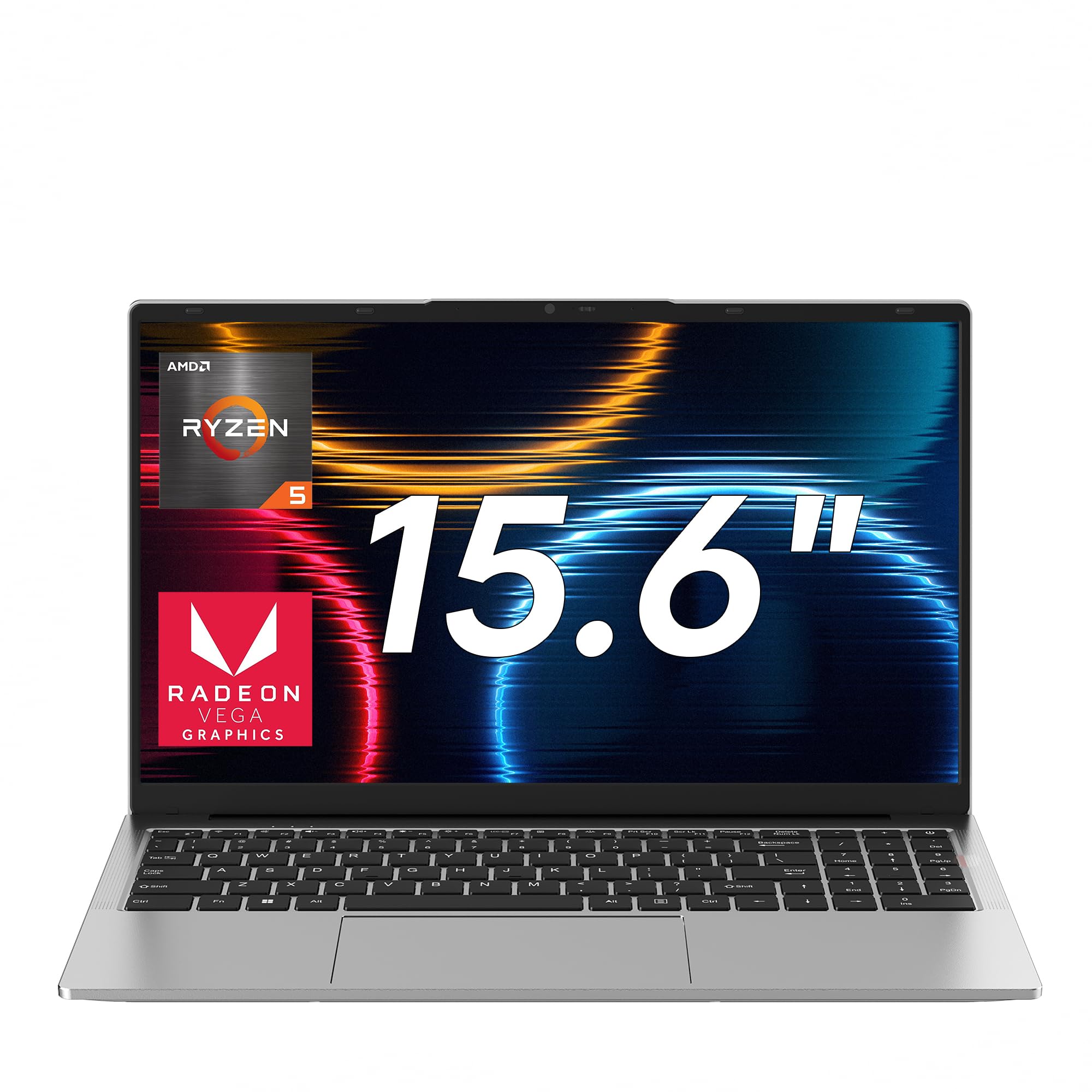
The jumper X8A packs a 62.7Wh battery, a massive capacity for this price tier, enabling all-day mixed use that competitors can’t touch. The AMD Ryzen 5 7430U with Radeon Graphics provides solid 1080p gaming performance in titles like League of Legends, Dota 2, and Rocket League. The 16GB DDR4 RAM runs in dual-channel, and the 1TB NVMe SSD is the largest storage allocation in this bracket — no immediate upgrades needed.
The 15.6-inch Full HD IPS display has narrow bezels and anti-glare coating, making it comfortable for long sessions. The 65W fast charging can refill the battery to 50% in around 30 minutes, which is useful for mobile gamers moving between classes or coffee shops. The chassis is a bright silver finish that resists fingerprints, and the keyboard has decent travel for extended typing sessions.
Bluetooth 4.2 is an odd downgrade when competitors offer Bluetooth 5.x, but it doesn’t affect gaming latency for mouse or keyboard connections. The four stereo speakers produce more volume than most budget laptops, though bass is predictably absent. For buyers who prioritize battery life over raw GPU power, the jumper X8A is the clear winner.
Why it’s great
- 62.7Wh battery is the largest in its class
- 1TB SSD means no immediate storage upgrade needed
- 65W fast charging for quick top-ups
Good to know
- Bluetooth 4.2 instead of 5.x
- 80+ CU iGPU is weaker than Vega 8 in some titles
- Build feels slightly plastic compared to Lenovo
4. MALLRACE R7 7730U

The MALLRACE is built for buyers who think ahead. With two DDR4 SO-DIMM slots supporting up to 64GB and dual M.2 2280 slots for up to 4TB of storage, this machine will not be outgrown by its memory. The Ryzen 7 7730U provides eight cores and sixteen threads, pushing through video editing, coding, and streaming without stuttering. The integrated Radeon Graphics can handle older games and esports titles at 1080p.
Port selection is generous: three USB 3.2 ports, one full-function Type-C, HDMI 1.4, and a TF card slot. The 180° hinge lets you lay the screen flat for sharing work, and the physical camera shutter adds privacy peace of mind. The 15.6-inch 16:9 screen delivers sharp text edges for long document editing sessions, reducing eye fatigue.
Verified buyers note the laptop is snappy for daily tasks and handles Unraid and Home Assistant virtual machine setups without breaking a sweat. The Radeon Lucienne GPU is not designed for modern AAA gaming, so stick to titles from 2018 or earlier for a smooth experience. The chassis is a smoky gray that resists smudges, and the keyboard includes a numeric keypad.
Why it’s great
- Dual M.2 slots support up to 4TB total storage
- 64GB RAM capacity is unmatched in this bracket
- 180° hinge and physical webcam shutter
Good to know
- iGPU is older Lucienne architecture, not RDNA
- HDMI 1.4 limits external display to 4K30
- No dedicated gaming GPU for AAA titles
5. KAIGERR X17 R7 5700U
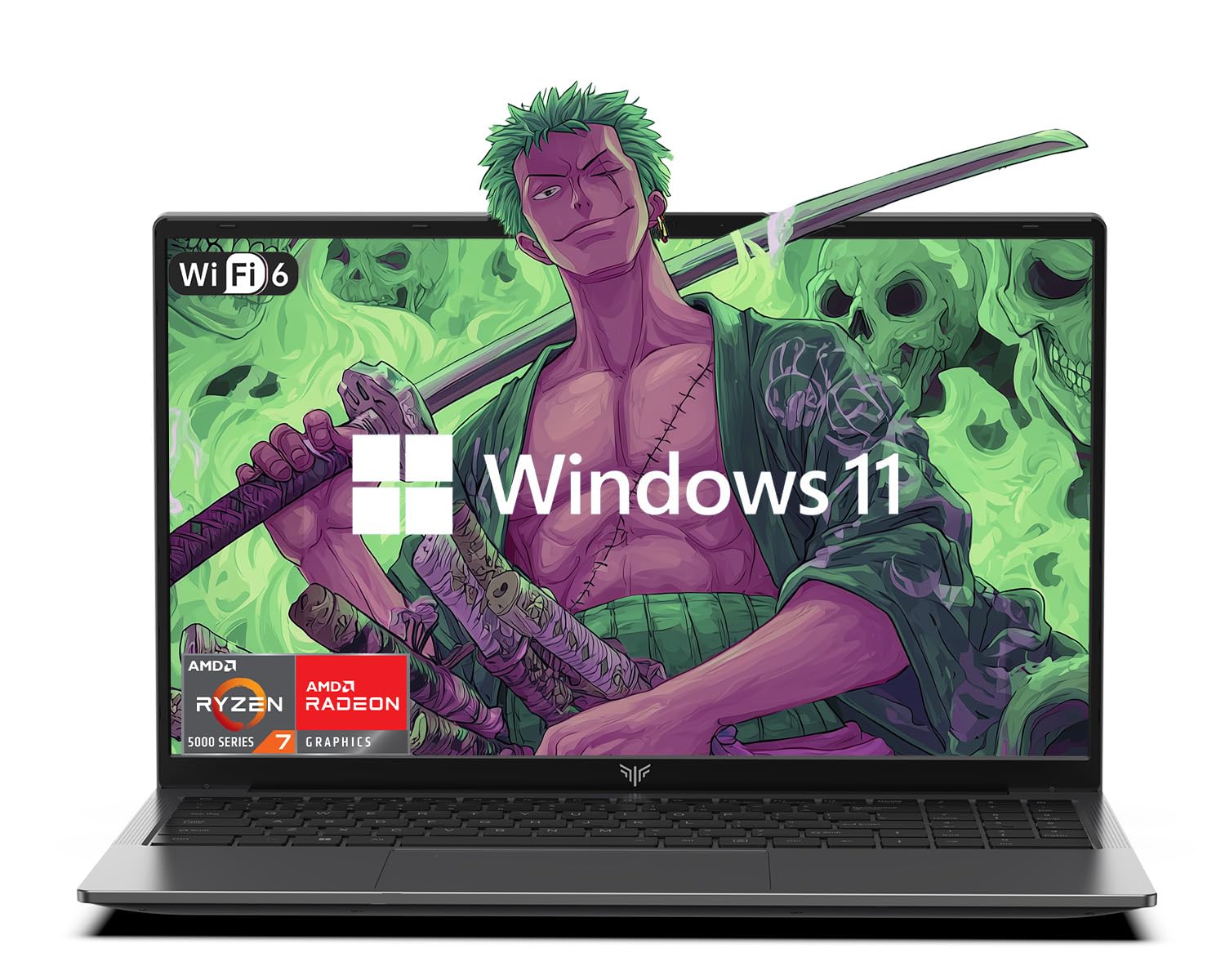
The KAIGERR X17 brings a 17.3-inch display to the budget bracket, offering a larger canvas for gaming and productivity that smaller 15.6-inch screens can’t match. The Ryzen 7 5700U with Vega 8 graphics handles basic 3D tasks and older titles smoothly. The 16GB DDR4 RAM ensures you can keep a dozen Chrome tabs open alongside your game without hitting swap.
The keyboard includes a full numeric keypad, a rare find at this price that spreadsheet users and MMO gamers will appreciate. WiFi 6 and Bluetooth 5.2 provide modern wireless connectivity, and the slim chassis is surprisingly portable for a 17-incher. The 512GB NVMe SSD boots Windows in seconds and leaves room for several games before needing an upgrade.
Real-world feedback highlights the large screen as a major selling point for buyers who work with spreadsheets or video timelines. The fan noise is moderate under load, and the screen quality is good for a budget panel. Some users report a screen blackout issue that was resolved by Amazon support. This is the best pick if you value screen real estate over pure gaming FPS.
Why it’s great
- 17.3-inch screen is the largest in this price range
- Numeric keypad for productivity and MMO gaming
- WiFi 6 and Bluetooth 5.2 included
Good to know
- 17.3-inch size reduces portability
- Vega 8 iGPU struggles with modern games
- Occasional screen blackout issue reported
6. Lenovo IdeaPad Gaming 15
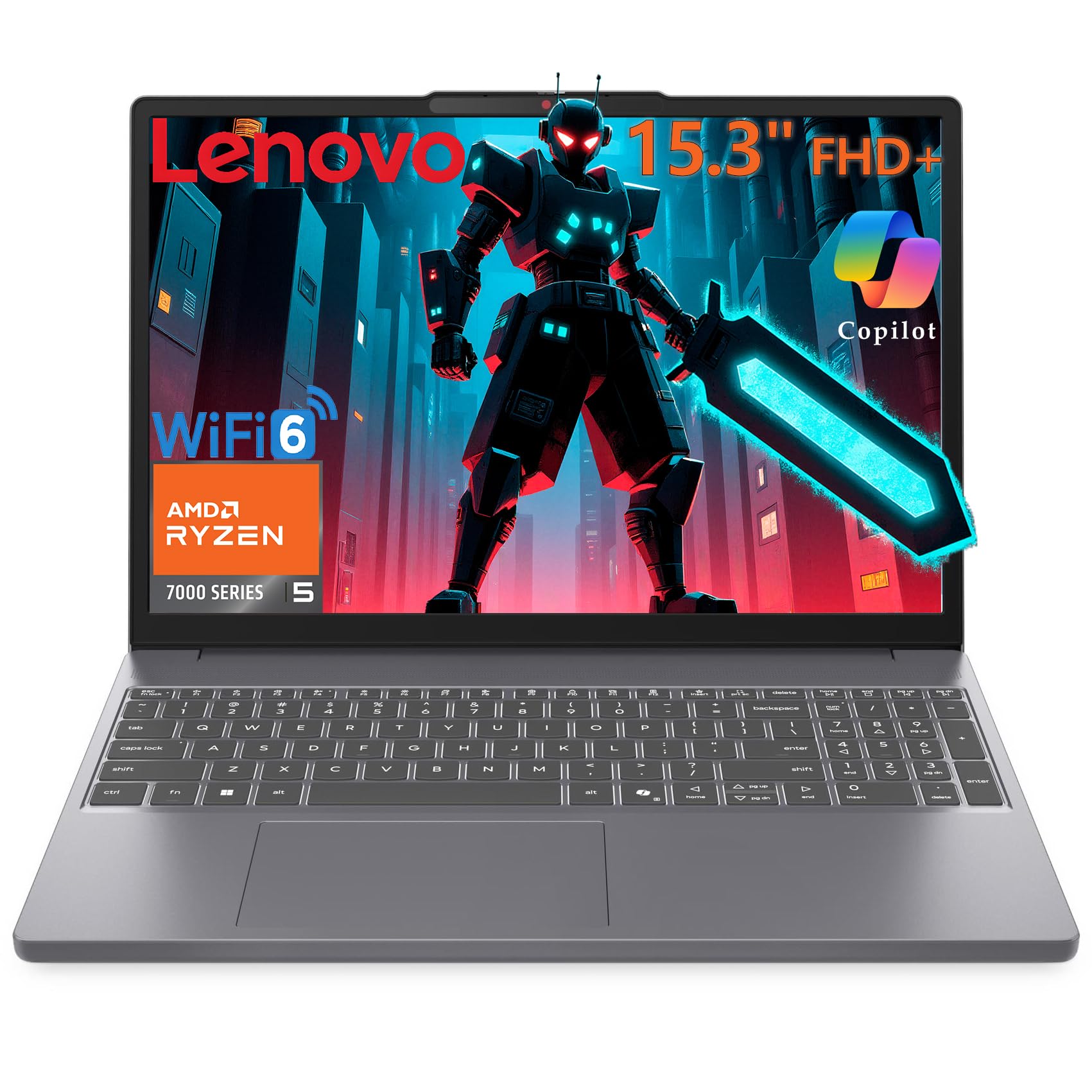
Lenovo’s reputation for build quality shines through at this price. The aluminum Luna Grey chassis weighs just 4.08 lbs, making it one of the most portable gaming-capable laptops in the list. The Ryzen 5 7535HS processor with Radeon 660M graphics delivers RDNA 2 architecture, a significant leap over the older Vega iGPUs, giving you playable frame rates in Fortnite and Apex Legends without a dedicated GPU.
The 15.3-inch WUXGA (1920×1200) display uses the 16:10 aspect ratio, offering more vertical screen space than standard 16:9 panels — beneficial for coding, reading documents, and browsing. The anti-glare coating reduces eye strain, and the 8GB of DDR5 RAM is faster than the DDR4 found on most competitors, though you may want to upgrade to 16GB for heavy multitasking.
The 256GB PCIe SSD is on the smaller side, but boot times are under 10 seconds. WiFi 6 and Bluetooth 5.3 provide modern connectivity. Verified buyers praise the keyboard feel and the overall sturdiness. Some users note the lack of a Windows Hello camera, but for the price, the build quality and portability make this a compelling premium option.
Why it’s great
- Radeon 660M is based on RDNA 2, beating Vega iGPUs
- 16:10 display gives more vertical workspace
- Ultra-light 4.08 lbs for easy travel
Good to know
- 8GB DDR5 is good but 16GB ideal for gaming
- 256GB SSD fills quickly with modern titles
- No Windows Hello camera or touchscreen
7. Lenovo 15″ Gaming Laptop
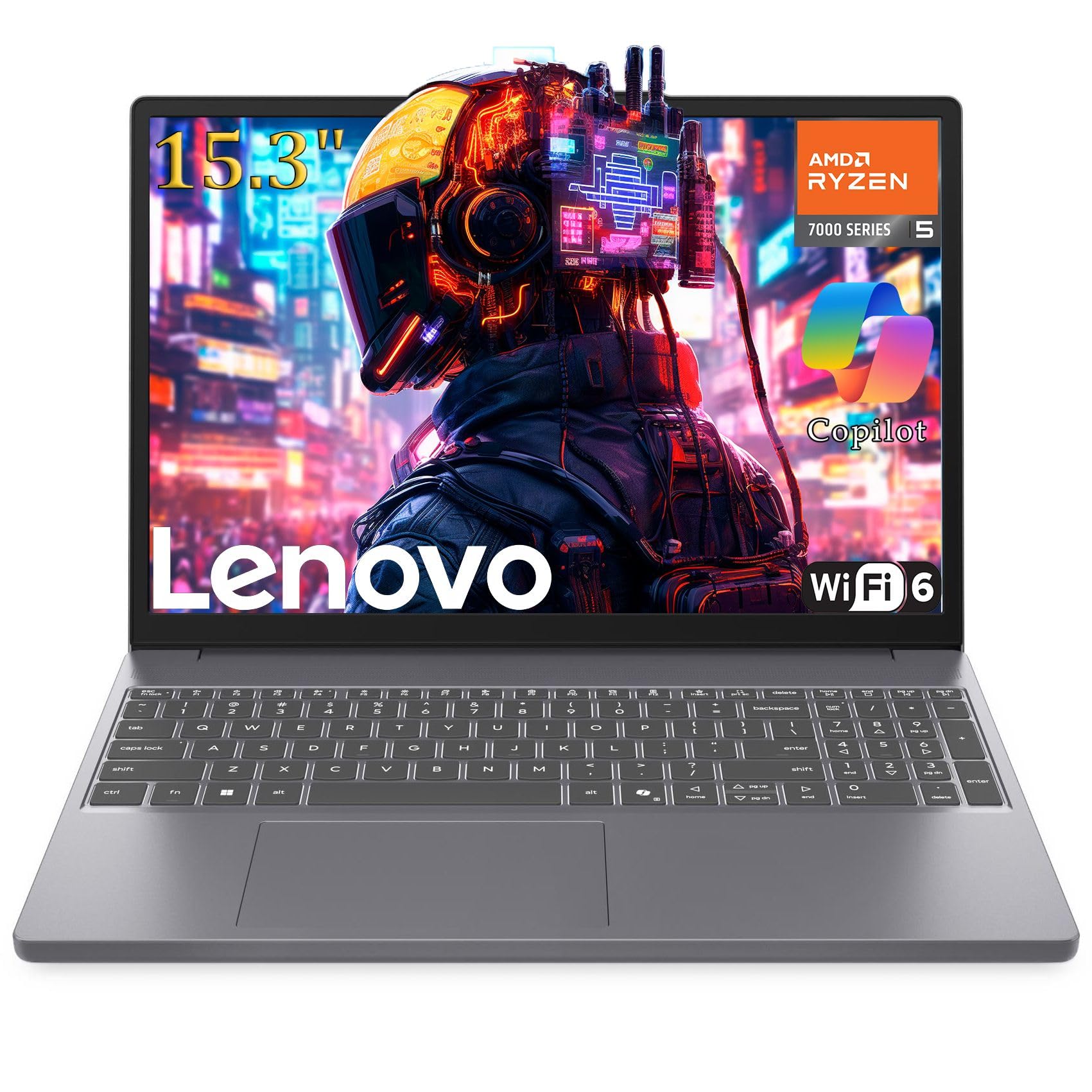
This Lenovo model mirrors the IdeaPad’s excellent build quality with a slightly different port layout and an emphasis on portability. The Ryzen 5 7535HS with Radeon 660M graphics handles 1080p gaming at medium settings for most esports titles, and the 8GB DDR5 RAM provides fast memory bandwidth for the iGPU.
The 15.3-inch Full HD+ display with a 16:10 aspect ratio makes this a joy for both gaming and productivity, and the anti-glare screen works well in brightly lit environments. Battery life is rated at up to 8 hours for mixed use, which is strong for this category. The Luna Grey aluminum finish looks more expensive than the price suggests.
Users report a solid build with a firm keyboard and easy setup with USB-C docking. The 256GB SSD is limited, but the fast-charging Type-C port and WiFi 6 support make this a future-proof choice. Some international warranty issues have been reported if you receive a unit licensed for another region. Overall, a premium-feeling package for the price.
Why it’s great
- Premium aluminum chassis at a mid-range price
- USB-C fast charging and docking support
- Excellent build quality and keyboard feel
Good to know
- 256GB SSD requires careful game management
- Some units shipped from India with regional licensing
- No touchscreen or Windows Hello
8. NIMO R7 7735HS
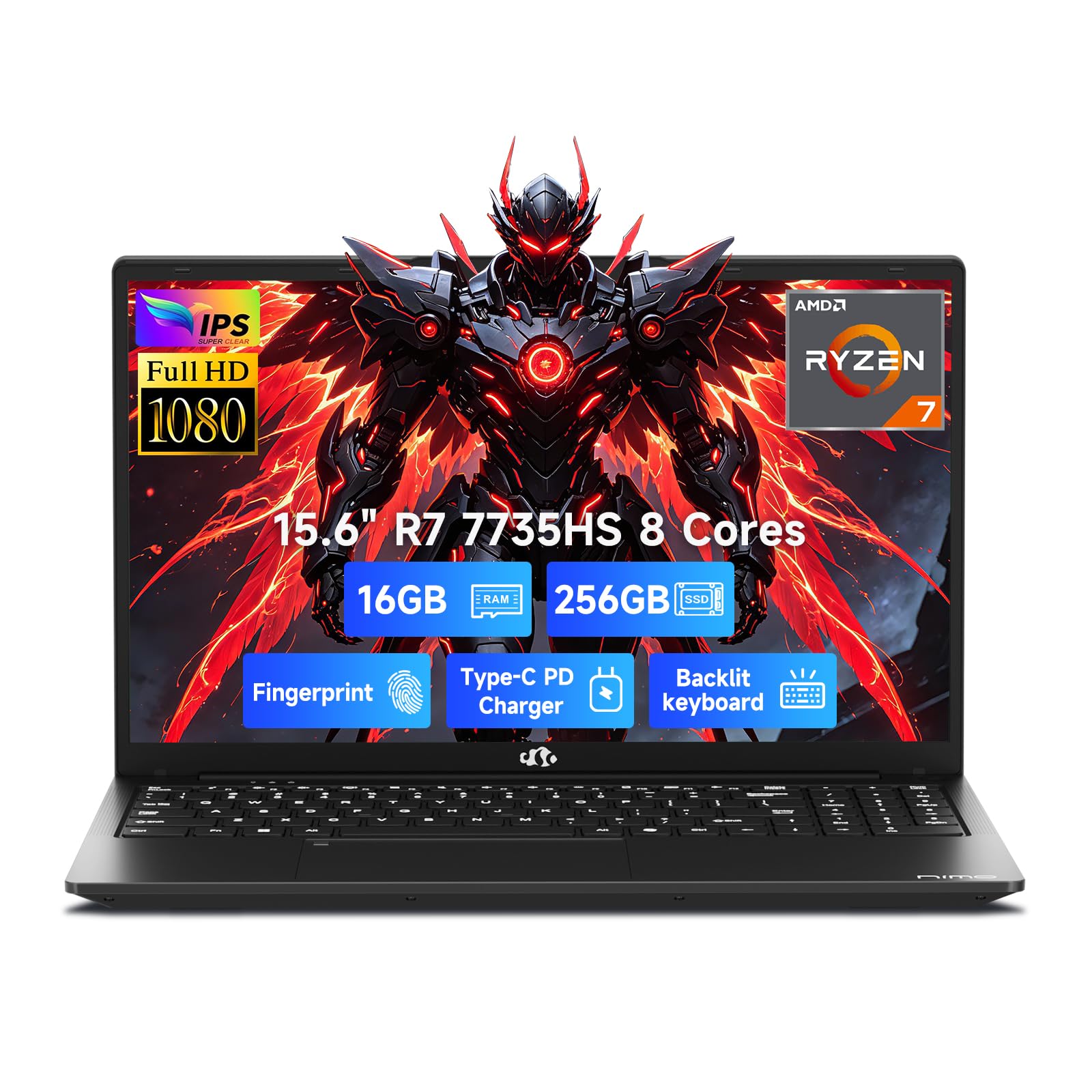
The NIMO packs a Ryzen 7 7735HS processor paired with the Radeon 680M iGPU — the most powerful integrated graphics in this entire lineup. The 680M delivers performance comparable to a GTX 1650, meaning you can play GTA V, Overwatch 2, and even Cyberpunk 2077 at low settings with playable frame rates. The 16GB of DDR5 RAM ensures no memory bottleneck.
The 15.6-inch FHD display is standard, but the 100W USB-C PD fast charging is a standout feature — you can charge this laptop with a high-wattage phone charger. The backlit keyboard and fingerprint reader add creature comforts that are rare at this price. The 256GB PCIe 4.0 SSD is fast but small; budget for a upgrade to 1TB.
Buyers report the laptop is snappy for daily tasks and can handle streaming and light gaming simultaneously. The 54Wh battery delivers around 6 hours of standby. Some users report the fingerprint reader can be finicky, and the number pad layout is slightly squeezed. For maximum iGPU gaming performance, the NIMO is the undisputed champion.
Why it’s great
- Radeon 680M rivals GTX 1650 performance
- 100W USB-C PD charging is versatile
- Backlit keyboard and fingerprint reader included
Good to know
- 256GB SSD is cramped for modern games
- Fingerprint reader can be inconsistent
- Number pad layout is compressed
9. HP Victus 15 (RTX 3050)

The HP Victus 15 is the first entry in this guide with a genuine dedicated GPU — the NVIDIA GeForce RTX 3050. This unlocks true 1080p gaming on AAA titles like Elden Ring, Call of Duty, and Fortnite at medium to high settings. The 12th Gen Intel Core i5-12500H processor provides excellent CPU performance for gaming and content creation.
The 15.6-inch Full HD IPS display provides wide viewing angles, though the 60Hz refresh rate is standard. The 8GB RAM is the main bottleneck here; upgrading to 16GB is highly recommended for smoother multitasking. The 512GB SSD provides decent storage for a handful of modern titles. The backlit keyboard is a welcome touch for late-night gaming sessions.
Buyers consistently praise the gaming performance and heat management, with CPU temps staying below 60°C under load. The main complaint is poor battery life (1-2 hours under gaming load) and a loud fan. Some users report WiFi issues and random lockups. For the price, this is the cheapest way to get a true RTX gaming experience.
Why it’s great
- RTX 3050 dedicated GPU for true 1080p gaming
- i5-12500H provides strong CPU performance
- 512GB SSD is adequate for 5-10 modern games
Good to know
- Only 8GB RAM; upgrade to 16GB recommended
- Battery life is very short during gaming
- Fan is loud and touchpad can stick
10. HP Victus 15 (RTX 2050)

The HP Victus 15 with the RTX 2050 swaps raw GPU power for a much better gaming experience with its 144Hz display. The 144Hz refresh rate makes a massive difference in esports games like Rocket League, Fortnite, and Valorant, where higher frame rates translate to smoother visuals and lower input lag. The RTX 2050 4GB GDDR6 GPU handles these titles with ease.
The 16GB DDR5 RAM and 1TB PCIe SSD make this a well-rounded package with no immediate need for upgrades. The Ryzen 5 7535HS processor provides efficient multitasking. The backlit keyboard with numeric keypad and Wi-Fi 6 connectivity round out the feature set. The 15.6-inch anti-glare display makes gaming comfortable for long sessions.
Buyers report excellent gaming performance with Fortnite hitting 180 FPS, Call of Duty at 120 FPS, and Rocket League at 160 FPS. The main trade-off is battery life, which dips to around 1.5-2 hours during unplugged gaming. The fan can also be loud under load. Some users have noted sharp chassis edges and trackpad sensitivity issues.
Why it’s great
- 144Hz display is a game-changer for esports titles
- 16GB DDR5 RAM and 1TB SSD need no upgrades
- Strong 1080p gaming performance across the board
Good to know
- RTX 2050 is slower than RTX 3050 in pure GPU power
- Battery life is very short during gaming
- Loud fan and sharp chassis edges reported
11. ASUS TUF Gaming A15

The ASUS TUF Gaming A15 is built to survive the rigors of student life and LAN parties. It meets the MIL-STD-810H military standard for drops, vibration, humidity, and extreme temperatures. Inside, the Ryzen 5 7535HS and RTX 3050 (up to 70W TGP) deliver genuine 1080p gaming performance in AAA titles. The 144Hz FHD display with Adaptive-Sync eliminates screen tearing for smooth gameplay.
The 8GB DDR5 RAM is upgradeable to 16GB or 32GB, which is essential for modern gaming. The 512GB PCIe 4.0 SSD provides fast load times. The dual 84-blade Arc Flow Fans keep thermals under control without excessive noise. The keyboard features customizable RGB backlighting, adding to the premium feel.
Buyers consistently praise the build quality and durability, with one user reporting their dog dragged the laptop off a table and only suffered a loose wire. Battery life is around 2 hours under gaming load and up to 11 hours for video playback. The main compromises are the plastic build (which is still tough) and the poor speakers. For the ultimate blend of durability and gaming performance, the TUF A15 is the top choice.
Why it’s great
- MIL-STD-810H certified for extreme durability
- 144Hz Adaptive-Sync display for tear-free gaming
- Upgradeable DDR5 RAM and customizable RGB keyboard
Good to know
- 8GB RAM needs immediate upgrade for modern gaming
- Speakers are poor; headphones recommended
- Plastic build feels less premium than Lenovo
FAQ
Can a gaming laptop actually play modern games?
Is the SSD upgrade important for a budget gaming laptop?
What frame rates can I expect from Radeon Vega 8 graphics?
Final Thoughts: The Verdict
For most users, the 400 dollar gaming laptop winner is the Acer Aspire 3 A315-24P because it offers the best balance of gaming performance, battery life, and build quality for the price, with the Ryzen 3 7320U and Radeon 610M handling esports titles smoothly. If you want the absolute fastest integrated graphics for more demanding games, grab the NIMO R7 7735HS with its Radeon 680M. And for the most durable and upgrade-friendly option with a dedicated GPU, nothing beats the ASUS TUF Gaming A15.