
Switching from a mouse to a pen display for AutoCAD changes how you interact with every line, polyline, and dimension. The precision of direct screen input eliminates the disconnect of hand-eye coordination, but choosing the wrong tablet — with poor parallax, low resolution, or laggy pen tracking — can ruin the workflow faster than a crashed drawing file.
I’m Min — the co-founder and writer behind Gadgets Feed. I’ve spent hundreds of hours dissecting the technical specifications of pen displays, evaluating driver stability across multiple operating systems, and cross-referencing real user experiences with 4K resolution scaling in AutoCAD to identify which models actually hold up under professional drafting loads.
Whether you need a portable standalone sketchpad or a calibrated 4K monitor for detailed architectural work, this guide to the best autocad drawing tablet breaks down the key specs and real-world performance that matter for precise drafting and design.
How To Choose The Best AutoCAD Drawing Tablet
Selecting a pen display for AutoCAD goes beyond picking the largest screen. You need to weigh resolution, color accuracy, pen precision, connection flexibility, and the critical choice between a standalone tablet and a tethered monitor. Missteps in any of these areas can lead to eye strain, inaccurate drawings, and frustrating driver conflicts.
Pen Display vs. Standalone Tablet
The most fundamental decision is whether you need a computer-connected pen display or a standalone tablet. Pen displays like the XP-Pen Artist 13.3 Pro V2 and Huion Kamvas Pro 16 4K function as high-precision second monitors, offering superior resolution, color accuracy, and driver-level integration with AutoCAD — ideal for professional drafting stations. Standalone tablets, such as the PicassoTab A12 or RubensTab T11 Pro, run Android and offer portability for sketching concepts or marking up PDFs on site, but they lack the raw computing power and native AutoCAD desktop interface required for heavy DWG editing. For serious CAD work, a non-standalone pen display is almost always the correct choice.
Resolution and Color Accuracy
AutoCAD deals with fine lines and small text, making screen resolution a top priority. A 4K display (3840×2160) like the one on the Huion Kamvas Pro 16 or the XP-Pen Artist Pro 19 Gen2 ensures sharp detail at high zoom levels, reducing the need for constant panning and zooming. Color accuracy, measured by sRGB coverage and Delta E, is less critical for line drawings but becomes essential if you incorporate rendering or material shading into your workflow. Look for 99% sRGB or higher and a Delta E of less than 2 for reliable color representation.
Pen Precision and Pressure Sensitivity
In AutoCAD, a pen that registers a shaky or offset line wastes time. Key specs to check are pressure sensitivity levels (8192 is a good baseline, 16384 offers finer control for variable line weights), initial activation force (IAF), and tilt support. Lower IAF, measured in grams, means the pen registers the lightest touch, which helps maintain consistent line weight. Also verify that the tablet’s driver supports pen mapping to your specific monitor layout — some models struggle with multi-monitor setups.
Quick Comparison
On smaller screens, swipe sideways to see the full table.
| Model | Category | Best For | Key Spec | Amazon |
|---|---|---|---|---|
| Wacom Cintiq Pro 22 | Pen Display | Professional 4K Drafting | 21.5″ 4K UHD, 120Hz, 10-bit, Touch | Amazon |
| XP-Pen Artist Pro 19 Gen2 | Pen Display | Large 4K Workspace | 18.4″ 4K UHD, 16384 pressure, Dual Stylus | Amazon |
| Huion Kamvas Pro 16 4K | Pen Display | Color-Critical CAD Work | 15.6″ 4K UHD, 120% sRGB, ±0.3mm accuracy | Amazon |
| Wacom Cintiq 16 | Pen Display | Reliable Mid-Range Pen Display | 16″ 2.5K WQXGA, Pro Pen 3, 100% sRGB | Amazon |
| HUION Kamvas 13 Gen 3 | Pen Display | Compact Drafting Setup | 13.3″ FHD, 16384 pressure, Dual Dial | Amazon |
| XPPen Artist 13.3 Pro V2 | Pen Display | Best Value Entry-Level Pen Display | 13.3″ FHD, 16384 pressure, Red Dial | Amazon |
| PicassoTab A12 | Standalone Tablet | Portable Sketching & Markup | 12″ Laminated 2K, 4096 pressure, Android | Amazon |
| PicassoTab A10 | Standalone Tablet | Compact Portable Drawing | 10″ Laminated HD, 4096 pressure, Android | Amazon |
| RubensTab T11 Pro | Standalone Tablet | Budget Standalone Sketching | 10.1″ FHD, 1024 pressure, Android 12 | Amazon |
In-Depth Reviews
1. Wacom Cintiq Pro 22

The Wacom Cintiq Pro 22 sets the benchmark for precision drafting with its 21.5-inch Ultra HD 4K display and a smooth 120Hz refresh rate. The 10-bit color depth ensures gradient transitions in shaded CAD views are free of banding, while the 8192 levels of pressure sensitivity on the Pro Pen 3 deliver the predictable line response AutoCAD users demand. The etched glass surface provides the right amount of drag for controlled pen movement without feeling sticky.
Connectivity is generous with USB-C (DP Alt Mode), HDMI, and Mini DisplayPort inputs, making it compatible with both PC and Mac workstations. The 10-point multi-touch support allows intuitive zoom and pan gestures on complex drawings, but you will want to disable drawing-specific gestures in the driver to prevent accidental inputs. The foldable Easy Stand adjusts the angle for comfortable all-day drafting sessions.
This is a professional investment, not an entry-level purchase. The build quality is excellent — the 11-pound frame feels solid on a desk, and the matte glass effectively cuts glare under office lighting. Driver stability in AutoCAD is Wacom’s strongest advantage, with consistent pen mapping across multi-monitor setups. If your workflow demands absolute reliability and color fidelity, this is the definitive choice.
Why it’s great
- Exceptional 4K resolution at 120Hz eliminates latency in line drawing
- Pro Pen 3 offers adjustable weight and grip for personalized comfort
- Professional-grade color accuracy with 10-bit depth and wide gamut
Good to know
- Dedicated stand is sold separately and can be wobbly
- Pen side buttons are not ideally placed for heavy use
- Premium price positions it as a top-tier professional tool
2. XP-Pen Artist Pro 19 Gen2

The XP-Pen Artist Pro 19 Gen2 delivers a massive 18.4-inch 4K UHD canvas with Calman-verified color accuracy and a Delta E of less than 1.5. This level of color fidelity, combined with 99.8% sRGB and 98% Display P3 coverage, ensures that rendered elevations and material callouts in AutoCAD appear exactly as intended. The full-laminated display with AG etched glass virtually eliminates parallax, making the pen tip feel directly connected to the line on screen.
A standout feature is the inclusion of two styluses: the X3 Pro Roller Stylus with a physical scroll wheel and the lightweight X3 Pro Slim Stylus. Having 16,384 pressure levels on both pens provides exceptional line weight variation, and the 3g initial activation force registers the lightest stroke. The ACK05 wireless shortcut keyboard with ten customizable keys and a physical dial gives you quick access to zoom, layer toggles, and command shortcuts in AutoCAD, reducing hand movement away from the canvas.
Dual USB-C connections simplify switching between a Windows workstation and a MacBook, and the reversible design keeps cable management clean. The included H11 pen case and 23 extra nibs add tangible value. At this price point, you get a professional-grade 4K display with a feature set that rivals models costing significantly more, making it a compelling choice for serious CAD users who want a large workspace without the highest-end price tag.
Why it’s great
- Calman-verified color accuracy with wide gamut coverage for rendering work
- Two included styluses with 16,384 pressure levels and a scroll wheel option
- Wireless shortcut remote with dial speeds up drafting commands
Good to know
- Heavy and not easily portable for frequent travel
- No touchscreen functionality for gesture navigation
- Driver software can occasionally require updates for full stability
3. Huion Kamvas Pro 16 4K
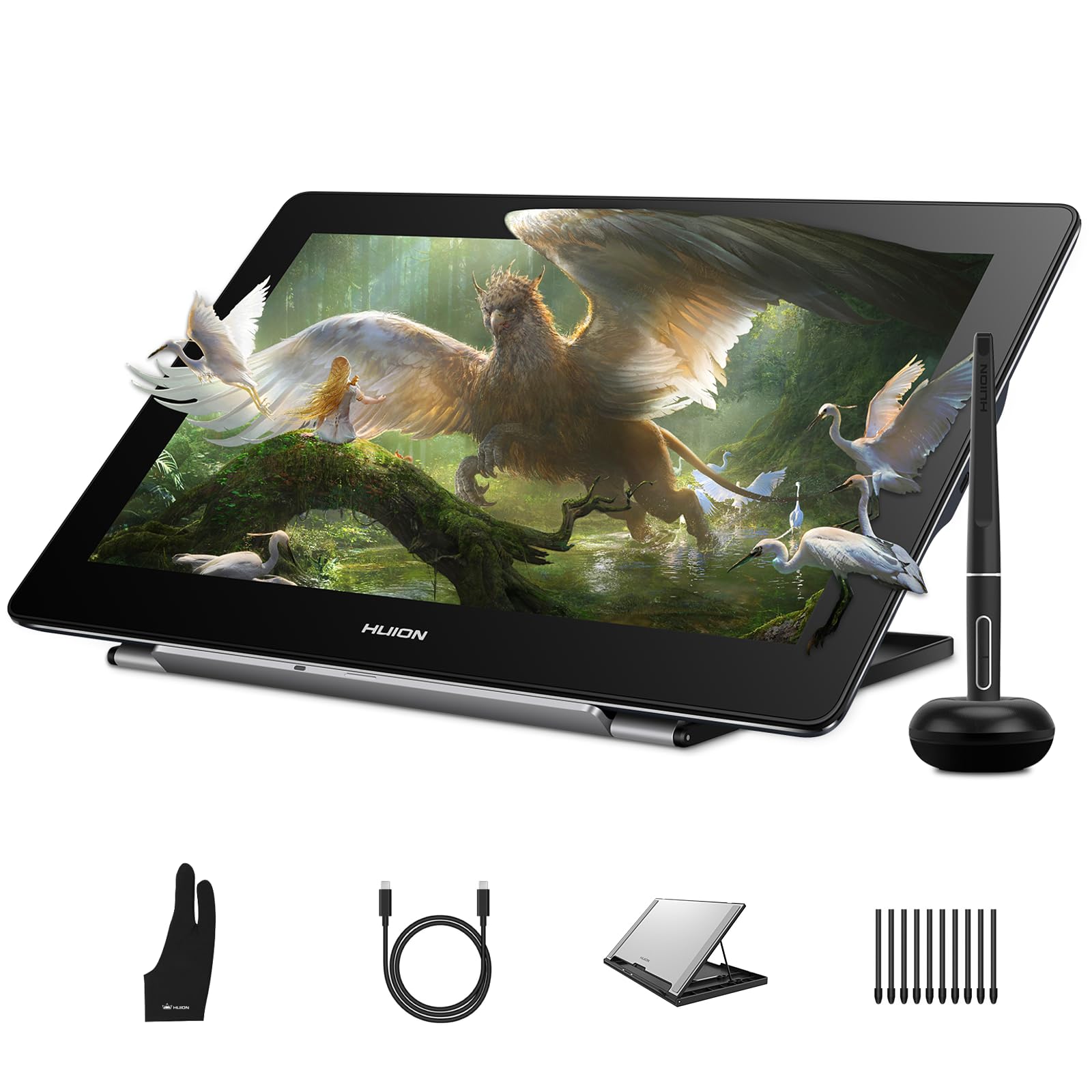
The Huion Kamvas Pro 16 4K packs true 3840×2160 resolution into a 15.6-inch display, offering an exceptionally sharp pixel density for detailed CAD work. With 120% sRGB color gamut coverage and 16.7 million colors, it handles color-critical design tasks comfortably. The full-laminated anti-glare screen eliminates parallax and reduces distracting reflections, keeping your focus on the drawing area.
PenTech 3.0 technology in the PW517 stylus delivers ±0.3mm accuracy and 8192 pressure levels with consistent tracking even at the screen edges — a common pain point in cheaper displays. The three customizable pen side buttons can be mapped to frequently used AutoCAD functions like undo or object snap. Dual USB-C ports support plug-and-play connectivity with Windows, macOS, Linux, and Android devices, offering flexibility across different work environments.
The adjustable stand provides a 20-80 degree range for ergonomic positioning, and the included 3-in-2 cable and USB extension simplify connection to older laptops. Some users note the cable length is relatively short, requiring careful desk layout planning. Overall, this pen display bridges the gap between mid-range affordability and professional-grade 4K performance, making it a strong contender for designers who prioritize resolution in a compact footprint.
Why it’s great
- True 4K UHD resolution on a 15.6-inch screen provides sharp, detailed visuals
- Excellent color accuracy with 120% sRGB for rendering tasks
- Dual USB-C ports and wide OS compatibility simplify setup
Good to know
- Included cable length is shorter than ideal for some desk setups
- No touchscreen support for gesture-based navigation
- Foldable stand can feel flimsy compared to third-party monitor arms
4. Wacom Cintiq 16

The Wacom Cintiq 16 offers a 16-inch IPS display with 2.5K WQXGA resolution (2560×1600) and 100% sRGB coverage, delivering crisp line work and accurate colors for standard drafting workflows. The Pro Pen 3 with 8192 pressure levels responds to featherlight inputs, and the three shortcut keys on the pen can be programmed for AutoCAD commands like measurement or layer properties. The anti-glare glass keeps reflections manageable under typical office lighting.
Wacom’s driver reputation is a major advantage here — the Cintiq 16 installs cleanly and maintains consistent pen mapping across single and dual-monitor setups, a significant reliability factor for daily CAD use. The built-in fold-out legs provide a 20-degree working angle out of the box, though you can add an adjustable stand for more ergonomic flexibility. The USB-C connection with DisplayPort Alt Mode or Thunderbolt 3/4 makes it easy to connect to modern laptops.
Some users note the Pro Pen 3 feels thinner than previous models and lacks the eraser nub, which may require a short adjustment period. The tablet also has no dedicated shortcut buttons on the display itself, relying entirely on the pen and keyboard shortcuts. For users who prioritize stable driver performance and a no-fuss setup over the highest pixel count, this is a dependable mid-range option.
Why it’s great
- Rock-solid Wacom driver stability ensures reliable AutoCAD pen mapping
- Sharp 2.5K resolution at 16 inches improves line clarity over FHD
- Anti-glare surface reduces eye strain during long drafting sessions
Good to know
- Pro Pen 3 has no eraser and thinner grip profile may not suit all hands
- No shortcut buttons on the display body
- Requires a separate mini-HDMI cable for some older computers
5. HUION Kamvas 13 Gen 3

The HUION Kamvas 13 (Gen 3) brings advanced pen technology to a compact 13.3-inch form factor. It features PenTech 4.0 with a staggering 16,384 levels of pressure sensitivity and a 2g initial activation force, enabling extremely fine control over line weights in AutoCAD. The full-laminated display with Canvas Glass 2.0 reduces parallax and glare, creating a paper-like surface that feels natural for precise cursor placement.
Color accuracy is improved over the previous generation, with an average Delta E of less than 1.5 and 99% sRGB coverage. The addition of dual dial buttons and five programmable shortcut keys directly on the display gives you quick tactile access to zoom, scroll, and command shortcuts, reducing reliance on keyboard combos. The USB-C single cable connection simplifies desk setup — just one cable for video and power from your laptop or PC.
The included ST300 adjustable stand offers multiple working angles for ergonomic comfort. Compatibility extends to Windows, macOS, Android with USB 3.1 DP1.2, and Linux. Some users mention the screen’s peak brightness is moderate at around 200 nits, which can be a limitation in brightly lit environments. For CAD users seeking a high-performance portable pen display that travels easily, this is a top contender.
Why it’s great
- 16,384 pressure levels with 2g IAF for high-precision line control
- Dual dial and shortcut keys streamline AutoCAD workflow
- Excellent color accuracy with sub-1.5 Delta E
Good to know
- Peak brightness around 200 nits may struggle in bright rooms
- No touchscreen support for gesture navigation
- 3-in-1 cable can be inconvenient for some port layouts
6. XPPen Artist 13.3 Pro V2

The XP-Pen Artist 13.3 Pro V2 is a well-balanced entry-level pen display that punches above its price class. It offers 16,384 pressure levels via the X3 Pro Smart Chip stylus with a 90ms initial response rate, reducing the lag that can disrupt fast drafting in AutoCAD. The 13.3-inch FHD display with full lamination and AG film cuts down glare and parallax, making line placement feel accurate and immediate.
The standout hardware feature is the Red Dial Quick Key and eight customizable shortcut buttons. The dial can be mapped to zoom, brush size, or scroll — functions directly useful for navigating large CAD drawings. The included S01 adjustable stand supports ergonomic positioning, and the wide OS compatibility covers Windows, macOS, ChromeOS, Android, and Linux, so it fits into mixed-OS studios without issue.
Color accuracy is solid with 99% sRGB coverage and 125% sRGB gamut area ratio, making this display suitable for basic rendering previews. Some users report occasional driver hiccups with pen misalignment across multi-monitor setups, which may require tweaking the display scaling settings. For a budget-conscious buyer who needs a reliable, feature-rich pen display for AutoCAD, the Artist 13.3 Pro V2 offers exceptional value.
Why it’s great
- Excellent value with 16K pressure levels and full-laminated display
- Red Dial and eight shortcut keys for efficient navigation
- Broad OS compatibility including Linux and Android
Good to know
- Pen may require recalibration in multi-monitor setups
- No touchscreen support for gesture zoom/pan
- Included stand is functional but not premium
7. PicassoTab A12
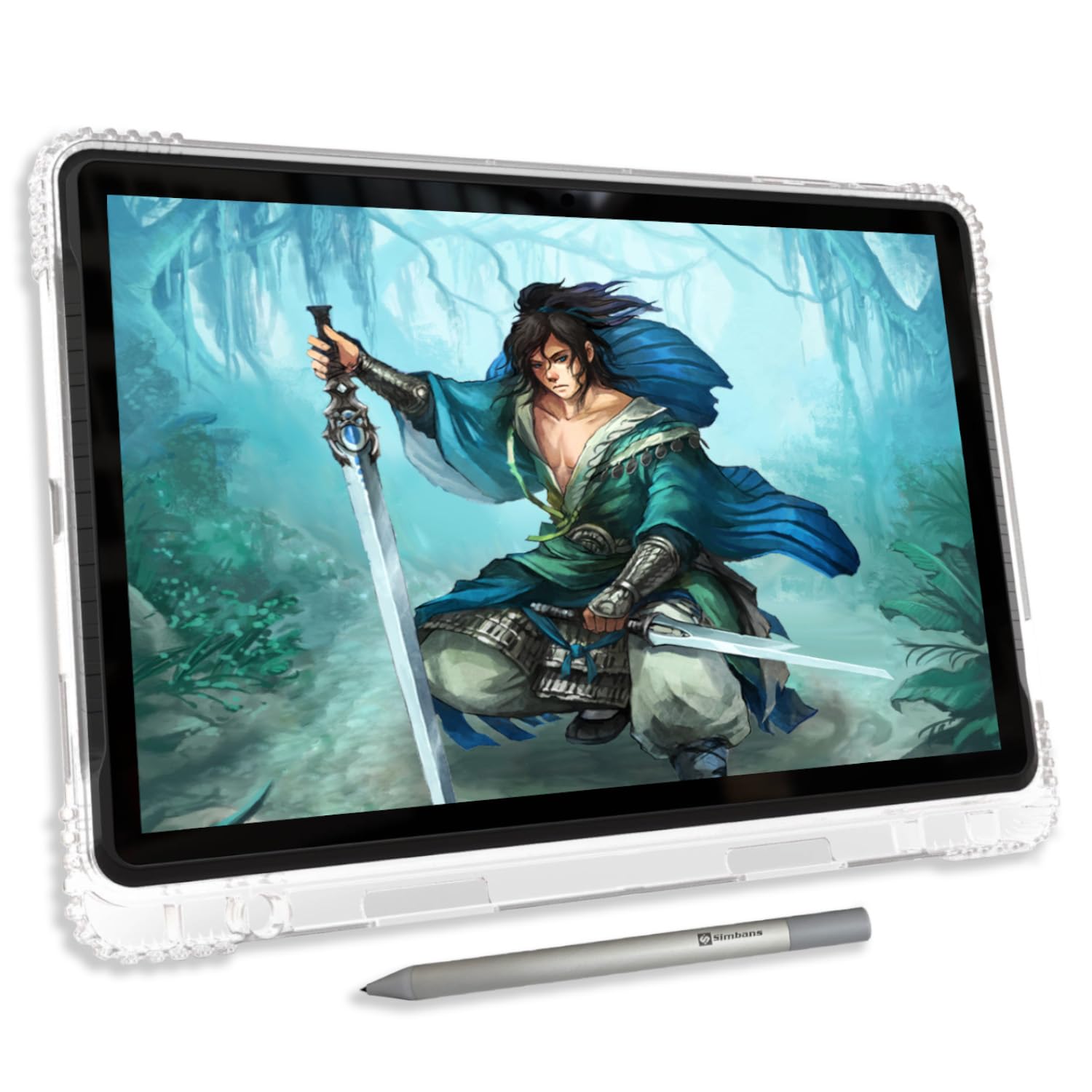
The PicassoTab A12 is a standalone Android 14 tablet designed for users who need a portable drawing solution without a laptop tether. The 12-inch laminated 2K display reduces parallax significantly compared to standard tablets, and when paired with the Picasso Pen 3 (4096 pressure levels with palm rejection), it offers a respectable experience for on-site concept sketches and PDF markup in AutoCAD Mobile.
Under the hood, an octa-core CPU with 6GB RAM and 128GB of expandable storage provides enough power to run drawing apps like Concepts (with a lifetime PRO license included) and Infinite Painter without major stutter. The lifetime VIP tutorials via Artixo are a nice bonus for beginners. The included case, glove, screen protector, and charger mean you can start using it immediately out of the box.
Because it runs Android, you are limited to mobile versions of AutoCAD and cannot run the full desktop software. The pen nib is on the harder side and may scratch a non-protected screen. Battery life varies with Wi-Fi and screen brightness, but disabling background apps helps extend sessions. This is a capable companion device for mobile sketching and review, not a replacement for a tethered pen display in a professional drafting environment.
Why it’s great
- Large 12-inch laminated 2K display with reduced parallax
- Standalone Android operation with pre-installed pro drawing apps
- Complete accessory kit included for immediate use
Good to know
- Limited to mobile AutoCAD apps, no full desktop version
- Hard pen nib may scratch the screen without a protector
- Charging port can become loose over time
8. PicassoTab A10
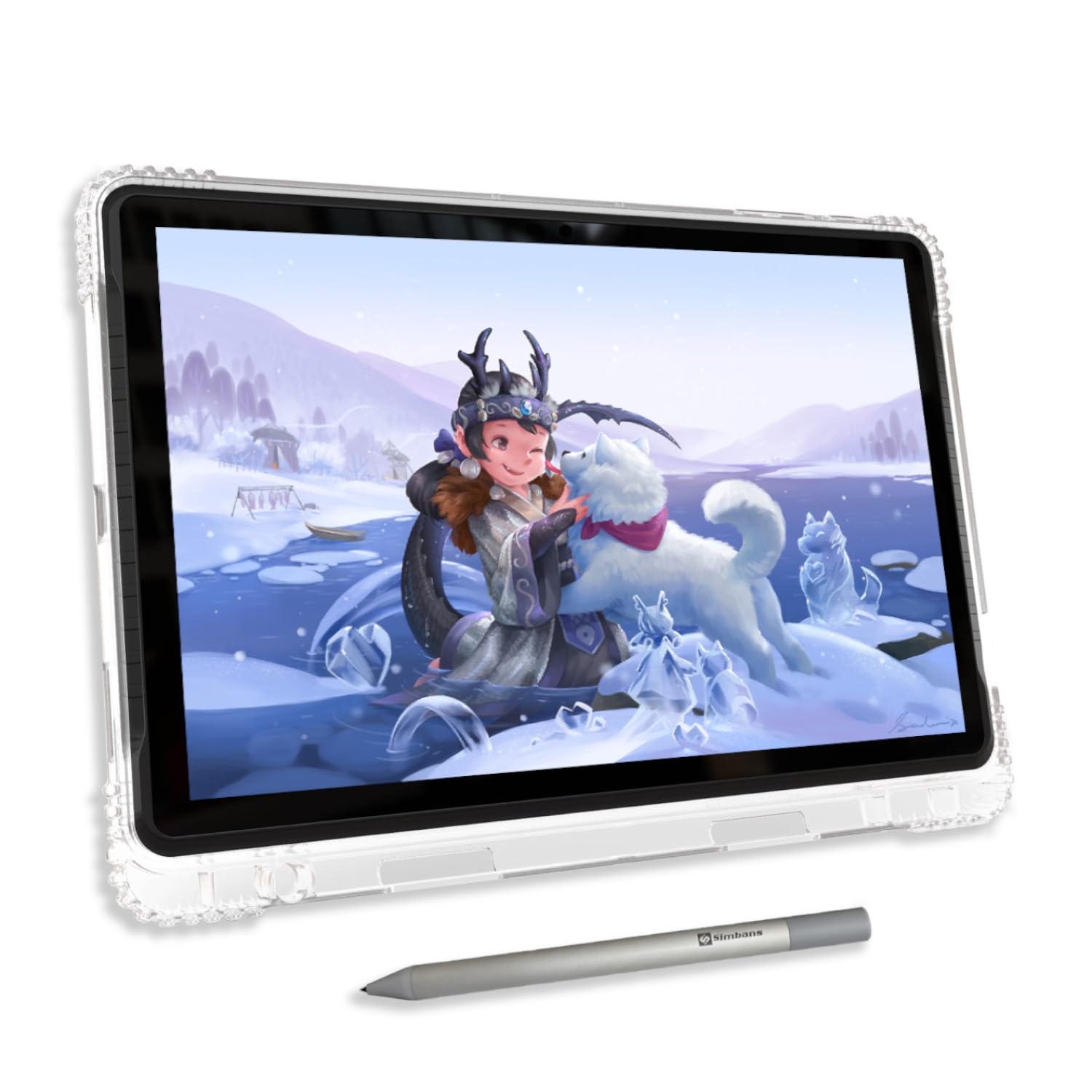
The PicassoTab A10 is a more compact sibling to the A12, featuring a 10-inch fully laminated IPS HD display with anti-glare finish and 4096 pressure levels via the Picasso Pen 3. It is purpose-built for portability, weighing less and fitting easily into a bag for on-the-go sketching, note-taking, or quick markups on AutoCAD Mobile files. The laminated screen helps keep the pen tip close to the display surface for better accuracy.
Powered by the same octa-core CPU, 6GB RAM, and 128GB expandable storage, the A10 handles mobile drawing apps smoothly. It ships with the same lifetime PRO license for Concepts, plus Infinite Painter and FlipaClip for animation. The included case, screen protector, and spare pen battery add practical value for beginners and students who want a ready-to-go creative tool.
The 10-inch size is ideal for quick sketches but feels cramped for detailed technical drafting compared to larger displays. The pen nib is similarly hard and may benefit from a screen protector. Battery life sees improvement by disabling Wi-Fi and unused background processes. This tablet excels as a portable sketchpad and educational device, but it cannot run full desktop AutoCAD and is best considered a supplementary tool.
Why it’s great
- Highly portable 10-inch form factor for mobile sketching
- Laminated IPS display with anti-glare reduces reflection and parallax
- Includes lifetime pro drawing apps and tutorial access
Good to know
- Small screen is limiting for detailed technical drafting
- Hard pen nib may scratch unprotected screens
- Standalone Android device cannot run full desktop AutoCAD
9. RubensTab T11 Pro
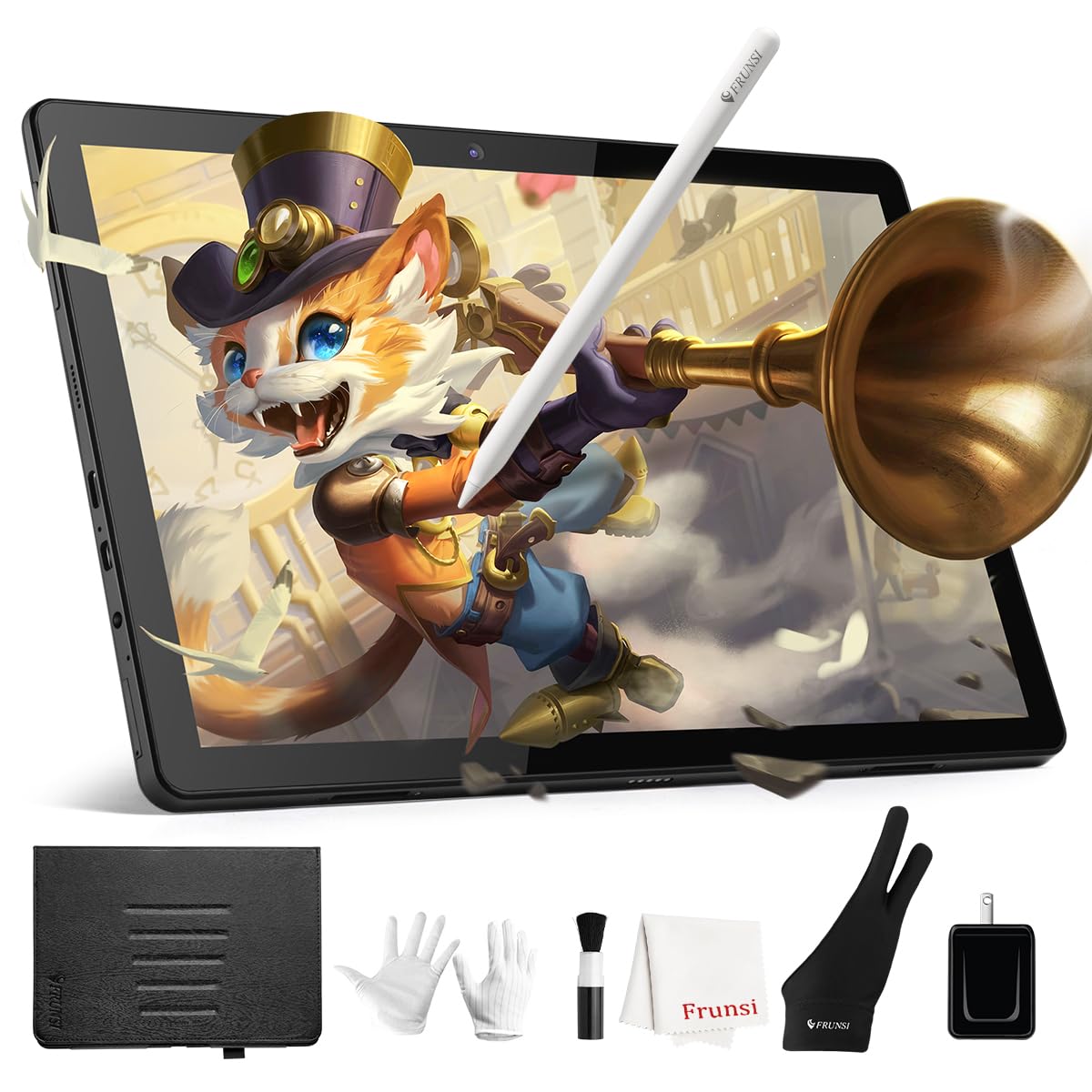
The RubensTab T11 Pro is an entry-level standalone drawing tablet that runs Android 12 and requires no computer connection. It features a 10.1-inch Full HD IPS display (1920×1200), a 5800mAh battery delivering up to 5 hours of use, and a battery-free pressure-sensitive pen with 1024 levels of pressure sensitivity. The pre-installed Krita and Adobe Sketchbook apps provide a basic drawing environment out of the box.
For a budget device, the build quality is decent — it comes with an adjustable stand case, cleaning cloth, and spare pen nibs. The laminated screen reduces parallax better than many tablets in its price range, and the included stylus offers tilt support. Wi-Fi connectivity allows access to online tutorials and cloud storage for project files, and the USB-C charging is convenient for use with power banks.
Performance is limited to basic drawing and sketching; running mobile AutoCAD versions will work but expect some lag with complex files. The 1024 pressure levels are a step down from the 4096 or 16384 found on premium models, making it less suitable for nuanced line weight control in professional CAD work. For a student, hobbyist, or younger artist exploring digital drawing, the T11 Pro offers a functional and affordable entry point.
Why it’s great
- Fully standalone — no computer needed, powered by Android 12
- Battery-free stylus with tilt support and pre-installed drawing apps
- Long 5-hour battery life with USB-C charging
Good to know
- Only 1024 pressure levels limits line weight precision
- Performance lags with large or complex CAD files
- Shaky line issue without ruler tool reported by some users
FAQ
Can I use a drawing tablet without a computer for AutoCAD?
Is 4K resolution necessary for AutoCAD drafting?
How many pressure levels do I really need for CAD work?
Final Thoughts: The Verdict
For most users, the best autocad drawing tablet winner is the Wacom Cintiq Pro 22 because its 4K resolution, 120Hz refresh rate, and rock-solid driver stability create the most reliable platform for professional drafting. If you want a large 4K workspace with dual styluses and exceptional color accuracy, grab the XP-Pen Artist Pro 19 Gen2. And for a compact, high-value portable pen display that travels well, the HUION Kamvas 13 Gen 3 is an excellent choice.