
Finding a laptop with a 14-inch OLED panel means you are chasing true blacks, wide color coverage, and pixel-level contrast that LCDs simply cannot match. The challenge is that many laptops claim an OLED screen but skimp on brightness, refresh rate, or processor power, leaving you with a display that looks dull in daylight or chokes on basic multitasking.
I’m Min — the co-founder and writer behind Gadgets Feed. I spend my weeks analyzing spec sheets, sorting through display metrics, and comparing real-world battery results to separate the true workhorses from the also-rans in this specific size and panel category.
After dozens of hours comparing brightness numbers, chassis materials, and port selections, I put together this guide to reveal the best 14 inch oled laptop choices that balance visual quality with actual daily usability.
How To Choose The Best 14 Inch OLED Laptop
A 14-inch OLED laptop is a specific beast: it needs to be portable enough to carry daily while delivering a screen that justifies the premium over standard IPS. The wrong pick either drains battery too fast or loses the OLED advantage behind a dim panel.
Peak Brightness and Color Coverage
Not all OLED panels are created equal. Look for 400 nits of sustained brightness or higher — ideally 500 nits peak HDR — and 100% DCI-P3 coverage. Without these numbers, the deep blacks you want from OLED get washed out in bright rooms.
Processor and Thermal Constraints
A 14-inch chassis has limited cooling space. An Intel Core Ultra 7 or 9 with an NPU can handle creative workloads without thermal throttling, while the Snapdragon X Plus trades raw peak power for dramatically longer battery life. Match the chip to your actual load.
Battery Capacity Versus OLED Draw
OLED panels consume more power when displaying bright content. A 70Wh battery is the comfort zone for all-day use. Smaller capacities like 50Wh might force you to dim the screen or carry a charger for a full work session.
Quick Comparison
On smaller screens, swipe sideways to see the full table.
| Model | Category | Best For | Key Spec | Amazon |
|---|---|---|---|---|
| ASUS Vivobook 14 Flip | Mid-Range | Light gaming & 2-in-1 flexibility | Intel Ultra 5, 16GB RAM | Amazon |
| HP OmniBook 5 | Mid-Range | All-day battery productivity | Snapdragon X Plus, 34hr battery | Amazon |
| GEEKOM GeekBook X14 Pro | Mid-Range | Creators wanting 2.8K & 120Hz | Ultra 9 185H, 32GB RAM | Amazon |
| HP OmniBook X | Premium | Business with touch & Intel AI | Ultra 7 356H, 3K OLED touch | Amazon |
| Lenovo ThinkPad X1 Carbon Gen 13 | Premium | Road warriors needing ultra-light | Ultra 7 258V, 2TB Gen5 SSD | Amazon |
| ASUS Zenbook Duo | Premium | Dual-screen multitaskers | Ultra 9 285H, dual 3K 120Hz | Amazon |
In‑Depth Reviews
1. GEEKOM GeekBook X14 Pro

The GEEKOM GeekBook X14 Pro packs a 2.8K OLED display with a 120Hz refresh rate into a magnesium alloy chassis that weighs just 2.2 pounds. That 120Hz panel makes every scroll and window transition feel fluid — a rare spec at this weight class — while the 100% DCI-P3 coverage delivers the color accuracy creative software demands.
Under the hood sits an Intel Core Ultra 9 185H with 16 cores and a dedicated NPU, paired with 32GB of LPDDR5x RAM clocked at 7500MHz. The 72Wh battery provides up to 16 hours of runtime, and the included 65W GaN charger refills the cell to 80% in about an hour. The IceBlade 2.0 thermal system keeps fan noise low even during sustained loads.
Port selection includes two 40Gbps USB4 ports with Power Delivery and DisplayPort 2.1, HDMI 2.1, and a USB 3.2 Type-A port. A physical camera shutter and fingerprint reader handle privacy and login. The build quality is solid with a precise CNC-milled unibody — it feels more expensive than its price suggests.
Why it’s great
- 120Hz 2.8K OLED with true blacks and wide color gamut
- Ultra 9 processor with 32GB high-speed RAM for multitasking
- Very lightweight (2.2 lbs) with full-sized port set
Good to know
- Trackpad feel is not as smooth as premium competitors
- Speakers lack depth for critical audio work
2. ASUS Zenbook Duo UX8406CA-PS99T

The Zenbook Duo breaks the single-display mold with two 14-inch 3K OLED panels running at 120Hz. Each screen hits 500 nits peak HDR brightness and covers 100% DCI-P3 — a rare combination for mobile workstations that rely on color-critical split-screen layouts. The detachable Bluetooth keyboard and built-in kickstand allow you to switch between laptop, dual-screen, and sharing modes.
Inside, the Intel Core Ultra 9 285H with Intel Arc graphics and 32GB of LPDDR5x RAM drives both panels smoothly. The 75Wh battery delivers up to 16 hours of video playback in laptop mode, though that drops to about 9 hours when both screens are active. Two Thunderbolt 4 ports, HDMI 2.1, and a USB 3.2 Type-A provide solid connectivity without a dongle.
The chassis meets MIL-STD 810H durability standards, so the dual-screen hinge mechanism feels sturdy during daily transport. The ASUS Pen 2.0 and protective sleeve are included in the box, which reduces initial accessory costs. For power users who constantly reference documents or code across two displays, this is the most versatile 14-inch OLED configuration available.
Why it’s great
- Two 3K 120Hz OLED panels for unmatched multitasking
- Ultra 9 285H with 32GB RAM handles creative workloads well
- Detachable keyboard and kickstand offer genuine flexibility
Good to know
- Speakers lack depth and the unit runs warm under load
- Dual screens drain battery faster than a single panel
3. HP OmniBook 5 14-he0099nr

The HP OmniBook 5 uses a Snapdragon X Plus X1P-42-100 processor paired with a Qualcomm Adreno GPU to achieve up to 34 hours of battery life from its 2K OLED display. That is the longest runtime in this comparison, made possible by the power-efficient ARM architecture and a 60W fast-charge system that refills 50% in 30 minutes.
The 14-inch OLED panel runs at 1920×1200 resolution with 300 nits of brightness and a 0.2ms response time — fast enough for fluid scrolling and ghost-free video playback. The 16GB of LPDDR5x RAM and 1TB PCIe Gen4 SSD provide responsive storage and memory for productivity suites and browser-heavy workflows.
Build quality includes recycled materials: ocean-bound plastic in the bezel and speaker enclosures, and recycled metal in the top cover and base. The backlit keyboard has three brightness levels, and the large trackpad supports multi-finger gestures. Ports are limited to two USB-C and one USB-A — no HDMI — so plan for an adapter if you need external display output.
Why it’s great
- Exceptional battery life for all-day unplugged work
- Fast Snapdragon X Plus processor stays cool and quiet
- Solid metal build with recycled materials
Good to know
- No touchscreen option on this model
- Limited port selection — one USB-C with no HDMI
4. ASUS Vivobook 14 Flip TP3407SA-ES54T
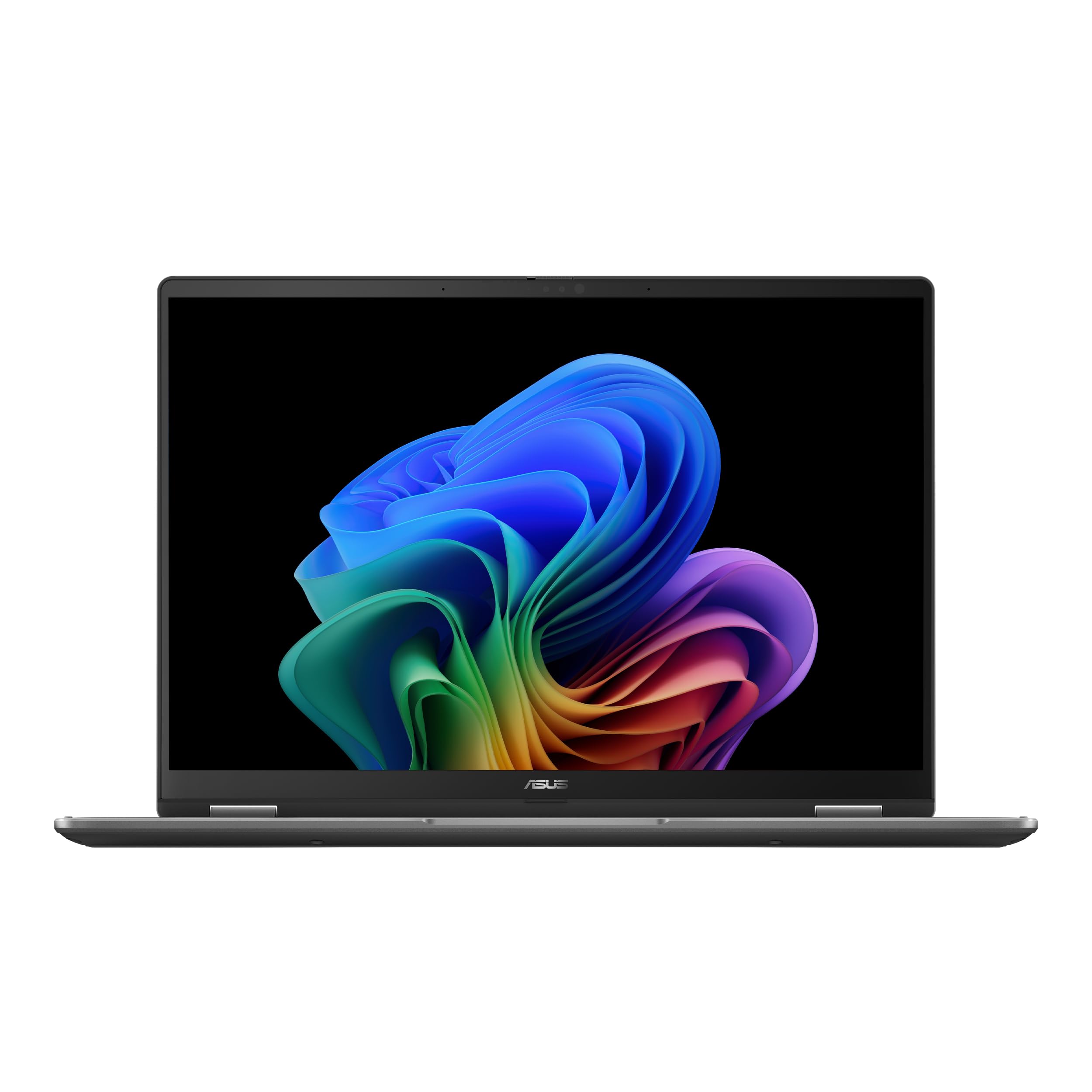
The Vivobook 14 Flip is a 2-in-1 convertible with a 14-inch OLED WUXGA touch display that runs at 60Hz and reaches 500 nits peak HDR brightness. The 360-degree hinge lets you fold the screen into tablet, tent, or stand modes, making it suitable for note-taking, presentations, or media consumption on a glossy OLED panel that maintains deep black levels from any viewing angle.
Power comes from an Intel Core Ultra 5 226V with Intel Arc graphics — enough to run lighter games like Cyberpunk 2077 at 60fps with Frame Gen enabled, according to verified reviews. The machine ships with 16GB of RAM and a 512GB M.2 SSD that is user-upgradeable. The battery is rated for up to 25 hours on paper, though real-world heavy use lands closer to 3-5 hours depending on screen brightness.
At this price point, you get both a touchscreen and a convertible form factor that few OLED competitors offer. The plastic chassis feels less premium than aluminum rivals, but the keyboard is comfortable for sustained typing — verified at 55+ wpm in customer feedback. The fan is designed to stay off in tablet mode even when plugged in.
Why it’s great
- Affordable entry to 14-inch OLED with touch and 2-in-1 flexibility
- Intel Arc graphics handle light gaming at decent frame rates
- User-upgradeable M.2 SSD for storage expansion
Good to know
- Plastic build with softer surfaces compared to metal laptops
- Real battery life is much shorter than the 25-hour claim
5. HP OmniBook X 14-ka0099nr
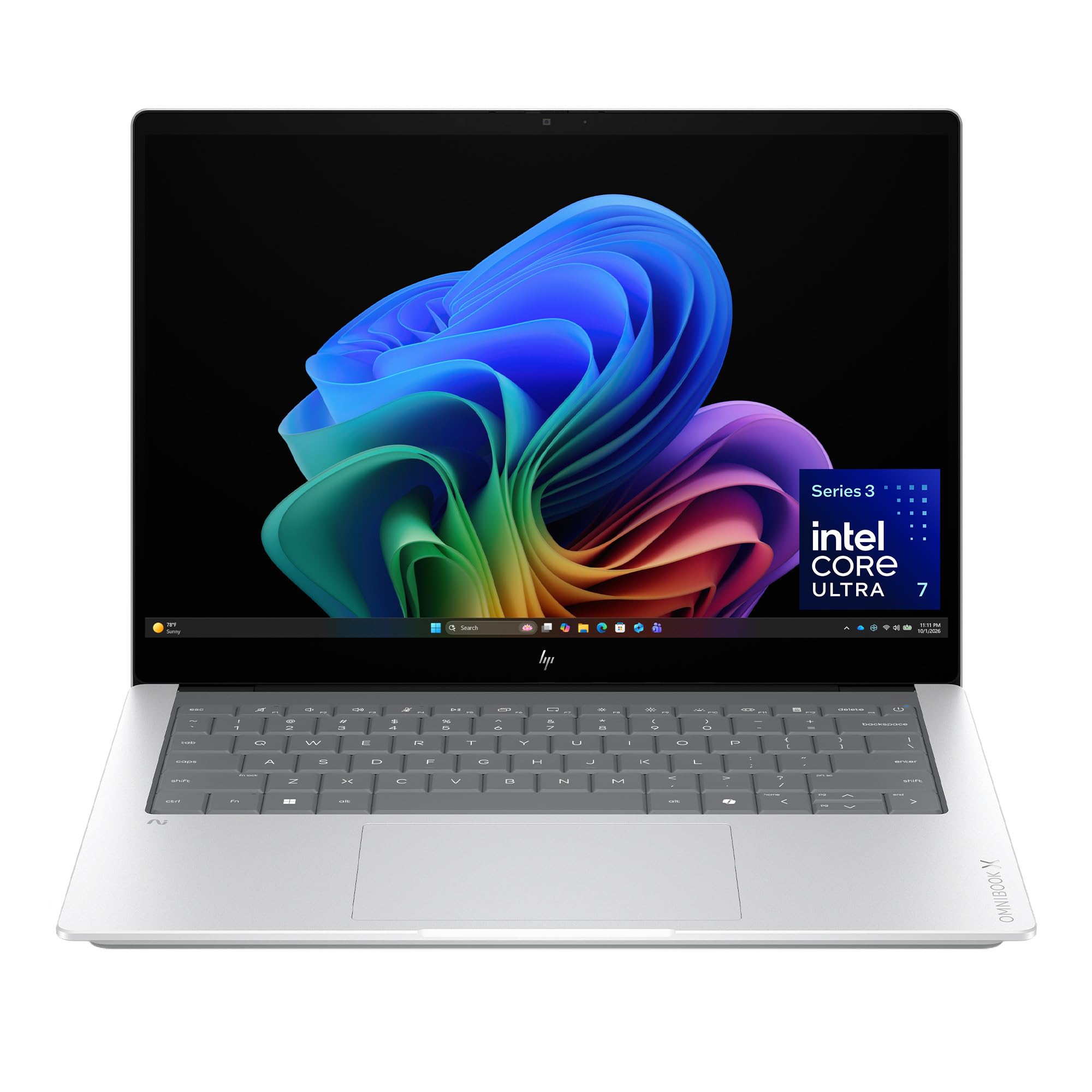
The OmniBook X features a 3K (2880×1800) OLED touchscreen with per-pixel lighting that delivers deeper blacks and wider contrast than standard LED. The 16:10 aspect ratio provides extra vertical space for documents and code, and the panel includes HDR auto-switch for better gradient handling. HP rates the battery at up to 27.5 hours, with fast charge restoring 50% in about 30 minutes.
An Intel Core Ultra 7 356H processor handles the processing, supported by 24GB of LPDDR5x RAM and a 1TB PCIe Gen4 SSD. The 5MP IR camera with HDR and temporal noise reduction improves video call quality, and Poly Studio audio with dual speakers keeps voice clarity high. The Smart Sense AI optimizer adjusts performance and fan curves based on your activity.
The 2.87-pound chassis is made from aluminum with EPEAT Gold Climate+ certification. The keyboard includes a dedicated Copilot key and is customizable via HP’s software. Ports include USB-C, USB-A, and HDMI, though the Copilot button has been noted to register accidental presses. It is not a 2-in-1 despite the touchscreen — the hinge only opens to 180 degrees.
Why it’s great
- Sharp 3K OLED touchscreen with excellent contrast
- Strong battery life and fast charging for long days
- High-quality webcam and microphone array for calls
Good to know
- Copilot key is easy to press accidentally during typing
- Touchscreen is not paired with a 360-degree hinge
6. Lenovo ThinkPad X1 Carbon Gen 13 Aura Edition

The ThinkPad X1 Carbon Gen 13 weighs less than one kilogram — about 2.2 pounds — while housing a 14-inch 2.8K OLED display at 2880×1800 resolution. The panel delivers the signature OLED contrast and color saturation, and the matte black finish combined with the classic ThinkPad keyboard layout will be familiar to anyone who has used a business-class Lenovo machine.
An Intel Core Ultra 7 258V processor with 32GB of DDR5 RAM and a 2TB PCIe Gen 5 SSD provides fast boot times and responsive application loading. The 1080p IR camera supports Windows Hello facial recognition, and the fingerprint reader offers a secondary biometric option. Wi-Fi 7 and Bluetooth 5.3 handle modern wireless connectivity.
Port selection includes a single USB-A port and multiple USB-C Thunderbolt connections — you will need a hub for legacy peripherals. The keyboard maintains the deep travel that defines the X1 Carbon line, and the chassis feels rigid despite the low weight. Verified owners report it handles editing suites like Adobe Creative Cloud without stuttering, though heavy rendering may push the thermal limits of the thin frame.
Why it’s great
- Extremely lightweight (under 1kg) with a premium 2.8K OLED display
- Large 2TB Gen5 SSD and 32GB RAM for storage-heavy workloads
- Reliable ThinkPad keyboard with deep key travel
Good to know
- Only one USB-A port requires a dongle for many peripherals
- Premium pricing reflects the brand and ultra-light materials
FAQ
Is 300 nits bright enough for a 14-inch OLED laptop?
Does a 60Hz OLED look good enough for creative work?
Final Thoughts: The Verdict
For most users, the best 14 inch oled laptop winner is the GEEKOM GeekBook X14 Pro because it combines a 120Hz 2.8K OLED display, an Intel Core Ultra 9 processor, and 32GB of RAM into a 2.2-pound chassis at a mid-range price point. If you want dual-screen multitasking, grab the ASUS Zenbook Duo. And for all-day battery life without compromise, nothing beats the HP OmniBook 5.