
Choosing a monitor for competitive gaming isn’t just about resolution anymore—it’s about how fluidly your screen can keep up with your reflexes. A 144Hz IPS panel sits at the sweet spot where color accuracy, wide viewing angles, and high-speed motion handling intersect, making it the most balanced choice for both intense shooters and immersive single-player titles.
I’m Min — the co-founder and writer behind Gadgets Feed. I’ve spent countless hours analyzing panel technologies, refresh rate implementations, and real-world motion clarity to bring you a guide that cuts through the spec sheet noise.
After comparing dozens of options across price tiers, I’ve zeroed in on the five models that genuinely deliver on the promise of a smooth, color-rich gaming experience. Here is the definitive guide to finding the best 144hz ips monitor for your setup.
How To Choose The Best 144Hz IPS Monitor
Not all 144Hz IPS monitors are created equal. The panel technology is consistent, but the supporting features—resolution tier, adaptive sync implementation, HDR certification, and build quality—can vary wildly. Before you click “buy,” you need to understand three key pillars that separate a great gaming display from a frustrating one.
Resolution and Your Graphics Card
144Hz at 1080p is easier to drive but limits the visual fidelity of modern titles. 1440p (QHD) is the true sweet spot for this refresh rate: it offers a sharp image without demanding the raw horsepower needed for 4K. If you have a mid-range card like an RTX 3060 or 4060, stick to QHD. If you are on a top-tier GPU (RTX 3080 or better), 4K 144Hz becomes viable, but you will likely need to use settings lower than Ultra to maintain a steady frame rate.
Adaptive Sync: G-Sync vs FreeSync
Both technologies eliminate screen tearing by synchronizing the monitor’s refresh rate with the GPU’s frame output. G-Sync tends to have tighter certification and a wider variable refresh rate (VRR) range, but it can add cost. FreeSync is AMD’s open standard that also works with G-Sync Compatible NVIDIA cards. A monitor certified as “G-Sync Compatible” has passed NVIDIA’s testing and is your safest bet for a tear-free experience on a GeForce card. Look for “FreeSync Premium” for a guaranteed low framerate compensation (LFC) baseline.
HDR and Color Gamut Coverage
Basic HDR10 support is common but often disappointing on affordable IPS panels—it rarely delivers the contrast needed to make a real visual impact. For genuine HDR improvement on a 144Hz IPS monitor, look for DisplayHDR 400 certification or better. Also pay attention to sRGB and DCI-P3 coverage percentages: 99% sRGB is excellent for standard content, while a wider DCI-P3 gamut (like 98%) provides richer, more saturated colors in games and HDR content.
Quick Comparison
On smaller screens, swipe sideways to see the full table.
| Model | Category | Best For | Key Spec | Amazon |
|---|---|---|---|---|
| LG 27GL83A-B | Mid-Range | Best Overall 1440p Gaming | QHD 1440p / 99% sRGB / 1ms GtG | Amazon |
| FYHXele 28 inch 4K | Mid-Range | 4K 144Hz on a Budget | 4K UHD / HDR400 / 1ms | Amazon |
| Samsung Odyssey G7 G70F | Premium | Dual Resolution Flexibility | 4K 180Hz / FHD 360Hz / 1ms GtG | Amazon |
| Samsung Odyssey 27″ Smart Monitor | Premium | All-in-One Smart Gaming | 4K UHD / HDR400 / Built-in Speakers | Amazon |
| ASUS ROG Swift PG32UQX | Premium | Ultimate HDR & Mini-LED | Mini-LED / 1400 nits / 1152 Zones | Amazon |
In‑Depth Reviews
1. LG 27GL83A-B

The LG 27GL83A-B is the monitor that consistently earns its reputation as the gold standard for 1440p 144Hz gaming. Its 27-inch IPS panel delivers a native 2560×1440 resolution with 99% sRGB coverage, producing colors that are vibrant and accurate straight out of the box—no calibration required for most users. The 1ms GtG response time is genuinely fast enough to eliminate perceivable ghosting in fast-paced shooters like Call of Duty or Valorant.
NVIDIA G-Sync Compatible certification means it pairs flawlessly with GeForce cards, providing a smooth, tear-free experience across a wide VRR range. The ergonomic stand offers tilt, height, and pivot adjustments, which is a rarity at this price point. The virtually borderless design looks clean on any desk, and the joystick-controlled OSD makes navigating settings easy. HDR10 support is present but basic—do not expect it to rival true HDR displays.
The contrast ratio sits at a typical IPS level of 700:1, so blacks won’t look as deep as they would on a VA or OLED panel. Some users report minor IPS glow in the bottom corners, though this is standard for the panel type. The built-in speakers are weak, so plan on using a headset or external speakers. Overall, this remains the most balanced choice for anyone building a mid-range to high-end gaming PC.
Why it’s great
- Excellent 99% sRGB color accuracy out of the box
- G-Sync Compatible ensures consistent tear-free gameplay
- Fully adjustable ergonomic stand with height, tilt, and pivot
Good to know
- Basic HDR10 support with limited visual impact
- IPS contrast ratio means blacks appear gray in dark rooms
- Built-in speakers are insufficient for immersive gaming
2. FYHXele 28 inch 4K UHD Gaming Monitor
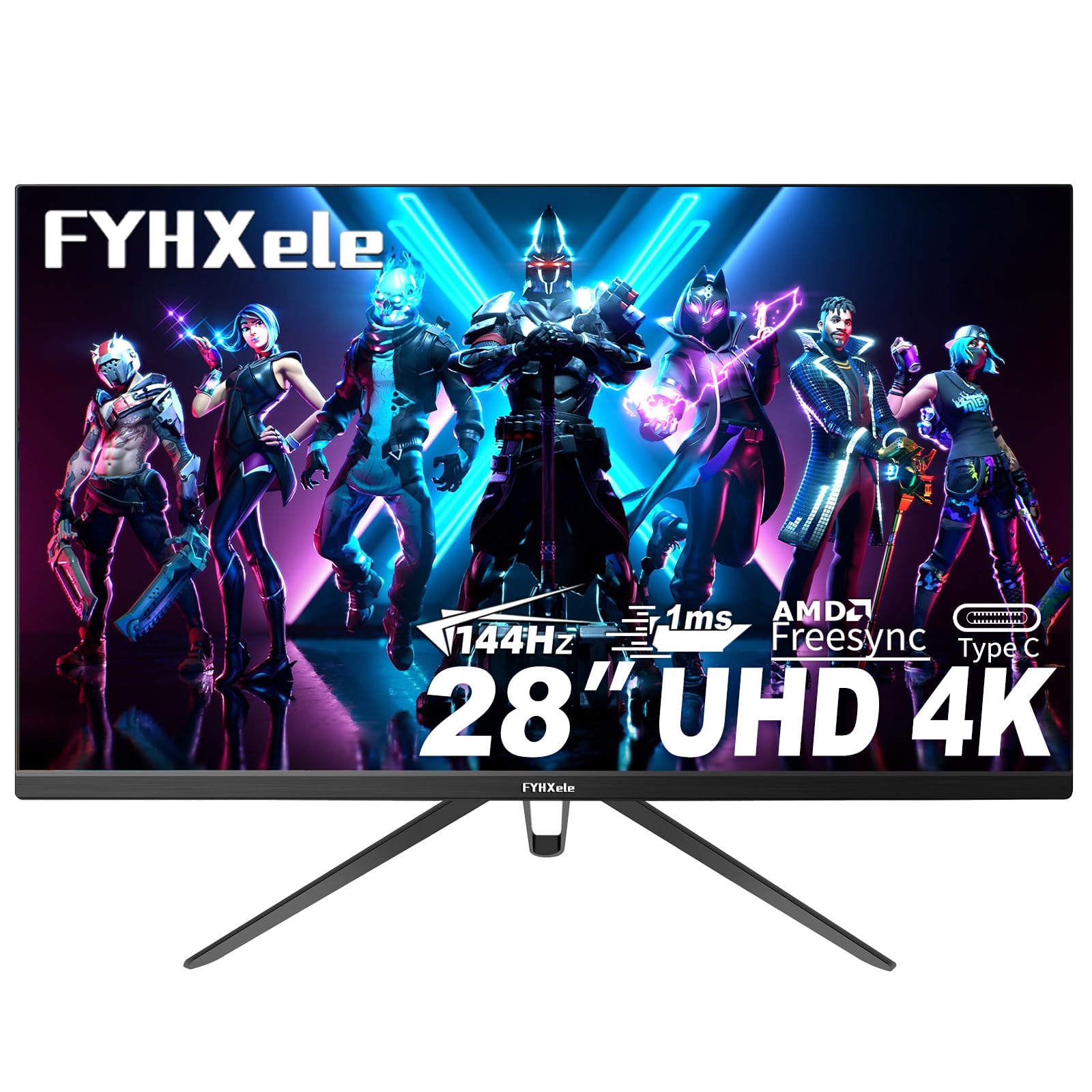
The FYHXele 28-inch 4K monitor brings a 3840×2160 resolution and a 144Hz refresh rate to a price point previously reserved for 1440p panels. The IPS panel provides a 100% sRGB color gamut and HDR400 certification, which actually delivers noticeable highlights and shadow detail beyond basic HDR10. The 1ms response time keeps motion blur minimal, making it a credible option for both competitive play and high-resolution single-player experiences.
Connectivity is generous for this tier: it includes dual HDMI ports, dual USB-A ports, and a USB Type-C input, allowing simultaneous connection to a gaming PC and a console. VESA 100×100 mount compatibility offers flexible desk configuration. The anti-blue light filter is a welcome addition for long sessions, and the 178-degree viewing angle ensures color consistency from any seat. AMD FreeSync and G-Sync compatibility help reduce tearing, though some users report needing to use a specific HDMI 2.1 adapter to maintain the full 144Hz experience.
Build quality shows some cost-cutting: the included stand is wobbly and offers no height adjustment, and the control button on the back is difficult to locate without looking. The base also lacks a cable management channel. Built-in speakers are weak. Some units have arrived with inconsistent panel uniformity, showing a cooler tint at the edges. If you can tolerate these compromises, you get a genuine 4K 144Hz IPS panel at a fraction of the usual cost.
Why it’s great
- True 4K UHD resolution at 144Hz with HDR400 certification
- Versatile connectivity including USB-C, HDMI, and multiple USB ports
- 100% sRGB gamut delivers vivid colors for gaming and productivity
Good to know
- Stand is wobbly and lacks height adjustment or cable management
- Back-mounted joystick is awkward to reach and use
- Panel uniformity can vary, with some units showing color temperature shifts
3. Samsung 27” Odyssey G7 G70F

The Samsung Odyssey G7 G70F stands out with its unique Dual Mode feature that lets you toggle between 4K at 180Hz and Full HD at 360Hz with a single press. This flexibility is genuinely useful if you play both graphically lush single-player games and ultra-competitive shooters where every millisecond counts. The 27-inch Fast IPS panel delivers a 1ms GtG response time, and the 99% sRGB color gamut ensures colors remain accurate and vibrant across the entire screen.
Adaptive sync is covered on both sides: it is G-Sync Compatible and also certified for AMD FreeSync Premium, providing a wide VRR range with low framerate compensation. The ergonomic stand supports tilt, height, and pivot adjustments, making it easy to find a comfortable viewing angle. HDR10 support adds depth to highlights, though it is not true HDR with local dimming. The matte finish on the screen effectively reduces reflections in bright rooms.
The main drawback is the lack of built-in speakers—you must connect external audio. The USB hub requires a separate USB-B upstream cable to activate. Some users report a slow wake time from sleep mode, which can be annoying if you use it with multiple devices. The base is heavy and takes up significant desk space. If you want the flexibility of switching between high-resolution and high-refresh modes in one monitor, this is a compelling, future-proof choice.
Why it’s great
- Dual Mode toggles between 4K 180Hz and FHD 360Hz seamlessly
- Fast IPS panel with 1ms GtG response for minimal motion blur
- Certified for both G-Sync Compatible and FreeSync Premium
Good to know
- No built-in speakers require external audio solution
- Slow wake from sleep mode can be disruptive with multi-device setups
- Heavy base occupies considerable desk surface area
4. Samsung Odyssey 27″ 4K Smart Monitor
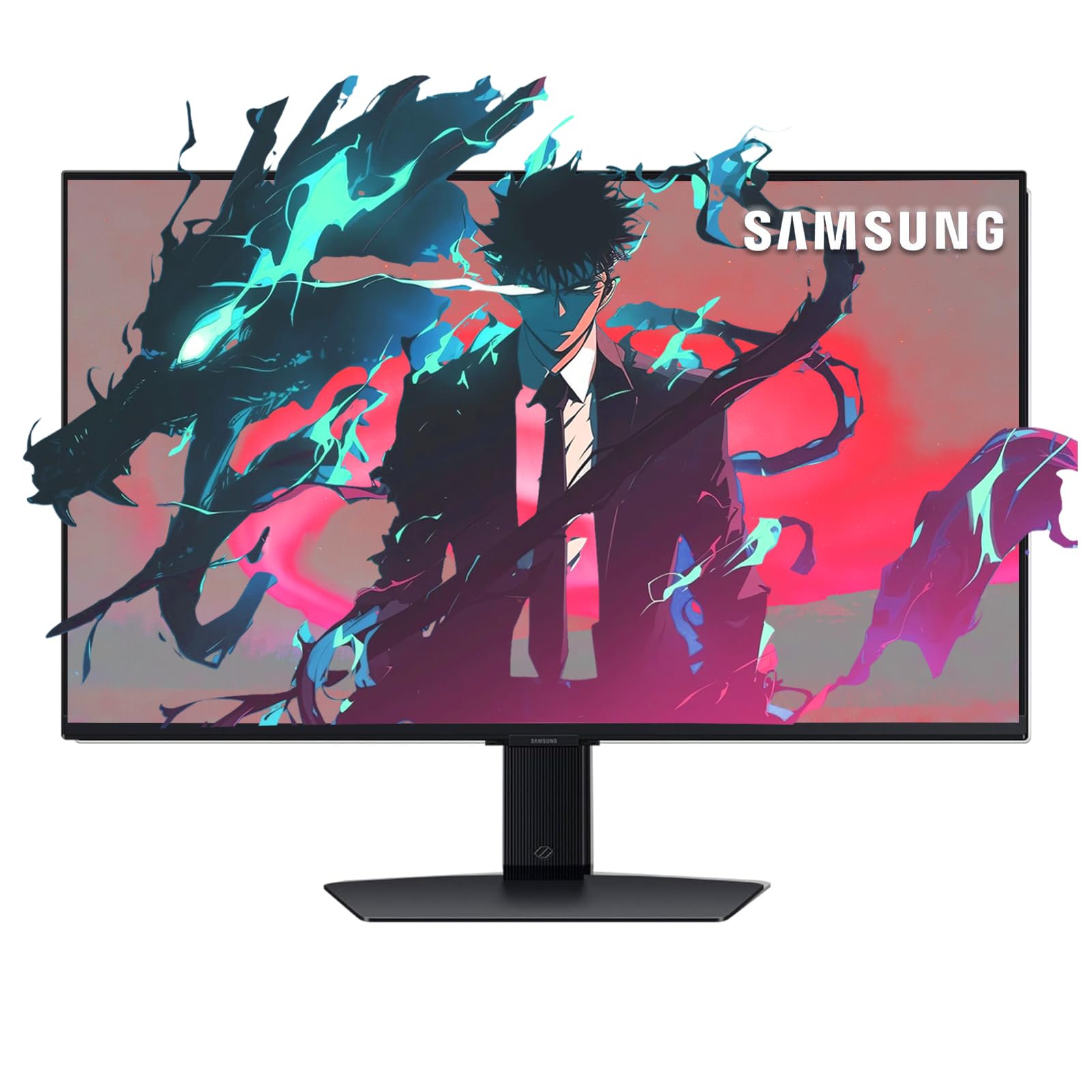
The Samsung Odyssey 27-inch 4K Smart Monitor combines a 3840×2160 IPS panel with 144Hz refresh rate and a built-in smart TV platform. It includes Samsung Gaming Hub, giving you instant access to cloud gaming services like Xbox Game Pass, GeForce NOW, and Amazon Luna without connecting a PC. DisplayHDR 400 certification provides a visible improvement in contrast compared to basic HDR10 panels, and the 1ms response time keeps fast action looking crisp.
This monitor pulls double duty as a full-featured smart display. The built-in Wi-Fi, Bluetooth, and Ethernet support streaming apps like Netflix and YouTube directly, and the included remote control makes navigation easy. Connectivity includes HDMI, DisplayPort, USB 3.0, and a headphone jack. G-Sync and FreeSync Premium compatibility ensure smooth gameplay from a connected gaming PC or console. The ergonomic stand offers height, tilt, and swivel adjustments.
The peak brightness is limited to 250–300 nits in SDR mode, which can feel dim in very bright rooms. The smart interface can be slow to wake from sleep, and the menu system could be more intuitive. Built-in speakers are adequate for casual viewing but lack bass for immersive gaming. If you want a 144Hz IPS gaming monitor that also functions as a standalone streaming hub, this hybrid approach saves you from needing a separate TV or streaming stick.
Why it’s great
- Samsung Gaming Hub enables cloud gaming without a PC
- DisplayHDR 400 provides improved highlights and shadow detail
- Height-adjustable stand with included remote control
Good to know
- SDR brightness caps around 300 nits, which can appear dim in bright rooms
- Smart interface can feel sluggish when waking from standby
- Built-in speakers lack low-end frequency response for game audio
5. ASUS ROG Swift PG32UQX

The ASUS ROG Swift PG32UQX is a 32-inch 4K (3840×2160) mini-LED gaming monitor that redefines what an IPS panel can achieve in HDR performance. It features 1152 full-array local dimming zones and a peak brightness of 1400 nits, earning a DisplayHDR 1400 certification that competes with OLED-level highlights. The 98% DCI-P3 quantum-dot color gamut delivers incredibly rich, lifelike colors, and the 144Hz refresh rate keeps motion ultra-smooth.
G-SYNC Ultimate certification ensures tear-free, low-latency gameplay at the highest visual fidelity. The monitor also includes a LiveDash OLED display on the front bezel that can show GPU temperature or a custom logo. Connectivity is comprehensive: DisplayPort 1.4 with DSC, three HDMI 2.0 ports, USB 3.2 Gen 1, and a USB 2.0 port. The package includes calibration reports, an ROG pouch, and replaceable LED light covers. The build quality is top-tier with a heavy-duty stand.
At this tier, you face a few real trade-offs. The fan-based active cooling system can produce audible noise in a completely silent room. Mini-LED blooming around bright elements on black backgrounds is visible from certain viewing angles. The DP 1.4 port requires Display Stream Compression (DSC) to run 4K at 144Hz with 10-bit color, which is standard but worth noting. The OSD software (Armoury Crate) is clunky. This is a premium investment for the desktop HDR experience.
Why it’s great
- DisplayHDR 1400 with 1152 local dimming zones offers near-OLED HDR impact
- 98% DCI-P3 quantum-dot gamut produces exceptional color vibrancy
- G-SYNC Ultimate guarantees premium tear-free performance
Good to know
- Cooling fan is audible in silent environments
- Mini-LED blooming is noticeable in high-contrast scenes
- OSD software Armoury Crate is difficult to navigate
FAQ
Can my graphics card run 1440p at 144Hz?
What cable do I need for 144Hz on an IPS monitor?
Is IPS glow normal on a 144Hz gaming monitor?
What is the difference between 1ms GtG and 1ms MPRT?
Can I use a 144Hz IPS monitor for professional photo editing?
Final Thoughts: The Verdict
For most users, the winner on the 144hz ips monitor market is the LG 27GL83A-B because it delivers the perfect balance of QHD resolution, 99% sRGB color accuracy, G-Sync compatibility, and an ergonomic stand at a price that undercuts most competitors. If you want true 4K resolution without breaking the bank, grab the FYHXele 28 inch 4K. And for the absolute best HDR performance with mini-LED technology, nothing beats the ASUS ROG Swift PG32UQX.