
Our readers keep the lights on and my morning glass full of iced black tea. As an Amazon Associate, I earn from qualifying purchases.
Specs are compiled from manufacturer listings and verified buyer reviews and can change over time — please confirm the key details on the product page before buying.
An automated projector screen solves the biggest annoyance of home theater setup: a big blank rectangle on your wall when the movie is over. With a press of a button, the screen rolls up into a tidy case, freeing your space for everyday life. This guide breaks down the six best motorized screens by their real specs and what buyers actually say about them, so you pick the right size and material without guessing.
I’m Min — the founder and writer behind Gadgets Feed. This guide is built by comparing the manufacturers’ published specifications and the patterns across verified customer reviews, so you get each pick’s real strengths and trade-offs instead of marketing spin.
if you want a 100-inch drop for weekend movie nights or a 150-inch giant for a dedicated theater room, this roundup of the best automated projector screen options gives you the sizing, motor noise, and viewing angle facts you need to decide.
Quick Picks
- Elite Screens Spectrum RC1 Remote, 125-Inch — Top Performer
- Elite Screens Spectrum Swift-RC1 84-Inch — Smart Compact
- WASJOYE Motorised Projector Screen 150″ — Massive Cinema
- WASJOYE Motorised Projector Screen 120″ — Best Value
- SiliBamb 120″ Motorized Projector Screen — Budget Big Screen
- VIVOHOME 100 Inch Motorized Projector Screen — Entry-Level Auto
How To Choose The Best Automated Projector Screen
Focus on three specs: screen size, material (gain and viewing angle), and motor/remote type. Here is what to look for.
Screen Size and Aspect Ratio
Nearly all home theater screens use a 16:9 aspect ratio (widescreen HDTV format). The diagonal size is the number you see in the product name — 100-inch, 120-inch, 150-inch — but what really matters is whether the screen physically fits your wall and ceiling space. Check the “overall dimensions” (the metal case size), not just the viewing area. That case is several inches wider and taller than the screen itself. Also measure your ceiling-to-floor drop: a 120-inch 16:9 screen needs about 59 inches of vertical clearance.
Screen Material, Gain, and Viewing Angle
The screen surface controls brightness and image uniformity. Most motorized screens use a matte white PVC material with a gain number — typically 1.0 to 1.2. A gain of 1.1 (versus a standard white wall’s 1.0) gives you a brighter image with a modest projector. Viewing angle (measured in degrees, usually 160° or 178°) tells you how far off-center you can sit before the picture dims. Higher numbers like 178° are better for wider seating arrangements. Some screens also add a black backing layer to stop light from bleeding through, which improves contrast in rooms with ambient light.
Motor Type, Noise Level, and Remote Control
Electric screens use IR remotes (line-of-sight) or RF remotes (works through walls, up to 82 feet). RF is more convenient if you plan to hide the screen case behind a ceiling cove or inside a cabinet. Motor noise is measured in decibels — look for under 40-42 dB if you want a whisper-quiet operation that won’t pull you out of a movie. A few models also include an inching mode that lets you fine-tune the stop position in small increments, which is handy for matching the screen bottom perfectly to your projector’s lens placement.
Quick Comparison
| Model | Best For | Diagonal Size | Viewing Angle | Motor Noise | Amazon |
|---|---|---|---|---|---|
| Elite Screens Spectrum RC1 125 | Premium Home Theater | 125″ | 180° | Quiet (no specific dB) | Amazon |
| Elite Screens Spectrum Swift-RC1 84 | Compact Rooms | 84″ | 180° | Very quiet | Amazon |
| WASJOYE 150″ Motorised | Giant Screen Experience | 150″ | 178° | <42 dB | Amazon |
| WASJOYE 120″ Motorised | Value + Performance | 120″ | 178° | <42 dB | Amazon |
| SiliBamb 120″ Motorized | Budget-Friendly Big Screen | 120″ | 160° | Quiet (no specific dB) | Amazon |
| VIVOHOME 100″ Motorized | Entry-Level Automation | 100″ | 160° | <40 dB | Amazon |
In‑Depth Reviews
1. Elite Screens Spectrum RC1 Remote, 125-Inch
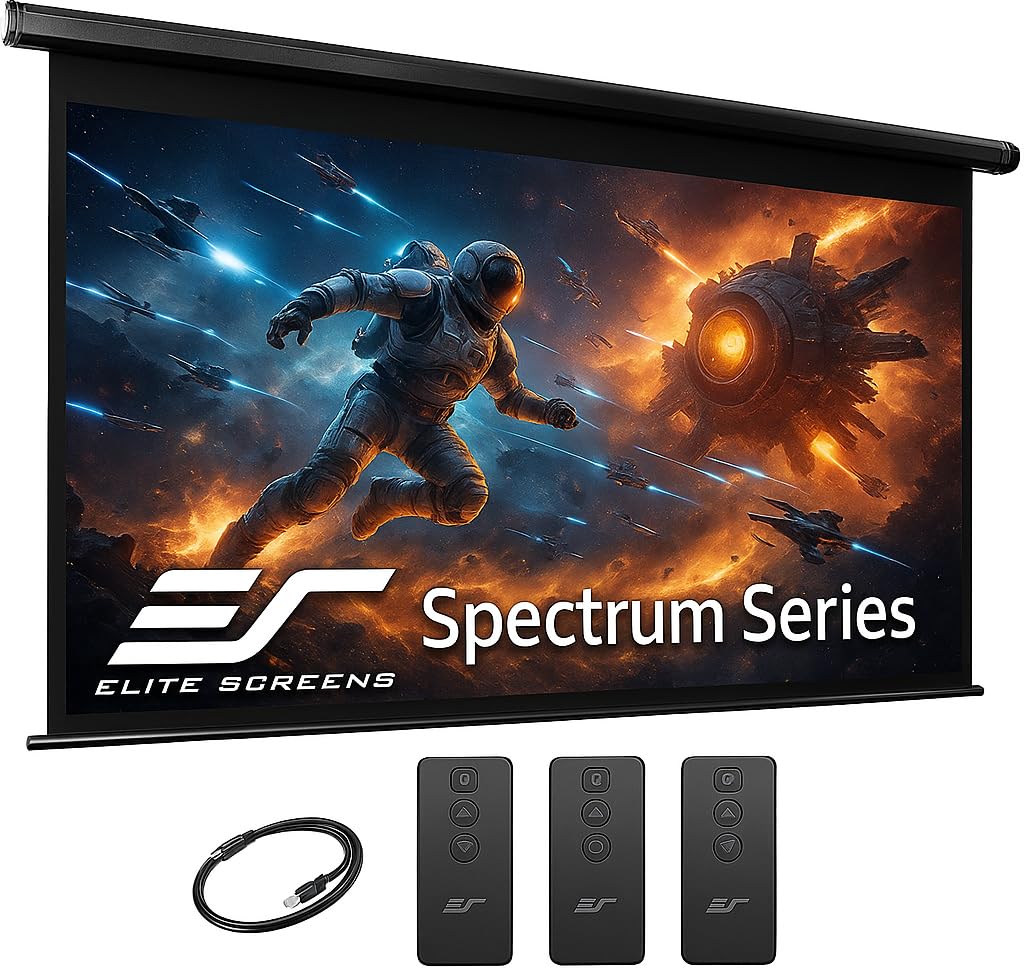
The widest viewing angle in the lineup — 180° — means a consistent bright image for every seat in the room.
You get a 180° viewing angle (the widest in this roundup) so the picture stays bright and uniform even if you sit far off to the side. The screen material is MaxWhite 2 with a gain of 1.1 (versus a standard white wall’s 1.0). That helps your projector’s light bounce back evenly across the full viewing area without hot spots. Buyers report the motor is quiet and only makes noise when the screen moves, and they like that you can stop the screen at any height to align it exactly with your projector’s lens throw.
Unlike the WASJOYE 120-inch, this model includes both an infrared (IR) remote and a radio frequency (RF) remote, plus a built-in 12-volt trigger port (a wired connection that automatically drops the screen when you turn on your projector). The 125-inch diagonal (61.3 inches high by 109.0 inches wide) is a good size for a dedicated room. But at 28.4 pounds, it is noticeably heavier than smaller models. One reviewer who has owned a similar Elite screen for three years reports it has worked flawlessly with 3-4 uses per week, with no change in motor sound. The main downsides: the screen is not compatible with ultra short-throw projectors, and a few owners mention the mounting hardware is minimal (just two screws and two anchors).
Who it fits: If you have a dedicated theater room and want a screen that handles 4K and 8K content, offers both IR and RF remotes, and has a proven track record from years of buyer use, this is the pick.
Not the right fit: If you have an ultra short-throw projector or need a lighter, more compact screen for a living room with a low ceiling.
Serious setup champion: For buyers who prioritize long-term reliability and flexible control (IR, RF, and a 12-volt trigger) over saving money or weight, this is the screen worth building the room around.
2. Elite Screens Spectrum Swift-RC1 84-Inch
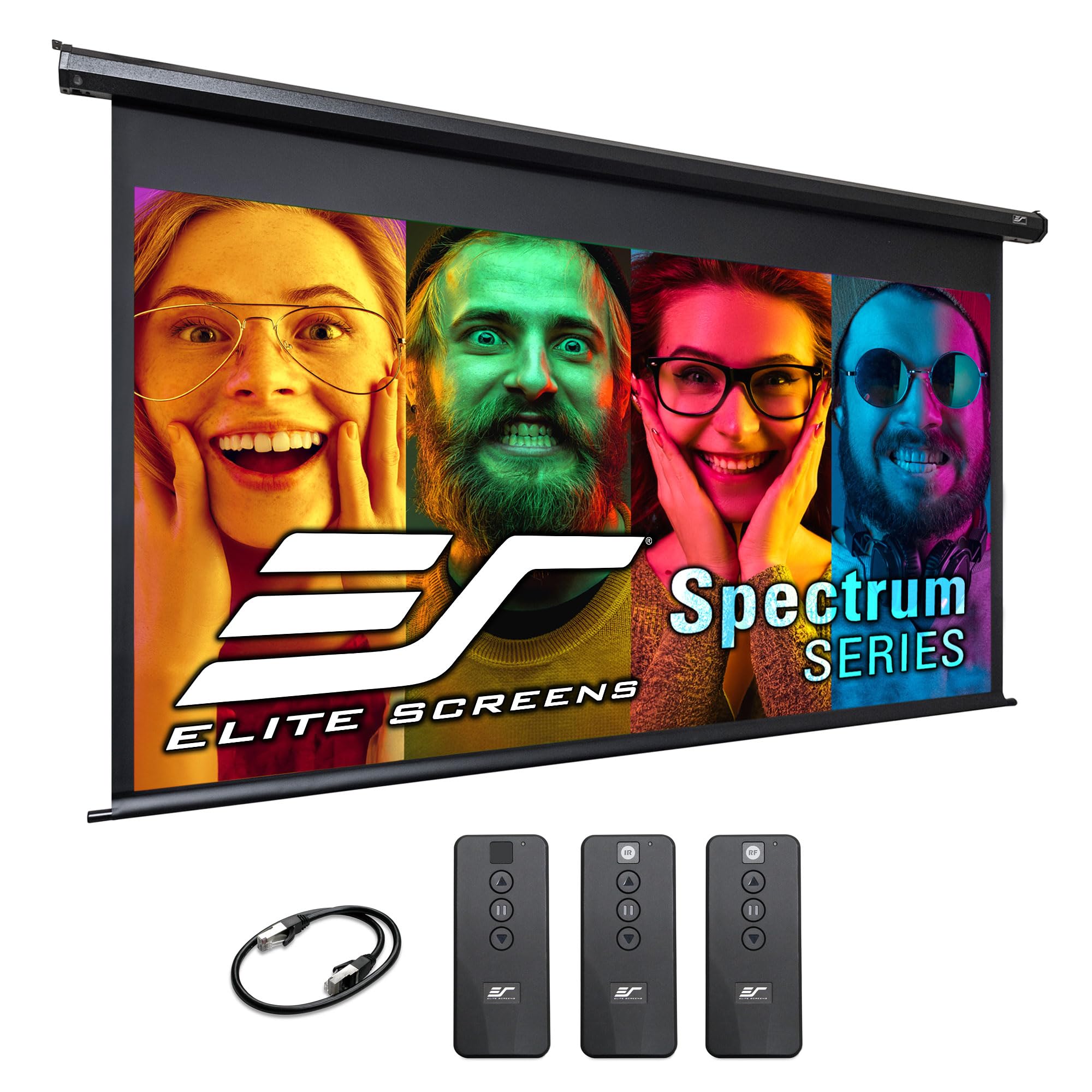
The same pro-grade MaxWhite 2 material as the 125-inch model, but in an 84-inch body that fits tighter spaces.
At 84 inches diagonal, this is the smallest automated screen in the list, but it shares the same MaxWhite 2 material with a gain of 1.1 and a 180° viewing angle as the larger Elite model. That means side-seat guests get the same bright, accurate image. The surface is ISF Certified (a professional imaging standard that ensures accurate color and brightness). Customers note the motor is “super quiet” and the screen works well with a standard throw projector.
What sets this apart from the VIVOHOME 100-inch is its combination of certifications and a lighter weight. It is GREENGUARD and GREENGUARD Gold Certified (UL 2818), meaning the materials emit very low levels of chemicals — a real plus if you plan to put it in a bedroom, nursery, or home office. The screen comes fully assembled with a durable black steel housing. The included IR remote with a detachable wall box controller keeps installation neat. One buyer who installs commercial AV gear for a living says this screen was “the perfect fit” for his living room and praises the thorough packaging. The trade-off: at 19.1 pounds it is lighter than the 125-inch model, but the 84-inch viewing area (41.2 inches high by 73.2 inches wide) means you sit closer for that true cinematic feel.
Why it shines
- ISF Certified surface ensures accurate, uniform color from edge to edge.
- GREENGUARD Gold Certified for low chemical emissions, ideal for bedrooms or offices.
- Reviewers point out the motor is exceptionally quiet and the remote works reliably.
The compromises
- 84-inch diagonal feels small in larger rooms; you need to sit closer.
- The included power cord is short; some buyers needed an extension cable for ceiling mounting.
- IR remote needs direct line of sight — you must point it directly at the sensor.
Bedroom or office pick: If a smaller, certified low-emission screen with pro-grade material matters more than raw size, this is the choice.
Skip it for: A dedicated theater room where you want a screen larger than 100 inches.
3. WASJOYE Motorised Projector Screen 150″
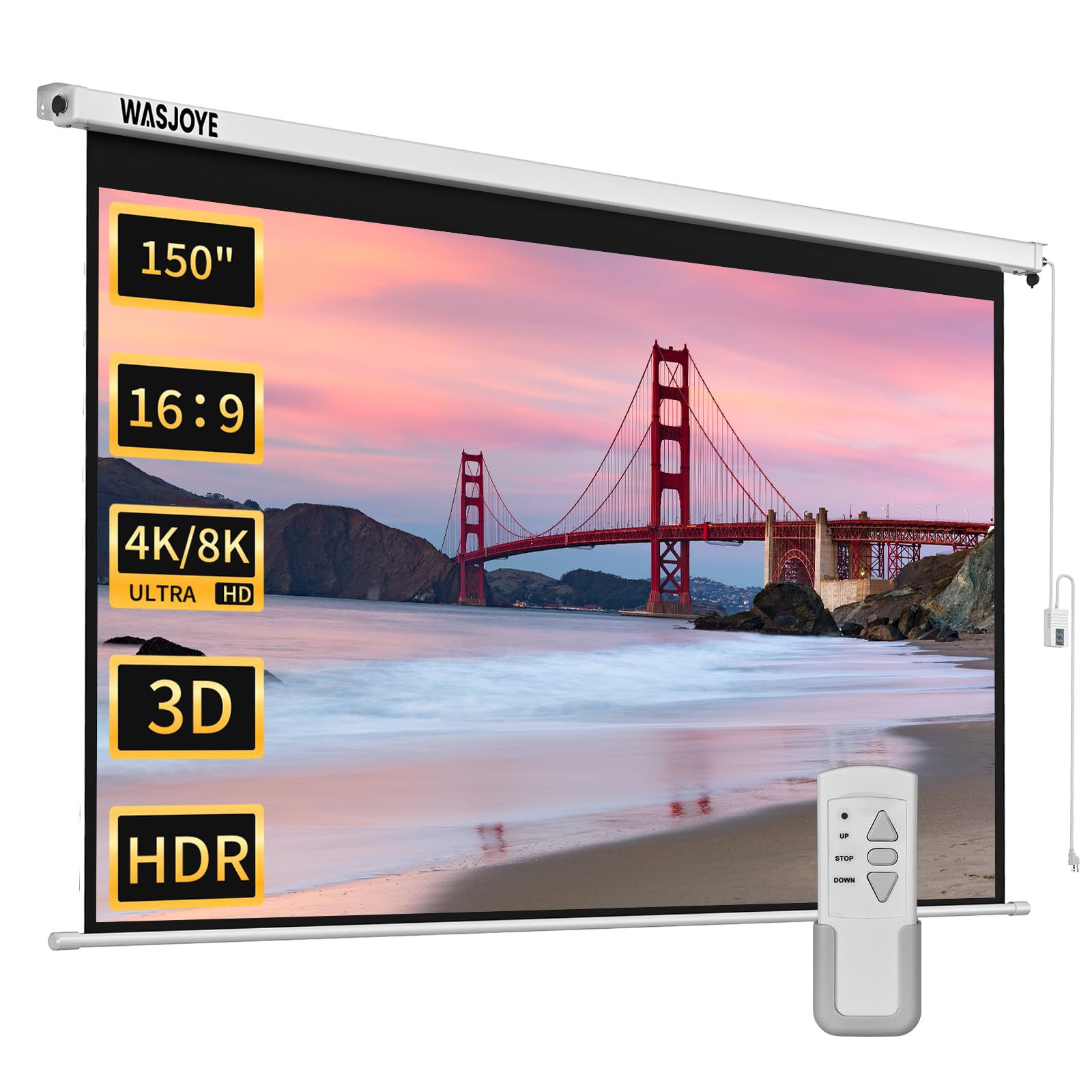
A 150-inch diagonal screen that delivers a bright 1.2 gain image — bigger and brighter than any other screen here.
If you have the wall space and ceiling height, the WASJOYE 150-inch delivers an enormous 130.71 inches wide by 73.62 inches high viewing area — larger than the Elite 125-inch by a wide margin. It uses a 4-layer premium PVC matte material with a gain of 1.2 and a 178° viewing angle. The 1.2 gain gives you a brighter image than the 1.1 gain screens (including the Elite models), which helps if your projector is on the lower end of lumens. The inching mode is a useful touch: press the up or down button once to move the screen a short distance and dial in the exact stop position.
Reviewers report that this screen beats pricier competitors in picture quality and that the motor runs quietly (under 42 dB). One owner paired it with a Dangbei Dbox 02 projector and says the image looks like a 120-inch OLED. The motor system uses an RF remote, and the power interfaces are on both ends of the screen so you can choose which side to route the cord. The hard limit: two people are required for installation because of the size, and the manufacturer notes you should only use a medium-to-long focal length projector — short-throw and ultra short-throw projectors will not work properly.
Budget big screen: This is the largest motorized screen with a 1.2 gain and 178° viewing angle for the money, and shoppers say the picture rivals screens in a higher price bracket.
The catch: You need a room with at least 74 inches of vertical drop clearance and a projector with the right throw ratio — measure twice before buying.
Go for maximum immersion: If you have a large, dedicated room with a standard-throw projector and want the most screen for the dollar, this is the pick.
Avoid it if: Your ceiling is under 8 feet tall, you use an ultra short-throw projector, or you need to install solo.
4. WASJOYE Motorised Projector Screen 120″
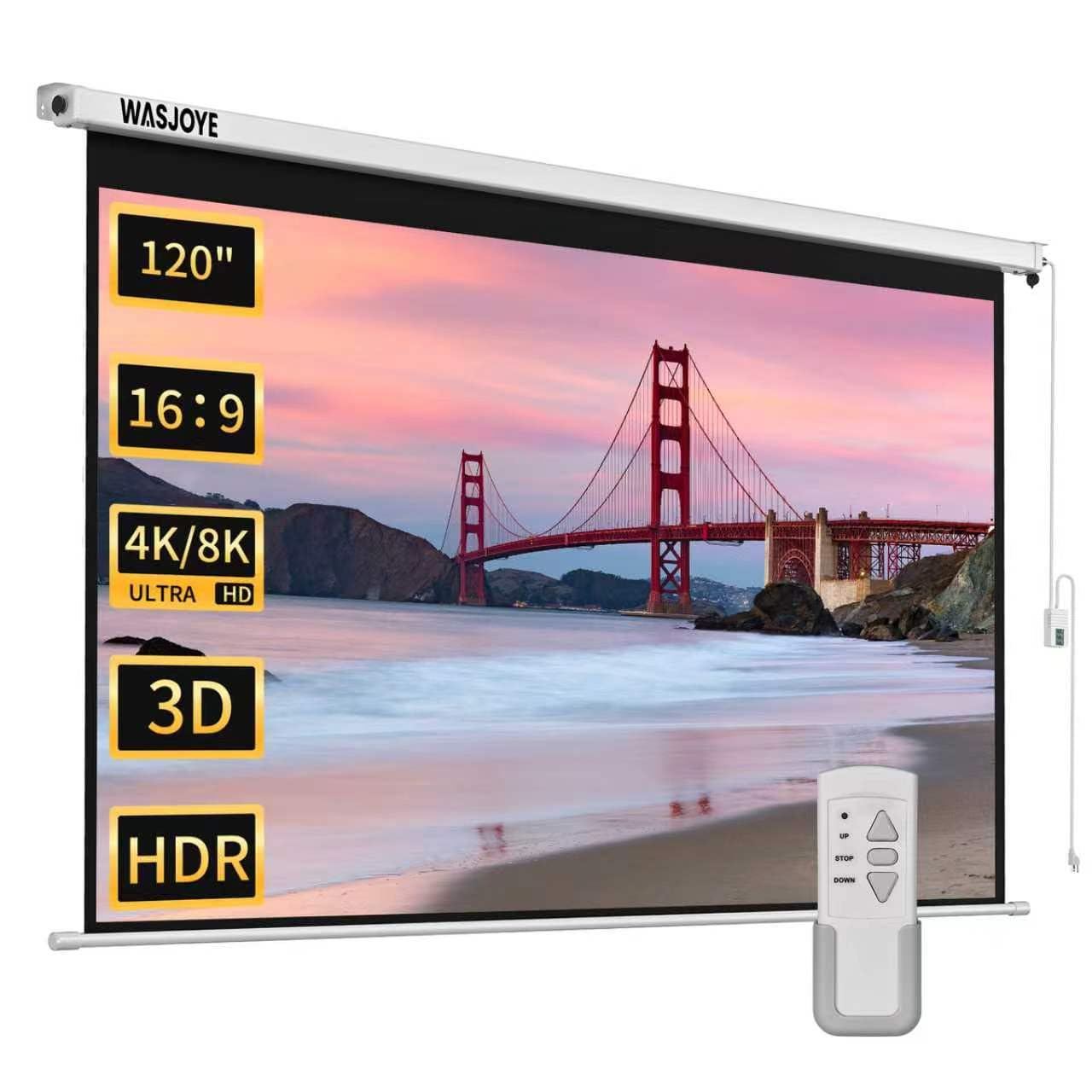
A 178° viewing angle and 1.2 gain at a mid-range price — a smarter value than the SiliBamb 120-inch if you have wide seating.
This WASJOYE 120-inch uses the same 4-layer PVC matte material and 1.2 gain as its 150-inch sibling, but in a more practical size for average living rooms. The viewing angle of 178° is noticeably wider than the 160° angle on the VIVOHOME and SiliBamb screens — a real advantage if your seating spans more than one couch. The motor is rated under 42 dB, quiet enough that you can start lowering the screen during a pre-movie conversation. Buyers report the picture is bright and clear, with one reviewer calling it a “top-tier projector screen” that beats two pricier competitors.
The inching mode works the same as on the 150-inch version: tap the remote to move the screen in small increments to match the drop height to your projector. The screen also has power inputs on both the left and right ends, so you can route the cord to whichever side is closer to an outlet. One review mentioned the screen arrived in excellent packaging and took about 30 minutes to set up. The most common complaint is that the screen does not retract all the way for some users, though the seller replaced the unit when contacted.
What stands out
- 178° viewing angle gives you the widest off-axis visibility among mid-range screens here.
- 1.2 gain boosts brightness noticeably compared to standard 1.1 gain screens like the Elite models.
- Quiet motor at under 42 dB and dual-side power input simplify installation.
What to watch for
- Some owners mention the screen doesn’t always retract fully; seller support replaced units when contacted.
- Requires two people for installation, though setup time is typically under 30 minutes.
- The remote uses 2 AAA batteries that are not included.
Smart middle ground: For the price, this screen gives you premium 1.2 gain and a wider viewing angle than cheaper options — the best value for most living rooms.
Not for you if: You have a short-throw projector or you need a perfectly tensioned flat surface; the PVC folds may show slight wrinkles on close inspection.
5. SiliBamb 120″ Motorized Projector Screen
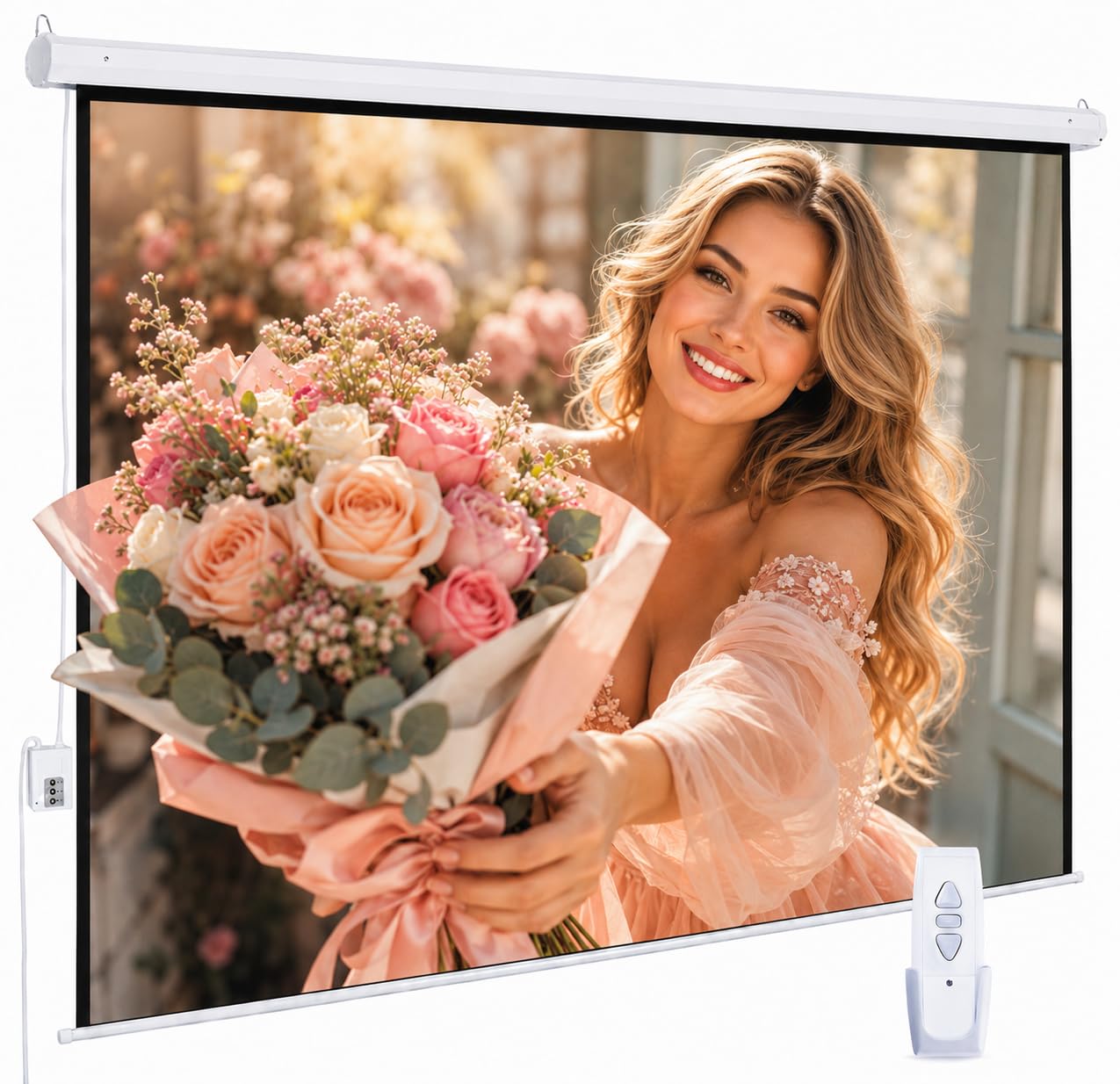
A 120-inch screen for the lowest cost, but the 160° viewing angle is narrower than the WASJOYE 120-inch.
The SiliBamb 120-inch screen offers a 160-degree viewing angle and a 1.1 gain matte white surface in a solid metal case. That gives you a solid entry point into motorized screens without the price of the Elite or WASJOYE models. The viewing angle of 160° (versus the WASJOYE 120-inch’s 178°) means the image dims more when you sit far off to the side. Customers note that the screen glides down and up smoothly using either the remote or the wall switch, and they like that you can set a stop point so the screen aligns perfectly with your mounted projector every time. One reviewer noted the picture is vivid and the screen feels heavy-duty.
The screen has a 120-inch diagonal (16:9 viewable size: 104.8 inches wide by 58.7 inches high) and a metal casing for wall or ceiling mounting. The biggest practical issue reported by multiple buyers: the power cord is short. If your ceiling outlet is not directly above the mounting point, you will likely need a short extension cord — one reviewer says the cable is “about a foot too short.”
Good starter screen: It is a reliable, quiet motorized screen at a friendly price that delivers a clear image for casual home theater setups.
The clear trade-off: The 160° viewing angle is narrower than the top picks, and the short power cord can be a headache for ceiling mounts far from an outlet — plan your wiring before you buy.
First-timer’s pick: If you want a 120-inch motorized screen at the lowest cost and don’t need the widest viewing angle, this is the budget entry.
Upgrade if: You have a wide seating arrangement (more than 160° from center) or you need a longer power cord for a ceiling mount without an extension cable.
6. VIVOHOME 100 Inch Motorized Projector Screen
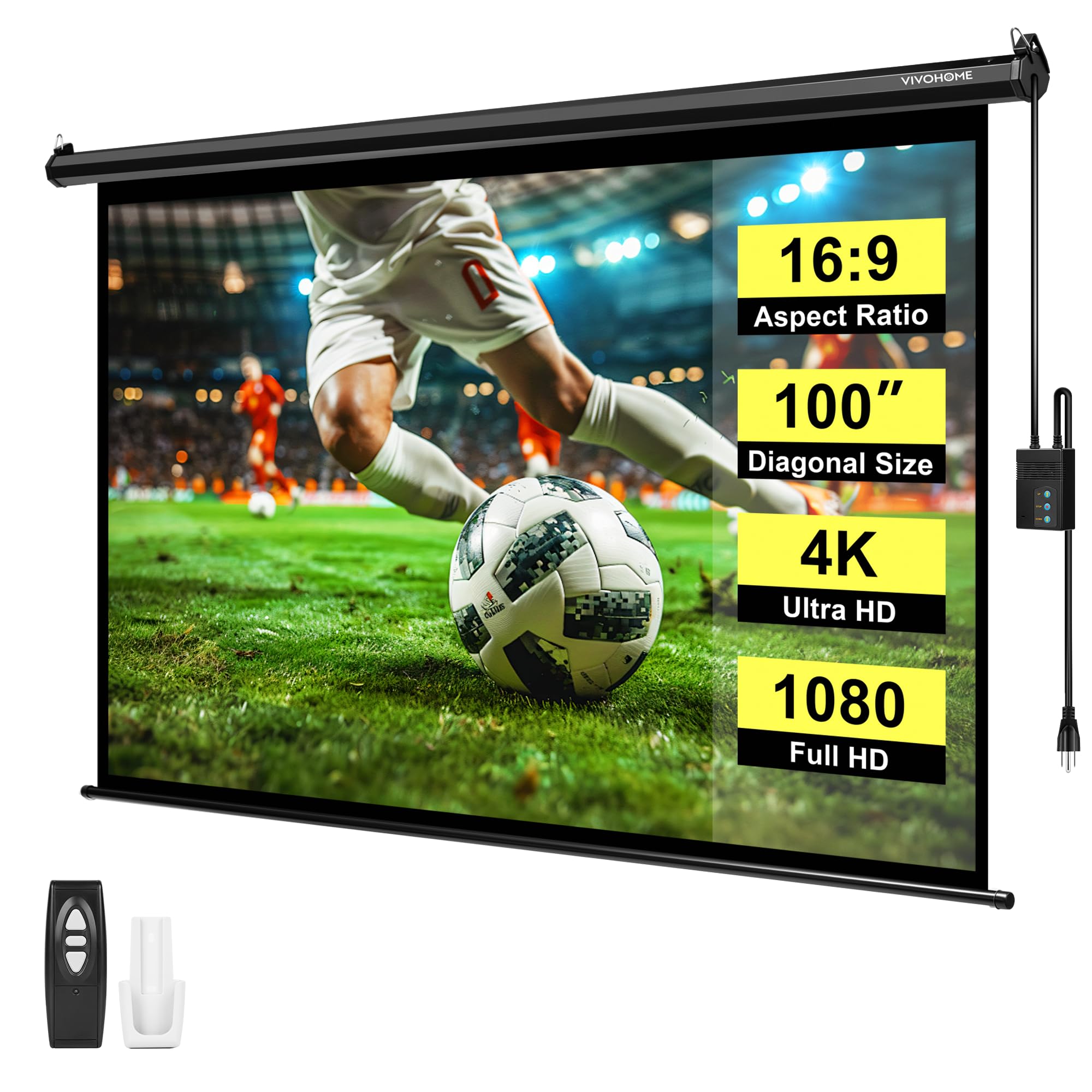
The quietest motor in the roundup at under 40 dB — paired with a versatile 100-inch size and an 82-foot RF remote range.
The VIVOHOME 100-inch screen rates its motor noise at under 40 dB, making it quieter than the WASJOYE screens (under 42 dB) and the SiliBamb. That difference matters if you are sensitive to mechanical sounds during a quiet movie scene. The viewing area is 87 inches wide by 49.2 inches high (100-inch diagonal) with a matte white surface that has a 160° viewing angle. The RF remote reaches up to 82 feet, so you can trigger the screen from the back of a large room. Reviewers point out it works great for games, movies, and office presentations, with the remote or button control making it easy to operate from across the room.
The build uses a 3-layer waterproof PVC fabric inside a metal casing, and the screen supports 3D, 1080P, and 4K resolution. It can mount horizontally or vertically on walls or ceilings. A few buyers mention a noticeable odor on first opening, which is normal for new PVC and fades after airing out. The screen is certified to CE, GCC, UL, FCC, and ROHS safety standards. The biggest caution from reviews: a small number of screens arrived with manufacturing defects causing bad folding, though VIVOHOME issued full refunds in those cases. The remote uses a 23A battery — an uncommon size that may be harder to find on short notice.
Why it wins
- Quietest motor at under 40 dB — you will barely hear it.
- RF remote reaches up to 82 feet, so you can operate it from anywhere in the room.
- Shoppers say it is easy to install, lightweight at 15.44 pounds, and delivers a bright picture with the right projector.
Watch out for
- Some units arrived with manufacturer folding defects; check immediately on arrival for warranty support.
- 160° viewing angle is narrower than the 178° of the WASJOYE screens, so side-seat viewing is less forgiving.
- The remote uses a 23A battery — an uncommon size that may be harder to find on short notice.
Quietest runner: If the most silent motor and a long-range remote matter more than the widest viewing angle, this is your pick for a versatile 100-inch screen.
Hesitate if: You want the widest seating coverage or you need a larger 120-inch picture.
Understanding the Specs
Gain and Viewing Angle
Screen gain (1.0, 1.1, or 1.2) measures light reflection versus a standard white wall. A gain of 1.2 (versus a standard white wall’s 1.0) gives you a brighter image with the same projector. Viewing angle (160°, 178°, or 180°) indicates how far off-center you can sit before brightness drops. A higher viewing angle is better for rooms with wide seating because the picture stays uniform for everyone. Standard matte screens balance these two: higher gain often narrows the viewing angle slightly, so 1.1 or 1.2 with a 160-180° range is the balance for home theaters.
Motor Noise and Control Type
Motor noise is measured in decibels (dB) during roll-up and roll-down. A rating of under 40 dB is whisper-quiet (about as loud as a library); under 42 dB is still very quiet but slightly more audible in a silent room. Control types: IR (line-of-sight) and RF (works through walls, up to 82 feet). RF remotes are more convenient for hidden installations. Some models also include a wall switch as a backup control, and higher-end screens add a 12-volt trigger port that automatically lowers the screen when the projector turns on.
FAQ
What is the typical motor noise level for an automated projector screen?
Can I use an automated projector screen with an ultra short-throw projector?
What is the difference between RF and IR remote controls for these screens?
How do I measure my room to know which screen size will fit?
Will a motorized screen show wrinkles or creases from being rolled up?
What is the inching mode on the WASJOYE screens and when would I use it?
Do I need a special projector for a motorized screen, or will any standard projector work?
Can I mount an automated projector screen horizontally (landscape) instead of vertically (portrait)?
What kind of warranty do these motorized projector screens come with?
How do I clean an automated projector screen without damaging the surface?
Final Thoughts: The Verdict
For the majority of shoppers, the best automated projector screen is the Elite Screens Spectrum RC1 125-Inch because it offers the widest 180° viewing angle, both IR and RF remotes, a 12-volt trigger for smart setups, and proven long-term reliability from buyer reports. If you want the biggest screen possible without a huge price jump, grab the WASJOYE 150-Inch for its massive 1.2 gain surface and 178° viewing angle. And for a quieter, more compact room, the VIVOHOME 100-Inch stands out with its under-40 dB motor and flexible wall or ceiling mounting.
How We Picked
We do not accept paid placement. Every pick is matched to a real buyer and a real use-case; we do not hands-on test units.
Sources & Methodology
Specifications: manufacturer listings and product documentation. Review insights: verified customer reviews, as of July 2026. Pricing: not shown on this page (it changes often); check the current price via the retailer link.
As an Amazon Associate, Gadgets Feed earns from qualifying purchases. This does not affect which products we feature.