
Our readers keep the lights on and my morning glass full of iced black tea. As an Amazon Associate, I earn from qualifying purchases.
Specs are compiled from manufacturer listings and verified buyer reviews and can change over time — please confirm the key details on the product page before buying.
Buying a curved 240Hz gaming monitor means chasing two things: a screen that wraps your peripheral vision so you forget the edges exist, and a refresh rate that chops motion into a liquid, tear-free stream. The wrong pick leaves you with a heavy stand, confusing settings, or a curve that feels like a tunnel rather than immersion.
I’m Min — the founder and writer behind Gadgets Feed. This guide is built by comparing the manufacturers’ published specifications and the patterns across verified customer reviews, so you get each pick’s real strengths and trade-offs instead of marketing spin.
You want a 240Hz curved gaming monitor that makes your games look smooth and feel responsive.
Our Picks at a Glance


How To Choose The Best 240Hz Curved Gaming Monitor
Curvature: 1000R vs 1500R vs 800R
The curve number (like 1000R) measures the radius in millimeters—lower means a tighter curve. A 1000R curve matches your natural field of view, so every part of the screen is the same distance from your eyes, reducing distortion. A 1500R curve is gentler, better for mixing work and gaming, but less rich than a 1000R curve. An 800R curve, found on some OLEDs, is aggressively steep—great for first-person shooters but can feel cramped for desktop work.
Resolution: What Your Graphics Card Can Handle at 240Hz
Running 240Hz at 4K demands a very powerful graphics card, while 1440p is more realistic for most gaming builds. A 1080p curved monitor at 240Hz is easier to drive but loses detail on larger screens. Match the resolution to your GPU so you actually hit the full refresh rate in the games you play most.
Panel Type: VA vs OLED vs QD-OLED
VA panels offer strong contrast (3000:1 or 4000:1) and good value but have narrower viewing angles. OLED panels deliver true blacks (pixels turn off completely) and near-instant response times, but cost more and may need burn-in care. QD-OLED adds quantum dots for wider color coverage—great for HDR gaming and vibrant visuals, but still an OLED, so burn-in risk exists.
Quick Comparison
| Model | Best For | Resolution | Curvature | Panel Type | Amazon |
|---|---|---|---|---|---|
| KOORUI 34″ Ultrawide★ Best Overall | Value ultrawide gaming | 3440 x 1440 | 1500R | VA | Amazon |
| LG 34GS95QEPremium Pick | Deep OLED immersion | 3440 x 1440 | 800R | OLED | Amazon |
| MSI MPG 321CURXAlso Great | 4K QD-OLED precision | 3840 x 2160 | 1700R | QD-OLED | Amazon |
| Alienware AW3425DW | Premium ultrawide | 3440 x 1440 | 1800R | QD-OLED | Amazon |
| LG 34GX90SA-W | OLED plus smart features | 3440 x 1440 | 800R | OLED | Amazon |
| Samsung Odyssey Neo G8 | 4K high brightness | 3840 x 2160 | 1000R | VA (Mini-LED) | Amazon |
| Samsung Odyssey G9 (G95NC) | 57-inch dual 4K | 7680 x 2160 | 1000R | VA (Mini-LED) | Amazon |
| Amzfast 34″ AMZG34C8 Pro | Budget ultrawide value | 3440 x 1440 | 1500R | VA | Amazon |
| KTC H32S25E | Tight curve for FPS | 2560 x 1440 | 1000R | VA | Amazon |
In‑Depth Reviews
1. Samsung 49″ Odyssey G9 Series DQHD 1000R Curved Gaming Monitor
Our pick — 4.5★ from 5,000+ verified ratings; the strongest balance of quality and price.
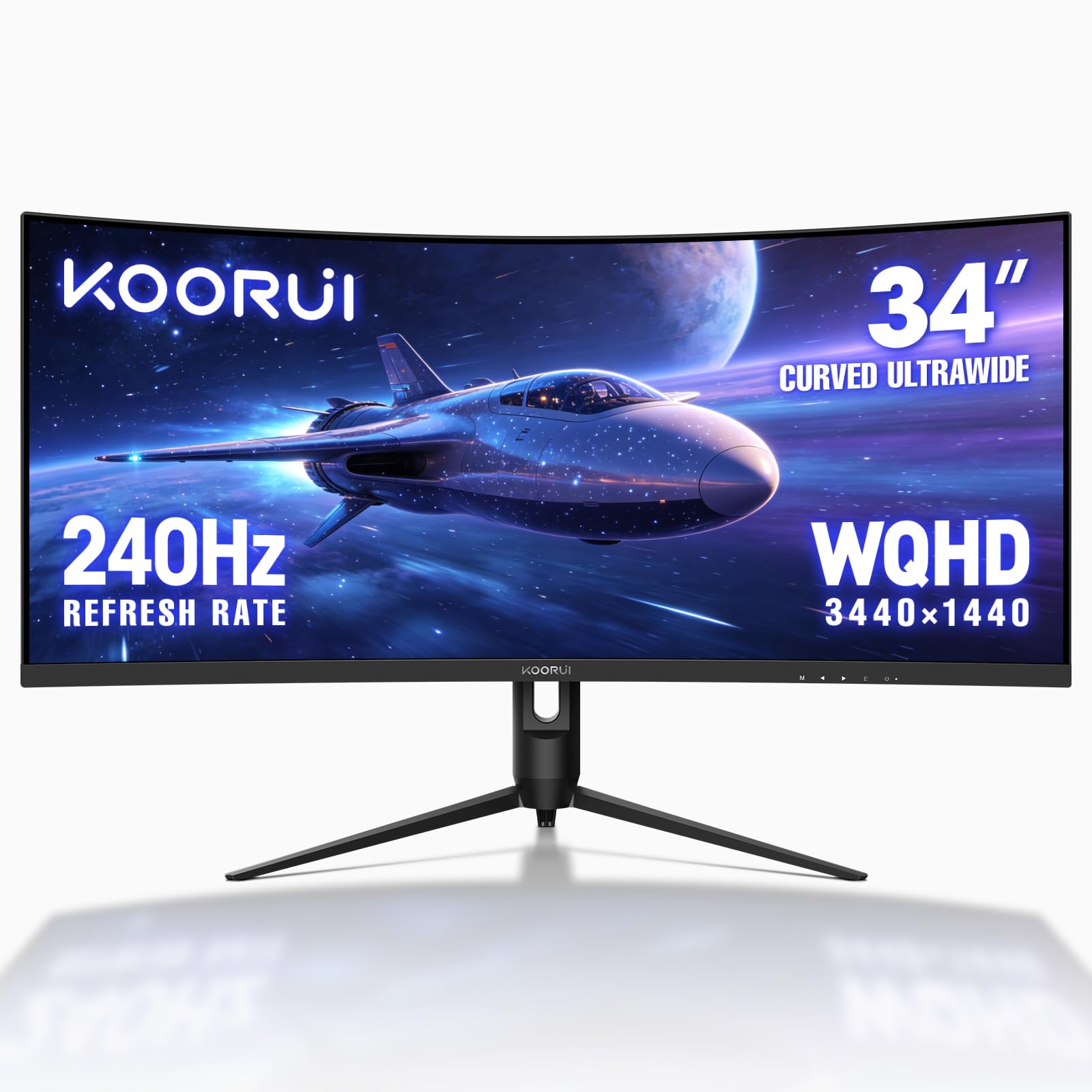
A 34-inch ultrawide that delivers 240Hz and vivid color for a surprisingly low cost.
The KOORUI 34-inch WQHD (3440×1440) monitor has a 1500R curve, a 240Hz refresh rate, and a 1ms response time. It uses a VA panel with a 4000:1 contrast ratio and 98% DCI-P3 color gamut, and is certified for HDR400. It supports both FreeSync Premium and G-Sync Compatible for tear-free gameplay. The stand provides height (110mm), tilt, and swivel adjustments—a rare feature at this price level. It comes with two HDMI 2.1 ports and a DisplayPort 1.4.
Buyers consistently report great value and picture quality. One reviewer stated they have had the monitor for three years and it still works great, highlighting its durability. Another mentioned the picture is very clear and the curved screen feels more rich for gaming. The only drawback noted by multiple owners is that you must use the included base—third-party monitor stands are not compatible. The 1500R curve is comfortable for both gaming and productivity, making it a flexible choice.
Why It Earns Its Place
- 4000:1 VA contrast
- 98% DCI-P3 color gamut
- Adjustable stand with height, tilt, swivel
Compromises
- Cannot use third-party monitor stands
- 1500R curve is gentle, less rich
- HDR400 is entry-level
Best for: Budget-conscious gamers who want a wide ultrawide screen with a 240Hz refresh and solid color for the price.
Not for: Users who need VESA arm compatibility or the deepest HDR performance.
2. LG 34GS95QE 34-inch Ultragear OLED Curved Gaming Monitor
The OLED benchmark that turns blacks invisible and motion into liquid.
The defining experience here is the 800R curvature—the steepest curve on this list—wrapped around a 34-inch WQHD OLED panel. It pulls your peripheral vision in so completely that during an FPS match you forget the monitor’s edges exist. The LG uses a 1.5M:1 contrast ratio (1.5 million to one) and DisplayHDR True Black 400, which means dark scenes look pitch black, not washed-out gray. Reviewers report that the true black is so deep they thought the monitor was off when the desktop loaded.
The 0.03ms response time (GtG) is nearly instantaneous—you will not see ghosting even in fast-paced shooters. It is G-Sync Compatible and supports AMD FreeSync Premium Pro. Buyers report the 240Hz OLED motion feels sharper and more physical than a 180Hz LCD. The trade-off is the matte coating slightly reduces perceived pop, and text clarity is not as sharp as on a high-end IPS panel. One reviewer noted the OSD menu button on the back causes hand cramps.
Standout Strengths
- 800R curve for max immersion
- 0.03ms instant response time
- True black with 1.5M:1 contrast ratio
Worth Noting
- Text clarity suffers on OLED
- Matte coating mutes highlights slightly
- Menu button placement is awkward
Ideal for the immersion seeker: If you want the deepest blacks and fastest response in a steep curved package for gaming.
Consider alternatives if: You need crisp text for spreadsheets or coding—OLED text fringing is a real drawback here.
3. MSI MPG 321CURX QD-OLED, 32-Inch, 4K UHD
4K QD-OLED that demands a deep desk and delivers a jaw-dropping HDR punch.
The MSI MPG 321CURX packs a 32-inch 4K UHD (3840×2160) QD-OLED panel with a 1700R curve and a 240Hz refresh rate. The QD-OLED technology gives you a 1,500,000:1 contrast ratio (1.5 million to one) and Delta E≤2 color accuracy, which means colors are both accurate and vibrant right from the start. It is VESA DisplayHDR True Black 400 certified, so dark scenes have real depth. The built-in KVM lets you control multiple devices with one keyboard and mouse, and the USB-C port delivers 98W of power delivery for a laptop.
Buyers consistently rate the image quality as stunning, especially in games like Cyberpunk and Skyrim where deep blacks and bright highlights create real drama. The 0.03ms response time (how fast a pixel changes color) matches the LG 34GS95QE, but the QD-OLED (Quantum Dot OLED) coating here is more color-rich in bright rooms. Owners mention the 1700R curve is gentler than the LG’s 800R, which is better for mixed work but less rich for gaming. One buyer mentioned the large size requires careful desk measurement. The MSI OLED Care 2.0 reduces burn-in risk, and it comes with a 3-year burn-in warranty.
Key Highlights
- 4K QD-OLED with Delta E≤2 accuracy
- 98W USB-C power delivery
- 3-year burn-in warranty included
Limitations
- Pixel cleaning every 16 hours can be noticeable
- Requires deep desk or monitor arm
- KVM only has 2 USB ports
Perfect for the high-end gamer: If you have a powerful GPU and want 4K, 240Hz, and rich color accuracy in one premium package.
Look elsewhere if: Your desk is shallow or you need a tight curve for maximum wrap-around immersion.
4. Alienware 34 240Hz QD-OLED Curved Gaming Monitor – AW3425DW

A 34-inch QD-OLED that wraps your desk in color and motion while staying affordable.
The Alienware AW3425DW is a 34-inch ultrawide (3440×1440) QD-OLED with an 1800R curve, a 240Hz refresh rate, and a 0.03ms response time. It covers 99.3% of DCI-P3 color space with Delta E<2 accuracy, which delivers vivid, accurate colors across the entire wide screen. The display is VESA DisplayHDR True Black 400 certified, with an infinite contrast ratio because each pixel turns off independently for true black. It supports both G-Sync Compatible and FreeSync Premium Pro.
Customers note this is a visual upgrade comparable to a GPU upgrade, especially when coming from a VA panel. One owner reported the 240Hz motion and instant response make gameplay feel easily smooth. The glossy QD-OLED surface gives better sharpness and wider viewing angles than matte alternatives. The downside is lower brightness in bright rooms and some text fringing, which is typical for OLED. It also comes with an Alienware sticker and a microfiber cloth in the box—a nice touch. The 34-inch size is less taxing on your GPU than 4K, so you are more likely to actually hit 240Hz in demanding games.
Why It Shines
- 99.3% DCI-P3 with industry-leading color
- True black infinite contrast
- Glossy screen for sharpness
Considerations
- Lower brightness in bright rooms
- Text clarity not as good as IPS
- Burn-in risk without proper care
Best for: Gamers upgrading from a standard 16:9 monitor who want ultrawide QD-OLED immersion at 240Hz without moving to 4K.
Not for you if: Your gaming space has strong ambient light or you do a lot of text-based work.
5. LG 34GX90SA-W 34-inch Ultragear WQHD OLED Curved Gaming Monitor
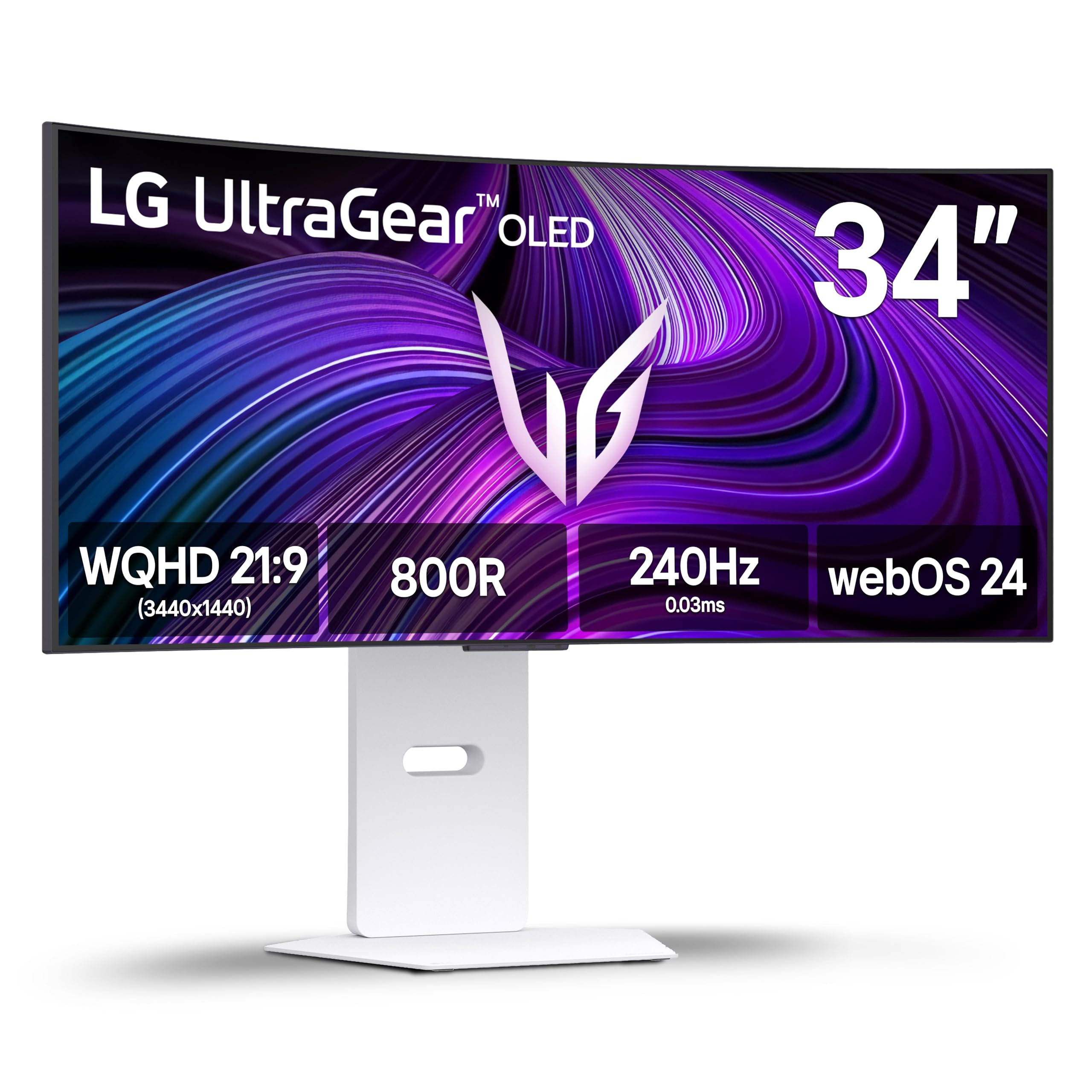
OLED gaming plus built-in streaming apps—no PC required for Netflix or cloud gaming.
This LG Ultragear monitor combines a 34-inch WQHD (3440×1440) OLED panel with an 800R curve and 240Hz refresh rate. The OLED technology gives you a 1.5M:1 contrast ratio and VESA DisplayHDR True Black 400 certification, so blacks are absolute and highlights pop. The unique twist here is webOS 24, which gives you built-in access to Netflix, Prime Video, Disney+, over 300 free LG Channels, and cloud gaming services like NVIDIA GeForce NOW and Amazon Luna without needing a PC connected. The USB-C port delivers 65W power delivery, so it can charge a laptop.
Reviewers point out the picture quality is stunning and the 240Hz motion is buttery smooth, especially when paired with an RTX 5080 (Nvidia’s latest graphics card). One customer observed that HDR (High Dynamic Range, for richer colors and contrast) flickers on HDMI but works correctly via USB-C. The aggressive 800R curve creates a very rich cockpit feel for racing games. The downsides include vague documentation for OLED burn-in prevention and a poor auto-input switching system. One reviewer also reported that the USB-A ports are tied exclusively to the USB-C input.
Core Advantages
- Built-in webOS for streaming without a PC
- Steep 800R curve for deep immersion
- USB-C with 65W laptop charging
Trade-Offs
- Input switching is unreliable
- OLED burn-in prevention poorly documented
- HDR flicker reported on HDMI
Who it fits: If you want an OLED that doubles as a smart TV for streaming and cloud gaming in your gaming space.
Not ideal for: Users who need reliable multi-device switching or want a monitor without any smart OS overhead.
6. Samsung 32″ Odyssey Neo G8 4K UHD 240Hz Curved Gaming Monitor

A 4K mini-LED monster that blasts 2000 nits peak brightness for HDR.
The Samsung Odyssey Neo G8 was one of the first 4K 240Hz gaming monitors. It uses a 32-inch VA panel with Quantum Mini-LED backlighting, delivering a 1,000,000:1 contrast ratio (one million to one) and a peak brightness of 2000 nits (HDR2000). The 1000R curve matches the shape of your eye, which reduces distortion. It supports AMD FreeSync Premium Pro. The matte display absorbs reflections so you stay focused during competitive sessions.
Buyers praise the near-OLED black levels and the stunning HDR performance for both games and movies. One user highlighted that after adjusting settings (sRGB mode, Contrast Enhancer On, and brightness dimmed to 10%), the picture quality is excellent. The main criticism is scan lines at 240Hz—several shoppers say having to drop to 120Hz to eliminate the issue. Another owner mentioned the monitor wobbles slightly and the joystick buttons are tiny. It also requires a very powerful GPU to actually push 4K at 240Hz.
Why It Stands Out
- 2000 nits peak brightness for HDR
- 1,000,000:1 contrast ratio
- Matte screen eliminates glare
Watch Out For
- Scan lines at 240Hz reported by some users
- Wobbly stand
- Needs top-tier GPU for 240Hz 4K
Go for this when: You want 4K, 240Hz, and HDR brightness that blows past OLED, and you have a high-end GPU like an RTX 4090.
skip it if: You are sensitive to scan lines or do not have the graphics power to drive 4K at high frame rates.
7. Samsung 57″ Odyssey Neo G9 Dual 4K UHD Curved Gaming Monitor

A 57-inch mini-LED (a backlight technology with many small LEDs for better contrast) behemoth that replaces two 4K monitors with one smooth curve.
The Samsung 57″ Odyssey Neo G9 is a 32:9 super-ultrawide monitor with a 7680×2160 resolution (Dual 4K) and a 1000R curve. It uses Quantum Mini-LED technology with 2,392 local dimming zones, a 1,000,000:1 contrast ratio, and VESA DisplayHDR 1000 certification. The 240Hz refresh rate and 1ms GTG response time are paired with DisplayPort 2.1 input, which provides enough bandwidth for 240Hz at this massive resolution. It supports AMD FreeSync Premium Pro.
Buyers rave about the pixel density (sharpness), brightness, and HDR performance. One reviewer described it as the best monitor for the next 5-10 years. Another noted that for day trading, it replaces two 32-inch monitors with a clean, smooth display. However, the weight is around 40 pounds, and the included DisplayPort cable is only 3 feet long, which is frustrating for cable management. Multiple buyers report firmware issues with sleep and auto-source switching. A few had popping noises on power-on or screen failures within months.
Biggest Selling Points
- Dual 4K resolution (7680×2160) at 240Hz
- 2,392 local dimming zones for contrast
- DP 2.1 for full bandwidth
Realities to Face
- Very heavy (~40 lbs) and bulky
- Short included DP cable
- Firmware and QC issues reported
Matches: Enthusiasts who want the widest field of view for flight sims, racing, or productivity without bezel gaps.
Wrong for: Anyone on a tight desk budget—this needs deep space and a strong monitor arm.
8. Amzfast 34 Inch Curved Monitor 240Hz UWQHD (3440×1440) Gaming Monitor
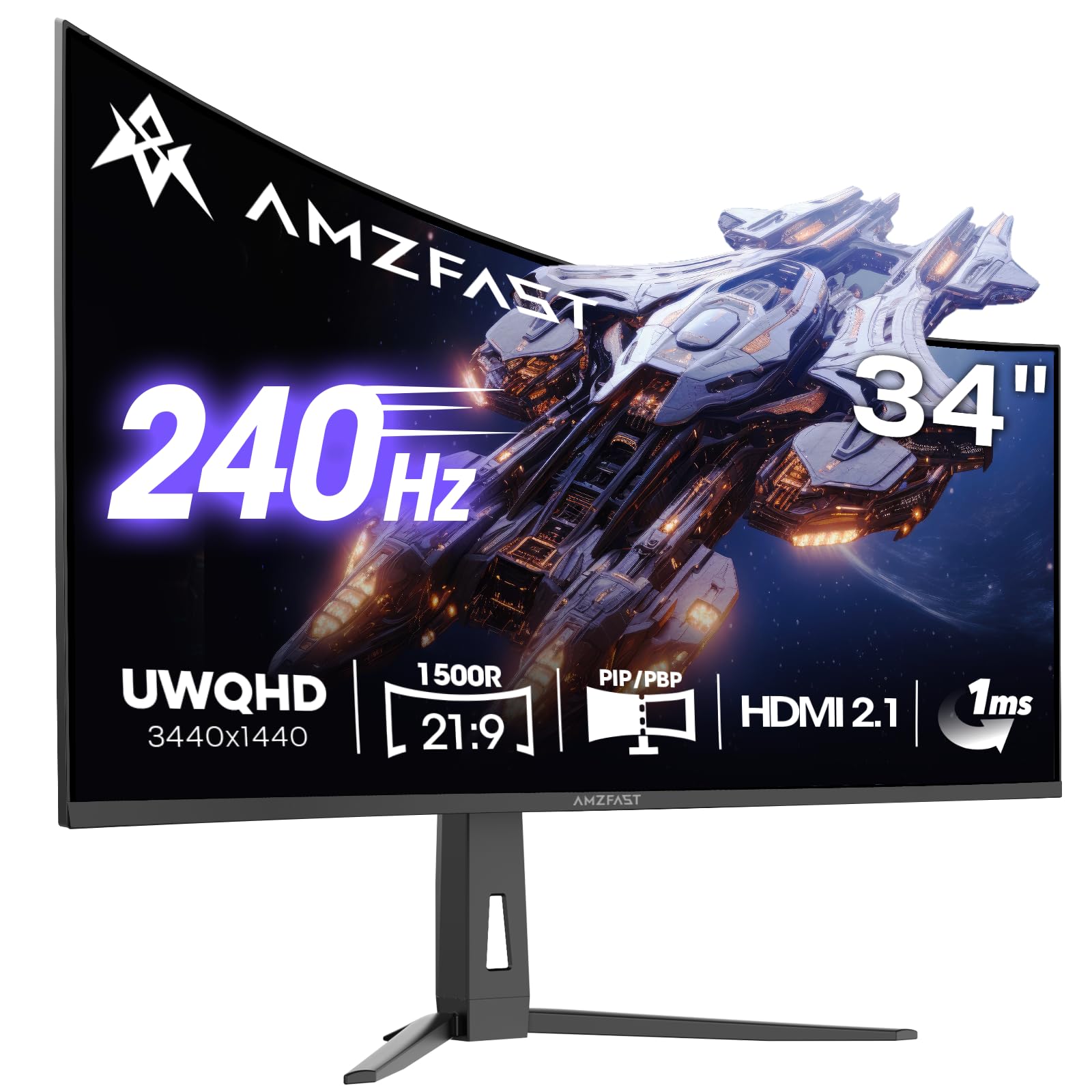
A budget-friendly ultrawide that punches above its price with AI gaming features and HDMI 2.1.
The Amzfast AMZG34C8 Pro is a 34-inch UWQHD (3440×1440) monitor with a 1500R curve, 240Hz refresh rate, and 1ms response time. It uses a VA panel with a 3000:1 contrast ratio, 96% DCI-P3, and 131% sRGB coverage. It supports HDR400. It includes AI image enhancement features like an AI crosshair, AI night vision, and a sniper scope mode for gaming. The stand adjusts for height (0-130mm), pivot, swivel (L30°, R30°), and tilt. It is TÜV Rheinland certified for low blue light.
Shoppers say the monitor delivers great quality for the price, with one reviewer who is a lifelong gamer with ghosting sensitivity saying the monitor is a discount off-brand but blows them away. They noted the best performance is at 120Hz or 200Hz, the HDR is good but not OLED-level, and MPRT causes reverse ghosting, so it should be left off. Another reviewer loved the headphone holder and built-in speakers. The biggest complaint is the stand attachment—some units tilt backward because the mounting is insecure. The 3000:1 contrast ratio is lower than the KOORUI’s 4000:1 above.
Standout Specs
- AI crosshair and night vision features
- 131% sRGB for vivid colors
- Height-adjustable stand included
Trade-Offs
- Stand tilt can be insecure
- 240Hz mode may feel off vs 200Hz
- 3000:1 contrast, less than KOORUI
Reach for this if: You want AI gaming enhancements and a cheap entry into the ultrawide 240Hz space.
Look elsewhere if: A reliable stable stand or plug-and-play 240Hz from the start is a must for you.
9. KTC 32 Inch 240Hz Curved Gaming Monitor, 2K 1440P PC Computer Monitor
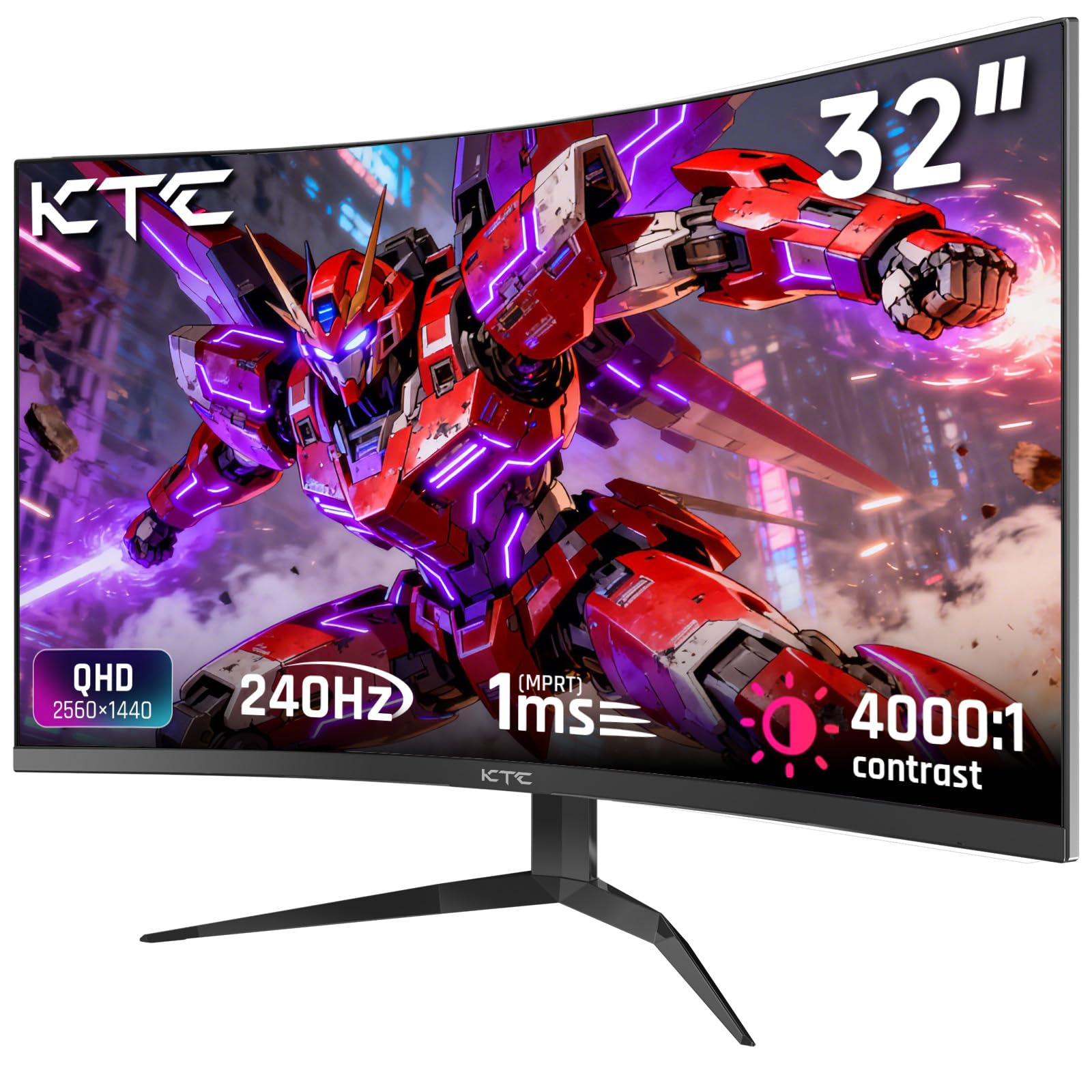
A 32-inch 1440p monitor with a 1000R curve that wraps around you tighter than pricier competition.
The KTC H32S25E is a 32-inch QHD (2560×1440) monitor with a 1000R curve and a 240Hz refresh rate. It uses a VA panel with a 4000:1 contrast ratio and 122% sRGB color gamut (99% sRGB calibrated). It supports both FreeSync and G-Sync. The frameless bezel design is good for multi-monitor setups. It comes with two HDMI 2.0 ports (limited to 144Hz) and two DP 1.4 ports (for 240Hz). The contrast ratio of 4000:1 beats the Amzfast’s 3000:1 above, giving deeper blacks.
Buyers report the monitor is fantastic value and very rich. One reviewer noted the 1000R curve is excellent for FPS games, reducing eye strain during long sessions. Another mentioned the monitor is brighter than expected and has cleaner text than 1080p (1920×1080 resolution) at 27 inches. However, several owners mention a slow 3-5 second wake from sleep, and some units sometimes fail to turn on entirely. The stand is not height-adjustable, and the included DisplayPort and power cables are short. Out-of-box colors look washed out and require manual calibration.
What Makes It Special
- 4000:1 contrast ratio for deep blacks
- 1000R curve for tight immersion
- Frameless bezel for multi-monitor
What Holds It Back
- Slow wake from sleep (3-5 seconds)
- Non-adjustable stand height
- Needs manual color calibration
Great match for: Gamers who want a tight 1000R curve for competitive FPS gaming without spending on an OLED.
Not for you if: You need a reliable wake-from-sleep performance or an adjustable stand for ergonomic setups.
Understanding the Specs
Refresh Rate & Response Time
The refresh rate (240Hz) tells you how many times the screen redraws per second—higher numbers mean smoother motion. The response time (1ms or 0.03ms) measures how fast a pixel changes color. For competitive gaming, you want both high refresh and low response to reduce motion blur and ghosting. A 240Hz monitor with 1ms will show you enemies a frame earlier than a 60Hz screen.
Curvature & Immersion
Curvature is measured in millimeters (1500R, 1000R, 800R). The lower the number, the tighter the curve. A 1000R curve matches the natural shape of your eye, so the whole screen stays equidistant and reduces eye strain. A 1500R curve is gentler and better for mixed productivity and gaming. An 800R curve is very aggressive, best for single-player shooters or racing sims where full immersion matters.
FAQ
Can a 240Hz curved monitor work with a standard HDMI cable?
Which GPU do I need to run a 240Hz curved monitor?
Is a 1000R curve better than 1500R for gaming?
Can I use a 240Hz curved monitor with a PS5 or Xbox Series X?
How long does a 240Hz curved gaming monitor last?
Is 240Hz noticeable compared to 144Hz or 165Hz?
Can I mount a curved monitor to a VESA arm?
Does a curved monitor distort text or spreadsheets?
Final Thoughts: The Verdict
For the majority of shoppers, the 240Hz curved gaming monitor winner is the MSI MPG 321CURX because it combines 4K QD-OLED clarity, a flexible 1700R curve, and 240Hz smoothness with a 3-year burn-in warranty for long-term confidence. If you want the tightest curve and deepest OLED blacks at a wider ultrawide format, grab the LG 34GS95QE with its aggressive 800R wrap. And for the budget-conscious who still want wide-screen immersion, the KOORUI 34″ Ultrawide offers a 4000:1 contrast ratio (for deep blacks) and an adjustable stand at a price that undercuts the competition.
How We Picked
We do not accept paid placement. Every pick is matched to a real buyer and a real use-case; we do not hands-on test units.
Sources & Methodology
Specifications: manufacturer listings and product documentation. Review insights: verified customer reviews, as of July 2026. Pricing: not shown on this page (it changes often); check the current price via the retailer link.
As an Amazon Associate, Gadgets Feed earns from qualifying purchases. This does not affect which products we feature.