
Our readers keep the lights on and my morning glass full of iced black tea. As an Amazon Associate, I earn from qualifying purchases.
Specs are compiled from manufacturer listings and verified buyer reviews and can change over time — please confirm the key details on the product page before buying.
A 15-inch touch screen monitor sounds simple — plug it in, tap, done. But the difference between one that feels snappy and one that frustrates you depends on the resolution you see, the brightness that cuts through glare, and whether the touch response keeps up with your fingers. This guide covers eight picks built for different real jobs — from a portable travel companion to a rugged industrial panel that shrugs off splashes.
I’m Min — the founder and writer behind Gadgets Feed. This guide is built by comparing the manufacturers’ published specifications and the patterns across verified customer reviews, so you get each pick’s real strengths and trade-offs instead of marketing spin.
if you need a portable second screen or a fixed point-of-sale station, this breakdown of the best 15 inch touch screen monitor options shows you exactly where your money makes the biggest difference.
Our Picks at a Glance

How To Choose The Best 15 Inch Touch Screen Monitor
Finding a 15-inch touch screen monitor that fits your actual use means looking past the glossy promises. There are four main things to get right, and each one changes how the monitor behaves in your hands.
Resolution: What You Actually See
This is the single biggest quality split in the category. A 1920 x 1080 (Full HD) resolution gives you sharp text, crisp icons, and room to have two windows side by side. A 1024 x 768 resolution packs 88% fewer pixels — enough for a cash register screen but cramped and blurry for reading documents or browsing the web. If you plan to use the monitor for anything beyond a single-application checkout system or a dedicated control panel, prioritize Full HD.
Brightness and Viewing Angles
Brightness is measured in candelas or nits, and it determines whether the screen is readable in a sunny room or near a window. Entry-level portable monitors hover around 200-270 cd/m², which works fine indoors. Commercial and open-frame monitors often hit 300-400 cd/m², making them usable in well-lit retail spaces or production floors. Viewing angle, usually listed as 178°, tells you whether colors wash out when you look from the side — crucial for a shared checkout terminal or a monitor mounted off-center.
Touch Technology: Capacitive vs. Resistive
Every monitor on this list uses capacitive touch — the same smooth, multi-finger type you know from a smartphone or tablet. It supports gestures like pinch-to-zoom and swipe, and ten simultaneous touch points (10-point) is standard. This is the correct choice for most buyers. Resistive touch, which requires pressure and only registers one point at a time, has largely been phased out of this size range. One important tip: capacitive touch works bare-skin or with a special capacitive stylus, not with a standard glove unless the product specifically lists glove support.
Connectivity and Setup Simplicity
Most 15-inch touch monitors need two cables to work — one for video (HDMI or VGA) and one for touch data (USB). Some portable models support a single USB-C cable that carries power, video, and touch simultaneously, provided your laptop has Thunderbolt 3/4 or USB-C DisplayPort Alt Mode. For a fixed setup like a retail checkout counter, the two-cable approach is perfectly fine and often more stable. Check that the monitor includes the cables you need — not all do.
Quick Comparison
| Model | Best For | Resolution | Brightness | Touch | Amazon |
|---|---|---|---|---|---|
| cocopar 15.6″ Portable Touchscreen★ Best Overall | Travel / Laptop extension | 1920 x 1080 | 270 cd/m² | 10-point capacitive | Amazon |
| GreenTouch 15″ Open-FramePremium Pick | Industrial / Kiosk / Flight sim | 1024 x 768 | 300 lm (estimated) | 10-point capacitive G+G | Amazon |
| RIUIIN 15.6″ Open-FrameBest Value | Kiosk / Vending / POS | 1920 x 1080 | 300 Lux | 10-point PCAP G+G | Amazon |
| Acer PM161QT | Ultra-slim portable use | 1920 x 1080 | 200 cd/m² | 10-point capacitive | Amazon |
| TouchWo 15.6″ Industrial | Restaurant menu / Family hub | 1920 x 1080 | 250 lm | 10-point capacitive | Amazon |
| MUNBYN 15″ POS | Retail checkout / Inventory | 1024 x 768 | 250 cd/m² | Capacitive | Amazon |
| ANGEL POS 15″ | Restaurant / Bar POS | 1024 x 768 | 300 cd/m² | 10-point capacitive | Amazon |
| Suprlipy 15″ 1024×768 | DIY / Basic POS / Raspberry Pi | 1024 x 768 | 400 cd/m² | 10-point capacitive | Amazon |
In-Depth Reviews
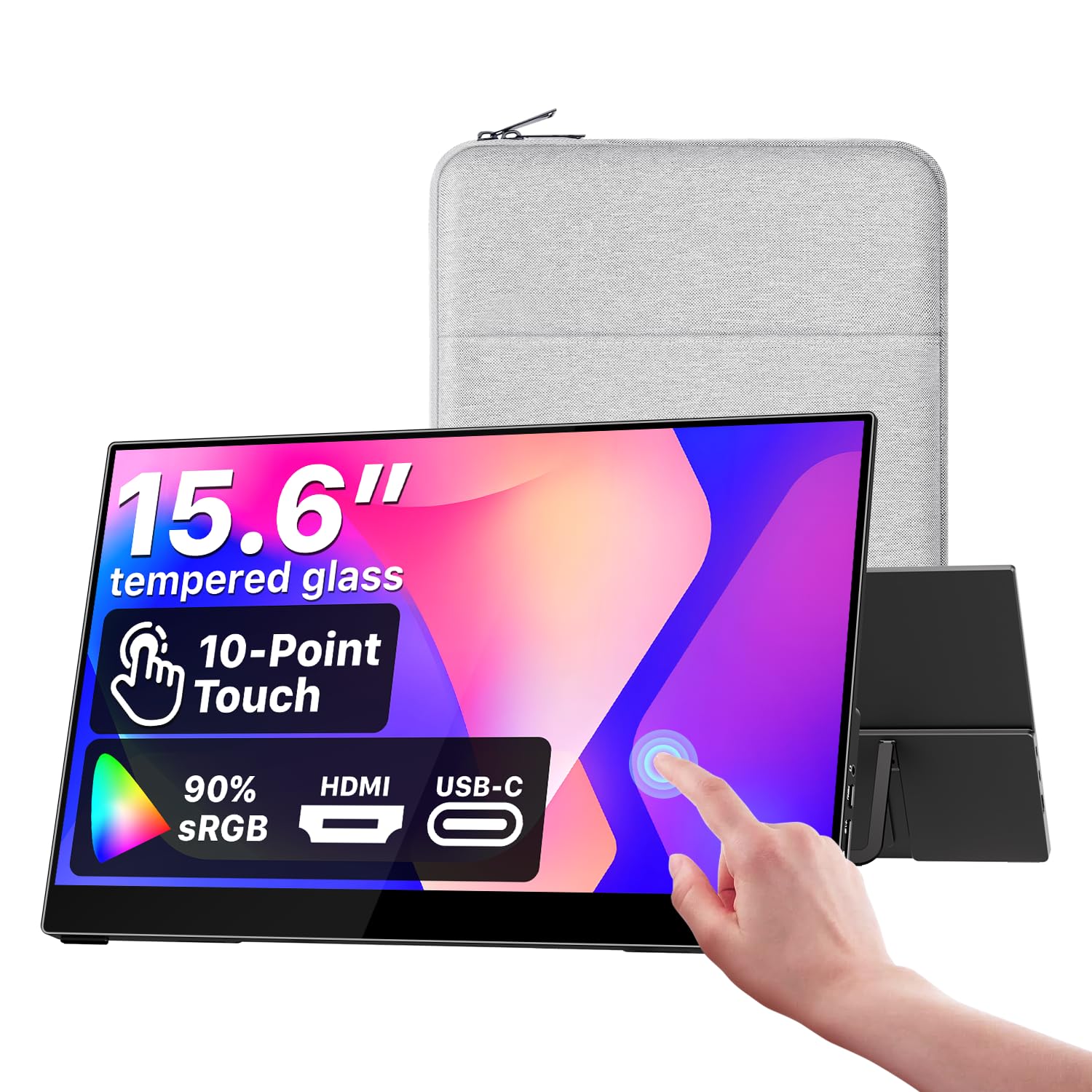
1. cocopar Portable Monitor Touchscreen 15.6 Inch 1080P
Our pick — over 4.5★ from 6,000+ verified ratings; the strongest balance of quality and price.
A crisp, portable touchscreen that turns your laptop bag into a dual-screen workstation.
This 15.6-inch monitor gives you Full HD resolution at 1920 x 1080 on an IPS panel, meaning text stays sharp and colors look natural even when you tilt the screen. The real standout here is the 90% sRGB color gamut, which buyers report makes images and video feel vibrant, and the 1000:1 contrast ratio gives blacks real depth, a 2x contrast gap over the 500:1 on the Suprlipy.
Owners mention that the “4K version (Y156ULH) is a stunning upgrade from 1080p model,” so power users have a path forward. The tempered glass surface feels smooth and resists scratches, unlike cheaper plastic-film screens. A single USB-C cable handles power, video, and touch if your laptop supports Thunderbolt 3 or USB-C DP Alt Mode, keeping the desk clean.
The integrated kickstand and included protective sleeve make it genuinely travel-ready, and the aluminum body helps with heat dissipation during long sessions. One caveat: for gaming, the touch function works only in non-touch mode, so this is primarily a productivity and media monitor.
The clear winner for portability: Sharp 1080p resolution, wide 90% sRGB color, and single-cable USB-C setup make this the most versatile pick for anyone who moves between a laptop desk and a travel bag.
One honest limitation: At 270 cd/m² it is not the brightest option here — the Suprlipy hits 400 cd/m² for comparison — so a brightly lit room will show its limits.
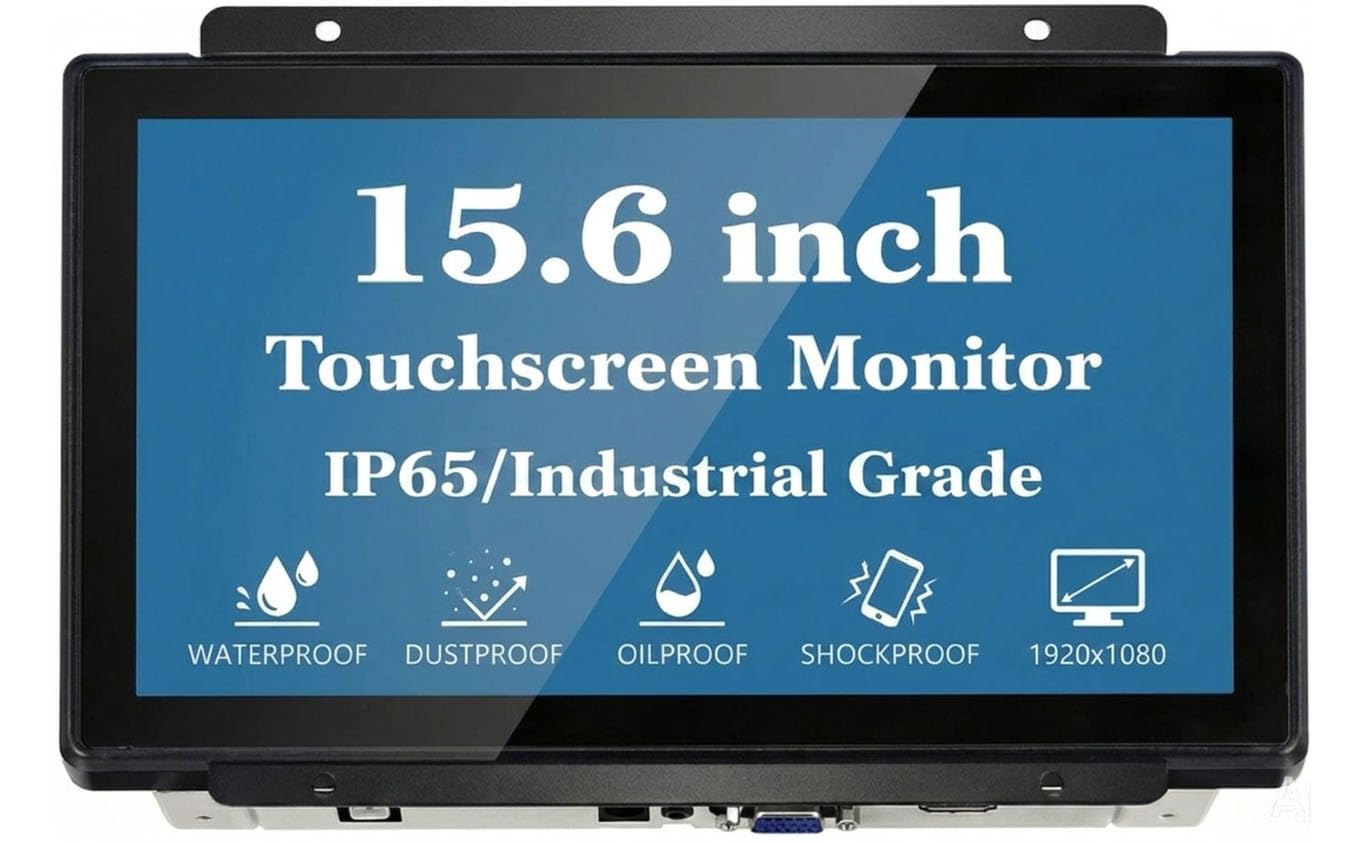
2. GreenTouch 15 Inch Open-Frame Touchscreen LCD Monitor
Built like a tank with precision touch for projects that cannot afford a failure.
This 15-inch open-frame monitor is a different breed entirely — it is designed to be mounted inside a kiosk, vending machine, or a custom enclosure rather than plopped on a desk. The resolution is 1024 x 768 (a 4:3 aspect ratio), which means 88% fewer pixels than a 1080p display, so it is not meant for reading dense web pages or editing documents. But the trade-off is serious industrial toughness: a 1500:1 contrast ratio (the highest on this list, beating the cocopar’s 1000:1), front IP65 water resistance, and an IK08 vandal-proof rating with 3mm tempered glass.
Customers note using it for an interactive flight simulator instrument panel and confirm that the touch response is “accurate” and the build quality “exceeds expectations.” The GreenTouch uses its own G+G (glass-on-glass) capacitive touch solution for 10-point multi-touch (meaning you can use ten fingers at once), and the company puts every unit through over 20 reliability tests to deliver a 50,000-hour MTBF rating (a measure of average time between failures, so it is designed to last years in constant use).
Ports include HDMI, VGA, DVI, and audio — enough to connect to almost any legacy or modern system. The catch is that the wired remote that comes with the unit may have unresponsive buttons, as some buyers noted. For a stationary commercial installation where you set it once and forget it, this is the most durable option here.
What makes it a pro-grade choice
- 1500:1 contrast ratio delivers deep blacks and strong readability
- IP65 front panel resists water and dust in harsh environments
- 50,000-hour MTBF shows long-term reliability commitment
- DVI, HDMI, and VGA ports for broad compatibility
Two trade-offs to know
- 1024 x 768 resolution is noticeably lower than Full HD monitors
- Wired remote buttons may have quality issues right from the start
Who should reach for this: Builders, kiosk integrators, and hobbyists making a permanent installation where dust, splashes, or bumps are a daily reality.
Who should look at something else: Anyone who wants a sharp desktop display for reading or general computer use — the 1024 x 768 resolution will feel very cramped for that.
3. RIUIIN 15.6 Inch Open Frame Touchscreen Monitor
The rare open-frame monitor that pairs 1080p clarity with genuine IP65 toughness.
This 15.6-inch open-frame display is the balance for anyone who needs a Full HD 1920 x 1080 resolution (sharp enough for clear text) inside an industrial kiosk or a point-of-sale station. Unlike other rugged monitors stuck at 1024 x 768, this one gives you sharp enough text to run a menu board or a detailed HMI interface without squinting. The 1000:1 contrast ratio matches the cocopar, and the 10-point PCAP touch (a type of capacitive touch that supports multiple fingers) with G+G (glass-on-glass) construction keeps the touch feel smooth and responsive.
The toughness is the headline: an IK09 impact rating (meaning it can withstand a 5-joule impact, higher than the IK08 on the GreenTouch) and IP65 front-panel protection against water jets and dust. Reviewers point out it works “very well” for business use and call it “ideal for a business.” The monitor also comes with a 3-year manufacturer warranty, which is rare in this category.
One note: the brightness is quoted as 300 Lux, which is a different unit than the cd/m² used by most other monitors here. In practice it is roughly equivalent to a 250–300 cd/m² panel — adequate for indoor commercial use but not the brightest in direct sunlight. The 80% color gamut is also behind the cocopar’s 90%, so color-critical work is not this monitor’s strength.
Best rugged 1080p value: Combines a high-impact rating, water resistance, and a Full HD display in a package that is priced well below most competitors with similar specs.
Compromise worth noting: The color gamut is only 80% and brightness peaks at around 300 equivalent nits, so it is not for color-accurate work or very bright spaces.
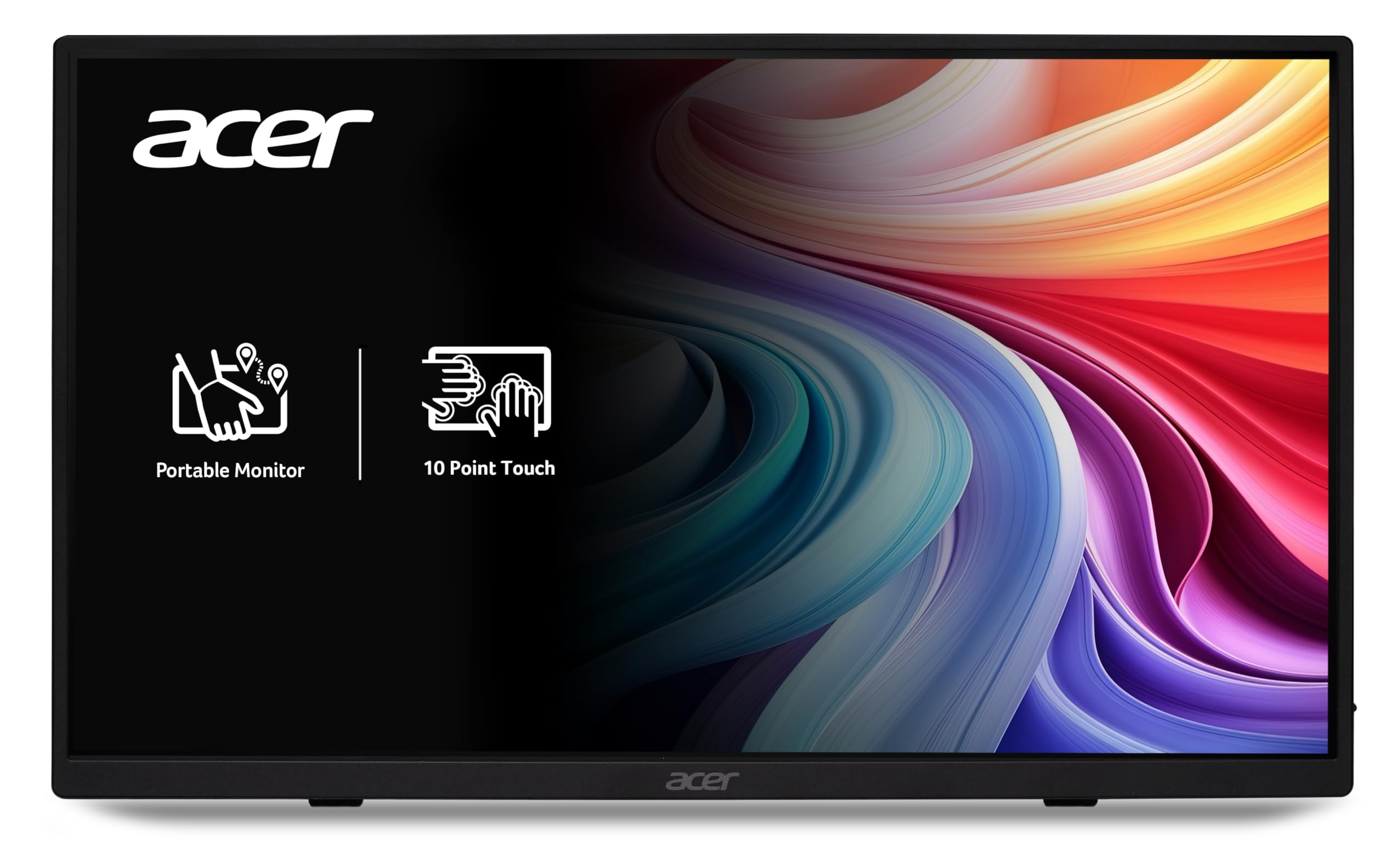
4. acer Portable Monitor 15.6″ FHD IPS Touch (PM161QT)
Ultra-thin and featherlight, built for the “grab-and-go” mobile worker.
At just 0.5 inches thick and 2.73 pounds, the Acer PM161QT is the slimmest portable touch monitor on this list by a noticeable margin. The Full HD 1920 x 1080 IPS panel delivers decent colors and sharp text, and the Adaptive-Sync support (FreeSync compatible) helps smooth out video playback for casual entertainment on the road. The 10-point touch works with Windows 11 gestures, and one USB-C cable handles video and touch when your laptop supports it.
The 200 cd/m² brightness is noticeably lower than the cocopar’s 270 cd/m², which means you will struggle to see details in a bright room or near a window. The 800:1 contrast ratio also trails the cocopar’s 1000:1, so blacks look a bit more gray. Shoppers say mixed reliability: one review said “Was nice the 2 times it worked,” describing a no-input failure after only two uses, while others praised the picture quality and touch function with macOS.
The included fold-over cover doubles as a stand, but some buyers find it flimsy enough to buy a separate kickstand. If you need a monitor that disappears into a laptop bag and you work primarily in controlled indoor lighting, the Acer’s slim profile is compelling — just understand the brightness and contrast trade-offs.
The portability advantage
- Ultra-thin 0.5-inch design slides into any bag easily
- Adaptive-Sync support keeps motion in videos smooth
- 10-point capacitive touch works well with Windows 11
Reasons to pause
- 200 cd/m² brightness is dim, especially compared to 270 cd/m² on the cocopar
- Mixed user reports on reliability after a few uses
- Built-in cover/stand feels flimsy according to some buyers
Perfect for a minimalist traveler: If carrying 0.5 inch and 2.73 pounds matters more than brightness, and you mainly work in dimmer indoor spaces.
skip it if: You need consistent reliability for daily professional use or you plan to work in brightly lit rooms or coffee shops.
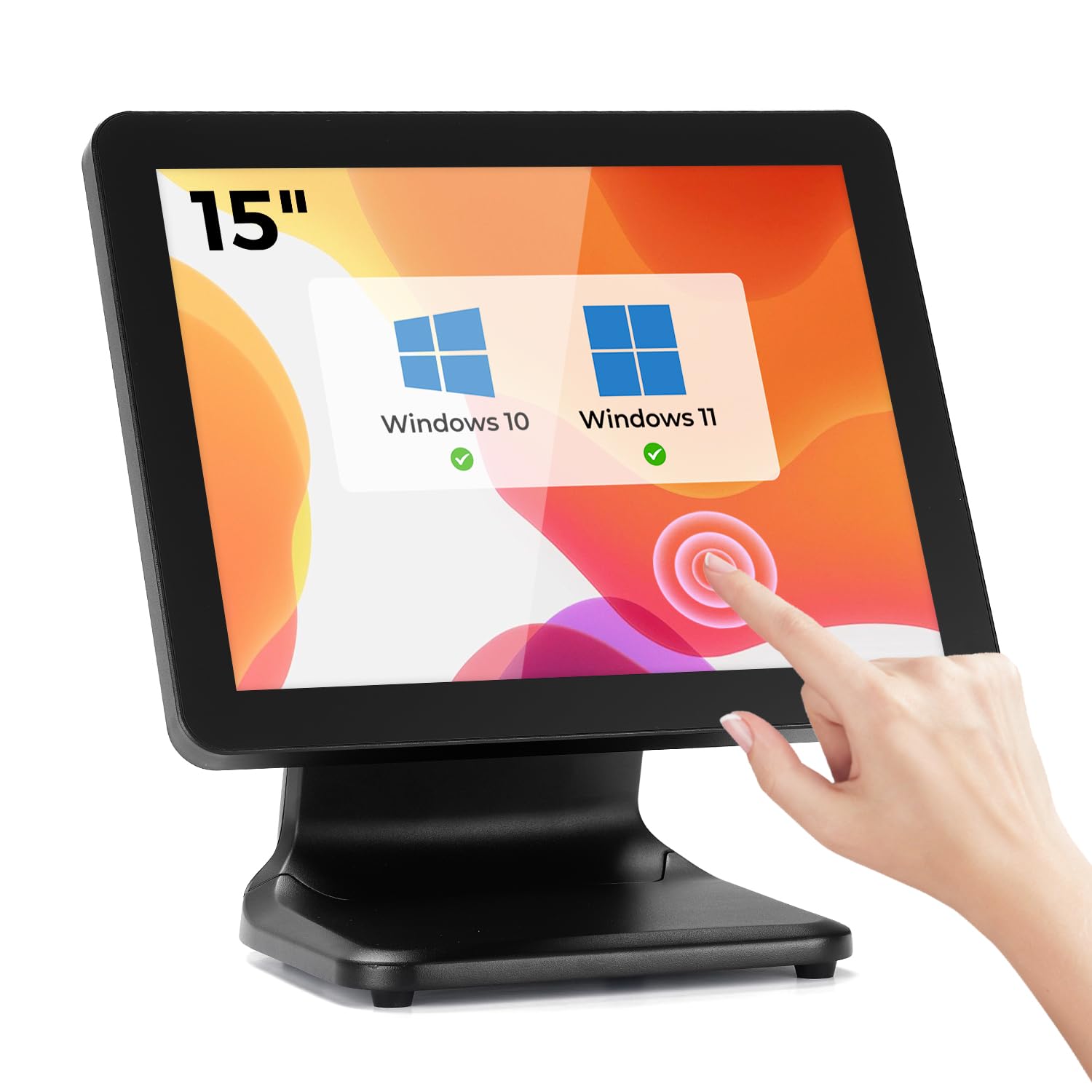
5. MUNBYN 15-inch POS Touch Screen Monitor
A true-flat POS screen with a steel base that does not wobble during a busy shift.
The MUNBYN is a specialist for retail and restaurant checkout counters. Its defining feature is the heavy-duty metal stand that stops the screen from shaking when you tap it repeatedly — a real issue with plastic stands during a rush. The resolution is 1024 x 768, which is standard for POS systems and perfectly readable for order entry and inventory screens, but noticeably less sharp than the cocopar or the Acer at 1920 x 1080. The brightness is 250 cd/m², which is adequate for indoor counters but not brilliant.
Buyers call the display “crisp” with “responsive touch even with dirty/sticky fingers” — a genuine advantage in a restaurant or bar environment. The true-flat smooth front is easy to wipe clean, preventing grime from building up in seams. No driver is needed for basic setup: just connect the power, HDMI or VGA for video, and USB for touch.
One quirk: there is no built-in speaker even though the on-screen menu has a volume control, which buyers found confusing. The monitor also runs warm under passive cooling, which is normal but note if it is enclosed in a tight space. MUNBYN backs it with a 2-year warranty, a solid safety net for a small business investment.
The smart business POS choice: A rock-solid metal stand and smooth flat design make this a durable, easy-to-clean option for any retail counter.
What is missing: No built-in speakers despite a volume menu, and the 1024 x 768 resolution feels dated for anything beyond dedicated POS software.
6. ANGEL POS 15-Inch 4:3 Capacitive Multi-Touch Monitor

A higher-brightness POS panel built for brightly lit checkout lanes.
The 1024 x 768 resolution and 4:3 aspect ratio keep it squarely in POS territory — fine for a menu screen or cash register display, but not for reading articles or editing spreadsheets. The contrast ratio is 350:1, which is the lowest on this list and means blacks will look noticeably gray compared to the cocopar’s 1000:1 or the GreenTouch’s 1500:1.
The smooth flat front design resists water and dust ingress, and the solid metal stand provides good stability for frequent tapping. Buyers report that Windows 11 picks it up immediately and that it “works perfectly” as a touchscreen. However, some cite screen failure after 7 months and call the unit “heavy and bulky” at about 3.5 kg. The mix of reports suggests the reliability is less consistent than the MUNBYN or the GreenTouch.
Connectivity covers HDMI, VGA, and USB 2.0 Type B for touch — enough for most POS setups but no USB-C option for modern single-cable convenience. This is a competent choice if you prioritize brightness in a fixed retail position, but the lower contrast and mixed long-term reviews are worth weighing.
Where it stands out
- 300 cd/m² brightness makes it more readable in brightly lit retail spaces
- smooth flat front resists dust and water ingress
- 10-point capacitive touch works with Windows 10/11 from the start
Areas of caution
- 350:1 contrast ratio is low — blacks look washed out
- Some owners mention screen failure within 7 months
- Heavier and bulkier than the MUNBYN or portable options
Best for a bright storefront: If your counter is under direct overhead lights, the extra brightness here makes a real difference for readability.
Think twice if: You expect the monitor to last beyond a year of heavy daily use without issue — the reliability track record is mixed.
7. TouchWo 15.6 Inch Capacitive Multi-Touch Screen Industrial Monitor
A versatile 1080p industrial monitor that also doubles as a family scheduling hub.
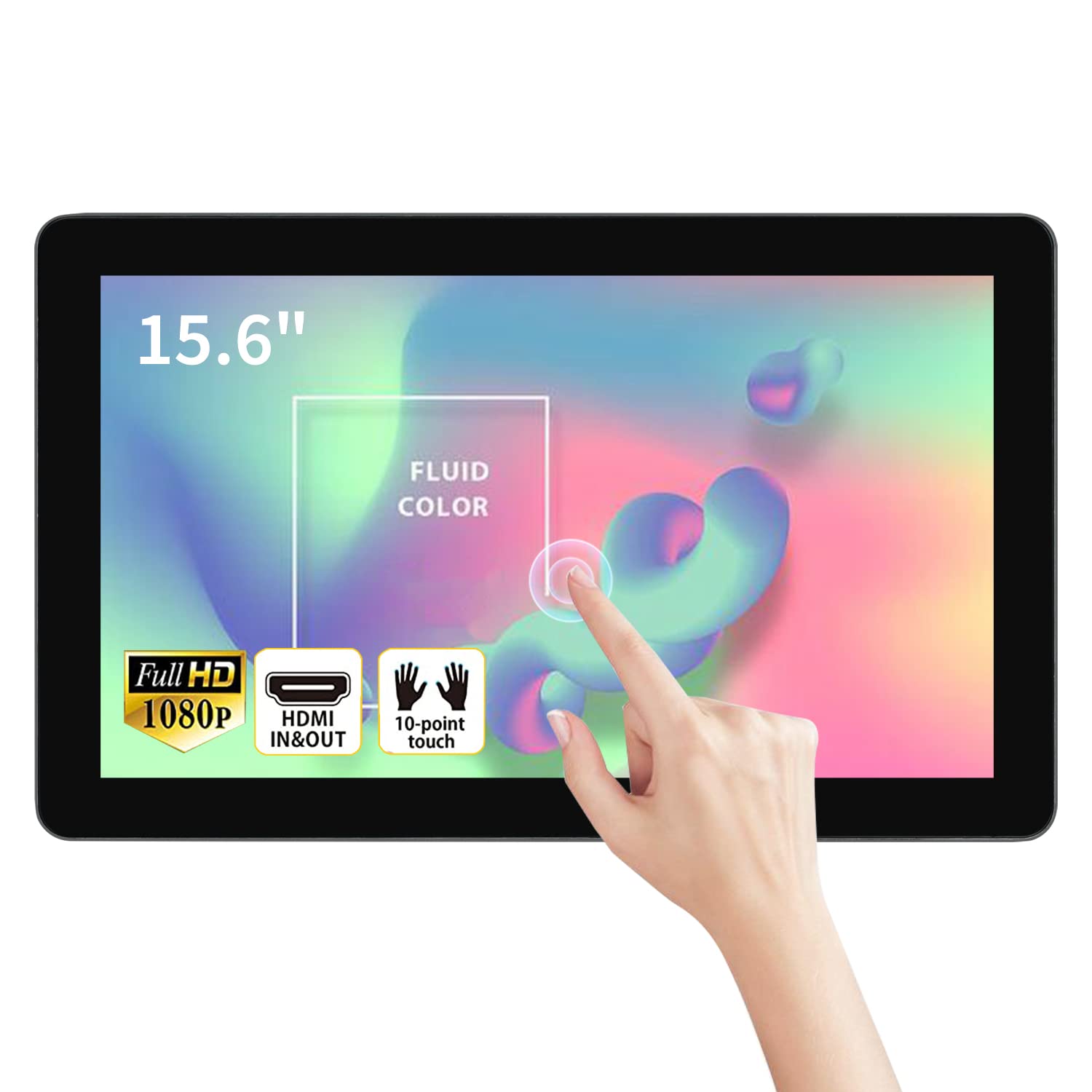
The TouchWo brings Full HD 1920 x 1080 resolution into an industrial-styled frame with a 1000:1 contrast ratio — the same contrast level as the cocopar. The 250 lm brightness is adequate for indoor use but noticeably dimmer than the ANGEL POS’s 300 cd/m². The 10-point capacitive touch works plug-and-play via USB for Windows systems, with additional configuration needed for Mac, Linux, or Raspberry Pi.
The built-in speakers and 3.5mm audio jack make this a more self-contained option. One buyer uses it as a family scheduling hub, running a PowerPoint loop on a small computer. The optically bonded display (a process that laminates the glass and LCD together) reduces glare and makes the image look sharper and more vivid according to some reviews. The monitor includes a wall-mount bracket and measures only 1.06 inches deep, making it one of the slimmest industrial options.
The big red flag: one reviewer noted this monitor “fried my laptop battery,” so the power delivery via USB-C may be unreliable. Another user running a 32-inch version for a restaurant menu reported lags and freezing after continuous 24/7 use. The reliability picture is too inconsistent to recommend for mission-critical commercial applications without a backup plan.
Best for light-duty or home industrial use: The 1080p resolution and slim design make it a good option for non-critical home projects, family calendars, or hobbyist gaming tables.
The deal-breaker for commercial use: Reports of lags under constant load and a battery-frying incident mean this is not trustworthy for a 24/7 business setup without solid power management.
8. Suprlipy 15 Inch Touch Screen Monitor 1024×768
The brightest panel in the budget tier, with enough ports for a PC and a game console.
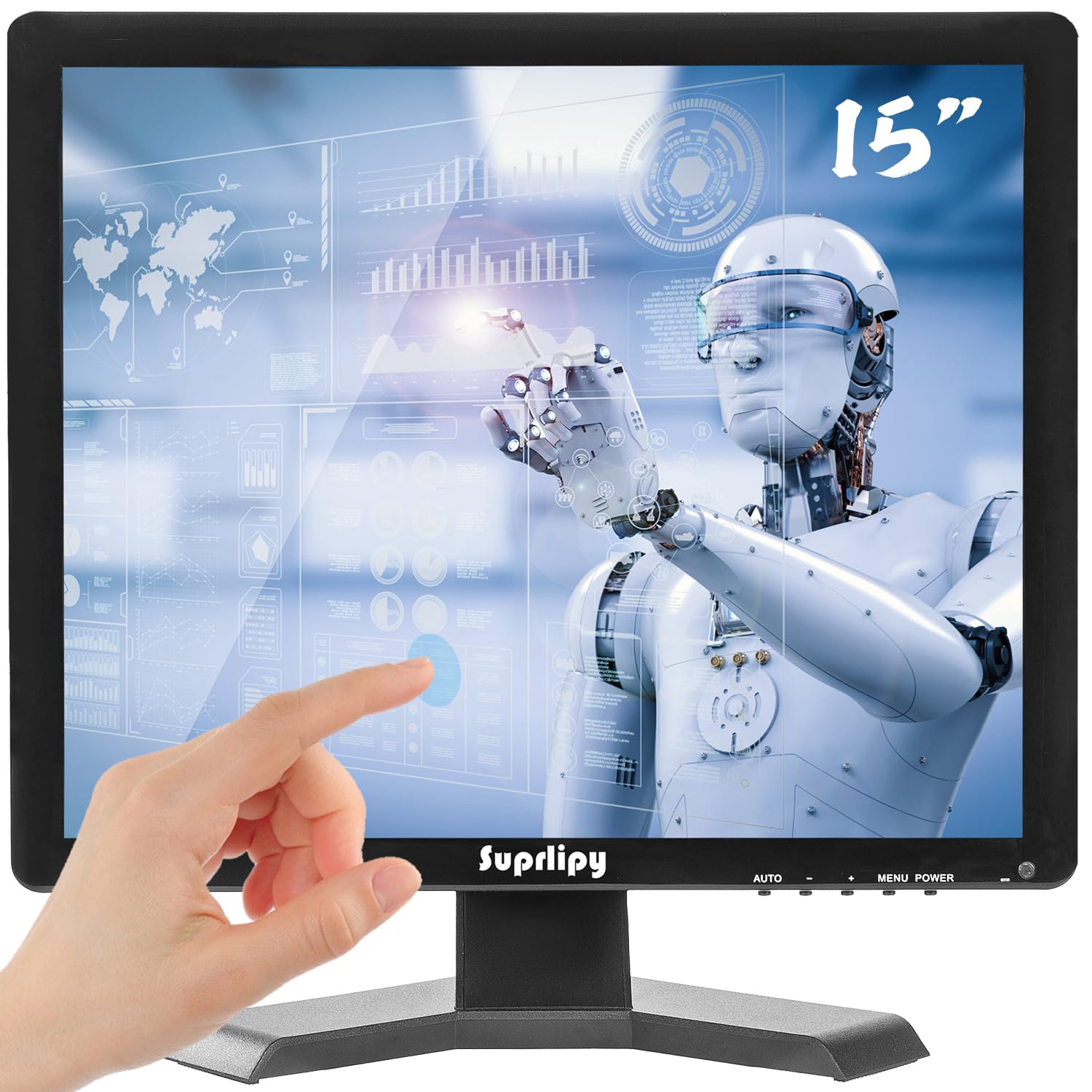
This Suprlipy monitor has one surprising advantage: at 400 cd/m², it is the brightest 15-inch touch screen on this list, beating the cocopar’s 270 cd/m² by 48% and the ANGEL’s 300 cd/m². That makes it genuinely usable in very bright rooms or near large windows where other monitors wash out. The 1024 x 768 resolution keeps it in basic-POS territory, and the 500:1 contrast ratio is half the contrast of the cocopar, so dark scenes look far less defined.
The 70% color gamut and 4:3 aspect ratio mean this is not a monitor for media consumption or photo editing. Where it shines is flexibility: HDMI, VGA, AV, BNC, and USB inputs mean you can hook up a PC, a security camera feed, a Raspberry Pi, or a game console all on one display. The 10-point capacitive touch works plug-and-play, and the included VESA bracket allows easy wall mounting.
Buyer reviews are polarized. One user called it a “Top touchscreen monitor” with colors and sharpness “beyond expectations,” while another reported the screen stopped working after 3 months, and a third described “very low quality of plastic” and a non-functional VESA mount. The splash-resistant front is a nice touch for a restaurant counter, but the build quality and durability are clearly inconsistent.
The strongest asset
- 400 cd/m² brightness beats every other monitor on this list for bright-room use
- Extensive port selection (HDMI, VGA, AV, BNC, USB) for maximum device compatibility
- VESA mountable and splash-resistant for counter installations
Where corners are cut
- 500:1 contrast ratio is low — blacks look gray
- Build quality is inconsistent; some units fail within months
- 1024 x 768 resolution is very low for any reading or browsing
Useful for a very specific situation: If you need the brightest possible 15-inch touch screen for a brightly lit counter or a multi-input setup with security cameras and a card terminal, this fits.
Not a safe bet for daily use: The spotty build quality and low resolution make this a risk for anything that needs to work reliably for months without question.
Understanding the Specs
Resolution: Full HD vs Standard
The resolution tells you how many pixels are packed into the screen. A 1920 x 1080 (Full HD) panel gives you about 2 million pixels, making text look sharp and icons crisp. A 1024 x 768 panel has about 787,000 pixels — that is 1.2 million fewer dots, which means visible jagged edges on text and much less screen real estate. If you need to read emails, browse the web, or run two apps side by side, Full HD is non-negotiable. For a dedicated single-app system like a cash register or a control panel, the lower resolution works fine and often costs less.
Brightness and Contrast
Brightness, measured in cd/m² or nits, determines how readable the screen is in a bright room. A 200-270 cd/m² display is fine for a dim office or home use. A 300-400 cd/m² display handles storefronts and well-lit rooms much better. Contrast ratio compares the brightest white to the darkest black the screen can show. A 1000:1 ratio (like the cocopar and RIUIIN) gives you noticeable depth in dark scenes. A 500:1 or 350:1 ratio (like the Suprlipy and ANGEL POS) makes dark areas look washed out and gray. For a touch screen you tap all day at a counter, higher brightness matters more than contrast. For watching video or reviewing images, higher contrast matters more.
FAQ
Will a 15.6-inch touch screen monitor work with my MacBook?
Can I use a 15-inch touch monitor as a second screen for a laptop?
What does IP65 mean on a touch screen monitor?
What is the difference between 4:3 and 16:9 aspect ratio in a 15-inch monitor?
How do I know if my laptop supports single-cable USB-C touch and video?
Is a 1024 x 768 touch screen monitor good enough for a restaurant POS system?
How long does a 15-inch touch screen monitor typically last?
Can I mount a 15-inch touch screen monitor on a wall or a VESA arm?
Final Thoughts: The Verdict
Across the board, the best 15 inch touch screen monitor winner is the cocopar Portable Monitor Touchscreen because it delivers a sharp 1080p IPS display, wide 90% sRGB color coverage, and true single-cable USB-C touch for both Windows and macOS at a price that undercuts most alternatives. If you need maximum brightness for a bright counter or storefront, grab the Suprlipy. And for a rugged industrial installation where dust and bumps are part of the job, the GreenTouch 15-inch Open-Frame is the one to pick.
How We Picked
We do not accept paid placement. Every pick is matched to a real buyer and a real use-case; we do not hands-on test units.
Sources & Methodology
Specifications: manufacturer listings and product documentation. Review insights: verified customer reviews, as of July 2026. Pricing: not shown on this page (it changes often); check the current price via the retailer link.
As an Amazon Associate, Gadgets Feed earns from qualifying purchases. This does not affect which products we feature.