
Our readers keep the lights on and my morning glass full of iced black tea. As an Amazon Associate, I earn from qualifying purchases.
Specs are compiled from manufacturer listings and verified buyer reviews and can change over time — please confirm the key details on the product page before buying.
Boxes of dusty slides are sitting in your closet, and you want to see those old road trips and family gatherings again without paying a lab a fortune per scan. The right 35mm slide scanner turns faded memories into clear digital files you can share, print, and back up, but the wrong one leaves you fighting blurry images and clunky software. This guide walks you through the nine best options available right now, cutting through the spec sheets to give you the real story on resolution, speed, and ease of use.
I’m Min — the founder and writer behind Gadgets Feed. This guide is built by comparing the manufacturers’ published specifications and the patterns across verified customer reviews, so you get each pick’s real strengths and trade-offs instead of marketing spin.
You want to digitize old slides without wasting money on features you will never use. The right 35mm slide scanner matches its resolution (how sharp the digital copy is), speed, and workflow to your specific project — whether you have a handful of heirlooms or a thousand slides to convert.
Our Picks at a Glance


How To Choose The Best 35mm Slide Scanner
Three specs decide how often you will actually use a scanner and how good the final images look. Here is what matters for real-world scanning projects.
Resolution: Real Detail vs. Interpolated Marketing
Manufacturers love to throw around “22 megapixels,” but most consumer slide scanners use a lower native sensor and software-enlarge the image (interpolation) to reach that number. For sharing online, making 4×6 prints, or filling a digital frame, those interpolated scans look fine. If you plan to make large prints or crop deep into a slide, you want a higher optical resolution — measured in DPI (dots per inch). Models like the Plustek OpticFilm 8200i SE hit 7200 dpi, which captures real film grain without any guessing from software.
Standalone vs. Computer-Dependent
A standalone scanner with a built-in LCD screen and SD card slot lets you scan without a computer — just pop in a card, press a button, and pull the card out when you are done. This is the fastest path for bulk scanning. A computer-dependent model like the Plustek requires a USB connection and proprietary software (SilverFast) to operate. That software gives you professional control over color, exposure, and dust removal, but it adds setup time and a learning curve.
Dust and Scratch Removal
Old slides attract dust and light scratches that show up as bright specks and white lines in the scan. Higher-end scanners use an infrared channel to detect those defects and automatically remove them in software — a feature called iSRD or Digital ICE. On lower-priced models, you will rely on the included cleaning brush and a bit of post-processing to fix these marks.
Batch Speed and Workflow
If you have more than a hundred slides, the speed of loading and scanning makes a huge difference. Models with a push-through slide tray let you feed slides in sequence without stopping to load a new film holder every time. The Kodak Slide N Scan and the HP Touch Screen handle slides this way, getting you through a box of slides in an evening rather than a weekend.
Quick Comparison
| Model | Best For | Resolution | Weight | Workflow | Amazon |
|---|---|---|---|---|---|
| KODAK Slide N SCAN★ Best Overall | Easy batch scanning | 22 MP (Interpolated) | 1 lb | Standalone, 5″ LCD | Amazon |
| DigitPro C190Best Value | Fast, broad format support | 1080P | 0.6 kg | Standalone, 5″ LCD | Amazon |
| KEDOK 4-in-1Most Versatile | Multi-media scanning (photos, cards) | 4800 | 2.2 kg | Standalone, 5″ LCD, includes 8GB SD | Amazon |
| PORTTA NS10 | Sharp 22MP scans on a budget | 22 MP | 407 g | Standalone, 5″ LCD | Amazon |
| ClearClick Virtuoso 2.0 | High-quality 35mm focus | 3200 | 11 oz | Standalone, 5″ LCD, HDMI out | Amazon |
| ClearClick QuickConvert 2.0 | Scanning photos in albums | 22 MP (Interpolated) | 38 oz | Standalone, 5″ LCD, rechargeable battery | Amazon |
| HP Touch Screen HPFS500 | Touchscreen ease for bulk jobs | 2889 dpi | 13.4 oz | Standalone, 5″ touch LCD, USB-C | Amazon |
| Plustek OpticFilm 8200i SE | Pro-grade quality and dust removal | 7200 dpi | 1.6 kg | Computer required, SilverFast SE | Amazon |
| Plustek OpticFilm 8300i Ai | Speed + professional software bundle | 7200 dpi | 2.74 kg | Computer required, SilverFast Ai Studio 9 | Amazon |
In‑Depth Reviews
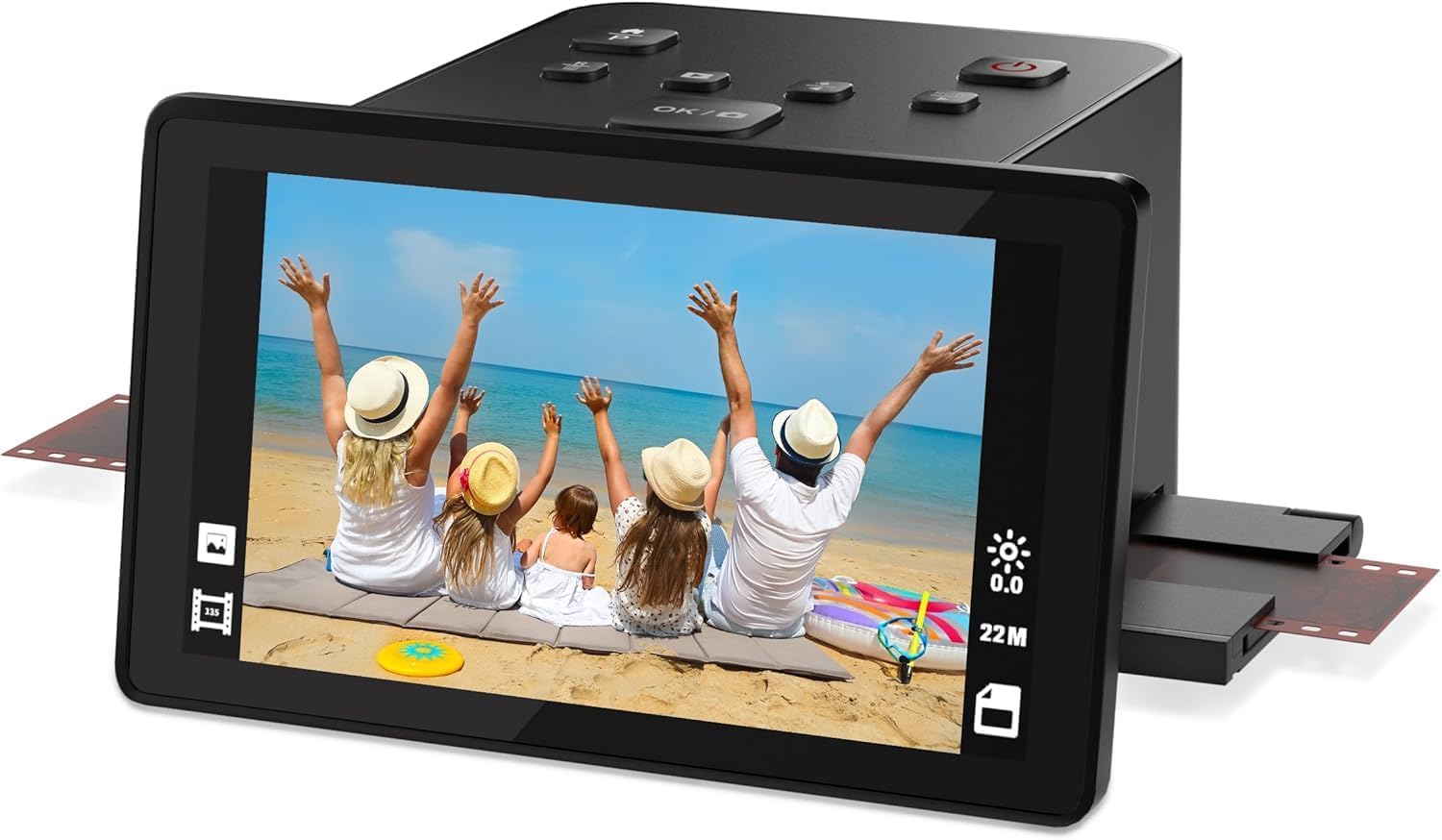
1. KODAK Slide N SCAN Film & Slide Scanner Digitizer with 5” LCD Screen
Our pick — over 4★ from 12,000+ verified ratings; the strongest balance of quality and price.
Slides feed through in seconds, making a huge stack feel like a quick evening project.
This is the scanner that makes you want to keep going. Its push-through slide tray lets you load a slide, scan it, and push it out the other side without stopping to open a film holder — buyers report one owner “scanned 1200+ images easily” with this method. The 22-megapixel output (interpolated from the 14MP CMOS sensor) produces clean images good enough for 8×10 prints and sharing online.
The 5-inch LCD is bright and wide-angle, so you can preview each scan without hunching over the unit. It handles 135, 126, and 110 film, plus 50mm slides, using dedicated quick-feeding inserts. At 1 pound, it takes up very little desk space at 5.27″D x 5.35″W x 3.74″H — a fraction of the KEDOK’s 9.5-inch depth. A few users mention the screen can freeze after transferring photos to a computer, requiring a power cycle, but the scanning itself is fast: one reviewer digitized 500 slides in a few hours.
Why it wins
- Continuous loading action keeps the workflow fast
- 5-inch LCD with gallery mode doubles as a digital picture frame
- Supports 135, 126, 110, and 50mm slides
Watch out for
- Uses a screen capture approach, not true optical scanning
- Requires an SD/SDHC card (not SDXC) up to 32GB, not included
- Some units freeze after PC transfer and need a restart
Best suited for: Anyone with a large slide collection who wants a simple, fast standalone scanner — no computer, no complex software, just load and scan.
Not ideal if: You need archive-grade resolution for large prints or professional film restoration work that demands full color control.
2. DigitPro C190 Film and Slide Scanner
A featherlight daily driver that handles 110 and Super 8 film alongside standard 35mm slides.
Weighing just 0.6 kilograms, the DigitPro C190 is easy to grab for smaller desks or travel, while the KEDOK 4-in-1 weighs 2.2 kilograms. It supports 35mm, 126, 110, and Super 8 film — and owners mention it “scans 35mm, slides, and 110 film” without extra adapters. The 5-inch LCD gives you a real-time preview, and the slide-through design lets you push negatives through in a continuous strip rather than one frame at a time.
Resolution tops out at 1080p, which is fine for social media, digital frames, and small prints. The built-in 128MB memory covers a few test scans, but you will want an external SD card (up to 64GB) for a real project. One reviewer noted it handles old blue-green negatives well, which can trip up cheaper sensors. It ships with a full kit including HDMI and USB-C cables, film holders for every format, and a 12-month warranty.
What stands out
- Super 8 film support is rare at this price point
- Continuous strip loading is faster than per-segment holders
- Full accessory kit included (cables, holders, brush)
What to know
- 1080p resolution versus the competing 22MP models
- Editing tools are basic; you will want desktop software for color work
- Processing one 35mm slide at a time is slow compared to push-tray designs
Good pick if: You need a single scanner that covers 35mm slides and unusual formats like 110 and Super 8 without spending extra on accessories.
Consider skipping if: Your priority is maximum resolution for large prints — the 1080p output will feel limiting.
3. KEDOK Photo, NameCard, Slide & Negative Scanner with Large 5″ LCD Screen
Beyond slides, it digitizes name cards and photos up to 5R — a true multi-format desktop station.
The KEDOK stands out because it does not just scan slides and negatives — it handles photo prints in 3R, 4R, and 5R sizes, plus business cards. That makes it a legitimate office tool, not just a nostalgia box. The 5-inch LCD is large and clear, and the unit comes with an 8GB SD card included so you can start scanning immediately. It delivers 22MP interpolated output from its CMOS sensor at 4800 resolution, which produces decent images for standard viewing.
At 2.2 kilograms, it is the heaviest scanner in this lineup, with a footprint of 9.5″D x 7.9″W x 5.1″H — significantly bigger than the KODAK’s compact 5.27-inch depth. Customers note the “scanner glass scratches easily,” though the company replaced units upon request. On the plus side, it includes a three-year warranty and 24-hour online support, which is far longer than the one-year coverage on most competitors.
Why it is handy
- Scans name cards, photos, and film in one device
- 8GB SD card included — no extra purchase needed
- Three-year warranty beats the category average
Where it slips
- Glass scratches easily; handle with care
- Bulky footprint takes up desk space
- Some units arrived with no power — check return policy
Reach for this if: You have a mix of physical photos, slides, and business cards to digitize in one pass.
Look elsewhere if: Desk space is tight, or you only need a pure slide/negative scanner — simpler models are more compact.
4. PORTTA Film Scanner with 5″ LCD Screen, 22MP
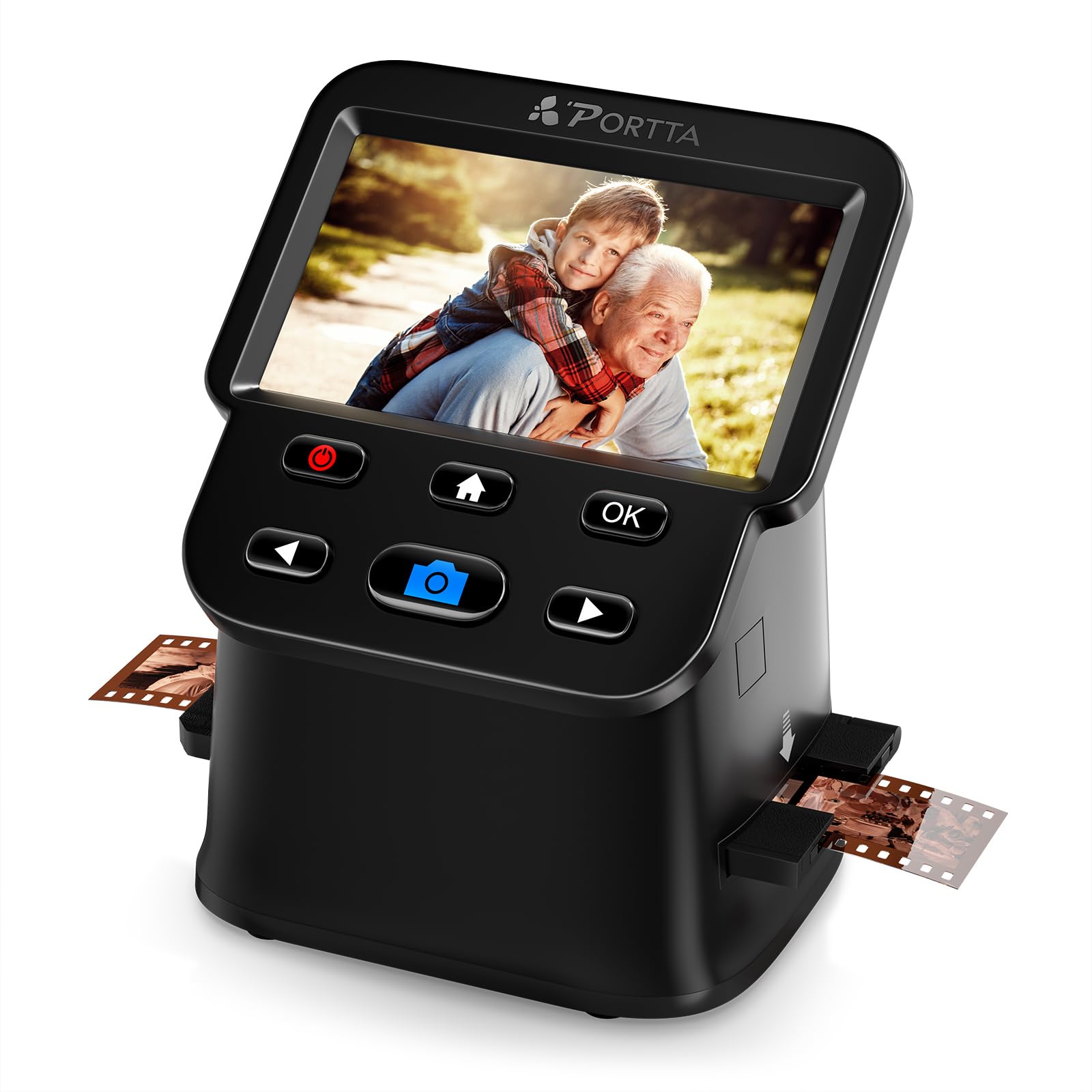
A lightweight cube that lets you choose between standard 16MP scans and an enhanced 22MP mode for extra detail.
The PORTTA NS10 gives you a resolution choice — scan at 16MP for faster file handling or switch to 22MP for slides you want to print or crop. The 5-inch LCD is bright enough for real-time previews, and the standalone operation means you never have to plug into a computer unless you want to transfer files. It accepts 135, 126, 110, and Super 8 film (photo only), and stores images on an SD card up to 128GB.
One buyer mentioned that an 8GB memory card holds only about 14 high-resolution images, so you will need a larger card for any real project — a 64GB card holds roughly 110 scans. The built-in adjustment tools let you tweak brightness, color, and orientation before saving, though some buyers found slides could end up overexposed. The 2-year warranty provides decent confidence for a mid-range standalone scanner.
What it does well
- Two resolution modes give flexibility for storage vs. quality
- Accepts SD cards up to 128GB for large projects
- Compact footprint at 5.31″D x 5.31″W
What to watch for
- No image adjustment before saving — slides can look overexposed
- File names repeat across batches, making organization messy
- Slide holder adapter feels clumsy to use
Best for: Someone who wants a small, portable scanner that can handle a moderate slide project with the option to bump up resolution when needed.
Not best for: Large batch jobs — the slow file naming and lack of exposure control will slow you down.
5. ClearClick Virtuoso 2.0 (Second Generation) 22MP Film & Slide Scanner

A small-business-backed scanner that packs a large 5-inch screen and HDMI out into an 11-ounce frame.
The Virtuoso 2.0 prioritizes a clean, standalone workflow. Its extra-large 5-inch LCD shows scans in real time, and the mini HDMI port lets you display results on a TV as you work — great for group viewing sessions. It handles 35mm, 110, and 126 slides and negatives, with a 22-megapixel interpolated output that reviewers point out produces “good results” as long as your slides have even exposure. ClearClick, a USA-based small business, backs it with a full 2-year warranty (extendable to 3 years with registration) and free tech support.
Shoppers say the scanner is “fast, easy to use” and intuitive enough to operate without the manual. The brightness and RGB adjustments give some control over exposure, though the saturation tends to run high and cannot be dialed back. It requires an SD card (not included) for storage, and while the buttons feel a bit cheap according to some reviews, the unit has proven reliable for digitizing hundreds of family slides.
What earns its spot
- USA-based tech support and a 2-year warranty
- HDMI output for live TV preview
- Brightness/RGB controls for exposure tweaks
Where it falls short
- Saturation is too high and not adjustable
- Requires computer editing for best color/exposure results
- Mini HDMI cable not included in the box
Choose this for: A straightforward scanning setup with good US-based support — ideal if you want to view scans on a TV and are comfortable with light post-processing.
skip it if: You want true plug-and-play perfection without needing to edit images later on a computer.
6. ClearClick QuickConvert 2.0 Photo, Slide, and Negative Scanner

The only scanner here that runs on a rechargeable battery, so you can scan on the couch instead of at a desk.
The QuickConvert 2.0 is built for flexibility. Its built-in rechargeable battery frees you from power cords, and you can scan photos without removing them from album sleeves by removing the base plate — a huge time saver if your old albums are fragile. It handles 35mm, 110, and 126 negatives and slides, plus 4×6 photos (not 5×7). Each scan takes about 2-3 seconds at 14 megapixels native (22 megapixels interpolated), saving directly to an SD card.
One owner reported it can scan “part of a 5×7 photo by choosing the 4×6 setting” when a custom size is needed, though there is no option for custom dimensions. The 5-inch LCD preview screen shows you the image instantly. At 38 ounces, it is noticeably heavier than most standalone slide scanners, but the trade-off is the built-in battery that lasts for hours. Some users reported a bluish color cast in bright scans, so you may need to dial in the settings for accurate colors.
What makes it unique
- Rechargeable battery for cord-free scanning anywhere
- Scan photos without taking them out of albums
- Very fast 2-3 seconds per scan
Things to know
- No custom scan size; only 4×6, 3.5×5 defaults
- Color balance sometimes adds a bluish tint
- Does not support 5×7 photos directly
Ideal for: Scanning fragile photo albums without risking damage — the removable base plate is a thoughtful design for family historians.
Less ideal for: Purely slide-only projects where the extra photo hardware and weight are unnecessary.
7. HP Touch Screen Film & Slide Scanner Digitizer (HPFS500)
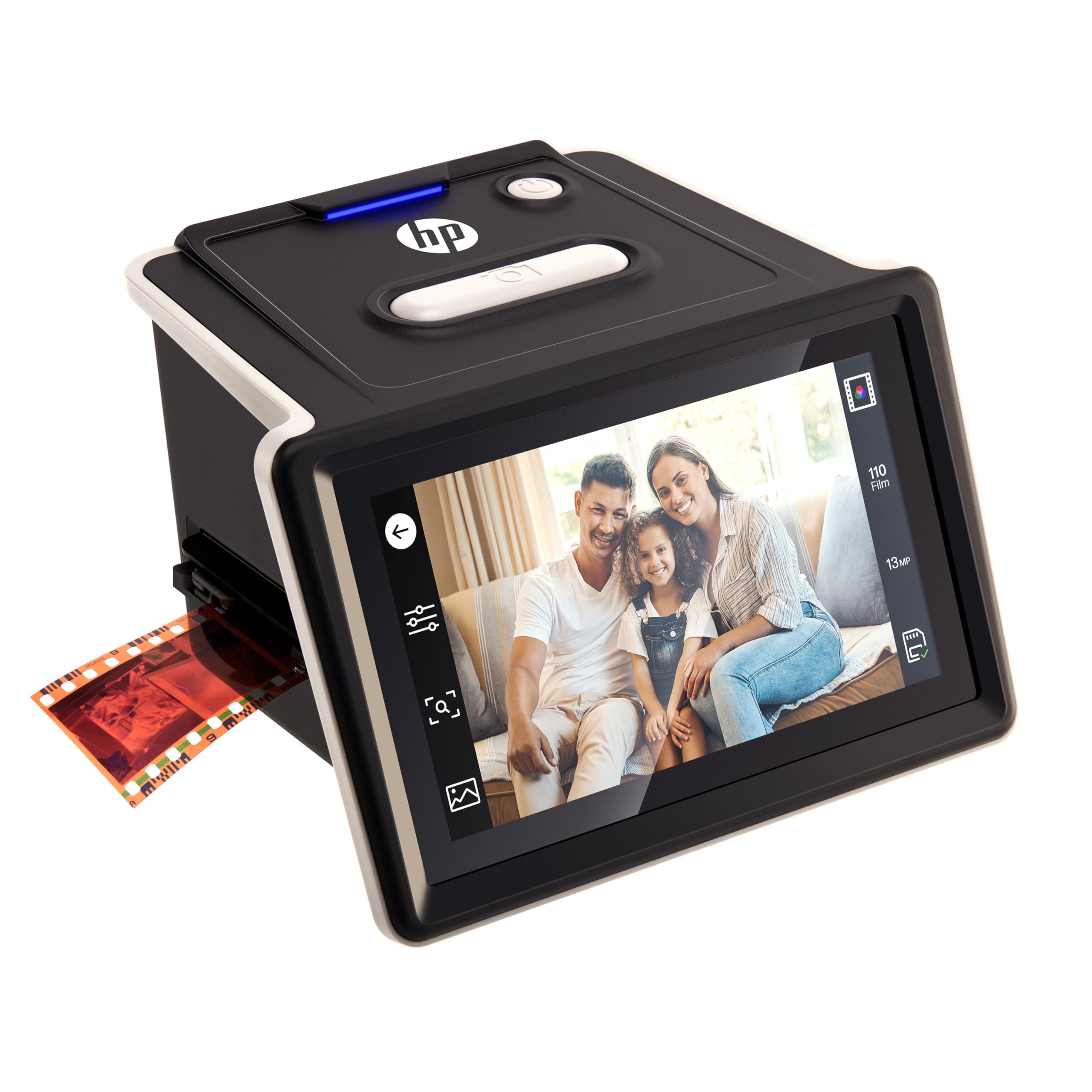
A 5-inch touchscreen lets you swipe, zoom, and edit scans the same way you do on your phone.
The HPFS500 is the only scanner in this list with a full touchscreen interface. Instead of paging through menus with arrow buttons, you tap directly on the screen to preview, edit, and organize images. The 13MP CMOS sensor captures at a native 2889 dpi, with 22MP interpolation for the final JPEG. A slide-through tray lets you push one slide after another — one customer observed the scanner “chewed through 60 years of slides and negatives” over two months of steady use.
It supports 135, 126, and 110 film strips and positive slides, saving to an SD card (supports up to 128GB). The USB-C power input means you can run it from a laptop USB port or a standard phone charger. A few reviewers noted a minor red saturation issue that is easily fixed in post-processing, and one mentioned the unit can be expensive for a one-time project. On the durability front, it held up to nonstop use for two months, which is a strong sign for anyone with a massive collection.
Why it stands out
- Touchscreen interface is genuinely faster to navigate
- Slide-through tray for fast continuous scanning
- 128GB SD card support for huge archives
Considerations
- Slight red saturation in scans requires post-processing
- Premium price in the standalone scanner category
- Some editing still best done on a computer
Best for: High-volume projects — the touchscreen and slide-through tray reduce fatigue when scanning hundreds of slides in a session.
Consider passing if: Your budget is tight, or you only have a handful of slides and do not need the touchscreen convenience.
8. Plustek OpticFilm 8200i SE 35mm Film & Slide Scanner

True optical 7200 dpi resolution with an infrared channel that scrubs dust and scratches automatically.
The Plustek 8200i SE is in a different league from the standalone LCD scanners above. It connects to your computer via USB and uses LaserSoft Imaging SilverFast SE Plus software to control every aspect of the scan. The killer feature is the built-in infrared channel — it detects dust and scratches on the film surface and removes them without retouching the image. This saves hours of manual spot-healing in Photoshop. It delivers 7200 x 7200 dpi optical resolution (69 megapixels for a 35mm frame) with 48-bit color depth and a 3.6 dynamic range.
Reviewers consistently praise the image quality, calling it “excellent for the money” and noting the SilverFast software is powerful but has a steep learning curve. Several users recommend skipping the included SilverFast and using VueScan instead for a simpler driver experience. The scanner is quiet and well-built, coming with a protective carrying bag. However, at 1.6 kilograms and requiring a computer for every scan, it is not a grab-and-go device. It supports Windows 7 through 11 and macOS 10.7 to 14.x.
Where it excels
- 7200 dpi true optical resolution captures film grain
- Infrared dust and scratch removal saves post-processing time
- 48-bit color depth for professional-grade color accuracy
Where it stumbles
- Requires a computer — no standalone operation
- SilverFast software has a steep learning curve
- Scan time: about 25-30 seconds per slide (standalone scanners: 2-5 seconds)
Who needs this: Photographers, archivists, or anyone who demands the highest possible quality from their 35mm film and is willing to learn professional software.
Who does not need this: Casual users who want quick digital copies for social sharing — the extra resolution and software complexity will be wasted.
9. Plustek OpticFilm 8300i Ai Film Scanner

A new chipset and the bundled IT8 calibration target ensure color accuracy.
The 8300i Ai is the latest generation of Plustek’s dedicated 35mm film scanner, using a new chip that boosts scan speed by 38% compared to the 8200i model. It still delivers the same 7200 dpi optical resolution with a CCD sensor, but adds an advanced IT8 calibration target (three 35mm slides, ISO 12641-2 compliant 2019) for precise color calibration right from the start. Professional software is bundled: both SilverFast 9 Ai Studio (with over 100 functions including iSRD dust removal, HDRi, and 16-bit histogram) and Plustek QuickScan Plus for simpler batch work.
Buyers who have scanned over 1,000 slides report exceptional detail and reliable results, though the SilverFast software can crash occasionally and the drivers may need a restart. At 2.74 kilograms, it is the heaviest computer-dependent scanner here, and it is strictly limited to 35mm format with no support for larger medium-format film. The learning curve is real — one experienced reviewer noted it takes about 30 seconds per scan at 3600 dpi and up to three minutes at 7200 dpi, so speed is relative.
What justifies the investment
- IT8 calibration target delivers professional color accuracy
- Includes both SilverFast 9 Ai Studio and QuickScan Plus software
What holds it back
- Highest price in the lineup — serious money for a hobby
- Software stability issues reported; occasional crashes
- 35mm only — no 110 or 126 film support
Invest in this for: Professional archive work or fine-art reproduction where color fidelity and maximum detail are non-negotiable.
Pass on this if: You only scan a few rolls of family snapshots — the slower, cheaper Plustek 8200i SE will still give you pro-level quality at a lower cost.
Understanding the Specs
Optical Resolution (DPI)
This is the real measure of how much detail a scanner can capture from your film. Measured in dots per inch (DPI), a higher number means finer film grain is visible in the final digital file. Consumer standalone scanners typically interpolate to 22MP but have a native resolution around 1800-3200 dpi. The Plustek models hit a true 7200 dpi, which matters for large prints and archival work but produces very large file sizes.
Interpolation vs. Native Resolution
Many slide scanners advertise “22 megapixels” but achieve that by software-enlarging a lower-resolution sensor capture — that is interpolation. It makes images look bigger but does not add real detail. For casual viewing and 4×6 prints, interpolated scans are perfectly fine. If you need to crop deeply into a slide or make poster-sized prints, you want a model with high native optical resolution.
FAQ
Will a 35mm slide scanner work with 110 or 126 film?
How long does it take to scan one 35mm slide?
Can I use a flatbed scanner instead of a dedicated slide scanner?
What size SD card do I need for a slide scanning project?
Do I need a computer to use these slide scanners?
What is infrared dust and scratch removal and do I need it?
Is 22 megapixels enough for good prints?
How do I clean old slides before scanning?
Can I scan unmounted slides or slides in glass mounts?
What is the difference between the Plustek 8200i SE and the 8300i Ai?
Final Thoughts: The Verdict
If you want one dependable pick, the best 35mm slide scanner is the KODAK Slide N SCAN because its push-through tray and standalone operation turn a bulky chore into a fast, enjoyable evening activity without needing a computer. If you require true archival quality with dust and scratch removal, grab the Plustek OpticFilm 8200i SE. And for the best balance of touchscreen convenience and marathon reliability, the HP Touch Screen HPFS500 is the one to pick.
How We Picked
We do not accept paid placement. Every pick is matched to a real buyer and a real use-case; we do not hands-on test units.
Sources & Methodology
Specifications: manufacturer listings and product documentation. Review insights: verified customer reviews, as of July 2026. Pricing: not shown on this page (it changes often); check the current price via the retailer link.
As an Amazon Associate, Gadgets Feed earns from qualifying purchases. This does not affect which products we feature.