
Our readers keep the lights on and my morning glass full of iced black tea. As an Amazon Associate, I earn from qualifying purchases.
Specs are compiled from manufacturer listings and verified buyer reviews and can change over time — please confirm the key details on the product page before buying.
If your computer feels like it is stuck in the past with slow load times and lagging apps, a new internal drive is the single most effective fix — and a 500GB Solid State Drive is the balance for balancing speed with enough room for your operating system, key programs, and a few favorite games.
I’m Min — the founder and writer behind Gadgets Feed. This guide is built by comparing the manufacturers’ published specifications and the patterns across verified customer reviews, so you get each pick’s real strengths and trade-offs instead of marketing spin.
Whether you are upgrading an old laptop or building a new PC, finding the best 500gb solid state drive means choosing between lightning-fast NVMe Gen4 models and budget-friendly SATA options that still deliver a massive jump over a hard drive.
Our Picks at a Glance

How To Choose The Best 500GB Solid State Drive
Picking the right drive depends on your computer’s age and how you use it. The biggest dividing line is between NVMe and SATA, and then within NVMe between Gen3 and Gen4.
NVMe vs SATA — The Speed Gap
An NVMe drive connects directly to your motherboard’s faster PCIe lanes, while a SATA drive uses the older, slower interface originally designed for hard drives. A SATA III SSD tops out around 545MB/s, but an NVMe Gen4 drive can exceed 6,600MB/s — that difference is instantly noticeable when booting Windows or loading a large game.
PCIe Gen3 vs Gen4 — Compatibility First
If your laptop or motherboard only supports PCIe Gen3, a Gen4 drive will still work fine — it simply runs at the slower Gen3 speeds. You save money by buying a Gen3 drive, but a Gen4 drive gives you future-proofing if you plan to upgrade your system later.
Form Factor: M.2 vs 2.5-Inch
Most modern laptops and desktops use an M.2 2280 slot — a small stick-shaped connector. Older machines or some desktops still use a 2.5-inch bay, which requires a SATA drive. Always check your motherboard’s manual or open your laptop’s panel to see which slot you have.
Quick Comparison
| Model | Best For | Interface | Read Speed | Form Factor | Amazon |
|---|---|---|---|---|---|
| Kingston NV3★ Best Overall | Everyday Value | PCIe Gen4 NVMe | 5000 MB/s | M.2 2280 | Amazon |
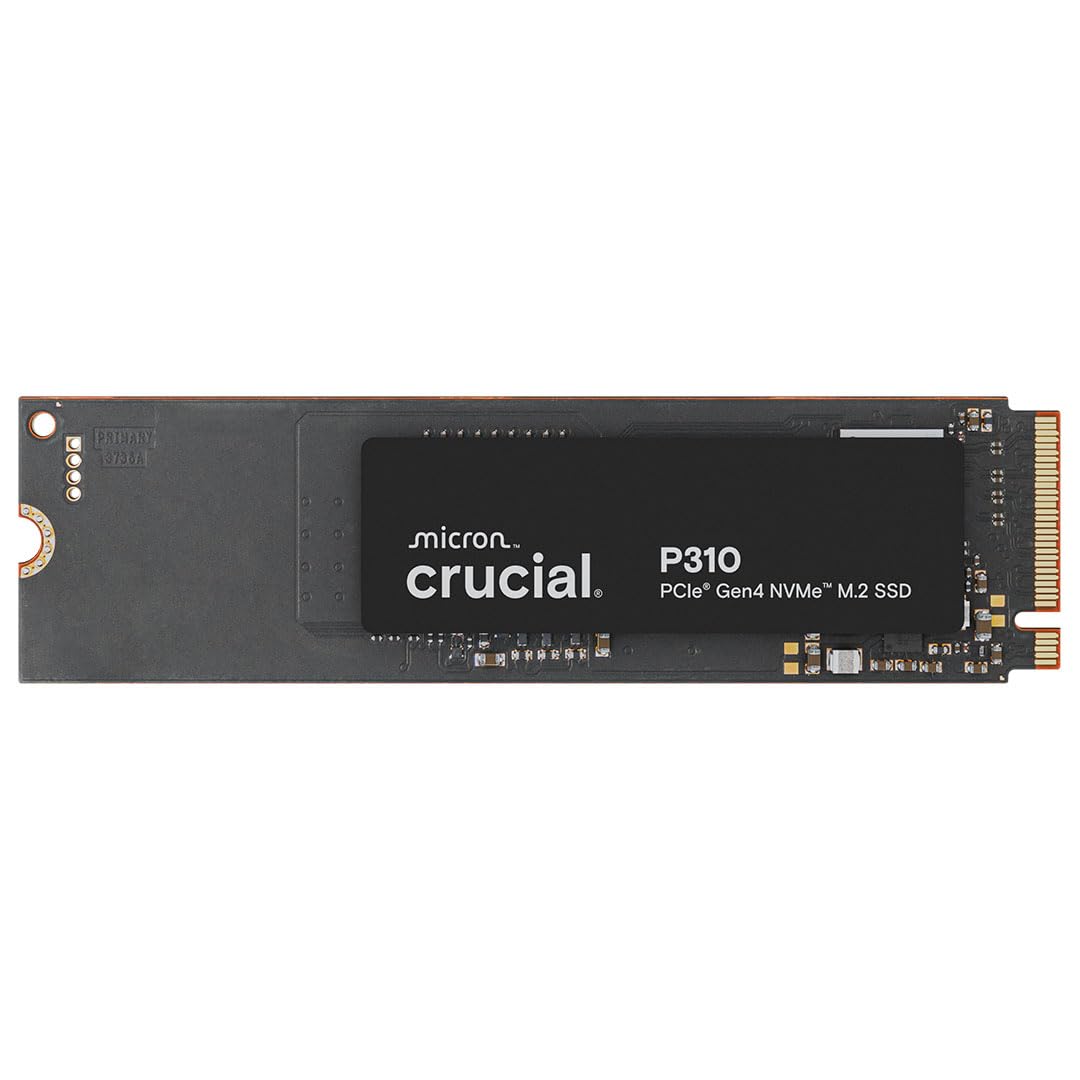
| Crucial P310Top Speed | Top Overall Speed | PCIe Gen4 NVMe | 6600 MB/s | M.2 2280 | Amazon |
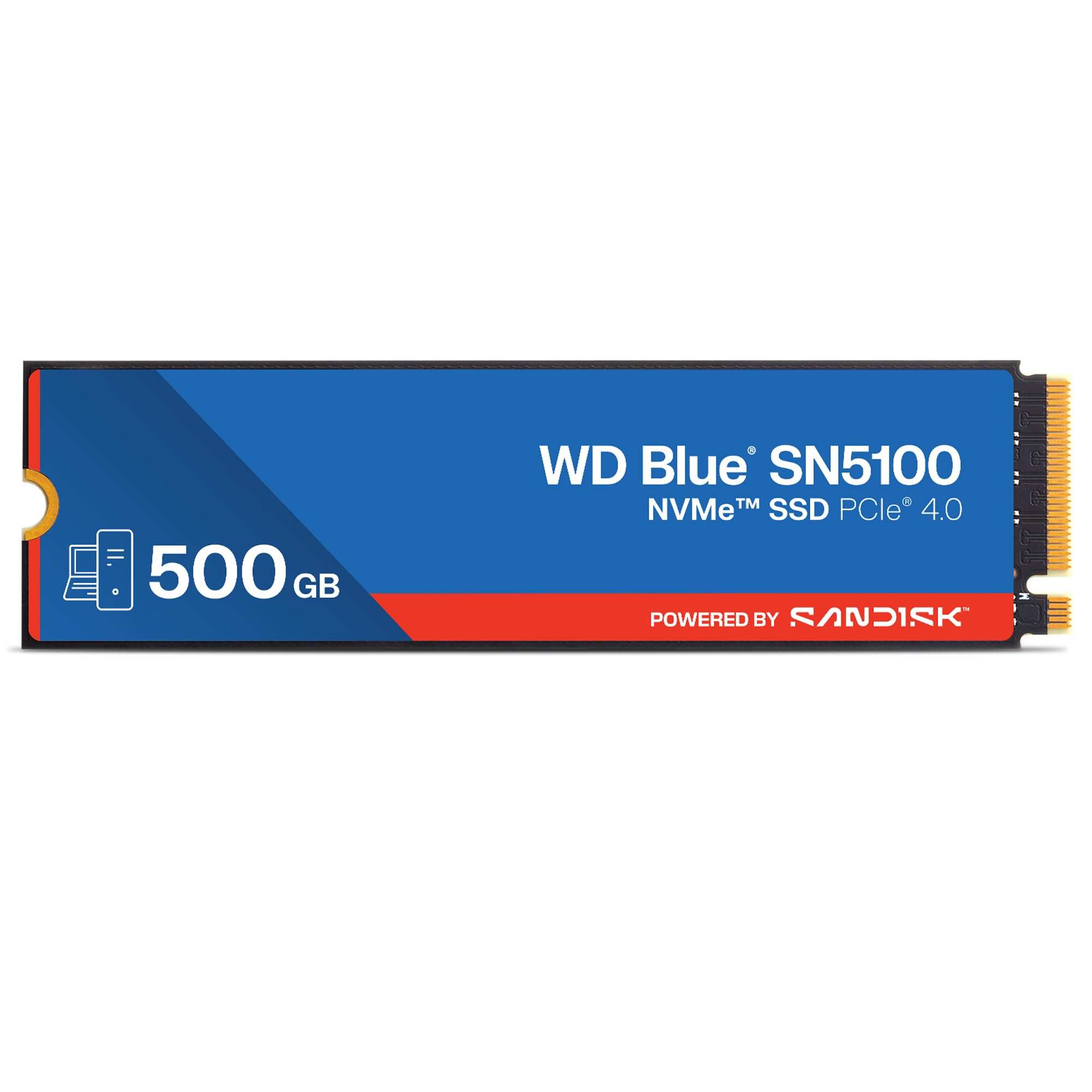
| WD Blue SN5100 | Premium AI Workflow | PCIe Gen4 NVMe | 6600 MB/s | M.2 2280 | Amazon |
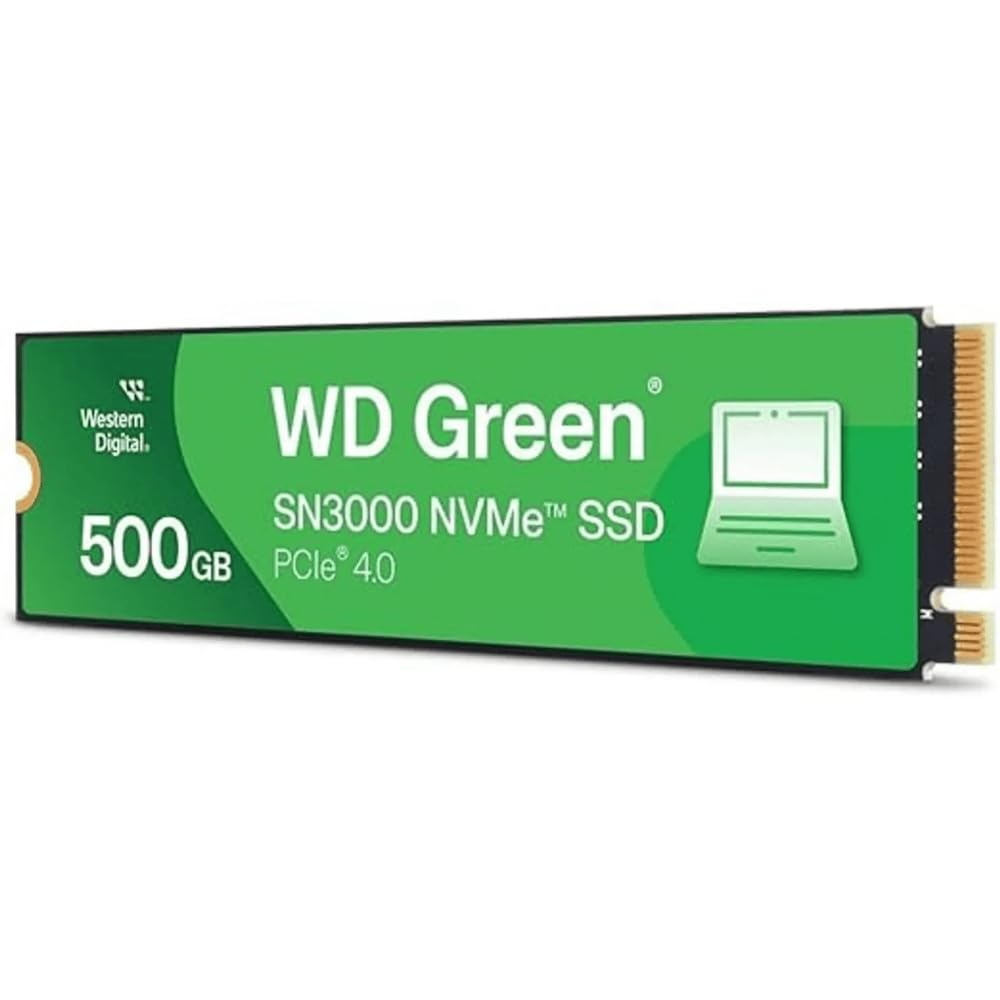
| WD Green SN3000 | MacBook Upgrades | PCIe Gen4 NVMe | 5000 MB/s | M.2 2280 | Amazon |
| TeamGroup MP44L | Budget Gen4 with SLC | PCIe Gen4 NVMe | 5000 MB/s | M.2 2280 | Amazon |
| WD Green SN350 | Budget Gen3 Upgrade | PCIe Gen3 NVMe | 2400 MB/s | M.2 2280 | Amazon |
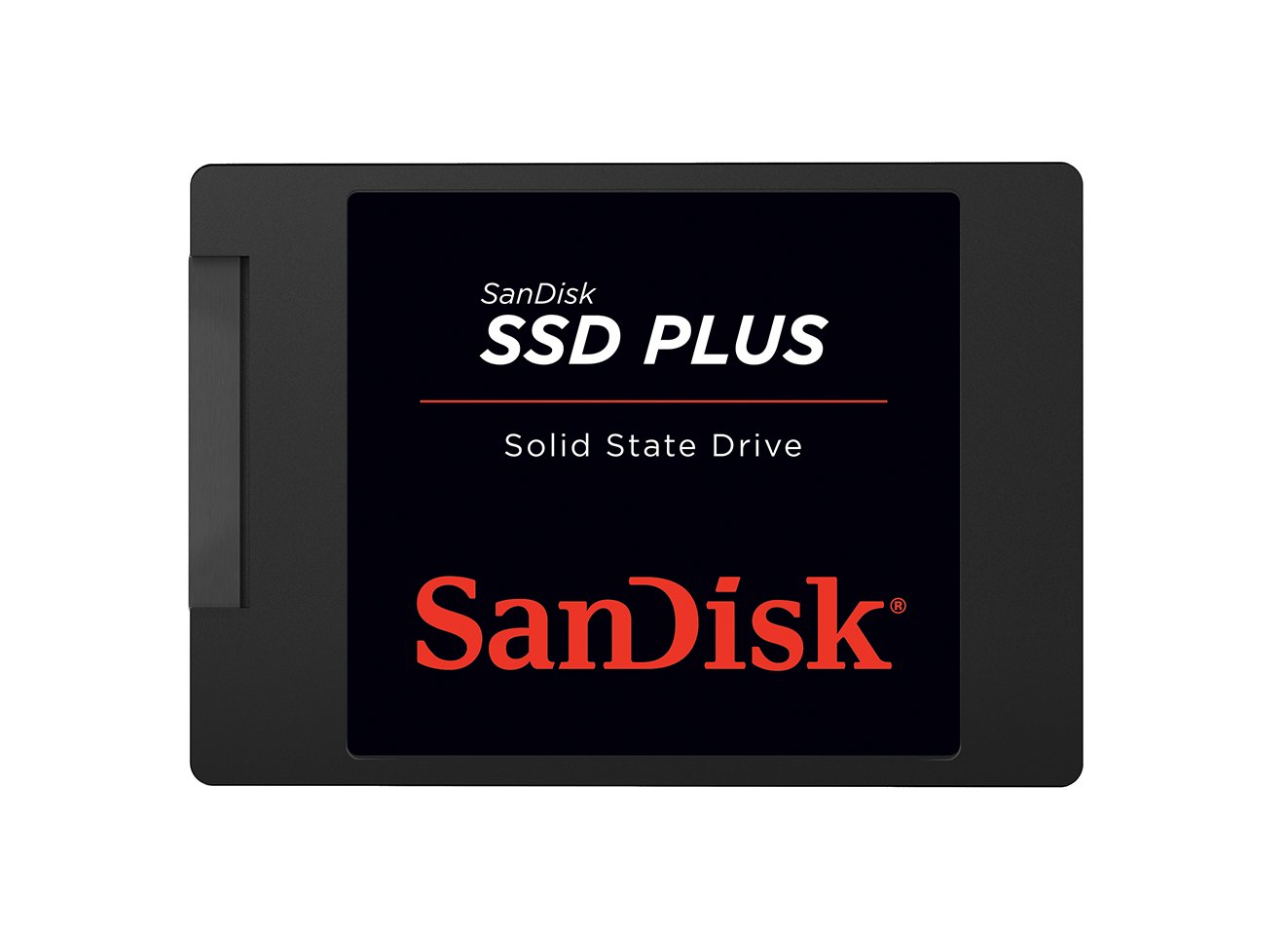
| SanDisk SSD Plus | Older SATA Machines | SATA III | 545 MB/s | 2.5-Inch | Amazon |
In‑Depth Reviews
1. Kingston NV3 500GB
Our pick — over 4.5★ from 13,000+ verified ratings; the strongest balance of quality and price.
A no-nonsense Gen4 drive that delivers exactly what it promises without the premium price.
With over 13,000 ratings and a 4.7-star average, the Kingston NV3 is among the most-trusted picks in this group. Owners mention it delivers up to 5,000MB/s read speeds — one reviewer called it a “great emergency buy” for a PC build and said it does not stutter when gaming. Another noted it works perfectly with a Mac Studio in a hub, running cool and stable with no heat issues.
The trade-off here is that the NV3 uses QLC (Quad-Level Cell) NAND, which is less durable for heavy constant writes compared to TLC drives. For everyday booting, gaming, and app use, you will likely never notice — but if you are planning to write terabytes of data every week, a TLC-based drive like the Crucial P310 is a safer bet.
Solid All-Rounder
- Fast 5,000MB/s Gen4 read speed
- Runs cool even during gaming sessions
- Highly compatible with Mac and PC
The Fine Print
- QLC NAND is less durable for extreme heavy writes
Go for this if: you want reliable Gen4 speed for everyday use without overspending.
Choose something else if: you regularly write huge amounts of data daily and need a TLC drive.
2. Crucial P310 500GB
A speed demon that handles AAA games and heavy multitasking without breaking a sweat.
This is the drive you reach for when raw speed is the only language you speak. The Crucial P310 delivers up to 6,600MB/s read and 5,000MB/s write — that is 2.8x faster than the WD Green SN350 at 2,400MB/s — so booting Windows, launching Adobe Photoshop, or loading a game map happens almost instantly. Buyers report it works smoothly with handheld gaming consoles like the ROG Ally X and Lenovo Legion Go, and one reviewer noted it runs cool even without a bulky heatsink, which makes installation in tight laptops straightforward.
The only real trade-off is that if your motherboard only supports PCIe Gen3, you will not see those Gen4 speeds — but the drive still runs snappier than a standard Gen3 unit thanks to its advanced G8 NAND flash memory. It also includes Acronis data recovery software, so migrating your old files is less stressful.
Why It Leads
- Blazing 6,600MB/s sequential reads
- Works with PC, laptop, and select handhelds
- Includes data migration software
The Only Hiccup
- Full speed requires a Gen4 motherboard
Grab it if: you want the fastest boot and load times your money can buy for gaming or creative work.
Look elsewhere if: your computer only has a PCIe Gen3 slot — you will pay for speed you cannot use.
3. WD Blue SN5100 500GB
A storage upgrade built for creators who need to move large project files in a hurry.
SanDisk’s nCache 4.0 technology is the secret sauce here — it lets you copy big folders or video files at blistering speeds without the drive bogging down. The SN5100 hits up to 6,600MB/s read speed, matching the Crucial P310, and one buyer mentioned installing two in a RAID pair for a new PC build and found them fast and reliable. The 5-year limited warranty also gives you more long-term confidence than most drives in this class.
The catch for the 500GB model is that the headline 7,100MB/s speed is only for the 1TB-2TB versions — this one tops out at 6,600MB/s, which is still extremely fast for everyday work and gaming. It also uses SanDisk 3D CBA NAND technology, which helps keep power consumption lower during heavy loads.
What Stands Out
- nCache 4.0 for fast large-file transfers
- 5-year warranty for long-term confidence
- PCIe Gen 4.0 speed
One Small Detail
- 500GB model is slightly slower than the 1TB version
Ideal for: video editors, photographers, and anyone who copies large project folders daily.
skip it if: you need the absolute maximum speed possible — the Crucial P310 is a hair faster for the same price tier.
4. Western Digital WD Green SN3000 500GB
A Gen4 performer that breathes new life into older laptops, especially MacBooks.
One buyer wrote that they installed this WD SN3000 in a MacBook Pro Retina 15-inch Mid 2015 using an NVMe adapter, and it worked perfectly — the drive was fast, responsive, and gave the old machine new life. The single-sided M.2 2280 design also means it fits into thin laptops and small PCs without clearance issues. You get PCIe Gen4 speeds up to 5,000MB/s, which is enough to launch apps and transfer files faster than most people will notice a difference.
One honest quibble from that same reviewer: the usable capacity shows about 465GB instead of the advertised 500GB. This is normal for all SSDs (operating systems count in binary gigabytes while manufacturers use decimal), but it is worth knowing if you are tight on space. It also comes with a free download of Acronis True Image for Western Digital to clone your old drive.
Why It Works
- Single-sided design fits thin laptops easily
- Free data migration software included
- Proven MacBook compatibility with adapter
Note for Space Planners
- Usable capacity is ~465GB due to decimal/binary difference
Perfect for: reviving an old MacBook or a slim PC that needs a single-sided drive.
Not for: users who need the absolute fastest Gen4 speeds — the Crucial P310 and SN5100 are faster.
5. TEAMGROUP MP44L 500GB

A graphene-coated budget Gen4 drive that runs cool and includes SLC caching for speed boosts.
The MP44L is the first SSD to use a conductive graphene coating on aluminum foil as its label, which is less than 1mm thick — so it never interferes with tight motherboard slots. Combined with an onboard M.2 heatsink, TEAMGROUP claims the heat dissipation is doubled compared to standard labels. One buyer upgraded a 10-year-old computer with it and reported it was plug-and-play, perfectly compatible with an MSI board, and worked great.
It supports SLC Caching technology, which means a portion of the NAND runs in single-level-cell mode for faster burst writes — useful for loading complex game data or editing software. The 5-year or TBW (Terabytes Written) limited warranty also adds a layer of trust. One owner reported they wished they had bought a higher capacity, so plan ahead if 500GB fills up fast.
Smart Features
- SLC Cache boosts burst write performance
- Ultra-thin graphene label prevents clearance issues
- 5-year warranty for confidence
Worth Knowing
- Some users wish they had bought a 1TB version from the start
Best for: budget builders who want Gen4 performance with intelligent caching for gaming.
Think twice if: your motherboard is finicky about M.2 drive thickness — though the graphene label is designed to be a non-issue.
6. Western Digital WD Green SN350 500GB

A budget-friendly NVMe entry point that still crushes old hard drives for daily use.
If your PC only has a PCIe Gen3 slot, the SN350 is a smart, cost-effective choice. Customers note it significantly boosts boot times, file transfers, and responsiveness — one reviewer called it a “budget-friendly NVMe upgrade” and noted speeds around 3,200 MB/s in real-world use, which is higher than the advertised 2,400 MB/s. Another user found it works great in a Raspberry Pi 5 hat for low-power storage, and it runs so cool that it does not need a heatsink — temps sit in the mid-60s°C even during gaming.
The main limitation is that it uses QLC NAND, which is less durable for heavy, constant writes than TLC. For general use — booting Windows, opening apps, light gaming — it is perfectly adequate. But for heavy video editing or frequent large file transfers, the Crucial P310 or WD SN5100 are better investments.
Budget Champion
- Good real-world speed for booting and app launches
- Runs cool without a heatsink
- Reliable Western Digital 3-year warranty
The Limitation
- QLC NAND means slower sustained writes than TLC drives
Perfect for: older PCs with Gen3 slots that just need a fast boot drive.
pass on it if: you do heavy video editing or write large files all day — invest in a TLC Gen4 drive.
7. SanDisk SSD Plus 500GB
A 2.5-inch SATA drive that gives older laptops and consoles a new lease on life.
Not every computer has an M.2 slot — many older laptops and desktops still use a 2.5-inch bay. The SanDisk SSD Plus uses the SATA III interface with read speeds up to 545MB/s and write speeds up to 515MB/s, which is roughly 4-5x faster than a standard hard drive. One clever buyer even installed it in a modded PlayStation 2 for silent, reliable game loading via OPL. Another reviewer swapped the HDD in a Dell Inspiron N5050 and said it worked excellently, calling it way better than a hard drive.
The obvious limitation is speed — at 545MB/s, it is about 12x slower than a Gen4 NVMe drive like the Crucial P310. But for an old laptop that only supports SATA, or for a retro console mod, this is a drop-in upgrade that dramatically improves responsiveness without needing any adapter.
Why It Stays Relevant
- Direct replacement for 2.5-inch hard drives
- Silent, shock-resistant, and runs cool
- Simple installation — no drivers needed
The Speed Ceiling
- 545MB/s max — far slower than any NVMe option
Ideal for: older laptops or consoles that only have SATA connections and need a reliable, quiet boot drive.
Not for: modern builds with an M.2 slot — you will leave huge performance on the table.
Understanding the Specs
NVMe vs SATA
NVMe (Non-Volatile Memory Express) is a protocol that lets a solid state drive communicate directly with your computer’s CPU through fast PCIe lanes. SATA (Serial ATA) is the older interface originally built for hard drives, and it creates a bottleneck. An NVMe drive can read data at over 6,000MB/s, while a SATA drive tops out around 550MB/s — you feel that gap every time you boot your PC or load a large game level.
PCIe Gen3 vs Gen4
PCIe is the connection standard for expansion cards and drives inside your computer. Gen4 doubles the bandwidth per lane compared to Gen3, which allows NVMe drives to reach speeds above 5,000MB/s. Gen3 drives max out around 3,500MB/s. If you install a Gen4 drive into a Gen3 slot, it simply operates at the slower Gen3 speed — so you are future-proofed but not getting the full benefit right away.
FAQ
Will a 500GB SSD fit in my laptop?
Is 500GB enough for gaming?
What is the difference between QLC and TLC NAND?
Can I use a PCIe Gen4 SSD in a Gen3 slot?
How do I install an M.2 SSD?
Do I need a heatsink for an NVMe SSD?
Why does my SSD show less space than advertised?
Can I clone my old hard drive to my new SSD?
Final Thoughts: The Verdict
Across the board, the best 500gb solid state drive winner is the Crucial P310 because it delivers the fastest Gen4 speeds, works across PCs, laptops, and handhelds, and includes data recovery software for easy migration. If you want the best value for everyday use, grab the Kingston NV3 — it is reliable, fast, and well-reviewed. And for reviving an old SATA-only laptop or a retro console mod, the standout is the SanDisk SSD Plus as a simple drop-in replacement.
How We Picked
We do not accept paid placement. Every pick is matched to a real buyer and a real use-case; we do not hands-on test units.
Sources & Methodology
Specifications: manufacturer listings and product documentation. Review insights: verified customer reviews, as of July 2026. Pricing: not shown on this page (it changes often); check the current price via the retailer link.
As an Amazon Associate, Gadgets Feed earns from qualifying purchases. This does not affect which products we feature.