
Our readers keep the lights on and my morning glass full of iced black tea. As an Amazon Associate, I earn from qualifying purchases.
Specs are compiled from manufacturer listings and verified buyer reviews and can change over time — please confirm the key details on the product page before buying.
A 2TB internal SSD is the single biggest performance upgrade you can make for a laptop that is running out of room — it gives you back speed and space in one move. The right pick depends entirely on whether your laptop supports PCIe Gen 3, Gen 4, or Gen 5, as speeds range from 5,200 MB/s to 14,900 MB/s.
I’m Min — the founder and writer behind Gadgets Feed. This guide is built by comparing the manufacturers’ published specifications and the patterns across verified customer reviews, so you get each pick’s real strengths and trade-offs instead of marketing spin.
Whether you are upgrading an older notebook or building a speed-demon workstation, this breakdown of the best 2tb laptop ssd options will help you match the right drive to your laptop’s slot and your workload without overpaying for speed you cannot use.
Our Picks at a Glance


How To Choose The Best 2TB Laptop SSD
Picking the right internal SSD for your laptop depends on three main things: the slot inside your machine, the speed your system can actually use, and the endurance rating that tells you how long the drive will last under your workload. Here is what to check before you buy.
Match the PCIe Generation to Your Laptop
The most common mistake is buying a Gen 5 drive for a laptop that only has a Gen 3 or Gen 4 slot. A Gen 5 SSD will physically fit and work, but it will run at the slower speed of your laptop’s interface — so you pay a premium for nothing. Check your laptop’s specs or look at the model number of your current SSD to know which generation you have.
Watch the Form Factor and Single-Sided Design
Most modern laptops use the M.2 2280 form factor (80 mm long), which is what all the drives in this guide use. But many ultra-thin laptops require a single-sided SSD — one where the NAND chips are only on one side of the circuit board — because the space under the motherboard is too shallow for a double-sided drive. Always confirm your laptop’s clearance before buying.
Prioritize Random Performance for Everyday Snappiness
Sequential read speeds (the big number on the box, like 7,450 MB/s) matter when you move a single large video file. But for booting Windows, launching Photoshop, or loading a game, what you actually feel is random read/write performance measured in IOPS. A drive with strong random performance will make your laptop feel faster in daily use than a drive with just a high sequential number.
Quick Comparison
| Model | Best For | Sequential Read | Sequential Write | Interface | Amazon |
|---|---|---|---|---|---|
| Samsung 990 PRO 2TB★ Best Overall | Peak Gen4 performance | 7,450 MB/s | 6,900 MB/s | PCIe 4.0 x4 | Amazon |
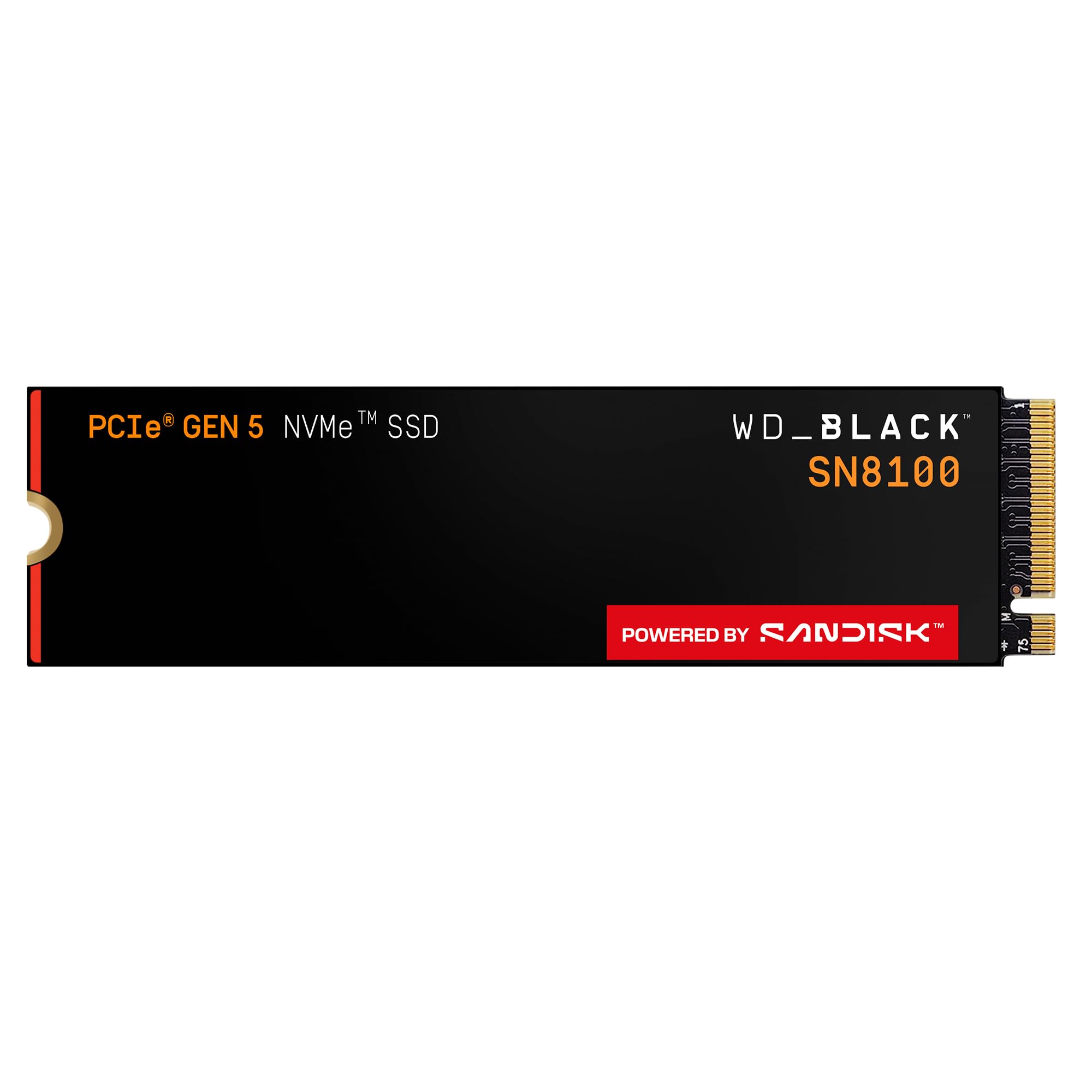
| WD_Black SN8100 2TBTop Performer | Maximum Gen5 speed | 14,900 MB/s | 14,000 MB/s | PCIe 5.0 x4 | Amazon |
| Crucial P510 2TBBest Value Gen5 | Balanced Gen5 value | 10,000 MB/s | 9,500 MB/s | PCIe 5.0 | Amazon |
| Samsung 990 EVO Plus 2TB | Dual-gen compatibility | 7,250 MB/s | 6,300 MB/s | PCIe 4.0 x4 / 5.0 x2 | Amazon |
| BIWIN Black Opal NV7400 2TB | Gen4 speed on a budget | 7,450 MB/s | 6,500 MB/s | PCIe 4.0 x4 | Amazon |
| WD Blue SN5100 2TB | Everyday reliability | 7,100 MB/s | — | PCIe 4.0 | Amazon |
| Crucial P310 2TB | Laptop ease of install | 7,100 MB/s | 6,000 MB/s | PCIe 4.0 | Amazon |
| Kingston NV3 2TB | No-fuss value pick | 6,000 MB/s | — | PCIe 4.0 x4 | Amazon |
| Fikwot FX660 2TB | Entry-level budget upgrade | 5,200 MB/s | 4,700 MB/s | PCIe 4.0 x4 | Amazon |
In‑Depth Reviews
1. Samsung 990 PRO 2TB
Our pick — over 4.5★ from 13,000+ verified ratings; the strongest balance of quality and price.
With sequential reads at 7,450 MB/s and writes at 6,900 MB/s, the 990 PRO technically maxes out the PCIe 4.0 interface. But where it really shines is random performance — Samsung claims a more than 55% improvement in random performance over the previous 980 PRO — which is what makes your laptop feel instantly snappier when opening apps and navigating Windows. One buyer who upgraded from a 256GB OEM drive in a Dell XPS 8930 said the 990 PRO is “amazingly fast” and that it worked flawlessly as a C: drive replacement.
The drive also delivers strong power efficiency: Samsung says it offers up to 50% improved performance per watt over the 980 PRO, so it pulls less battery in a laptop while doing more work. A reviewer using two 1TB versions in a custom TrueNAS build reported they use them as a high-performance NVMe pool for VMs, databases, and Plex metadata — proof of its consistent performance under sustained workloads. The 990 PRO comes in capacities from 1TB to 4TB and is compatible with the PS5.
One thing to note: buyers report that prices have risen due to NAND supply constraints, so you may want to keep an eye out for sales rather than paying full retail.
Why It Leads Gen4
- Read speeds up to 7,450 MB/s — Gen4 max
- 55%+ improvement in random performance over 980 PRO
- Up to 50% better performance per watt than the 980 PRO
- Options from 1TB to 4TB for scalability
One Thing to Know
- Priced higher than some Gen5 competitors (like the Crucial P510)
Stick with this if: Your laptop is Gen4-only and you want the most proven, highest-performance drive available for that interface, with a massive track record of positive reviews.
Think twice if: A Gen5 drive is within your budget and your laptop supports it — the Crucial P510 offers more speed for a similar cost.
2. WD_Black SN8100 2TB
If your machine supports PCIe Gen 5, this is the fastest 2TB drive you can drop into it. The WD_Black SN8100 hits sequential read speeds up to 14,900 MB/s — more than double the 7,450 MB/s of the Samsung 990 PRO — and writes up to 14,000 MB/s. That kind of bandwidth changes what you can do: a reviewer who is a video editor in Dallas reported getting over 14,000 MB/s in CrystalDiskMark and said it eliminated microstutters in their workflow.
The drive also leads on power efficiency. One owner noted it runs at an average of 7.5W or under, which is over 100% more power efficient than a comparable PCIe Gen 4 drive — important for battery life in a laptop. A dedicated heatsink keeps it at around 82°F under load, according to another reviewer. Just remember: you need a Gen5 motherboard to see these speeds; in a Gen4 slot it will run at Gen4 rates, making the premium harder to justify.
Buyers also point out the Sandisk Dashboard software for monitoring drive health and the included Acronis True Image for data migration as useful extras. One reviewer summed it up simply: “Windows loads in 3 seconds.”
What Stands Out
- Read speeds up to 14,900 MB/s — the fastest on this list
- More than 100% better power efficiency than Gen4 predecessors, per the maker
- Over 2,300,000 IOPS random performance for snappy app loading
- 5-year limited warranty from Sandisk
One Consideration
- Only reaches full potential in a PCIe Gen 5 slot; wasted in older machines
Who this fits: Gamers and creative pros with a Gen5-capable laptop who need the absolute fastest file transfers and load times available today.
Keep in mind: If your laptop only has a Gen4 slot, you will pay a premium for speed you cannot use — look at a Gen4 drive instead.
3. Crucial P510 2TB
Gen5 performance that does not demand a four-figure budget.
The Crucial P510 brings Gen5 speeds to a more accessible price point without cutting corners on the essentials. It reads at up to 10,000 MB/s and writes at up to 9,500 MB/s — a clear step ahead of any Gen4 drive, yet significantly less expensive than the top-tier WD_Black SN8100 above. A buyer who replaced a faulty Samsung 990 Pro with this drive said it “performs better than the Samsung 990 Pro ever did” and liked it so much they bought a second one for their wife’s PC.
One of its strongest assets for laptop users is the thermal control. Crucial built it with advanced G8 NAND and a nickel-coated controller, which helps keep temps down in the cramped airspace inside a notebook. It is also backward compatible with Gen4 systems, so you could buy it now and use it at Gen4 speeds until you upgrade your laptop later. The package includes an Acronis cloning tool and a one-month Adobe Creative Cloud subscription, which adds real value if you edit photos or video.
A reviewer running a NUC as their daily driver noted the P510 has been running continuously for several months without errors, which speaks to its stability under constant use.
Reasons to Pick It
- Read speeds up to 10,000 MB/s — genuine Gen5 performance
- Acronis True Image and 1-month Adobe CC included
- 12% faster sequential read than the Samsung 990 EVO Plus below
- Backward compatible with Gen4 for future-proofing
The Trade-off
- Still requires a Gen5 slot to open up full speeds; no speed advantage in a Gen4 laptop
Reach for this if: You want Gen5 performance but are not ready to spend on the flagship SN8100, or you are building a system you plan to upgrade to Gen5 later.
Look elsewhere if: Your current laptop is stuck on Gen4 — you will only see Gen4 speeds, and a mid-range Gen4 drive would save you money for the same real-world result.
4. Samsung 990 EVO Plus 2TB

Smart dual-protocol design that works in both Gen4 and Gen5 slots.
This is the only drive on the list that supports both PCIe 4.0 x4 and PCIe 5.0 x2, meaning it negotiates the fastest available lane width with your laptop automatically. It delivers sequential reads up to 7,250 MB/s and writes up to 6,300 MB/s — slower than a true Gen5 drive, but still a massive leap from any SATA SSD. One PC builder who upgraded from an old SATA drive to this 990 EVO Plus called it a “complete transformation” for their i7-12700K and RTX 5070 Ti system.
The real story here is efficiency. Samsung’s nickel-coated controller helps the drive use less power while maintaining high performance, which is critical in a laptop where every watt affects battery run time. The Intelligent TurboWrite 2.0 feature also improves large-file handling — useful if you move multi-gigabyte video projects around. A reviewer who upgraded from a budget 1TB SSD noted the 990 EVO Plus felt “noticeably faster in everyday use” with lower latency and stronger random performance.
Samsung Magician software gives you easy firmware updates and health monitoring. Several reviewers commented on the simple installation and instant recognition by Windows.
What Works Well
- Compatible with both PCIe 4.0 and 5.0 slots — rare flexibility
- High efficiency with nickel-coated controller for cooler laptop operation
- Intelligent TurboWrite 2.0 for faster large-file transfers
- Samsung Magician software for firmware and health monitoring
The Catch
- Would not match a full Gen5 drive (like the SN8100) in a true Gen5 slot
Perfect for: Anyone who wants a premium drive that will work at near-max speed whether their current laptop is Gen4 or Gen5, without worrying about compatibility.
Not ideal if: You already have a Gen5 slot and want the fastest possible Gen5 speed — this drive will cap out below the P510 or SN8100.
5. BIWIN Black Opal NV7400 2TB

Gen4 max speed without the premium brand tax — perfect for the value-conscious builder.
This is one of the few budget-tier drives that still hits the PCIe 4.0 ceiling of 7,450 MB/s read and 6,500 MB/s write, matching the Samsung 990 PRO on raw sequential read speed for significantly less money. It also delivers 1,000K IOPS random read/write, which translates to fast boot times and snappy app launches in real use. One reviewer noted that it extracts files really fast and that unzipping big games goes quickly, which matches the spec sheet.
The NV7400 uses a 0.5mm graphene-aluminum heat sink to keep temperatures under control — a smart design choice for laptops where space for a bulky heatsink does not exist. PMIC power management (a dedicated power management IC) helps with energy efficiency and extends the drive’s lifespan. A PS5 owner said it “works really well” with zero problems, and a Mac mini M4 docking station user called it “super fast” and appreciated that it comes with a mounting screw and heat sink.
The included Biwin Intelligence software handles drive monitoring, firmware updates, and data migration, which adds convenience you do not always see at this price tier.
Strengths
- Read speed of 7,450 MB/s — matches the Gen4 flagship
- Graphene-aluminum heat sink keeps temps low in tight chassis
- PMIC power management for better efficiency
- Free Biwin Intelligence management software included
One Weakness
- Write speed of 6,500 MB/s is slightly behind the 990 PRO’s 6,900 MB/s
Grab this if: You want Gen4 max read speed and good random performance without spending on a premium brand name — especially for a gaming build or secondary storage.
Pass if: You need the absolute highest sustained write speeds for professional video work every day, where the Samsung 990 PRO’s extra 400 MB/s write might matter.
6. WD Blue SN5100 2TB
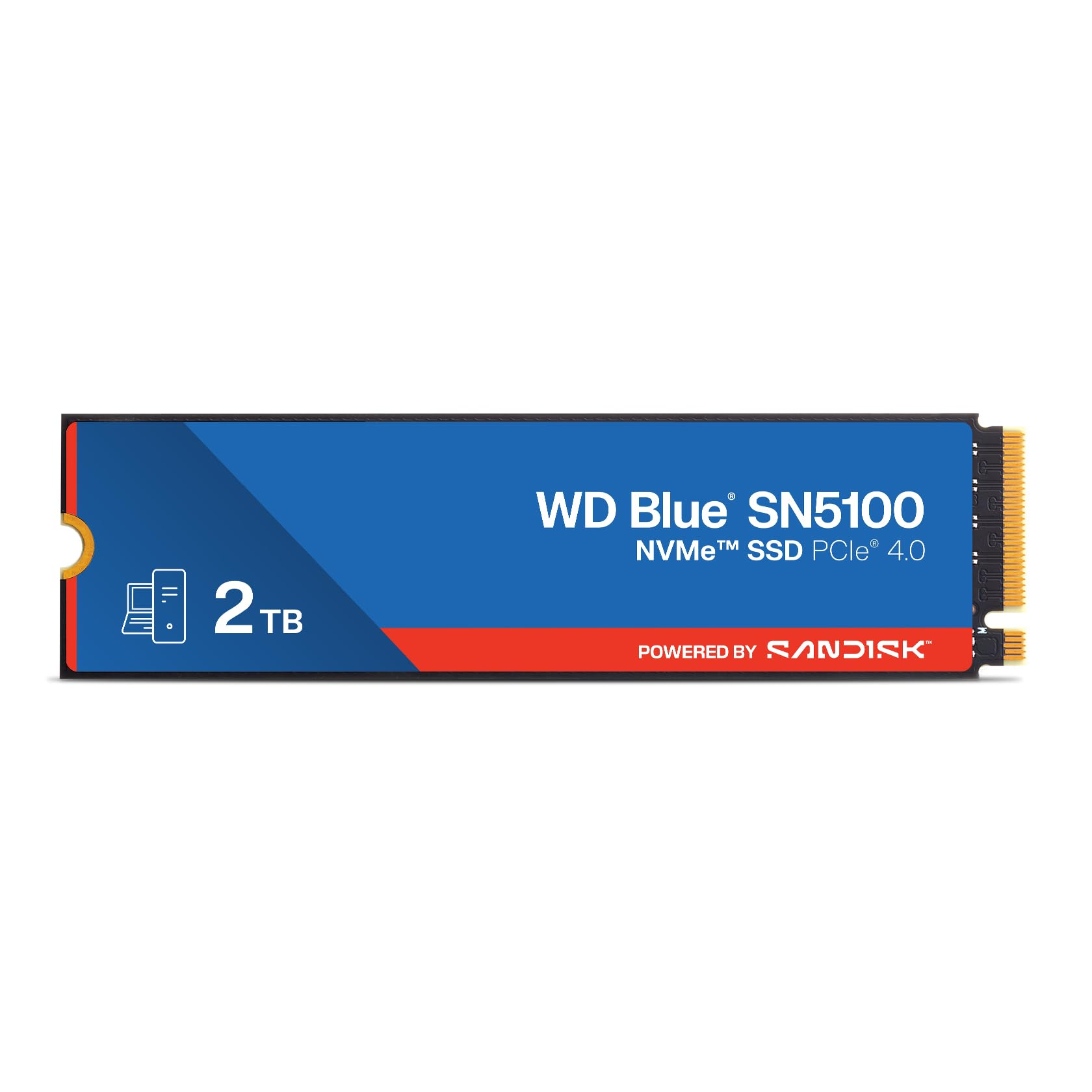
The WD Blue SN5100 runs at up to 7,100 MB/s read — 30% faster than the prior generation, per Western Digital — and uses Sandisk’s nCache 4.0 technology to speed up large file copies. But its real strength is how painless it is to install. One buyer, a nurse who said they are “not a computer expert,” reported that they cloned their old drive and partitioned the new one using online videos in under an hour, calling the upgrade a savings over buying a new computer.
It uses Sandisk 3D CBA NAND technology and comes with a 5-year limited warranty, giving you long-term confidence. The drive also includes a free download of Acronis True Image for Sandisk, which helps you transfer your operating system and files without reinstalling everything from scratch. A reviewer who bought two for a RAID pair in a new build called them “fast and reliable” — a consistent theme across user feedback.
While it does not hit the absolute peak of Gen4 speeds like the Samsung 990 PRO or BIWIN NV7400, it is more than enough for everyday computing, light gaming, and office work. Several reviewers highlighted the easy setup and immediate performance boost.
What You Get
- Read speeds up to 7,100 MB/s — 30% faster than the prior WD Blue generation
- Sandisk nCache 4.0 for faster large-file copying
- 5-year limited warranty for long-term assurance
- Acronis True Image for Sandisk included for easy migration
What It Lacks
- Write speed is not advertised — less transparency than competitors
Ideal for: Anyone doing their first SSD upgrade in an older laptop, especially if you want a reliable, well-known brand with easy cloning software and a 5-year warranty.
Skip if: You need the maximum Gen4 write speeds for heavy video editing or large-file transfers — the Samsung 990 PRO or BIWIN NV7400 are stronger there.
7. Crucial P310 2TB
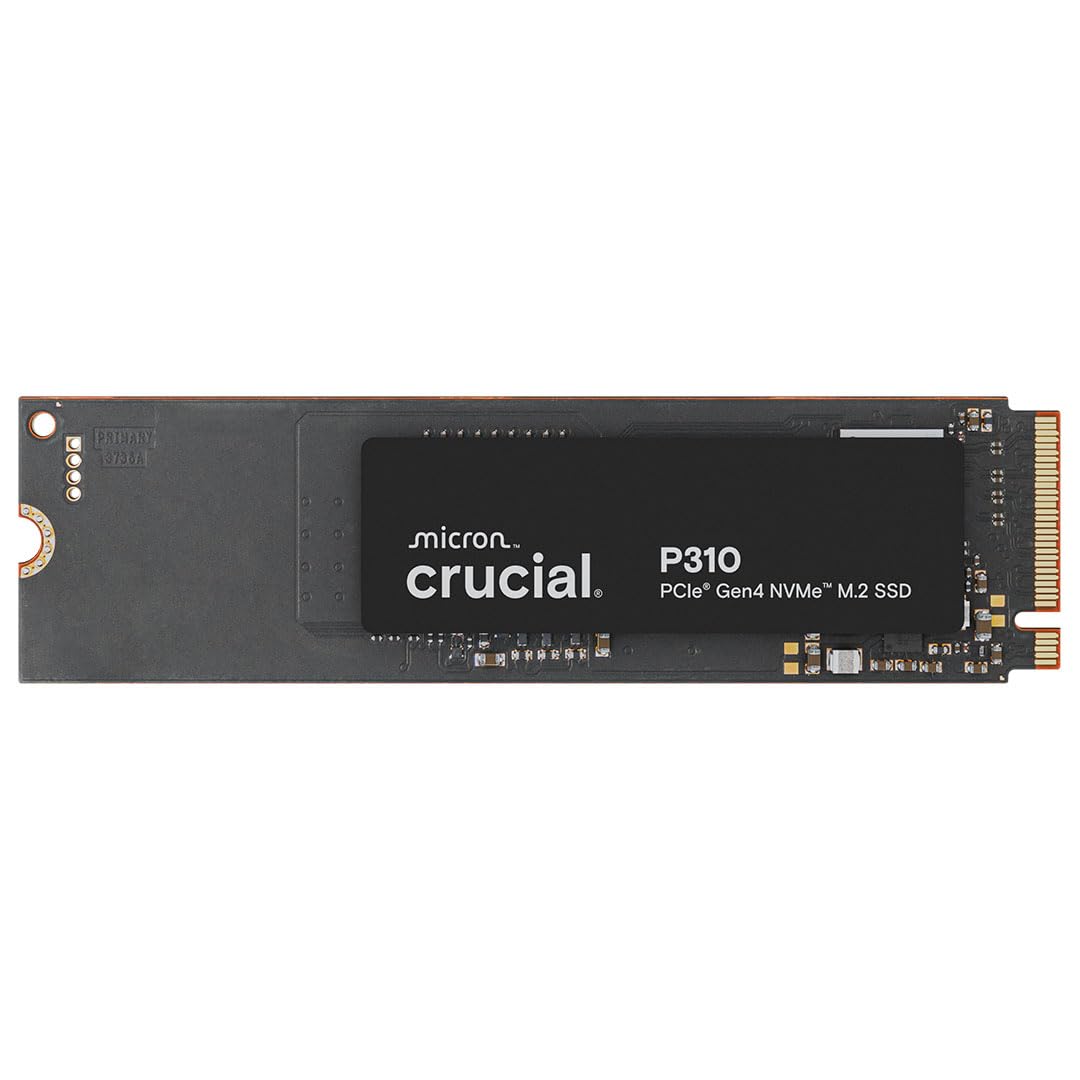
The Crucial P310 offers a strong combination of 7,100 MB/s read and 6,000 MB/s write speeds, but its real calling card is how well it handles in the tight thermal environment of a laptop. It is built with Micron’s advanced G8 NAND, which runs cooler than older flash, and multiple reviewers noted it “runs cool” even during heavy use. One buyer upgraded an HP ProBook with this drive and saw “noticeable speed improvement in boot, file transfers, and app loading.”
It is also backward compatible with PCIe Gen 3 systems, so it will work in older laptops — though at reduced speeds. A reviewer using it on a Gen3 system said it was “snappy despite speed loss” and that the drive does not need a large heatsink, which is a real advantage when space inside a laptop is tight. The P310 is also compatible with handheld gaming consoles like the ROG Ally X and Lenovo Legion Go, giving it a broader use case than most desktop-focused SSDs.
The package includes a 1-month Adobe Creative Cloud subscription and Crucial Storage Executive software for monitoring and firmware updates, adding useful extras at no extra cost.
Why Laptop Owners Choose It
- Read speeds up to 7,100 MB/s with 6,000 MB/s writes
- Runs cool thanks to advanced G8 NAND — ideal for tight chassis
- Works with handheld gaming consoles like the ROG Ally X
- Backward compatible with PCIe Gen 3 for older laptops
The Limit
- Does not reach the absolute Gen4 speed ceiling of the 990 PRO or BIWIN NV7400
Best for: Laptop owners who want a fast, cool-running Gen4 upgrade with proven compatibility and a good mix of speed and value — especially for ultrabooks and thin-and-light machines.
Not the pick if: You need the very fastest Gen4 drive for a desktop workstation with no space constraints; the Samsung 990 PRO or BIWIN NV7400 edge it out on raw specs.
8. Kingston NV3 2TB

The Kingston NV3 runs at up to 6,000 MB/s read — well below the Gen4 ceiling of 7,450 MB/s, but still roughly twice as fast as a typical SATA SSD and more than enough for boot drives, gaming, and general productivity. One reviewer who bought this as a same-day delivery after forgetting to order one during a PC build said it “did not disappoint” and noted it is as fast as advertised without stuttering during gaming. The drive works with both desktop and laptop systems and comes in capacities up to 4TB.
A key advantage here is how cool and stable it stays. Multiple reviewers mentioned that even under heavy workloads or gaming sessions, the NV3 maintains consistent performance without thermal throttling. One user running it in a hub for a Mac Studio reported no heat issues at all. Another reviewer testing it in a six-year-old Thinkpad saw over 1,300 MB/s read speeds, limited by the older laptop’s interface, and commented that you “don’t need it any quicker” for a system that age.
The NV3 is also shock-resistant, adding a layer of physical protection that is useful if you carry your laptop around regularly. It is a straightforward, no-nonsense drive at a price that makes sense for most upgraders.
What Makes It a Value Pick
- Up to 6,000 MB/s read — plenty fast for boot and games
- Stays cool and stable under sustained workloads
- Shock-resistant design for portable use
- Capacities up to 4TB for future expansion
The Compromise
- Write speed and random performance not as strong as pricier Gen4 drives
Grab this if: You need a reliable, affordable 2TB Gen4 upgrade for everyday computing, light gaming, or a secondary storage drive, and you do not want to overpay for top-tier speeds you will not notice.
Skip this if: You regularly move huge video files or databases where a 7,000+ MB/s drive would cut your transfer times significantly.
9. Fikwot FX660 2TB

The Fikwot FX660 delivers read speeds up to 5,200 MB/s and writes up to 4,700 MB/s using PCIe Gen 4.0 x4 technology and a dynamic SLC cache (a temporary high-speed buffer that boosts write performance). That is the slowest sequential read on this list, but it is still roughly 10 times faster than a mechanical hard drive and perfectly adequate for everyday boot drives, game storage, and file transfers. One reviewer who used it inside an external NVMe enclosure for a Mini PC running Proxmox noted it was “fast enough” for their needs and had no heat or crash issues.
The drive comes with a graphene heat dissipation sticker rather than a metal heatsink, which helps keep temperatures down without adding thickness — a smart touch for laptop use. It also features two built-in management systems: Auto-Adaptive Temperature Regulation and Power Efficiency Management, which automatically adjust performance to keep the drive cool and save battery on laptops. A PS5 owner said it was very easy to install in their console and worked well.
Fikwot provides a 5-year product registration warranty, which is a surprisingly long guarantee for a budget-oriented drive. The package also includes a screwdriver and mounting screws, saving you a trip to the hardware store.
How It Saves You Money
- Read speeds up to 5,200 MB/s — solid for everyday use
- Graphene heat sticker keeps temps low in slim laptops
- Auto-Adaptive Temperature Regulation extends battery life
- 5-year product registration warranty
- Includes screwdriver and screws for install
Where It Falls Short
- Sequential read is 5,200 MB/s versus 7,450 MB/s on flagship Gen4 drives — a 43% slower gap vs the Samsung 990 PRO
Choose this if: Your budget is tight and you need 2TB of Gen4 NVMe storage without sacrificing a 5-year warranty — ideal for a laptop secondary drive or a PS5 expansion where absolute top speed matters less than capacity.
Avoid this if: You do regular large-file video editing or need the snappiest app-loading performance — the higher-random-IOPS drives above will feel noticeably faster in daily use.
Understanding the Specs
Sequential vs. Random Performance
Sequential read/write speeds (like 7,450 MB/s) measure how fast the drive moves one big contiguous file, such as copying a 4K movie. Random IOPS measures how fast the drive handles many small files at once, which is what happens when you boot Windows, launch a game, or open a folder full of photos. For daily use, higher random performance matters more than a high sequential number.
SLC Cache and Sustained Speeds
Many Gen4 SSDs use a dynamic SLC cache — a portion of the NAND that operates in single-level-cell mode for faster writes. When the cache fills up (usually after 100-200GB of continuous writing), the drive drops to its native TLC write speed, which is much slower. Drives with larger or smarter SLC caches, like those using Samsung’s Intelligent TurboWrite 2.0, can maintain higher write speeds for longer before slowing down.
FAQ
Will any 2TB M.2 2280 SSD fit in my laptop?
What happens if I put a PCIe Gen 5 SSD in a Gen 4 laptop slot?
How long does a 2TB laptop SSD typically last?
Can I use a 2TB laptop SSD in a PS5?
What is the difference between TLC and QLC NAND in laptop SSDs?
Do I need a DRAM cache in my laptop SSD?
Will upgrading to a 2TB SSD make my laptop boot faster?
What does the temperature of an SSD matter in a laptop?
Can I clone my old hard drive to a new 2TB SSD without reinstalling Windows?
Is a 2TB SSD overkill for a laptop used only for browsing and office work?
Final Thoughts: The Verdict
If you want one dependable pick, the best 2tb laptop ssd winner is the Samsung 990 EVO Plus because its dual Gen4/Gen5 compatibility works in almost any modern laptop while delivering excellent real-world speed and efficiency. If you want the absolute fastest Gen5 performance your laptop can handle (if it supports it), grab the WD_Black SN8100. And for budget-friendly everyday reliability, the standout is the Kingston NV3.
How We Picked
We do not accept paid placement. Every pick is matched to a real buyer and a real use-case; we do not hands-on test units.
Sources & Methodology
Specifications: manufacturer listings and product documentation. Review insights: verified customer reviews, as of July 2026. Pricing: not shown on this page (it changes often); check the current price via the retailer link.
As an Amazon Associate, Gadgets Feed earns from qualifying purchases. This does not affect which products we feature.