
Our readers keep the lights on and my morning glass full of iced black tea. As an Amazon Associate, I earn from qualifying purchases.
Specs are compiled from manufacturer listings and verified buyer reviews and can change over time — please confirm the key details on the product page before buying.
Tired of screen tearing and motion blur ruining your game? At this level, you want a monitor that keeps up with every frame, so you see the enemy before they see you. The right 200Hz 4K monitor delivers buttery-smooth motion without sacrificing the crisp detail you need for work or play.
I’m Min — the founder and writer behind Gadgets Feed. This guide is built by comparing the manufacturers’ published specifications and the patterns across verified customer reviews, so you get each pick’s real strengths and trade-offs instead of marketing spin.
We are focusing on monitors with a 200Hz refresh rate or higher, so you get the smoothest possible experience without any compromises. Here is everything you need to know before buying the best 200hz 4k monitor for your setup.
Our Picks at a Glance


How To Choose The Best 200Hz 4K Monitor
The 4K 200Hz market is crowded, and the wrong choice can leave you with a blurry mess or a hefty price tag. You need to focus on what matters most for your specific setup and budget.
Panel Technology: OLED vs. The Rest
The first big fork in the road is OLED versus traditional LED panels. OLED panels produce true, perfect blacks because each pixel lights itself, which makes colors look incredibly vivid. They also have near-instant response times, which means less ghosting and blur during fast movement. Traditional VA or IPS panels are cheaper but can suffer from backlight bleed and slower pixel transitions.
Refresh Rate vs. Response Time
A 200Hz or 240Hz refresh rate is what keeps the motion on your screen looking fluid, but it is only half the story. The response time, measured in milliseconds (ms) (a thousandth of a second), tells you how fast a pixel can change colors. A response-time of 1ms is good, but 0.03ms (like you get on OLED panels) is essentially instant, which means you see zero ghosting or smearing. A high refresh rate with a slow response time will still look blurry.
Connectivity and Bandwidth
To push 4K at 240Hz, you need serious bandwidth. HDMI 2.1 and DisplayPort 2.1 are the ports you will require to handle the data. Without them, you will be capped at a lower refresh rate or lower resolution. If you own an Nvidia RTX 4090 or an AMD 7900 XTX, these are non-negotiable for getting full performance.
Quick Comparison
| Model | Best For | Refresh Rate | Response Time | Panel Type | Amazon |
|---|---|---|---|---|---|
| ROG Swift 32” PG32UCDM★ Best Overall | Ultimate Picture Quality | 240Hz | 0.03ms | QD-OLED | Amazon |
| Samsung Odyssey Neo G8 G85NBBest Curved | Curved Immersion | 240Hz | 1ms | VA Mini-LED | Amazon |
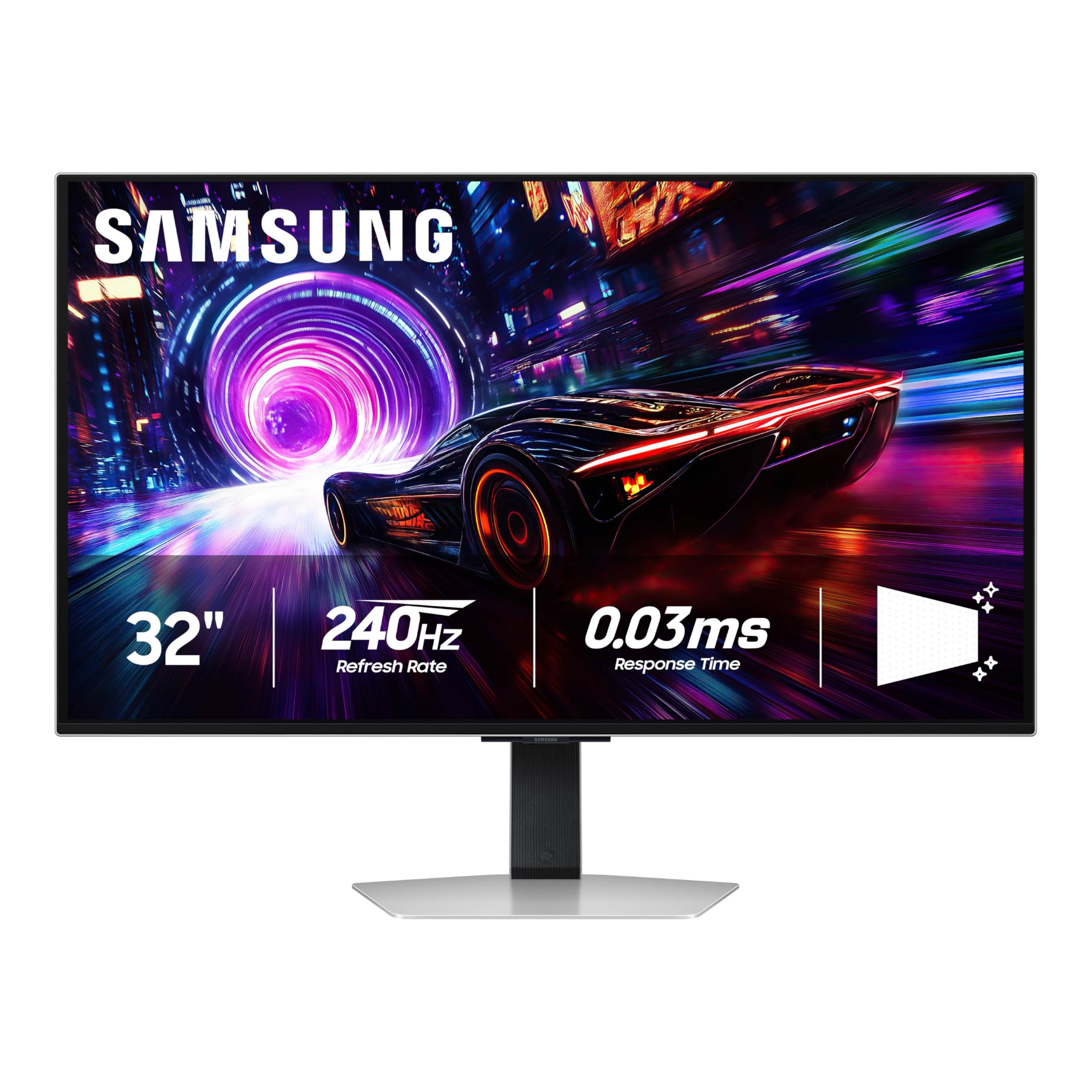
| Samsung Odyssey QD-OLED G8 G81SFBest Matte OLED | Matte Screen & Deep Blacks | 240Hz | 0.03ms | QD-OLED | Amazon |
| Samsung Odyssey OLED G8 G80SH | 27″ High PPI & USB-C | 240Hz | 0.03ms | QD-OLED | Amazon |
| LG 32GX870A-B Ultragear | High Brightness OLED | 240Hz | 0.03ms | WOLED | Amazon |
| ROG Swift 32” PG32UCDP | Professional Dual Mode | 240Hz | 0.03ms | WOLED | Amazon |
In‑Depth Reviews
1. ASUS ROG Swift 32” 4K OLED Gaming Monitor (PG32UCDM)
Our pick — over 4.5★ from 550+ verified ratings; the strongest balance of quality and price.
The ASUS ROG Swift PG32UCDM is where premium performance meets visual perfection.
This 32-inch monitor is built for the buyer who wants the absolute best picture quality available. It uses a QD-OLED panel (a type of OLED that uses quantum dots for brighter, more accurate colors), giving you a contrast ratio of 1500000:1 and 100% DCI-P3 color gamut. For the data, the Samsung QD-OLED G8 hits a 1000000:1 contrast ratio, giving the PG32UCDM a 50% lead in contrast. This means blacks are truly black, and colors look incredibly vibrant in games and movies.
The 240Hz refresh rate and 0.03ms (GTG) response time make motion look impossibly smooth. Buyers report that it delivers “stunning clarity, deep blacks, vibrant colors” for both PC and console gaming. The custom heatsink and graphene film help manage heat, which reduces the risk of the OLED burn-in that can happen with static images over time.
The screen is glossy, which enhances clarity and immersion in a dark room. Owners mention that “reflections [are] minor” even with the glossy finish. Text fringing (where letters look slightly blurry on some OLED panels) is noted as minimal, making this a solid choice for both gaming and work.
Why It Shines
- Near-infinite contrast ratio with 1500000:1 and 100% color gamut
- Ultra-fast 0.03ms response time eliminates ghosting
- DisplayHDR 400 True Black ensures deep, rich HDR performance
The Trade-offs
- Glossy screen may reflect light in a bright room
- Premium price puts it at the top of the budget
The Verdict: Buy this if you want the best gaming and media experience money can buy, with colors and contrast that beat the competition.
The Catch: You will want a dim room for the glossy screen to work its magic without reflections.
2. Samsung 32″ Odyssey Neo G8 (G85NB)
The Samsung Odyssey Neo G8 wraps the action around you with its intense 1000R curve.
This VA Mini-LED monitor is the best option if you prefer a curved screen for a more rich gaming feel. The 1000R curvature matches the natural curve of the human eye, making you feel like you are inside the game world. With a 240Hz refresh rate and 1ms (GTG) response time, it is fast, but the response time is 30x slower than the OLED panels at 0.03ms.
It features Quantum HDR2000 with a peak brightness of 2,000 nits, which makes HDR highlights in games and movies look incredibly bright and punchy. One reviewer noted they “upgraded from LG 27GN950-B to Samsung Neo G8 for 240Hz with RTX 4090” and found the picture quality “excellent” after adjusting the color settings. The matte display helps reduce reflections from lights behind you, keeping you focused on the game.
That said, buyer reviews also mention a potential for scan lines at 240Hz. One buyer mentioned they “got divided screen and scan lines” after a few days of use, forcing them to use 120Hz. The build also has a bit of wobble and uses a tiny joystick for menu navigation, which some buyers found frustrating.
What Makes It Special
- Extreme 1000R curve creates deep immersion
- 2,000 nit peak brightness for stunning HDR highlights
- Matte screen eliminates distracting reflections
What to Watch For
- Scan lines reported at 240Hz by some buyers
- Slower 1ms response time compared to OLED options
Who It’s For: Gamers who want a highly rich curved display with high brightness and a matte screen.
Who Should Skip: Anyone who needs a reliable 240Hz signal without the risk of scan lines, or prefers an OLED’s speed.
3. Samsung 32” Odyssey QD-OLED G8 (G81SF)
The Samsung QD-OLED G8 brings OLED colors to a bright room with a heavy anti-glare coating.
If you game in a room with lots of windows or overhead lights, this QD-OLED monitor is a perfect fit. Its Glare Free technology makes the screen 54% less glossy than conventional anti-reflection film, keeping the image clear without distracting reflections. It delivers a 1000000:1 contrast ratio, which still offers deep blacks, but the ASUS PG32UCDM has a 1500000:1 ratio, making it 50% more.
The panel hits a 240Hz refresh rate and a 0.03ms GtG response time, matching the speed of the best OLEDs on this list. VESA DisplayHDR TrueBlack 400 helps show true, rich blacks without light bleed. Buyers describe the “stunning picture with rich colors and jet blacks,” but one owner reported the matte finish “may appear too matte for some” and that it “reduces text crispness.”
Samsung includes a Dynamic Cooling System with a Pulsating Heat Pipe—a first for a monitor—that diffuses heat five times faster than a graphite sheet. This helps prevent burn-in. However, some buyers reported issues with warranty (seeing 1 year instead of the advertised 3 years) and finicky joystick controls.
The Highlight Reel
- Excellent anti-glare screen for bright rooms
- True blacks and quick 0.03ms response time
- Advanced cooling system prevents burn-in
Things to Know
- Matte coating reduces text sharpness
- Warranty length confusion between 1 and 3 years
Best for: This pick is for you if you need a bright, reflection-free screen in a sunlit room without giving up OLED contrast.
Look elsewhere if: You need razor-sharp text clarity for office work or coding on your monitor.
4. ASUS ROG Strix 27” 4K QD-OLED Gaming Monitor (XG27UCDMG)

The MSI MPG 321URX is a top 4K OLED that straddles gaming and productivity beautifully.
For those who need a monitor for work during the day and gaming at night, this MSI option is a strong contender. It uses a 31.5-inch QD-OLED panel with a 240Hz refresh rate and 0.03ms GtG response time, matching the speed of top-tier gaming monitors. The VESA DisplayHDR True Black 400 certification ensures dark scenes in games and movies look rich without the washed-out gray look of standard screens.
One buyer reports that “True Black HDR 400 delivers perfect blacks and vibrant colors with zero eye strain,” making it ideal for long productivity sessions. The monitor also features a KVM switch (Keyboard, Video, Mouse), which lets you control two different computers with one keyboard and mouse. The 90W USB-C port can charge a laptop while displaying a 4K signal, simplifying your desk setup.
While most reviewers praise the gaming performance, they also note the 32-inch base is “bulky but stable.” There is a minor downside for Mac users, who reported a “handshake issue” with dual-monitor setups that required setting the refresh rate to 120Hz to fix. The color gamut of 97% DCI-P3 is still great, but slightly below the 100% seen on the ASUS PG32UCDM.
Why it Works
- Perfect for mixed gaming and productivity with OLED Care 2.0
- KVM switch and 90W USB-C simplify multi-device workflows
- High color accuracy with Delta E ≤ 2 for photo editing
Potential Hiccups
- Mac dual-monitor setup may need a 120Hz workaround
- Bulky stand takes up a lot of desk space
Perfect for: Professionals who want one monitor for coding, design, and high-FPS gaming without compromise.
Not ideal for: Mac users running dual monitors from the start without adjusting for a handshake issue.
5. Samsung 27″ Odyssey OLED G8 (G80SH)
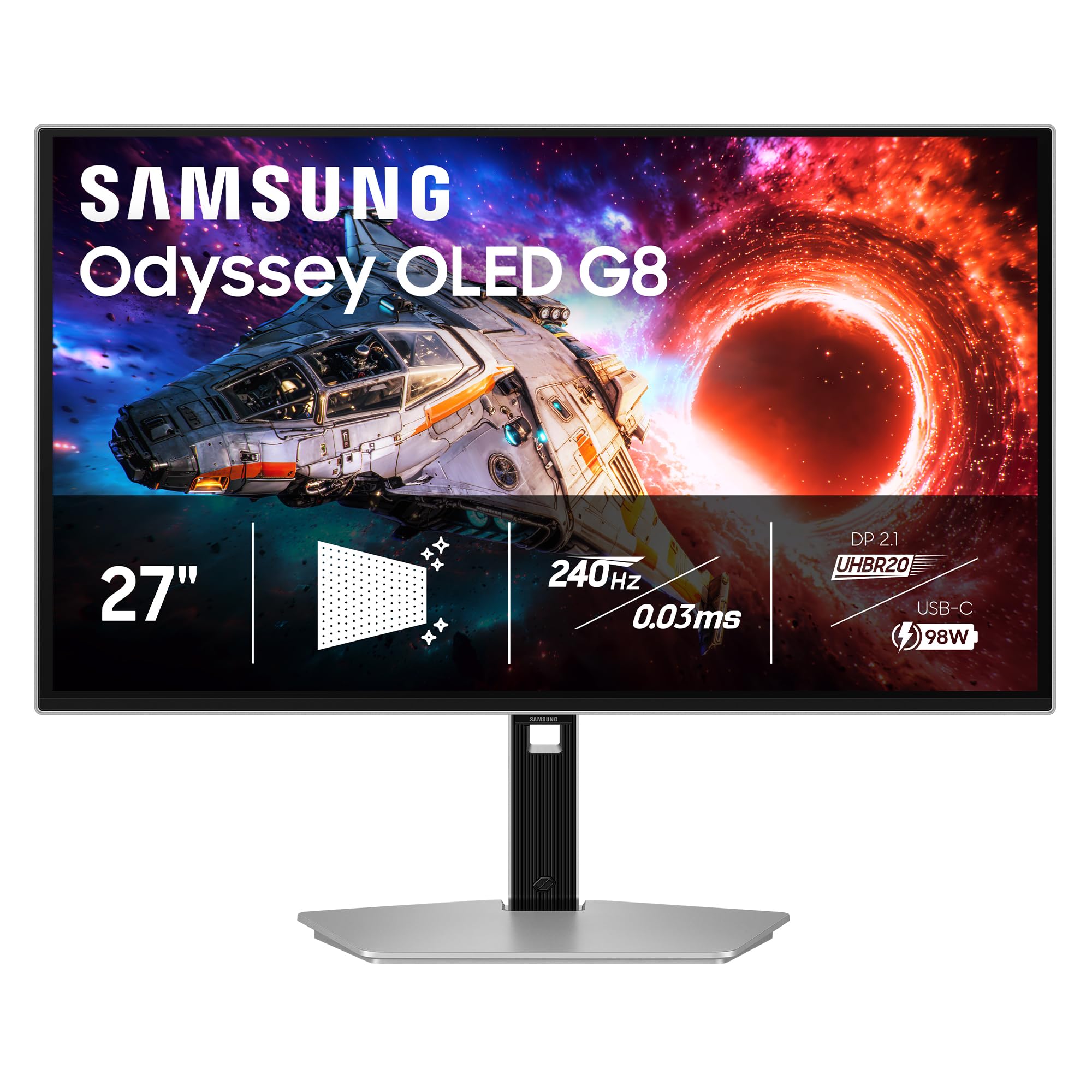
The Samsung Odyssey OLED G8 G80SH packs an incredible 166 PPI into a 27-inch screen.
If you want the sharpest possible image, this 27-inch QD-OLED monitor delivers a pixel density of 166 PPI. This high density means text looks incredibly crisp and images are detailed, which is a big advantage over larger 4K screens at the same resolution. It features a 240Hz refresh rate and 0.03ms response time for buttery-smooth motion.
Connectivity is a major strength here, as it includes DisplayPort 2.1 delivering up to 80 Gbps of bandwidth. It also features a USB-C port with up to 98W power delivery (enough to charge a high-end laptop), along with a 1500000:1 contrast ratio. One reviewer called it “an amazing display that is well worth the cost,” praising the deep blacks.
The monitor includes Advanced OLED Safeguard+ technology to prevent burn-in. However, a few buyers noted there are no built-in speakers and the external power brick is large. The Glare Free technology works well to keep the screen clear in well-lit offices without the overly matte look that can soften text on some competitors.
What Stands Out
- Highest PPI on this list for sharp text and fine detail
- DP 2.1 and 98W USB-C charging for modern laptops
- Excellent contrast ratio of 1500000:1
What is Missing
- No built-in speakers for casual audio
- Large external power brick can clutter a small desk
Reach for this if: Sharp text and high PPI are your priority for coding or creative work.
skip it if: You want a bigger 32-inch display for media consumption and a multi-monitor setup without a power brick.
6. ASUS ROG Strix 32” 4K OLED Gaming Monitor (XG32UCWMG)
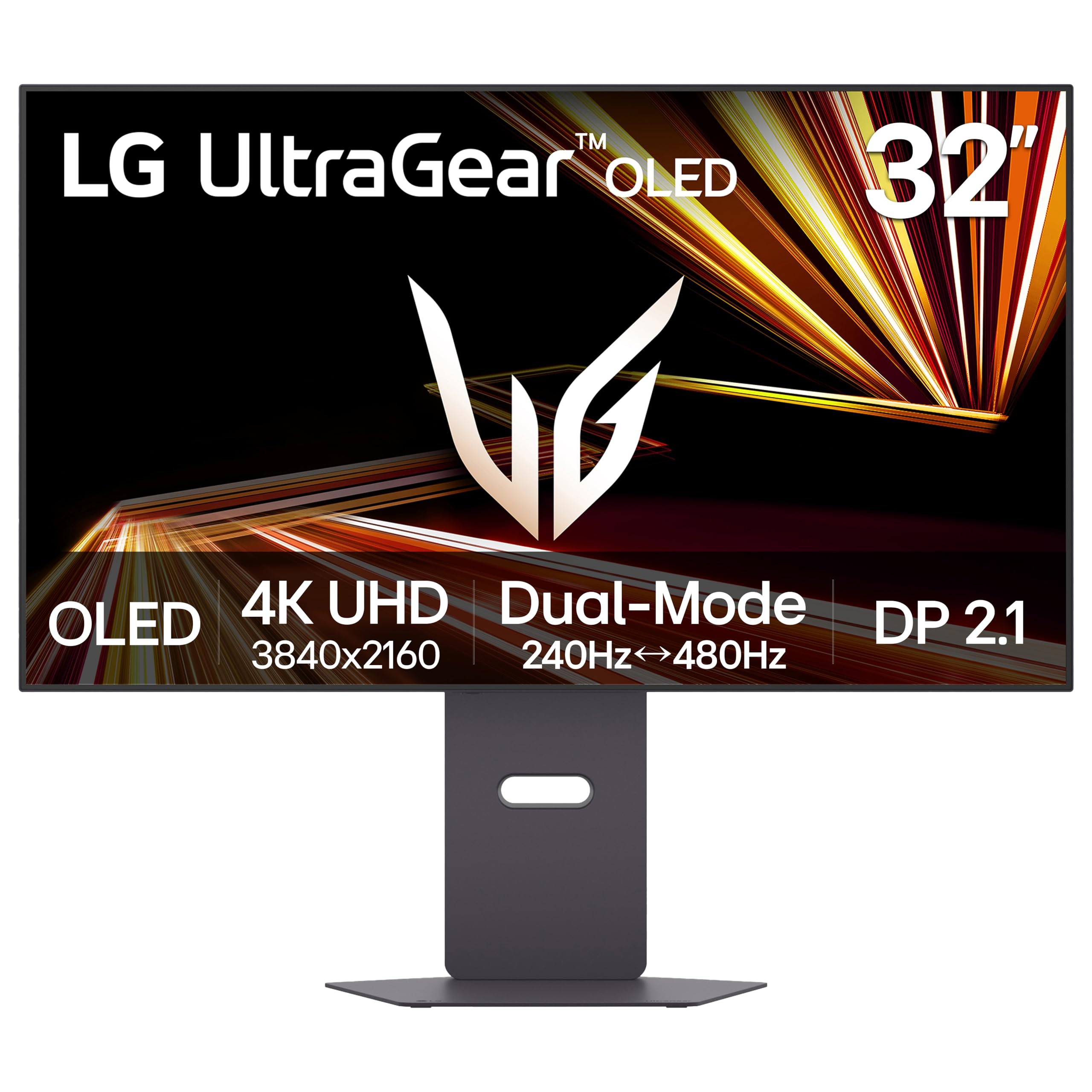
The LG Ultragear 32GX870A-B is the go-to for bright rooms with its high-nit OLED panel.
If you find OLEDs too dim, this LG monitor uses Micro Lens Array+ (MLA+) technology to achieve a typical brightness of 275 nits and a peak brightness of up to 1300 nits. This makes it one of the brightest OLED gaming monitors available, helping colors pop even in a sunlit room. It also features a Dual Mode option, letting you switch between 4K UHD at 240Hz and Full HD at 480Hz.
The 0.03ms (GtG) response time and G-SYNC compatibility ensure smooth, tear-free gameplay. The contrast ratio is listed as 1.5M:1 (1,500,000:1), which is in line with the best OLEDs on this list. For audio, it has built-in speakers and a 4-pole headphone jack for rich 3D audio with DTS Headphone:X, which is ideal for FPS games where positional audio is key.
Reviewers love the “gorgeous” image quality and note the “480fps is so cool to look at.” However, some buyers warn about a DP 2.1 feature that only negotiates UHBR10 bandwidth, not the full UHBR13.5, which means it uses Display Stream Compression (DSC). LG includes a 2-Year Limited Warranty and OLED Care tools like pixel cleaning to keep the display sharp.
Best Bits
- Highest peak brightness (1300 nits) for vibrant HDR
- Dual Mode for versatile gaming from 4K to 480Hz
- Built-in speakers with DTS Headphone:X
Things to Check
- DP 2.1 port may not support full bandwidth without DSC
- Matte coating can appear slightly grainy on static white pages
Best for: Anyone who wants a bright OLED for a room with windows and who also plays competitive shooters at high frame rates.
Look elsewhere if: You need full DP 2.1 UHBR13.5 bandwidth without compression for future-proofing.
7. ASUS ROG Swift 32” 4K OLED Gaming Monitor (PG32UCDP)

The PG32UCDP is a professional-grade dual-mode monitor with an AI assistant that tweaks your visuals on the fly.
The ASUS ROG Swift PG32UCDP is a WOLED monitor that lets you switch between 4K at 240Hz and Full HD at 480Hz. It uses a WOLED panel (a white-OLED with a color filter, often preferred for text clarity). It features 100% DCI-P3 color gamut and a firmware-based OLED Anti-flicker technology that reduces flicker during refresh-rate fluctuations.
The AI Assistant provides dynamic functions like AI Crosshair, AI Sniper, and AI Visual to enhance your in-game experience. The DisplayWidget Center lets you adjust monitor settings with a mouse rather than fiddling with the on-screen menu. Customers note “exceptional clarity for gaming and desktop” and say the matte anti-glare finish works well in bright rooms with “no reflections.”
One critical buyer review flagged “severe OLED flicker when using multiple monitors,” calling it a problem for multi-monitor setups. Another reviewer noted the “aggressive auto-dimming on static images” can be distracting during desktop work. The customizable heatsink helps manage heat to reduce burn-in, and the 3-year warranty adds confidence.
What Excels
- Dual-mode (4K 240Hz / FHD 480Hz) and AI assistant features
- 100% DCI-P3 color gamut for vivid colors
- Matte anti-glare finish works well in any lighting
Potential Issues
- OLED flicker reported in multi-monitor setups
- Auto-dimming can interfere with desktop work
Takeaway: This is the premium dual-mode pick for a single-monitor setup where you want AI-driven gaming tools.
Caveat: Skip this if you plan to run two or more monitors, as flickering issues have been reported in those configurations.
Understanding the Specs
Refresh Rate vs. Response Time
Refresh rate (measured in Hertz or Hz) tells you how many times the screen updates itself per second. A 240Hz screen refreshes 240 times per second, which makes motion look smooth. Response time (measured in milliseconds or ms) is how fast a pixel can change color. A slow response time (like 4ms or 5ms) causes ghosting or a blur trail behind fast-moving objects. The 0.03ms response time on an OLED panel is so fast, it is essentially instantaneous, giving you the clearest view of on-screen motion.
OLED vs. Mini-LED
OLED (Organic Light Emitting Diode) panels have pixels that light up individually. This means they can turn off completely to show perfect blacks, resulting in an infinite contrast ratio. Mini-LED (like the Samsung Neo G8) uses thousands of tiny LEDs behind the screen to control brightness in zones. It can get much brighter than OLED (2,000 nits vs. 400-1000 nits) but suffers from blooming, where light bleeds from bright areas into the dark areas next to them. OLED wins on contrast, Mini-LED wins on raw brightness.
FAQ
What is the difference between 4K and 1440p for a 200Hz monitor?
Will a 200Hz 4K monitor work with my console?
Do I need a special cable for 4K at 240Hz?
Is OLED burn-in a real problem on a 200Hz monitor?
What graphics card do I need for a 200Hz 4K monitor?
Does a matte screen look worse than a glossy screen?
What is the difference between G-Sync and FreeSync Premium Pro?
Can I use a 200Hz 4K monitor for photo and video editing?
Is a 27-inch or 32-inch monitor better for 4K gaming?
What is Dual Mode on a monitor and do I need it?
Final Thoughts: The Verdict
For most buyers, the 200hz 4k monitor winner is the ASUS ROG Swift 32” PG32UCDM because it offers the best all-around package of stunning picture quality, fast performance, and sturdy built-in burn-in protection. If you want a budget-friendly curved screen with high brightness, grab the Samsung Odyssey Neo G8 G85NB. And for the ultimate future-proof connectivity with uncompressed 4K at 240Hz, the standout is the ASUS ROG Swift 27” PG27UCDM.
How We Picked
We do not accept paid placement. Every pick is matched to a real buyer and a real use-case; we do not hands-on test units.
Sources & Methodology
Specifications: manufacturer listings and product documentation. Review insights: verified customer reviews, as of July 2026. Pricing: not shown on this page (it changes often); check the current price via the retailer link.
As an Amazon Associate, Gadgets Feed earns from qualifying purchases. This does not affect which products we feature.