
Our readers keep the lights on and my morning glass full of iced black tea. As an Amazon Associate, I earn from qualifying purchases.
Specs are compiled from manufacturer listings and verified buyer reviews and can change over time — please confirm the key details on the product page before buying.
Your laptop is full, your photos are piling up, and you need to move big files without waiting forever to stream them. The real question is which portable hard drive actually keeps your data safe, fits your devices, and survives life in a bag. This guide lines up six drives based on their published specs and patterns across customer reviews, so you see each pick’s real strengths and trade-offs.
I’m Min — the founder and writer behind Gadgets Feed. This guide is built by comparing the manufacturers’ published specifications and the patterns across verified customer reviews, so you get each pick’s real strengths and trade-offs instead of marketing spin.
A student backing up assignments, a professional moving video files, or anyone tired of the “low storage” notification can find the right portable hard drive here — one that saves time and data without introducing new headaches.
Our Picks at a Glance
How To Choose The Best Portable Hard Drive
The market is full of black rectangles that all claim to do the same thing, but the wrong pick can leave you with a dead drive or a bottleneck. Focus on three decisions that actually separate a good drive from a frustrating one.
Capacity vs Real-World Need
Most drives in this space come in 1TB or 2TB versions. The 1TB size holds roughly 250,000 photos, 500 hours of video, or a full Steam game library. Many buyers report that a 1TB fills up faster than expected if you store large video projects or game installs. The 2TB variant gives you breathing room without needing a second drive later.
Physical Durability
These drives are mechanical hard disk drives with spinning platters inside, not solid-state bricks. They are sensitive to drops. Some models come with a thick rubber bumper or a military-grade shockproof casing (like the ADATA HD710 Pro). Others ship in a plain plastic shell. If your drive will live in a backpack, a ruggedized case is not optional — it is survival.
Compatibility from the start
Many drives ship pre-formatted for Windows (NTFS file system, a format Windows uses). That means a Mac user will need to reformat the drive before dragging files onto it. Some drives include a Type-C adapter or a dual USB-A / Type-C cable, which saves you from buying a separate adapter for modern laptops. Check what cable and what file system the drive ships with before you buy.
Quick Comparison
| Model | Best For | Capacity | Transfer Speed | Durability Rating | Amazon |
|---|---|---|---|---|---|
| Seagate Portable 1TB★ Best Overall | Universal compatibility | 1 TB | USB 3.0 | Standard plastic | Amazon |
| ADATA HD710 ProThe Rugged Survivor | Rugged travel & outdoor use | 1 TB | 5000 Megabits Per Second | IP68 / MIL-STD-810G | Amazon |
| WD My Passport 2TB | Larger capacity + backup software | 2 TB | USB 3.1 | Standard plastic | Amazon |
| HWAYO 1TB Ultra Slim | Budget-friendly slim design | 1 TB | 6000 Megabits Per Second | Standard plastic | Amazon |
| GAZELLE High-Speed 1TB | Type-C & USB dual connectivity | 1 TB | 120 Megabytes Per Second | Standard plastic | Amazon |
| Toshiba Canvio Basics 1TB | Simple plug-and-play for Windows | 1 TB | 5 Gigabits Per Second | Polycarbonate | Amazon |
In‑Depth Reviews
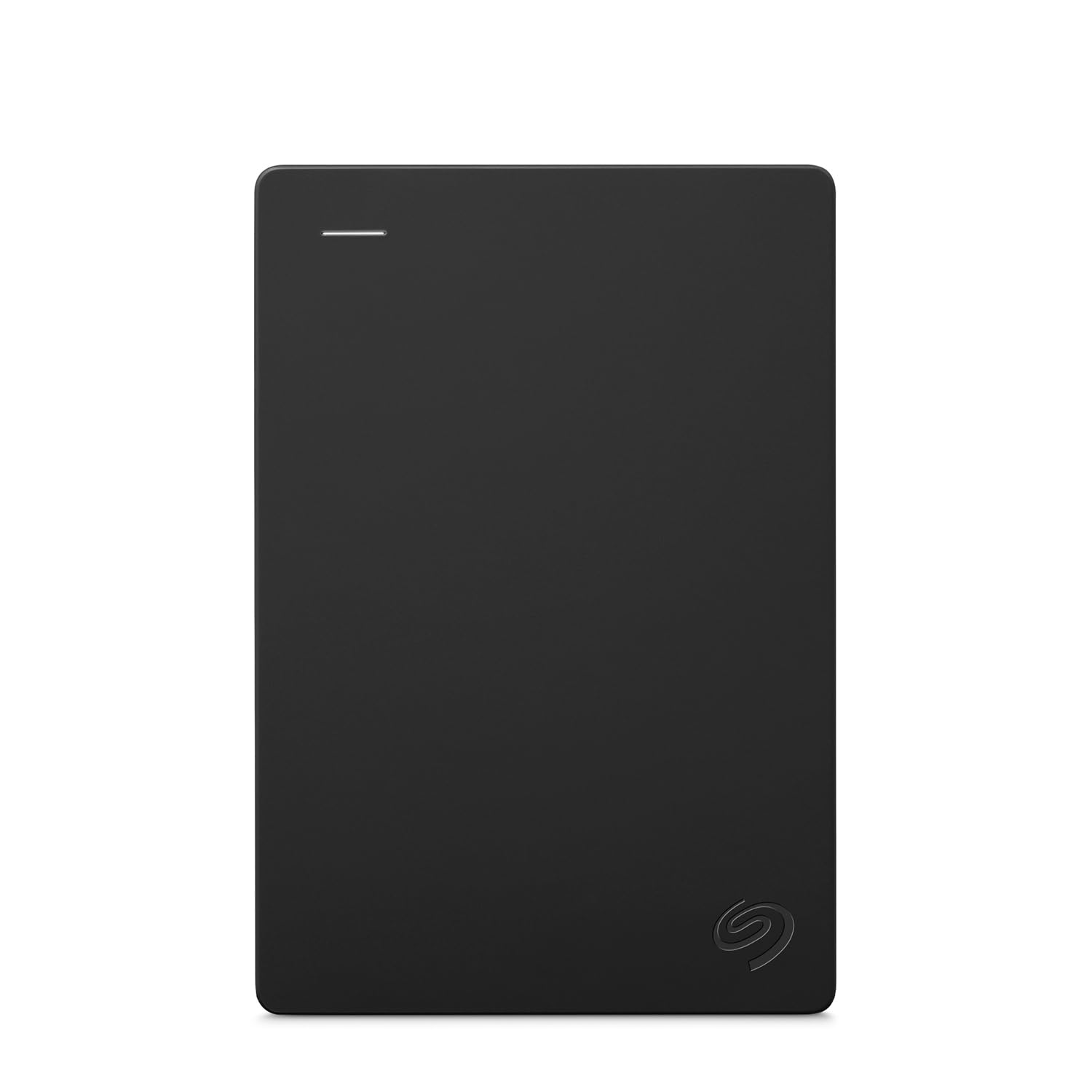
1. Seagate Portable 1TB External Hard Drive HDD – USB 3.0 (STGX1000400)
Our pick — over 4.5★ from 271,500+ verified ratings; the strongest balance of quality and price.
The 271,000-plus buyer ratings are not a fluke — this is the drive people actually recommend.
The Seagate Portable 1TB works with Windows or Mac computers from the start, though Mac users need to run a quick Disk Utility reformat (to APFS or ExFAT for cross-platform use). The setup is truly plug-and-play: connect the 18-inch USB 3.0 cable to a computer, and the system recognizes it automatically. No software to install.
Owners mention using this drive for storing music production plugin libraries, offloading iPhone photos, and backing up MacBook Air files. One reviewer noted it is fast, reliable, and small, with no overheating during extended use. The 1TB capacity covers most personal backup needs, though the plastic casing lacks the rugged protection of the ADATA HD710 Pro below. A separate USB-C adapter is required for newer Macs.
The 1-year Rescue Service gives you data recovery support if the drive fails, which is a practical safety net for a mechanical hard drive. If you want a proven drive with no surprises, this is your pick.
Why it works
- Plug-and-play simplicity, no software required
- Fast transfers and quiet operation
- Works with PC, Mac, PlayStation 4/5, and Xbox Series X/S
Know before you buy
- Plastic casing, no shockproof protection
- Short included cable
- Mac requires reformatting
Reach for this if: you want the most widely-tested, reliable 1TB drive for mixed PC and console use — it is the safe bet.
Look elsewhere if: you need a ruggedized drive for outdoor travel or a 2TB capacity without stepping up to a larger model.
2. ADATA HD710 Pro – 1 TB External Hard Drive – Shockproof, Waterproof & Dustproof
Built for drops, dust, and downpours — the only drive here you would trust in a backpack on a construction site.
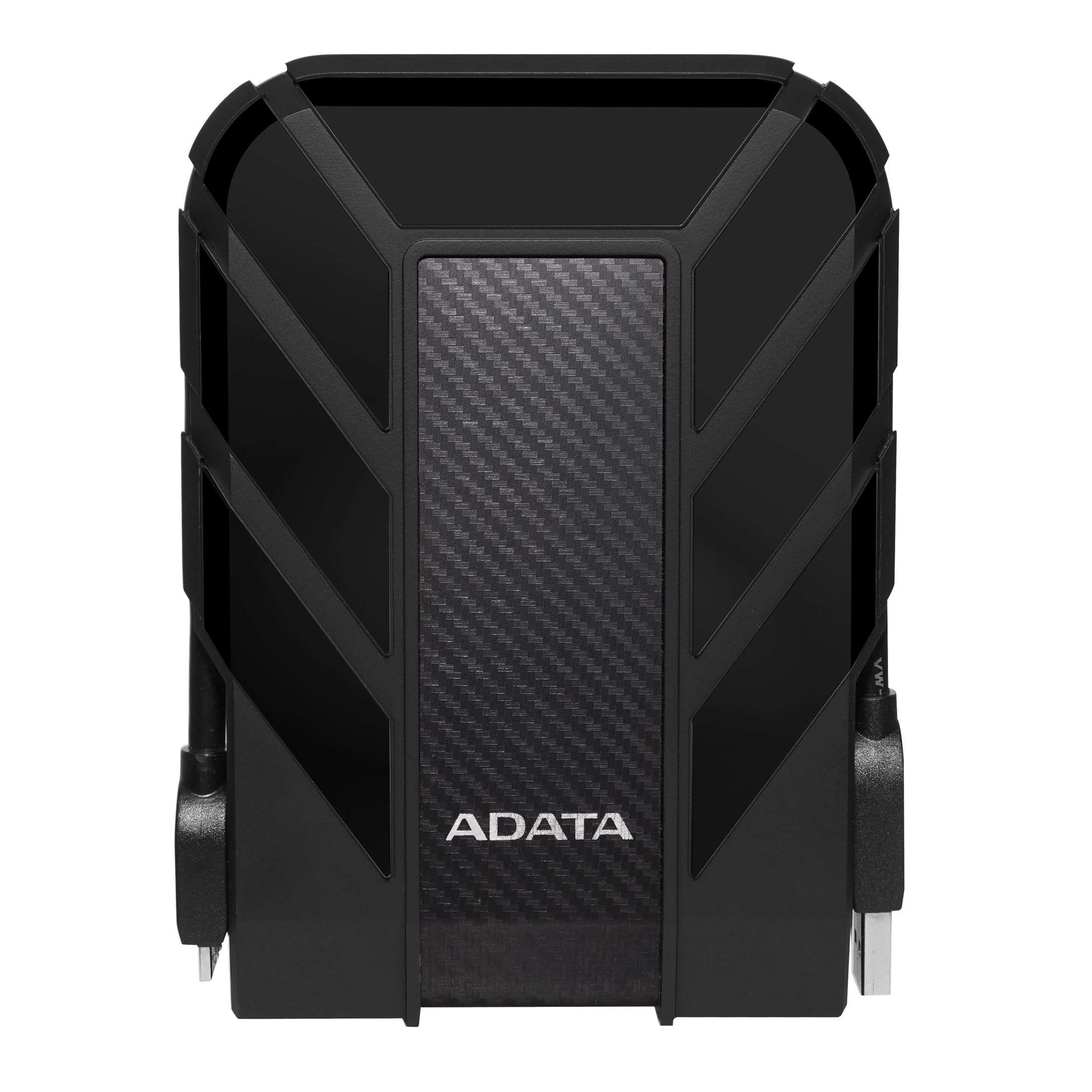
The ADATA HD710 Pro is the rugged choice in this lineup, with a triple-layered construction that meets IP68 waterproofing (submersion-proof), IP6X dustproofing, and MIL-STD-810G 516.6 military-grade shock resistance. Those ratings mean it survives a drop from shoulder height, a splash or full dunk, and dusty environments without failing. The shell is rubberized with a thick cover over the USB port. Unlike the standard plastic shell of the Seagate or the HWAYO, this one is built to take abuse.
The data transfer rate is 5000 Megabits Per Second, at 5000 Megabits Per Second versus the HWAYO’s rated 6000 Megabits Per Second, but real-world speed depends heavily on the file type, as one buyer mentioned. The USB 3.1 interface ensures it is fast enough for large game installs or video backups. Buyers also praised the wide, firm metal USB connector that feels secure when plugged in. The aluminum enclosure adds weight but also resilience.
This drive is heavier and bulkier than a slim plastic drive, so it is not the best choice if you need the lightest possible carry. But if your hard drive lives in a bag that gets knocked around, the HD710 Pro outlasts every other pick here.
Built tough
- IP68 waterproof and IP6X dustproof
- MIL-STD-810G shock resistance
- Secure, wide metal USB connector
Trade-offs
- Heavier and bulkier than slim alternatives
- Transfer speeds vary depending on file type
- Lower peak transfer rate than some competitors
Best for: anyone who carries their hard drive in a backpack, works outdoors, or wants a drive that survives drops without data loss.
Not ideal if: you prioritize the smallest, lightest possible profile and never drop your gear.
3. WD 2TB My Passport, Portable External Hard Drive, Black (WDBYVG0020BBK-WESN)

Double the storage capacity of the 1TB crowd, plus built-in ransomware defense and password protection.
The WD My Passport 2TB gives you twice the space of most drives here, which means you can store your photo library, video projects, and a full game catalog on one drive rather than juggling two. The included device management software adds automatic backup scheduling and active defense against ransomware (malware that locks your files). That means if malicious software tries to encrypt your files, the software can block it before it locks your data. This is a practical advantage over a plain drag-and-drop drive.
It also includes hardware encryption (physical circuitry that scrambles your data) and password protection, so if the drive is lost, your files stay unreadable. The slim 2.5-inch form factor is easy to slide into a laptop bag. One caveat: the drive ships pre-formatted for Windows, so Mac users need to reformat it with Disk Utility. At 2TB, this is also the most expensive pick here by capacity. Buyers consistently call WD a reliable brand.
Unlike the Seagate, this drive lacks the 1-Year Rescue Service, but it does come with a 3-year limited warranty. If you need more space and want automatic backup without buying cloud software, this is the drive.
Why it stands out
- 2TB capacity — double most competitors here
- Built-in backup software with ransomware defense
- Hardware encryption and password protection
Things to note
- Requires reformatting for Mac
- No protective carry case included
- Premium price for the extra capacity
Pick this if: your files exceed 1TB or you want automatic backup with security features like password protection and ransomware defense.
skip it if: you are on a tight budget or need only casual photo/document storage at a lower cost.
4. HWAYO 2.5” 1TB Ultra Slim Portable External Hard Drive USB3.0

The thinnest drive here with a rated speed that beats the ADATA HD710 Pro by 1000 Megabits Per Second, at a budget price.
The HWAYO 1TB Ultra Slim is the budget-friendly option that does not skimp on the headline spec: it claims a data transfer rate of 6000 Megabits Per Second, at 6000 Megabits Per Second versus the ADATA HD710 Pro’s 5000 Megabits Per Second. In practice, that means large file transfers complete noticeably faster. The drive is plug-and-play with no software installation required, and it works with PC, desktop, laptop, MacBook, Chromebook, and Xbox One series consoles.
However, buyers do report a reliability concern. One owner reported that “it randomly disconnects every few days but the speed is good either way.” That is a real trade-off: you get fast transfers and an ultra-slim profile, but occasional dropouts may interrupt a backup session. The plastic enclosure feels less premium than the Seagate or ADATA. The 1TB capacity is solid for everyday photo and document storage.
At this price point, the trade-off is acceptable if you back up regularly and can tolerate an occasional reconnect. Pair it with the Toshiba below if you want a secondary drive for redundancy.
What you get
- Rated 6000 Mbps — fastest raw speed in this lineup
- Ultra-slim and lightweight design
- No setup needed, works from the start
What to watch for
- Spontaneous disconnection reported by some users
- Plastic enclosure, not ruggedized
- No included backup software
Grab it if: you want the fastest transfer speeds on a slim budget and can accept the occasional random disconnect.
Pass if: you need 100% reliability for critical data backups and cannot risk an interrupted transfer.
5. GAZELLE High-Speed 1TB Ultra Slim Portable External Hard Drive – 2-in-1 Type C & USB 3.0
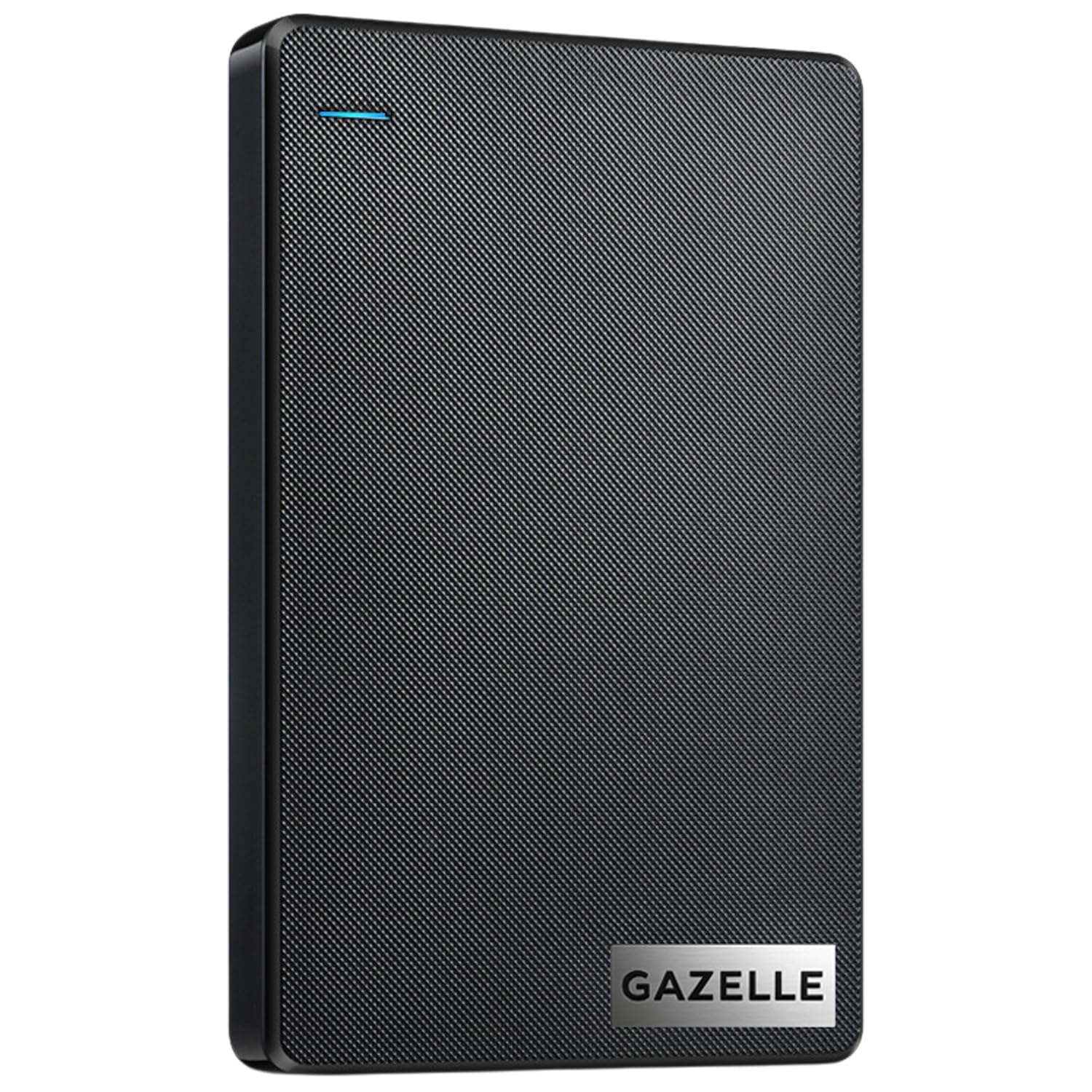
The only drive here that ships with both Type-C and USB 3.0 connectivity, so you never need a separate adapter for a modern laptop.
The GAZELLE High-Speed 1TB comes with a USB 3.0 cable and a Type-C adapter, giving you plug-and-play compatibility with laptops, tablets, iPads, and even mobile phones. That dual-interface approach saves you the hassle of buying an adapter separately The drive is compact at 12 x 7.7 x 1.3 cm and weighs roughly 150 grams, making it the lightest pick here.
It supports Windows, macOS, Linux, and Android, so it works across almost any device you own. The data transfer rate is rated at 120 Megabytes Per Second (roughly 960 Mbps), which is adequate for everyday file backups, though it falls short of the HWAYO’s peak speed. However, one customer observed a serious problem: “Straight from the start it does not work. Makes noise, lights on, but nothing works.” This is a notable reliability risk that you should weigh against the convenience of the dual-interface cable.
If you need a drive that works immediately with a new MacBook or an iPad Pro without extra dongles, this is the easiest option. Just ensure you test it early in case of a defective unit.
Why you might pick it
- Includes USB 3.0 cable + Type-C adapter from the start
- Compact and lightweight design
- Supports Windows, macOS, Linux, Android
Possible downsides
- Slower transfer speed than the HWAYO (120 MB/s vs 6000 Mbps)
- Reports of dead-on-arrival units
- No included backup software
Choose this for: its built-in Type-C compatibility — ideal if you mostly use a newer laptop, iPad, or phone and want to skip buying extra adapters.
Be cautious if: you rely on a single drive for critical data — the DOA risk makes a backup plan advisable.
6. Toshiba Canvio Basics 1TB Portable External Hard Drive USB 3.0 (HDTB510XK3AA)

A matte-finish, smudge-resistant workhorse that boots up fast on a TV or computer with zero fuss.
The Toshiba Canvio Basics 1TB achieves a 4.6/5 rating across over 20,000 reviews, and the story is consistent: it just works. The data transfer rate is 5 Gigabits Per Second, which translates to quick backups and fast media transfers. It is pre-formatted as NTFS (a Windows file system) for Windows PCs, so a Mac user will need to reformat it, but on a Windows machine or an LG TV (as one reviewer uses it) it is truly plug-and-play with no software to install. The polycarbonate (a durable, impact-resistant plastic) enclosure has a matte, smudge-resistant finish that looks cleaner over time than glossy plastic.
Customers note it boots up in seconds, works great loaded with movies on a TV, and the USB 3.0 cable is backwards compatible with USB 2.0 ports. The 1-year standard limited warranty is average for the category. Unlike the Seagate, there is no 1-Year Rescue Service for data recovery. One reviewer described it as “the ultimate storage solution” for photos, documents, and video projects.
This drive is about as simple and reliable as portable storage gets. It does not have the rugged protection of the ADATA, the 2TB capacity of the WD, or the dual-interface cable of the GAZELLE, but it nails the basics at a fair price. If you want a no-drama 1TB drive that works on Windows and TV devices, this is a top pick.
What makes it solid
- Matte, smudge-resistant finish stays clean
- Plug-and-play with Windows and LG TVs
- Fast 5 Gbps transfers, quiet operation
Keep in mind
- No data recovery service included
- Mac requires reformatting
- Standard polycarbonate build, not shockproof
Reach for it if: you want a proven, straightforward 1TB drive for Windows or TV use with no surprises and a clean aesthetic.
Consider something else if: you need rugged protection, Type-C compatibility, or data recovery insurance.
Understanding the Specs
Data Transfer Rate
This is how fast the drive can read or write data. It is measured in Megabits Per Second (Mbps) or Gigabits Per Second (Gbps). A higher number means large files move faster. The HWAYO claims 6000 Mbps, while the ADATA claims 5000 Mbps — a noticeable difference when moving full video files. But real-world speed also depends on the type of data and your computer’s USB port, not just the rated peak.
Durability and IP Rating
An IP68 rating means the drive is dust-tight (the “6” in the code) and can survive being submerged in over one meter of water (the “8”). MIL-STD-810G is a military standard for shock resistance — it means the drive passed drop and vibration tests. Only the ADATA HD710 Pro carries these ratings. All other drives here use standard plastic or polycarbonate enclosures that offer basic protection but will not survive a drop onto concrete.
FAQ
Will a portable hard drive work with my PlayStation or Xbox?
Do I need to reformat a portable hard drive for a Mac?
What does IP68 waterproofing actually mean for a hard drive?
Is a 2TB portable hard drive worth the extra cost?
How long does a portable hard drive typically last?
Can I use a portable hard drive to back up my phone?
What is the difference between USB 3.0, USB 3.1, and USB 3.2?
Why does my portable hard drive keep disconnecting?
Is it safe to store my only copy of important files on a portable hard drive?
Can I use a portable hard drive with a Chromebook?
Final Thoughts: The Verdict
Across the board, the portable hard drive winner is the Seagate Portable 1TB because it combines proven reliability with universal compatibility across PC, Mac, and consoles at a reasonable price. If you need rugged protection for rough travel, grab the ADATA HD710 Pro. And for double the capacity with built-in backup software, the standout is the WD My Passport 2TB.
How We Picked
We do not accept paid placement. Every pick is matched to a real buyer and a real use-case; we do not hands-on test units.
Sources & Methodology
Specifications: manufacturer listings and product documentation. Review insights: verified customer reviews, as of July 2026. Pricing: not shown on this page (it changes often); check the current price via the retailer link.
As an Amazon Associate, Gadgets Feed earns from qualifying purchases. This does not affect which products we feature.