
Our readers keep the lights on and my morning glass full of iced black tea. As an Amazon Associate, I earn from qualifying purchases.
Specs are compiled from manufacturer listings and verified buyer reviews and can change over time — please confirm the key details on the product page before buying.
If you are shopping for a new premium display, you have probably heard the acronyms. QD-OLED. 4K. HDR. 240Hz. But the real question is which one actually makes your games, movies, and work look noticeably better without costing a fortune in burn-in anxiety. This guide walks you through the best 4K QD-OLED monitors available right now, cutting through the marketing to focus on real specs like refresh rate, color accuracy, and brightness so you pick the right panel for your setup.
I’m Min — the founder and writer behind Gadgets Feed. This guide is built by comparing the manufacturers’ published specifications and the patterns across verified customer reviews, so you get each pick’s real strengths and trade-offs instead of marketing spin.
Whether you are a competitive gamer needing 240Hz motion clarity or a creative professional chasing Delta E ≤ 2 color precision, the right 4k qd-oled monitor depends on matching the panel’s core traits with your daily use.
Our Picks at a Glance

How To Choose The Best 4K QD-OLED Monitor
Jumping into the world of 4K QD-OLED means weighing a few key specs that directly affect how your games and creative work look. These panels combine the deep blacks of OLED with the extra brightness and color volume of quantum dots, but not every model is built the same. Here is what you actually need to check before buying.
Refresh Rate and Response Time
The refresh rate, measured in Hz, tells you how many new images the screen can draw per second. A 240Hz monitor like many on this list updates the picture 240 times each second, which makes motion look extremely smooth in fast-paced shooters or racing games. The response time, listed as 0.03ms GTG (grey-to-grey), is the speed at which a pixel changes color — that very low number eliminates ghosting and blur during quick movements.
Burn-in Prevention and OLED Care
OLED panels can suffer from burn-in if a static image stays on screen for too long. Look for monitors with custom heatsinks — such as the graphene film or Pulsating Heat Pipe systems used by ASUS and Samsung — that physically draw heat away from the pixels. Pixel refresh cycles, logo brightness dimming, and proximity sensors that switch the screen to black when you step away are also important features to look for.
Color Accuracy and HDR
A high color gamut like 99% DCI-P3 means the monitor can display a wide range of the colors used in modern movies and HDR games. The VESA DisplayHDR True Black 400 certification confirms the panel can maintain deep black levels while hitting bright highlights, which gives you the contrast that makes QD-OLED stand out from standard IPS or VA panels. For creative professionals, a Delta E (dE) value under 2 means colors are accurate enough for photo editing and video grading.
Quick Comparison
| Model | Best For | Refresh Rate | Brightness (Peak) | Color Gamut | Amazon |
|---|---|---|---|---|---|
| ASUS ROG Swift PG32UCDM | Enthusiast Gaming + HDR | 240Hz | 1000 cd/m² | 99% DCI-P3 | Amazon |
| GIGABYTE MO27U2 | Smart Value + Gaming | 240Hz | 1000 cd/m² | 99% DCI-P3 | Amazon |
| Dell 32″ QD-OLED | Productivity + Multimedia | 120Hz | — | 99% DCI-P3 | Amazon |
| Samsung Odyssey G8 (G81SF) | Competitive Gaming | 240Hz | 260 cd/m² | 99% DCI-P3 | Amazon |
| MSI MAG 321UPX | Balanced Gaming Value | 240Hz | 856.5 cd/m² | 99% DCI-P3 | Amazon |
| Samsung Odyssey G8 (G80SD) | Gaming + Smart TV Features | 240Hz | 250 cd/m² | 99% DCI-P3 | Amazon |
| MSI MPG 321URXW | High-End Performance + KVM | 240Hz | 1000 cd/m² | 99% DCI-P3 | Amazon |
| Alienware AW2725Q | Compact 27″ 4K Gaming | 240Hz | 250 cd/m² | — | Amazon |
| ASUS ROG Swift PG27UCDM | Premium 27″ + DP 2.1 | 240Hz | — | 99% DCI-P3 | Amazon |
| Alienware AW3225QF | Top-Tier 32″ Gaming | 240Hz | 100 cd/m² | 99% DCI-P3 | Amazon |
| ASUS ProArt PA32UCDM | Professional Color Work | 240Hz | 1000 cd/m² | 99% DCI-P3 | Amazon |
In‑Depth Reviews
1. ASUS ROG Swift PG32UCDM
The all-rounder that delivers stunning HDR and blistering gaming speed in one clean 32-inch package.
You get razor-sharp 4K visuals and a 240Hz refresh rate with a 0.03ms response time, meaning fast-moving scenes stay crisp and ghost-free. The panel hits a peak brightness of 1000 cd/m² with VESA DisplayHDR 400 True Black so highlights pop while dark areas stay inky black. A custom heatsink and graphene film pull heat away from the pixels to reduce burn-in risk — buyers report the 3-year warranty also gave them confidence.
The 99% DCI-P3 gamut and true 10-bit color cover the wide color space needed for HDR games and movies. You also get G-Sync Compatible adaptive sync to eliminate screen tearing. A DisplayWidget Center lets you adjust OLED Care settings with a mouse, which is a nice touch for daily use.
If you game in a dark or controlled-light space, that glossy pop is a major win — but in a sunlit office, you may find it distracting.
What stands out
- 240Hz with 0.03ms response for fluid, tear-free gameplay
- 1000 cd/m² peak brightness with True Black 400 HDR
- Custom heatsink + graphene film for OLED longevity
Worth noting
- Glossy screen can show reflections in bright rooms
- Ports face downward, making cable management fiddly
The top contender: A superb pick for gamers who want top-tier HDR and high-refresh speed without compromise. Productivity users who need a matte finish should look at the Samsung G81SF instead.
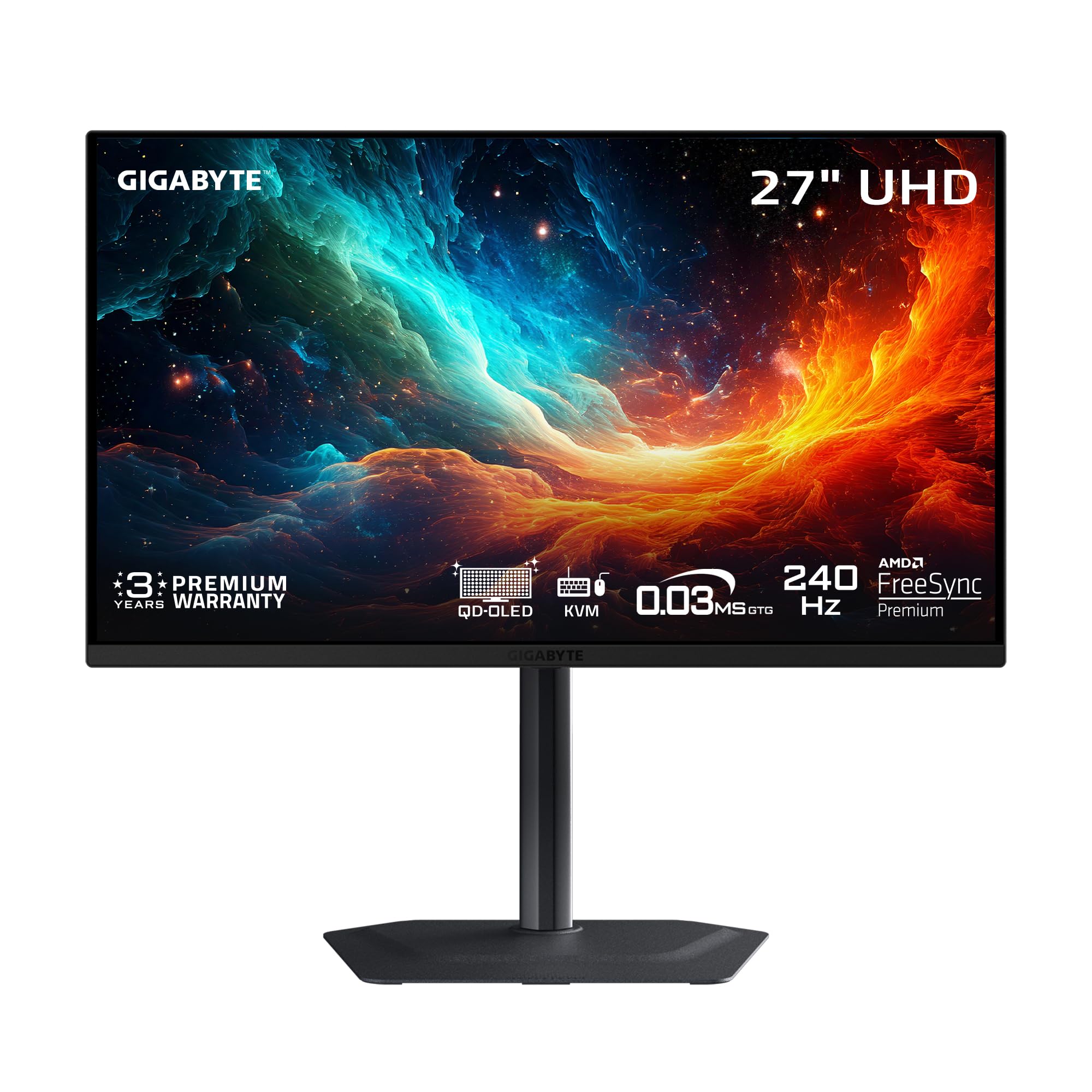
2. GIGABYTE MO27U2
A 27-inch QD-OLED that punches above its tier with AI-powered burn-in protection and a sharp price.
At just 27 inches, this monitor keeps the pixel density high — 4K looks incredibly sharp and text is crisp. The 240Hz refresh rate and 0.03ms response time match the higher-priced competitors, giving you smooth motion in fast-paced shooters. Buyers highlight the “great value at less than competitors,” making it a smart entry point into QD-OLED.
GIGABYTE uses a graphene thermal film with a fanless design and four-sided ventilation to keep the panel cool, plus an AI-based OLED Care suite that adjusts pixel refresh in the background to fight burn-in. The contrast ratio sits at 1,500,000:1 with 99% DCI-P3 and 10-bit color depth, so HDR games and movies look vivid.
One limitation is the lack of DisplayPort 2.1 — you get two HDMI 2.1 ports instead. Owners mention this works well for consoles like the PS5 Pro and Mac, but PC gamers wanting full-bandwidth 4K at 240Hz may need to check their GPU’s compatibility.
Smart entry point: Ideal for gamers who want true 4K QD-OLED performance without the premium price tag. skip it if you need DP 2.1 for bleeding-edge PC bandwidth.
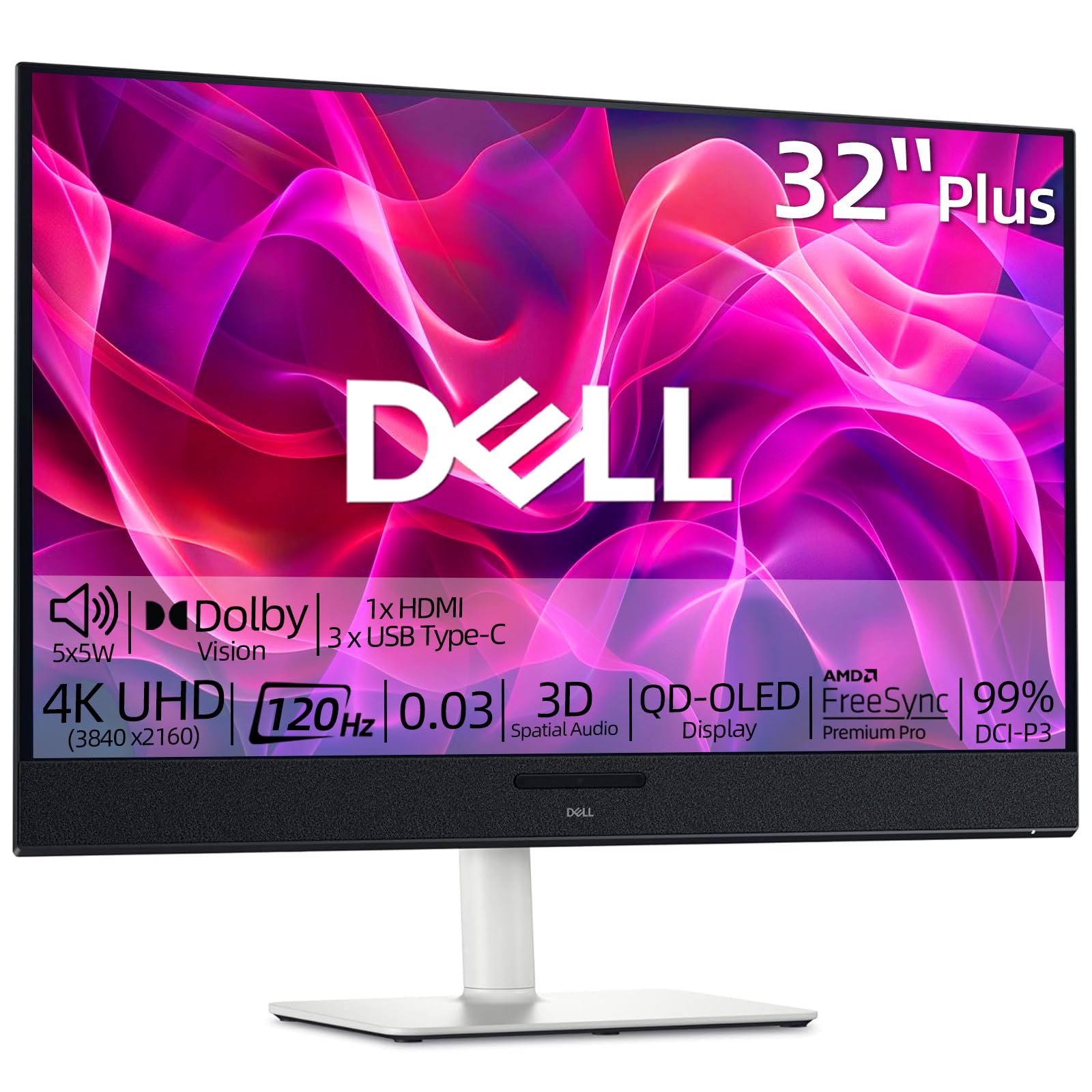
3. Dell 32″ QD-OLED
A 120Hz QD-OLED with built-in surround sound that doubles as a home office and entertainment hub.
Unlike the 240Hz gaming-focused monitors, this Dell runs at 120Hz and pairs it with five 5W speakers delivering 3D Spatial Audio. That means you get rich game audio and clear voice chat right from the monitor without needing external speakers. The QD-OLED panel still delivers the deep contrast of 1,500,000:1 and 99% DCI-P3 color.
It also supports AMD FreeSync Premium Pro to prevent screen tearing. The display has a USB-C connection and an ergonomic stand that tilts, swivels, and adjusts height. Dell rates this at a 5.0 rating from 19 reviews — which is a small sample size, but early buyers are very satisfied.
The biggest trade-off is the 120Hz refresh rate, which is 120Hz compared to 240Hz on gaming-focused competitors on this list. Customers note a gap of 120Hz versus 240Hz between this and the Samsung G81SF. If you play competitive esports titles, you will notice the difference — but for strategy games, movies, and office work, 120Hz is smooth enough.
All-in-one display: Perfect for a combined work-and-play setup where you want good audio and a crisp QD-OLED picture. Hardcore competitive gamers should step up to a 240Hz model.
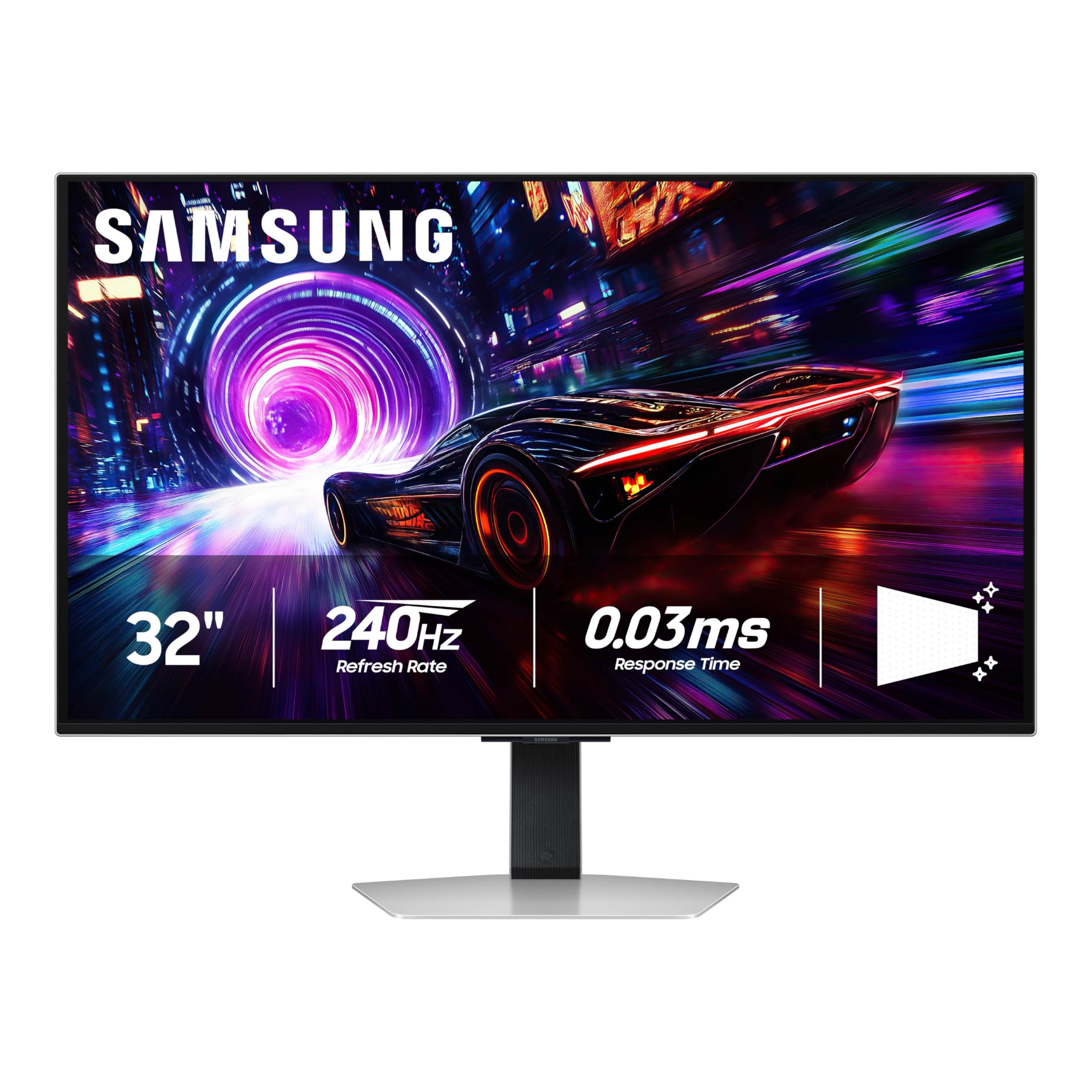
4. Samsung Odyssey G8 (G81SF)
A matte-coated QD-OLED that kills glare and keeps you focused through long gaming sessions.
Samsung’s Glare Free technology makes the screen less glossy than conventional anti-reflection film, which is a standout if your desk sits near a window or bright lamp. The monitor uses a Dynamic Cooling System with a Pulsating Heat Pipe — a coolant that diffuses heat five times faster than graphene sheet — to actively prevent burn-in. Algorithms also control brightness automatically and dim static logos or taskbars.
You get a 240Hz refresh rate, 0.03ms response time, G-Sync compatibility, and AMD FreeSync Premium Pro. The display supports 99% DCI-P3 and VESA DisplayHDR True Black 400 for deep blacks. The included 3-year warranty adds further confidence.
One common buyer complaint is that the matte coating slightly softens text clarity compared to glossy panels. Reviewers also mention the mini joystick OSD button on the back is tricky to press squarely, making menu navigation frustrating. A few reports of dead pixel clusters after two months are note, though the warranty should cover it.
Glare-free workhorse: Best for gamers in bright rooms who want a long-lasting OLED with active cooling. If you prefer maximum text sharpness for productivity, a glossy panel like the ASUS PG32UCDM may suit you better.
5. MSI MAG 321UPX

A glossy QD-OLED that packs 4K 240Hz speed at a price that undercuts many rivals.
The MAG 321UPX delivers a 240Hz refresh rate with a 0.03ms response time, making gameplay incredibly fluid. It covers 99% DCI-P3 and hits a peak brightness of 856.5 cd/m² with VESA DisplayHDR True Black 400. The glossy screen makes colors pop and blacks look truly infinite, which reviewers call “breathtaking” for HDR content. MSI’s OLED Care 2.0 software manages pixel refresh to reduce burn-in risk.
Connectivity includes DisplayPort, two HDMI 2.1 ports running at full 48 Gbps bandwidth for consoles, and a 15W USB Type-C port. The stand is adjustable for height, tilt, and swivel. One reviewer noted that the anti-glare coating on the glossy panel handles reflections better than expected in normal room light.
One major frustration flagged by reviewers: an OLED Care popup that covers the center of the screen and cannot be dismissed quickly. Some also note that text clarity is not as sharp as high-end LCD monitors due to the subpixel layout. Peak brightness is also slightly lower than some premium competitors.
Key strengths
- 240Hz / 0.03ms for buttery smooth gaming
- Competitive price among 4K 240Hz OLEDs
- Glossy panel with effective anti-glare coating
Watch out for
- Intrusive OLED Care popup in the center of the screen
- Lower peak brightness and softer text than premium models
Smart buy: Best for gamers on a mid-range budget who want a full 240Hz 4K experience. pass on it if intrusive popup notifications would drive you crazy or if you need maximum brightness for a very bright room.
6. Samsung Odyssey G8 (G80SD)

A premium QD-OLED that doubles as a smart TV with built-in streaming and AI upscaling.
This model includes Samsung’s NQ8 AI Gen3 Processor, which upscales lower-resolution content to nearly 4K automatically — useful if you watch a lot of streaming video. It also has built-in speakers, a remote controller, and Wi-Fi connectivity, so it functions as a standalone smart TV without needing a PC attached. The Dynamic Cooling System with a Pulsating Heat Pipe provides active burn-in prevention.
The monitor runs at 240Hz with a 0.03ms response time, supports AMD FreeSync Premium Pro and G-Sync Compatibility, and reaches 250 cd/m² brightness. The Glare Free technology keeps the screen clear of reflection. A screen saver dims the panel after 10 minutes of inactivity to further protect against burn-in.
The big downside reported by buyers is the intrusive smart TV interface: it can block the Windows taskbar on wake, requires the remote for full control, and you cannot disable the internal speakers cleanly. Some reviewers point out a very brief 1-2 second black screen a few times a night, possibly from non-native resolution switching. The stand height is also fixed (not adjustable), which may bother some users.
Monitor-meets-TV: A solid choice if you want a single display for PC gaming and Netflix streaming in the same room. Avoid it if you need a pure computer monitor with no smart OS interruptions.
7. MSI MPG 321URXW

A white-accented QD-OLED with deep connectivity, KVM switch, and a 90W USB-C for laptop users.
This MSI model features a Quantum Dot OLED panel at 31.5 inches with 240Hz, 0.03ms response, and VESA DisplayHDR True Black 400 certification (with a peak brightness of 1000 cd/m²). It covers 99% DCI-P3 and has a Delta E ≤ 2 for color accuracy. The fanless graphene heatsink ensures silent operation while managing heat — shoppers say a stable and premium build.
Connectivity is the standout feature here: you get DisplayPort 1.4a, two HDMI 2.1 ports, and a USB Type-C port with 90W Power Delivery, plus a USB hub with Type-B and Type-A ports. The KVM switch and PiP/PbP modes let you control two devices from one keyboard and mouse. MSI’s OLED Care 2.0 and Gaming Intelligence software handle burn-in prevention and include an AI Smart Crosshair.
The white-and-black design is a unique aesthetic that may not match every setup. A few Mac users report needing to disable DSC (Display Stream Compression) and lock to 120Hz for stable dual-monitor handshake. The 4-way adjustable stand is solid but takes up decent desk space.
Desktop command center: Ideal for power users who juggle a laptop and desktop and want KVM convenience alongside top-tier gaming performance. Not the cheapest, but the feature set justifies the premium.
8. Alienware AW2725Q

A smaller 27-inch QD-OLED that packs 4K clarity into a tight desk footprint.
At 26.7 inches, this monitor gives you very high pixel density, making fine details and text look sharp. It runs at 240Hz, with G-Sync Compatible adaptive sync, and sports a 1,500,000:1 contrast ratio. The stand offers height, tilt, pivot, and swivel adjustments, and the screen includes an anti-glare coating.
The bundled accessories include DisplayPort and HDMI cables, a microfibre cloth, and an Alienware sticker. The monitor has an active cooling fan, which buyers report runs silently and does not produce any distracting noise. One German reviewer noted that the on-screen menu initially shows 60Hz, but the system correctly runs at 240Hz — just a display quirk.
The main drawback is its brightness: the official spec shows 250 cd/m², which is lower than many competitors that reach 1000 cd/m². This means HDR highlights will not be as punchy. Some buyers also mention that running anything below the native 4K resolution looks less faithful than on a dedicated 1440p display.
Desk-space saver: A smart pick if 27 inches is your ideal size and you want high pixel density for both gaming and productivity. If HDR brightness is your priority, step up to the ASUS PG27UCDM.
9. ASUS ROG Swift PG27UCDM

A compact 27-inch ROG Swift with DisplayPort 2.1a UHBR20 for future GPU bandwidth.
This is one of the first 27-inch 4K QD-OLED monitors equipped with DisplayPort 2.1a UHBR20, offering a full 80 Gbps bandwidth. That means you can run 4K at 240Hz without Display Stream Compression, which is important as next-generation graphics cards come out. The 4th-gen QD-OLED panel promises sharper imagery and clearer text than earlier OLEDs.
It includes a Neo Proximity Sensor that detects when you step away and switches to a black screen to reduce burn-in risk — an intelligent OLED Care Pro feature. The monitor also has OLED Anti-Flicker 2.0, which uses a luminance compensation algorithm to reduce flicker by 20% compared to previous panels. USB-C provides 90W Power Delivery to charge a laptop. Buyers mention the text clarity is excellent for programming and the colors are mind-blowing.
The main downside is the triangular subpixel layout, which can make Windows fonts look slightly blurry to some eyes (game fonts are not affected). There are no built-in speakers, and the ports face downward, so cable routing is a design consideration. The high price reflects the cutting-edge connectivity.
GPU-ready edge: Make this your choice if you have an RTX 50-series card or plan to upgrade soon and want full-bandwidth 4K 240Hz. If you are on older hardware, the DP 2.1 advantage may not matter yet — the standard DP 1.4a models work fine.
10. ASUS ProArt PA32UCDM
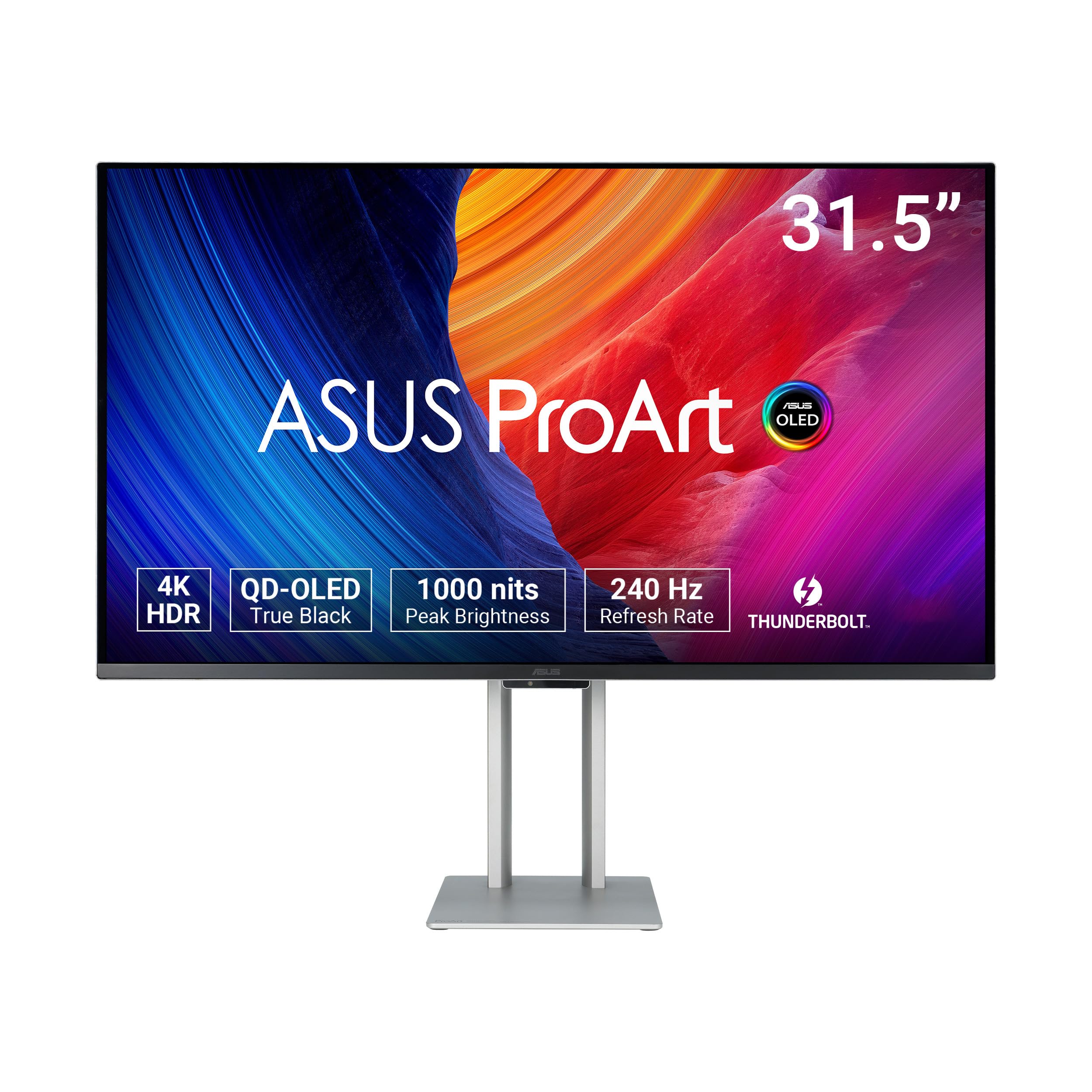
A reference-grade QD-OLED for colorists that hits Delta E < 1 with full hardware calibration.
The ProArt PA32UCDM is built for color-critical work: it covers 100% sRGB, 99% DCI-P3, and the BT. 2020 color space, with a Delta E < 1 color accuracy from the start. The 31.5-inch QD-OLED panel hits 1000 cd/m² peak brightness with VESA DisplayHDR True Black 400 and supports Dolby Vision, HDR10, and HLG formats. It also features Thunderbolt 4 connectivity.
It includes ASUS ProArt Hardware Calibration Technology, which lets you write color profiles directly to the monitor’s internal LUT (look-up table) without needing a computer. The monitor ships with a color pre-calibration report. The response time is 0.1ms (GTG), still extremely fast for gaming, and the refresh rate is 240Hz — unusual for a professional display.
One significant frustration reported by buyers: the monitor occasionally enters an “initialization” mode with just a few seconds’ warning, causing a black screen for several minutes. The absence of a dedicated DisplayPort also requires a bidirectional Thunderbolt/DP cable, which can be a hassle. A few reviewers also mention a learning curve to achieve accurate color through DaVinci Resolve and displayCal.
Pro color, pro price: This is the pick for photographers and video editors who need factory-grade color accuracy and HDR reference monitoring. General users can save money with the non-pro gaming models.
Understanding the Specs
Refresh Rate (Hz) and Response Time (ms)
The refresh rate tells you how many times the screen redraws the image per second — 240Hz means 240 frames per second, which makes motion look fluid and reduces blur. The response time (usually measured in milliseconds from grey-to-grey, or GTG) is how fast a pixel can switch colors. A 0.03ms response is near-instant, which eliminates ghosting during fast gameplay. A high refresh rate matters most in competitive shooters and racing games, while a 120Hz display is still more than enough for strategy games and office work.
VESA DisplayHDR True Black 400
This certification means the monitor can hit 400 cd/m² peak brightness while still maintaining true black levels — not lifting the backlight into a grey haze. QD-OLED panels achieve this because each pixel emits its own light, so black pixels turn off completely. The “True Black” standard is stricter than regular HDR400 because it ensures no light bleed in dark areas, which makes shadows look detailed rather than washed out. A higher number (e.g., True Black 600) means brighter highlights, but True Black 400 already delivers a visible leap over standard IPS HDR.
FAQ
Can I use a 4K QD-OLED monitor for everyday office work without burn-in?
What is the real difference between 120Hz and 240Hz for gaming?
Does a 4K QD-OLED monitor work well with a Mac or console?
How important is DP 2.1 vs DP 1.4a for 4K 240Hz?
What does 99% DCI-P3 mean in real-world color?
How long do QD-OLED monitors typically last?
Do I need a special cable for 4K 240Hz on these monitors?
Are QD-OLED monitors good for photo and video editing?
What does the Glare Free technology on Samsung monitors do?
Can I mount these monitors on a VESA arm?
Final Thoughts: The Verdict
For the majority of shoppers, the 4k qd-oled monitor winner is the ASUS ROG Swift PG32UCDM because it combines a 240Hz refresh rate, 1000 cd/m² peak brightness with True Black 400 HDR, and industry-leading burn-in protection through a custom heatsink and graphene film into a single 32-inch package that works well for both gaming and media. If you want a 27-inch panel with cutting-edge DP 2.1 bandwidth for next-gen GPUs, grab the ASUS ROG Swift PG27UCDM. And for a smart-value entry into QD-OLED without sacrificing 240Hz speed, the standout is the GIGABYTE MO27U2 at its competitive price point.
How We Picked
We do not accept paid placement. Every pick is matched to a real buyer and a real use-case; we do not hands-on test units.
Sources & Methodology
Specifications: manufacturer listings and product documentation. Review insights: verified customer reviews, as of July 2026. Pricing: not shown on this page (it changes often); check the current price via the retailer link.
As an Amazon Associate, Gadgets Feed earns from qualifying purchases. This does not affect which products we feature.