
Our readers keep the lights on and my morning glass full of iced black tea. As an Amazon Associate, I earn from qualifying purchases.
Specs are compiled from manufacturer listings and verified buyer reviews and can change over time — please confirm the key details on the product page before buying.
Every serious gamer chasing smooth, tear-free gameplay eventually hits the same wall — a monitor that blurs, stutters, or ghost through fast motion. That single weakness can wreck your aim, spoil a racing line, or pull you right out of the moment in any competitive title. This guide cuts through the spec noise to show you the nine monitors that actually deliver on the promise of sharp, fluid 1080p gaming.
I’m Min — the founder and writer behind Gadgets Feed. This guide is built by comparing the manufacturers’ published specifications and the patterns across verified customer reviews, so you get each pick’s real strengths and trade-offs instead of marketing spin.
From blistering 300Hz panels to budget-friendly 144Hz workhorses, these options cover every need and wallet. This is the definitive analysis for anyone shopping for a 1920×1080 gaming monitor.
Our Picks at a Glance
How To Choose The Best 1920×1080 Gaming Monitor
Picking your next gaming monitor is about matching the specs to the games you actually play, not just chasing the biggest number on the box. Here are the three pillars that matter most for a 1080p panel.
Refresh Rate and Response Time — The Fluid Movement Duo
Refresh rate (measured in Hz) tells you how many times per second the screen updates the image. For fast-paced shooters like Valorant or Overwatch, 240Hz or higher gives a massive edge in smoothness and reaction speed. For slower, story-driven titles, 144Hz is already a huge upgrade over a standard 60Hz display. Response time (1ms GTG or MPRT) is the time a pixel takes to change color — lower means less ghosting trailing behind fast-moving objects.
Panel Type — IPS vs VA vs TN
IPS panels offer the best color accuracy and wide viewing angles, making them ideal for both gaming and creative work. VA panels deliver deeper blacks and higher contrast ratios (like 4000:1) for a more rich HDR-like experience, but can have slightly slower pixel transitions. TN panels are rare now, as Fast IPS technology has closed the speed gap while offering much better color.
Adaptive Sync — FreeSync Premium vs G-Sync Compatible
Adaptive sync tech (AMD FreeSync or NVIDIA G-Sync Compatible) eliminates screen tearing by matching the monitor’s refresh rate to your graphics card’s frame output. FreeSync Premium adds a low framerate compensation (LFC) layer, which keeps things smooth even when your fps dips below the monitor’s minimum sync range. Most modern 1080p gaming monitors support both standards, so you aren’t locked into one GPU brand.
Quick Comparison
| Model | Best For | Refresh Rate | Panel Type | Contrast Ratio | Amazon |
|---|---|---|---|---|---|
| SANSUI ES-G25X1 PRO★ Best Overall | Highest Refresh Bargain | 300Hz | Fast IPS | 1000:1 | Amazon |
| ASUS TUF Gaming VG259QM5APro Gamer | Esports & Precision | 240Hz | Fast IPS | 1000:1 | Amazon |
| ASUS TUF Gaming VG249QM5ASmart Size | Compact Competitive Play | 240Hz | Fast IPS | 1000:1 | Amazon |
| Dell SE2726HG | Premium Smoothness & Color | 240Hz | Fast IPS | 1000:1 | Amazon |
| Acer Nitro XZ270 | rich Curved Gaming | 280Hz | VA | 100,000,000:1 | Amazon |
| KTC H27E22P | Deep Blacks & High Contrast | 280Hz | Fast VA | 4000:1 | Amazon |
| Acer Nitro KG251Q Z1biip | Budget Speed Demon | 280Hz | LCD (VA-type) | 3000:1+ | Amazon |
| LG 27GS50F-B | Solid All-Rounder 27-inch | 180Hz | LCD | 3000:1 | Amazon |
| LG 24G411A-B | Best Entry-Level Value | 144Hz (OC) | IPS | 1500:1 | Amazon |
In‑Depth Reviews
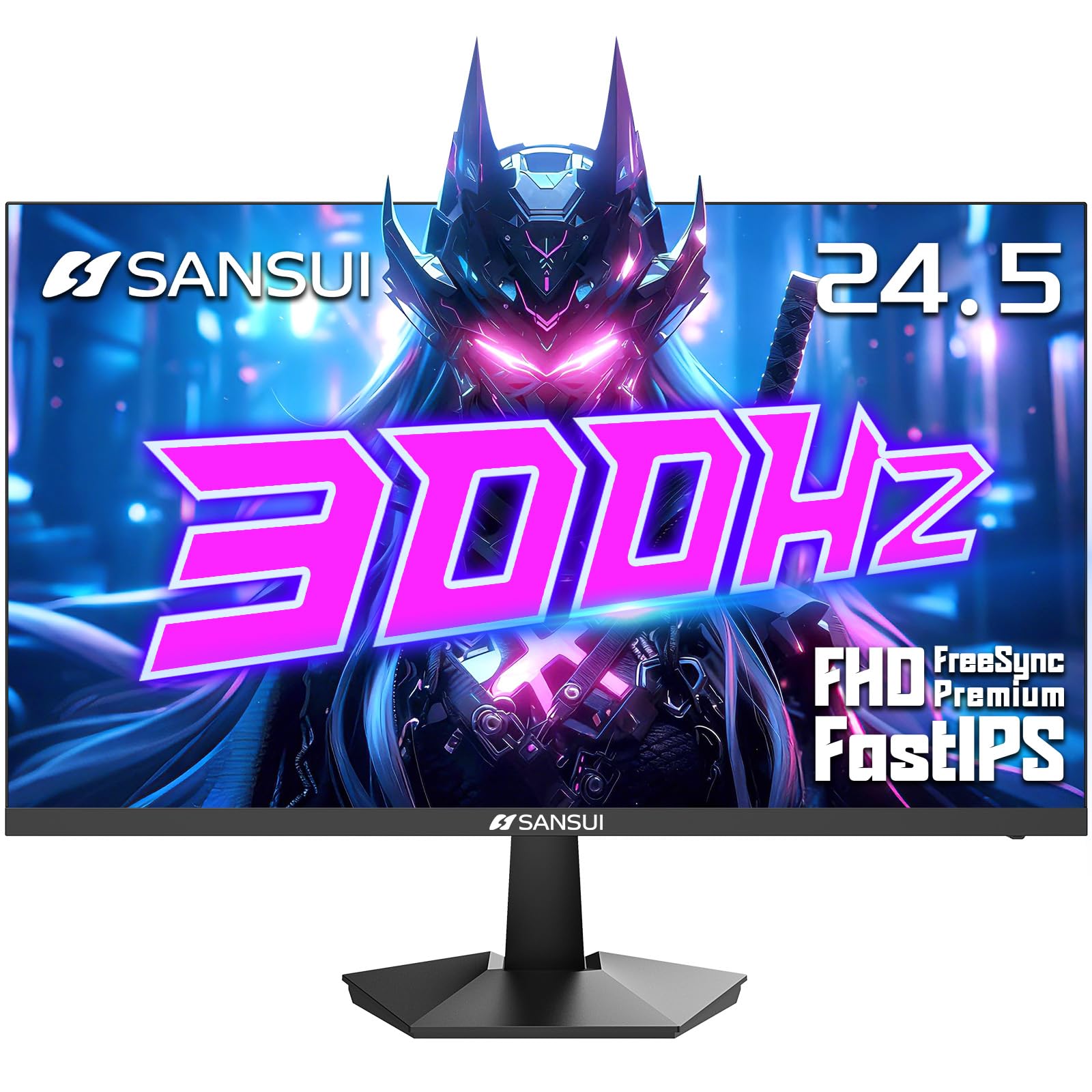
1. SANSUI ES-G25X1 PRO
Our pick — 4.5★ from 6,500+ verified ratings; the strongest balance of quality and price.
The 300Hz refresh rate champion that delivers the highest frame pacing at the lowest investment.
The SANSUI ES-G25X1 PRO is all about one number: 300Hz. That is 300 frames per second of buttery-smooth motion, giving you a real edge in games like CS2 or Valorant where every frame reveals enemy movement. The Fast IPS panel delivers 120% sRGB color coverage — significantly more vivid than the 72% sRGB of the LG 27GS50F-B — and 300 nits of brightness for a punchy image.
FreeSync Premium syncs with your GPU to eliminate tearing. It includes two DisplayPort 1.4 ports (supporting the full 300Hz) and two HDMI 2.0 ports (up to 240Hz), plus a VESA 75mm mount for arm setups. Reviewers mention the 1ms MPRT response time feels smooth in fast shooters.
At a 1000:1 contrast ratio and no built-in speakers, some concessions are made for the price. But if raw frame rate is your priority, this is the cheapest way to get 300Hz on a Fast IPS panel.
Hz King
- 300Hz refresh rate is the highest in this list
- 120% sRGB coverage for vibrant colors
- Multiple port options with two DP 1.4 inputs
Trade-Offs
- No built-in speakers
- 1000:1 contrast ratio is standard; VA panels offer deeper blacks
Best for: Budget-conscious esports players who want the highest refresh rate possible for competitive gaming.
Pass if: You need deep contrast for cinematic games or built-in speakers for convenience.
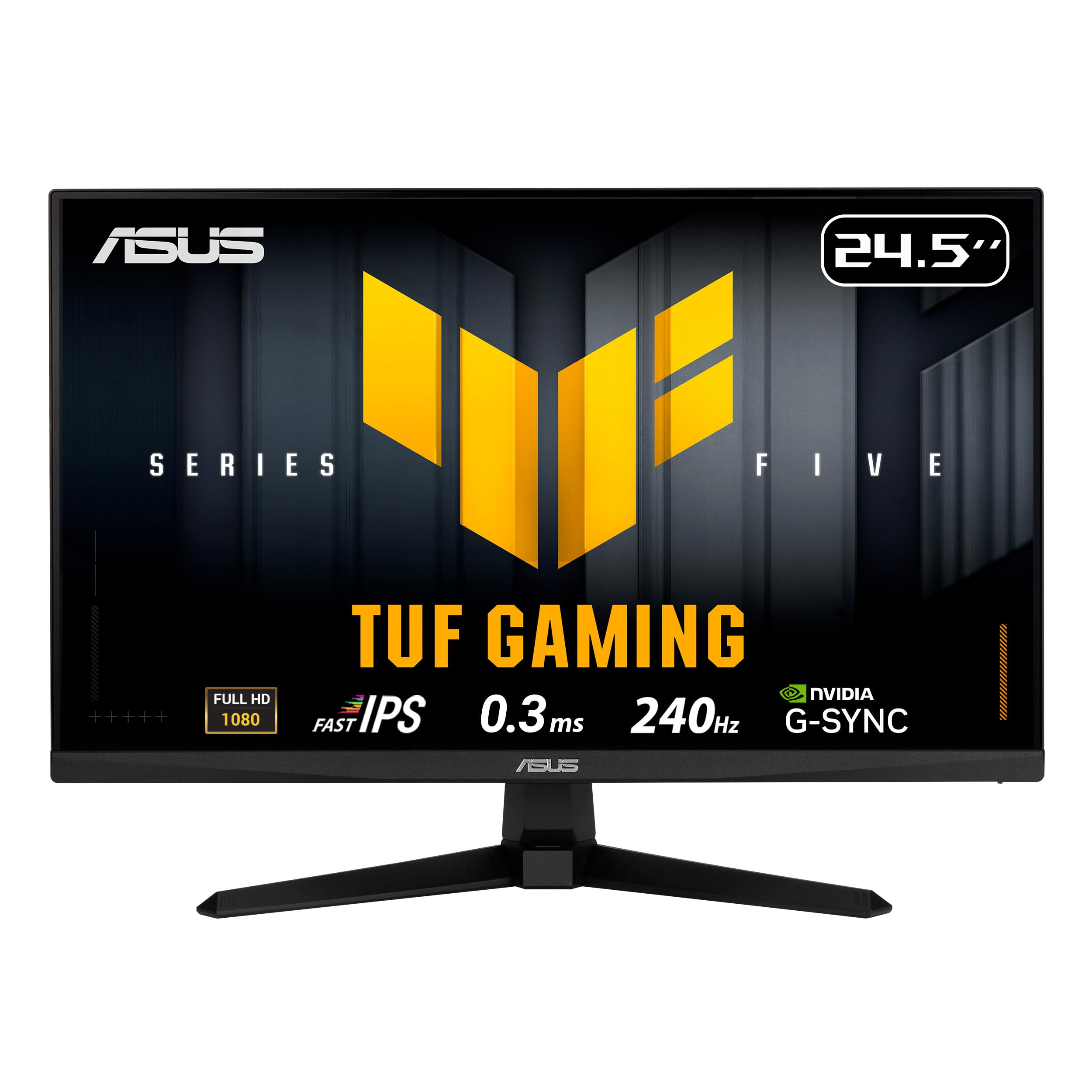
2. ASUS TUF Gaming VG259QM5A
The esports champ with a 0.3ms GTG response that leaves ghosting in the dust.
If your win condition is pixel-perfect precision, this 24.5-inch Fast IPS panel is your weapon. The 240Hz refresh rate churns out buttery-smooth frame transitions, and the 0.3ms GTG response time (the fastest in this roundup) means that a flick-shot or a drifting car leaves zero blur trail behind it.
ASUS pairs that speed with FreeSync Premium and G-Sync Compatible adaptive sync, so you get a tear-free image whether you run an AMD or NVIDIA card. The Extreme Low Motion Blur Sync (ELMB SYNC) technology is a neat trick — it lets you run ELMB anti-blur at the same time as variable refresh rate, a combo most monitors can’t do. Buyers report that the sRGB 99% color coverage looks vivid right from the start.
Two built-in 2W speakers save desk space for casual audio, and the DisplayWidget Center software lets you tweak OSD settings with a mouse instead of fumbling with buttons. The trade-off is the 1000:1 contrast ratio, which is typical for IPS — dark scenes in a dim room won’t have the deep blacks of a VA panel.
Speed Demon Specs
- Blistering 0.3ms GTG response time eliminates motion blur
- ELMB SYNC works with variable refresh rate for tear-free motion
- Built-in 2Wx2 speakers add convenience
One Area to Consider
- 1000:1 contrast ratio is standard IPS; VA panels deliver deeper blacks
Ideal for: Competitive FPS gamers who want the fastest pixel response on the market.
Look elsewhere if: You prioritize deep black levels for cinematic single-player games over sheer speed.
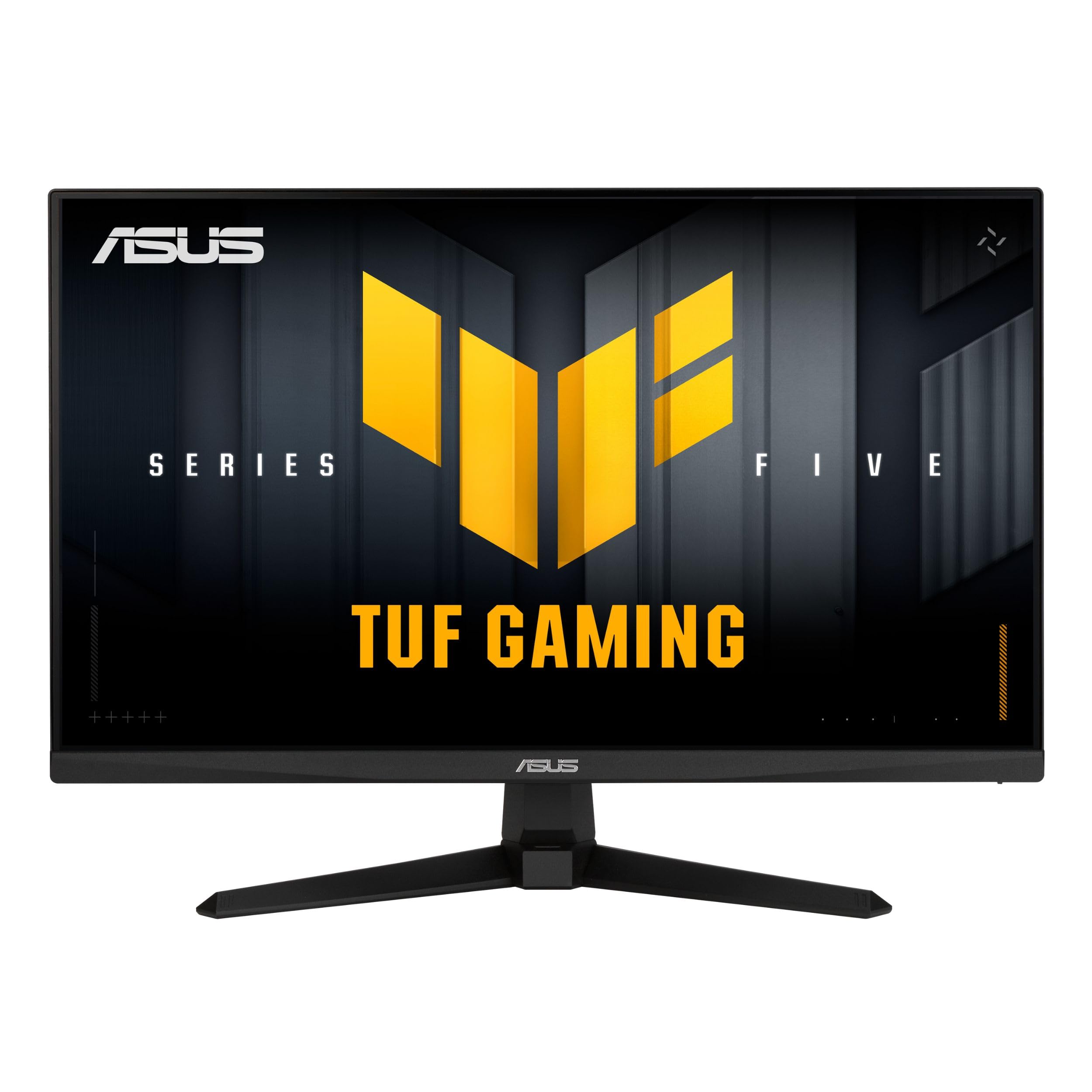
3. ASUS TUF Gaming VG249QM5A
A compact 23.8-inch Fast IPS screen that packs pro-level speed into a smaller footprint.
This little brother to the VG259QM5A shares the same 240Hz refresh rate and a 0.3ms response time, but wraps it in a 23.8-inch frame for gamers who prefer a tighter field of view or have limited desk space. The Fast IPS panel delivers the same 99% sRGB color coverage, so your game worlds look punchy and accurate.
It also carries the same FreeSync Premium and G-Sync Compatible certification, plus ASUS’s ELMB SYNC for blur-free motion. One reviewer noted that the small bezel makes it a great match for a dual-monitor setup. The included DisplayPort cable gets you running at full 240Hz immediately.
The main compromise vs the larger brother is no built-in speakers — you will need external ones or a headset. And like all IPS panels in this range, the 1000:1 contrast ratio means blacks look dark grey in a pitch-black room, not deep inky black.
Where It Shines
- 0.3ms GTG response is among the fastest available
- Compact 23.8-inch size frees up desk space
- Excellent 99% sRGB color accuracy
Where It Cuts
- No built-in speakers requires external audio
Tailor-made for: Gamers who want a small, fast, and color-accurate monitor for competitive titles.
Pass if: You need built-in speakers or prefer a larger 27-inch screen for immersion.
4. Dell 27 240Hz Gaming Monitor SE2726HG
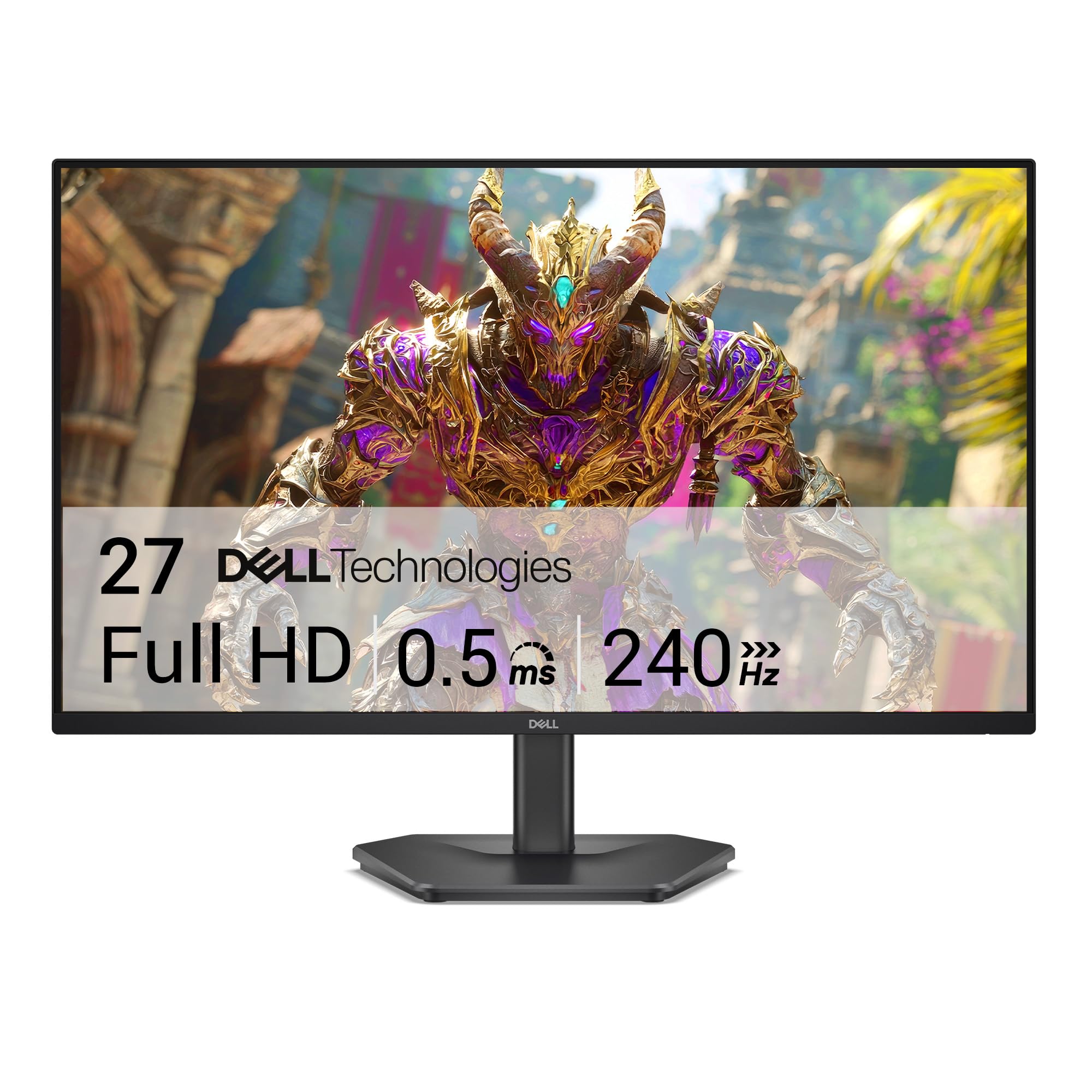
A 27-inch 240Hz Fast IPS panel with a 0.5ms response and TÜV eye comfort certification.
Dell brings its reputation for build quality into gaming with the SE2726HG, a 27-inch monitor that hits a balance between size and speed. The 240Hz refresh rate and 0.5ms response time handle fast action cleanly, while the Fast IPS panel keeps colors looking rich from any angle thanks to 99% sRGB coverage.
FreeSync Premium handles the sync duties, so both AMD and NVIDIA GPU users get tear-free gameplay. A standout for long sessions is the TÜV Rheinland 3-star certification — it lowers blue light without washing out colors, which buyers mention makes a noticeable difference for eye strain. The monitor includes an HDMI 2.0 cable in the box.
At a 1000:1 contrast ratio, it shares the typical IPS black-level limitation. But for a daily driver that balances competitive speed with comfort for all-day use, it is tough to top at its tier.
Key Strengths
- 240Hz and 0.5ms response for fluid, blur-free gaming
- TÜV 3-star eye comfort reduces strain during long sessions
- Strong color accuracy with 99% sRGB
One Trade-Off
- 1000:1 contrast ratio is standard for IPS; VA panels offer deeper blacks
Best for: Gamers who want a larger 27-inch screen with high refresh rates and excellent eye care features.
Consider another if: You require a curved screen or the absolute highest contrast for dark-room gaming.
5. Acer Nitro XZ270

A 27-inch 1500R curved VA panel that wraps your peripherals in action at 280Hz.
If you want the immersion of a curved screen without sacrificing competitive speed, the Acer Nitro XZ270 is your monitor. The 1500R curvature (a gentle wrap that matches the human visual field) pulls your eyes into the center of the action, while the VA panel delivers an absurdly high 100,000,000:1 dynamic contrast ratio for deep, cinematic blacks.
Under the curve, it packs a 280Hz refresh rate over DisplayPort — one of the highest in this list — and a 1ms VRB response time for smooth motion. FreeSync Premium keeps things tear-free. The ZeroFrame design with narrow bezels makes it a strong candidate for multi-monitor setups. It also includes built-in speakers and a full ergonomic stand with tilt, swivel, and 3.93 inches of height adjustment.
Reviewers highlight the ergonomic flexibility and the vivid HDR 10 support. The main catch is that VA panels can show slight dark-level smearing in very fast transitions, though at 280Hz this is minimal.
Immersion Tools
- 1500R curved VA panel with massive 100,000,000:1 contrast ratio
- Full ergonomic stand with height, swivel, and tilt adjustment
- Built-in speakers for clutter-free desktop
Something to Know
- VA panels can exhibit slight dark-level smearing compared to Fast IPS
Perfect for: Gamers who want deep black levels and a curved, rich 27-inch screen at high speed.
Skip if: You need the absolute fastest pixel response for competitive esports, where Fast IPS leads.
6. KTC 27 Inch 280Hz 240Hz Gaming Monitor H27E22P
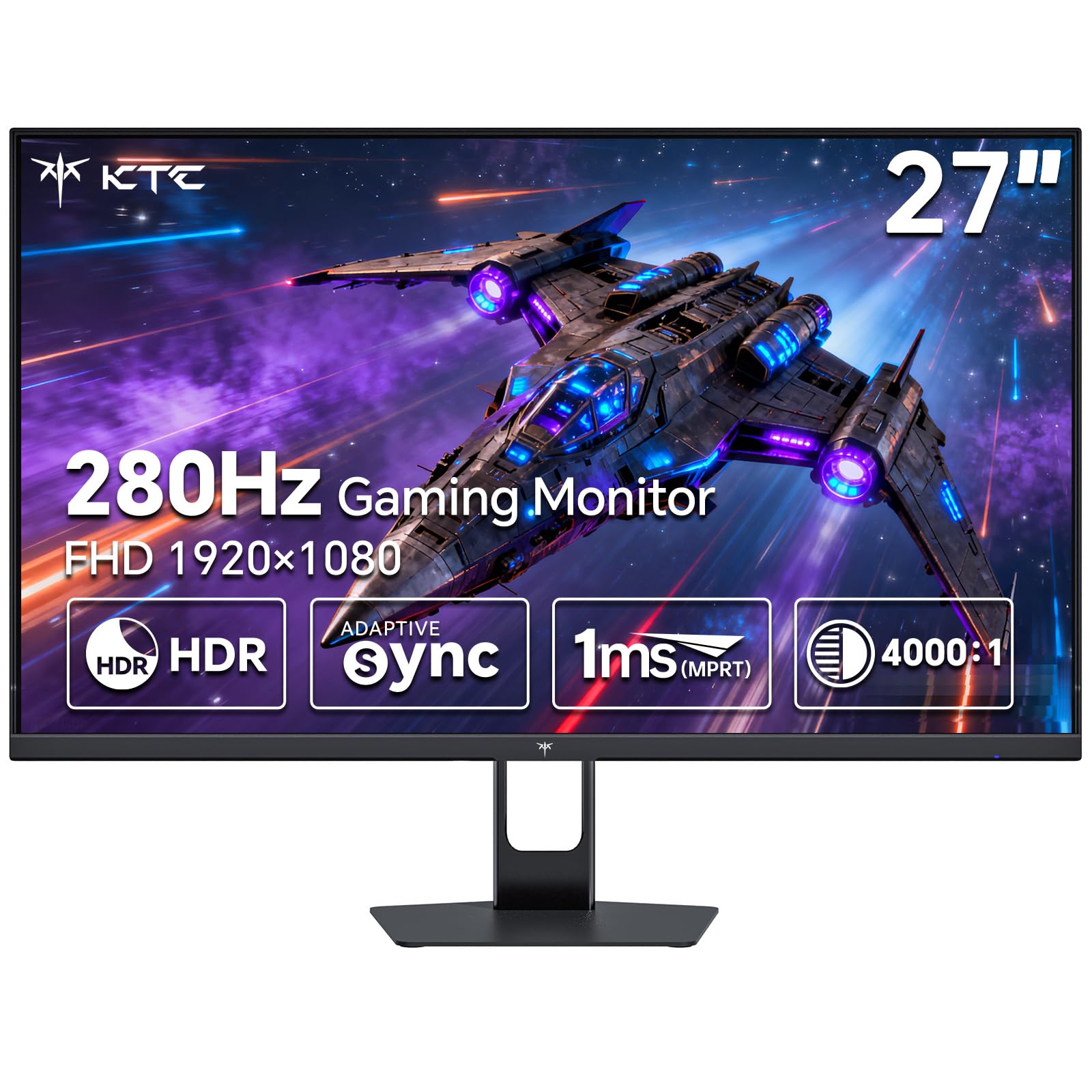
A 27-inch Fast VA panel that wraps high contrast and 120% sRGB into a 280Hz package.
The Fast VA panel also brings a 4000:1 contrast ratio, compared to 1000:1 on standard IPS monitors, delivering deep blacks and bright highlights for HDR-like punch.
At 280Hz via DisplayPort, with 1ms GTG response and both FreeSync and G-Sync compatibility, it covers all the competitive bases. The included screwdriver for stand assembly is a nice touch buyers mention. The 27-inch size works well for both rich single-player titles and fast online matches.
The catch is that VA panels can exhibit a slight dark-level smearing in very rapid transitions, though the 280Hz refresh rate minimizes it. For a mid-range price, this monitor offers a color and contrast profile that punches above its class.
Standout Specs
- 120% sRGB color gamut provides vivid, punchy visuals
- 4000:1 contrast ratio delivers deep blacks for rich scenes
- 280Hz and 1ms GTG for competitive-level smoothness
Consideration
- Fast VA may show slight motion blur in extreme dark-to-dark transitions
Ideal for: Players who want vibrant colors and deep contrast without moving to a curved screen.
Look elsewhere if: You need the absolute fastest pixel response for pro-level esports, where IPS is king.
7. Acer Nitro KG251Q Z1biip

A 24.5-inch speed demon packing 280Hz and a 3000:1+ contrast ratio at a budget-friendly price.
This Acer Nitro is the budget pick that doesn’t feel budget. It delivers a 280Hz refresh rate — matching monitors twice its price — with a 1ms VRB response time that keeps fast action crisp. The contrast ratio is rated at 3000:1+, which trounces the 1000:1 figures of typical budget IPS screens and gives dark scenes real depth.
FreeSync Premium eliminates tearing, and the ZeroFrame design with near-bezel-less edges boost screen space for multi-monitor setups. It includes both HDMI and DisplayPort cables in the box, so you are ready to run at full speed immediately.
The trade-off is the 250 cd/m² brightness — fine for most indoor lighting, but not as punchy as 300-nit panels in very bright rooms. Some buyers also note the on-screen display (OSD) navigation is a bit basic. For the price, however, the refresh rate and contrast make it a clear winner for value-conscious competitive gamers.
Value Highlights
- 280Hz refresh rate at a very accessible price point
- 3000:1+ contrast ratio delivers solid dark detail
- ZeroFrame design great for multi-screen setups
Compromises
- 250 cd/m² brightness is lower than premium alternatives
- Basic OSD menu controls
Best for: Gamers on a budget who refuse to compromise on high refresh rates for competitive play.
Pass if: You need high brightness for a very sunny room or advanced OSD features.
8. LG 27GS50F-B 27-inch Ultragear
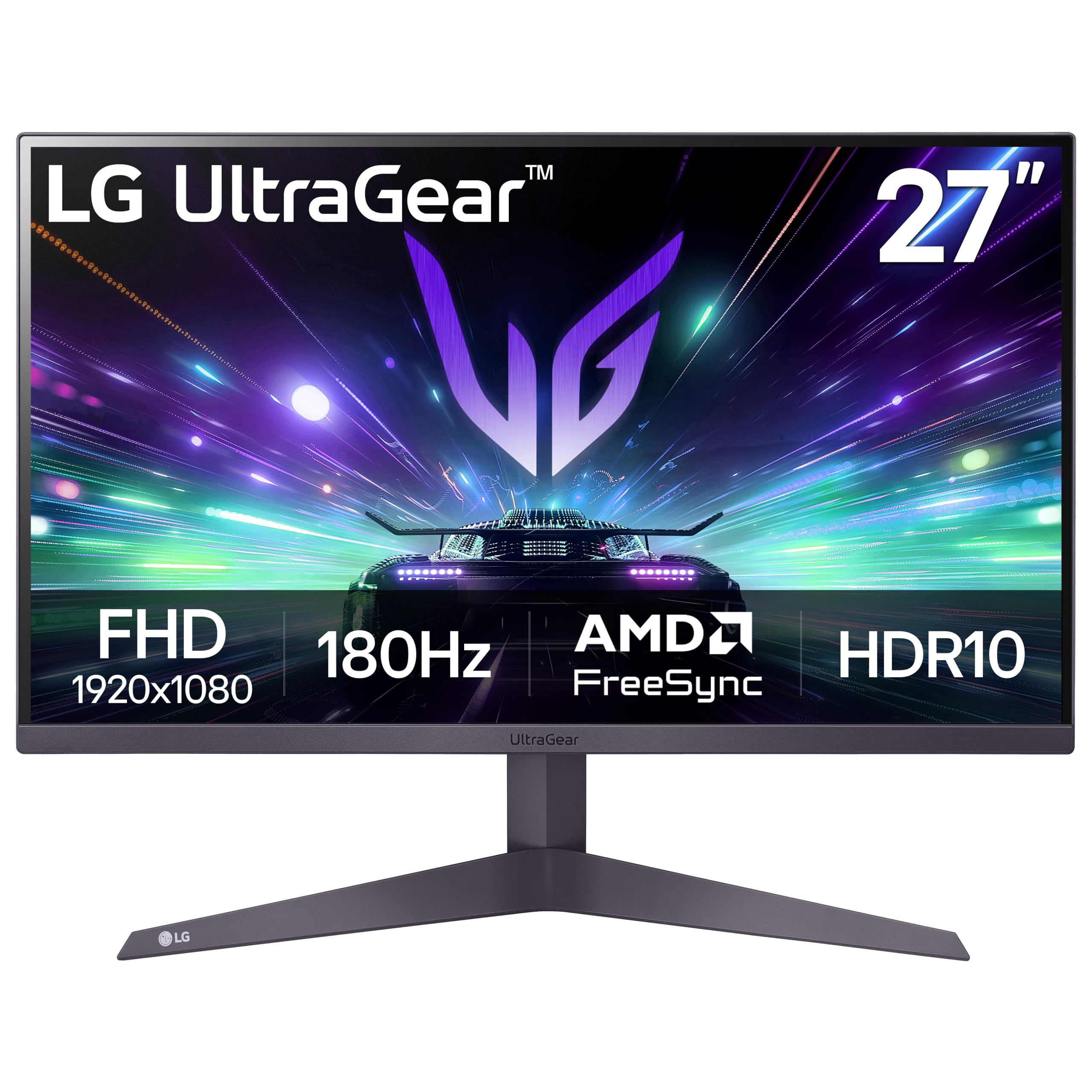
A 27-inch workhorse with 180Hz, HDR10, and LG’s trusted gaming features for a balanced experience.
The LG 27GS50F-B sits in a comfortable middle ground — 180Hz refresh rate at 1080p is smooth enough for most competitive games while keeping the price accessible. The 1ms MBR (Motion Blur Reduction) cuts ghosting effectively, and FreeSync ensures a tear-free picture.
LG’s gaming GUI adds useful tools like Dynamic Action Sync for reducing input lag, Black Stabilizer to lighten dark corners, an on-screen FPS counter, and a Crosshair overlay. The three-side virtually borderless design makes it look clean on any desk. Buyers have noted the 72% sRGB color gamut is decent but not as punchy as the 120% or 126% panels on other screens.
The 3000:1 contrast ratio is solid for an LCD panel, giving good black depth. If you want a reliable 27-inch option from a trusted brand with useful gaming extras, this is a strong pick.
Smart Features
- Useful gaming extras: Black Stabilizer, Crosshair, FPS Counter
- 180Hz with 1ms MBR for clean motion
- Borderless design looks sleek on any desk
Limitation
- 72% sRGB color gamut is less vibrant than competing panels
Ideal for: Gamers who want a solid, no-surprises 27-inch monitor with handy in-game tools.
Consider a different pick if: Vivid color saturation is your top priority over features and price.
9. LG 24G411A-B 24-inch Ultragear
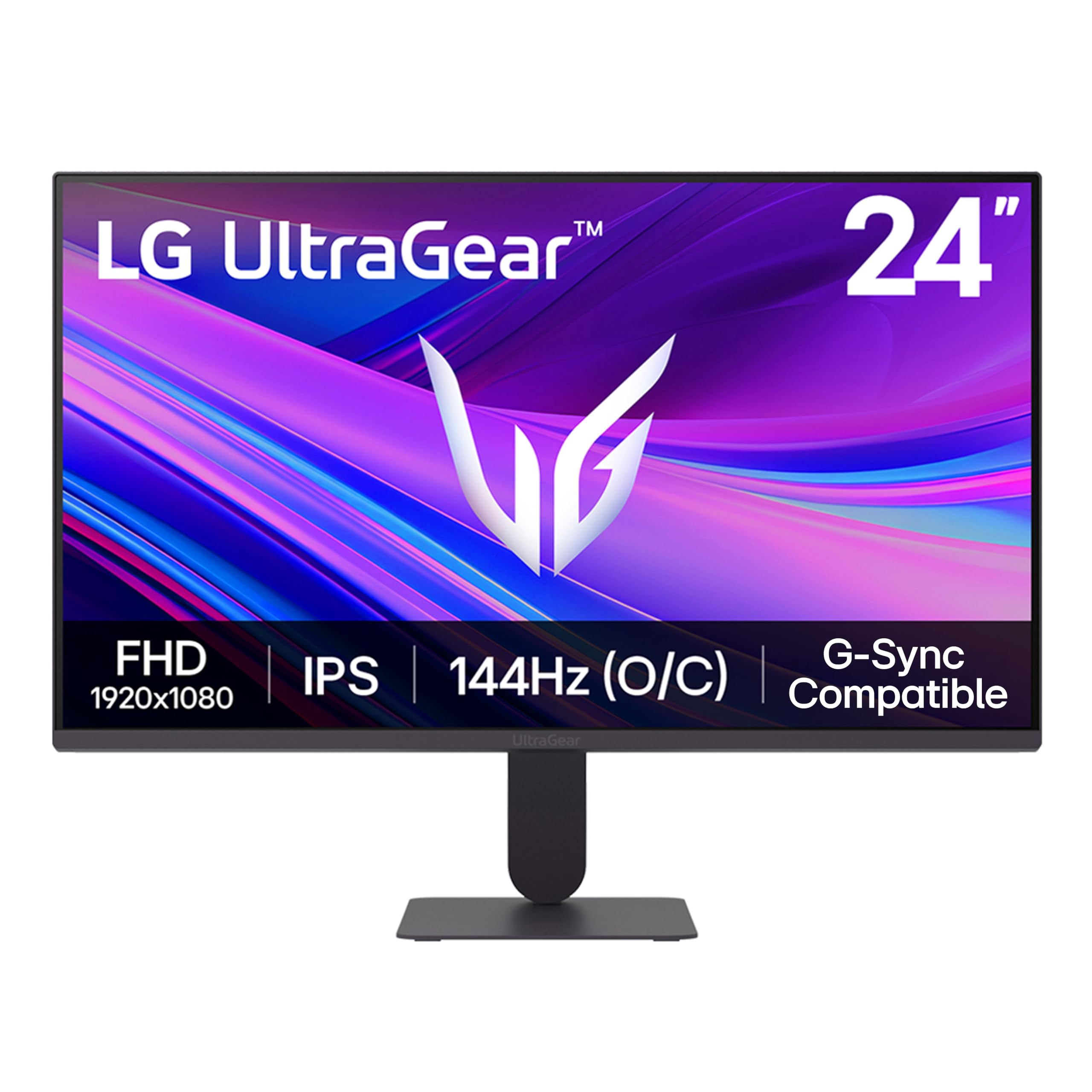
The perfect entry point into high-refresh gaming — 144Hz, IPS color, and G-Sync/FreeSync for under.
Not everyone needs 280Hz. The LG 24G411A-B proves that with a 120Hz native (144Hz overclock) refresh rate and an IPS panel delivering up to 99% sRGB color coverage, you get a massive upgrade over a standard 60Hz monitor for a fraction of the price. The 1ms MBR keeps motion clean.
It is both G-Sync Compatible and FreeSync certified, so it works perfectly with any modern graphics card. LG’s gaming features like Dynamic Action Sync, Black Stabilizer, and Crosshair are all included. The slim stand and ultra-slim bezel give it a clean, almost weightless look that reviewers compliment. The Switch app lets you split the screen into up to 6 sections for multitasking.
The 144Hz overclock is lower than the 300Hz of the SANSUI above — you trade top-end speed for significantly lower cost and excellent color. For casual and mid-level competitive gaming, this is the smart value choice.
Why Choose This
- 99% sRGB IPS panel delivers vivid, accurate colors
- G-Sync Compatible + FreeSync for any GPU
- Switch app enables flexible multi-window layouts
Know This
- 144Hz is lower than the 240Hz+ competitors
- 1ms MBR, not GTG; some may see minor blur at extreme speeds
Made for: First-time high-refresh buyers who want excellent color performance while staying affordable.
skip it if: You compete at a high level in fast-twitch shooters where every Hz counts.
Understanding the Specs
Refresh Rate (Hz)
Refresh rate is the number of times your monitor redraws the image every second. A 60Hz monitor updates 60 times per second. For gaming, 144Hz is the starting point for smooth motion, while 240Hz and 300Hz give esports players a tangible advantage — they see enemy movement and aim more smoothly between frames, which translates to faster reaction time. The difference from 60Hz to 144Hz is dramatic; from 144Hz to 240Hz it’s a refinement for the sharpest eyes.
To actually see the benefit, your graphics card must be able to output frames at the same rate. A monitor’s 300Hz refresh rate is wasted if your GPU can only push 100 fps in your favorite game.
Response Time (GTG vs MPRT)
Response time measures how quickly a pixel can change from one color to another. GTG (Gray-to-Gray) is the most common spec — lower numbers mean less ghosting and blur behind fast-moving objects. 1ms GTG is excellent, while 0.3ms GTG (found on the ASUS TUF monitors) is elite. MPRT (Moving Picture Response Time) is a different measurement that includes the full pixel transition time, often resulting in a higher number like 1ms MPRT vs 0.3ms GTG. Both aim to reduce the blur your eye perceives in motion.
For competitive shooters, anything at or under 1ms (GTG or MPRT) will handle fast action cleanly. For casual play, 4-5ms is still fine, but most gaming monitors now target 1ms as the standard.
FAQ
Do I need 240Hz or 300Hz for console gaming?
What is the difference between IPS, VA, and TN panels?
Can I use a 1080p gaming monitor for work and productivity?
What does FreeSync Premium do differently from standard FreeSync?
Is the 1ms response time spec always accurate?
Will a 1080p monitor look blurry on a 27-inch screen?
What is HDR10 and does it matter on a budget monitor?
Can I use a DisplayPort 1.2 cable with a 300Hz monitor?
What is the ZeroFrame or near-bezel-less design good for?
How important is VESA mount compatibility?
Final Thoughts: The Verdict
Across the board, the 1920×1080 gaming monitor winner is the ASUS TUF Gaming VG259QM5A because it pairs an elite 0.3ms GTG response time with 240Hz refresh and 99% sRGB color in a package built for competitive play. If you want deep contrast and a curved screen for rich single-player games, grab the Acer Nitro XZ270. And for the best entry-level value with excellent IPS color, the standout is the LG 24G411A-B.
How We Picked
We do not accept paid placement. Every pick is matched to a real buyer and a real use-case; we do not hands-on test units.
Sources & Methodology
Specifications: manufacturer listings and product documentation. Review insights: verified customer reviews, as of July 2026. Pricing: not shown on this page (it changes often); check the current price via the retailer link.
As an Amazon Associate, Gadgets Feed earns from qualifying purchases. This does not affect which products we feature.