
Our readers keep the lights on and my morning glass full of iced black tea. As an Amazon Associate, I earn from qualifying purchases.
Specs are compiled from manufacturer listings and verified buyer reviews and can change over time — please confirm the key details on the product page before buying.
Buying the right monitor for your new setup depends on one thing: finding that perfect balance between jaw-dropping picture quality and blistering speed for gaming or creative work. A 32-inch curved OLED gives you inky blacks and vibrant colors that make every game or movie pop, while the curve wraps the screen around your field of view for deeper immersion. This guide breaks down the top models, cutting through the marketing hype to focus on the specs and real performance that actually matter.
I’m Min — the founder and writer behind Gadgets Feed. This guide is built by comparing the manufacturers’ published specifications and the patterns across verified customer reviews, so you get each pick’s real strengths and trade-offs instead of marketing spin.
Whether you are upgrading your gaming rig or building a new desk setup for creative work, finding the perfect 32 inch curved oled monitor means balancing resolution, refresh rate, and burn-in prevention features that fit your budget and usage habits.
Our Picks at a Glance


How To Choose The Best 32 Inch Curved OLED Monitor
Choosing a 32-inch curved OLED monitor means balancing resolution, refresh rate, panel type, and burn-in prevention features.
Refresh Rate: How Smooth Does It Need To Be?
Refresh rate, measured in hertz (Hz), tells you how many times the screen updates with a new image each second. Higher refresh rates (e.g., 240Hz) make fast-paced motion appear smoother and less blurry. For fast-paced shooters or racing games, 240Hz is a massive step up from a standard 60Hz or 165Hz monitor, giving you a clear competitive edge. If you play slower single-player games or do more creative work, a 165Hz screen still looks very fluid and saves you some money.
Burn-In Prevention: How to Keep Your OLED Looking New
OLED screens deliver deep contrast but risk burn-in from static images like taskbars or HUDs. Top models use custom heatsinks, graphene film, or pulsating heat pipes to reduce heat and prevent burn-in. Look for features like “OLED Care” software, pixel refresh cycles, and screen savers that automatically dim the display after a few minutes of inactivity.
Deal with Glare: Matte vs Glossy Screens
Choose between matte screens (reduce reflections) and glossy screens (deeper colors and blacks). For bright rooms or window-side desks, a matte or glare-free coating minimizes reflections. If you can control your lighting, a glossy TrueBlack panel looks incredibly vibrant.
Quick Comparison
| Model | Best For | Refresh Rate | Panel Type | Color Gamut | Amazon |
|---|---|---|---|---|---|
| ASUS PG32UCDM★ Best Overall | Best Overall 4K Gaming | 240Hz | QD-OLED | 100% DCI-P3 | Amazon |
| Samsung Odyssey G8 (G80SD)Smart & Glare-Free | Smart Features & Glare-Free | 240Hz | QD-OLED | 99% DCI-P3 | Amazon |
| Samsung Odyssey G8 (G81SF) | Competitive Gaming & RGB | 240Hz | QD-OLED | 99% DCI-P3 | Amazon |
| Acer Predator X32 | Budget 4K Gaming | 240Hz | QD-OLED | 99% DCI-P3 | Amazon |
| MSI MAG 321CUP | Entry-Level Value | 165Hz | QD-OLED | 99% DCI-P3 | Amazon |
In‑Depth Reviews
1. ASUS ROG Swift 32” 4K OLED Gaming Monitor (PG32UCDM)
Our pick — over 4.5★ from 550+ verified ratings; the strongest balance of quality and price.
The complete package that leaves almost nothing to wish for.
The ASUS PG32UCDM is the top contender because it nails every major spec for a premium gaming setup. You get a crisp 4K QD-OLED panel (3840 x 2160) with a fast 240Hz refresh rate and a near-instant 0.03ms response time (GtG). This combination means you see every detail in your game world, and motion stays incredibly sharp with almost no blur. This model also boasts a full 100% DCI-P3 color gamut and a Delta E < 2 color difference, meaning colors are both vibrant and accurate right from the start. Buyers report that the custom heatsink and graphene film work well to manage heat, providing confidence against burn-in over the long run.
Unlike the Samsung Odyssey G8 (G80SD), which has a contrast ratio of 1,000,000:1, the ASUS delivers a deeper 1,500,000:1 contrast ratio. This makes blacks look truly infinite and gives images a lot of pop. The monitor also includes a 5-year warranty (3 years plus 2 years with online registration), which is a strong sign of confidence in its build quality.
Peak Performance Pick: This is the monitor to get if you want a no-compromise 4K 240Hz experience with top-tier color accuracy and burn-in protection. The main trade-off is the premium price, which puts it at the higher end of the market.
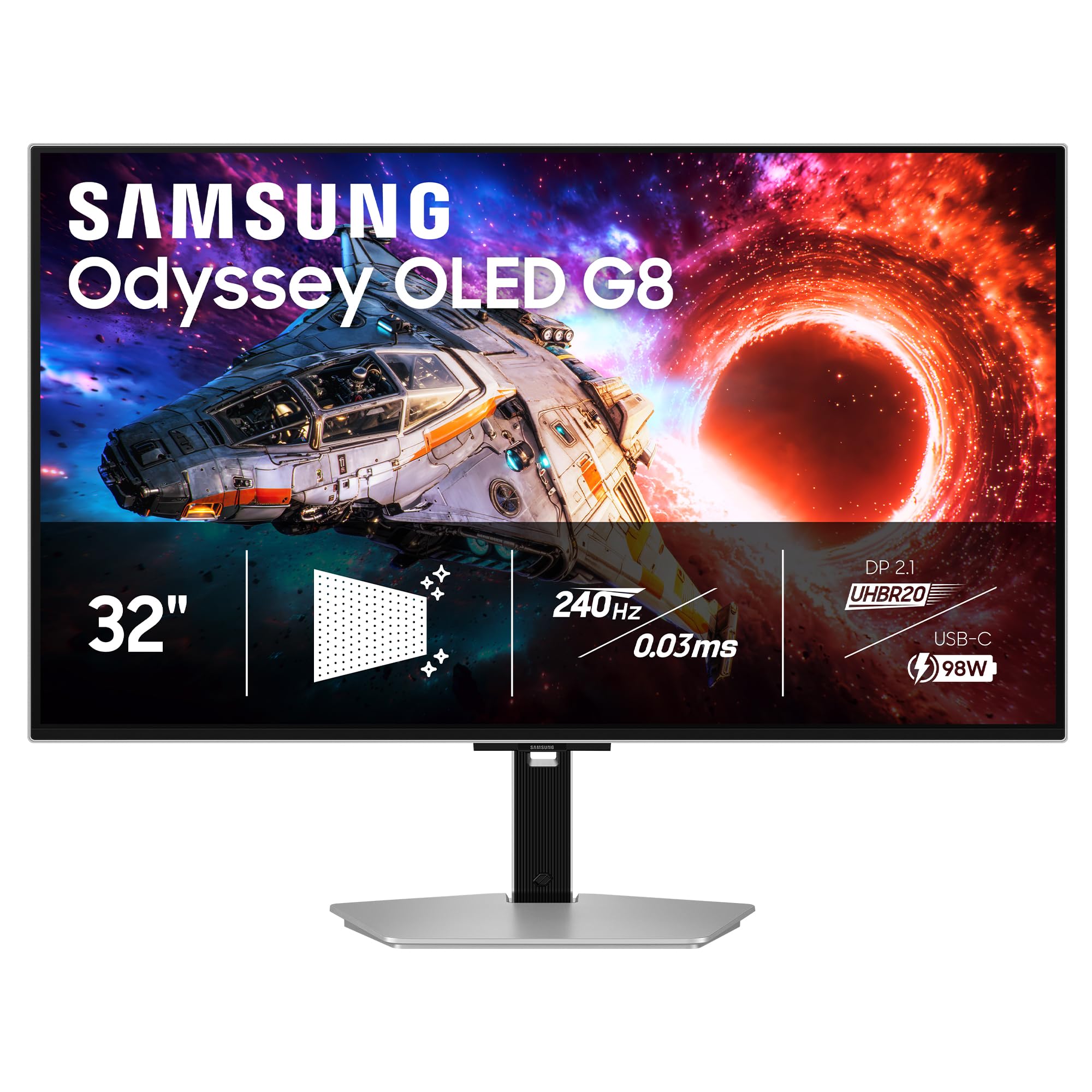
2. Samsung 32″ Odyssey OLED G8 (G80SH) Gaming Monitor
A premium QD-OLED built for future-proof connectivity and clarity.
The Samsung G80SH steps up with advanced connectivity that other monitors lack. It features a DisplayPort 2.1 port and a USB-C port stunning 4K resolution with a 240Hz refresh rate for rich single-player games, or switch to a faster Full HD (FHD) resolution at 480Hz for competitive shooters where every millisecond counts. This gives you the best of both worlds in one monitor. It also features a new AI Assistant with dynamic functions like AI Crosshair and AI Sniper to give you a learning curve in supported games.
It covers a full 99% DCI-P3 color gamut and is certified for VESA DisplayHDR 400 True Black. The monitor also includes a built-in ROG-exclusive OLED Anti-flicker technology to smooth out refresh-rate changes. Reviewers appreciate the DisplayWidget Center software which makes it easy to adjust OLED Care settings and other controls with a mouse instead of fiddling with buttons on the monitor.
Winning Features
- Dual Mode: 4K at 240Hz or FHD at a blazing 480Hz
- Full 99% DCI-P3 color gamut with True Black 400
- AI Assistant features for improved gaming performance
Trade-Off
- Uses a WOLED panel instead of QD-OLED, which some may prefer for color volume
- Premium pricing for a niche dual-mode feature set
3. Samsung 32″ Odyssey OLED G8 (G80SD) Series 4K UHD Smart Gaming Monitor
A QD-OLED monitor that works as a standalone smart TV for streaming.
The Samsung G80SD is different because it doubles as a smart monitor. It runs Samsung’s Tizen OS, which gives you instant access to streaming apps like Netflix, YouTube, and Samsung TV Plus directly on the monitor without needing a PC. This makes it a brilliant choice for a desk that also serves as a media center. The 4K QD-OLED panel delivers a wide color gamut (99% DCI-P3) and a 1,000,000:1 contrast ratio for deep blacks. A unique Dynamic Cooling System uses a pulsating heat pipe for the first time to manage heat and prevent burn-in.
It also features a powerful NQ8 AI Gen3 Processor that upscales lower-resolution content to nearly 4K quality. The glare-free technology is excellent at reducing reflections, making it usable in brighter rooms where a glossy screen might struggle.
Best For
- Built-in smart TV interface for streaming without a PC
- NQ8 AI Gen3 Processor for upscaling content
- Effective Glare Free technology for bright rooms
Watch Out For
- Contrast ratio of 1,000,000:1 is lower than some competitors
- Price is high for a monitor that blurs the line with a TV
4. ASUS ROG Strix 32” 4K OLED Gaming Monitor (XG32UCWG)

A 3rd-gen QD-OLED that feels premium while staying affordable.
The MSI MPG 321CURX packs many high-end features into a more price-conscious package. It uses a 3rd-Gen QD-OLED panel that offers a 240Hz refresh rate and a 0.03ms response time, making it a direct competitor to the more expensive ASUS models. It supports VESA DisplayHDR True Black 400 and covers 98% DCI-P3 with a Delta E ≤ 2 color difference for solid color accuracy. A standout feature is the USB-C port that delivers 98W of Power Delivery (PD), which is enough to charge a high-performance laptop.
It also includes MSI OLED Care 2.0, which reduces the risk of image sticking or burn-in, and a Gaming Intelligence App for creating custom viewing settings. It offers HDMI 2.1 with full 48 Gbps bandwidth for consoles. This monitor is a strong value pick for those who want a full-featured 4K 240Hz QD-OLED without all the extras.
Excellent Value
- 3rd-Gen QD-OLED with 240Hz refresh rate
- USB-C port with 98W Power Delivery
- MSI OLED Care 2.0 for burn-in prevention
Considerations
- Color gamut is 98% DCI-P3, slightly less than the 100% of some rivals
- Lacks the premium stand features of some ASUS models
5. Samsung 32″ Odyssey OLED G7 (G73SH) Gaming Monitor
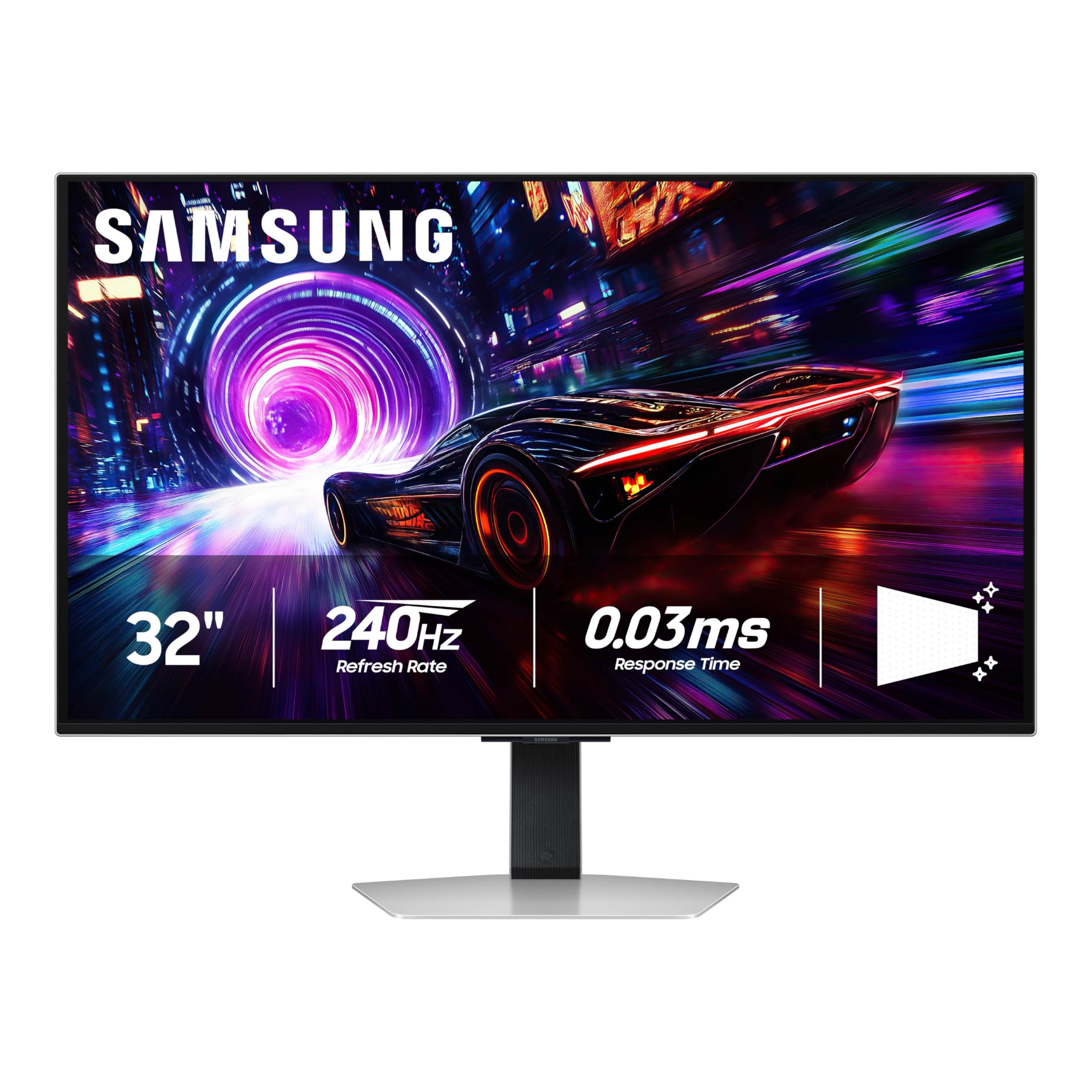
A 240Hz QD-OLED with rich RGB lighting that reacts to your games.
The Samsung G81SF model shares the same core QD-OLED panel and 240Hz refresh rate as the G80 series but adds a fun twist: CoreSync and CoreLighting+ technology. These features project the colors from your game onto the back of the monitor and into the room using 16.7 million colors, creating a more rich ambient lighting setup. It is a great pick for gamers who want a full RGB ecosystem. The monitor also features Glare Free technology that is 54% less glossy than conventional anti-reflection film.
It packs a Dynamic Cooling System with a Pulsating Heat Pipe and a Thermal Modulation System to prevent burn-in. It supports G-Sync Compatibility and AMD FreeSync Premium Pro for smooth gameplay. The stand is ergonomic, allowing you to tilt and adjust the height to your liking. One reviewer noted that the color accuracy is fantastic right from the start, with deep blacks that make games look spectacular.
Ambient Edge
- CoreSync and CoreLighting+ for RGB immersion
- Glare Free screen with 54% less gloss
- 240Hz QD-OLED at a competitive price point
Trade-Off
- Contrast ratio is 1,000,000:1, which is standard for the category
- Lacks the smart TV features found on the G80SD model
6. Acer Predator X32 | 31.5″ UHD 3840 x 2160 Quantum Dot OLED 1700R Curved Gaming Monitor
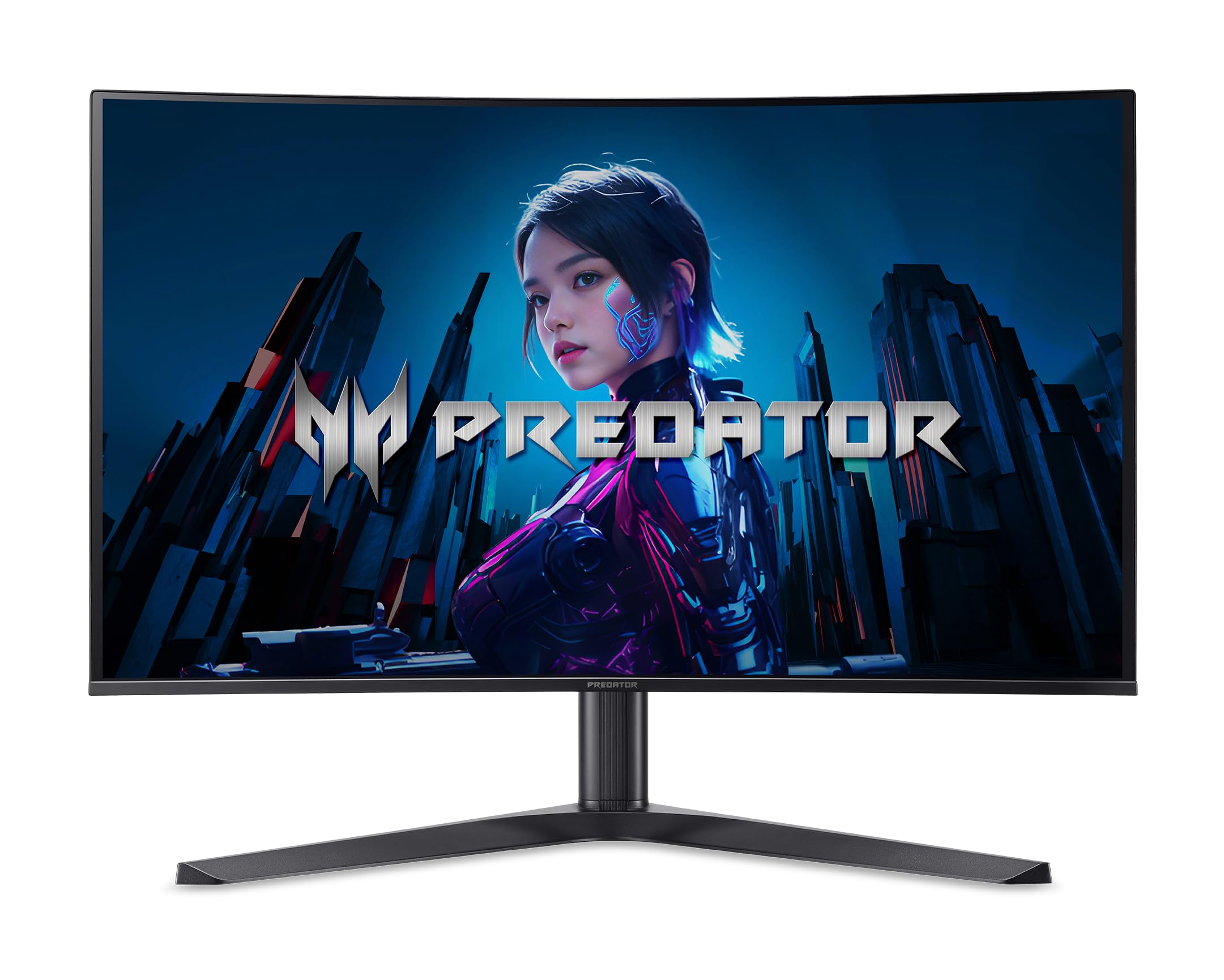
A more accessible entry point into 4K 240Hz OLED gaming without the premium markup.
The Acer Predator X32 is an excellent budget-friendly option if you want the core OLED experience. It packs a 31.5-inch UHD (3840 x 2160) QD-OLED display with a 1700R curvature and a 240Hz refresh rate with a 0.03ms response time. The 1700R curve is more pronounced than the standard 1800R, providing a more rich, wrap-around feel. It supports AMD FreeSync Premium and a 99% DCI-P3 color gamut.
For HDR, it is certified for VESA DisplayHDR True Black 400. It comes with a sturdy set of connectivity options, including USB Type-C with power delivery, along with 2 x DP 1.4 and 2 x HDMI 2.1 ports. The monitor also features an ergonomic stand with tilt, swivel, and height adjustments to dial in your perfect sitting position.
Why It’s a Great Deal
- 4K 240Hz QD-OLED at a significantly lower price
- 1700R curve for enhanced immersion
- Full ergonomic stand with all adjustments
The Downside
- Contrast ratio is listed as “VERY_HIGH” with no exact number
- May lack the premium build materials and brand cachet of ASUS or Samsung
7. MSI MAG 321CUP QD-OLED, 32-Inch, 4K UHD, OLED Monitor

The most affordable way to get a true QD-OLED panel with a 1700R curve.
The MSI MAG 321CUP is the true entry-level champion of this list. While the Samsung Odyssey G8 (G81SF) leads on refresh rate with 240Hz, this MSI model steps down slightly to 165Hz, but keeps the core QD-OLED image quality that makes OLED special. It features a 32-inch 4K UHD panel with a 10-bit color depth, covering 99% DCI-P3 with a native contrast ratio of 1,500,000:1. This means blacks are deep and colors are rich, just like on its more expensive siblings. The 165Hz refresh rate is still a huge upgrade from a standard 60Hz monitor, making games feel much smoother.
The monitor also includes an elite graphene heatsink (fanless) to enhance panel durability and prevent burn-in. It supports MSI Gaming Intelligence (GI) software with OLED Care 2.0 and Smart Crosshair. Connectivity is strong with DisplayPort 1.4a and HDMI 2.1 CEC ports that support UHD at 165Hz, plus USB Type-C with 15W Power Delivery.
Best For Budget Builders
- Lowest price of any QD-OLED in this lineup
- 1,500,000:1 contrast ratio for deep blacks
- Graphene heatsink for fanless burn-in protection
Limitations
- 165Hz refresh rate, which is 75Hz lower than the 240Hz on many competitors
- USB-C only delivers 15W PD, not enough for most laptops
Understanding the Specs
OLED Panel Types: QD-OLED vs. WOLED
You will mainly see two types of OLED panels in these monitors. QD-OLED (Quantum Dot OLED) uses a blue OLED layer with a quantum dot color filter to create colors, often resulting in a wider color gamut and higher brightness for HDR content. WOLED (White OLED) uses a white OLED layer with a color filter, generally offering better black levels and a more uniform brightness across the screen. Both produce excellent results, but QD-OLED is often preferred for vibrant HDR gaming, while WOLED is favored for color-critical work.
Refresh Rate (Hz) and Response Time (ms)
Refresh rate, measured in hertz (Hz), tells you how many times per second the monitor can draw a new image. A 240Hz monitor draws 240 frames per second, making motion appear very smooth. Response time, often listed as 0.03ms GtG (Grey-to-Grey), measures how fast a pixel can change from one shade to another. A lower response time reduces motion blur and ghosting in fast-moving scenes. For competitive gaming, a higher refresh rate and lower response time are critical advantages.
FAQ
What is the best resolution for a 32-inch curved OLED monitor?
Will a 32-inch curved OLED monitor fit on my desk?
How long does an OLED monitor last before burn-in?
Do I need G-Sync or FreeSync for an OLED monitor?
Is a 165Hz refresh rate enough for gaming on a 32-inch OLED?
What is the difference between VESA DisplayHDR 400 True Black and HDR10+?
Can I use a 32-inch OLED monitor for coding and productivity work?
What is the 1700R curvature on an OLED monitor?
Do I need a special HDMI cable for 4K 240Hz on an OLED monitor?
Final Thoughts: The Verdict
Across the board, the 32 inch curved oled monitor winner is the ASUS ROG Swift PG32UCDM because it perfectly balances a 240Hz refresh rate, a stunning QD-OLED panel with 100% DCI-P3 color, and excellent burn-in protection with a custom heatsink. If you want future-proof connectivity for a modern PC, grab the Samsung Odyssey OLED G8 (G80SH) with its DisplayPort 2.1 and 96W USB-C charging. And for the best value that still nails the core OLED experience, the standout is the MSI MAG 321CUP QD-OLED.
How We Picked
We do not accept paid placement. Every pick is matched to a real buyer and a real use-case; we do not hands-on test units.
Sources & Methodology
Specifications: manufacturer listings and product documentation. Review insights: verified customer reviews, as of July 2026. Pricing: not shown on this page (it changes often); check the current price via the retailer link.
As an Amazon Associate, Gadgets Feed earns from qualifying purchases. This does not affect which products we feature.