
Our readers keep the lights on and my morning glass full of iced black tea. As an Amazon Associate, I earn from qualifying purchases.
Specs are compiled from manufacturer listings and verified buyer reviews and can change over time — please confirm the key details on the product page before buying.
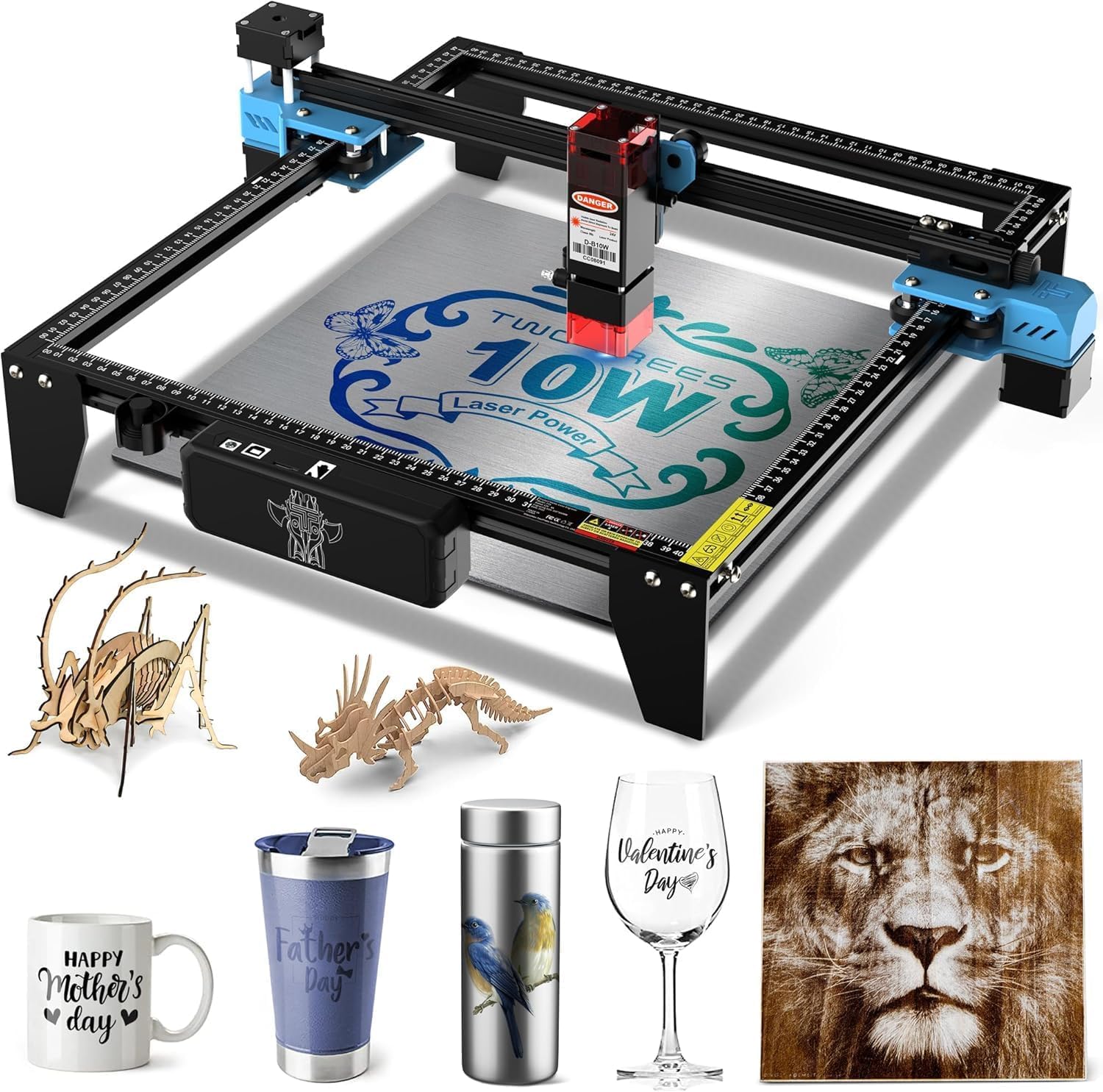
You want a budget laser engraver that burns clean lines without burning through your patience or your wallet. The biggest headache isn’t the laser itself — it’s the smoke, the software, and deciphering cryptic instructions while your first piece of wood comes out looking like a charcoal sketch gone wrong. This guide looks at five real contenders that promise precision without the premium price tag. The crowd favorite — with more than 600 owners rating it 4.4 stars — is the Twotrees TTS-10 Pro, and for good reason.
I’m Min — the founder and writer behind Gadgets Feed. This guide is built by comparing the manufacturers’ published specifications and the patterns across verified customer reviews, so you get each pick’s real strengths and trade-offs instead of marketing spin.
The right budget laser engraver depends on picking a lane: speed, work area, or the ease of a fully enclosed safety machine. This breakdown hands you the data to decide which lane is yours.
Our Picks at a Glance

How To Choose The Best Budget Laser Engraver
Picking a budget-friendly laser engraver means balancing power, work area, safety, and software ease. You don’t need to spend big to get clean burns, but you do need to know where each compromise lives. Here is what matters most.
Laser Power: 5W vs 10W
Laser power, measured in watts (W), dictates whether the beam cuts through wood or simply darkens the surface. A 5W machine marks leather and wood nicely. If you plan to cut small coasters or keychains from plywood, aim for a 10W model. If your focus is engraving on pre-cut blanks and leather, a 5W unit saves money while handling that work well.
Work Area: 100x100mm vs 400x400mm
The engraving area determines the maximum size of your workpiece. A compact 100x100mm space handles phone cases and dog tags, while a 400x400mm bed lets you tackle larger signs or cutting projects without repositioning the material. Measure your typical project before buying — a small work area can be a real limitation if your ambitions are bigger than a coaster.
Safety and Fumes
All diode lasers produce smoke and need ventilation. Some budget models are open-frame, which gives the best visibility but demands that you wear goggles and work in a well-ventilated room or garage. A few machines come with a Class 1 enclosed design that blocks 99% of laser light so you can skip the goggles and still be safe. Think about where you will use the engraver — a closed lid is a huge advantage if you plan to keep it on a desk in your house.
Quick Comparison
| Model | Best For | Laser Power | Engraving Area | Engraving Speed | Amazon |
|---|---|---|---|---|---|
| Twotrees TTS-10 Pro★ Best Overall | Speed & large work area | 10000mW (10W) | 300 x 300 mm | 30000 mm/min | Amazon |
| Creality Falcon 10WTop Performer | Beginner ease & bundled accessories | 10W | 400 x 415 mm | 10000 mm/min | Amazon |
| Longer RAY5 (5W) | Touch screen & WiFi control | 5W (5000mW) | 400 x 400 mm | 24000 mm/min | Amazon |
| Mecpow M1 Mini 5W | Safety & portability | 5W | 100 x 100 mm | 10000 mm/min | Amazon |
| Longer Ray5 (5W) | Large format & safety features | 5W (5000mW) | 400 x 400 mm | 24000 mm/min | Amazon |
In‑Depth Reviews
1. Twotrees TTS-10 Pro Laser Engraver
Our pick — over 4★ from 698 ratings; the strongest balance of quality and price.
A 10W workhorse that blazes through jobs.
You get a fast engraving speed of 30000mm/min with this machine, versus the Mecpow M1 Mini, which runs at 10000mm/min. That speed difference matters when you are running a batch of custom coasters or signs. The 10000mW (10W) laser handles wood, bamboo, acrylic, leather, dark glass, and coated metal straight from the start. You do not need to treat bare steel unless you add marking spray, which the listing is upfront about. The work area measures 300x300mm, a middle ground that fits most small projects without taking over your entire desk.
The full metal frame uses dual Y-axis 42 stepper motors and GT2-6mm belts to keep the carriage steady at high speed. The 32-bit dual-core mainboard lets you engrave from a TF card (a small memory card), a mobile app, or a computer’s web browser. Buyers report: “Great for burning letters onto pine; not tested for cutting.” That honest note is typical — owners praise the functionality and quality control, with 32 positive comments on functionality alone. The catch is the documentation, described by several owners as lacking detail, meaning you will spend extra time on assembly and initial setup.
What owners love
- Swift 30000mm/min speed saves real time on larger engraving runs
- 10W optical power cuts and engraves a wide variety of materials
- Full metal frame and dual Y-axis motors provide reliable, stable motion
- Multiple connection methods including offline TF card and app control
What to watch for
- Instructions are sparse, making assembly a trial-and-error process for some
- Bare stainless steel requires extra surface preparation or marking spray
- USB cable is short and the open frame needs a dedicated ventilation setup
Your best bet if: you want the fastest engraver in this price range and are comfortable tinkering through assembly and software setup.
Think twice if: you need a fully enclosed machine or want plug-and-play simplicity immediately.
2. Creality Falcon 10W Laser Engraver
A near-perfect beginner bundle with a huge 400x415mm bed and a sharp 10W beam.
You get a larger work area with the Creality Falcon — 400x415mm — that the Twotrees lacks, so you can engrave bigger wooden signs or cut larger acrylic pieces without repositioning. Its 10W laser delivers the same 0.06mm precision spot (the focused beam diameter) as its peers. According to the data, a single pass cuts through 1.5-6mm basswood. The machine is 99% pre-assembled, so your first project can start as quickly as 15 minutes after opening the box. It also works with over 200 types of materials, from leather and fabrics to acrylic and metals.
Owners praise its quality and ease of use heavily — 33 positive comments on quality and 31 on ease of use. The Falcon includes a free Design Space software that many beginners find very user-friendly. A buyer review summed it up: “Its just so easy to learn and use, this should be your first laser buy.” The main trade-offs are the instruction booklet, which several owners call terrible, and the fact that the included green glasses are considered unsafe by some users, who recommend replacing them with ANSI/EN 207-rated orange or red goggles.
Where it shines: The biggest work area in its class at this price, very beginner-friendly assembly, and a capable 10W laser that cuts and engraves a broad range of materials.
One honest caveat: The instructions are weak, and you should budget for proper safety glasses to replace the included ones.
Reach for this one if: you are a beginner who wants a big canvas, minimal assembly, and the freedom to use free software right away.
Look elsewhere if: you want the fastest engraving speed or a fully enclosed design.
3. Mecpow M1 Mini 5W Laser Engraver
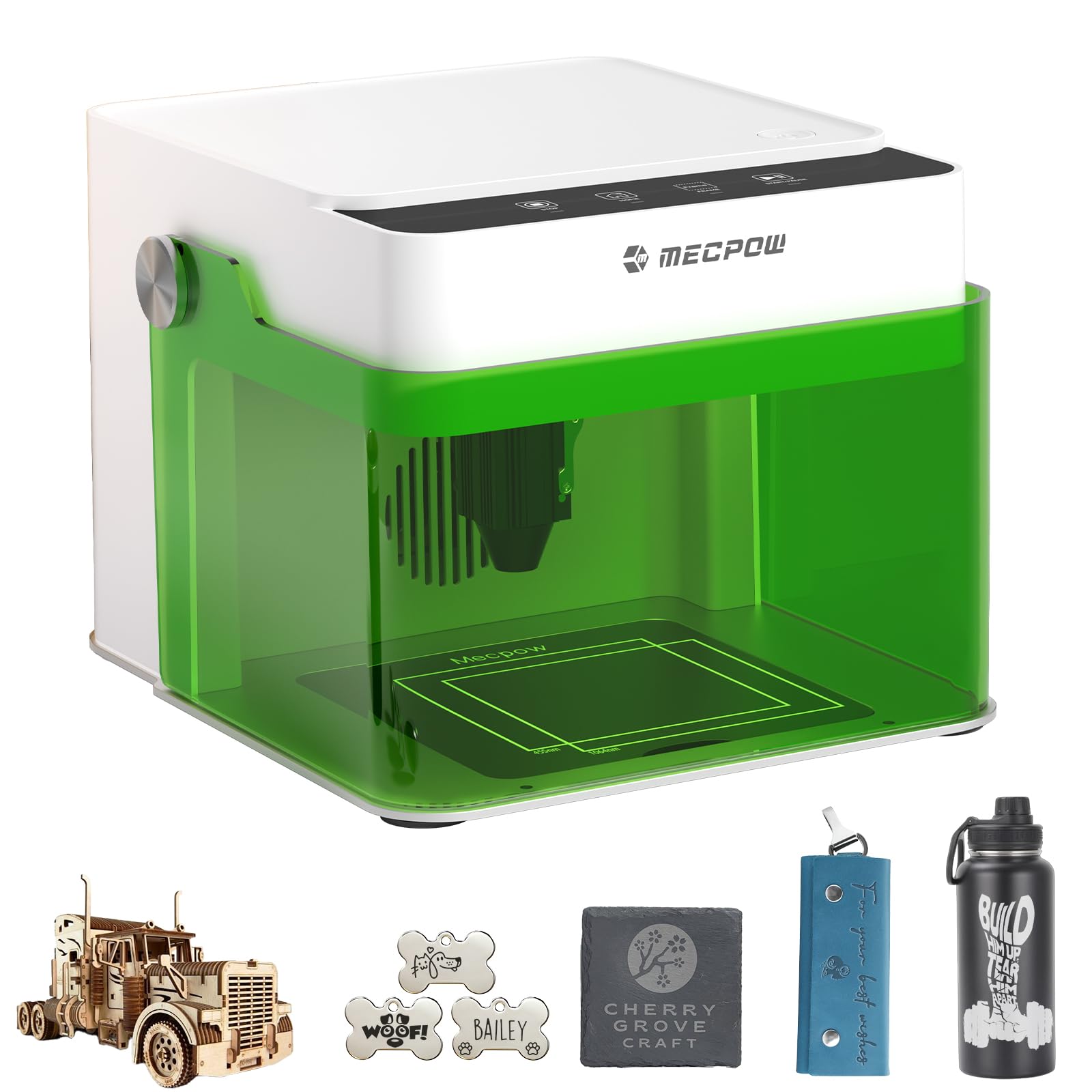
A fully enclosed machine that lets you skip goggles and keep the smoke inside.
The standout feature here is the Class 1 safety certification (a standard meaning the enclosed design blocks 99% of laser light). The M1 Mini has a closed lid that filters 99% of laser light and stops the laser the instant you open it. You don’t need extra eyewear. This makes it ideal for a home office or a bedroom workshop where safety and fumes are the top concern. The 5W laser and small 100x100mm work area limit it to smaller engraving tasks — phone cases, dog tags, small coasters — but the 0.1mm precision delivers clean details. Buyers rate it 4.3 stars across 263 reviews. They praise its functionality (17 positive mentions) and assembly ease (13 positive mentions), with one owner calling it a “great value for the money.”
On the speed side, the M1 Mini runs at 10000 mm/min, while the Twotrees TTS-10 Pro runs at 30000 mm/min. The engraving area of 100x100mm is smaller than the Twotrees TTS-10 Pro’s 300x300mm. That means you cannot do larger signs in one go. The machine comes pre-assembled and ready to go in about five minutes, controlled via four intuitive buttons or through a USB/WiFi connection. The infrared module (for marking metals) and rotary roller (for cylindrical items like bottles) are optional add-ons.
Perfect for: anyone who wants a safe, compact, and portable engraver that is ready in minutes and works well with LightBurn.
Trade-off to know: The 5W power and small 100x100mm bed mean you are limited to smaller projects, and the speed is lower than other options in this guide.
Your machine if: safety and portability matter most and your projects are small enough for a 4×4 inch area.
skip it if: you plan to cut larger pieces or need higher engraving speed for production work.
4. Longer RAY5 5W Laser Engraver
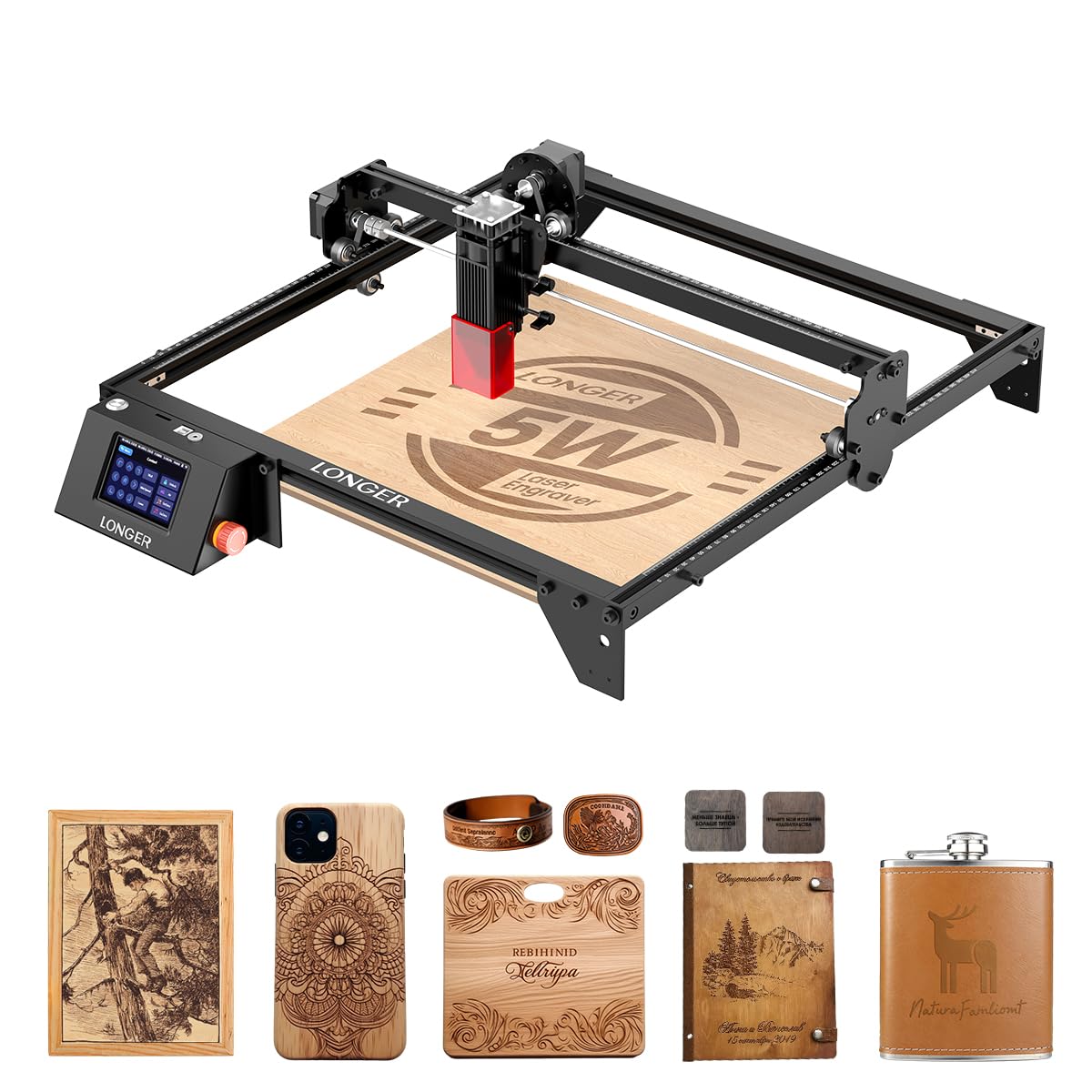
A smart 5W machine with a 3.5-inch color touch screen and a 400x400mm work area.
You get a generous 400x400mm work area with the Longer RAY5 — versus the Mecpow M1 Mini’s 100x100mm — for larger projects like wooden signs or custom leather goods. Its built-in 3.5-inch color touch screen lets you check progress and adjust speed right on the machine, which is a convenience the other picks here lack. The 5W laser delivers 0.08×0.08mm spot size with engraving accuracy to 0.01mm, and the processing speed reaches 24000mm/min. It also supports USB, TF card, WiFi, and app control for offline use. The 240MHz ESP32 chipset (a common processor for WiFi-enabled gadgets) handles complex designs faster than the 8-bit chips found in some entry-level machines.
The reviews highlight easy assembly (10 positive mentions) and good functionality (10 mentions). The summary from Amazon’s own data notes that the gantry (the horizontal beam that holds the laser head) comes pre-assembled, so you skip a tricky step. However, several buyers mention a specific glitch: the laser head moving out of bounds when using LightBurn, requiring manual repositioning and the “frame” button. The stability aspect gets a NEGATIVE rating with 5 mentions, so expect to spend some time fine-tuning settings. The pair of earrings one owner made on their first try shows the potential, but you will want to budget time for trial and error on your initial projects.
Where it wins
- Large 400x400mm work area for bigger signs and cutting projects
- Smart 3.5-inch color touch screen for machine control without a computer
- WiFi, app, and offline TF card connectivity for flexible use
- Easy assembly with a pre-assembled gantry from the start
What to be ready for
- Some owners mention the laser head moves out of bounds in LightBurn, needing manual correction
- Not a 10W laser — it marks and engraves well but cutting thicker wood takes more passes
- LightBurn setup may require extra tinkering with settings for consistent burns
Reach for this if: you want a large engraving area and the convenience of a built-in touch screen, and you are comfortable tweaking software settings.
Think twice if: you need a 10W laser for serious cutting work or want a machine that works perfectly with LightBurn right away.
5. Longer Ray5 5W Laser Engraver (Updated)
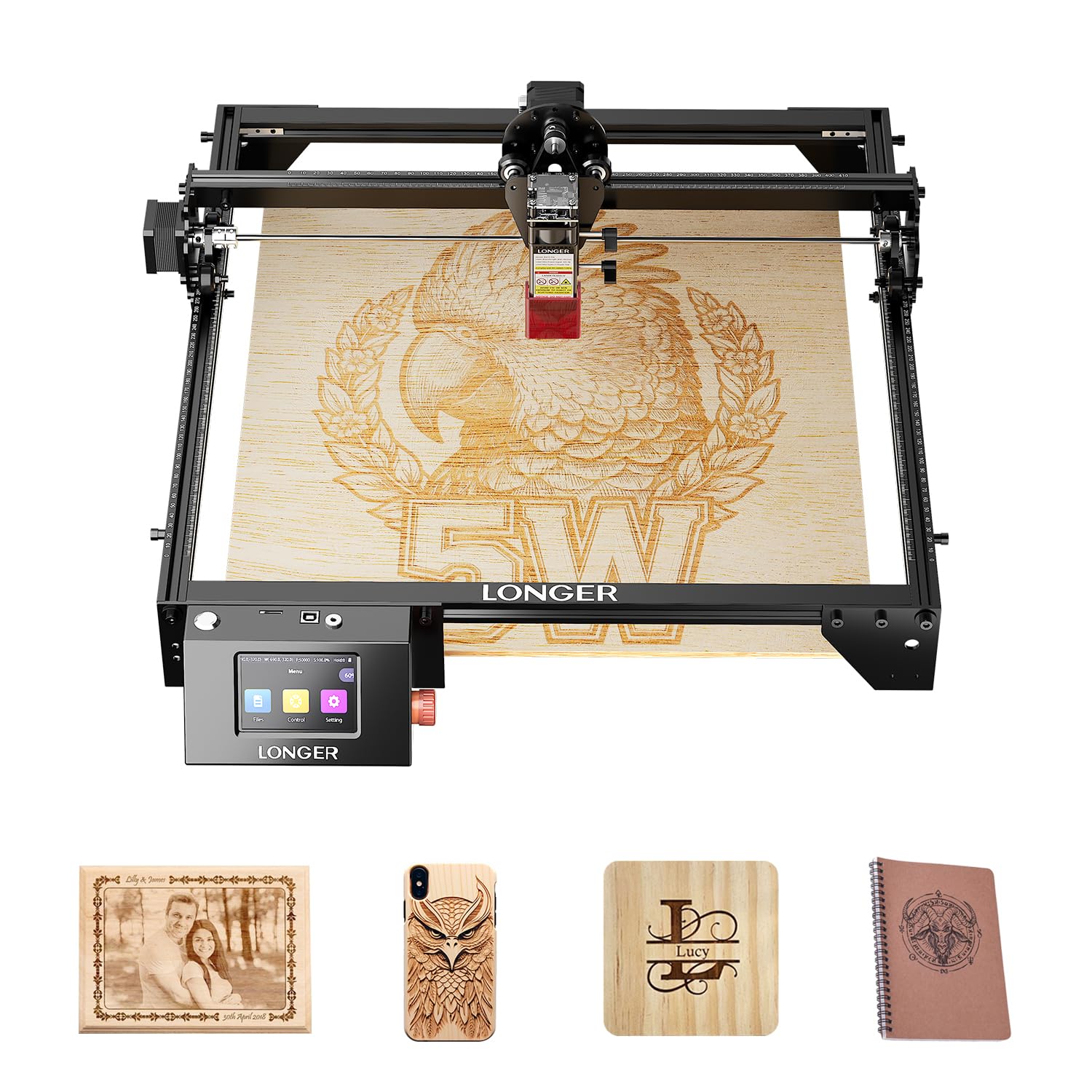
A newer 5W model with a generous work area and built-in safety sensors for confidence.
This is an updated version of the Longer Ray5, sharing the same 5W (5000mW) power and a generous 400x400mm work area, but with a focus on safety features. It comes with emergency stop, motion protection (shuts down if the machine shakes abnormally), and overheat detection. The 240MHz ESP32 chipset pushes the engraving speed to 24000mm/min, and the laser spot size is tight at 0.08×0.08mm with 0.01mm accuracy. It supports stainless steel, leather, wood, glass, and acrylic — but buyer feedback notes it is not as large as expected, so measure the 24.5 x 12 x 5-inch footprint before clearing a spot.
With only 47 ratings (all five-star), it is the least-reviewed pick here, so the long-term picture is less certain. Buyers who have received it call it “great quality” and “durable.” The data shows positive language about fast shipping and satisfaction with the price. The main downside is the novelty of the product — it was first available in November 2025 — so there is less community knowledge and fewer troubleshooting guides online compared to the more established models above.
Where it stands out: The combination of a large 400x400mm work area, strong safety features (motion protection and overheat detection), and a competitive 24000mm/min speed make it a solid modern choice.
The honest catch: Very few reviews mean you are buying based on specs alone, and the footprint is bigger than the box suggests.
Your pick if: you want the largest possible 5W work area with the latest safety sensors and are comfortable being an early adopter.
Look elsewhere if: you prefer a proven, heavily-reviewed machine with a large community to help with setup and troubleshooting.
Understanding the Specs
Laser Power (W / mW)
This is the raw cutting muscle. A 5W (5000mW) laser marks wood, darkens leather, and cuts thin materials slowly. A 10W (10000mW) laser engraves deeper. If you plan to cut anything thicker than a few millimeters, the 10W models in this guide are the better choice. A 5W machine still creates beautiful engraved details — just not deep cuts.
Engraving Speed (mm/min)
Speed matters when you run multiple pieces. A machine rated at 30000 mm/min finishes a batch of coasters in minutes, while a 10000 mm/min machine takes longer. Higher speed does not always mean better quality — you might need to slow down for intricate details. But for production or larger areas, a faster carriage saves you real time.
Work Area (mm)
The engraving area sets the maximum size of your project. A 100x100mm work area is about the size of a 4×4 inch coaster, while a 300x300mm area fits an 11.8×11.8 inch sign. A 400x400mm area fits even larger pieces. If your projects are mostly smaller items like keychains and dog tags, the compact 100x100mm work area saves desk space. If you plan to make wooden signs or larger cutting projects, go for a 300mm or 400mm bed.
Safety: Open Frame vs Class 1
Open frame machines (like the Twotrees and Creality Falcon) give you full visibility of the work area but require safety goggles and good ventilation. Class 1 enclosed machines (like the Mecpow M1 Mini) block 99% of laser light and auto-stop when opened, meaning you can skip goggles entirely. An enclosed design is a big advantage if you are working indoors or in a shared space without a dedicated exhaust system.
FAQ
Can a budget laser engraver cut through wood?
What materials can a 5W laser engrave?
Do I need special software to use these engravers?
How do I ventilate a laser engraver indoors?
What is the difference between 5W and 10W in real use?
Are these machines safe for beginners?
Can I engrave on curved items like bottles or glasses?
How long do these laser engravers last?
Which software is easiest for a beginner?
Will these engravers work with a Mac or Chromebook?
Final Thoughts: The Verdict
For the majority of shoppers, the budget laser engraver winner is the Twotrees TTS-10 Pro because it combines the highest engraving speed (30000mm/min) with 10W power and a solid 300x300mm work area — and nearly 700 owners give it a strong 4.4 stars. If you want a fully enclosed machine for safe indoor use, the Mecpow M1 Mini is a great pick. And for the largest work area with a built-in touch screen, the Longer RAY5 5W offers the most control without needing a computer connected.
How We Picked
We do not accept paid placement. Every pick is matched to a real buyer and a real use-case; we do not hands-on test units.
Sources & Methodology
Specifications: manufacturer listings and product documentation. Review insights: verified customer reviews, as of July 2026. Pricing: not shown on this page (it changes often); check the current price via the retailer link.
As an Amazon Associate, Gadgets Feed earns from qualifying purchases. This does not affect which products we feature.