
Our readers keep the lights on and my morning glass full of iced black tea. As an Amazon Associate, I earn from qualifying purchases.
Specs are compiled from manufacturer listings and verified buyer reviews and can change over time — please confirm the key details on the product page before buying.
You are shopping for a monitor that needs to deliver perfect blacks and lightning-fast response times, but the worry about burn-in and confusing specs can make picking the right model a headache. A 2K OLED monitor sits at the balance of gaming and productivity: enough pixels for sharp text and images without the heavy GPU demand of 4K, combined with the infinite contrast that only OLED can provide. Match the refresh rate to your GPU’s output and prioritize burn-in warranty coverage.
I’m Min — the founder and writer behind Gadgets Feed. This guide is built by comparing the manufacturers’ published specifications and the patterns across verified customer reviews, so you get each pick’s real strengths and trade-offs instead of marketing spin.
After digging through the specs and thousands of owner experiences, the clear winner for most people is the ASUS ROG Strix XG27ACDNG thanks to its blistering 360Hz refresh rate and sturdy anti-burn-in features. This is our definitive guide to finding the perfect 2k oled monitor for your setup and budget.
Our Picks at a Glance

How To Choose The Best 2K OLED Monitor
Jumping into the world of OLED monitors is notable, but the tech specs can get confusing fast. Focus on panel type, refresh rate, and burn-in protection features. Here is a simple breakdown of what to look for.
Panel Type: QD-OLED vs. WOLED
The first big decision is between Quantum Dot OLED (QD-OLED) and White OLED (WOLED). QD-OLED panels, like those from Samsung and MSI, generally offer higher peak brightness and more vibrant, saturated colors. They can, however, show a slight purple tint in very bright rooms. WOLED panels, like those from LG and some ASUS models, use a different method that often results in slightly better black levels in bright-light conditions and typically include a matte screen finish that reduces glare.
Refresh Rate and Response Time: Matching Your GPU
Every 2K OLED on this list has an incredibly fast 0.03ms response time, meaning motion blur is virtually a thing of the past. The bigger question is the refresh rate: 240Hz vs. 360Hz. If your graphics card can consistently push well over 240 frames per second in your favorite games, the extra fluidity of a 360Hz monitor is a real competitive advantage. If you are more into story-driven titles or have a mid-range GPU, a 240Hz panel still feels impossibly smooth and typically costs less.
Burn-in Prevention and Warranty
Burn-in is the top concern for OLED buyers. Every modern monitor has built-in software to prevent burn-in, like pixel shifting, logo dimming, and automatic panel refresh cycles. Crucially, check the warranty. Several premium models now come with a 3-year warranty that specifically covers burn-in, which is a massive vote of confidence in the panel’s longevity. A monitor without this coverage is a bigger gamble for a daily driver.
Quick Comparison
| Model | Best For | Panel Type | Refresh Rate | Contrast Ratio | Amazon |
|---|---|---|---|---|---|
| ASUS ROG Strix XG27ACDNG★ Best Overall | Best Overall | QD-OLED | 360 Hz | 4000:1 | Amazon |
| LG 27GX700A-BBrightness King | Best Brightness | WOLED | 280 Hz | 1500000:1 | Amazon |
| LG 27GS93QEValue WOLED | Best Value WOLED | WOLED | 240 Hz | 1.5M:1 | Amazon |
| GIGABYTE MO27Q28GR | Premium Brightness | WOLED | 280 Hz | 1,500,000:1 | Amazon |
| Acer Predator X27U | Budget-Friendly OLED | QD-OLED | 280 Hz | 1000000:1 | Amazon |
| AOC Q27G4ZD | Best Budget 240Hz | QD-OLED | 240 Hz | 1500000:1 | Amazon |
| MSI MAG 271QPX | Best Value 360Hz | QD-OLED | 360 Hz | — | Amazon |
| ASUS ROG Strix XG27AQDMG | Best Glossy WOLED | WOLED | 240 Hz | — | Amazon |
| Alienware AW2725DF | Premium 360Hz | QD-OLED | 360 Hz | 1.5 million:1 | Amazon |
| MSI MPG 271QRX | Best for KVM | QD-OLED | 360 Hz | 1,000,000:1 | Amazon |
| Samsung Odyssey OLED G6 | Best Build & Cooling | QD-OLED | 360 Hz | 1,000,000:1 | Amazon |
In‑Depth Reviews
1. ASUS ROG Strix 26.5” 1440P QD-OLED Gaming Monitor (XG27ACDNG)
Our pick — over 4.5★ from 350+ verified ratings; the strongest balance of quality and price.
360Hz QD-OLED delivers buttery-smooth motion.
The ASUS ROG Strix XG27ACDNG is the complete package for anyone who wants the absolute best balance of speed, image quality, and confidence. It uses a 26.5-inch QD-OLED panel with a 2560×1440 resolution, so you get incredibly vibrant colors and the deep, inky blacks that make games pop. The real star is the 360Hz refresh rate paired with a 0.03ms response time, which is significantly faster than the 240Hz you will find on many rivals, meaning motion blur is completely eliminated in fast-paced shooters.
You do not have to baby this monitor either. It comes with a custom heatsink and ASUS’s OLED Care+ suite to prevent burn-in, plus a 3-year warranty that specifically covers it. Buyers report it as the balance for gaming, with one noting: “Great monitor, bought this one time before but I wanted to try 4K out… I scaled back down to 1440p, to this monitor. The QD OLED panel and 360 Hz refresh rate makes an excellent gaming experience.” The contrast ratio is 4000:1, which is excellent, but keep in mind this is significantly lower than the 1,500,000:1 ratio on some WOLED competitors like the LG 27GX700A-B.
Blazing fast and gorgeous: The 360Hz refresh rate is a genuine competitive edge that you can feel, and the QD-OLED colors are stunning right from the start. This is the crowd favorite for a reason.
Worth noting: The limited height adjustment on the stand is a common piece of feedback, so you might want to budget for a monitor arm if you are particular about ergonomics.
Reach for this if: You want the fastest, most colorful 2K OLED you can buy and plan to keep it for years without worrying about burn-in.
Look elsewhere if: You need a monitor for a very bright room where a matte screen would be more practical than the QD-OLED’s glossy finish.
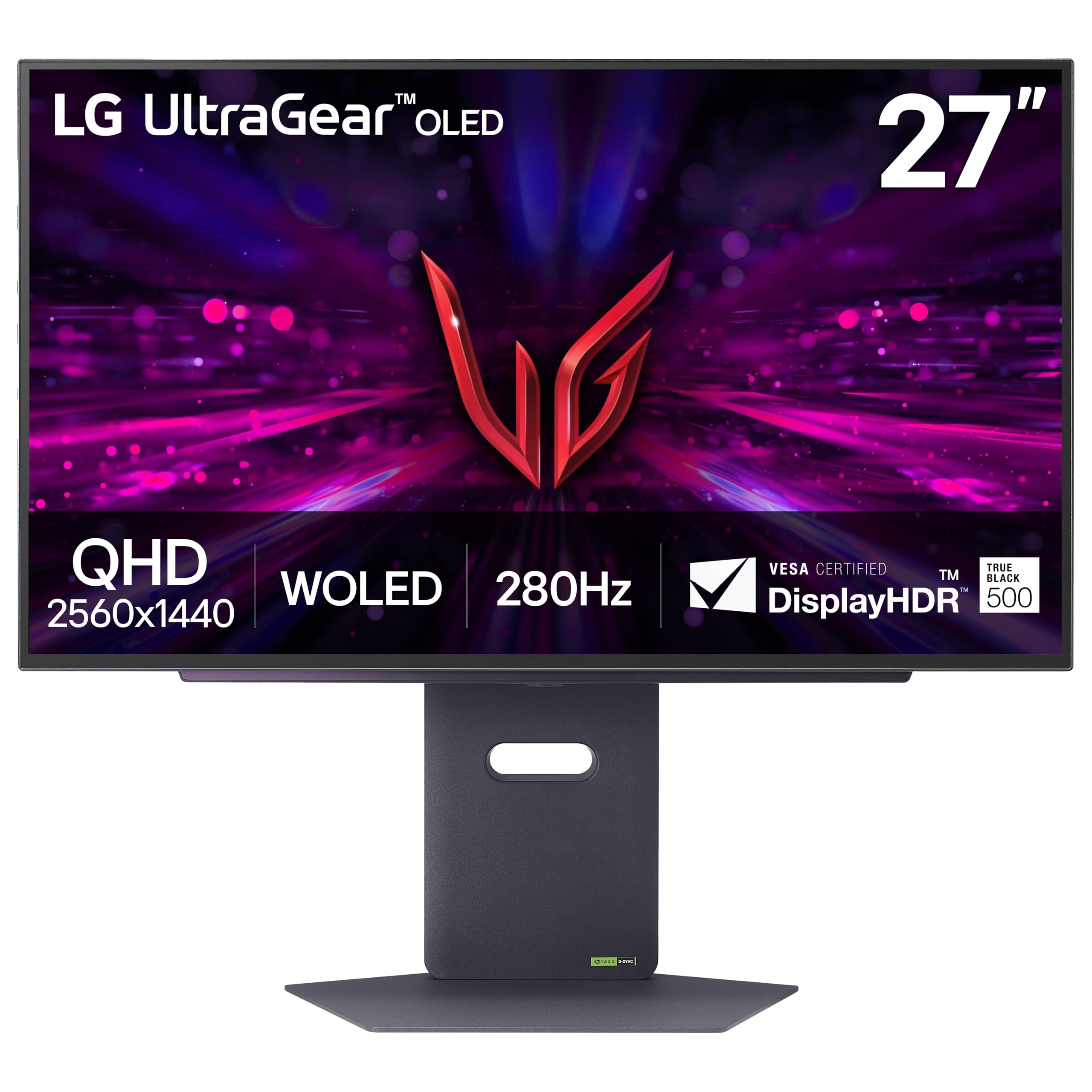
2. LG 27GX700A-B 27-inch Ultragear QHD OLED Gaming Monitor
1500-nit peak brightness makes HDR content spectacular.
If you play in a room with some ambient light or you simply want the most effective HDR experience, the LG 27GX700A-B is your monitor. It uses LG’s 4th Gen WOLED panel with Primary RGB Tandem tech, which blasts out a peak brightness of 1500 nits. This is a massive jump over typical OLED monitors and makes highlights in games and movies look genuinely explosive. You get a 280Hz refresh rate and a 0.03ms response time, which is incredibly fast, though it does fall short of the 360Hz on the ASUS ROG Strix XG27ACDNG.
The monitor is VESA DisplayHDR True Black 500 certified, and its contrast ratio is a staggering 1,500,000:1, delivering perfect blacks that the QD-OLED cannot quite match in bright rooms. Image quality is praised across the board. One owner summed up the experience: “Monitor looked amazing (deep blacks, vibrant colors) initially.” The main trade-off for this performance is that some users report noticing persistent horizontal banding on solid colors like white web pages, and the VRR (Variable Refresh Rate) performance gets mixed feedback for flicker.
HDR that punches hard: That 1500 nits peak brightness makes this the undisputed champ for HDR gaming and movies.
Fine print: A portion of owners mention some banding on static screens and VRR flicker, so sit this one out if you are extremely sensitive to those artifacts.
This is for: Gamers who prioritize HDR performance and a bright, vibrant image in a room that isn’t a dedicated dark cave.
Give it a pass if: You do most of your work in bright white documents or spreadsheets where banding could become a distraction.
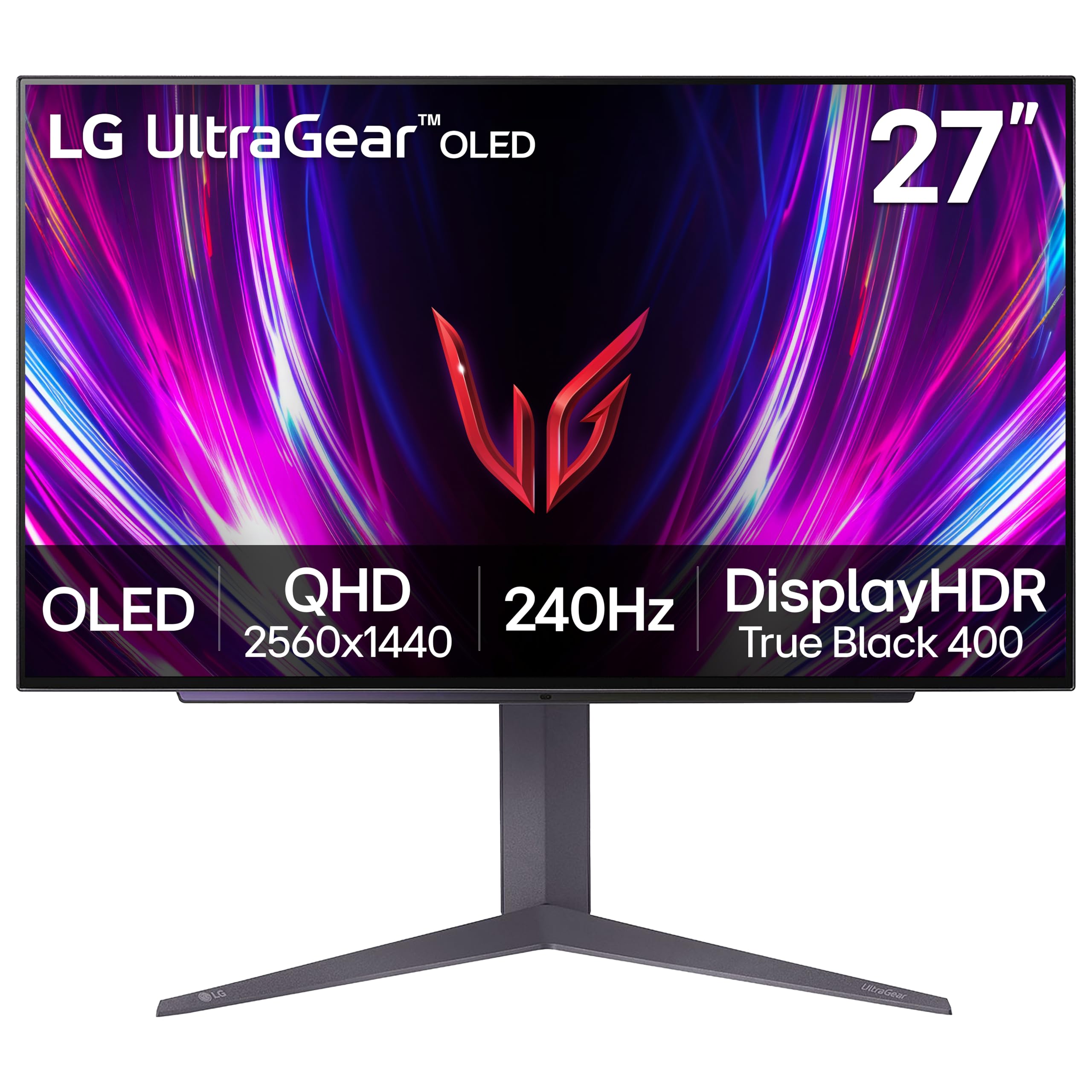
3. LG 27GS93QE 27-inch Ultragear OLED Gaming Monitor
240Hz WOLED offers the best value for most gamers.
The LG 27GS93QE is a crowd favorite because it delivers a top-tier OLED experience at a price that won’t make you wince. It is a 27-inch WOLED panel with a 2560×1440 resolution, a 240Hz refresh rate, and a 0.03ms response time. While 240Hz is slower than the 360Hz on the high-end picks, it is still buttery smooth and a perfect match for most mid-to-high-end graphics cards. The contrast ratio is 1.5M:1, and it is VESA DisplayHDR True Black 400 certified.
What really wins people over is the overall quality of the display and image. The anti-glare coating on the WOLED panel is a practical choice, cutting reflections so you can focus on the game. Customers note that it gives you “true blacks (not purple), no blooming in light, matte finish is cleanable and scratch-resistant.” The downside is that brightness and color are sometimes noted as “mixed” in owner feedback — it is not the brightest panel on this list, and you will want to use it in a darker room to get the most out of the contrast.
Well-rounded and wallet-friendly: The anti-glare screen and accurate WOLED colors make this a fantastic all-rounder for gaming and media consumption.
One thing to know: Some owners find the overall brightness a bit low compared to QD-OLED rivals, so a dark gaming room is its natural habitat.
Best for: Anyone looking for a lower-cost entry into OLED gaming without sacrificing the core benefits of perfect blacks and instant response.
Think twice if: You need a monitor that can fight back against a sunlit window; you will appreciate the higher nits of a premium model.
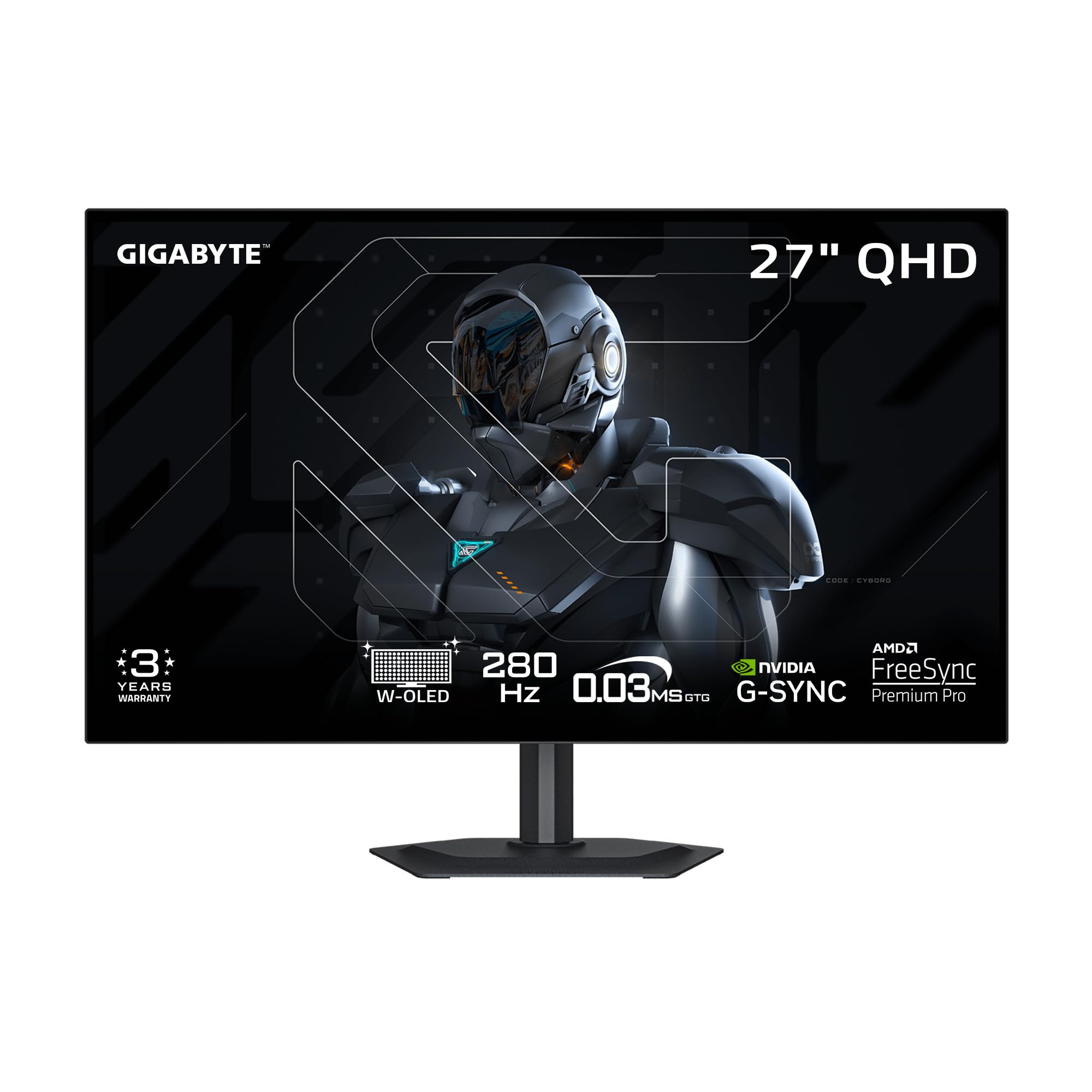
4. GIGABYTE MO27Q28GR 27″ W-OLED Gaming Monitor
Premium WOLED matches QD-OLED brightness with 1500 nits.
The GIGABYTE MO27Q28GR is a strong contender that uses the same 4th Gen WOLED panel technology found in the LG 27GX700A-B, reaching a peak brightness of 1500 nits. This gives it a serious edge over older WOLEDs that can look dim in comparison. It runs at a 280Hz refresh rate with a 0.03ms response time, putting it in the fast lane for competitive gaming. Its “RealBlack Glossy” screen uses an advanced anti-reflective coating to maintain deep blacks even when the room lights are on.
It is packed with modern features including AI-based OLED Care to prevent burn-in, a KVM switch for controlling multiple devices, and a “Tactical Switch 2.0” feature. The build quality and value for money are points that come up frequently in praise. However, the picture quality gets a “mixed” verdict from owners, with some noting gray banding on certain screens. Text clarity is also cited as being a bit worse than a standard IPS display, which is a common trade-off with OLED panels.
Feature-packed and bright: The KVM switch and high brightness make it a versatile tool for both gaming and productivity setups.
The catch: Gray banding and average text clarity are the most talked-about trade-offs, so it is not a productivity-first monitor.
Reach for this if: You want a bright, fast WOLED with extra features like a KVM and are comfortable with the typical OLED text quirks.
Look elsewhere if: You are buying primarily for office work and reading text all day; a high-end IPS might serve you better.
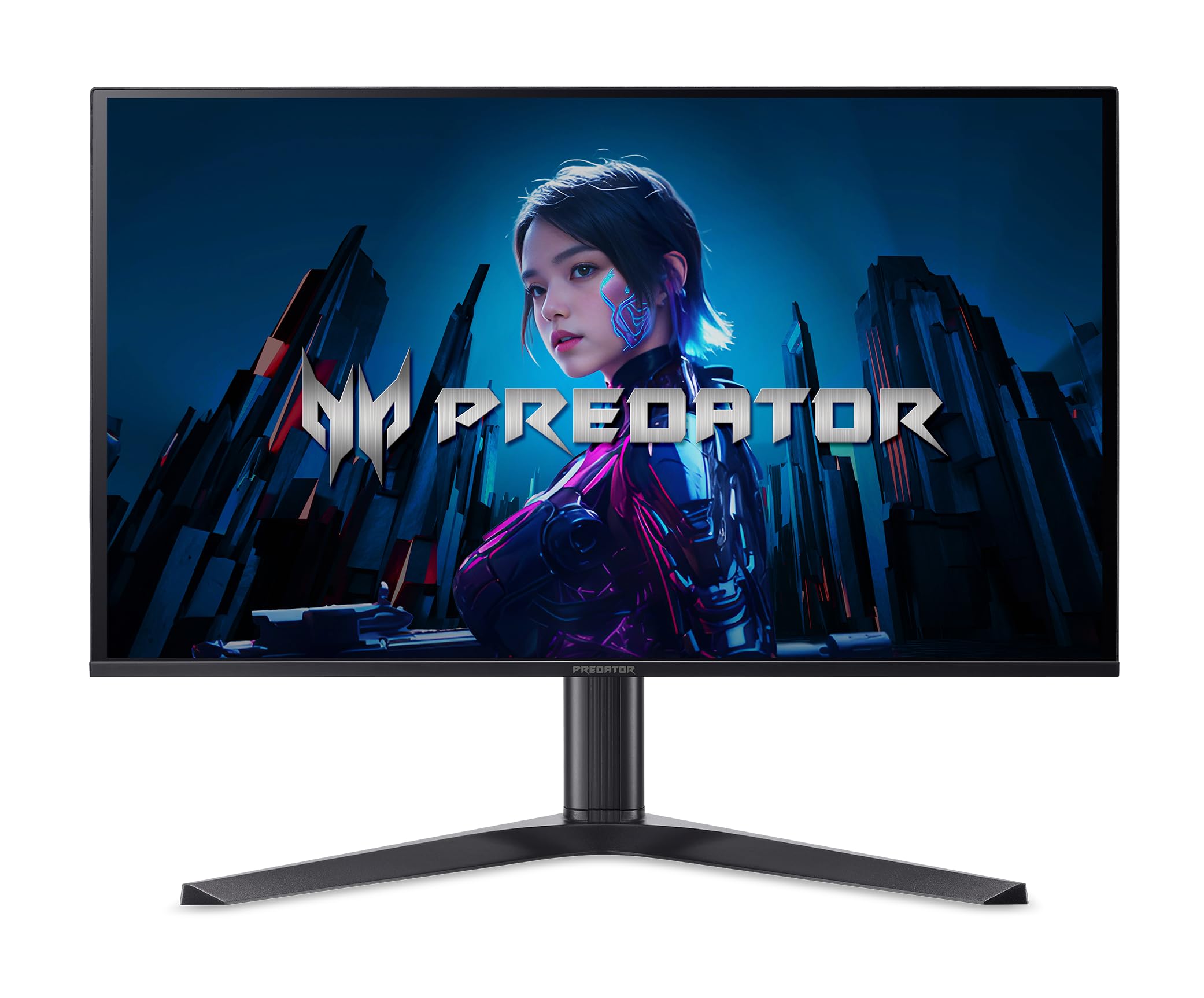
5. Acer Predator 27″ Gaming Monitor (X27U Z1bmiiprx)
Budget-friendly QD-OLED with 280Hz speed.
The Acer Predator X27U is a fantastic option if you want the color vibrancy of QD-OLED but are on a tighter budget. It packs a 27-inch QD-OLED panel with a 2560×1440 resolution, a 280Hz refresh rate, and a 0.03ms response time. For the price, this speed is exceptional and will make your games feel incredibly fluid. The color gamut covers 99% DCI-P3 with Delta E<2 accuracy, ensuring colors are vibrant and lifelike.
You get two HDMI 2.1 ports and a DisplayPort 1.4, giving you plenty of connectivity for consoles and PCs. The main trade-off for the price is the lack of a burn-in warranty, so you will want to be diligent about using the built-in pixel refresh features. A few reviewers point out a minor quirk where the monitor prompts you to let it do a refresh cycle every couple of hours, which takes a few minutes. Also, the VESA mount uses a proprietary adapter, which makes wall mounting a bit more of a hassle than standard monitors.
Unbeatable value: You get the core QD-OLED experience — vibrant colors and fast 280Hz speed — at a price that undercuts almost everything else.
Small hurdle: The lack of an included DisplayPort cable and the tricky mounting system are recurring minor frustrations.
This is for: The budget-conscious gamer who absolutely wants QD-OLED colors and can handle the periodic pixel refresh prompts.
skip it if: You plan to wall-mount the monitor immediately and want a standard VESA experience without hunting for adapters.
6. AOC Q27G4ZD 27″ QD OLED Gaming Monitor

An aggressive price with a 3-year zero-bright-dot warranty
The AOC Q27G4ZD is a direct challenger in the budget 2K OLED space. It features a 27-inch QD-OLED panel with a 240Hz refresh rate and a 0.03ms response time. While the 240Hz refresh rate is a step down from the 360Hz of premium picks, it is still more than enough for silky smooth gameplay. The visual quality is outstanding, with a wide color gamut covering 110.2% DCI-P3 that makes games look incredibly rich.
A major point of confidence here is the brand’s 3-Year Zero-Bright-Dot warranty, which covers you against dead pixels. This is a nice touch for a monitor at this price tier. The image quality and screen quality get strong praise. However, durability is the biggest “mixed” aspect here, with multiple reports of units arriving with damaged power supplies or other defects. The stand also lacks practical adjustments like height and tilt, which is a clear cost-cutting measure.
Cheap and cheerful OLED: The color quality and 240Hz speed make this an incredible value for getting into QD-OLED gaming.
Honest downsides: The bare-bones stand and a few reports of units arriving with damage are the compromises you accept at this price.
Best for: A pure gaming setup where you can set the monitor on its stand and forget about it, and you want a strong warranty.
Not for: Anyone who needs a full ergonomic stand with pivot and height adjustments right from the start.
7. MSI MAG 271QPX QD-OLED, 27″ OLED Gaming Monitor

360Hz speed while staying affordable on the brand name
The MSI MAG 271QPX is a serious competitor that offers the same 360Hz refresh rate and 0.03ms response time as the more expensive ASUS ROG model, but often at a lower price. It uses a 3rd Gen QD-OLED panel, so you get those incredible vibrant colors and deep blacks with a Delta E≤2 color accuracy. The 2560×1440 resolution looks incredibly sharp on the 27-inch screen, making it a fantastic choice for competitive gaming where every millisecond counts.
It includes MSI’s OLED Care 2.0 to manage burn-in risk, and a 3-year burn-in warranty is a key selling point that gives you confidence in the long-term investment. The design is clean and understated, which is a plus if you do not want a flashy “gamer” aesthetic. Buyers rave about the colors and the silky smooth 360Hz refresh rate. The main catch is that to hit that 360Hz refresh rate, you need to use Display Stream Compression (DSC), which can cause a 1-2 second black screen when you Alt+Tab out of a game.
Serious speed, serious warranty: Getting 360Hz and a 3-year burn-in warranty at this price makes it a smart buy for competitive gamers.
One annoyance: The DSC requirement for 360Hz means a brief black screen when Alt+Tabbing, which is a minor but real inconvenience.
This is for: Esports players who want the ultimate competitive speed but want to save a bit of cash compared to the top-tier ASUS models.
Look elsewhere if: You frequently Alt+Tab between games and desktop content and the brief black screen would drive you crazy.
8. ASUS ROG Strix 27” 1440P OLED Gaming Monitor (XG27AQDMG)

Glossy screen perfection with the most reliable WOLED panel
If you prefer the deep, rich look of a glossy screen over a matte one, the ASUS ROG Strix XG27AQDMG is arguably the best choice. It is a 26.5-inch WOLED panel that uses 3rd-gen technology for better brightness and text clarity. With a 240Hz refresh rate and a 0.03ms response time, it is incredibly fast, though it trails the 360Hz of the XG27ACDNG model. The glossy finish makes colors pop with a vibrancy that matte screens can’t match, creating a more rich viewing experience.
People praise the “display quality” more than any other aspect of this monitor. It comes with the same excellent ASUS OLED Care suite and a 3-year warranty with burn-in coverage. The “Uniform Brightness” setting is a nice touch for productivity work. The main trade-off for that beautiful glossy finish is reliability, which gets a “mixed” score in the data. A small number of owners reported issues, so you might want to buy from a place with a good return policy.
Visual feast: The glossy WOLED panel delivers incredible contrast and color saturation that pulls you into the game.
Buyer beware: While most are thrilled, a small segment of shoppers say reliability issues, so check the return policy before ordering.
Reach for this if: You value the best possible image quality in a controlled lighting environment and appreciate a true glossy screen.
Give it a pass if: You are sensitive to potential VRR flicker or want the highest possible 360Hz refresh rate for competitive gaming.
9. Alienware AW2725DF OLED Gaming Monitor

Alienware’s legendary build quality meets silky 360Hz OLED
The Alienware AW2725DF is a premium pick that combines a 26.7-inch QD-OLED panel with a blistering 360Hz refresh rate and a 0.03ms response time. Dell’s Alienware brand is known for excellent build quality and customer service. The QHD (2560×1440) resolution is sharp, and the QD-OLED technology delivers stunningly rich color and clarity. It supports AMD FreeSync Premium Pro and VESA AdaptiveSync for tear-free gaming.
The stand offers full ergonomic adjustment, including height, tilt, swivel, and pivot, making it easy to find your perfect viewing angle. It also comes with a 3-year burn-in warranty, which is a must for confidence at this price. The quality and color are top-notch, with many saying it is the best 2K monitor on the market. However, some buyers comment on the brightness feeling a bit low for very bright rooms, and the QD-OLED can show a purple-ish tint when light hits the screen directly.
Built like a tank: The rock-solid build, full ergonomic stand, and 3-year warranty make this a low-maintenance, long-term investment.
The trade-off: The coating can show a purple tint in sunlight, and brightness might leave you wanting more if you game in a sun-drenched room.
Best for: Gamers who want a premium, all-around package with a high-quality stand and excellent warranty support from Dell.
Think twice if: You are on a strict budget or your gaming room is very bright with lots of direct sunlight hitting the screen.
10. MSI MPG 271QRX QD-OLED, 27″ OLED Gaming Monitor

The flagship 360Hz QD-OLED with added KVM convenience
The MSI MPG 271QRX is the step-up version from the MAG series, offering the same superb 360Hz QD-OLED experience but with extra features that appeal to power users. It uses a Next-Gen QD-OLED panel for stunning image quality, and the 360Hz refresh rate with a 0.03ms response time is as fast as it gets. A big differentiator is the built-in KVM switch, which lets you control two different computers with a single keyboard and mouse, a huge boon for multi-device setups.
It also features a full 48 Gbps HDMI 2.1 port for true console-mode support. The Gaming Intelligence App allows you to tweak settings with a mouse, and MSI OLED Care 2.0 handles burn-in protection. The display quality and color are praised more than any other aspects, with nearly 180 mentions between them. The main downsides reported are the chunky stand that takes up a lot of desk space and the fidgety joystick controls on the back of the monitor.
Power user’s dream: The KVM switch and full-bandwidth HDMI 2.1 make this the most versatile 360Hz QD-OLED for a multi-PC setup.
Small gripes: The stand is a desk hog and the OSD joystick is not the most intuitive to use, but the panel quality is near-perfect.
Reach for this if: You work and game on two separate computers and want a smooth KVM experience on a blazing-fast OLED.
Look elsewhere if: Desk space is at a premium; you will want to budget for a monitor arm immediately.
11. Samsung 27” Odyssey OLED G6 (G60SD)

Samsung’s engineering focus on cooling tackles burn-in head-on
The Samsung Odyssey OLED G6 (G60SD) is a technically impressive monitor that specifically targets the burn-in concern with a unique hardware solution. It uses a 27-inch QD-OLED panel with a 360Hz refresh rate and a 0.03ms response time. To combat heat, which is a major cause of burn-in, Samsung introduced a “Dynamic Cooling System” with a Pulsating Heat Pipe that it says diffuses heat 5x better than older methods. It also has a Thermal Modulation System that predicts temperature and adjusts brightness accordingly.
Beyond the cooling, it has a stunningly sleek design, measuring just 3.9mm at its thinnest point. It uses Samsung’s Glare Free technology to cut reflections. While the image is praised for being “stunning,” the build quality and reliability get mixed feedback from owners. A notable technical issue is that the “HDMI 2.1” port actually only runs at HDMI 2.0 bandwidth, requiring Display Stream Compression (DSC) to hit 360Hz, which can cause a black screen when Alt+Tabbing.
Innovative cooling, gorgeous design: The active cooling system and paper-thin profile show Samsung is thinking differently about OLED longevity.
Honest caveat: The port speed issue and mixed reliability scores mean you should buy this knowing the technical quirks of using DSC.
This is for: Early adopters who appreciate innovative engineering and want the thinnest possible 360Hz QD-OLED on their desk.
Give it a pass if: You need a plug-and-play experience without having to research DSC requirements or want a more proven track record of reliability.
Understanding the Specs
Refresh Rate (Hz)
The refresh rate, measured in Hertz (Hz), tells you how many times the monitor updates the image per second. For a 2K OLED monitor, the choice is usually between 240Hz and 360Hz. A 240Hz display refreshes 240 times a second, which is already incredibly smooth. A 360Hz display refreshes 360 times a second, offering a noticeable advantage in fast-paced competitive games like shooters and racing sims, where you can track moving objects more clearly. Your graphics card needs to be powerful enough to push those high frame rates to see the benefit.
Contrast Ratio
Contrast ratio is the difference between the brightest white and the darkest black the monitor can show. This is where OLED truly dominates. A number like 1,500,000:1 (1.5 million to one) means black pixels are essentially turned off, creating perfect, infinite blacks. This is what gives OLED its famous “pop” and depth. Lower numbers like 4000:1 or 1,000,000:1 are still excellent and vastly superior to traditional LCD panels, but the highest ratio ensures the absolute best detail in dark scenes.
Response Time (GtG)
Response time, usually measured in milliseconds (ms) as “Gray-to-Gray” (GtG), is how fast a pixel can change from one shade to another. Virtually every 2K OLED monitor has a 0.03ms response time. This is instantaneous and effectively eliminates motion blur and ghosting. For comparison, even the fastest LCD (IPS/VA) panels are usually around 1ms, which is already very good, but OLED’s 0.03ms is in a different league of clarity during fast motion.
Burn-in Warranty
Burn-in occurs when a static image (like a taskbar or HUD) is left on screen for a long time, leaving a permanent ghost image. Modern OLED monitors have software to prevent this, but a warranty that specifically covers burn-in is the ultimate safety net. A standard warranty might only cover defects, so a “3-year burn-in coverage” is a powerful signal that the manufacturer trusts its panel technology. If a monitor lacks this explicit coverage, you are assuming the risk of burn-in over time.
FAQ
Does a 2K OLED monitor need a 360Hz refresh rate?
Is QD-OLED or WOLED better for a bright room?
What does the burn-in warranty on an OLED monitor cover?
Will I notice a difference between 240Hz and 360Hz on a 2K OLED?
How long does a 2K OLED monitor last before burn-in?
Can I use a 2K OLED monitor for office work and reading text?
What is VRR flicker and should I be worried about it?
Does a 2K OLED monitor work well with a PlayStation 5 or Xbox Series X?
What is Display Stream Compression (DSC) and why is it important?
Can I wall-mount any 2K OLED monitor?
Final Thoughts: The Verdict
For most buyers, the 2k oled monitor winner is the ASUS ROG Strix XG27ACDNG because it perfectly balances a blazing 360Hz refresh rate, stunning QD-OLED colors, and a 3-year burn-in warranty, all at a competitive price. If you want the absolute brightest HDR experience and perfect blacks in a bright room, grab the LG 27GX700A-B with its 1500 nits peak brightness. And for the best value entry into the OLED world, the LG 27GS93QE is the one to reach for.
How We Picked
We do not accept paid placement. Every pick is matched to a real buyer and a real use-case; we do not hands-on test units.
Sources & Methodology
Specifications: manufacturer listings and product documentation. Review insights: verified customer reviews, as of July 2026. Pricing: not shown on this page (it changes often); check the current price via the retailer link.
As an Amazon Associate, Gadgets Feed earns from qualifying purchases. This does not affect which products we feature.