
Our readers keep the lights on and my morning glass full of iced black tea. As an Amazon Associate, I earn from qualifying purchases.
Specs are compiled from manufacturer listings and verified buyer reviews and can change over time — please confirm the key details on the product page before buying.
A 32-inch monitor is the balance between a multi-screen sprawl and a single screen that actually lets you see your work or game without squinting. But the real question isn’t if you want 32 inches — it is which panel tech, refresh rate, and resolution actually match what you do at your desk every day. This guide cuts through the spec overload to help you pick the right one for your setup.
I’m Min — the founder and writer behind Gadgets Feed. This guide is built by comparing the manufacturers’ published specifications and the patterns across verified customer reviews, so you get each pick’s real strengths and trade-offs instead of marketing spin.
The best 32 inch monitor for you depends on whether you prioritize speed for competitive gaming, color accuracy for creative work, or sheer screen real estate for multitasking — here is how the top options stack up.
Our Picks at a Glance
How To Choose The Best 32 Inch Monitor
The choice starts with what you do at your desk. A competitive gamer needs a fast refresh rate and low response time above all else, while a video editor or coder cares more about color accuracy and resolution. Your desk size also matters — a 32-inch display needs enough depth so you aren’t sitting too close.
Resolution: 4K vs QHD
On a 32-inch screen, 4K (3840 x 2160) delivers sharp text and fine detail that makes multitasking and photo editing a pleasure. QHD (2560 x 1440) still looks crisp but is much easier for your graphics card to drive at high frame rates, making it a better fit for gaming on a mid-range PC.
Panel Type: IPS, VA, or OLED
IPS panels offer wide viewing angles and consistent color, which is great for shared screens and creative work. VA panels deliver deeper black levels and higher contrast, making movies and dark games look more rich. OLED panels take contrast to another level with perfect blacks and vibrant colors, but they cost more.
Refresh Rate and Response Time
For office work, a 60Hz refresh rate is perfectly fine. For gaming, 120Hz or higher makes motion feel significantly smoother. Response time is measured in milliseconds — lower is better for reducing blur in fast-paced action.
Quick Comparison
| Model | Best For | Resolution | Refresh Rate | Panel Type | Amazon |
|---|---|---|---|---|---|
| KTC 32 Inch★ Best Overall | Budget Gaming & Office | QHD 2560×1440 | 120Hz | IPS | Amazon |
| Sceptre E325BHigh FPS Champ | High-FPS Gaming | QHD 2560×1440 | 210Hz | VA | Amazon |
| LG 32UR550K4K Office Boss | 4K Office & Media | 4K 3840×2160 | 60Hz | VA | Amazon |
| Dell S3225QS | 4K All-Rounder | 4K 3840×2160 | 120Hz | VA | Amazon |
| Samsung M7 M70F | Smart TV Features | 4K 3840×2160 | 60Hz | VA | Amazon |
| ASUS ROG XG32UCG | Competitive Gaming | 4K 3840×2160 | 160Hz / 320Hz | Fast IPS | Amazon |
| LG 32GX850A | OLED Gaming | 4K 3840×2160 | 165Hz / 330Hz | OLED | Amazon |
| MSI MPG 321URX | High-End OLED | 4K 3840×2160 | 240Hz | QD-OLED | Amazon |
| ASUS ROG PG32UCDP | Extreme Performance | 4K 3840×2160 | 240Hz / 480Hz | WOLED | Amazon |
In‑Depth Reviews
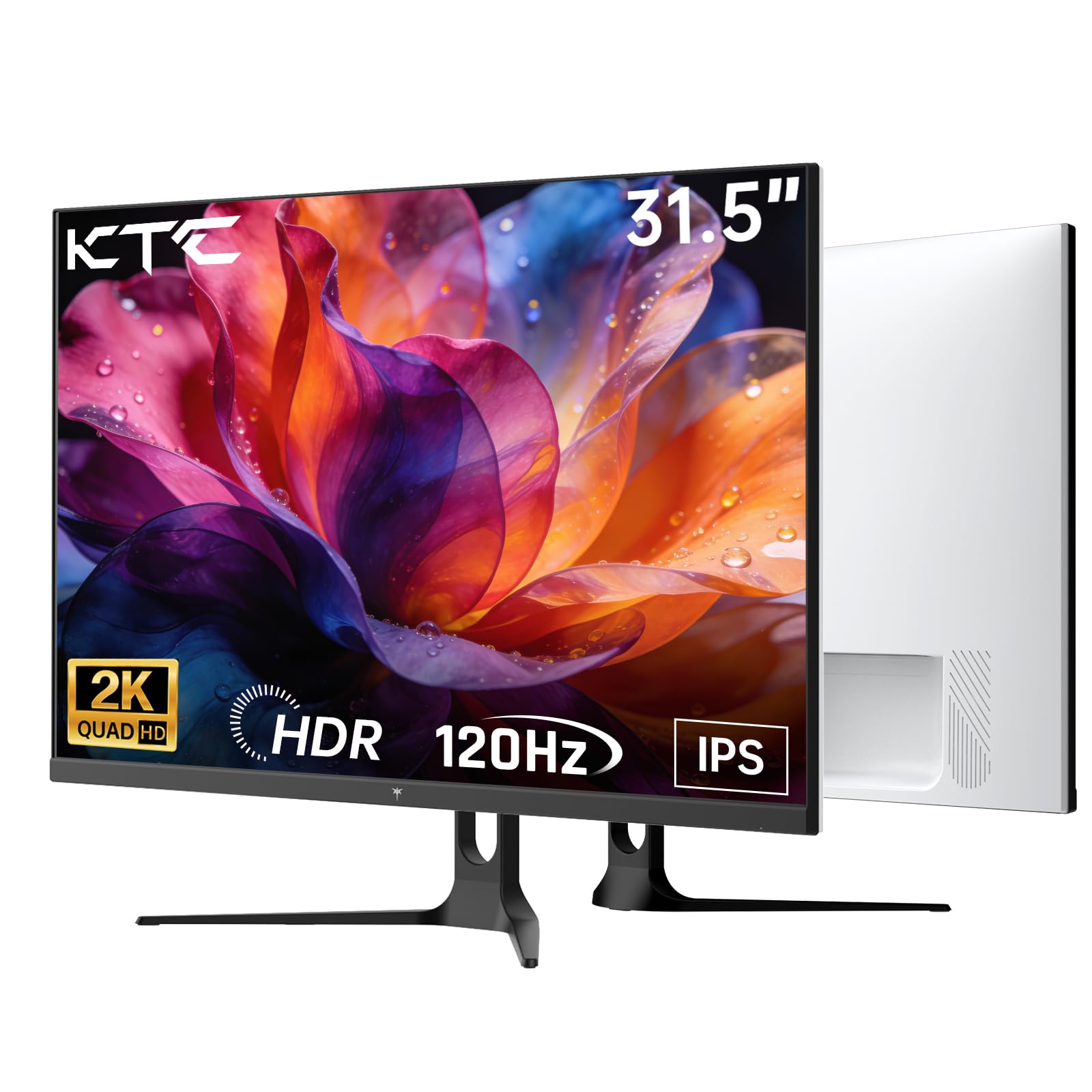
1. KTC 32 Inch 2K Computer Monitor
Our pick — over 4.5★ from 800+ verified ratings; the strongest balance of quality and price.
The 32-inch QHD IPS panel that balances sharpness and smooth motion while staying affordable.
This monitor gives you a crisp 2560 x 1440 resolution on an IPS display, meaning you get wide viewing angles and consistent color whether you are leaned back or sharing your screen. The 120Hz refresh rate (overclocked from 100Hz) makes everything from window snapping to light gaming feel noticeably fluid, and Adaptive Sync eliminates tearing for supported GPUs. The 350 cd brightness and 109% sRGB color gamut keep images punchy enough for everyday creative work.
Buyers report it pairs beautifully with a MacBook Pro via USB-C — one user notes it is “hooked up to a 14 inch MacBook Pro M2 Pro via the USB-C port and it works flawlessly.” The main trade-off is the stand, which offers tilt but no height adjustment, so you will want a VESA arm or a stack of books for ergonomic alignment. For a budget entry into 32-inch QHD, the clarity and color here are hard to argue with.
Why It Works
- IPS panel delivers vibrant colors and wide viewing angles at a budget-friendly price.
- 120Hz overclockable refresh rate with FreeSync and G-Sync compatibility.
- Flexible connectivity with DP 1.4 and two HDMI 2.0 ports.
The Trade-Off
- Stand only tilts — no height or swivel adjustment built in.
- Contrast ratio of 1000:1 is standard IPS, not as deep as VA or OLED panels.
Grab this if: you want a sharp QHD IPS screen with a smooth 120Hz refresh rate at an entry-level cost.
Look elsewhere if: you need height adjustability from the start or deeper contrast for dark-room movie watching.
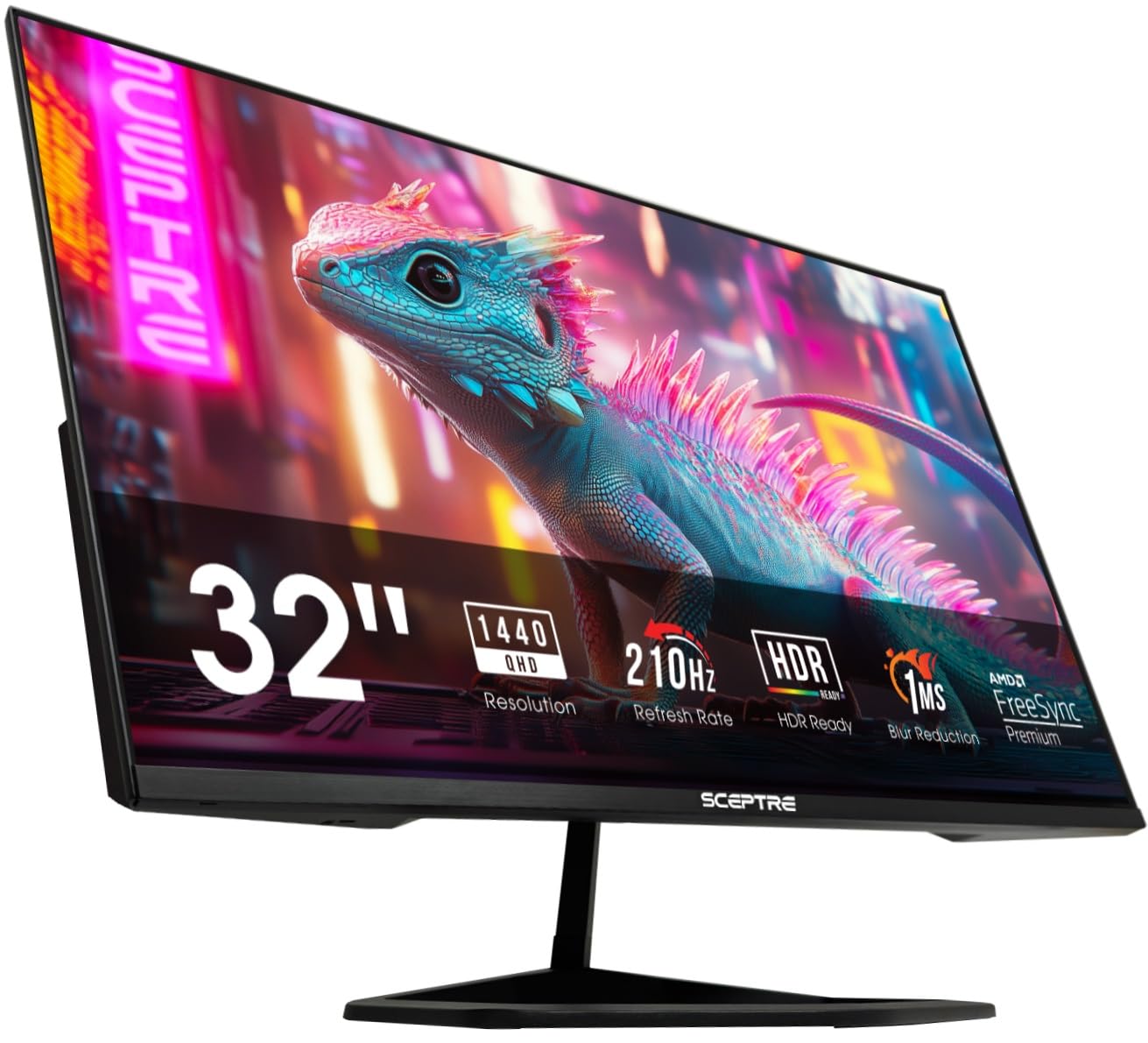
2. Sceptre 32-inch 2K QHD Prime Gaming Monitor
The QHD speedster with a 210Hz refresh rate and a VA panel that outperforms pricier rivals.
If smooth motion is your priority, this monitor delivers a buttery 210Hz refresh rate — a significant jump compared to the KTC’s 120Hz. It uses a VA panel with a claimed contrast ratio of 1,000,000:1, which produces deep blacks and vibrant colors that make games and movies pop. The 1ms blur reduction keeps fast-moving objects sharp, and AMD FreeSync Premium further smooths out frame pacing without tearing.
What wins people over here is the sheer value — quality is the most-praised aspect by a wide margin, with buyers noting the picture is lifelike and vivid. The built-in speakers are the main caveat; the consensus calls them “pretty terrible,” so plan on using desktop speakers or a headset. The stand is adjustable for tilt only, and the USB-C port sits close to the edge, which some found awkward.
Speed Demon: The 210Hz refresh rate and 1ms response time make this one of the smoothest QHD gaming monitors at this level.
Sound Reality: The integrated speakers are weak across the board — budget for external audio from the start.
Best fit for: competitive gamers who want high frame rates and deep contrast without spending premium money.
Think twice if: you need strong built-in speakers or a fully adjustable ergonomic stand from the factory.
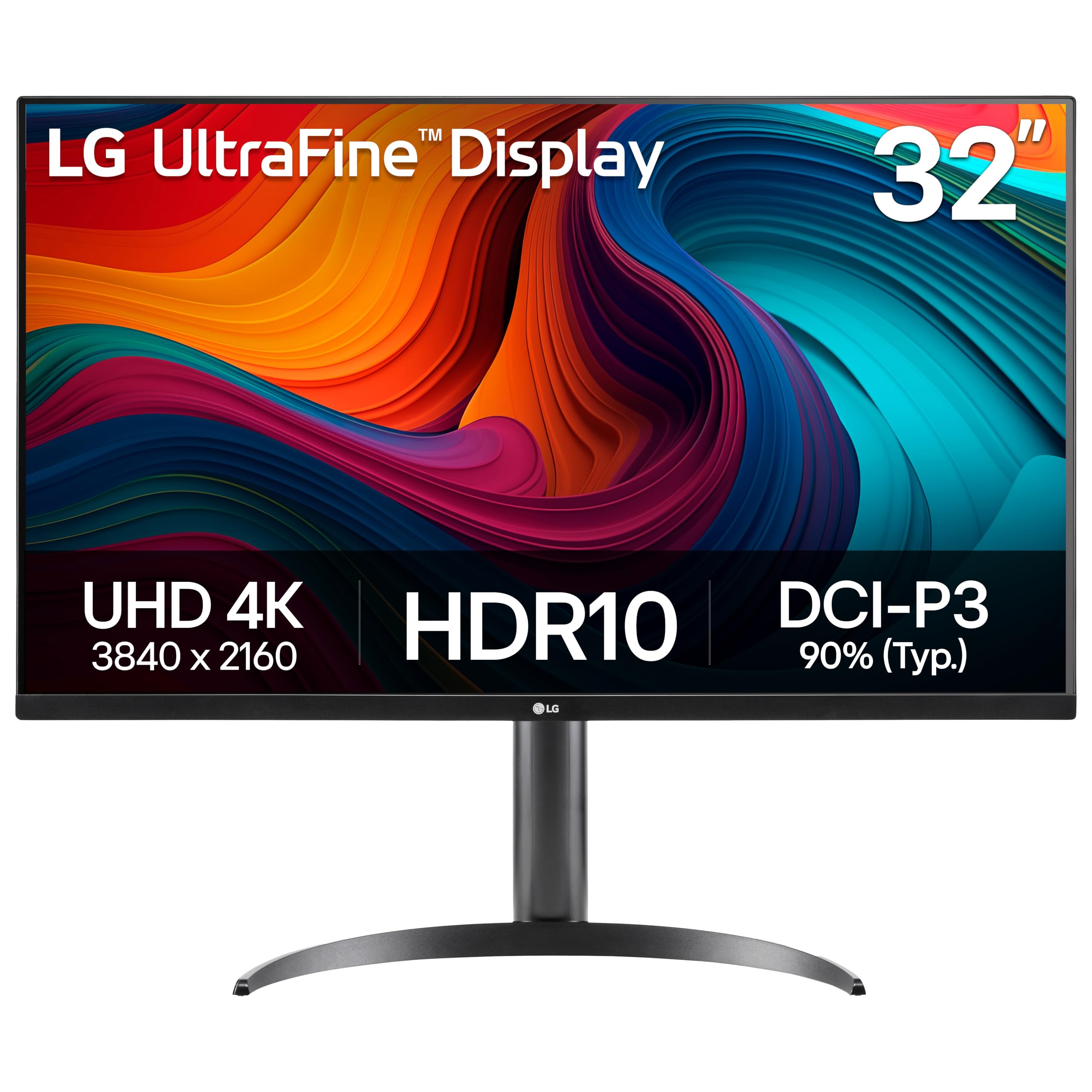
3. LG 32UR550K-B 32-inch Ultrafine 4K Monitor
A 4K VA monitor with 3840 x 2160 resolution and a fully adjustable stand that prioritizes productivity.
Here you get true 4K UHD resolution — 50% more pixels than QHD — which makes text razor-sharp and gives you acres of spreadsheet or timeline real estate. The VA panel delivers a contrast ratio of 3000:1, so blacks are noticeably deeper than on typical IPS screens. The 60Hz refresh rate is standard for office work and media consumption, but not ideal for fast-paced gaming.
The standout feature is the stand: height, tilt, and pivot adjustment are all included, letting you dial in ergonomic positioning right from the start. Display quality is the top praise, with buyers calling the picture crisp and well worth the money. At 250 cd brightness, it is adequate for most indoor lighting, but not the brightest option if you work near a sunny window.
Ergo First: The height/pivot/tilt stand saves you the extra cost of a monitor arm for a comfortable desk setup.
Pace Note: With a 60Hz refresh rate, this is built for productivity and casual viewing, not competitive gaming.
Reach for this if: you do photo editing, coding, or document work and want 4K clarity plus a fully adjustable stand.
skip it if: you need high refresh rates for gaming or a brighter panel for a very sunlit room.
4. Dell 32 Plus 4K Monitor – S3225QS

A 4K VA monitor that splits the difference between work clarity and gaming smoothness with a 120Hz refresh rate.
This Dell strikes a rare balance: 4K resolution for sharp text and creative work, plus a 120Hz refresh rate that makes gaming and scrolling much smoother than a standard 60Hz panel. The VA panel delivers a 1500:1 contrast ratio for solid black levels, and the 99% sRGB and 95% DCI-P3 color coverage means your images and videos look accurate and vibrant. Monitor quality is the most-praised feature, with buyers calling the picture “sharp, bright, and clear.”
The biggest drawback is the viewing angle — the VA panel shows noticeable brightness and color shift when you aren’t sitting dead center, so it is best as a single-user primary screen. A few owners also mention random blackout issues, though it remains a crowd favorite for its combination of specs and price. The stand offers height, tilt, and pivot adjustments.
The Upside
- 4K resolution with a smooth 120Hz refresh rate for both work and play.
- Excellent color coverage at 99% sRGB and 95% DCI-P3 for creative tasks.
- Full ergonomic stand with height, tilt, and pivot adjustments.
The Downside
- VA viewing angles mean colors wash out quickly off-center.
- Occasional reports of temporary black screens in some units.
Perfect for: users who want one monitor for both 4K productivity and casual-to-mid gaming without sacrificing either.
Not for: anyone who frequently shares their screen or works with a second viewer off to the side.
5. Samsung 32 Smart Monitor M7 (M70F)
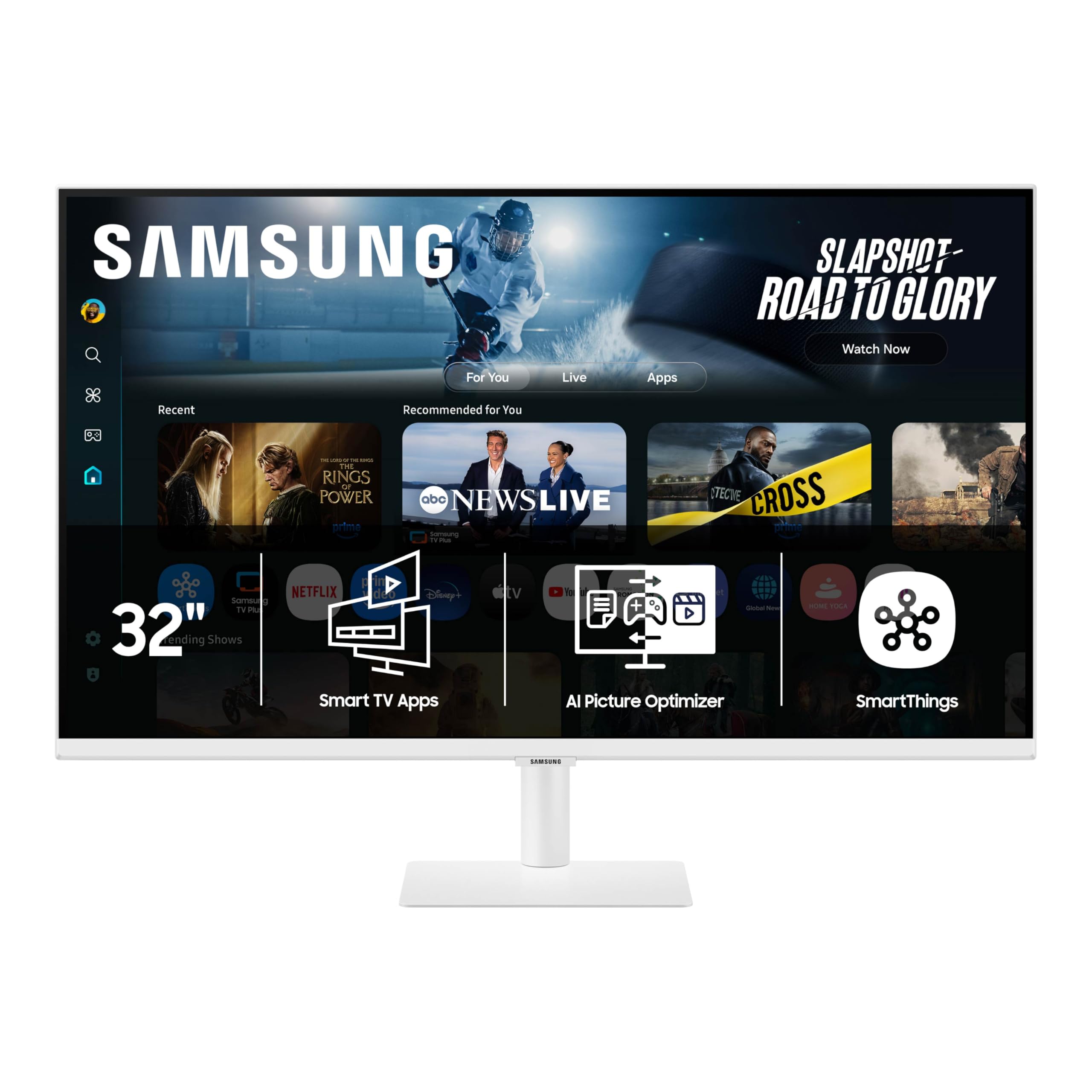
A 4K monitor that doubles as a smart TV with built-in streaming apps and a remote control.
This is the only monitor on the list that works fully standalone — it runs Samsung’s Tizen smart platform, so you can stream Netflix, YouTube, or Samsung TV Plus without connecting a PC. The 4K VA panel delivers a 3000:1 contrast ratio for solid black levels, and the USB-C port supports data, video, and device charging. Samsung Knox security and Active Voice Amplifier add smart-home and audio clarity features.
Opinions are split on picture quality — some find the 4K crisp, while others report blurry visuals until they replace the included HDMI cable with a higher-quality one. The setup process also draws mixed feedback, with some calling it easy and others describing it as “excruciating.” If you want a monitor that can also act as a secondary TV in a bedroom or dorm, this is a unique option.
Standalone Power: Built-in smart TV apps and a remote mean you don’t need a computer for streaming.
Cable Note: Many owners recommend replacing the included HDMI cable immediately for the best 4K clarity.
Get this if: you want a single screen that works as both a desktop monitor and a smart TV without a PC running.
Consider another if: you need a high refresh rate or want the most straightforward plug-and-play picture quality.
6. ASUS ROG Strix 32 4K Gaming Monitor (XG32UCG)
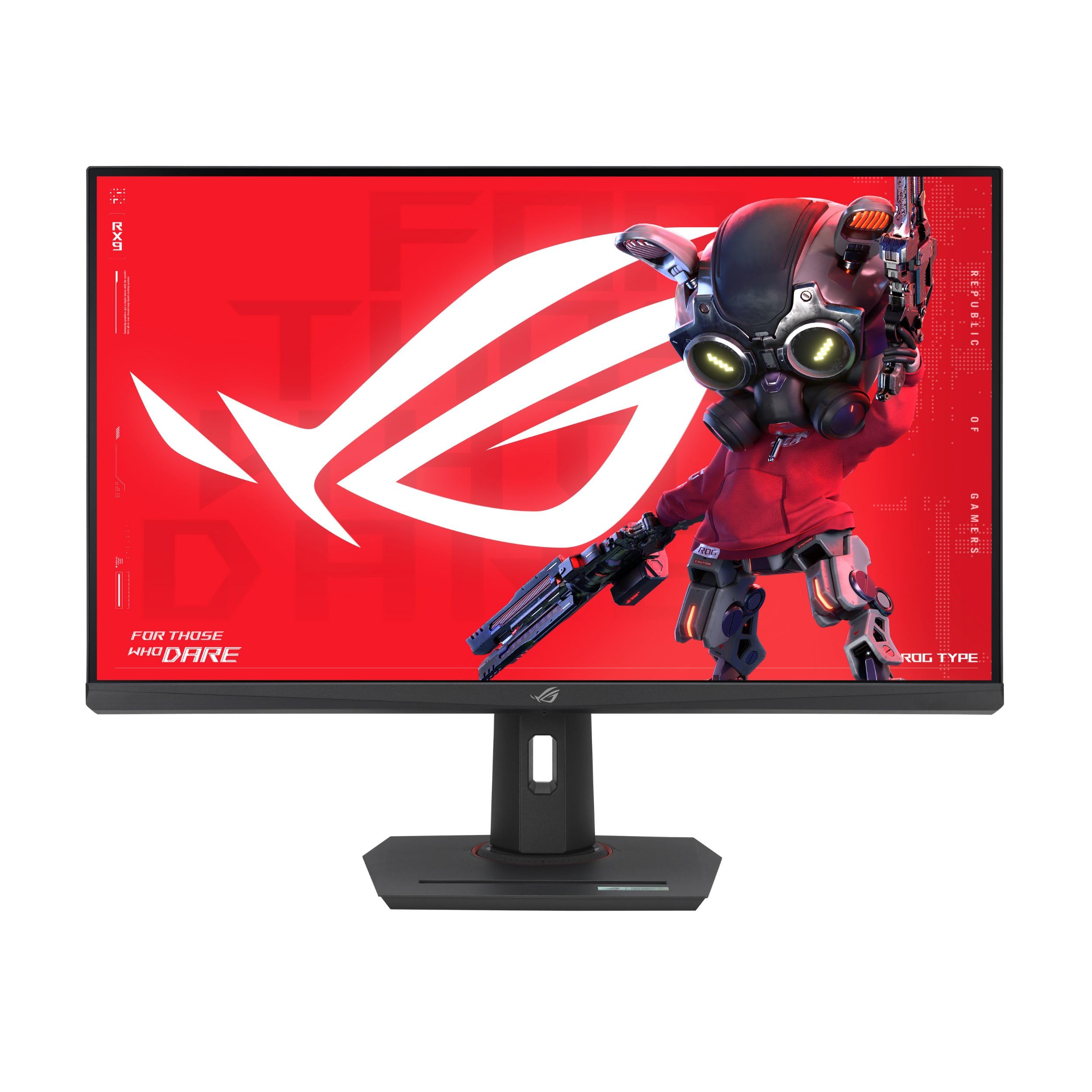
A Fast IPS gaming monitor that switches between 4K 160Hz and FHD 320Hz at the press of a button.
This monitor’s a neat extra is its dual-mode technology: you get razor-sharp 4K at 160Hz for rich single-player games, then toggle to 1080p at a blistering 320Hz when you switch to competitive shooters that demand max frame rates. The 0.3ms response time keeps motion blur virtually non-existent. The Fast IPS panel covers 95% DCI-P3 and 130% sRGB, so colors stay rich and accurate. ELMB Sync further eliminates ghosting.
Picture quality earns the most praise, with owners calling the 4K HDR experience “impressive” and noting that colors pop nearly as well as OLED. The USB-C port with DP Alt mode keeps your desk tidy for laptops. At this price, you are paying for a premium feature set — but for a gamer who wants one screen for both stunning visuals and esports framerates, it is a convincing case.
What Stands Out
- Dual mode lets you run 4K 160Hz for visuals or FHD 320Hz for max speed.
- 0.3ms response time and ELMB Sync keep motion razor-sharp.
- Wide color gamut with 95% DCI-P3 coverage for vivid HDR.
The Catch
- Premium price reflects the niche dual-mode technology.
- Requires a powerful GPU to push 4K at high frame rates.
Ideal for: competitive gamers who play across genres and want high refresh rates for FPS without losing 4K clarity for story titles.
Overkill if: you mainly play slow-paced or strategy games and don’t need the dual-mode flexibility.
7. LG 32GX850A-B UltraGear 4K OLED Gaming Monitor
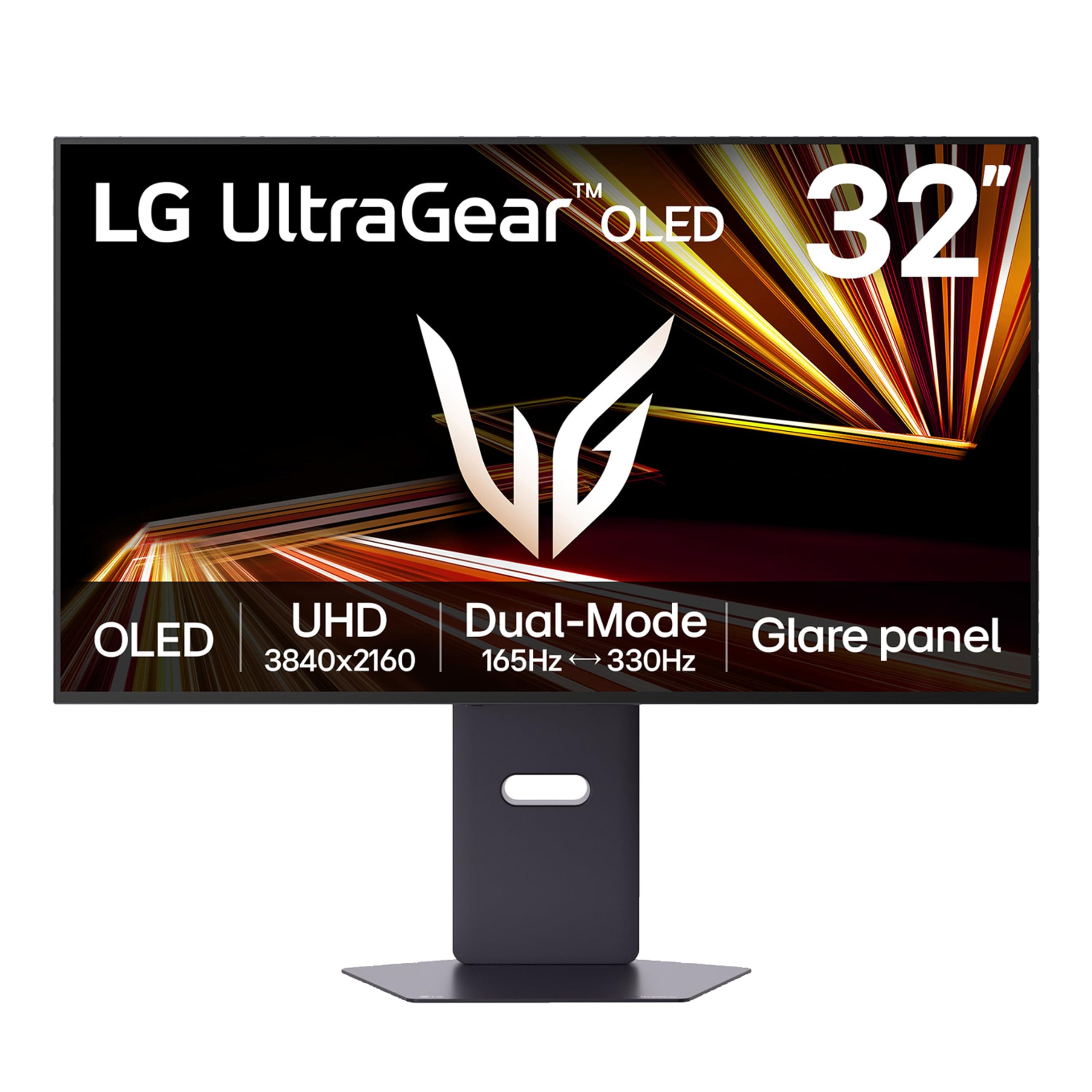
A glossy 4K OLED that delivers perfect blacks and vibrant colors with a dual-mode 165Hz or 330Hz refresh rate.
Stepping up to OLED means you get a 1.5M:1 contrast ratio — each pixel lights itself, so blacks are truly black and colors look incredibly rich. This LG model uses a glossy screen finish that enhances clarity and depth, a choice many owners prefer for its punchy image quality. The dual-mode lets you run at 4K 165Hz for gorgeous visuals or switch to 1080p 330Hz for ultra-smooth competitive play, and the 0.03ms response time is essentially instant.
Display quality is the overwhelming praise here — buyers call the upgrade from IPS “a crazy difference” and rave about the perfect blacks. The main trade-off is typical brightness (275 nits), which is lower than some LCD screens, so it is best in a controlled-light room. A small number of owners mention flickering issues, though most experience is positive.
Visual Leap: The glossy OLED panel delivers contrast and color depth that LCDs simply cannot match.
Brightness Reality: At 275 nits typical brightness, it is not ideal for very bright rooms or HDR highlights.
Choose this for: the most rich gaming visuals possible at a more accessible price than top-tier QD-OLEDs.
Skip if: you work in a very sunny room or need high brightness for HDR content creation.
8. MSI MPG 321URX QD-OLED Gaming Monitor

A 32-inch QD-OLED that combines 4K resolution with a 240Hz refresh rate for the ultimate visual experience.
Quantum Dot OLED technology gives this monitor exceptional color volume — it covers 99% DCI-P3 and delivers over 1.07 billion colors with 10-bit depth, making it a top choice for both gaming and creative work. The 240Hz refresh rate is buttery smooth, and the 0.03ms response time ensures zero ghosting. It is VESA DisplayHDR True Black 400 certified, meaning HDR content looks deep and convincing.
Display quality is by far the most praised aspect, with owners calling the HDR “breathtakingly beautiful” and noting that dark scenes maintain detail without losing contrast. The main downsides are the premium cost and some Mac dual-monitor handshake issues at full refresh rates, though a simple DSC disable fixes it. For anyone who wants a monitor that excels at everything — gaming, media, and productivity — this is a leading candidate.
The Highlights
- QD-OLED panel delivers infinite contrast, perfect blacks, and vibrant, accurate colors.
- 240Hz refresh rate and 0.03ms response time for silky smooth gaming.
- VESA DisplayHDR True Black 400 certification for excellent HDR performance.
Considerations
- High price point makes it a serious investment.
- Some Mac users may need to adjust DSC settings for stable dual-monitor use.
Ideal for: the enthusiast who wants a single monitor that performs at the top level for gaming, HDR movies, and creative color work.
Not for: budget-conscious buyers or those who only need a basic office display.
9. ASUS ROG PG32UCDP 32 4K OLED Gaming Monitor

A WOLED gaming monitor with a dual-mode that hits 480Hz in FHD, making it the speed king of this list.
This ASUS monitor pushes the boundary further with dual-mode technology: you can game at 4K 240Hz for stunning visuals or switch to 1080p 480Hz for the absolute smoothest competitive motion available. The custom heatsink reduces burn-in risk, and the WOLED panel covers 99% DCI-P3 with True 10-bit color depth. The USB-C port delivers 90W of power delivery, so it can charge a laptop while displaying video.
Owners praise the display quality and colors, with one saying the deep blacks and vivid colors felt like “opening my eyes for the first time.” The main concern is OLED flicker — a small number of users in multi-monitor setups report severe flickering that persists across cable and driver changes. The anti-glare matte finish is a plus for bright rooms, keeping reflections to a minimum.
Speed Ceiling: A 480Hz FHD mode exists purely for esports players who need every frame advantage.
Flicker Warning: Multi-monitor users have reported stubborn flickering issues that are difficult to resolve.
Built for: competitive gamers who want the highest possible refresh rate in FHD for esports, plus 4K 240Hz for everything else.
Avoid if: you run a multi-monitor setup and are sensitive to potential OLED flicker — test your configuration first.
Understanding the Specs
Resolution: 4K vs QHD on a 32″ Screen
At 32 inches, pixel density makes a real difference. 4K UHD (3840 x 2160) gives you about 140 pixels per inch, making text razor-sharp and fine detail visible without scaling. QHD (2560 x 1440) sits at about 93 pixels per inch — still crisp, but icons and text are noticeably larger. 4K is better for photo editing, coding, and multitasking with multiple windows. QHD is easier on your graphics card and perfectly fine for most gaming and office work.
Refresh Rate and Response Time
Refresh rate is how many times per second the screen updates — 60Hz is fine for office work, 120Hz or higher makes motion feel fluid and reduces perceived blur when scrolling or gaming. Response time (measured in milliseconds) is how fast a pixel changes color. Lower numbers (1ms, 0.3ms, 0.03ms) mean less ghosting behind fast-moving objects. For competitive shooters, high refresh rate and low response time matter more than resolution.
Panel Types: IPS, VA, and OLED
IPS panels have the widest viewing angles and most consistent color, making them ideal for shared screens and creative work. VA panels trade viewing angle for deeper black levels and higher contrast, which makes movies and games with dark scenes look better. OLED panels offer perfect blacks, infinite contrast, and vibrant colors, but they cost more and their brightness is often lower than LCDs. Your choice depends on whether you prioritize color accuracy, contrast, or absolute black levels.
Connectivity and Ergonomics
Check what ports your devices use. USB-C with DP Alt mode lets you charge a laptop and send video over one cable. HDMI 2.1 supports 4K at higher refresh rates on consoles like the PS5 and Xbox. DisplayPort 1.4 is common for high-refresh PC gaming. For ergonomics, look for height adjustment, tilt, and pivot options — these save you the cost of a separate monitor arm and make a big difference in comfort over a workday.
FAQ
Is 32 inches too big for a desk monitor?
Should I get 4K or QHD on a 32-inch monitor?
What refresh rate do I need for gaming on a 32-inch monitor?
What is the difference between IPS, VA, and OLED panels?
Will a 32-inch monitor fit on a monitor arm?
Can a 32-inch 4K monitor run on a laptop?
Do I need a high refresh rate for office work?
How important is HDR on a 32-inch monitor?
What is dual-mode on a gaming monitor?
Is there a risk of burn-in on an OLED monitor?
Final Thoughts: The Verdict
For most buyers, the best 32 inch monitor is the Dell S3225QS because it gives you 4K clarity, a smooth 120Hz refresh rate, and a fully adjustable stand at a price that doesn’t break the bank. If you want a high-refresh QHD panel for gaming, grab the Sceptre E325B for its 210Hz speed and deep VA contrast. And for the absolute best visual quality, the MSI MPG 321URX delivers a stunning QD-OLED experience that handles everything from gaming to creative work with exceptional color and contrast.
How We Picked
We do not accept paid placement. Every pick is matched to a real buyer and a real use-case; we do not hands-on test units.
Sources & Methodology
Specifications: manufacturer listings and product documentation. Review insights: verified customer reviews, as of July 2026. Pricing: not shown on this page (it changes often); check the current price via the retailer link.
As an Amazon Associate, Gadgets Feed earns from qualifying purchases. This does not affect which products we feature.