
Our readers keep the lights on and my morning glass full of iced black tea. As an Amazon Associate, I earn from qualifying purchases.
Specs are compiled from manufacturer listings and verified buyer reviews and can change over time — please confirm the key details on the product page before buying.
If you are shopping for a 40-inch curved monitor, you are likely tired of juggling multiple screens or squinting at a tiny laptop display. The real challenge is not finding a big screen — it is finding one that delivers sharp text, smooth motion, and a curve that actually helps you focus without distorting your work. This guide cuts through the spec noise to show you which models genuinely earn their keep for productivity, gaming, or creative work.
I’m Min — the founder and writer behind Gadgets Feed. This guide is built by comparing the manufacturers’ published specifications and the patterns across verified customer reviews, so you get each pick’s real strengths and trade-offs instead of marketing spin.
Below you will find the best 40 inch curved monitor options available today, ranked by real-world performance and owner satisfaction, from value-driven ultrawides to professional-grade 5K2K powerhouses. best 40 inch curved monitor
Our Picks at a Glance


How To Choose The Best 40 Inch Curved Monitor
A 40-inch curved screen is a big investment in your daily comfort, so picking the right one starts with understanding what actually drives the experience. Curved monitors wrap the image around your peripheral vision, which reduces eye strain and makes it easier to take in the whole screen without turning your head. But not every 40-inch panel is built the same way — the real differences live in the resolution, the refresh rate, the panel technology, and the ports on the back.
Resolution: Your Window Into Detail
At 40 inches, a standard 2560×1080 resolution looks grainy because the pixels are stretched across a very large surface. The two most common resolutions you will see are WQHD (3440×1440) and 5K2K WUHD (5120×2160). The former delivers a clean, crisp image for most gaming and office work without requiring a top-tier graphics card. The latter — 5K2K — offers over 11 million pixels for razor-sharp text and video-editing timelines; you can comfortably place a 4K video window alongside toolbars and still have room to spare. If you work with color-grading, CAD, or photo editing, the extra pixels on a 5K2K panel are a genuine productivity multiplier.
Refresh Rate: Smoothness for Work and Play
Refresh rate tells you how many times per second the screen redraws the image. Standard office monitors run at 60Hz, which feels fine for spreadsheets and documents. But once you start scrolling through long web pages, dragging windows around, or playing fast-paced games, a higher refresh rate like 120Hz or 144Hz makes motion look much smoother — the cursor feels glued to your hand. For competitive gaming, 180Hz or 240Hz models exist, but at 40 inches you usually prefer immersion over raw speed. The crowd favorite balances high resolution with a 120Hz–144Hz range so you get sharp text and fluid gaming in one package.
Panel Type: IPS vs VA vs Nano IPS Black
IPS panels offer the widest viewing angles and the most accurate color from the start, making them the go-to choice for photo and video pros. VA panels sacrifice a few degrees of viewing angle but deliver much deeper blacks and a higher native contrast ratio — typically 3000:1 or more — which makes HDR content and dark game scenes pop. A newer variant called Nano IPS Black (found on some premium LG models) pushes IPS contrast up to 2000:1 while keeping the wide viewing angles, giving you the best of both worlds at a premium price. For mixed use — gaming in the evening and design work during the day — a high-quality IPS or Nano IPS Black panel is the safest bet.
Quick Comparison
| Model | Best For | Resolution | Refresh Rate | Contrast Ratio | Amazon |
|---|---|---|---|---|---|
| Dell UltraSharp U4025QW★ Best Overall | Professional productivity & color accuracy | 5120 x 2160 | 120Hz | 2,000:1 | Amazon |
| INNOCN 40C1R (Original)Best Value | Budget-friendly ultrawide gaming | 3440 x 1440 | 144Hz | 1200:1 | Amazon |
| INNOCN 40C1R (2024 Refresh)Best USB-C Hub Pick | USB-C 90W all-in-one desk setup | 3440 x 1440 | 144Hz | 1200:1 | Amazon |
| Sceptre C415B-UUS360 | High-refresh 5K2K on a budget | 5120 x 2160 | 180Hz | 3300:1 | Amazon |
| Gawfolk 5K 40″ | Entry-level 5K ultrawide with 120Hz | 5120 x 2160 | 120Hz | 2000:1 | Amazon |
| Deco Gear 40″ 5K2K | KVM + USB-C 90W hybrid workstation | 5120 x 2160 | 75Hz | 1000:1 | Amazon |
| Samsung Odyssey G7 G75F | High-refresh competitive gaming | 5120 x 2160 | 180Hz | 3000:1 | Amazon |
| Samsung ViewFinity S8 S85TH | Mac ecosystem + Thunderbolt 5 workflow | 5120 x 2160 | 144Hz | 3000:1 | Amazon |
| LG 40WP95C-W | Creative pros needing Nano IPS + Thunderbolt 4 | 5120 x 2160 | 72Hz | 1000:1 | Amazon |
| LG 40U990A-W UltraFine evo | Color-critical professionals (Thunderbolt 5) | 5120 x 2160 | 120Hz | 2000:1 | Amazon |
In‑Depth Reviews
1. Dell UltraSharp U4025QW 40″ Class 5K2K WUHD Curved Screen LED Monitor
Our pick — over 4.5★ from 200+ verified ratings; the strongest balance of quality and price.
The professional’s ultrawide that makes 5K2K text look printed on paper.
The Dell UltraSharp U4025QW is the screen creative and office pros compare everything else to. Its IPS-Black panel hits a 2,000:1 contrast ratio — 67% deeper than the standard 1200:1 on most IPS monitors — so blacks look genuinely dark while colors stay accurate across the 21:9 curve. At 600 nits brightness and HDR600, you can work in a sunlit room without losing shadow detail.
You get a 5120×2160 resolution (that is 5K wide by 2K tall, so you can place a 4K video timeline next to your tool palettes without scaling headaches). Owners call the image quality “stunning” and note that the built-in KVM (a switch that lets one keyboard and mouse control two computers) switches smoothly between a Mac and a PC. The catch? At 39.7 inches, it demands serious desk depth, and some buyers found the downward-facing ports awkward to reach during setup. But the power efficiency surprises everyone — as one owner put it, “Power usage is good (~30W at 90% brightness).”
Sharp 5K2K Curve
- Exceptional 2,000:1 contrast from IPS-Black — blacks rival VA panels without the angle shift
- 120Hz refresh keeps scrolling and UI animations smooth for office and light gaming
- Built-in hub with USB-C, Ethernet, and KVM simplifies a multi-device desk
Expensive Panel
- Port placement on the bottom edge makes cable management fiddly — plan your setup carefully
- Requires Dell Display Manager and manual sharpness tweak (set to 40) for best image clarity
Best for Designers: you spend 8+ hours a day editing, coding, or analyzing spreadsheets and want zero eye fatigue with pixel-perfect text.
Skip if Budget Tight: your primary use is competitive gaming — the 120Hz is smooth but not class-leading for esports.
2. INNOCN 40C1R Ultrawide Monitor 40″ WQHD 3440 x 1440p 144Hz FreeSync Premium
144Hz gaming and a massive canvas for less than you would expect.
The INNOCN 40C1R punches above its price tier with a 3440×1440 IPS panel running at 144Hz — a 20% higher refresh than the Dell U4025QW’s 120Hz — and AMD FreeSync Premium to kill screen tearing. The 1200:1 contrast ratio is standard IPS territory, but the Delta E color calibration (under 2, according to a buyer’s report) makes it suitable for photo editing on a budget.
What owners single out most is the sheer screen real estate for the cost. One buyer called it “perfect monitor… a lot of open space to work with.” The downsides surface in the long-term reliability column: a notable number of reports mention the monitor dying after 8-10 months, and the HDR400 mode (a basic high-dynamic-range standard) is passable at best — blooming is minimal in person, as one reviewer noted, but it will not replace a proper HDR display. You get a 40-inch 144Hz experience that out-specs monitors costing twice as much.
The comparison with the Dell UltraSharp U4025QW is straightforward: the INNOCN offers a 20% higher refresh rate (144Hz vs 120Hz) and a much lower price, but the Dell’s 5K2K resolution (5120×2160 vs 3440×1440) and superior build quality put it in a different class for professional use. Pick the INNOCN if your budget is tight and you value gaming speed over pixel density.
Budget Pick: a stunning price-to-specs ratio for mixed gaming and office use, provided you have a backup plan for the 1-year warranty window.
Not for Color Work: you need a 5K2K desktop for CAD or color-grading — the lower 140 PPI will leave you wanting more sharpness.
3. INNOCN 40″ WQHD 3440x1440P 144Hz Ultrawide Monitor (2024 Refresh, USB-C 90W)
A single USB-C cable delivers 144Hz video and 90W charging — a true laptop-dock replacement.
This refresh of the INNOCN 40C1R keeps the same 3440×1440 IPS panel and 144Hz refresh rate but adds a USB-C port capable of 90W power delivery. For a MacBook or ultrabook owner, that means one cable carries display signal, data, and enough juice to keep the laptop topped up during a full workday.
Owners consistently praise the “vibrant colors” and “smooth frame rates” for titles like Overwatch and Elden Ring. The 1000:1 contrast ratio is typical for IPS, but the 95% DCI-P3 color gamut gives it a vibrancy that punches above the price. The gripes are minor but real: some buyers noted the built-in speakers are quiet even at max volume, and the monitor is noticeably heavy for its size. One owner summed it up perfectly: “Exceeded my expectation… true 2K resolution and the working area I needed while still able to see text and icons without reading glasses.”
Gaming Value: you want a single-cable laptop setup with 144Hz gaming on the side and do not want to pay for a Thunderbolt dock.
Avoid for HDR: you need USB-A ports or Ethernet — this panel only has 2 HDMI and 1 USB-C, no extra hub ports.
4. New! Sceptre Curved 39.7-inch 5K2K 5120 x 2160 UHD+ Prime Gaming Monitor up to 180Hz
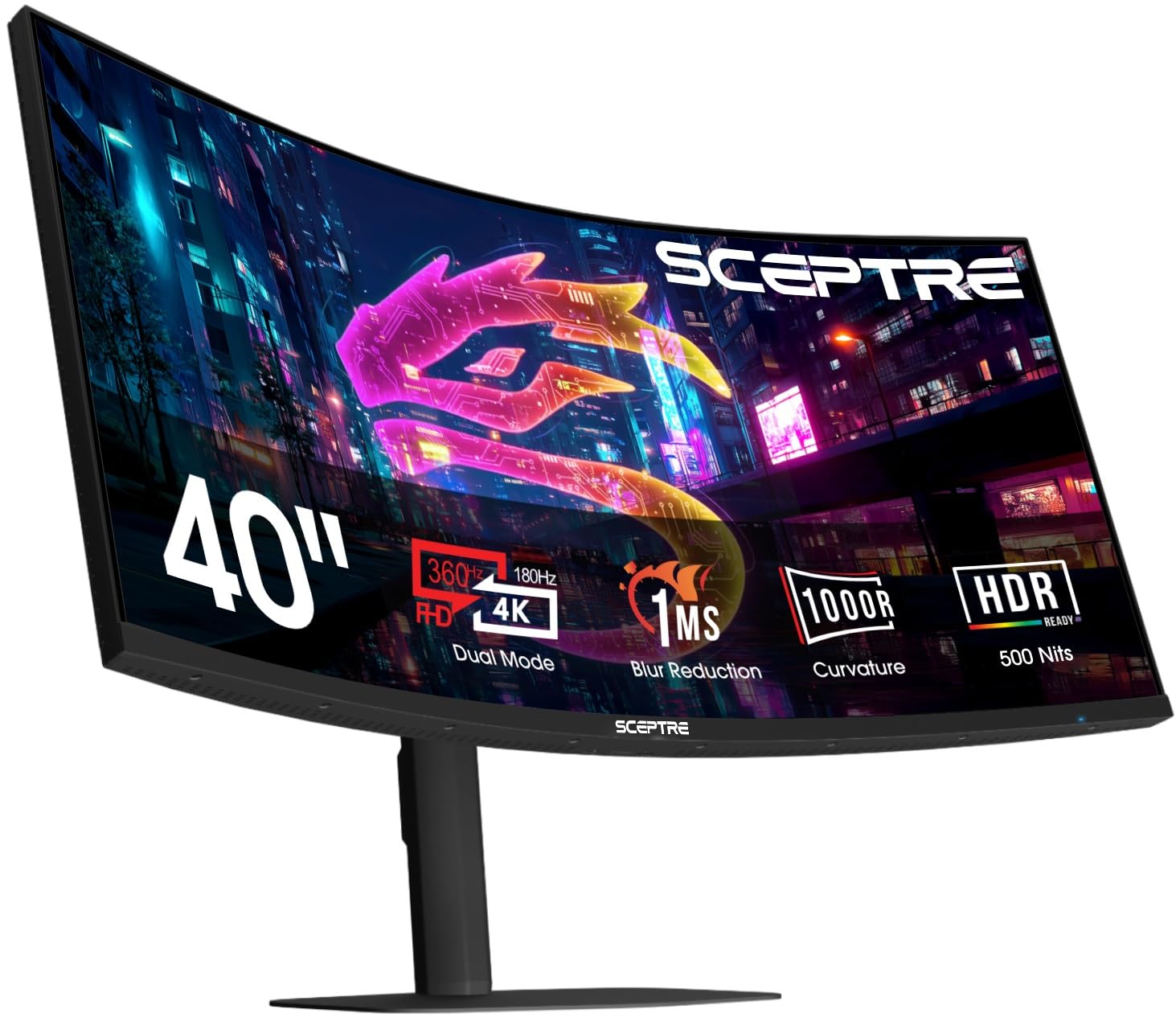
180Hz at 5K2K plus a 3300:1 VA contrast that makes HDR pop — a rare combination at this price.
The Sceptre C415B-UUS360 is the most intriguing new entry in the 40-inch space. Its 39.7-inch VA panel delivers a 3300:1 native contrast ratio — the highest in this list — which means deep blacks and bright highlights for cinematic gaming. The 5120×2160 resolution runs at 180Hz native, and a Dual Mode drops to 2560×1080 at 360Hz for competitive titles.
Early owners are impressed: one describes it as “great bang for the buck, excellent quality” with bright colors and great contrast. A more detailed review notes the text is sharp for productivity and gaming with a 5070 Ti runs beautifully. The catch is that the 1000R curve is aggressive — some find the edges feel “lost” in peripheral vision — and the included stand on early units has been reported as wobbly. If you plan to VESA-mount it, you avoid the stand issue entirely. The built-in speakers are decent for a monitor but not memorable.
Size Champion: you want 5K2K clarity with the highest refresh rate in this size class and can mount it on your own arm.
Skip if Reliable: you need a reliable stand from the start or prefer a gentler curve — the 1000R wrap is intense.
5. Gawfolk 40 Inch 5K Ultrawide Curved Gaming Monitor 120Hz, 5120 x 2160P
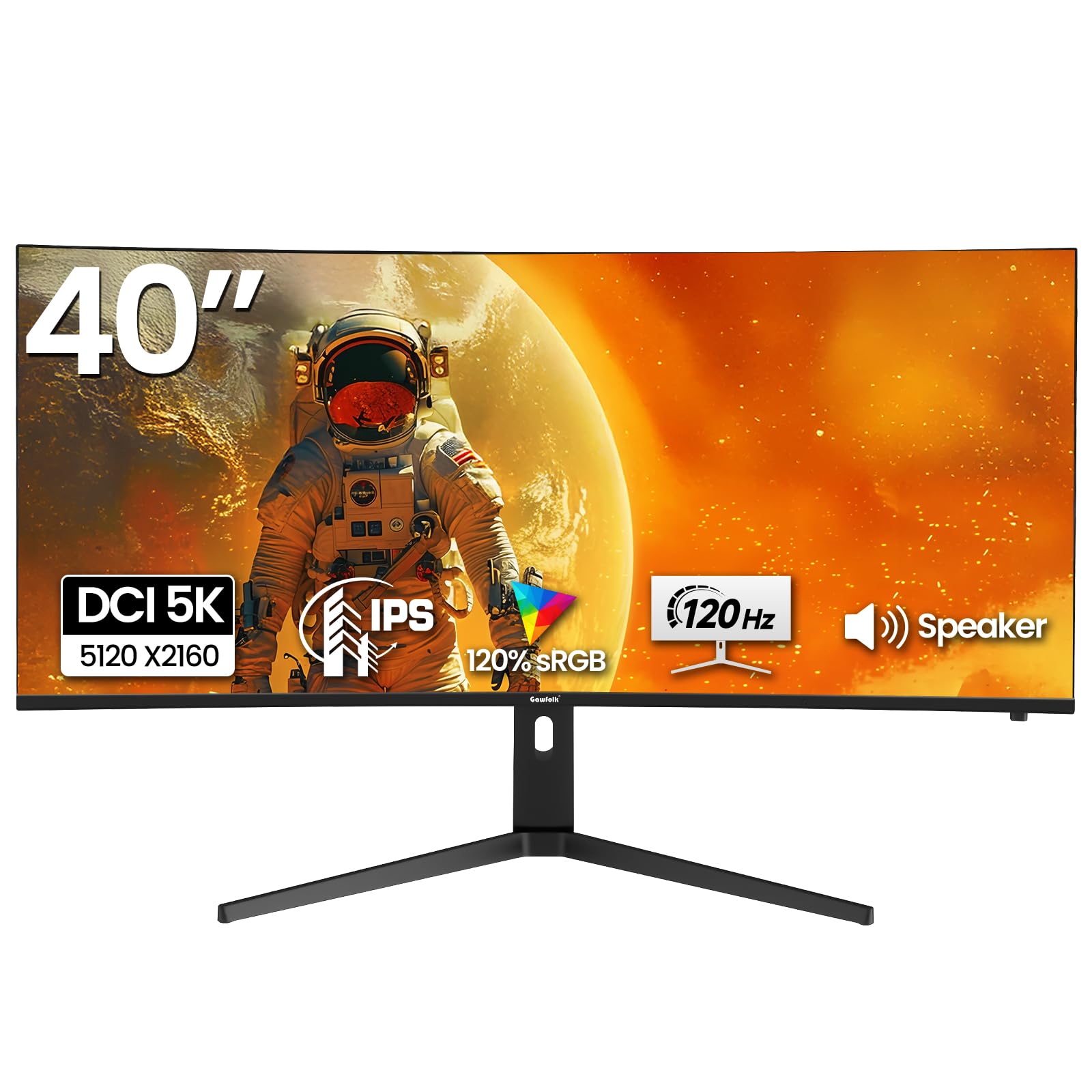
5K2K resolution without the premium brand tax — a smart gateway into ultra-wide productivity.
The Gawfolk 40-inch is the budget-friendly path to 5K2K (5120×2160). Its IPS panel covers 120% sRGB and delivers a 2000:1 contrast ratio — unusually high for IPS, which normally hovers around 1000:1. The 120Hz refresh with FreeSync ensures smooth scrolling and casual gaming, though the 350 cd/m² brightness is average for the category.
Owners highlight the value: one calls it a “great product” that works “perfect for office use” and “with MAC it works wonderfully.” The 2500R curve is gentle enough to avoid distortion while still reducing reflections. The recurring caution is packaging — a few units arrived with minor box damage or a broken internal protector, though the screens themselves functioned fine. The 90% DCI-P3 color gamut is lower than the premium panels, so creative pros may notice less vibrancy in reds and greens, but for general productivity and mainstream gaming, it is a solid entry into 5K territory.
Good for Movies: Mac users who want 5K desktop space for under and do not need high HDR brightness.
Think Twice for Work: color accuracy is critical for print or video — the 90% DCI-P3 is decent but not pro-grade.
6. Deco Gear 40 inch Curved 5K2K Ultrawide Monitor, 5120×2160 WDQHD, USB-C 90W, KVM
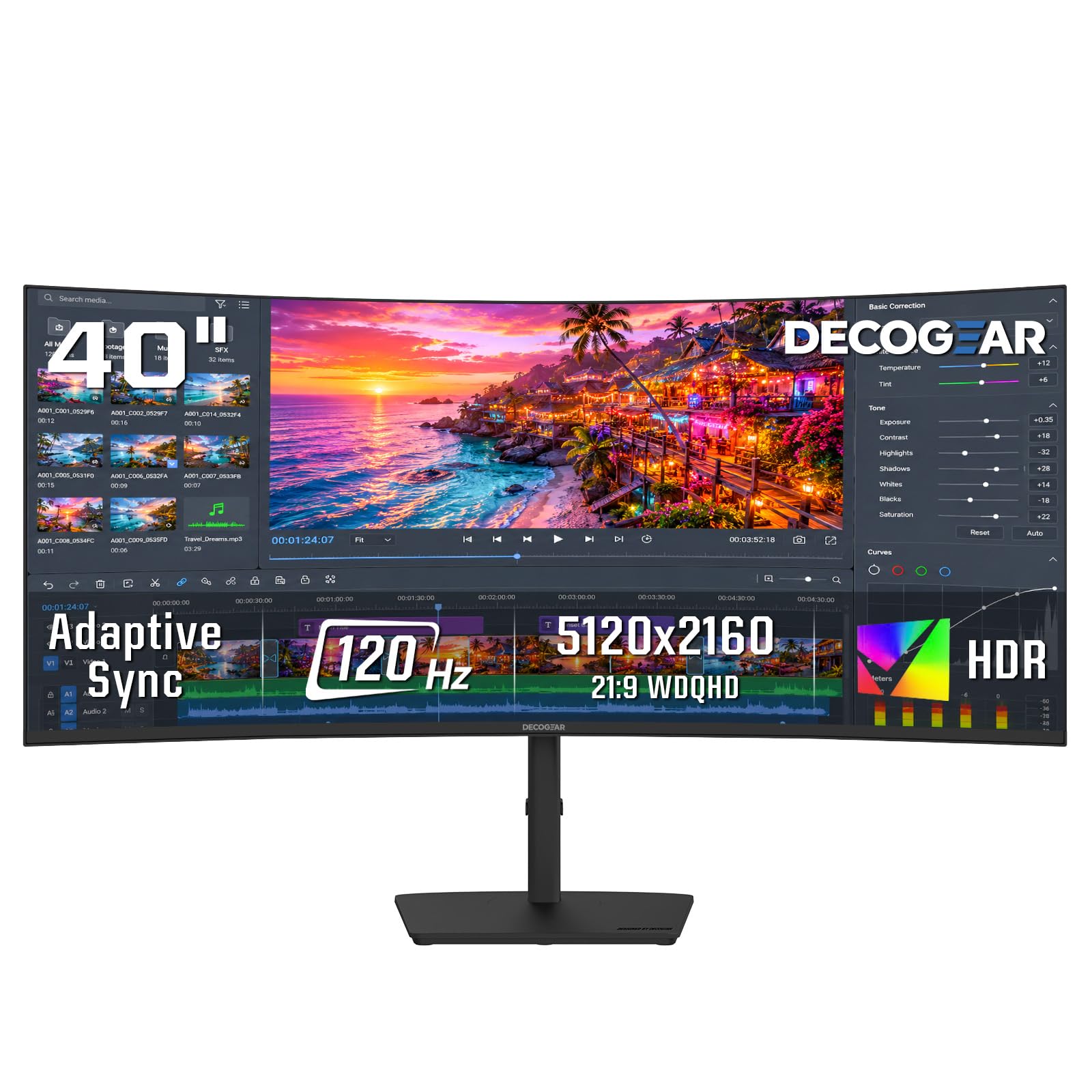
A built-in KVM and 90W charging turn this 5K2K screen into the center of a two-computer desk.
The Deco Gear 40-inch is built for the hybrid worker who switches between a work laptop and a personal desktop. The 5120×2160 IPS panel covers 96% DCI-P3, and the USB-C port delivers 90W power delivery. A built-in KVM (keyboard, video, mouse) and PIP/PBP modes let you control both computers from one keyboard and mouse without extra software.
Picture quality is the strongest point — owners call the resolution “sharp” and “easy on the eyes for coding.” The 75Hz overclocked refresh rate is noticeably lower than the 120Hz–180Hz competition, which limits gaming smoothness. Some durability concerns surfaced: a few units experienced USB-C port failure within months, and customer support has been difficult to reach. The control menu knob is described as “unintuitive with no back function.”
Best for Immersion: a two-PC workflow where the KVM and single-cable laptop charging justify the 75Hz ceiling.
Look Elsewhere for Support: you game at 144Hz or higher — the 75Hz cap will feel restrictive in fast titles.
7. Samsung 40” Odyssey G7 (G75F) Series WUHD Curved Gaming Monitor, 180Hz, 1ms, DisplayHDR 600
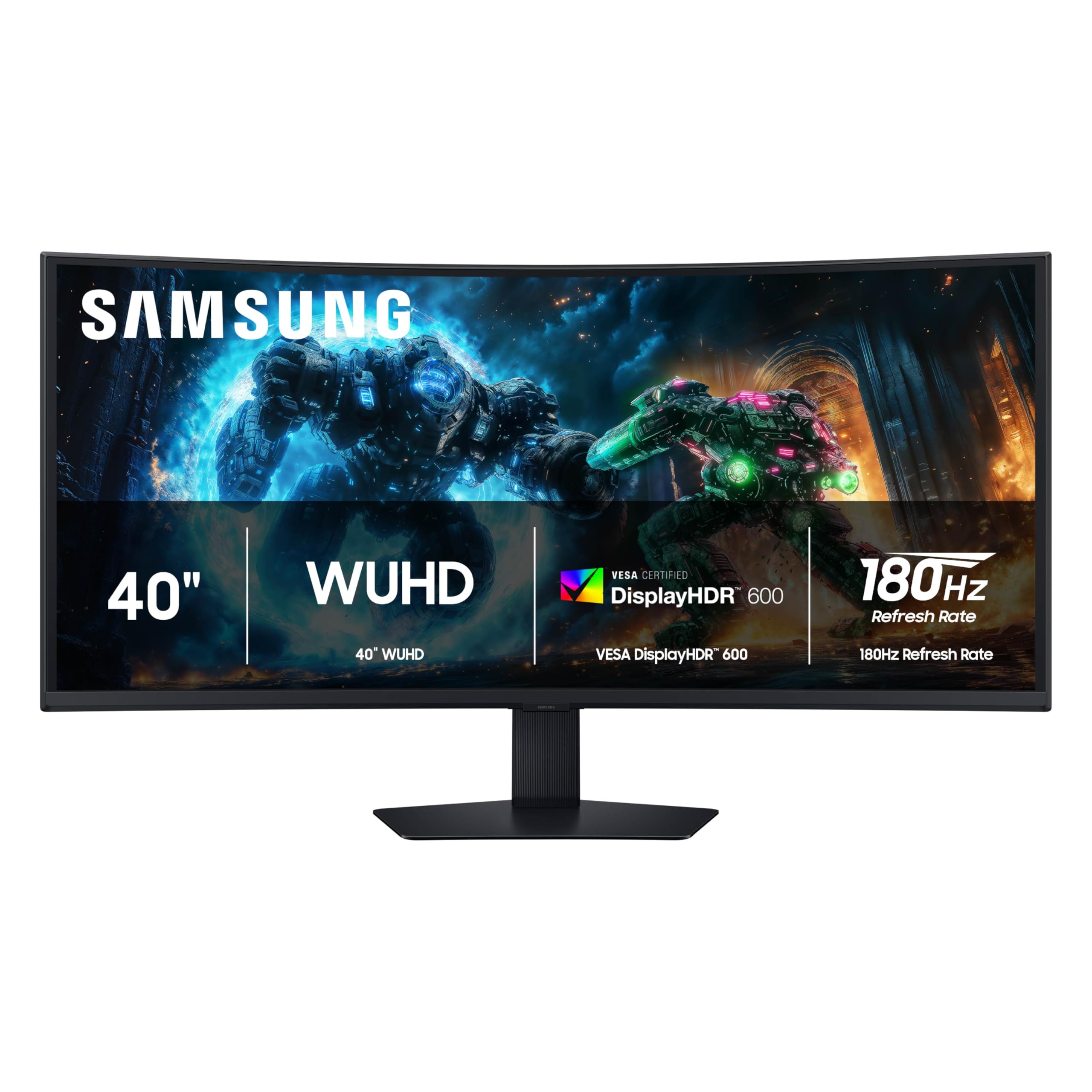
180Hz with 1ms response and a 3000:1 VA panel — built from the ground up for competitive immersion.
The Samsung Odyssey G7 G75F is the most gaming-focused pick in this list. Its 40-inch VA panel hits a 3000:1 contrast ratio — deeper blacks than any IPS here — and runs at 180Hz with a 1ms gray-to-gray response time. VESA DisplayHDR 600 certification pushes brightness above the 350 cd/m² typical of the category, making highlights in games and HDR content look punchy.
Owners commend the “crisp text and images” and find it “worth the price” for gaming. The 1000R curvature is aggressive and wraps the image around your field of view, which is ideal for first-person games but may feel too tight for productivity work where straight lines matter. The VA panel’s viewing angles are narrower than IPS, so off-center colors shift slightly — not an issue in a dedicated gaming chair, but noticeable if you share the screen. The base is described as “ugly and awkward” by some, but the build quality overall feels solid.
Grab for Gaming: you want a dedicated gaming monitor with high contrast, low motion blur, and a fast 180Hz refresh at 5K2K.
Skip for Productivity: you share the screen for collaborative work — the VA viewing angles and tight curve are less flexible than IPS for side-by-side viewing.
8. Samsung 40″ ViewFinity S8 (S85TH) Curved Monitor, 5K2K WUHD, 144Hz, Thunderbolt 5, KVM
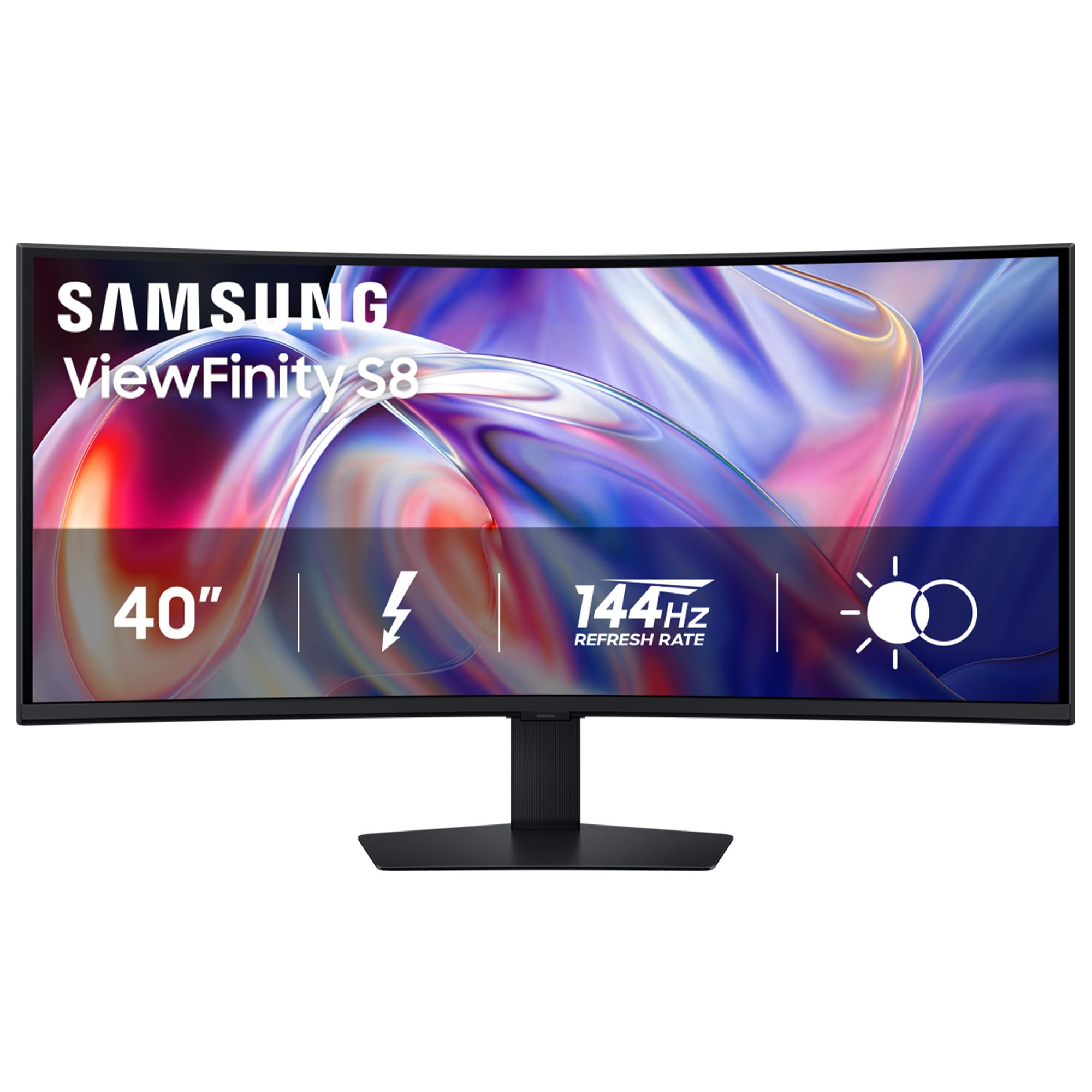
Thunderbolt 5 with 140W charging and a 144Hz VA panel — the ultimate MacBook companion display.
The Samsung ViewFinity S8 S85TH is engineered for creative professionals in the Apple ecosystem. Its Thunderbolt 5 port delivers up to 140W charging to a MacBook Pro and handles 5K2K video at 144Hz over a single cable. The VA panel offers a 3000:1 contrast ratio for deep blacks, and the built-in KVM plus Ethernet make it a genuine dock replacement.
Image quality is “sharp text, accurate colors” — one owner found it a worthy upgrade from an older Samsung S65TC. The main issue is Thunderbolt 5 compatibility: some Mac users report the display going to standby after 10 seconds over Thunderbolt, requiring a resolution toggle or a firmware update that Samsung has not yet published. An HDMI 2.1 connection works around the problem, but at 144Hz you lose the single-cable simplicity. The stand is fully adjustable (tilt, swivel, height), and the built-in speakers are decent for casual listening.
Reach for Office: you own a newer MacBook Pro and want 140W charging, 144Hz, and a KVM in one panel — provided you can wait for a Thunderbolt firmware fix.
Think Twice for Gaming: you need a guaranteed plug-and-play experience — the Mac Thunderbolt issue is an open ticket.
9. LG 40WP95C-W 40” UltraWide Curved WUHD 5K2K Nano IPS Monitor

Nano IPS color fidelity with Thunderbolt 4 — a reference-class screen for video editors and photographers.
The LG 40WP95C-W uses a Nano IPS panel that covers 98% DCI-P3 and delivers wide 178-degree viewing angles. The 5120×2160 resolution at 39.7 inches creates a pixel density of about 140 PPI, which makes text look “crisp and easy to read” and is a notable upgrade from a 38-inch 1600p screen. Thunderbolt 4 handles 96W power delivery and daisy-chaining.
For Mac users, this is a popular choice — one owner calls it “the best ultrawide for Mac users.” The built-in dual 10W speakers have surprisingly rich bass for monitor audio. The biggest pattern in owner feedback is the 72Hz refresh rate: it is smooth enough for productivity and casual gaming, but far behind the 120Hz–180Hz competition. More concerning is the reliability pattern — after two years, some units develop image retention or flickering after idle. LG’s 1-year warranty is standard but feels short at this price. The 300 cd/m² brightness is also dimmer than the premium LG 40U990A (450 nits) and the Dell U4025QW (600 nits).
Ideal for Creatives: a Mac-based creative workflow where DCI-P3 98% color and Thunderbolt 4 simplicity matter more than gaming speed.
Caution on Budget: the long-term reliability record is mixed — consider an extended warranty if you plan to keep it past year two.
10. LG 40U990A-W 40-inch Ultrafine evo 5K2K WUHD Nano IPS Curved Monitor, Thunderbolt 5
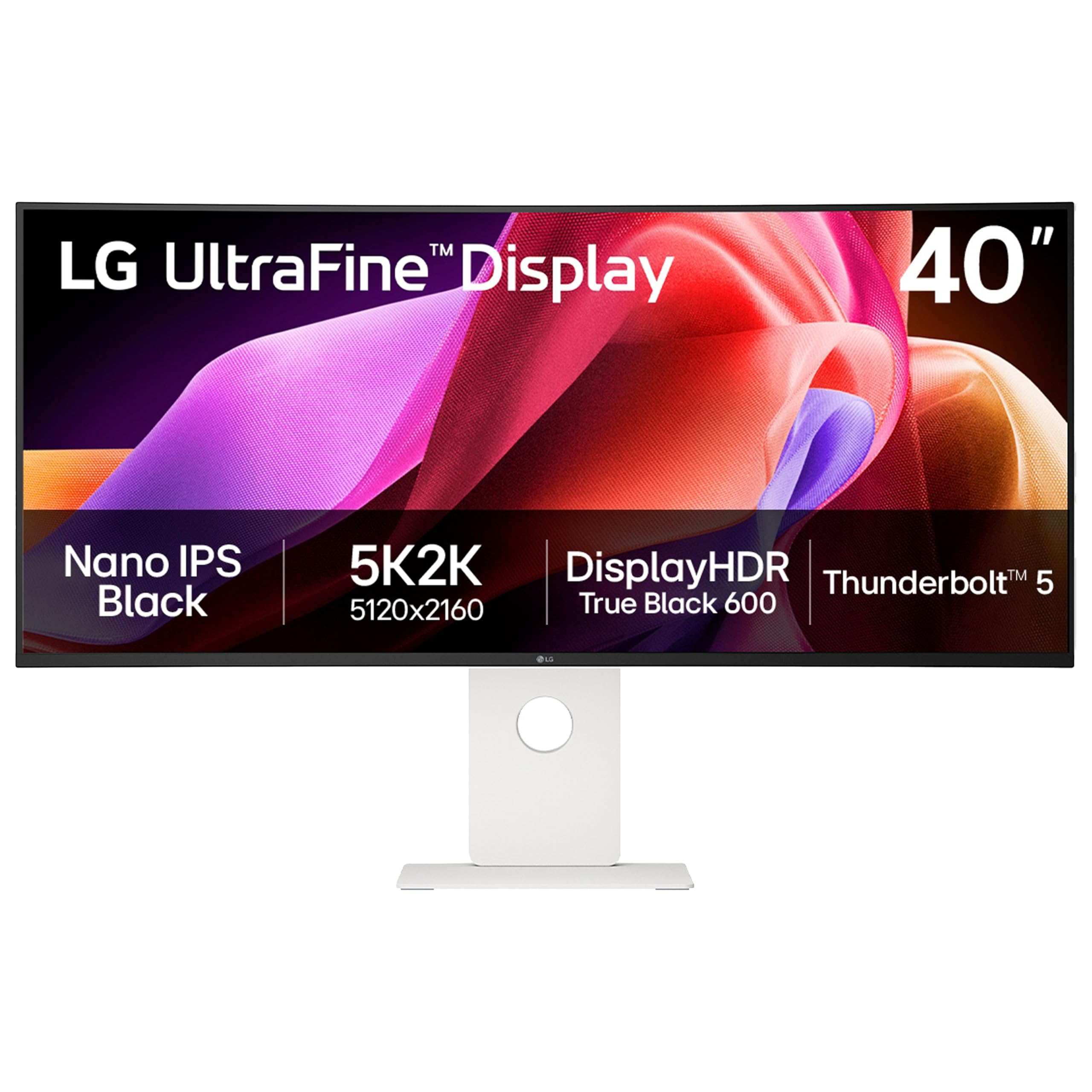
The first 5K2K monitor with Thunderbolt 5 and Nano IPS Black — a no-compromise canvas for cinematic color work.
The LG 40U990A-W is the newest flagship in LG’s UltraFine evo line. Its Nano IPS Black panel achieves a 2000:1 contrast ratio — matching the Dell U4025QW — with 99% DCI-P3 coverage and DisplayHDR 600 certification. The Thunderbolt 5 port delivers 96W charging and daisy-chaining for multi-monitor setups. At 450 cd/m² brightness, it is brighter than the 40WP95C-W but less bright than the Dell’s 600 nits.
Picture quality is “razor-sharp” and colors are “vivid and accurate,” making it a strong competitor to the Dell UltraSharp U4025QW for color-critical work. The 2500R curve (a gentle bend with a 2500mm radius) is gentle enough not to distort lines, and one owner notes the “perfect size for three windows.” The downsides surface in the Thunderbolt 5 implementation (a high-speed data and video connection): some Mac users report intermittent disconnects and a loud fan when the monitor is under load. The built-in speakers are described as “terrible” by one owner, and the chassis plastic feels cheaper than the price suggests. Firmware updates have been unreliable, and customer support has been unresponsive in some cases.
Compared to the Dell U4025QW, the LG matches the 2000:1 contrast ratio and adds Thunderbolt 5, but the Dell has nearly double the peak brightness (600 nits vs 450 nits) and a more mature KVM implementation. The LG is the better spec sheet on paper for future-proofing; the Dell is the more refined daily driver today.
Best for Mac: you need the absolute best color accuracy with future Thunderbolt 5 bandwidth for high-end video production.
Think Twice for PC: you want a polished out-of-box experience — early firmware and support issues make this a better pick for patient early adopters.
Understanding the Specs
Resolution and Pixel Density
At 40 inches, the resolution gap between WQHD (3440×1440) and 5K2K (5120×2160) is enormous — about 4.5 million more pixels. You notice this immediately in text sharpness and the ability to display multiple high-res windows side by side. 3440×1440 is fine for gaming and general office use if you sit at arm’s length; 5K2K is transformative for video editing, CAD, and coding where every pixel of vertical and horizontal space matters.
Contrast Ratio and Panel Type
Contrast ratio measures the difference between the brightest white and the darkest black a monitor can produce. VA panels typically offer 3000:1, giving deep blacks for movies and games. Standard IPS panels sit around 1000:1; Nano IPS Black pushes this to 2000:1, closing the gap with VA while keeping wide viewing angles and color accuracy. If you work in a bright room, higher brightness (measured in nits) also helps — look for 400+ nits for comfortable daytime use.
Refresh Rate and Adaptive Sync
Measured in Hertz (Hz), this tells you how many frames per second the monitor can display. 60Hz is fine for static productivity; 120Hz makes cursor movement look fluid and eliminates micro-stutter when scrolling. For gaming, 144Hz is the balance where motion looks realistic without requiring a top-tier graphics card. Adaptive sync technologies (FreeSync for AMD graphics cards, G-Sync for Nvidia graphics cards) match the monitor’s refresh rate to your graphics card’s output, eliminating screen tearing without the lag of traditional V-Sync.
Connectivity: USB-C PD, KVM, and Thunderbolt
USB-C with Power Delivery lets you connect a laptop with a single cable that carries video, data, and charging — the best feature for a clean desk. A built-in KVM (keyboard, video, mouse) allows you to control two computers with one keyboard and mouse without a separate switch. Thunderbolt 4/5 offers even higher bandwidth for daisy-chaining multiple 5K displays and faster file transfer, but it is only available on premium models and requires compatible Mac or PC hardware.
FAQ
Will a 40 inch curved monitor fit on a standard 60-inch desk?
Do I need a special graphics card to drive a 40 inch 5K2K monitor?
Is a 40 inch curved monitor good for programming?
Can I use a 40 inch ultrawide for console gaming?
What does USB-C Power Delivery mean for my laptop setup?
How much difference does a 1000R curve make vs a 2500R curve?
What is the difference between Nano IPS and standard IPS?
Are built-in speakers on these monitors good enough for regular use?
What does HDR10 vs DisplayHDR 400 vs DisplayHDR 600 mean in practice?
Final Thoughts: The Verdict
Across the board, the best 40 inch curved monitor is the Dell UltraSharp U4025QW because it combines 5K2K resolution (5120×2160), 2000:1 IPS-Black contrast (deep blacks for an IPS panel), and a built-in KVM with 600 nits brightness — a rare balance of color accuracy, productivity features, and build quality that no other monitor in this size matches. If you want high-refresh gaming and deep VA contrast without the premium price, grab the Sceptre C415B-UUS360. And for a Mac-centric creative workflow with Thunderbolt 5 (a high-speed connection for data, video, and power) and 99% DCI-P3 color (a wide color gamut standard), the LG 40U990A-W is the future-proof choice.
How We Picked
We do not accept paid placement. Every pick is matched to a real buyer and a real use-case; we do not hands-on test units.
Sources & Methodology
Specifications: manufacturer listings and product documentation. Review insights: verified customer reviews, as of July 2026. Pricing: not shown on this page (it changes often); check the current price via the retailer link.
As an Amazon Associate, Gadgets Feed earns from qualifying purchases. This does not affect which products we feature.