
Our readers keep the lights on and my morning glass full of iced black tea. As an Amazon Associate, I earn from qualifying purchases.
Specs are compiled from manufacturer listings and verified buyer reviews and can change over time — please confirm the key details on the product page before buying.
If your game stutters the moment someone else streams a video, the problem is probably not your internet speed — it is your wireless setup. A standard router tries to do everything at once (routing, switching, and broadcasting), and gaming traffic rarely gets the priority it needs. A dedicated gaming access point offloads the wireless work so your packets fly straight without fighting for airtime.
I’m Min — the founder and writer behind Gadgets Feed. This guide is built by comparing the manufacturers’ published specifications and the patterns across verified customer reviews, so you get each pick’s real strengths and trade-offs instead of marketing spin.
You want a gaming access point that keeps your ping low and your win rate high, whether you are setting up a home office or a whole house for competitive play. This breakdown picks the one worth buying first, then explains why each option earns its spot.
Quick Picks
- Alta Labs AP6-PRO WiFi 6 Access Point — Best Overall
- Mekupc AX3000 Outdoor WiFi 6 Extender — Best Coverage
- EnGenius ECW520 Wi-Fi 7 Tri-Band Indoor Access — Future Ready
How To Choose The Best Gaming Access Point
Picking an access point for gaming is different from picking one for general browsing. You need low latency, strong Quality of Service (QoS — the ability to prioritize game traffic over Netflix downloads), and a wireless standard that your console or PC actually supports. Here are the three specs to check first.
Wi-Fi Standard and Throughput
Wi-Fi 6 (802.11ax) is the baseline for modern gaming because it handles multiple devices without choking bandwidth. If you plan to keep this unit for several years, Wi-Fi 7 brings wider 320 MHz channels and Multi-Link Operation for even lower latency, though you need compatible clients to see the full benefit.
Port and Power Options
Most dedicated access points run on Power over Ethernet (PoE). That means a single Ethernet cable carries both data and electricity — no separate power brick needed near your gaming spot. A 2.5 Gigabit Ethernet port (2.5 GbE) is a future-proof bonus if your internet plan ever exceeds 1 Gbps.
Physical Range and Environmental Durability
Gaming happens indoors, so an IP rating (dust and water protection) matters only if you plan to mount the unit near a window, on a porch, or in a garage. For pure indoor use, prioritize antenna count and beamforming technology over ruggedness.
Quick Comparison
| Model | Best For | Wi‑Fi Standard | Max Throughput | Port Speed | Amazon |
|---|---|---|---|---|---|
| Alta Labs AP6-PRO | Competitive gamers who want pure Wi‑Fi 6 speed | Wi‑Fi 6 | ~6.3 Gbps | 2.5 GbE PoE+ | Amazon |
| Mekupc AX3000 | Outdoor coverage and heavy device loads | Wi‑Fi 6 | AX3000 | 1 GbE PoE | Amazon |
| EnGenius ECW520 | Future-proofing with Wi‑Fi 7 | Wi‑Fi 7 | ~10.8 Gbps | 2.5 GbE PoE+ | Amazon |
In‑Depth Reviews
1. Alta Labs AP6-PRO WiFi 6 Access Point
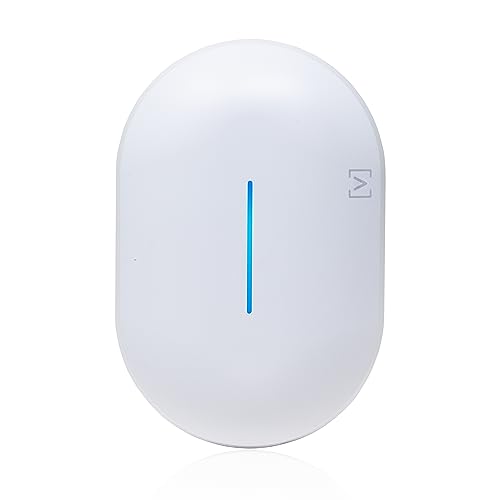
The speed demon that leaves older networking gear in the dust.
This access point keeps your gaming traffic separate from video streams and smart home chatter, thanks to a Qualcomm Wi-Fi 6 platform with 4×4 MU-MIMO (multiple antennas that talk to several devices at once) and 4096 QAM (a dense signal encoding that squeezes more data into every transmission). The combined wireless throughput is around 6.3 Gbps, giving you enough headroom for lag-free play. Buyers who own this unit report it ties or beats commercial-grade hardware like Ruckus and Ubiquiti at a fraction of the price. One owner noted it outperformed a Linksys Wi-Fi 6E router by roughly 100 Mbps at the far end of the house.
The enclosure carries an IP54 rating, which means it shrugs off dust and splashes if you mount it under an eave or in a garage. Setup runs through the Alta Labs cloud platform via app or browser, and the 2-year warranty plus unlimited tech support gives you a safety net if anything goes wrong. The recurring trade-off (and the one thing owners mention most) is reliability — a small number of units have failed after a power surge, and the initial support response was slow. That said, the company resolved those cases once escalated, and the day-to-day performance is genuinely fast.
As one owner puts it: in the same room, the unit averaged 750 Mbps down and 800 up, though buyers should note that range drops hard beyond 20–25 feet. Keep this AP close to your gaming rig for the best results.
what separates it
- Cloud-managed with DPI (Deep Packet Inspection) for traffic prioritization
- IP54 rated, so it handles dust and light moisture
One Thing To Know
- Range drops sharply past 20–25 feet — place it close to your gaming area
Reach for this if: you want the highest raw throughput for competitive gaming without paying enterprise prices.
Look elsewhere if: you need to cover a large house from a single unit — the range is room-sized.
2. Mekupc AX3000 Outdoor WiFi 6 Extender
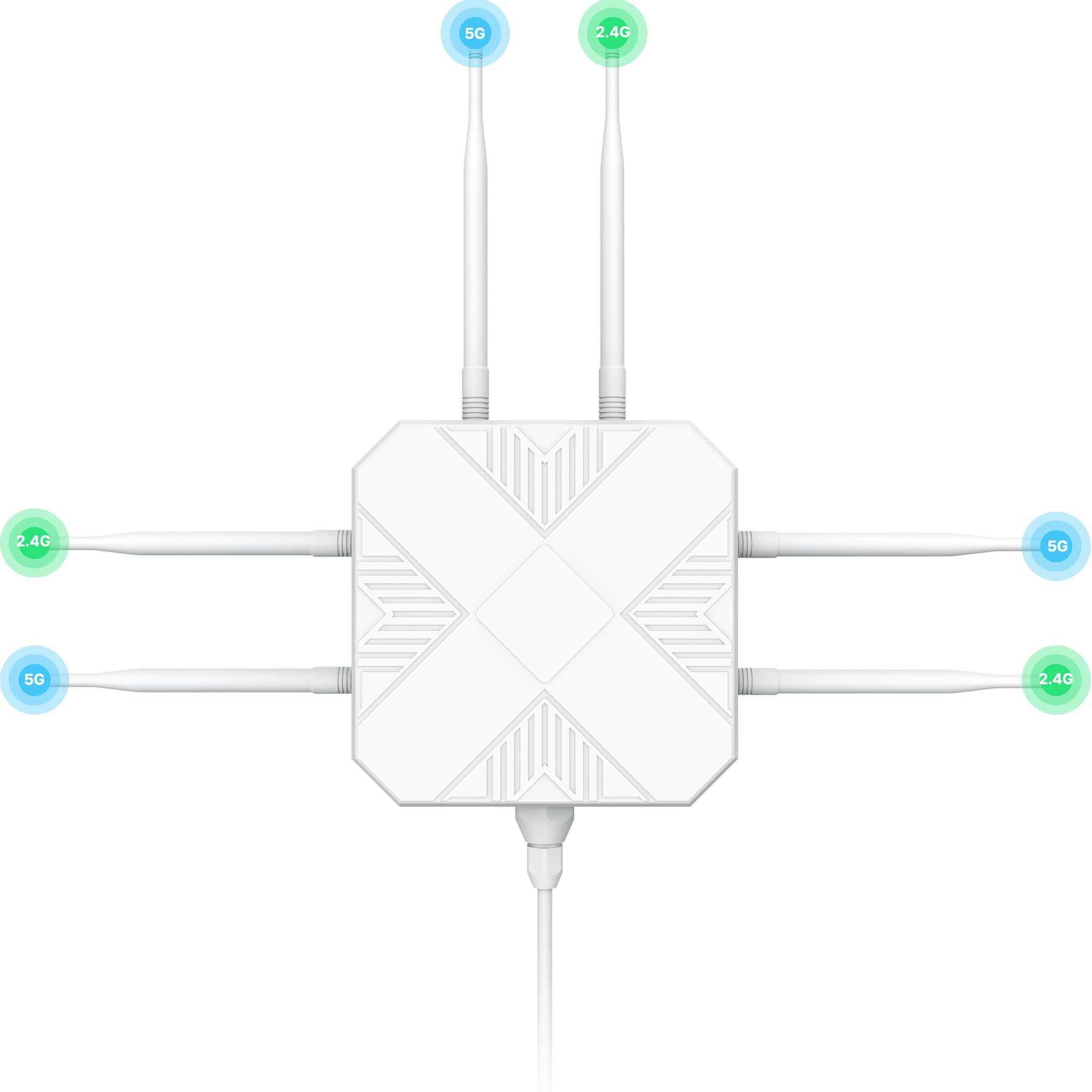
The rugged unit that blankets a yard or warehouse in solid signal.
If your gaming setup sits far from the main router — a detached garage, a backyard office, or a basement with thick walls — this outdoor access point solves the distance problem. It packs six high-gain omnidirectional antennas and six built-in power amplifiers, delivering a coverage radius of 200 to 300 meters and supporting up to 256 simultaneous devices. The IP67 enclosure (completely dust-tight and protected against immersion in water) means rain, snow, or temperature swings from -20°C to 50°C (-4°F to 122°F) will not faze it.
The unit runs on Power over Ethernet, so you run one cable from a PoE switch and the AP is live. It offers four operating modes (AP, Router, Repeater, and Hybrid), which makes it flexible if you ever want to reconfigure it as a range extender. Buyers highlight the one-touch WPS setup and the way the 2.4 GHz band punches through plaster walls for long-range browsing while the 5 GHz band handles streaming. The trade-off is the port speed: it tops out at 1 GbE, not the 2.5 GbE you get on the Alta Labs or EnGenius units, so it is not quite as future-proof for multi-gig internet plans.
Perfect for wide spaces: If you need Wi-Fi across a large property or through multiple floors and exterior walls, this unit delivers where indoor-only APs fade.
Grab it for: covering a backyard office, detached garage, or multi-level home where cable runs are impractical.
Skip it for: a single-room gaming setup where you want the absolute lowest latency — the 1 GbE port is the bottleneck.
3. EnGenius ECW520 Wi-Fi 7 Tri-Band Indoor Access Point
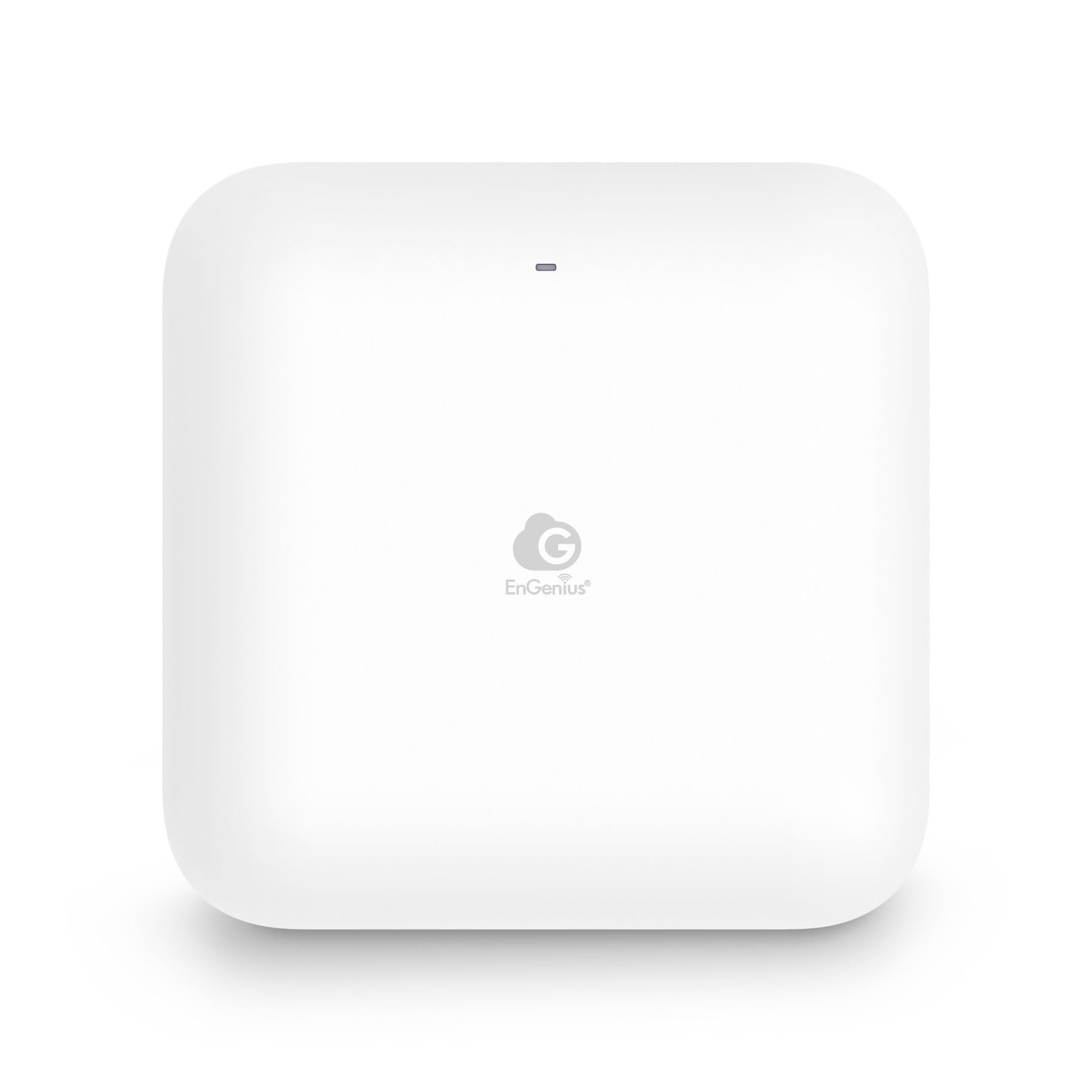
The forward-looking pick that open up Wi‑Fi 7’s full potential today.
If you own a Wi-Fi 7 device like an iPhone 16 Pro, MacBook Pro, or Galaxy S23, this access point lets you use the 6 GHz band with 320 MHz channels for the lowest possible latency. The tri-band setup (2.4, 5, and 6 GHz) supports up to 10.8 Gbps aggregate throughput and can handle 500 simultaneous connections. Coverage is rated for 1,200 square feet, and the 2.5 Gigabit Ethernet PoE+ port matches your wired backbone to the wireless speed.
Buyers consistently praise the setup process — you can get it running via the cloud app in minutes — and the tri-band performance with many devices connected at once. In one real-world test, two units averaged over 800 Mbps through two walls. The main caveat is that the power adapter is not included; you must supply a PoE+ switch or injector (a standard requirement for enterprise-class APs, but a surprise if you are used to consumer routers). The coverage also falls short for some owners who expected more reach from a Wi-Fi 7 unit — it is designed for small-to-medium spaces, not a whole mansion from one box.
Best for early adopters: If you already own Wi-Fi 7 clients and want an affordable entry point into the standard, this AP gives you the specs without the typical enterprise markup.
Choose this for: a home office or apartment with Wi-Fi 7 gear where every millisecond of latency matters.
Hold off if: you are on a tight budget or your devices are still on Wi-Fi 6 — the 6 GHz benefit is wasted until you upgrade.
Understanding the Specs
MU‑MIMO and QAM
MU‑MIMO (Multi-User, Multiple-Input, Multiple-Output) is an antenna technology that lets the access point talk to several devices at the same time instead of taking turns. With 4×4 MU‑MIMO, you get four simultaneous data streams — your gaming PC, your console, a streaming box, and a phone can all move data without queuing. QAM (Quadrature Amplitude Modulation) measures how much data each transmission carries. 4096 QAM packs 12 bits per symbol (versus 1024 QAM at 10 bits), which means faster speeds when you are close to the AP.
PoE+ and Port Speed
Power over Ethernet (PoE) lets you power the access point through the same Ethernet cable that carries data, eliminating a separate power brick near your gaming desk. PoE+ delivers up to 30 watts, enough for tri-band radios and multiple antennas. Port speed matters for gaming because your wired uplink must be faster than your wireless peak if you want no bottlenecks. A 2.5 GbE port can handle multi-gig internet plans and Wi-Fi throughput above 1 Gbps; a 1 GbE port is fine for most connections today but will be the weak link once your ISP speeds exceed a gigabit.
FAQ
Do I need a gaming router or a gaming access point?
Will Wi‑Fi 7 make my older devices faster?
Can I use a gaming access point with any internet provider?
What is the difference between 2.4 GHz and 5 GHz bands for gaming?
How many devices slow down a gaming access point?
Do I need a special switch for Power over Ethernet?
Is an outdoor access point safe to install under a roof eave?
Will a gaming access point reduce my ping in online shooters?
How far from my gaming PC should I place the access point?
Can I use more than one gaming access point in the same house?
Final Thoughts: The Verdict
For most buyers, the gaming access point winner is the Alta Labs AP6-PRO because it delivers the best balance of raw throughput (~6.3 Gbps), advanced features, and price. If you need to cover a wide property or a detached space, grab the Mekupc AX3000 for its IP67 ruggedness and 300-meter radius. And if you already own Wi-Fi 7 devices and want to cut latency to the absolute minimum, the EnGenius ECW520 is the one to reach for.
How We Picked
We do not accept paid placement. Every pick is matched to a real buyer and a real use-case; we do not hands-on test units.
Sources & Methodology
Specifications: manufacturer listings and product documentation. Review insights: verified customer reviews, as of July 2026. Pricing: not shown on this page (it changes often); check the current price via the retailer link.
As an Amazon Associate, Gadgets Feed earns from qualifying purchases. This does not affect which products we feature.