
Our readers keep the lights on and my morning glass full of iced black tea. As an Amazon Associate, I earn from qualifying purchases.
Specs are compiled from manufacturer listings and verified buyer reviews and can change over time — please confirm the key details on the product page before buying.
A 21.5-inch gaming monitor hits a balance a lot of setups miss — it is compact enough for a cramped dorm desk or a second-screen arm mount, yet the Full HD resolution (1920 x 1080) keeps each pixel crisp instead of stretched. The real challenge isn’t size, though; it is spotting which panel actually delivers smooth gameplay without ghosting or tearing, while a cheaper model might advertise a high number but skip adaptive sync or use a slow VA response.
I’m Min — the founder and writer behind Gadgets Feed. This guide is built by comparing the manufacturers’ published specifications and the patterns across verified customer reviews, so you get each pick’s real strengths and trade-offs instead of marketing spin.
We walk through the specs that separate a blurry mess from a fluid gaming experience — things like refresh rate, response time, and panel type — to help you find the 21.5 inch gaming monitor that actually matches how you play.
Our Picks at a Glance

How To Choose The Best 21.5 Inch Gaming Monitor
Picking a gaming monitor at this size means balancing smooth motion with color accuracy. You want a screen that keeps fast-moving objects sharp and responds instantly to your inputs, but you also do not want to overspend on features your graphics card cannot handle. Focus on a few key specs that define the actual gaming experience.
Refresh Rate — How Many Frames Per Second You See
This number, measured in hertz (Hz), tells you how many times the screen redraws its image each second. A standard office monitor runs at 60Hz, which can feel sluggish in a fast shooter. A 75Hz monitor is a noticeable step up, while 100Hz or 120Hz delivers truly fluid motion where enemies do not jump between positions — they glide. Your graphics card must be capable of pushing those frame rates to see the benefit.
Response Time — How Fast Pixels Change Color
Listed in milliseconds (ms), this spec measures how quickly a pixel switches from one shade to another. A 1ms response time is the gold standard for eliminating ghosting — that trailing blur behind a moving object. A 5ms panel is fine for slower RPGs or strategy titles, but competitive players should prioritize that lower number.
Panel Type — IPS, VA, or QLED
IPS panels offer the best viewing angles and color consistency, making them a strong all-rounder. VA panels trade slightly narrower angles for deeper black levels and higher contrast, which helps in darker game scenes. QLED is a newer technology that boosts color volume and brightness — great if you want vivid, punchy visuals that stand out in a bright room.
Adaptive Sync — Matching the Monitor to Your Graphics Card
Technologies like FreeSync (for AMD cards) and Adaptive-Sync (for newer Nvidia cards) let the monitor adjust its refresh rate on the fly to match the frame rate your GPU outputs. This eliminates screen tearing — that ugly horizontal split — without introducing input lag. Always check compatibility with your specific graphics card model.
Quick Comparison
| Model | Best For | Refresh Rate | Response Time | Panel Type | Amazon |
|---|---|---|---|---|---|
| ASUS VP228HE★ Best Overall | Competitive Speed | 75Hz | 1ms | LED | Amazon |
| ASUS VP229QBest Value IPS | Color Accuracy | 75Hz | — | IPS | Amazon |
| ASUS VP229QFSmooth Motion | Ultra-Smooth Motion | 100Hz | — | IPS | Amazon |
| Samsung S40GD | Ergonomic Flexibility | 100Hz | — | IPS | Amazon |
| AOPEN 22CV1Q | Deep Blacks | 75Hz | 5ms | VA | Amazon |
| Acer EK220Q | Budget Secondary | 75Hz | 5ms | VA | Amazon |
| EVICIV Portable | On-the-Go Gaming | 100Hz | 1ms | QLED | Amazon |
| Newsoul Portable | Vivid Color Work | 100Hz | 0.1ms | QLED | Amazon |
| Dragolftie Touch | Interactive Kiosk/POS | 75Hz | — | VA | Amazon |
| UPERFECT Portable | Bright Travel Buddy | 100Hz | 1ms | QLED | Amazon |
| UPERFECT Touch 120Hz | High-FPS Touch | 120Hz | — | LED | Amazon |
In‑Depth Reviews
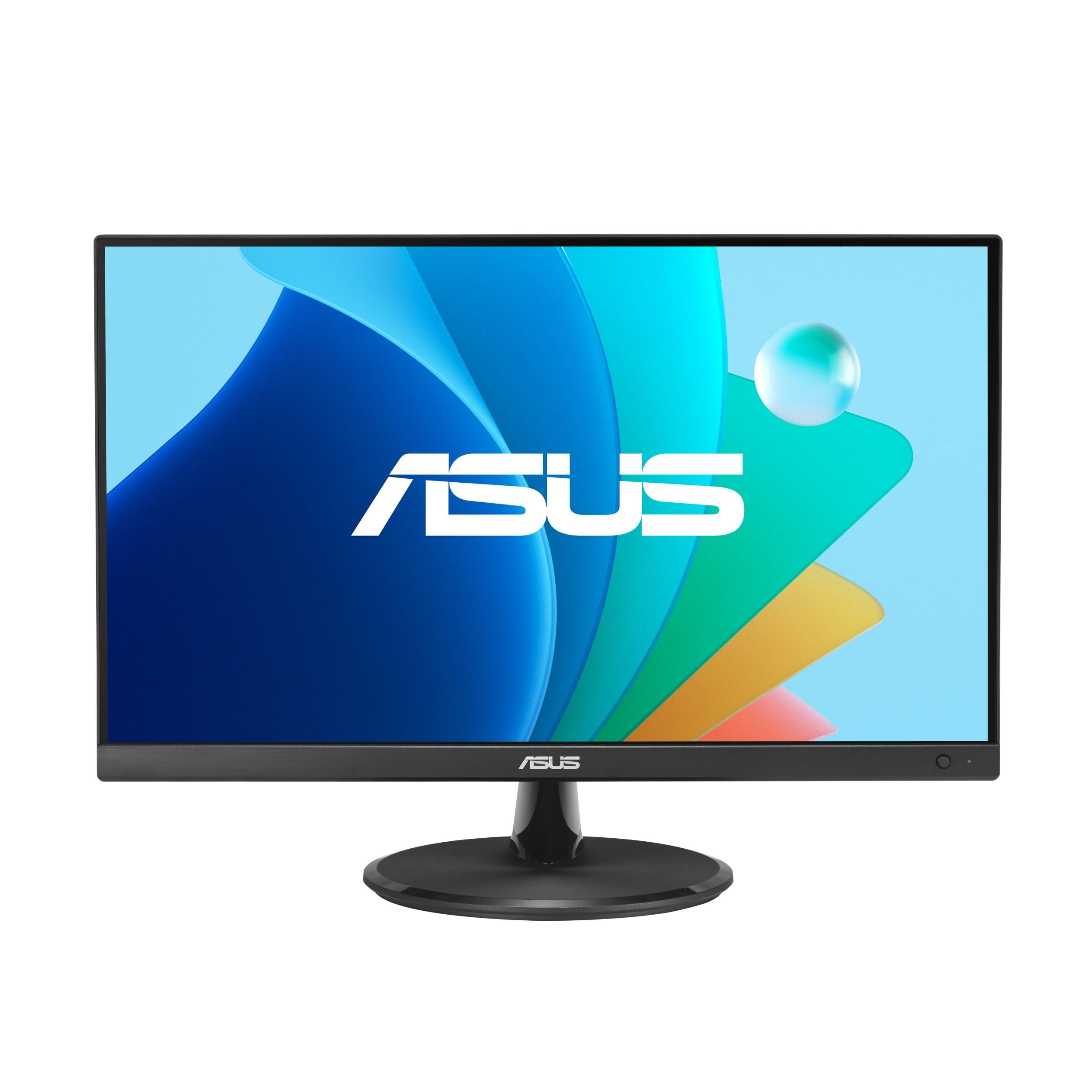
1. ASUS VP228HE
Our pick — 4.5★ from 1,500+ verified ratings; the strongest balance of quality and price.
The desktop classic that pairs a blistering 1ms response with a crowd-satisfying price.
This ASUS monitor is built for the player who values instant response above all else. You get a 1ms (GTG) response time that kills ghosting — in a fast-paced shooter, a character’s outline stays sharp even as they sprint across the screen. The 75Hz refresh rate is a meaningful upgrade over 60Hz, and with FreeSync (a technology that syncs the monitor’s refresh rate to your AMD graphics card’s frame output), you avoid the jarring horizontal split of screen tearing altogether.
The 200 cd/m² brightness is notably lower than some rivals, sitting at roughly a quarter of the 856.5 cd/m² peak of the ASUS VP229QF. In a dimly lit room the picture looks fine, but a brightly sunlit window behind you will wash it out. Owners consistently praise the overall build and picture clarity — buyers report it “works great with DVI-to-HDMI adapter; VGA and HDMI inputs both look identical,” highlighting the straightforward plug-and-play experience.
ASUS exclusive GamePlus features (crosshair overlay, timer, FPS counter) give you on-screen tools without third-party software, and the TÜV Rheinland-certified Flicker-free and Low Blue Light modes reduce eye strain during long sessions.
Competitive Edge
- 1ms response eliminates ghosting for fluid gameplay
- FreeSync support works with AMD GPUs for tear-free frames
- GamePlus hotkey tools (crosshair, timer, FPS counter)
- Built-in 1.5W speakers for basic audio without extra gear
The Trade-Offs
- 200 cd/m² brightness struggles in well-lit rooms
- 72% color gamut is limited for color-critical work
- No DisplayPort input; only HDMI and VGA
Your speed-focused companion: If you play competitive shooters and need the fastest pixel response at this size, the VP228HE delivers where it counts. Think twice if: Bright ambient light or color-accurate photo editing are part of your daily use — the lower brightness and narrower gamut are real limits.
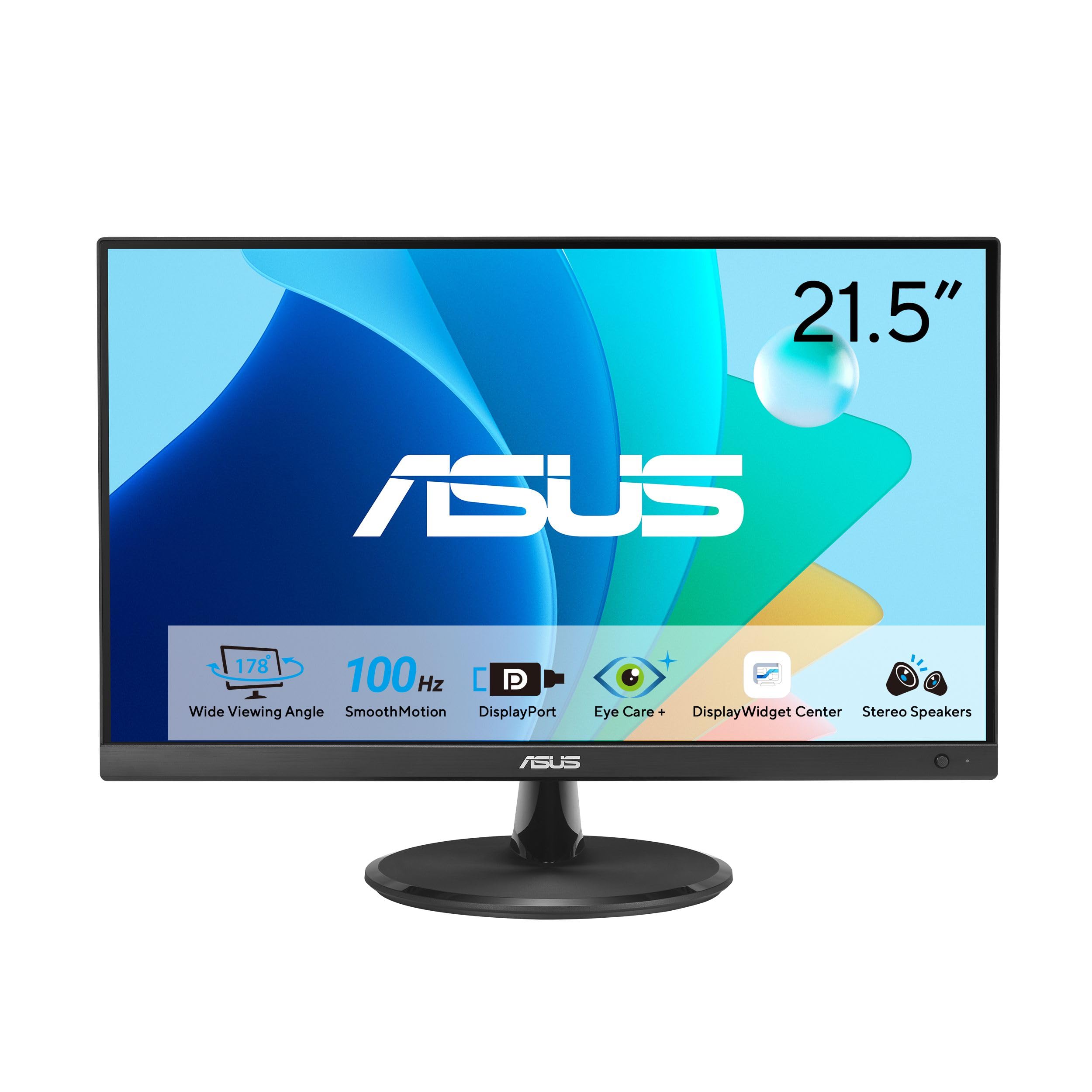
2. ASUS VP229Q
The color-accurate IPS workhorse that pulls double duty as a capable gaming screen.
Where the VP228HE prioritizes speed, this ASUS IPS panel prioritizes viewing angles and real color. The 178° wide viewing angle means colors stay consistent whether you are leaning in for a fight or sitting back to watch a cutscene — no washed-out shifts when you are off-center. The 75Hz refresh rate, paired with Adaptive-Sync and FreeSync compatibility, smooths out frame delivery for both AMD and newer Nvidia GeForce graphics cards (GTX 10-series and up).
Customers consistently note the reliability and display quality — the top-mentioned aspects among owners. The picture gets called “crisp text and graphics,” and the connection options (HDMI, DisplayPort, and VGA) make it easy to hook up older PCs alongside modern consoles. A common piece of real-world feedback sums it up: it is a “75Hz IPS model, no dead pixels.” The catch, as buyers point out, is the built-in speakers — they are described as not loud enough, so plan on separate desktop speakers or a headset for game audio.
Strengths
- IPS panel delivers 178° viewing angles and consistent color
- 75Hz with Adaptive-Sync works with AMD and newer Nvidia GPUs
- Includes DisplayPort and HDMI cables in the box
- VESA wall-mountable for multi-monitor arms
Limitations
- Built-in speakers are weak and not loud enough
- Stand lacks swivel adjustment
- Some units report uneven backlight at the top center
Great for mixed use: If you split your time between gaming and work that needs accurate color — spreadsheets, coding, photo sorting — the VP229Q is the balanced choice. Pass on this if: You need a monitor with usable built-in audio or a fully adjustable stand with height and swivel.
3. ASUS VP229QF
Takes the IPS formula and cranks the refresh rate and color gamut to new levels.
This ASUS monitor sits a clear step ahead of the VP229Q in two decisive areas. The refresh rate jumps from 75Hz to 100Hz, making fast camera pans noticeably smoother — you see enemy movement as a continuous motion rather than a series of jumps. The color gamut also widens significantly: 99% sRGB compared to the 72% sRGB of the VP228HE and VP229Q, so reds and greens look richer and more realistic in open-world game environments.
The 856.5 cd/m² brightness is a massive leap over the VP228HE’s 200 cd/m² — a 4.3x gap that means this screen stays readable even in a sunlit corner of a room. ASUS DisplayWidget Center lets you adjust settings like contrast and blue light filter with your mouse instead of fumbling with tiny bezel buttons. Owners mention the thin bezel makes it a clean fit for multi-monitor setups, and the included L-shaped screwdriver simplifies VESA wall mounting.
Where It Excels
- 100Hz refresh rate delivers noticeably smoother motion than 75Hz
- 99% sRGB color gamut for vibrant, realistic game worlds
- 856.5 cd/m² peak brightness stays clear in bright rooms
- 5-way navigator joystick for easy menu control
Where It Falls Short
- Low review volume makes long-term reliability less proven
- No listed response time spec for competitive ghosting metrics
The fluid-motion pick: If you want the smoothest on-screen movement within this price tier and richer color for single-player games, the VP229QF leads the pack. Consider alternatives if: You need a proven track record with thousands of reviews — this model is still building its reputation.
4. Samsung S40GD
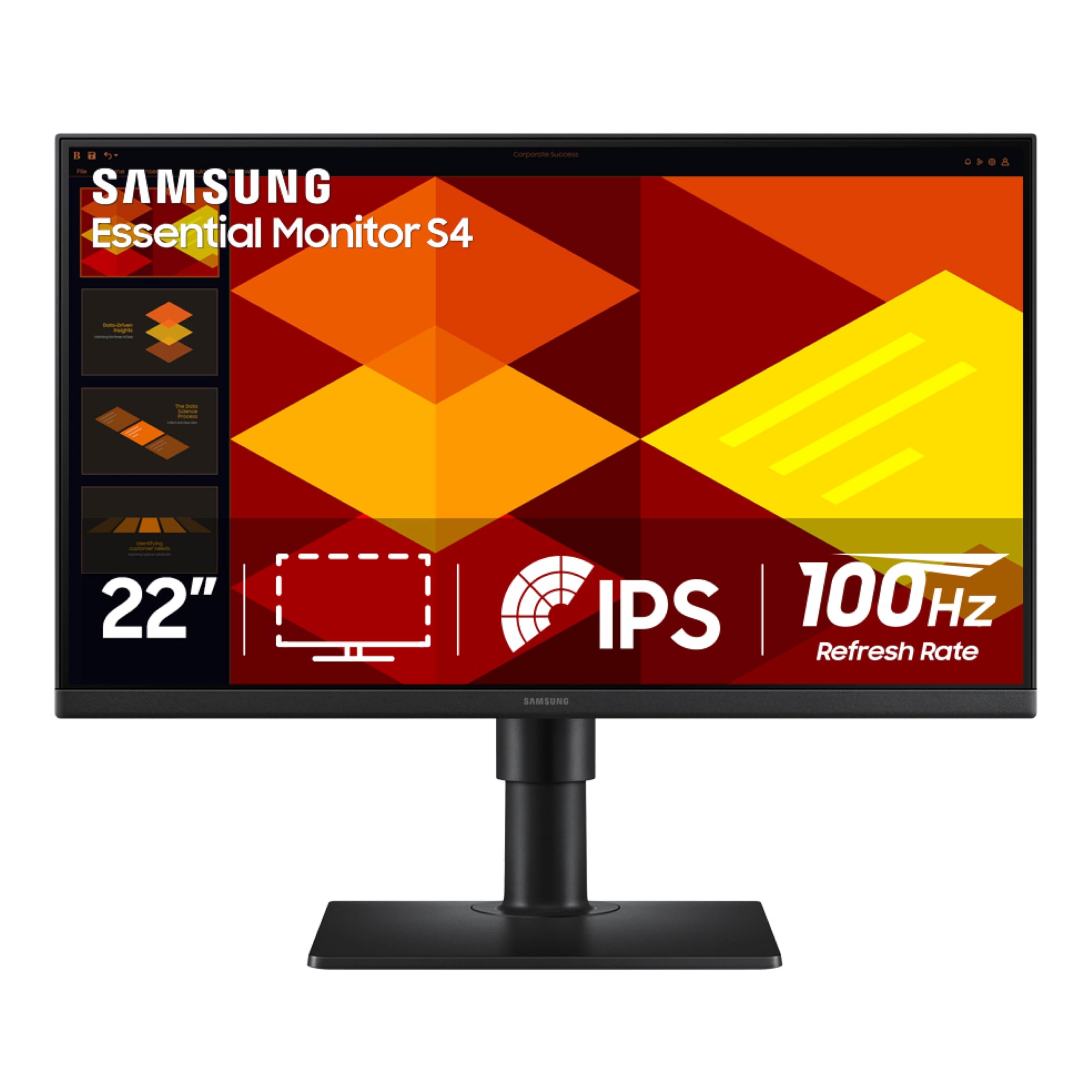
The most adjustable stand in the list — height, pivot, and tilt for a custom-fit posture.
Unlike the fixed-tilt stands of the ASUS models, this Samsung monitor gives you a fully ergonomic setup: you can raise the screen, pivot it into portrait orientation (great for coding or reading long articles), swivel side to side, and tilt it forward or back. The 100Hz IPS panel keeps motion smooth, and Game Picture Mode adjusts contrast and color automatically per genre — shooters get a visibility boost, RPGs get richer tones. The 250 cd/m² brightness is a solid middle ground, beating the ASUS VP228HE but not matching the VP229QF’s extreme peak.
Owners call the monitor quality and value for money the most positive aspects, and the easy setup gets consistent praise. The built-in power supply means no bulky external brick to hide, and the ultra-thin border bezels boost screen real estate on a small desk. The recurring honest note from buyers is that the USB and headphone ports sit in a tight spot — you may need right-angle cables to keep the connection tidy.
Key Strengths
- Height-adjustable, pivot, swivel, and tilt stand for ergonomic comfort
- 100Hz refresh rate with FreeSync for tear-free gaming
- Game Picture Mode auto-adjusts visuals per genre
- Ultra-thin bezels for a clean multi-monitor look
Trade-Offs
- USB and headphone ports are difficult to reach behind the screen
- Picture quality reviews are mixed — some find it fair, not outstanding
- Occasional QA reports of backlight bleed near the top frame
Best for posture-minded gamers: If you spend hours at your desk and need a screen that adjusts to your eye level, the S40GD is the most versatile stand option here. skip it if: You prioritize raw color accuracy or contrast over ergonomics — the IPS panel is good but not exceptional in those areas.
5. AOPEN 22CV1Q

The VA panel champion that delivers deep blacks and punchy contrast for rich single-player games.
IPS panels are great for color, but VA panels like this AOPEN (Acer’s gaming sub-brand) excel at contrast. The 3000:1 contrast ratio means shadowy corners of a dungeon stay genuinely dark rather than looking gray, and bright highlights pop against them. At 75Hz with a 5ms response time, it handles slower-paced titles like RPGs and strategy games without issue, though competitive players may notice the extra motion blur compared to a 1ms panel.
The monitor quality and value for money are the top aspects owners highlight. The 250 cd/m² brightness is standard for this tier, and the ergonomic tilt (-5° to 20°) lets you angle the screen slightly. Some customers note the stand feels stiff, and the external power supply means one more block to tuck away. Durability gets mixed feedback — a few reviewers point out cracked screens or units failing after several months, so handle the panel with care during setup.
Advantages
- 3000:1 contrast ratio delivers deep blacks and strong shadow detail
- 75Hz refresh rate suitable for most single-player games
- VESA compatible for arm or wall mounting
- Lightweight and easy to move between setups
Caveats
- 5ms response time creates more ghosting than 1ms panels
- External power supply adds cable clutter
- Mixed reliability reports from long-term owners
Ideal for atmospheric gaming: If you play story-driven games where dark scenes and contrast matter more than split-second reactions, the AOPEN’s VA panel is a strong choice. Look elsewhere if: You play fast competitive shooters — the 5ms response will leave a visible trail on fast-moving targets.
6. Acer EK220Q
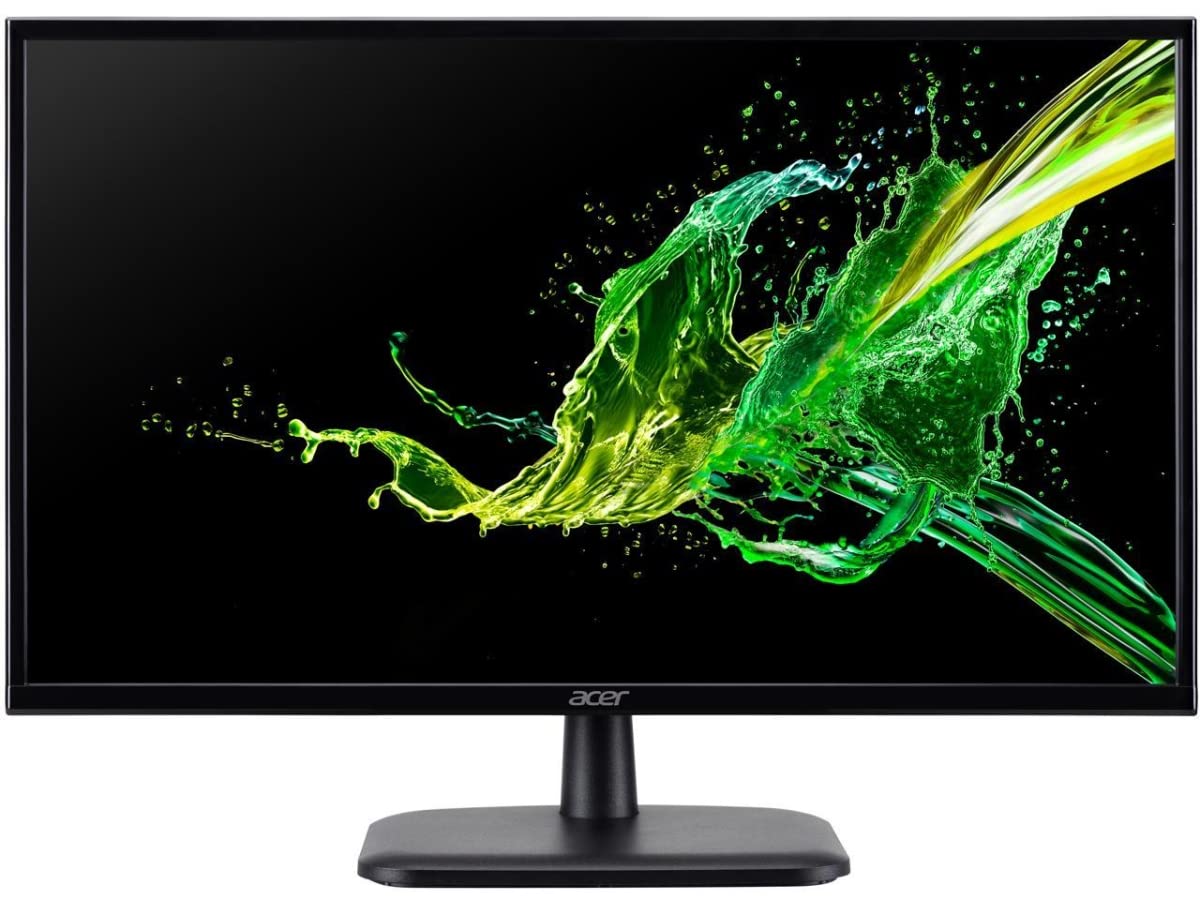
A no-frills VA workhorse that earns its spot as a cheap secondary screen or travel companion.
The EK220Q keeps things simple: a 21.5-inch VA panel with 75Hz refresh rate and a 5ms response time. The 100,000,000:1 contrast ratio (dynamic) is a marketing number, but the native VA panel does deliver noticeably deeper blacks than a typical IPS at this price. The tilt range (-5° to 20°) and VESA 75x75mm mount give you basic flexibility, and the HDMI and VGA ports cover standard connectivity.
Owners use it for casual Xbox gaming on the road — one buyer calls it a “good traveler” and notes the picture quality is solid for the price. The lack of built-in speakers means you need headphones or external speakers, but for a secondary monitor mounted vertically for chat apps or a music player, that is rarely a problem. The honest knock against it is the small size — a couple of owners describe it as awkwardly small for primary use, and a few units arrive with a dead pixel (though the return rate is not unusually high for the price tier).
Why It Works
- 75Hz refresh rate improves smoothness over 60Hz
- VESA 75x75mm compatible for easy mounting
- Lightweight and sturdy for portable or travel setups
- Low entry cost for a secondary gaming display
What You Give Up
- No built-in speakers
- 5ms response time shows ghosting in fast games
- Some units arrive with dead pixels
Fine as a second screen: If you need a cheap monitor for Discord, Spotify, or a travel Xbox setup, the EK220Q gets the job done without fuss. Not your main monitor: For primary gaming, the small size and slower response are limiting — save this for a side role.
7. EVICIV Portable 21.5″
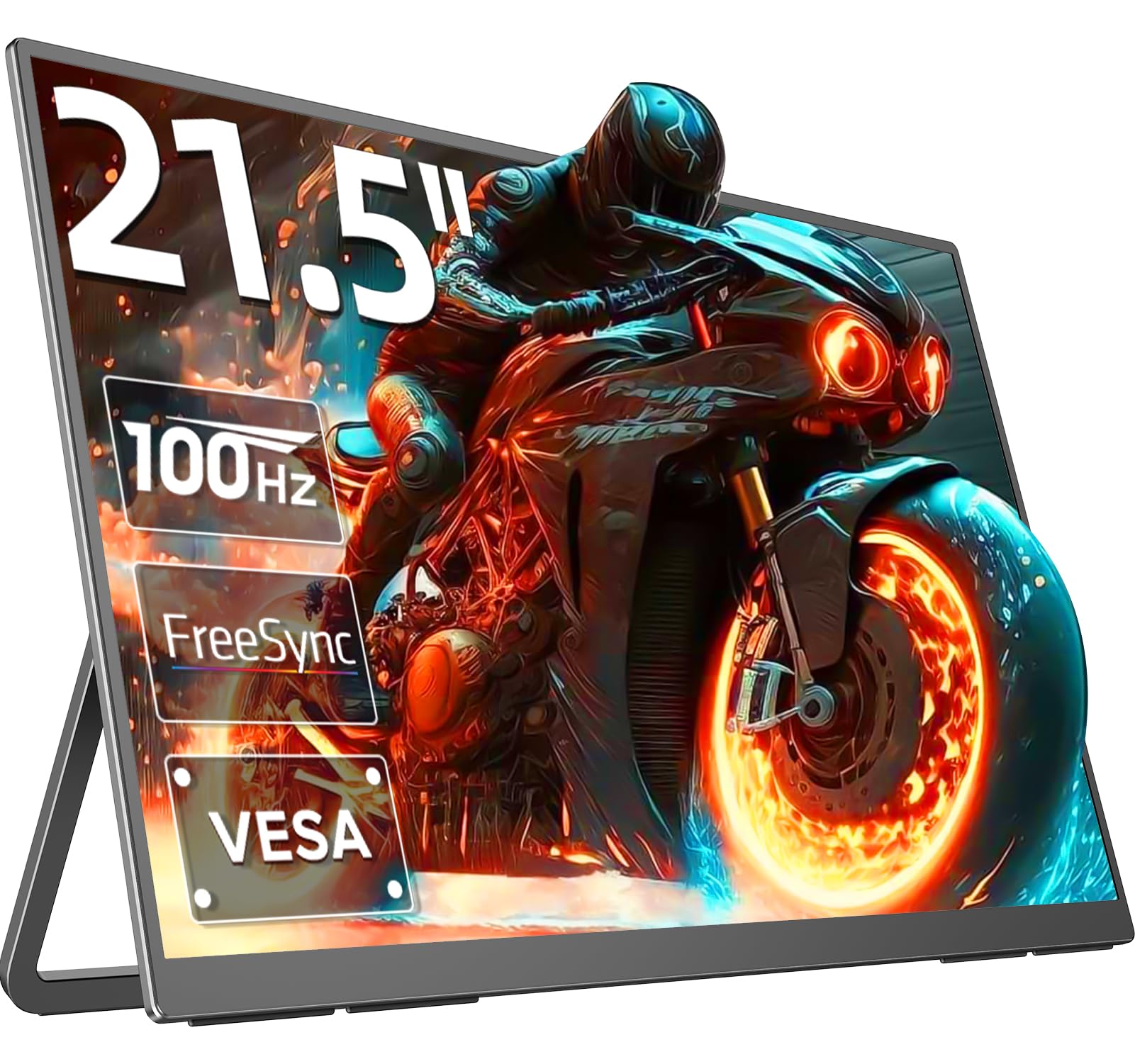
A bright, colorful QLED panel that you can actually pack up and take to a friend’s place.
Most portable monitors top out at 15 or 18 inches, but this EVICIV squeezes a full 21.5-inch QLED screen into a slim package. The 100Hz refresh rate and 1ms response time put it on par with desktop gaming monitors for smoothness, while the QLED technology delivers 100% DCI-P3 color gamut — a cinema-grade color standard that makes game worlds look richer than standard IPS panels. The 400 cd/m² brightness ensures the image stays punchy even in a bright coffee shop.
Owners consistently praise the display quality — it is the most-mentioned aspect by a wide margin. The monitor works as a second screen for laptops, a console display for the PS5 or Xbox, or a standalone gaming monitor for PC handhelds like the ROG Ally. The built-in VESA 100x100mm mount means you can attach it to an arm at your desk when you are home, then pull it off and go. A note from buyers: the monitor needs a wall adapter for full brightness; running it from a single USB-C port may trigger a low-power warning and dim the screen.
What Stands Out
- 100% DCI-P3 color gamut for vivid, accurate game colors
- 100Hz refresh rate with 1ms response for fluid gaming
- 400 cd/m² brightness stays usable in varied lighting
- VESA 100x100mm mount and adjustable stand
The Catch
- Requires a power adapter for full performance — USB-C alone may not suffice
- Built-in speakers are weak
- Touchscreen model may have quirks as a secondary display
For the mobile gamer: If you travel with a laptop or handheld PC and want a big, colorful screen at your destination, the EVICIV is the most capable portable option. Skip if: You plan to use it as a permanent desktop monitor — the extra portability features add cost you would not use.
8. Newsoul Portable 21.5″
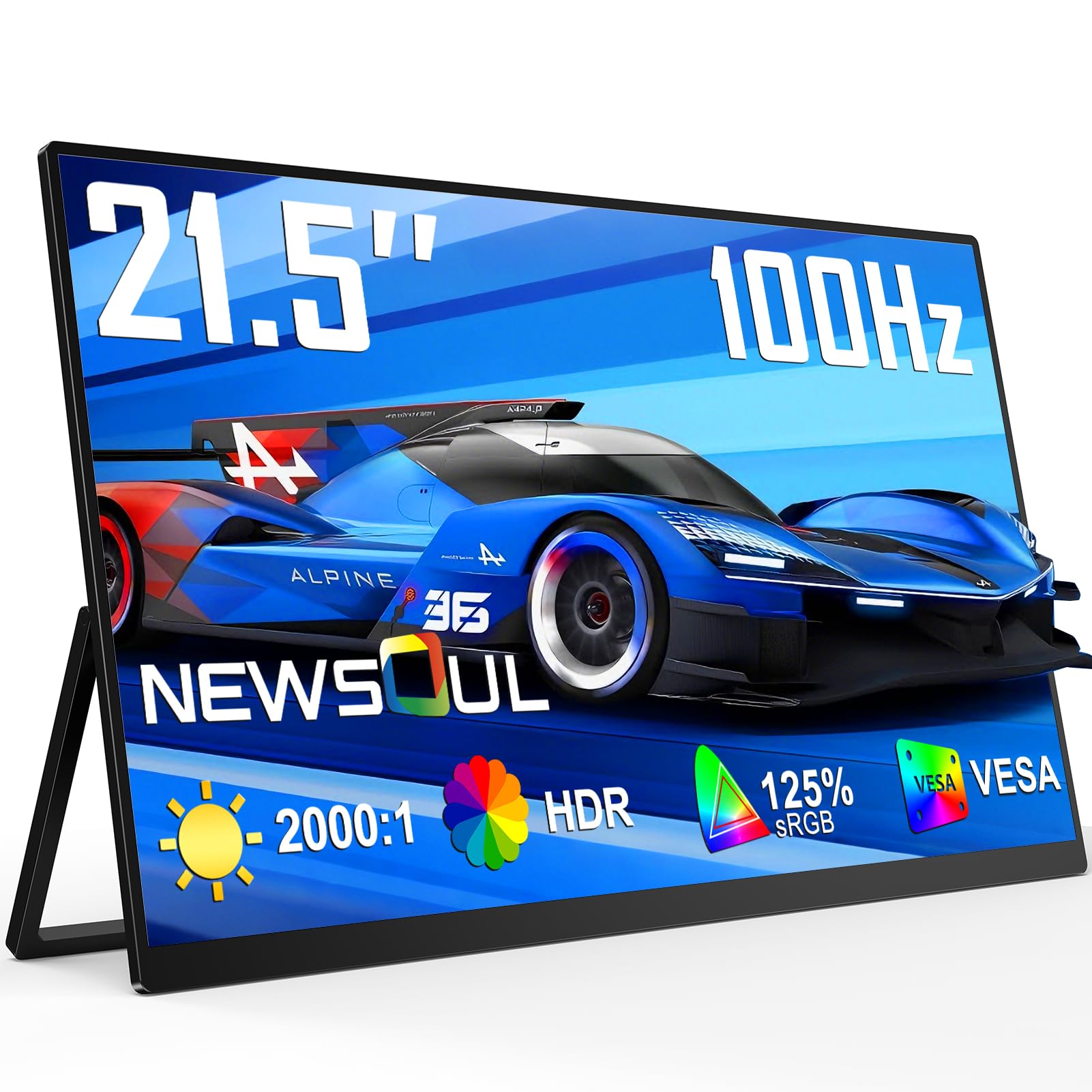
A stunning 4.8-star QLED portable that stretches the color gamut wider than any other screen here.
The Newsoul pushes color volume beyond what most 21.5-inch monitors achieve. The 125% sRGB gamut coverage and 2000:1 contrast ratio produce deeply saturated reds and blacks that look almost infinite in dark scenes, while the 450 cd/m² brightness is the highest in the portable category. The 100Hz refresh rate with FreeSync and a listed 0.1ms response time make motion exceptionally clean — the claimed response is faster than the 1ms standard, though real-world performance depends on the specific overdrive setting.
Owners love the picture quality, calling it crisp and vibrant. The matte screen finish cuts down reflections, which helps a lot in bright rooms. The 180° adjustable stand lets you lay the screen almost flat, useful for tabletop gaming with friends. A couple of shoppers say some screen bleed in corners and that true black levels are not as deep as an OLED, but at this price point for a portable QLED, the trade-off is expected. The build feels sturdy despite the 0.3-inch thin profile.
Key Highlights
- 125% sRGB color gamut for extremely vibrant visuals
- 450 cd/m² brightness and 2000:1 contrast for punchy HDR-like impact
- 100Hz refresh rate with FreeSync and 0.1ms response
- Matte screen reduces glare in bright environments
Honest Downsides
- Some screen bleed noticeable in dark scenes
- Black levels are good but not OLED-deep
- Requires external power for full brightness and refresh rate
The color king: If you value vibrant, saturated game worlds and need a portable screen that can double as a photo-editing display, the Newsoul delivers the widest color gamut. Pass if: You game in a pitch-dark room and need perfect black levels — the backlight bleed will be more noticeable.
9. Dragolftie 21.5″ Touch
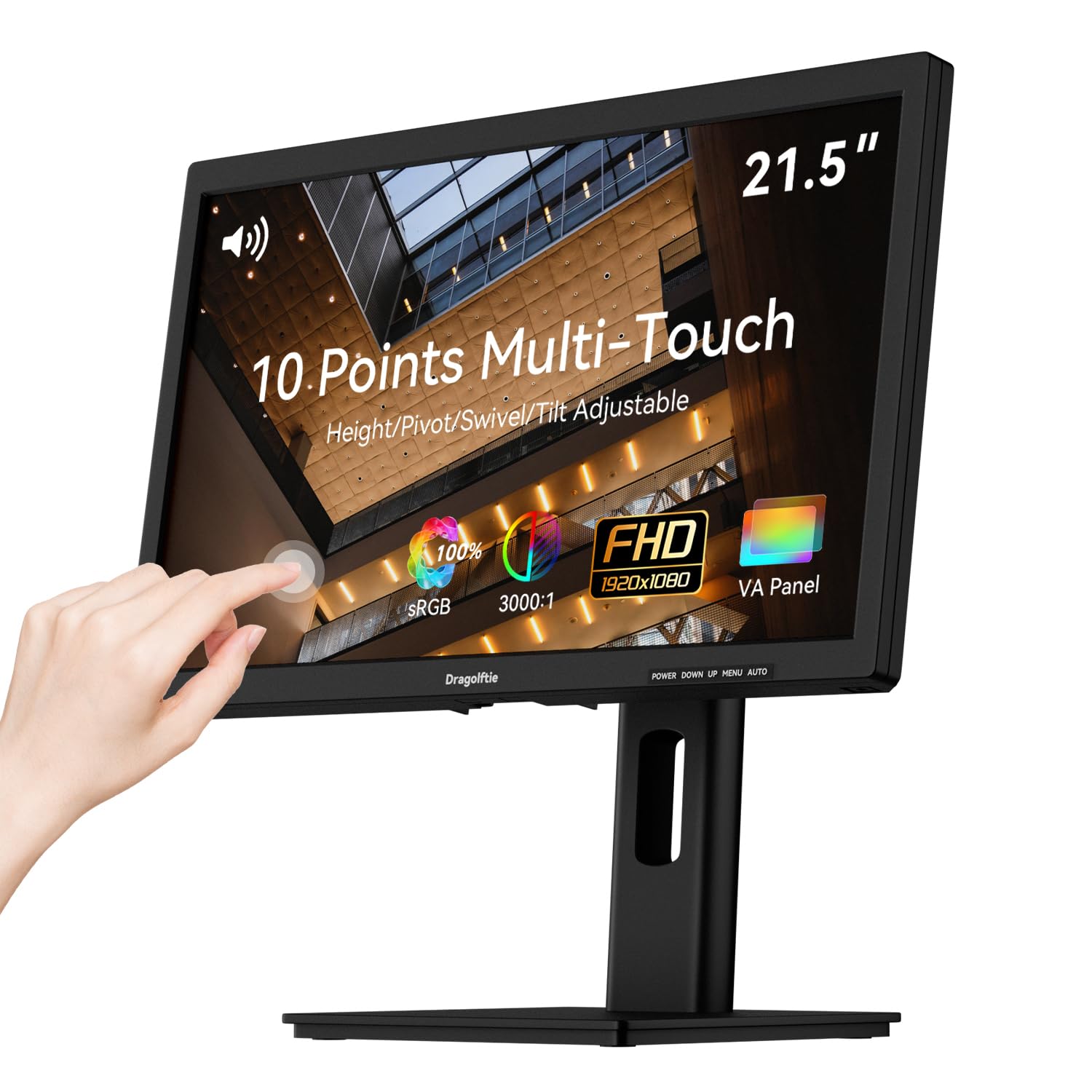
A touch-enabled VA monitor built for interactive kiosks, POS systems, and PC-based touch control.
This monitor is not designed for twitch gaming — it is built for tapping, swiping, and dragging. The 10-point multi-touch VA panel supports gestures like pinch-to-zoom and two-finger scrolling, making it ideal for point-of-sale counters, reception desks, or interactive software. The 100% sRGB color gamut and 3000:1 contrast ratio deliver clear, vivid images for menus and product displays, while the 75Hz refresh rate keeps cursor movement smooth enough for general use.
The ergonomic stand is a highlight: height adjustment, pivot (-90° to +90° for portrait mode), swivel, and tilt let you position the screen exactly where a standing customer or seated employee needs it. Owners note it works great with legacy PCs (even Windows XP) via VGA or HDMI, and the dual 5W speakers provide decent audio for training videos or customer alerts. The catch: touch functionality is not compatible with Apple devices, gaming consoles, or Linux, and the monitor does not include any cables in the box.
Strengths
- 10-point multi-touch for smooth gesture control
- 3000:1 contrast ratio and 100% sRGB for clear, vivid images
- Fully adjustable stand (height, pivot, swivel, tilt)
- Dual 5W speakers for built-in audio
Limitations
- Touch does not work with Apple, gaming consoles, or Linux
- No cables included in the box
- No DisplayPort input — only HDMI and VGA
Purpose-built for touch: If you run a retail counter, reception desk, or interactive kiosk, the Dragolftie’s touch and ergonomic stand are a perfect match. Skip for gaming: The 75Hz refresh and touch-first design make it a poor choice for a standard gaming monitor.
10. UPERFECT Portable 21.5″
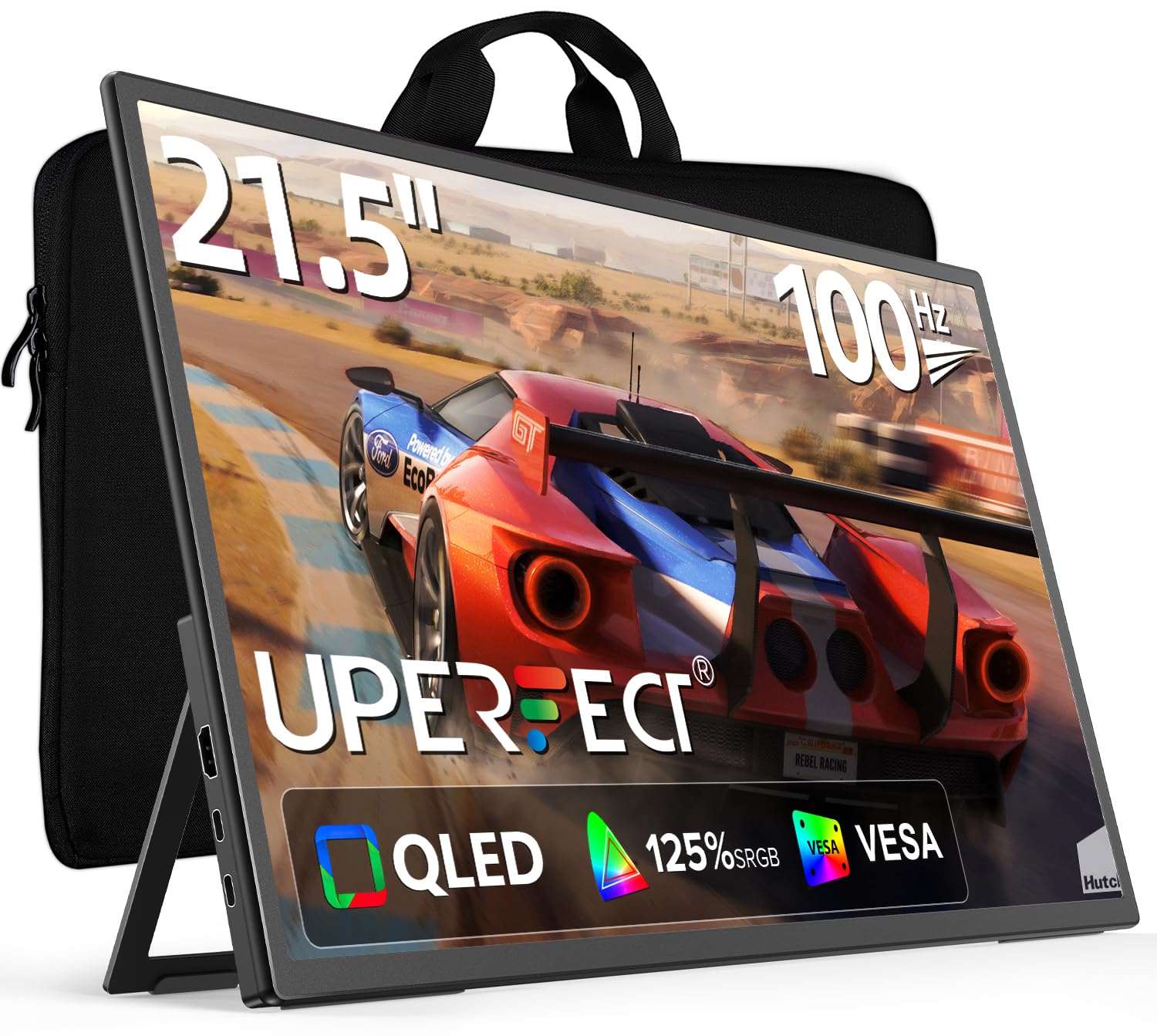
A QLED portable that delivers desktop-class brightness and color in a slim, travel-ready frame.
The UPERFECT matches the Newsoul’s 125% sRGB color gamut and 450 cd/m² brightness, making it equally capable of vivid, high-impact visuals. The 100Hz refresh rate with 1ms response time handles fast-paced gaming well, and FreeSync support keeps tearing in check. The included bag and kickstand make it a complete travel package — you pull it out of the case, flip the stand, plug in a USB-C cable, and you are gaming on a big, bright screen.
Owners call it an excellent companion for the MacBook Air M4, noting the anti-glare finish and included cables make setup painless. It works as a PS5 travel monitor too, with buyers praising the color and sharpness. The honest feedback is that the built-in speakers are decent but not impressive — headphones are the better audio route — and the onscreen menu is a bit clunky to navigate. A few owners mention the brightness dims noticeably when running on a single USB-C connection without a separate power adapter.
Why It Shines
- 125% sRGB gamut and 450 cd/m² for bright, saturated visuals
- 100Hz with 1ms response and FreeSync for smooth gaming
- Includes carrying bag, cables, and adjustable stand
- Anti-glare finish reduces reflections in bright rooms
What to Know
- No portrait mode orientation
- Onscreen menu is clunky to use
- Requires separate power adapter to maintain full brightness
Best all-round portable: If you need a single portable monitor that combines bright colors, smooth motion, and a complete travel kit from the start, the UPERFECT is the most complete package. Look elsewhere if: You need portrait mode for coding or document reading — this screen only works in landscape.
11. UPERFECT Touch 21.5″ 120Hz

The highest refresh rate in the list — 120Hz — paired with a responsive touchscreen for a unique gaming-and-gesture combo.
This UPERFECT model pushes the refresh rate ceiling to 120Hz, which is 60% higher than the 75Hz baseline and a genuine step up in fluidity. Fast camera movements in a racing game or an FPS look noticeably smoother, and the touchscreen adds a practical layer for scrolling through menus, zooming maps, or navigating desktop apps with a tap. The 350 cd/m² brightness is slightly lower than the non-touch UPERFECT, but the 1500:1 contrast ratio keeps blacks decently deep.
At just 2.9 pounds, it is the lightest touchscreen option at this size, making it easy to toss in a bag for travel. Owners praise the smooth gaming experience and reduced eye strain compared to their old 60Hz monitors. The touchscreen works particularly well with the Steam Deck and Ally X, where you can tap through the game library without picking up a controller. The recurring real-world note is that the built-in speakers are mediocre, so headphones are the standard for audio. Some units test slightly below advertised brightness (around 379 nits) and FreeSync may not function as advertised on every unit.
Top Features
- 120Hz refresh rate for the smoothest motion in this guide
- Responsive touchscreen for gesture control and navigation
- Only 2.9 pounds — easy to carry with a laptop
- USB-C and HDMI plug-and-play with most devices
Trade-Offs
- Brightness tests show ~379 nits instead of advertised 350 cd/m²
- FreeSync may not function on all units
- Built-in speakers are mediocre
- Higher price than non-touch alternatives
For the touch-and-speed lover: If you want the highest refresh rate available at this size and a functional touchscreen for everyday navigation, this is the one. Skip if: You do not need touch — the non-touch UPERFECT offers similar brightness and refresh at a lower cost.
Understanding the Specs
Refresh Rate & Response Time
The refresh rate (measured in Hz) tells you how many times per second the monitor redraws the image. A 60Hz screen shows 60 frames per second; a 120Hz screen shows 120. Higher numbers mean smoother motion in fast games. Response time (measured in ms) is how fast a pixel changes color. A 1ms panel changes almost instantly, leaving almost no motion blur. A 5ms panel is fine for slower games but will show a visible trail behind fast-moving objects. For competitive shooters, prioritize 1ms and 100Hz or higher.
Panel Type & Color Gamut
IPS panels offer wide 178° viewing angles and consistent color — the best all-rounder for gaming and work. VA panels trade slightly narrower angles for deeper black levels and higher contrast (typical 3000:1 vs 1000:1 on IPS), making dark scenes look more rich. QLED panels use quantum dots to push color gamut beyond standard IPS, often covering 100% sRGB or more. Color gamut percentages like 99% sRGB or 125% sRGB tell you how much of a standard color range the screen can display — higher numbers mean richer, more realistic colors in games and videos.
FAQ
Is a 21.5 inch monitor too small for gaming?
What is the difference between 60Hz, 75Hz, 100Hz, and 120Hz?
Can I use a 21.5 inch monitor for both gaming and office work?
Do I need FreeSync or G-Sync for a 21.5 inch monitor?
Can I mount a 21.5 inch monitor on a wall or arm?
What is the difference between an IPS and a VA panel for gaming?
Do portable 21.5 inch monitors work with game consoles like the PS5 or Xbox?
How important is a 1ms response time for casual gaming?
What does 100% sRGB or 125% sRGB mean for gaming?
Will a 21.5 inch monitor fit in a standard backpack?
Final Thoughts: The Verdict
For most people, the 21.5 inch gaming monitor winner is the ASUS VP228HE because it combines the fastest response time (1ms) with a solid 75Hz refresh rate and FreeSync support at a price that leaves room for a good mouse and keyboard. If you want wider color and better viewing angles for mixed gaming-and-work use, grab the ASUS VP229Q. And for the smoothest motion and richest colors in a portable package, the EVICIV Portable 21.5″ is the one to reach for.
How We Picked
We do not accept paid placement. Every pick is matched to a real buyer and a real use-case; we do not hands-on test units.
Sources & Methodology
Specifications: manufacturer listings and product documentation. Review insights: verified customer reviews, as of July 2026. Pricing: not shown on this page (it changes often); check the current price via the retailer link.
As an Amazon Associate, Gadgets Feed earns from qualifying purchases. This does not affect which products we feature.