
Our readers keep the lights on and my morning glass full of iced black tea. As an Amazon Associate, I earn from qualifying purchases.
Specs are compiled from manufacturer listings and verified buyer reviews and can change over time — please confirm the key details on the product page before buying.
A 30-inch 4K TV isn’t a standard size, so the smartest buy comes from the nearest twin: a 32-inch 4K monitor that delivers the same 4K resolution for work, streaming, and casual gaming. These displays pack four times the detail of a standard 1080p screen into a footprint that fits on a modest desk, a kitchen counter, or a small entertainment stand.
I’m Min — the founder and writer behind Gadgets Feed. This guide is built by comparing the manufacturers’ published specifications and the patterns across verified customer reviews, so you get each pick’s real strengths and trade-offs instead of marketing spin.
You want a sharp 4K screen that fits a small space, but true 30-inch 4K TVs are nearly impossible to find. The closest you can buy is a 32-inch 4K monitor that doubles as a TV — here is the 30 inch 4k tv alternative you can actually buy.
Our Picks at a Glance


How To Choose The Best 30 Inch 4K TV
Since a true 30-inch 4K TV is rare, the best path is a 32-inch 4K monitor with the right features for TV-like use. You get the same crisp 3840 x 2160 resolution and a size that slides into tighter spaces. Focus on three things: the display panel technology, the color and HDR support, and the built-in features that replace a TV tuner.
Panel Type: VA vs IPS
The panel dictates how the picture looks from different angles and in dark rooms. A VA panel delivers deeper blacks and higher contrast (often 3000:1 or 4000:1), making it ideal for movie watching in a dim room. An IPS panel gives you wider viewing angles — 178 degrees — so the image stays accurate when you are sitting off to the side, but blacks can look grayish in a dark room.
Color Gamut and HDR
A wider color gamut, like 90% DCI-P3 or 99% sRGB, means you see richer reds, greens, and blues. HDR10 support, the most common HDR standard, boosts contrast to make bright scenes pop and dark scenes hold detail. Look for these if you plan to stream movies or edit photos.
Built-In Speakers and Smart Features
Unlike a dedicated TV, many monitors lack good speakers or a smart interface. A model with built-in stereo speakers and built-in streaming apps (like the Samsung Smart Monitor) gets you closer to a true TV experience. Without those, you will need external speakers and a separate streaming device.
Quick Comparison
| Model | Best For | Panel / Resolution | Contrast / HDR | Special Feature | Amazon |
|---|---|---|---|---|---|
| LG 32UR500K-B★ Best Overall | Best Overall 4K | VA / 3840×2160 | 1000:1 / HDR10 | DCI-P3 90%, MaxxAudio speakers | Amazon |
| Dell S3225QSPremium Performance | Premium Performance | VA / 3840×2160 | 1500:1 / HDR | 120Hz, FreeSync Premium | Amazon |
| Samsung M7 (M70F) | All-in-One Smart TV | LED / 3840×2160 | 3000:1 / HDR10 | Samsung Vision AI, Smart Hub | Amazon |
| ViewSonic VX3276-4K-MHD | Visual Style & Value | MVA / 3840×2160 | 2500:1 / HDR10 | Frameless design, 118% sRGB | Amazon |
| Samsung ViewFinity S7 | Eye Comfort & Clarity | VA / 3840×2160 | 3000:1 / HDR10 | TÜV Eye Comfort, Eye Saver Mode | Amazon |
| ASUS VP327Q | Eye Care Budget Option | LED / 3840×2160 | 3000:1 / HDR10 | Flicker Free, Blue Light Filter | Amazon |
| ZZA 32″ 4K IPS | Budget 4K | IPS / 3840×2160 | 4000:1 / — | 120% sRGB, AMD FreeSync | Amazon |
In‑Depth Reviews
1. LG 32UR500K-B Ultrafine 32-inch 4K UHD Monitor
Our pick — 4.5★ from 550+ verified ratings; the strongest balance of quality and price.
The crowd-favorite 4K that balances color, sound, and connectivity at a thoughtful price.
What wins people over here is the combination of deep color and practical features. The 32-inch VA panel delivers a 4K UHD (3840×2160) resolution with up to 90% DCI-P3 color gamut expression, which means you see rich, accurate colors whether you are editing photos or watching a nature documentary. The 1000:1 contrast ratio and HDR10 support bring out detail in both shadows and highlights. The built-in MaxxAudio stereo speakers are a real convenience — they give you clean sound for podcasts, YouTube, and casual viewing without needing separate desktop speakers.
The ergonomic stand lets you tilt the screen to your preferred angle, and the OnScreen Control software lets you split the display and adjust monitor settings with a few clicks. It also includes Dynamic Action Sync and Black Stabilizer, features that reduce input lag and brighten dark scenes in games. You connect via two HDMI ports or DisplayPort, and VESA mount compatibility lets you attach it to an arm or wall.
Buyers report this monitor works well for office work and home use, with one owner calling it a “4K HDR monitor, easy VESA mount” and praising the “deep blacks and bright whites” of HDR content. A small caution: the LG’s 1000:1 contrast ratio is noticeably lower than the 4000:1 ratio of some competitors, so black levels won’t be as deep in a dark room, but the overall color quality and feature set still make it the most balanced all-around pick.
What Owners Appreciate
- Display quality and picture quality are the top praise points — buyers consistently call the screen sharp and vibrant
- Built-in stereo speakers with MaxxAudio save desk space and sound clean for everyday content
- Easy tool-free assembly and a sturdy stand that stays put on the desk
A Realistic Trade-Off
- SDR content can look washed out compared to HDR; you may need to tune settings or stick with HDR media
- Some owners note slight LCD nonuniformity, like a faint yellow tint on one corner
Reach for this if: you want a jack-of-all-trades 4K monitor that works well for work, streaming, and light gaming without extra accessories.
Look elsewhere if: deep, inky blacks for a dark home-theater room matter most — you will want a higher-contrast VA panel like the Dell or the ZZA.
2. Dell 32 Monitor S3225QS
A premium VA panel that pairs smooth 120Hz motion with all-day eye comfort and vivid color.
This 32-inch 4K VA monitor is the pick for buyers who want fluid motion without sacrificing picture quality. The 120Hz refresh rate, combined with FreeSync Premium, eliminates screen tearing during fast-paced games and makes scrolling through documents feel buttery smooth — something the 60Hz LG can’t match. The VA panel delivers a 1500:1 contrast ratio for deep blacks and strong depth, and it covers 99% sRGB and 95% DCI-P3 for accurate, saturated colors. The 300 cd/m² brightness is enough for a well-lit room.
Dell’s ComfortView Plus technology cuts harmful blue light emissions to 35% or less without washing out the image, so you can work for hours without eye strain. The stand offers height, tilt, and pivot adjustment, giving you far more ergonomic flexibility than the fixed stands on many competitors. It also includes re-engineered built-in speakers that deliver more power and deeper frequency response than the previous generation — a welcome upgrade for a monitor that often serves as a TV stand-in. The ultra-thin bezels come in an ash white finish that looks modern and clean on any desk.
Owners describe the image as “sharp, bright, clear” and note the 120Hz is smoother than some 144Hz panels they have used. The main caveat is that, like most VA panels, viewing angles are narrow — brightness and color fade quickly if you move off-center. A few buyers also mention a strong packaging smell and a short included HDMI cable.
Smooth Operator: The 120Hz refresh rate beats every other 60Hz pick in this lineup, making this the best choice if you split your time between work and gaming on the same screen.
Who it suits: anyone who wants buttery motion for games and scrolling, plus deep contrast for movies, in a fully adjustable stand.
One real catch: the narrow viewing angles mean this is a single-seat screen — picture quality drops off if someone watches from the side.
3. Samsung 32” Smart Monitor M7 (M70F)
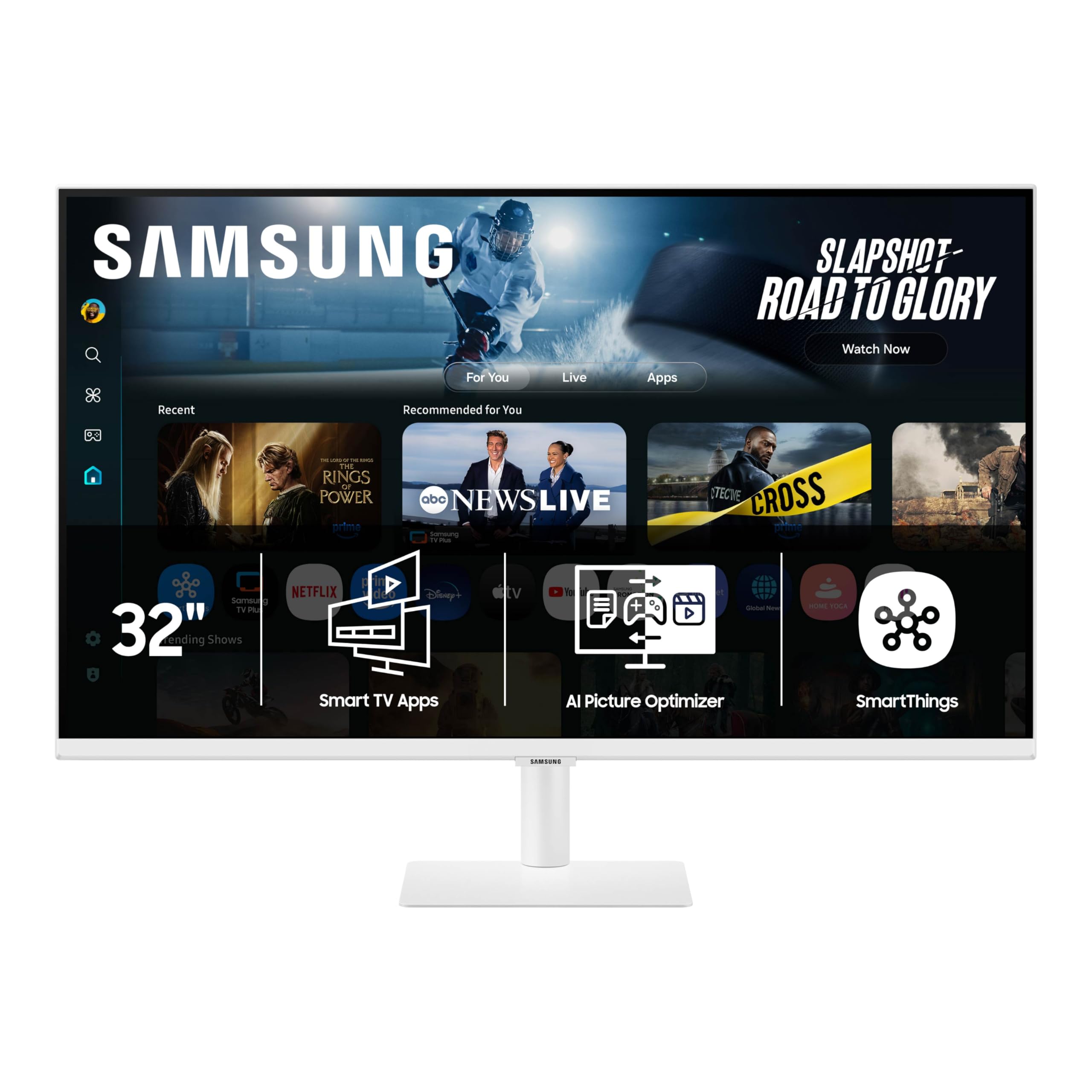
A 4K monitor that doubles as a smart TV, complete with streaming apps and AI-powered features.
This is the closest you can get to a true 30-inch TV in monitor form. The 32-inch 4K UHD LED display runs Samsung’s Vision AI, which means you get a full smart TV interface with built-in streaming apps like Netflix and YouTube, plus Samsung TV Plus for live channels — no separate streaming stick required. It even includes a Samsung Gaming Hub, so you can play games from cloud services without a console or PC. The 3000:1 contrast ratio and HDR10 support give you solid black levels and good highlight detail for movie night.
Beyond streaming, the M70F is a productivity tool. USB-C connectivity lets you charge your laptop and transmit video and data through a single cable. The Active Voice Amplifier uses AI to listen to background noise and boost dialogue volume automatically, which is handy in a busy room. Samsung Knox security keeps your data safe, and you can view and control smart home devices with a 3D Map View on screen. The stand includes height adjustment, giving you ergonomic flexibility.
Buyer opinion is mixed on the picture and setup. Some call it a “great product” with excellent screen output and no dead pixels. Others find the blacks poor and contrast middling compared to dedicated TVs. A frequent fix: the included HDMI cable is very low quality, and replacing it with a better one cleans up the 4K picture dramatically. The setup process can also be frustrating because of the smart TV defaults.
The Smartest Monitor: No other pick here lets you stream Netflix, play cloud games, and control smart lights right from the screen — this is the true TV replacement.
Grab this if: you want one device that handles work, streaming, and gaming without needing a separate streaming stick or console.
Think twice if: you expect TV-grade picture quality from the start — you may need to swap the included HDMI cable and tweak settings to get the image right.
4. ViewSonic VX3276-4K-MHD 32 Inch 4K UHD Monitor

A frameless 4K panel that looks elegant and delivers wide connectivity at a value-minded price.
This ViewSonic stands out visually with its thin-bezel, frameless design and a black-and-silver finish that looks clean on any desk. The 32-inch MVA panel delivers a 4K UHD (3840×2160) resolution with a 2500:1 contrast ratio — deeper blacks than the 1000:1 LG panel. It covers 118% sRGB color gamut, which makes colors appear more vibrant right from the start. HDR10 support enhances dynamic range for movies and streaming content.
Connectivity is generous for this price tier: you get two HDMI ports, a DisplayPort, a Mini DisplayPort, and a headphone jack. The monitor also includes dual 2W speakers, which are adequate for casual viewing. Flicker-Free technology and a Blue Light Filter reduce eye fatigue during long sessions. The stand is fixed at the base but can tilt, and VESA mount compatibility lets you attach it to an arm. On-screen presets for Game, Movie, Web, Text, and Mono let you switch modes depending on what you are doing.
Buyers frequently praise the monitor’s appearance and value, calling it “beautiful for general computer use.” There is clear division on picture quality though: some say the colors look accurate after minor calibration, while others find the 4K model dull and washed out compared to the 2K version. An occasional unit arrives with a vertical line or dead pixels. If you get a good unit, it is a solid, attractive 4K monitor for productivity and streaming.
Why It Wins Fans
- The frameless design and metal frame give it a premium look that beats many monitors at the same price
- Wide port selection includes dual HDMI, DP, and Mini DP — great for connecting multiple computers
- Flicker-Free and Blue Light Filter help reduce eye fatigue during long work days
Where to Be Cautious
- Picture quality gets the most mixed feedback — some units arrive with washed-out colors or dead pixels
- Fixed stand has no height adjustment, so you will need a VESA arm for proper ergonomics
Best for: buyers who prioritize desk aesthetics and multi-device connectivity, especially if you run a mix of laptops and desktops.
Consider skipping: if you are sensitive to panel quality consistency — the mixed reviews on display quality mean this is a bit of a lottery.
5. Samsung 32″ ViewFinity S7 (S70H) High-Resolution Monitor
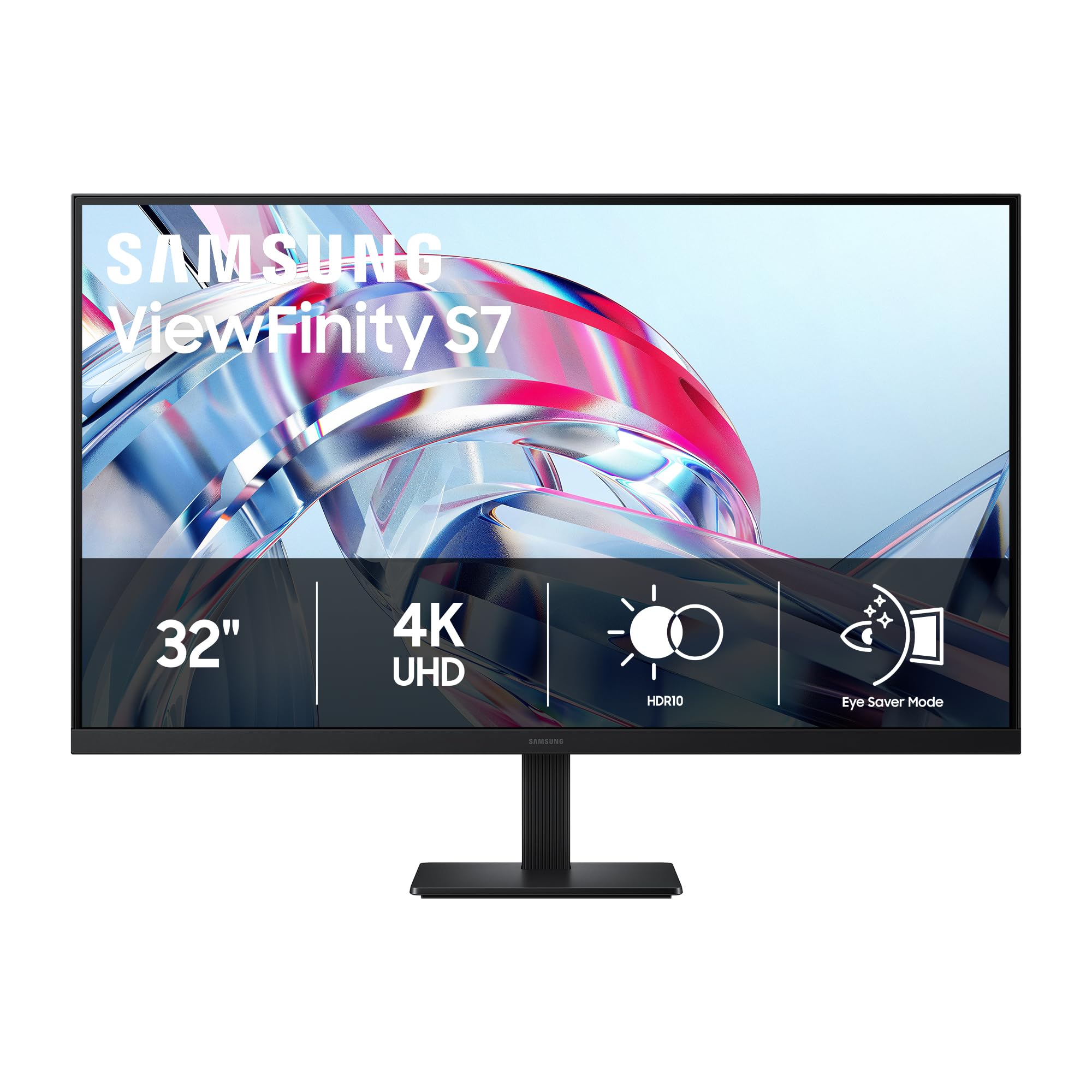
A 4K VA panel built around visual comfort, with deep contrast and a TÜV-certified eye care system.
If long hours in front of a screen are your reality, this Samsung is engineered to reduce the strain. The 32-inch VA panel delivers 4K UHD (3840×2160) resolution with a 3000:1 contrast ratio — the same excellent black depth as the Smart Monitor M7. The 300 cd/m² brightness and 178-degree wide viewing angle provide consistent brightness across the screen. It covers 99% sRGB color gamut, and HDR10 support adds dynamic contrast for richer movies.
The defining feature here is Samsung’s Eye Comfort Technology, which is TÜV-certified. It includes Eye Saver Mode that reduces blue light emission and prevents screen flickering, so your eyes feel less fatigued after a full workday. The Samsung Display Manager gives you easy access to split-screen layout, brightness adjustment, and KVM functions for controlling multiple computers with one keyboard. It connects via HDMI and DisplayPort. The stand is fixed with no height adjustment, but it is VESA mountable for arm attachment.
With the strongest rating in this lineup, owners consistently describe the image as “bright, vivid” and praise the “outstanding edge-to-edge clarity, color richness, and contrast.” The lack of a height-adjustable stand is the most common complaint — you will need a VESA arm to set the screen at the right level. The monitor also lacks built-in speakers, so factor in external speakers or headphones.
Designed for Desk Workers: The TÜV Eye Comfort certification and Eye Saver Mode make this the best pick if you stare at a 4K screen for eight-plus hours a day.
Reach for it if: eye strain is your biggest concern and you plan to mount this on a VESA arm that gives you height adjustment anyway.
Pass it by if: you need built-in speakers or a fully adjustable stand from the start — you will have to buy add-ons for both.
6. ASUS 31.5” 4K HDR Eye Care Monitor (VP327Q)

An ASUS 4K that puts eye protection first without stretching your budget.
ASUS brings its signature Eye Care technology to this 31.5-inch 4K UHD (3840×2160) LED monitor, which features TÜV-certified Flicker-Free and Low Blue Light filters. These reduce eye fatigue during long work sessions or late-night viewing. The 3000:1 contrast ratio delivers strong black levels, and the 99% sRGB color gamut produces accurate, lifelike colors for photo editing and video watching. HDR10 support adds a noticeable lift to contrast in compatible content.
The display supports Adaptive-Sync (FreeSync) to minimize screen tearing during gaming. It connects via DisplayPort and HDMI, and it includes built-in speakers — a welcome addition at this price tier. The stand is basic with tilt adjustment and no height adjustment, but VESA mount compatibility gives you options. The screen size is 31.5 inches, slightly narrower than some 32-inch panels, though the difference is negligible on a desk.
Buyers consistently praise the monitor quality and picture quality, with one long-time ASUS owner calling it “extremely high quality and easy on your eyes.” The main reliability concern appears in some reviews: a small number of units develop a vertical line of dead pixels after a few weeks, or the screen randomly flickers black. The one-year warranty should cover these cases, but note that this panel may have a higher defect rate than more expensive competitors.
Why It Stands Out
- TÜV-certified Flicker-Free and Low Blue Light filters protect your eyes during long sessions
- 3000:1 contrast ratio delivers deep blacks that beat many budget 4K screens
- 99% sRGB color gamut and HDR10 support provide accurate color for content creation
Potential Downsides
- Reliability varies — a few owners mention dead pixel lines or intermittent blackouts within weeks
- Stand only tilts; no height or swivel adjustment without a VESA mount
Choose it for: a budget-conscious upgrade to 4K with eye-friendly features and strong contrast for movies.
Think it over if: you cannot afford the risk of a return — reliable units are great, but a small percentage have early defects.
7. 32 Inch 4K UHD Monitor (3840×2160), IPS, 60Hz, 120% sRGB
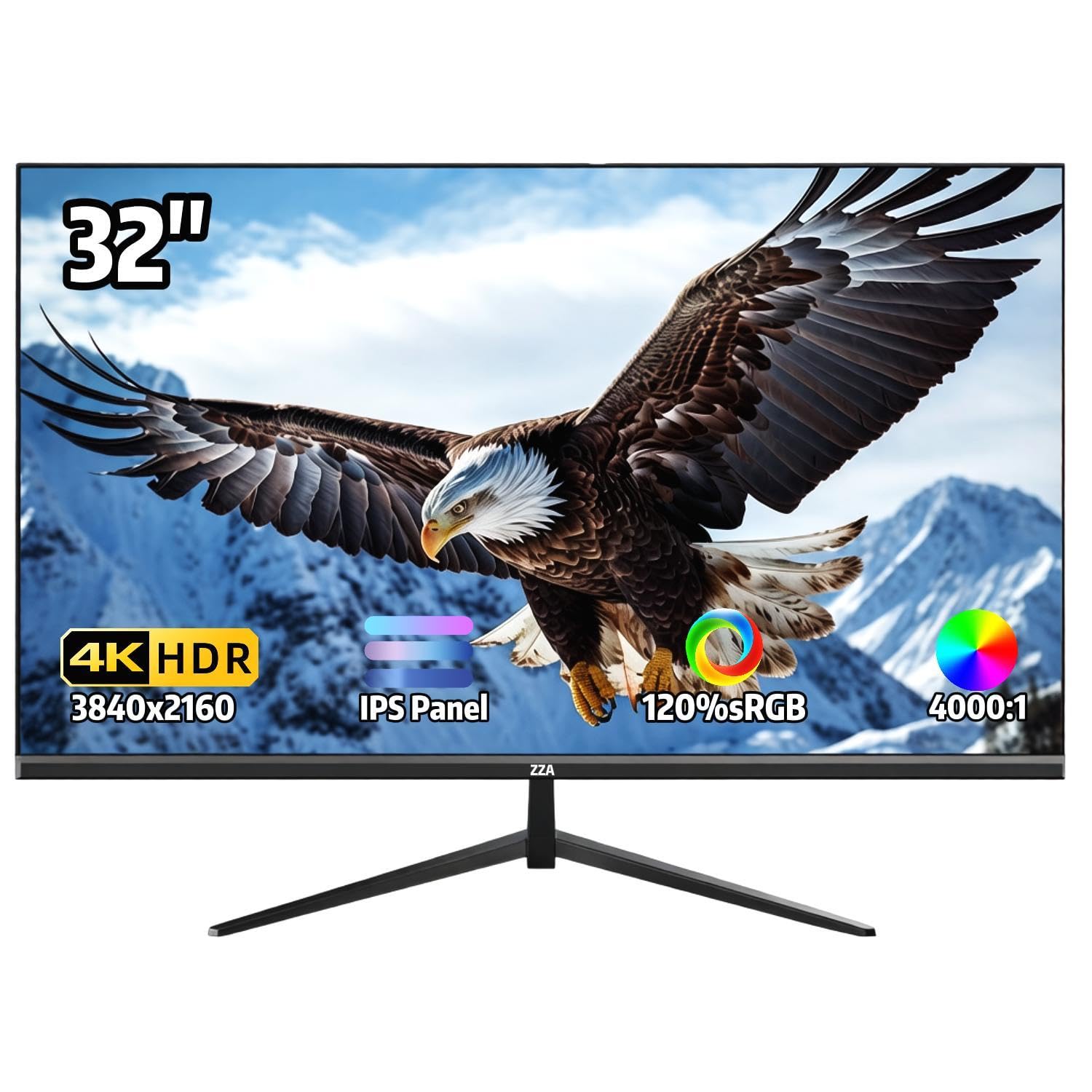
The entry-level 4K that delivers wide color and wide viewing angles without the premium price tag.
This ZZA-branded 32-inch monitor uses an IPS panel, which is a smart choice if you often share your screen or sit off to the side. The 178-degree viewing angle means the image stays accurate from almost any position, unlike VA panels that fade when viewed from an angle. It delivers a 4K UHD (3840×2160) resolution with 120% sRGB color gamut and supports 1.07 billion colors, which makes for vibrant images. The 4000:1 contrast ratio is unusually high for an IPS panel, which may improve black levels.
The 60Hz refresh rate is paired with AMD FreeSync, which eliminates screen tearing during casual gaming and smooth video playback. The ultra-thin three-sided bezel boost the screen area, and the stand tilts from -15 to 15 degrees. You can also use a 100x100mm VESA mount. It connects via HDMI and DisplayPort, but note that there are no built-in speakers — you will need external audio. The monitor is listed as a curved monitor in some buyer descriptions, though the specs do not explicitly confirm curve.
The picture quality here is the most talked-about aspect, and the reception is divided. Some owners call it “great value” with “sharp text and vivid colors” for home office use. Others report that video content on PS5 appears blurry and grainy. Build quality is a bright spot — 31 buyers specifically praise it, and the value proposition is strong for the price. One consistent trade-off: the fixed stand has no height adjustment, and the base is very wide, taking up more desk space than expected.
Price-First 4K: At the lowest entry point, you get a wide-gamut IPS panel with strong viewing angles — just plan for external speakers and your own monitor arm.
Opt for this if: your budget is tight and you need an IPS panel for wide-angle viewing, and you already have speakers and a VESA arm.
Give it a pass if: consistent video quality matters most to you — the mixed reviews on picture quality and occasional audio issues are worth noting.
Understanding the Specs
VA vs IPS Panels
The panel type is the single biggest factor in how a 4K screen looks. VA panels (like the ones in the Dell S3225QS and the Samsung ViewFinity S7) deliver deeper blacks and higher contrast (3000:1 or more), which is ideal for watching movies in a darker room. IPS panels (like the ZZA budget pick) offer wider 178-degree viewing angles, so the picture stays accurate from the side, but blacks can look grayish in a dim environment. Choose VA for contrast, IPS for flexibility.
Color Gamut: sRGB, DCI-P3, and HDR10
Color gamut tells you how many colors a monitor can show. A higher percentage of sRGB (99% or more) means accurate reds, greens, and blues from the start. DCI-P3 is a wider standard used in film production — 90% DCI-P3 delivers richer, more cinematic colors than sRGB alone. HDR10 is the basic HDR format. It boosts contrast in supported content, making bright scenes pop and dark scenes hold more detail. Not all monitors display HDR well at this size, but HDR10 support is a good baseline to look for.
FAQ
Can I use a 32-inch 4K monitor as a TV?
What is the difference between 4K UHD and regular 1080p on a 32-inch screen?
Is a 60Hz refresh rate good enough for a 30-inch 4K display?
Will a 32-inch 4K monitor fit on a small desk?
What does HDR10 mean on a computer monitor?
How do I know if my computer can run a 4K monitor at 60Hz?
What is the difference between FreeSync and G-Sync?
Why do some 4K monitors have built-in speakers and others don’t?
Final Thoughts: The Verdict
Across the board, the 30 inch 4k tv alternative worth buying is the LG 32UR500K-B because it balances strong 4K picture quality with useful features like built-in speakers, a wide color gamut, and an ergonomic stand at a reasonable price. If you want smoother motion for gaming, grab the Dell S3225QS with its 120Hz panel. And if you want a true all-in-one living room setup, the Samsung Smart Monitor M7 is the one to reach for.
How We Picked
We do not accept paid placement. Every pick is matched to a real buyer and a real use-case; we do not hands-on test units.
Sources & Methodology
Specifications: manufacturer listings and product documentation. Review insights: verified customer reviews, as of July 2026. Pricing: not shown on this page (it changes often); check the current price via the retailer link.
As an Amazon Associate, Gadgets Feed earns from qualifying purchases. This does not affect which products we feature.