
Our readers keep the lights on and my morning glass full of iced black tea. As an Amazon Associate, I earn from qualifying purchases.
Specs are compiled from manufacturer listings and verified buyer reviews and can change over time — please confirm the key details on the product page before buying.
You need to print, but the wall outlet is miles away — at the office, in the truck cab, or back at the shop. A battery operated printer lets you do it from the driver’s seat, a hotel room, or a pop-up market stand. This guide picks the models that owners actually rely on, cutting through the marketing noise.
I’m Min — the founder and writer behind Gadgets Feed. This guide is built by comparing the manufacturers’ published specifications and the patterns across verified customer reviews, so you get each pick’s real strengths and trade-offs instead of marketing spin.
The focus is on the best battery operated printer options that actually deliver on their promise.
Our Picks at a Glance

How To Choose The Best Battery Operated Printer
The most important decision when buying a battery operated printer is what you actually print. That choice drives everything else — the technology, the running cost, and the paper you will buy.
Print Technology: Thermal vs. Inkjet
Thermal printers need no ink, toner, or ribbons. They use heat on special paper, so your only recurring cost is the paper itself. Most thermal printers print in black and white only, and the thermal paper can fade if left in a hot car for a long time. Inkjet printers, like the Epson Workforce, give you full color and a traditional photo feel, but you buy ink cartridges, and the print head can clog if it sits unused for weeks.
Battery Life and Standby Time
A battery operated printer is only useful if the battery lasts through your day. Look for the number of prints per charge and the standby time. High-volume users, especially those printing shipping labels, need a model that lists a high print count per charge — 700+ labels for a busy seller. Occasional users can get by with 40 to 200 prints, but should still check standby time so the printer is ready when you need it.
Connectivity and Compatibility
Most portable printers connect to your phone via Bluetooth, meaning you do not need a Wi-Fi network or a computer to print. Laptop users should check if the printer supports a direct USB-C connection because many thermal printers only do Bluetooth with phones. The app quality matters too — some apps let you edit, scan, and print from cloud storage, while others force you to take a screenshot first.
Paper Size and Print Resolution
Label printers top out at 4×6 inches, while document printers handle 8.5 x 11 US Letter or A4. For text and barcodes, 203 DPI is scannable, but 300 DPI gives noticeably sharper text. The Epson inkjet prints at a higher resolution for photos, but that quality comes at the cost of slower speed and ongoing ink expense.
Quick Comparison
| Model | Best For | Print Tech | Max Paper Size | Prints Per Charge | Amazon |
|---|---|---|---|---|---|
| Liene White M200★ Best Overall | Photo memories on the go | Dye Sublimation (Color) | 4 x 6 inch | 40 | Amazon |
| D90E ETIKEZBest Value | Budget document printing | Thermal (B&W) | 8.5 x 11 inch | — | Amazon |
| iDPRT MT610Pro | Fast document printing | Thermal (B&W) | 8.5 x 11 inch | — | Amazon |
| JADENS C10 | Shipping labels for sellers | Thermal (B&W) | 4 x 6 inch | 700+ | Amazon |
| Phomemo M832D | Touchscreen versatility | Thermal (B&W) | 8.5 x 11 inch | 200 | Amazon |
| Phomemo M08D | Smart display simplicity | Thermal (B&W) | 8.5 x 11 inch | 150 | Amazon |
| Epson Workforce WF-100 | Full color on the road | Inkjet (Color) | 8.5 x 11 inch | — | Amazon |
In‑Depth Reviews
1. Liene White M200 Photo Printer Battery Edition
Our pick — 4.5★ from 550+ verified ratings; the strongest balance of quality and price.
Full-color prints that look like they came from a lab, powered by a built-in battery.
If you want to print real photographs — the kind with vibrant colors and a protective coating — this is the only battery-operated printer in the lineup that delivers dye-sublimation results on 4×6 paper. The crowd favorite is the rechargeable battery edition, which allows you to make about 40 prints per charge without hunting for a wall outlet. You get 20 sheets of photo paper and an ink cartridge in the box, so you are ready to go the moment it arrives.
The printer sets up via its own built-in WiFi hotspot, so you do not need a home network or even an internet connection — just connect your phone directly and print in about a minute. Print quality is the most praised feature, with owners remarking that their pictures come out clear and vibrant with better longevity than many other photo printers. The magnetic top is a clever touch: you can rest the paper cassette on it after printing, keeping your desk tidy. The catch is reliability — a minority of buyers report inconsistent behavior after the first few uses, and the initial print takes about 59 seconds to start.
This pick also goes faster than the basic thermal printers which handle only black and white — here you get a full-color 24-bit image in one minute flat. For journaling, travel scrapbooks, or gifting prints at a party, the M200 is the most fun and the most photo-focused.
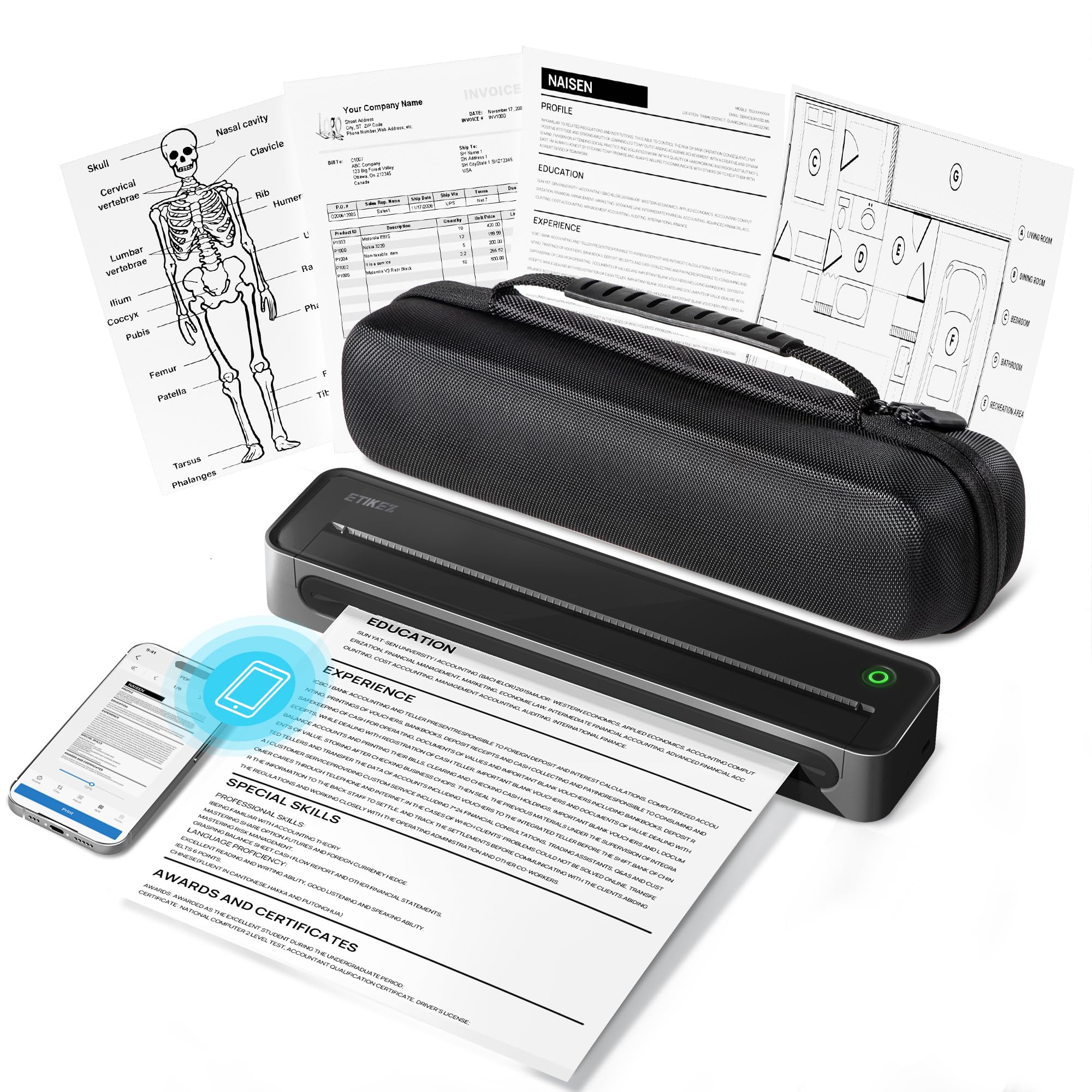
2. D90E Inkless Portable Thermal Printer with Case
A compact bundle that prints documents without ink and comes with a travel case.
The D90E is built for cost-conscious buyers who need black-and-white documents on the move. It uses advanced thermal technology, so your only recurring expense is the special paper — no cartridges, no toner, no ribbons. Owners call the Bluetooth setup easy and praise the included travel case for keeping everything organized. The printer handles standard 8.5 x 11 inch paper, making it a true substitute for a desk printer when you are out of the office.
It is the lightest model at just 1.09 pounds, so it slides into a briefcase or backpack without adding noticeable weight. The battery life earns consistent praise from buyers who use it for form filling, notes, and emergency documents. A common note from the review pages is that while the text is clear for day-to-use, it is less sharp than a laser printer for dense graphics — something to keep in mind if you print diagrams or photos. The unit prints about four pages per minute, so it feels snappy for single-sheet jobs.
Inkless and rugged: you get an inkless printer and a travel case for a price that stays well within budget.
No color option: the printer works via Bluetooth with phones and via USB with computers, but it is not compatible with Chromebooks. It ships with only 10 sheets of paper, so order a ream of thermal paper at the same time.
Best for students: you need occasional documents on the go without any ink hassle.
Skip for photos: you print lots of graphics or need color — this is strictly black and white thermal.
3. iDPRT MT610Pro Portable Thermal Printer
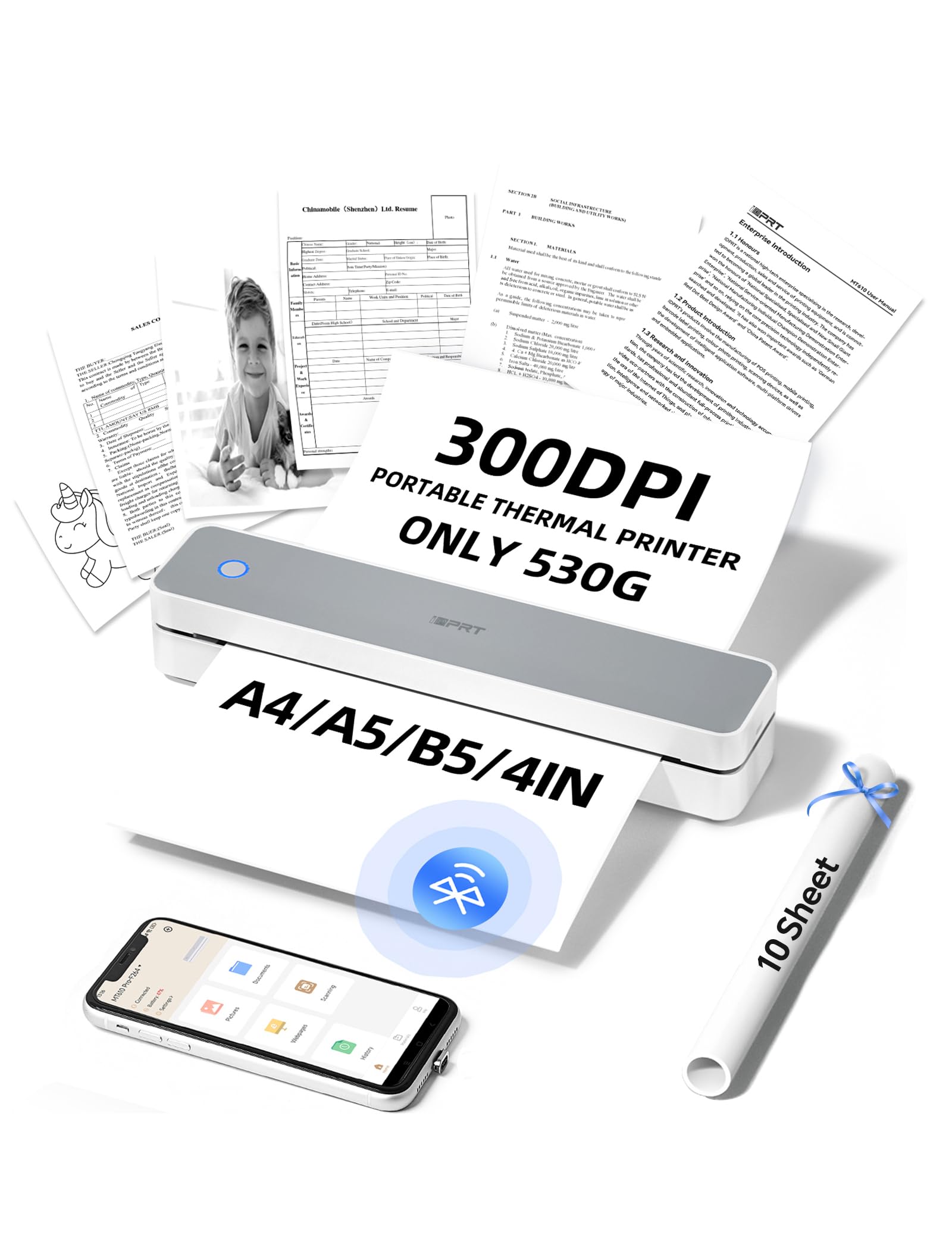
A 300 DPI page every 4-6 seconds, no ink, no waiting.
The MT610Pro is the fastest thermal printer in this lineup for standard documents. It prints at a rated 15 pages per minute, translating to a black-and-white page in about four to six seconds. The 300 DPI (dots per inch) resolution makes text noticeably sharper than a typical 203 DPI label printer — good for contracts, permits, and boarding passes. At just 1.1 pounds and 10.2 inches long, it tucks beside a laptop in any bag.
Bluetooth pairing happens in about 90 seconds through the free HerePrint app, which even pulls photos from Instagram or turns handwritten notes into PDFs. Owners mention it works well on boats and in vehicles, with one noting that once they figured out the paper orientation, it printed reliably every time. The printed material is black and white and requires thermal paper, so you skip the ink hassle entirely. The trade-off mentioned most is that the wireless connection only works through the app — for a direct computer connection you need a USB-C cable and a driver download from the brand’s website. A few owners also note that single-sheet feed can be fiddly with alignment.
For anyone who needs a quick, crisp text document mid-road-trip or in a home office that has no room for a bulky inkjet, the MT610Pro delivers the fastest page speed of the group. The D90E above is cheaper, but the iDPRT prints at 300 DPI versus the D90E’s typical 203 DPI, so text comes out noticeably more crisp.
Fastest pick: you print documents away from home and value instant page output.
Skip for color: you need one-tap Bluetooth from a laptop — that connection is USB-only.
4. JADENS C10 Battery Powered Thermal Label Printer
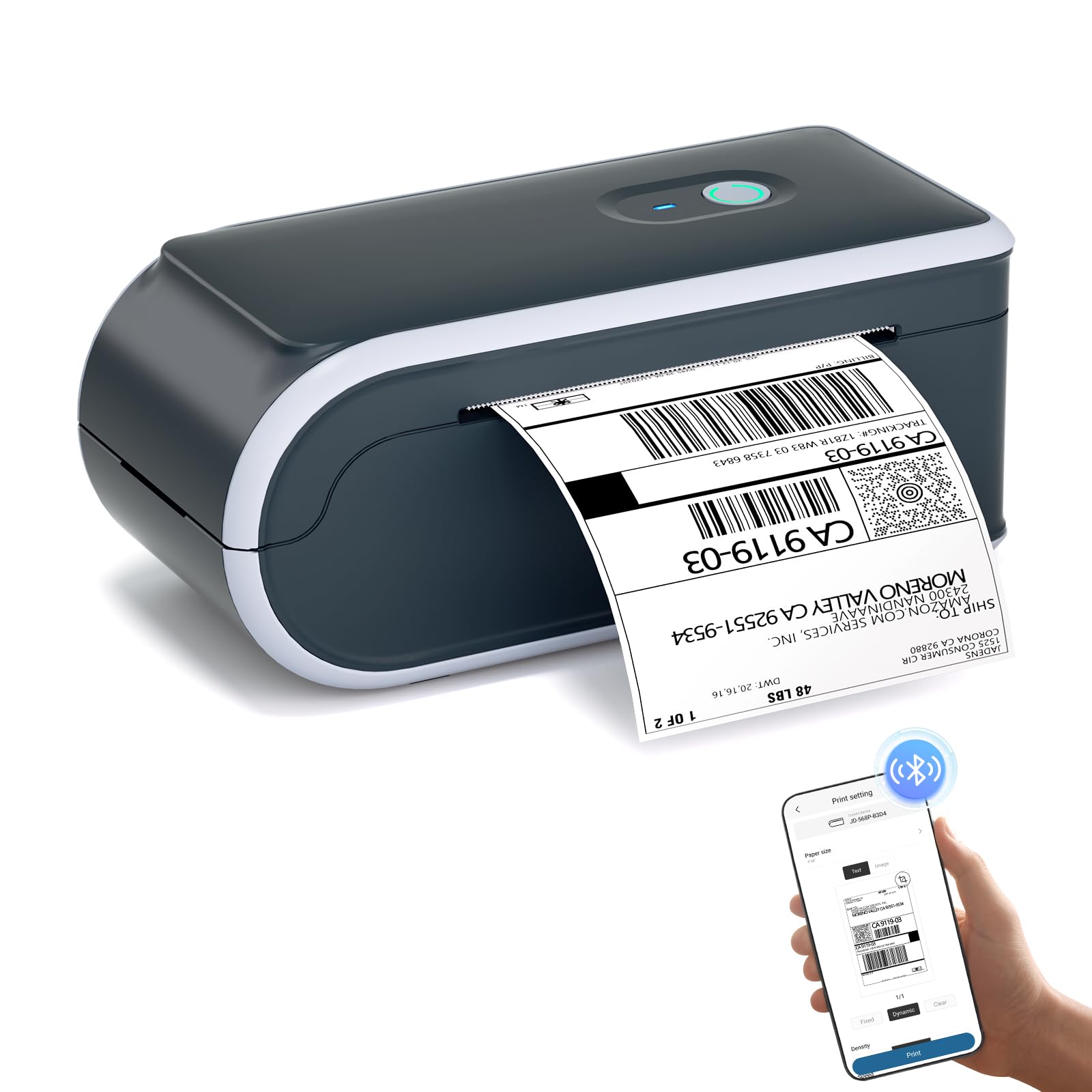
Over 700 shipping labels from a single charge, no plug needed.
If you sell online — eBay, Amazon FBA, Etsy — the JADENS C10 is built for your workflow. Its high-capacity rechargeable battery prints more than 700 labels per charge and keeps a 25-hour standby, so you never come back to a dead printer during a packing session. The 203 DPI thermal head produces crisp, high-contrast barcodes that are reliably scannable, and because it is ink-free, you save hundreds of dollars annually on toner. The printer automatically recognizes and scales label templates for Amazon FBA and return labels, which removes the guesswork from alignment. It handles 4×6, 3×2, and several other common label sizes.
Setup takes less than two minutes through the app, and it works on both PC and phone. Owners say the print quality on labels rivals larger desktop units from Brother and Rollo. The biggest recurring note is that Bluetooth connectivity can be hit or miss — some owners find it easy and reliable, while a few report disconnections and a messy software experience. The 13 pages-per-minute speed means you are not waiting around for a batch of labels. The JADENS is also noticeably heavier and less portable for documents compared to the ultra-light D90E above, but for label printing it is in a league of its own.
The built-in paper bin is a neat feature that keeps labels tidy during a high-volume run. One buyer who prints dozens of labels daily for their resale business reported months of trouble-free operation.
5. Phomemo M832D Touchscreen Portable Printer

A smart color display shows battery and connection at a glance — no guesswork.
With a 2.01-inch touchscreen, the M832D is the most user-friendly portable printer you can buy. The screen shows battery level, connection status, and paper placement, so beginners or those less familiar with tech can check everything before hitting print. It uses 300 DPI thermal printing (no ink, no toner) and supports US Letter, A4, and several smaller roll paper sizes, giving you the flexibility to switch between contracts and quick notes. At 1.5 pounds, it fits easily into a backpack. The built-in 2600mAh battery delivers up to 200 pages of continuous printing on a single charge, which is the highest page capacity among these thermal document printers.
Bluetooth pairing is fast, and owners confirm the setup is a one-minute affair. The print quality draws praise for being crisp and professional on documents, QR codes, and simple graphics. The standout feature is the touchscreen, which lets you cancel a job without needing the app. The main drawback noted is reliability, with the mixed feedback centering on occasional connectivity issues. If you need a printer that is just as easy to hand to a non-tech-savvy colleague as it is to use yourself, the M832D is a top contender. The JADENS above is better for shipping labels, but the M832D covers more paper sizes for general document printing.
6. Phomemo M08D Portable Printer with Touchscreen
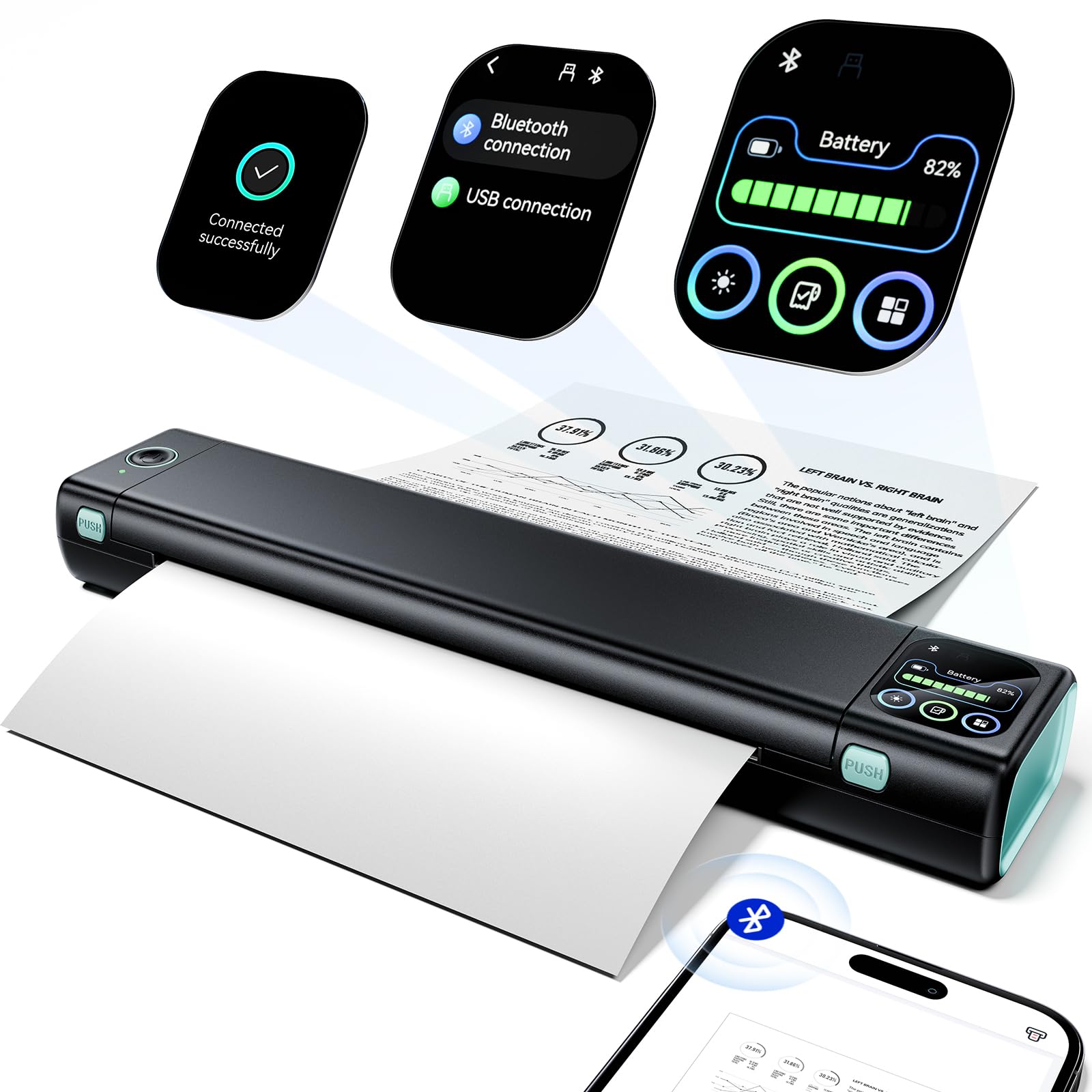
An upgraded smart display walks you through setup and printing step by step.
The M08D is a refined version of Phomemo’s popular M08F, adding a smart digital display that shows battery, Bluetooth status, and even offers on-screen tutorials. For a new user, this is a huge help — no more digging through a manual to figure out paper orientation or connectivity. The printer uses thermal technology, so you skip ink, toner, and ribbons entirely. It prints up to 150 pages on a single charge, and at 1.5 pounds, it is easy to toss in a bag.
Customers note sharp print quality and reliable Bluetooth pairing, with one installer noting it works cleanly with Windows 11 after a simple driver download. The printer supports US Letter and A4 paper, making it suitable for invoices, contracts, and study materials. The main drawback is that thermal paper fades over time if exposed to heat or sunlight — buyers recommend scanning important documents to file. A few owners had trouble with the initial setup process, but most found the app straightforward. For truckers and frequent travelers, the M08D is a reliable partner. It is a touch less popular than the M832D above, but the smart display here is more tutorial-focused, which makes it the better pick for someone who wants the least amount of trial and error.
7. Epson Workforce WF-100 Wireless Color Mobile Printer

The world’s smallest mobile printer that still prints full color on any paper.
The Epson Workforce WF-100 is the only printer on this list that uses inkjet technology, so it prints in full color — cyan, magenta, yellow, and black. That is also its biggest differentiator: if you need a chart, a brochure, a photo, or any document where color matters, the Epson is your only battery-powered choice. It is billed as the world’s lightest and smallest mobile printer, and owners confirm it fits into a medium-sized laptop bag. The built-in rechargeable lithium-ion battery charges via USB or AC adapter, and it prints wirelessly from iPads, iPhones, Android phones, and laptops.
Print quality is the strongest praise across hundreds of owners, with many impressed by the clarity for such a tiny unit. Portability is a close second — it is a genuine alternative to hunting down a hotel business center. However, there are real trade-offs. The ink system uses four separate cartridges, which are costly (around per tank) and yield roughly 50-70 pages each. The maintenance box also needs periodic replacement, and the printer will refuse to operate if it is full. Print heads are prone to clogging if you go 7-20 days without printing, requiring cleaning cycles that drain ink. The paper tray holds only about 25 sheets. The D90E or iDPRT above are better for frequent, ink-free document printing, but when you need a signed color contract or a full-color report from a car or hotel room, the WF-100 is the unique answer.
Understanding the Specs
DPI (Dots Per Inch)
This is the measure of print sharpness. For text documents, 300 DPI produces noticeably sharper letters than 203 DPI. For shipping labels, 203 DPI is enough for scannable barcodes, but small text or fine details need 300 DPI. The iDPRT and the Phomemo printers hit 300 DPI, while the JADENS label printer uses 203 DPI.
Prints Per Charge
Manufacturers list this number based on standard document coverage. It tells you how many pages you can print away from a power outlet. The JADENS leads with 700+ labels, while the Liene photo printer manages about 40 4×6 prints. For a full day out, look for at least 100 prints per charge. Standby time is also crucial — the JADENS offers 25 hours, meaning it is ready whenever you grab it.
FAQ
How long does a battery operated printer last on a single charge?
Can I print from my laptop with a Bluetooth printer?
Is thermal paper the same as regular printer paper?
Which battery operated printer is best for photos?
Can I print shipping labels from Amazon and eBay?
How do I connect a thermal printer to my phone?
Why does the print quality of some portable printers look low?
Do these printers work without an internet connection?
What is the difference between a battery operated printer and a portable printer?
How long does it take to charge a battery operated printer?
Final Thoughts: The Verdict
For most buyers, the battery operated printer winner is the Liene White M200 because it is the only model that combines true photo quality with a rechargeable battery, making it perfect for printing vibrant 4×6 photos anywhere without a wall outlet. If you want an ink-free document printer that is both compact and a great value, grab the D90E ETIKEZ. And for high-volume shipping labels, the JADENS C10 is the one to reach for with its 700+ prints per charge.
How We Picked
We do not accept paid placement. Every pick is matched to a real buyer and a real use-case; we do not hands-on test units.
Sources & Methodology
Specifications: manufacturer listings and product documentation. Review insights: verified customer reviews, as of July 2026. Pricing: not shown on this page (it changes often); check the current price via the retailer link.
As an Amazon Associate, Gadgets Feed earns from qualifying purchases. This does not affect which products we feature.