
Our readers keep the lights on and my morning glass full of iced black tea. As an Amazon Associate, I earn from qualifying purchases.
Specs are compiled from manufacturer listings and verified buyer reviews and can change over time — please confirm the key details on the product page before buying.
Upgrading to a 2K monitor gives you sharper, more detailed images instead of muddy, stretched ones — but only if the panel truly delivers 2560 x 1440 resolution and a refresh rate that keeps up with your games. The trap: some monitors labeled “2K” run a lower native resolution, or hide the advertised speed behind specific cables and menu settings.
I’m Min — the founder and writer behind Gadgets Feed. This guide is built by comparing the manufacturers’ published specifications and the patterns across verified customer reviews, so you get each pick’s real strengths and trade-offs instead of marketing spin.
So you need to look past the headline specs: which panels avoid ghosting (a blurry trail behind fast-moving objects), which stands adjust, and which ports actually deliver the full refresh rate. Owners across these models repeat one theme — the gap between a good 2K monitor and a frustrating one often depends on a single cable or setting. You want a 2k monitor that works as expected from the moment you plug it in. Here are the eleven that earned their place.
Our Picks at a Glance

How To Choose The Best 2K Monitor
The jump from 1080p to 1440p is the most visible upgrade you can make without changing your graphics card. You get about 78% more pixels on screen, making text crisper for work and game worlds noticeably sharper. But the panel technology, refresh rate, and ports decide whether you actually feel that upgrade every day.
Panel Type: IPS, VA, or OLED
The panel determines how colors look, how deep the blacks are, and how the screen behaves when you move quickly. IPS panels offer the most consistent colors and widest viewing angles, which is why they dominate this list. VA panels deliver stronger contrast and deeper blacks for the price, though viewing angles are narrower. QD-OLED is the premium option — perfect blacks and incredible color — but it costs more and you trade some brightness for that contrast.
Refresh Rate and Response Time
Refresh rate, measured in hertz (Hz), is how many times the screen redraws per second. A 144Hz monitor feels twice as smooth as a standard 60Hz one, and competitive gamers want 240Hz or higher. Response time, measured in milliseconds (ms), is how fast a pixel changes color — lower numbers mean less motion blur. These two work together; a high refresh rate with a slow response time still looks blurry in fast scenes.
Adaptive Sync and Your Graphics Card
Adaptive Sync technology (FreeSync for AMD cards, G-Sync for NVIDIA cards) matches the monitor’s refresh rate to your graphics card’s frame output, eliminating screen tearing and stuttering. Most modern monitors support both through the DisplayPort connection, but check compatibility — some only enable the feature over one cable type. If you game on a console, you also need to verify the monitor’s HDMI port speed matches your console’s output.
Quick Comparison
| Model | Best For | Panel & Resolution | Refresh Rate | Response Time | Amazon |
|---|---|---|---|---|---|
| Alienware AW2725DM★ Best Overall | Balanced Gaming + Work | QHD Fast IPS | 180Hz | 1ms | Amazon |
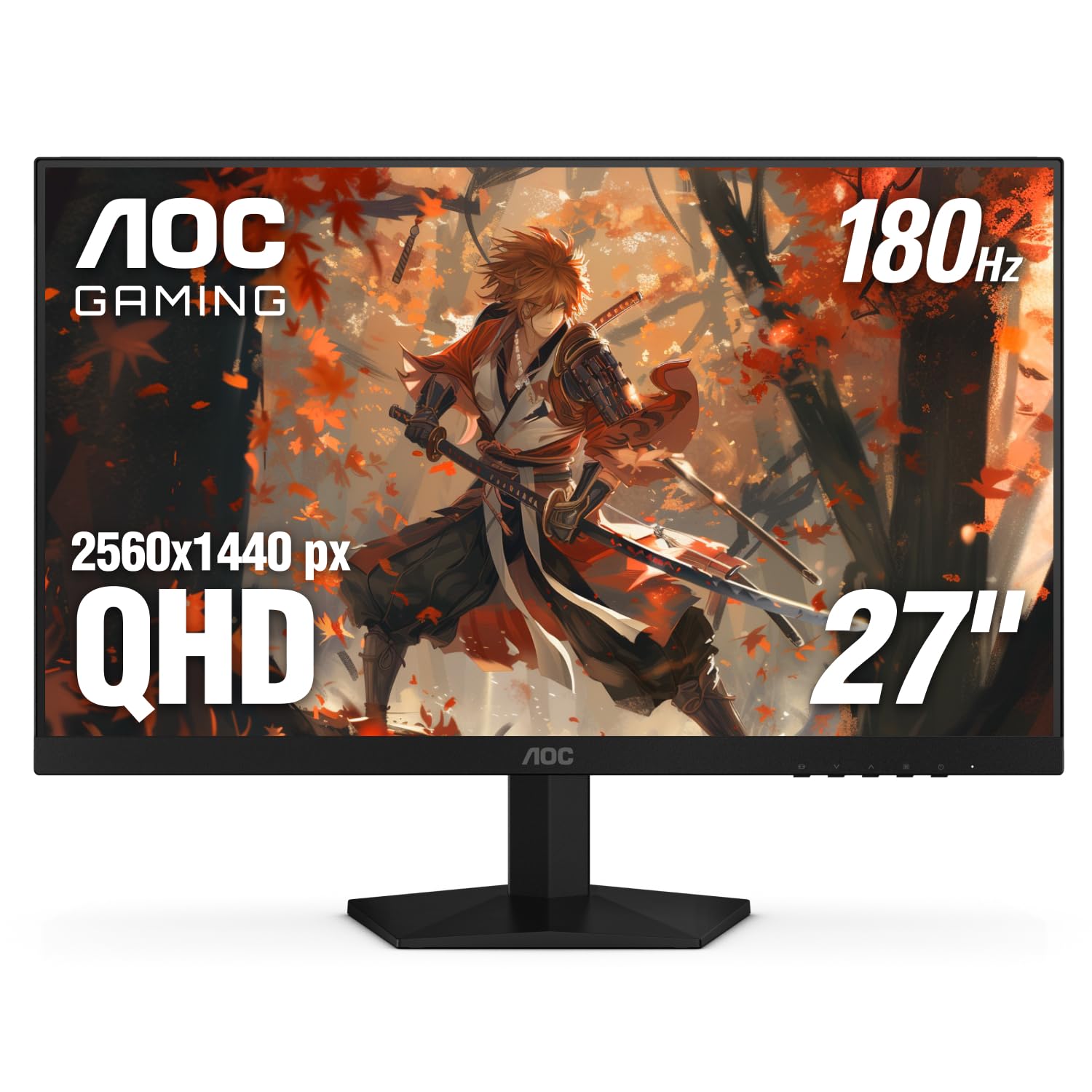
| AOC Q27G4XNBest Value | Deep Blacks on a Budget | QHD VA | 180Hz | 1ms | Amazon |
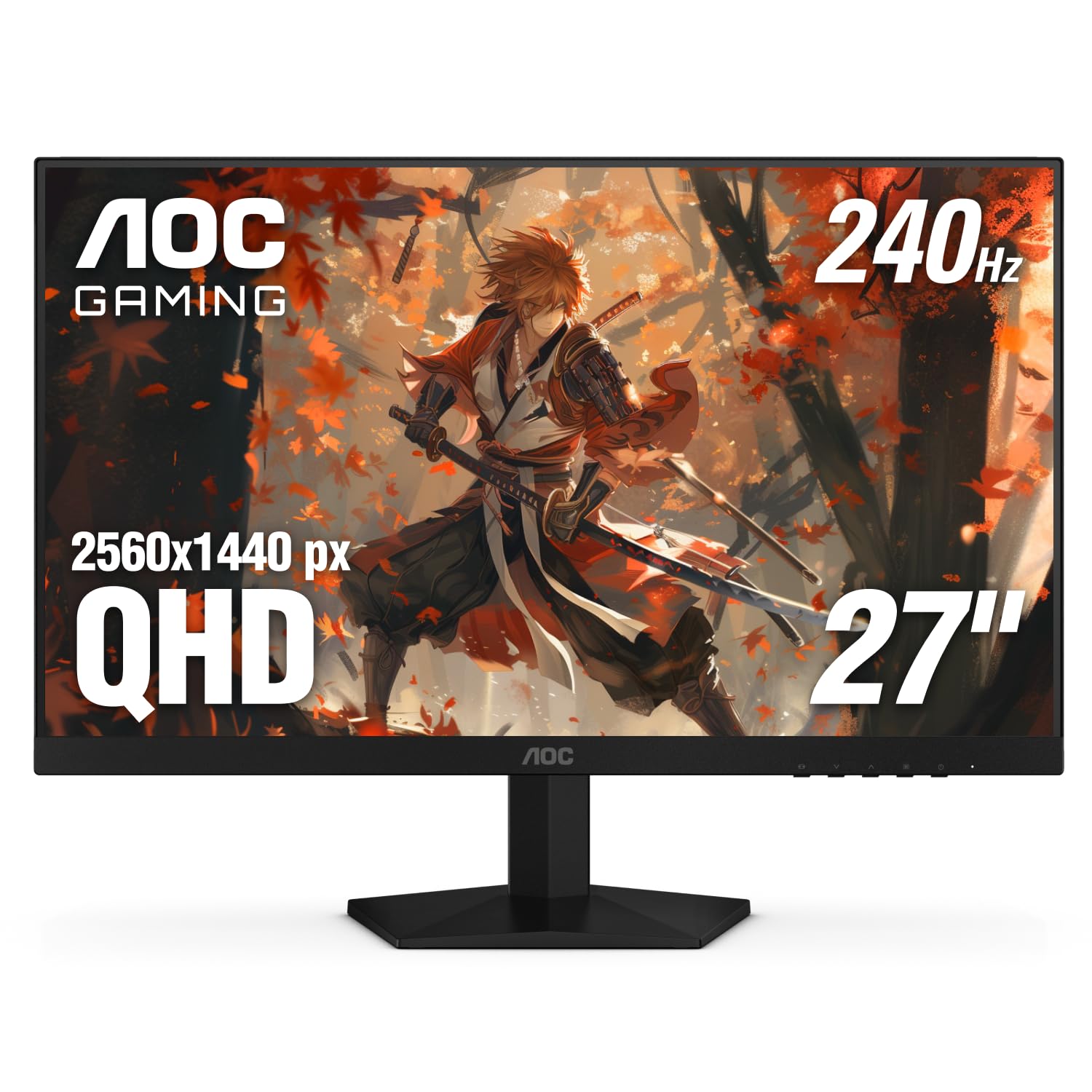
| AOC Q27G41ZETop Performer | Esports Speed | QHD IPS | 240Hz | 0.3ms | Amazon |
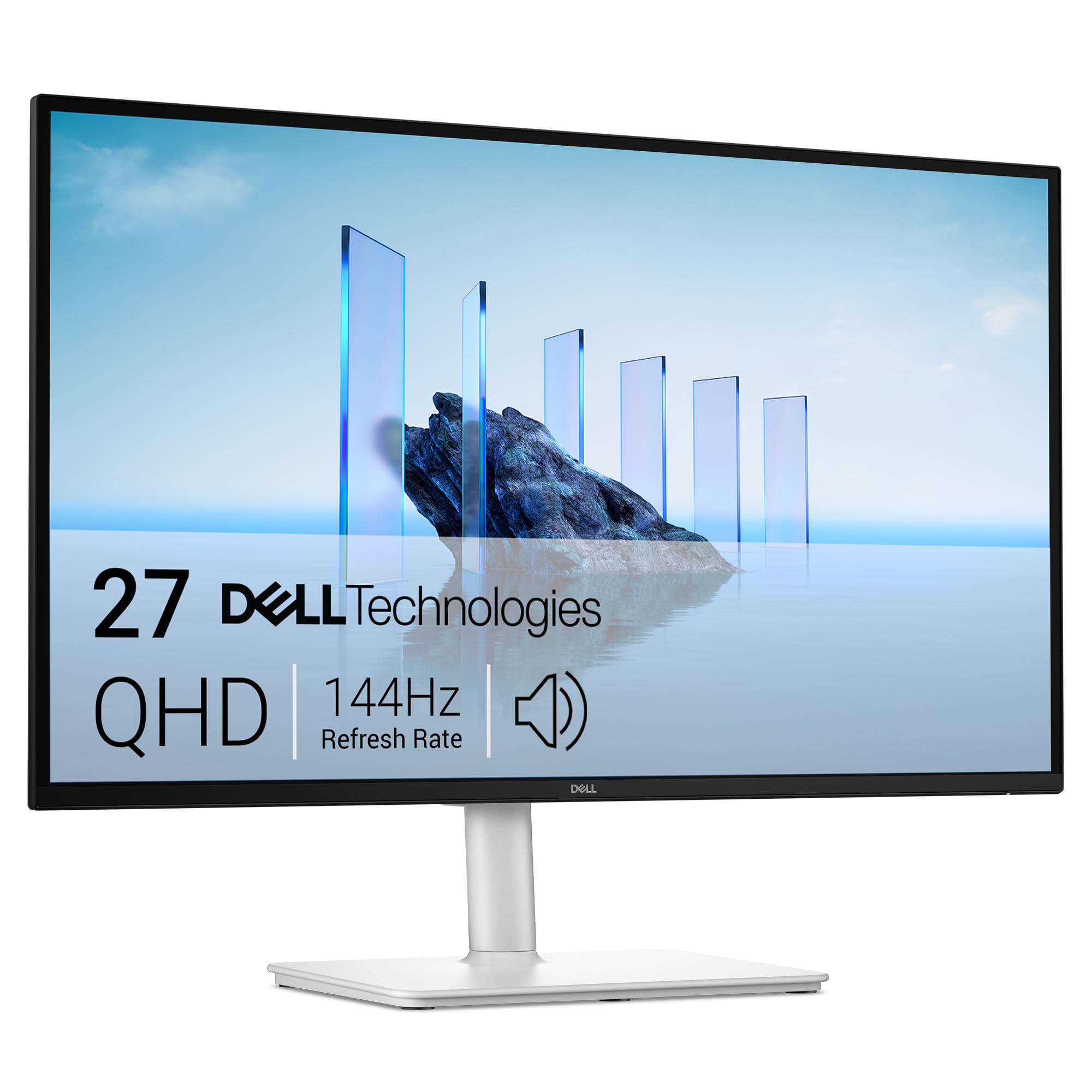
| Dell S2725DSM | Office & Productivity | QHD IPS | 144Hz | 1ms | Amazon |
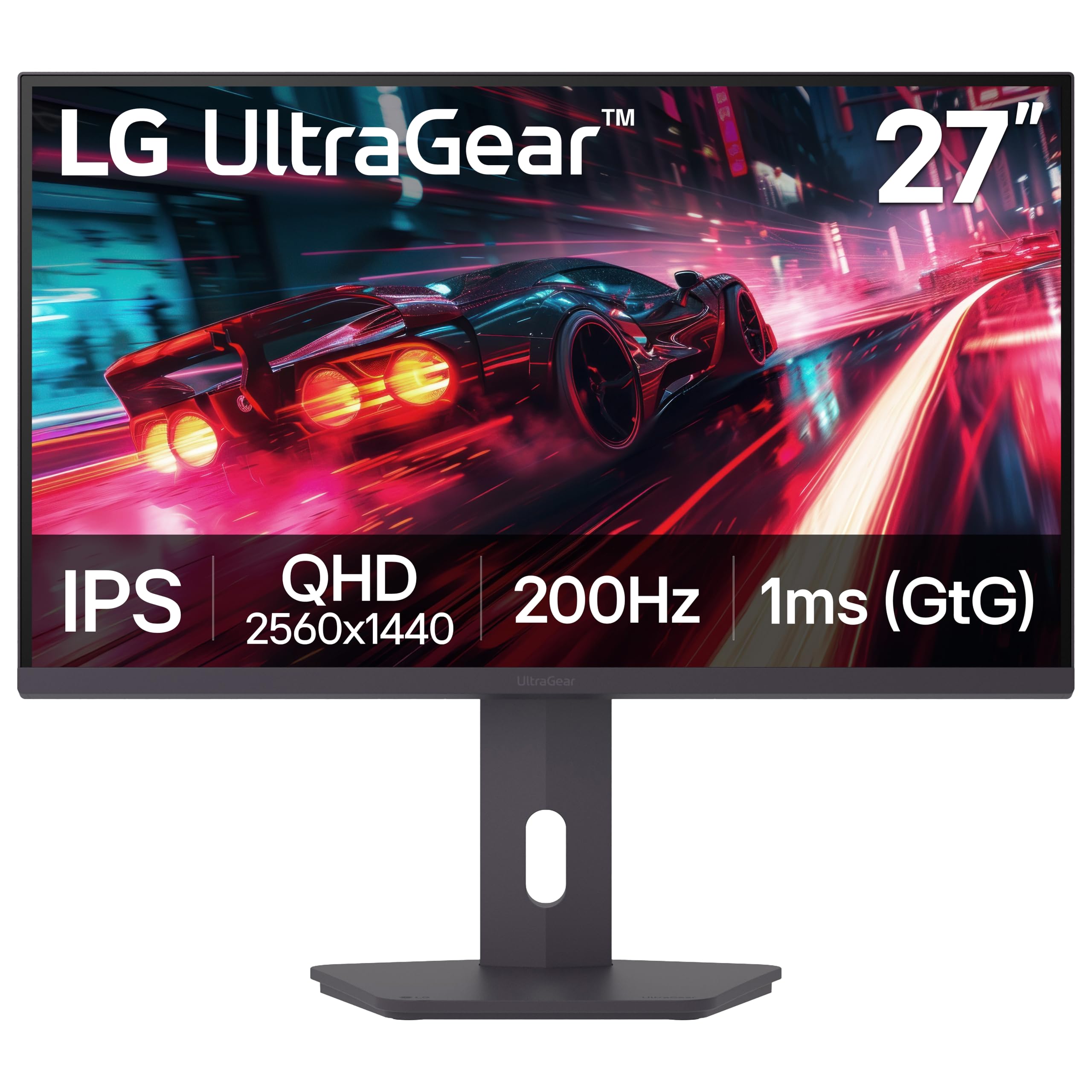
| LG 27G610A-B | Smooth All-Rounder | QHD IPS | 200Hz | 1ms | Amazon |
| Acer Nitro XV272U | Feature-Rich Value | QHD IPS | 240Hz | 0.5ms | Amazon |
| ASUS TUF VG27AQL5A | Multi-Monitor Work + Play | QHD Fast IPS | 210Hz | 0.3ms | Amazon |
| ASUS TUF VG27AQM5A | High-FPS Competitive Play | QHD Fast IPS | 300Hz | 0.3ms | Amazon |
| LG 27GR83Q-B | Console + PC Hybrid | QHD IPS | 240Hz | 1ms | Amazon |
| Samsung Odyssey OLED G6 | Pure Image Quality | QHD QD-OLED | 240Hz | 0.03ms | Amazon |
| Samsung Odyssey OLED G5 | Entry-Level OLED | QHD QD-OLED | 180Hz | 0.03ms | Amazon |
In‑Depth Reviews
1. Alienware 27 AW2725DM
Our pick — over 4.5★ from 400+ verified ratings; the strongest balance of quality and price.
The crowd-pleasing 27-inch that nails gaming speed, work sharpness, and build quality in one package.
The Alienware AW2724DM earns its spot because it satisfies both competitive gamers and spreadsheet workers. Its 27-inch Fast IPS panel (a type of LCD that delivers fast response and wide viewing angles) runs at a smooth 180Hz refresh rate with a 1ms gray-to-gray response time, and covers 95% of the DCI-P3 color space — the wide color standard used in film production — so games look vivid and photos pop.
What owners consistently rave about is the build and the out-of-box experience. The stand adjusts in height, pivot, swivel, and tilt — a full range you usually pay more for — and buyers report the premium look and sturdy feel match Alienware’s reputation. It also carries VESA DisplayHDR 400 certification, meaning it hits a spec’d brightness level for high-dynamic-range content, and a hardware-based low blue light mode that cuts eye strain without washing out colors.
The one real caveat is a connectivity quirk: over HDMI you only get 144Hz, and to hit the full 180Hz you must use the DisplayPort 1.4 cable (included in the box). Owners also note there’s no USB-C port, so if that’s your laptop’s only output, you’ll need an adapter. The screen can show some IPS glow (a slight halo effect) in dark scenes, and a few units flash black — but the overwhelming majority report a fantastic panel with vibrant color.
What wins people over
- Factory-impressive color and sharpness at a 2K resolution that makes 1080p look soft
- Fully adjustable stand with height, pivot, swivel, and tilt for long sessions
- Works with both G-Sync and FreeSync graphics cards
- PS5 console mode and RTX 5060 Ti compatibility confirmed by owners
The trade-offs to know
- HDMI caps at 144Hz — DisplayPort is required for the full 180Hz
- No USB-C input for modern laptops
- IPS glow in dark scenes; occasional reports of black-screen flashes
Reach for this if: you want one monitor that handles competitive gaming, console play, and daily productivity without compromise — the adjustability and color make it a no-brainer.
Look elsewhere if: you rely on a USB-C laptop connection or refuse to use a DisplayPort cable.
2. AOC Q27G4XN
A budget-priced 2K panel that punches above its class with deep blacks and a vivid color gamut.
AOC’s Q27G4XN is the pick for buyers who want that sharp 2560 x 1440 jump without spending premium money, and it earns its value label through sheer spec-for-dollar density. It runs a 180Hz refresh rate over DisplayPort 1.4 with a fast 1ms response time, and it pushes a wider-than-standard color gamut at 127.8% sRGB — meaning reds, greens, and blues look punchier than on a typical panel.
Unlike the IPS panels dominating this list, this one uses a VA panel, and that choice pays off in black levels. As owners put it: “Picture is great, blacks are night and day difference from my old monitor.” That deeper black makes dark game scenes and movies look richer rather than washed-out gray. The 3-sided frameless design also makes it a great candidate for a multi-monitor battle station with minimal bezel distraction.
The honest trade-offs: the built-in speakers are average, and the on-screen menu buttons feel clunky. More importantly, the customer consensus flags that reliability is a mixed bag — while it works beautifully initially, some units stop working after a period of time, and there are reports of the screen darkening at the edges. It also only supports FreeSync, not G-Sync, and the stand offers tilt but no height adjustment.
The reasons it’s a favorite
- Deep VA blacks that make dark scenes come alive versus typical IPS gray
- 127.8% sRGB color gamut for vibrant, saturated imagery
- 3-year zero-bright-dot warranty covering dead pixels
- Works with Xbox, PS5, and Switch consoles
Where it stumbles
- Reliability is the most-discussed concern — some units fail after a few months
- Edge darkening and mediocre brightness in some panels
- Clunky menu buttons and weak built-in speakers
Best if: you’re on a strict budget, want rich blacks for dark games, and can live without height adjustment.
Think twice if: maximum long-term reliability is non-negotiable — the mixed durability feedback is the main reason to consider a pricier option.
3. AOC Q27G41ZE
The esports-focused 1440p panel where 240Hz native speed and a 0.3ms response make motion feel instant.
AOC pushes competitive speed with the Q27G41ZE, a 27-inch IPS panel that runs a native 240Hz refresh rate via DisplayPort and overclocks up to 260Hz. That’s a 33% faster refresh than the Alienware’s 180Hz — a gap you feel immediately in fast-paced shooters where every frame of motion needs to stay razor sharp with the 0.3ms response time.
The headline advantage is resolution: at 2560 x 1440, you get a sharper image than the 1920×1080 that most high-refresh monitors use. Owners note it’s a real difference in daily use — “this 2560x1440p actually makes a really good difference in a better way.” The IPS panel also gives you wide viewing angles, plus gaming aids like Shadow Control and Game Mode presets for quick tuning.
Budget realities show up in the ergonomics: the stand offers tilt only — no height or swivel adjustment — and the brightness is a modest 300 nits, which a chunk of owners find dim. It’s a classic trade-off: the money goes into the panel speed and resolution, not the stand. Durability also reads as a bit questionable to some, but the overwhelming verdict is that it’s a fantastic gaming monitor at a price that undercuts most 240Hz panels.
Why it earns the speed crown
- Native 240Hz (260Hz overclocked) with a super-low 0.3ms response for minimal blur
- G-Sync Compatible and FreeSync for both AMD and NVIDIA cards
- Crisp 1440p resolution beats most high-refresh 1080p panels
- Sniper mode, crosshair, and timer features built into the OSD
The cost of that speed
- Tilt-only stand — no height or swivel adjustment
- 300-nit brightness reads dim for some owners
- Durability is occasionally questioned at this price point
Pick this for: competitive gamers who prioritize a 240Hz IPS panel and 1440p sharpness over stand ergonomics.
skip it if: you need height adjustment for posture or a brighter panel for a sunlit room.
4. Dell 27 Plus S2725DSM
A 144Hz QHD workhorse with built-in speakers and a stand that adjusts every which way.
Dell’s S2725DSM is the productivity-first pick, and it shows in the 1500:1 contrast ratio (the difference between the brightest white and darkest black) and the integrated twin 3W speakers. The 27-inch IPS panel delivers a crisp 2560 x 1440 resolution at a smooth 144Hz with a 1ms response time, and that higher contrast ratio — versus the common 1000:1 — gives text and images extra depth, making long document sessions easier on the eyes.
The stand is the quiet hero here — it adjusts in height, tilt, pivot, and swivel, which is the full ergonomic suite, and owners praise how easy it is to move and assemble. The 99% sRGB color coverage and 4-star TÜV-certified low blue light mode keep colors accurate while reducing eye strain — a real selling point for people who stare at screens all day. It’s a monitor that IT buyers purchase repeatedly, with the review pattern showing it’s been bought for a string of clients because the quality is consistent.
For a work-focused monitor, the 144Hz refresh rate is a bonus that makes scrolling and window animations feel fluid. The trade-offs are minor: there’s no built-in webcam so video calls need your laptop’s camera, and the speakers — while better than most laptop audio — are still desktop speakers. It’s not built for esports-level input response, but for office, multitasking, and remote work, owners say it’s excellent value.
Standout comfort: full height, tilt, pivot, and swivel adjustment plus a 4-star TÜV-certified low blue light mode — designed for all-day desk use.
The honest gap: no webcam and modest speakers mean video calls still rely on your laptop’s hardware.
5. LG 27G610A-B
A 200Hz IPS panel that balances gaming speed with a fully adjustable stand for daily comfort.
LG’s UltraGear 27G610A-B splits the difference between esports speed and desktop usability with a 27-inch IPS panel running a native 200Hz refresh rate and 1ms response time. It covers up to 99% of the sRGB color space — enough for accurate, vibrant color in games and photo work — and carries VESA DisplayHDR 400 certification for brighter highlights in compatible content.
The stand is a genuine differentiator here: it adjusts in height, tilt, swivel, and pivot, giving you the full ergonomic range that many 240Hz panels skip. Owners described it plainly — “Lots of height and tilt adjustment” — and praised the easy setup and smooth graphics. It also includes gaming features like Dynamic Action Sync to cut input lag, Black Stabilizer to brighten dark scenes, and an on-screen FPS counter.
You’ll need a capable graphics card to actually feed 200Hz in modern games, which is the practical reality of any high-refresh 1440p panel. The criticism that shows up most is ghosting visible in desktop apps for some units, plus mediocre HDR and weak speakers. But as a primary gaming monitor at this price, the consensus is strong: “Great value under.”
The everyday strengths
- Native 200Hz refresh rate keeps fast gameplay fluid and sharp
- Full height, tilt, swivel, and pivot stand adjustment
- FreeSync Premium for tear-free play on AMD cards and consoles
- Dynamic Action Sync and Black Stabilizer for competitive edge
Watch for these
- Some owners see ghosting in everyday desktop apps
- HDR performance is mediocre; built-in speakers are weak
- Plastic stand feels less premium than metal rivals
Reach for this if: you want a high-refresh 1440p gaming monitor with a genuinely adjustable stand and don’t need G-Sync.
Look elsewhere if: you’re an NVIDIA user wanting G-Sync compatibility or need strong HDR performance.
6. Acer Nitro XV272U W2bmiiprx

A 240Hz IPS workhorse packing an adjustable stand, speakers, and a 0.5ms response into one budget-friendly frame.
Acer’s Nitro XV272U is the most-shopped monitor on this list, and it’s easy to see why: a 27-inch IPS panel at 2560 x 1440 with a 240Hz refresh rate via DisplayPort, a 0.5ms response time, and DisplayHDR 400 certification (a standard for high dynamic range brightness). It also packs the full ergonomic suite — height adjustment range of 4.7 inches, 360-degree swivel, pivot, and tilt — plus two built-in 2-watt speakers.
What owners consistently call out is the picture quality: “the picture is amazing” and an “amazing upgrade from 1080 monitor” are recurring refrains. The 99% sRGB coverage delivers vivid, accurate color on an IPS panel with wide viewing angles. It’s also VESA mount compliant (100 x 100mm) if you want to ditch the stand for a monitor arm.
The mixed feedback clusters around a few real concerns. Some buyers see excessive light bleed in corners and report colors that run slightly off from the start. The DisplayPort connection gets mixed reviews because a small number of units fail to turn on. And note the port situation: while the spec lists it as a 240Hz display using DisplayPort, the HDMI ports are 2.0, which means console performance is capped lower. Still, for pure PC gaming value, the “great IPS display at a budget-friendly cost” verdict holds across most owners.
The crowd-pleasing strengths
- 240Hz refresh over DisplayPort with a very fast 0.5ms response
- Full ergonomic stand: 4.7-inch height range, 360-degree swivel, pivot
- Budget-friendly price for a 1440p IPS gaming panel
- VESA 100 x 100mm mount compatible for monitor arms
The honest drawbacks
- Light bleed and slightly off colors reported by a vocal minority
- HDMI 2.0 ports limit console refresh rate
- Some units fail to power on via DisplayPort
Best if: you’re a PC gamer wanting the highest refresh rate and full stand adjustability for the least money.
Think twice if: you’re a console gamer — the HDMI 2.0 ports cap your refresh, or if you’re sensitive to light bleed.
7. ASUS TUF VG27AQL5A
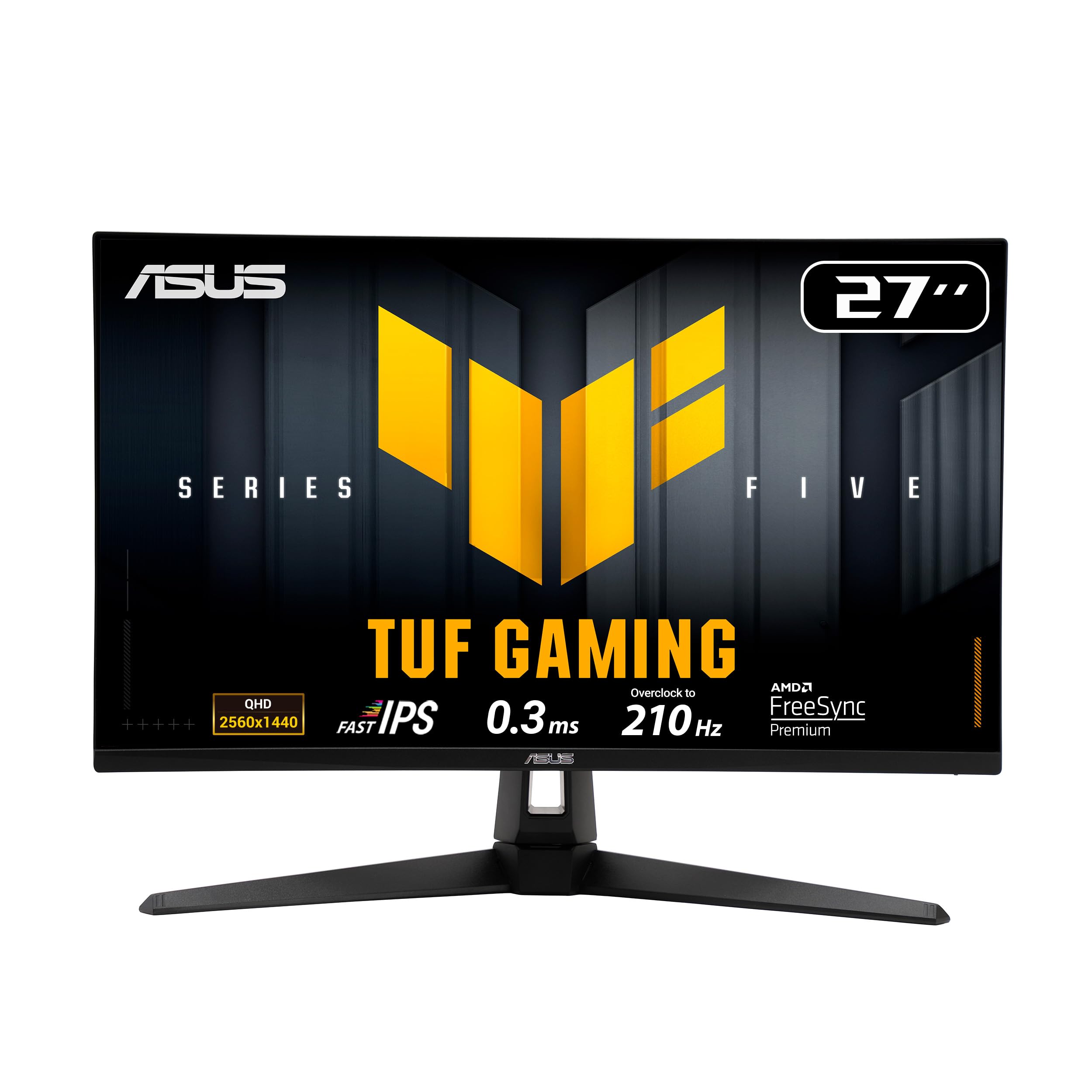
The 210Hz Fast IPS panel with software smarts that makes multi-monitor setups easy.
ASUS targets the prosumer who does a bit of everything with the VG27AQL5A, a 27-inch Fast IPS panel running a 210Hz overclocked refresh rate (the OC is part of the standard spec) with a 0.3ms response time. It covers a wide 130% sRGB color gamut and a 1300:1 contrast ratio — slightly better than the typical 1000:1 — giving it punchier contrast for both gaming and spreadsheet duty.
The differentiator here is software. ASUS’s Extreme Low Motion Blur Sync (ELMB Sync) lets the anti-blur mode and variable refresh rate (which matches the screen’s refresh to your game’s frame rate) run simultaneously, killing both ghosting and tearing. The DisplayWidget Center app lets you change monitor settings with a mouse instead of fiddling with a joystick — and one owner who bought it as a “gaming” monitor and uses it for financial modeling all day reported four pixel-perfect panels in a row with zero bleed, calling the panel quality “superb.”
The main honest caveat involves the image quality consensus, which is genuinely mixed — some owners praise the picture while others report dead pixels, and that’s the most-discussed aspect. One owner also noted thermal expansion can cause occasional cracking/popping noises when the monitor powers on. The built-in speakers are usable but poor, and the 210Hz marks its ceiling — it’s not a 240Hz panel. For a flat 27-inch 1440p display that works beautifully in a multi-monitor office setup, though, owners rate it highly.
Software advantage: ELMB Sync eliminates both ghosting and tearing at once, and DisplayWidget Center makes adjustments a mouse-click affair.
The mixed note: dead-pixel reports show up in a small slice of units — the risk of any high-volume panel — and the speakers are strictly backup.
8. ASUS TUF VG27AQM5A
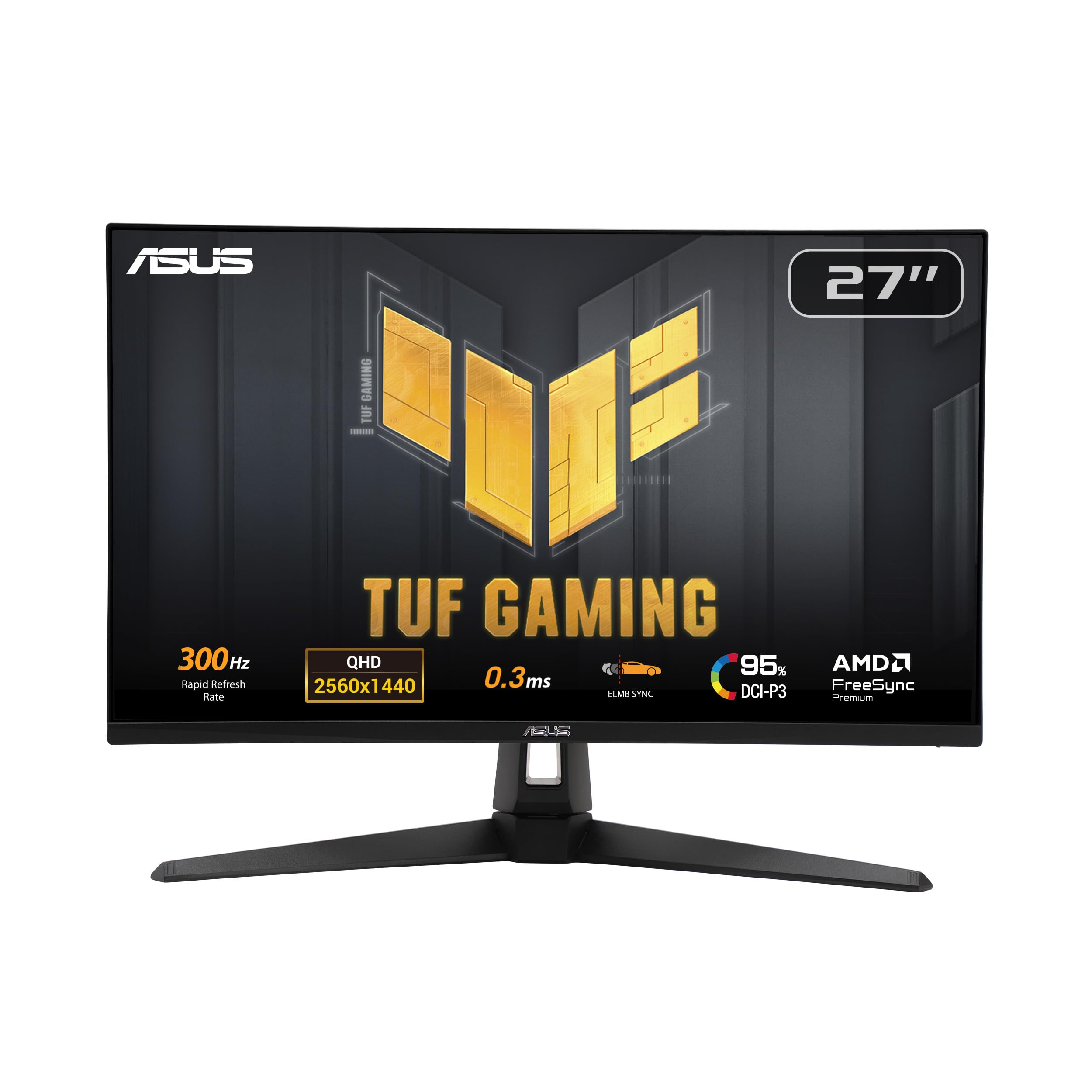
A blistering 300Hz Fast IPS panel for players who need every possible frame of competitive advantage.
At the top of the refresh-rate ladder sits the ASUS VG27AQM5A, a 27-inch Fast IPS panel pushing a massive 300Hz refresh rate — the fastest on this list, and 33% quicker than even the 240Hz Acer above. The 0.3ms response time pairs with that speed to keep fast-moving targets razor sharp, and it covers 95% of the DCI-P3 color space for rich, accurate color.
The same ELMB Sync and DisplayWidget Center software carry over, plus Shadow Boost — a feature that brightens dark areas of a scene without over-exposing the bright parts, handy for spotting enemies hiding in shadows. Owners call it a “standout” for 1440p gaming, praising its speed and clarity., with one noting that as a CRT enthusiast, the picture quality impressed even him. It supports FreeSync Premium (AMD’s adaptive sync technology) and is G-Sync compatible through Adaptive-Sync.
The recurring caveat is brightness — it’s not an extremely bright panel, and some owners mention it adds extra brightness while others find it lacking. Pixel reliability is the most-discussed negative, with occasional dead-pixel anecdotes showing up. The contrast is average for the class, the HDR is basic, and the on-screen menu has a learning curve. But for pure competitive speed at 1440p, owners give it a strong 9.5/10 verdict.
Why it’s the speed king
- 300Hz refresh rate — the fastest span on this list for 1440p
- 0.3ms response time for virtually zero motion blur
- Shadow Boost reveals details hidden in dark scenes
- Wide 95% DCI-P3 color coverage with FreeSync Premium
The trade-offs at this tier
- Not an extremely bright panel — peak output is modest
- Dead-pixel reports are the most common negative mention
- Average contrast and basic HDR for the price point
Reach for this if: you’re a competitive FPS player with a high-end GPU who wants the smoothest possible 1440p motion.
Look elsewhere if: you need high brightness for a bright room or prefer HDR-heavy content over raw refresh rate.
9. LG 27GR83Q-B
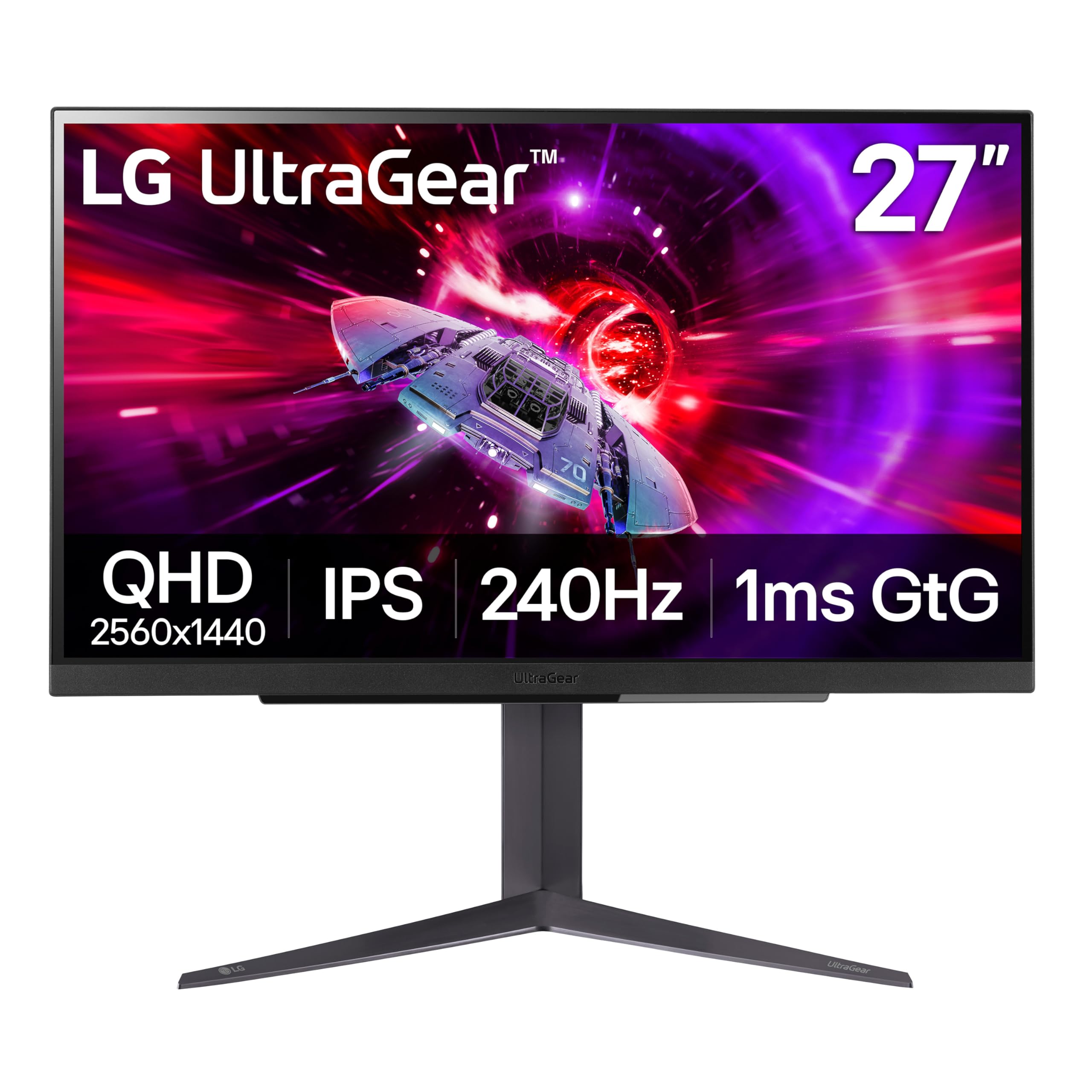
A 240Hz IPS panel that hits full speed on both DisplayPort and HDMI 2.1, making it console-ready from the start.
LG’s 27GR83Q-B solves the console dilemma that trips up other 240Hz panels — it delivers the full 240Hz refresh rate over both DisplayPort 1.4 and HDMI 2.1. That makes it the rare monitor where a PS5 or Xbox Series X can actually hit high refresh rates, in addition to smooth PC gaming on the 1ms IPS panel with 95% DCI-P3 color coverage.
It’s also officially validated as G-Sync Compatible by NVIDIA, which is stronger than a generic “compatible” claim — it’s been tested by NVIDIA to reduce screen tearing and stutter. Owners praise the “sturdy adjustable stand” and report smooth, responsive play in competitive titles like CS2, with no tearing or input lag. The stand offers height and pivot adjustment, plus a tilt, covering most ergonomic needs.
The standout criticism is pixel quality — it’s the most-discussed aspect, and it’s mixed, with some owners receiving units with stuck or dead pixels, occasionally across multiple units. Reliability also gets mixed feedback, and one owner’s warranty experience with LG was frustrating. A couple of minor gripes: the cable clip can be stuck and unusable, and the matte finish differs from the glossy look some expect. For the majority, though, the “great 1440p monitor for competitive and casual gaming” verdict holds.
Console-ready advantage: full 240Hz over HDMI 2.1 — most rivals cap console refresh much lower.
The honest concern: pixel quality is the most-discussed topic and it leans mixed, with several owners reporting stuck pixels on arrival.
10. Samsung Odyssey OLED G6 G61SH
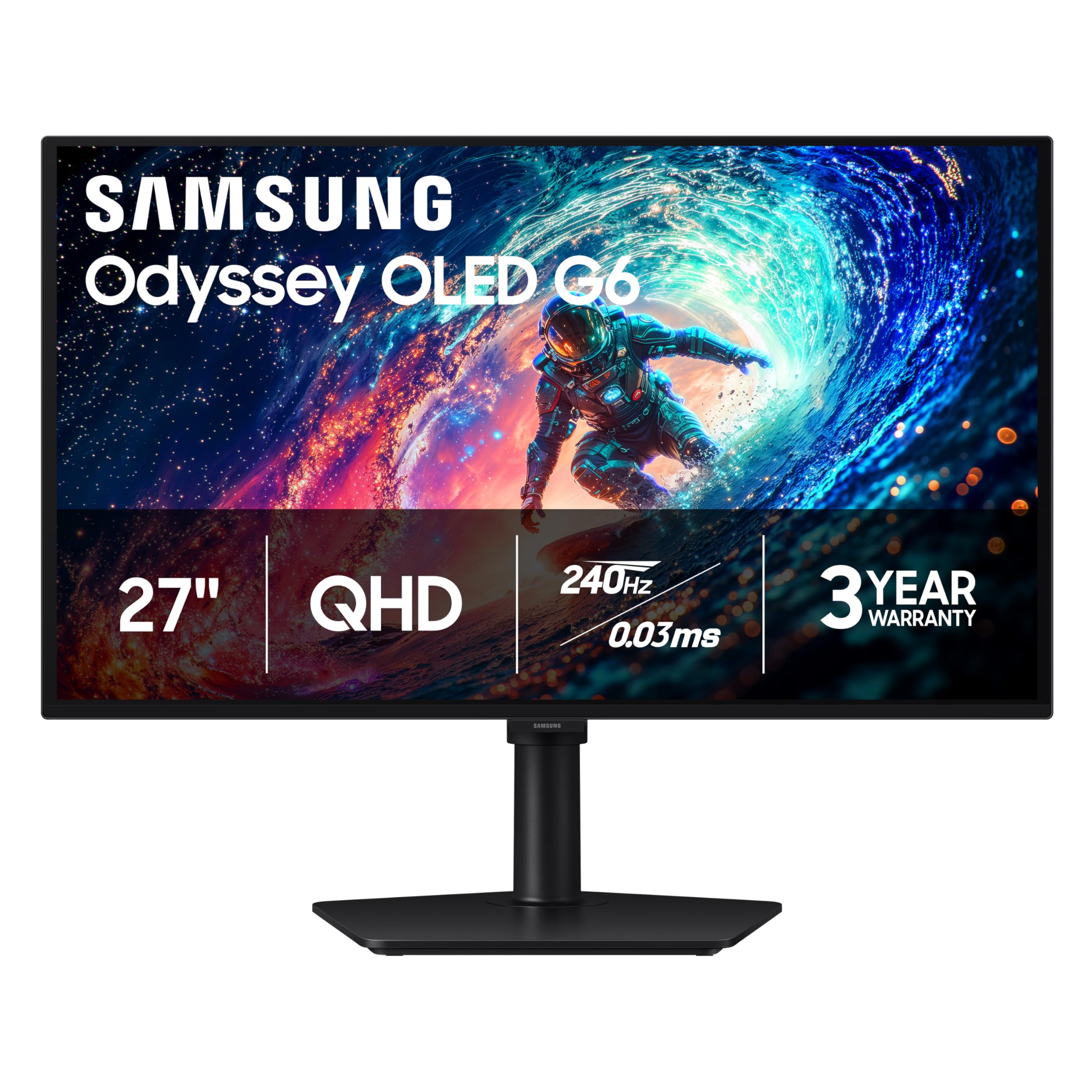
Samsung’s QD-OLED display that redefines what color and black levels mean on a 27-inch 2K screen.
The Samsung Odyssey OLED G6 represents the peak of image quality on this list, using a QD-OLED panel — a quantum-dot OLED that combines the perfect blacks of OLED with the wider color volume of quantum dots. You get a 240Hz refresh rate, an absurdly fast 0.03ms response time, and a contrast ratio of 1,000,000:1, which makes dark scenes truly black rather than dark gray.
Owners coming from IPS or VA panels describe the jump as “huge” and “a worthwhile upgrade,” with rich, vibrant colors that make games like Skyrim stunning. The panel is Pantone Validated, meaning Samsung certifies it can accurately reproduce more than 2100 lifelike colors and 110 skin-tone shades. It’s also glare-free, keeping reflections off the screen even in lit rooms, and carries a height-adjustable stand that pivots, tilts, and swivels.
The honest caveat is the factory settings — one owner was initially “horrified” by the display until they calibrated HDR in Windows and tuned it, after which they loved it. OLED longevity is also the elephant in the room, with owners noting durability is unproven after a few weeks of use. Samsung’s OLED Safeguard uses a thermal modulation system to help prevent burn-in. This is the premium pick, and it costs accordingly — pick it when image quality matters more than budget.
The image-quality leap
- True 1,000,000:1 contrast ratio with pixel-perfect black levels
- 0.03ms response time — effectively instant pixel transitions
- Pantone Validated color accuracy across 2100+ shades
- Glare-free coating and fully adjustable ergonomic stand
Before you commit
- Factory settings look poor until you calibrate HDR in Windows
- OLED longevity and burn-in prevention are unproven long-term
- Premium price — this is the most expensive pick on this list
Reach for this if: you want the absolute best picture quality at 1440p and are willing to calibrate the display properly after setup.
Look elsewhere if: you’d rather spend less and keep your monitor for many years without thinking about burn-in.
11. Samsung Odyssey OLED G5 G50SF

The lowest-price gateway into true OLED picture quality with the same 0.03ms response as its bigger sibling.
Samsung’s Odyssey OLED G5 brings the same QD-OLED magic as the G6 down to a more accessible price point, keeping the perfect black levels and 0.03ms response time while stepping the refresh rate to 180Hz. It’s G-Sync compatible and supports AMD FreeSync, so it plays nice with both major graphics card brands, and it carries the same Pantone Validated color accuracy with 2100+ reproducible colors.
Owners call it the “best bang for your buck OLED,” praising the color depth, black levels, and response speed. One owner reported no burn-in after 6 months of use, with an auto pixel shift feature kicking in every 30 minutes to protect the panel. The Auto Source Switch+ feature automatically switches between connected devices — a small convenience that PC-plus-console owners appreciate.
The trade-offs are typical of Samsung’s OLED pricing strategy. The brightness is a modest 280 cd/m², which several owners find limiting, and the stand offers tilt only — no height adjustment. There are no built-in speakers, so you’ll need headphones or external audio. The input selection is limited to a single HDMI and a single DisplayPort, and the menu button is described as fragile. For gamers wanting OLED without the OLED price tag, this is the smart entry point.
Why it’s the OLED gateway
- True OLED blacks and contrast at a lower price than most OLED panels
- 0.03ms response time for virtually zero ghosting
- G-Sync compatible and FreeSync supported
- Auto Source Switch+ for smooth device switching
The OLED compromises
- 280 cd/m² brightness reads dim for someowners
- Tilt-only stand — no height adjustment
- No built-in speakers; limited HDMI and DisplayPort input selection
- Menu button is fragile, and the panel’s long-term durability is unproven
Reach for this if: you want OLED’s perfect blacks and instant response on a budget, and you already have a headset or external speakers.
Look elsewhere if: you need built-in audio, height adjustment, or a brighter panel for a sunny room.
Understanding the Specs
Refresh Rate and Response Time
Refresh rate (in hertz) is how many times the screen redraws each second. At 60Hz you see 60 frames per second; at 240Hz you see 240. Higher rates make motion look smoother and reduce eye strain during fast panning. Response time (in milliseconds) is how fast a pixel changes color. A 1ms panel handles fast motion with minimal blur; a 0.3ms panel is nearly instant. Both matter — a high refresh rate on a slow-response panel still looks smeary.
Panel Types: IPS vs VA vs QD-OLED
IPS panels give the most consistent colors and widest viewing angles, making them the default choice for most buyers. VA panels offer deeper blacks and higher contrast at similar prices, but colors shift when you view from an angle. QD-OLED is the premium option — perfect black levels, incredible color volume, and near-instant response — but costs more and can be less bright than IPS. Your choice depends on whether you prioritize color accuracy, contrast, or image purity.
FAQ
Is a 2K monitor the same as 1440p?
Do I need a DisplayPort cable to get the full refresh rate?
Can my graphics card run a 2K monitor at high refresh rates?
Is G-Sync or FreeSync more important?
Will a 2K monitor work with my PS5 or Xbox?
What is the difference between IPS glow and backlight bleed?
How long does a QD-OLED monitor last before burn-in?
What does DisplayHDR 400 mean for a 2K monitor?
Final Thoughts: The Verdict
For the majority of shoppers, the 2k monitor winner is the Alienware AW2725DM because it delivers 180Hz speed, 95% DCI-P3 color, and a fully adjustable stand in a package that owners consistently praise for build quality and image sharpness. If you want the fastest competitive refresh rate, grab the AOC Q27G41ZE with its 240Hz IPS panel. And for pure image quality with perfect blacks and instant response, the Samsung Odyssey OLED G6 is the one to reach for.
How We Picked
We do not accept paid placement. Every pick is matched to a real buyer and a real use-case; we do not hands-on test units.
Sources & Methodology
Specifications: manufacturer listings and product documentation. Review insights: verified customer reviews, as of August 2026. Pricing: not shown on this page (it changes often); check the current price via the retailer link.
As an Amazon Associate, Gadgets Feed earns from qualifying purchases. This does not affect which products we feature.