
Our readers keep the lights on and my morning glass full of iced black tea. As an Amazon Associate, I earn from qualifying purchases.
Specs are compiled from manufacturer listings and verified buyer reviews and can change over time — please confirm the key details on the product page before buying.
You want a frame that shows your photos without you lifting a finger — a screen that wakes up, rotates the picture, and cycles through your memories on its own. The real question is which one does that smoothly without fighting your Wi-Fi or your patience. This guide compares the top auto photo frames by their screen quality, storage, and how easy they are for everyone in the family to use.
I’m Min — the founder and writer behind Gadgets Feed. This guide is built by comparing the manufacturers’ published specifications and the patterns across verified customer reviews, so you get each pick’s real strengths and trade-offs instead of marketing spin.
The best auto photo frame balances sharp resolution, generous storage, and easy remote sharing for every generation.
Our Picks at a Glance

How To Choose The Best Auto Photo Frame
An auto photo frame is different from a regular digital frame because it uses sensors to handle the busywork for you. A gravity sensor flips the picture when you turn the frame, and a light sensor adjusts brightness to match the room. Before you buy, think about where it will live and who will be sending photos to it.
Screen size and resolution
Bigger screens make photos easier to see from across the room, but only if the resolution keeps up. A 10.1-inch frame with a 1280×800 display looks crisp up close, while a 15.6-inch frame needs 1920×1080 to avoid visible pixelation. If the frame sits on a mantle or shelf, prioritize a larger screen; if it stays on a nightstand, a compact one will do.
Storage and memory
Storage determines how many memories you can keep loaded without deleting old ones. Frames with 16GB hold tens of thousands of photos, while 32GB and 64GB options give you serious breathing room for videos too. Many frames let you expand with an SD card, but check whether photos play directly from the card or must be imported first.
Wi-Fi compatibility and sharing
Nearly every smart frame only pairs with a 2.4GHz network, not the faster 5GHz band. If your router broadcasts both, make sure the frame can find the 2.4GHz channel, or be ready to use your phone’s mobile hotspot. The sharing app matters just as much — Frameo and AiMOR both let distant family send photos straight to the screen.
Quick Comparison
| Model | Best For | Screen | Resolution | Storage | Amazon |
|---|---|---|---|---|---|
| AEEZO 10.1″★ Best Overall | Best Overall | 10.1 inches | 1280×800 | 32 GB | Amazon |
| SMART WHITE 10.1″Best Value | Budget-Friendly | 10.1 inches | 1280×800 | 16 GB | Amazon |
| REUMAR 10.1″Smart Organizer | Calendar & Scheduling | 10.1 inches | 1280×800 | 32 GB | Amazon |
| UHALE 10.1″ | Simple Plug-and-Play | 10.1 inches | 1280×800 | 16 GB | Amazon |
| DRAGON TOUCH 15.6″ | Family Organizer | 15.6 inches | 1920×1080 | 32 GB | Amazon |
| FRAMEO 15.6″ | Large Display | 15.6 inches | 1920×1080 | 32 GB | Amazon |
| HUMBLESTEAD 15.6″ | Max Storage | 15.6 inches | 1920×1080 | 64 GB | Amazon |
| PEXAR 11″ | Premium Clarity | 11 inches | 2000×1200 | 32 GB | Amazon |
In‑Depth Reviews
1. AEEZO Digital Picture Frame
Our pick — over 4.5★ from 250+ verified ratings; the strongest balance of quality and price.
The crowd favorite that turns a wall of old photos into a living slideshow, no tech skills required.
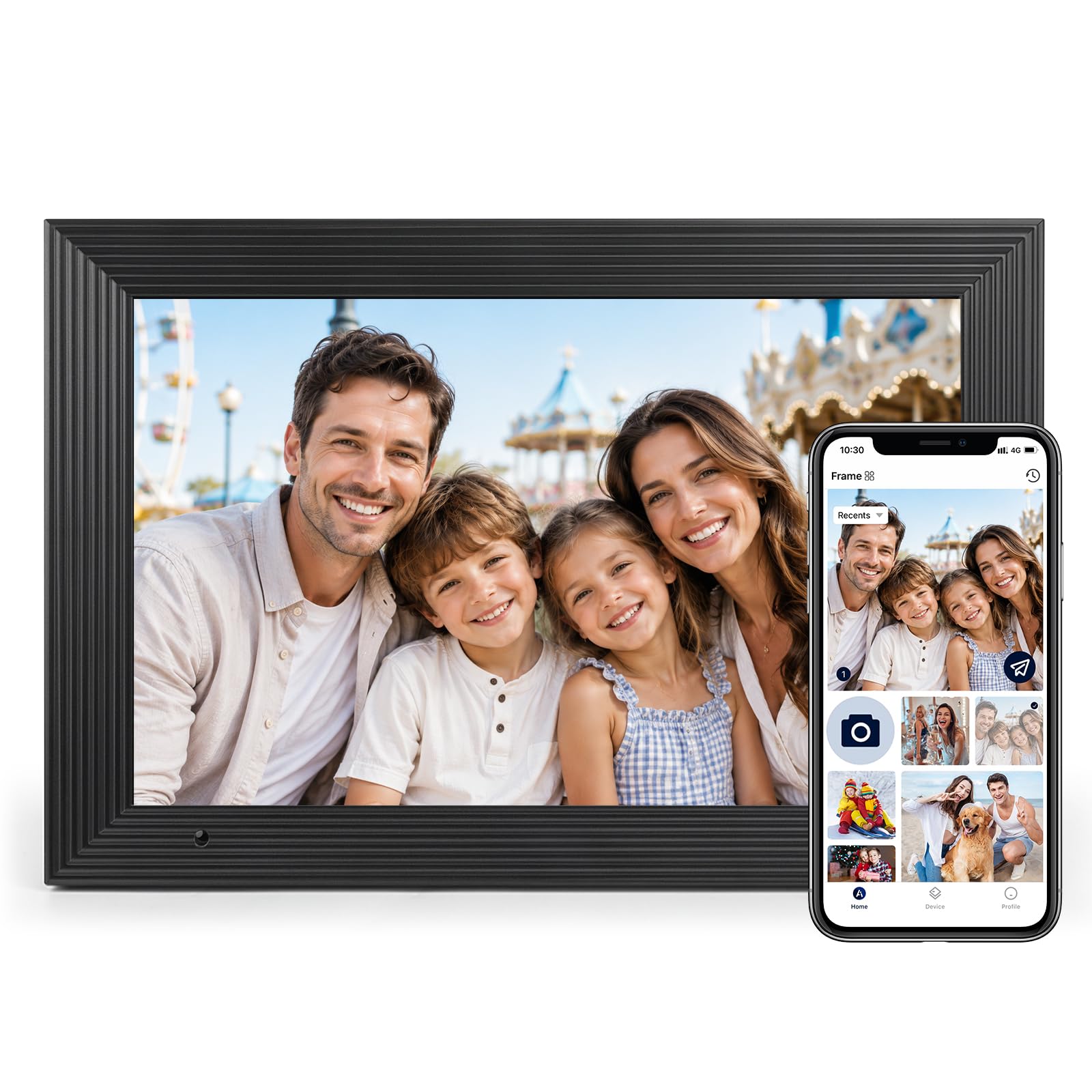
What wins people over is how easy this frame feels from the moment it leaves the box. Its 10.1-inch 1280×800 IPS touchscreen shows sharp colors, and the gravity sensor auto-rotates landscape to portrait. That means a photo of the grandkids looks correct whether the frame sits wide on a shelf or tall on a nightstand.
Its 32GB storage holds over 50,000 photos, so you won’t prune memories. It supports a micro SD card up to 64GB for extra file management, though you have to import those files into the frame first rather than play them straight off the card. Buyers report loading 1,600 photos and videos with ease through the AiMOR app, calling the upload simple, but noting that adjusting each photo’s fit and fill is a bit tedious.
The light sensor is a quiet hero — it dims the screen automatically as the room darkens, so the frame never blasts you awake at night. You also get a sleep mode, adjustable brightness, and a time-and-weather display in the corner. One small catch: it only connects to 2.4GHz Wi-Fi, so a 5GHz-only network will need a mobile hotspot workaround.
Why It Wins the Family Vote
- 32GB stores over 50,000 photos without deleting favorites
- Auto-rotate and auto-brightness handle the busywork for you
- App upload from anywhere keeps distant relatives connected
What to Know Before Buying
- 2.4GHz-only Wi-Fi may need a hotspot workaround
- Per-photo fit and fill adjustments are manual and slow
- No USB port — only micro SD for importing
Reach for it if: you want the easiest path to a full family slideshow, backed by the strongest owner satisfaction in this lineup.
Think twice if: you expect to play photos directly from an SD card — this frame requires importing them first.
2. Smart White Digital Picture Frame
A minimalist white frame that quietly disappears into your decor while showing off bright, sharp memories.
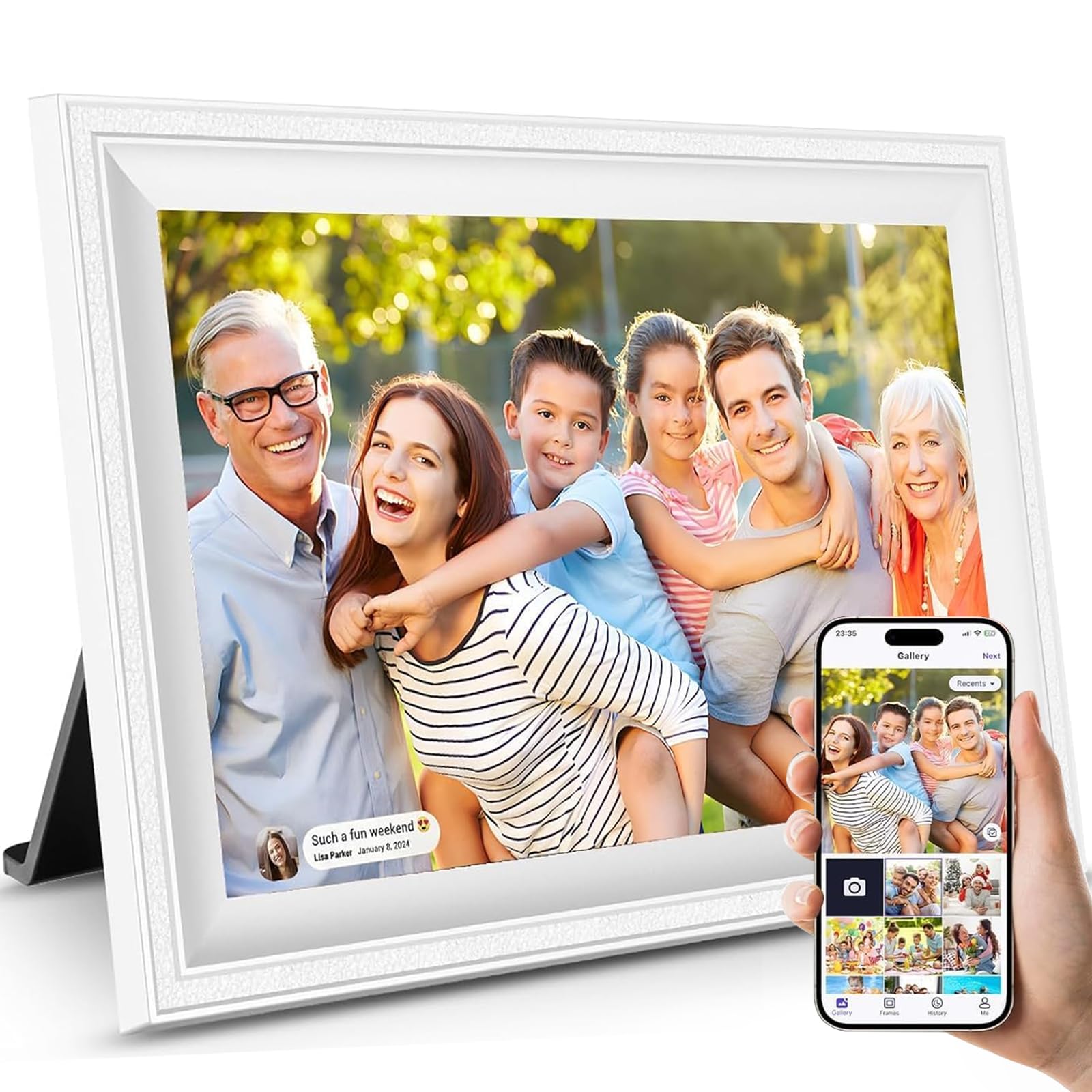
The whole pitch here is simplicity — owners mention setup is fast and the photo quality is sharp, with uploads from a phone happening quickly and without a fuss. Its 10.1-inch 1280×800 IPS touchscreen has a 178° viewing angle, keeping colors true from any side.
It is genuinely wall-mountable, which gives it a flexibility that many desk-bound frames lack. Its 16GB memory expands via micro SD up to 32GB, reaching 40,000+ photos. Videos cap out at 15 seconds each, which is enough for a quick happy-birthday clip but not a full family movie.
Because it measures 13″L x 8.2″W, it runs slightly larger than the AEEZO above — a small footprint difference that matters if you are squeezing it onto a narrow shelf. The recurring complaints center on Wi-Fi connectivity and memory capacity, so treat this as a solid everyday value pick rather than a heavy-duty workhorse.
Best for gift givers: families who want a clean, easy frame for long-distance photo sharing and a 2-year warranty backing it up.
3. REUMAR WiFi Digital Picture Frame
The frame that doubles as a family command center with your calendar, weather, and photos on one screen.
The standout feature here is the calendar — you can sync Google Calendar, Outlook, or iCloud and show your appointments, reminders, and events right beside your favorite photos. That turns a decorative object into something the whole household checks daily. The 10.1-inch 1280×800 IPS screen with a 178° viewing angle keeps everything readable from across the kitchen.
Storage is generous at 32GB built-in, and it expands via micro SD up to 128GB with both FAT32 and NTFS support — the biggest card allowance in this size class. Videos run up to 15 seconds, and the Frameo app lets multiple family members join and send photos from anywhere. It is GDPR and CCPA compliant, with end-to-end encrypted transfers, so your pictures stay private.
The honest trade-off is reliability: the Wi-Fi connection can randomly stop for some owners, and the motion sensor does not always trigger sleep mode as expected. If you want a frame that is also a functional home hub rather than just a slideshow, this fills that role beautifully — just be ready to occasionally restart the connection.
Pick this when: you want appointments and weather displayed alongside memories, with the largest SD card expansion available.
Look elsewhere if: you need rock-solid, never-interrupted Wi-Fi — a few units have connection drops.
4. Uhale Digital Picture Frame
A straightforward 10.1-inch frame that gets the basics so right, setup can finish in under five minutes.
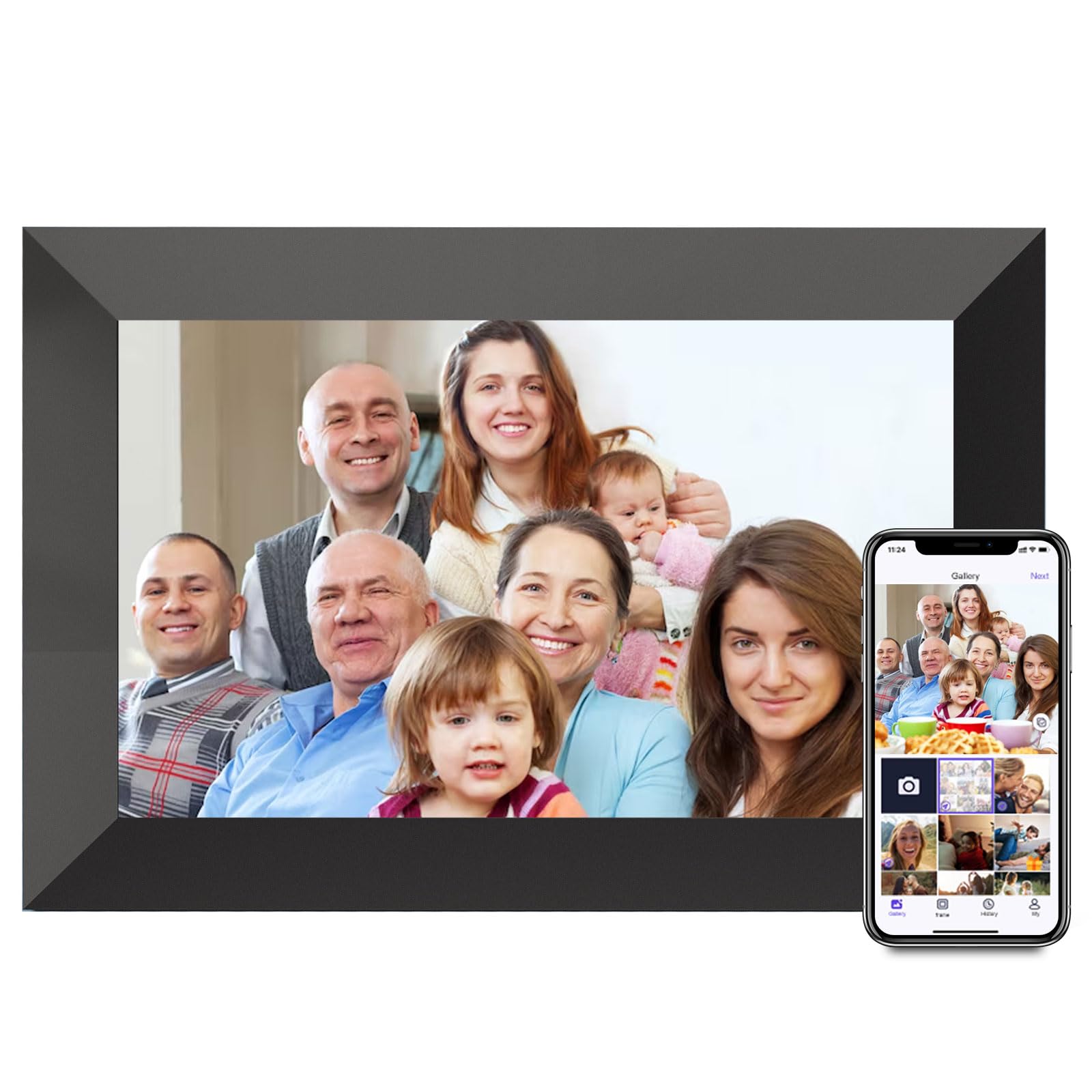
The pitch is refreshingly uncomplicated — a high-definition touchscreen, automatic rotation, and a design that looks like a classic picture frame rather than a gadget. Owners describe setup as taking less than five minutes, with vivid photos and a sturdy build that exceeds expectations at this price level. It is corded electric, so it stays put wherever you place it.
The 1280×800 resolution display shows clear, well-colored images, and the app lets others send photos to you in bulk, even to multiple frames at once. A sleep timer and clock mode add everyday usefulness. The 16GB storage is on the smaller side compared to 32GB rivals, but for a steady slideshow of favorite shots, it is plenty.
Connectivity is the mixed note here — most owners connect to Wi-Fi easily, but a handful report the connection dropping after a few days. For a simple, attractive frame that excels at the core job of showing photos, this is a strong mid-range choice.
Its defining strength: an uncluttered design and swift setup that owners praise for its value, especially as a gift for older relatives.
5. Dragon Touch 15.6 Inch Frame

A giant 15.6-inch screen that pulls double duty as your family’s shared calendar and photo wall.
This is the pick for households that live on shared schedules. The 15.6-inch full HD 1920×1080 touchscreen pairs a big photo display with a color-coded calendar, task lists, and even a grocery planner — all synced through an app that both partners can use. Owners call it a cheaper alternative to pricier organizer frames while delivering the same scheduling function.
Photo uploads are fast at 1–2 seconds, and the device works offline for viewing even when Wi-Fi is unavailable. You can invite up to 20 friends or family to share photos and videos through the VPhoto app, cloud storage, or email. Bonus features include music playback via USB or TF card, multi-photo display (2–4 images), pan mode, and an auto on/off schedule.
The trade-off is the app — owners rate the interface as clunky but manageable, and a few note the startup is slow before becoming responsive. It runs on 2.4GHz Wi-Fi only, which is standard for the category. If you want the biggest screen that also organizes your week, this earns its place.
The Big-Screen Perks
- 15.6-inch 1080p display is visible from across the room
- Color-coded calendar and grocery planner for the whole house
- Allows up to 20 family members to share photos
Honest Drawbacks
- App interface is clunky and takes getting used to
- Slow startup before the screen becomes responsive
- Wi-Fi needed for uploads, though viewing works offline
Choose it for: a big kitchen display that keeps everyone on the same schedule while cycling cherished photos.
skip it if: you want a lightweight, purely decorative frame — this one is built around organization.
6. FRAMEO 15.6 Inch Digital Photo Frame
A wall-mountable 15.6-inch Frameo that brings photo sharing and family connection to a cinematic scale.
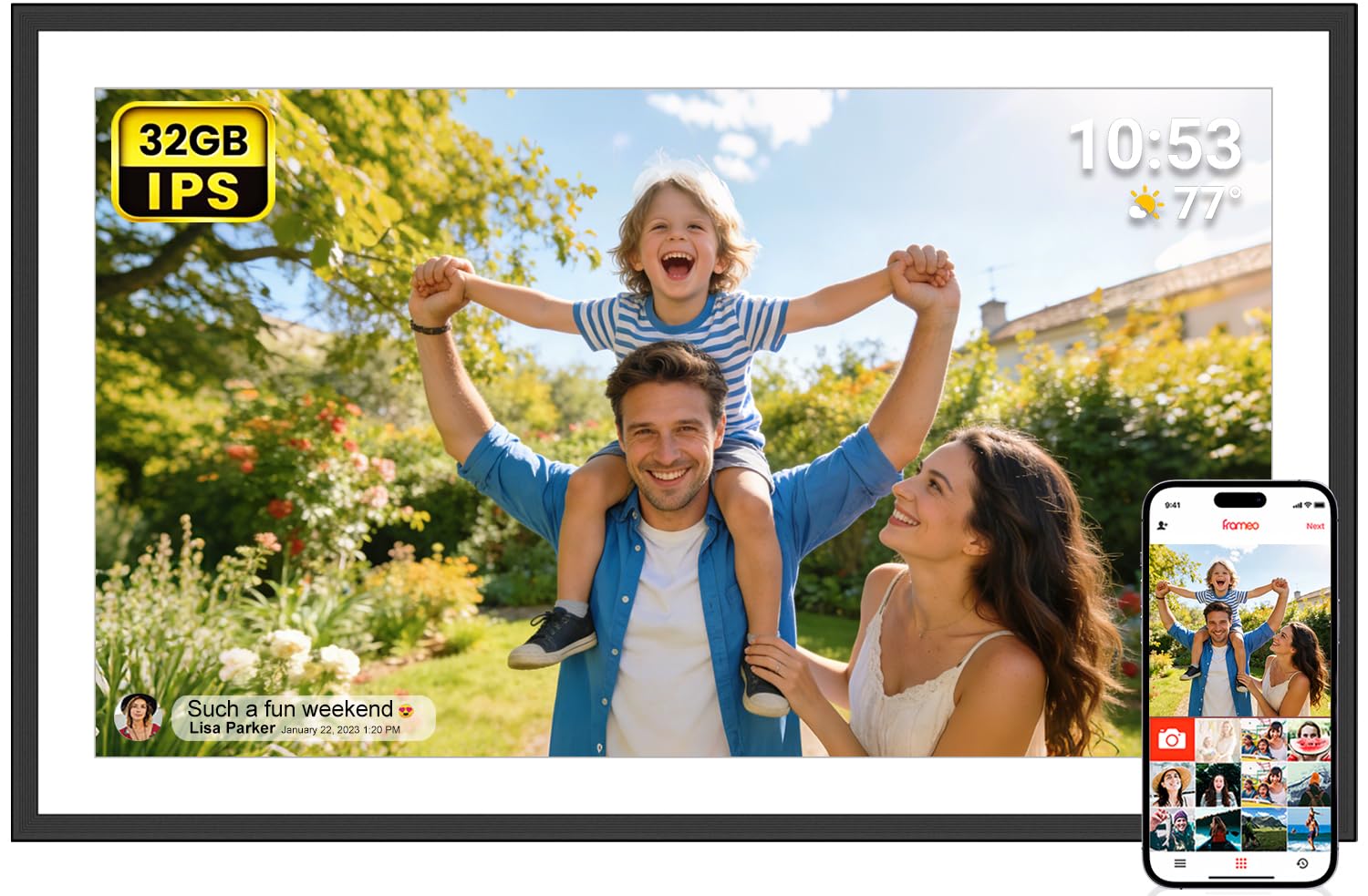
You can send a photo from your phone and watch it appear on this frame thousands of miles away seconds later, as one owner describes. The Frameo app (the software that runs the frame) is among the most loved systems in the category — even tech-challenged grandparents can delete, add, or adjust pictures easily. The 15.6-inch 1920×1080 IPS Full HD display (a screen with wide viewing angles and sharp detail) shows large, vivid photos, and its 180° viewing angle means you see a clear image from almost any side. You can also mount it on a wall, so it hangs like real art instead of sitting on a desk.
Storage is a solid 32GB, and you can side-step Wi-Fi entirely by loading photos through an SD card or USB drive (FAT32 only). That non-Wi-Fi transfer path is a lifeline for seniors who do not use apps. A fun “React” feature lets you send emojis back to the sender in real time, so the frame becomes a two-way conversation.
The catch is reliability — some units have been reported to stop working after two weeks, so this is a frame you may need to return if you draw that unlucky card. The image quality is this pick’s defining strength; the long-term consistency is its shortcoming.
Its best trait: a massive, crisp display plus an SD card slot (a small memory card you insert to load photos) so non-technical family members can still share pictures without using the app.
7. Humblestead 15.6 Inch Frame
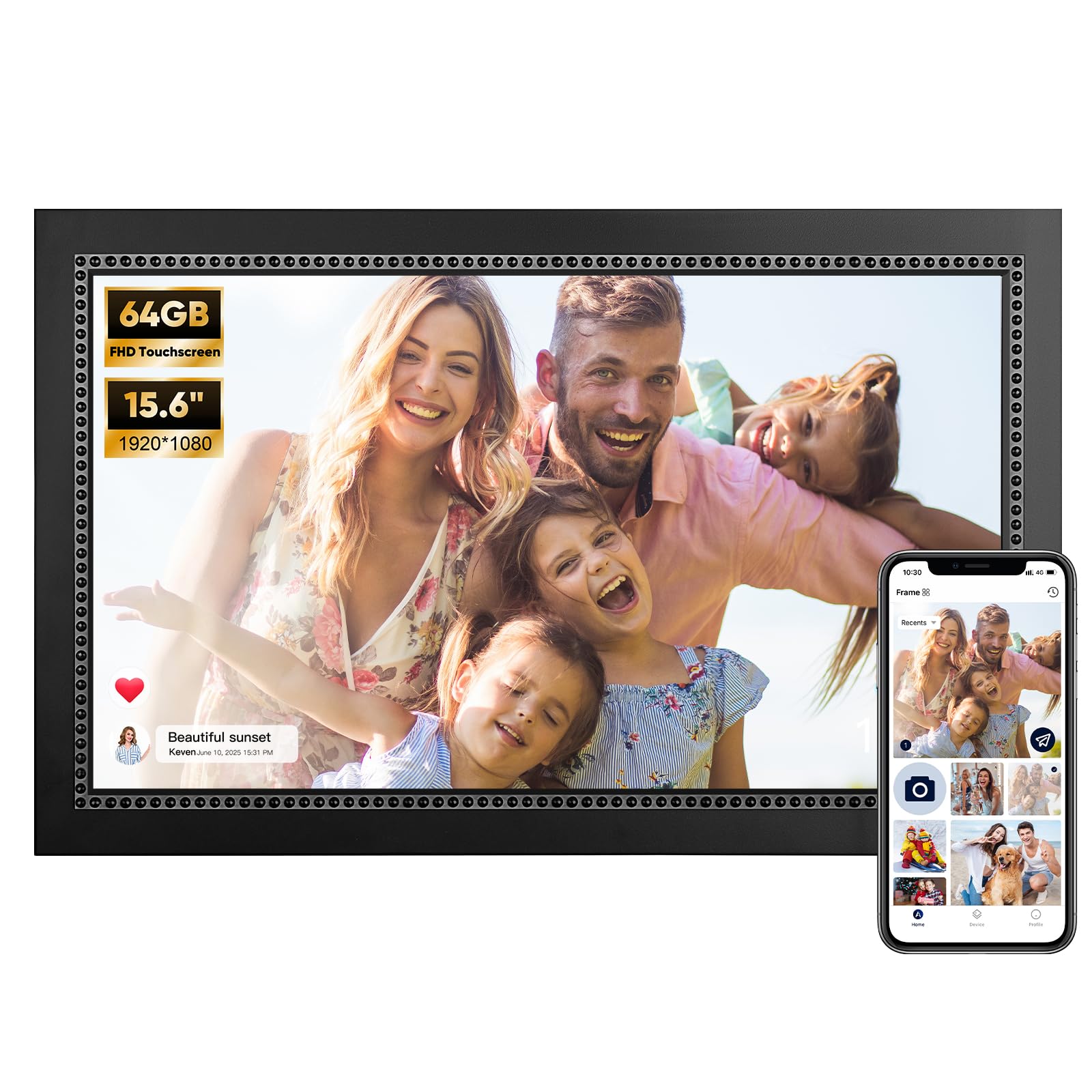
The heavyweight with 64GB of built-in storage, so a lifetime of landscapes and portraits never gets deleted.
If hoarding every photo you have ever taken is the goal, this is the frame. Its 64GB storage holds 80,000+ photos (versus 16GB in entry-level models), plus an SD slot for more. The 15.6-inch 1920×1080 IPS touchscreen produces crisp, sharp landscapes, and the reserved mounting hole lets you hang it on a wall or stand it on a mantle.
Transferring photos happens via the AiMOR app, and you can invite unlimited family and friends to share files mutually. Videos run up to 15 seconds, and captions let you attach a meaningful message to a photo. The frame is GDPR compliant with encrypted cloud servers, so your private photo stream stays secure. It also works as an advertising board for small business owners.
One owner wishes they could connect the frame directly to a computer via its USB port instead of copying to a thumb drive first. Reliability is mixed in the broader feedback, with a few units stopping after seven days. For pure storage and screen real estate, this remains the top choice.
The Storage Advantage
- 64GB built-in storage — the most in this lineup
- 15.6-inch 1080p display ideal for mantle placement
- Unlimited family and friends can share files
Things to Weigh
- No direct USB connection to a computer for transfers
- A few units have failed after about a week of use
Get it when: your photo library is huge and you refuse to choose favorites — this stores them all in full quality.
Pass if: you prefer simple USB transfers straight from a laptop without an app in the middle.
8. pexar WiFi Digital Picture Frame

The anti-glare 2K screen that makes every photo look like a gallery print, even in a bright room.
This is the sharpest screen in the lineup — a 2000×1200 resolution on an 11-inch touchscreen with an anti-glare finish, so reflections do not wash out your images no matter the viewing angle. Owners consistently call the display crisp, vibrant, and accurate in color, with the matte finish being a standout for rooms with lots of natural light. It earned Yahoo Tech’s Best Tested Frame title and requires no subscription.
Its 32GB storage fits roughly 40,000 photos at 600KB each. Unlike many rivals, you can play photos directly from an SD card or USB-A flash drive without importing them first — and it reads large SD cards up to 128GB in FAT32 format. That makes it the best pick for people who want to use external storage without app fuss.
The limitations are real but minor: the app caps uploads at ten photos at a time, and the storage capacity draws mixed feedback since the onboard space fills faster than the headline number suggests. If you leave it offline, it shows a daily “offline” notification until you disable it. For image fidelity above all else, this is the one.
The defining edge: 2K anti-glare clarity with direct SD and USB playback — the best display quality money buys in this category.
Understanding the Specs
Resolution and panel quality
The resolution tells you how sharp the image will look on the screen. A 1280×800 display on a 10.1-inch frame is crisp up close, while the 15.6-inch frames need 1920×1080 to keep photos clean when you are standing a few feet away. The pexar frame goes further with a 2000×1200 2K panel, which shows more detail than standard HD. IPS panels keep colors accurate from wide viewing angles, so the photo looks right even when you are not directly in front of the frame.
Storage capacity and expandability
Built-in storage sets the ceiling on how many memories stay loaded. A 16GB frame holds tens of thousands of photos, a 32GB frame holds even more, and a 64GB frame goes further still. SD card slots add flexibility, but check the fine print — some frames play directly from the card, while others like the AEEZO require importing files first. If you plan to load lots of videos, which take more space than photos, lean toward 32GB or higher.
FAQ
Why does my photo frame only connect to 2.4GHz Wi-Fi and not 5GHz?
Can I play photos directly from an SD card?
How many photos can a 32GB frame hold?
Will the frame work without Wi-Fi?
What is the advantage of auto-rotate on a photo frame?
Can multiple family members send photos to the same frame?
What video formats do these frames support?
Is a subscription required for these frames?
Final Thoughts: The Verdict
For the majority of shoppers, the auto photo frame winner is the AEEZO because it pairs a sharp 1280×800 touchscreen with 32GB of storage and the strongest owner satisfaction in the lineup. If you want a giant family organizer with a shared calendar, grab the Dragon Touch 15.6″. And for gallery-grade image clarity, the pexar 2K anti-glare frame is the one to reach for.
How We Picked
We do not accept paid placement. Every pick is matched to a real buyer and a real use-case; we do not hands-on test units.
Sources & Methodology
Specifications: manufacturer listings and product documentation. Review insights: verified customer reviews, as of August 2026. Pricing: not shown on this page (it changes often); check the current price via the retailer link.
As an Amazon Associate, Gadgets Feed earns from qualifying purchases. This does not affect which products we feature.