
Our readers keep the lights on and my morning glass full of iced black tea. As an Amazon Associate, I earn from qualifying purchases.
Specs are compiled from manufacturer listings and verified buyer reviews and can change over time — please confirm the key details on the product page before buying.
If you keep a dozen browser tabs open while juggling classes, spreadsheets, and video calls, a 12GB RAM laptop is the balance that keeps everything moving without stalling. You get enough memory to run your daily apps side-by-side, and the models below are chosen for real routines, not just spec sheets. Here is what to look for and which one fits your day.
I’m Min — the founder and writer behind Gadgets Feed. This guide is built by comparing the manufacturers’ published specifications and the patterns across verified customer reviews, so you get each pick’s real strengths and trade-offs instead of marketing spin.
The right 12g ram laptop balances the processor, storage, and screen quality for how you actually work. So, focus on getting the most reliable and functional machine for your daily workload.
Our Picks at a Glance

How To Choose The Best 12G RAM Laptop
Choosing a 12GB laptop means balancing processor, display, and storage to match your daily workload.
Match the Processor to Your Day
For office work and class notes, a recent Intel Core i3 suffices, while a Core i5 adds headroom for heavier multitasking and light photo editing.
Weigh Screen Size Against Portability
A 15.6-inch screen offers more workspace, while a 14-inch model is easier to carry; aim for a Full HD (1920×1080) resolution for sharp text.
Quick Comparison
| Model | Best For | Processor | Storage | Display | Amazon |
|---|---|---|---|---|---|
| AKCHART 15.6″ AI Laptop★ Best Overall | Students & Office Use | Celeron J4105 (2.5 GHz) | 256GB SSD | 15.6″ IPS FHD | Amazon |
| Svikou 16″ Purple LaptopStyle Pick | Style + Multitasking | N95 (3.4 GHz) | 512GB NVMe SSD | 16″ FHD+ IPS | Amazon |
| HP 15.6″ TouchscreenPerformance Pick | Touchscreen Users | i5-1155G7 (4.5 GHz) | 256GB SSD | 15.6″ HD Touchscreen | Amazon |
| Lenovo IdeaPad 3i | Budget & Value | i3-1115G4 (4.1 GHz) | 256GB SSD | 15.6″ HD Touchscreen | Amazon |
| HP Essential 15.6″ | Security & Storage | i3-1215U (4.4 GHz) | 512GB SSD | 15.6″ FHD | Amazon |
| Lenovo IdeaPad 3 | Big Storage on a Budget | i3-1115G4 (4.1 GHz) | 512GB SSD | 15.6″ HD Touchscreen | Amazon |
| Dell Inspiron 15 3511 | Trusted Brand Value | i5-1035G1 (3.6 GHz) | 256GB SSD | 15.6″ FHD Touchscreen | Amazon |
| WISESWAN 15.6″ Work Laptop | Long Battery & Light Use | i3-8130U (3.4 GHz) | 256GB SSD | 15.6″ FHD | Amazon |
| ASUS Vivobook 14″ | Portability & Pro OS | i3-1315U (4.5 GHz) | 256GB SSD | 14″ FHD IPS | Amazon |
| ASUS Vivobook 14″ i5 | Higher Performance | i5-1334U (4.6 GHz) | 256GB NVMe SSD | 14″ FHD | Amazon |
| Dell Inspiron 15 Touchscreen | All-In-One Bundle | i5-1334U (4.6 GHz) | 256GB + 500GB Ext | 15.6″ FHD IPS Touch | Amazon |
In‑Depth Reviews
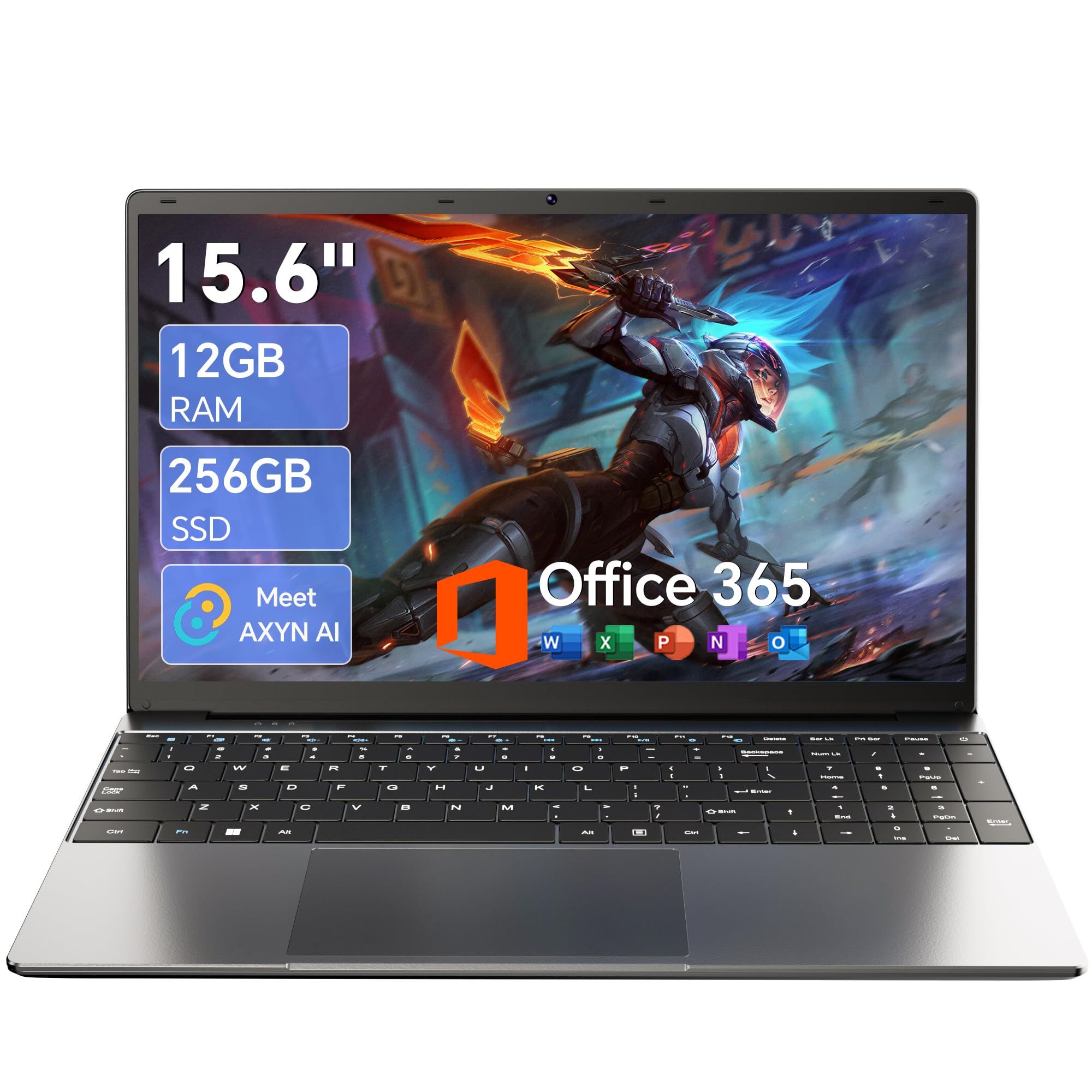
1. AKCHART 15.6” AI Laptop
Our pick — over 4.5★ from 2,000+ verified ratings; the strongest balance of quality and price.
The portable campus companion that handles a full day of classes without hunting for an outlet.
This AKCHART is the crowd favorite for good reason — its 7000mAh battery is a monster for the price, keeping you powered through long lectures and back-to-back meetings. It runs on a Celeron J4105 processor (up to 2.5 GHz) with 12GB DDR4 memory, so it glides through everyday productivity tasks like documents, research, and video calls without breaking a sweat.
The screen is a 15.6-inch IPS panel at 1920×1080 resolution, which means colors stay vivid and viewing angles stay wide even when you’re sharing work. The 180-degree hinge lets you lay the screen flat for easy collaboration, and the 256GB M.2 SSD gives you room to expand up to 2TB if your files grow. It also comes with Office 365 pre-installed, saving you the setup hassle.
At just 2.5 GHz, this isn’t the speed king of the list — the Svikou below hits 3.4 GHz on its processor. But the AKCHART excels at being the reliable, portable workhorse, and the fully-equipped package includes a full keyboard with numpad and a bright, sharp display. The sheer convenience of having Office 365 ready to go on day one makes it a stress-free pick.
What Wins People Over
- Mammoth 7000mAh battery for all-day unplugged use
- Pre-installed Office 365 and Win 11 save setup time
- 180° lay-flat hinge for easy screen sharing
The Compromises
- Celeron processor is for light daily work, not intensive tasks
- Storage starts at 256GB, enough but not huge
- Older Bluetooth 4.2 for peripherals
Reach for this if: you’re a student or office worker who values battery endurance and a ready-to-work bundle over raw processing speed.
Look elsewhere if: your workflow requires heavy video editing or high-end gaming — the Celeron chip is not built for that.
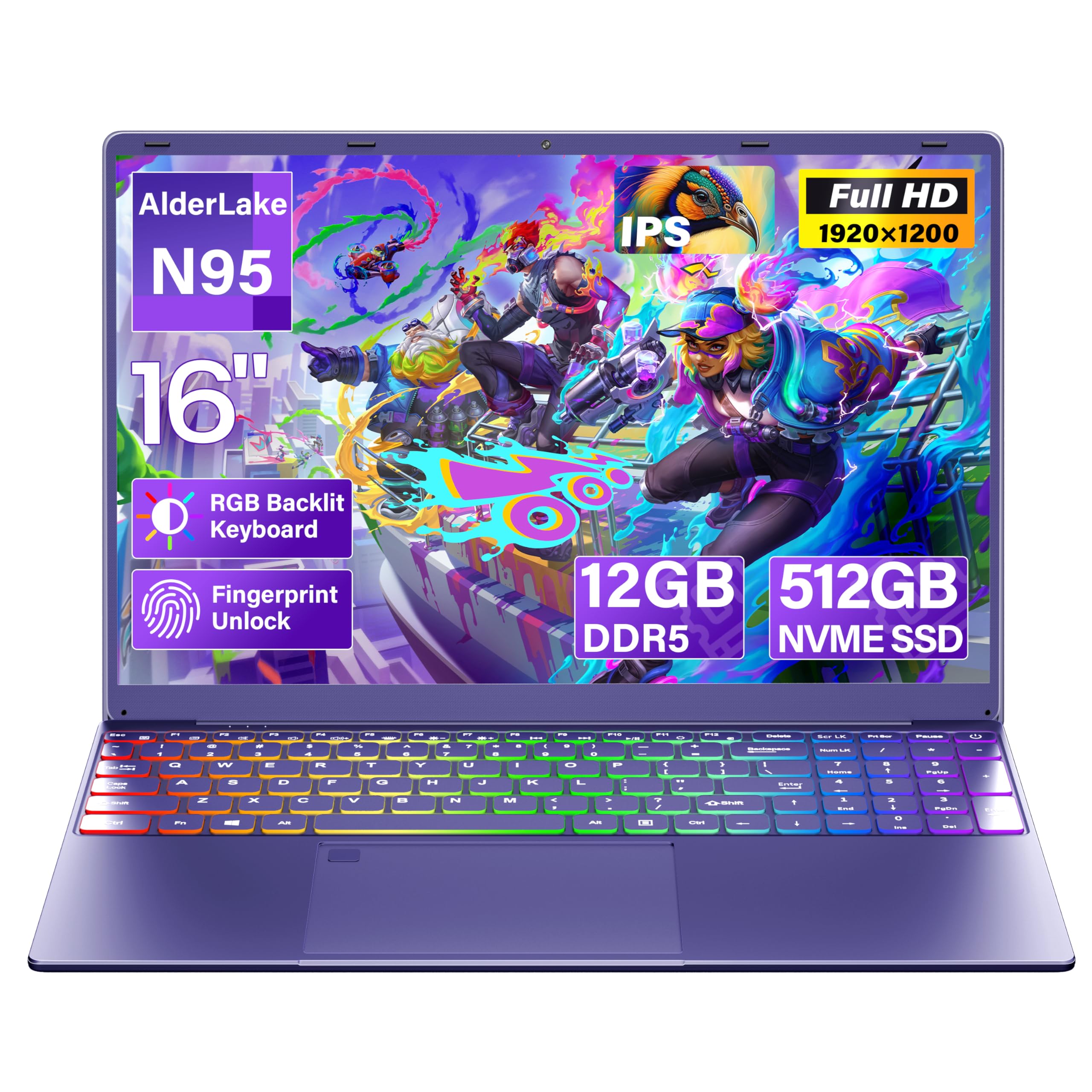
2. Svikou 16″ Purple Laptop
Deep purple style paired with a fast 3.4GHz chip that makes multitasking feel easy.
If you want your laptop to turn heads, the Svikou delivers with its deep purple, ultra-slim design and a hidden stand built into the bottom. That stand flips out to give you a better typing angle and improved airflow. Inside, the 12th Gen N95 processor runs at up to 3.4 GHz — 36% quicker than the AKCHART’s 2.5 GHz — so jumping between 20+ browser tabs, Zoom, and documents stays smooth.
It’s specced with 12GB of faster LPDDR5 RAM and a roomy 512GB NVMe SSD (expandable to 4TB). The 16-inch FHD+ IPS display (1920×1200) has an 89% screen-to-body ratio, so the thin bezels give you maximum workspace with minimal footprint. Security is handled by a one-tap fingerprint reader, and the full-size keyboard includes a 7-color RGB backlight with a numeric keypad for late-night typing.
The main trade-off is portability vs. screen size: at 3.7 lbs it’s heavier than the smaller 14-inch options on this list. Buyers rave about the sharp display and smooth multitasking, though some note the fans can be loud under load — and it’s best kept for productivity, not heavy gaming.
Standout Features
- Fast 3.4 GHz N95 processor with 12GB LPDDR5 RAM
- Expansive 16″ FHD+ display with slim 4mm bezels
- Hidden stand and 180° hinge for ergonomic use
Trade-Offs
- Battery lasts about 4 hours, shorter than top pick
- Heavier at 3.7 lbs for a 16-inch chassis
- Fans can get loud during heavy use
Go for it if: you want a distinctive, fast laptop with a big screen and security features for study sessions.
Think twice if: you need all-day battery endurance away from a charger — this prefers being near a desk.
3. HP 15.6″ HD Touchscreen Laptop
A touchscreen 4-core i5 that punches well above its price for everyday power.
This HP puts a genuine 11th Gen Intel Core i5-1155G7 (4 cores, up to 4.50 GHz, 8 MB cache) under the hood — a big step up in computing muscle for handling complex spreadsheets and media. It’s paired with 12GB DDR4-3200 MHz RAM and a fast 256GB PCIe NVMe M.2 SSD. The integration of Iris Xe Graphics means casual photo editing and streaming look noticeably better.
The 15.6-inch HD touchscreen adds a layer of convenience that’s rare at this level — you can tap, swipe, and pinch your way through Windows 11. Ports are generous: 2x USB 3.0 Type-A, 1x USB 3.0 Type-C, 1x HDMI, and a multi-format SD card reader. It connects via Wi-Fi 5 (802.11ac) and Bluetooth, and the battery is rated for about 4 hours, which suits a workday between charges.
Buyers who upgraded from older machines report the speed as a huge leap forward, and the touchscreen gets praise for everyday navigation. The honest trade-off is the HD display (1366×768, not Full HD 1920×1080), so text looks softer than on the FHD screens elsewhere in this guide. If you value processor speed and touch input over pixel density, this is your pick.
Why It Stands Out
- 4-core i5 processor for demanding multitasking
- Responsive touchscreen display for quick navigation
- Full port selection including USB-C and SD card reader
Watch Out For
- Only HD resolution, not Full HD sharpness
- 4-hour battery life requires frequent charging
- No backlit keyboard according to feedback
Best suited for: users who want real Intel i5 performance and the convenience of a touchscreen for a modest budget.
Not ideal if: you can’t compromise on Full HD screen sharpness or long unplugged runtime.
4. Lenovo IdeaPad 3i

The budget-friendly Lenovo with a touchscreen and Wi-Fi 6 that makes it a great first laptop.
The IdeaPad 3i is the classic “just works” laptop. It’s powered by the Intel Core i3-1115G4 (up to 4.10 GHz, 6MB cache) with 12GB DDR4 RAM, and buyers consistently report it runs smoothly for college work and everyday tasks. The 15.6-inch HD touchscreen is a welcome bonus at this price, letting you navigate Windows 11 without always touching the trackpad.
Connectivity is ahead of its tier with Wi-Fi 6 included, which gives you a more stable connection on modern routers for faster downloads and smoother streaming. Storage is a 256GB PCIe M.2 SSD for quick boot-ups. The overall package is lightweight and easy to set up, which is why so many students pick it as their first machine.
The honest caveat is that reliability gets mixed feedback — while most owners are happy, some report issues developing after a few months of use, so a warranty is worth considering. Battery life is also a “get what you pay for” situation, with some seeing 6 hours on a charge and others finding it disappointing under heavier loads. For the price, the feature set of touchscreen, Wi-Fi 6, and 12GB RAM is hard to argue with.
The Good
- Touchscreen functionality at an entry-level price
- Modern Wi-Fi 6 for faster, stable connections
- Lightweight and easy for students to carry
The Catch
- Mixed long-term reliability reports from owners
- Battery life varies significantly by usage
- No backlit keyboard according to reviews
Choose it for: a dependable, budget-conscious first laptop with touchscreen perks and modern Wi-Fi.
skip it if: you demand guaranteed long-term durability or all-day battery endurance.
5. HP Essential 15.6″ FHD

A secure daily driver with double the storage and a speedy 12th-gen Core chip.
This HP Essential is built for people who want a fast, secure machine for work. It runs on the 12th Gen Intel Core i3-1215U (6 cores, 8 threads, up to 4.4 GHz), which is a substantial step up from older i3 generations for smoother performance. The 12GB high-bandwidth RAM keeps your apps running simultaneously without a hitch.
Storage is a generous 512GB PCIe NVMe M.2 SSD — that’s double the base storage of most rivals here, giving you plenty of room for documents, software, and media right from the start. The integrated fingerprint reader lets you log in instantly without typing passwords, and the 15.6-inch FHD (1920×1080) display gives you crisp, readable text for long working sessions.
Buyers who’ve used this daily for work report it stays reliable, but battery life is the compromise — some owners see around 3 hours on a charge, which is shorter than many competitors. The silver body and full numeric keyboard make it practical for data entry and office tasks, though it’s not the lightest option on the shelf. If you need space and security features, this is a strong mid-range choice.
Strong Points
- Fast 6-core i3 processor for smooth work
- Spacious 512GB SSD for all your files
- Secure fingerprint reader login
Consider This
- Battery life around 3 hours for some users
- Not the most portable weight for travel
- Older Bluetooth and Wi-Fi standards
Pick this if: you want fast performance, huge storage, and fingerprint security for work or school.
Look past it if: all-day battery life away from a wall outlet is a top priority.
6. Lenovo IdeaPad 3
A budget workhorse that doubles the storage of similar-priced rivals without raising the cost.
Don’t let the similar name fool you — this IdeaPad 3 is all about storage value. While many laptops at this tier give you 256GB, this one packs a 512GB PCIe NVMe M.2 SSD, giving you double the room for your apps and files. It’s powered by the same Intel Core i3-1115G4 (up to 4.10 GHz) with 12GB high-bandwidth RAM as its sibling, keeping multitasking smooth.
The 15.6-inch HD touchscreen responds well to taps and swipes, making navigation easy in Windows 11. Buyers highlight its fast performance and soft, responsive keyboard. The manufacturer rates the battery at 6 hours, though real-world reports vary — some owners get close to that, while others find it falls short under heavier use.
The honest downsides from owners include a finicky Wi-Fi adapter for some units and only 2 USB ports, which may mean using a hub for all your peripherals. It also comes with some pre-installed bloatware you’ll likely want to remove. If you simply need maximum storage and a touchscreen for the least money, this Lenovo delivers on the essentials.
Pros
- Roomy 512GB SSD for extensive file storage
- Fast touchscreen performance for daily use
- Soft, comfortable keyboard for typing
Cons
- Limited to 2 USB ports by default
- Some report unreliable Wi-Fi connectivity
- Comes with bloatware to clean up
Go with this: if you want a touchscreen laptop with big double storage on a strict budget.
Reconsider if: you need lots of ports or flawless wireless performance from the start.
7. Dell Inspiron 15 3511

The recognizable Dell name with a quad-core i5 and anti-glare touchscreen for dependable daily use.
Dell’s Inspiron 15 is the safe, trusted choice for those who prefer an established brand. Inside is an Intel Core i5-1035G1 with 4 cores and 8 threads, reaching up to 3.6 GHz for solid all-purpose performance. With 12GB of high-bandwidth RAM and a 256GB PCIe NVMe SSD, it boots quickly and handles standard multitasking with ease.
The 15.6-inch FHD (1920×1080) anti-glare touchscreen is a highlight — it keeps reflections down in bright rooms and adds touch input. The narrow border design boost your viewing area. It comes equipped with 2x USB 3.2, 1x USB 2.0, HDMI 1.4, and an SD card reader, giving you flexible options for connecting your gear.
Reviewers consistently flag battery life as short, and some units have had reliability hiccups. Still, many buyers report it beats cheaper alternatives on build and speed. If you want Dell’s brand reliability and an FHD touchscreen, this is a solid mid-to-upper pick—just keep the charger nearby.
Highlights
- Trusted Dell build quality and quad-core i5 speed
- Sharp anti-glare FHD touchscreen
- Multiple USB 3.2 ports for peripherals
Limitations
- Battery life is a common complaint
- Some reliability issues reported after use
- Keys do not light up, per one owner
Ideal for: buyers who prioritize the Dell brand and an anti-glare touchscreen for bright environments.
Not for: those who need all-day battery endurance or haven’t considered the shorter unplugged time.
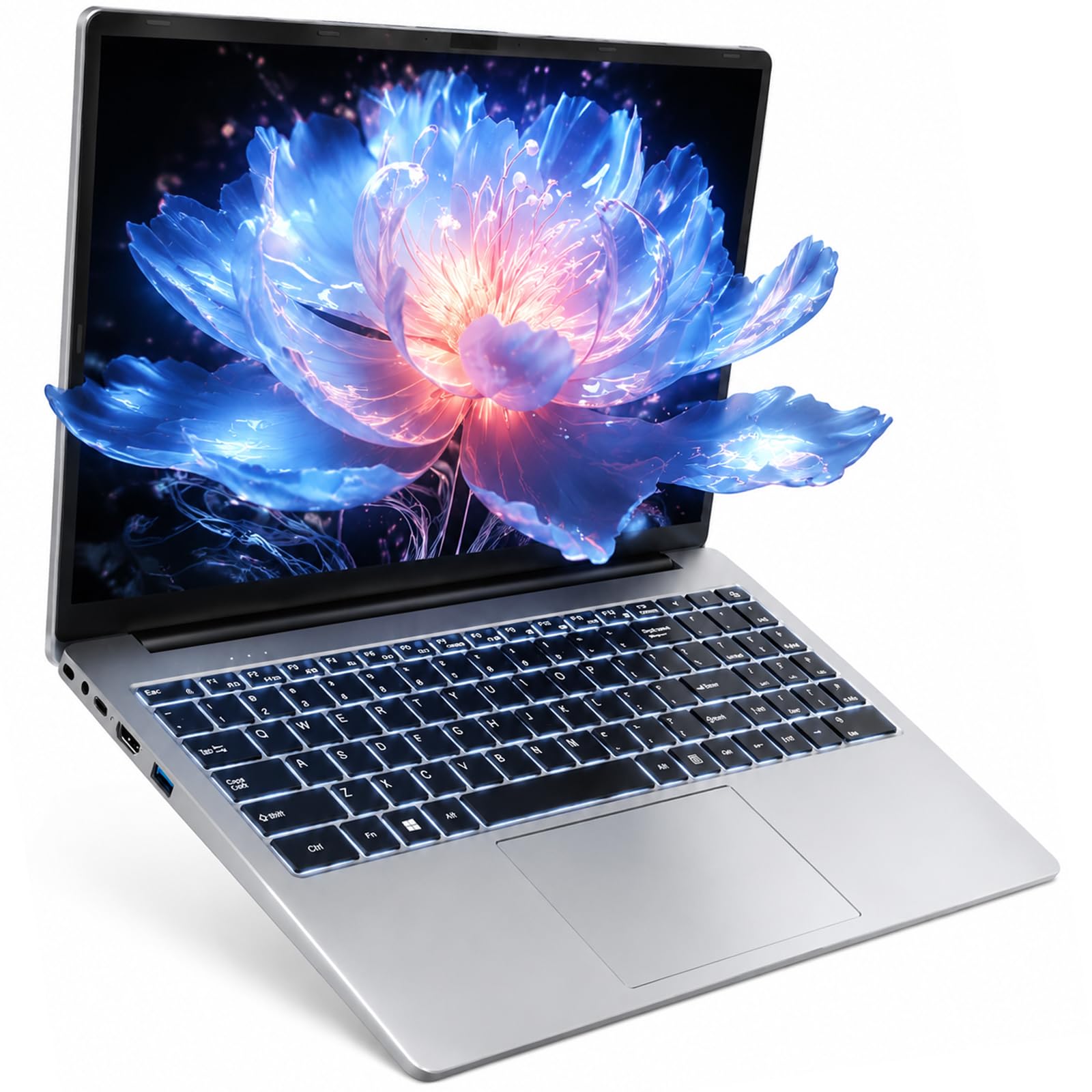
8. WISESWAN 15.6″ Work Laptop
A featherlight 3.6-pound machine with a backlit keyboard and true all-day battery.
At just 3.6 lbs and 19.5mm thin, the WISESWAN is built for the student who’s always on the move. It’s powered by an 8th Gen Intel Core i3-8130U (2 cores, up to 3.4GHz) with 12GB RAM and a 256GB SSD, with the storage expandable up to 2TB via TF card. The built-in 57.75Wh battery delivers around 7 hours of mixed-use battery life — enough for a full day of classes.
The 15.6-inch Full HD (1920×1080) anti-glare screen keeps images crisp and clear during lectures and streaming. The backlit keyboard is a thoughtful addition for late-night study sessions. Connectivity is solid for the price, with Wi-Fi 6 (802.11ax), Bluetooth 5.2, 3x USB 3.0, HDMI 2.1, and a Type-C port supporting PD3.0 fast charging.
Owners describe it as fast to start up and smooth for daily tasks, with several using it as their primary workhorse. The trade-offs are the older dual-core processor, which won’t satisfy heavy multitaskers, and the basic 2-core architecture that limits intensive workloads. For a budget pick that gets the essentials right with great battery, this is a top contender.
Best Features
- Light 3.6 lbs frame for easy portability
- Roughly 7 hours of battery for full-day use
- Backlit keyboard for low-light environments
Weak Points
- Older dual-core processor limits heavy tasks
- 256GB storage may fill up quickly
- Integrated graphics not for gaming
Perfect for: students and mobile workers who want a light laptop that lasts a full school day.
Pass on it if: you need a more powerful multi-core processor for demanding software.
9. ASUS Vivobook 14″

The compact 14-inch daily carry that’s quick, light in hand, and ready for professional work.
This ASUS Vivobook is for anyone who prefers a smaller, lighter machine that still handles serious work. It’s powered by the 13th Gen Intel Core i3-1315U (6 cores, 8 threads, up to 4.5GHz) with 12GB RAM and a 256GB PCIe SSD. Notably, it runs Windows 11 Pro, which brings extra security and management features aimed at professionals and small businesses.
You get a sharp, vivid picture on the 14-inch IPS LED screen at 1920×1080 resolution, so spreadsheets and movies look crisp. Owners love that it’s easy to hold and light to carry, and a camera privacy shutter keeps video calls secure. For connections, you have USB-C 3.2, two USB-A 3.2 ports, USB-A 2.0, and HDMI 1.4.
Buyers consistently praise it for everyday personal use and its faster performance versus older machines. The built-in memory can be upgraded up to 24GB if you ever need more headroom. The caveat is that reliability is a bit of a mixed bag in reviews — an occasional unit has had issues, though the seller has stepped in with replacements. If the 14-inch size fits your carrying style, this is a smart, portable choice.
What It Offers
- Full Windows 11 Pro for business users
- Light and compact 14-inch design
- Fast 13th-gen i3 with USB-C connectivity
What To Know
- Mixed reliability reports among owners
- Starts with 256GB storage space
- No full-size keyboard due to 14-inch size
Reach for this: if you want a featherweight laptop with a pro-grade operating system for business or study.
Look at others if: you’re concerned about reliability and want a larger 15.6-inch screen.
10. ASUS Vivobook 14″ i5

A 10-core i5 processor packed into a light 3.09-pound frame for serious performance on the go.
If you want the biggest processing punch in a small package, this ASUS Vivobook delivers with a 13th Gen Intel Core i5-1334U packing 10 cores (2P + 8E) and 12 threads, boosting up to 4.6 GHz. It’s been upgraded to 12GB DDR4 RAM at 3200 MHz and a 256GB PCI-E NVMe SSD. This is the most powerful CPU on our list, easily handling heavier multitasking and light creative work.
The 14-inch FHD (1920×1080) anti-glare display is bright at 250 nits, with a 45% NTSC color gamut, and it’s powered by Intel Iris Xe Graphics. A 720p HD camera with a privacy shutter protects you during video calls. Weighing just 3.09 lbs, it’s one of the lightest here, making it an excellent travel companion. You also get a free 32GB USB drive as a bonus.
Owners, including those buying for older family members, find it perfect for daily work tasks and appreciate its comfortable weight and size. The 42Whr battery is rated for about 6 hours, which is decent but not outstanding. The main limitation is the 256GB SSD — it’s fine for everyday cloud-based work but might feel tight if you store lots of local media. This is the pick for pure power-to-weight ratio.
Top Specs
- Powerful 10-core i5-1334U processor
- Ultra-light 3.09 lbs with Iris Xe graphics
- Fast DDR4 RAM at 3200 MHz speed
The Limits
- Modest 256GB storage capacity
- Battery rated at 6 hours, not all-day
- Uses older Wi-Fi 5 standard
Get this if: you want top-tier portability and the strongest processor here for a compact 14-inch machine.
pass on it if: you need a huge local hard drive or expect to go a full working day without charging.
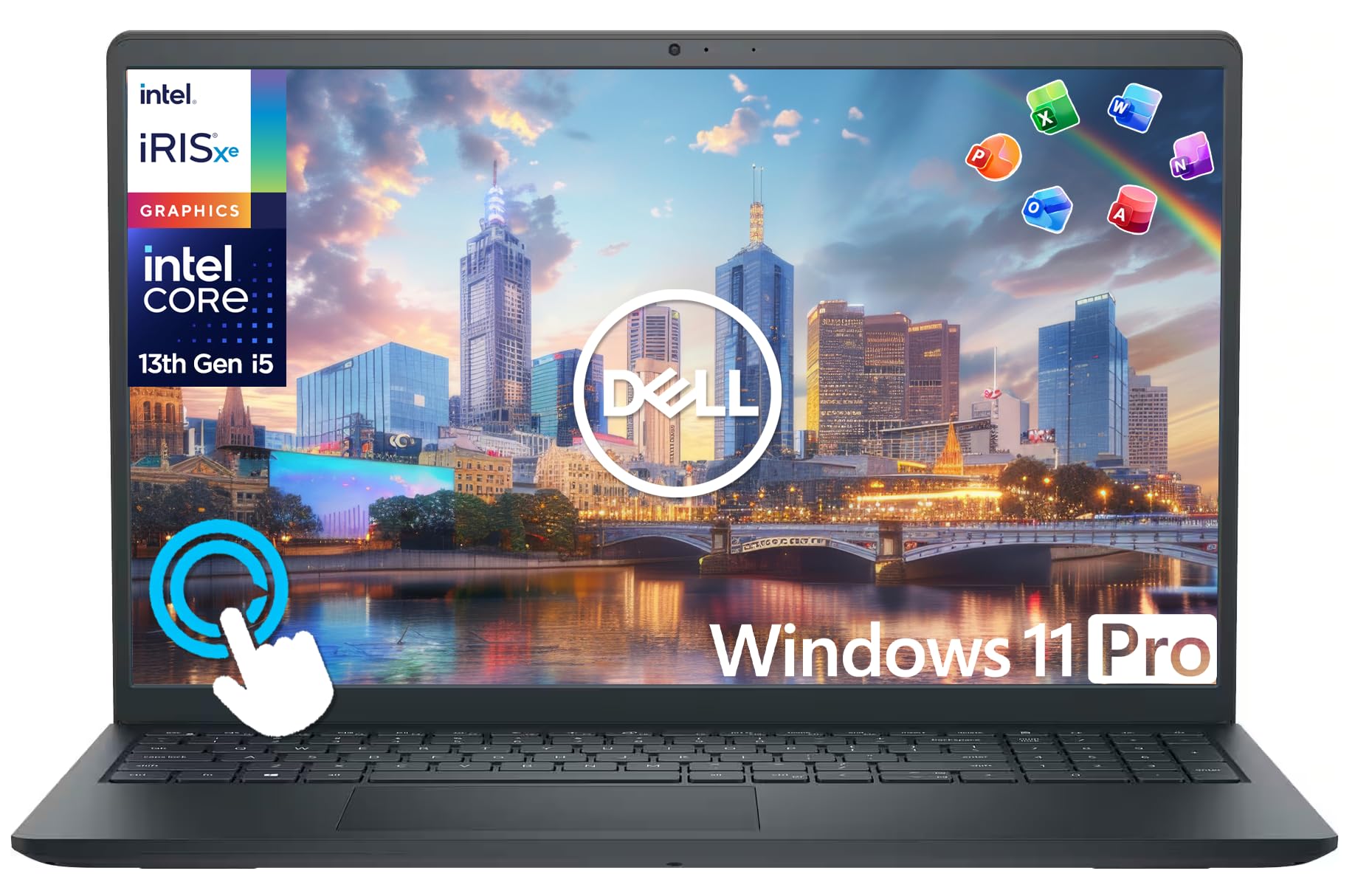
11. Dell Inspiron 15 Touchscreen
The all-in-one package with a 10-core processor, huge storage combo, and lifetime Office built in.
This Dell Inspiron gives you everything in one box, starting with the same 10-core 13th Gen Intel Core i5-1334U (up to 4.6 GHz) as our top performer, paired with 12GB RAM. The standout is storage: a 256GB SSD plus a 500GB portable external drive, totaling 756GB for all your files. If you need room for big projects without buying extra gear, this is the one.
The 15.6-inch FHD IPS touchscreen with 178-degree viewing angles makes for vivid, responsive interaction — pinch, zoom, and swipe your way through Windows 11 Pro. The package adds serious value: a 6-in-1 USB-C docking station hub (with 4K-HDMI, SD/TF reader), an HDMI cable, a wireless mouse, a mouse pad, and lifetime Microsoft Office. It’s genuinely ready to work right from the start.
Owners rave about the speed and the accessories, and the 9-hour rated battery life is excellent for a touchscreen model. The obvious catch is the premium price — it’s the most expensive laptop on this list. But for someone who needs a full desktop replacement setup without buying extras separately, this bundle represents smart value. It’s the most complete package for home or business users.
The Complete Package
- Huge 756GB combined storage (SSD + external)
- Lifetime Microsoft Office included
- Bonus docking station, mouse, and accessories
The Investment
- Premium price point is the highest here
- 10-core power is overkill for basic browsing
- Heavier 15.6-inch frame for travel
Splurge on this: if you want a powerful touchscreen laptop plus every accessory and software you need from day one.
Choose something leaner if: your budget is tight or you already own the mouse, hub, and Office license this replaces.
Understanding the Specs
Processor & RAM
For a 12GB laptop, a modern Intel Core i3 or equivalent keeps apps snappy, while the 12GB RAM lets you run many tabs and programs simultaneously.
Storage & Display
An SSD (256GB or 512GB) boots Windows 11 in seconds, and a Full HD (1920×1080) display keeps text sharp for comfortable reading.
FAQ
Is 12GB RAM enough for a laptop in 2025?
What is the difference between LPDDR5 and DDR4 RAM on these laptops?
Is a touchscreen laptop worth it for a student?
How many hours of battery life should I expect from a 12GB laptop?
Can these laptops handle light gaming?
What does a 180-degree hinge do for me?
Is it worth paying more for a fingerprint reader?
What’s the advantage of having a 512GB SSD instead of a 256GB one?
Final Thoughts: The Verdict
If you want one dependable pick, the 12g ram laptop winner is the AKCHART 15.6” AI Laptop because its massive 7000mAh battery, pre-installed Office 365, and dependable performance make it the best all-rounder for students and office workers. If you want a powerful processor and a larger screen, grab the Svikou 16″ Purple Laptop with its fast 3.4GHz chip. And for a complete setup with all the accessories and lifetime Office, the Dell Inspiron 15 Touchscreen is the one to reach for.
How We Picked
We do not accept paid placement. Every pick is matched to a real buyer and a real use-case; we do not hands-on test units.
Sources & Methodology
Specifications: manufacturer listings and product documentation. Review insights: verified customer reviews, as of August 2026. Pricing: not shown on this page (it changes often); check the current price via the retailer link.
As an Amazon Associate, Gadgets Feed earns from qualifying purchases. This does not affect which products we feature.