
Our readers keep the lights on and my morning glass full of iced black tea. As an Amazon Associate, I earn from qualifying purchases.
Specs are compiled from manufacturer listings and verified buyer reviews and can change over time — please confirm the key details on the product page before buying.
Choosing a 22-inch monitor depends on refresh rate, panel type, and ports, not just size. Focus on the specs that match your actual work and play to avoid paying for unused features. The best 22-inch monitors pair a 100Hz refresh rate with Full HD resolution and eye-care features for comfortable, fluid daily use.
I’m Min — the founder and writer behind Gadgets Feed. This guide is built by comparing the manufacturers’ published specifications and the patterns across verified customer reviews, so you get each pick’s real strengths and trade-offs instead of marketing spin.
From budget-friendly office workhorses to premium models with height-adjustable stands, these are the best options for a 22 inch monitor that genuinely earns a spot on your desk.
Our Picks at a Glance


How To Choose The Best 22 Inch Monitor
To avoid a frustrating compromise, check four things before you buy: the panel type, the refresh rate, the ports, and the stand. The right specs make the monitor a smooth upgrade; the wrong ones become a daily annoyance.
Panel Type: IPS vs VA
This is the single biggest factor in how your screen looks. IPS (In-Plane Switching) panels give you vivid, consistent colors from almost any angle — ideal if you move around your desk or share your screen. VA (Vertical Alignment) panels offer deeper blacks and higher contrast, which makes movies and dark games look richer, but colors shift if you view from the side.
Refresh Rate: Why 100Hz Beats 60Hz
Refresh rate is how many times your screen updates per second. A 60Hz monitor refreshes 60 times a second; a 100Hz monitor does it 100 times. The extra smoothness makes scrolling and window movement feel fluid in everyday tasks. Side-by-side, a 100Hz monitor feels noticeably more responsive than a 60Hz one.
Ports: HDMI, VGA, and DisplayPort
Check what your computer outputs before you pick a monitor. HDMI is the modern standard and works with laptops, desktops, and game consoles. VGA is the older blue connector — still useful for legacy devices. DisplayPort is common on desktop PCs and supports higher bandwidth. Most monitors in this size offer HDMI and VGA; a few add DisplayPort for extra flexibility.
Quick Comparison
| Model | Best For | Refresh Rate | Panel Type | Contrast Ratio | Amazon |
|---|---|---|---|---|---|
| ViewSonic VA2247-MH★ Best Overall | Everyday Value | 100Hz | IPS | 50,000,000:1 | Amazon |
| Philips 22E2N1100Smooth Motion | Smooth Motion | 120Hz | IPS | — | Amazon |
| AOC 22B2HM2Best Value | Casual Viewing | 100Hz | VA | 3000:1 | Amazon |
| ViewSonic VS2247-MH | Budget Dependability | 100Hz | LCD | 3000:1 | Amazon |
| Westinghouse 22″ | Bright, Built-In Audio | 100Hz | IPS | 1000:1 | Amazon |
| Samsung S30GD | Vivid Colors | 100Hz | IPS | 1000:1 | Amazon |
| MSI PRO MP225V | Coding & Eye Comfort | 100Hz | LED | 4,000:1 | Amazon |
| SANSUI 22″ | Compact Second Screen | 75Hz | IPS | 1000:1 | Amazon |
| ASUS VP227HF | Desktop Space Saving | 100Hz | LED | 4000:1 | Amazon |
| Dell SE2225HM | Deep Blacks | 100Hz | VA | 3000:1 | Amazon |
| Samsung S40GD | Ergonomic Adjustability | 100Hz | IPS | 1000:1 | Amazon |
In‑Depth Reviews
1. ViewSonic VA2247-MH
Our pick — over 4.5★ from 350+ verified ratings; the strongest balance of quality and price.
The crowd-favorite 22-incher that nails the essentials — sharp, smooth, and genuinely affordable.
The ViewSonic VA2247-MH is the monitor most owners describe as “great value for money” — a 22-inch Full HD (1920×1080) IPS panel with a 100Hz refresh rate that makes everyday scrolling feel fluid. The IPS technology means colors stay consistent even when you shift your viewing angle, and the ultra-thin bezels give you more screen in a small footprint.
It comes with Flicker-Free technology and a Blue Light Filter to reduce eye fatigue, plus FreeSync to prevent screen tearing during gameplay. With HDMI and VGA inputs, it connects easily to laptops, PCs, and Macs. The presets — “Game,” “Movie,” “Web,” “Text,” and “Mono” — let you tailor the picture to what you are doing.
What wins people over is the display quality — the thing everyone raves about is how crisp and bright the picture is, with one owner noting it stays visible even outdoors. Setup is straightforward, and while the built-in speakers are functional, their sound quality is thin. For work-from-home duty or as a dependable main screen, this is the pick most buyers land on.
What Owners Applaud
- crisp 1080p image that stays bright and vivid
- 100Hz refresh makes everyday tasks feel smooth
- Ultra-thin bezels boost desk space
- VESA mount compatible for monitor arms
Keep In Mind
- Built-in speakers are tinny, not room-filling
- Only HDMI and VGA inputs, no DisplayPort
Reach for it if: you want a dependable, sharp, smooth 22-inch screen for daily work and light gaming without overspending.
Look elsewhere if: you need rich, powerful audio from the monitor itself — you will want external speakers or a headset.
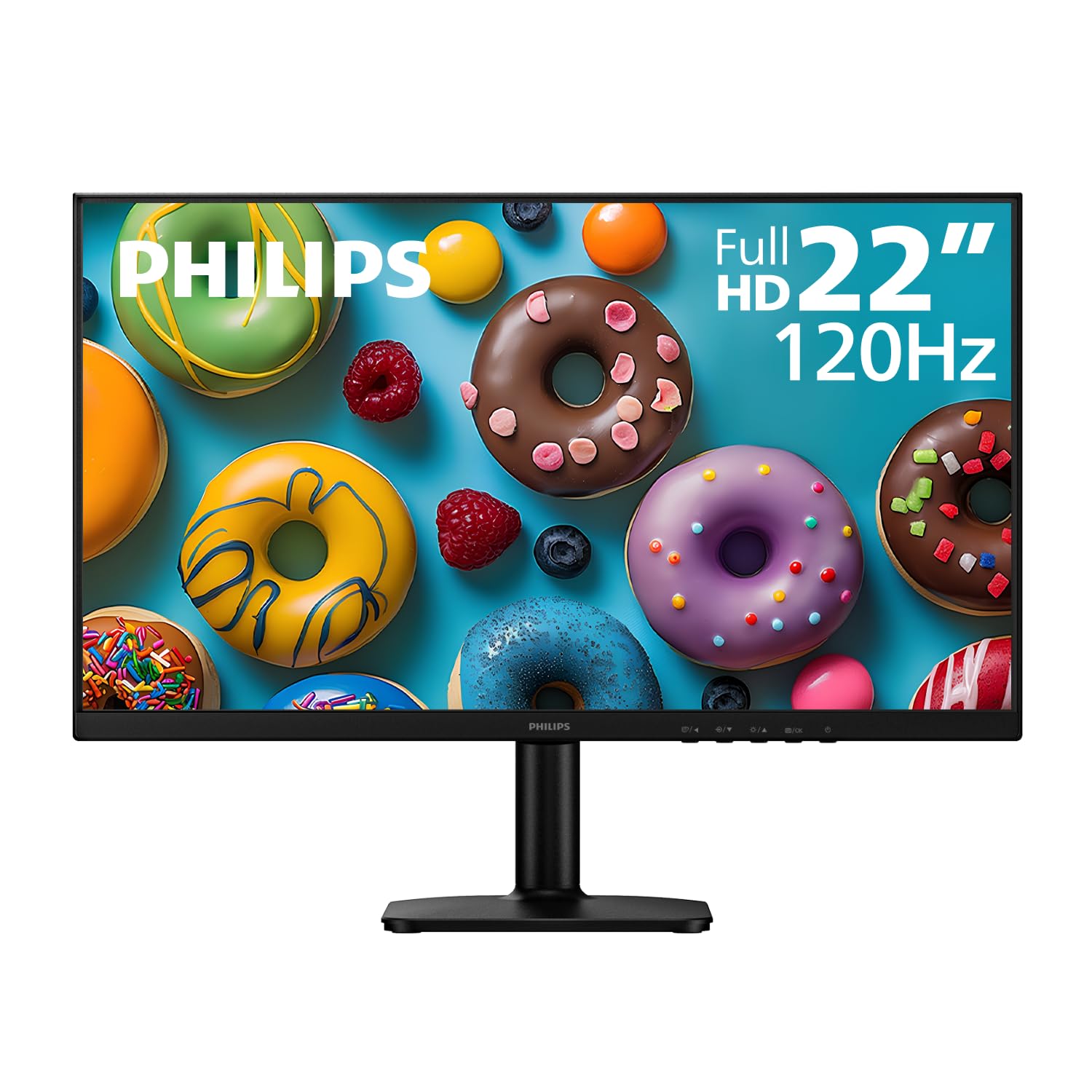
2. Philips 22E2N1100
The smoothest 22-inch panel on this list — a 120Hz refresh rate that beats every other pick.
The Philips 22E2N1100 stands apart with an overclockable 120Hz refresh rate — 20% higher than the 100Hz found on most of this list — paired with a 1ms MPRT response time to cut motion blur in fast-paced content. It is a 22-inch (21.5″ viewable) Full HD 1920 x 1080 IPS display with 178°/178° wide viewing angles, so colors hold steady from any position.
Adaptive-Sync technology keeps gameplay tear-free, while LowBlue Mode, Flicker-Free, and EasyRead mode are built for long work sessions — EasyRead gives a paper-like reading experience. The ultra-slim bezel design makes it a natural fit for multi-monitor setups, and VESA compatibility (100x100mm) plus HDMI give you flexible installation options.
Owners consistently describe it as “perfect for home office” use and a great value. The one thing to know: this monitor has no built-in speakers, so plan to use your computer’s audio or external speakers. Setup requires firm pressure to snap the stand into place — one owner thought they broke it, but it just needed a decisive push.
Our take: If you want the highest refresh rate available at this size for casual gaming and silky-smooth scrolling, the 120Hz panel here is the clear winner.
Worth noting: no speakers, and the stand feels wobbly until snapped in correctly.
3. AOC 22B2HM2
A sleek, frameless VA panel that trades a little color accuracy for serious depth.
The AOC 22B2HM2 offers a 22-inch class VA panel with a 21.5-inch viewable image, delivering wide 178° viewing angles and a strong 3000:1 contrast ratio for deep blacks. It is HDR Ready, which boosts dynamic contrast for richer visuals in supported content. The 100Hz refresh rate via HDMI, paired with Adaptive Sync and a quick 4ms response time, keeps gameplay and video smooth.
Color coverage is a highlight — 100.1% sRGB and 81% NTSC gamut for vivid, true-to-life colors. It also sips power, consuming just 13W in eco mode, which is friendly to both the planet and your electricity bill. Tilt adjustment, an earphone-out port for private listening, and VESA mounting compatibility round out the package.
Owners love its modern, frameless look and find it a real bargain for casual use. The trade-off: color accuracy is not for professional photo editing, and the tilt-only stand lacks height adjustment. The OSD menu buttons are tucked underneath the screen, which some find awkward to reach.
Why It Wins
- 3000:1 contrast delivers deep, rich blacks
- Thin, frameless design looks more premium than its price
- 100.1% sRGB color gamut for vibrant visuals
- Only 13W in eco mode — very power efficient
Watch Out For
- Colors drift from accurate for photo editing work
- Tilt-only stand, no height adjustment
- Single HDMI port, controls under the screen
Grab it for: movies, YouTube, and everyday work where deep contrast and a sleek look matter more than professional color accuracy.
Pass on it if: you edit photos for a living or need to adjust the screen height.
4. ViewSonic VS2247-MH
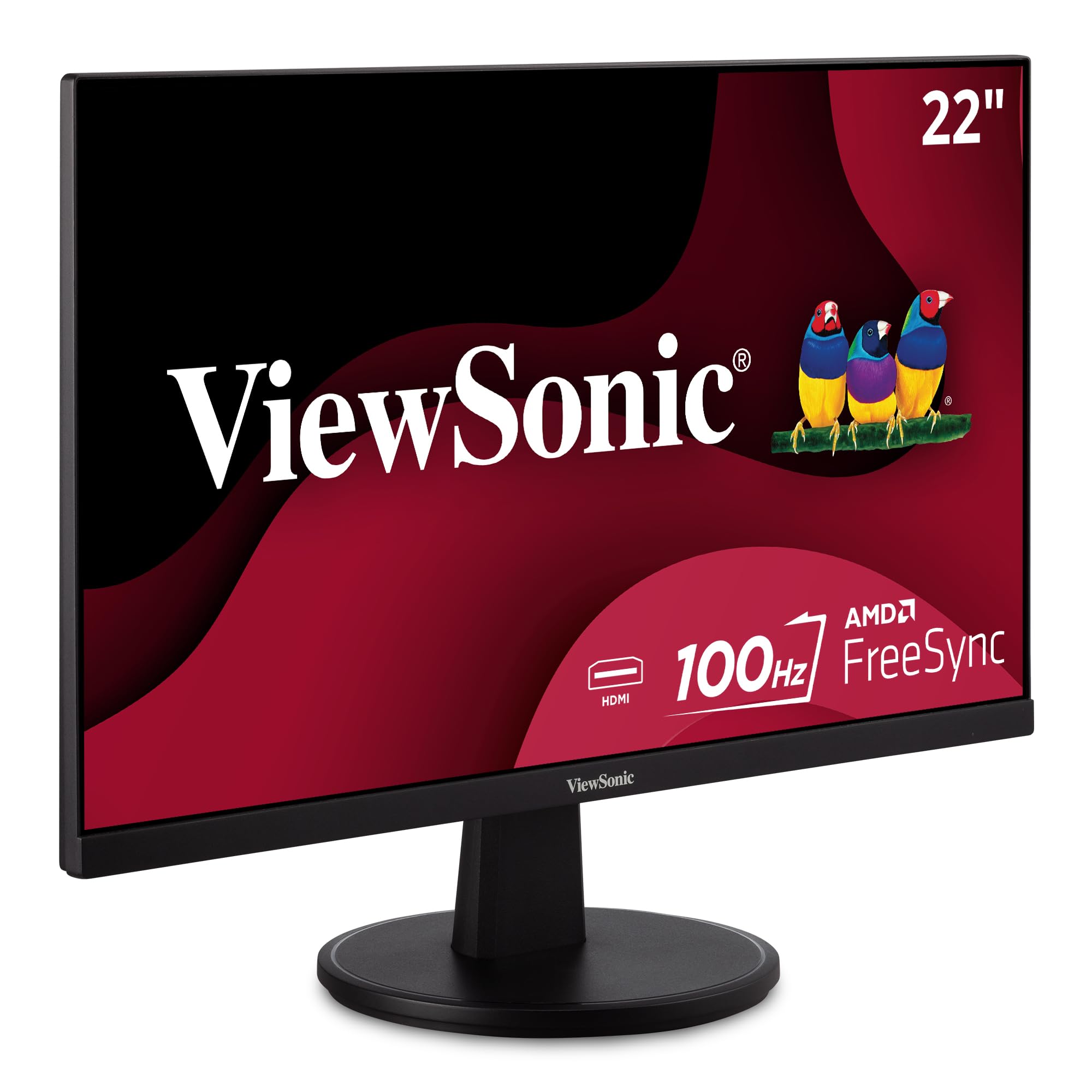
The budget-side sibling of our top pick — a crisp, bright screen with a loyal following.
The ViewSonic VS2247-MH shares most of the DNA of its popular sibling: a 22-inch Full HD (1920×1080) LED display with thin bezels and a 100Hz refresh rate. It pairs Flicker-Free technology and a Blue Light Filter with FreeSync to reduce eye strain and eliminate image tearing, making it comfortable for both work and play.
It connects to laptops, PCs, and Macs through HDMI 1.4 and VGA inputs, and the box includes the monitor, an HDMI cable, and the AC/DC adapter for quick setup. Preset modes for “Game,” “Movie,” “Web,” “Text,” and “Mono” let you tune the view quickly.
Owners describe the picture as “very sharp, clear and bright” and praise how easy it is to set up — ready in minutes. It is frequently mentioned as a great fit for aging eyes, thanks to its clear text rendering. The notable limitation is the stand’s lack of adjustability; tilt is minimal, so you may need to position your desk chair to find the ideal angle.
Bottom line: a dependable, budget-friendly choice for straightforward work or study where image clarity is the priority.
Small caveat: adjustability is limited to basic tilt, so ergonomic positioning is on you.
5. Westinghouse 22″ W2220DF

The brightest 22-inch pick here — 300 nits of IPS brightness that handles bright rooms easily.
The Westinghouse 22-inch monitor steps up where many budget options fall short: brightness. With 300 nits on an IPS panel, it delivers sharp, vibrant visuals even in well-lit home office environments, which is a real advantage over the 250 nits common on this list. It pairs a 100Hz refresh rate with a 1ms response time for smooth, tear-free motion in fast-scrolling and gameplay, backed by Adaptive Sync.
Unlike several rivals, it comes with built-in speakers — perfect for virtual meetings and casual viewing without cluttering your desk with extra audio gear. The frameless design sits on a premium metal stand for stability. Connectivity covers HDMI and VGA, with an HDMI cable included in the box.
Buyers report the screen is “clear with nice colors” and that setup is quick via HDMI — ideal as a home office workhorse or a second monitor. The honest catch: the sound quality is basic and described as “tinny” for music, though fine for understanding voices in videos. The power connection uses a wall wart, which can block other outlets on a power strip, and the power cord is on the shorter side.
What Stands Out
- 300 nits brightness — the brightest on this list
- 1ms response time for crisp fast-motion
- Built-in speakers keep desks clutter-free
- Premium metal stand for stability
What To Expect
- Speakers are fine for voices, not music listening
- Wall-wart power adapter can crowd power strips
- No DisplayPort input, only HDMI and VGA
Choose this for: a bright, vibrant panel with built-in audio that keeps your desk clean and your video calls simple.
skip it if: you want high-fidelity sound or a monitor that plugs into a tight power strip easily.
6. Samsung S30GD

A super-slim Samsung that makes colors pop consistently from any angle.
The Samsung S30GD is built around its IPS panel, which delivers bright, clear colors that stay consistent even when you change angles. The 100Hz refresh rate reduces lag and motion blur, making it responsive enough for casual gaming and smooth for video and creative work. The super-slim design with ultra-thin border bezels gives it a sleek, modern look on any desk.
It includes Game Mode, which adjusts the picture to fill the screen and enhances detail in fast-moving scenes. Advanced Eye Care features — reduced blue light and flicker — help keep your eyes comfortable during long sessions. It connects to laptops, desktops, and gaming consoles via HDMI and D-Sub ports.
Owners rave about the “sharp and vibrant” picture and note the 100Hz refresh rate makes everything look smooth, whether for work or casual gaming. Setup is plug-and-play. The recurring complaint is the stand — one owner called it “terrible,” noting it only tilts sideways and requires a screwdriver to assemble. For a clean, colorful screen at a fair price, it is a strong contender, but expect to budget for a monitor arm if you want height adjustment.
Our verdict: buy it for the vivid, angle-stable IPS panel and slim profile; just be ready to upgrade the stand for serious ergonomics.
Heads up: the included stand is limited to tilting and needs a screwdriver to put together.
7. MSI PRO MP225V

A TÜV-certified screen engineered specifically for programmers who stare at code all day.
The MSI PRO MP225V is pitched at a very specific buyer: the programmer, coder, or web designer. Its 21.45-inch screen size is marketed as perfect for those workspaces, and the TÜV certified display is designed to protect eyesight. MSI’s EyesErgo technology with Anti-Flicker helps prevent eye strain and fatigue during marathon coding sessions.
The 100Hz refresh rate delivers a flicker-free image that feels smooth, and the MSI Eye-Q Check feature reminds you to take a rest when you have been staring too long. It offers a 4,000:1 static contrast ratio for deeper blacks, plus HDMI and VGA connectivity. VESA mountability and tilt adjustment add flexibility to your setup.
Owners praise the “super clear” picture and find it “great for a second monitor at work.” One reviewer noted that as a 1080p VA panel, it exceeds expectations for the price, with an easy-to-use on-screen display. The quality is rated as mixed by some, so there is a small chance of receiving a dud, but the majority find it a solid value for the price.
Built For
- TÜV certified flicker-free for long sessions
- 4,000:1 static contrast for deep blacks
- Eye-Q Check reminds you to rest your eyes
- Sturdy stand appreciated by owners
Consider This
- Quality reports are mixed — some units disappoint
- VA panel, so viewing angles are narrower
Pick it for: code-heavy work and extended screen time where certified eye comfort is the priority.
Think twice if: you need wide-angle color consistency for design work — this is a VA panel.
8. SANSUI 22″

The lightweight, easy-to-mount sidekick that slots perfectly into a vertical workspace.
The SANSUI 22-inch monitor is a favorite for secondary-screen duty, thanks to its light weight and simple two-step stand assembly. The 1920 x 1080 IPS panel covers 99.99% sRGB (72% NTSC) with 16.7 million colors for lifelike visuals. At 75Hz, it is a step below the 100Hz found on most of this list, but it is perfectly smooth for documents, spreadsheets, and YouTube while you work on your main display.
Eye comfort is a focus, with low blue light, anti-flicker, and anti-glare technology, plus a 178° wide viewing angle. The screen tilts from -5° to 16° to find your ideal angle, and support for 75x75mm VESA mounting gives you the option to use a monitor arm. It connects via HDMI and VGA.
Owners praise it as an “excellent second screen” and note that the included HDMI cable makes setup with an HP laptop a breeze. A common detail: the stand uses only two VESA screws, which is fine horizontally but can feel a little wobbly on an arm. A few owners also mention a slight pinkish color cast, so it is not for color-critical work, but for everyday tasks, it exceeds expectations.
Best use: a budget-friendly vertical side monitor for multitasking — owners find it surprisingly stable even when rotated.
Note: a slight pinkish tint appears on some units, so skip it for photo editing.
9. ASUS VP227HF
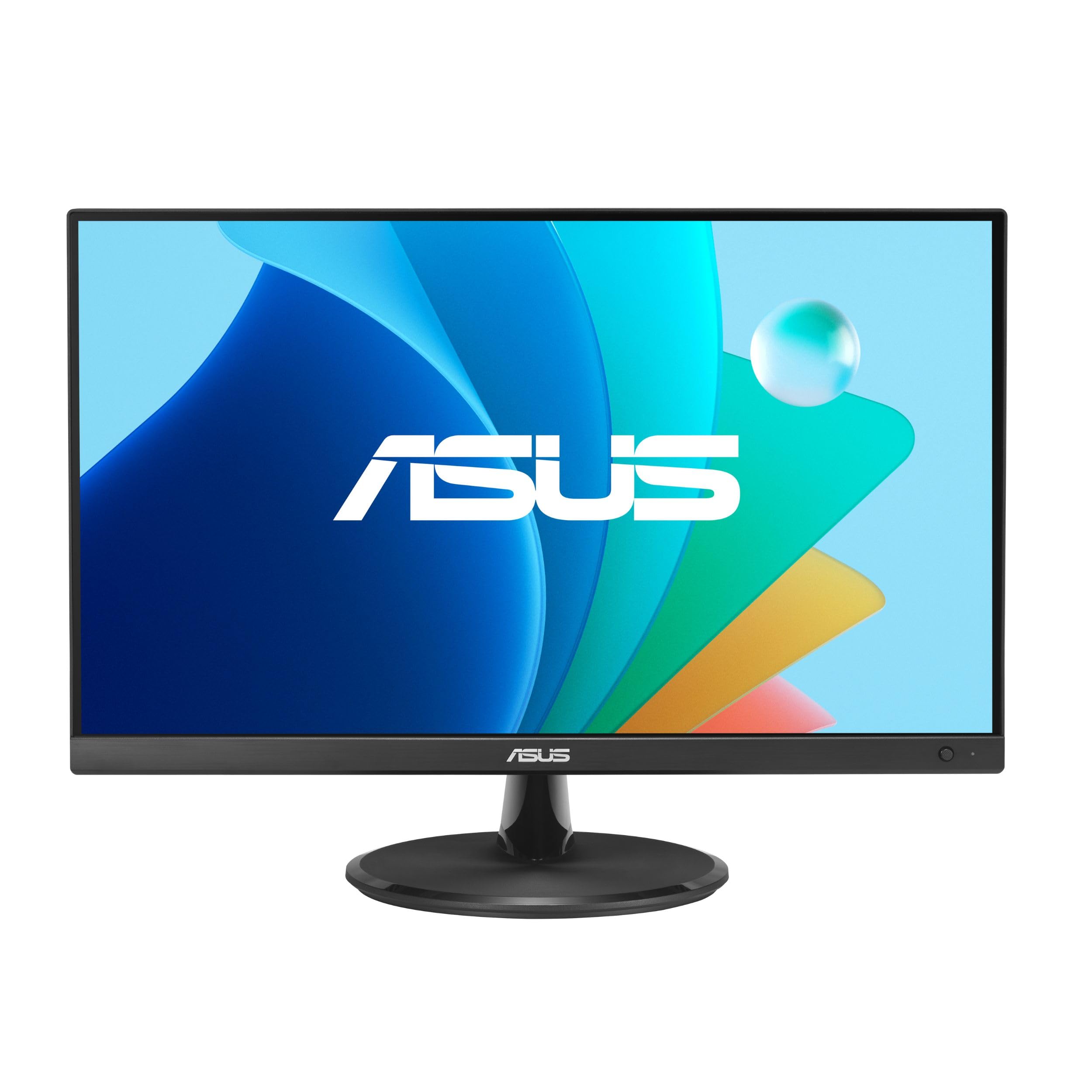
A frameless ASUS that mounts to the wall to reclaim every inch of desk space.
The ASUS VP227HF (21.45-inch viewable) pairs a frameless design with 178° wide viewing angles, delivering a crisp Full HD (1920×1080) picture. Its SmoothMotion 100Hz refresh rate and 1ms MPRT response time enable variable refresh rate (VRR) for a tear-free visual experience. The standout feature for desk-space savers: it is VESA wall-mountable, so you can free up your workspace entirely.
It covers 99% sRGB for accurate colors, and ASUS Eye Care technology brings TÜV Rheinland-certified Flicker-free and Low Blue Light for comfortable extended viewing. The ASUS DisplayWidget Center app lets you adjust settings with a mouse instead of hunting for buttons on the monitor — a genuinely convenient touch. The box includes an HDMI cable, power cord, and quick start guide.
Owners find it a “perfect secondary display for work from home,” with a sleek, lightweight build and crisp text for office tasks. One office buyer bought 22 units for their workplace and called it an amazing deal. The limitations: it has no built-in speakers, and reliability and port selection both draw mixed feedback. The port placement is awkward, and HDCP issues can appear with a VGA second-monitor setup.
Why It Shines
- VESA wall-mountable to save desktop space
- DisplayWidget app control via mouse
- 100Hz with 1ms MPRT for smooth motion
- Compact, low-power footprint
Know Before Buying
- No speakers built in
- Port placement is awkward and hard to reach
- Reliability and port selection get mixed reports
Reach for it if: you want to mount your screen to the wall or use app-based controls to declutter your desk.
Look elsewhere if: you rely on built-in speakers or need straightforward, easy-to-reach ports.
10. Dell SE2225HM
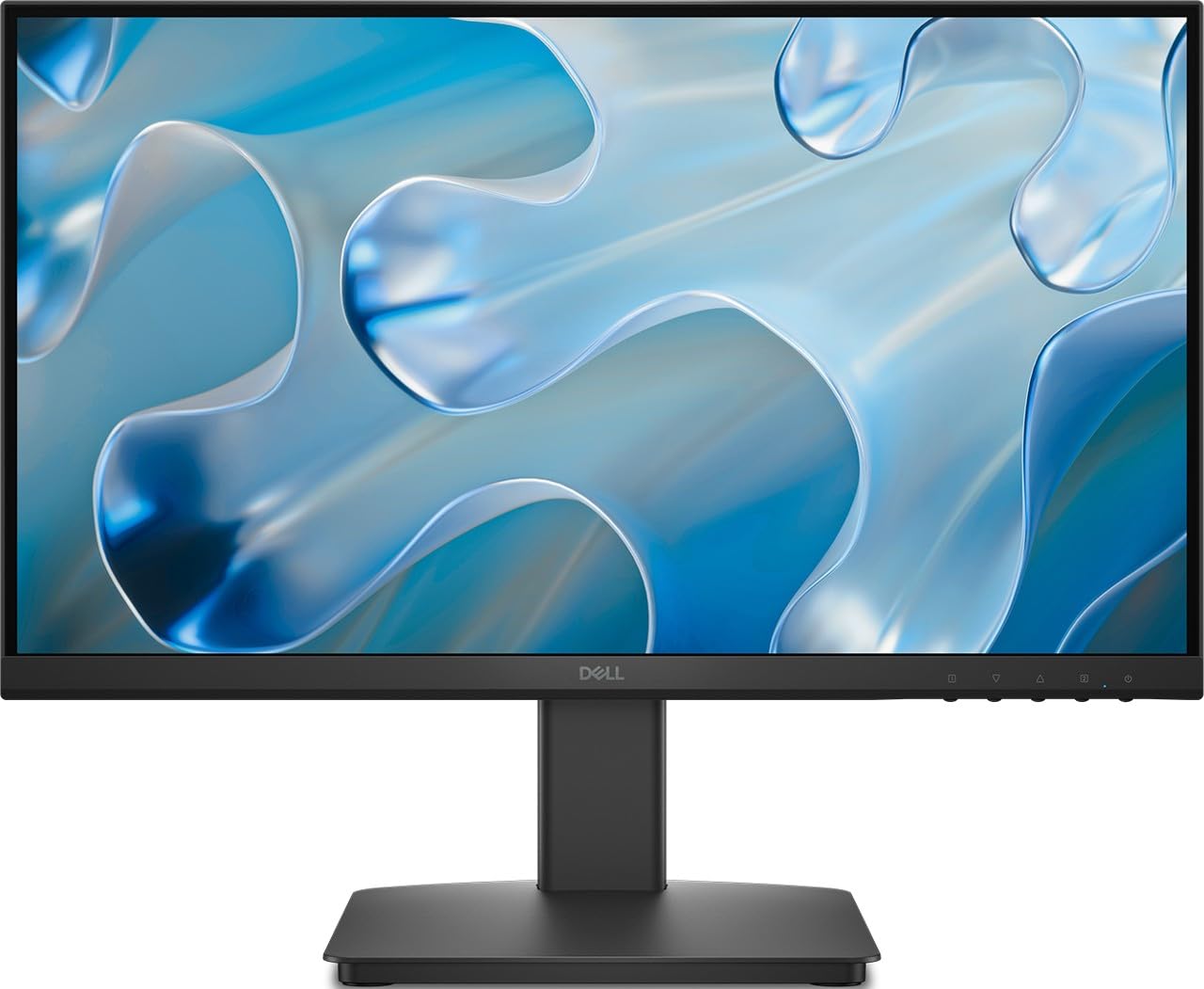
A Dell VA panel that serves up rich colors and deep blacks with a TÜV-certified display.
The Dell SE2225HM is a 21.5-inch Full HD monitor that uses VA panel technology to deliver rich colors and deep blacks, backed by a 3000:1 contrast ratio and 250 cd/m² brightness. The 100Hz refresh rate and 5ms response time keep motion fluid and reduce blur for both work and entertainment. It is TÜV Rheinland 3-Star certified to help reduce eye strain during extended sessions.
Ultra-thin bezels boost the viewing area, and the adjustable tilt stand helps you find a comfortable angle. Connectivity includes HDMI and VGA ports. Notably, it trades the DisplayPort (DP) that some listings suggest for a simpler HDMI/VGA setup — so check your device’s outputs before buying.
Owners who got it working describe it as “very good” and happy with the purchase, typically using it as a second monitor for work. The significant caveat: the cables included in the box do not fit some setups, and several buyers were frustrated to find there is no DP port despite the listing mentioning one. If you only need HDMI or VGA, this Dell delivers excellent contrast; if you specifically need DisplayPort, this model will disappoint.
Our read: a great-looking VA panel with outstanding contrast if your device connects via HDMI or VGA.
Critical caveat: there is no DisplayPort despite some listings — verify your cable needs first.
11. Samsung S40GD
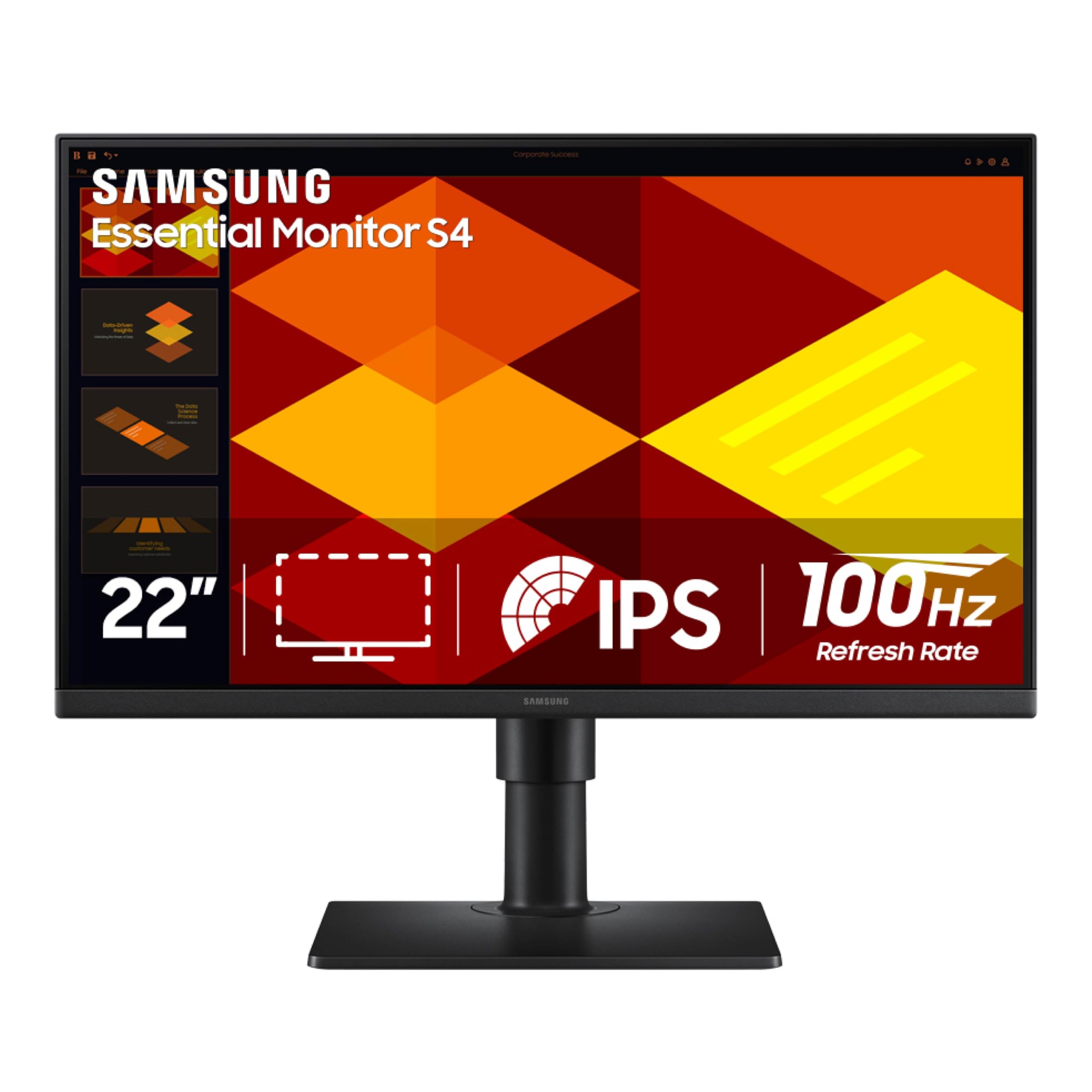
The most adjustable 22-inch panel here — height, tilt, and pivot for the perfect ergonomic setup.
The Samsung S40GD is the premium pick for anyone who prioritizes ergonomics. Its stand offers height adjustment, tilt, and the ability to pivot the screen into a vertical view — a rare and valuable feature at this size, especially for coding, reading long documents, or portrait-mode multitasking. The IPS panel keeps colors bright and consistent across the whole screen, even at sharp angles.
The 100Hz refresh rate handles games, video, and creative work smoothly, while Game Picture Mode tune settings per genre. Eye Saver Mode reduces blue light and flicker to protect your vision. It is genuinely well-connected for the price: DisplayPort, two HDMI ports, and a USB hub, with both DisplayPort and HDMI cables included in the box.
Owners praise the “most adjustable stand” and the rare-for-the-price I/O — a headphone-out jack plus USB hub. The extremely thin border bezels look great in multi-monitor setups. One owner noted auto-on/off works smoothly with a MacBook Air. However, picture quality gets mixed reviews, and there are occasional QA reports of a backlight lens not being fully adhered at the top — an easy press fixes it, but it should be factory-perfect.
What You Get
- Height, tilt, and pivot adjustments — rarest feature at this size
- 2x HDMI, 1x DisplayPort, plus a USB hub
- IPS panel with consistent colors from any angle
- Slim design that shines in multi-monitor arrays
What To Know
- Picture quality and brightness get mixed reviews
- Occasional QA issue with the backlight lens
- USB and headphone ports are awkward to reach
Choose it for: a fully adjustable, well-connected screen that lets you dial in the perfect viewing height and even go portrait.
pass on it if: you want a guaranteed flawless panel from the start or do not need the extra ergonomic adjustability.
Understanding the Specs
Refresh Rate (Hz)
This is how many times your screen redraws the image every second. A 60Hz monitor updates 60 times per second, while a 100Hz monitor does it 100 times. The result is smoother scrolling, cursor movement, and video playback. For document-heavy work, upgrading from 60Hz to 100Hz is the most noticeable improvement you can make.
Panel Type
IPS panels keep colors accurate and consistent from wide viewing angles, making them great for shared screens and color-aware work. VA panels offer higher contrast with deeper blacks, which makes movies look richer, but colors wash out when viewed from the side. For a 22-inch monitor, IPS is the safer all-rounder, while VA wins for dark-room movie watching.
FAQ
Is a 22 inch monitor big enough for work?
What is the difference between 60Hz and 100Hz on a monitor?
Does a 22 inch monitor have built-in speakers?
Can I mount a 22 inch monitor on a wall or arm?
Is an IPS or VA panel better for a 22 inch monitor?
Will a 22 inch monitor work with my laptop?
What does FreeSync or Adaptive Sync do?
Are 22 inch monitors good for gaming?
Final Thoughts: The Verdict
For most people, the best 22 inch monitor is the ViewSonic VA2247-MH because it balances a sharp 100Hz IPS panel, a trusted brand, and a price that makes it a crowd favorite. If you want the smoothest motion available at this size, grab the Philips 22E2N1100 for its overclockable 120Hz refresh rate. And for the most ergonomic setup with a pivoting, height-adjustable stand, the Samsung S40GD is the one to reach for.
How We Picked
We do not accept paid placement. Every pick is matched to a real buyer and a real use-case; we do not hands-on test units.
Sources & Methodology
Specifications: manufacturer listings and product documentation. Review insights: verified customer reviews, as of August 2026. Pricing: not shown on this page (it changes often); check the current price via the retailer link.
As an Amazon Associate, Gadgets Feed earns from qualifying purchases. This does not affect which products we feature.