
Our readers keep the lights on and my morning glass full of iced black tea. As an Amazon Associate, I earn from qualifying purchases.
Specs are compiled from manufacturer listings and verified buyer reviews and can change over time — please confirm the key details on the product page before buying.
You want a 24-inch 1080p monitor that fits your desk and your budget, and the category is full of solid choices. The real question is which one matches your setup: a fast refresh rate for gaming, a fully adjustable stand for long office hours, or the sharpest text for spreadsheets. We sorted through the real specs and owner feedback to help you find the right screen without overpaying.
I’m Min — the founder and writer behind Gadgets Feed. This guide is built by comparing the manufacturers’ published specifications and the patterns across verified customer reviews, so you get each pick’s real strengths and trade-offs instead of marketing spin.
We have sized up the best monitors for work, play, and everything in between, so you can find your ideal 1080p 24 inch monitor with confidence and clarity.
Our Picks at a Glance

How To Choose The Best 1080P 24 Inch Monitor
Most 24-inch monitors look similar on the surface, but the differences in panel quality, speed, and adjustability decide how enjoyable they are to use. You don’t need to be a tech expert to pick well; you just need to know which three or four specs actually affect your daily experience.
Refresh Rate: The Smoothness Factor
The refresh rate (measured in hertz, or Hz) tells you how many times the screen updates its image each second. Standard office monitors run at 60Hz or 75Hz, which is perfectly fine for email and documents. But models with 120Hz or 144Hz make scrolling feel much smoother and reduce eye strain during long sessions. If you play fast games, a higher refresh rate is the single most noticeable upgrade you can make.
Panel Type: IPS is the Safe Choice
In-Plane Switching (IPS) panels are the gold standard for most buyers because colors stay accurate even when you view the screen from an angle. This matters if you share your screen with a colleague or set up a dual-monitor arrangement where you sit off to the side. The trade-off is that IPS screens typically don’t produce as deep blacks as VA panels, but for general work and casual gaming, IPS is the more comfortable, reliable choice.
Connectivity and Ergonomics
Before you buy, check which ports the monitor has. HDMI is the modern standard and works with most laptops, desktops, and consoles. DisplayPort is great for high refresh rates and daisy-chaining. VGA is a legacy port, useful only if you have an older PC. Also consider the stand: a height-adjustable stand with tilt, swivel, and pivot is a huge comfort win if you sit at your desk for hours.
Quick Comparison
| Model | Best For | Refresh Rate | Brightness | Contrast Ratio | Amazon |
|---|---|---|---|---|---|
| ViewSonic VA2456A-MHD★ Best Overall | Best Overall Value | 120Hz | 250 nits | 1500:1 | Amazon |
| MSI PRO MP243LGaming Value | Gaming on a Budget | 144Hz | — | 1500:1 | Amazon |
| ViewSonic VA2448-MHBright & Clear | Bright Office Work | 120Hz | 300 nits | 1500:1 | Amazon |
| LG 24U411A-B | Creative Color Work | 120Hz | 250 cd/m² | 1500:1 | Amazon |
| ASUS VA24EHF | Portable Frameless Setup | 100Hz | — | 1300:1 | Amazon |
| Amazon Basics 24-inch | Simple Reliable Office | 75Hz | — | 1000:1 | Amazon |
| LG 24G411A-B UltraGear | Console Gaming | 144Hz (O/C) | 250 cd/m² | 1500:1 | Amazon |
| Samsung S32GF | Eye Comfort & Style | 120Hz | 250 cd/m² | 1000:1 | Amazon |
| Dell S2425HSM | Best Speakers & Adjustability | 144Hz | 300 nits | 1500:1 | Amazon |
| ASUS TUF VG249QL3A | Serious Competitive Gaming | 180Hz | 350 cd/m² | 1000:1 | Amazon |
| Dell S2421HS | Premium Ergonomic Office | 75Hz | 250 nits | 1000:1 | Amazon |
In‑Depth Reviews
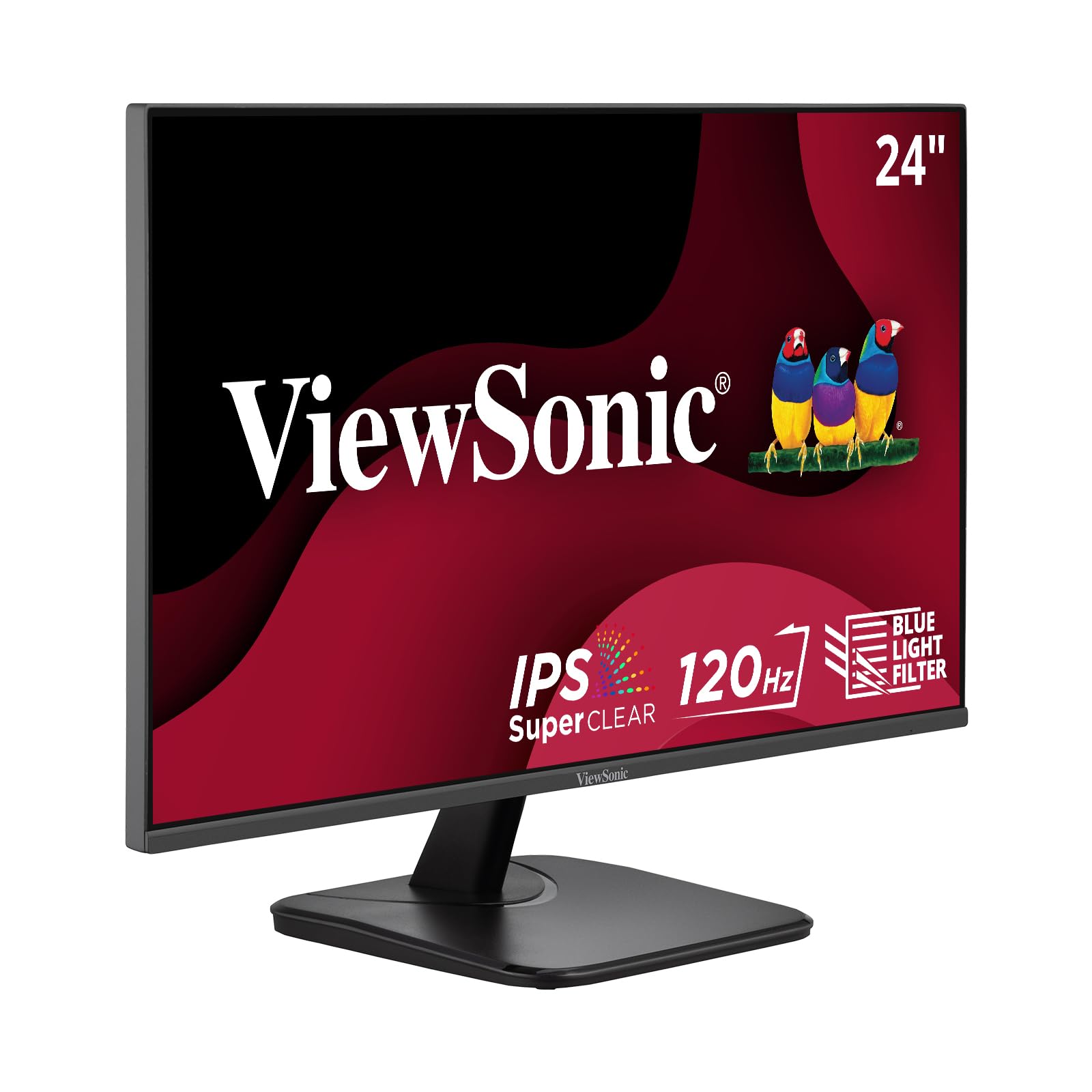
1. ViewSonic VA2456A-MHD
Our pick — over 4.5★ from 400+ verified ratings; the strongest balance of quality and price.
The dependable all-rounder that nails the essentials without touching a premium price.
If you want one monitor that handles office work, light gaming, and everything between, this ViewSonic earns its spot as the top pick. Its 120Hz refresh rate makes daily scrolling and window-dragging feel noticeably fluid, and the IPS panel (a screen type that keeps colors accurate from wide viewing angles) delivers sharp, vivid Full HD visuals. Buyers report that the picture stays crisp and bright, with the display quality being the most praised feature across owner feedback.
Connectivity is a real strength here. You get HDMI, DisplayPort, and VGA inputs, so it works with modern laptops, older office PCs, and Macs without needing adapter gymnastics. The thin bezels make it a great candidate for a dual-screen setup, and the effective built-in features — Flicker-Free technology and a Blue Light Filter — help reduce eye fatigue during long sessions. Buyers also report that after 6 months, these units are still working great, echoing the brand’s reputation for longevity.
The main trade-offs are modest. The stand is basic with limited adjustability, and the built-in speakers are nothing special if you plan to listen to audio through them. At 250 nits of brightness, it’s plenty for indoor offices but not a screen you’d want in a very bright, sunlit room. The 1500:1 contrast ratio keeps blacks deep enough for comfortable viewing, and the overall package is hard to fault for the money.
What Wins People Over
- Sharp, accurate colors from the IPS panel at any angle
- Versatile ports (HDMI, DisplayPort, VGA) for nearly any PC
- Smooth 120Hz motion for scrolling and casual gaming
- Thin bezels that pair cleanly in a dual-monitor setup
What To Keep In Mind
- Basic stand with limited tilt adjustment
- Built-in speakers are serviceable but not great for music
- 250 nits is comfortable indoors but not for bright rooms
Reach for this if: You want a jack-of-all-trades 24-inch 1080p monitor with a fast refresh rate and flexible ports at a fair price.
Look elsewhere if: You need a fully height-adjustable ergonomic stand or plan to use the speakers as your primary audio source.
2. MSI PRO MP243L
A 144Hz speed demon that brings gaming smoothness to a budget price.
This MSI is the pick if your day mixes spreadsheets with fast-paced games. At 144Hz, it refreshes the image 144 times per second — a 20% speed boost over the ViewSonic’s 120Hz — which makes motion in racing and action games feel dramatically smoother and more responsive. The IPS panel delivers a wide 178°/178° viewing angle, so colors stay consistent whether you’re head-on or off to the side, and the deep contrast ratio (1500:1) makes dark scenes in games look richer.
The gaming toolbox is genuinely useful. FreeSync (a technology that syncs the monitor’s refresh rate to your graphics card) eliminates screen tearing and stuttering, while the 1ms response time keeps fast-moving objects sharp without ghosting. MSI also includes a built-in Eye-Q Check tool to help you tune display settings for longer viewing comfort. The stand tilts from -5° to 20°, and the VESA 100x100mm mount pattern means you can attach it to a monitor arm or wall bracket with ease.
Owners praise the vibrant picture quality and say it works great for dual-screen setups — one buyer set up two in a son’s room and praised the bright screens and working speakers. The main caveats are connectivity and use-case: it relies on HDMI and VGA ports (no DisplayPort), and a few owners mention that if you’re using a high-end PC for competitive gaming, you might want a DisplayPort connection that this model lacks. It’s best thought of as a superb entry-level gaming screen.
Best in class for: the fastest refresh rate in its price tier, giving you genuine gaming performance for everyday work.
The honest catch: no DisplayPort input and connectivity feedback is mixed, so check your cables before buying.
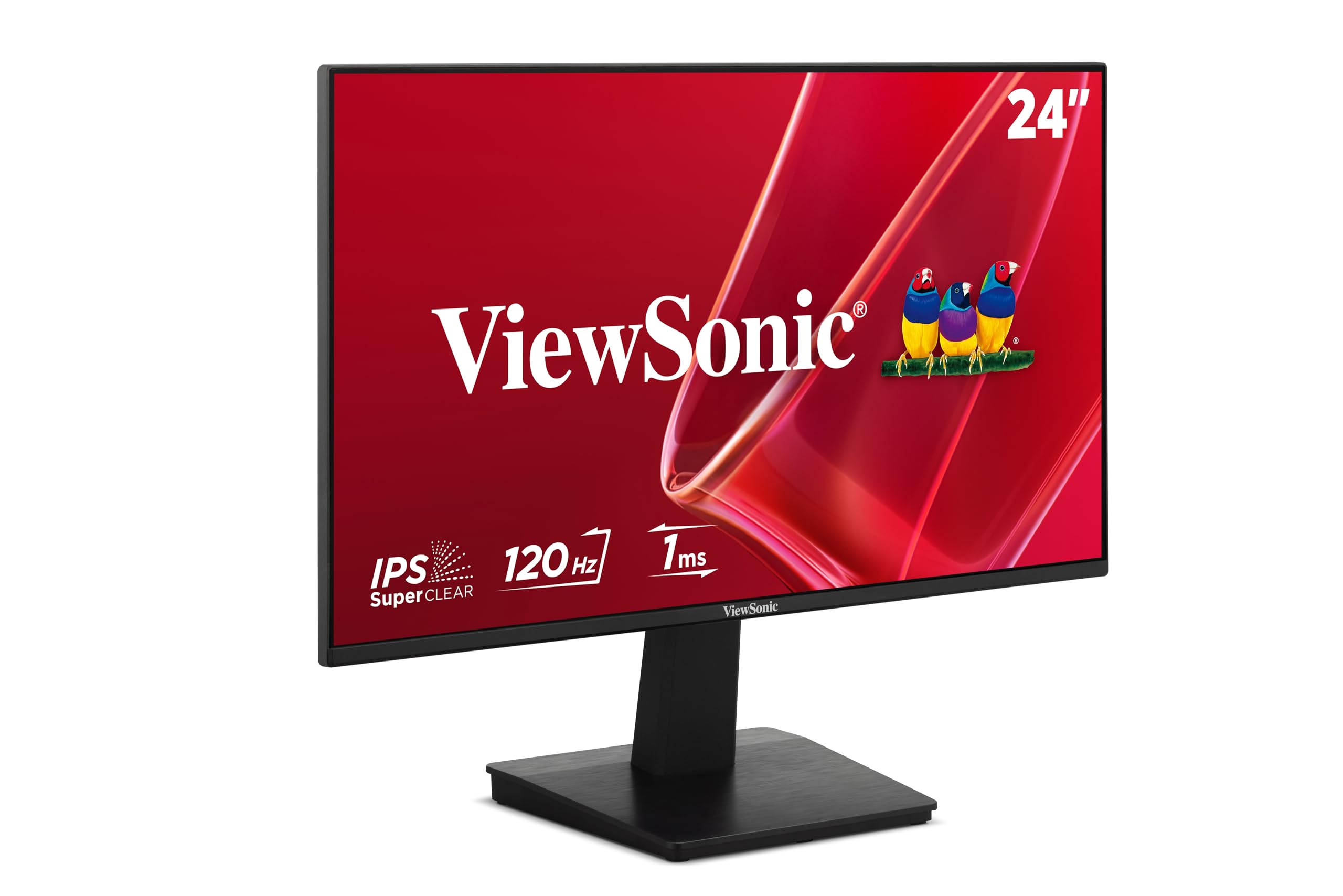
3. ViewSonic VA2448-MH
The extra-bright office screen that stays readable even near a sunny window.
If you’ve ever squinted at a dim monitor in a bright room, this ViewSonic is the answer. It’s one of the brightest in this lineup at 300 nits (the unit for screen brightness), 20% brighter than the VA2456A-MHD’s 250 nits. Buyers confirm the image is crisp with no distortion, and some note it remains visible even outdoors. That extra brightness also makes colors look more vibrant and punchy for everyday tasks and multimedia.
The frameless design is a standout for looks. With a near-zero bezel, the screen boost its viewing area in a small desktop footprint, and it’s VESA mount compatible if you want to attach it to an arm. It runs a smooth 120Hz refresh rate with a Variable Refresh Rate (VRR) feature that reduces screen tearing, plus Flicker-Free and Blue Light Filter technologies to cut eye fatigue. Connectivity covers HDMI and VGA, which is enough for most home and office setups, and a 2W speaker is built in.
Where it falls short is audio and preset flexibility. The built-in speakers work in a pinch, but the sound quality gets mixed-to-negative feedback for being thin or “tinny.” The monitor does offer five preset modes (“Game,” “Movie,” “Web,” “Text,” and “Mono”), which help you tune the image for different tasks. For a bright, dependable, easy-to-set-up daily driver, this is a very strong office choice.
Why it stands out: the 300-nit panel gives you noticeably more headroom in bright environments than most peers.
Consider this first: if you use external speakers or headphones, the weak built-in audio won’t bother you at all.
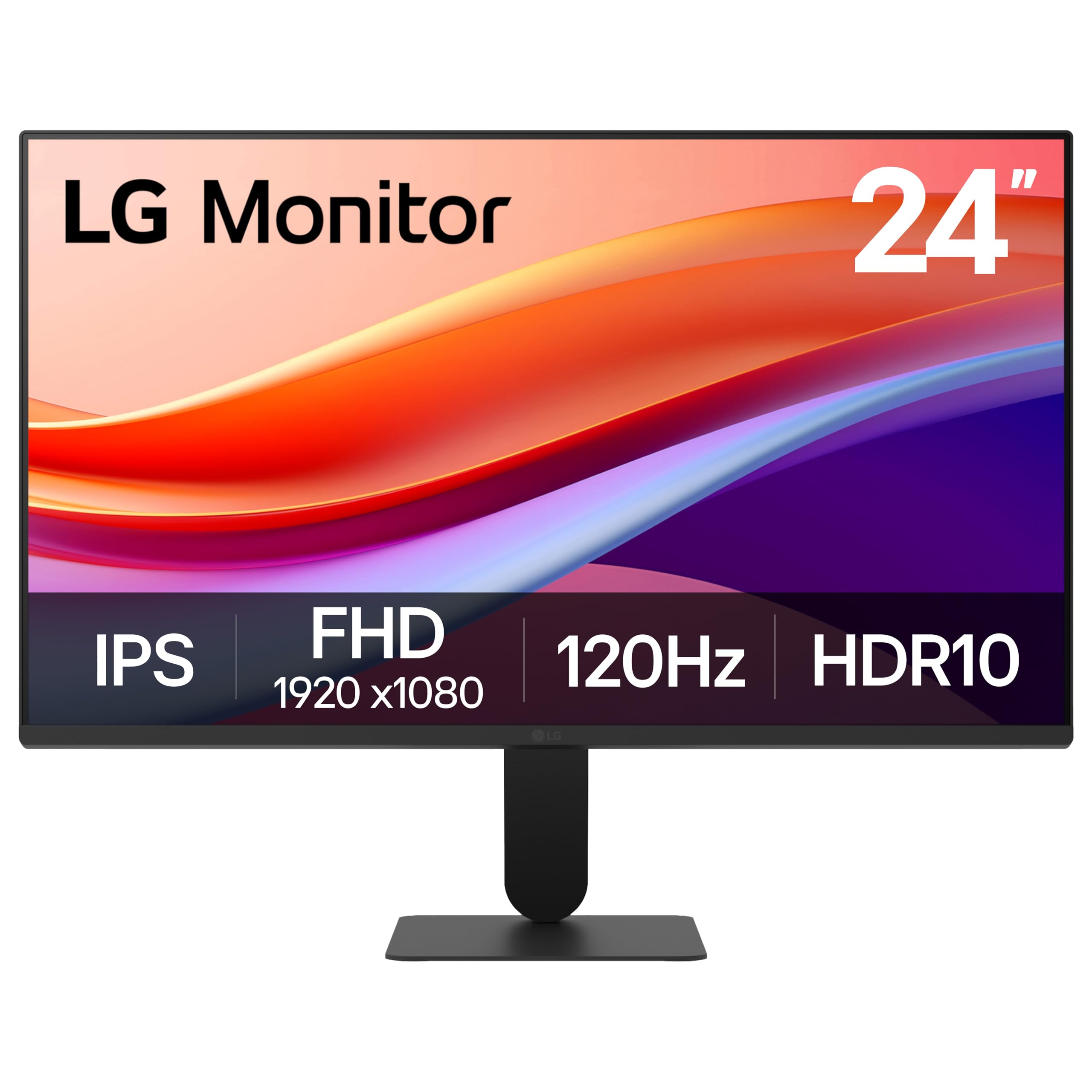
4. LG 24U411A-B
A color-rich IPS panel with smart software that turns one screen into a multitasking hub.
If your work touches photos or design, this LG deserves a close look. It covers up to 99% of the sRGB color space (a standard color range used in digital imaging), which means the colors you see on screen are truer to what a printer or client’s screen will show. Owners note the colors are excellent for the price, and one buyer used it for light Photoshop work without issues. The HDR10 support adds a bit more punch to compatible video content, though it’s a basic implementation.
The 120Hz refresh rate and 1ms Motion Blur Reduction keep motion smooth, and the three-sided virtually borderless design looks clean and modern. A standout here is the Switch app, which lets you split the screen into up to 6 sections and launch video calls with a single hotkey — a tidy multitasking boost for work-from-home setups. The tilt adjusts from -5° to 20°, and the slim stand base gives the monitor a “floating” look on your desk.
There are two things to note. First, there’s no DisplayPort or VGA — it’s HDMI only (plus a headphone out). Second, the stand’s adjustability gets negative feedback from owners; it’s fine for a fixed position but not ideal if you want height or swivel control. Some buyers also found the out-of-box colors slightly green-tinted until they used the extensive color adjustment options. It’s a superb value for color-conscious work.
Best for: creative projects and color-sensitive tasks where 99% sRGB coverage and HDR10 make a real difference.
Think twice if: you need HDMI plus DisplayPort or a fully adjustable ergonomic stand — this one is HDMI-only with limited tilt.
5. ASUS VA24EHF

A slim, frameless 100Hz screen that keeps your desk looking tidy and your eyes comfortable.
This ASUS is all about a clean, distraction-free desktop. The 23.8-inch frameless design (meaning the bezel is so thin it practically disappears) lets you focus on the content, and it’s an especially good fit for multi-monitor setups where thick borders get in the way. The IPS panel offers a 178° viewing angle, so the picture holds its clarity and color even when you’re not sitting dead-center in front of it.
At 100Hz with a 1ms response time, it’s smoother than a standard 60Hz office screen, and the SmoothMotion variable refresh rate helps eliminate tearing during casual games and video. ASUS includes TÜV Rheinland-certified Flicker-free and Low Blue Light technologies, so the screen is genuinely easy on the eyes during long workdays — a point owners specifically praise. It’s VESA wall-mountable, which frees up desk space, and the box includes an HDMI cable, power cord, warranty card, and quick start guide for a fast setup.
The honest trade-offs: it only has an HDMI input (no DisplayPort or VGA), so it’s best for modern laptops and desktops. A few buyers mention the occasional issue with stuck red pixels, and the base is reported to be big, which can feel awkward on thinner shelves — though that’s a non-issue if you wall-mount it. For a simple, easy-on-the-eyes secondary screen, it’s a very reliable pick.
Why pick this: the ultra-thin bezel and low-glare finish make it among the most comfortable screens for focused, long office sessions.
Who should skip: anyone needing multiple input ports — this model is HDMI-only.
6. Amazon Basics 24-inch

Proof that you don’t need to spend much for a crisp, reliable everyday work screen.
If your budget is tight and your needs are simple — email, documents, web browsing — this Amazon Basics monitor delivers remarkable value. The 24-inch IPS panel produces rich, accurate color that stays true from all angles, and the 1080p resolution looks crisp and clean for everyday tasks. Owners consistently praise the color accuracy and wide viewing angles, with one called it “excellent” for office work and daily entertainment.
Setup is genuinely painless. Customers note a setup time of under 5 minutes, and the box includes an adjustable stand, power cord, HDMI cable, and user manual. The stand tilts from -5 degrees to 23 degrees, and it’s VESA wall-mount ready with a 100x100mm hole pattern, giving you flexible placement options. Connectivity covers HDMI 1.4, DisplayPort, and VGA, plus a 3.5mm audio jack — a nicely complete set for a budget screen. It’s also Energy Star certified to keep power draw low.
The two real limitations are speed and sound. At 75Hz, it’s fine for productivity but not a gaming monitor. And the built-in speakers are weak — reviewers point out they stay soft even at maximum volume, so plan on external speakers or headphones. If that’s acceptable, this is one of the smartest value buys in the category.
The value angle: you get a complete, adjustable, multi-port IPS monitor for a fraction of what premium models cost.
The compromise: 75Hz limits it to office work, and the speakers are extremely soft — treat them as an afterthought.
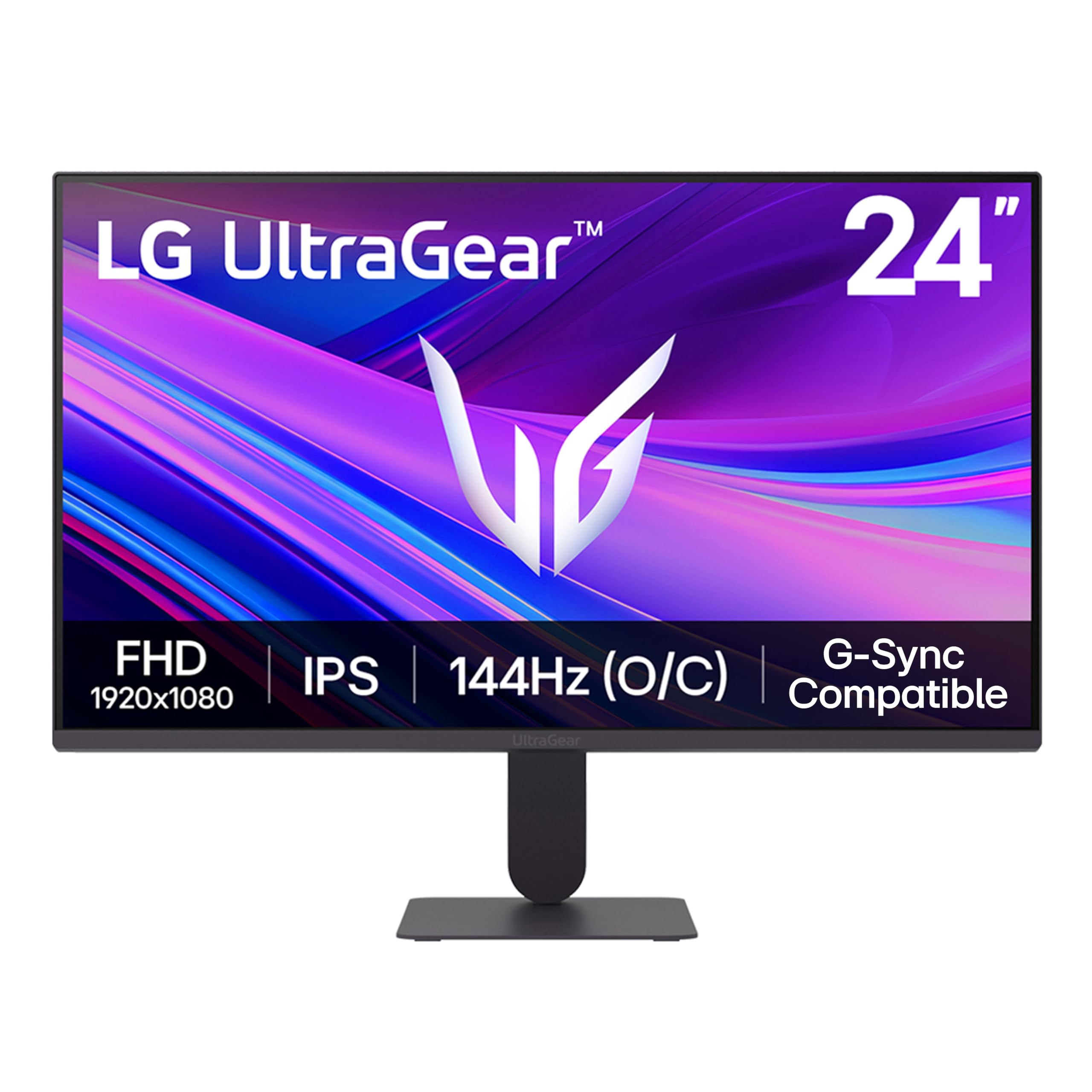
7. LG 24G411A-B UltraGear
A purpose-built gaming screen that pairs beautifully with PS5 and fast PC setups.
This LG UltraGear is built with gamers in mind, and it shows. It runs at 120Hz natively and can be overclocked to 144Hz, with a 1ms Motion Blur Reduction to keep fast-moving action sharp. Buyers specifically praise how smooth it feels on PS5 at 120Hz, calling the graphics and resolution excellent for the price. Both NVIDIA G-SYNC Compatible and AMD FreeSync are supported, so it delivers tear-free, low-latency gameplay whether you’re on an NVIDIA or AMD graphics card.
The gaming features go beyond raw speed. Dynamic Action Sync reduces input lag so your reactions land faster, and Black Stabilizer brightens dark scenes so you can spot enemies hiding in shadows. A Crosshair feature overlays a center reticle for extra precision in first-person shooters. Like the LG office monitor above, it also includes the Switch app for splitting the screen into up to 6 sections, making it a flexible option for dual-purpose work-and-play desks. The ultra-slim bezel and minimal stand keep the focus on the screen.
The catch is in the details. The included stand gets mixed feedback — some call it “jiggly” and recommend an aftermarket arm or stand. Brightness and color also receive mixed reviews; the 250 cd/m² panel is fine indoors but not outstanding, and colors may need calibration from the start. The box only includes an HDMI cable, so you’ll need to buy a DisplayPort cable separately if you want one. For console and casual PC gaming, it’s a strong, feature-rich value.
The Gamer’s Toolkit
- 120Hz native speed boosted to 144Hz overclock for fluid motion
- Both G-Sync Compatible and FreeSync for tear-free play
- Black Stabilizer and Crosshair features for competitive edge
- Vivid HDR10 color with up to 99% sRGB coverage
The Setup Realities
- Stock stand jiggles — budget for a monitor arm
- Brightness is modest at 250 cd/m², colors may need tweaking
- Only an HDMI cable is included
Grab this for: console gaming or a dual-purpose desk where smooth 120Hz+ motion and tear-free play matter most.
Pass if: you want an out-of-the-box perfect stand or plan to do color-critical creative work on it.
8. Samsung S3 S32GF
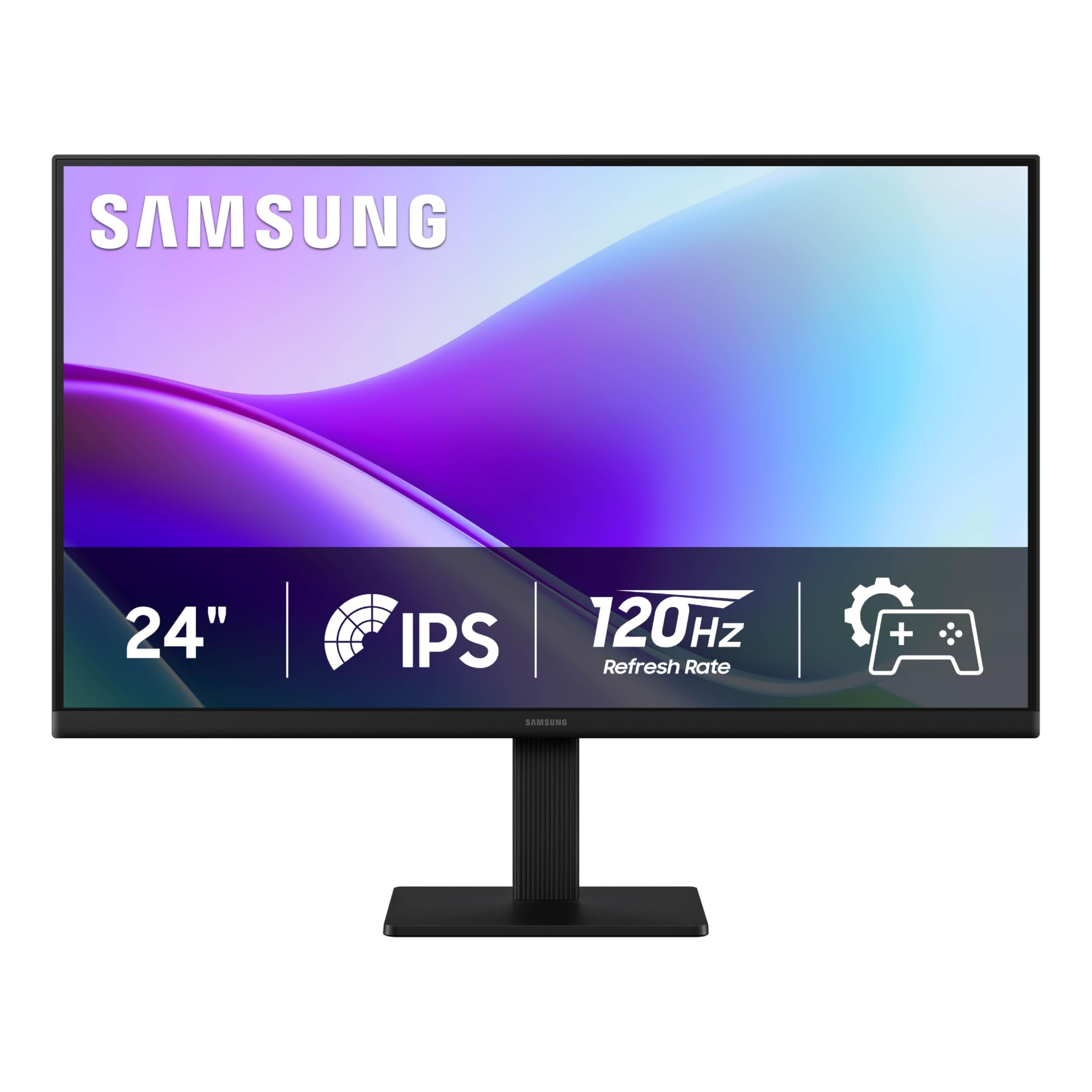
A sleek, eye-friendly screen from a trusted brand that looks as good as it feels.
If long hours in front of a screen leave your eyes tired, this Samsung is worth serious consideration. It comes with Eye Saver Mode and Flicker Free technology, which reduce blue light and screen flicker to help keep you comfortable through marathon work sessions. Shoppers say the picture quality is razor-sharp and excellent for documents and spreadsheets, and setup is genuinely fast — one owner had it running in 5 minutes. The IPS panel keeps colors bright and clear even when you change viewing angles.
The design is a clear highlight. Samsung went with a super-slim profile and ultra-thin border bezels, making it a sleek, modern addition to any workspace. It’s also lightweight, and one reviewer confirmed it survived a week in a carrying case unscathed — a nice bonus if you move between home and office. The 120Hz refresh rate reduces lag and motion blur for everyday browsing and light gaming, and Game Picture Mode adjusts the display to fill your screen for different content.
The trade-offs are minor but worth knowing. Brightness adjustment capability gets mixed feedback, with some owners unable to adjust it as flexibly as they’d like. There’s no height adjustment on the stand, and the power button requires a harder press to open the menu (annoying at first, but you get used to it). The contrast ratio is a standard 1000:1, which is fine but not the deepest. For a stylish, comfortable, dependable daily display, it’s an easy recommendation.
Standout trait: the combination of eye-care features and a razor-sharp, lightweight IPS panel make this an exceptional long-session work screen.
Know before buying: no height adjustment, and the brightness control feels a bit clunky for some owners.
9. Dell 24 Plus S2425HSM
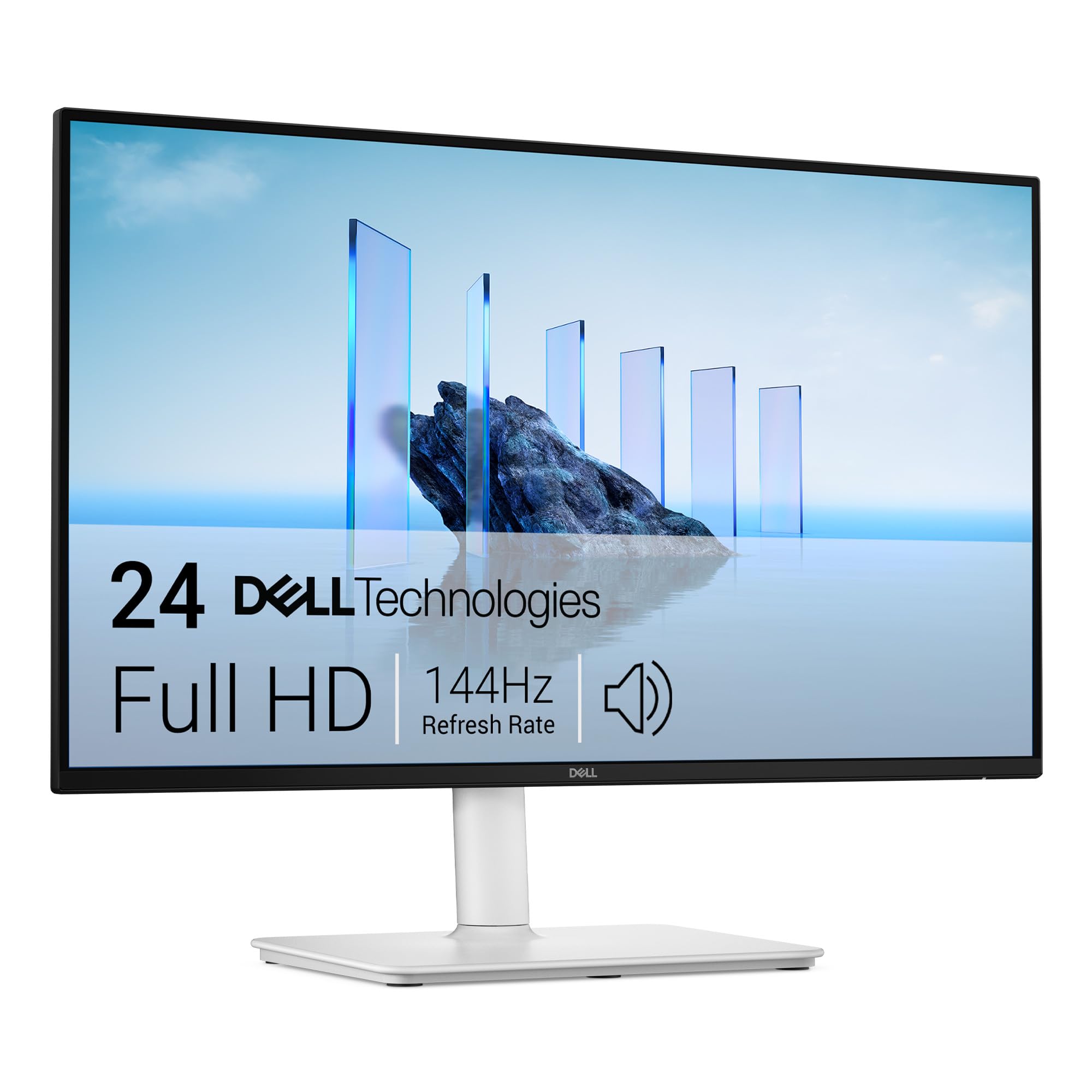
The rare office monitor where the built-in speakers actually sound good enough to use.
Most monitor speakers are a throwaway feature, but this Dell breaks the mold. It packs dual 3W speakers that buyers describe as sounding better than anything they’ve heard out of a normal monitor, with a wider range of frequencies. If you want to ditch a separate speaker bar for video calls and casual listening, this is the monitor for you. The 144Hz refresh rate and 1ms response time deliver smooth, tear-free visuals, and the 1500:1 contrast ratio adds clarity and depth to everything on screen.
Where this Dell truly shines is ergonomics. The stand offers height, tilt, pivot, and swivel adjustability, so you can dial in the perfect viewing angle and reduce neck strain during long workdays. The 23.8-inch FHD (1920×1080) panel delivers crisp text, and a 4-star TÜV-certified display reduces harmful blue light without washing out colors. Owners find it easy to set up and note it works well with streaming software like OBS, making it a flexible pick for home offices.
The main restriction is connectivity. This model is HDMI-only — buyers report there’s no USB-C or DisplayPort, so you can’t charge a laptop through it or use a single-cable setup. One owner returned it specifically because of the lack of USB-C. Some also note that text can look slightly pixelated at this size, though that’s a common trait of 1080p. For a comfortable, great-sounding, fully adjustable daily driver, it’s a top-tier choice.
Choose this for: a fully adjustable stand and genuinely usable speakers — a rare pairing that makes long workdays much more pleasant.
Be aware: HDMI is the only input, so check that your laptop or PC doesn’t rely on USB-C or DisplayPort.
10. ASUS TUF Gaming VG249QL3A

The fastest screen here at 180Hz, built for gamers who refuse to compromise on smoothness.
If competitive gaming is your priority, this ASUS TUF model is the one to beat. Its 180Hz refresh rate is the highest in this roundup — significantly faster than the 144Hz on the MSI — and paired with a 1ms (GTG) response time, it delivers exceptionally fluid, responsive motion for fast-paced shooters and racing games. The Fast IPS panel keeps colors vivid while minimizing ghosting, and owners mention the blacks look deeper than typical IPS panels, not gray. Both FreeSync Premium and G-SYNC Compatible ensure tear-free play on any graphics card.
The feature set is comprehensive. ASUS Extreme Low Motion Blur (ELMB) further reduces ghosting, and Shadow Boost brightens dark scenes without washing out bright areas — a genuine advantage for spotting enemies. The stand is a standout: it’s height, swivel, pivot, and tilt adjustable, so you can position it perfectly for long sessions. Built-in speakers are included, and ASUS backs it with a 3-year warranty. Buyers describe it as a reliable, well-built “Honda Accord” of monitors.
The gripes are specific. The most mentioned issue is that the box doesn’t include a DisplayPort cable despite advertising suggesting both cables — you get a cheap HDMI cable, so plan a separate purchase for full 180Hz via DisplayPort. The built-in speakers are weak, and a few customers note occasional flickering lines. Brightness is excellent at 350 cd/m², making it usable in brighter rooms too. For serious gamers who want speed and adjustability, this is the premium pick.
Why Gamers Love It
- Blazing 180Hz refresh rate with 1ms response for ultra-smooth play
- Fully adjustable stand (height, swivel, pivot, tilt)
- Both FreeSync Premium and G-SYNC Compatible
- Bright 350 cd/m² panel that handles bright rooms
What To Watch For
- No DisplayPort cable in the box despite the ad copy
- Speakers are weak — use a headset or external audio
- Occasional reports of flickering lines
For the competitive edge: the 180Hz speed and full ergonomic stand make this the best pure-gaming investment in the lineup.
skip it if: you only do office work — the speed is wasted without a capable graphics card or console.
11. Dell S2421HS

A premium-feel office monitor with a stand that adjusts every which way for perfect posture.
If you’ve ever propped a monitor on books to get it to eye level, this Dell is the cure. The stand lets you pivot, tilt, and swivel, plus adjust the height — the most complete ergonomic package in this list. Owners highlight the strong build quality and the clean, clear display that delivers sharp images and crisp text for documents and spreadsheets. The three-sided ultrathin bezel design keeps the focus on your work, and the 178°/178° IPS viewing angles keep colors consistent even from the side.
The panel is tuned for comfort and clarity. The 1920 x 1080 Full HD resolution looks sharp at this screen size, and the matte, anti-glare finish makes it easy on the eyes during long sessions. It runs a standard 75Hz refresh rate with AMD FreeSync, which is smooth enough for light gaming and general work. Connectivity covers HDMI and DisplayPort plus a 3.5mm audio jack, and the included HDMI cable makes setup instant. It’s also backed by Dell’s 1-Year Advanced Exchange Service and Premium Panel Exchange, which replaces the monitor free if you find one bright pixel during the warranty period.
The honest limitations: at 75Hz, it’s not a gaming monitor, and the brightness sits at a standard 250 nits. Reliability gets mixed feedback, with a small number of owners reporting units that stopped working unexpectedly — though the majority praise its dependable performance. It’s a pricier option in this category, but you’re paying for the premium build, complete stand adjustability, and Dell’s service warranty. For home-office comfort, it’s a superb choice.
Worth the extra for: the fully articulated stand that prevents neck strain and Dell’s excellent panel-exchange warranty.
Not for: gamers — 75Hz and no gaming-specific features make it a pure productivity screen.
Understanding the Specs
Refresh Rate & Response Time
The refresh rate (Hz) is how many times per second the screen redraws the image. 60Hz is the old baseline; 75Hz is a small step up; 120Hz and 144Hz feel noticeably smoother for scrolling and gaming; 180Hz is reserved for serious competitive play. Response time (ms) is how fast a pixel changes color — lower numbers (1ms) mean less blur during fast motion, while 4ms is still fine for office work.
Brightness & Contrast
Brightness is measured in nits (or cd/m² — the same thing). Most monitors sit between 250 and 300 nits; 300+ nits is better for bright rooms. Contrast ratio describes the difference between the brightest white and darkest black. A 1500:1 ratio gives deeper, richer blacks than 1000:1, which helps text look crisper and videos look more cinematic.
FAQ
Is a 23.8-inch screen the same as a 24-inch monitor?
Which refresh rate should I choose for office work?
Will a 1080p monitor work with my Mac or laptop?
What does IPS mean and why does it matter?
Can I mount these monitors on a wall or arm?
Is a monitor with built-in speakers worth it?
What is FreeSync and do I need it?
Will a 144Hz or 180Hz monitor feel different for everyday use?
Why do some 24-inch monitors have a higher contrast ratio than others?
Final Thoughts: The Verdict
For most people, the 1080p 24 inch monitor winner is the ViewSonic VA2456A-MHD because it delivers the best balance of a smooth 120Hz refresh rate, versatile HDMI/DisplayPort/VGA connectivity, and a sharp IPS panel at a crowd-pleasing price. If you want the smoothest motion and play fast-paced games on a budget, grab the MSI PRO MP243L for its 144Hz speed. And if a fully adjustable stand and genuinely good built-in speakers are your priorities for a comfortable home office, the Dell S2425HSM is the one to reach for.
How We Picked
We do not accept paid placement. Every pick is matched to a real buyer and a real use-case; we do not hands-on test units.
Sources & Methodology
Specifications: manufacturer listings and product documentation. Review insights: verified customer reviews, as of August 2026. Pricing: not shown on this page (it changes often); check the current price via the retailer link.
As an Amazon Associate, Gadgets Feed earns from qualifying purchases. This does not affect which products we feature.