
Our readers keep the lights on and my morning glass full of iced black tea. As an Amazon Associate, I earn from qualifying purchases.
Specs are compiled from manufacturer listings and verified buyer reviews and can change over time — please confirm the key details on the product page before buying.
Buying a budget 4K gaming monitor used to mean choosing between sharp but slow, or fast but fuzzy. Today’s budget 4K panels deliver both sharpness and speed without the old sacrifice. The panels below hit native 3840×2160 resolution with refresh rates at 120Hz and higher, often with extras like built-in speakers and ergonomic stands that used to cost extra. This guide filters real specs and owner feedback to match you with the right panel for your setup and games.
I’m Min — the founder and writer behind Gadgets Feed. This guide is built by comparing the manufacturers’ published specifications and the patterns across verified customer reviews, so you get each pick’s real strengths and trade-offs instead of marketing spin.
Before you scroll, know this: the refresh rates here range from 120Hz to 240Hz, but your graphics card and cable decide the real speed you get. So, if you play fast esports titles, you want a higher refresh rate; for rich single-player games, resolution matters more. The right budget 4k gaming monitor for you depends on which games you play most.
Our Picks at a Glance
How To Choose The Best Budget 4K Gaming Monitor
At this price point, every panel is a compromise somewhere. Your job is to pick which trade-off—panel type, refresh rate, or connectivity—matters least to you. Panel type, refresh rate, and connectivity each shape your gaming experience in distinct ways.
Panel Type: IPS vs VA
The panel determines how the picture looks from different angles and how deep the blacks are. IPS panels (used by KTC, KOORUI, ASUS, and LG on this list) offer wide viewing angles and accurate colors, which makes them great for both gaming and creative work. VA panels (used by both CRUA monitors) deliver much higher contrast — 3000:1 — for deeper blacks, but colors shift when you view them off-center. If you sit dead-center and want cinematic contrast, VA wins; if you move around or do color-critical work, IPS is safer.
Refresh Rate and Your Graphics Card
A 160Hz panel can only show 160 frames per second if your GPU can push them. At 4K, that takes serious hardware — a mid-range card will often land you around 60-100 fps in demanding games. That is why several picks here offer dual mode: you can drop to 1080p and jump to 320Hz for esports titles, then switch back to 4K for story games. Check what your graphics card can actually output before paying for a refresh rate you cannot use.
Connectivity and Adaptive Sync
HDMI 2.1 is the key to getting 4K at 120Hz or higher on modern consoles like the PS5 and Xbox Series X. DisplayPort 1.4 is the better choice for PC. Adaptive Sync (FreeSync or G-Sync Compatible) stops screen tearing by matching the monitor’s refresh to your graphics card’s output. Make sure the monitor you pick supports the sync technology your GPU uses — NVIDIA cards want G-Sync Compatible, AMD cards play best with FreeSync.
Quick Comparison
| Model | Best For | Refresh Rate | Panel Type | Contrast Ratio | Amazon |
|---|---|---|---|---|---|
| KTC U27T6★ Best Overall | All-round value & ergonomics | 160Hz | Fast IPS | 1000:1 | Amazon |
| CRUA 32″ Curved 160HzCurved Immersion | rich curved screens | 160Hz | VA | 3000:1 | Amazon |
| Dell S2725QCUSB-C Champion | Work + light gaming via USB-C | 120Hz | IPS | 1500:1 | Amazon |
| KOORUI G2741L | Dual-mode esports & AAA | 160Hz / 320Hz | Fast IPS | 1000:1 | Amazon |
| Dell S3225QS | Big-screen work & movies | 120Hz | VA | 1500:1 | Amazon |
| ASUS TUF VG27UQ1A | Console + PC hybrid play | 160Hz | IPS | 1000:1 | Amazon |
| SANSUI 27″ Dual Mode | Multi-device setups | 160Hz / 320Hz | Fast IPS | 1000:1 | Amazon |
| LG UltraGear 27G810A | Serious dual-mode fps | 180Hz / 360Hz | IPS | 1000:1 | Amazon |
| CRUA 32″ Curved 240Hz | Maximum speed on a big screen | 240Hz | VA | 3000:1 | Amazon |
| ASUS ROG XG27UCG | Premium dual-mode flex | 160Hz / 320Hz | Fast IPS | — | Amazon |
In‑Depth Reviews
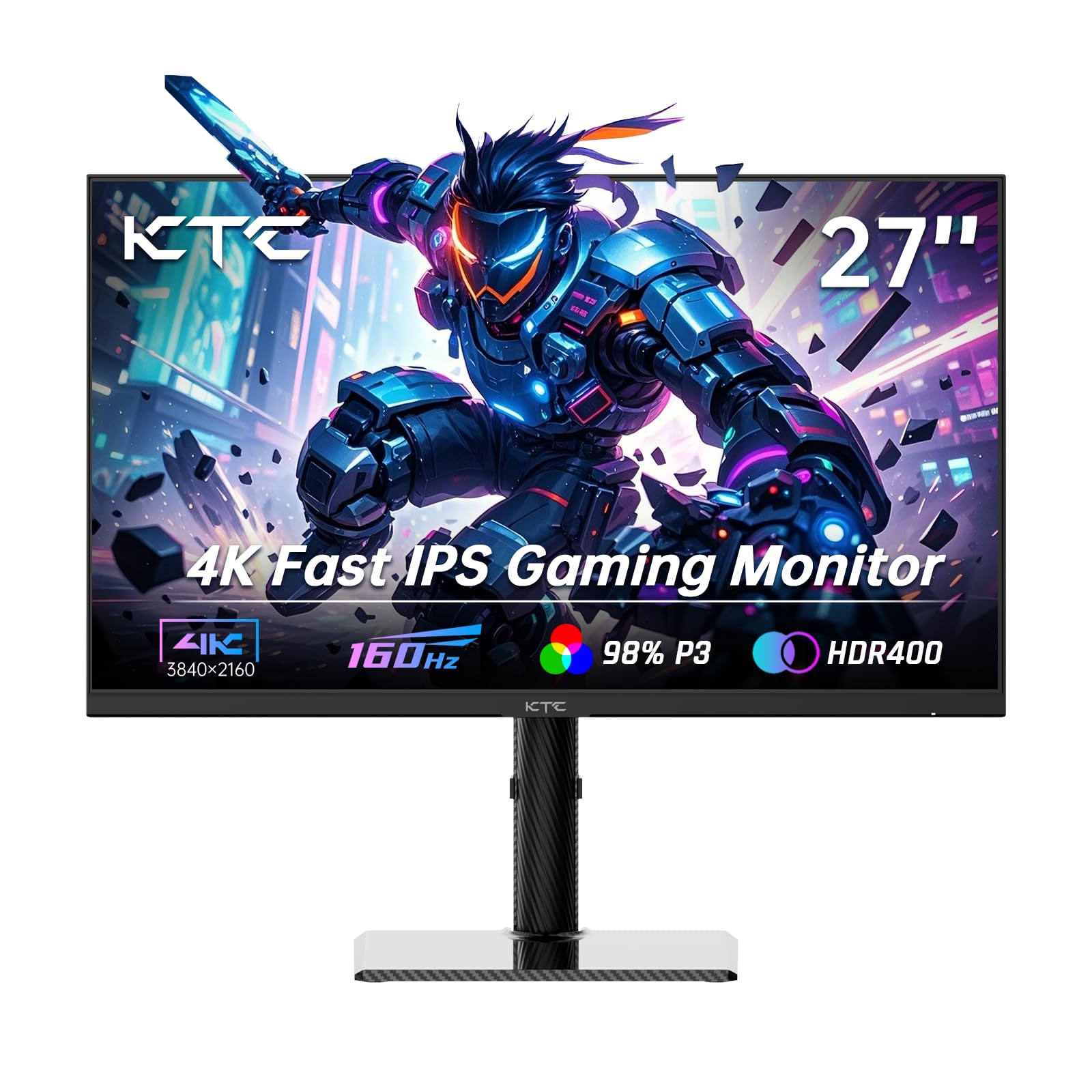
1. KTC 27 Inch 4K Gaming Monitor (U27T6)
Our pick — 4.5★ from 800+ verified ratings; the strongest balance of quality and price.
The all-rounder that brings full ergonomics and fast 4K to a budget price.
The KTC U27T6 is the rare budget 4K monitor that does not make you choose between a good picture and a good stand. Its 27-inch Fast IPS panel runs at 160Hz, so fast-moving action in racing and shooter games stays smooth and clear. It covers 140% of the sRGB color gamut with 1.07 billion colors, which puts it ahead of several more expensive picks on this list — the Dell S2725QC, for comparison, manages 99% sRGB. The 400 cd brightness and HDR400 support keep bright scenes punchy without washing out.
What really sets this one apart is the ergonomic design. The stand gives you height, tilt, swivel, and full pivot to vertical — that is four adjustments most budget monitors skip entirely. The carbon fiber backplate keeps it light but sturdy, and the 75x75mm VESA mount works if you prefer an arm. On the connectivity side you get HDMI 2.1 x2, DisplayPort 1.4 x2, and a USB 2.0 port, which covers both modern consoles and PC setups. Its low blue light mode eases eye strain during marathon gaming sessions.
Buyers consistently praise the crisp picture, smooth motion, and easy rotation between landscape and portrait. The 1000:1 contrast ratio is typical for IPS panels, so deep-black movie scenes won’t look as rich, but for gaming and work, it’s a strong value. Adaptive Sync (a technology that reduces screen tearing) works with both FreeSync and G-Sync Compatible, so it pairs well with AMD and NVIDIA graphics cards alike.
What wins people over
- Full height, tilt, swivel, and pivot adjustments on the stand
- 140% sRGB coverage makes colors pop compared to rivals
- HDMI 2.1 ports open up 4K high refresh on PS5 and Xbox
What to weigh first
- 1000:1 contrast is average, so blacks are not as deep as VA panels
- Portrait mode is great, but you will want to set scaling per app
Reach for this if: you want one monitor that handles office work, fast shooters, and console gaming without compromising on stand adjustability.
Look elsewhere if: deep cinematic contrast matters more to you than wide viewing angles and color accuracy.
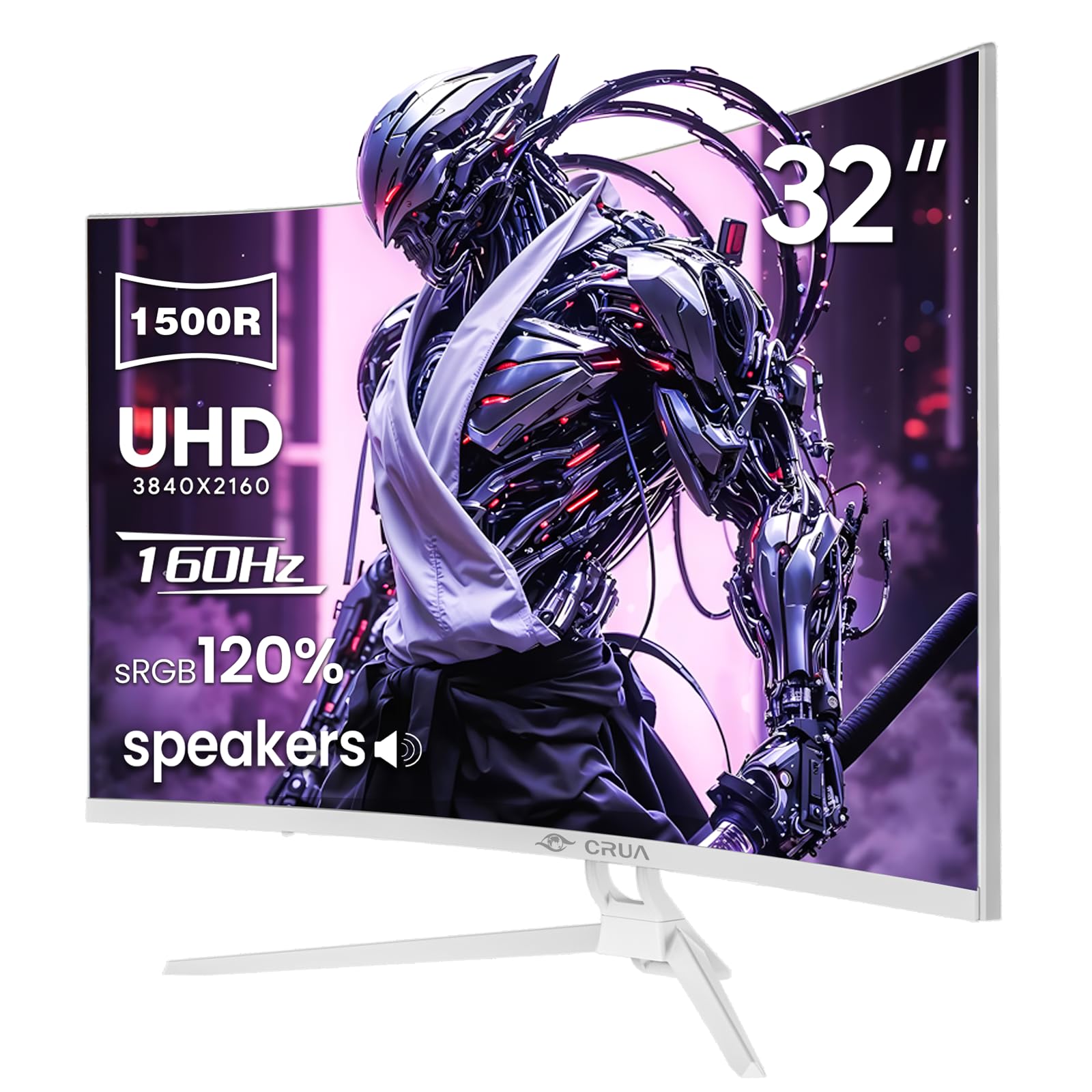
2. CRUA 32″ 4K UHD 160Hz Curved Gaming Monitor
A 32-inch curved VA panel that wraps your view for under the price of most 27-inch flat rivals.
The CRUA 32-inch curved monitor trades the flat IPS approach for a 1500R VA panel — the curvature gently wraps around your field of view, which makes racing games and cinematic titles feel more enveloping. The VA panel delivers a 3000:1 contrast ratio, which is 3.0x the contrast of the KTC’s 1000:1 IPS panel. That translates to noticeably deeper blacks when you are playing in a dark room. The 160Hz refresh rate with AMD FreeSync keeps motion fluid.
Color coverage hits 120% sRGB (a standard color space), so colors look vivid and accurate. The white finish with built-in RGB lighting makes it a striking centerpiece for an aesthetic desk setup. You get HDMI 2.1, DP 1.4, and a 75x75mm wall mount. Buyers love the build quality and the rich curve, with many noting the picture quality is excellent for the money. One recurring theme is brightness — at 320 cd/m², it can struggle against a sunny window, so place it away from direct light for daytime gaming.
A fair warning from the review data: the integrated speakers are a source of disappointment for some, with several owners reporting no sound at all from them. If you need audio, plan for a headset or external speakers rather than relying on the built-ins. Also, while most buyers report a reliable panel, a small number have had units fail around the three-month mark — keep your warranty paperwork handy.
Immersion first: the 1500R curve and 3000:1 contrast make this the best pick here for cinematic, dark-room gaming on a budget.
Sound check: treat the built-in speakers as a bonus, not a feature — external audio is the safer bet.
Best for: gamers who want a big, curved, high-contrast screen without jumping to premium price tiers.
Think twice if: your desk sits in bright direct sunlight, or you need reliable built-in audio.
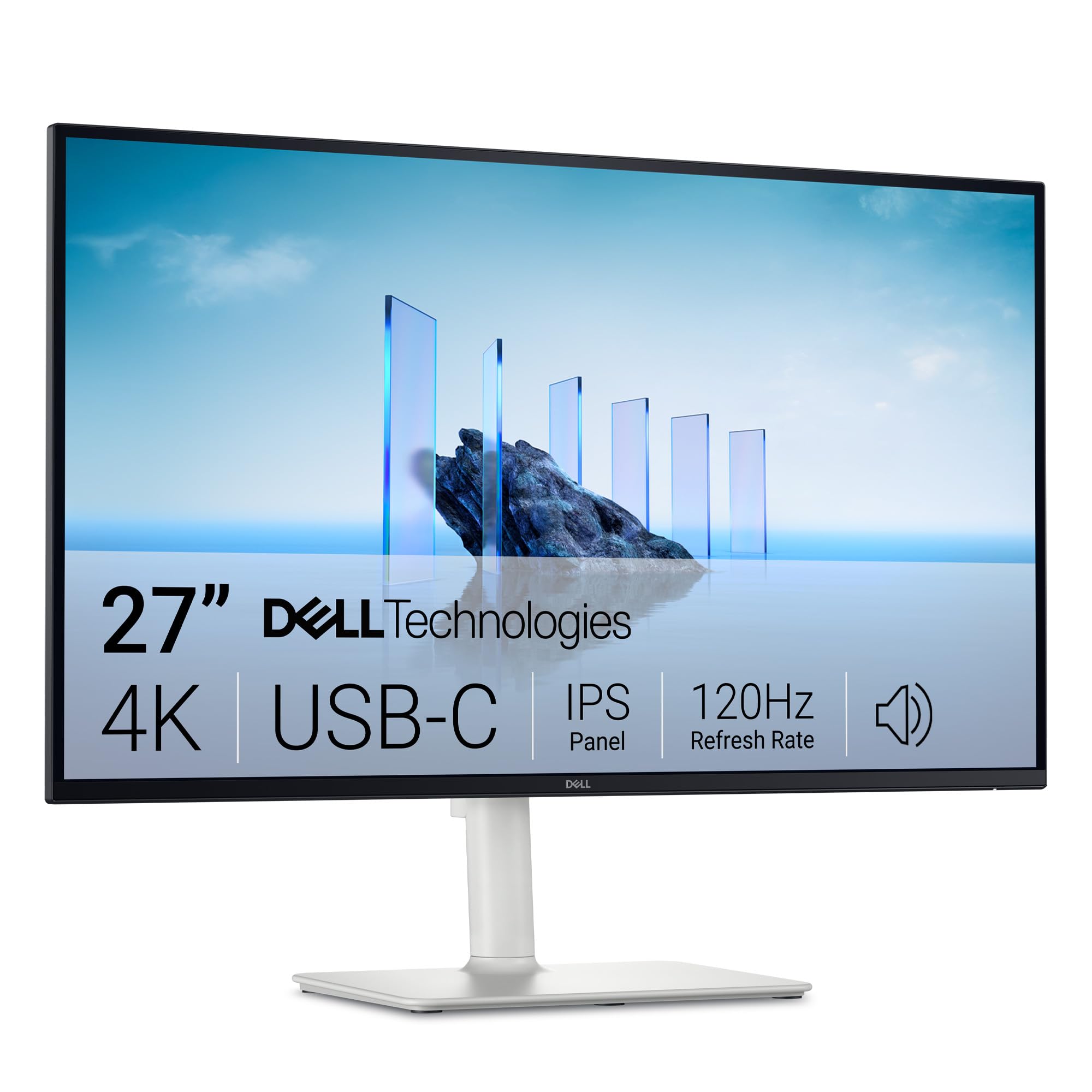
3. Dell 27 Monitor S2725QC
The productivity-first 4K that doubles as a capable gaming panel, thanks to a single USB-C cable.
The Dell S2725QC is built around a different priority than the gaming-first picks on this list: a single USB-C cable that carries video, data, and up to 65W of power to your laptop. That single USB-C cable delivers video, data, and 65W charging, keeping your desk tidy and your laptop powered. The 27-inch IPS panel runs at 120Hz with FreeSync Premium, which is smooth enough for most games even if it does not hit the 160Hz of the KTC above. The 4ms response time and 0.03ms (the listed ultra-low response spec) keep motion looking crisp.
Color coverage is 99% sRGB with a 1500:1 contrast ratio and HDR readiness, which beats the 1000:1 panels on several gaming monitors here. The ComfortView Plus feature cuts blue light emissions to ≤35% without the yellow tint that older low-blue-light modes produced. Owners consistently praise the sharp text, deep blacks, and the surprisingly capable built-in speakers — several report replacing their external soundbar. At 163 PPI, 4K text stays razor-sharp for spreadsheet-heavy work.
The trade-off is that this is a work-focused panel first. The refresh rate and response time are fine for casual and light competitive play, but dedicated esports players will want the higher refresh of the KTC or LG. Some owners note the stand lacks tilt adjustment, and the recessed VESA mount needs M4x10mm standoff spacers if you plan to use an arm. An occasional owner has hit USB-C dock issues, though these are the exception rather than the rule.
Why it stands out
- Single USB-C cable delivers video, data, and 65W laptop charging
- 1500:1 contrast with 99% sRGB for sharp, deep-looking work
- ComfortView Plus cuts blue light to ≤35% without yellowing
Who should pass
- 120Hz and 4ms are fine for casual play, not serious esports
- Some owners find the stand lacks tilt flexibility
Choose it for: a single-cable laptop setup where work comes first and gaming is a reliable bonus.
Skip it for: high-refresh competitive play — the KTC or LG dual-mode panels run much faster.
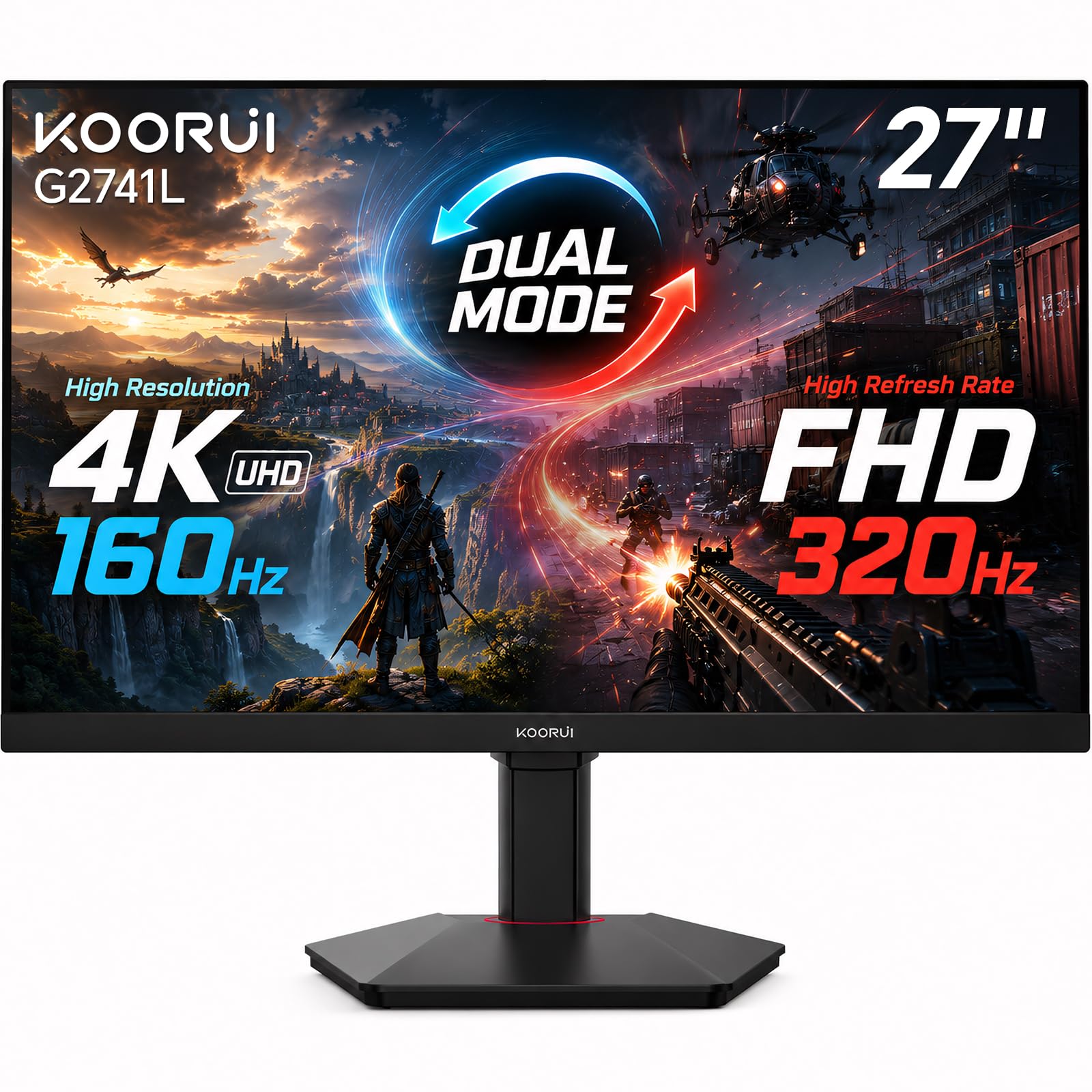
4. KOORUI 27″ 4K Gaming Monitor (G2741L)
One panel, two personalities — 4K for story games, 320Hz for esports.
The KOORUI G2741L solves the classic budget dilemma of choosing between resolution and speed. Its dual-mode design lets you run 4K UHD at 160Hz for rich single-player games, then flip a switch to FHD 1080p at 320Hz for fast-paced shooters. That second mode delivers the ultra-smooth motion and low input lag that competitive players need, all without buying a second monitor. The Fast IPS panel keeps a 1ms response time, so ghosting stays minimal in both modes.
Color performance is strong for the price with 95% DCI-P3 coverage — a common color space for film and console games — plus HDR400 support. The panel also works with FreeSync Premium and is G-Sync Compatible, so it syncs cleanly with both AMD and NVIDIA cards. The ergonomic stand adjusts for height, tilt, and pivot, and the HDMI 2.1 plus DisplayPort 1.4 inputs make it console-ready for PS5 and Xbox. Owners using MacBook Pro M3 report flawless 4K at 120Hz with crisp, large UI scaling.
This monitor is a crowd favorite, with tens of thousands of buyers behind it and an overall rating well above the average for this list. The recurring praise centers on the picture quality and value. One minor complaint is that the 240Hz button sits too close to the menu joystick, making it easy to mispress during adjustments. The same applies to the physical design — the slim bezel looks great, though a few owners notice a slight gap between the bezel and display area in multi-monitor setups.
Two-in-one value: the 160Hz 4K plus 320Hz FHD combo covers both AAA and esports without a second monitor purchase.
Minor quibble: the mode-switch button placement near the joystick catches some owners out, but the picture quality keeps them happy.
Best for: players who jump between demanding story titles and competitive shooters and want one monitor that does both well.
Not for: anyone who only plays slow-paced games and would rather save the money on a single-mode panel.
5. Dell 32 Monitor S3225QS

A spacious 32-inch VA panel that makes work feel airy and movies feel cinematic.
The Dell S3225QS is the bigger sibling to the S2725QC, swapping a 27-inch screen for a 31.5-inch VA panel. That extra size gives you a genuinely rich workspace — owners mention it is big enough to see entire spreadsheets at a glance, and the 300 cd/m² brightness with anti-glare coating keeps it usable in bright rooms. The VA panel delivers a 1500:1 contrast ratio for deep blacks, and the 120Hz refresh with FreeSync Premium keeps motion smooth during casual gaming sessions.
Color performance covers 99% sRGB and 95% DCI-P3, which is impressive for a work-focused VA panel. The ComfortView Plus feature cuts blue light to ≤35%, making it comfortable for all-day desk work. The ultra-thin bezel and ash white finish give it a modern, minimalist look that blends into a professional setup. Owners consistently rate the build quality and picture quality highly, with several calling it a major upgrade over older TVs. The re-engineered speakers are louder and fuller than the previous generation, which some use daily.
The honest caveat with any VA panel is viewing angles. When you move off-center, colors shift and look washed out, and a few owners note a slight edge-dimming effect. HDR is advertised but some find it underwhelming and prefer to leave it off. This is not the monitor for competitive 4K gaming — the 120Hz refresh and 4ms response are fine for rich titles, but fast-twitch esports players will want the higher refresh rates of the ASUS or LG picks.
Where it shines
- 31.5-inch VA panel with 1500:1 contrast for deep, cinematic blacks
- 95% DCI-P3 plus 99% sRGB for excellent out-of-box color
- ComfortView Plus cuts blue light to ≤35% for all-day comfort
Where it falls short
- VA viewing angles mean colors shift when you move off-center
- 120Hz is smooth but not competitive-grade for esports
Reach for this if: you split your day between serious work and cinematic entertainment on one large screen.
Look elsewhere if: you sit at sharp angles to the screen or need 160Hz+ refresh for fast shooters.
6. ASUS TUF Gaming 27” 4K HDR Monitor (VG27UQ1A)
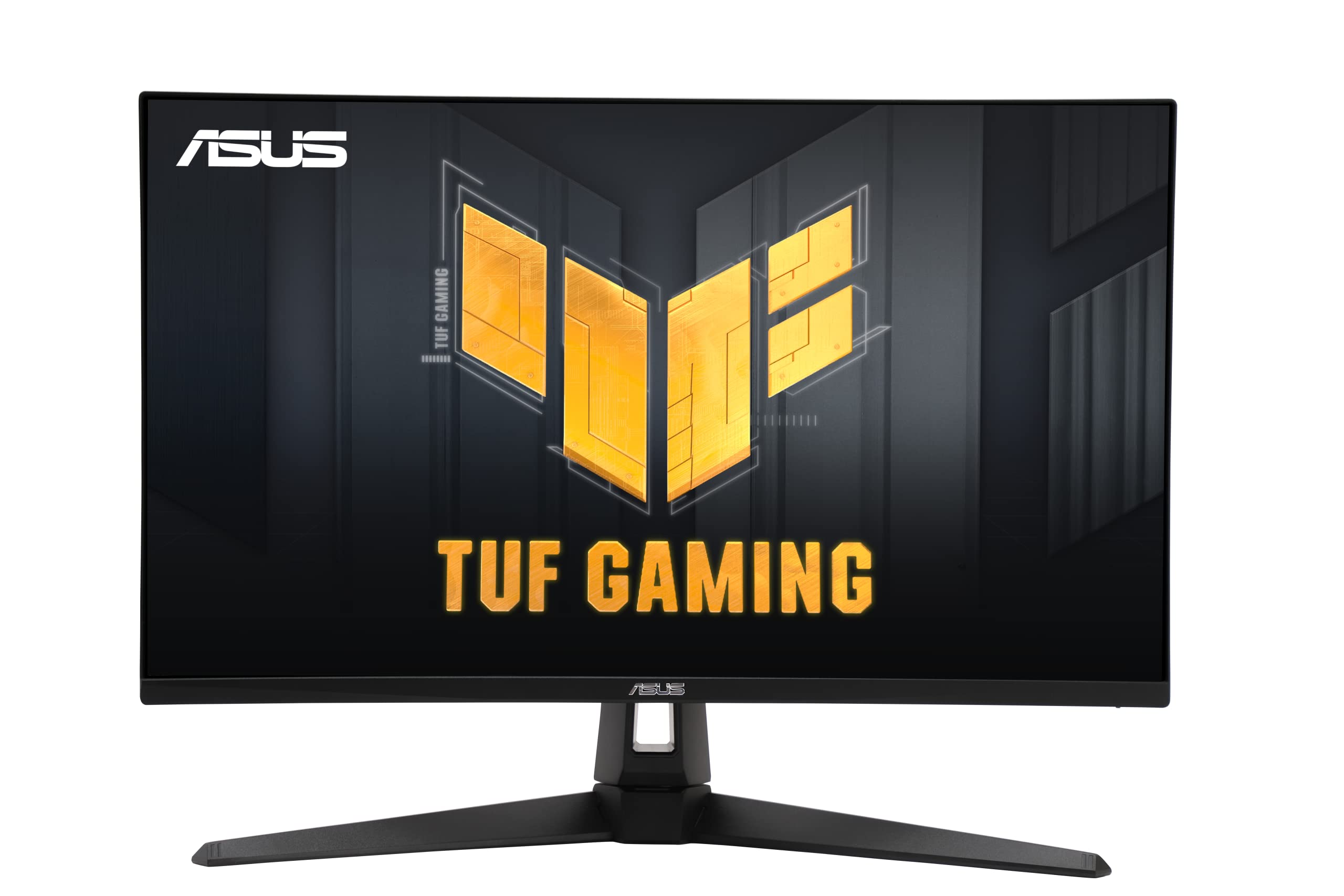
A fast IPS panel with anti-ghosting tech that keeps both PC and console players happy.
The ASUS TUF VG27UQ1A is built for players who want speed without sacrificing image clarity. Its 27-inch 4K panel runs at 160Hz with a 1ms response time, and the standout feature is ASUS Extreme Low Motion Blur Sync (ELMB Sync). This technology runs motion blur reduction and variable refresh rate at the same time, which eliminates both ghosting and tearing — the two biggest visual annoyances in fast games. It is also G-Sync Compatible and FreeSync Premium certified, so it works smoothly with a wide range of GPUs.
Color performance covers 95% DCI-P3, and the HDR support makes supported games and movies look noticeably richer than on standard SDR panels. The 1000:1 contrast ratio is typical for IPS, and a few owners note the HDR brightness could be higher. Buyers using it with a PS5 and Xbox Series X report everything works perfectly via HDMI 2.1. ASUS backs it with a 3-year warranty, which is a nice safety net at this price point.
The DisplayWidget software lets you adjust monitor settings with a mouse instead of the on-screen menu, which is a small but welcome convenience. The main concern in the review data is reliability — a small number of customers note the monitor stopping working after a couple of months, though these are clearly the exception given the positive consensus on picture quality and value. An occasional unit also arrives with a stuck pixel, so check yours early within the return window.
Sync wizard: ELMB Sync is the differentiator here, giving you blur-free motion without the usual tearing trade-off.
Warranty confidence: the 3-year coverage is stronger than most budget rivals, though a few reviewers point out early failures.
Best for: gamers who want smooth, ghost-free motion and plan to use the monitor across PC and modern consoles.
Think twice if: you are risk-averse about reliability — a minority of owners hit early failures despite the warranty.
7. SANSUI 27″ 4K Gaming Monitor
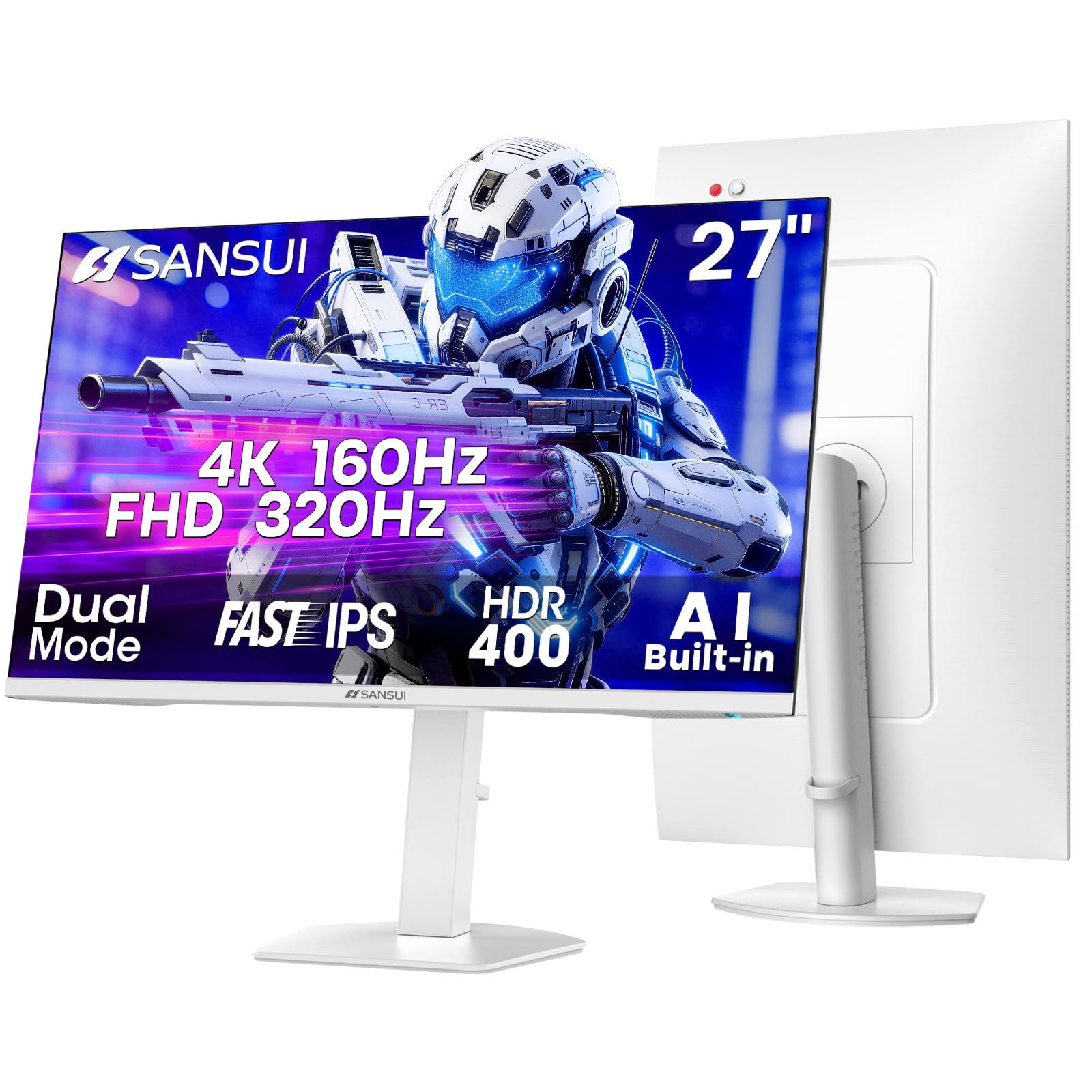
A feature-packed dual-mode panel with AI gaming aids and a fully adjustable stand.
The SANSUI 27-inch dual-mode monitor throws a lot at you — and most of it sticks. Like the KOORUI, it switches between 4K UHD at 160Hz and FHD 1080p at up to 320Hz, so you get both rich resolution and competitive speed in one panel. What makes it different is the gaming feature set: an AI Crosshair that overlays a targeting reticle, a Sniper Scope mode, Night Vision for dark scenes, and dedicated RACING and RTS game modes. These are genuinely useful for FPS players who want an edge.
The Fast IPS panel delivers 1ms response time with a 400 nits brightness rating, which is brighter than the CRUA curved pick (320 cd). Color coverage hits 93% DCI-P3 and 126% sRGB, and the 178° viewing angles keep the picture consistent from the sides. The ergonomic stand is a highlight — it pivots a full -90° to +90°, adjusts height up to 130mm, and swivels 25° each way. A 3.5mm audio jack and built-in speakers round out the package.
Owners across a huge review base praise the picture quality and ease of setup, with many calling it excellent value. The dual-mode flexibility earns consistent praise. A few shoppers say missing HDMI cables in the box, so check your contents on arrival. There is some mixed feedback on long-term screen durability, though the 30-day money-back and free replacement warranty plus lifetime technical support gives you some protection.
The feature list
- AI Crosshair, Sniper Scope, and Night Vision add real in-game help
- Full ergonomic stand with 90° pivot, 130mm height, and swivel
- 400 nits brightness is genuinely bright for a budget panel
What to check
- Some boxes arrive missing the HDMI cable
- A minority of buyers report durability concerns over time
Choose it for: the deepest feature set at this price — AI gaming aids, dual mode, and an adjustable stand that rivals premium monitors.
skip it if: you need a monitor you can trust blindly for years with zero maintenance — treat the initial return window seriously.
8. LG UltraGear 27G810A-B
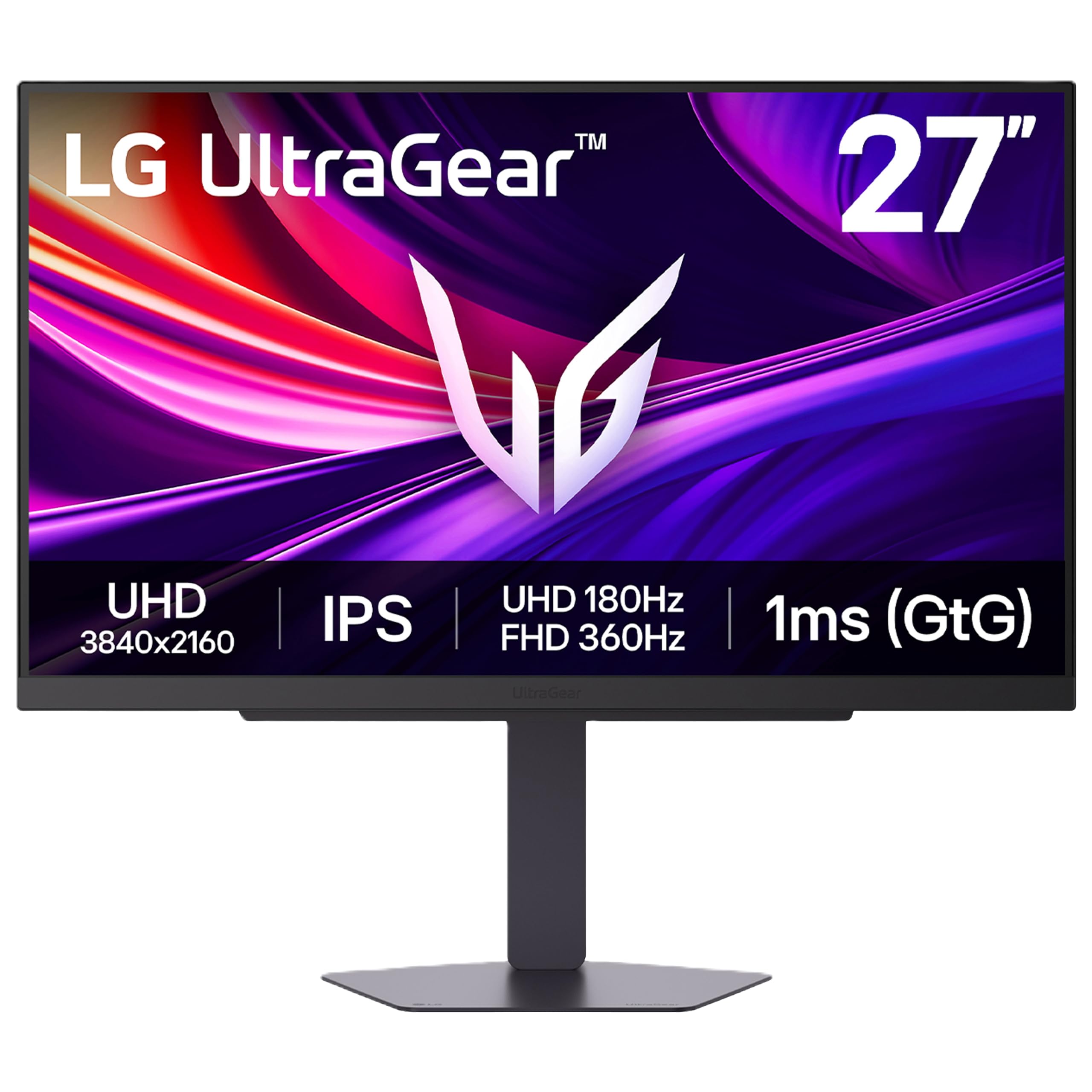
The fastest dual-mode panel here, pushing 4K to 180Hz and FHD to a blistering 360Hz.
The LG UltraGear 27G810A-B takes the dual-mode concept further than anyone else on this list. In 4K UHD mode, it runs at 180Hz — faster than the 160Hz of the KTC, KOORUI, and SANSUI picks. Flip to Full HD and it jumps to 360Hz, the highest refresh rate of any monitor in this roundup. With a 1ms GtG response time, motion stays razor-sharp whether you are exploring a detailed world or tracking enemies in a shooter.
This ultra-smooth motion is paired with some genuinely useful gaming features. Dynamic Action Sync cuts input lag for faster reactions, Black Stabilizer brightens dark scenes so you spot threats earlier, and a Crosshair overlay gives you a targeting reticle without a monitor sticker. The 27-inch IPS panel covers up to 95% DCI-P3 with VESA DisplayHDR 400 certification for deeper blacks and vibrant highlights. The 4-pole headphone jack combines stereo audio and mic input in one connection, with DTS Headphone:X producing spatial, 3D-like audio.
Owners are overwhelmingly positive, praising the dual-mode flexibility that lets them play story games in 4K and competitive titles at 1080p with ultra-high refresh. The comparison with pricier OLED options comes up often — the LG IPS avoids burn-in risk while offering nearly the same smoothness. The sturdy, fully adjustable stand (height, tilt, swivel, pivot) adds to the premium feel. Its review volume is much smaller than the KOORUI, but the rating is the highest on this list.
Speed without burn-in: the 360Hz FHD mode rivals OLED smoothness while avoiding OLED’s permanent burn-in risk.
Smaller fan base: far fewer owners have reviewed this LG than the KOORUI, but those who have rate it higher.
Best for: the most demanding players who want both stunning 4K detail and esports-level 360Hz speed in one panel.
Consider the KOORUI if: you want the same dual-mode idea with tens of thousands of buyer experiences behind it.
9. CRUA 32″ 4K UHD 240Hz Curved Gaming Monitor
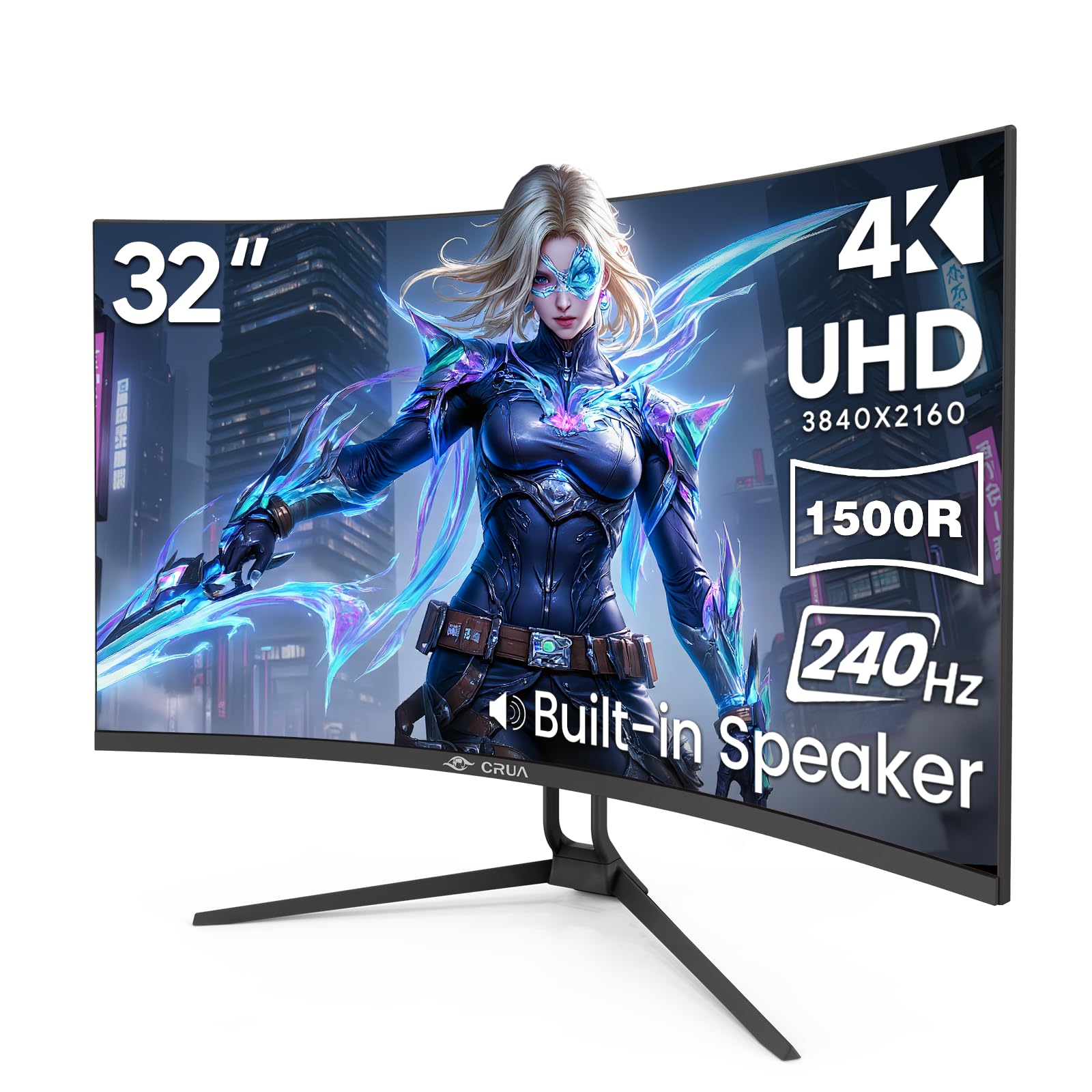
A 32-inch curved VA panel that hits 240Hz — four times faster than a standard 60Hz display.
The second CRUA entry on this list trades the 160Hz refresh of its sibling for a serious 240Hz boost, all on the same 32-inch curved VA panel. That refresh rate is four times faster than a standard 60Hz monitor, and it makes fast-paced FPS titles and racing simulators feel dramatically more fluid. The 1500R curvature combined with a 3000:1 contrast ratio creates an rich, high-contrast picture for cinematic gaming in dim rooms.
Color support reaches 1.07 billion colors (8-bit + FRC) with 120% sRGB coverage and 300 cd/m2 peak brightness. For productivity, the PIP/PBP (Picture-in-Picture / Picture-by-Picture) mode is a standout — you can run two input sources side by side on the same screen, which streamers and traders will appreciate. Two HDMI 2.1 ports and two DP 1.4 inputs mean you can leave a gaming PC, a console, and a work laptop all connected and switch between them without crawling behind the desk.
Owners love the crisp picture quality and consider it excellent value. One notable theme is eye comfort — several owners mention it is much easier on the eyes than other monitors, with one owner mentioning no ocular migraines after six months of use. The built-in speakers, RGB lighting, and a tilt stand that adjusts from -5° to 15° round out the package. The VA panel’s off-axis color shift is the trade-off, and the stand only tilts — no height adjustment — so plan your desk setup accordingly.
Speed on a big canvas: 240Hz at 32 inches is a rare combo at this price, giving you esports speed without shrinking your screen.
Multi-source magic: PIP/PBP plus four video inputs make this a genuine hub for a PC, console, and laptop.
Reach for this if: you want the largest, fastest screen possible on a budget and like the idea of running multiple devices at once.
Look elsewhere if: you need height adjustment on the stand or require wide viewing angles from the sides.
10. ASUS ROG XG27UCG
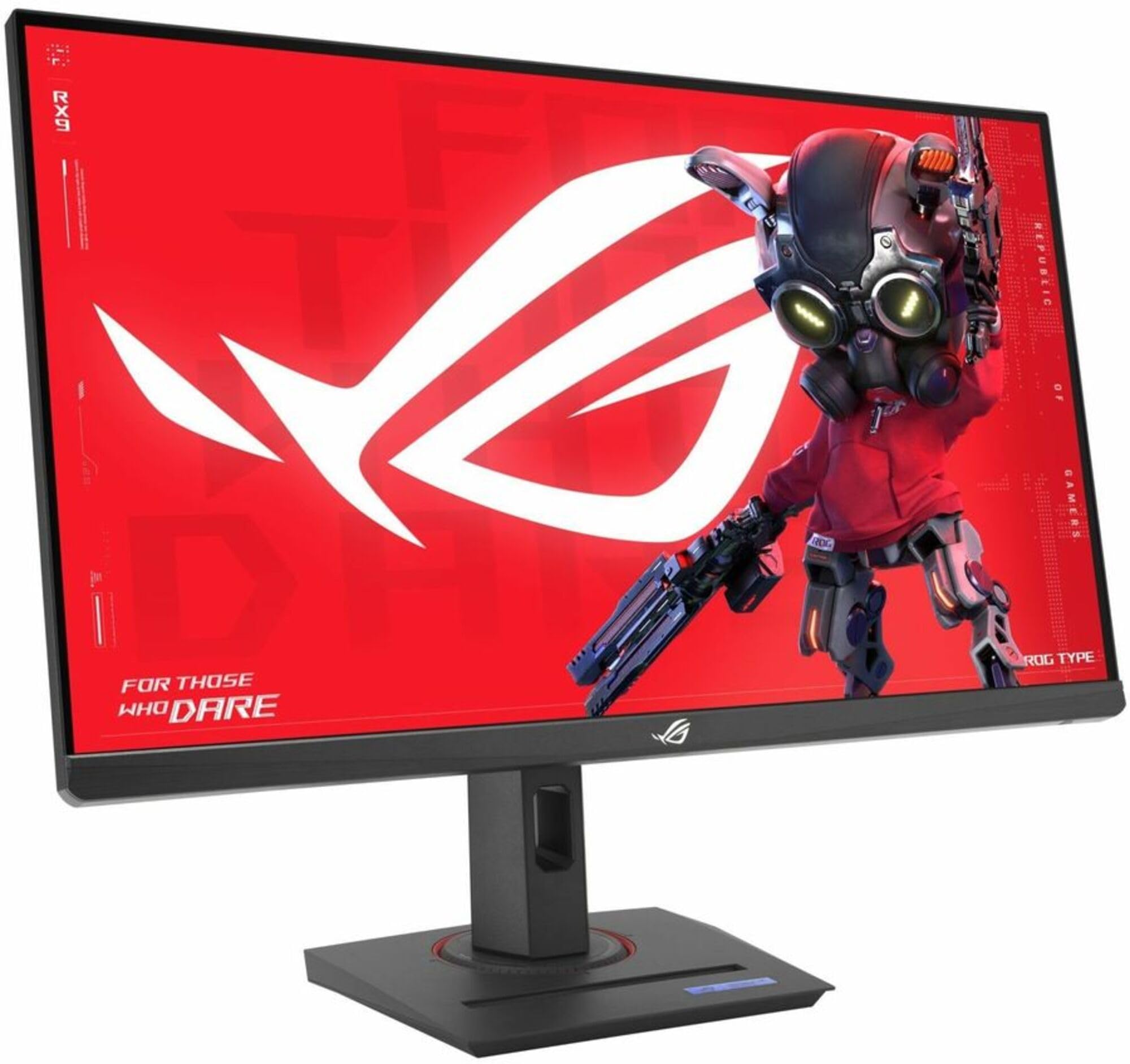
The ROG flagship budget option with USB-C, dual mode, and a build that feels far above its price.
The ASUS ROG XG27UCG brings the premium ROG treatment to the budget tier. It runs 4K at 160Hz or drops to FHD at 320Hz in dual mode, with a Fast IPS panel that delivers a 1ms response time. The 27-inch screen is the ideal size for 4K, keeping text and details sharp without the scaling headaches of larger panels. It supports both G-Sync Compatible and FreeSync Premium, so it plays nicely with any modern GPU. The USB-C connection adds modern flexibility for laptops and simplifies cable management.
Color performance is the strongest selling point among the dual-mode panels here — the XG27UCG covers 95% DCI-P3 with ASUS’s advanced gray-scale tracking for smoother color gradation. Owners consistently praise the vibrant, accurate colors, deep blacks, and the HDR contrast boost. The fully directional stand adjusts for height, swivel, and rotation, and the heavy-duty build feels more premium than the price suggests. The RGB logo backlight adds a touch of ROG flair. ASUS backs it with a 3-year warranty with Advanced Replacement.
The ELMB Sync technology runs motion blur reduction alongside variable refresh rate, eliminating both ghosting and tearing. Real-world testing by owners shows 4K 160Hz works perfectly via the included DisplayPort cable, while HDMI tops out at 4K 120Hz on Windows — a useful detail if you are cable-bound. The DisplayWidget Center software lets you adjust settings with a mouse. Some owners note the monitor is hefty and needs ample desk space, and the reliability feedback is mostly positive with occasional exceptions.
The premium touches
- USB-C input and DisplayWidget software for easy cable-free control
- Fully directional stand with heavy-duty, premium build quality
- 3-year warranty with Advanced Replacement service
The honest trade-offs
- Hefty and large — you need real desk and wall clearance
- HDMI tops out at 4K 120Hz on Windows; use DisplayPort for 160Hz
Choose this for: the best build quality and color accuracy among the dual-mode picks, plus USB-C for a clean laptop setup.
Consider the LG instead if: raw refresh speed matters more to you — the LG hits 360Hz where this tops out at 320Hz.
Understanding the Specs
Refresh Rate and Adaptive Sync
The refresh rate, measured in Hertz (Hz), is how many times per second the screen draws a new image. A 60Hz monitor updates 60 times a second; a 160Hz panel updates 160 times. Higher numbers mean smoother motion, especially in fast games. Adaptive Sync (FreeSync for AMD cards, G-Sync Compatible for NVIDIA) matches the monitor’s refresh to your graphics card’s output frame-by-frame, which eliminates the horizontal tearing you sometimes see across the screen during fast pans. If your GPU and monitor support the same sync technology, you get tear-free gameplay without stutter.
Panel Types: IPS vs VA
The panel type controls the viewing experience. IPS panels offer wide viewing angles so the picture looks the same from the sides, plus accurate colors — the safe choice for mixed gaming and work. VA panels deliver much higher contrast (3000:1 vs 1000:1 on most IPS) for deeper blacks in dark scenes, but the picture shifts when you move off-center. On this list, the KTC, KOORUI, SANSUI, LG, and both ASUS picks use IPS; both CRUA monitors and the 32-inch Dell use VA. Your chair position and tolerance for off-axis color shift should guide the choice.
FAQ
Will a budget 4K gaming monitor run at 160Hz on my PC?
What cable do I need for 4K at 120Hz or higher?
Is FreeSync or G-Sync better for a budget 4K monitor?
Is a 27-inch or 32-inch 4K monitor better for gaming?
What does dual mode mean on a 4K gaming monitor?
How does HDR400 compare to higher HDR ratings?
Can I use a budget 4K monitor for work as well as gaming?
What is the difference between IPS and VA panels for gaming?
Will these monitors work with a PS5 or Xbox Series X at 4K 120Hz?
Are built-in speakers on budget monitors any good?
Final Thoughts: The Verdict
For most buyers, the budget 4k gaming monitor winner is the KTC U27T6 because it delivers the full package — a fast 160Hz IPS panel, rich 140% sRGB color, and the most complete ergonomic stand at a price that undercuts most rivals. If you want the flexibility of dual mode for both rich AAA games and competitive esports, grab the KOORUI G2741L — it is backed by tens of thousands of satisfied owners. And for a clean single-cable laptop setup that handles work and occasional gaming, the Dell S2725QC with its 65W USB-C charging is the one to reach for. Every pick here performs well; your final choice hinges on which trade-off fits your games and desk space.
How We Picked
We do not accept paid placement. Every pick is matched to a real buyer and a real use-case; we do not hands-on test units.
Sources & Methodology
Specifications: manufacturer listings and product documentation. Review insights: verified customer reviews, as of August 2026. Pricing: not shown on this page (it changes often); check the current price via the retailer link.
As an Amazon Associate, Gadgets Feed earns from qualifying purchases. This does not affect which products we feature.